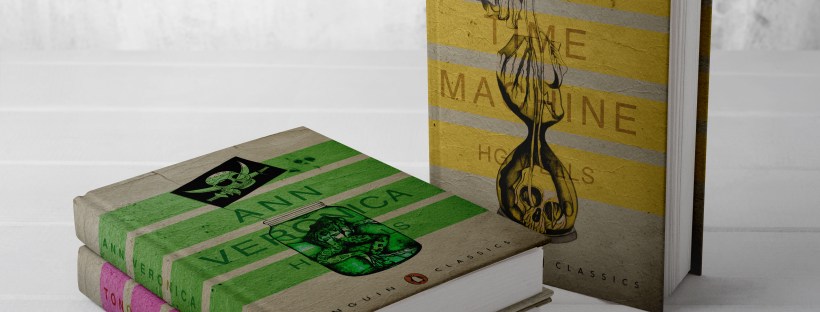
Following on from my last post I have now finished the Book design exercise!! (well!… almost! I wrote this post a few days ago and have been keeping it in my drafts! – I have relooked over my designs and seen one potential flaw!… I have written about it at the bottom of this post!)
As I said in my previous post I was feeling very apprehensive about starting this exercise. I didn’t know anything about the author and did not know anything about any of the books he had written. Book design is something that I had never looked into or done before and I was completely overwhelmed with where to start with it. Finishing this exercise I feel that I have learned a lot from researching into the author and his books, watching TED talks by Chipp Kidd about successful book design and looking into existing designs out there. I feel I have achieved successful final design outcomes. I really enjoyed this exercise and as I said in my previous post book design is something that I would potentially like to go into.
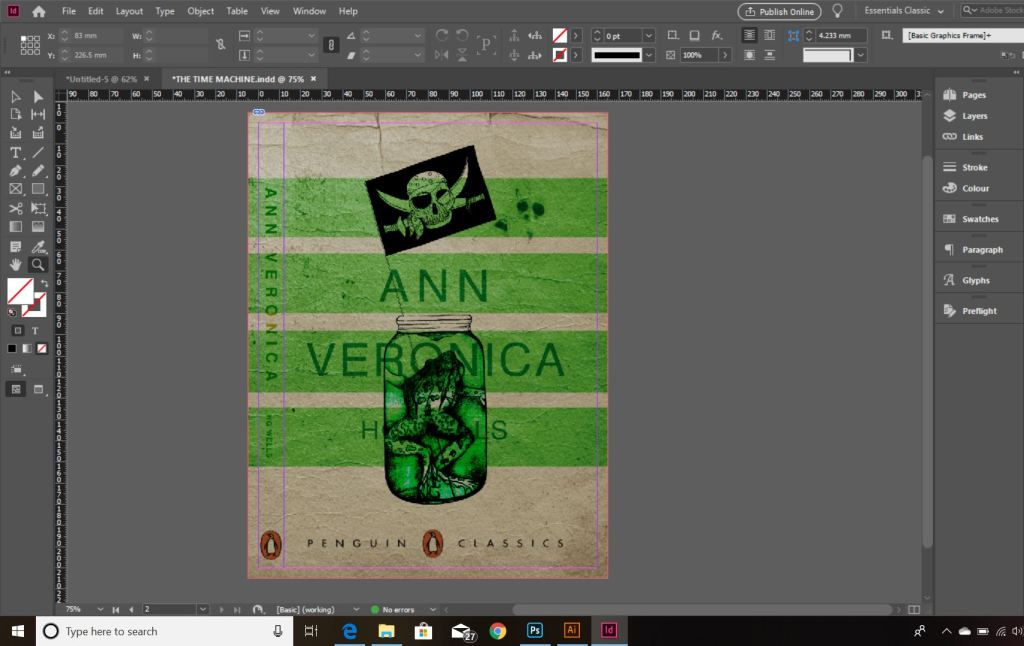
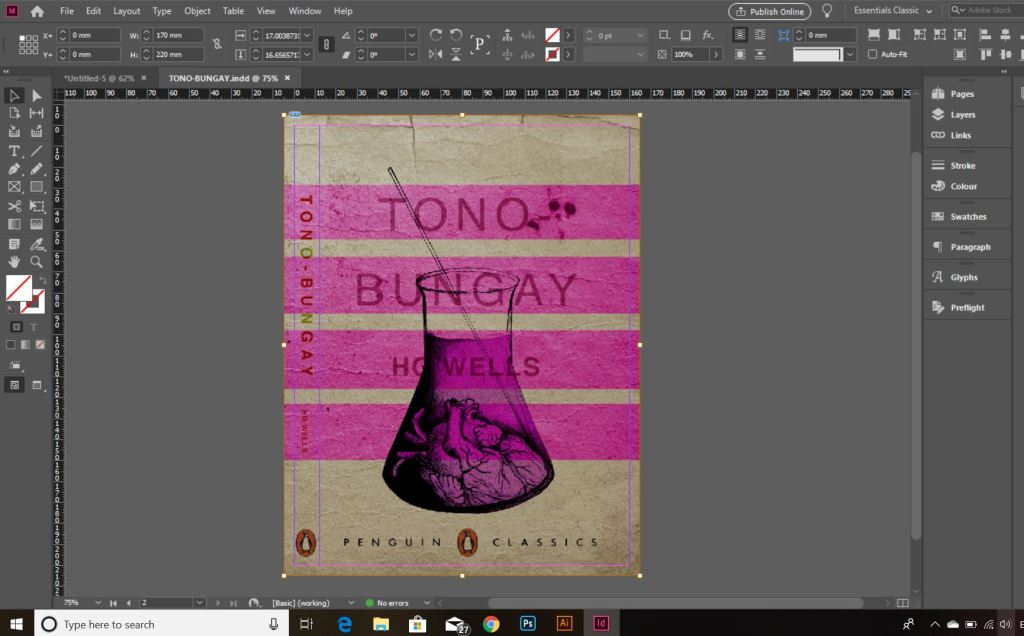
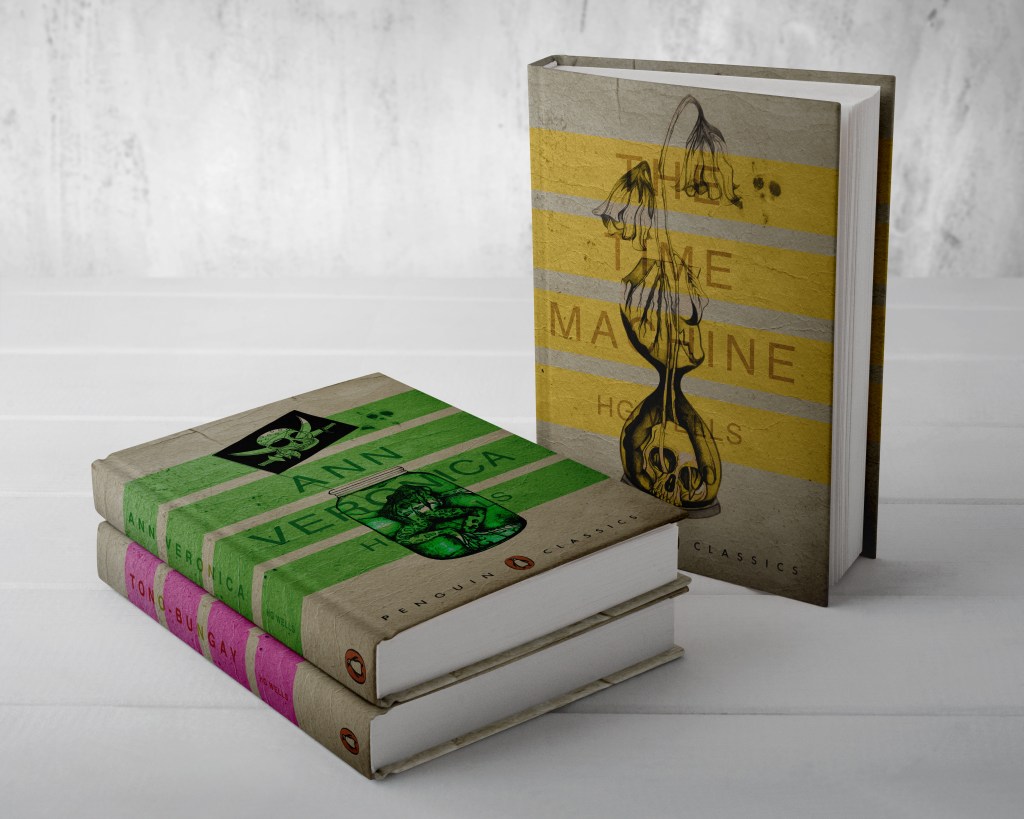
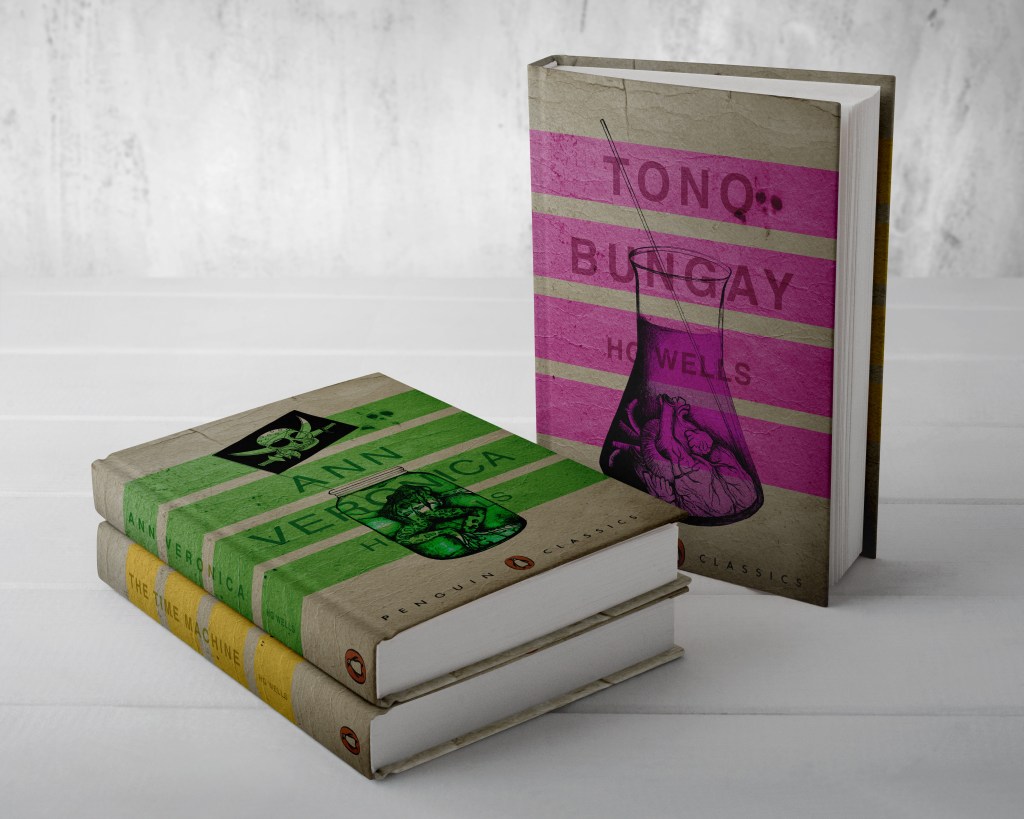
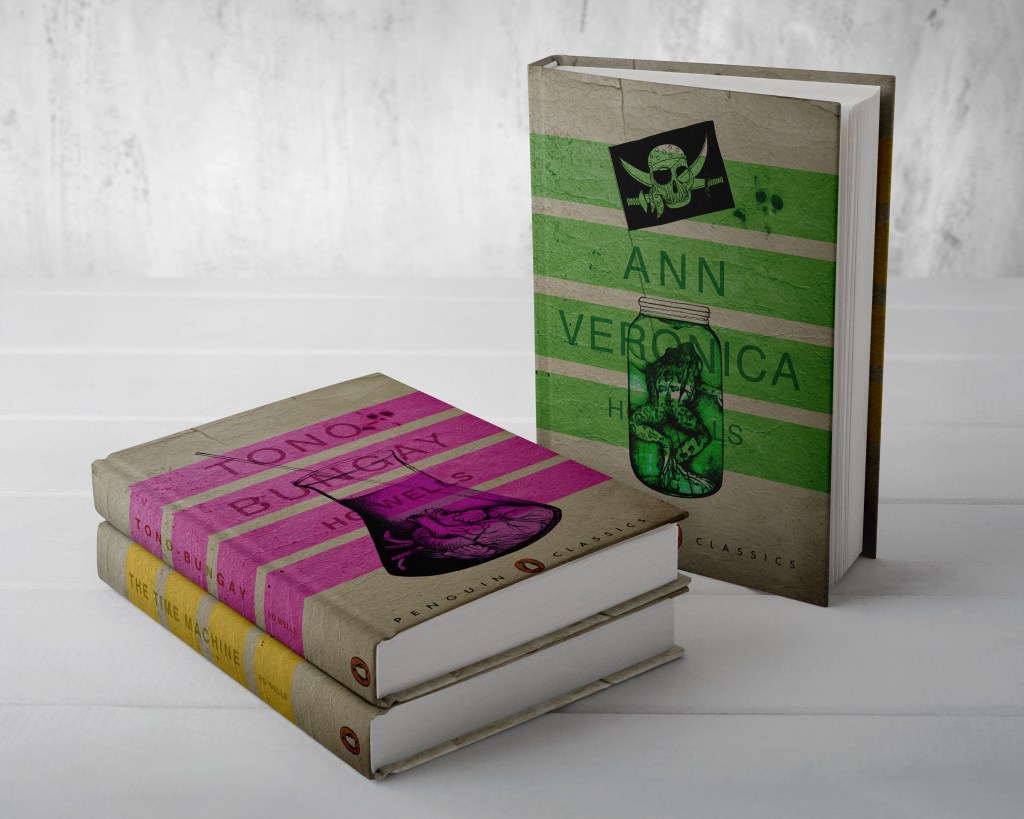
From my last post I adjusted the typography on the books; although some parts of the text are still hard to read, I actually quite like this effect. I also designed the spines. Once I saved the designs as PDFs I then imported them into InDesign. I set up the document in InDesign and worked out how big to make the spine by calculating the number of pages by the weight size of the paper used in paperback books (usually 80gsm). The calculations came up to about 4mm but I decided to work larger than that so that I would have more spine to work with in the design. I then created PDFs and mockups for my final designs. The mockups that I did for my Instagram posts I mocked up on hardback books. There are lots of free downloads online for free book mockups but most of them are for hardback books. I specifically wanted one to feature all 3 books at the same time. The mockups below show this.
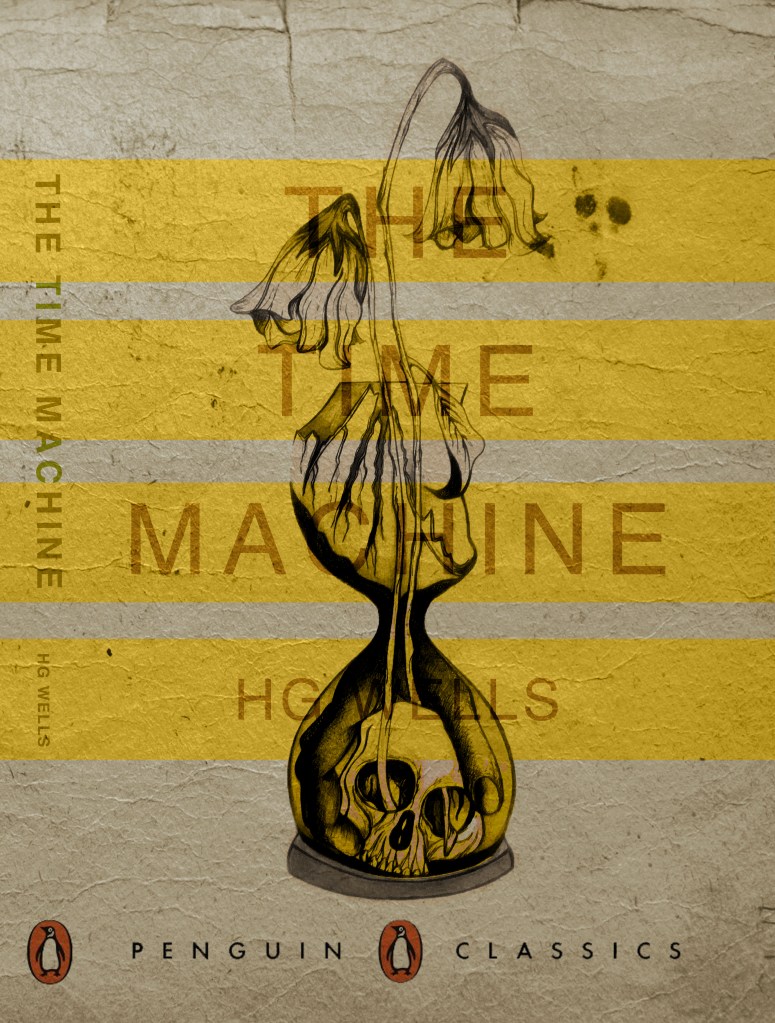
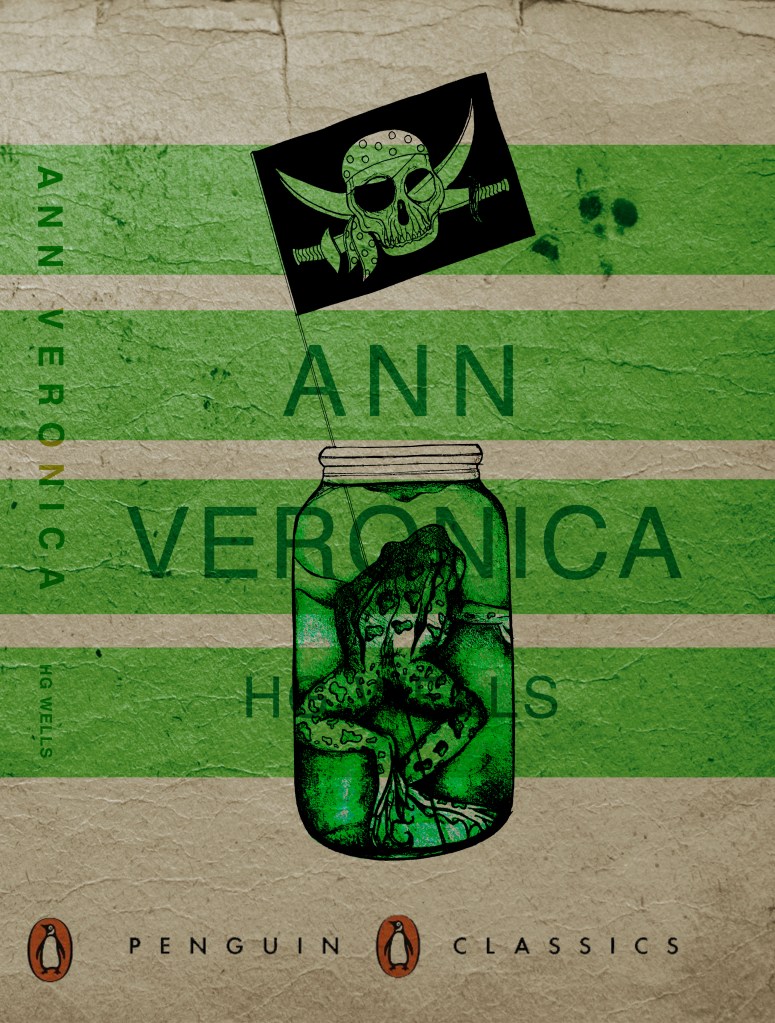
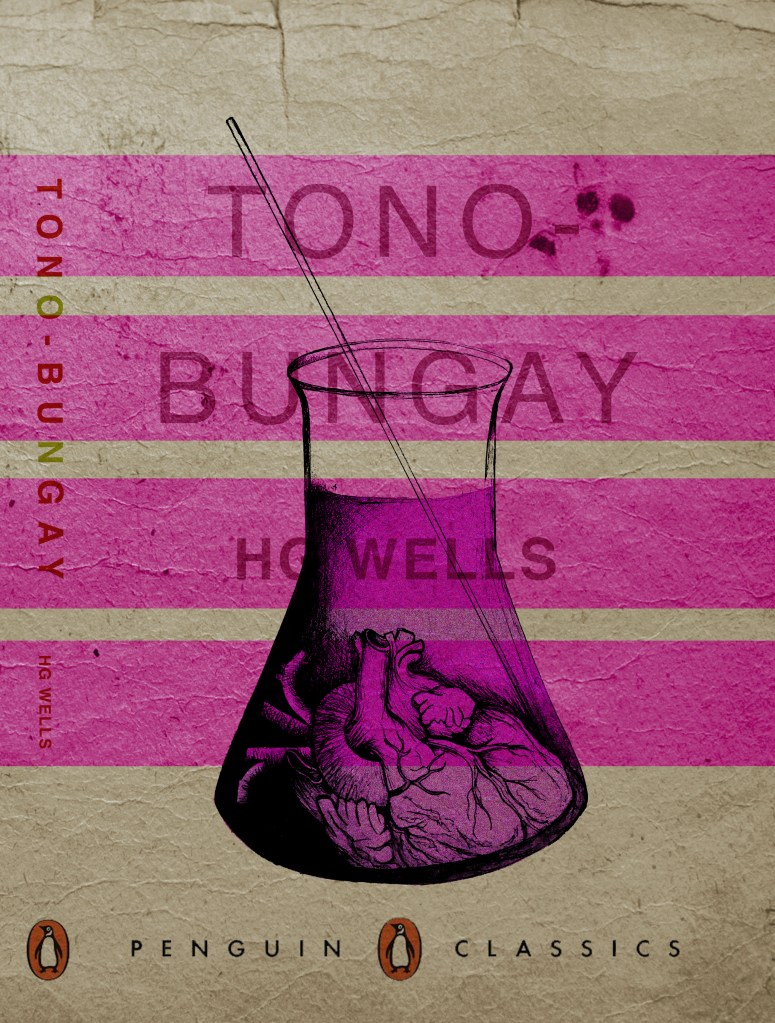
The images above are the PDFS of my final designs with the spines. The screenshots below are the makings of them in InDesign.

*** Since writing this post as a draft a few days ago, I watched a poster critique by @thechrisdo. I know that this is book design and not poster design but the same rules still apply. It was so obvious that I don’t know why I did not spot my mistake earlier!… I haven’t made the titles of the books bold. I need to make the titles bold and the authors name in regular. This will show contrast between the 2 and also make the title stand out more. I may even adjust the tracking of the titles also.

 pinkangeleno.com