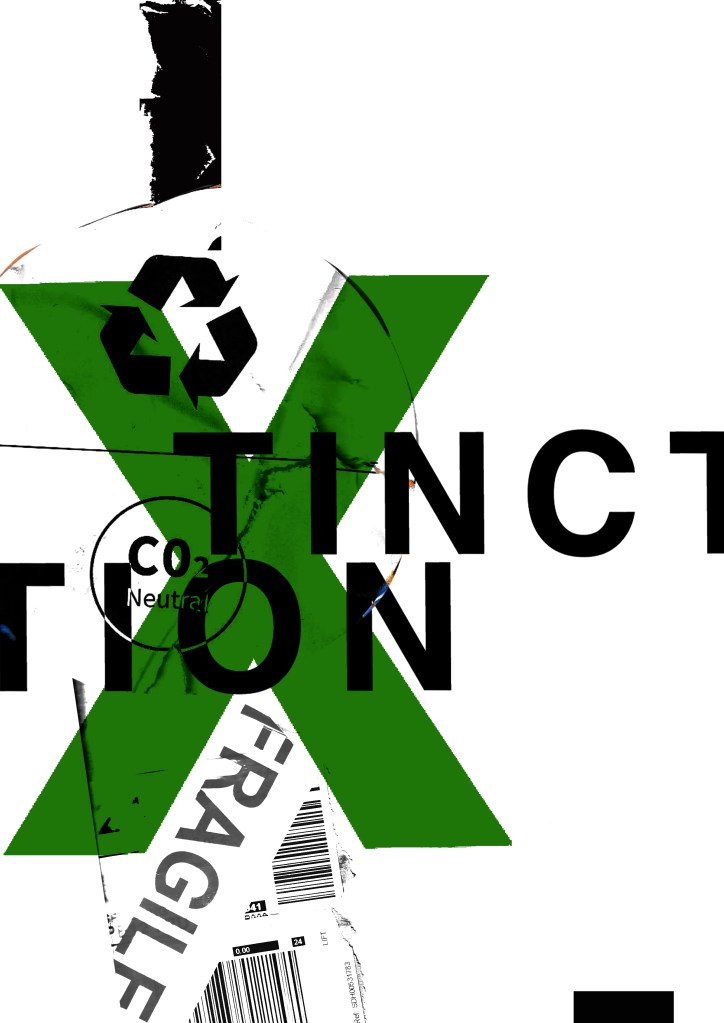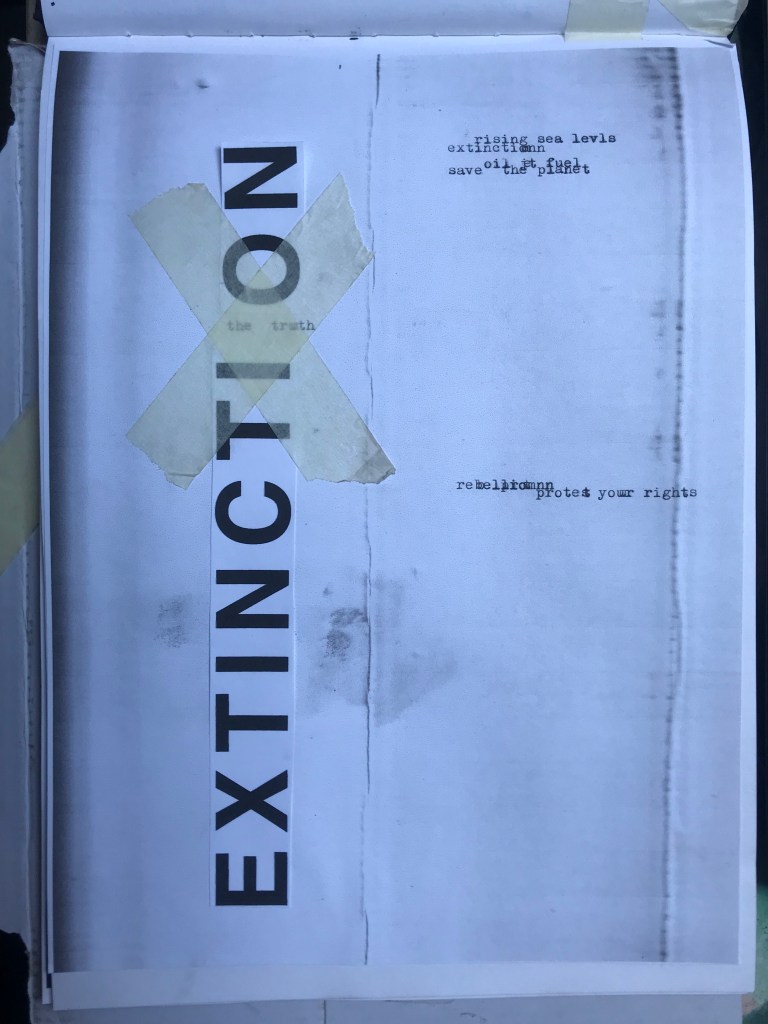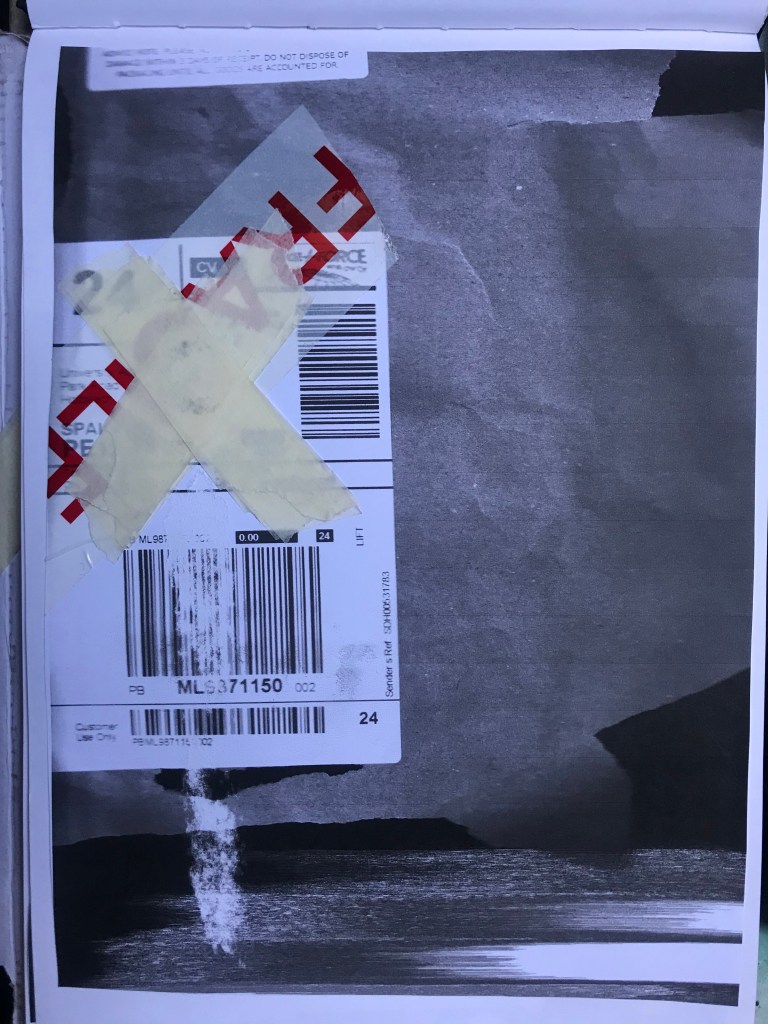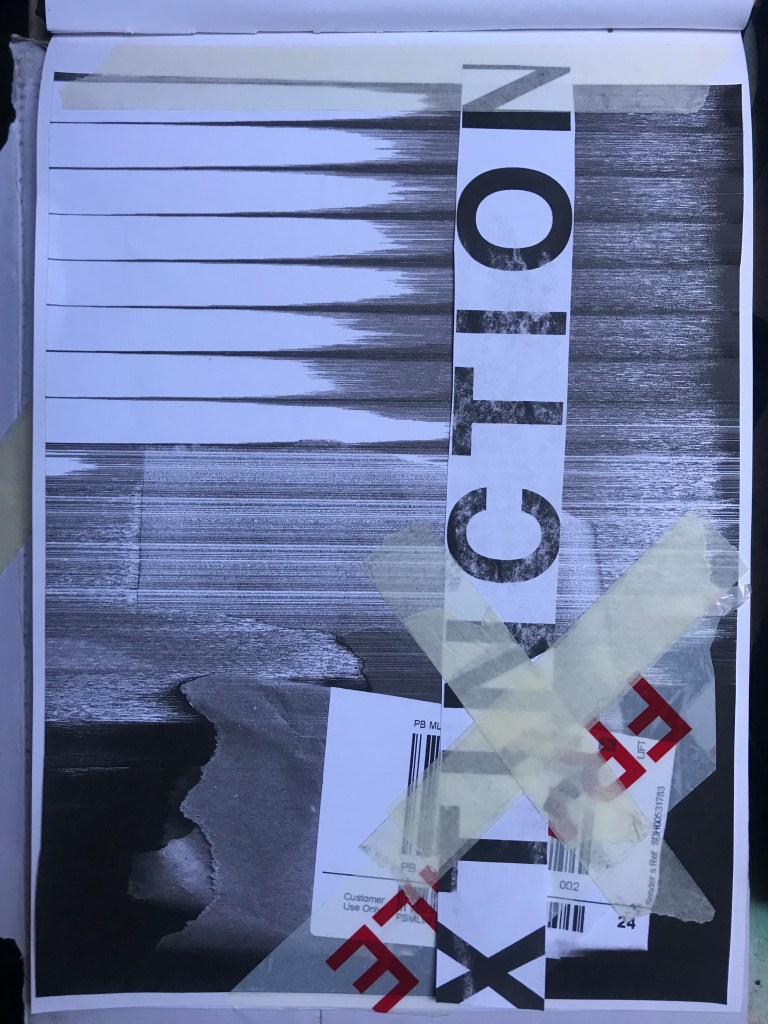
Part 1: Exercise 3 – Alternative Publications

The Brief –

Using your research into artists’ books and fanzines as a starting point, think about their physical or design qualities and creatively apply some of these approaches to your own designs.
For example, there’s a distinctive visual quality to many fanzines which comes from a ‘cut and paste’ approach to designing and through the use of cheap photocopying and printing. Punk fanzines in particular make a virtue out of having limited resources, no computers and little, or no, formal training as
graphic designers. Use your sketchbooks to experiment with a similar ‘cut and paste’ approach by cutting and collaging magazines and other material. What does this approach offer you as a book designer?
Alternatively, you can find other ideas you would like to test out in your sketchbook. You don’t need to make any finished designs, just give yourself room to experiment and try things out.

Starting out…

This is a very open brief!- there are no restrictions in what I can do with this! The brief is to start some experimentational work in my sketchbook which I am guessing I could potentially use or refer back to for Assignment 1.

When I think of experimental work in design, I automatically think of experimental typography with the likes of David Carson, Chris Ashworth and Roy Cranston. Sophia Clausse could be another contender for this too; I stumbled across her work when I was researching fanzines and artists books. I really like this style of work and I have used it in quite a few of my past exercises and assignments in Core Concepts.

It also reminded me of an experimental piece I did in Core Concepts which I was really pleased with at the time. Again, this was inspired by David Carson and Chris Ashworth:
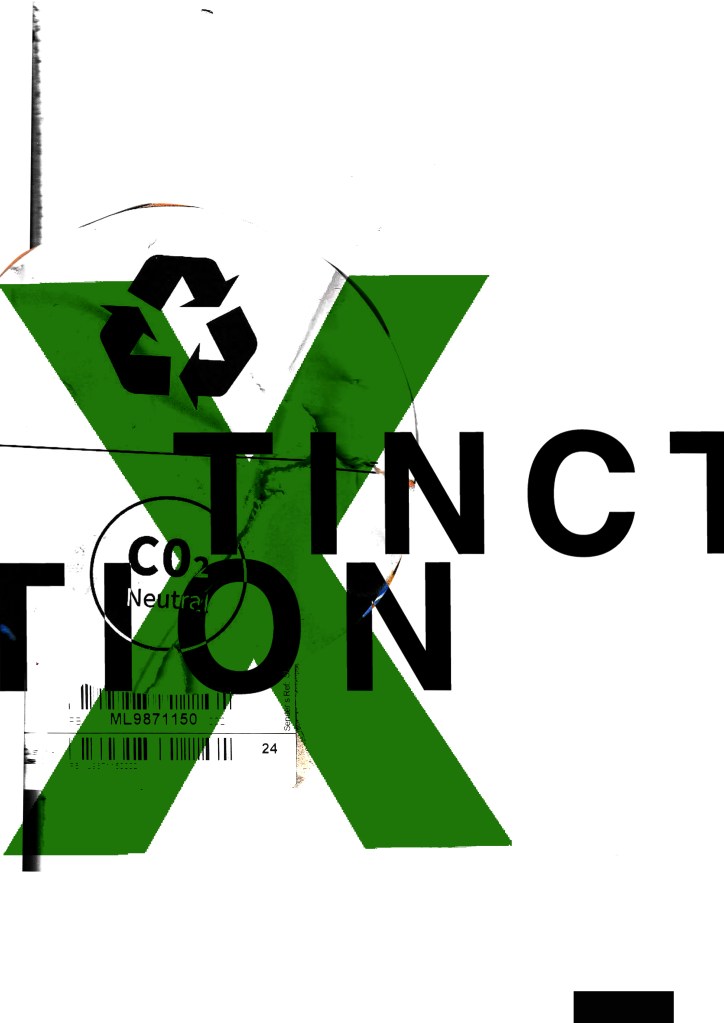
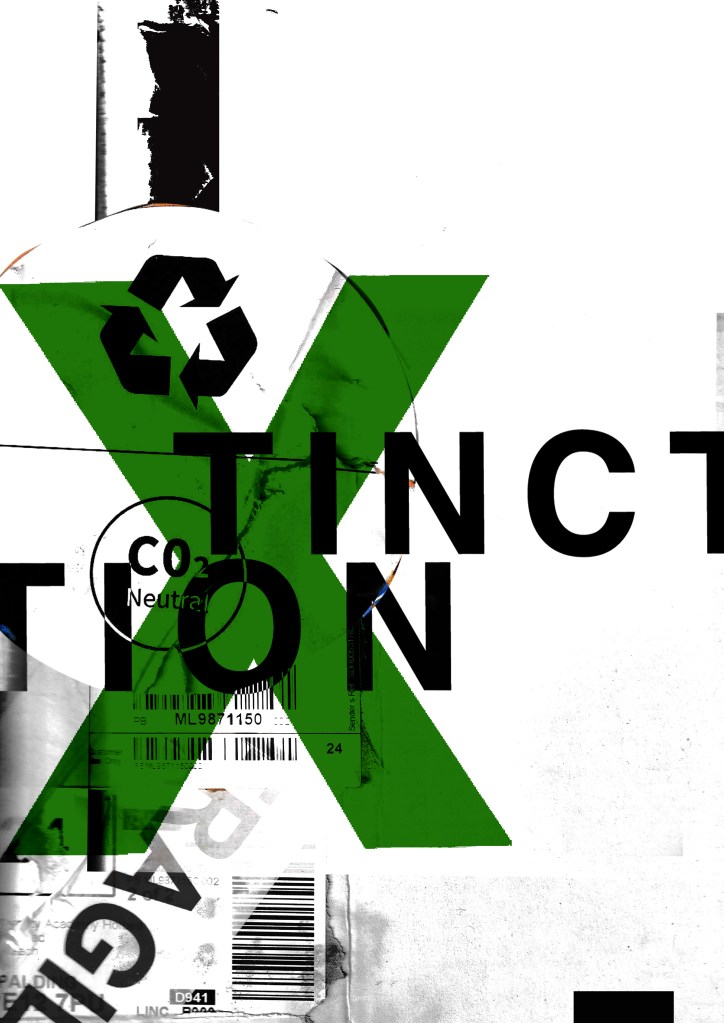
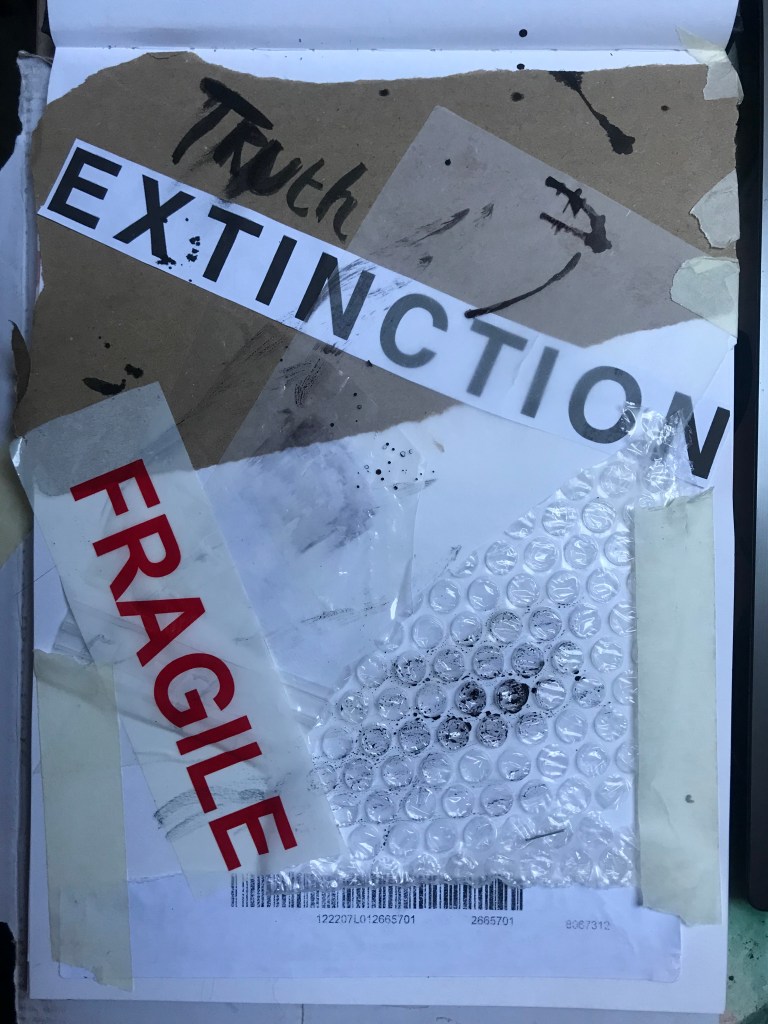
How I made these was by using old packaging and printed barcodes and turning them into a composition to then import in digitally to add typography:

I keep a bag of packaging and random materials ever since I completed that exercise because I just never know when I might need to use them again for something similar!
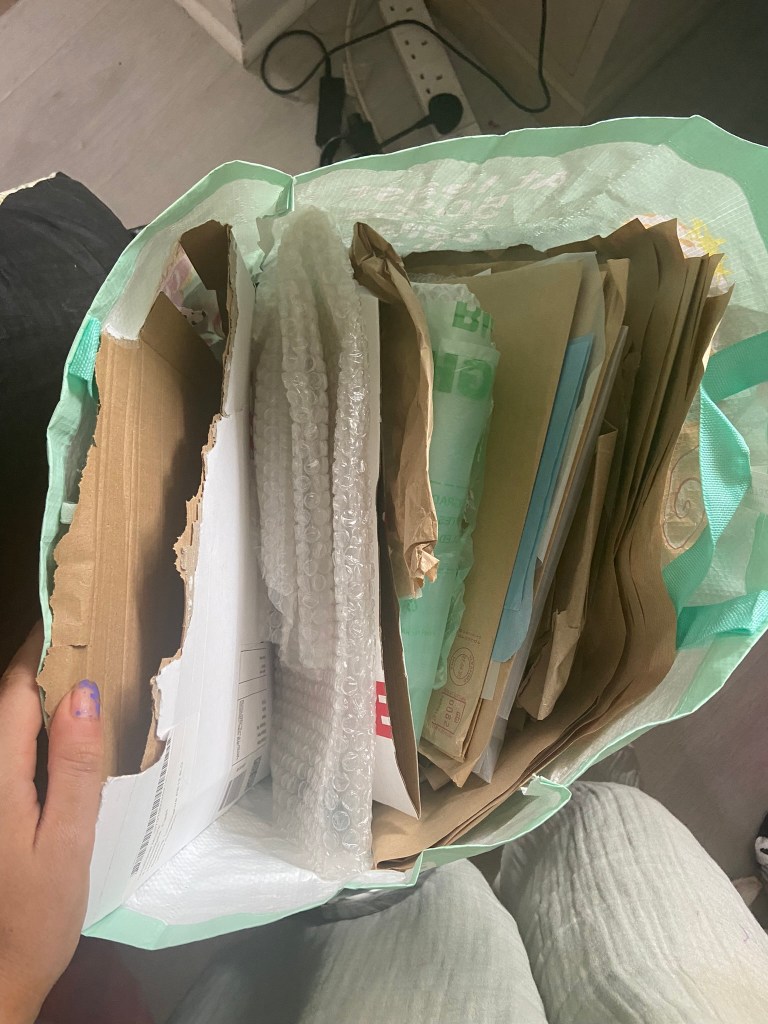
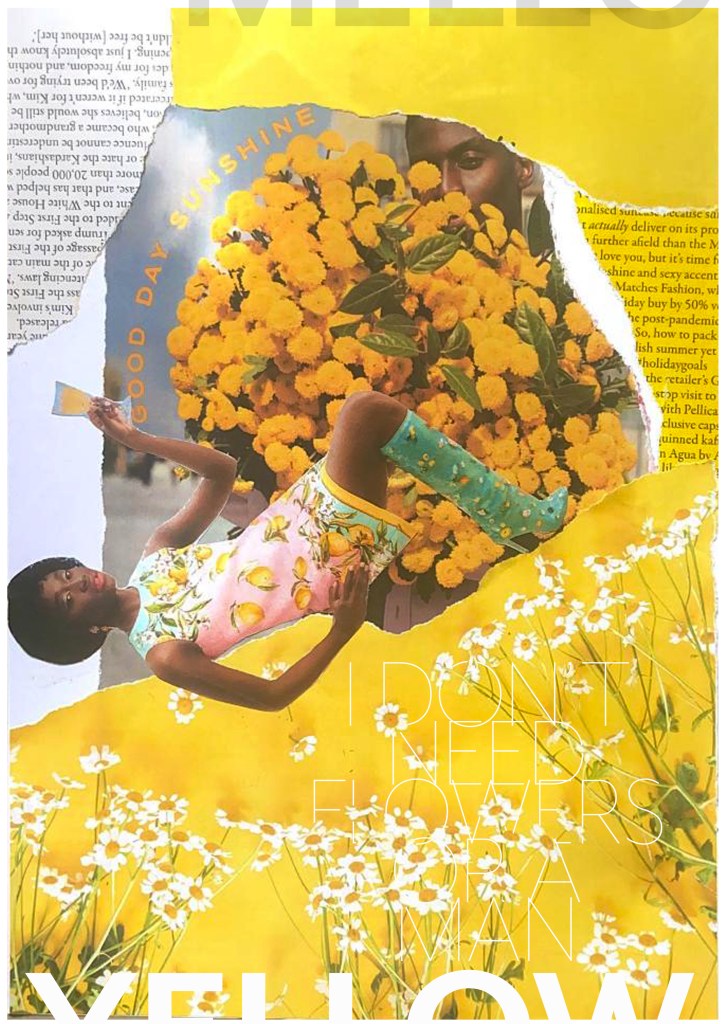
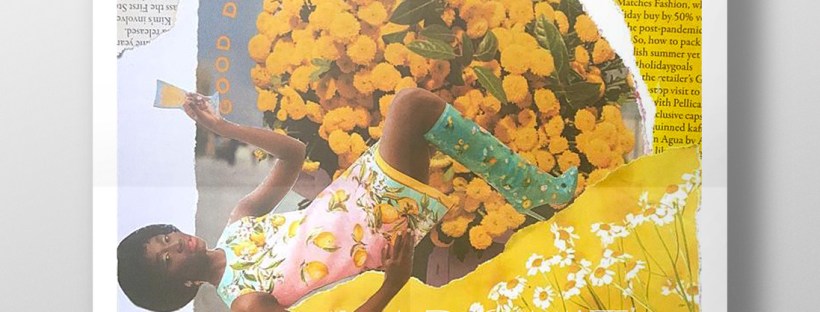
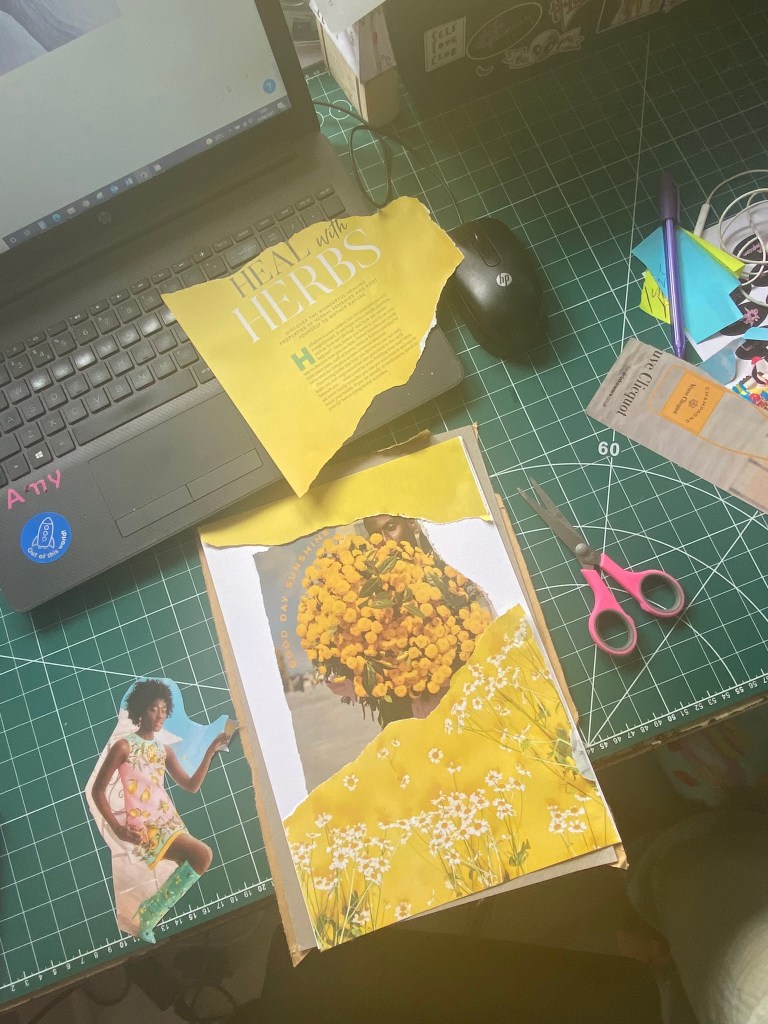
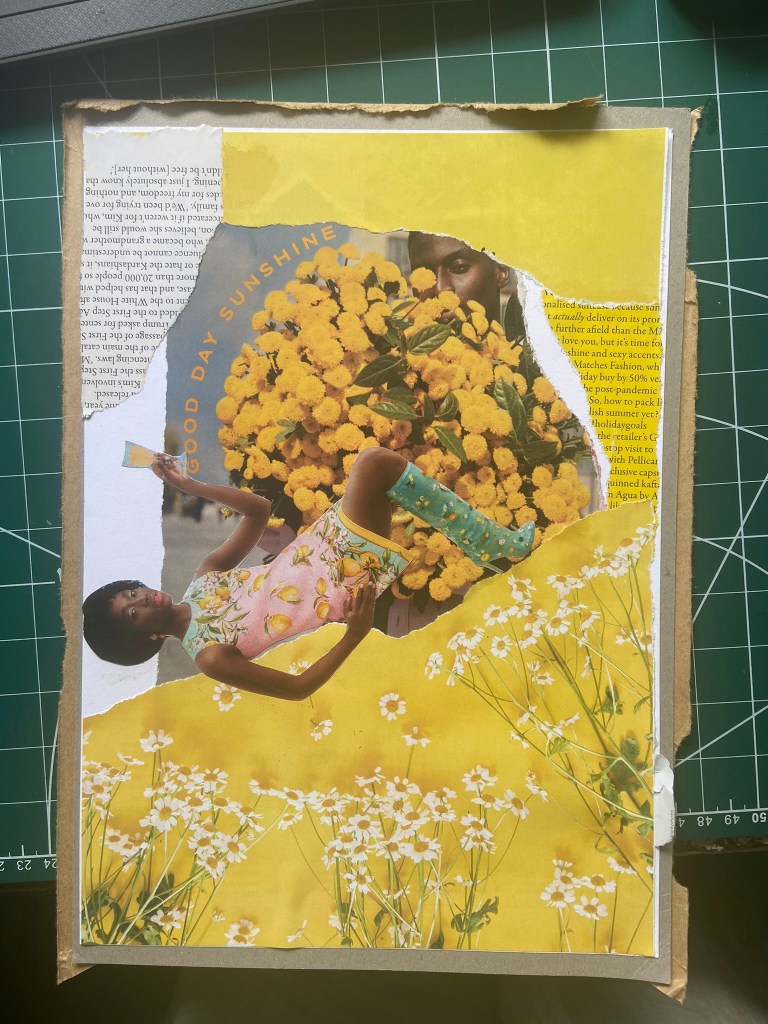
I got this bag out again to see what I could come up with for some experimental collages for this exercise. I also had some old fashion magazines that I used. I found some bright yellow summery layouts in the fashion magazines – a lot of material based around lemons! With the cuttings I found I decided to make some sort of story out of them…

There was an advert of a man holding some flowers and looking all shy behind the bouquet and then I found a clipping of a woman all dressed in lemons and yellow and looking very chilled out and relaxed drinking a glass of something alcoholic! The woman looks way too self involved to want the man or his flowers and I played on that in the text I use “I don’t need flowers or a man”. I wanted some kind of balance to the piece and that is where I used the bottom clipping of the flowers but also used another part of that to go along the top. I did the same with the clippings of text I found.. I placed them across from each other on the layout, it just made the hierarchy look much more balanced out. To add some contrast to the piece I added the larger text for the main title “mellow yellow” but changed the opacity at the top so that yellow stood out much more.

This exercise shows you how much you can create some pretty cool, meaningful layouts using just some magazine clippings and typography!
Design 5/10: Manhattan

Welcome to the concrete jungle! – Design 5 of 10 – Manhattan!

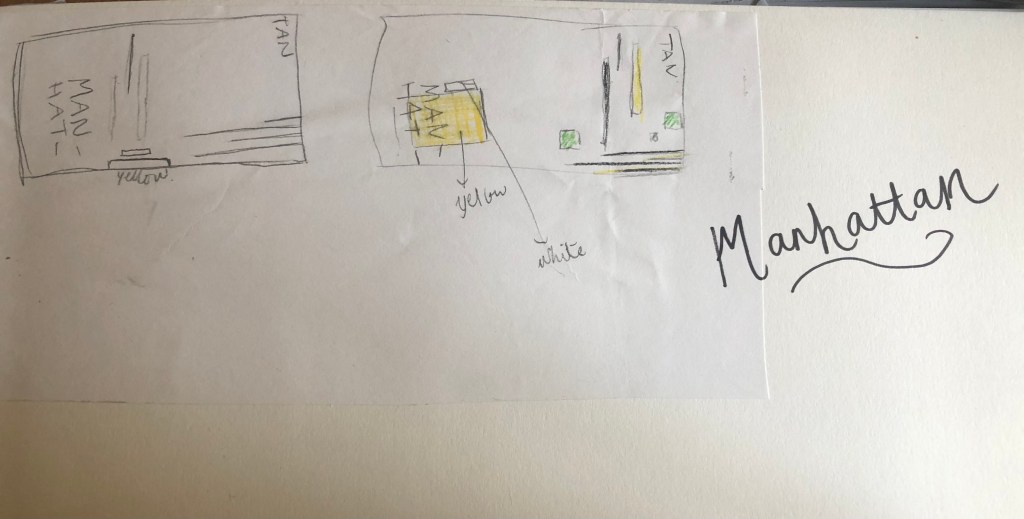
Manhattan was one of the easiest cities to think of and find ideas for. It is a place full of buildings and architecture so tying this one in with the rest of the designs was easy. I began thinking of famous and iconic buildings in Manhattan; the Empire State Building being one of them. I then went to Pinterest to see what other images came up. There was a lot of images of the hustle and bustle of the city… skyscrapers, shops, people, yellow taxis, cars and pedestrian crossings.

I knew I wanted to play with the idea of the Empire state building and the fact that Manhattan and New York is like a concrete jungle. Central park played a part in my thoughts and ideas; I wanted to include a bit of nature in my design – this also allows the opportunity to bring some green into my design which would be a great contrast against the skyline of Manhattan.

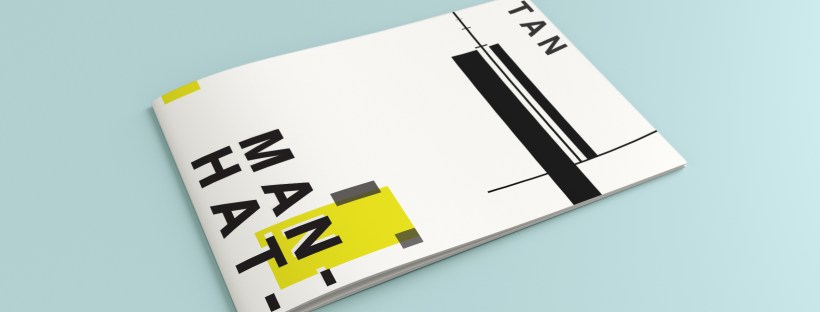
I used a block of yellow on the bottom left, once again this ties in with the rest of my designs so far. This yellow block represents a yellow New York taxi. The grey blocks that feature on it are the wheels and the top of the taxi. I placed a tiny block of colour at the top left also to add some interest and to draw the eye up to the top to work its way around the design. Yellow and black contrast each other brilliantly and they also represent the yellow cabs and the pedestrian crossings. The Empire state building I portrayed on the right side of the cover. I used blocks of black rectangles to represent this. It is abstract and can be portrayed in any way you want to; it could be the black lines on a pedestrian crossing or it could be the towers of the Empire State building.

In this design I feel the black and yellow equally fight with each other for attention, they are both very dominant in the design. The grey adds a little accent of colour to break it up.

This is the final mock up for Manhattan. I am pleased with this design, the colours work and contrast each other fantastic! It is modern and stands out and it maintains an abstract approach but it is still obvious as to what is being portrayed. The layout stays in keeping with the rest of the designs.

The final stages! – Making the HG Wells FINAL book covers!

I have FINALLY reached the final steps to this exercise! I have really enjoyed the design process though even though it has been a long and overdrawn one! – I always said I didn’t want to half ass it and I wanted to make sure that when it was complete that I had done the very best that I could have done with it! Putting the typography onto it and making them into book covers was a really daunting prospect! – However, I can go to bed tonight knowing that I am one step closer to making them look like the real deal! Doing this exercise has really made me also think that going into book design is something that I would want to do. I find now that whenever I go into bookshops I am scanning the shelves for the covers and not necessarily the books! Researching into Chipp Kidd and purchasing some of his books as well really interested me and made me think deeper into what really goes into the design of a good book cover!

“Never judge a book by its cover….. Unless you’re a designer!”

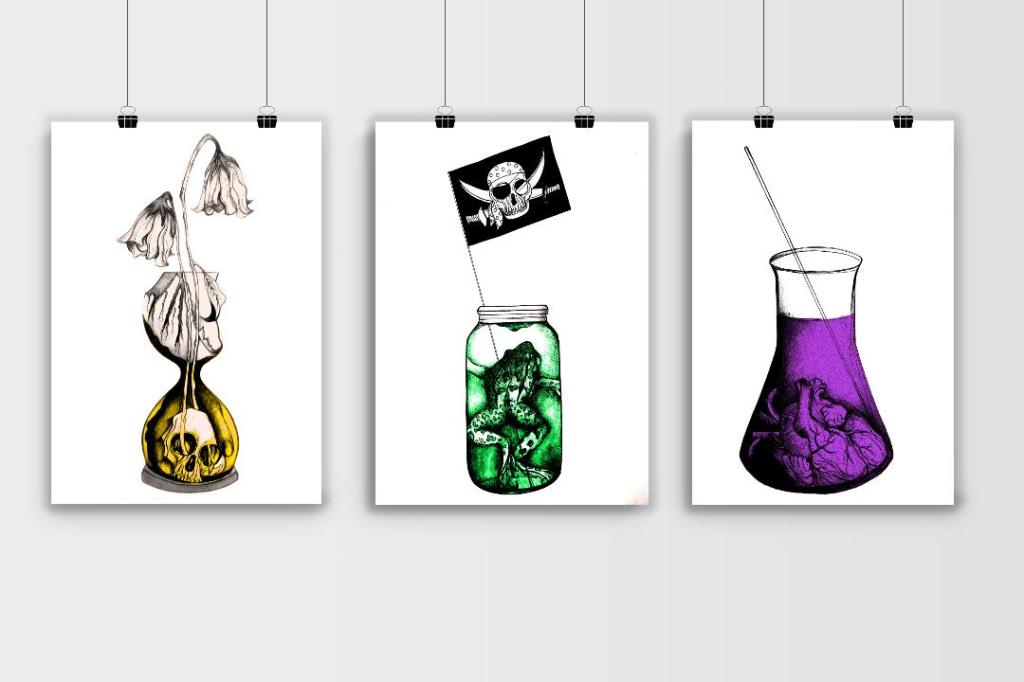
I started off with the 3 designs I tweaked on Photoshop (below):

I have a current obsession with textures… which is a good thing seeing as one of the suggestions in my last feedback was to add texture to my work! I watched a video by Roy Cranston on Chris Do’s @thefutur where he spoke about where and how he sourced his textures for his poster work, it was funny because I already collect random photos of interesting textures and findings but just never use them! He also mentioned how you have to scour the internet for the free ones. I thought it might be interesting to add a texture to the covers.. maybe like an old vintage paper feel? This is what I went out to try and do.

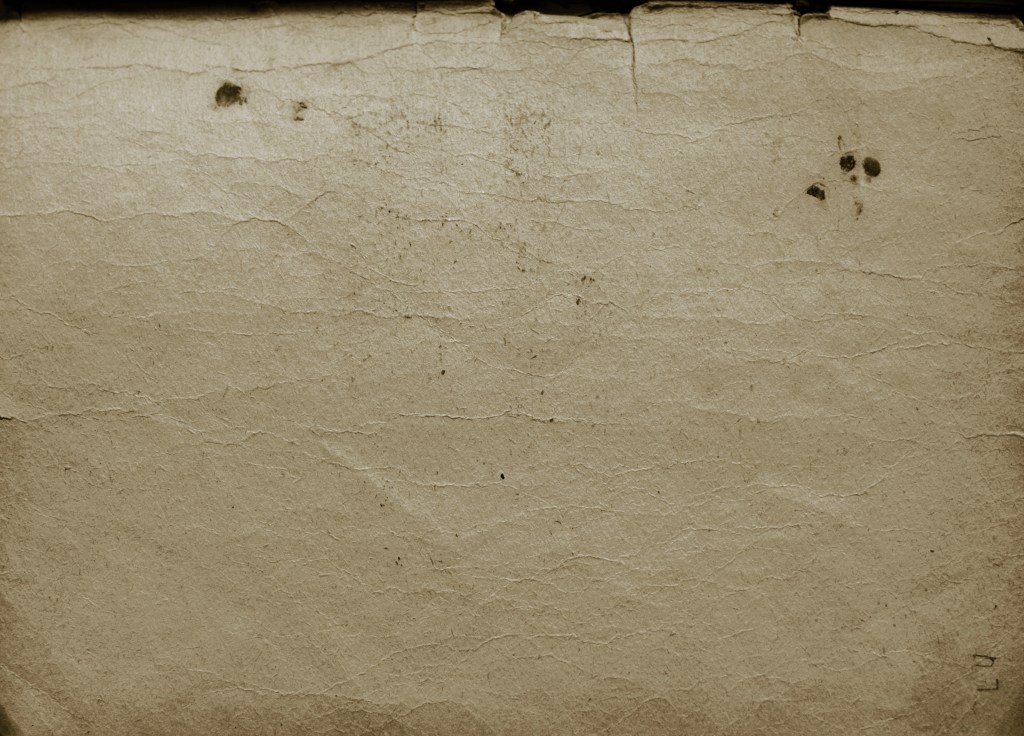
I found a texture online which resembled ripped, discoloured old vintage paper (below) I imported this into Photoshop and did an overlay of it with my designs.

The texture I found online to add an effect to my covers

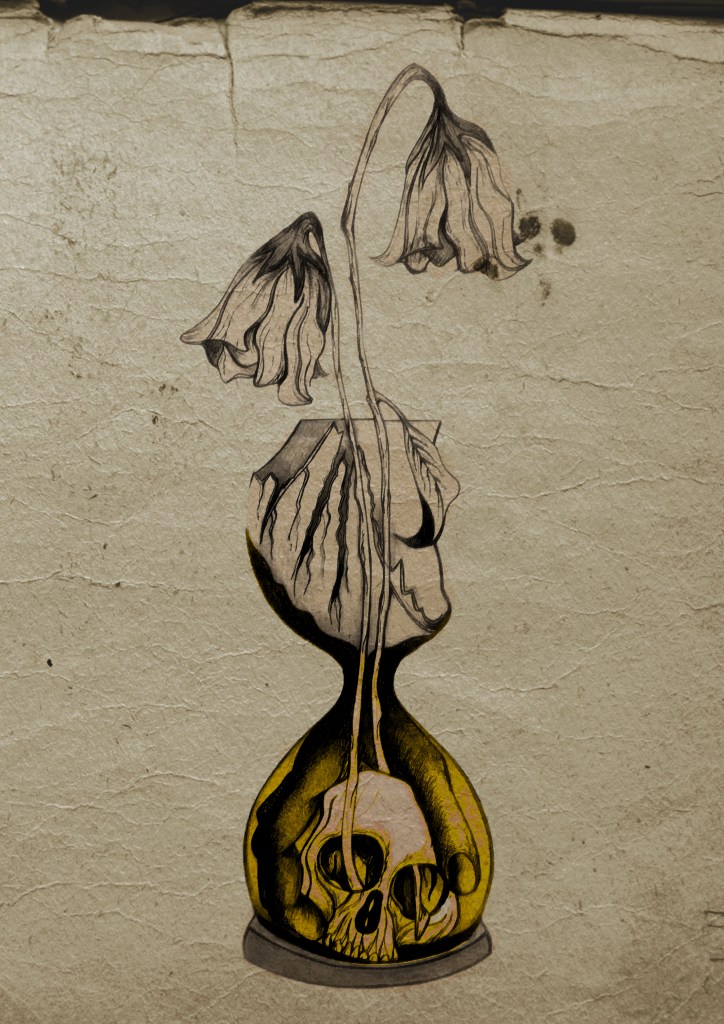
I think the texture worked extremely well! (below) This is what the first cover that I designed looked like with the texture included:

I then had the problem of successfully adding text onto the cover without making it look too drab, boring and old fashioned. Although I wanted the covers to have a vintage feel I also wanted a modern feel to the design to bring the book into the 21st century and to make sure that it is still relevant for many more years.

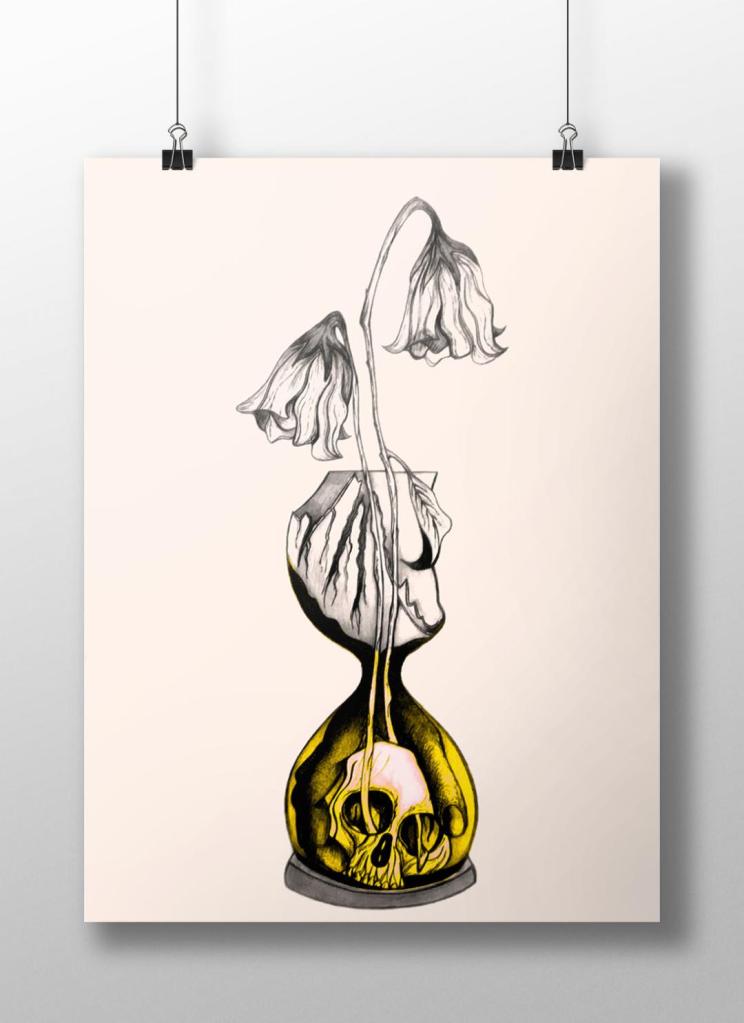
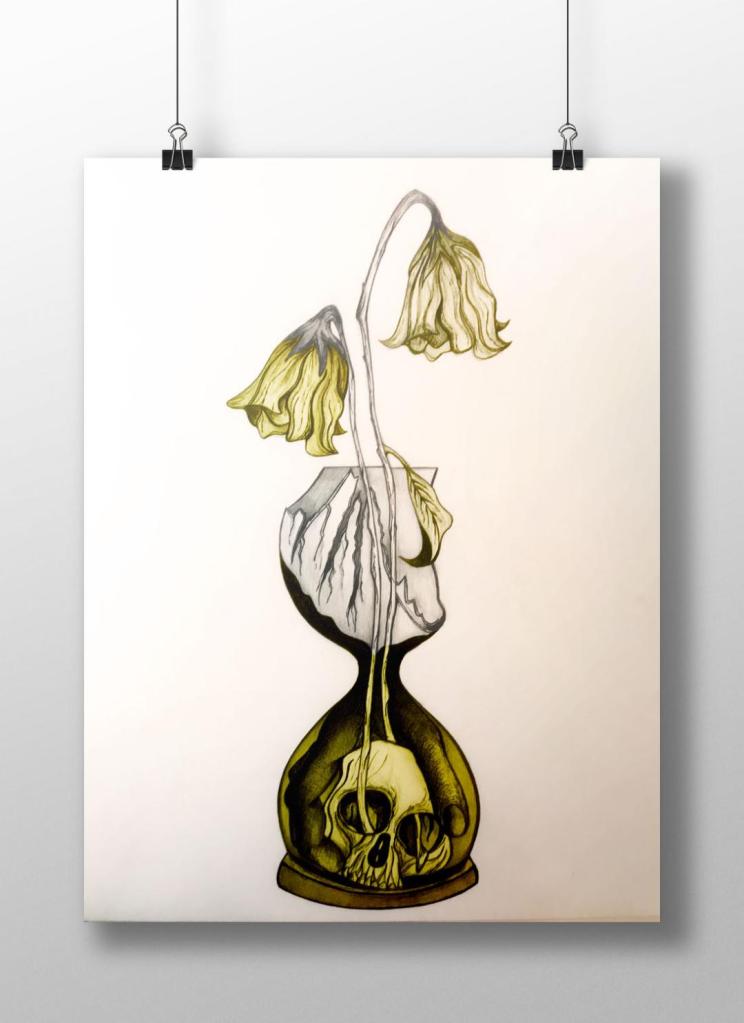
This above is the design I toyed with; I liked the idea of Franklin Gothic as a font at first glance.. it was literally the first trial typeface I used and tried it with. In my head I knew I wanted the text to be quite prominent across the whole cover. I had the idea of turning the opacity down to make it partially see through. I thought as well I could match the colours of the type to the yellow in the hour glass (see below)

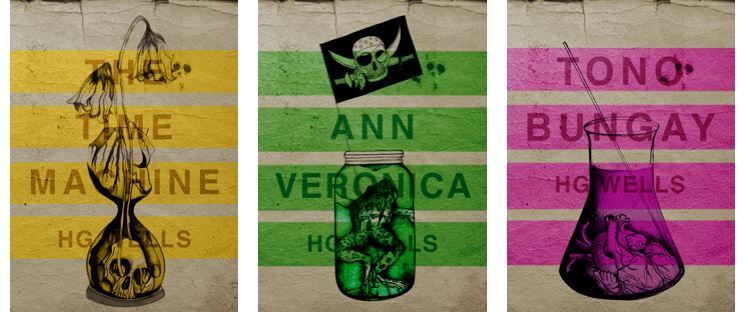
I liked this idea, the yellow worked well but it was still missing something… This is when I thought of the idea of using coloured bands across it (one for each line of the title)

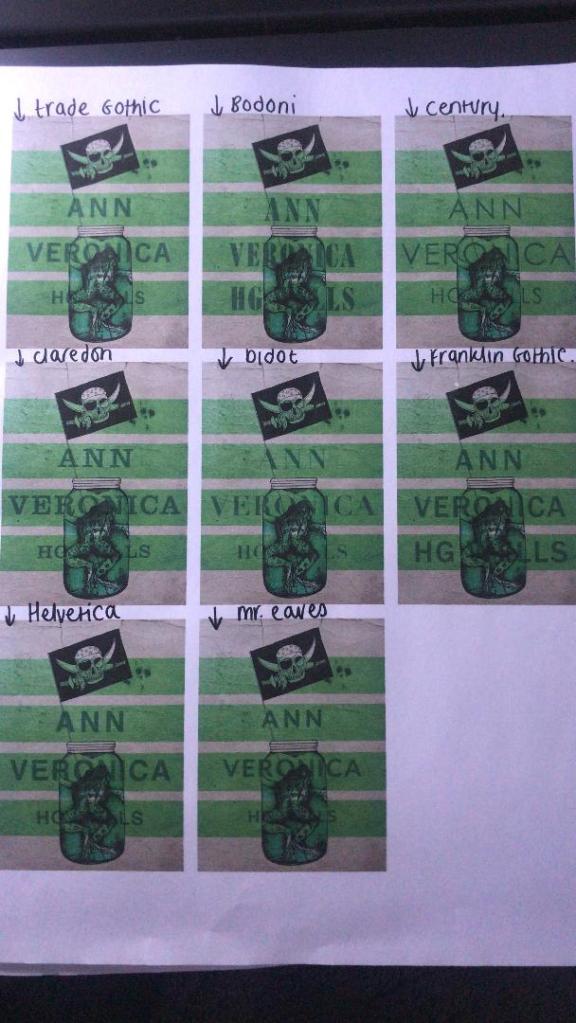
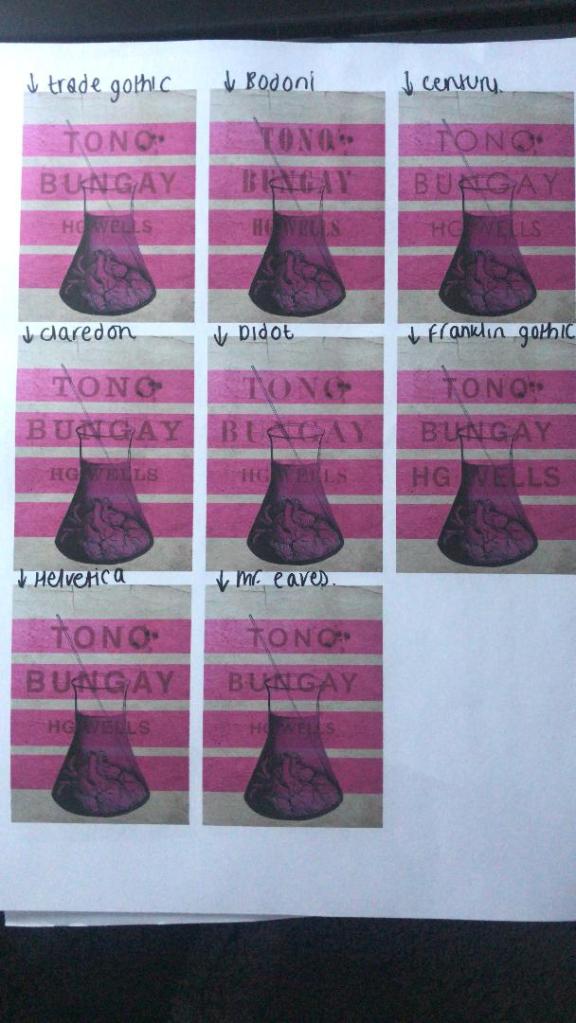
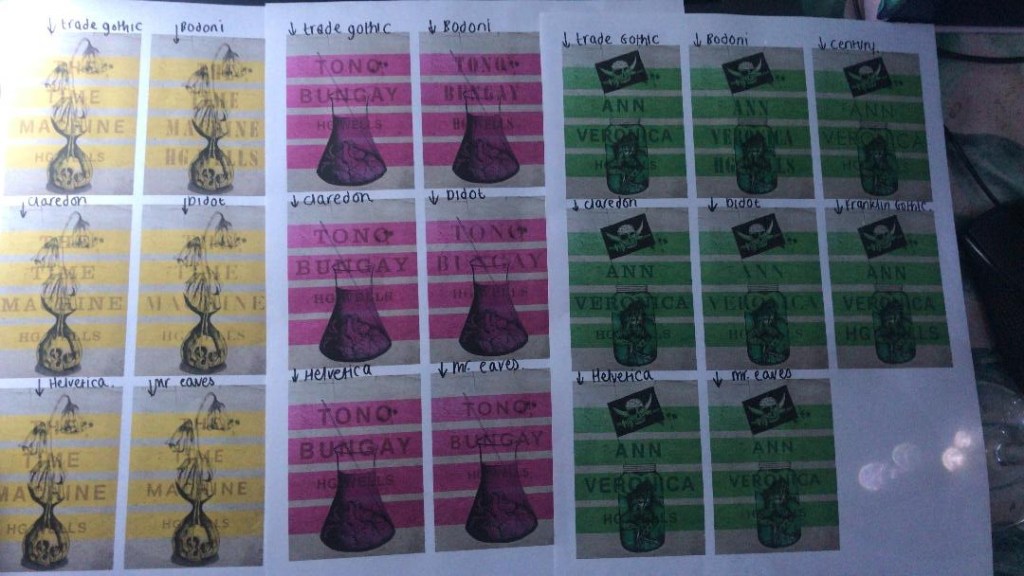
I really liked this idea! The only thing I needed to work on was the typography! I spent a while (a fair time!) picking out some of the best fonts and using them on all the designs to print out and compare! I sent photos also to my Mum who using her expert opinion and eye ;p picked out Helvetica! I also shared captions on my Instagram and people replied also with Helvetica. The reasons?.. obviously with it being the font of choice for most designers and also for the fact it is strong and stands out on a cover.
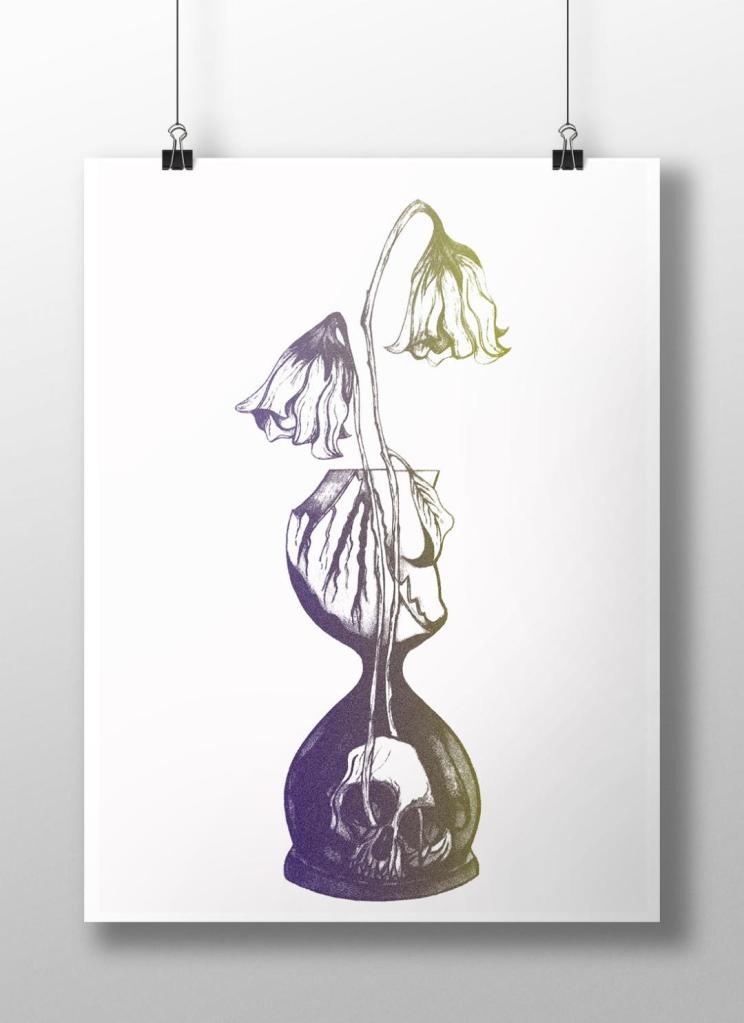
These are the sheets I shared with all the different fonts! (below)

So! Helvetica was the popular opinion!… and you know what?!… There is a reason why Helvetica rules all!.. I actually really like the look of them! The type is still illegible in places but I can work on that!

I then wanted to give it a go adding the publishers name and logo. I decided to go for Penguin – The classics! I found a logo online (not the best way to do it for pixelization and plagarim… BUT the brief states to use one so!…)

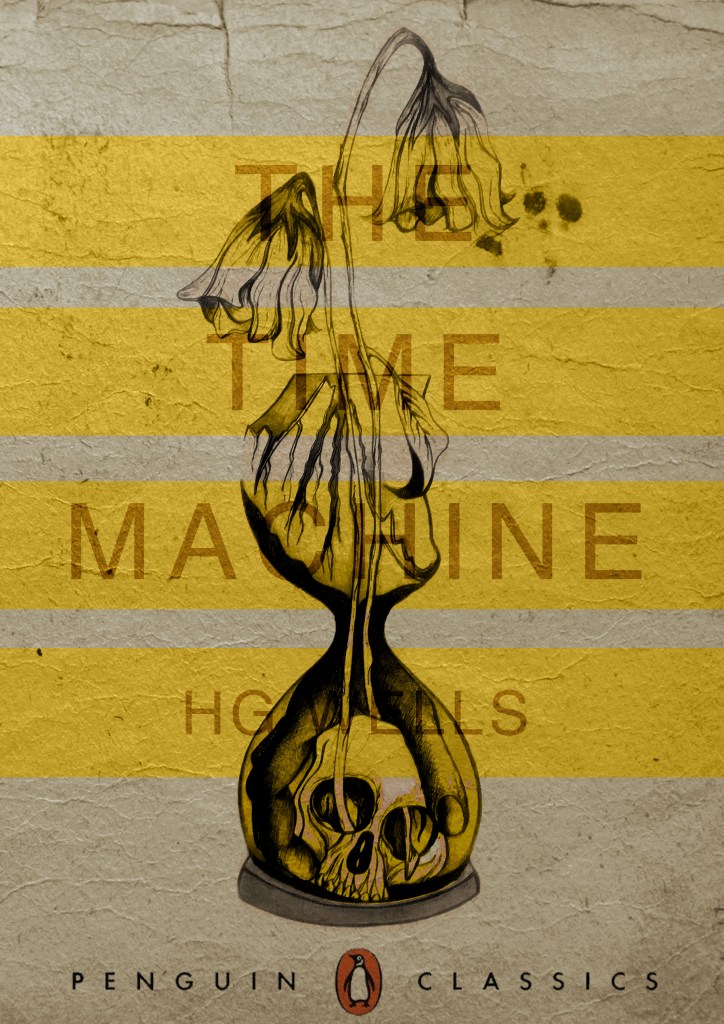
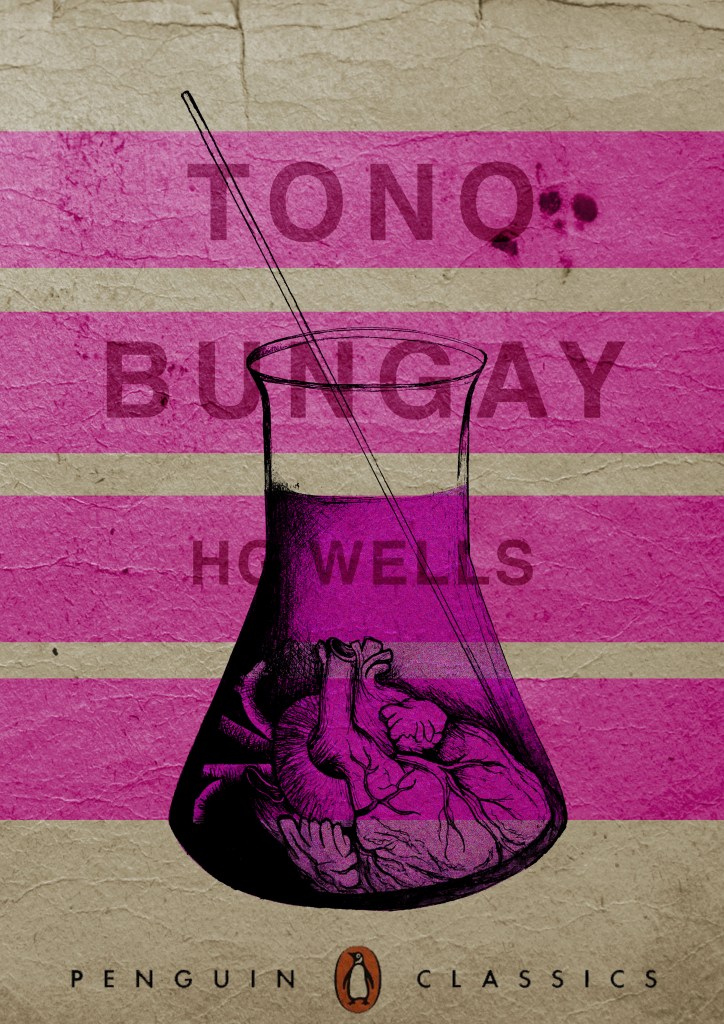
This one is perfect!… I then added it to each of the designs and adjusted the layouts accordingly and this is what they look like so far! 😀 really, really chuffed with them so far!

I still have adjustments to make; the illegible type, the hyphen in Tono – Bungay, the bars so that they all line up, the spine to design, bring everything together to create the final cover and then make mockups on actual books but at the moment I am pleased!

The Time Machine: Design Development (cont)

I have been a bit slow on development the last week or so… I have also been trying to work on something I want to start in the new year. (I’ll do a separate post for that!)

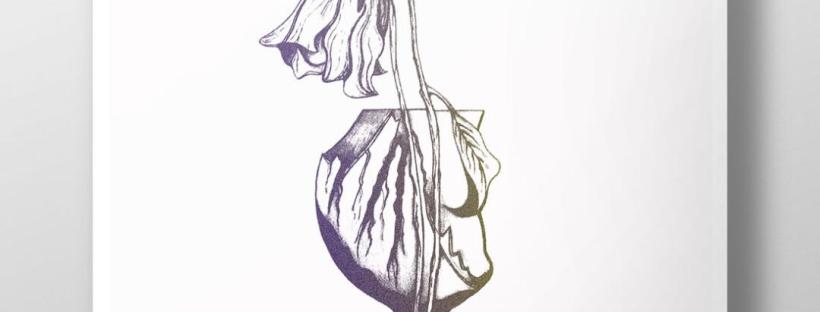
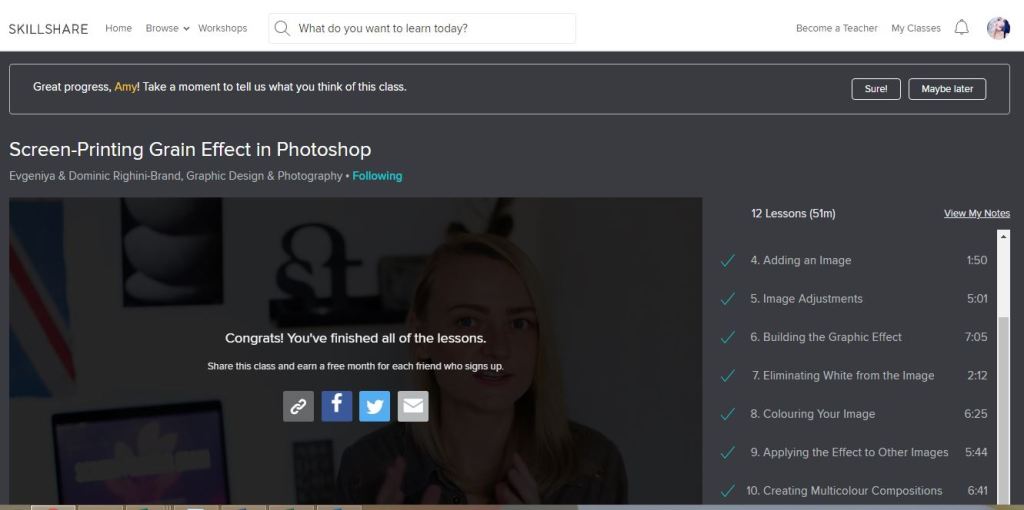
I watch a lot of SkillShare tutorials to learn different effects and skills to further improve my design work digitally. My last post mentioned how I studied a Duotones class by teachers called Evgeniya & Dominic Righini-Brand, Graphic Design & Photography  well I also studied another one of their classes for creating a screen printed effect. I thought this might add an “older” more vintage feel to the piece.

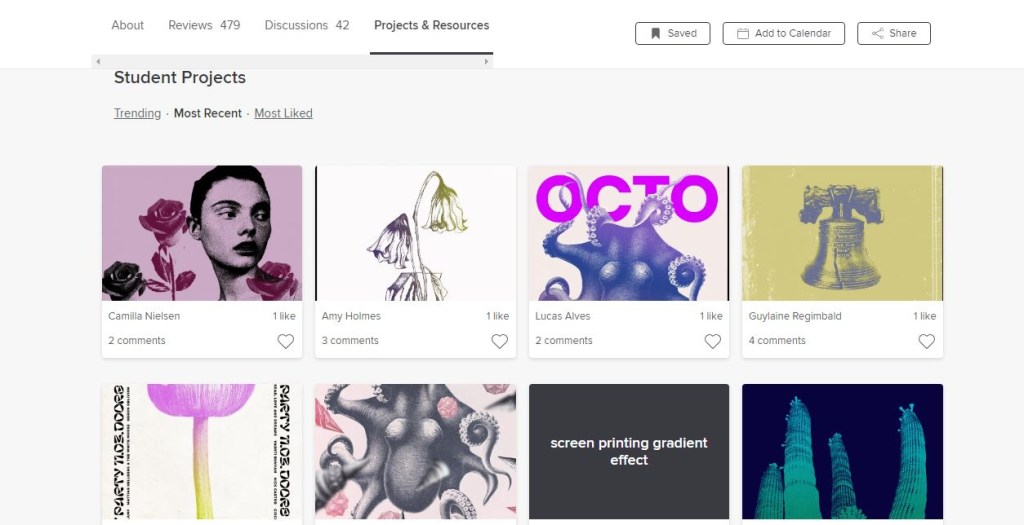
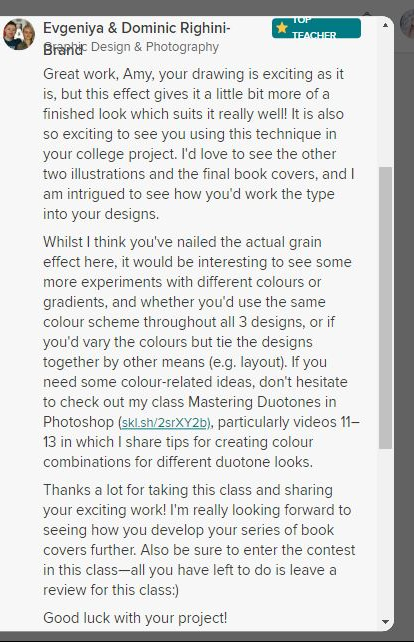
After I had finished the tutorial I also uploaded the finished piece to the Skillshare page for others to see (which is unknown for me!!- stepping out my comfort zone!) Here is the link below to what the tutor had to say to my piece!

https://www.skillshare.com/projects/224662

Out of all the trials I have done so far though I have to say I like the first one pictured above! I also posted it to my Facebook for the opinion of everyone else and they all agreed that this one stands out the most and the contrast between the black and yellow works the best. I am now going to draw the other 2 designs and then bring them into Photoshop and do the same digitally as this one. I will change the colours on each though so that they each have their own colour scheme.