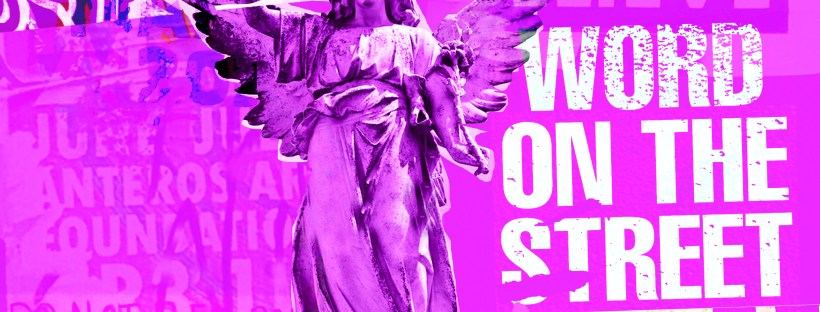
Assignment 5: Your choice

Typography

The Brief

First Thoughts

I had a look at this assignment in my book a couple of months back so that I could plan ahead and know what I was doing in advance for my assignment! I was torn between Influential book designers and Typography. I knew that I was way out of my depth doing my altered book and this was something I didn’t want to delve back into for a little while at least! I decided that I would want to do typography because that is the area I knew and enjoyed the best but I also knew that I didn’t want it to become another version of “My little book of Good typography” because I had covered a lot of the basics and the rules of typography in that. I knew that naturally my head would try and create another more or less identical version of that book because I liked the finished outcome so much! I needed to find another typography subject that would head in a new direction from the last book of typography I designed.

Something slightly different…

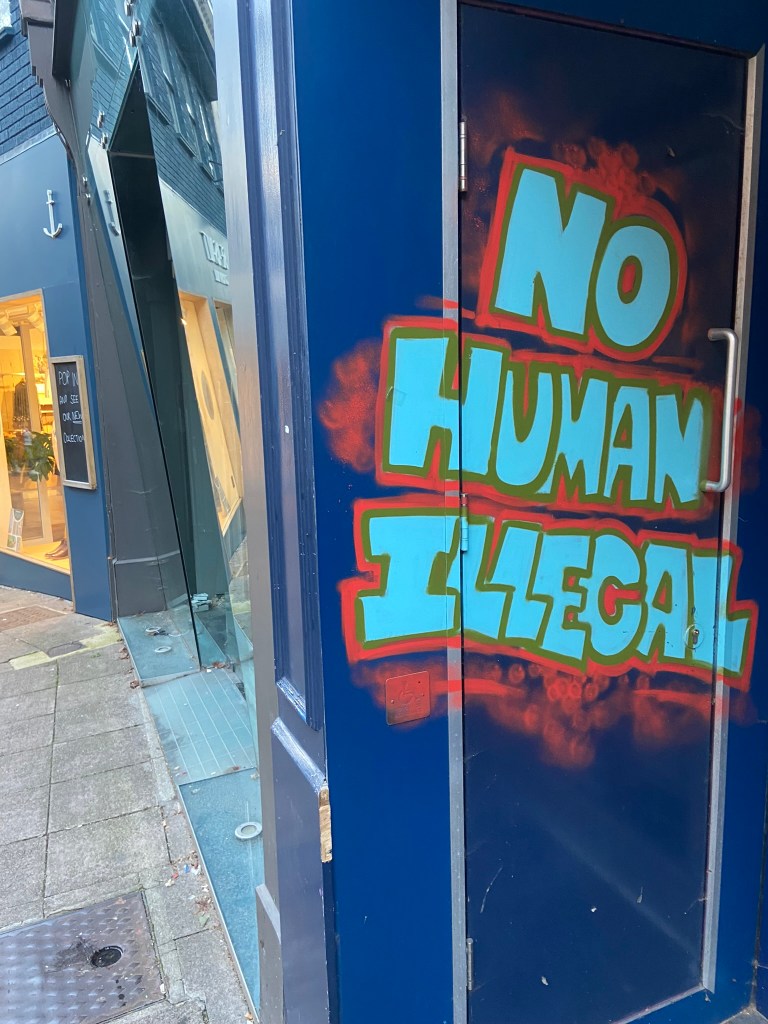
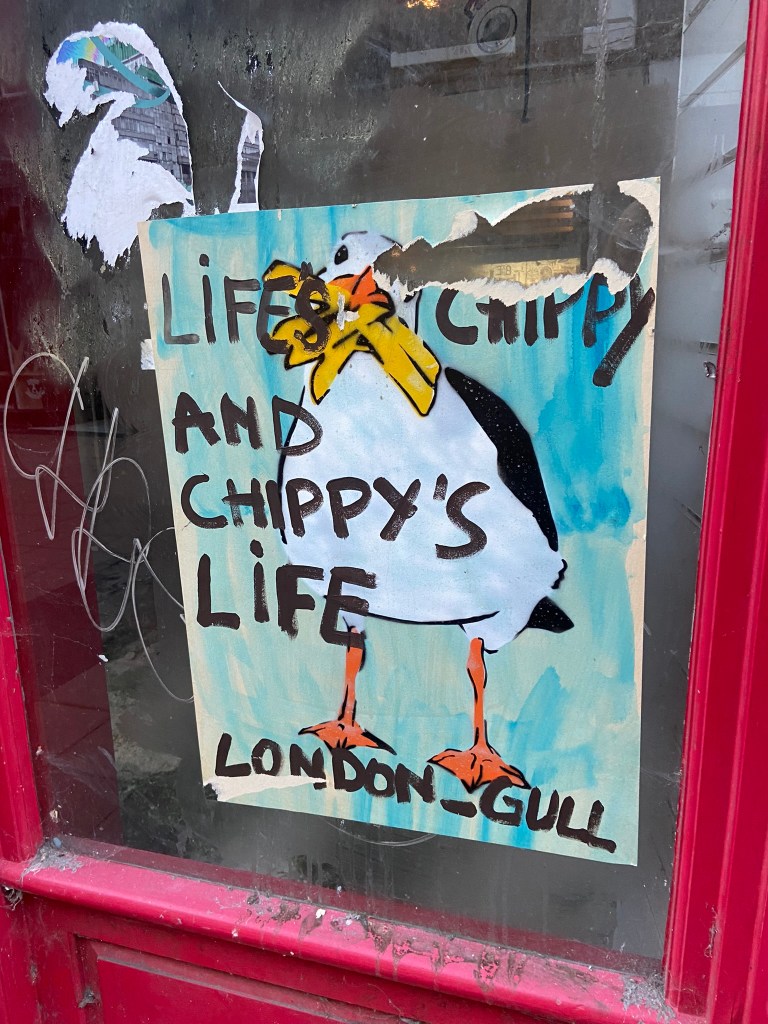
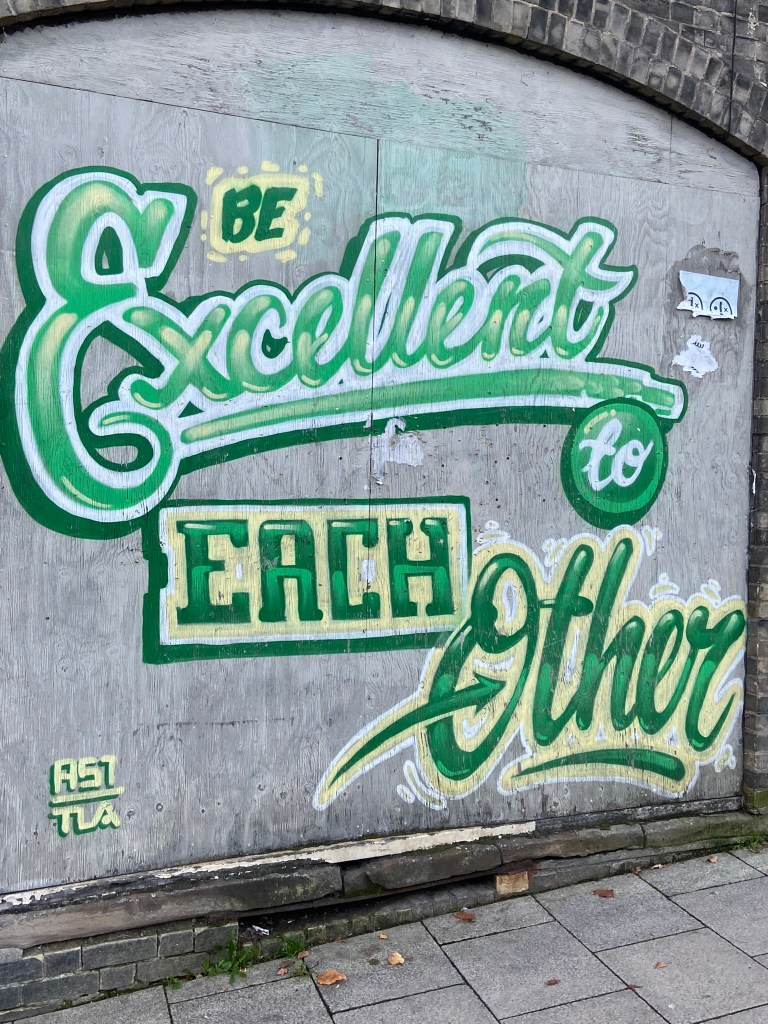
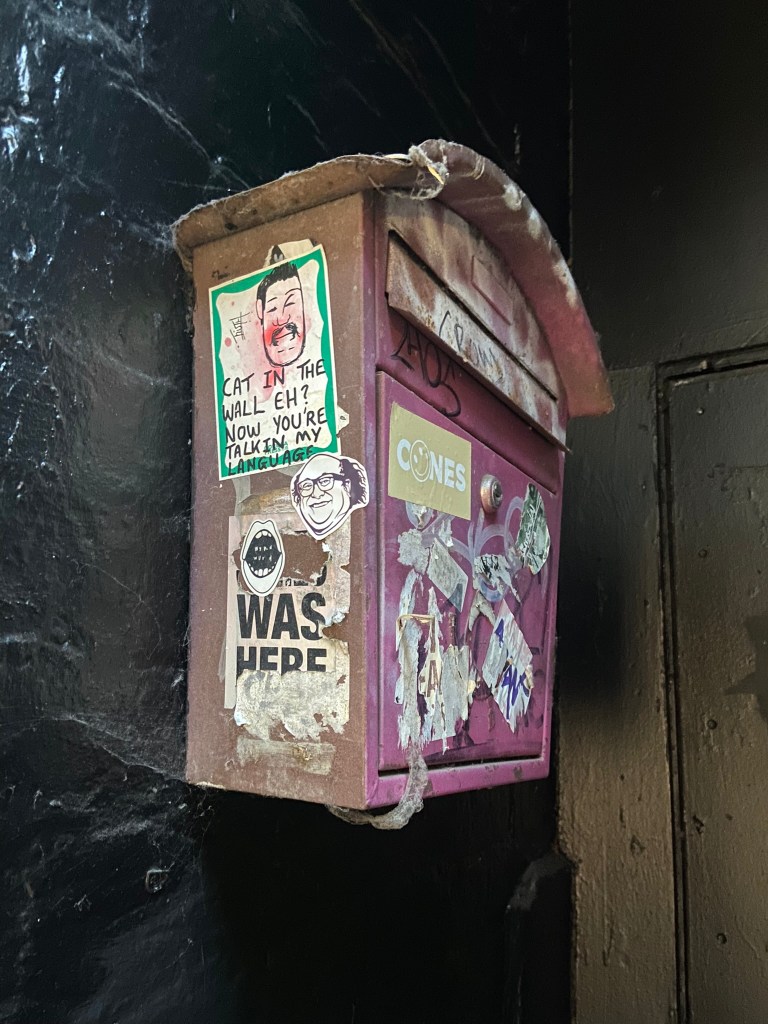
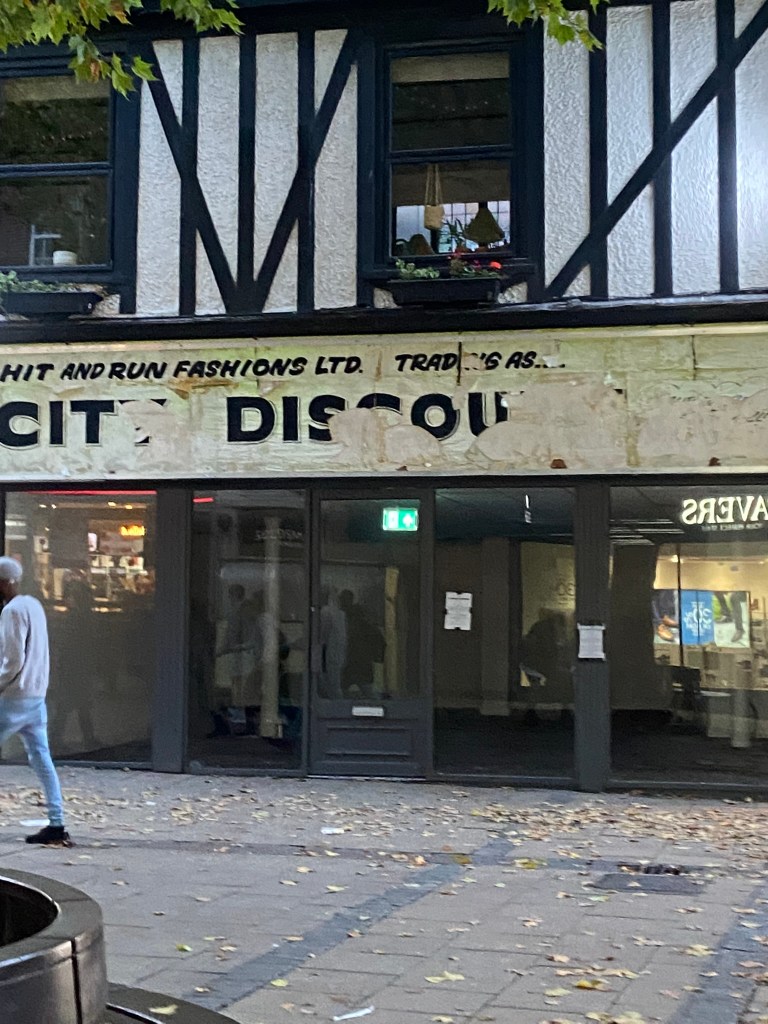
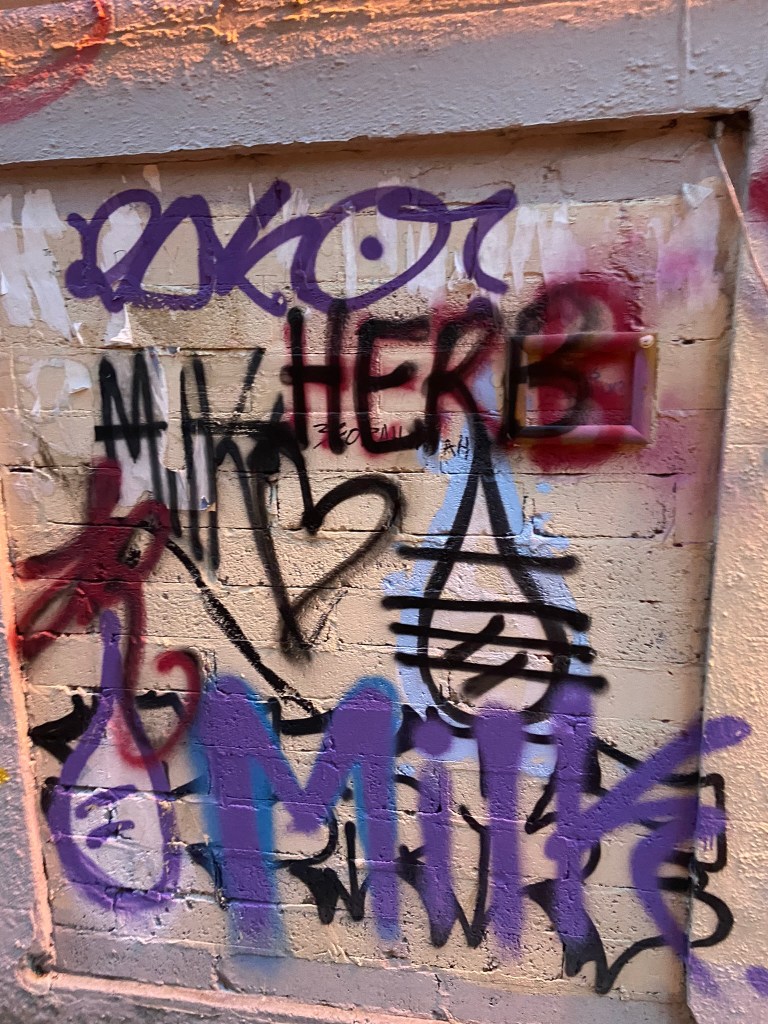
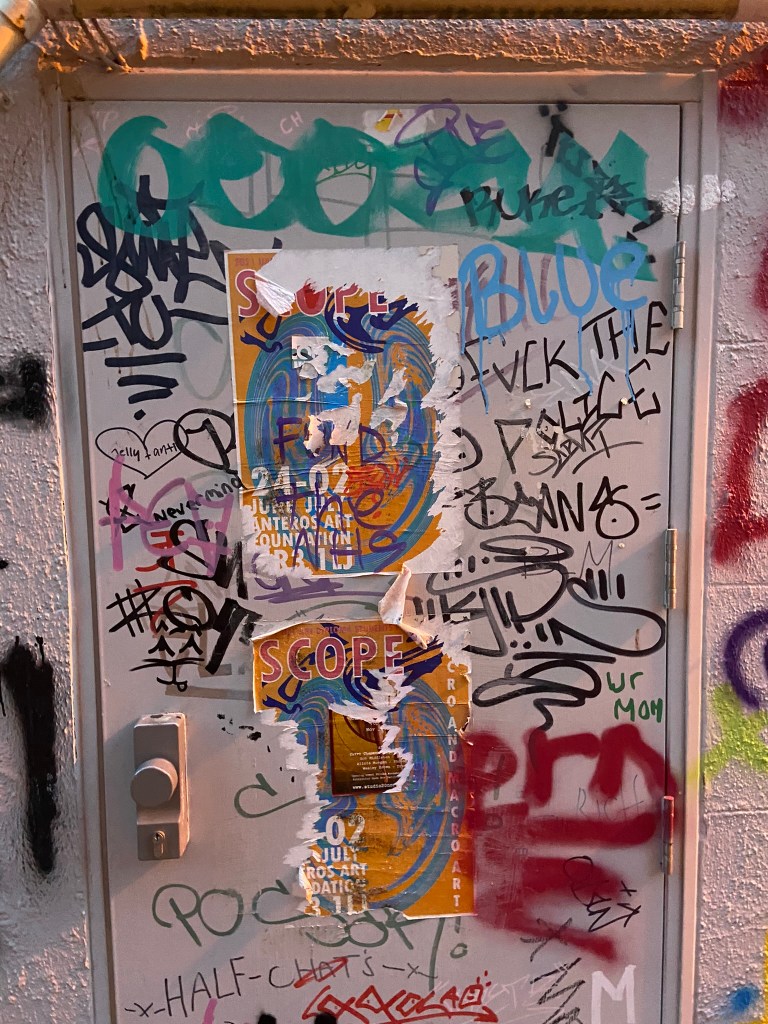
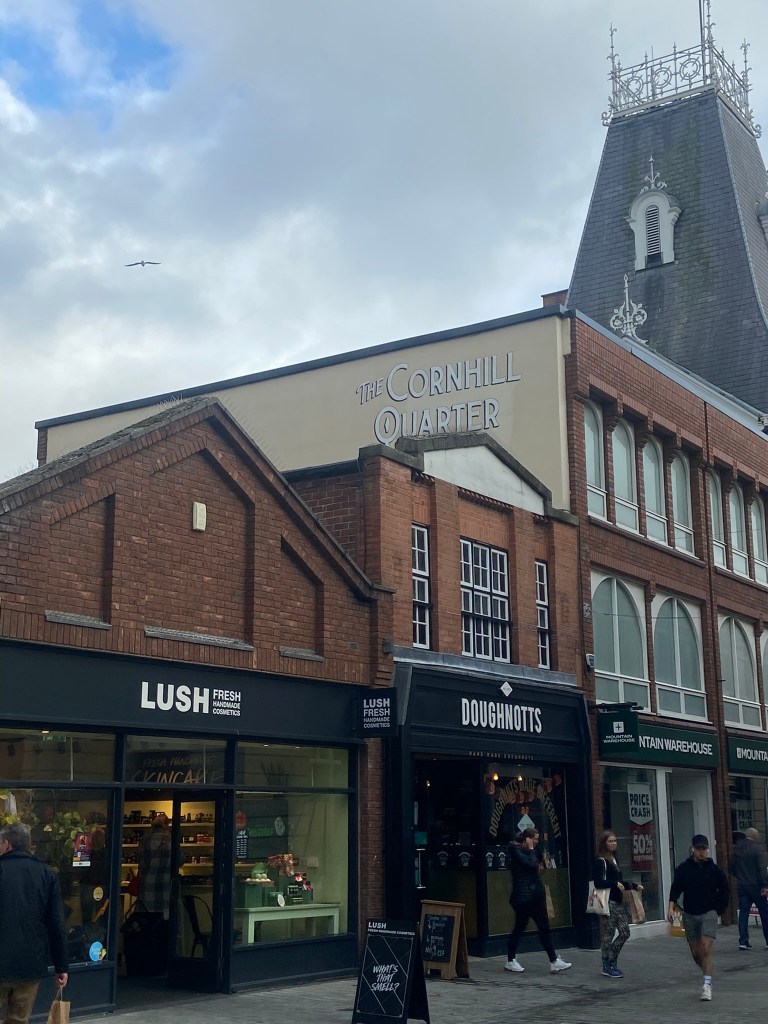
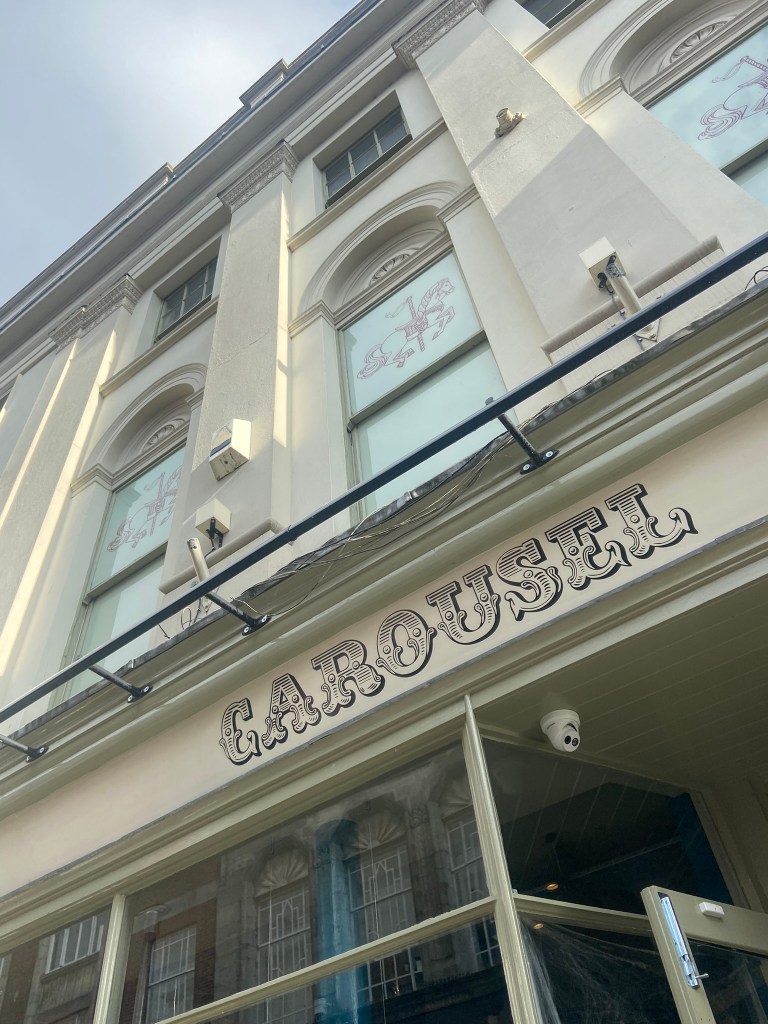
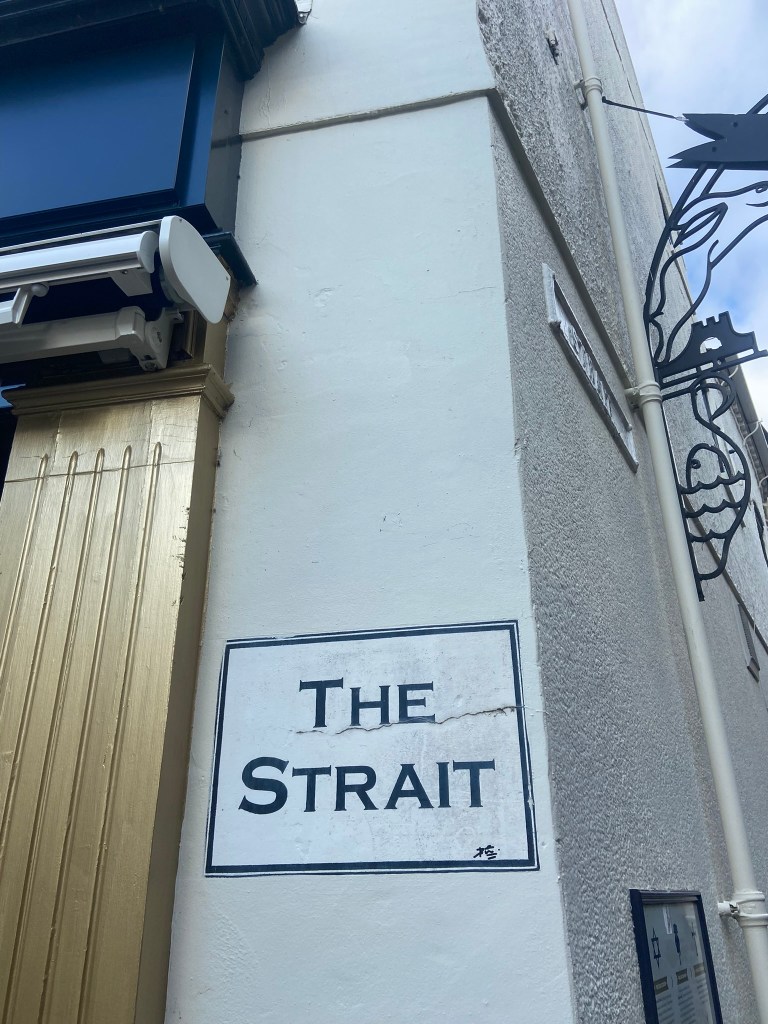
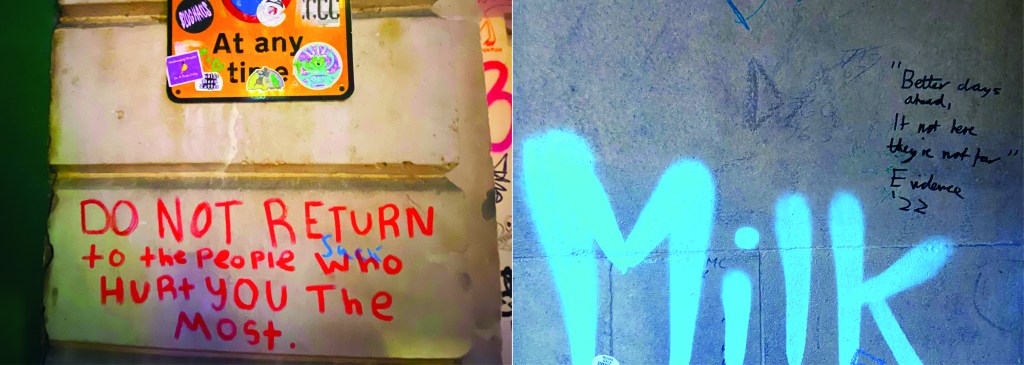
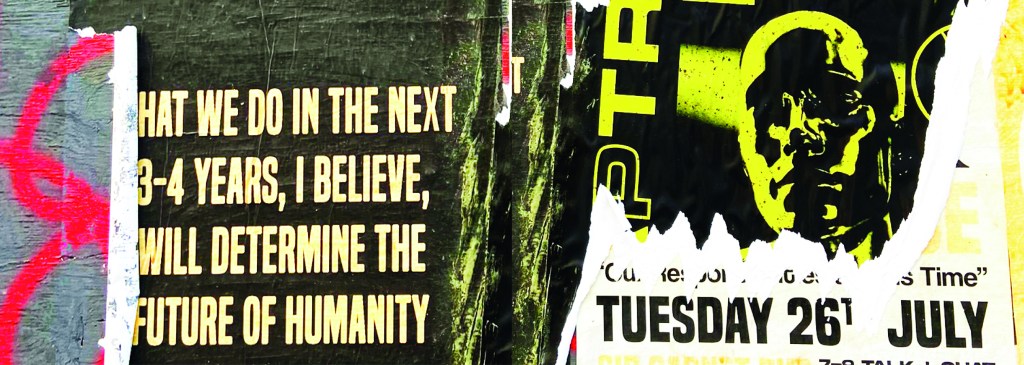
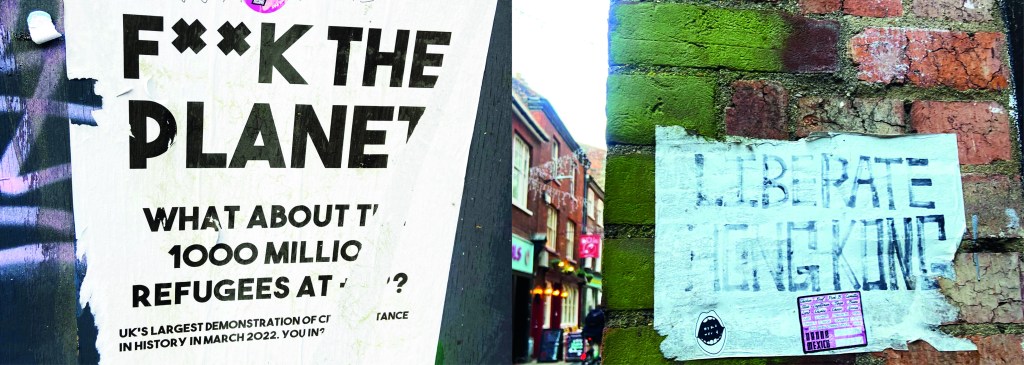
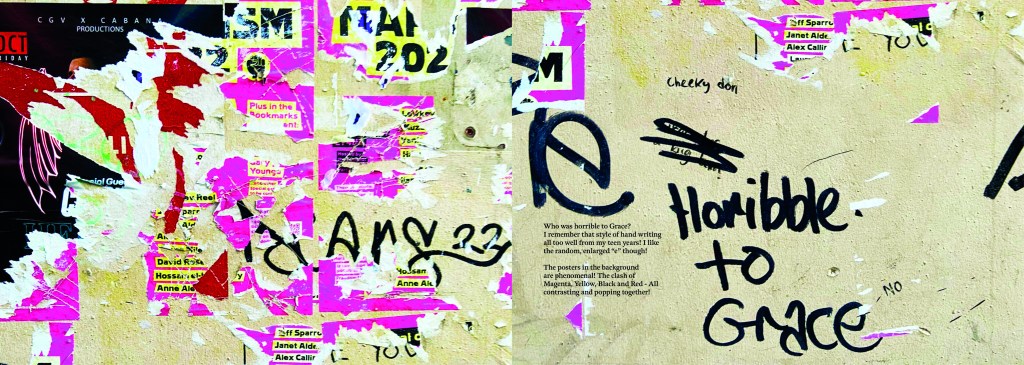
The idea came to me when I went to Norwich to try on my wedding dress after it came back from being made. I took my best friend with me and by the time we got back out onto the streets of Norwich out of the bridal shop it was getting dark and the streets were emptying. I had never really noticed the typography in the streets before, the graffiti struck me and I was just inclined to take cool photos of some of it (to the bewilderment of my friend!) I told her that I bank photos of cool arty stuff to use in future projects as textures or stock photos etc.. When I got home it got me to wondering whether I could make a book about the typography that is found in the streets?.. I had to really research this one, making sure that there were no holes in it. Could urban typography be classed as typography?.. I mean, I class anything that’s written as typography? Anything that communicates a message and conveys an emotion to us through type is typography, right? I just found the lettering I was finding on the streets really beautiful and I wanted to explore it further. I researched Vernacular typography and this is the lost art of sign painting and traditional methods of advertising on the streets before commercial printing came about. I found a lot of articles online by a designer called Molly Woodward who takes photographs of a lot of signs from the lost art of vernacular typography. Her kickstarter project is to try and map, document and preserve some of these fantastic hand lettered signs.

http://vernaculartypography.com/index.php/info/about/

A lot of the articles that I found online relating to vernacular typography study buildings and signs in Brazil and American states. I found a few learning blogs from OCA students on vernacular typography too which also made me a bit anxious.. was I jumping the gun, would there be a project in the future exploring this?…

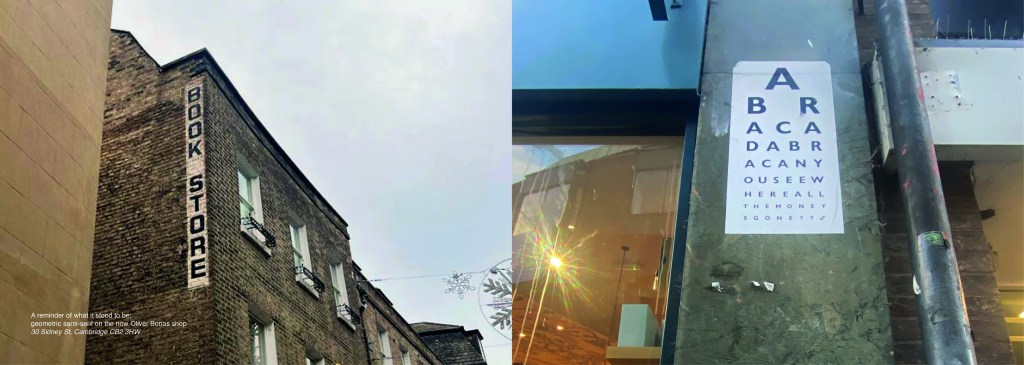
I didn’t find much of the old style of vernacular typography on my travels sadly, but then I researched further online and found a University lecturer who taught a project on vernacular typography looking at the signs above hotels and B&Bs in Blackpool:

creativereview.co.uk/vernacular-typography-blackpool-hotels-sarah-horn/

Sarah Horn the designer of En Suites looked for standout typography, intricate letterforms, funny names and bold colour palettes. I quite liked the idea of how she was documenting type but also capturing time and age through her photographs; these are photos that people will be able to look back on in years to come and see what the town looked like at this point. That is another thing I found with vernacular typography; it very much shows the culture of the place and the people who live there. I also liked the fact that in the Creative Review article she states that she wanted to do a simple book in a size that reflects a souvenir guide; she is really designing for the culture of Blackpool. Blackpool is very leisure and tourism so a souvenir guide matches its aesthetics perfectly! I like how she has pretty much made a flip book of inspiring photography- it is not a sit down and read from front to back book, it is not particularly informative but its aim is to dip in and out and use as a research book. A book to flit in and out of whenever inspiration calls for it. I wanted to create something similar!..

I also bought 2 books from Amazon which are very similar to that of which I wanted to create. One book is called “Urban scrawl” and concentrates more on showcasing graffiti hand lettered styles and the other book is called “The field guide to typography, typefaces in the urban landscape” which is like a bird spotting book of Graphic Design!- it shows examples of typefaces in the wild and then classifies them into what typefaces and era they are. I liked this idea and thought that I could potentially classify any typefaces that I found in the wild!
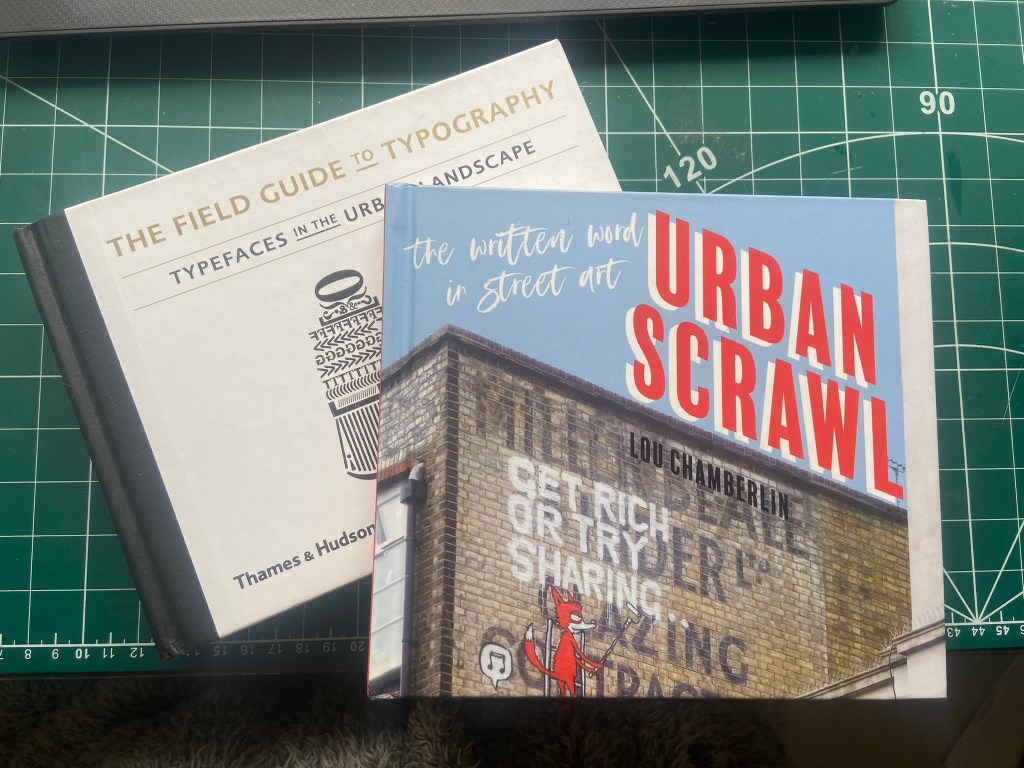
I was very anxious though as to whether I was meeting the brief of the assignment. The brief did say “alternatively identify your own project”… this was a different kind of project but typography nonetheless?.. I wanted to think outside of the box and go exploring down different avenues.. I didn’t want to play too safe but also I had crippling anxiety of my assignment being rejected for not meeting the criteria!

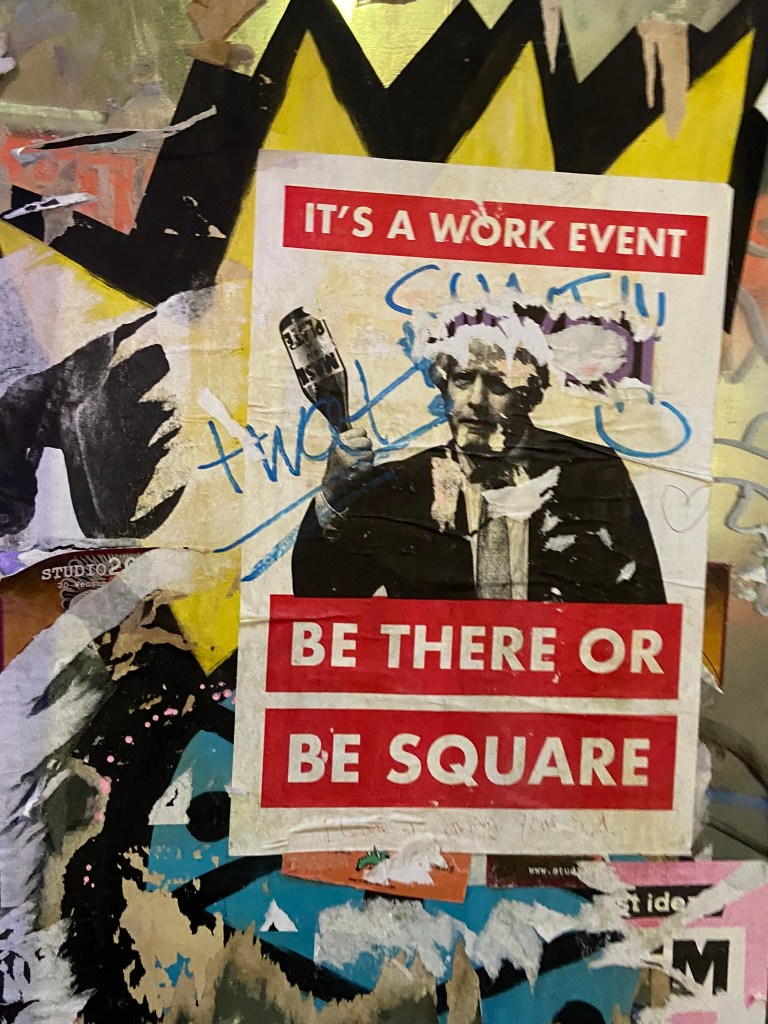
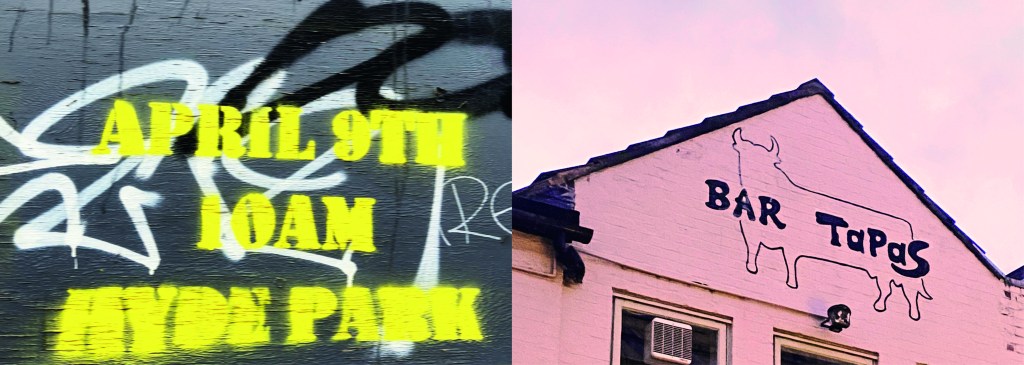
I wanted to include graffiti and street art in my book too as although these are not using typefaces, they are still a personal style and they are still hand lettered words with personal handwriting. There were many conflicting articles online that state that graffiti is not typography, I can see both arguments.. it is definitely not a traditional practice of typography but I wanted to concentrate on how insignificant ramblings or graffiti scriptures hand written on a wall can inspire a future digital typeface or fresh new designs.

I felt like I could have sit by myself for hours and days trying to justify to myself how I could or could not class this as typography.. I just had to be brave and go with my instincts…

The photographs

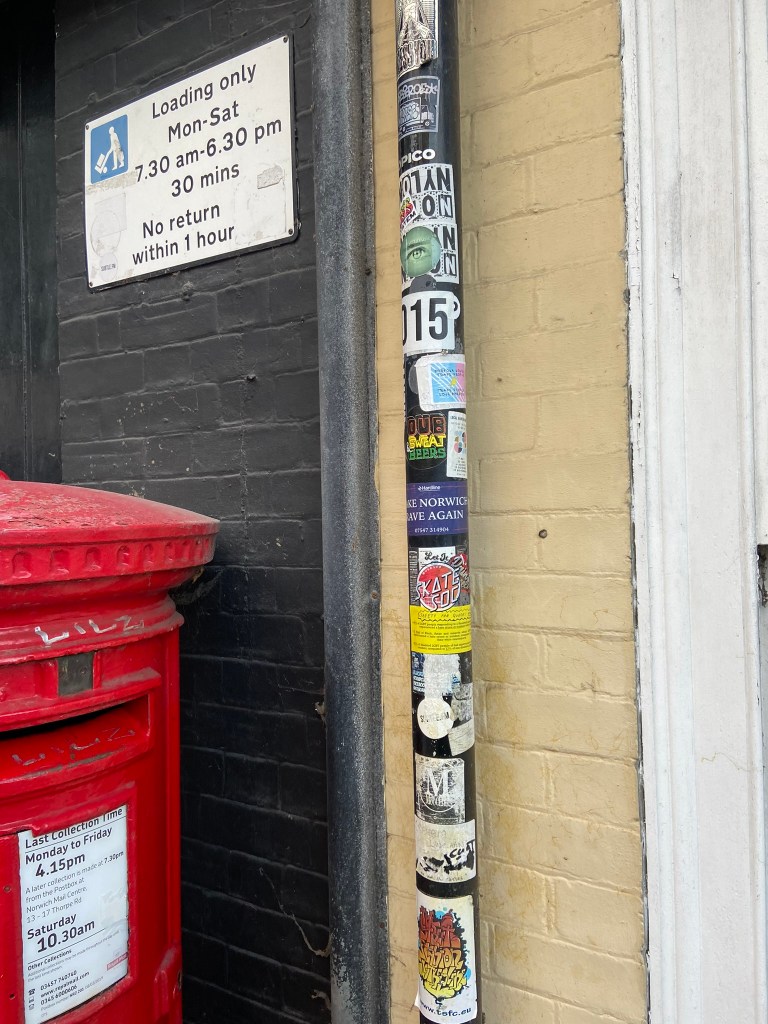
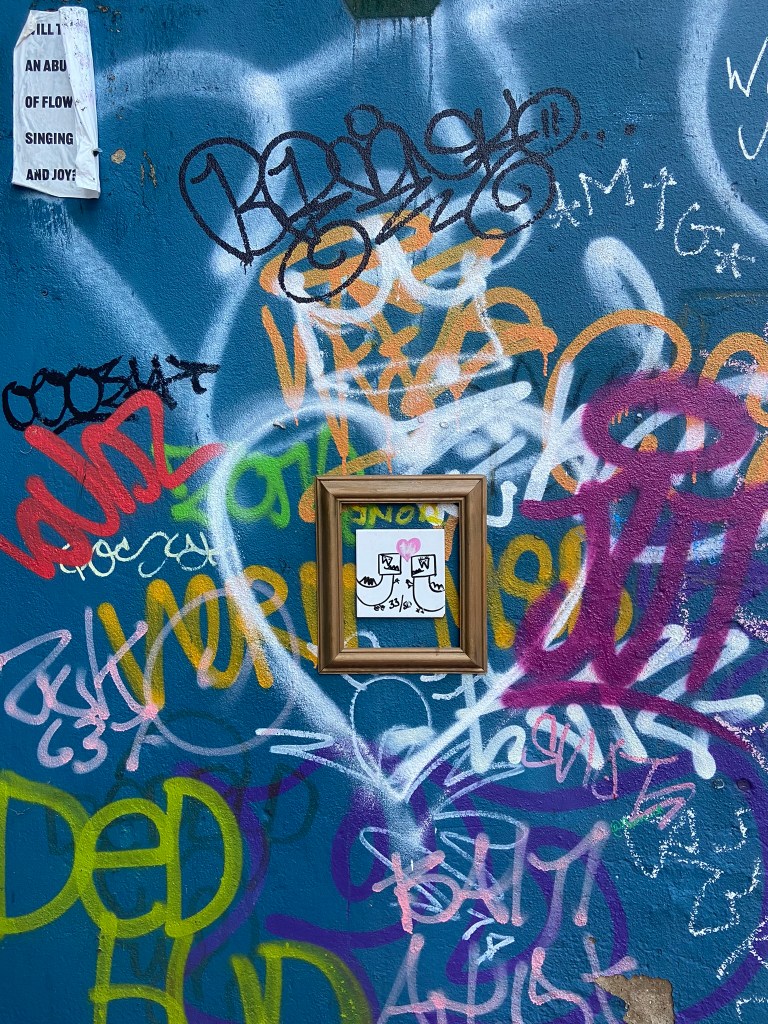
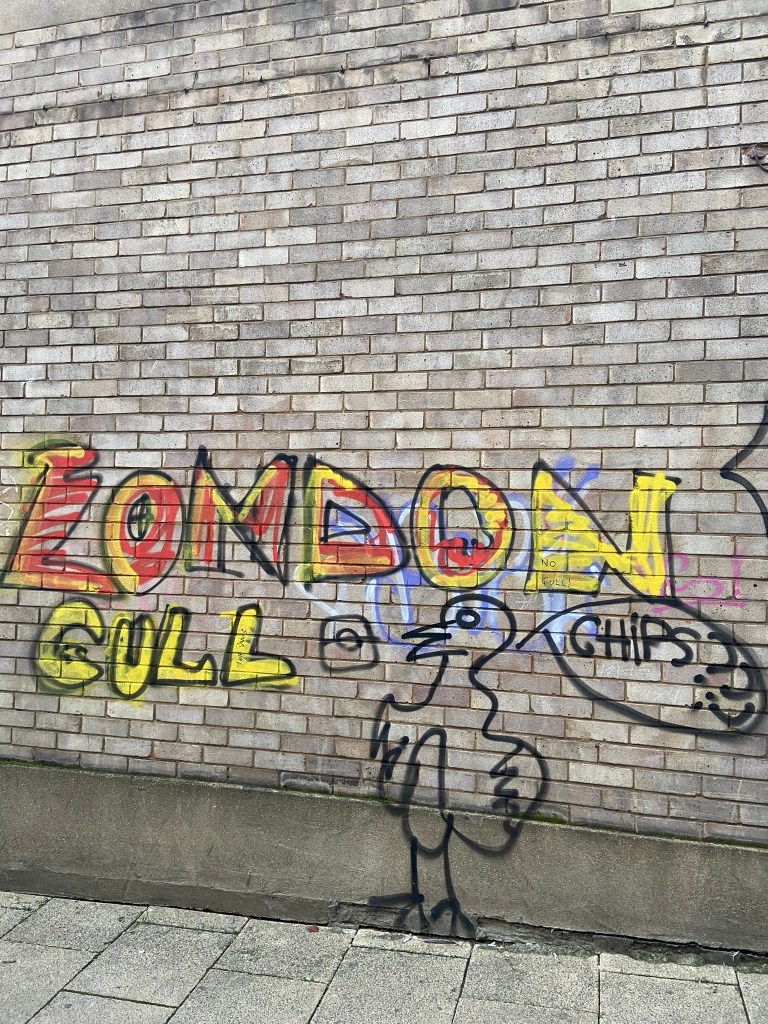
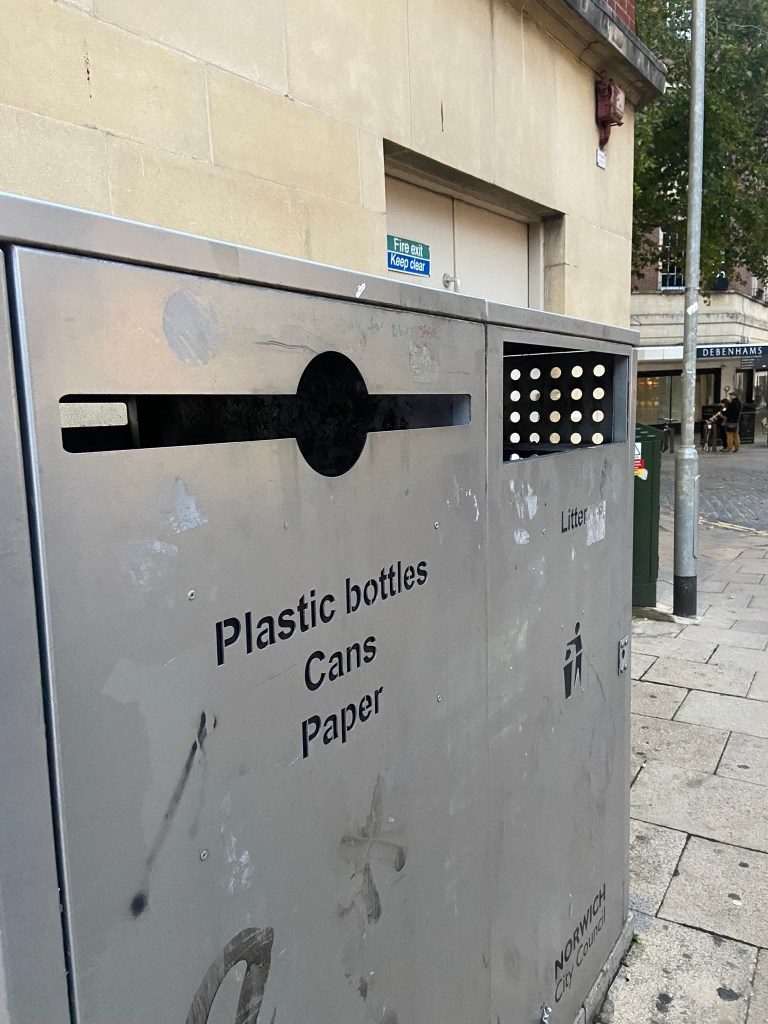
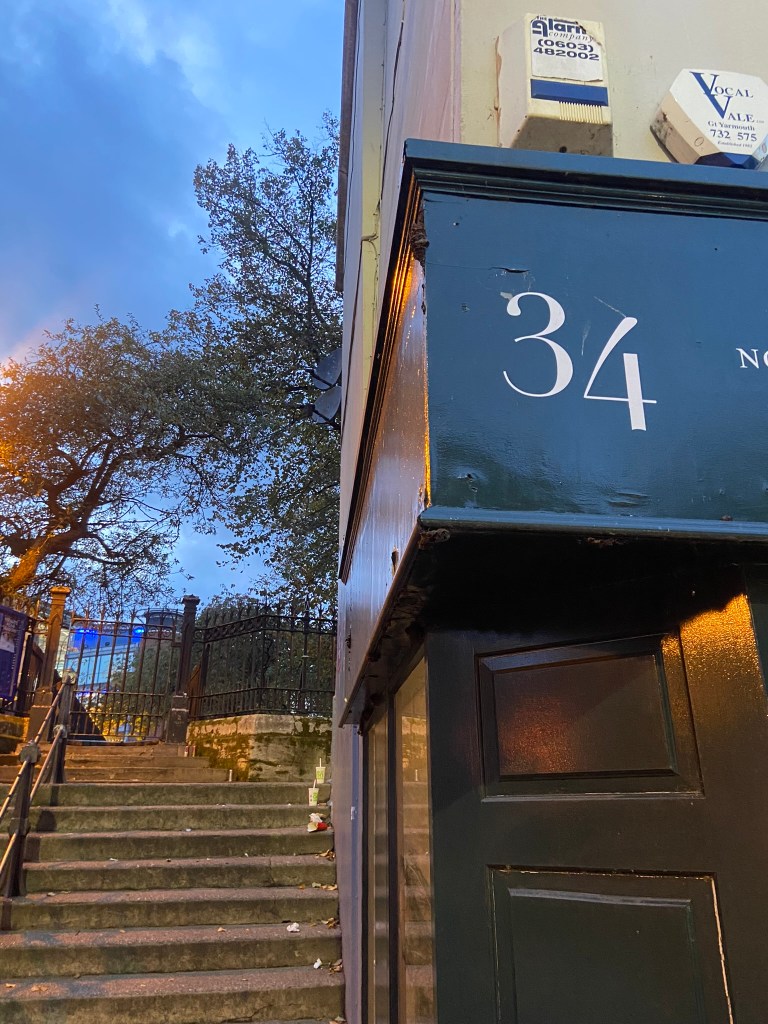
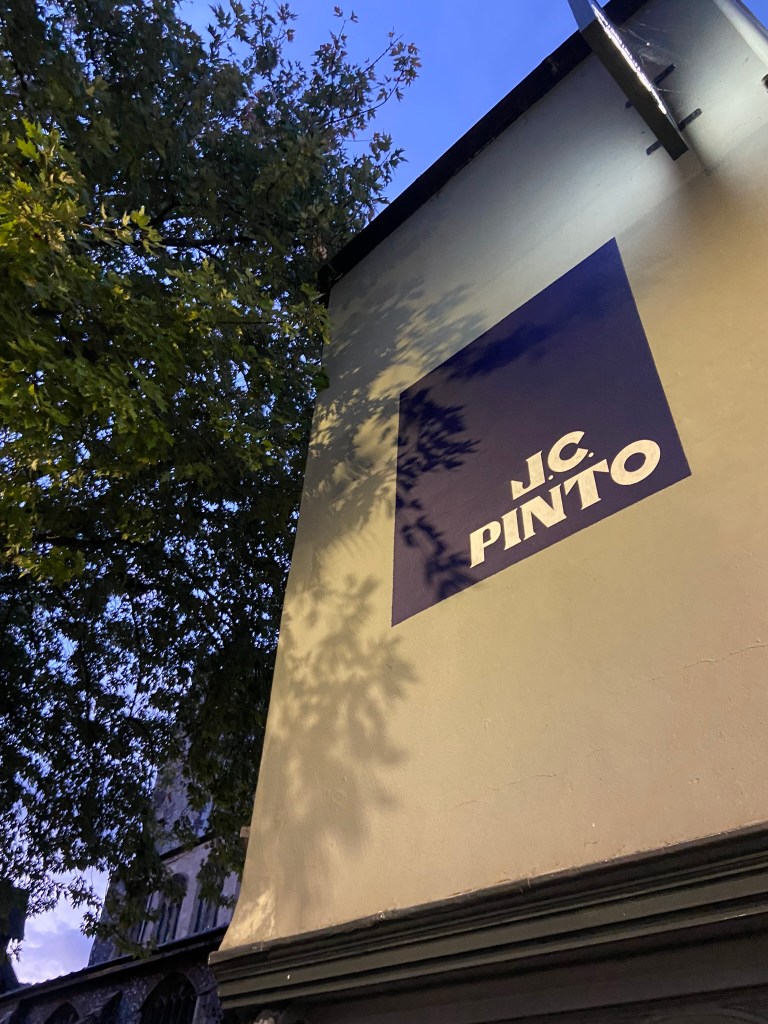
I had already got a small bank of photos from different towns and cities but I knew that for what I wanted for my book Norwich was by far the best place I had seen for urban street typography and art! Norwich is a 2 hour drive from our house and me and Chris left at 3pm on a Monday afternoon. Chris stuck an hour on the car in the carpark and told me to fill my boots! Off we set off down every nook and cranny looking for any sort of inspiration for my book. A lot of people stared wondering at me as I photographed graffiti that spelled out “boobies” among many! I didn’t care if it was relevant or not right now!- I just needed a hefty bank of photos to choose from! We literally photographed everything! Chris turned around to me at one point and said “I didn’t even know we would find this much to be honest… when you said about coming all this way to Norwich I thought it would be a waste of time! Actually though when you look, you can find a lot!” EXACTLY! This was what I wanted the purpose of my book to be! Inspiration is everywhere, you just have to be looking!! A lot of this vernacular typography is hidden, it is there is full view of us daily but we overlook it and take it for granted. Even the graffiti has sentiment, there are messages there to be taken into account.. we just choose not to see it as we associate graffiti with bad and not good. Chris said “graffiti is vandalism though, you are just celebrating vandals ruining things..” I replied that beauty is in the beholder, we did find some lovely examples of sentimental graffiti in nice hand lettering that I could imagine being traced around in design software and being developed into a new typeface!

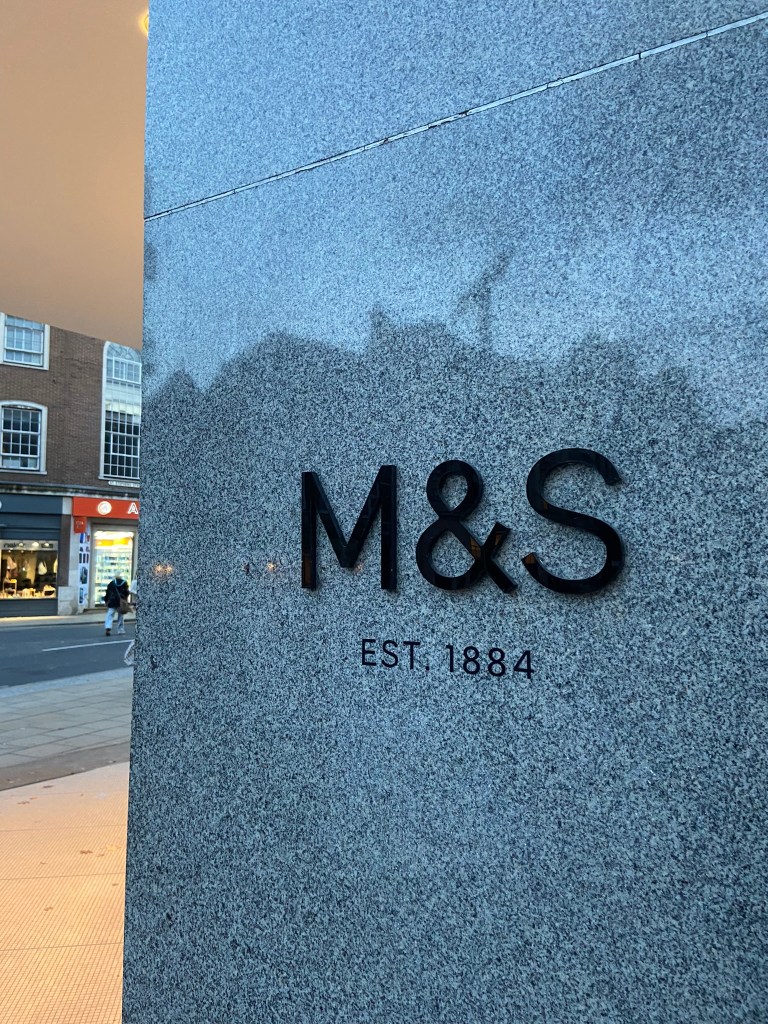
Chris was asking if I wanted to photograph shop fronts such as M&S that have the really nice ampersand and classic typeface; whilst this is lovely, M&S is too commercialized now. M&S in Norwich is the same as M&S in Brighton which is the same as M&S in London which is the same as M&S in Bristol!…These signs as elegant as they look with their typefaces are rather quite samey.. we have seen it before. I was looking for non-commercial beautiful typefaces. A lovely example of one I found was of an 84 in the ground of the church yard in the middle of town in Norwich:

It is a busy walk way and cut through to town but there was this beautiful 84 trodden into the ground. As I was photographing it a man hurried past me right in the way of my photograph and then looked behind him to question what on earth was I doing?.. What was I doing? What is HE doing… he is oblivious to what was beneath him! Another example of how type is everywhere but you need to choose to see it!

I really enjoyed that afternoon.. as weird as that might sound to some people. I was in no rush,..(well, the carpark I guess..) I wasn’t shopping, I wasn’t eating out, I wasn’t spending any money.. I was just walking round with my Fiancé and my iPhone being aware of my surroundings, being aware of the here and now and letting the creative vibes in.

Here are all the unedited photos that I took that night, including some that were already in the folder on my phone entitled “Urban typography”:

We definitely had fun walking around and looking at the random writings on the wall!

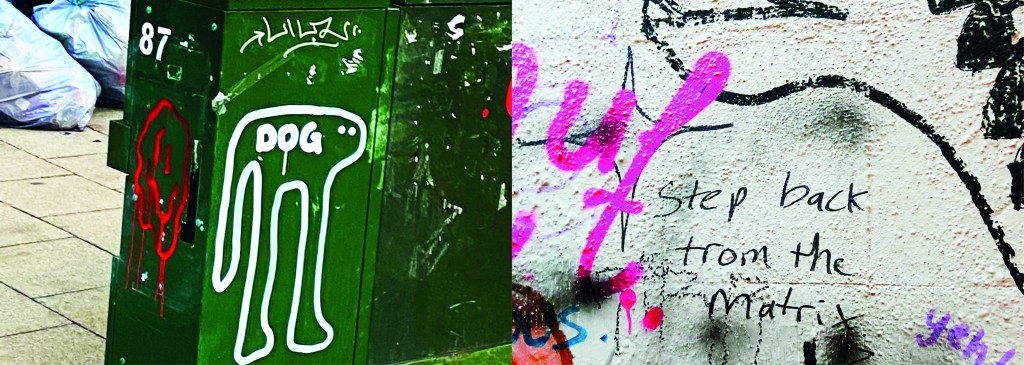
Some of them I was genuinely surprised by! Usually with graffiti it is just mindless ramblings and unintelligent one word scrawls.. Some of these were actual philosophical meanings that were carefully hand lettered and written onto there! I also found a lot of nice looking typefaces on our travels; there were a few with numbers and lovely looking ampersands which were rather very nice! The old pharmacy in Ely had lovely serif typeface inscribed into the building.

Now that I had banked a lot of good photos, it was time to go home and research further into what  content I was going to include in my book which would decide what photos I needed to import into Photoshop to edit to include in my book.

I started off by producing a rough flatplan of my book. I didn’t know yet how many pages I would be having in my book but I could start by planning out the beginning of the book with intro pages, contents etc..  I also needed to plan out how I was going to get vernacular typography, street art and collages into one book and split it accordingly. I had the thought at this beginning stage to colour code each section of the book which is why there are colours following some of the pages.

I also printed out contact sheets of all of the photos I took and highlighted them against their category; Vernacular, graffiti, experimental.

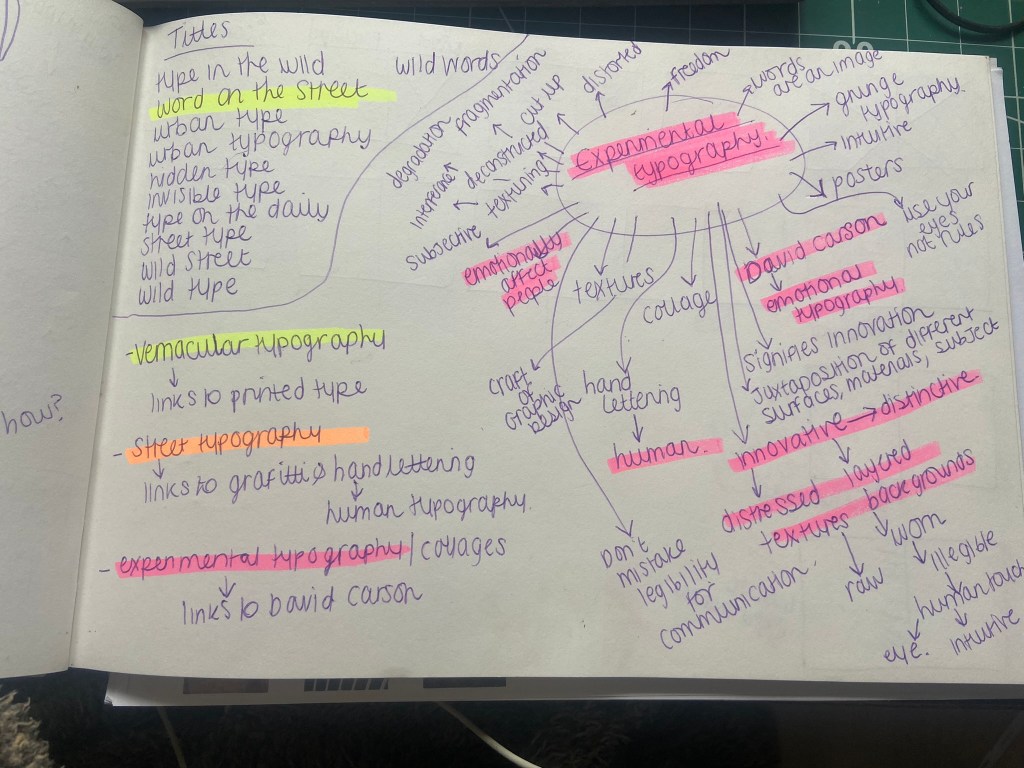
I also mind mapped some research around vernacular typography, street typography and experimental typography:

I figured out that my book would have three chapters: Chapter 1 on vernacular typography which would feature the shop fronts, signs and any interesting typefaces I found on my travels. Chapter 2 would focus around the street art; Graffiti and more humanist typography done by hand lettering and handwriting. Chapter 3 would focus around posters and collages that feature interesting type which would then lead into a little bit of information about David Carson whose recent experimental typography work involves collage.

It was difficult to sketch ideas around my layouts as a lot of what I am using are photographs, instead I sketched out ideas for the style of layout that my book might have.

I whittled my photographs down and organized them into their groups ready to edit and bring into my book later.

Timings for my book

The photographs that I took for my book were taken late October whilst I was on half term from school, I started this assignment on Monday 7th November and it was complete by Wednesday 9th. This is not something I am particularly proud of- but I did work my socks off for 14 hours straight on both days whilst being off sick from work, (I have been ill for 3 weeks now!). I had to really organize myself and know exactly what content was going in the book. I am so fortunate to have pre planned ahead and taken all of the photographs I took for the book! In industry I know there are fast turn arounds but nothing possibly as quick as this for a published book! In an ideal situation I would have liked to allow myself more time to add more content- more creative outcomes from the examples that I found (the end, hidden chapter in the book!). Although the turn around for my book has been quick, there hasn’t been any corner cutting. I have successfully included everything I wanted to from my initial idea and I have checked it numerous times for typos. I have just been really unfortunate this year of studying in that I have had so much personally happening.. house renovations, our wedding in 3 months which has been full on organizing!, hen parties, (one of my own, that I organised.. *eyeroll) full time work, fitness and numerous of silly little health incidences this year that have hindered my study time quite significantly! I do like the fact that I had full creative control over my book, in industry I would have been the artist, author and designer and it would have been my content and vision which would drive the book forwards.

The size of my book

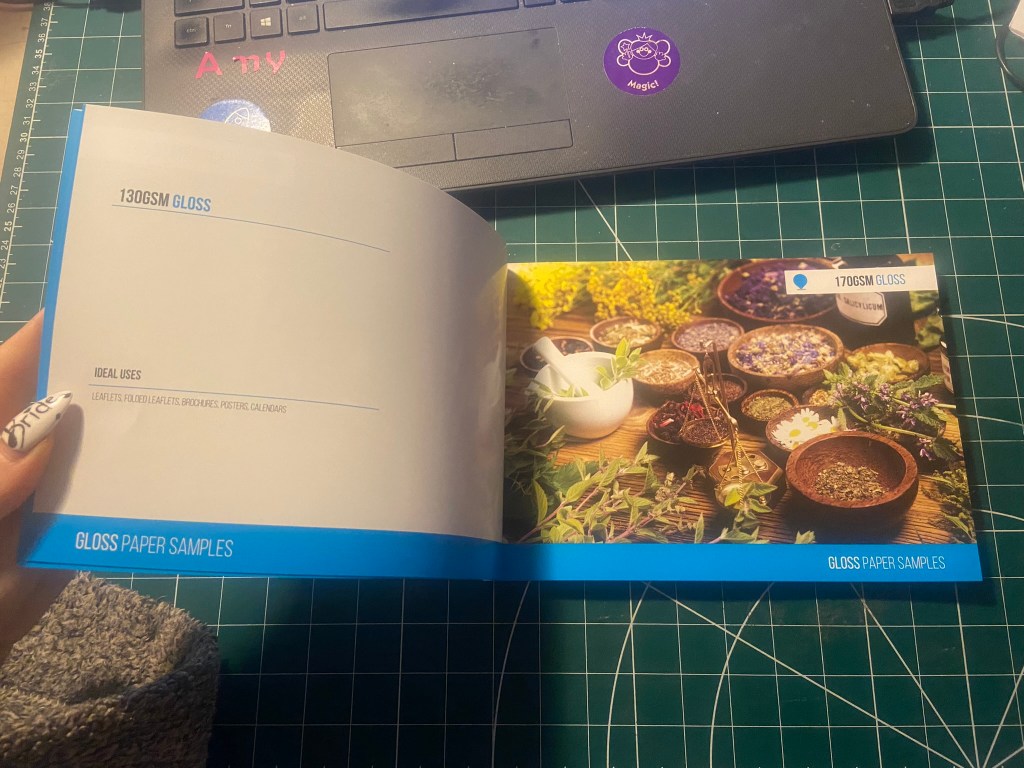
I now needed to figure out the size of my book. From doing previous exercises in this unit I have a Solopress paper sample book that I quite like to keep handy for reference and I really like the size of it. I measured it up and it was 21cm x15cm landscape. This is also very similar to the En Suite book that Sarah Horn designed. It is also a very similar size to the 2 books I bought on Amazon.

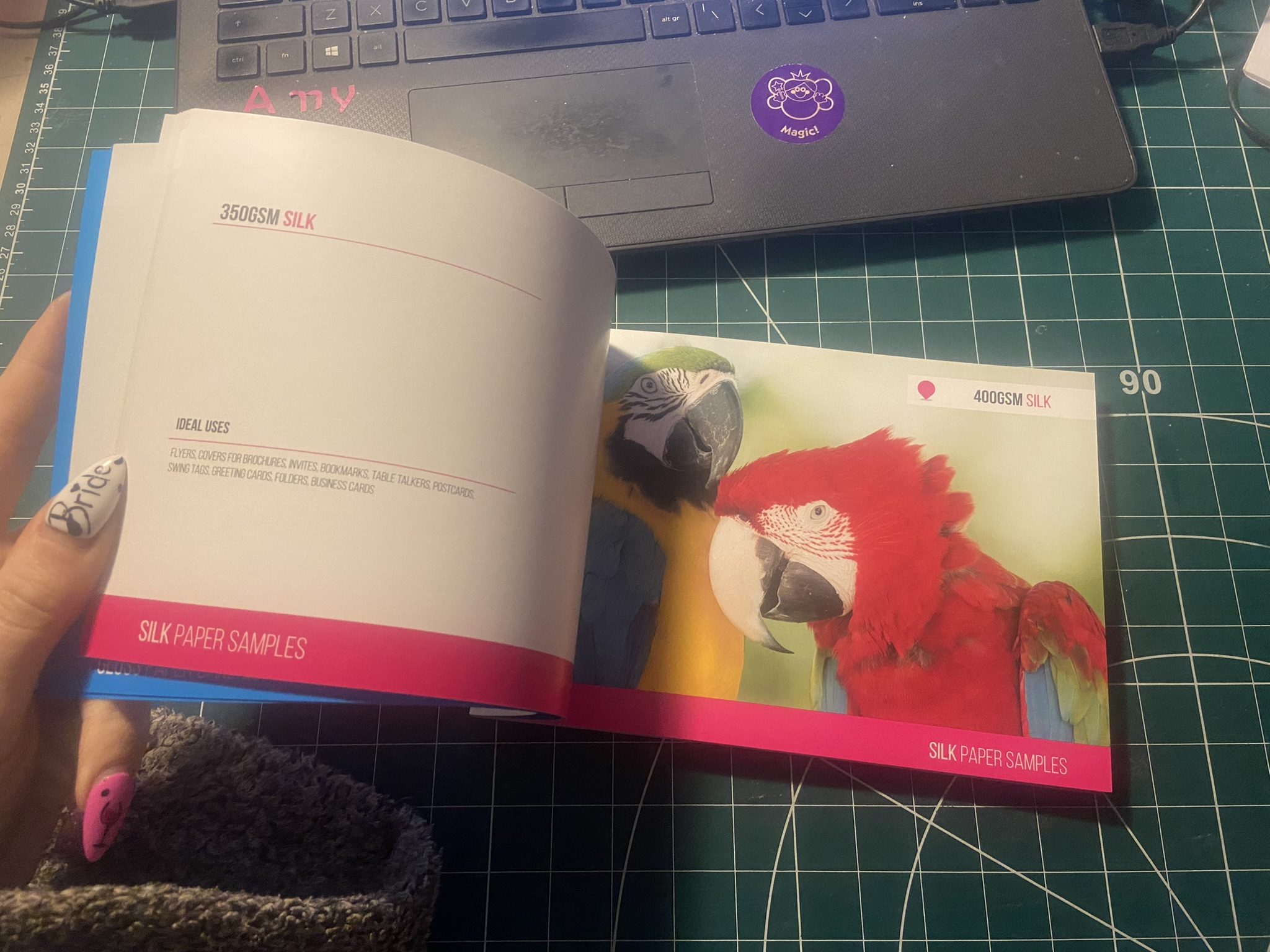
I decided to go with this size and created my document in InDesign. In my last assignment I made the silly mistake (I didn’t even know what I had done until my tutor pointed it out!) of designing everything in Photoshop (including text!) and then importing it into InDesign. I have no idea why I did that because I have never done that before! I know that images are edited into Photoshop to be imported into InDesign and any text is always done in InDesign and any vector illustrations in Illustrator! I was not going to make that mistake this time! I started editing my photographs in each folder one at a time increasing the vibrance and lightening up wherever was needed. I wanted really bold, striking, bright and colourful photographs for my book!

Referring back to Solopress printing book I keep as a reference, I had a look to get my book professionally printed from there. Although I had such a short time designing my book and I couldn’t possibly have a physical copy in my hand for my final course deadline, I plan to have some copies printed so that I can present these for assessment when that date rolls around. The cost of the print depends on how big the book is. My book with all the photographs actually turned out to be a proper book! I only envisioned 40 pages maybe for my book as I have had a nosy at a few fellow OCA students blogs and seen that their work consisted of about that mark.. Mine ended up being 102!! I just had so much good photographic content for it that I didn’t want to miss any out! I also really enjoyed putting it all together.

https://www.solopress.com/perfect-bound-brochures/a5/

I inputted some details on Solopress website to see how much my book would cost to have printed:

From looking at their book I flicked through the pages to see what options would be best for my book. I wanted an A5 perfect bound brochure as these were suited for a lot of pages. I like the 170gsm gloss paper for the insides; I needed a glossy paper to show the beauty of the photographs. I also wanted a chunky, glossy front cover so went for the heaviest stock option they had in glossy for the cover. There was paper stock in silk available at 400 gsm but glossy suits the nature of my photo book more.
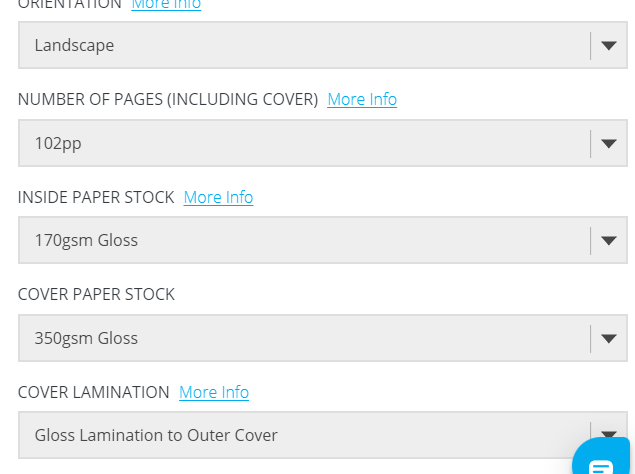
The costs were not cheap… but then for a full colour, big book like the one I have produced I would imagine that this would be the typical price. It is better to order more copies than less at this point! I would probably try and order 10/15… give some out as promo for my work.

For the time being the best option for my book when I had completed it, was to find an online digital place where I could house it for the time being! I refer back to part 1 of this unit where I state I am not a fan of digital books, I am still not.. but desperate times called for desperate measures and at least this way I had a fully functioning book that could be read in a digital state for the time being!

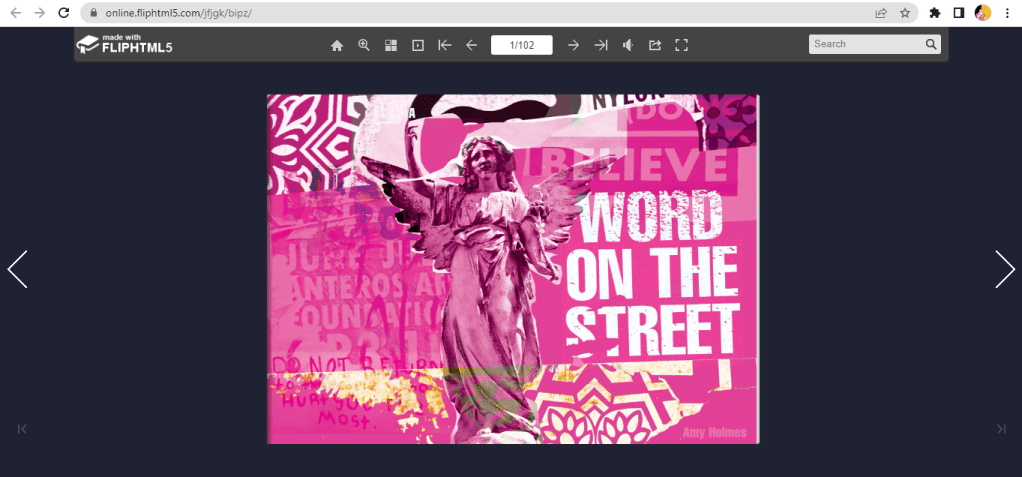
I found this website, which is actually quite good for importing in your PDFs and it creates a flipbook of your work!

You can see my book below by following the link!

https://online.fliphtml5.com/jfjgk/nurj/#p=1
Designing and making my book

I edited all of the photographs for the book in Photoshop and then created all of the content using InDesign.

My book would be primarily a photo source book to flick through for inspiration so I knew that when It came to laying it out, it needed to have a photograph a page. The front and back covers I designed last because I wanted to finish the whole of the book to see if any inspiration or cool images would be made by the end of the book to include on the cover.

This is page 2 and 3 of the book. I wanted contrasting pages so that they were bright and vivid and stood out. A lot of the photographs in the vernacular typography first chapter were blue in colour or had a blue/grey tint so I decided that Blue was the appropriate colour to start this chapter off!

I wanted a bit of an introductory to the book and a chance to self promo my work. In InDesign I worked to a 6 column grid and positioned my text over 4 of the columns.

For the squiggly graffiti page I cropped a section of the photograph below and then put a filter over the top to give a cool effect!

When I was in Bristol over the summer I took a cool photograph (and a video!) of people “jumping the fire” as the lad told me in the video I took, this is tradition in Bristol.. a right of passage and means that you belong to the city of Bristol. It might be complete Saturday night drunken bollocks but I really liked the photo I took on this random night! It is very urban with the lights and the graffiti and the people in the groups and walking by. It has atmosphere and a vibe if nothing else! I had to use it for the opening page of the book! I edited the photo in Photoshop to increase the vibrancy and added a little bit of a posterise effect.

I opened the book also with a short piece I wrote on the importance of type everywhere. I used Red for this page to mirror the dominant red colour in the Bristol photo.

For the contents I created a page very similar to the opening pages where I took a section of a photograph from my collection and overlaid a filter on the top to create a new feel. I used a contrasting colour to the yellow- red which again ties in to the previous pages and also pops out against the yellow and helps the headings stand out. The typefaces that I am using are Helvetica compressed for the main headings and title – it looks quite “street” and stencil like and then for the body text I have gone for a contrasting and complimentary typeface called Meno Text Semi Bold. This sans-serif is ideal for body copy and really compliments Helvetica.

For the Chapter 1 opening pages I have done similar again, cropped a section of a photo and then laid a filter over the top to create a cool effect and tried to choose contrasting colours. The red is very dominant in my book and the blue is the colour I chose to colour code the first chapter of my book as most of the photos have a cool, blue/grey tinge to them.

The photograph I chose to use first for vernacular typography is below; I really like this one as I’ve explained in the info I have written explaining in my own words what vernacular typography is. For each page of writing I have done I have tried to keep the background white to allow for better readability and I have either aligned the text over 4/6 of the columns or distributed the text over the 2 halves of the page depending on how much text there is as to how much room I needed to take up.

Before I started showing different typefaces from my locations in my photographs, I needed to give some information on how to tell them all apart and how to classify them to readers who might not already know.

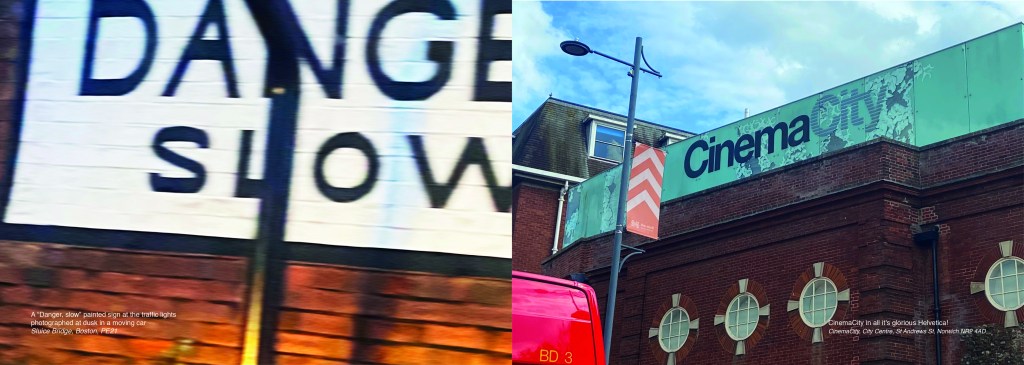
I also did the same for serif typefaces and their classifications… This will help the reader identify which typefaces belong to which classification and better help them when they go out into their own urban environment and find some of their own!

Again, I did the same technique with the left hand page by taking a section of a photo and putting a filter over the top and then I chose contrasting colours for the facing page to make the pages pop and really stand out.

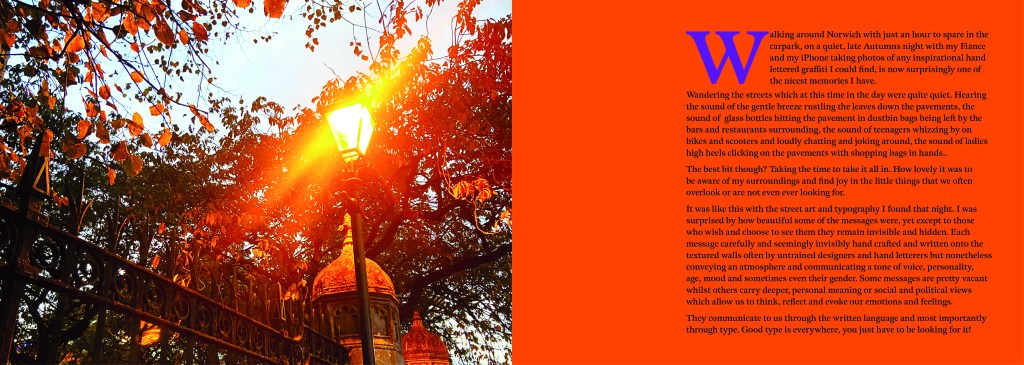
These 2 pages were a personal introductory to street art, I documented how important it is to be aware of your surroundings, live in the now and really take in everything around you because you never know what you might find! I used a photograph I took of a street light near a church yard in the middle of Norwich, I just remember thinking how pretty the orange leaves looked against the brightness of the lamp.
The same as every opening chapter I have done up until now, another left hand page created from a cropped section of a photo and then with a filter put over the top. I have used contrasting colours again to make the pages pop.

For the double pages below, I used another photo that I randomly took of the street in Norwich at dusk. It just gives an urban feeling for the opening of Chapter 3.
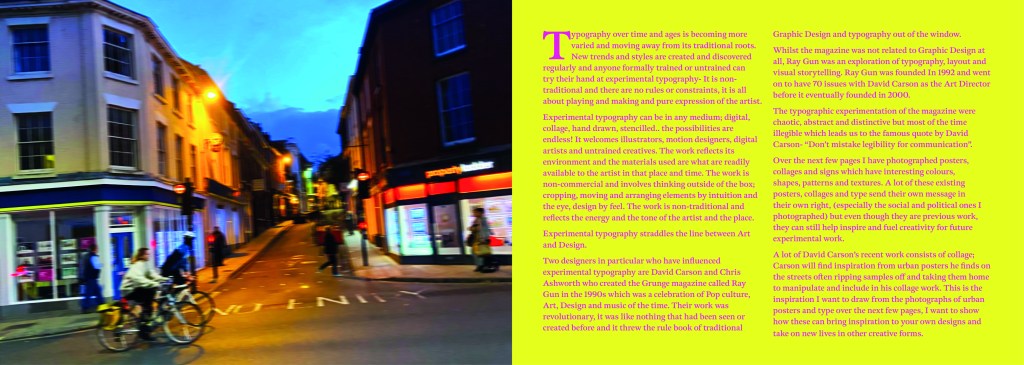
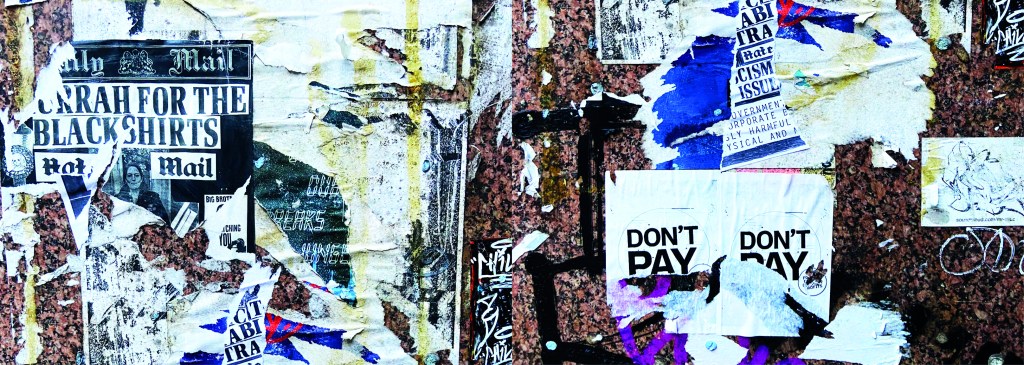
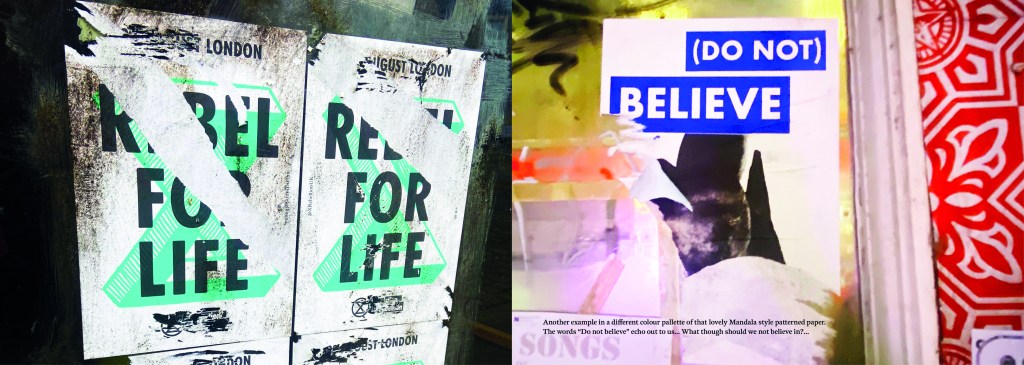
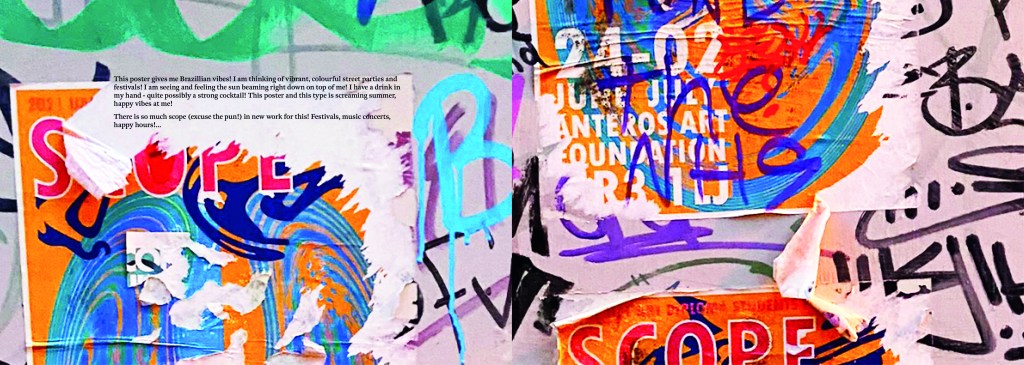
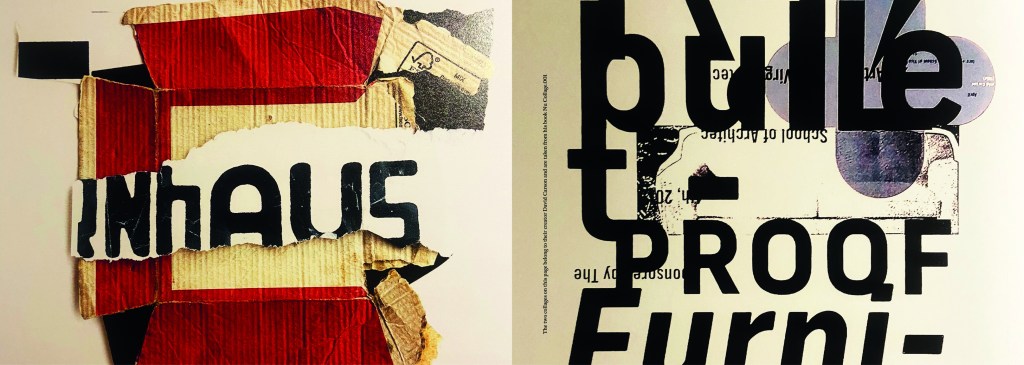
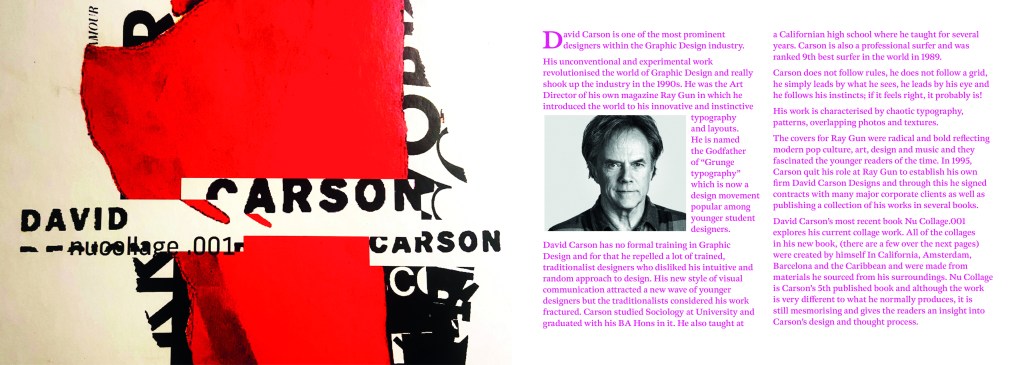
This is where I introduced David Carson to chapter 3. I felt like it was relevant to include him in this chapter as a lot of his new recent work is very similar to that what I found in urban posters and collages in the street. Carson takes a lot of inspiration off the street for his own designs and collages. He rips interesting letterforms off posters or packaging that he finds and incorporates them into his own work. I wanted to show in this chapter how you can take inspiration from these posters, collages and type on the street and import them into your own work to create new, fresh work.
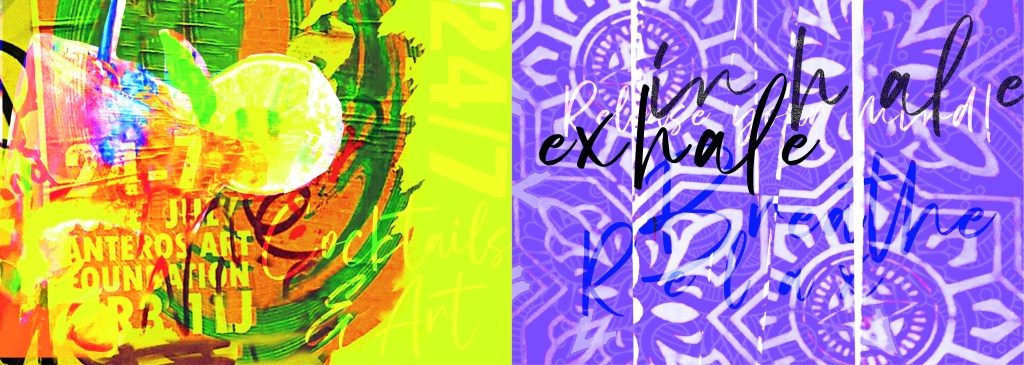
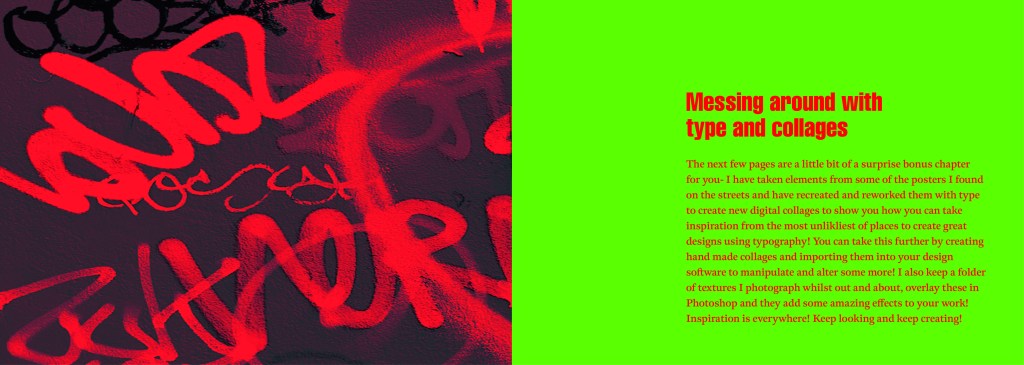
These are the opening pages to the last section of my book which is where I try to bring some inspiration by showing how you can rip text, images, textures, patterns etc off materials you find in the urban environment and bring them into your own work to create some cool art, designs and type.

I created a few examples, I would have liked more time to spend on this hidden chapter as this is really what inspired me to create this book! I would take photos and then use them as textures or as backgrounds or inspiration for any future work! It would be quite cool in the future (even just for fun!) to create a book full of these new, fresh designs made from existing type and work.
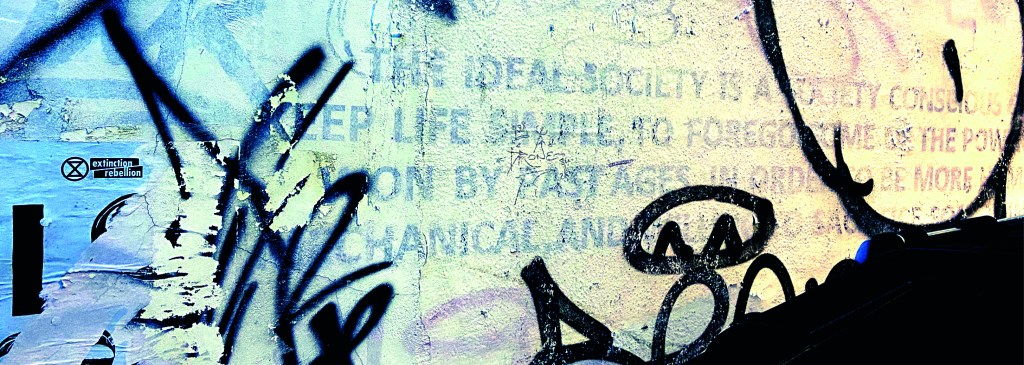
I closed my book off in a similar way to how I opened each chapter. I used the same pattern for the inside back cover as I did for the inside front cover. There was one piece of writing I found on a wall in Norwich where someone had scrawled out a nice sentiment. I don’t know if it is religious, I would guess that is is a song lyric.. nonetheless it had an obvious effect on the person who chose to carefully write it out on a random wall! For someone struggling with a hard time and looking for a sign or something to tell them things will be ok, this is it! I’m not sure if we can class it as typography?… its humanist, its hand writing, we could take the hand writing and create a typeface from it… what a nice little quote though if nothing else and it is a nice way to close the book.

I designed the front and back cover last of all and I’ll be honest I almost totally forgot to!..

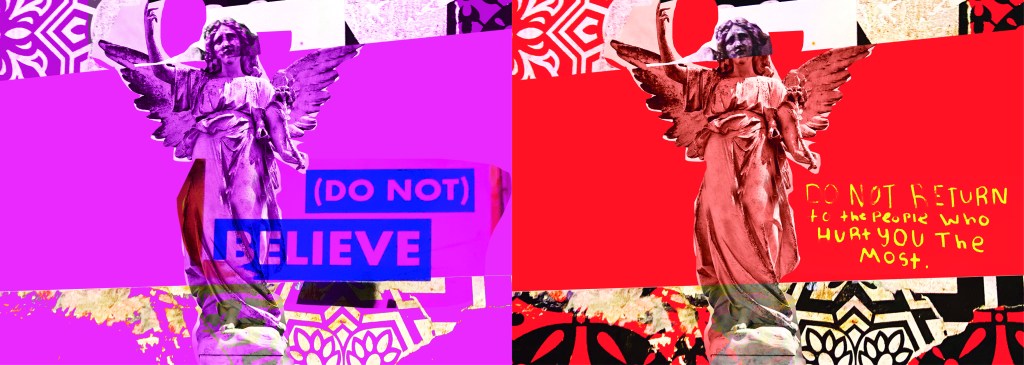
I created these using one of the collages I put together for chapter 3 using snippets of type, snippets of mandala/floral inspired paper and clips of posters. The head of the angel was actually on one of the posters I took a photo of, I have no idea what it might have been, it was just a head! I then went onto Google and found a body to try and best match up to this angel! It is eccentric and weird but I kinda liked it! It is like the word of God! I couldn’t help resist balancing a capital A on his/her finger either!

It is not a typical cover for a Graphic Design typography book and after I designed it I was a bit unsure whether it would actually work… I started to design a back up cover which had a photo of the vernacular typography on that building in my hometown (the first photo in my book!) but then I reminded myself that I wanted to do something I hadn’t previously done.. I found myself moving closer to “My little book of Good Typography “again with how I used a photo for the cover of that. Nope, I would carry on with this cover.. if nothing else it intrigues you as to what it is all about! It almost looks very Punk!

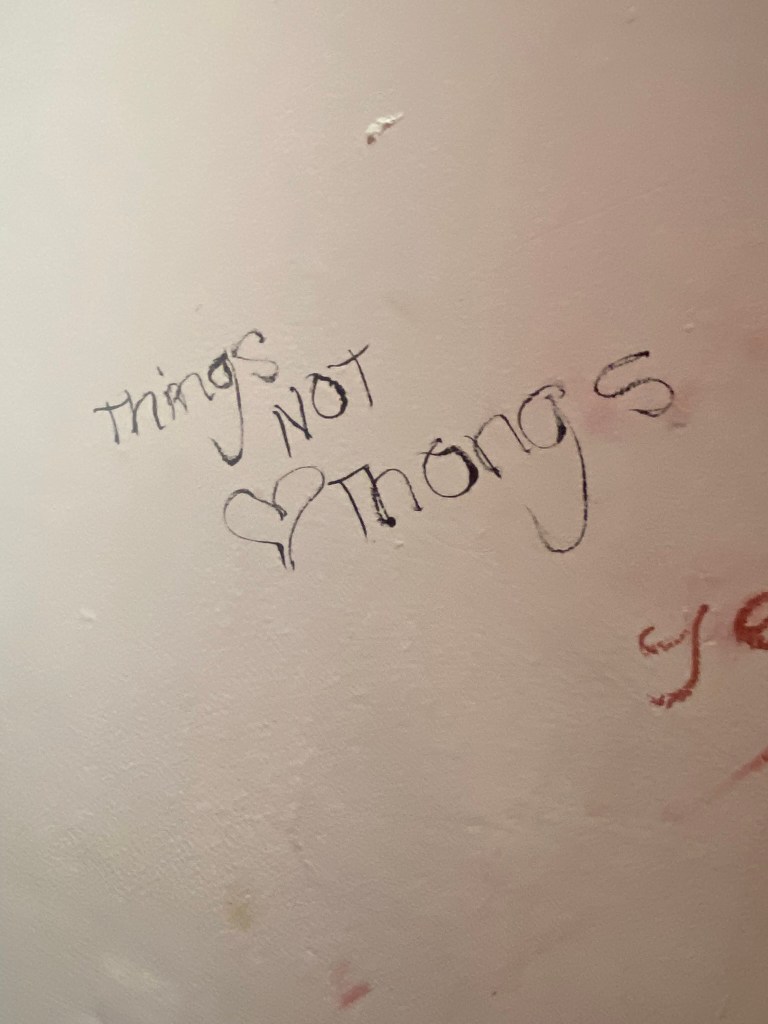
Another one of the quotes I found on a wall I included on this cover and in the book “Do not return to the ones who hurt you the most”, who would have thought you would read these little messages on a wall? Coming from someone who was once in a violent relationship I cannot relate more. It is hauntingly beautiful. The handwriting also had potential to be imported in and turned into a typeface..
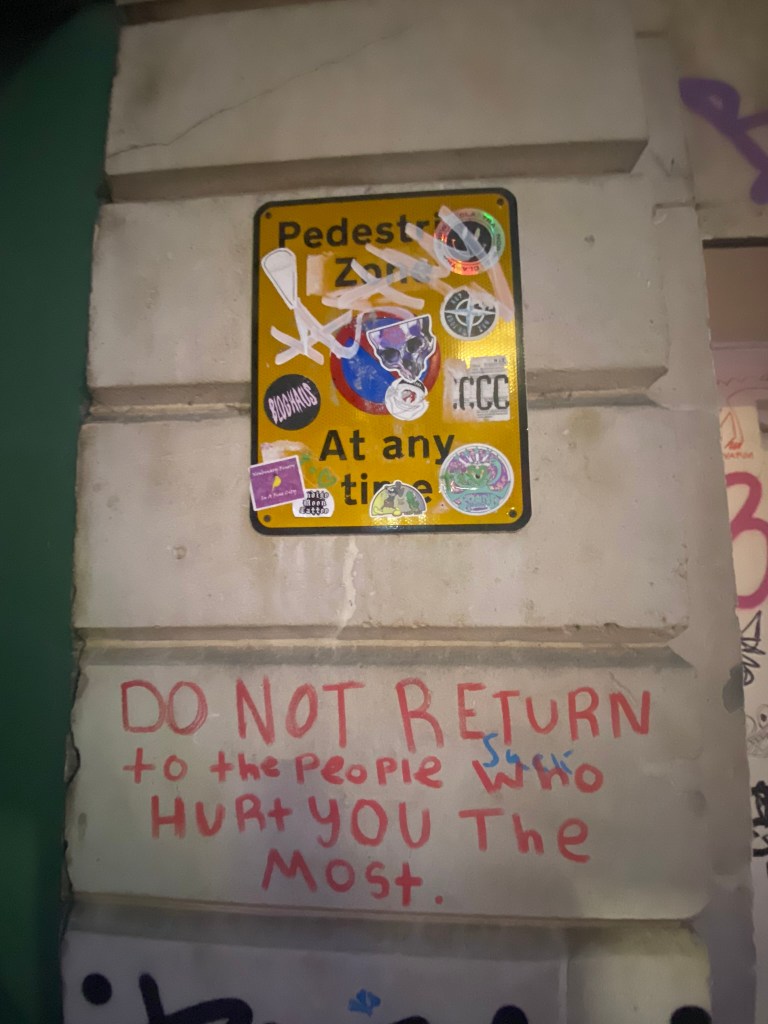
I mean, it would be a very childlike typeface but I can see it! I really like the curved shapes of the rounded letterform.

In Fact!.. Let’s just create a page for it! Writing this blog made me decide to create 2 extra pages for it because it shows how you can take inspiration and then create new designs and type and potential typefaces with it!

Conclusion

I really enjoyed designing and making this book, it was a shame I couldn’t see it professionally printed before I submitted this assignment but for my formal assessment I shall have a copy to photograph and include in my portfolio. I am pleased I managed to find somewhere to upload it as a digital flipbook though, it gives a sense of what it will look like when it is professionally printed. I am disappointed with how little time I have had for this assignment, although I am pleased with how hard I have worked to achieve the final outcome that I have. At the beginning of my journey with the OCA and even at the beginning of Creative Book Design, I was very much a perfectionist and just couldn’t leave my work alone. I would reach a final outcome and then have to constantly perfect it. This short assignment has taught me to create designs very quickly and to be content with the outcome I reach just so that I stick to deadlines. I am pleased that I used photographs that I personally took in this book, it makes it more personal to me and knowing that I put the hard work in to source the photos. I really like the photos I took as well, there is a broad range of different styles and typefaces to keep the reader enthusiastic throughout the book. My only worry is that I will be graded down for not using traditional typography, especially as I haven’t even studied vernacular typography in this course at all! I just wanted to show how typography can exist outside of the design studio and is available 24/7 for everybody at any level of training regardless of whether you have design knowledge and experience. How inspiration can be found from the unlikeliest places and how very often we overlook graphic design that is around us daily. I gave my mother in law the link to my book and she said she forgot that there was so much design around her daily and that next time she was out and about she would pay attention more often… Chris even sent me photos whilst on his Stag do of unusual typefaces he found on his travels! It’s contagious! everyone soon shall be observing type out and about in the wild!

Exercise 3: Experimental Typography

The Brief

First Thoughts… (and a very “lovely” memory!…)

I am learning to like Typography and to become more comfortable using it because ever since the experience I am about to detail below, I always get worried, doubt my choices, wonder if I’m making the right choices! and basically just stare at a blank canvas for a while frozen in self doubt and lack of confidence!..

I had a bad experience at University in 2007, A fresh faced 20 year old (my first time around doing my degree before they very nicely “kicked” me out.. *eyeroll) when I had to “show and tell” or “critique” my work to my tutor and peers; the work I had to present was a poster about the sound of type? (I did it like The Sound of Music style) using shapes and typography to illustrate it.. Now I know it was by far from a work of art back in the day.. even I am looking and cringing but HEY look! Even today I’m still learning ok! Seriously though, was there really any need for my tutor to absolutely humiliate me in front of everyone, make everyone laugh at my work and by making me sob down the phone in my old little KA (called Biddy, RIP bless her…) to my mum in Iceland carpark telling her my work was shit by his comment of “ER… SOMEONE CALL THE TYPOGRAPHY POLICEEEE!”- what happened to constructive criticism? I mean I can’t even remember his name, all I remember is he looked like Shaggy from Scooby Doo and he was a complete smug, 30 something arsehole! (basically me now.. ish! ;p) All the way through this exercise though I had HIM and that stupid horrendous memory in the back of my mind as the designs I have created for this exercise are very similar to that which I created in 2007. I mean, hadn’t he ever heard of David Carson, RayGun?…

So! Mr. Shaggy, (from a certain university that was mentioned by Mr. Gilbert in The Inbetweeners!!) Get calling the typography police once again because this one is for you! Enjoy it! 🙂

Back to the Brief…

Back to the Brief…

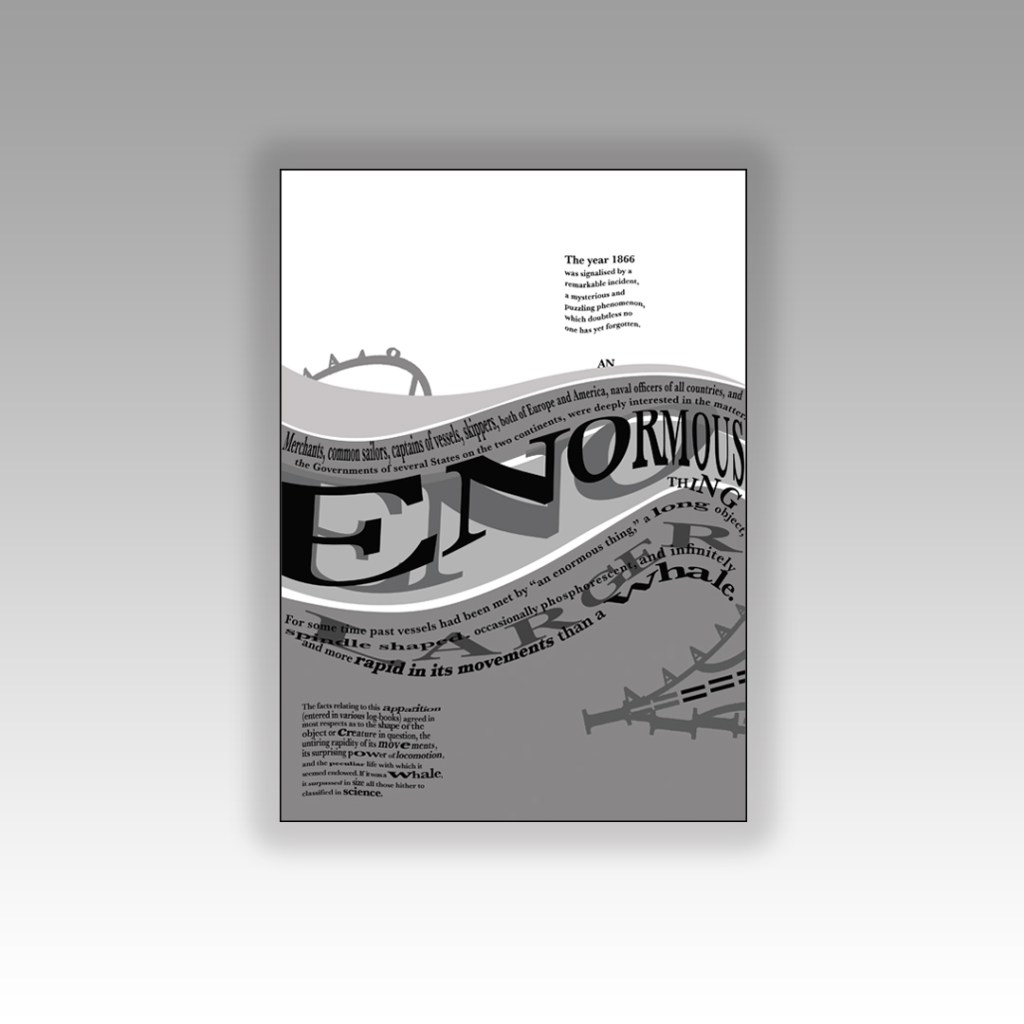
I had heard of the book title but had no idea what the storyline to “20,000 Leagues under the sea” was all about. From doing a bit of research I found that it revolves around this mystery “whale-like-object” that sailors and merchants had seen in the sea and were intrigued to track and find out what it was. They then realise that this mystery creature is actually a modern submarine with people on board. When they go aboard the sub they come under attack by squid and goodness knows what and so the story goes!…

I wanted to concentrate on the 3 important elements from that storyline which is the “whale-like creature” the sea and the squid.

I started off by messing around with some type to look like waves before I properly thought about the layout etc…

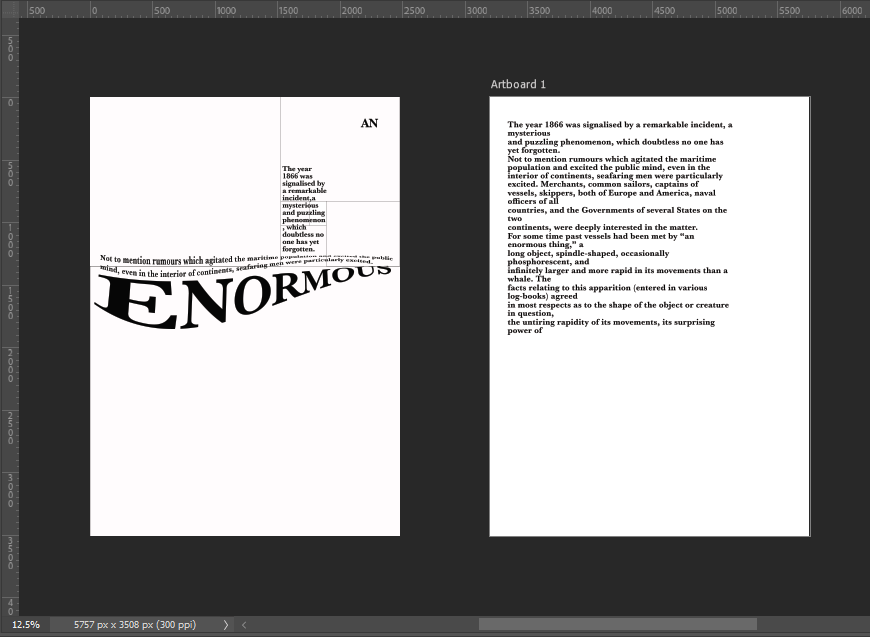
I then started off by creating myself an A4 document and then creating myself a Golden Ratio grid which I then also included The Golden Spiral to know where my main focal point was on the layout:

I wanted a nice spacious layout – minimalist and clean. The legibility and readability is important but I wasn’t too bothered about making legibility and readability my main objective because it is pure experimental work! David Carson in his experimental typography always said – “Don’t mistake legibility for communication“, just because something is legible doesn’t always mean it communicates anyway so I might as well be experimental and just see what happens!

I spent HOURS messing around with different layouts for this! I moved type around all over the place to try and best communicate the story!I decided to use Baskerville typeface as this is a typeface that was popular in book design, it is a Serif typeface so is more ornate and decorative than a Sans-Serif to add more interest and was also from the same time period as the story.

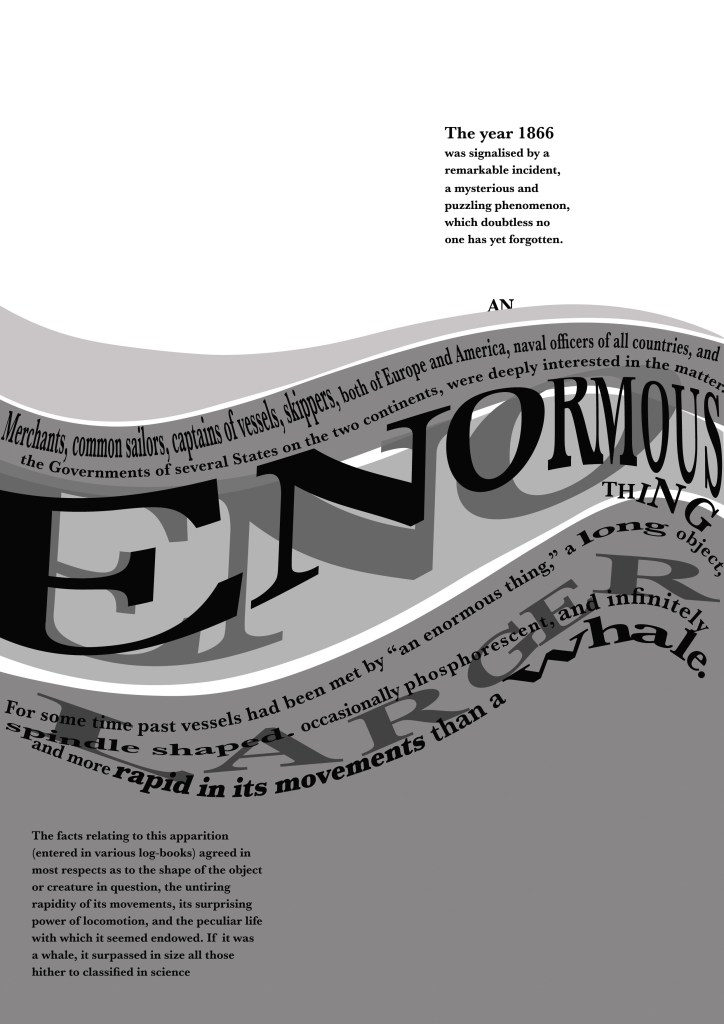
I like the space at the top of this design. I placed the very beginning piece of text in the eye of the Golden Spiral to make it the main focal point and first place the eye goes to when looking at this layout. This is the first piece of information that needs to be absorbed by the reader to know the main subject of the story and also the feelings and vibes that it gives.

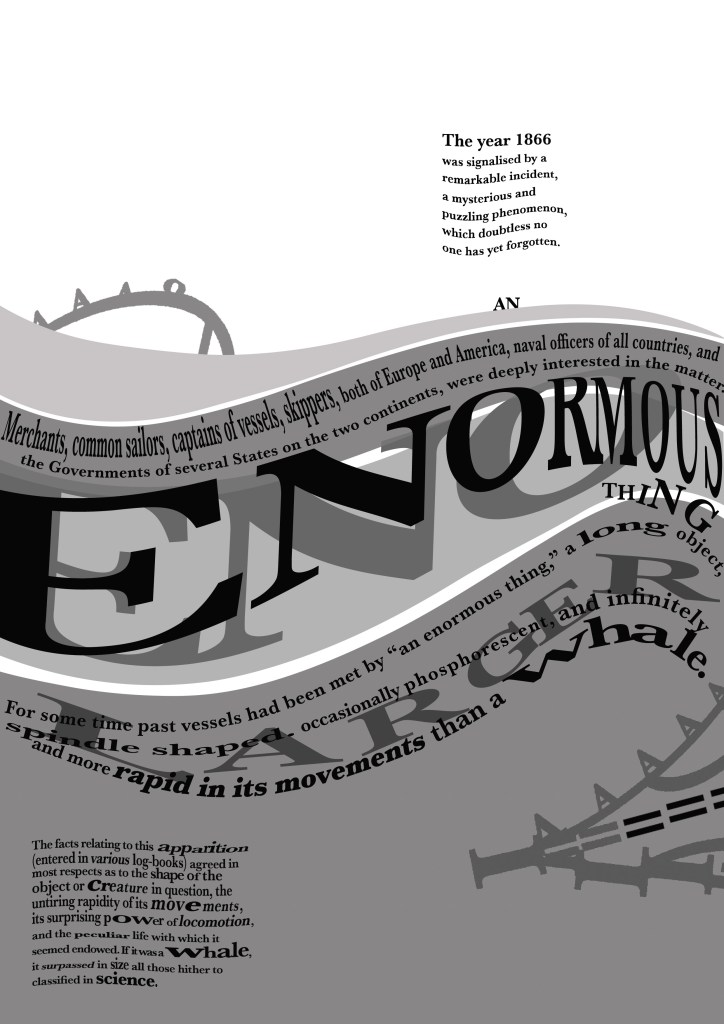
An enormous thing” is an important part of the extract and story because this is what people called this mysterious “whale-like object”. I needed to emphasize “enormous” and show that it belonged in the sea. I used the wave tool in Photoshop to adjust the word so that it looked like it was in the sea and then adjusted the point size of some of the letters and also the horizontal and vertical scale to (controversially!- sorry typo police!) stretch the letters out! I also adjusted the tracking and kerning to make the letters look more interesting and to add some contrast to the piece!

I duplicated “Enormous” and made the copy the shadow underneath; again, to highlight how big the thing is and also to add some light and shade to the piece. I used 4 wavey chunks of colour to represent the waves and placed the type over the top appropriately.

Could I create an image from letters?…

I then decided that I wanted to create a picture out of type… This was also one of my first ever assignments when I did my BTEC in Graphic Design at college when I was 16! I created a type”face”, a face out of letters! (I wish I kept that because it WAS good!)

I did though a few years back create a very similar one (I nicknamed Brian May because it looked like his curly hair!) for a display board in our Graphics room at work :

I had the idea to portray the “enormous thing” using letters and characters but I needed to research first what the “enormous thing” looked like according to previous artists/illustrators who designed the previous book covers for this story. I had a look on Google and found this illustration which seemed a good place to start!

https://www.denofgeek.com/culture/link-tank-20000-leagues-under-the-sea-prequel-tv-series/

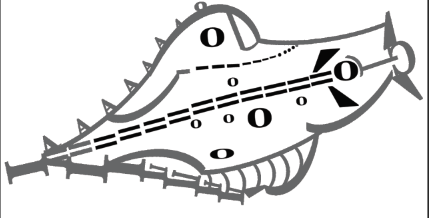
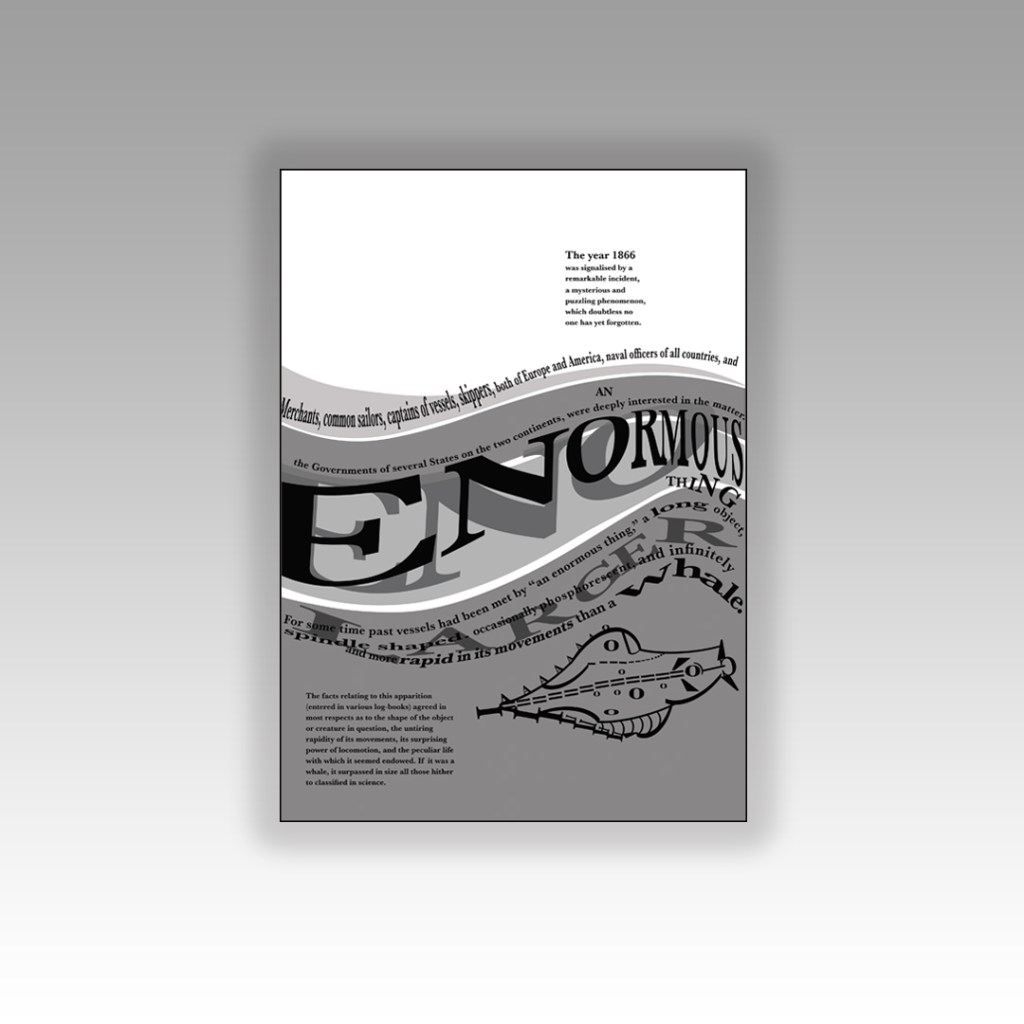
I imported the image into Photoshop and reduced the opacity so that I could layer letters over the top of it to try and recreate the shape of it using letters and characters. I ended up with this which was mostly made up of A’s, O’s, ), C, I, =, and a ‘.

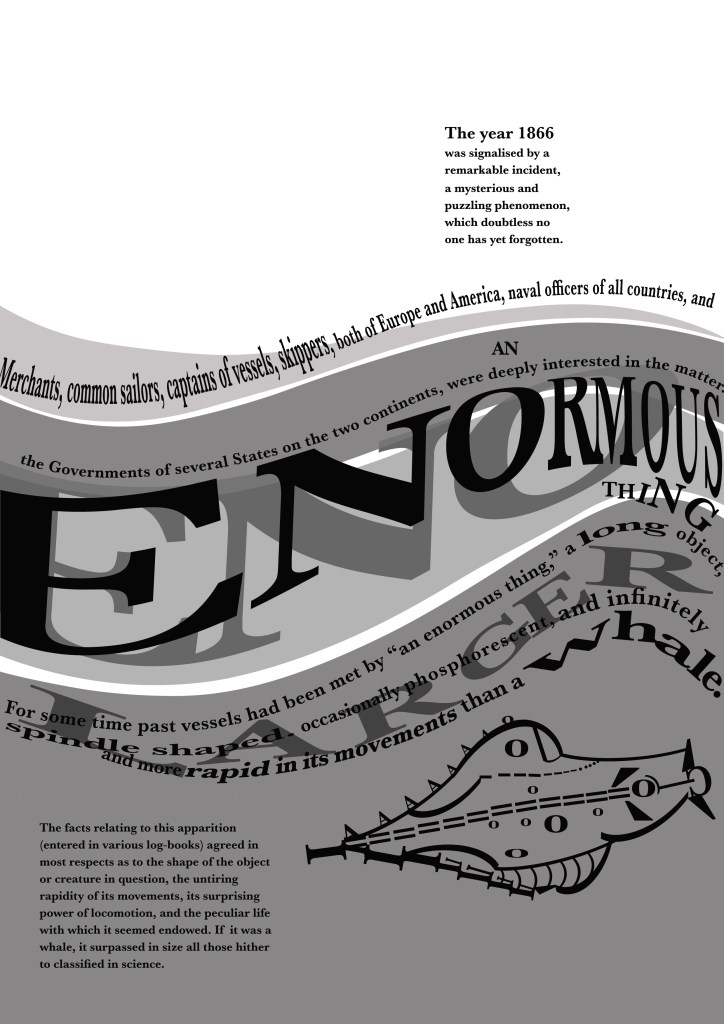
I then had a go at positioning it on my layout… I didn’t like it on there much!

I just felt that the layout looked too crowded and full with the image placed on it. It also didn’t emphasize the “enormous” size of the mysterious thing as it looked so small on the page…

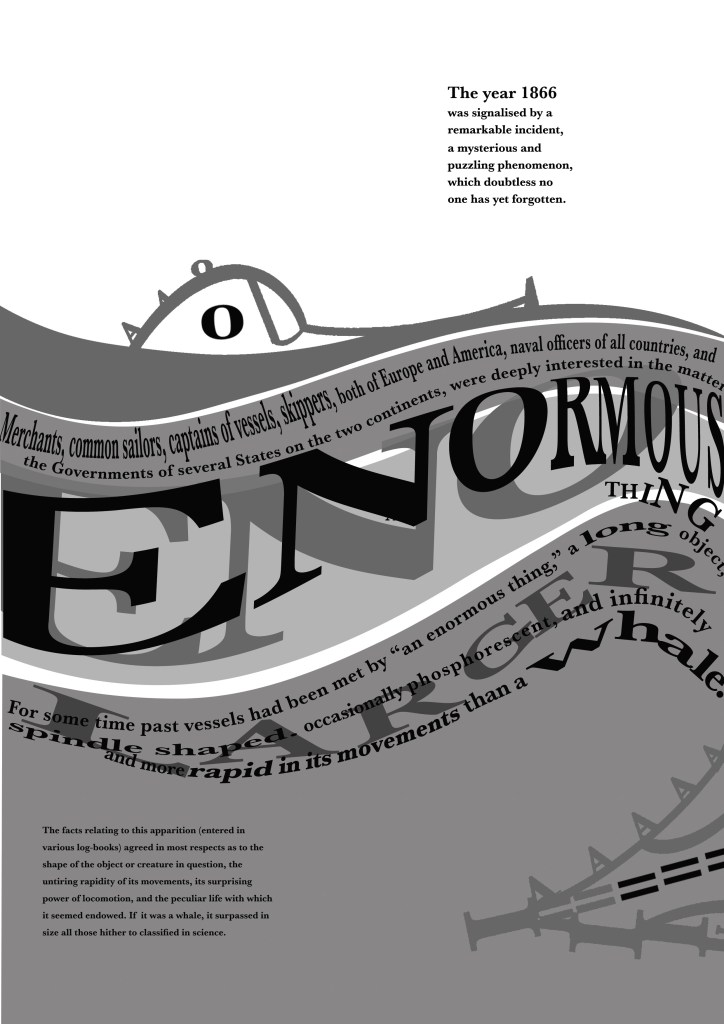
I then designed this version below:

For this version I cut the drawing in half and placed half above the sea (which is where and how people would have seen it in the storyline!) and half below the sea. The way it forms with the wave makes it look like it is circling the sea creating the waves as it moves. The extract is all about the movement and speed of the mysterious being and I feel that this shows this. I haven’t suggested whether the enormous being is a creature or is man-made technology – it is open to the viewer what they interpret it to be! The O on the monster could be an eye or it could be a window… the A’s on the monster could be natural spikes or they could be man-made weapons on the side of a submarine… I also feel that it allowed for more space on the design and it balanced out the layout.

There was still room for development though… time to try and get some squid involved…

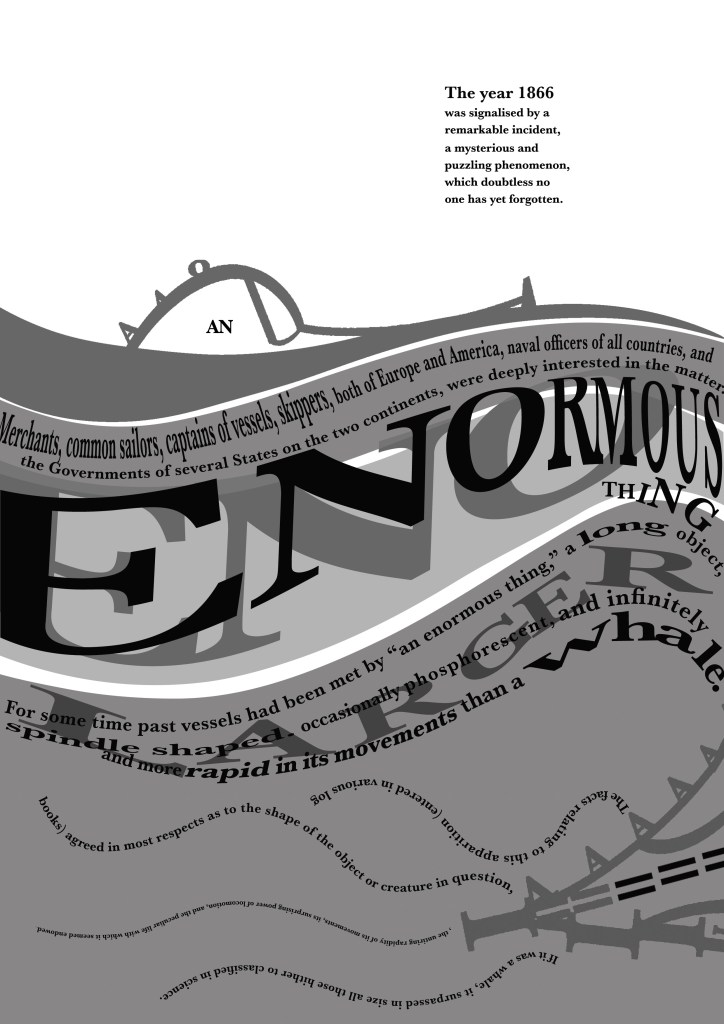
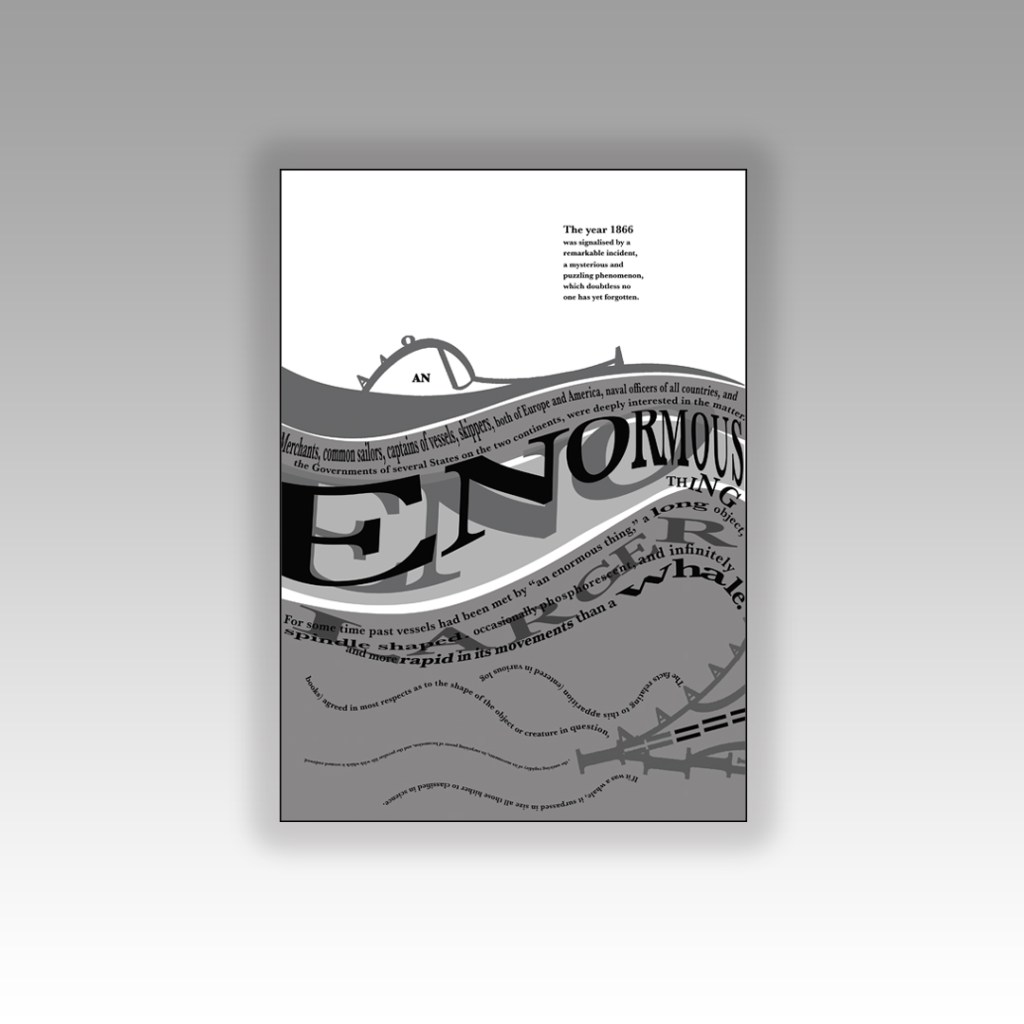
In this version I used “AN” as the eye or window of the monster. I wanted “An enormous thing” to stand out to the reader. I used the text in the bottom corner on the previous layouts to create octopus/squid legs which are trying to attack the mysterious being… I have text upside down and then the text below the right way around to ensure that the eye ends one sentence and starts the new one directly below instead of having to drag the eye all the way to the end of the sentences to read. Again, I wasn’t too much of a fan because there was not much space left on the layout – it all looked too crowded and displeasing to the eye.

I then moved on to create this new layout below… experimenting more with the blocks of text.

I had created movement in the waves and for the “enormous thing” but the block of text underneath the sea (bottom left side) was very much still and lacked movement which would very much be questionable considering it is supposed to be submerged under water!

I decided to make the text look as though it was floating in the depths of the water; making some wavey, making some stretch and move with the waters push and pull motions and making some text seem larger and smaller to look as though they are reflected in the water. This is more creative and interesting than just being a block of “still” text. I felt like there was still enough space and that the hierarchy of the layout was balanced.

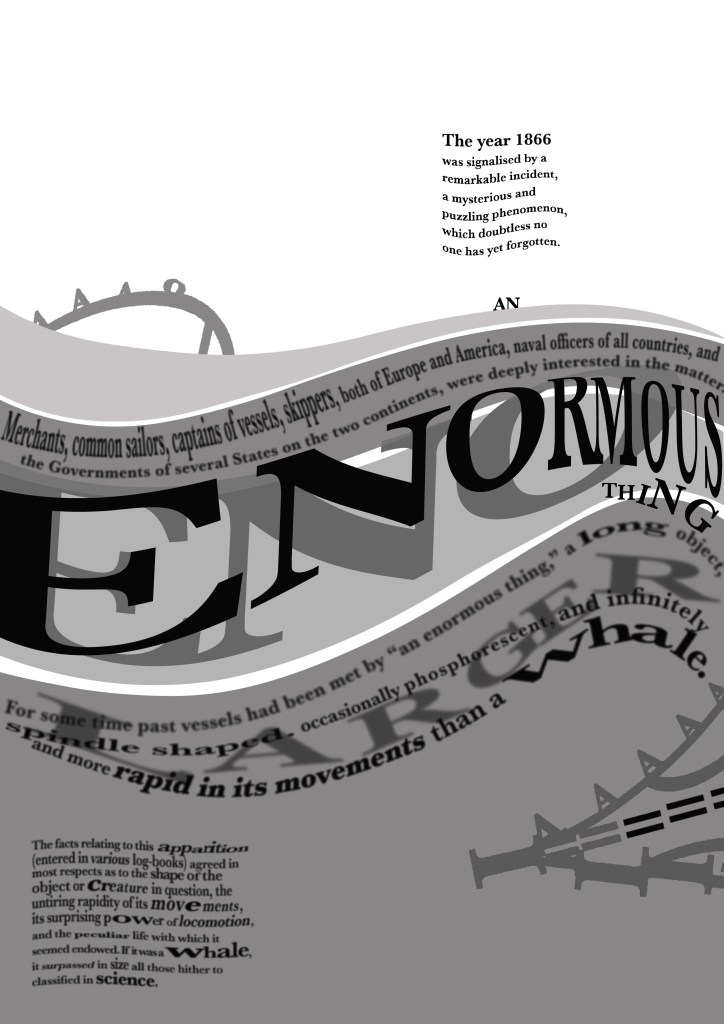
I then went one final step further to create the same layout but blurring the text ever so slightly to look as though it is under murky water:

The mockups!

Exercise: Judging a book by it’s cover

The Brief

First Ideas

When I first looked at this brief It is book design which is something I really enjoy doing, but I did worry when the brief stated that once cover had to use Type and images/photographs/illustrations and the other one just type. I wondered how I could use type in an interesting way for the second cover.. surely with just type the cover would be really plain and uninspiring?..

The first step was to research into what book I could design my cover for. It needed to be a book I was familiar with.. I used to read a lot of books when I was younger but I do not read at all now. I decided to choose one of the books from my younger years to design for.

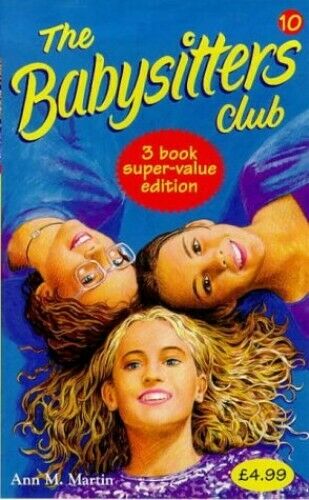
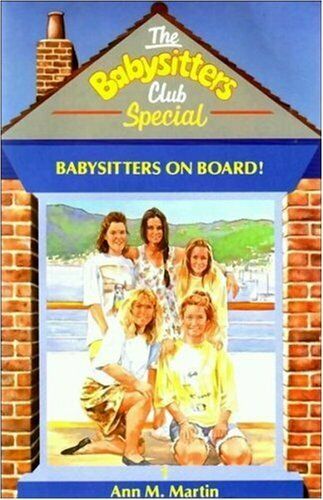
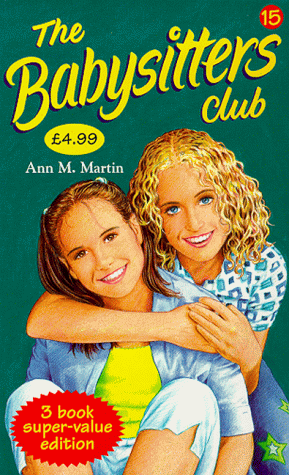
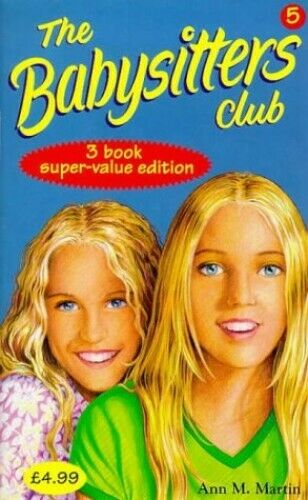
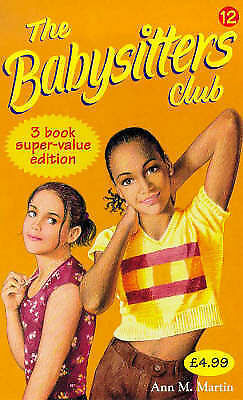
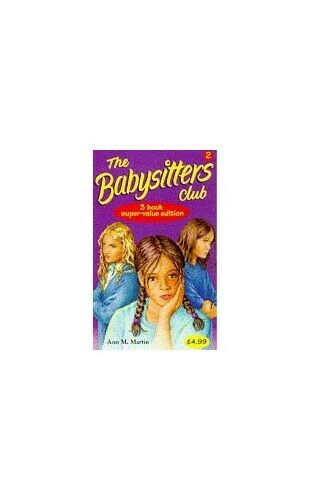
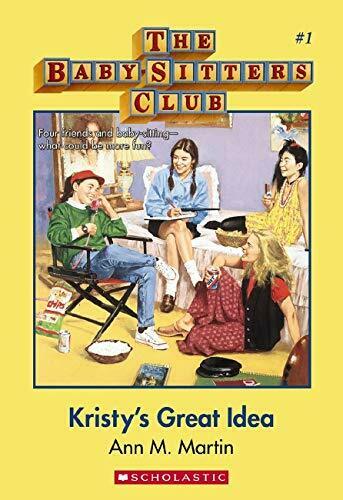
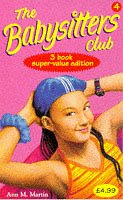
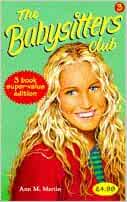
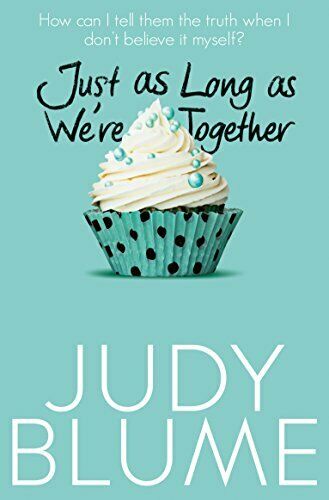
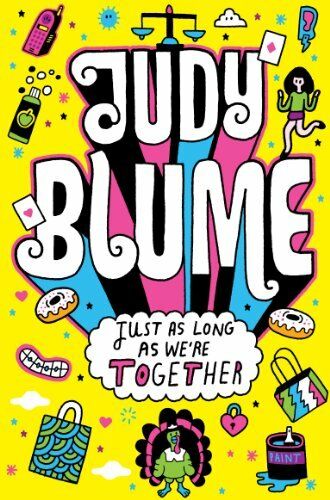
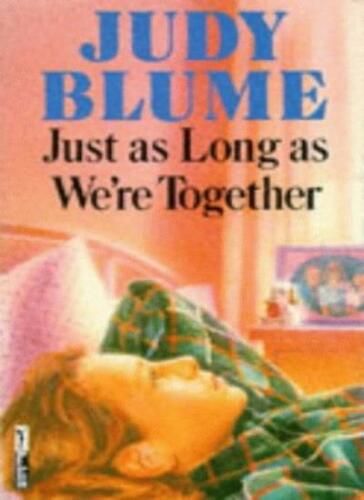
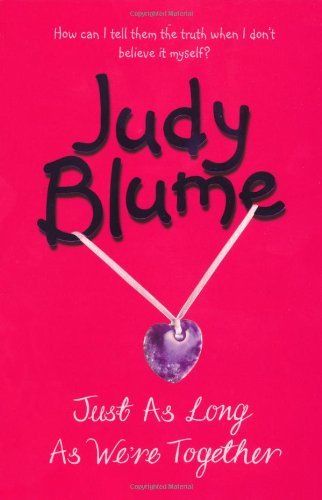
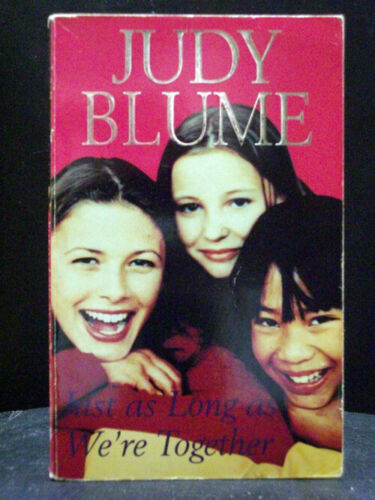
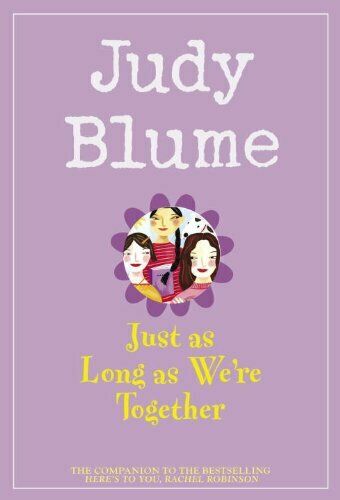
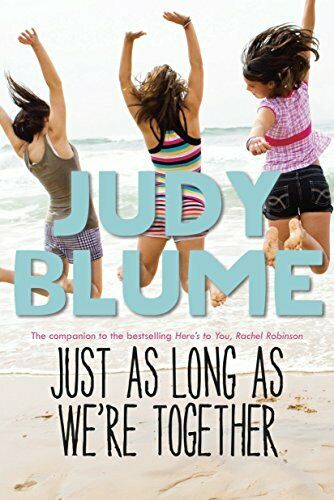
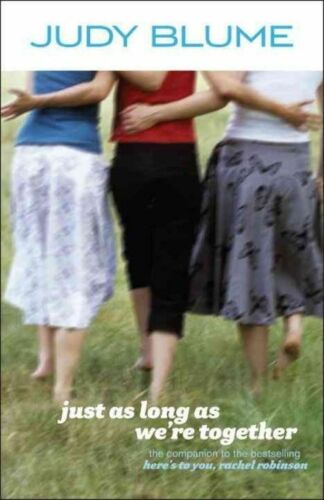
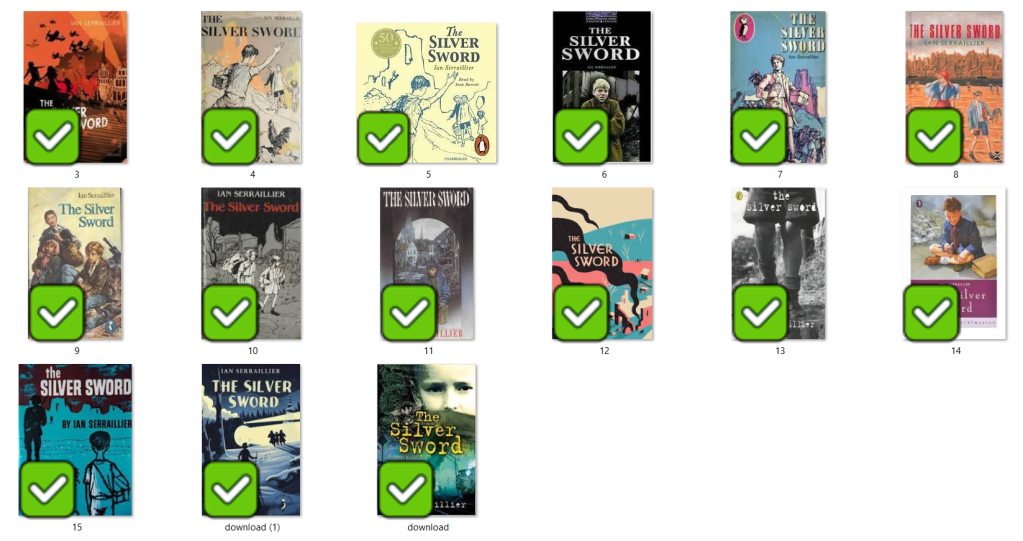
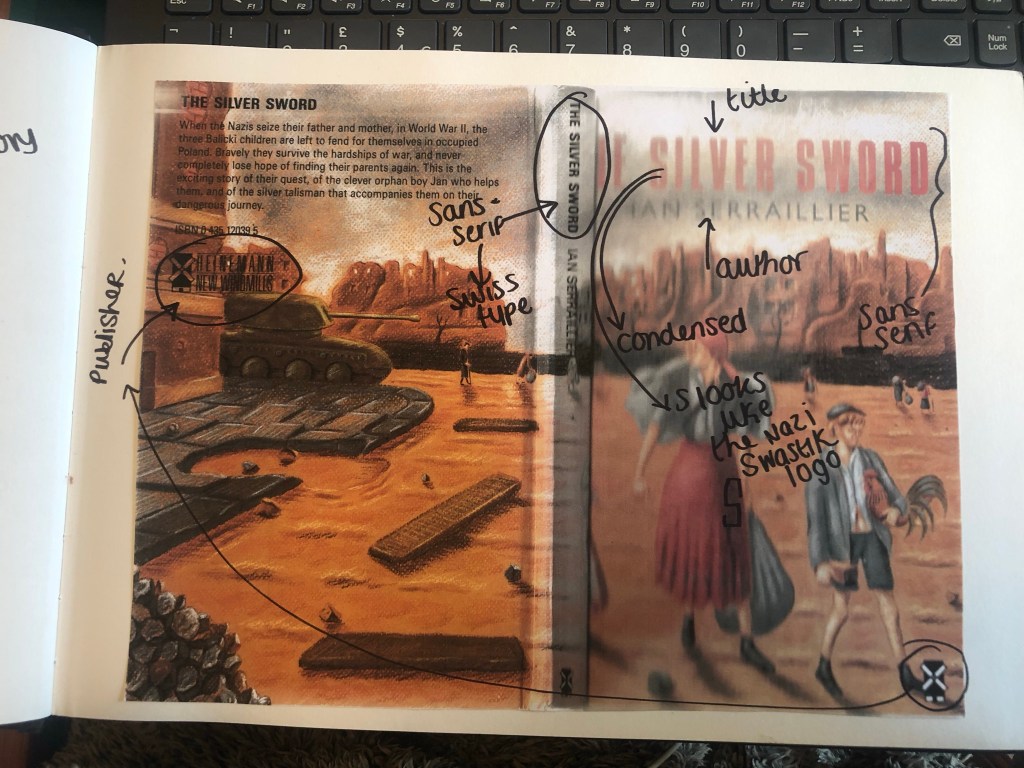
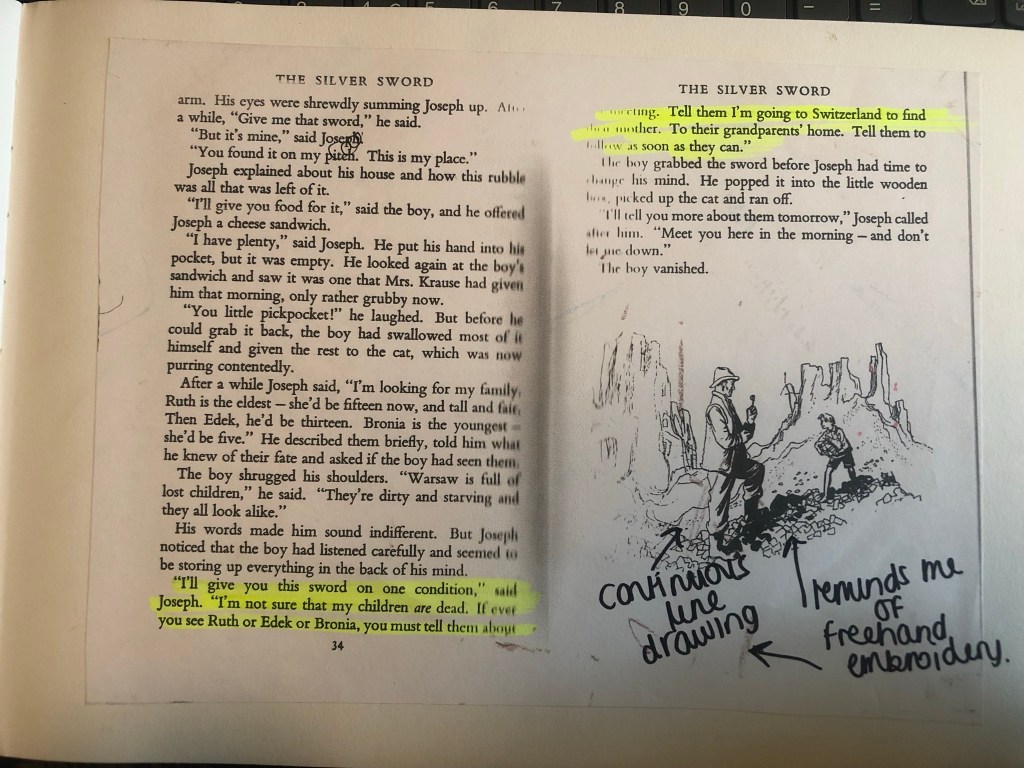
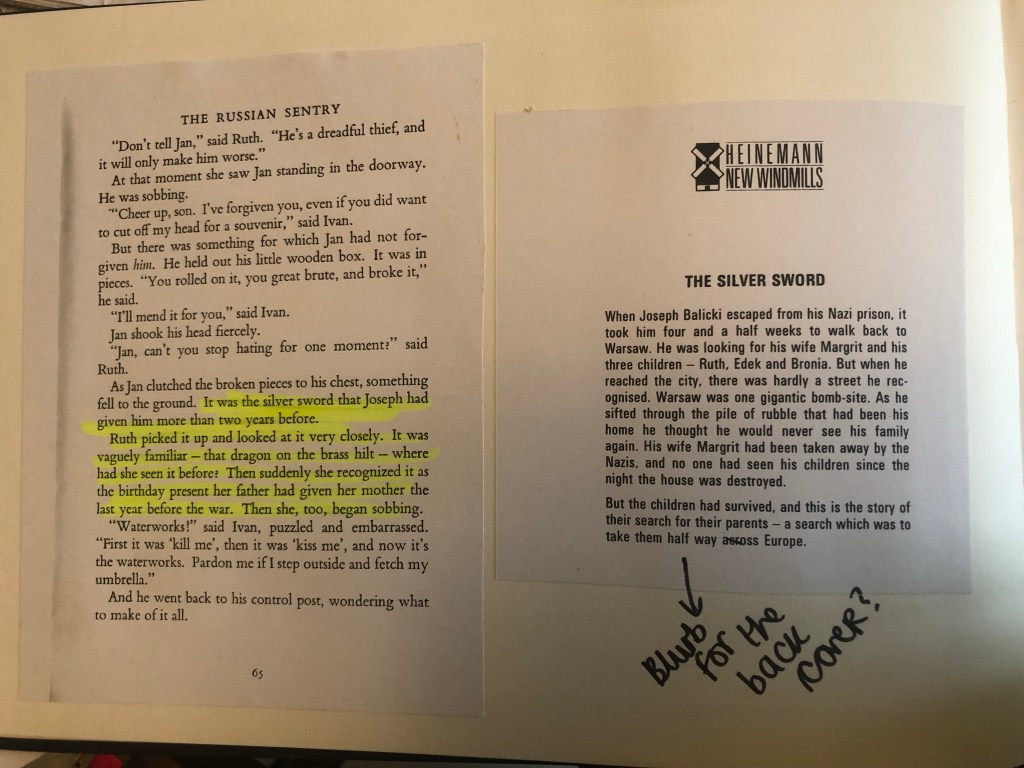
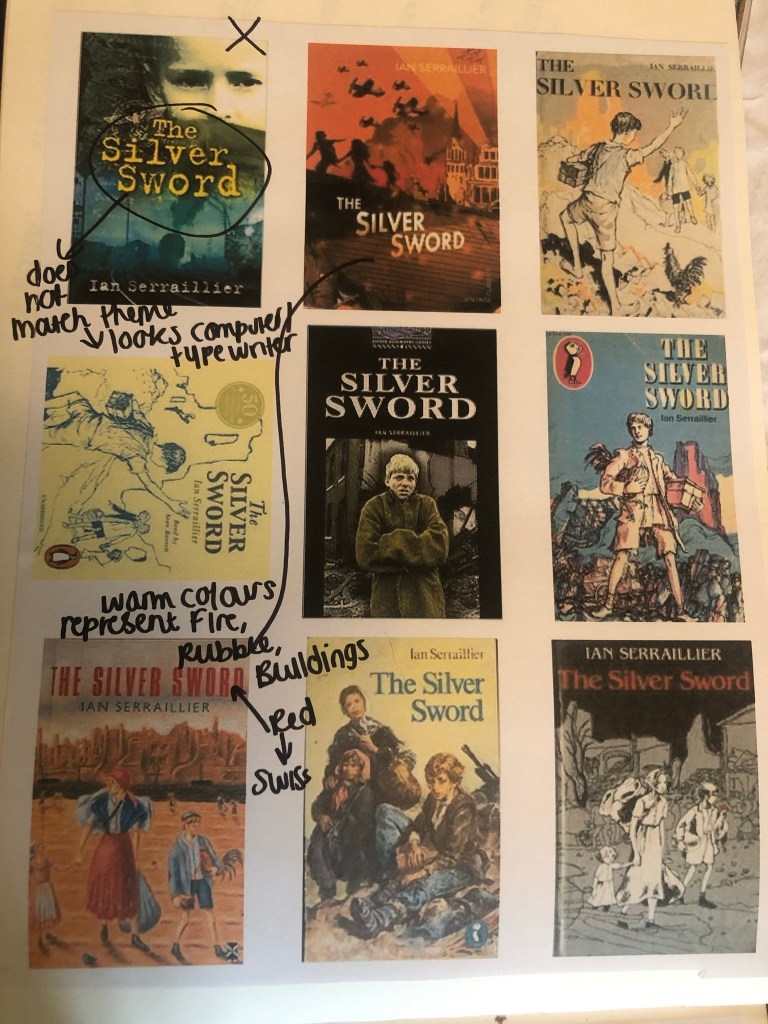
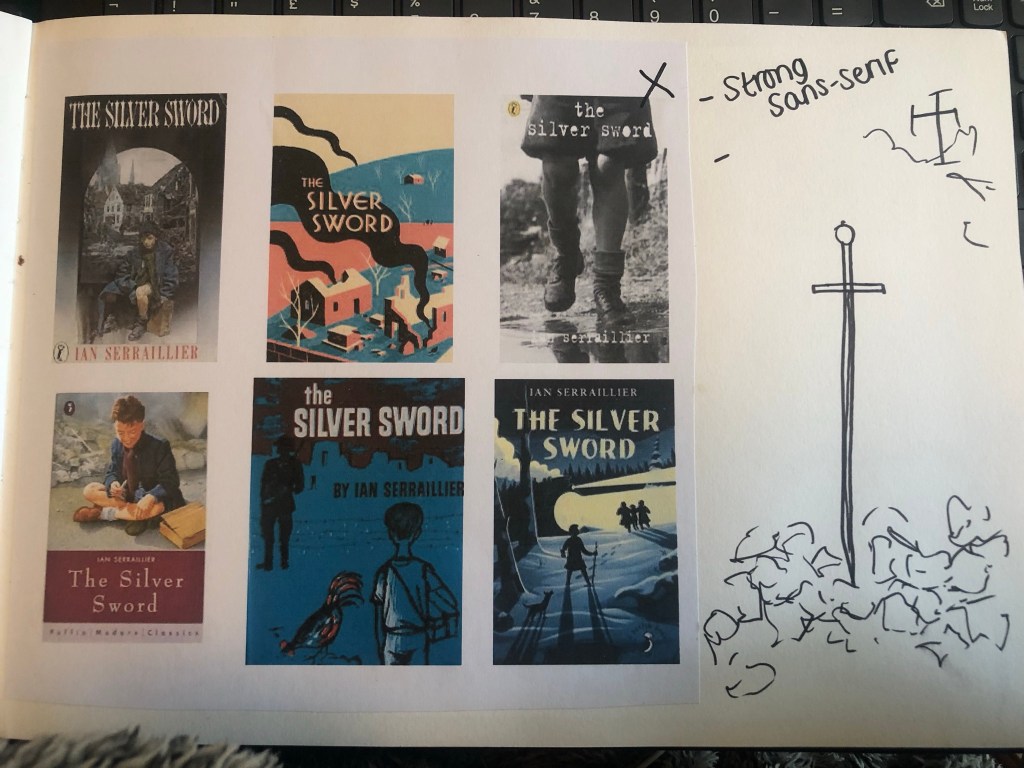
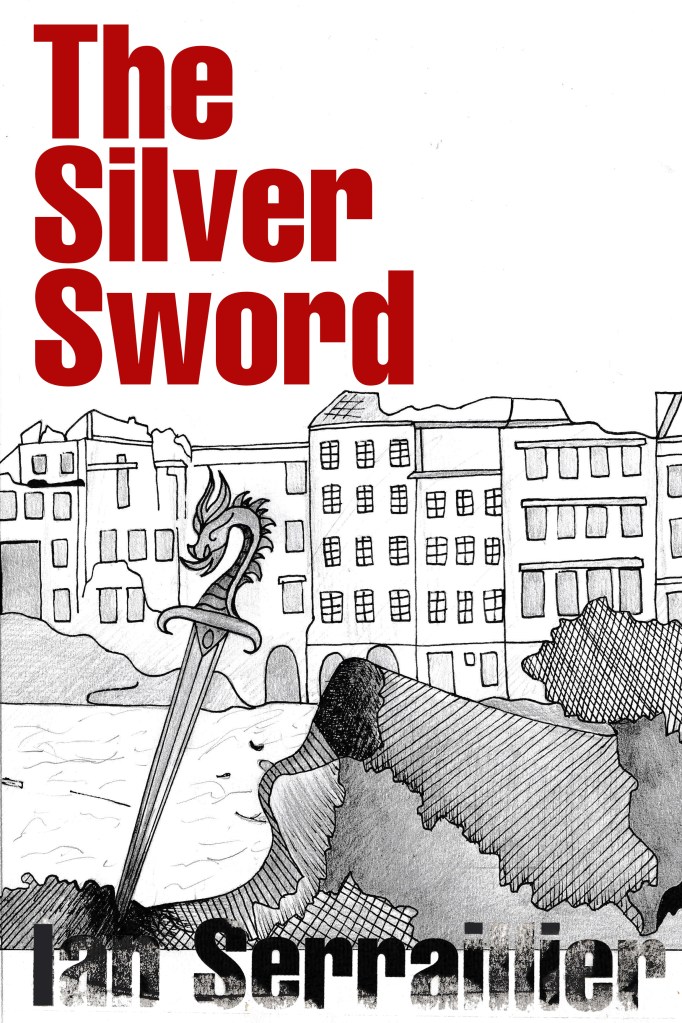
When I was younger my favourite book was “Just as long as we’re together” by Judy Blume. I read this when I was going through tough time in my life and I could relate as an 11 year old to the characters and the storyline. A few years on from that title I started reading “The Babysitters Club” series with my best friend at the time and we LOVED them! I still remember now the stories from most of these books! The characters in the stories were again very relatable and I remember as a young child it made m very much feel like I was a part of this group! It was a sense of belonging. The other book I remember well is “The Silver Sword” a war story about the hope, courage and survival a family holds while trying to find each other and escape to Switzerland during the war. It was a tough call which one to go with. I did research existing covers for each book though:

I love the bright colours of The Babysitters Club titles. Looking at these covers brings back so many good memories for me; I feel like that is what good book design should do! The images on the front also helped me to imagine what the characters would look like in real life too. I related the book covers to the storylines very well. This style of cover though is something which I have done a lot of already in my design work.. I felt like I should push yself out of my comfort zone a little..

The Judy Blume covers use a lot of photographs; this is a route I did not really want to go down. I much prefer illustrated covers – they feed the imagination more!

The remaining book was The Silver Sword.. this gave me ideas of using Swiss type in the design as it is a story that uses Switzerland strongly in the plot. I love using Swiss design and Swiss type and started thinking of ways I could bring this into this design…

I also used Pinterest to find ideas for my book covers:

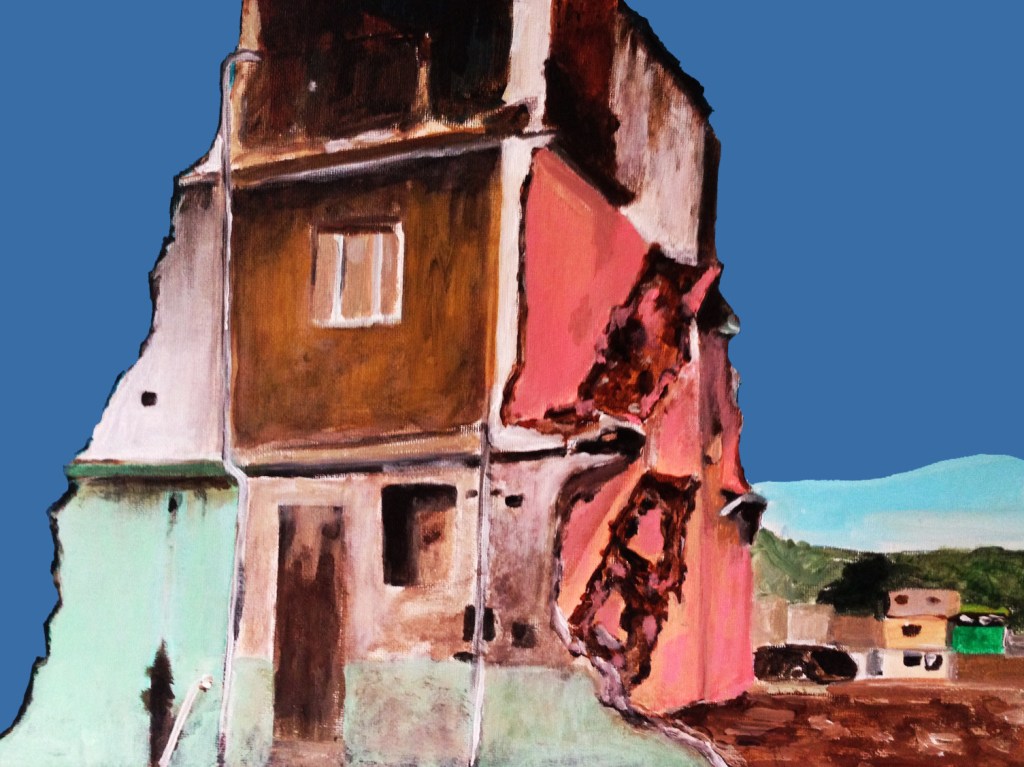
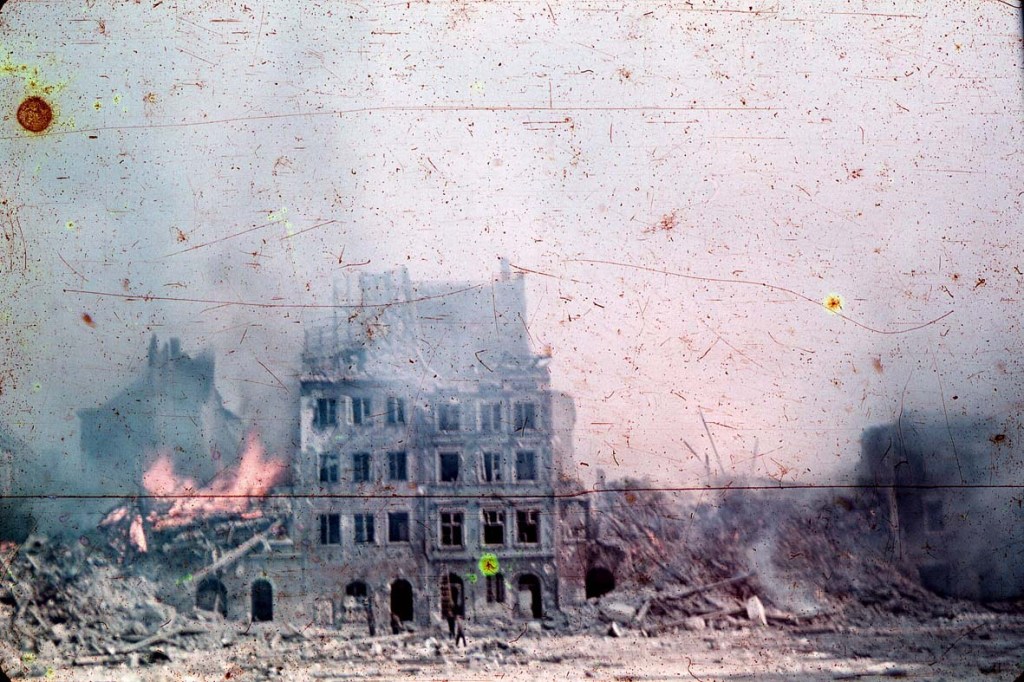
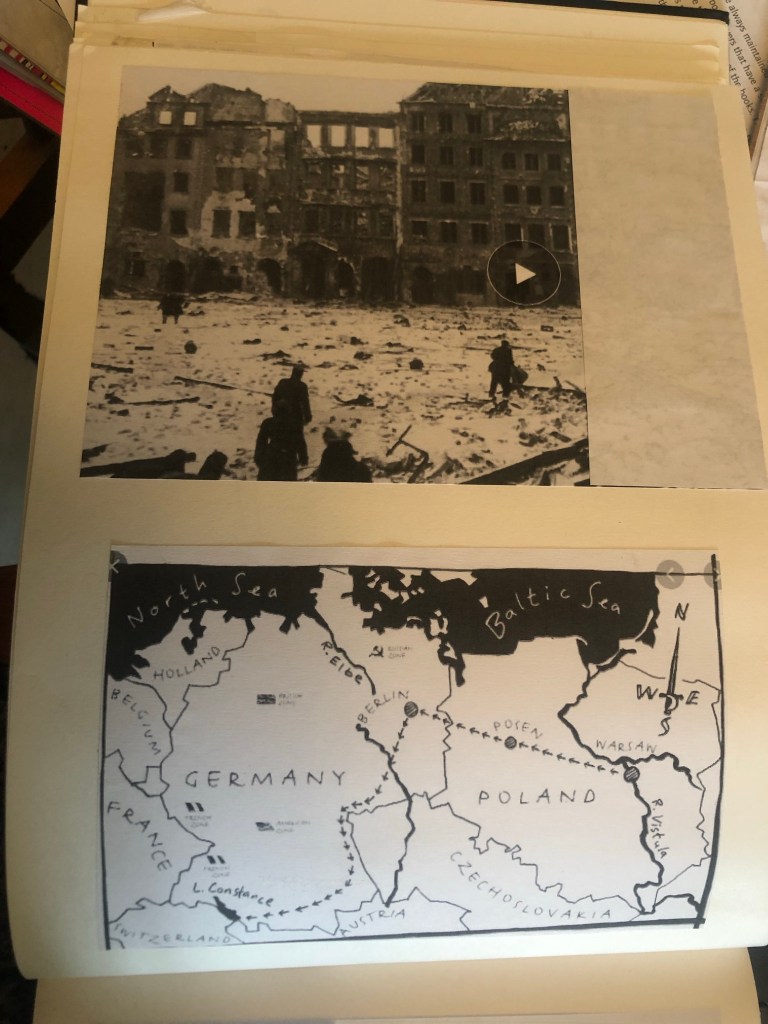
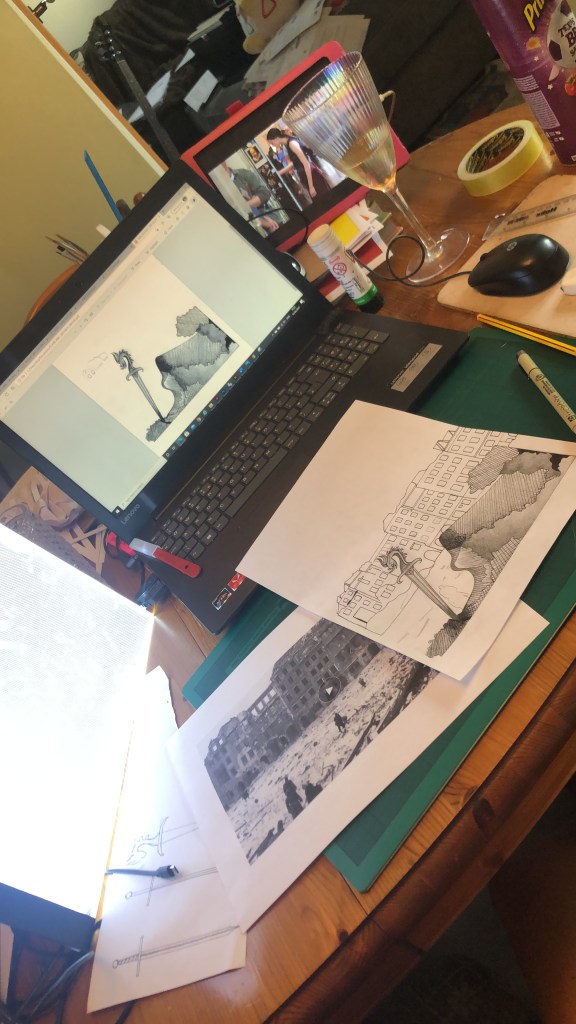
I also did a google search for The Silver Sword to look at photographs from the time of the ruined buildings and relics to give me a better idea of what I could include in my designs.

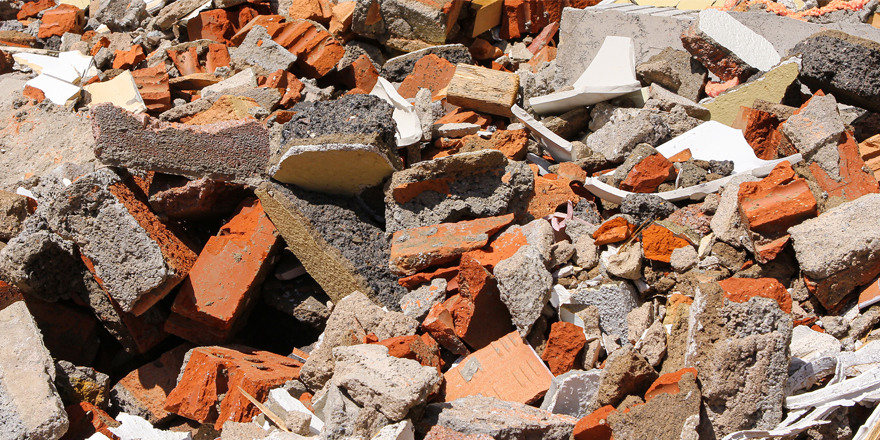
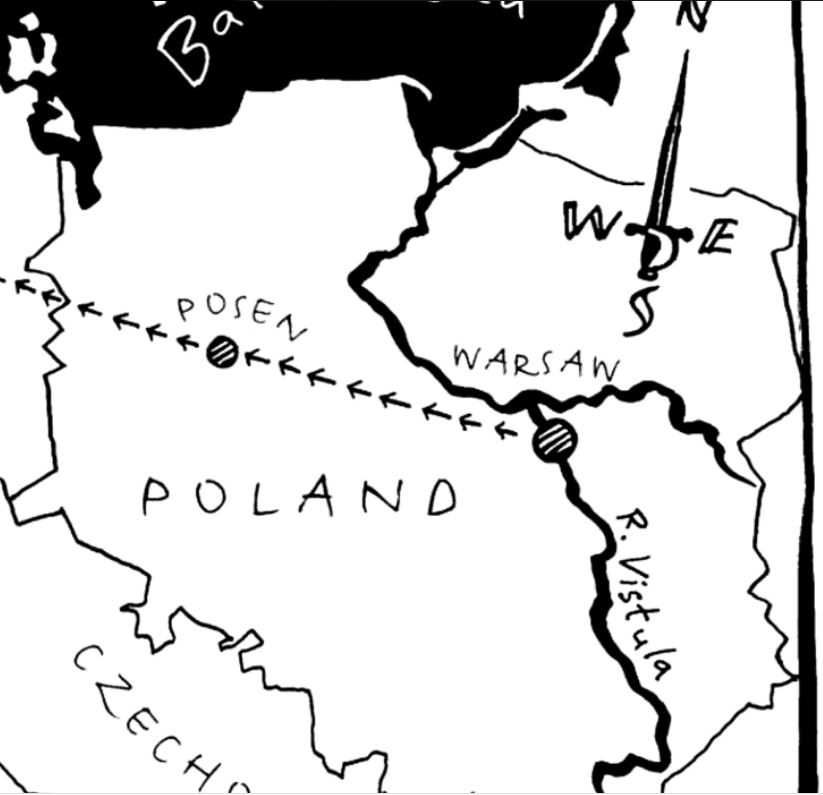
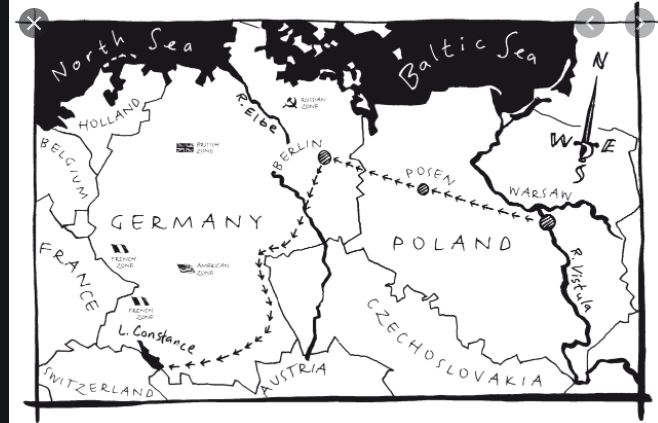
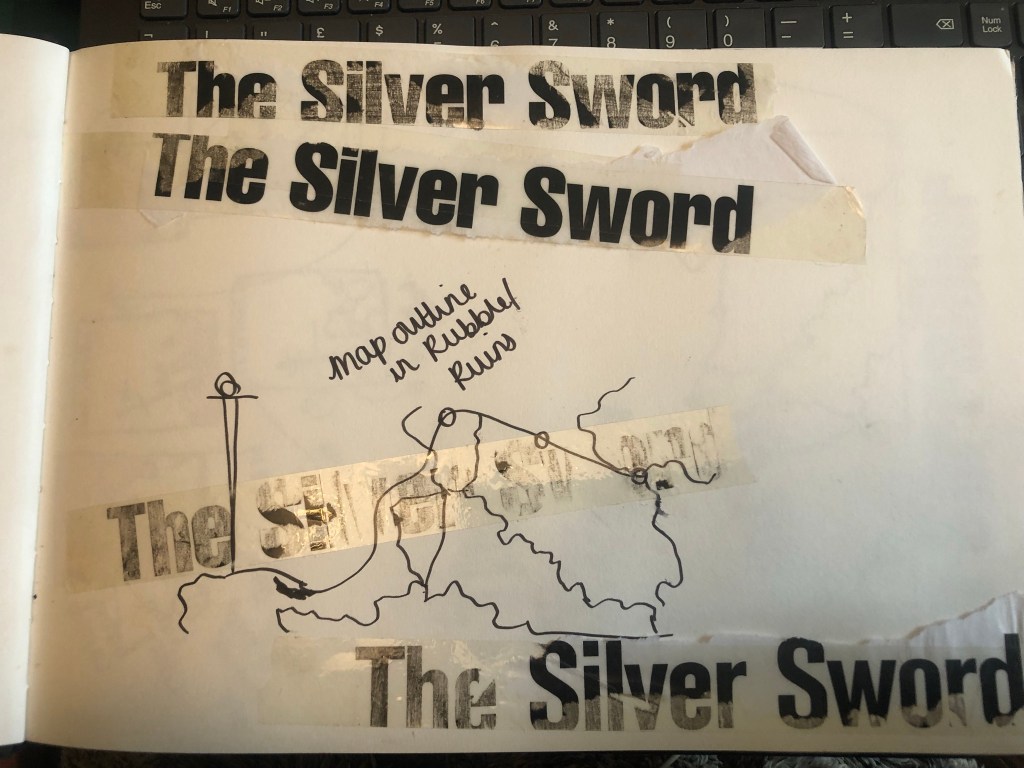
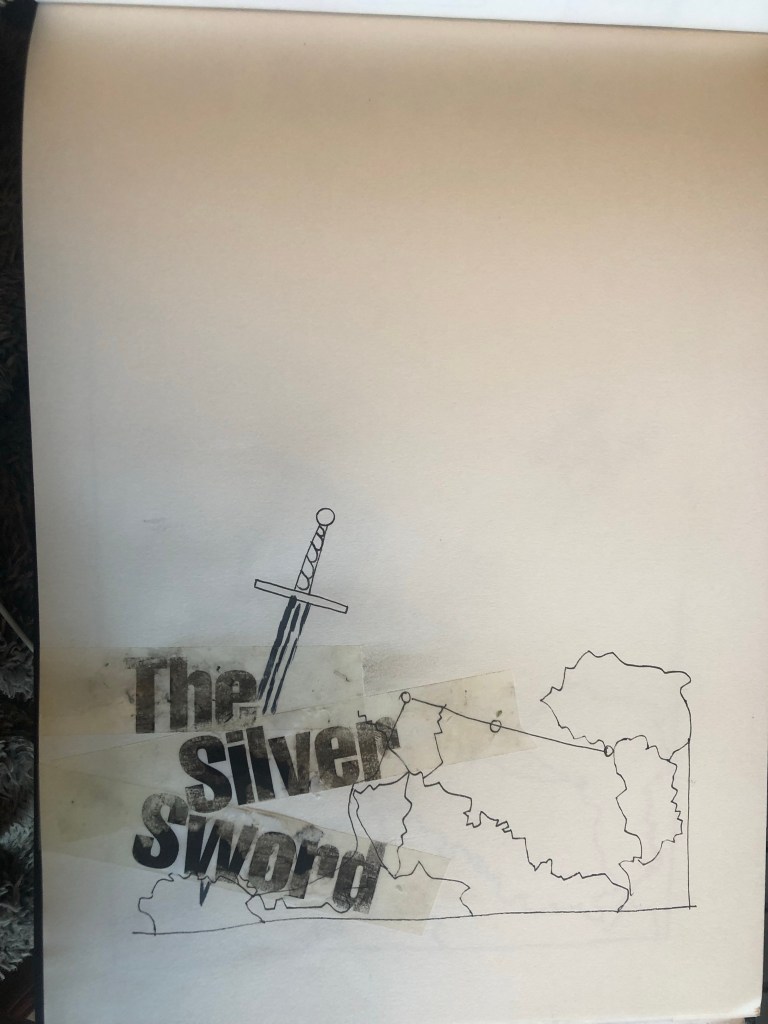
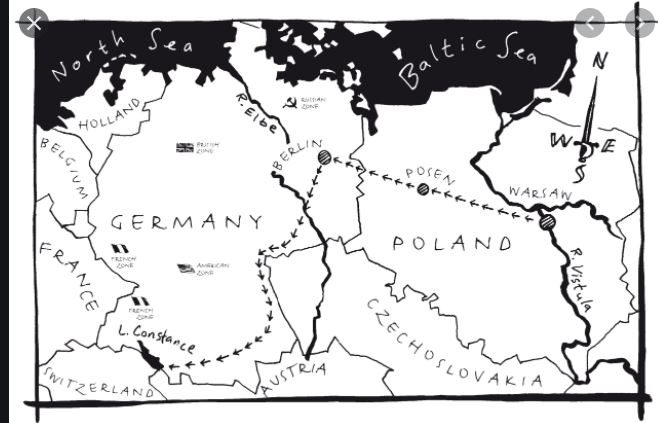
I found map of the route the children had to walk to try and find their mum and dad in Switzerland and it gave me ideas for a design- I could use the outline of the map as the map but also to represent the rubble that the Silver Sword was found in.

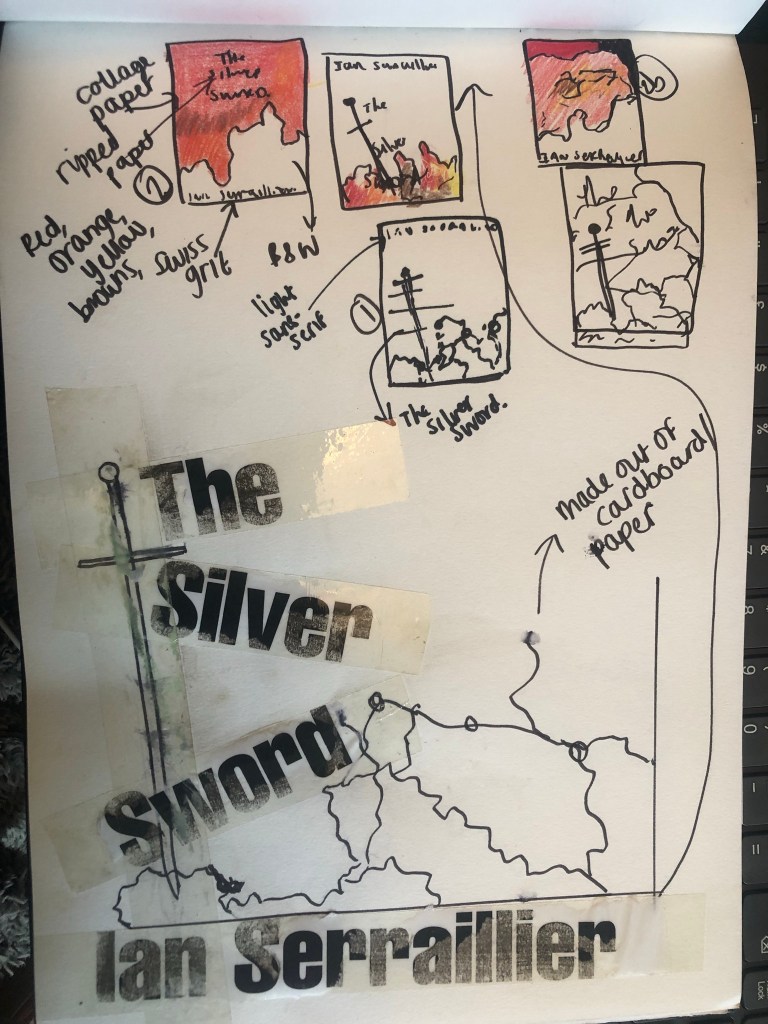
I started mind mapping and sketching ideas:

My sketchbook pages

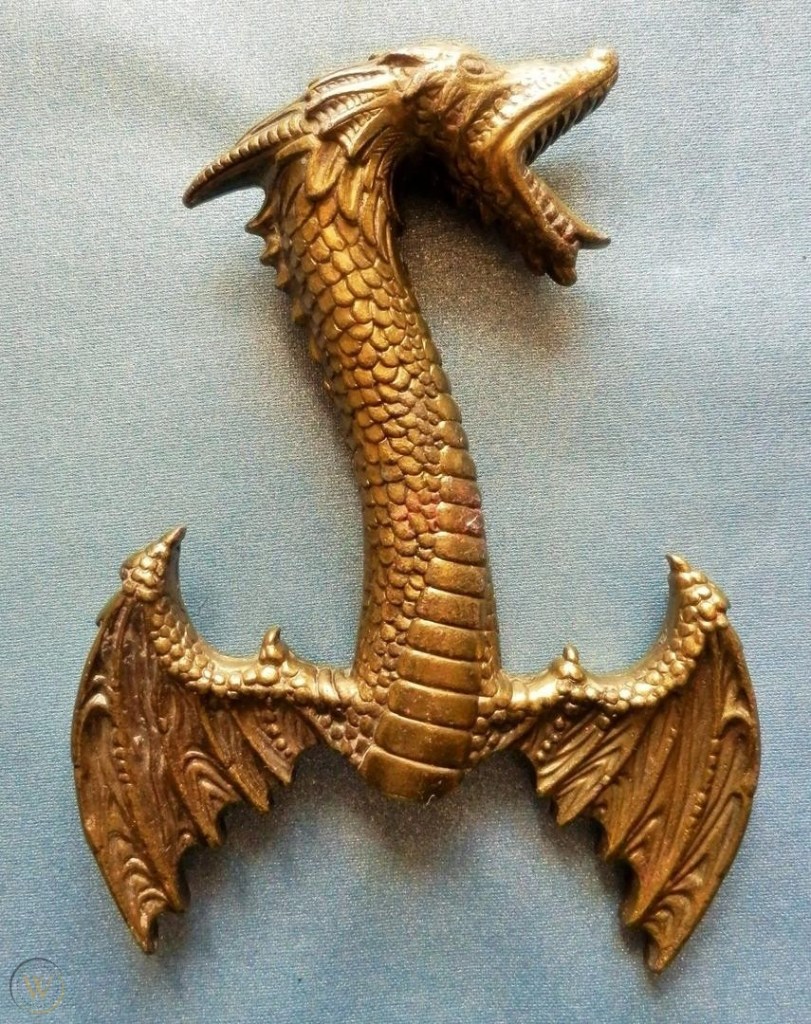
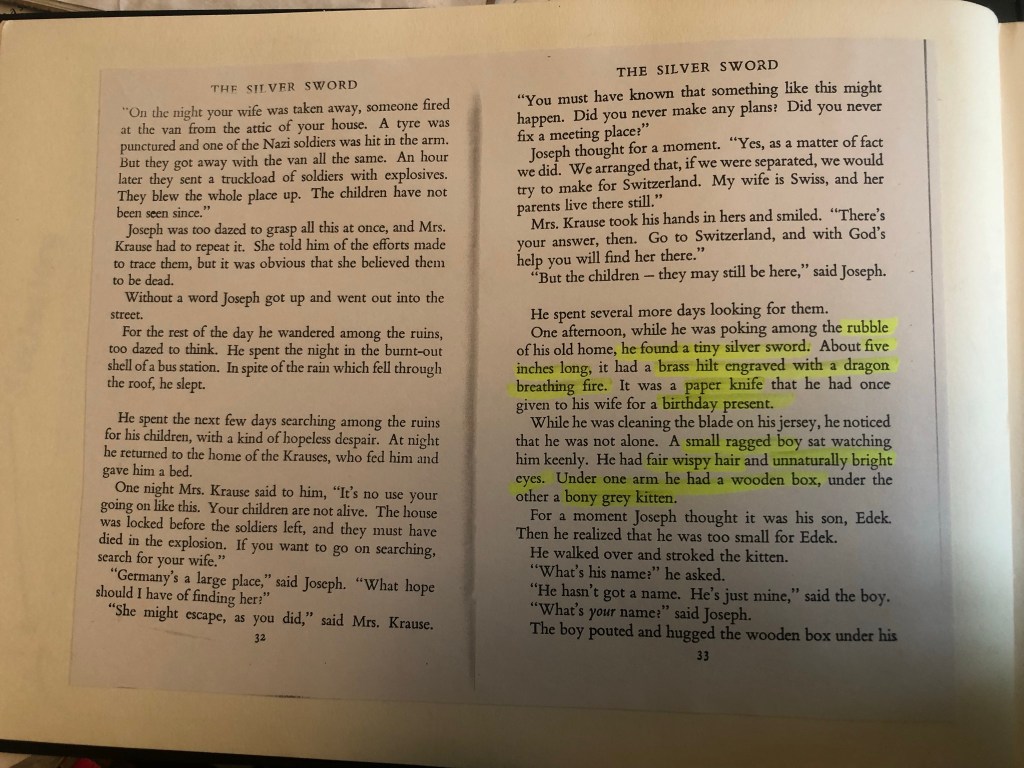
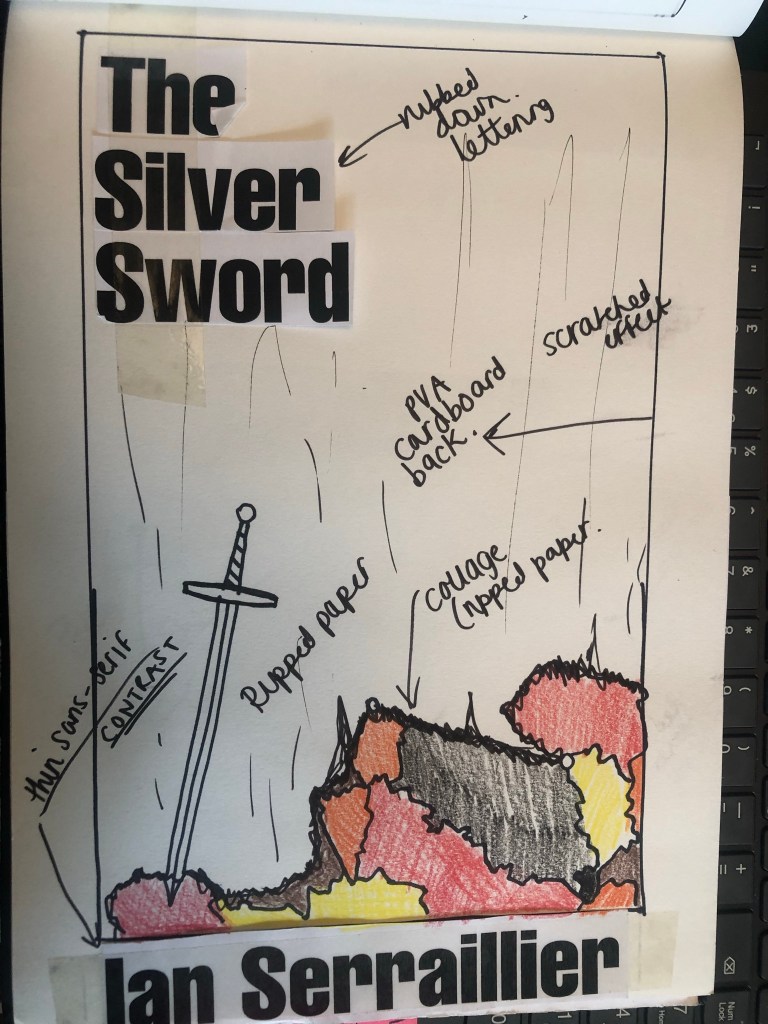
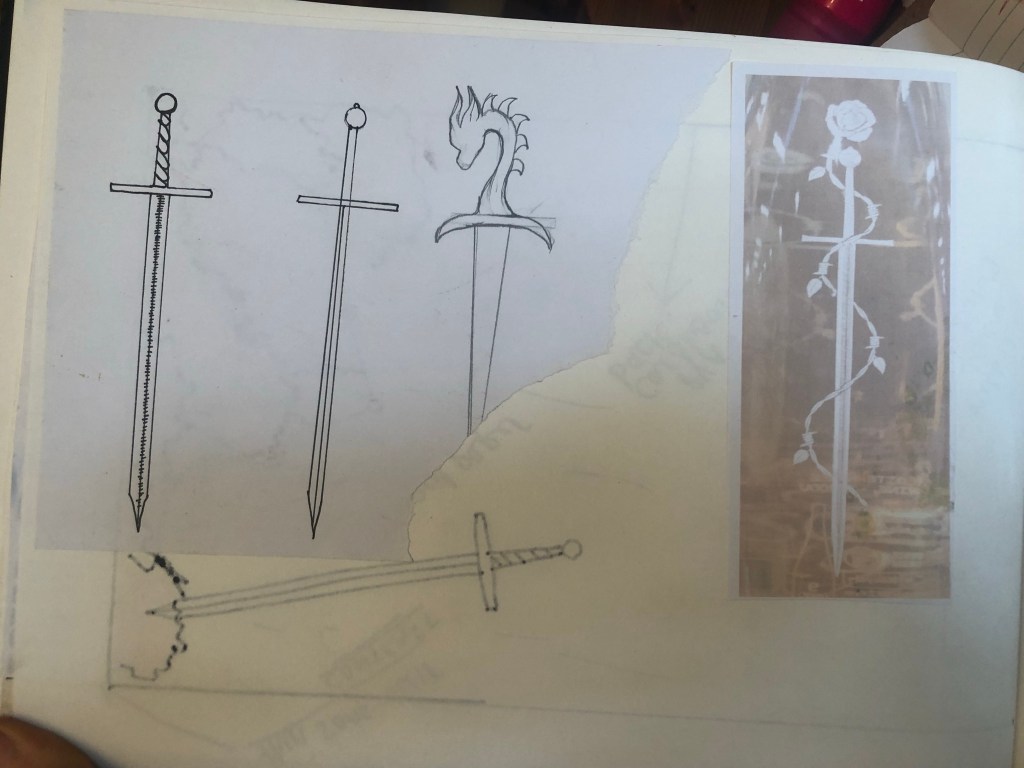
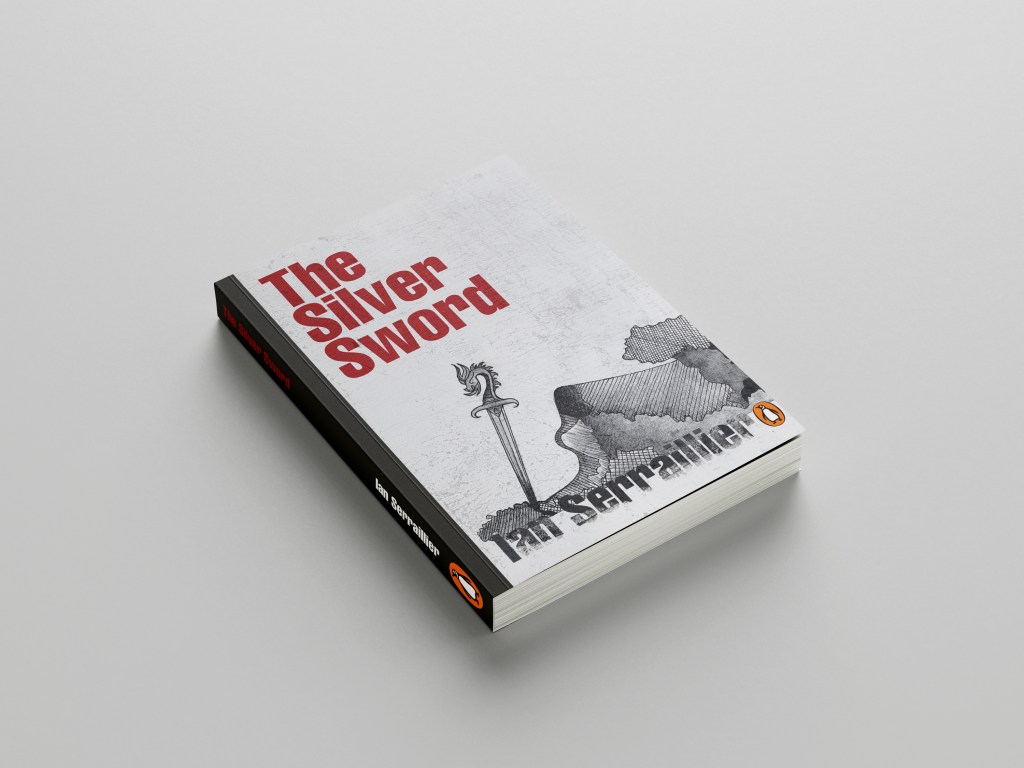
I first mind mapped ideas around what the book was about and the main plot. The story bases around a 5 inch high silver sword envelope opener with a dragon breathing fire on its hilt. This Silver Sword is the main storyline because without it the family would not have been reunited. I decided to use this as the main image. In the story the Silver Sword was found in a pile of rubble.. I had the idea of showing rubble on my design – I just didn’t know how. I wanted to illustrate the book with my drawings but I also wanted to show texture – I wanted texture for the rubble and ruins and to use strong warm colours to represent fire and the buildings and relics.

Book 1 – (Type and Illustration)

I remembered back to when I created my type specimen books and created a collage for Akzidenz Grotesk. It is one of my favourite pieces and it turned out so well.. It received so much love on social media too and it really related to the typeface and Swiss type…

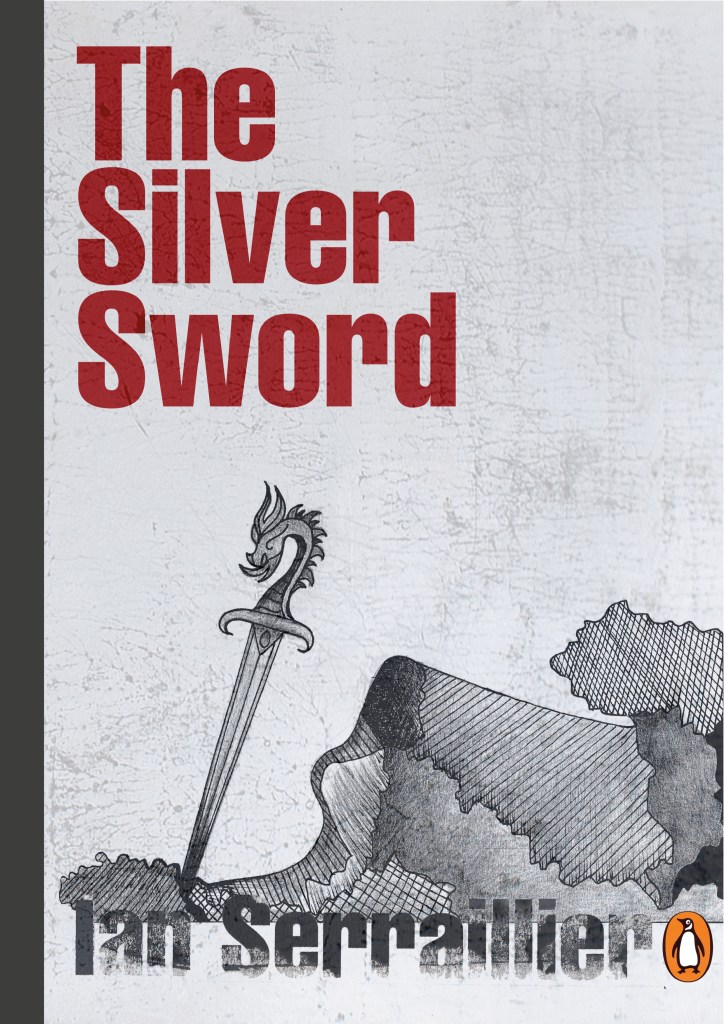
I decided that I could create similar for this design. I also messed around with letter rubbing which is inspired by Chris Ashworth and his “Swiss grit” – I printed out pages of the title and author and then used cellotape and water to peel the ink away from the paper to be able to stick it to my pages – it gives a rubbed, worn effect which looks great!

The bottom drawing is the outline of the map with the Silver Sword sticking directly out of it. I quite liked this.. but what if I could do a similar thing as to what I did in my Akzidenz Grotesk collage and create the map and rubble from torn pieces of warm coloured paper (Reds, Oranges, Warm browns) to represent the rubble and the fires.

I created a collage to see how it would look.. I did not love it at all but saved it for later just in case..

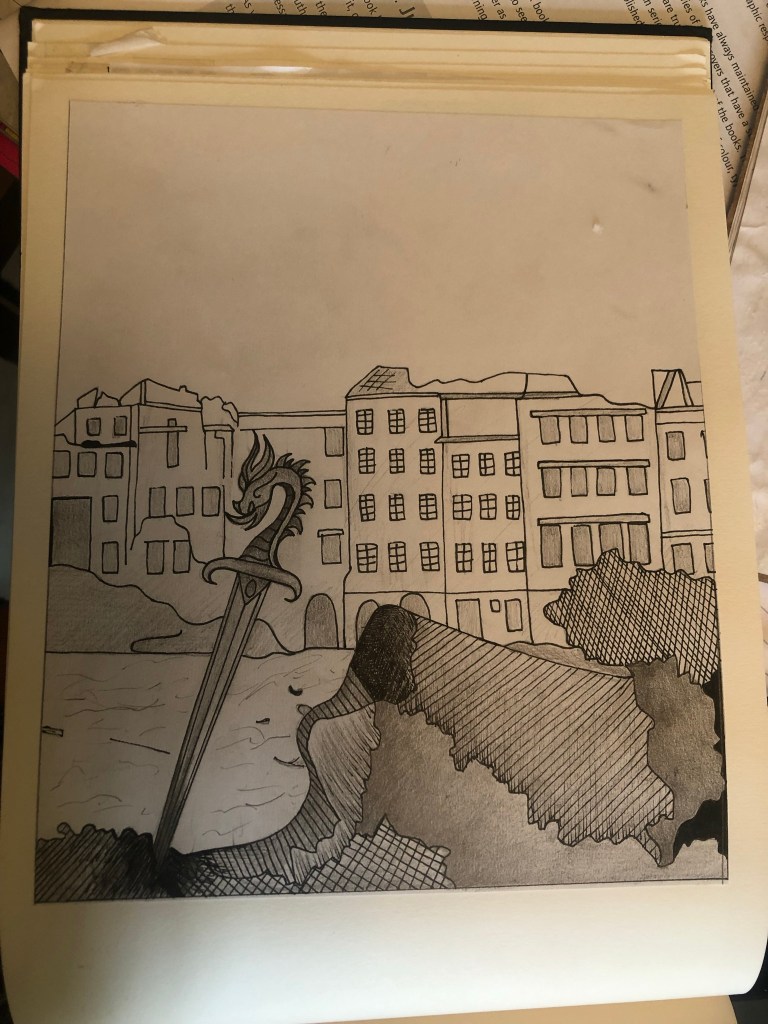
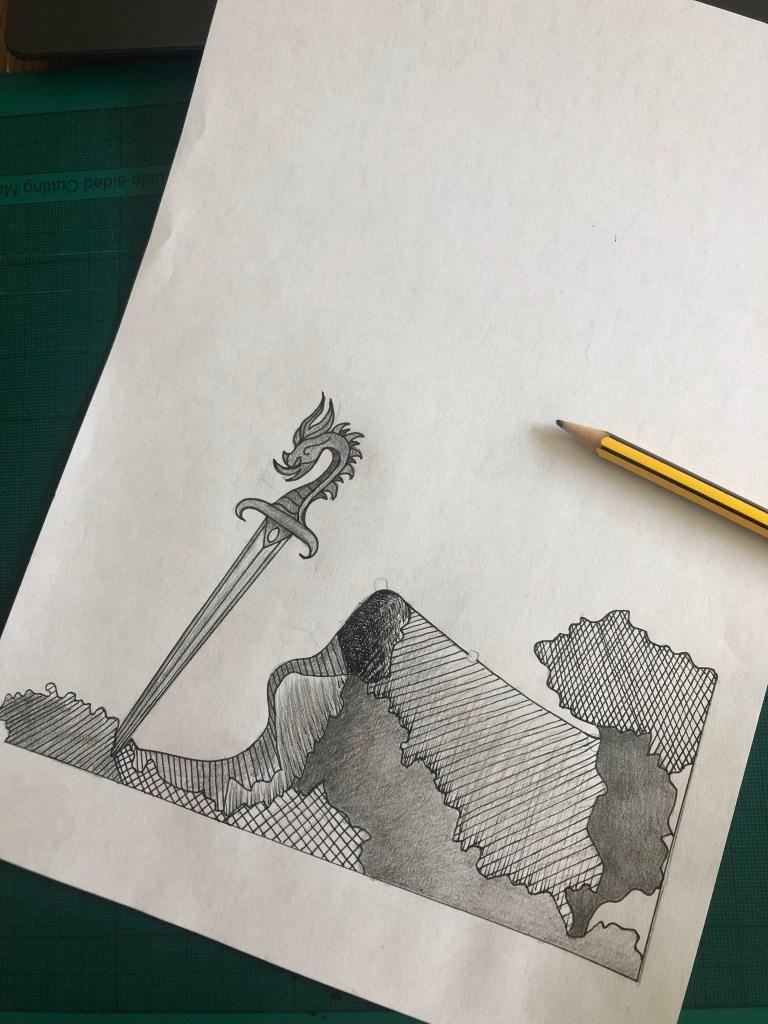
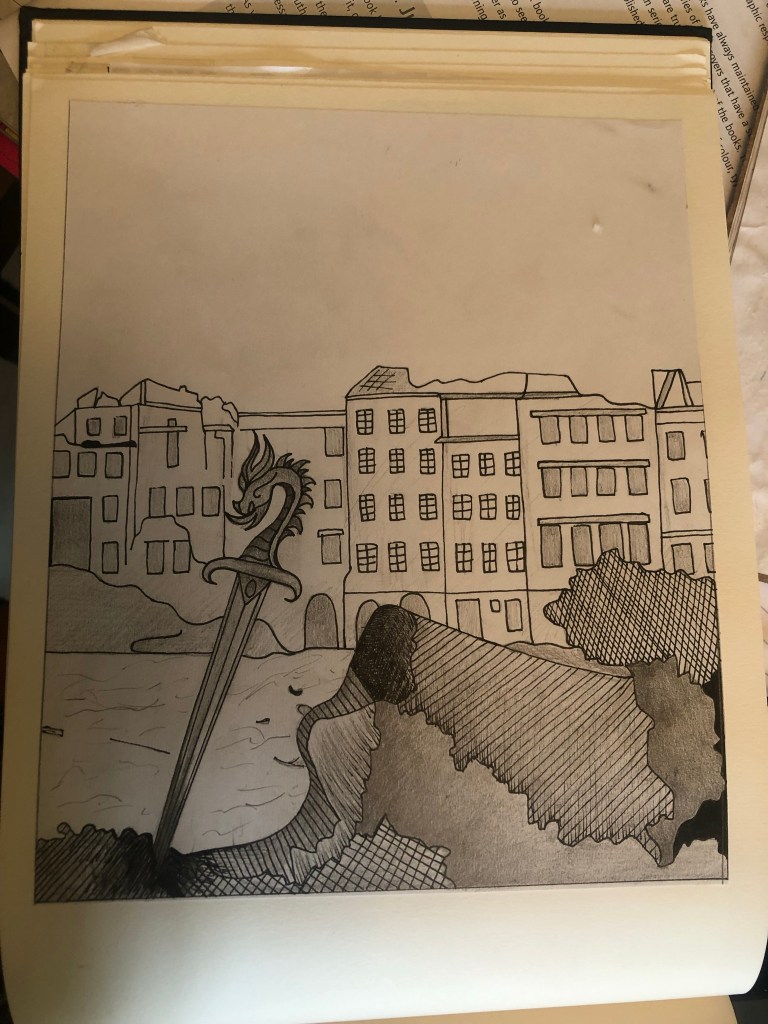
It was back to the drawing board for me! – I decided that because I was trying to stick to a very strict timeframe I would stick with what I knew best and draw my design out. I decided that because I love ink drawing I could use hatching on the rubble to make it look like different textures.

I found an image of a Silver Sword on Google to copy my drawing from and used an image of a dragon that I found earlier in my research to create the dragon on its hilt.

I drew my drawing up and scanned it in before I added detail, just in case I wanted to change it at any point.

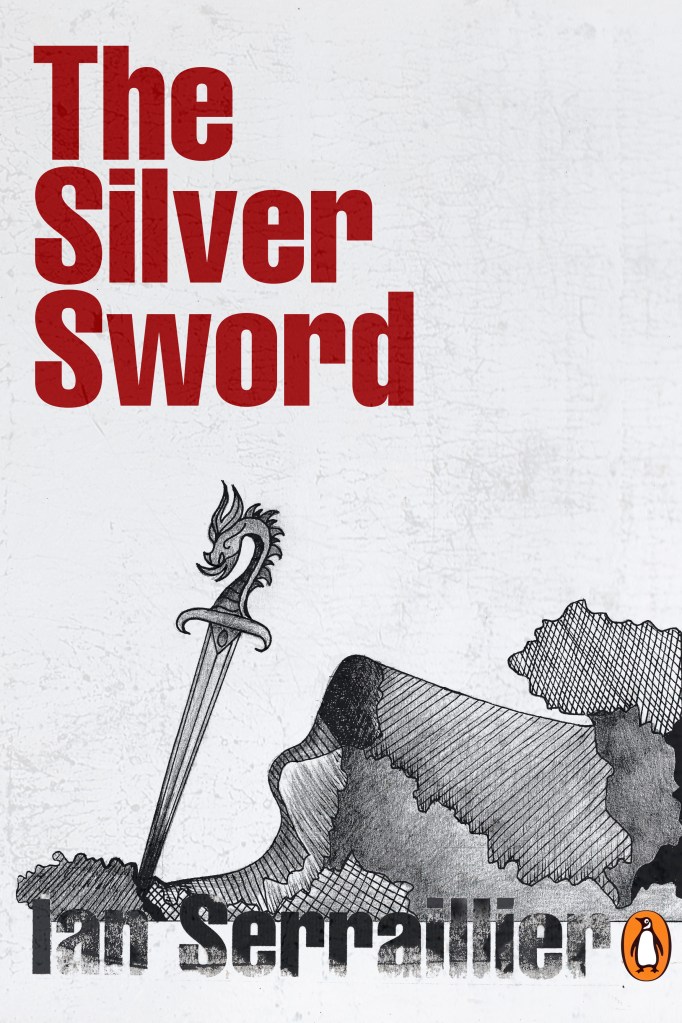
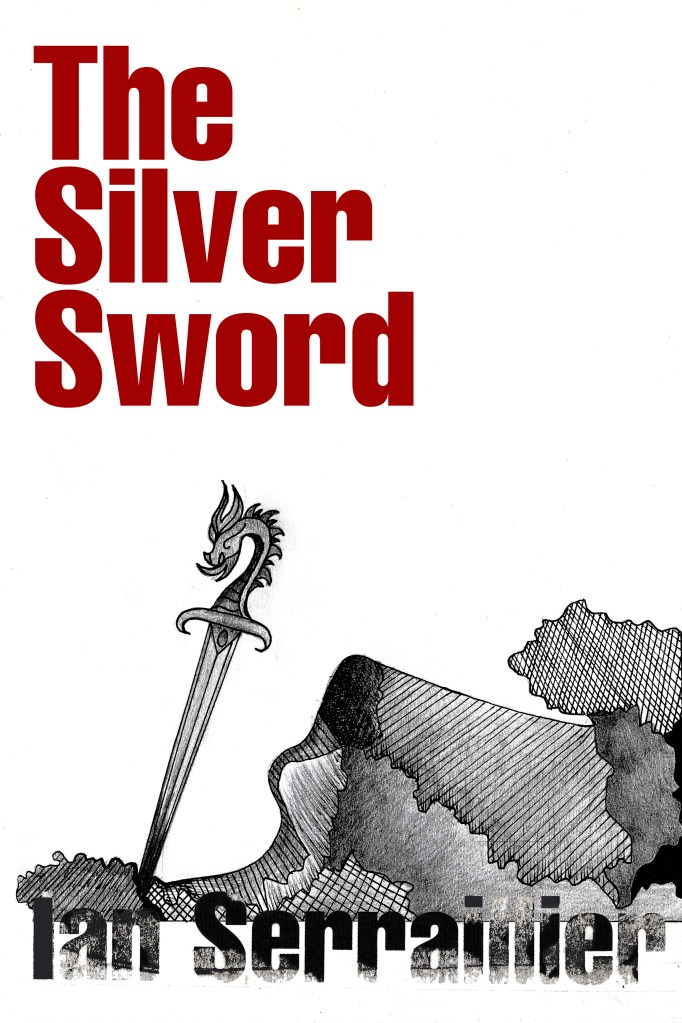
I actually preferred the design without the buildings for the front cover. My vibe and feelings for this cover was “the simpler the better.” following in the style of the International Typographic Style – less is more.

I also started work on the letter rubbing.. I decided to only do this for the author though and to keep the main title strong and bold in appearance. I also wanted the title to be in Red to match the Swiss vibes..

I created the title using printed paper and rubbing the ink onto the cellotape and then transferring it onto my design, scanning it in and altering it in Photoshop.

I took my main drawing over to Photoshop too to do some alterations and to start creating my final first cover. I also imported a scratched metal texture which I lowered the opacity to give a grey, rough textured background to the covers.

I preferred the simple, toned down cover without the scratched metal effect. The pure white background really contrasted against the black inks. I absolutely love how the rubbed down lettering turned out too!

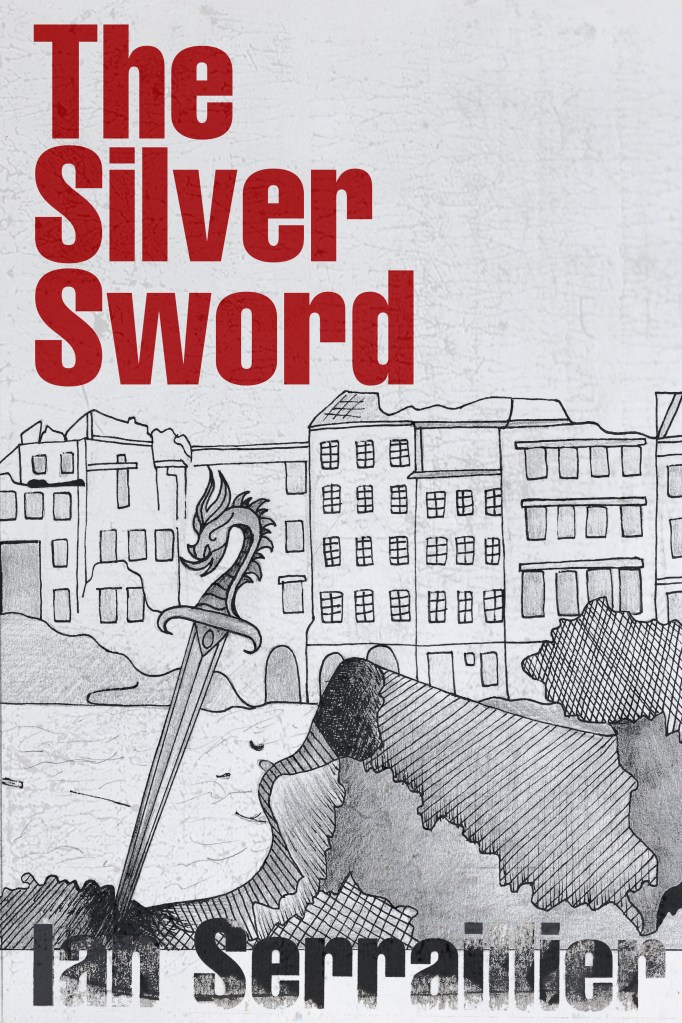
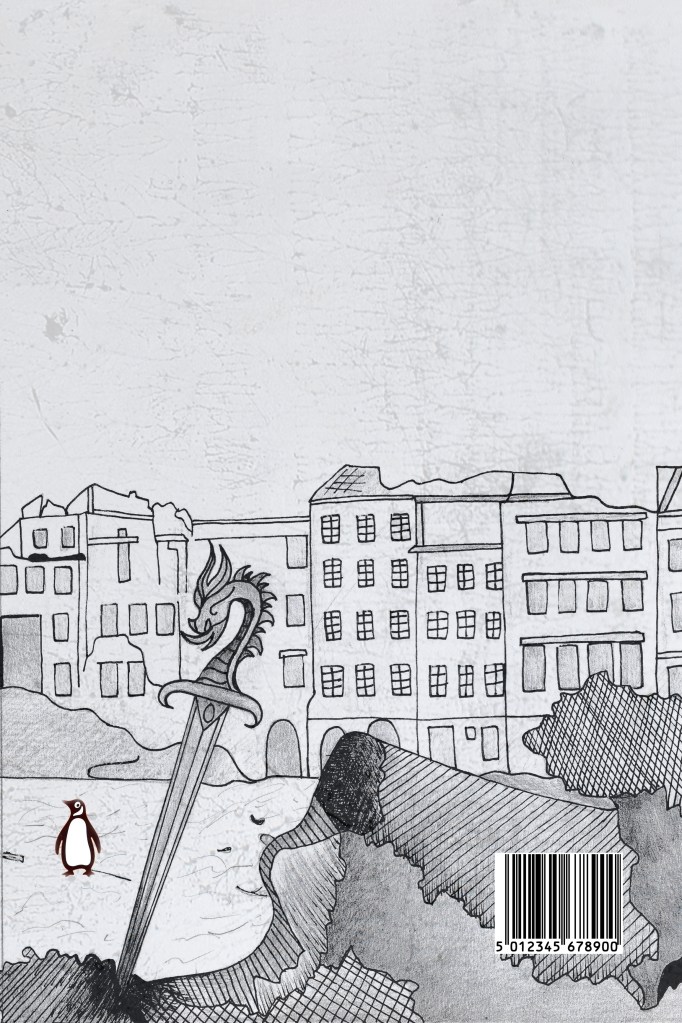
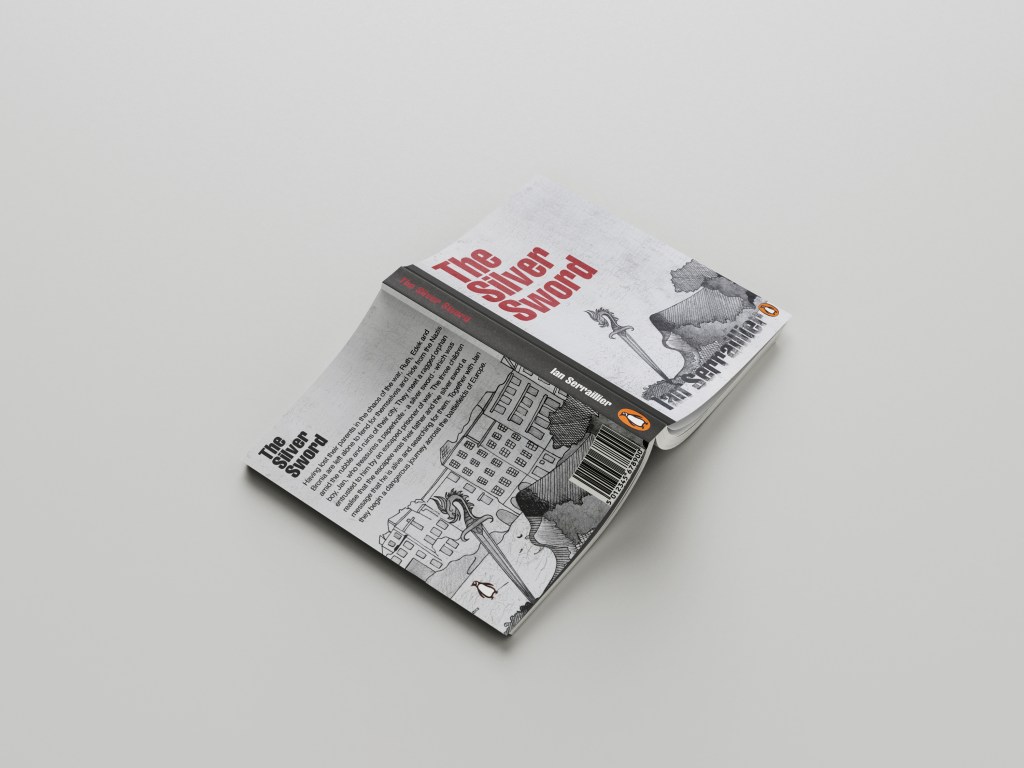
I did however decide to use the buildings on the back cover to carry on the image but in more detail on the back.

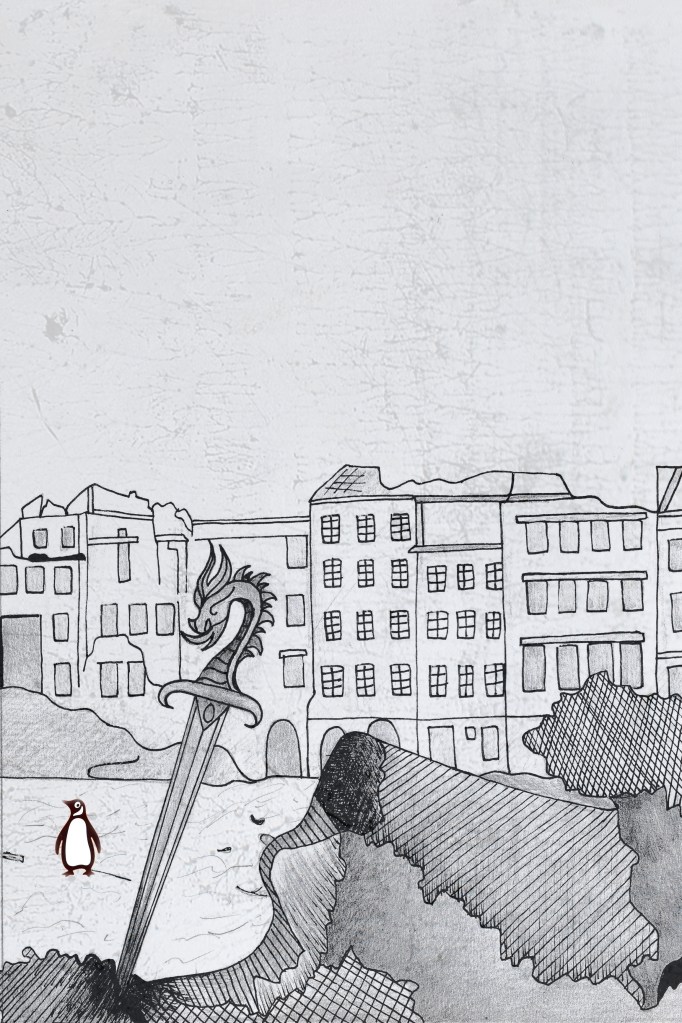
I also edited the Penguin logo a little bit to add more fun to the back cover! (I say fun.. the poor thing is wandering around war torn Warsaw looking absolutely bewildered!!)

I did decide though if I was using the buildings for the back of the book, that image had the scratched metal effect on it which would mean I would have to use the same for the front. I brought back the scratched metal effect for the front cover.

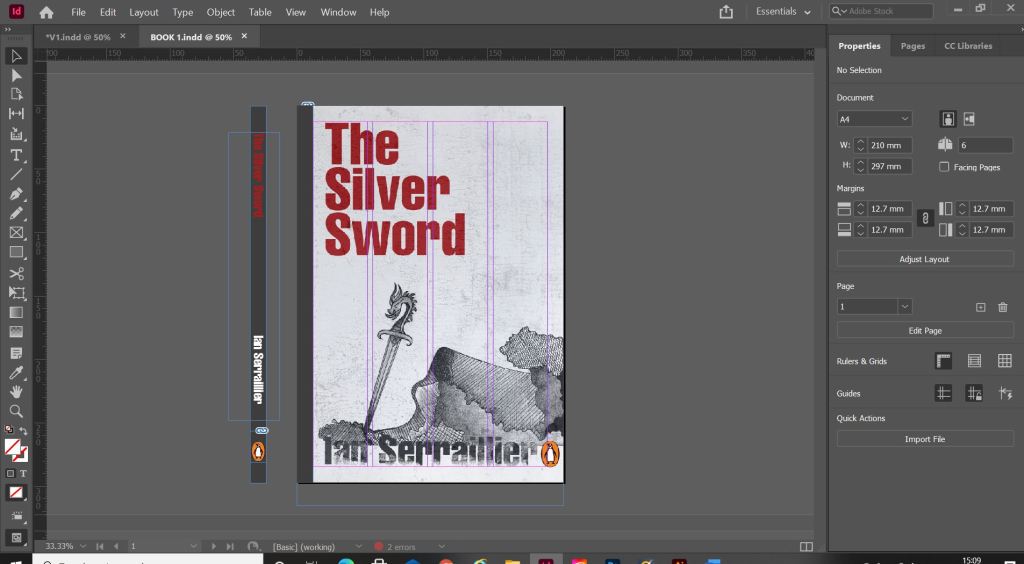
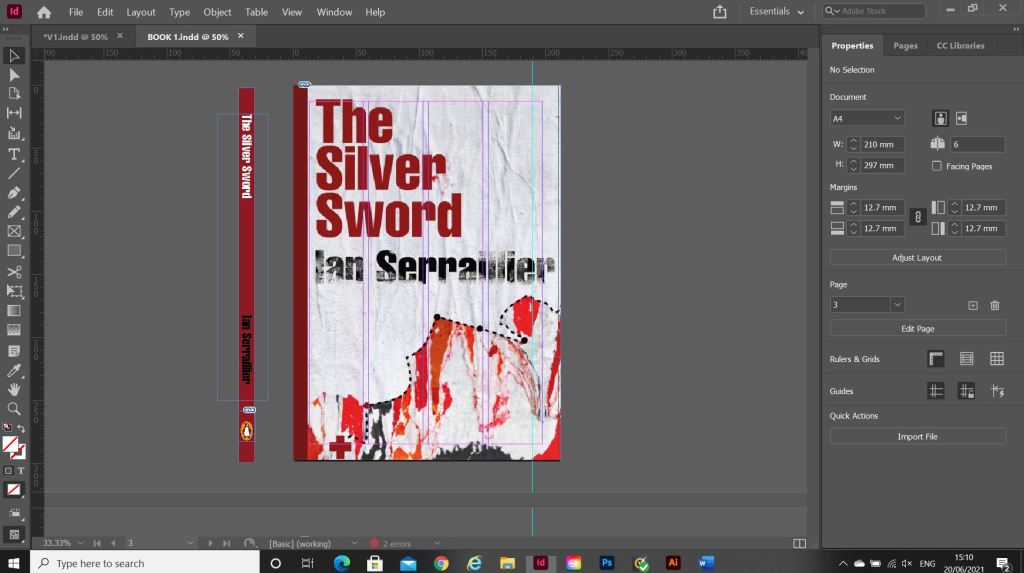
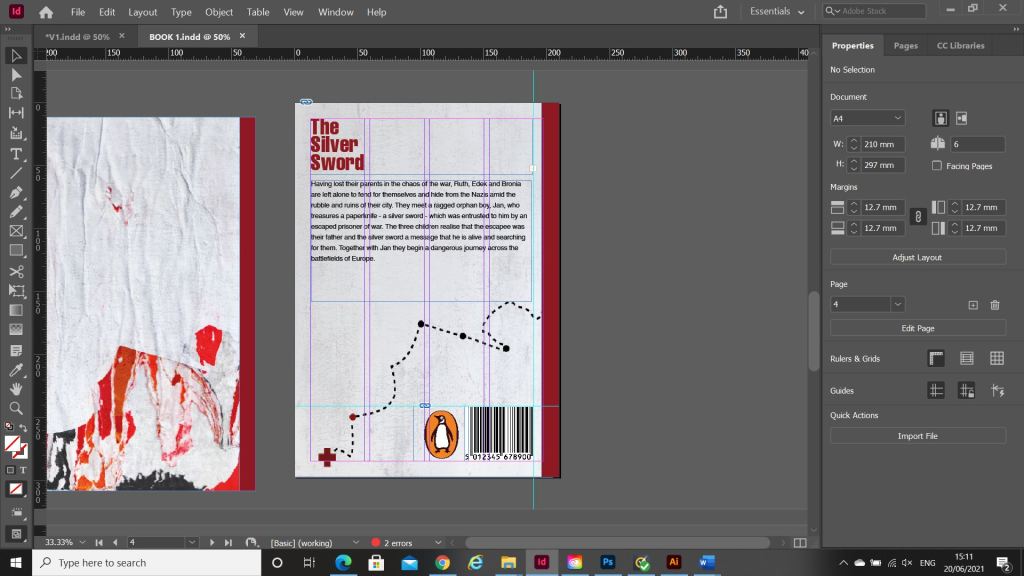
Once I had created my images in Photoshop I then created a document in InDesign to design the text for the covers.

It was Helvetica all the way for my first cover! I used Helvetica Compressed for the title and author on the front and then used Helvetica Regular for the copy text on the back cover. Helvetica ties in to the Switzerland connections in the book. For the text on the back cover I went onto Amazon and copied a description of the book from one of the listings for The Silver Sword.

I used a wrap around spine for the books again as it breaks the design up on the front and also adds contrast.

Book 2 – (just type)

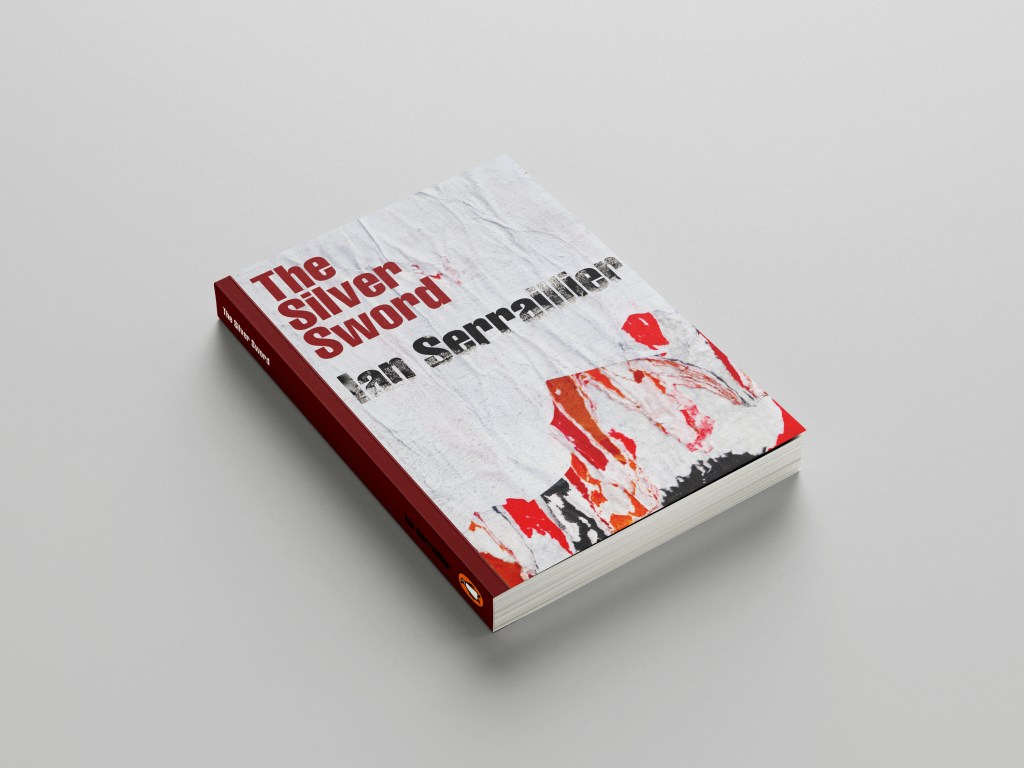
For book number 2 I decided to try and bring back the collage that i decided to write off at the beginning of the design process for Book 1!..

I thought that if I used this for the background on book number 2 it would still represent the map and the colours of the rubble and fire but without actually showing them. I wanted the reader to use their own imagination and come to their own conclusion of what this front cover was all about.

I took the awful collage into Photoshop and worked my magic trying to make it look worthy to be on a front cover of a book.. It actually wasn’t too bad!
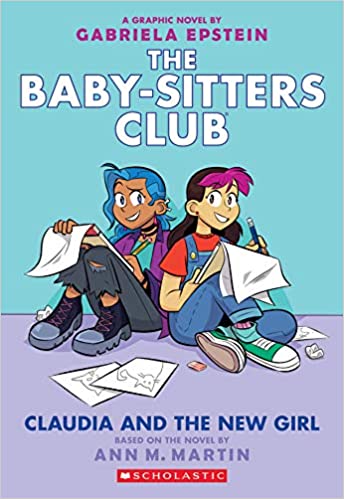
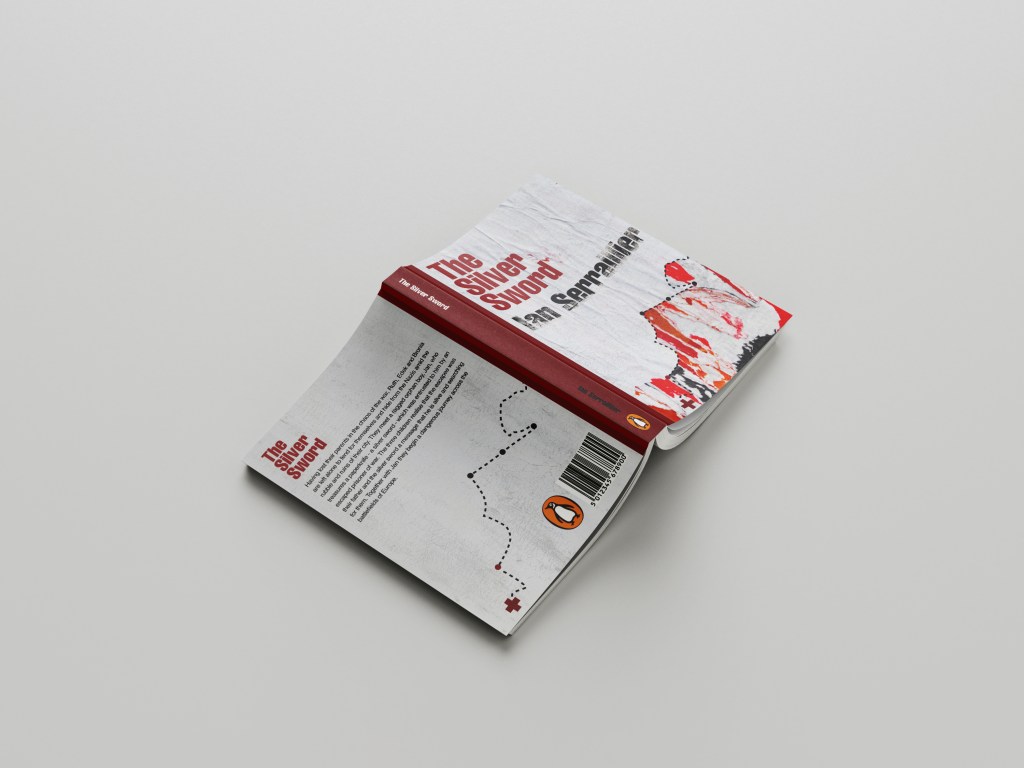
This was my cover for “just text” I did though take it a little bit further and add some detail, which to be honest I am unsure if I am breaking the brief by adding? Worse case I have 2 versions; 1 with just type and the 2nd which is just an optional extra!

In Illustrator I decided to add points to the map so that it was more obvious that it was an outline of a map. I also added the Swiss cross and circles to mark the places they crossed. Obviously it is a very abstract map.

For the back I did exactly the same layout as book 1 but just used the outline of the map. It is a very simple solution to the brief. The worn paper represents the war torn, worn out state of Warsaw at the time and the warm colours represent the rubble, ruins and the fires that burned because of the bombings. It is also quite a modern cover in that it takes inspiration from Swiss grit.

Considering I HATED that collage when I first created it, it actually didn’t turn out too bad!

Overall I believe I have met the brief for these books, I actually surprised myself with the 2nd just type book – I thought that this would be tricker than it was! – it just goes to show that if you have an idea and it doesn’t quite work out, persevere with it because it might actually work out better than originally thought!

The Mockups

Exercise: Poster and Flyer (Singout)

The Brief

I had a read through this brief and it seemed fairly straight forward and not intimidating or overwhelming, however! by the time I had finished this brief I was so fed up of it! I did not realise that having a black and white restriction in place would actually prove quite challenging! There is also a lot of text to fit into a small space which was also a challenging aspect to this brief.

I decided I would start off and design the A3 poster first and then when I have a design and layout for that I would take that forward into the A6 flyer.

I started off as I usually do by researching what is already out there in the wide world. I searched Pinterest for singing posters and noticed that practically every single one was the same style and format.

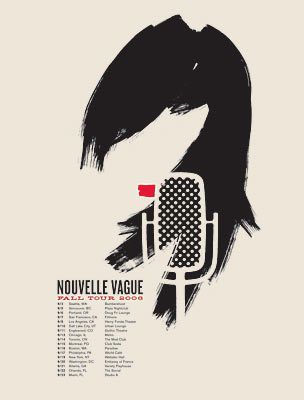
All the posters I found featured images of microphones, people singing, musical notes… I wanted to do something slightly different though. With such a small space and the limited colour palette, whatever design I decided to go with needed to be simple and clever. I instantly had the idea to try and do something similar to a poster that I know by Josef Muller Brockmann. It was a poster for Beethoven and it cleverly uses negative space and simple shapes.

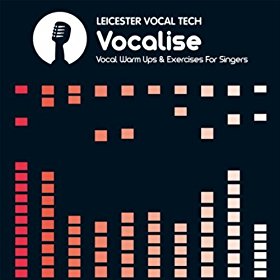
There were some images that I found that gave me ideas or inspiration the most. They are these:

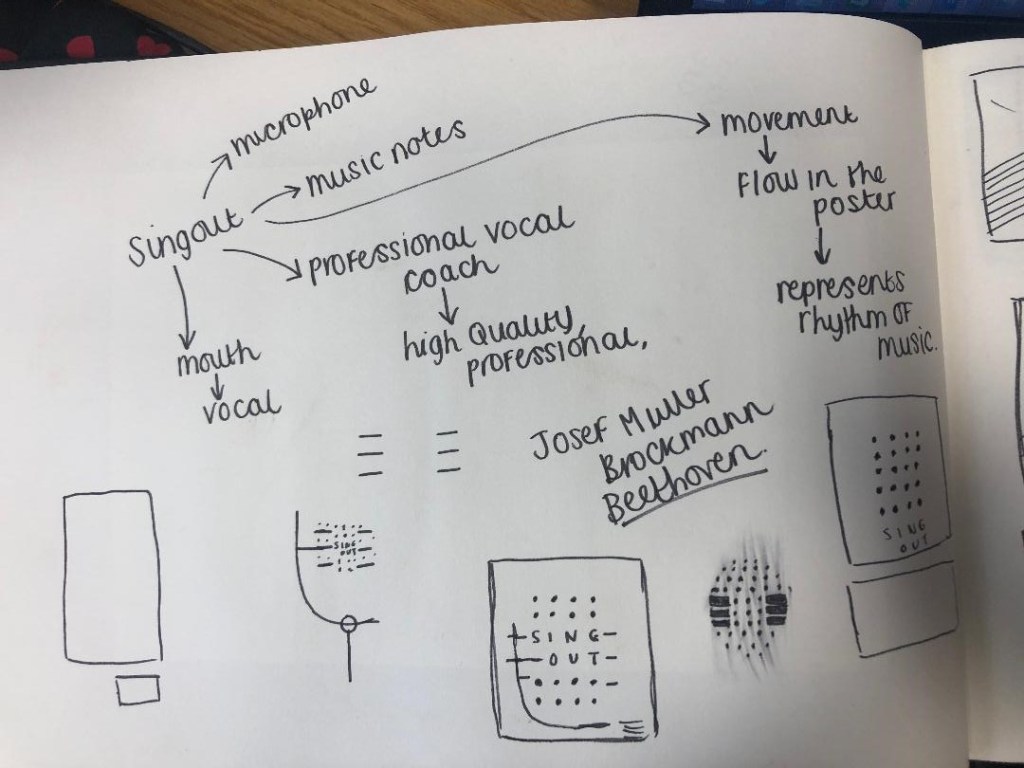
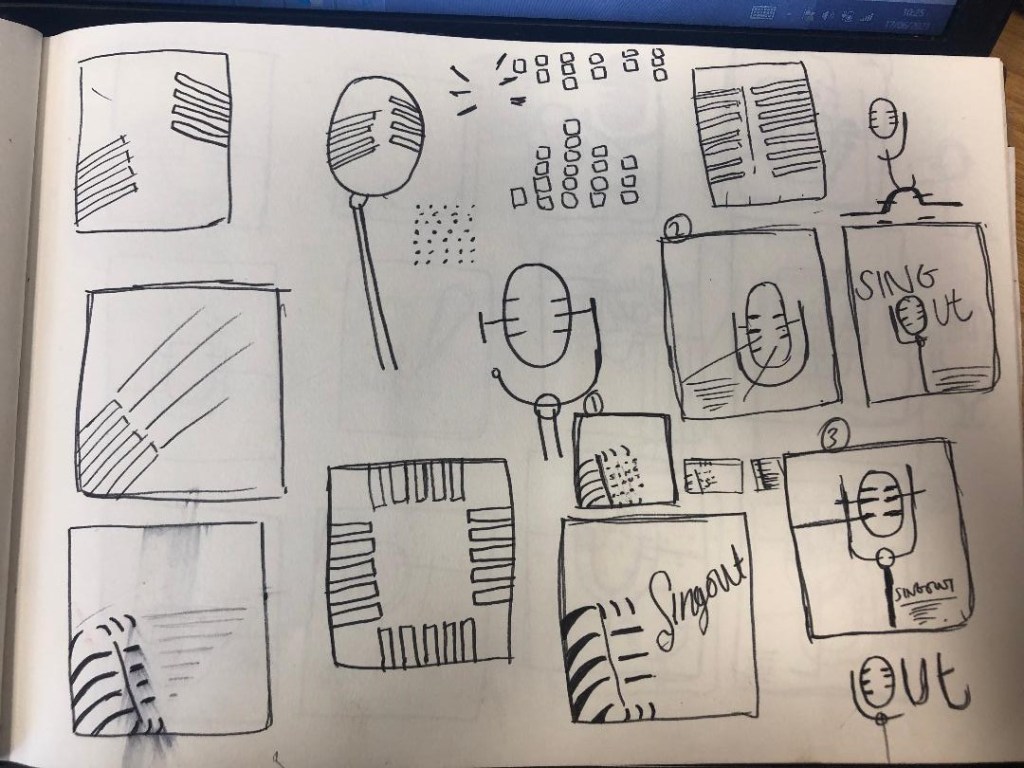
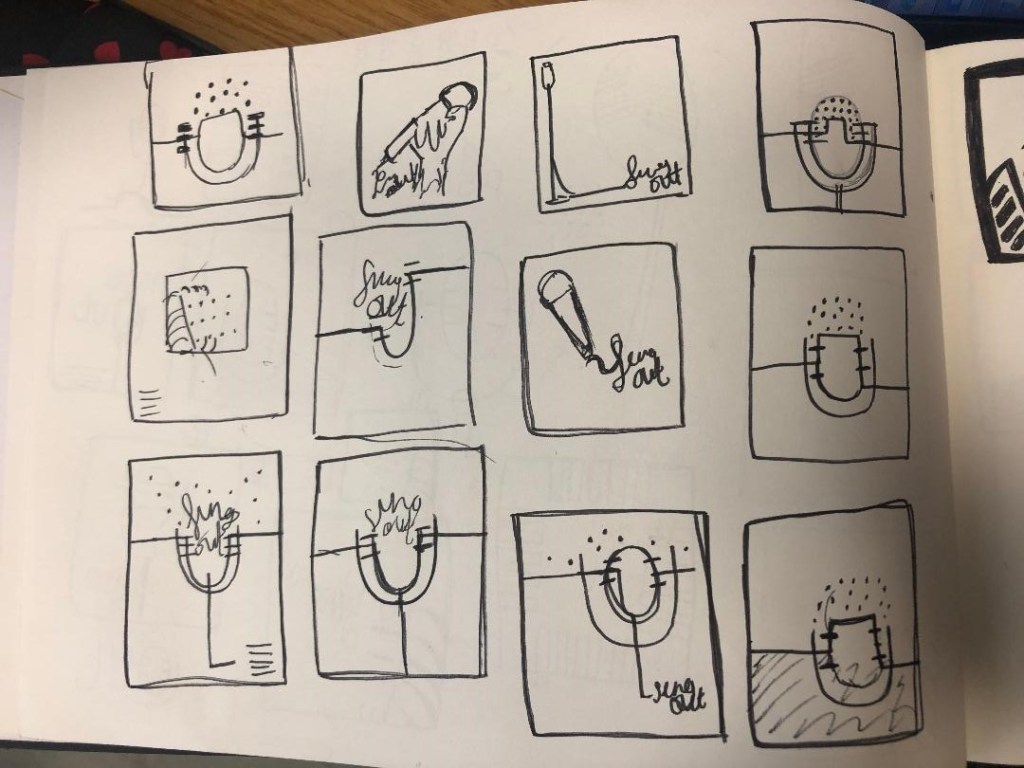
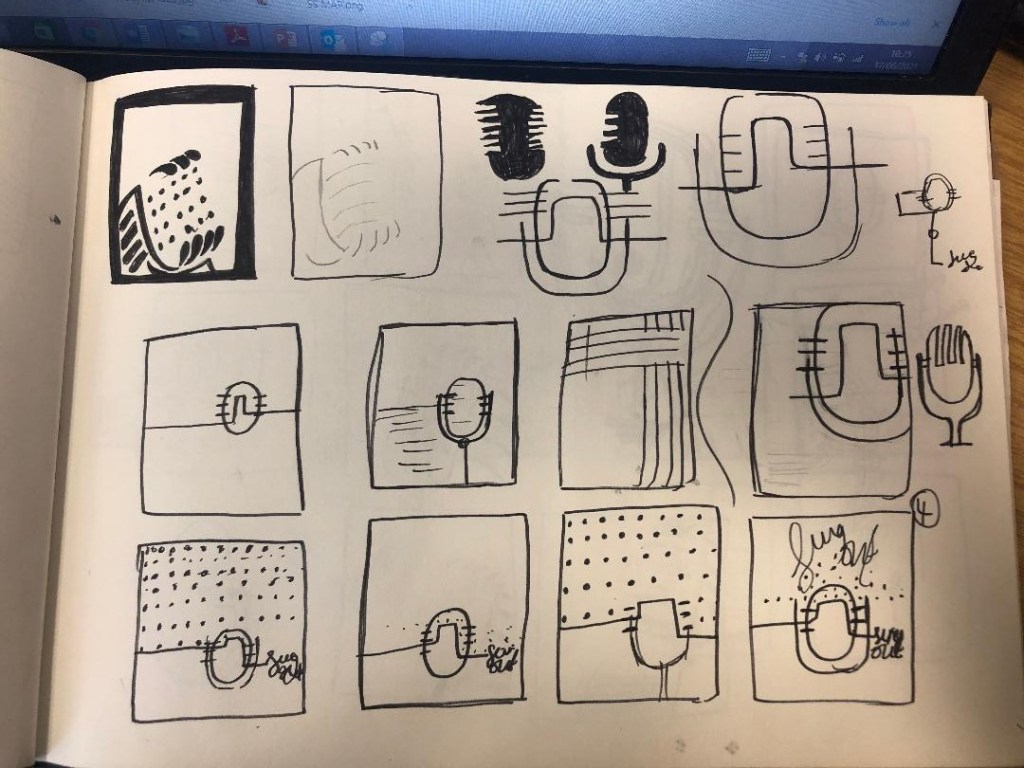
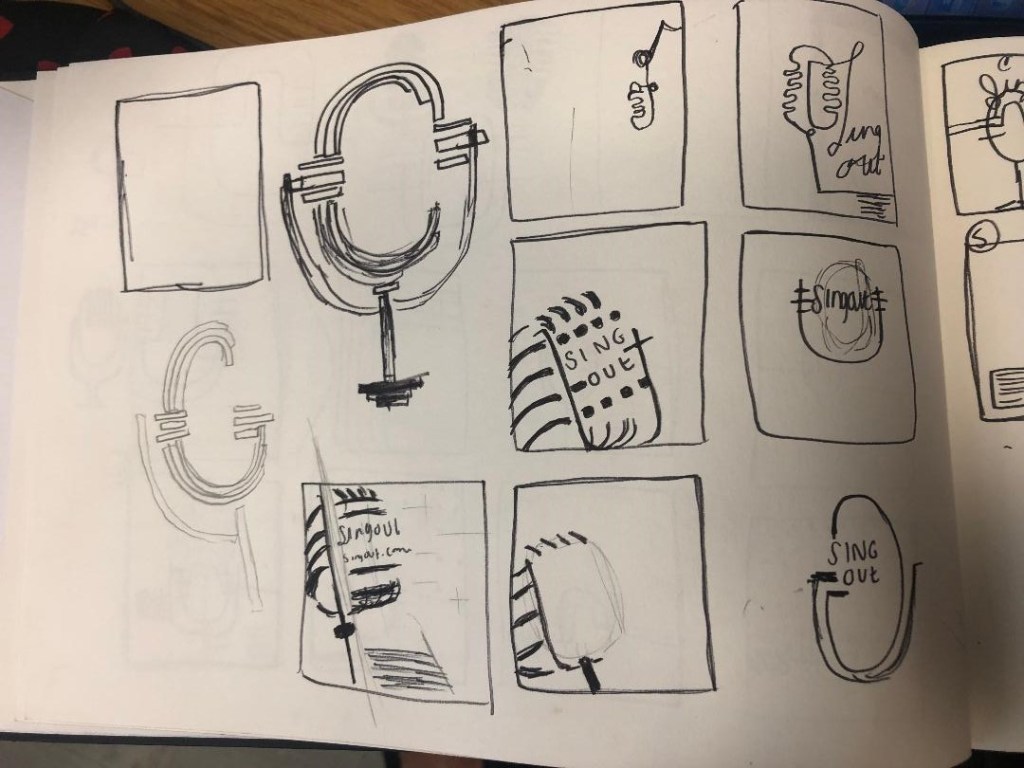
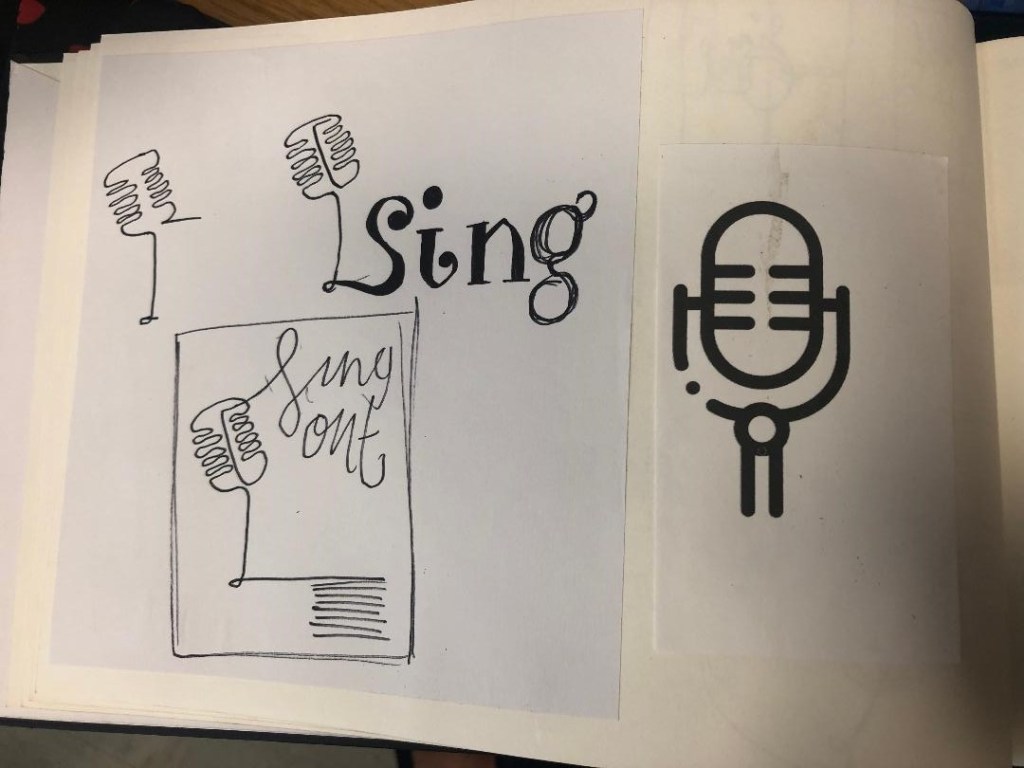
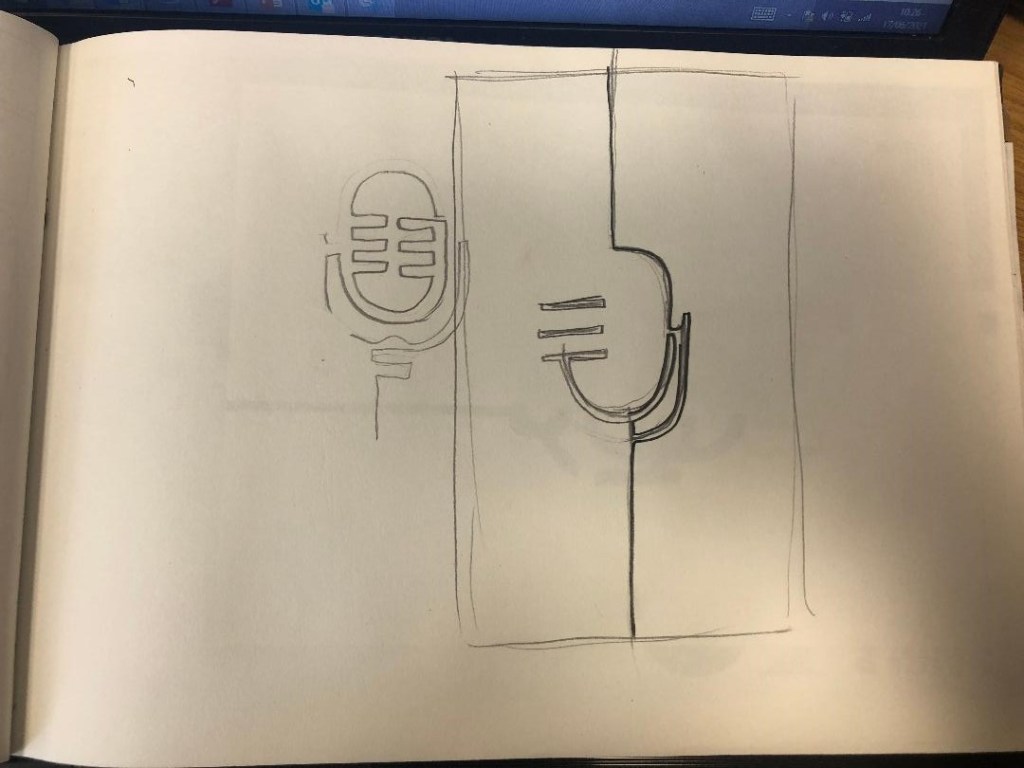
I started to sketch up ideas very similar to this poster in my sketchbook. I used a microphone as the main image and tried to simplify it down to its basic form to create a similar effect to what is seen in Josef Muller Brockmann’s posters. I was trying to find clever ways of making negative space the main design instead of using actual images, illustrations or photographs.

Trying to create it proved too difficult though, I was only using a section of the microphone and because of this I struggled to get the design to still look like a microphone. I also struggled to make the text a part of the design because it would have looked too small and not stood out at all. I went back to the drawing board and started with new ideas…

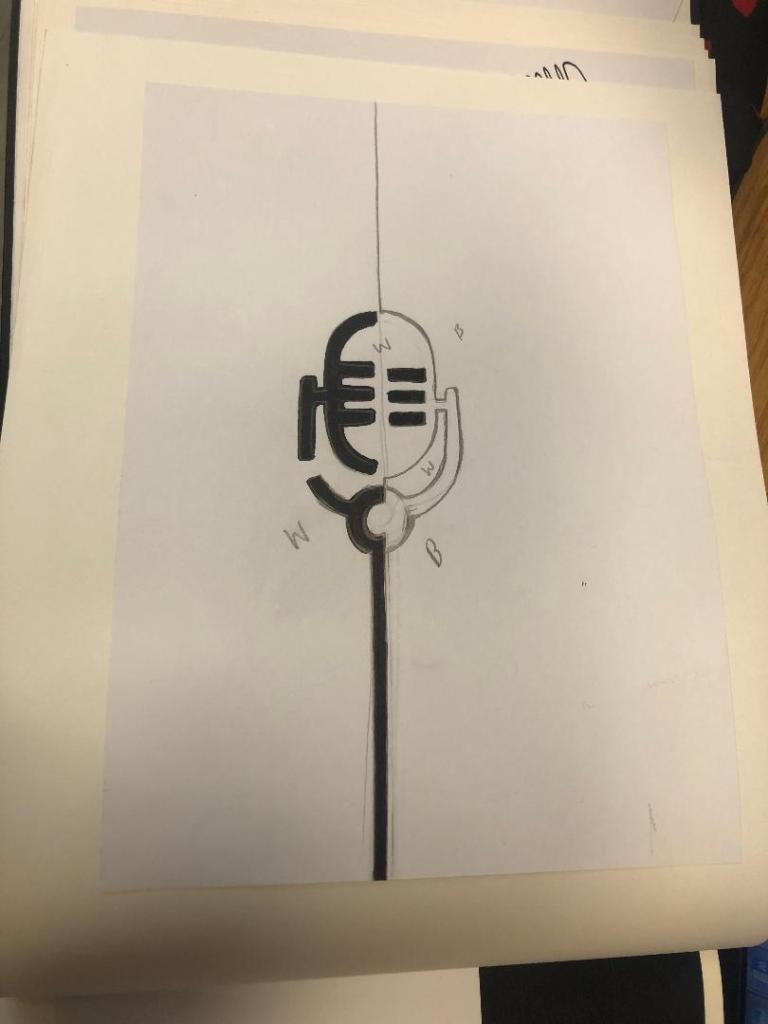
I started to feel frustrated that I couldn’t crack this brief in the way I originally wanted.. My thought process now was “Right! What is black and white, how can I make it negative space?!” BOOM! A 90s throwback of the Ying and Yang symbol appeared in my brain! What if I created half of the microphone in the white and half in the black….

I started to draw ideas:

This could work! It looked like a microphone and it played on its negative space as part of the design!

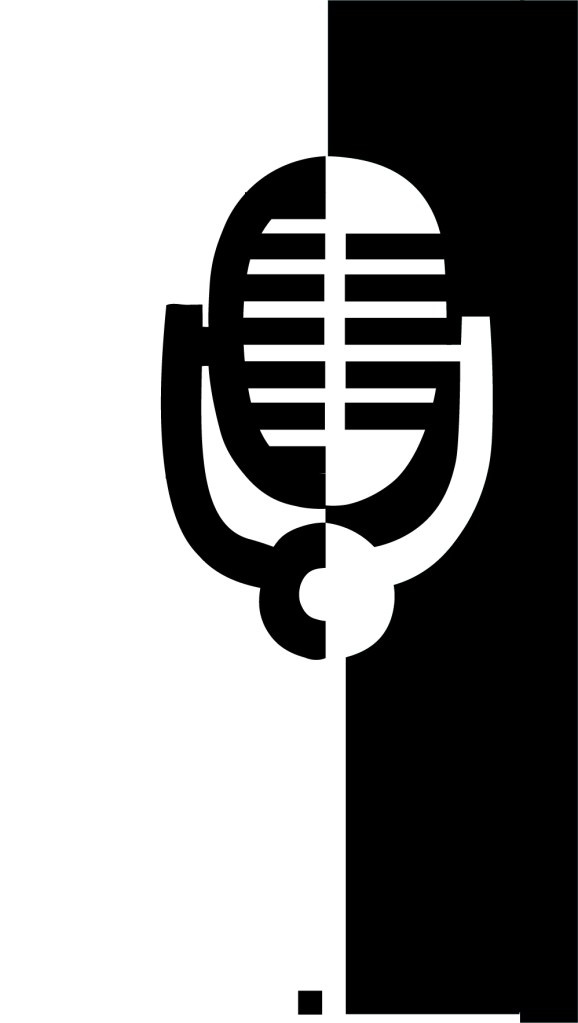
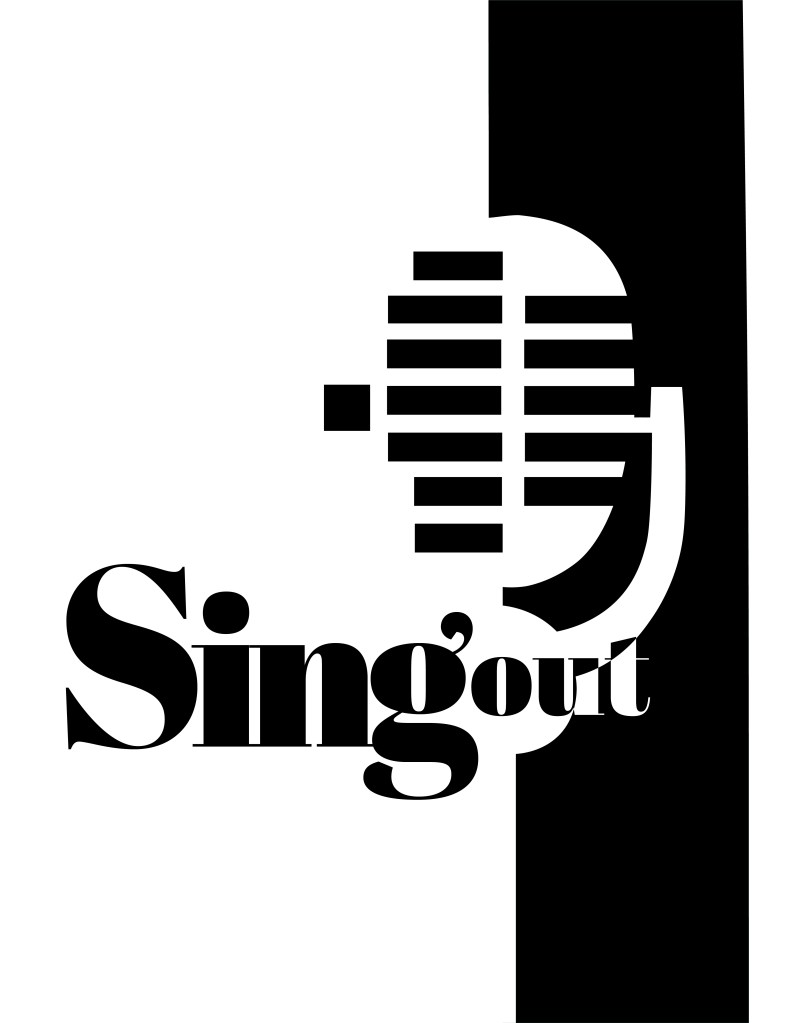
I imported my drawing into Illustrator and started the process of drawing around it. This is what I ended up with:

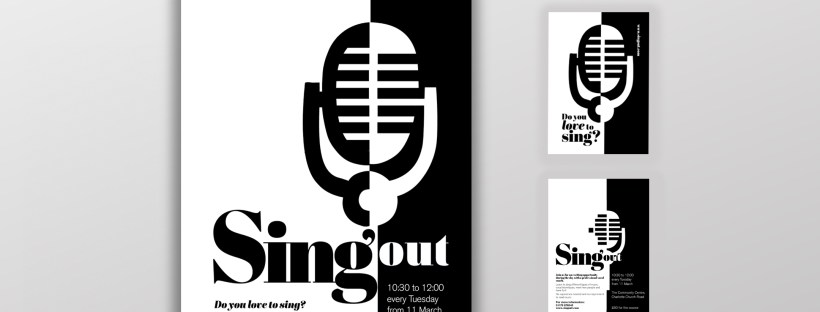
It stood out, it still looked like a microphone and it used negative space in the design! I decided to move forward and develop it further!

The next step as to figure out what typeface I wanted to use in my design, the one I chose to go with was Abril Display. I like it because the Black display is very bold and it stands out but also looks very ornamental and decorative too. The serifs look like the ends of music notes.

I then played around with the layout of my poster:

I messed around the most with how to display “Singout” – all one word! This was a challenge also! I decided to make”Singout” 2 different sizes but still one word for 2 reasons; 1) for contrast 2) to separate the word up but still keep it as one word. I placed the “o” in “out” in the centre of the microphone on some of the layouts as I felt it would make it look part of the design, however it changing the colours in “out” looked too confusing and was not legible at all.

At this stage I did also experiment with different coloured backgrounds just to see how it might look if the design was printed or photocopied onto coloured paper.

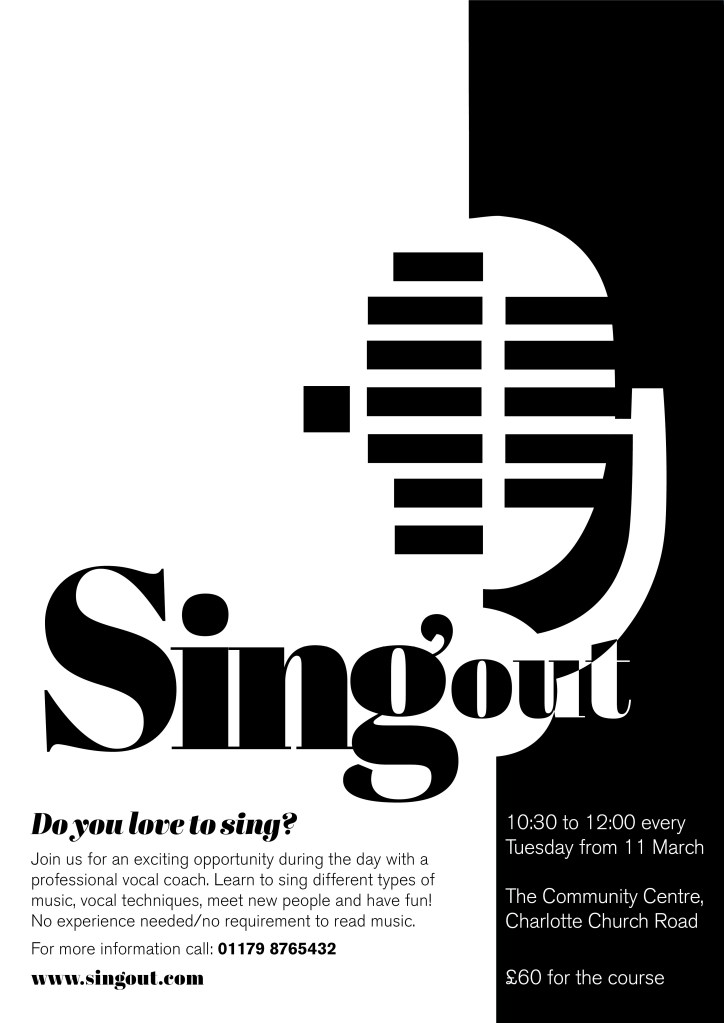
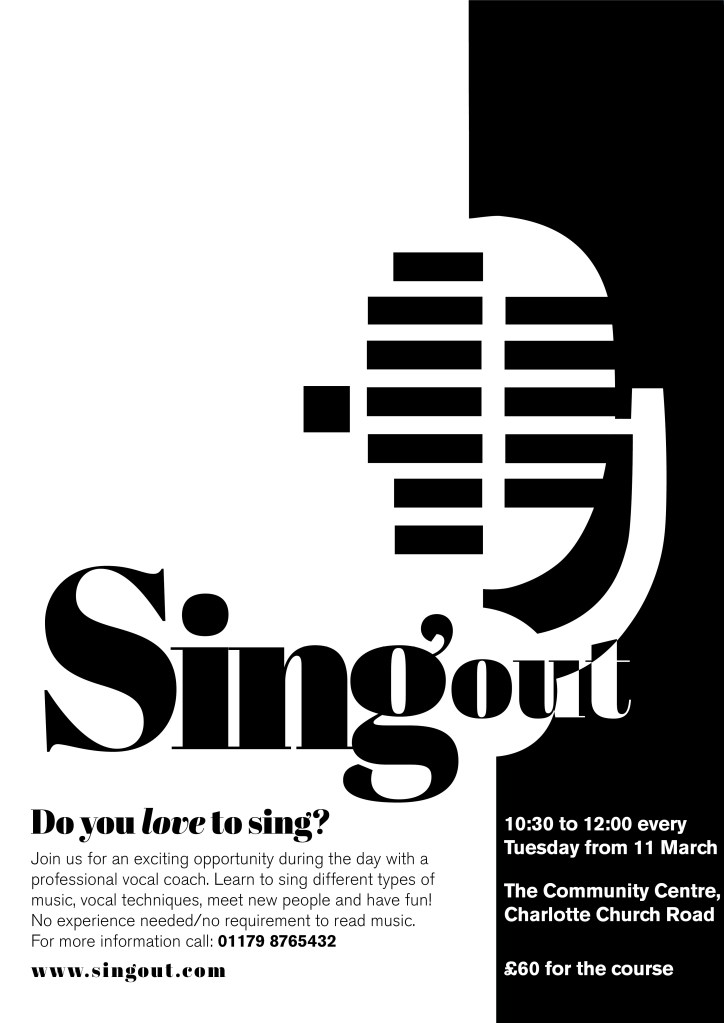
I decided to go with this poster design below in the end:

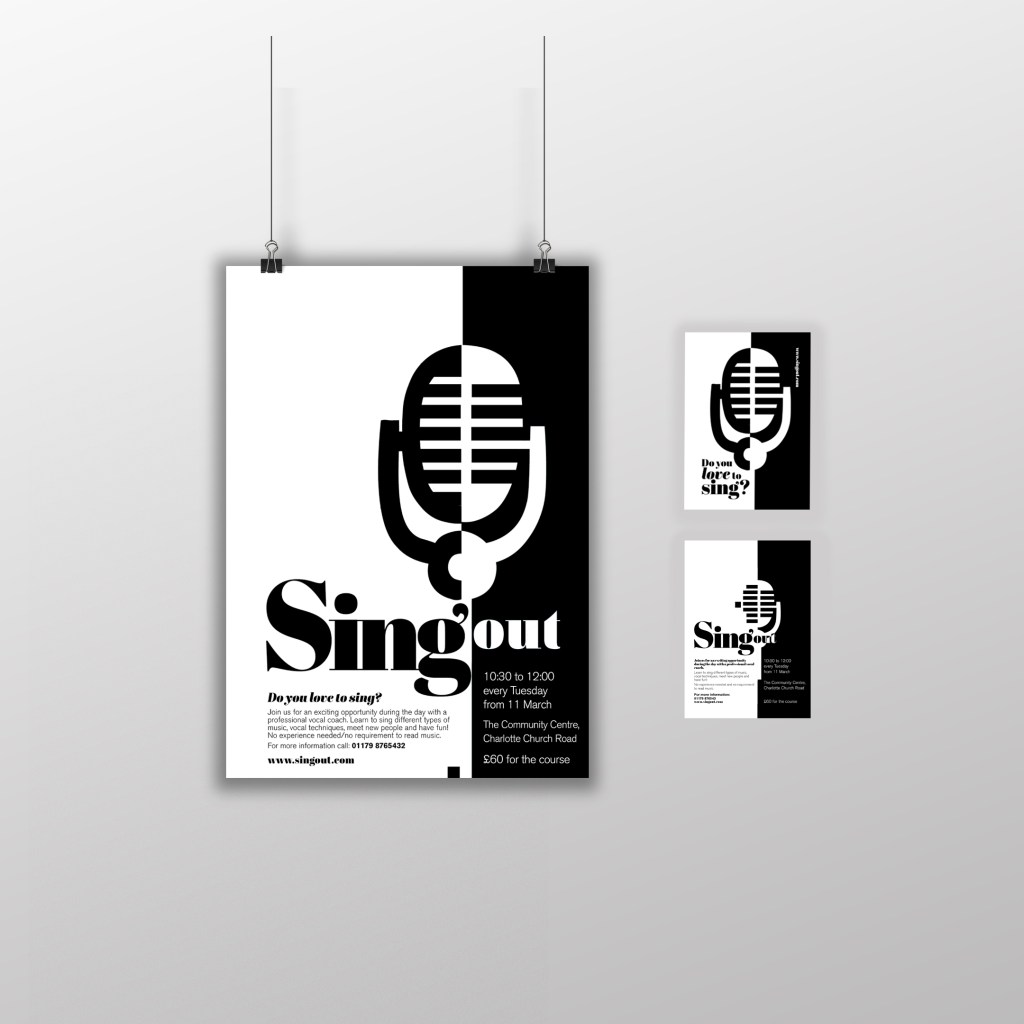
Singout as 2 different sizes for contrast an legibility. “Sing” is seen first as the vital information and then “out”. It could also represent being smaller for being “on its way out”. I used the same typeface for the sub heading of the poster and also for the website. This typeface is a serif which does not make it an ideal typeface for body text. The rest of the information I used Berthold Akzidenz Grotesk. It is a Sans-Serif typeface which makes it ideal for important information that needs to be read as it is clear and legible.

The final poster mockup

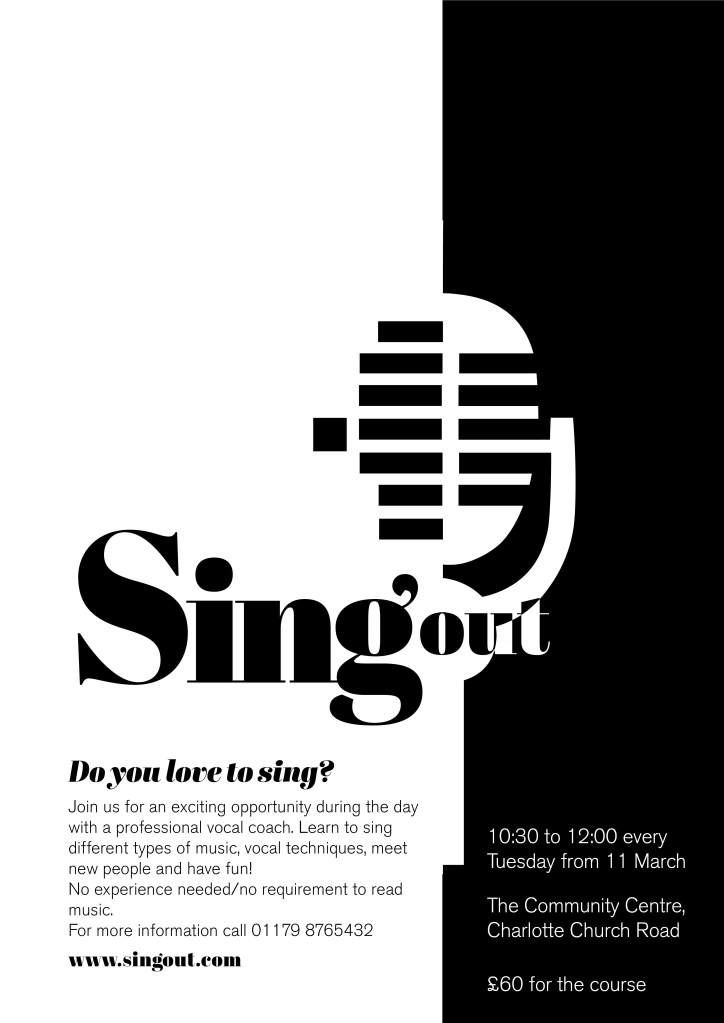
The A6 flyer

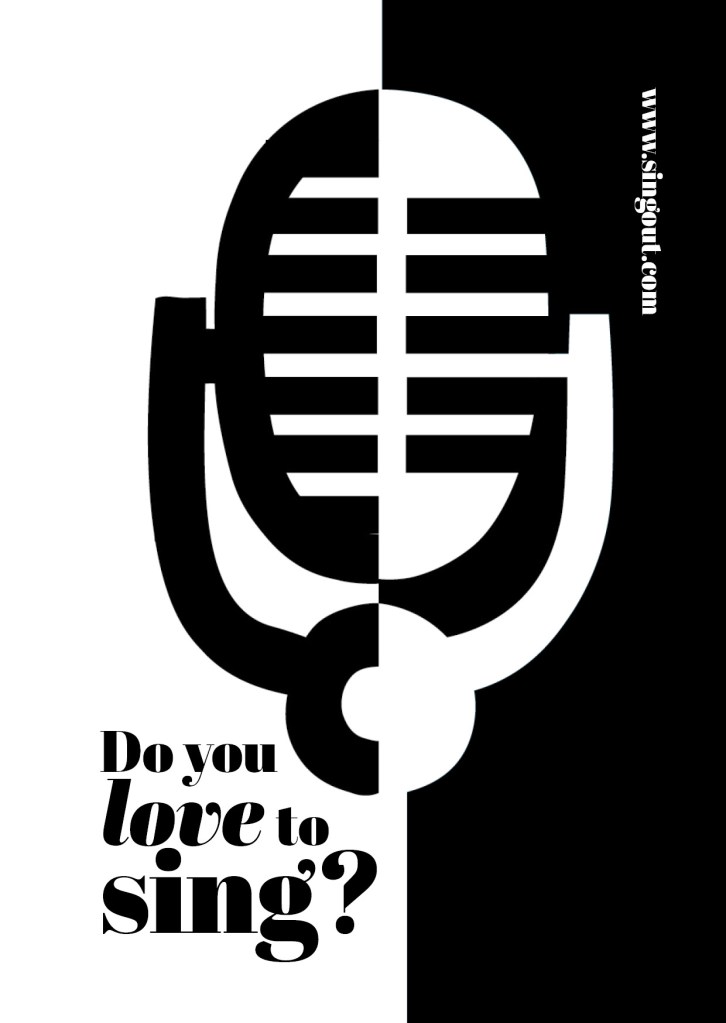
I used exactly the same format and layout for the flyer except that for the back of the flyer I used one of the ideas for the microphone that I did not use for the poster (I did not want to repeat the exact same image over 2 sides) Working in a small space was a challenge but I chose to use the first side of the flyer to draw people in first; the first thing people would see is the catch line “Do you love to sing” and the website. If someone who was a singer saw the front of this flyer they would be interested in finding out more information and turn the flyer over, some people might just see the flyer and remember the website to browse later on or some people would see the front and know it’s not of any interest and instantly discard it. Either way, the first side of the flyer is to get the attention of the reader.

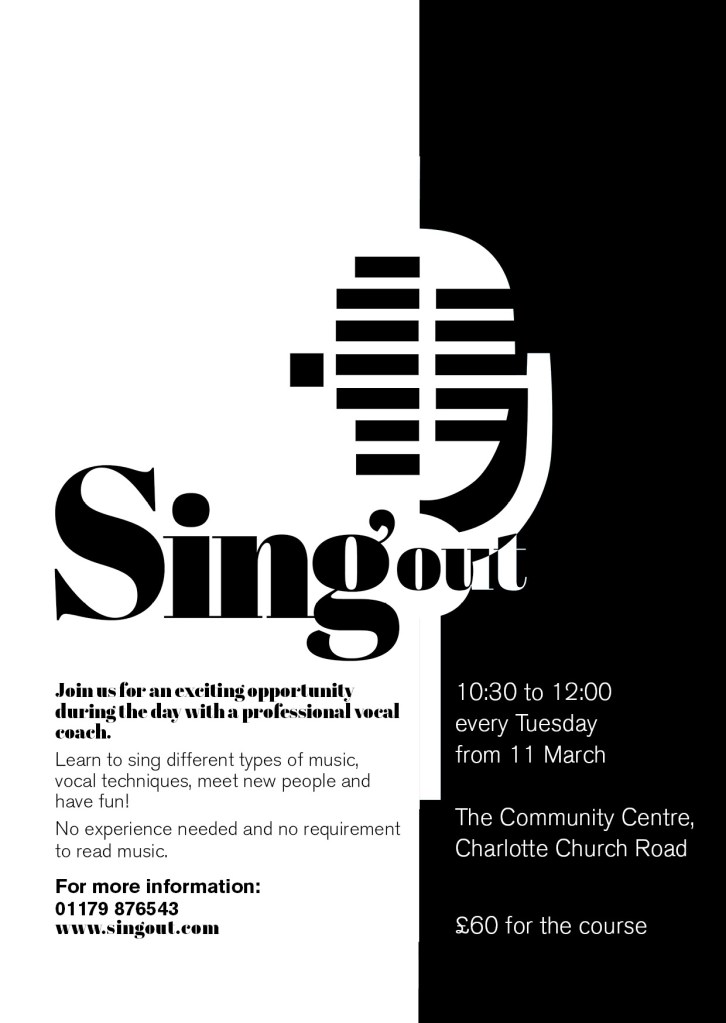
The second side of the flyer is for the information that is wanted to be read. I have kept it in the sae layout as the poster so that it is easily understood and read. This side does not have to fight for attention as it is information that the person as been willing to read after being drawn in by the first side.

I think these designs work well. I am pleased with the outcome of this brief, I have met what was required of me and have produced material that can be cheaply distributed and photocopied to a high quality. The design stands out and grabs the attention of the client.

Exercise: Birthday List

The Brief

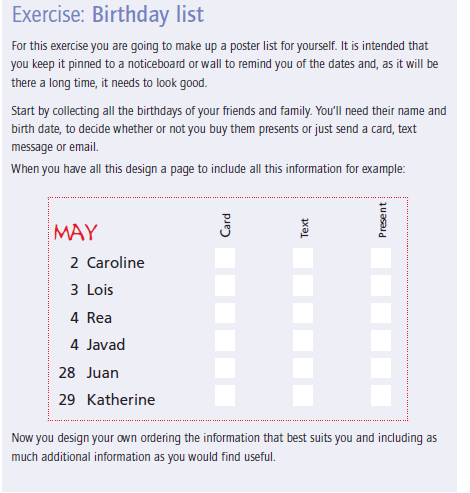
This brief seemed like a fairly simple brief from first glance, it is basically a poster of names and their birthdays but in a cleverly designed way. This brief came in handy because in our house my boyfriend used to have a list of everyones birthdays but I accidentally destroyed it – I told him that I could design this for the course and also for our house!

I started thinking about different ways that I could design this. I did not want to create a “simple” design. It is all too easy to list names and birthdays. The example that was given in the Core Concepts book was NOT what I wanted to achieve at the end of it.

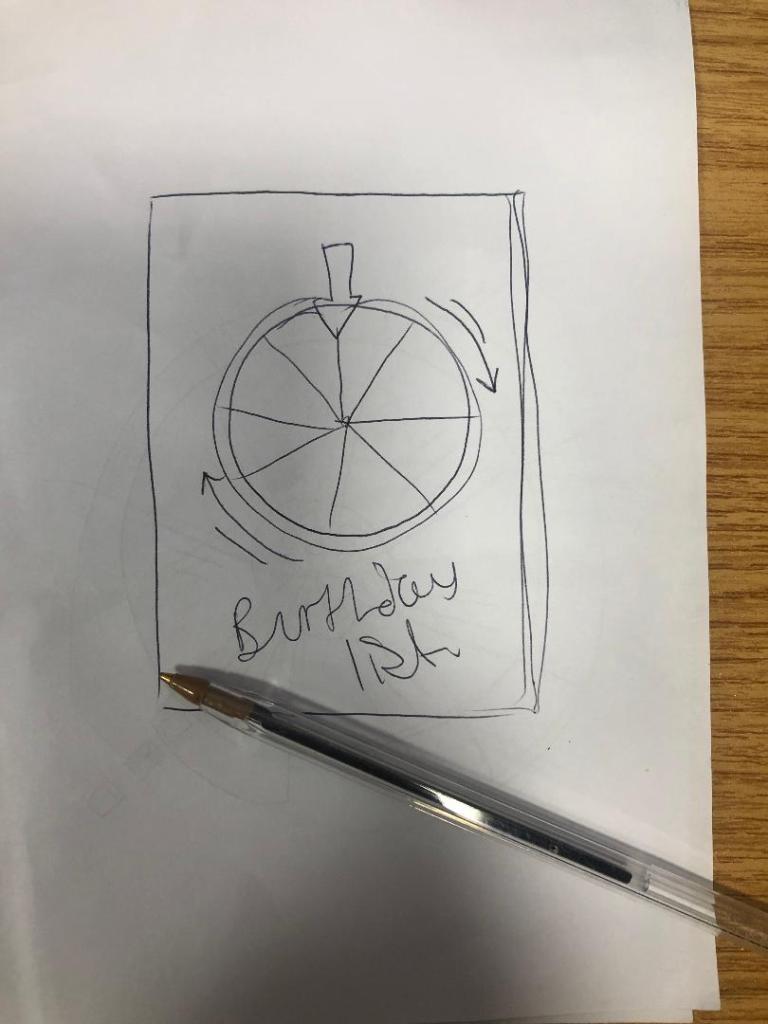
I had the idea of a pie chart but split into 12 segments for the 12 months. I could record the information around the pie chart. I then had the further idea of creating the pie chart into a birthday cake! I knew I would have to draw my pie chart first and measure out accurately the size of each section and then import it into Illustrator to draw in actual size and add decoration etc..

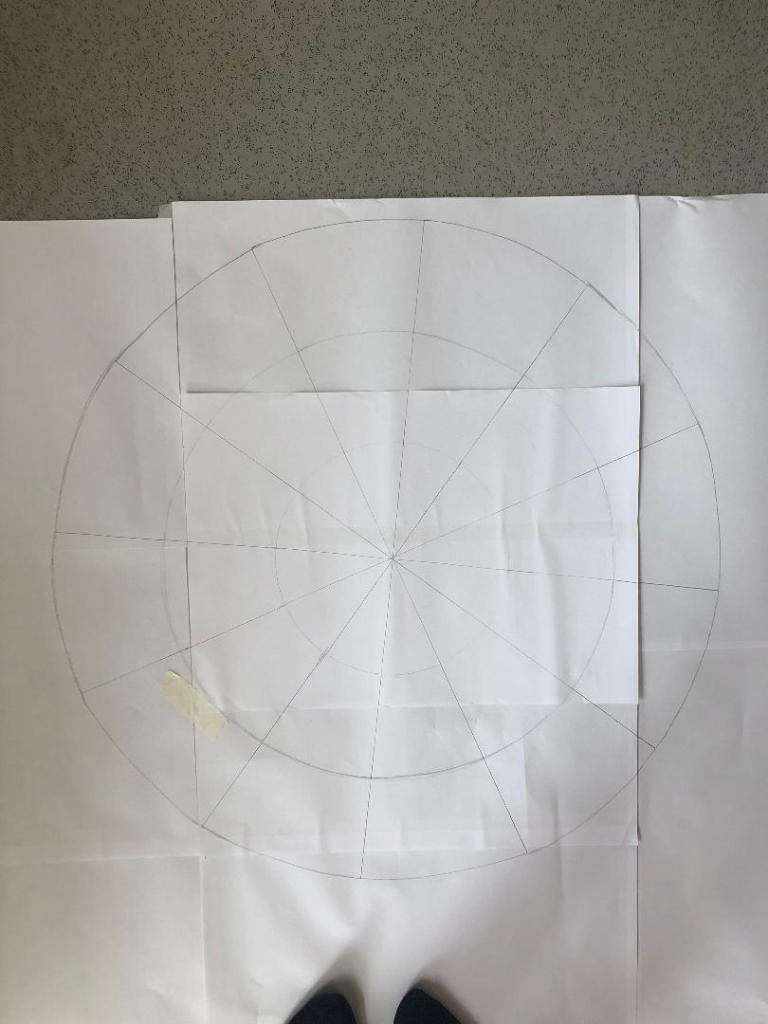
I drew out the circle first (rather quite big actually!) I am rubbish at maths and working out measurements etc so it took me a while to master the art of a compass and a protractor and measure it all out!

The circle was quite big! They are my shoes at the bottom! I am so rubbish at working measurements out that I just kept it simple for me by making it large scale!!

Once I had the circle drawn out I took a photograph of it and imported it into Illustrator to draw around and start producing my final design.

I decided to set up my document in Illustrator and to create my final design in A3 size. I did not want to make it too big to display on a wall (you can still buy pretty looking A3 frames to cater for this size for on the wall of a house) and I did not want to make it too small so that the information would be illegible.

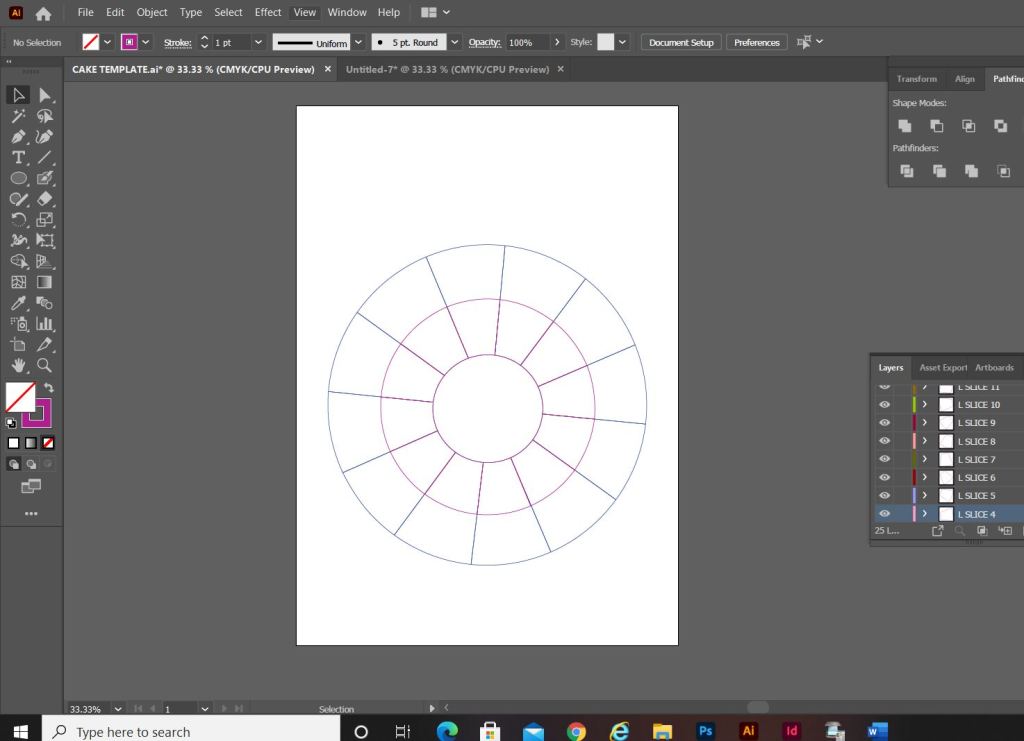
I imported my photograph in and lowered the opacity so that I could barely see it and locked the layer so that It could not be moved. I then created a new layer and started to trace around my pie chart drawing using the pen tool. I created new layers for each section of the pie chart.

My only issue when I finished drawing around the circle was that it looked more like a mosaic aerial view of a patio in a new build house! How could I make it look more like a birthday cake to make it look more attractive as a wall chart?… The circle in the middle really took away the “look” of a birthday cake. I decided to get rid of it and have the segments meet in the middle like they would if it were a real cake.

I started to research into aerial views of birthday cakes just to see how I could make mine look more “cakey” and less “patio”.

This video shows you how to create mixer brushes for Photoshop that look like swirly, squirty icing. I followed this tutorial but it took me a good few hours to figure out how to do it myself! I did create a mixer brush to use in my design though. This is how it turned out:

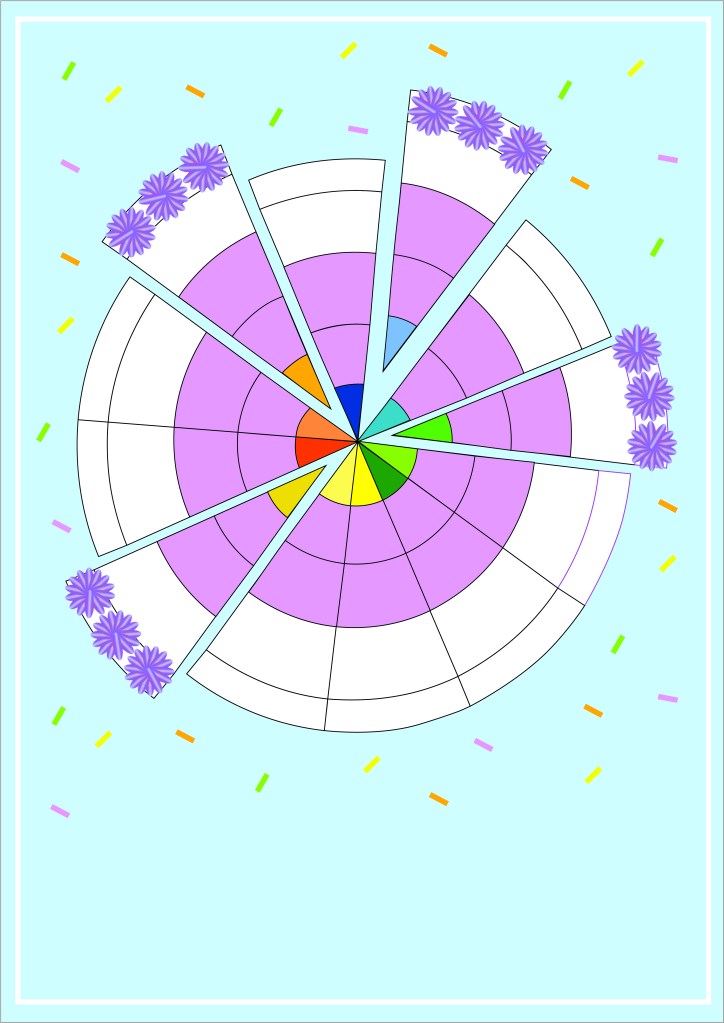
When I changed the middle of the cake and the sections met in the middle, it created me another issue of how I would make the months legible as they are supposed to be in the centre middle circle section of the cake that I deleted. The sections now were too skinny to fit the month names. I came up with the idea to make each section a colour. I would match the colours to the seasons and use different shades for each month: Blues for Winter, Greens for Spring, Yellow for summer and oranges for Autumn. For the months where there are no birthdays I decided to pull the slices out as if they were about to be eaten. These are also the only slices that I would put the icing on because if I put icing on the other 9 slices the information would be lost. I also made the background a blue colour and added sprinkles just to make it look more appealing and like a birthday. I mapped out on each slice where each piece of information would go and it was starting to look more like a birthday cake now, although it still looked too mathematical with the lines on the sections and the colours did not contrast against the blue background very well. The colours were too much alike. I needed a pop of colour!

For anyone that knows me well enough the colour I chose to make the “pop” wouldn’t surprise! I used a nice bright Pink! I think it works really well against the cool blue background and the coolness of the lilac icing. It looks far more celebratory, cheerful and happy!

Although I said during my Typography unit that I did not like quirky and gimmicky fonts, I find myself experimenting and using them more now. The typeface that I used for this is called “Flood” I found it on Adobe Fonts and it reminded me of cake being smeared in the form of type. It has that modern, fun feel to it also! It really works in the hot Pink colour too!

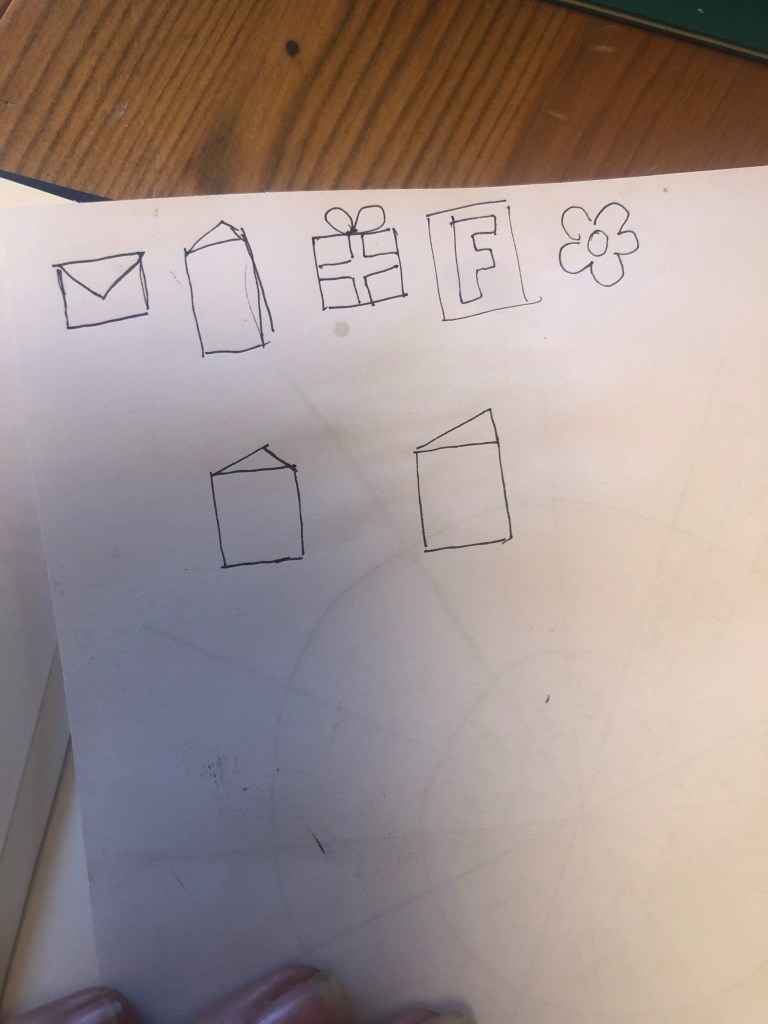
I now just needed to add all of the relevant information and the symbols for the chart:

**** INSERT PHOTO OF SYMBOLS

I then took my sketch and imported it into Illustrator to draw around each symbol to place on my chart. I added a key to the bottom of the chart so that people would know what each one means.

The bottom symbol menu added on.

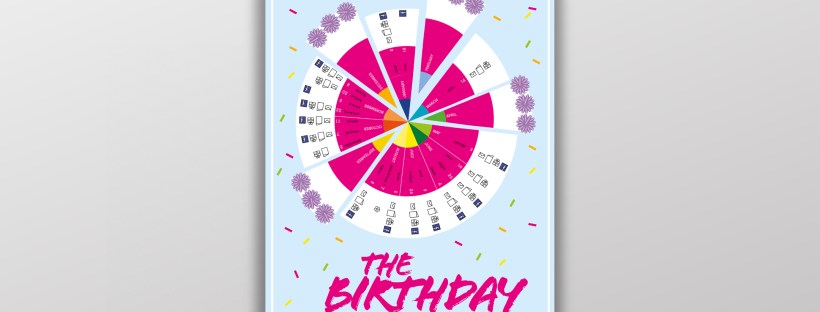
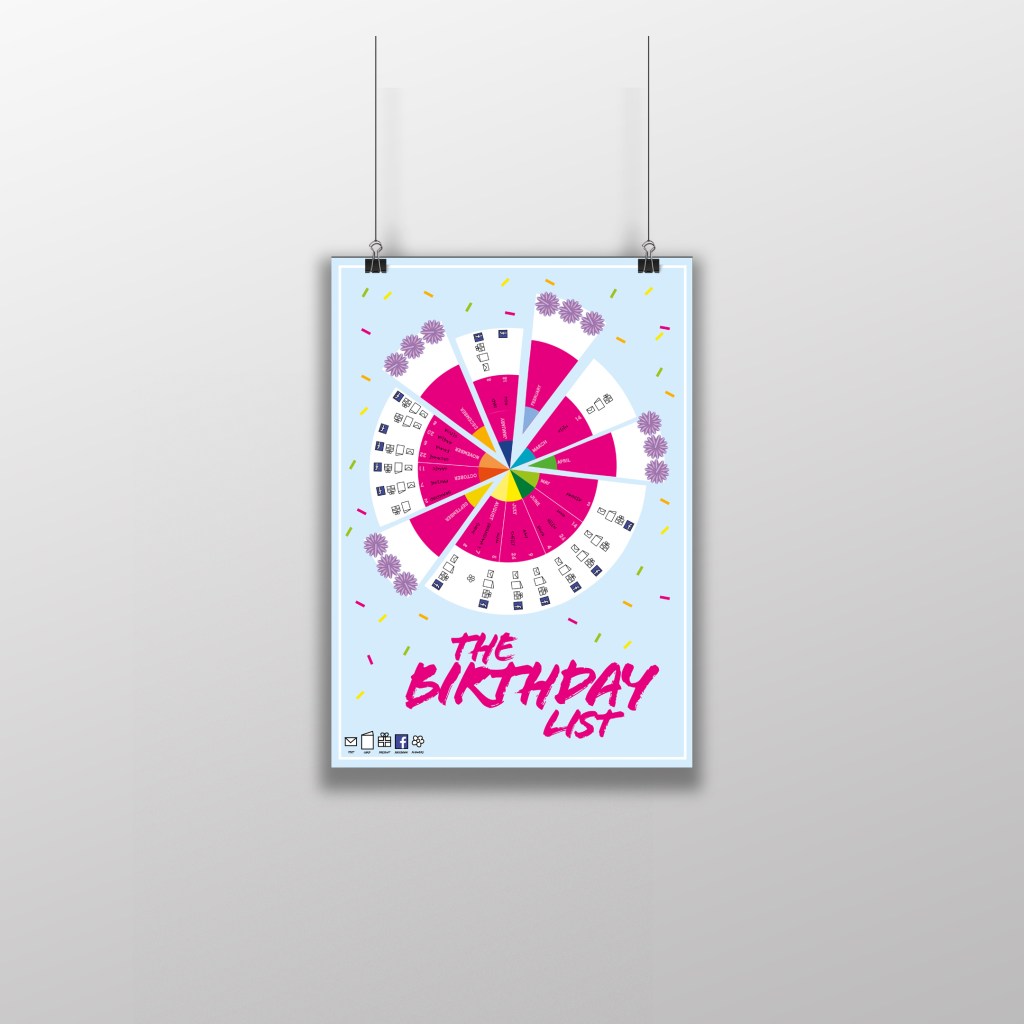
This is how the final chart turned out! I am pleased with the result! I think I have met the brief; I have created a chart that records everybody’s birthdays and what they are to be sent for their birthday as well as making it look attractive and appealing to want to put on the wall.

The only other thing I really questioned was the position of the text going around the wheel. I did wonder whether to flip the text to go the other way when I reached July but then decided against it because there was room to further develop the chart… If the chart were to be manufactured in industry there is room for the wheel to be actually made into a functional, turning wheel. The text would then be positioned just right to flow around the moving wheel. There could even be an arrow made for the top of the wheel to point to the correct month!

The typefaces that I used for my chart were Ayra for the names of the months; It is a fun, thick width typeface that stands out and looks great in white! I used Flood again for the names of everyone on the chart to keep repetition with the design and also because it works really well and it legible.

The final mockup

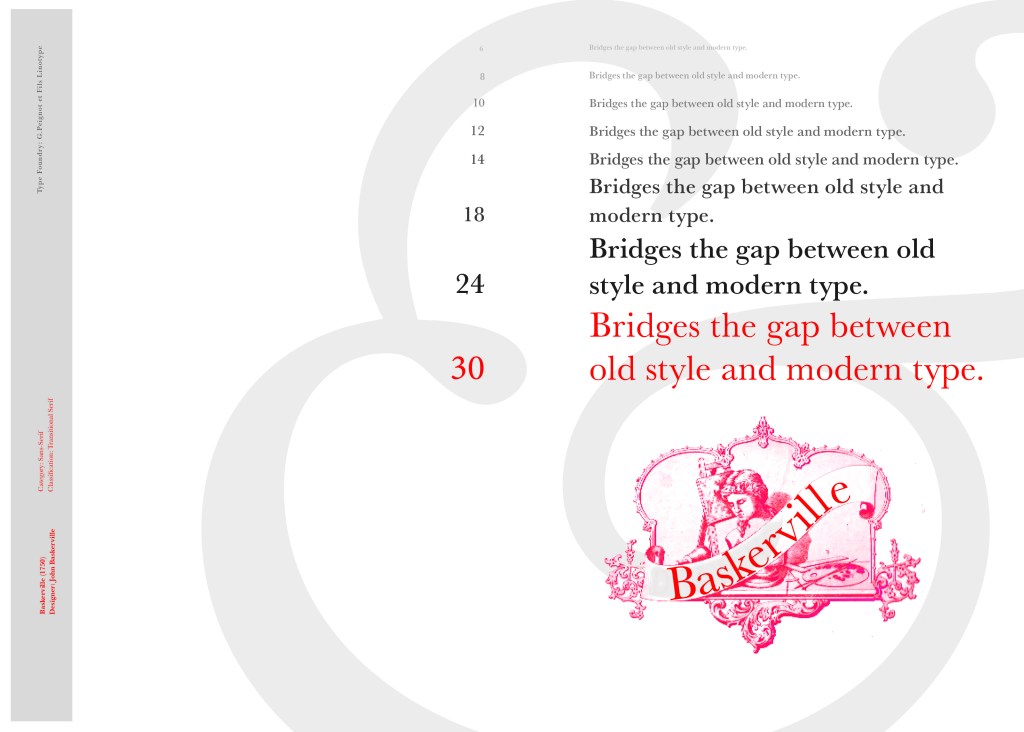
If the face fits (part 1: Type specimen book) Baskerville

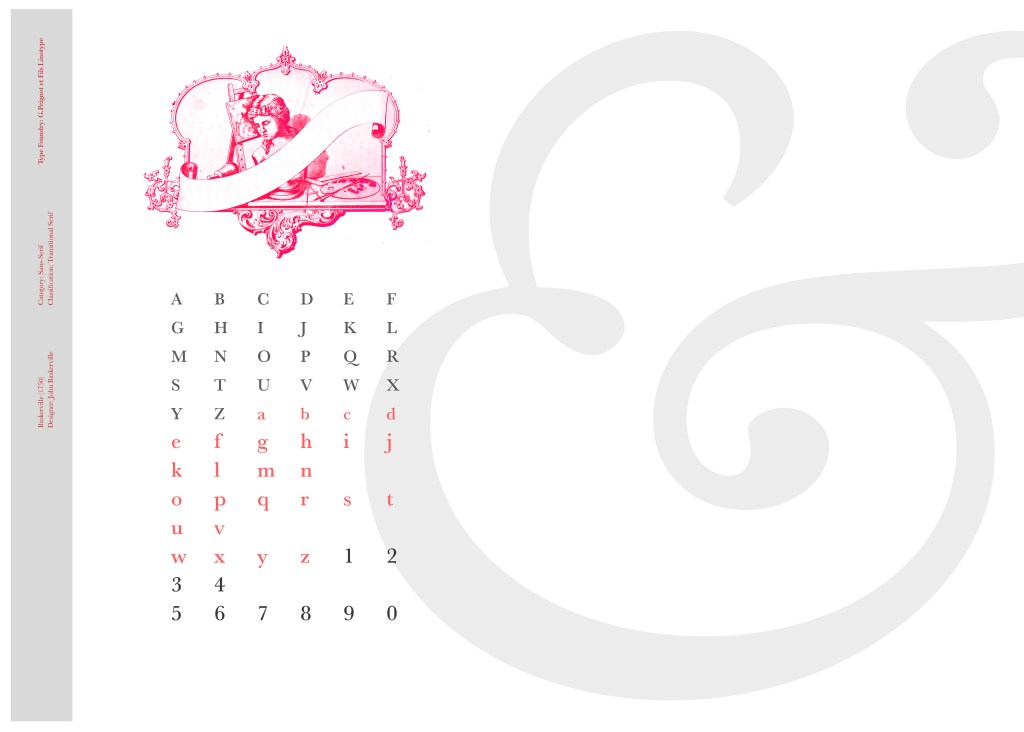
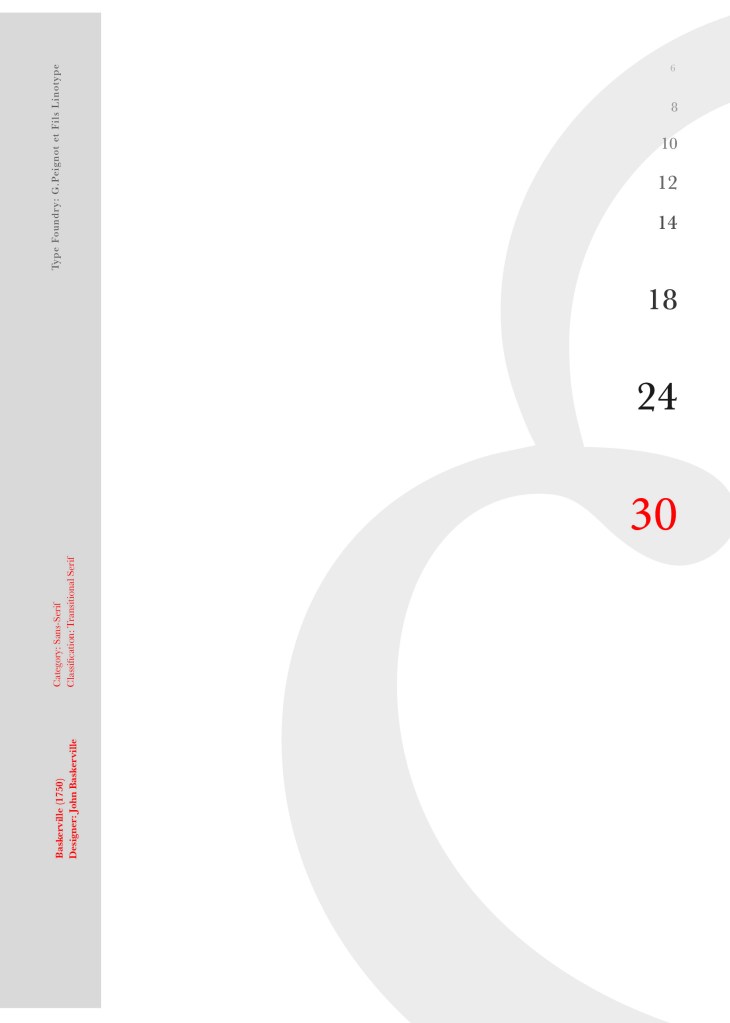
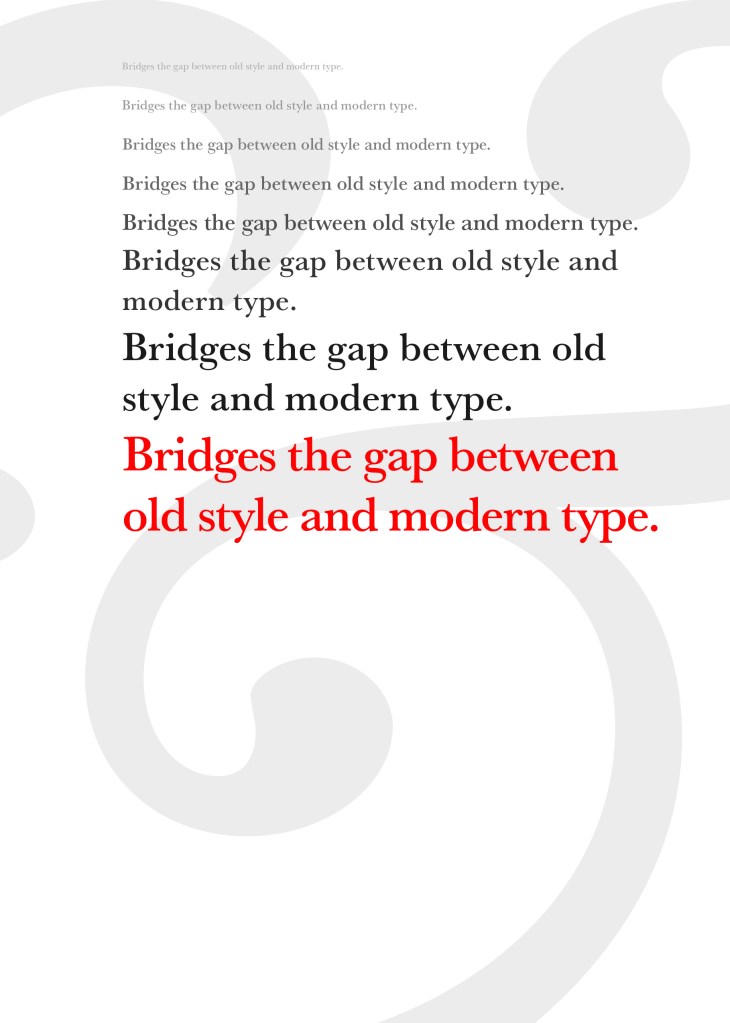
I started off my Serif typefaces with Baskerville. Baskerville was designed in the 1750s by John Baskerville in Birmingham, UK. Baskerville typeface showed contrast between thick and thin strokes and making serifs sharper and more tapered. Baskerville was inspired by Calligraphy and the typeface was and still is very popular in book design. John Baskerville wanted to create books of the greatest possible quality and his typeface certainly made this happen.

My idea for this design was to create a layout representing book design. My original idea was to create an old book and then incorporate Baskerville typeface and the characters into it.

I feel like I spent ages doing this design because I messed around with one idea trying to perfect it all day and then decided in the evening that the simplified version would be much better! I wanted to keep the old fashioned style but still try and bring in a modern vibe!

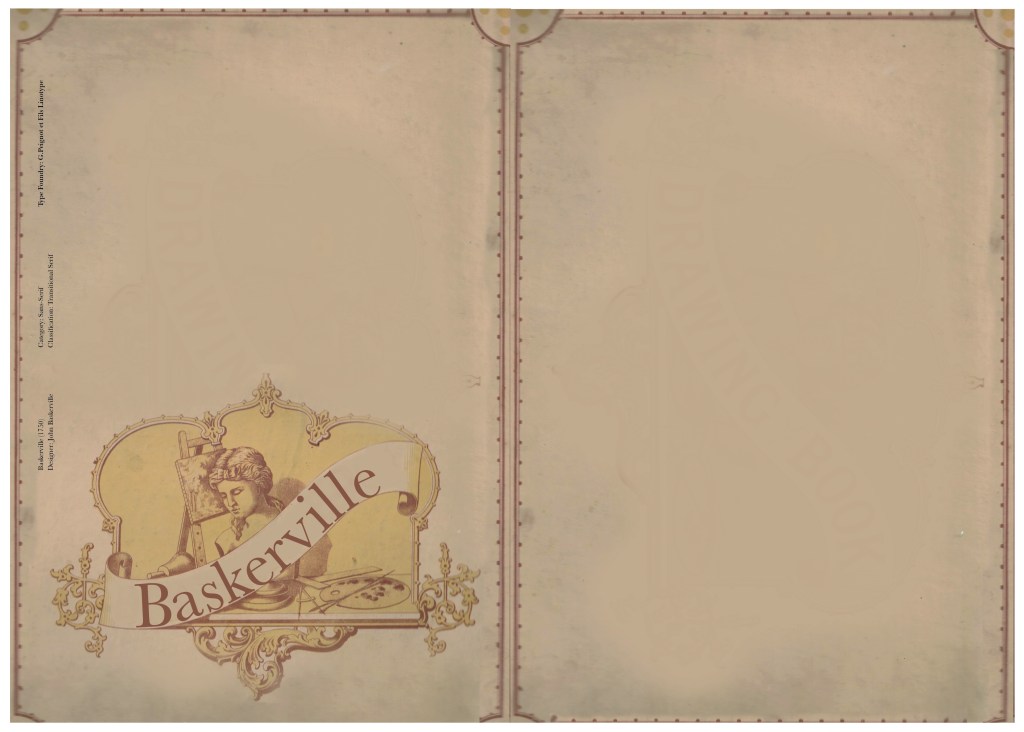
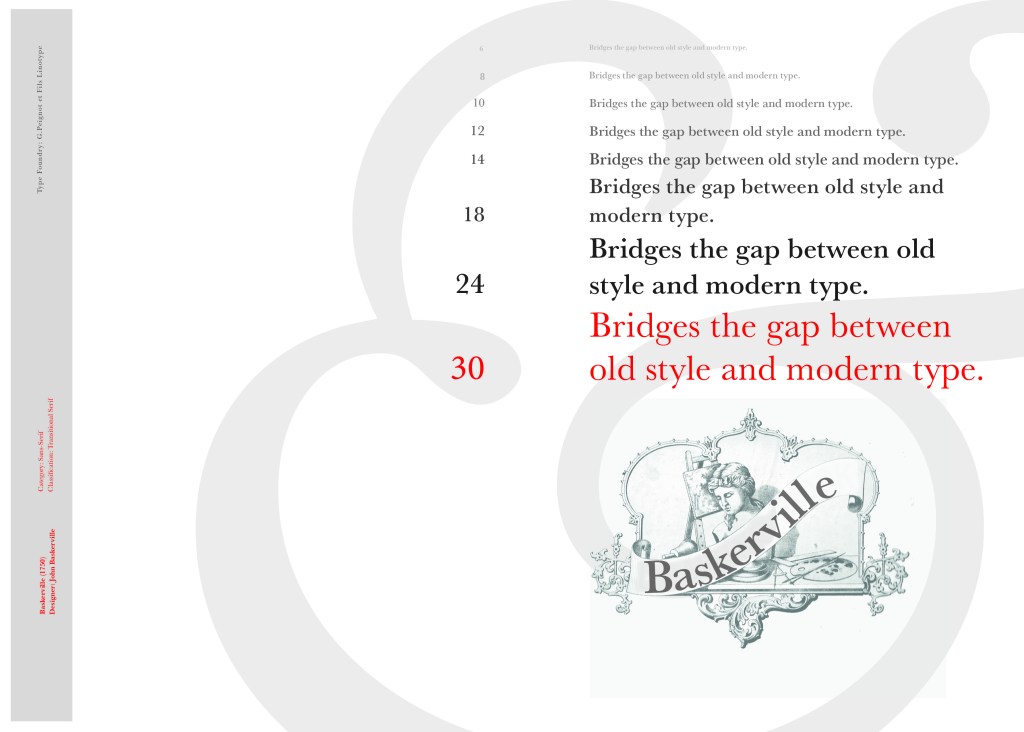
At home I have some old sketchbooks from 1905.. inside are all clothing patterns that have been drawn, there are blank pages that appear in the book though which are quite yellow and mottled with age and my initial idea was to scan these pages in to use as textures for my design. However, when I was scanning them in, the cover of one of the sketchbooks fell apart (they had been covered in brown paper) and underneath the brown paper was an old Edwardian/Victorian Cherub image with the words “Drawing book” I thought that would be a good idea to bring into my design but change the words “Drawing book” to “Baskerville”

**INSERT IMAGES OF DRAWING BOOK

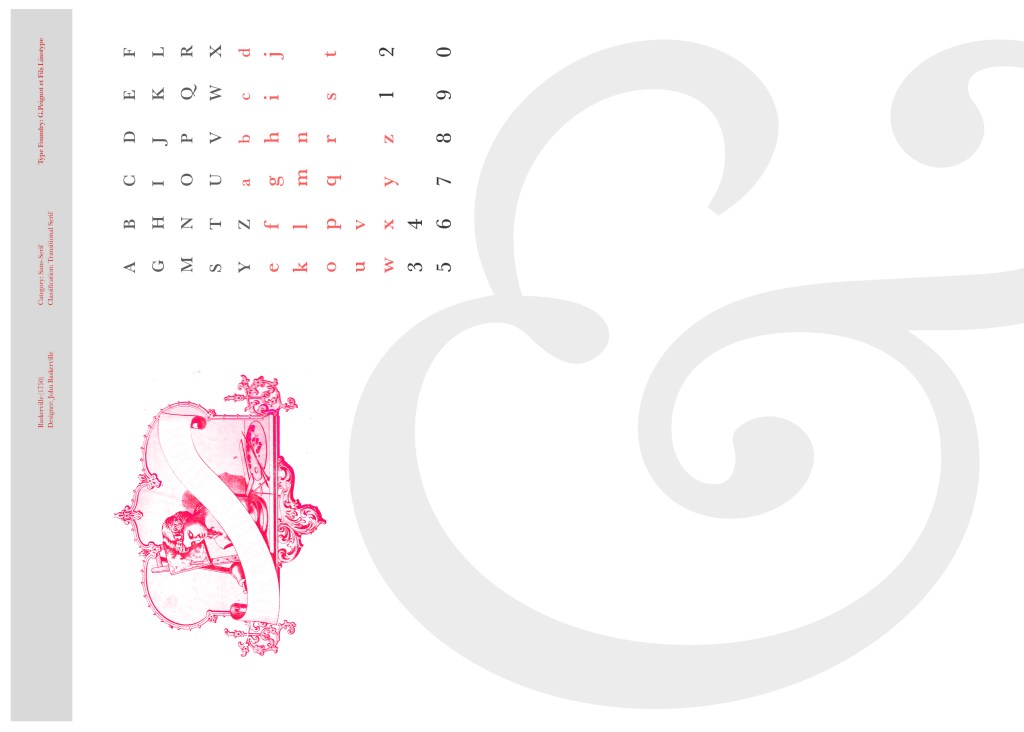
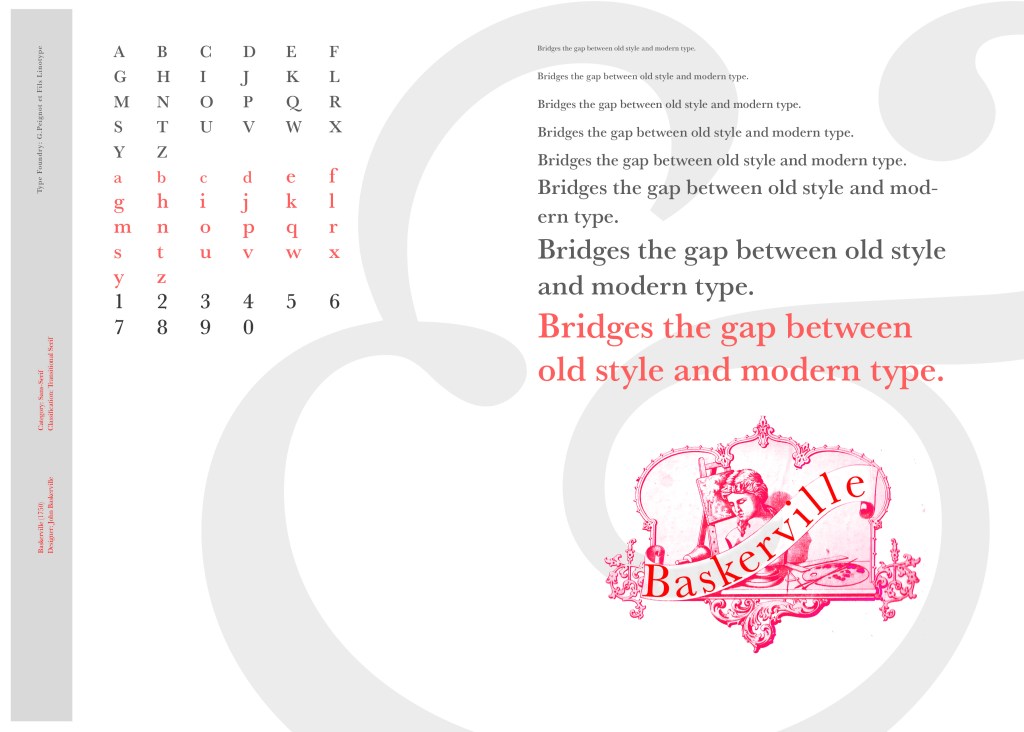
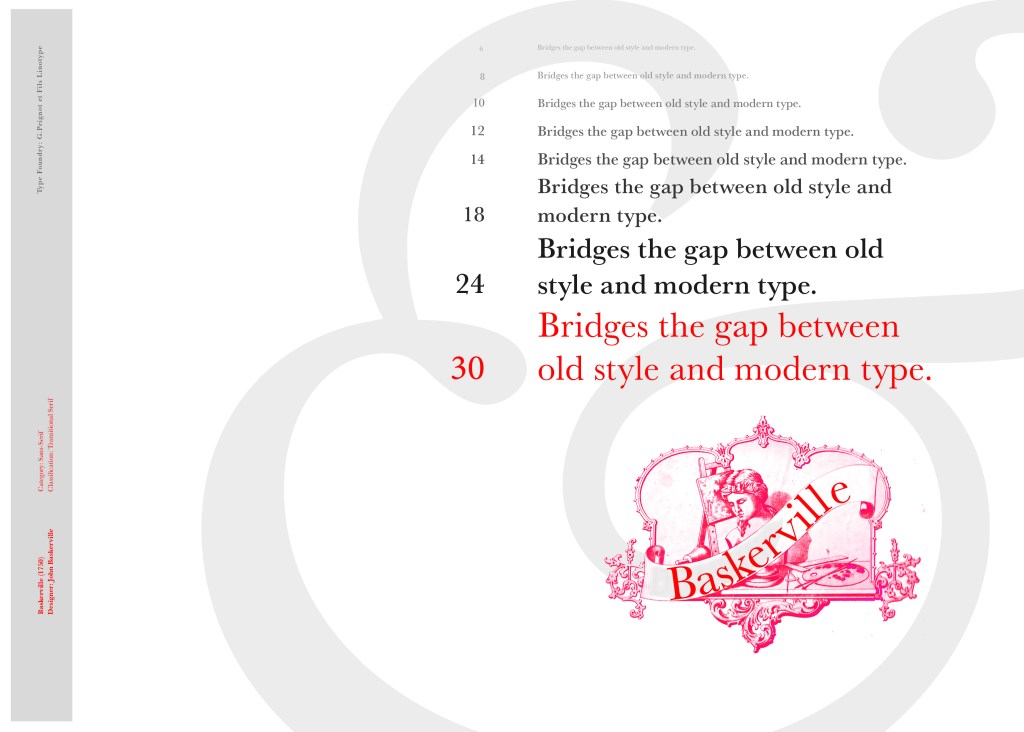
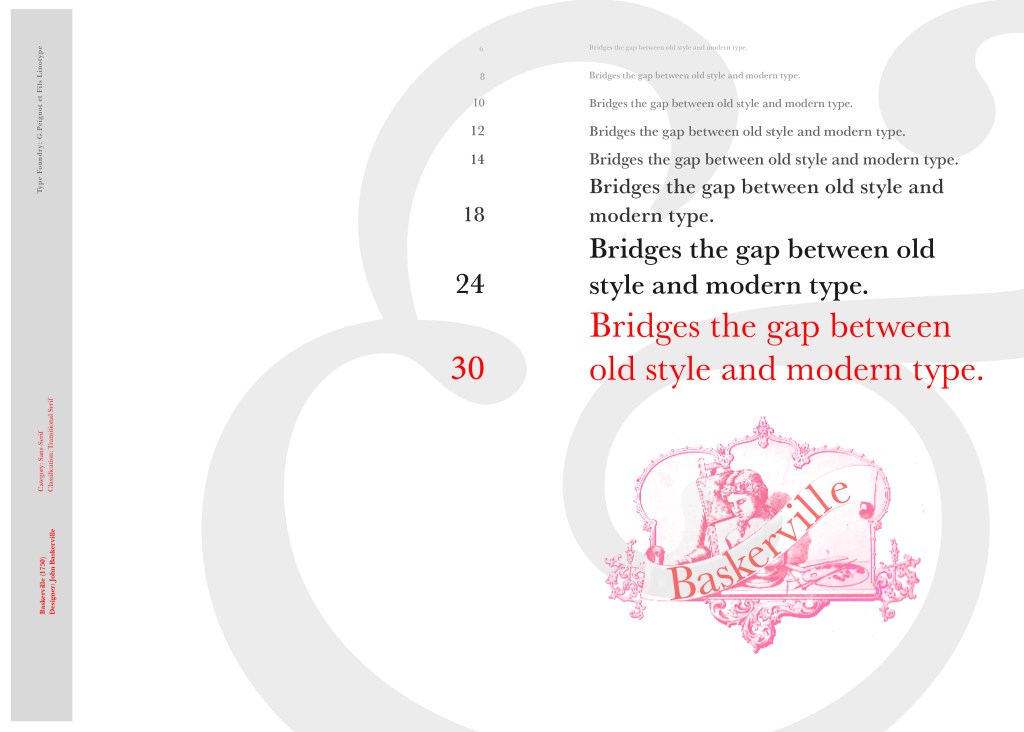
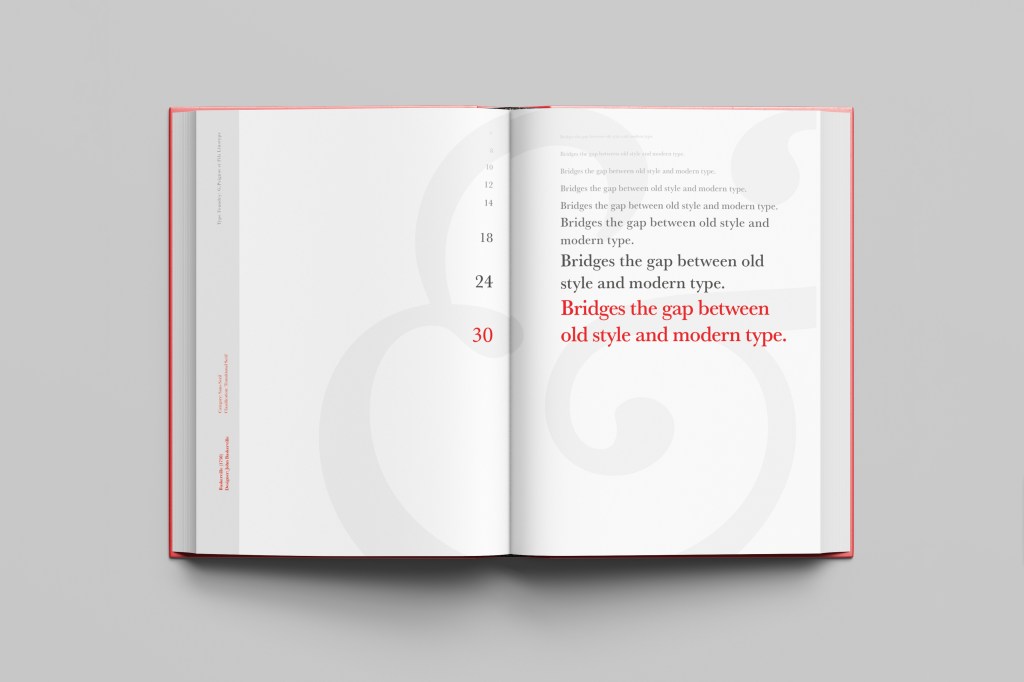
I changed the colour of the Cherub image to try and make it look more modern.. I wasn’t convinced though. I also changed the name “Drawing book” to “Baskerville” in Photoshop. When I did my research on Baskerville, it is well known for its glamourous looking ampersand which I instantly recognised from the V&A logo. I decided to use that in the design as it adds that old traditional feel but with a modern twist.

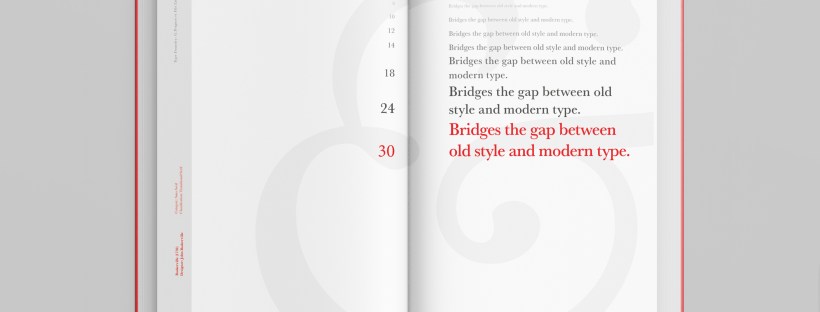
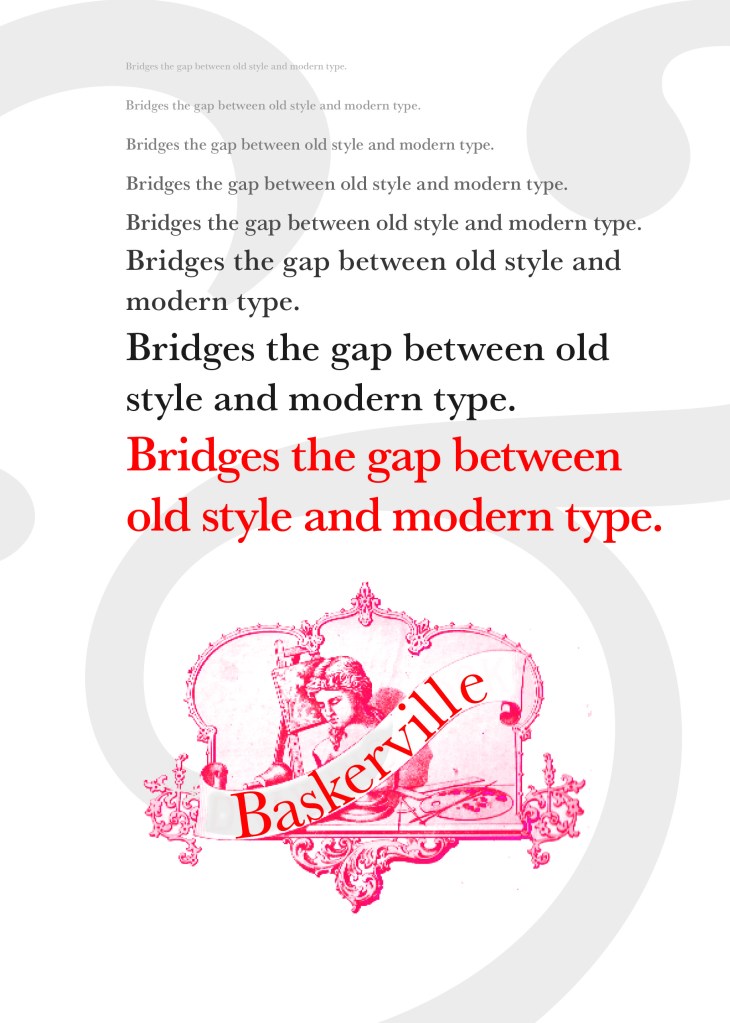
“Bridging the gap between old style and modern type” was a quote I found that summarises Baskerville and that was the same feel that I wanted to carry through my design. I also used the quote to show off the different weights, variations and pt. sizes of Baskerville.

Digital Development

After doing much digital design development I realised (many hours later!) that the layout looked far better with just the ampersand. Let that ampersand do the talking!

The final mockup

The final design and layout is very simplistic and minimalist but I think it keeps an old fashioned traditional feel with a much more modern look.

If the face fits (part 1: Type specimen book) Chantal

When it comes to decorative/ fun or “gimmicky” typefaces I am not very knowledgeable! In my work I mostly use Sans-Serif which is why I have made my specimen book “Sans heavy”! For this section of my specimen book I had to do my research and look into different typefaces that I could use for decorative fonts. I started by looking at Adobe fonts on Typekit. I found this one called Chantal which from first sight gave me lots of idea what I could do for the design for it in my specimen book!

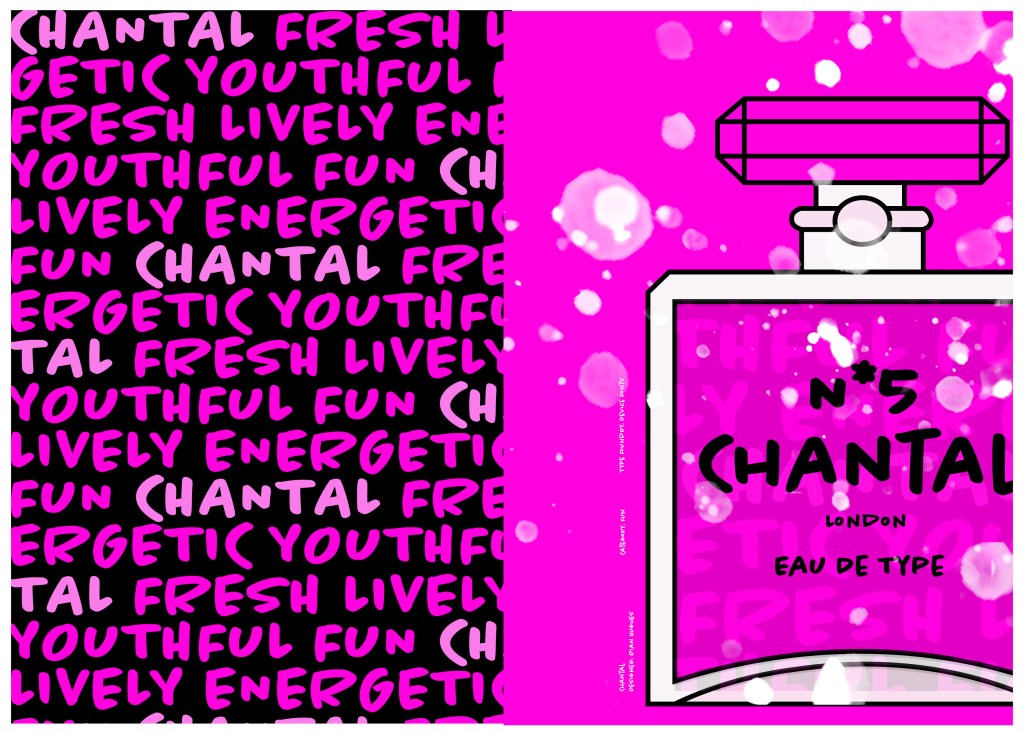
Chantal was designed by Rian Hughes in England, other than the designer there is limited other information about the typeface so I designed the layout for the pages how I thought the typeface should be used and interpreted the typeface in my own way.

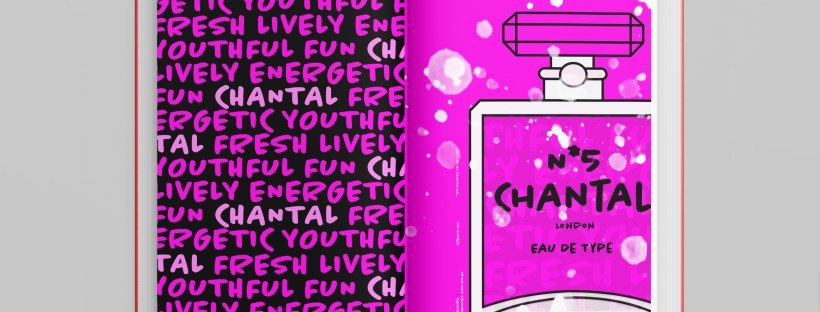
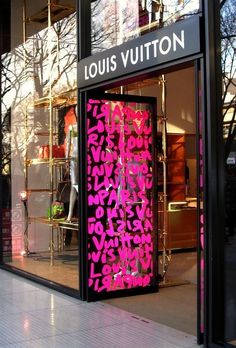
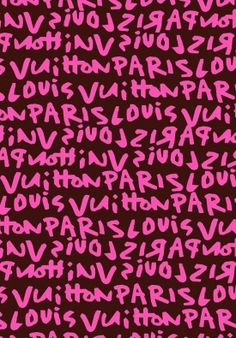
From first sight looking at Chantal it instantly made me think of a Louis Vuitton design that was used on handbags a few years back and also on some of their shop displays, I thought I could recreate a similar thing for my design. As well as reminding me of the Louis Vuitton designs it also reminded me of some Chanel bottle designs that I have seen and pinned on Pinterest, luckily Chantal is a play on words with Chanel so I chose to do a fun, gimmicky play on Chanel with Chantal!

Chantal seems to me to be a typeface that doesn’t take itself too seriously! It looks like it has a lot of fun! I really enjoyed designing these pages for Chantal, it is probably one of y favourite layouts and it is definitely a typeface I shall use in my future designs!

Digital Development

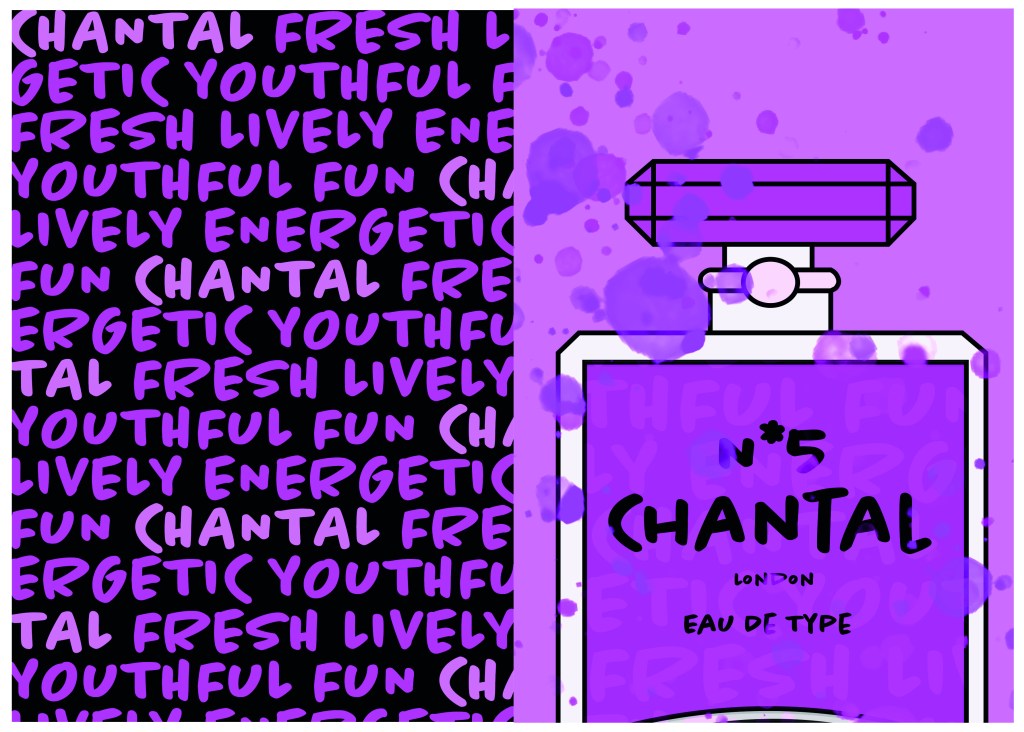
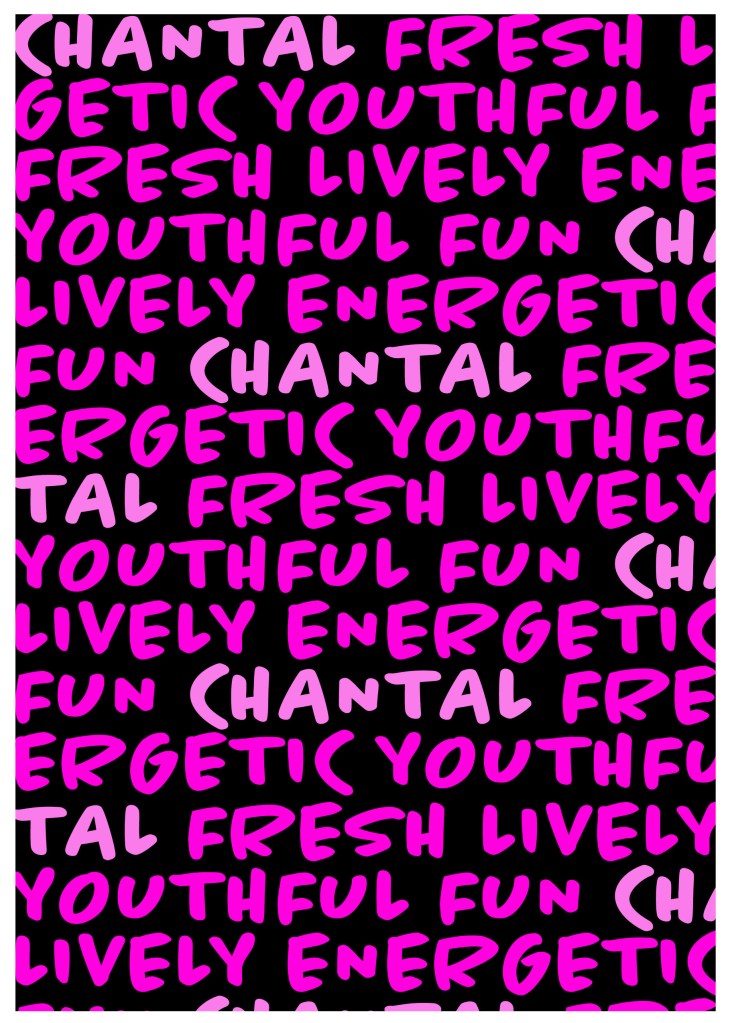
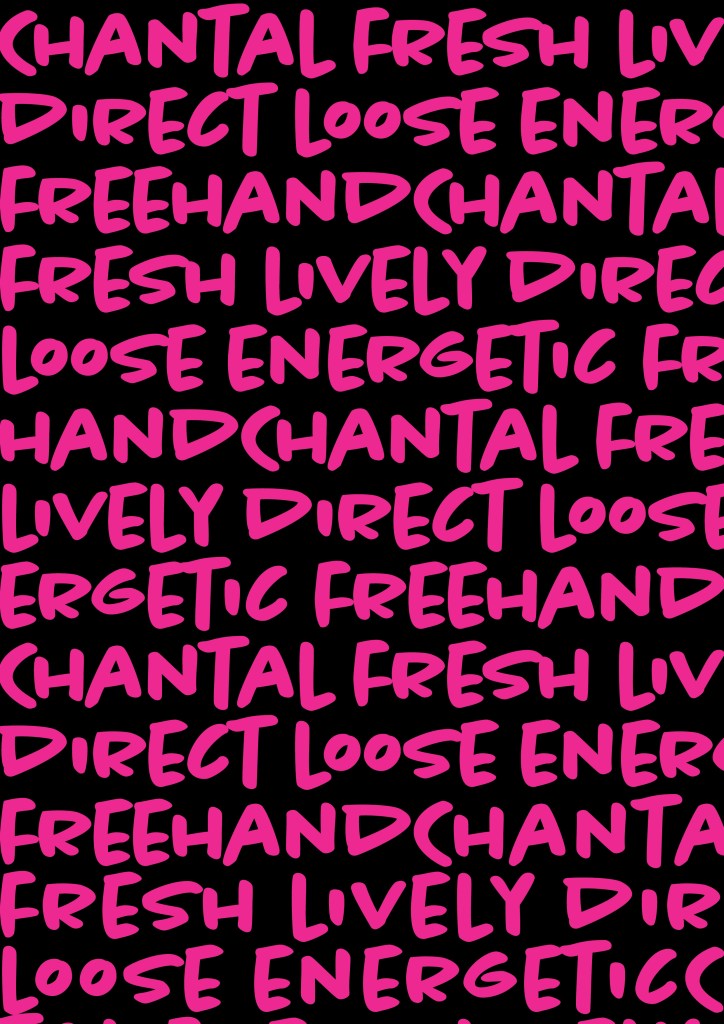
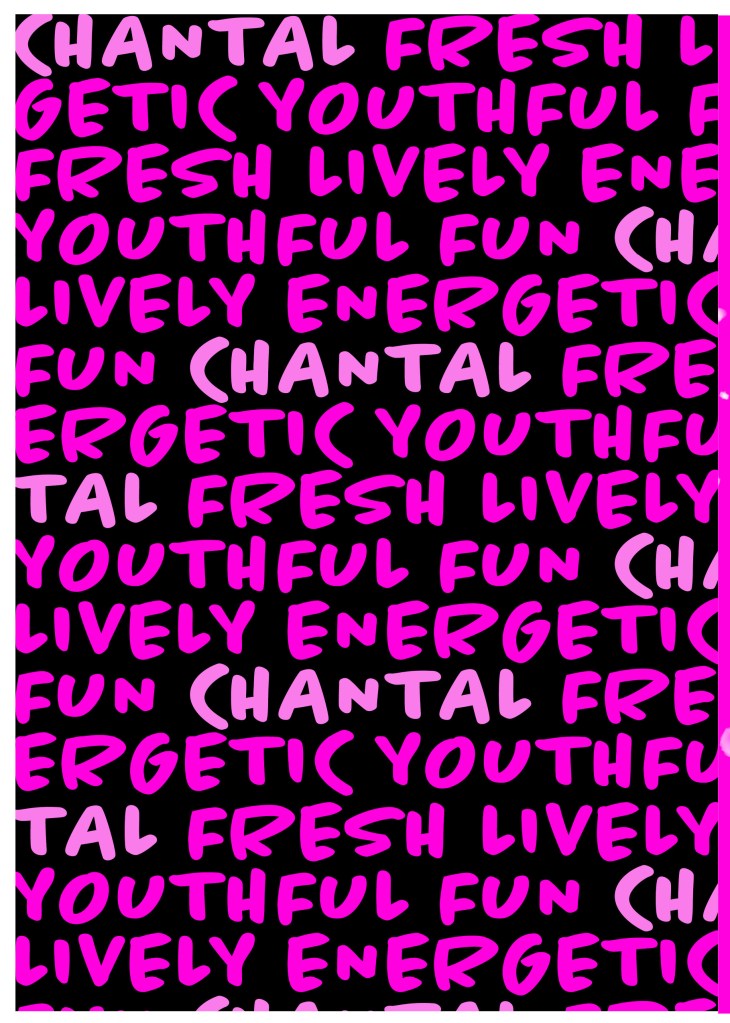
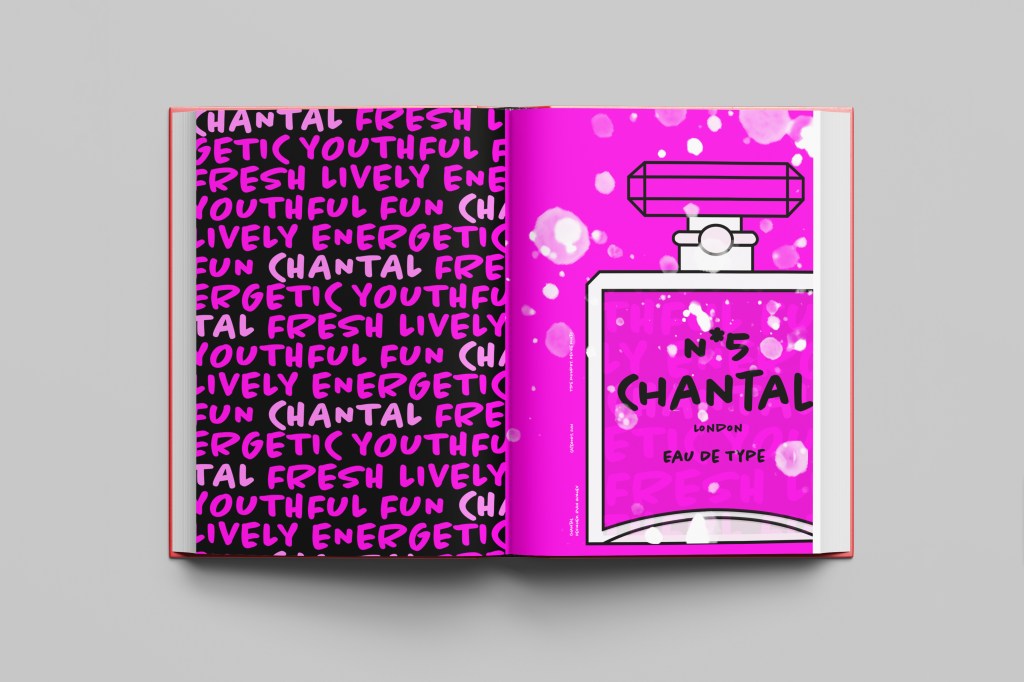
I designed and created most of my design for this using Illustrator and Photoshop. I started off by designing the left side page first. The first page was inspired by the Louis Vuitton design and I had the vision of the first page filled with pure type. I typed out my text how I wanted it (I used the words Fresh, energetic, youthful, fun and lively as this is how the typeface was described on Adobe Fonts) and I repeated the words across the page, I converted them all into shapes so that I could adjust the colours further and move elements if I needed to. Using a black background and a vivid hot pink gave the design contrast and made it look really modern and eye catching. This design is clearly going to be aimed at women, I am not sure that the typeface is aimed at Females specifically but that is how I have interpreted it.

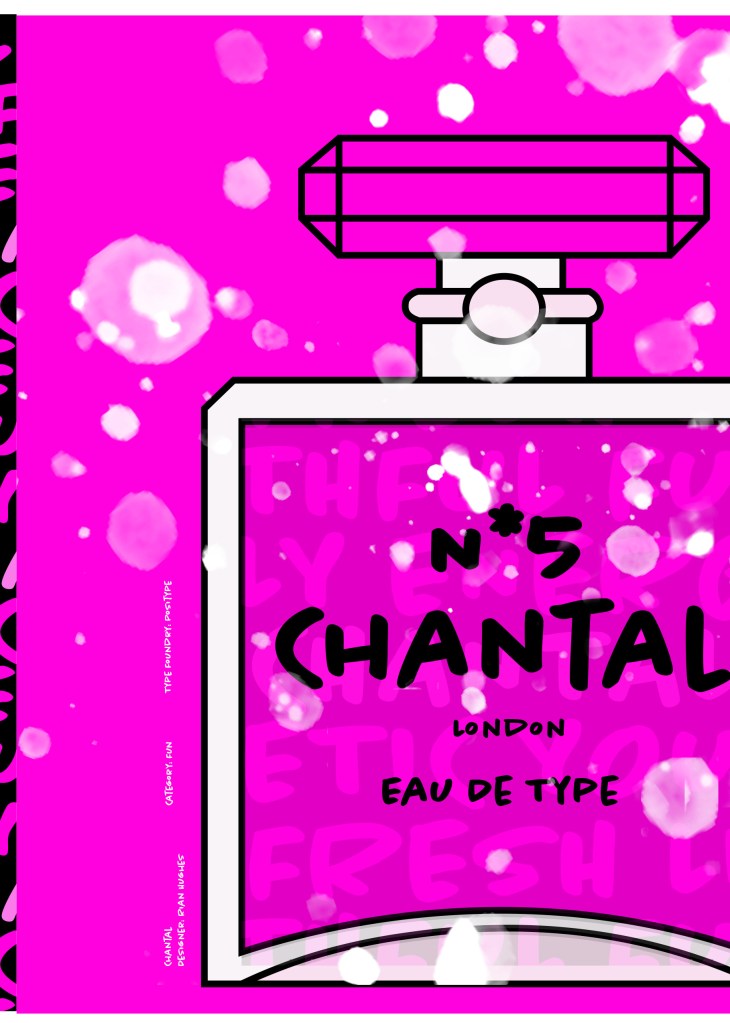
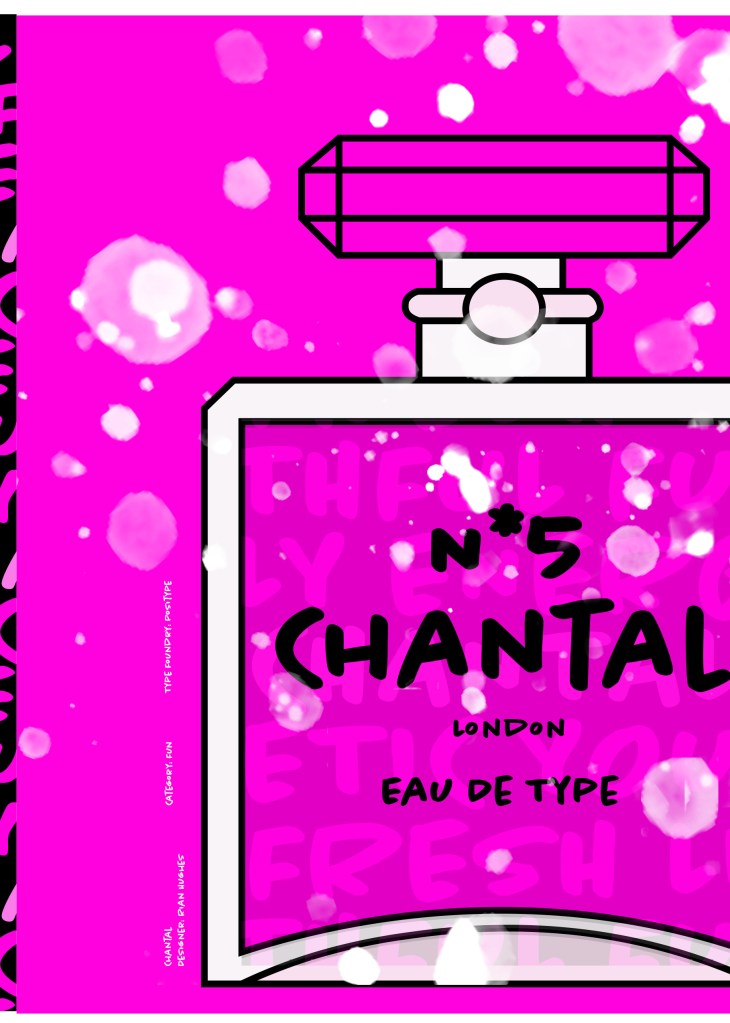
The next stage was to design the “Chanel” play on words part of the design. I decided to draw out one of the famous Chanel No5 perfume bottles in Illustrator but change the name to “Chantal no5”, London (where the typeface was made) and Eau de Type. I really liked how it came out! I then added some effects to the bottle; I used the paint brush tool to create like bubbles of the perfume spraying out and I used part of the type and lowered the opacity to place it behind the perfume bottle to look like the bottle is filled with type. I am really pleased with how it all turned out!

I only came across one problem while creating this design (one that I was able to sort out easily). I accidentally created my Illustrator document in RGB which was good because it gave really vibrant colours but it is not suitable for print; my InDesign document was set to “Print” which meant that when I imported the Illustrator document over to InDesign it came out really dull. I changed the settings over and it soon fixed itself and the colours came out looking lovely again!

When I had created the pages in Illustrator I then exported them and imported them into InDesign to create the final layout. I added the text in white on the right hand side which gives information about the type and the designer.

The really dull version

Design Development

The Final design

The exported Jpeg

The Final Mockup

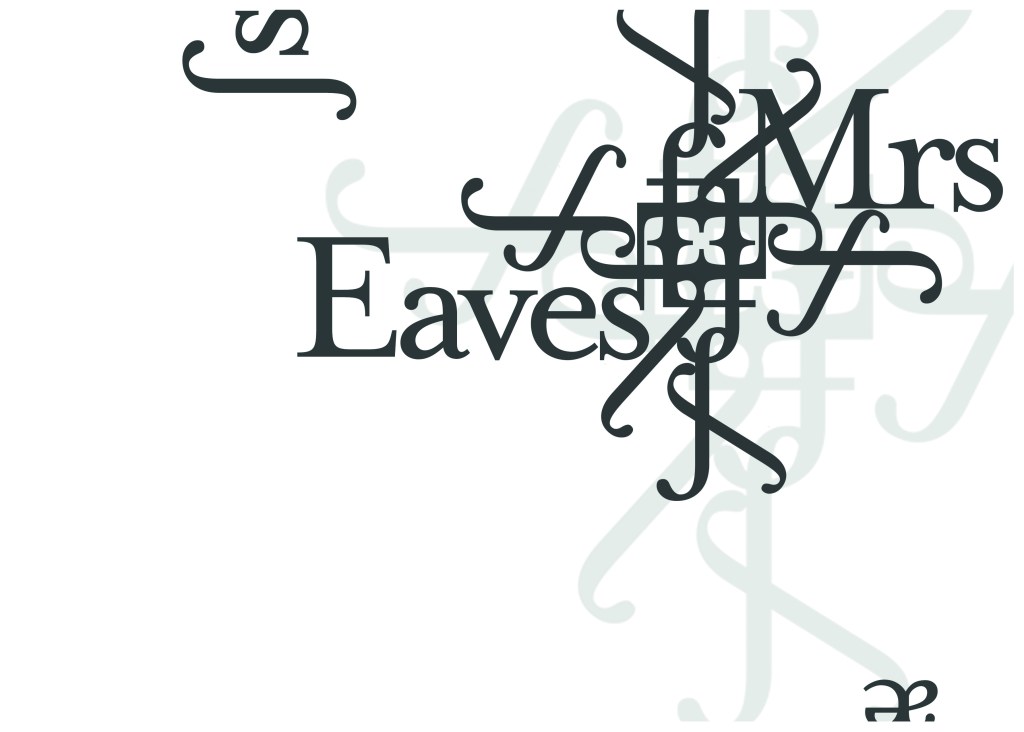
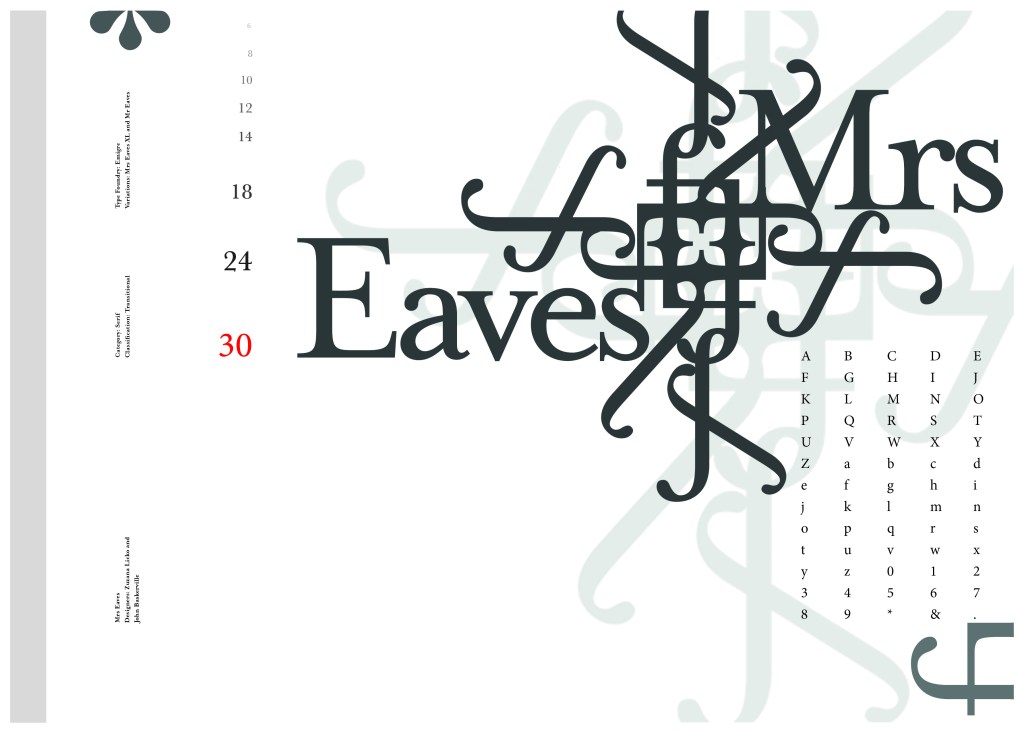
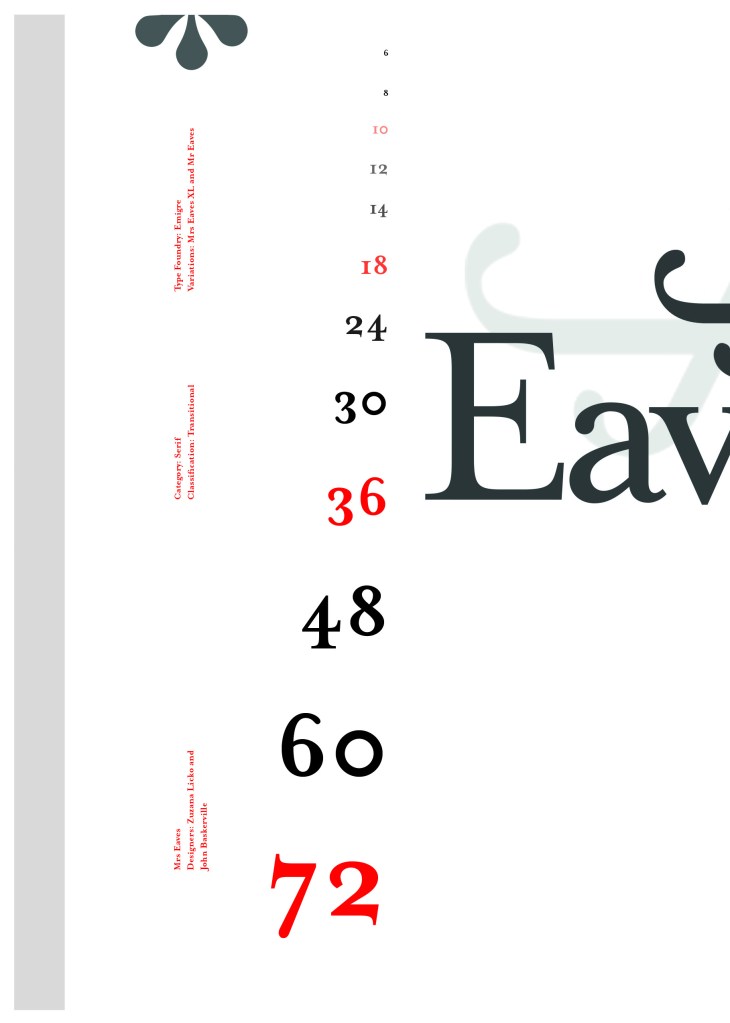
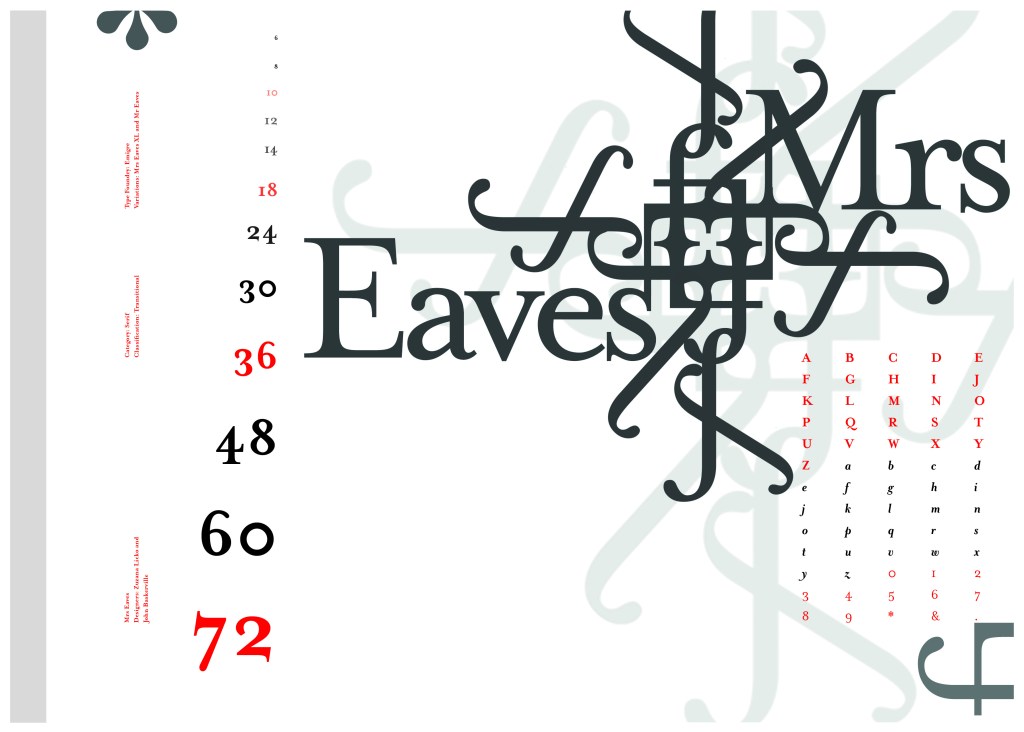
If the face fits (Part 1: Type specimen book) Mrs Eaves

The last Serif typeface I chose was Mrs Eaves. I like the story behind this typeface and it also ties in nicely with Baskerville.

Mrs Eaves was designed in 2006 by Zuzana Licko in 1996. It is a variant of Baskerville. Baskerville is known for being absolutely perfect, stark and sometimes hard to read and Licko went out to create a version that was softer and more feminine in approach.

Mrs Eaves was named after Sarah Eaves; Baskervilles live in housekeeper who would later become his mistress and eventual wife. It was the story that drew me in to this typeface.. Sarah Eaves was John Baskervilles live in house keeper whose husband went on to leave her and her 5 children. Sarah in time became Baskervilles creative assistant and mistress and then when Sarah’s estranged husband died, they were married. Sarah Eaves was very much the woman forgotten in typography.

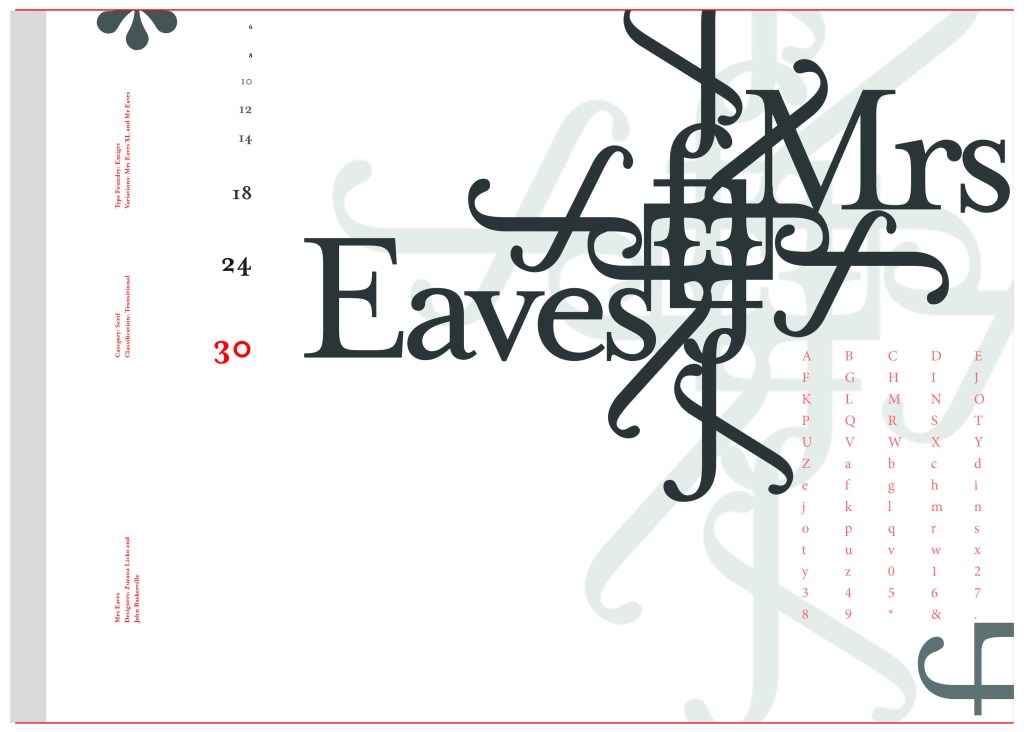
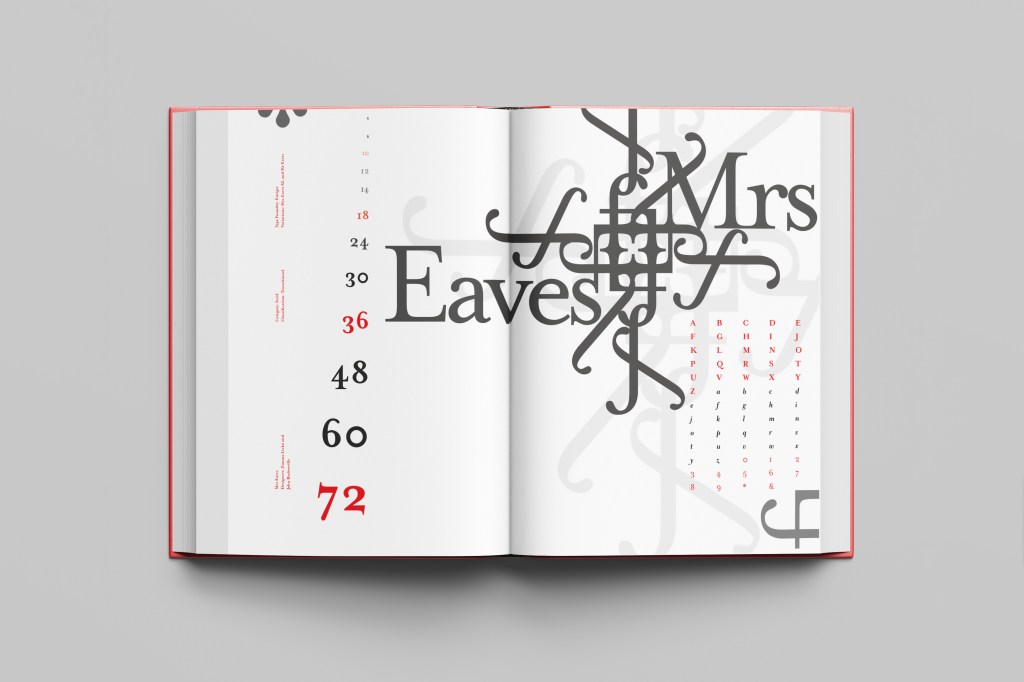
I wanted to bring an element of this story into the design; again, similar to Baskerville I had the idea to create a book design for the layout and tell the story of Mrs Eaves but then I saw that Mrs Eaves has the most beautiful ligatures and I wanted to do something with this. At college when I was 17 we had a project (similarly worded to this exercise actually!) called “create a type-FACE” or something similar where I had to create an actual face out of typefaces. I thought about creating a similar thing on my layout using just ligatures. I had the idea of a very feminine pattern and then possibly repeat printing it across the page. What I ended up with though was slightly different; I am a little bit disappointed because this is one of my least favourites looking back on it and it seemed to have so much more potential at the beginning but time was very much against me in this exercise.

I created a very similar layout to Baskerville as the 2 are related back to each other and then started messing around with the ligatures to make a feminine looking pattern. The pattern I created looks a bit like a Celtic cross, it reminds me of something that would appear in a stained glass window. It has a traditional yet modern feel to it. I tried to turn the opacity down on the design as I still think it looks a bit harsh but tuning it down just made it disappear into the backdrop.

Digital Development

The final layout

The final mockup

If the face fits(Part 1: Type Specimen book) Akzidenz Grotesk

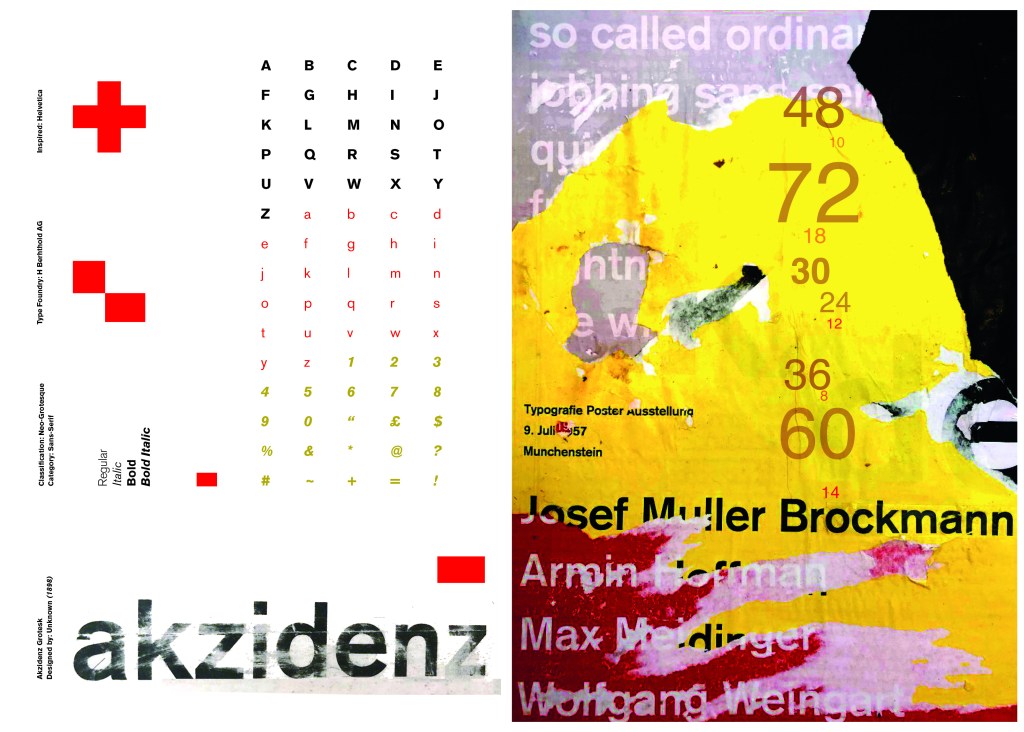
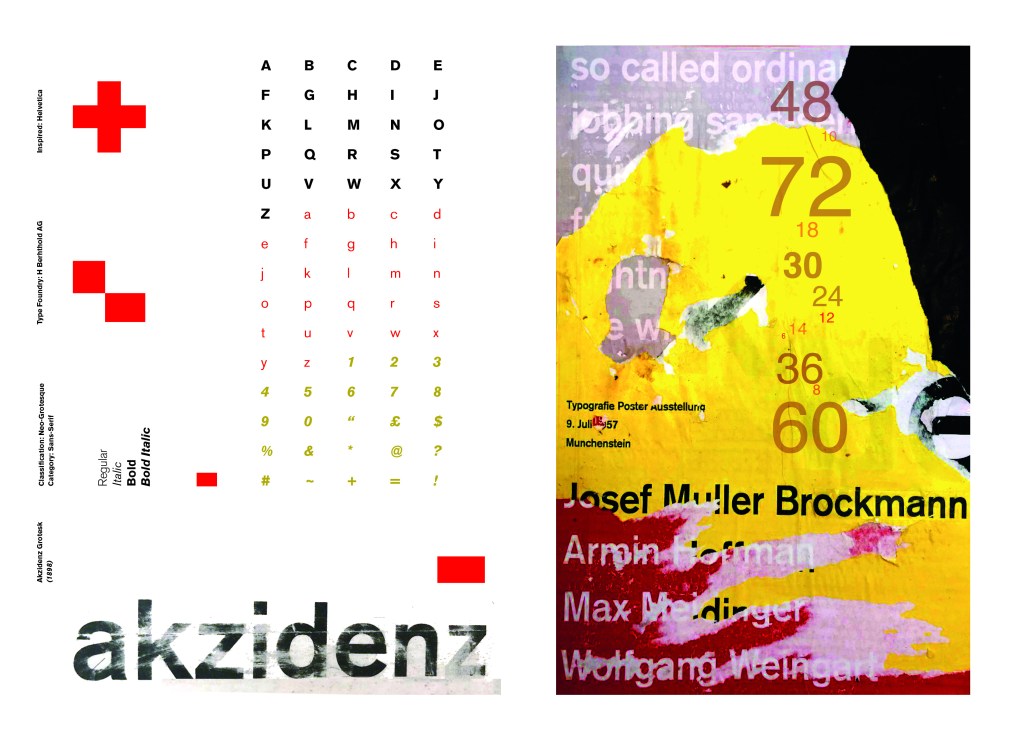
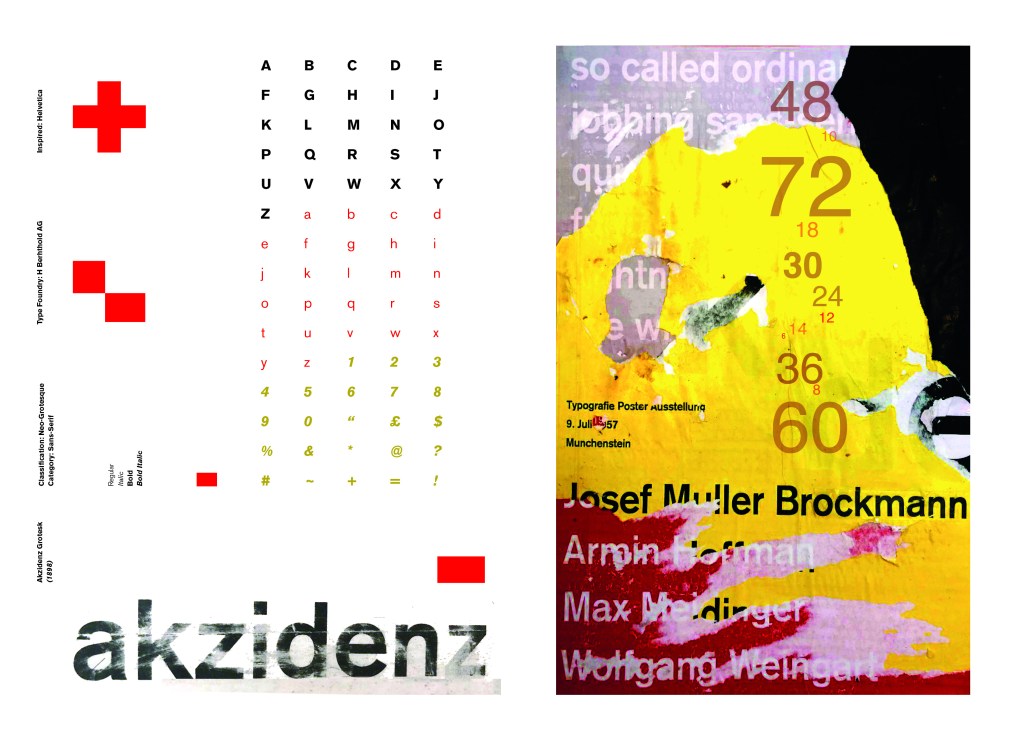
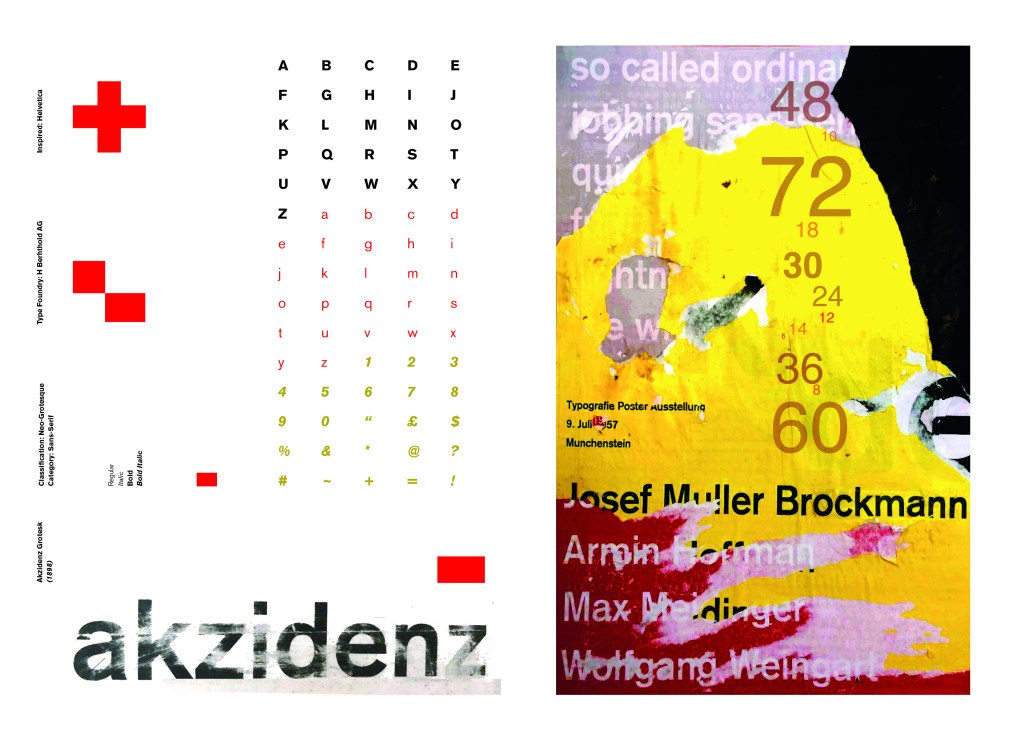
Pages 2-3: Akzidenz Grotesk (Sans-Serif)

I wanted to carry on down a similar path for my next typeface, Akzidenz Grotesk was the next best Sans-Serif to choose. Akzidenz Grotesk’s history goes back further than Helvetica’s but despite this, they are still closely related. Akzidenz Grotesk was the inspiration behind the design of Helvetica.

Akzidenz Grotesk was known as the “jobbing” typeface; what this means is that it was heavily used in trade printing, advertising and forms that were made at the time. The typeface was designed to be seen from a distance. “Akzidenz” comes from the German language and means trade printing for an occasion or event. The latin term refers to it as “that which happens, a casual event, a chance”. I liked this saying and used it further in my design (I will come to that later!)

Keeping in mind that Akzidenz Grotesk was used predominantly in advertising and posters I decided to base my design around this, researching further I also found that Josef Muller Brockmann heavily used Akzidenz Grotesk in his poster designs.

Josef Muller Brockmann

Brockmann was a Swiss Graphic Designer but also the pioneer of the International Typographic Style which tied in brilliantly with this typeface. He was recognised for his clean use of typography, shapes and colours in his designs. His work mainly consisted of poster design. I bought a book about him and studied his posters to see how I could get a similar style for my own design. I also did some in depth research on Pinterest again to get some ideas and a feel for his style.

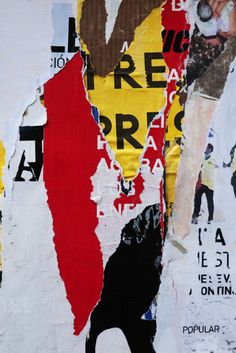
I found an image on Pinterest which caught my attention and gave me an idea for my design:

Composition 5 by Eduardo Seco

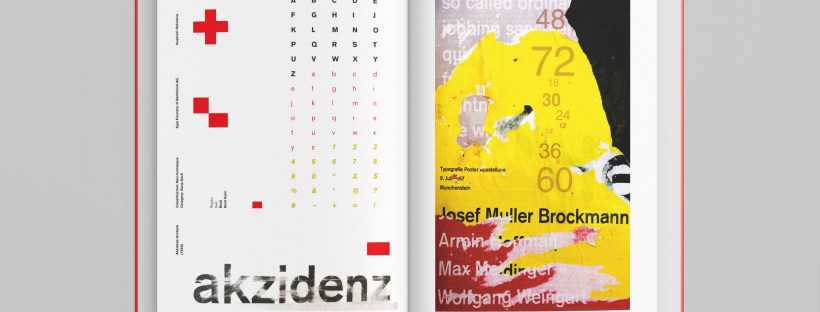
I liked the way the colours pop and contrast each other and the different styles/weights and sizes of the text also work together to create contrast. I felt I could create something like this using Akzidenz Grotesk, the Bauhaus colours and make it look like “trade printing or advertising with the modern influence of “Swiss Grit”.

I wanted to create the poster layout for my type specimen pages but just didn’t know how to do it…yet.

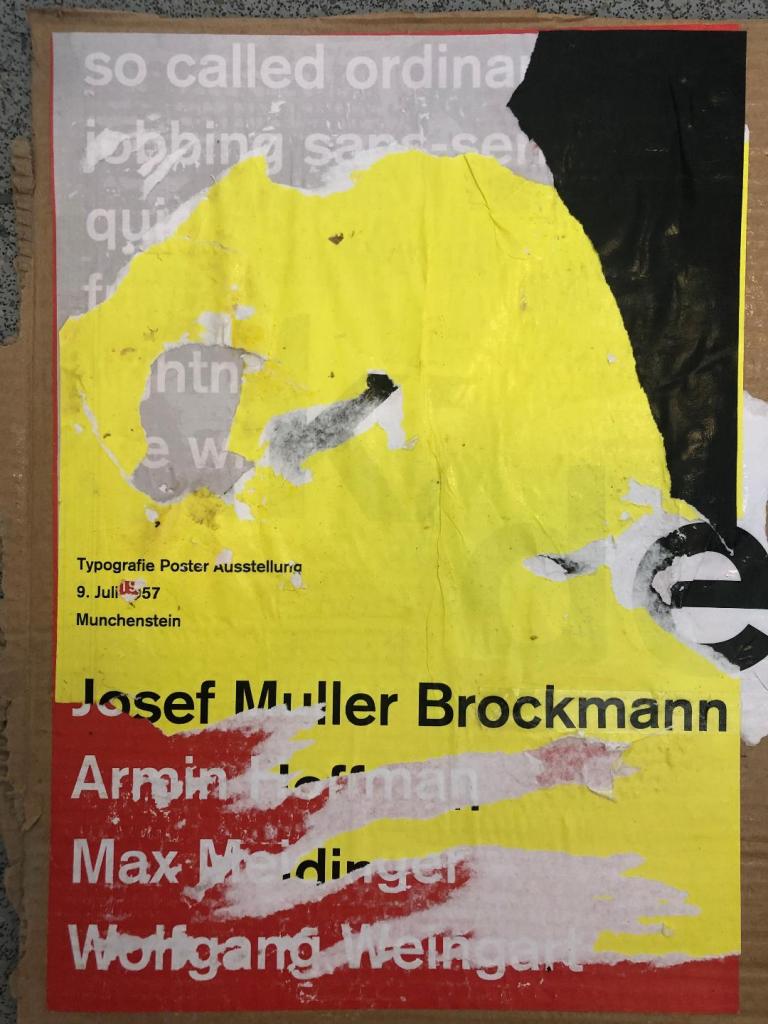
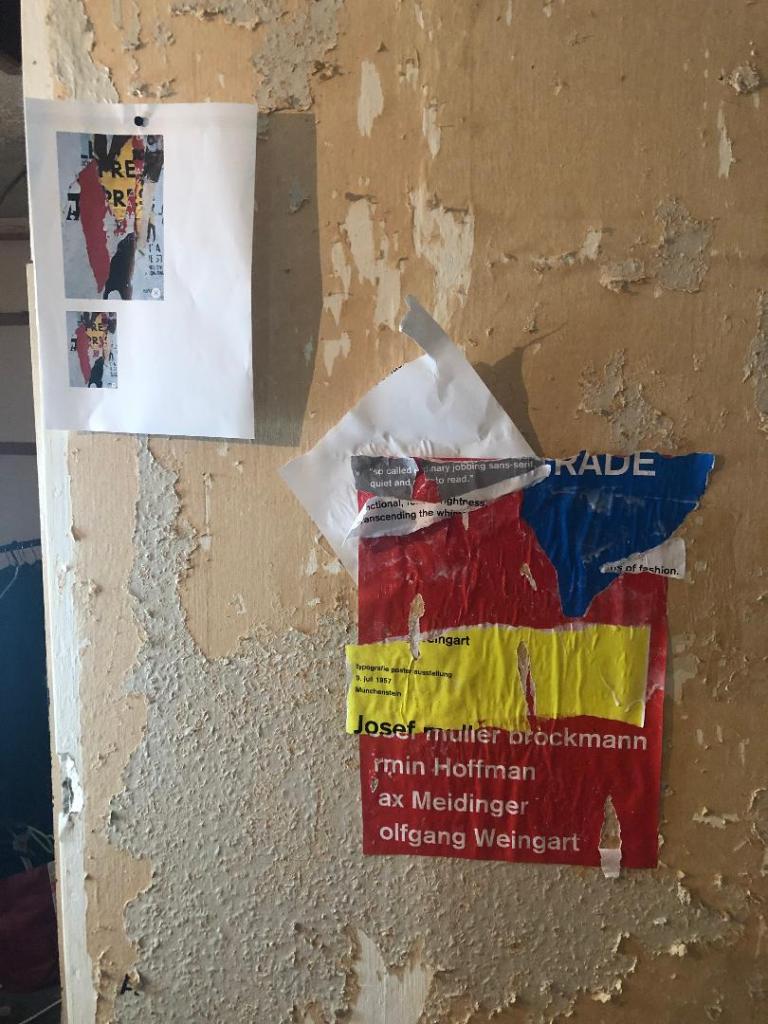
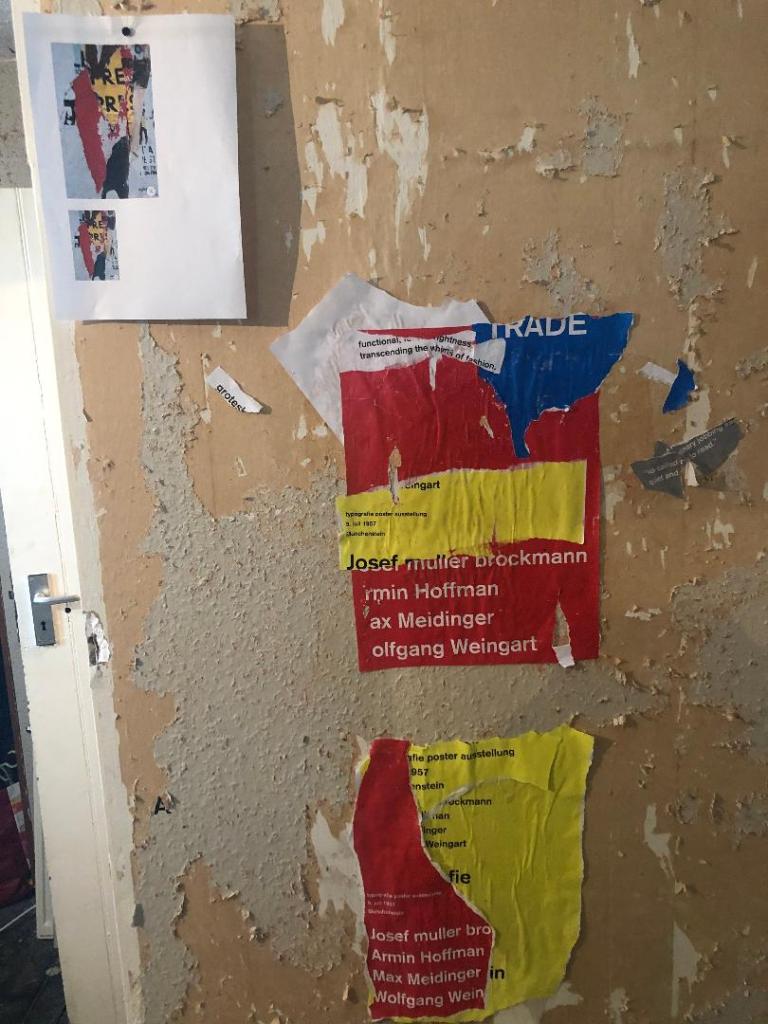
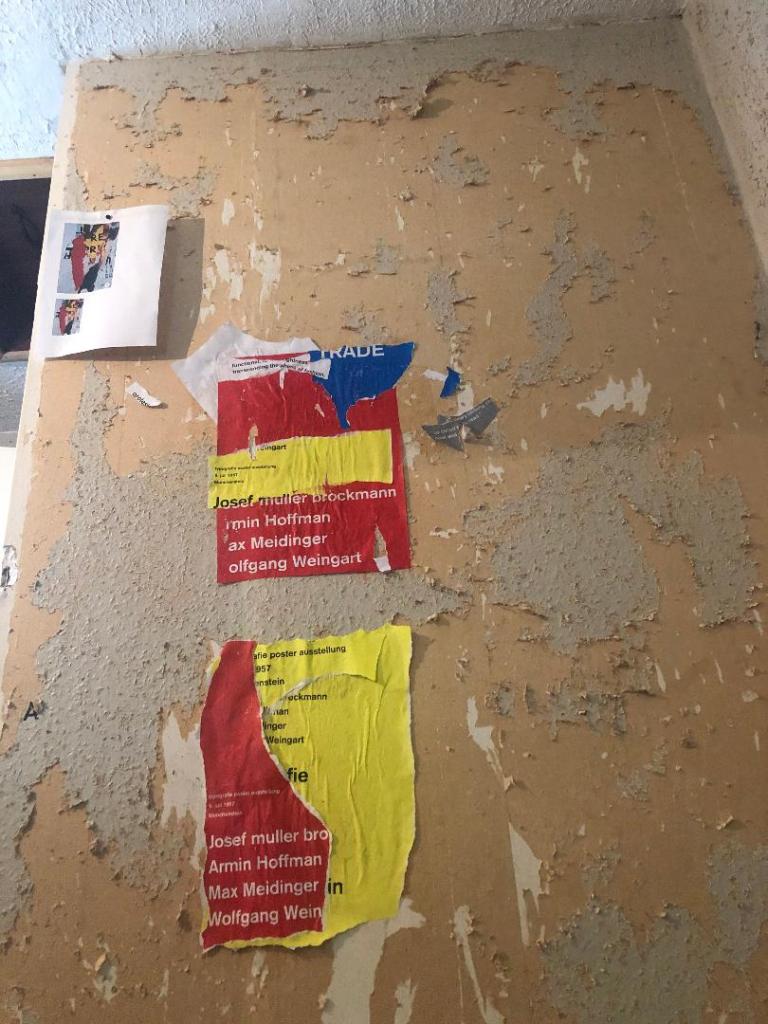
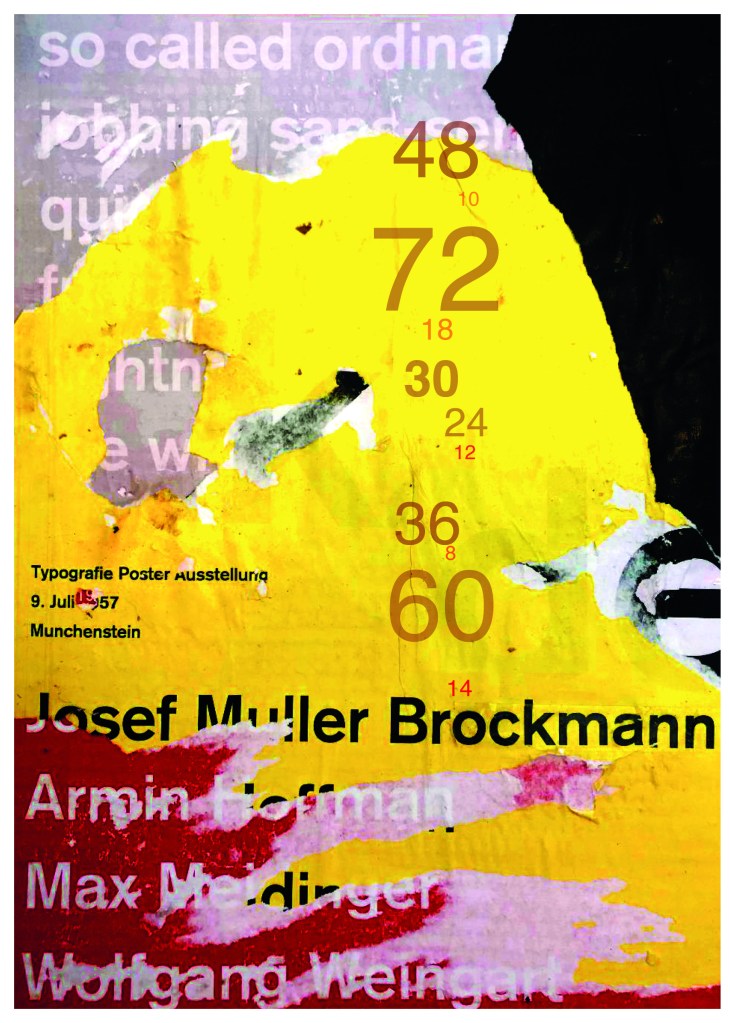
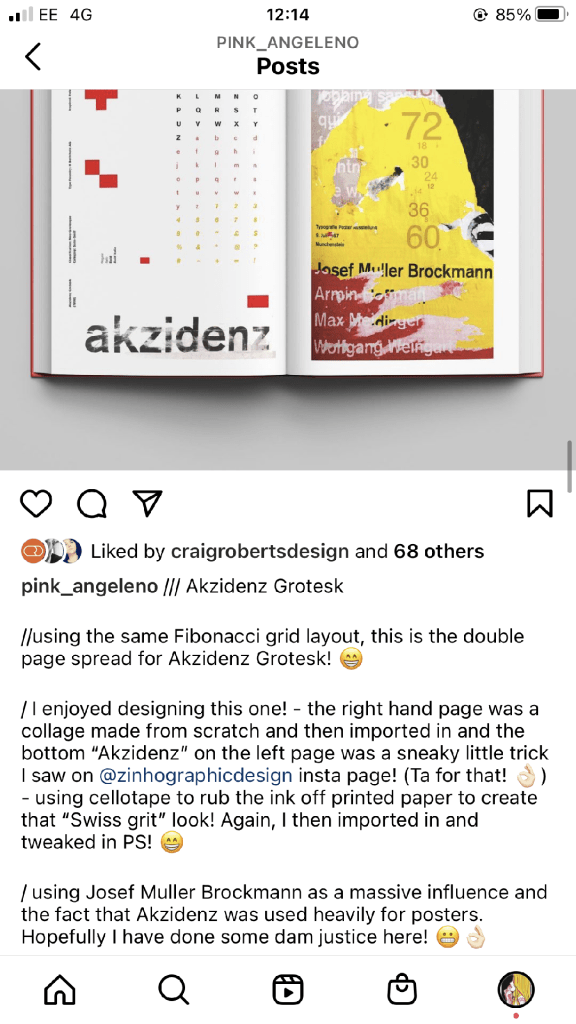
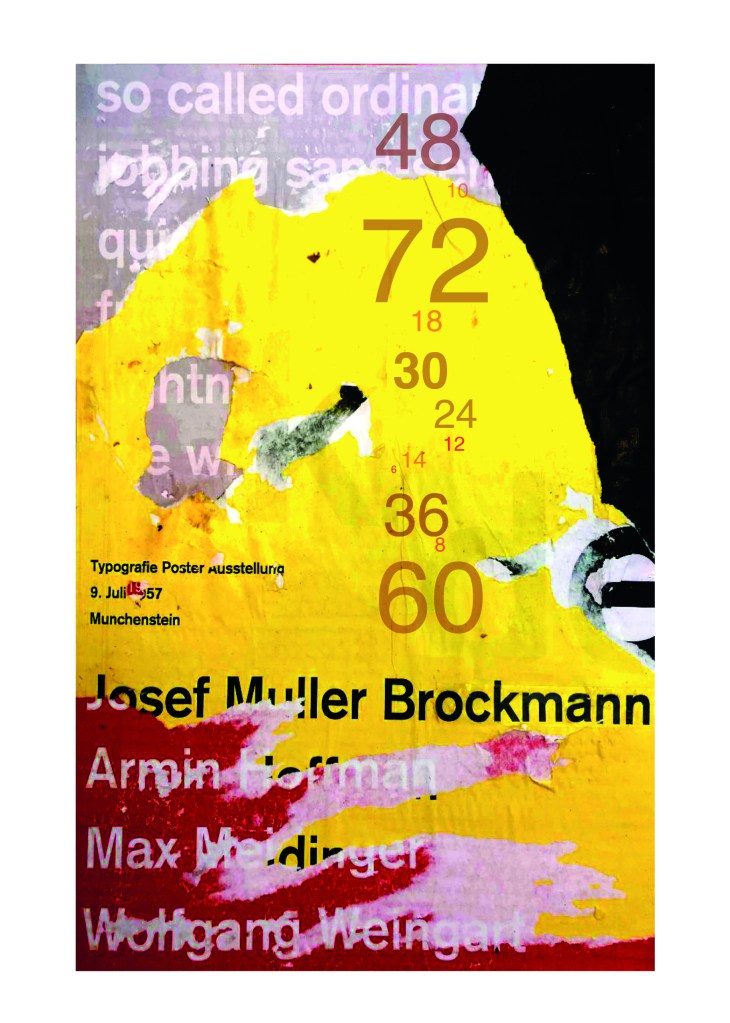
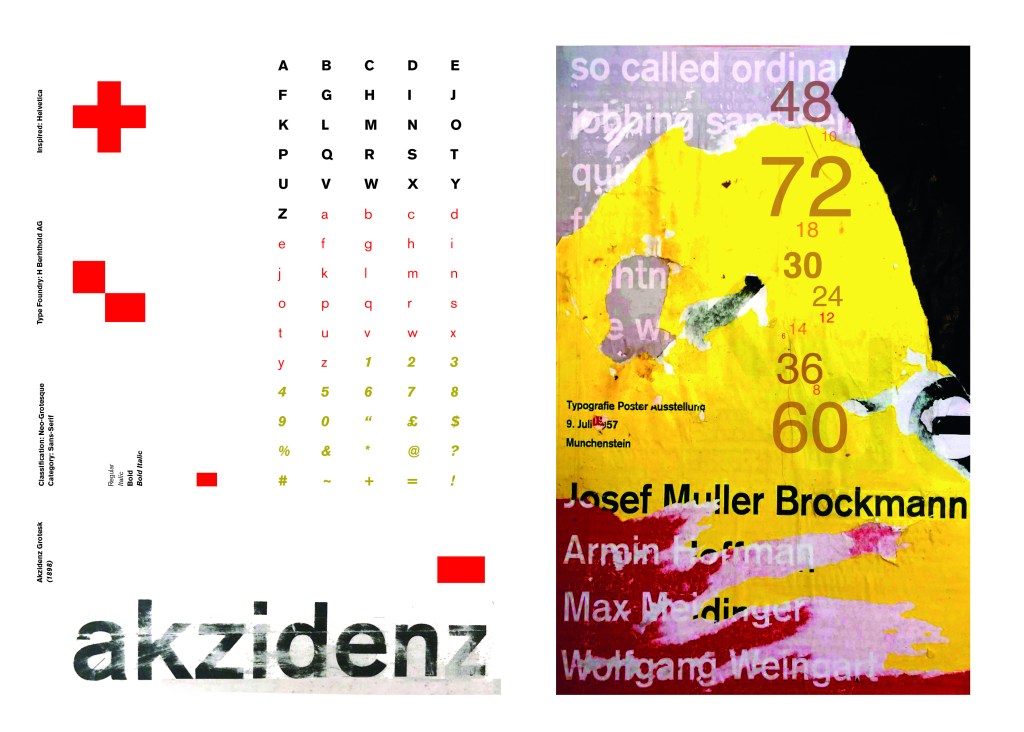
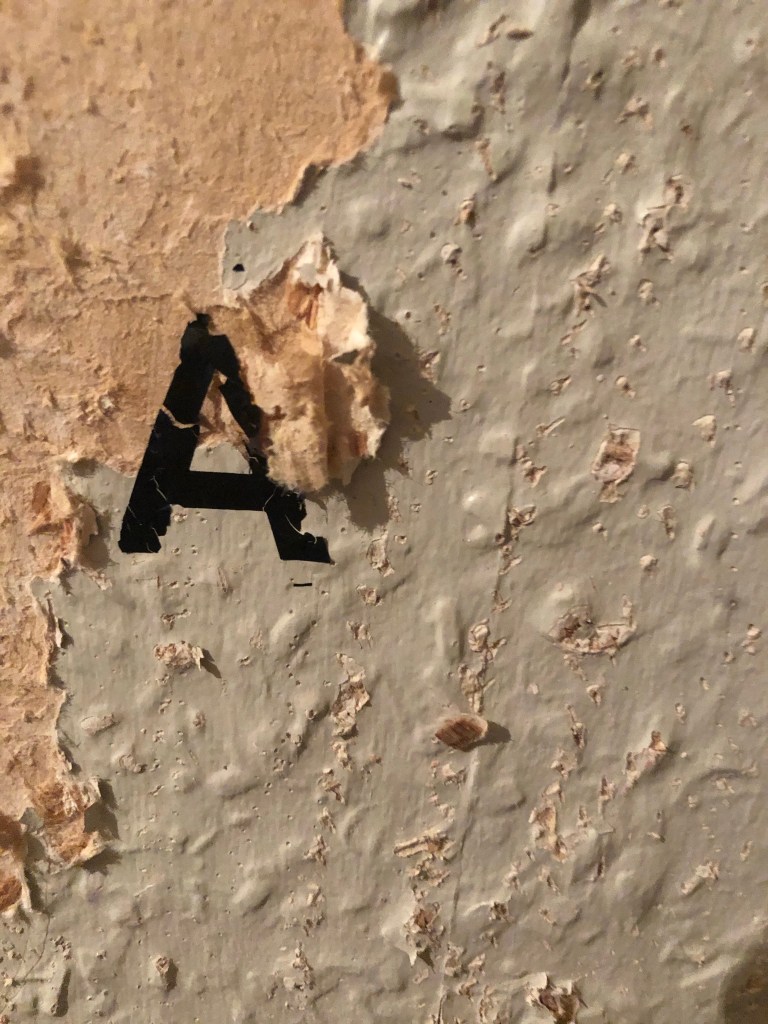
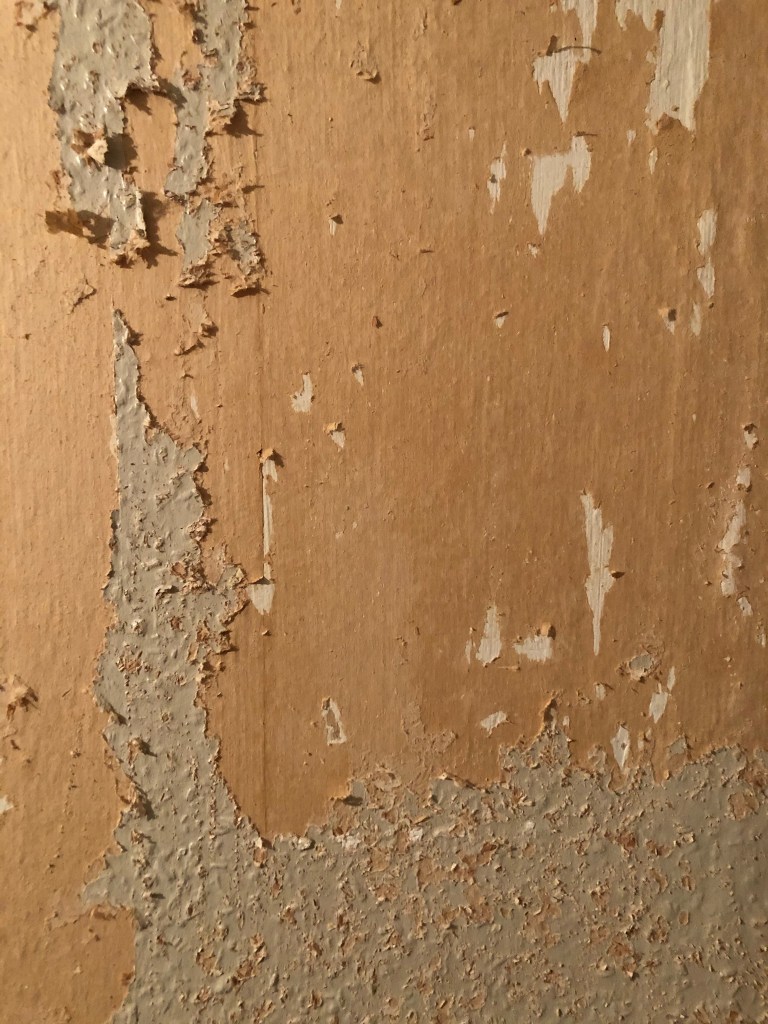
Using the image from Pinterest to vaguely copy, I knew I had to layer up and collage different posters to recreate that torn and ripped look. I decided to create a poster with a made up event (A typography exhibition in honour of Josef Muller Brockmann) then layer up behind it contrasting colours and different type relating to Akzidenz Grotesk. The only implication was that I wanted to actually create my poster on a real wall and photograph it and then import it into Photoshop to do any adjustments etc.. The issue was where would I find an urban wall when I live in the country? and how would I even get out to photograph one during lockdown?.. I then looked no further than home because we are currently renovating our house and the upstairs second bedroom wall is being ripped out and is covered in plaster, paint ripped off.. ideal for the urban look! I created a few A3 pages with different colours and pages filled with Akzidenz Grotesk type and then printed them off to later PVA glue onto the wall with a roller which I hoped would give a wrinkled, worn feel.

The next day in my lunchbreak at work I decided to trial a test piece on some card I ripped off a cardboard box; it was rough in texture so I thought it would have the same similar feel to a wall. It turned out to be perfect! I scrapped the wall idea totally and used this as my final piece for my design.

I then imported it into Photoshop and made some minor adjustments like changing the brightness/contrast etc. I also added the type point sizes onto the side of it to show what the type looks like at different sizes. I created 2 more pages on my Indesign document below my Helvetica pages and imported my collage poster into Indesign to start my final layout!

Digital Development

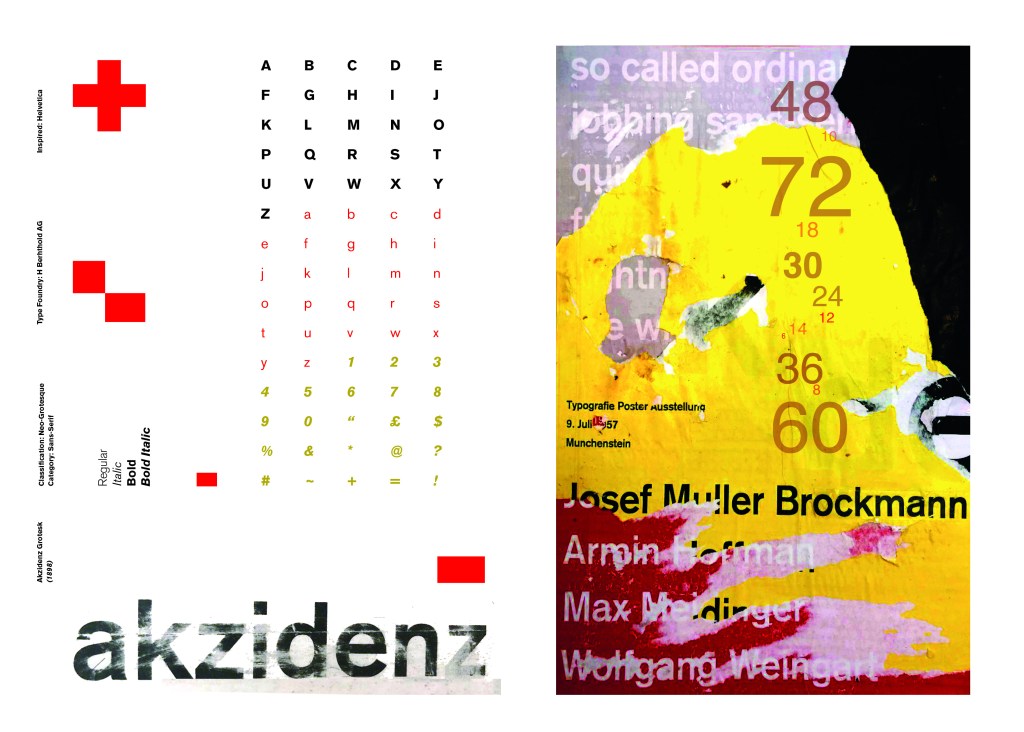
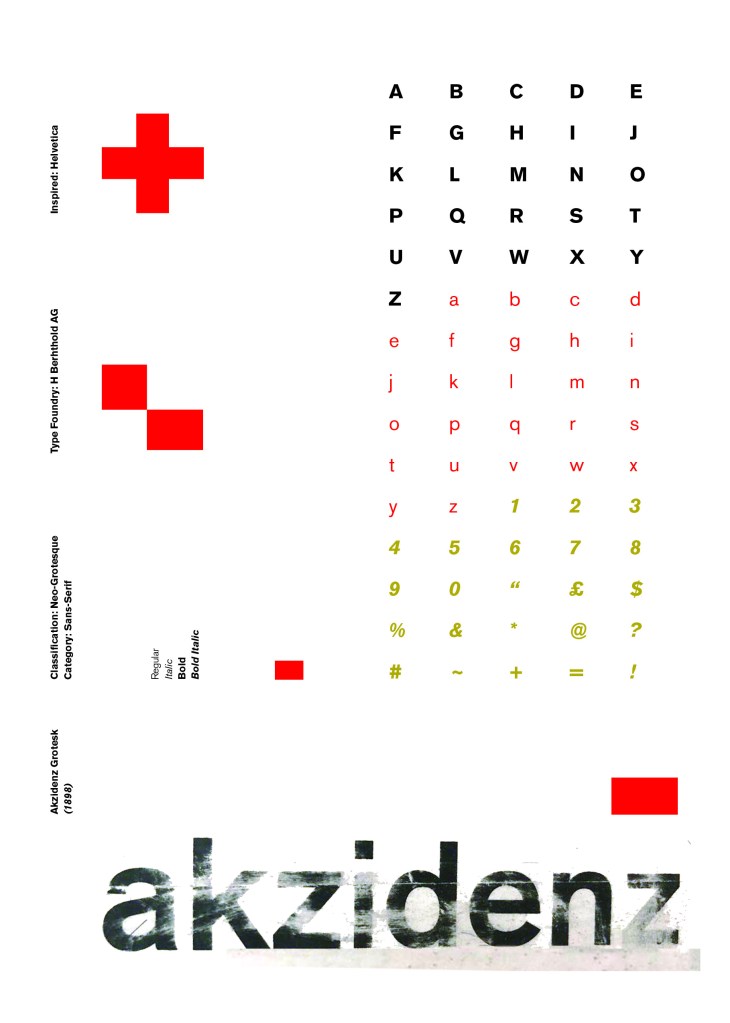
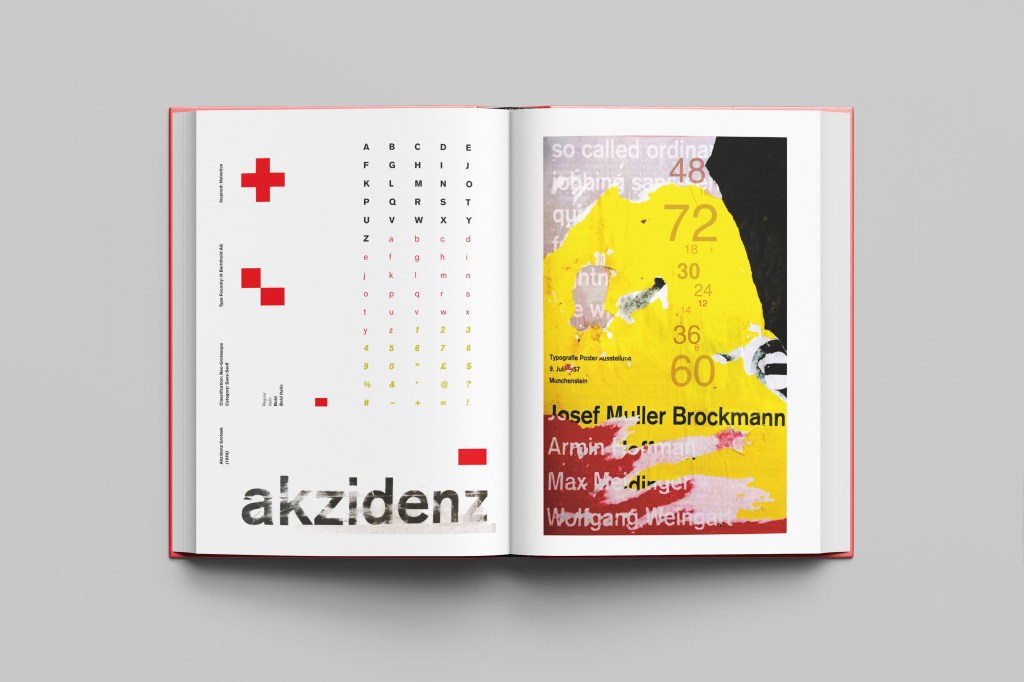
Again, I wanted a layout that was minimalistic and clean with lots of negative space. I decided to place the poster on the right hand side page and place the character alphabet of Akzidenz Grotesk on the left side.

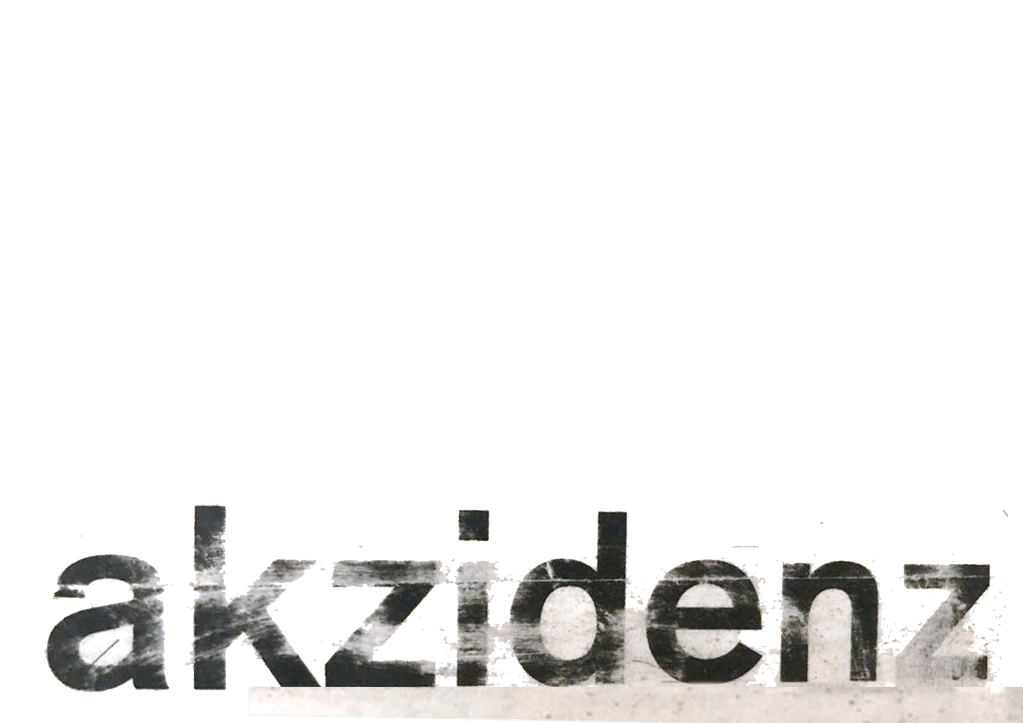
I wanted to use Red as a predominant colour again as it represents Swiss design and also the Bauhaus influence. I wanted to be in keeping with the “Swiss Grit” style of the poster though with the “Akzidenz Grotesk” heading and decided to try something experimental and different… I watched an interview with Chris Ashworth about a year ago where he explained what sort of experimental “grit” typography he does such as sticking type to the bottom of his twin girls school shoes so that when they return back from school in the evening the type is all ragged to give that worn down texture. He then uses this in his pieces rather than using digital textures. I wanted to do something similar for the type on my page. I decided though to try the cellotape method… I made friends with a Graphic Design student on Instagram who is also into Swiss Grit and he did a demo on his page of how he created his “gritty” type. He printed his type out using a laser/inkjet printer and then covered the text with cellotape and gradually pulled away at it to rip the ink off the page onto the cellotape. It worked! It gave a great gritty texture to my type which I then imported in and tweaked to become part of my layout.

Design Development – The stages of reaching my final design and layout!

The final layouts were received VERY well when I uploaded them onto Instagram. It got the most likes my page has ever got and everyone seemed to love it! I felt very proud of this piece when it was done!

The final design pages and final mock up

The final mock up!

Responding to Tutor feedback…

The sketchbooks evidence in between stages, idea development and layout/mark
making: do you have any evidence of the planning for the laying for the Aksidenz
poster?
Is this a place where you could experiment with textures and layering with
surfaces and drawing media?

I have sketches in my sketchbook and images that I found on Pinterest that inspire the collage that I did for the Akzidenz Grotesk poster:

Work by Eduardo Seco

I agree with the feedback that I didn’t document the Akzidenz Grotesk collage all too well… but it was created entirely how it is pronounced!.. a complete happy AKZIDENT!

I had no idea really how to put the collage together for Akzidenz Grotesk. I tried first on the wall of my house PVA glueing different sheets of coloured paper that I printed out from my printer at work and this just did not work. I tried rubbing Letraset on the walls too, My plan originally was to create the poster on the wall using Letraset letters or printed type on sheets of paper that I would dampen and then rub off onto the wall!

Another thing that inspired me was a few photographs I took of the side of my old cooker… When I moved house in October 2020 I rented my house and inside it I had an awful, old cooker (possibly from the 1970s!!) when I moved it out to clean it I noticed some markings on the side of it. It was quite cool and I took the photos to bank in my resources for any future projects:

I knew I wanted to create this kind of effect but I was struggling as to know how…I then had the idea of photographing some different textures and then importing them into Photoshop to play around with for my poster. These were some of the textures I found, (again, they were all from the upstairs of my house which is currently now only starting to be renovated!)

The textures idea just wasn’t gritty enough for me though… This is where I went to work the next day feeling really frustrated at the fact that I didn’t know how best to create the idea I had in my head!!

I have a very rigid “Neat” approach to my work, everything I do is very structured and organised and I couldn’t quite get myself to create something “messy” enough!- I needed to switch off and just become careless and wreckless to see what I could create!! I had another go on my lunch break when I had the classroom to myself; I filled a paint palette up with PVA, found a screen printing roller to layer it on smooth and what I ended up with was the unexpected, perfect finished piece! I have photos that I have found in my design archive of me creating this final piece but other than me being really inspired by some collage work I found on Pinterest it happened without any prior planning or any planned sketchbook experimental work.. it was completely by accident! A really happy accident! I literally just created pages in Microsoft Word (my work laptop did not have Adobe at the time!) of block coloured pages and pages with some type using Akzidenz Grotesk, I printed them out using the laser printer and then layered them up on top of each other using PVA glue. Carelessly I just ripped sections away to reveal layers underneath. The idea was to create the feel of a really old billboard that has had hundreds of posters ripped off and layered on in its time in a really rural area of a city..

The final piece was perfect for me! In fact it seems such a shame to pack it away with all my Core Concepts work that I have thought about framing it as a showpiece!

If the face fits(Part 1: Type Specimen book) Helvetica

Pages 1-2: Helvetica (Sans-Serif)

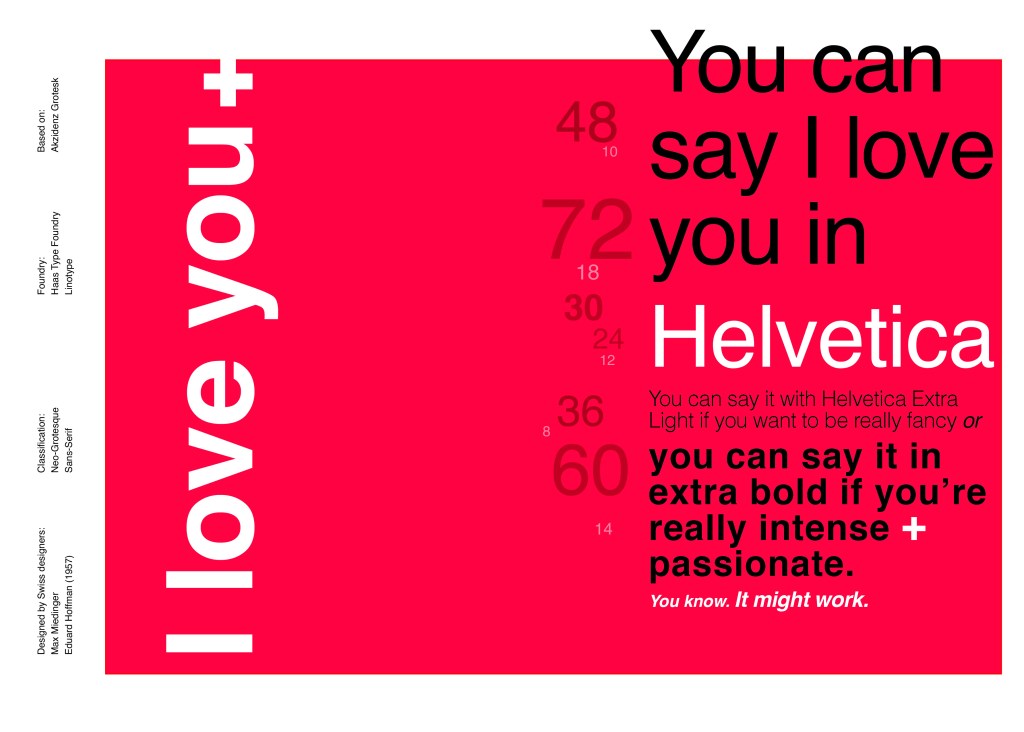
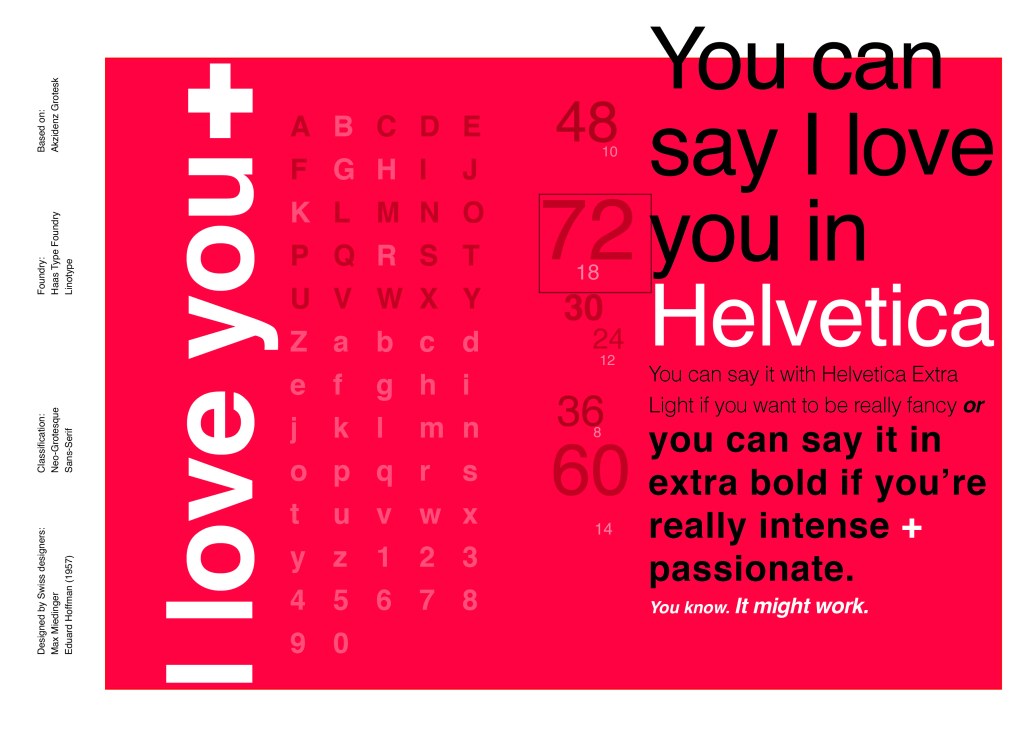
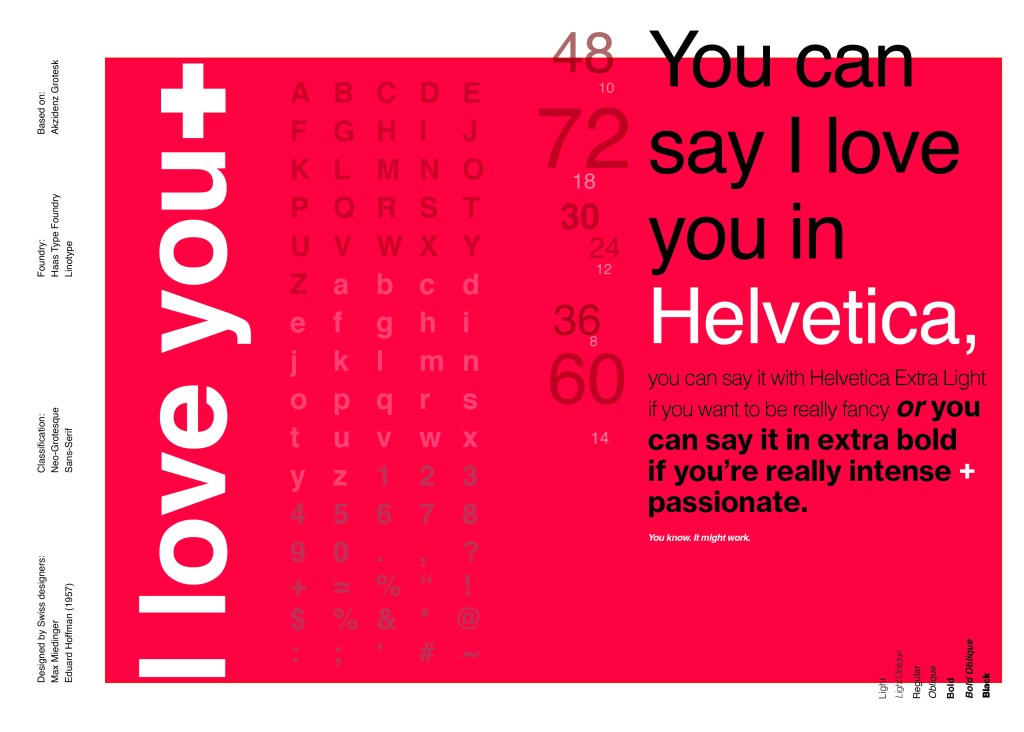
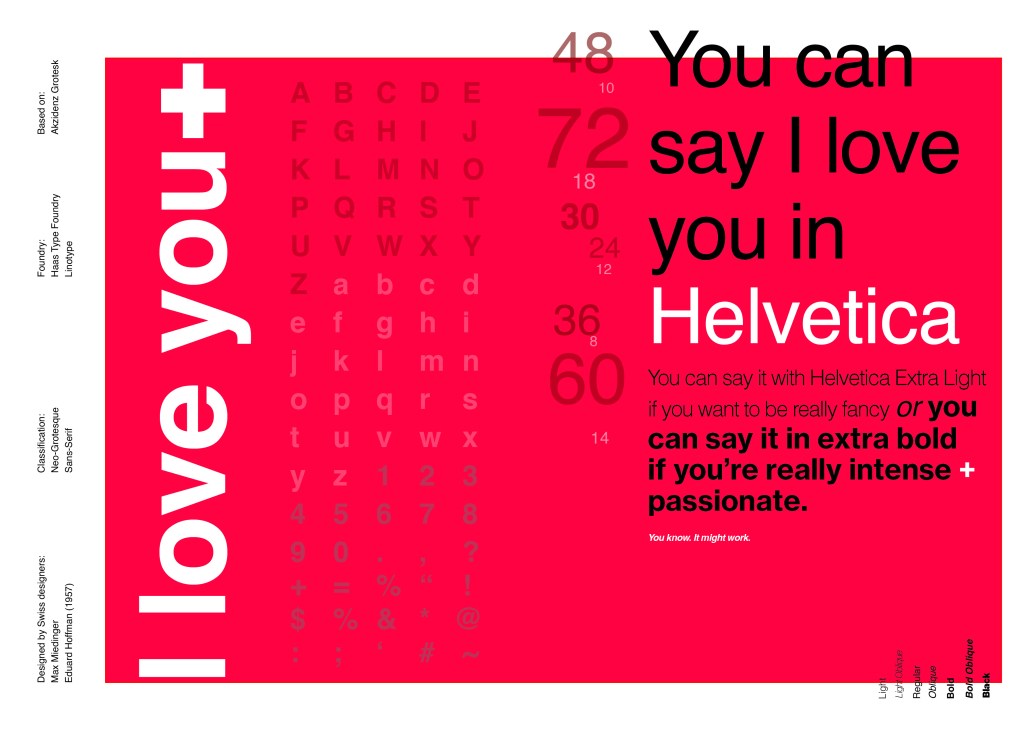
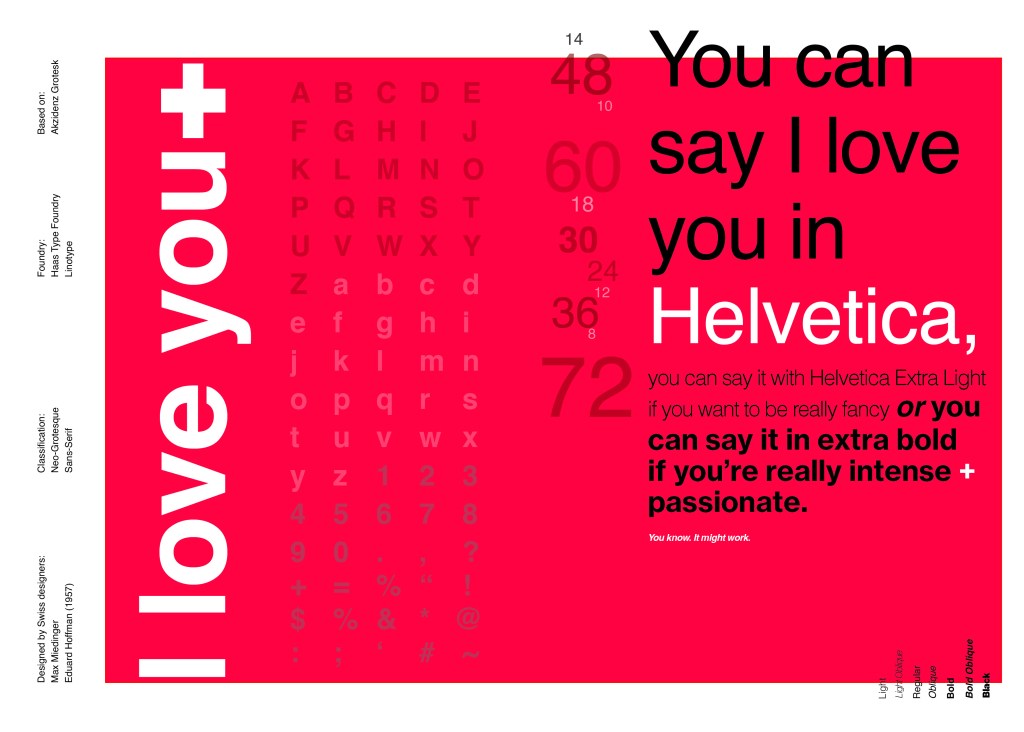
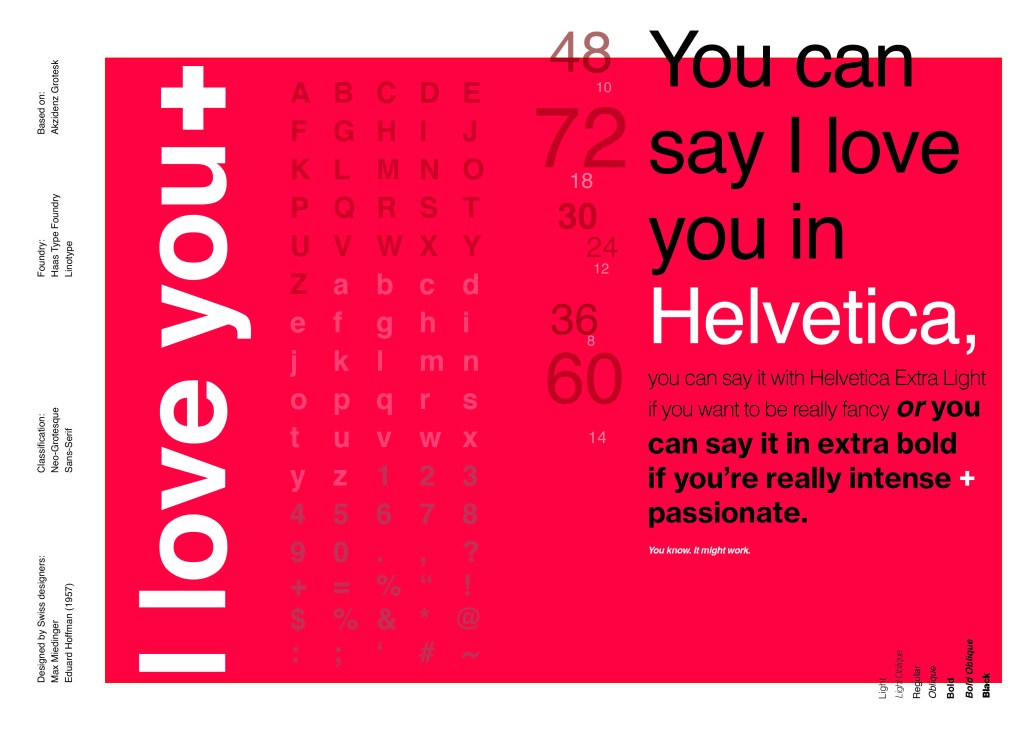
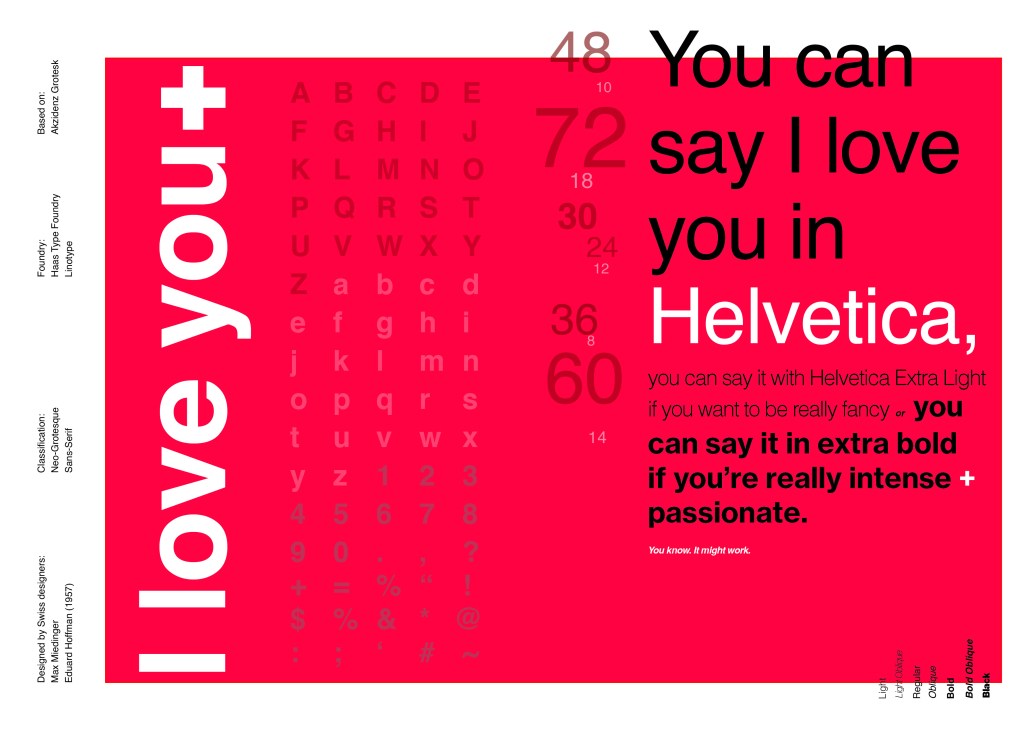
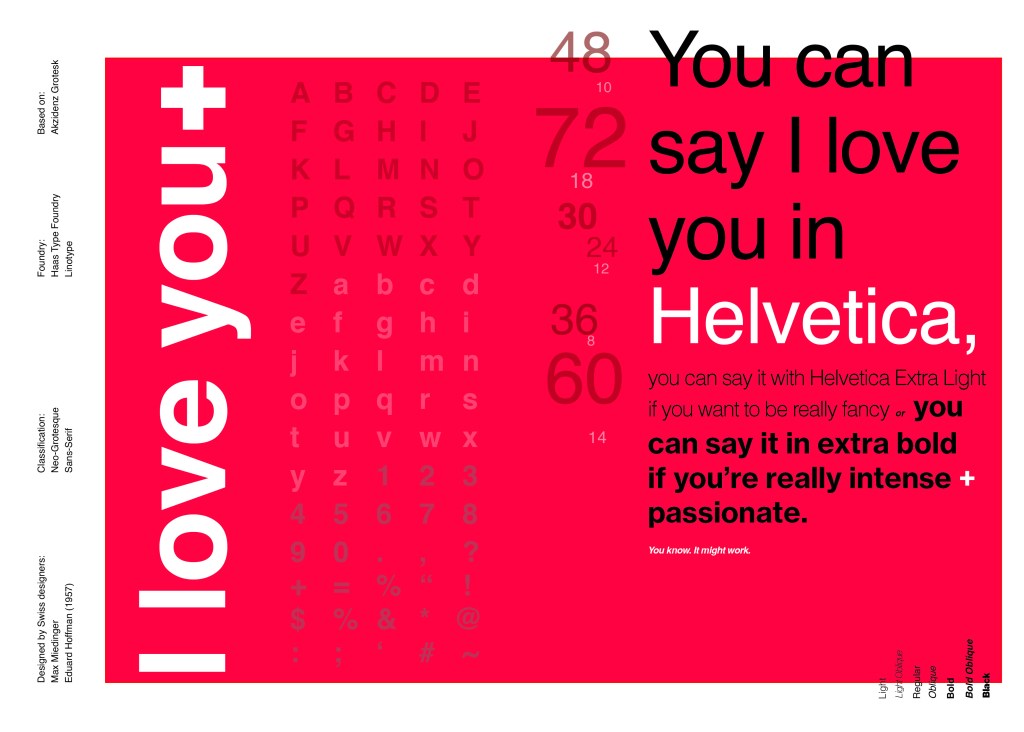
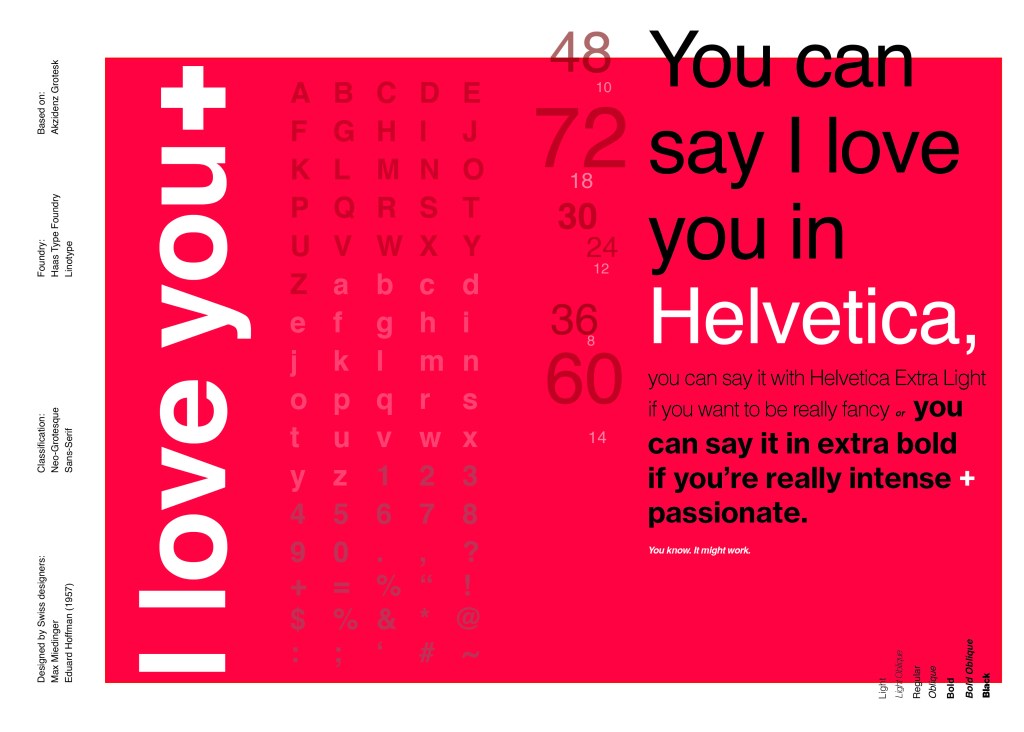
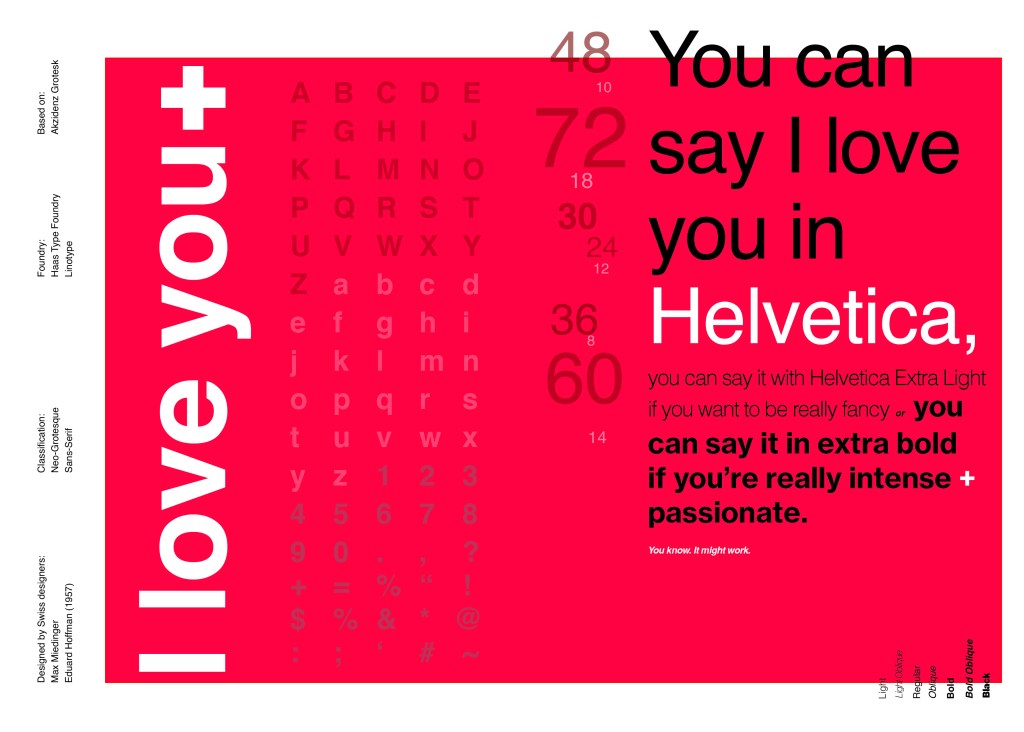
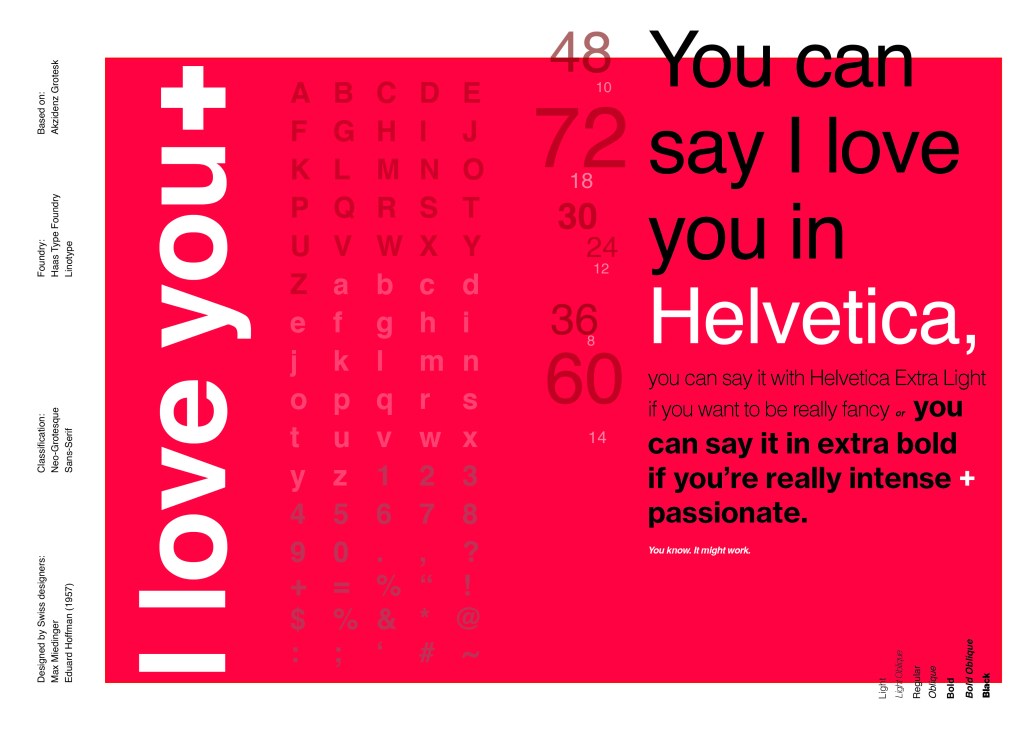
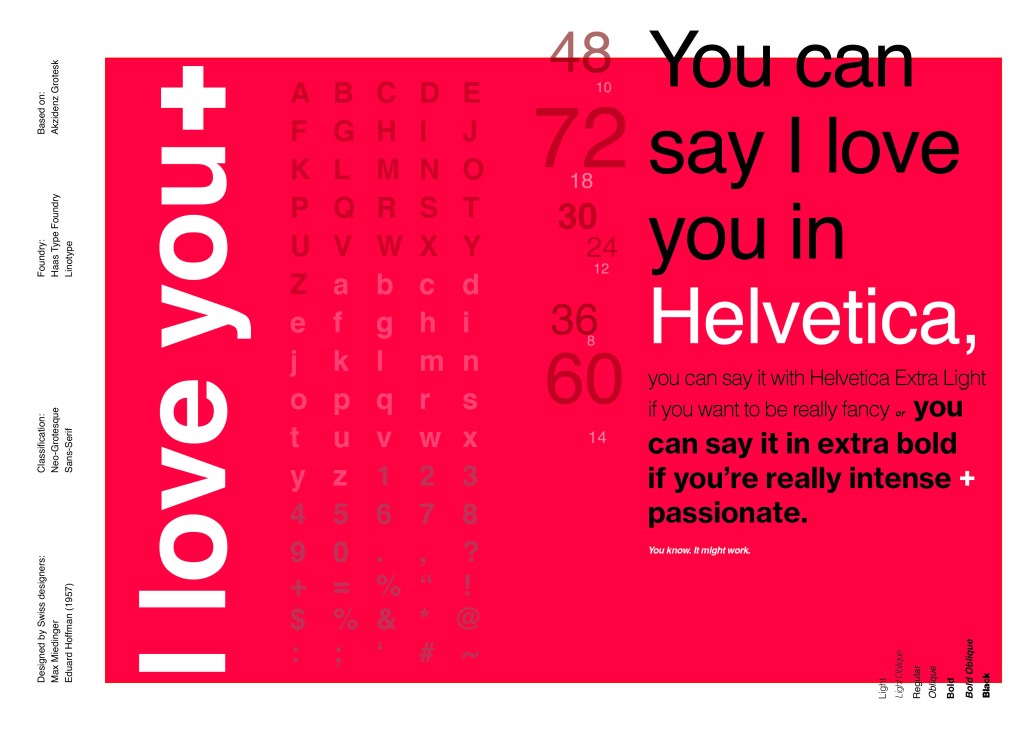
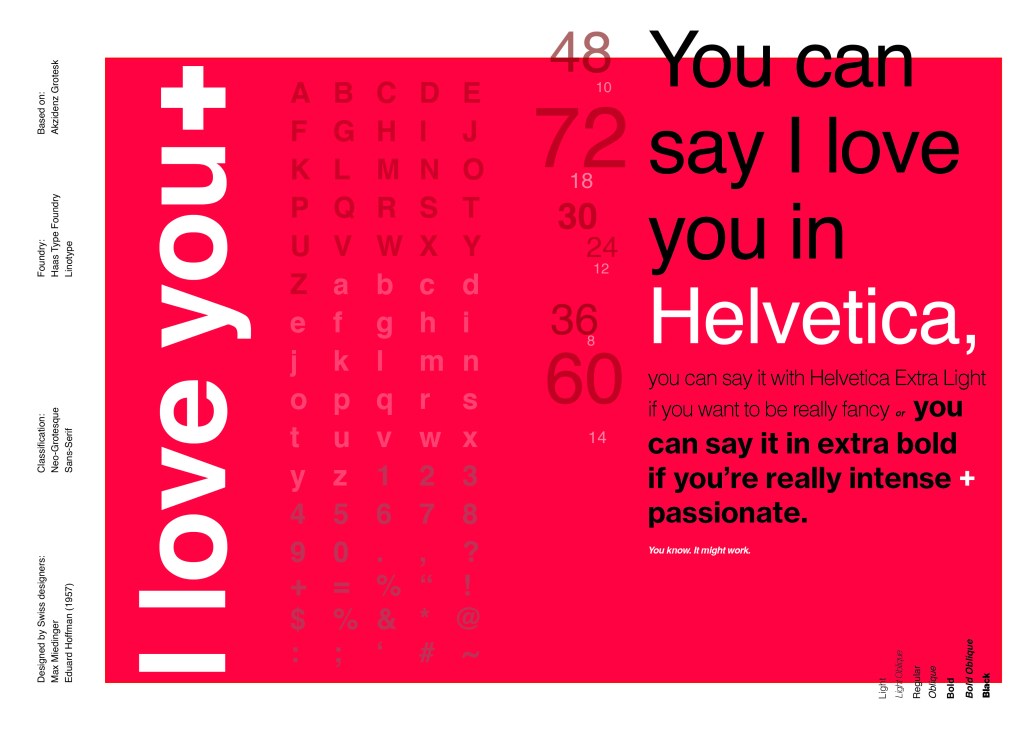
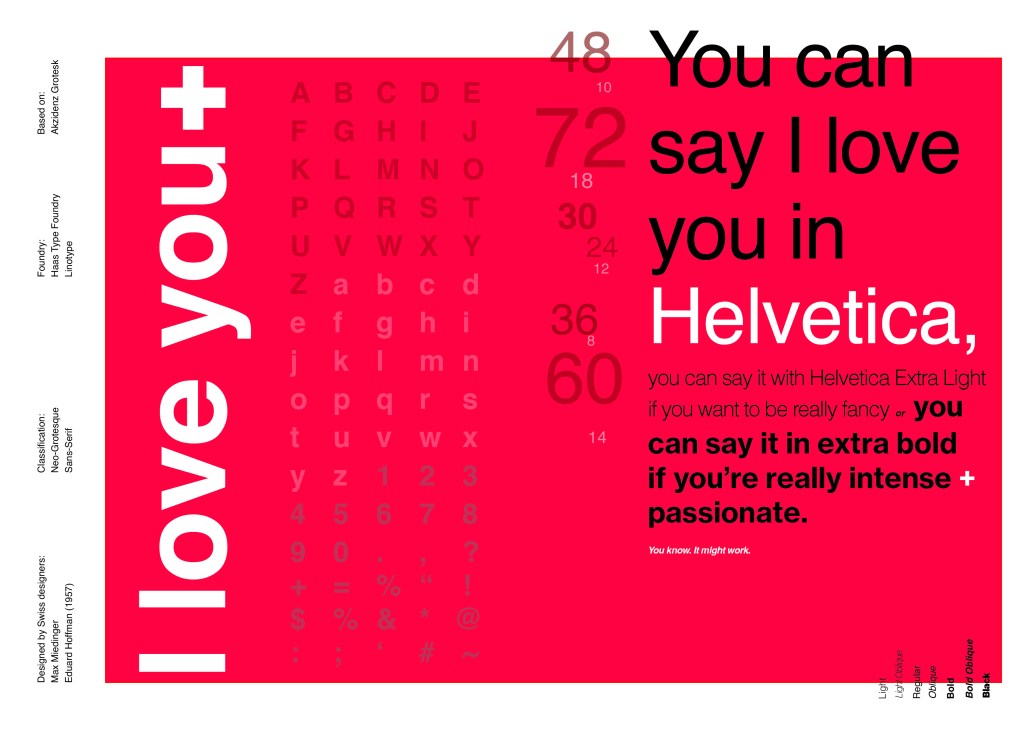
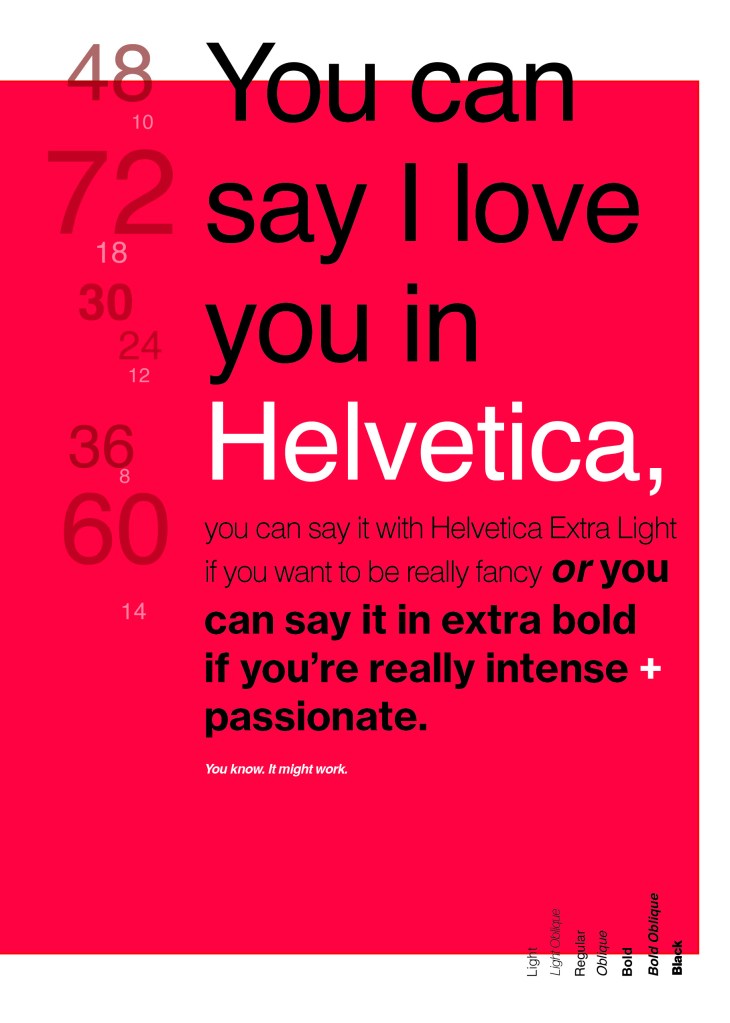
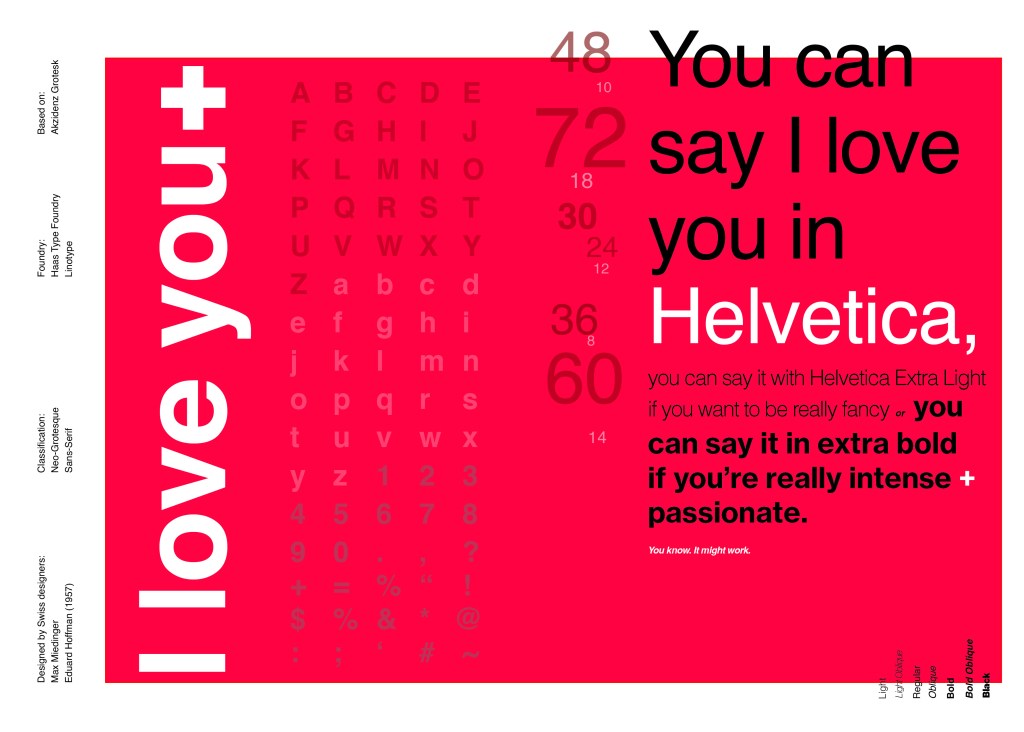
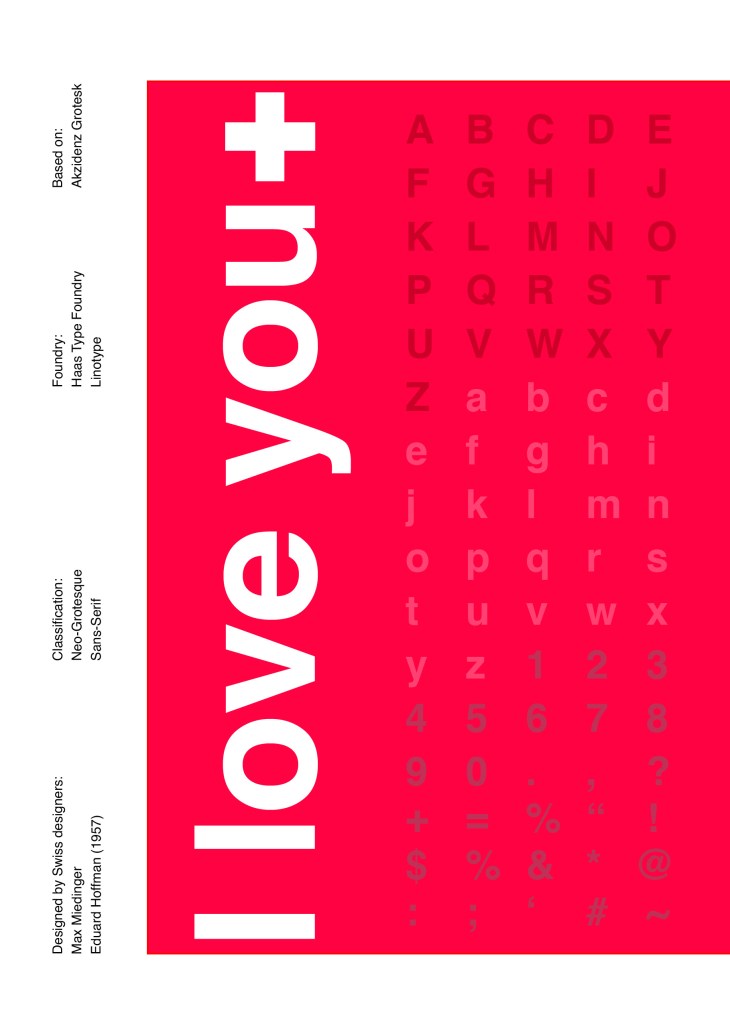
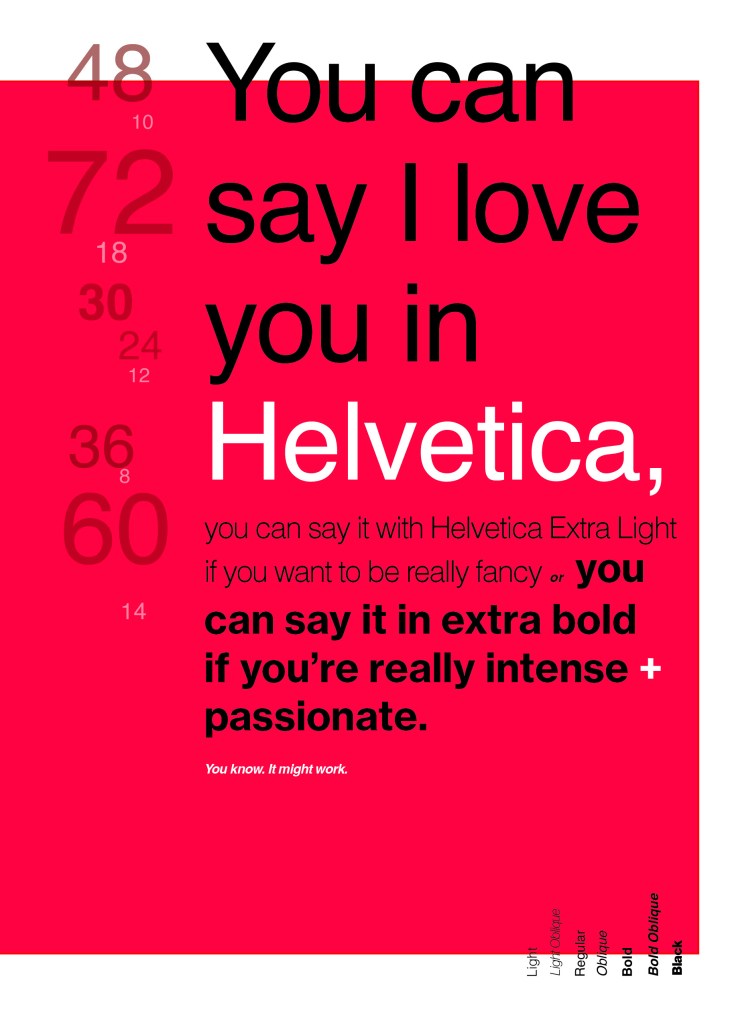
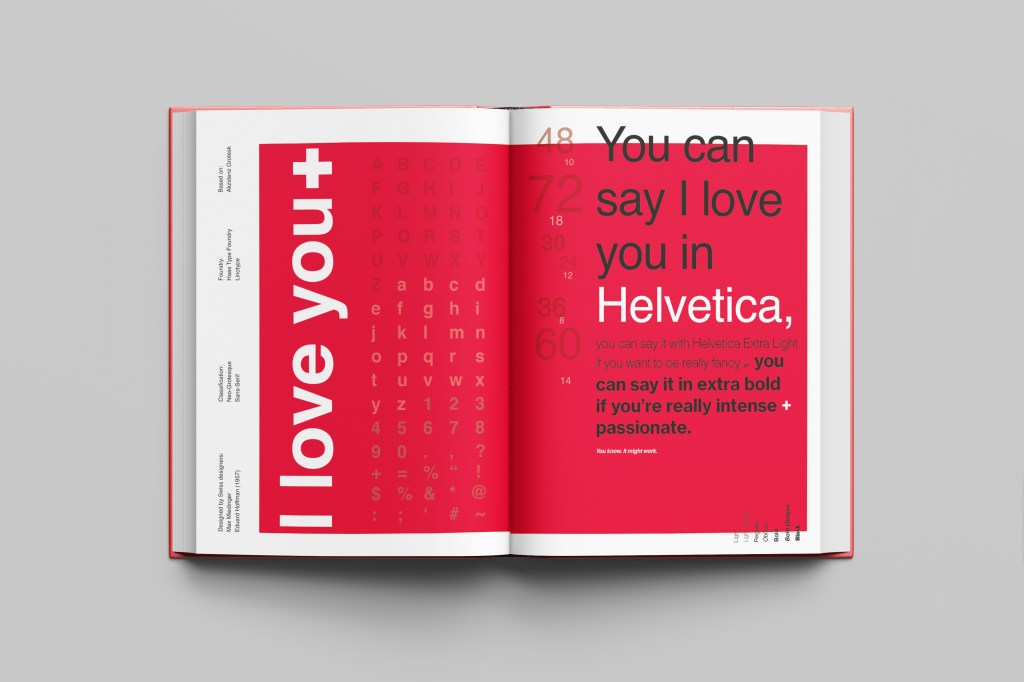
When you think of Sans-Serif there is only one typeface that comes to mind immediately and that is Helvetica. Helvetica is possibly a designers all time favourite. It was designed in 1957 in a new world after the war where the need for function over beauty prevailed. There was a need for clarity, function, cleanliness and for text to be readable, legible and straight forward communicating. The mantra was “less is more” and “form follows function”. The focus became on the content rather than the design and any ornate detailing. The designs of the time were very mathematical; Designers of the time designed religiously around the grid. Bauhaus at the time was also a massive influence.

For this design I wanted to represent everything that this typeface stands for; minimalism, cleanliness, Swiss designed and legible. I started off by doing some intensive research into the typeface; I used Pinterest as I always do to look at lots of type specimen books that already exist for Helvetica. I watched the film Helvetica again, I bought a book all about the history of Helvetica.. I really went deep with the research!

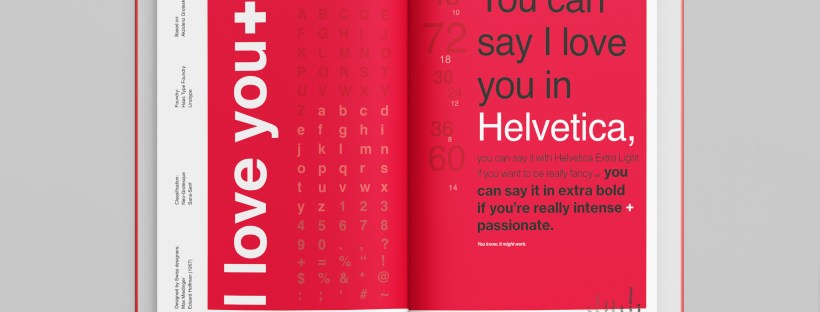
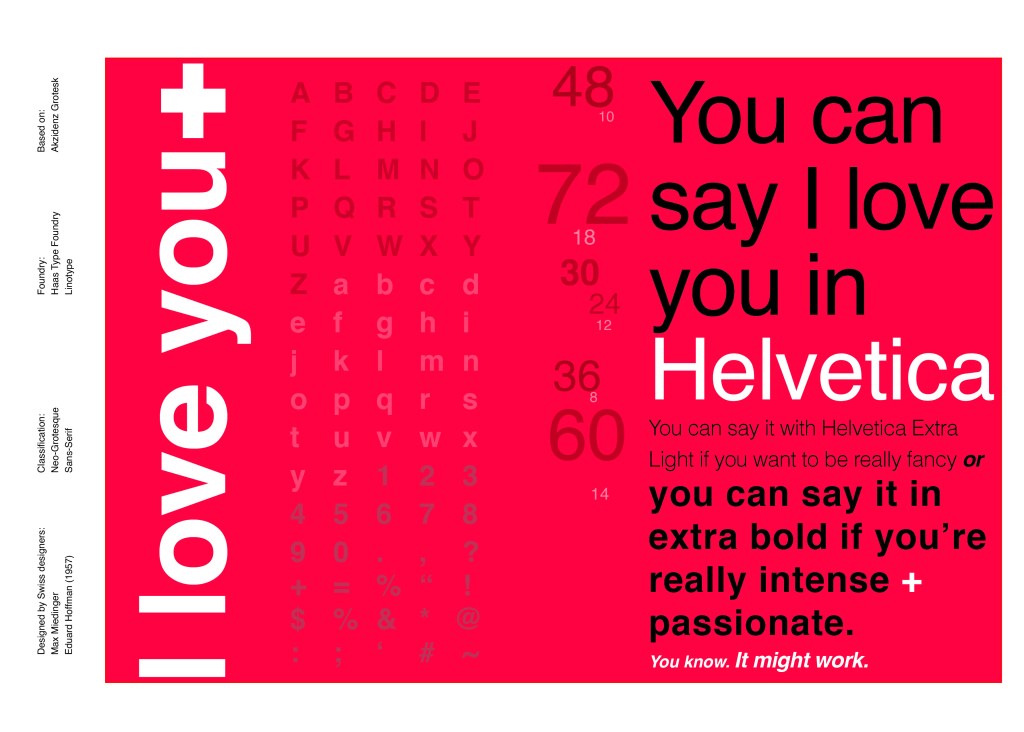
I noticed that a lot of type specimen books use “The quick brown fox jumped over the lazy dog” to showcase their typefaces with the different styles/weights/widths etc.; I did not want to do that. It just did not fit in with the feel of the typeface at all! I was really making myself nervous about completing this double page layout for the fact that I wanted to do the typeface justice and didn’t want to design something awful. I decided to refresh myself on the typeface by re-watching the film “Helvetica” for some inspiration and ideas, It was from this that I got the idea to use one of the quotes from the film;

You can say, “I love you,” in Helvetica. And you can say it with Helvetica Extra Light if you want to be really fancy. Or you can say it with the Extra Bold if it’s really intensive and passionate, you know, and it might work.

Massimo Vignelli

I decided it would be a good idea to use this on my main design to replace “The Quick Brown Fox”. I actually used Helvetica Extra Light and Extra Bold when I wrote the quote to show the different styles and weights of Helvetica on my type specimen page.

I used Red as the dominant colour and the red Swiss cross in my design to represent the origins of Helvetica.

I then started to lay everything out onto my pages and reorganise. I wanted a lot of negative space. It needed to be minimal and to not be ornate in any way.

Design Development – The stages of reaching my final design and layout!

I was really happy with how my final design and layout turned out and it was also well received on social media when I uploaded it to my college Instagram page!