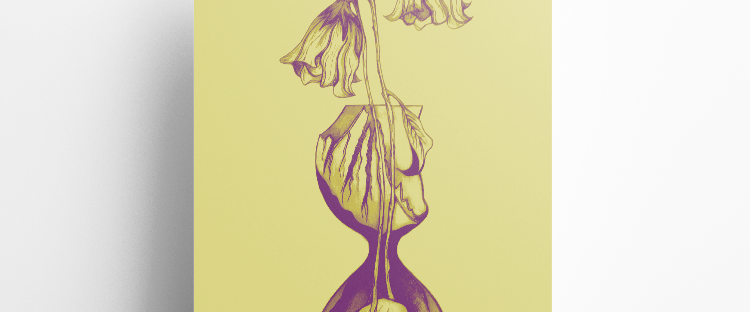
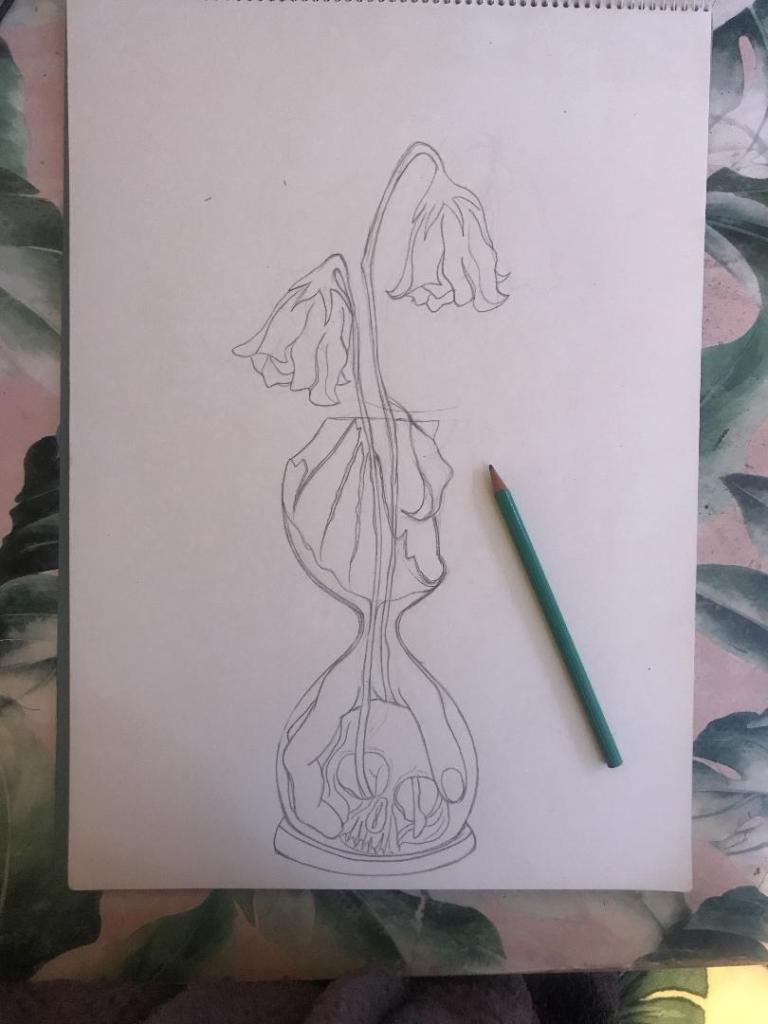
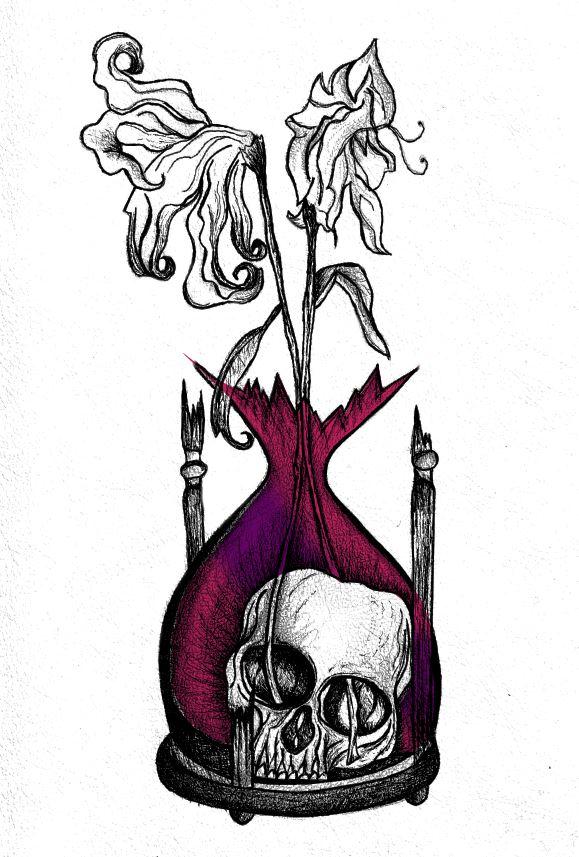
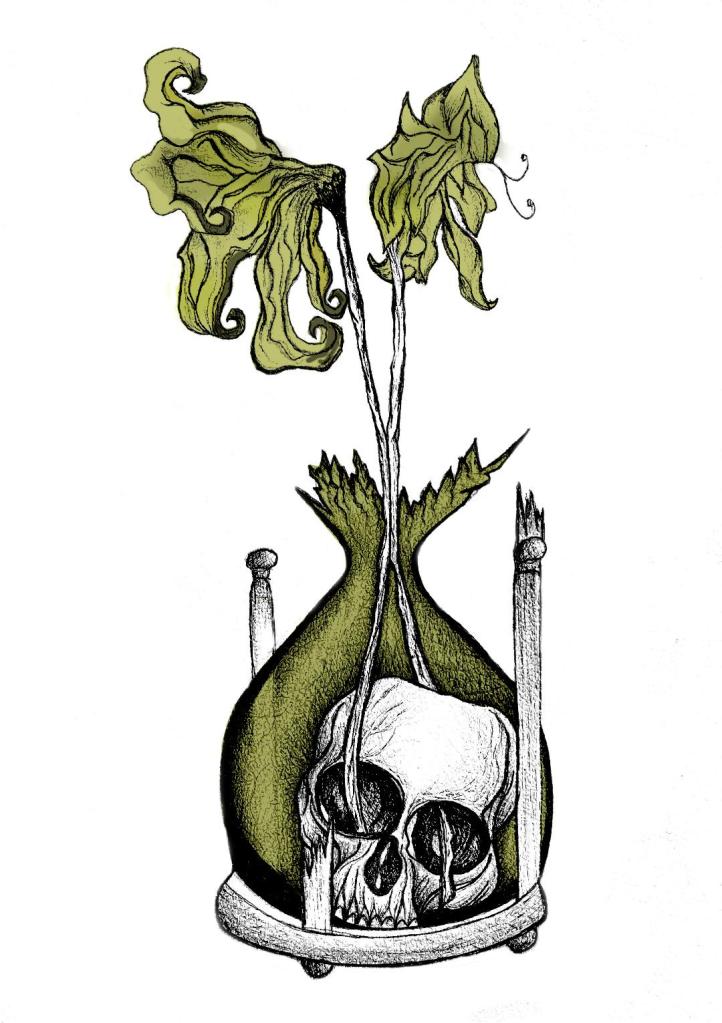
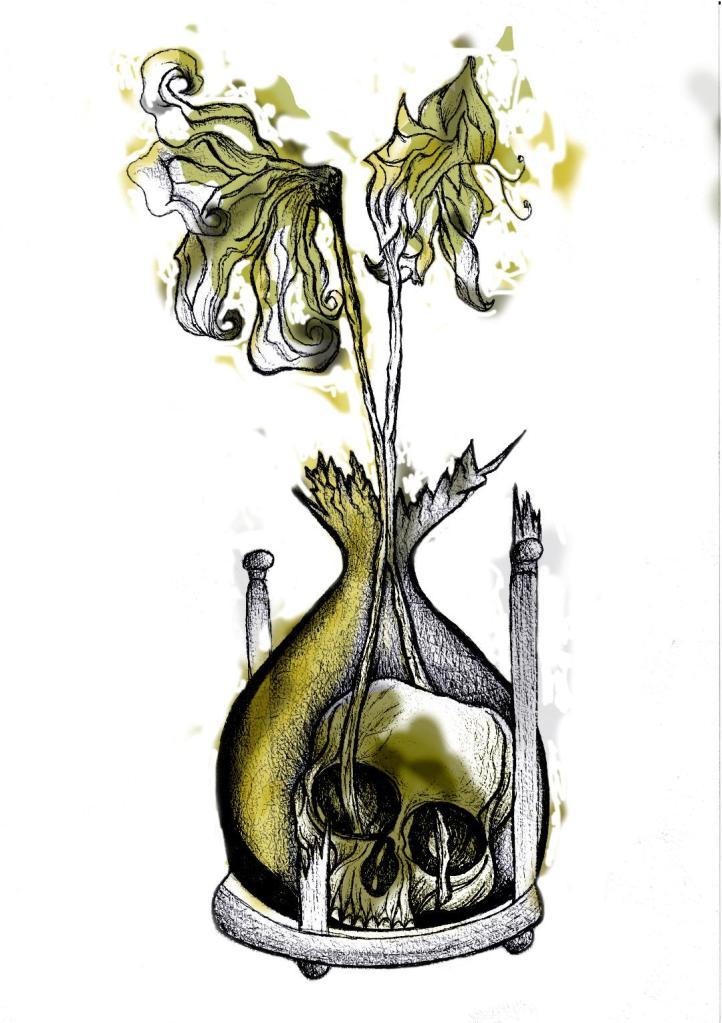
With my final ink drawing I decided to import it into Photoshop again and change the colours.
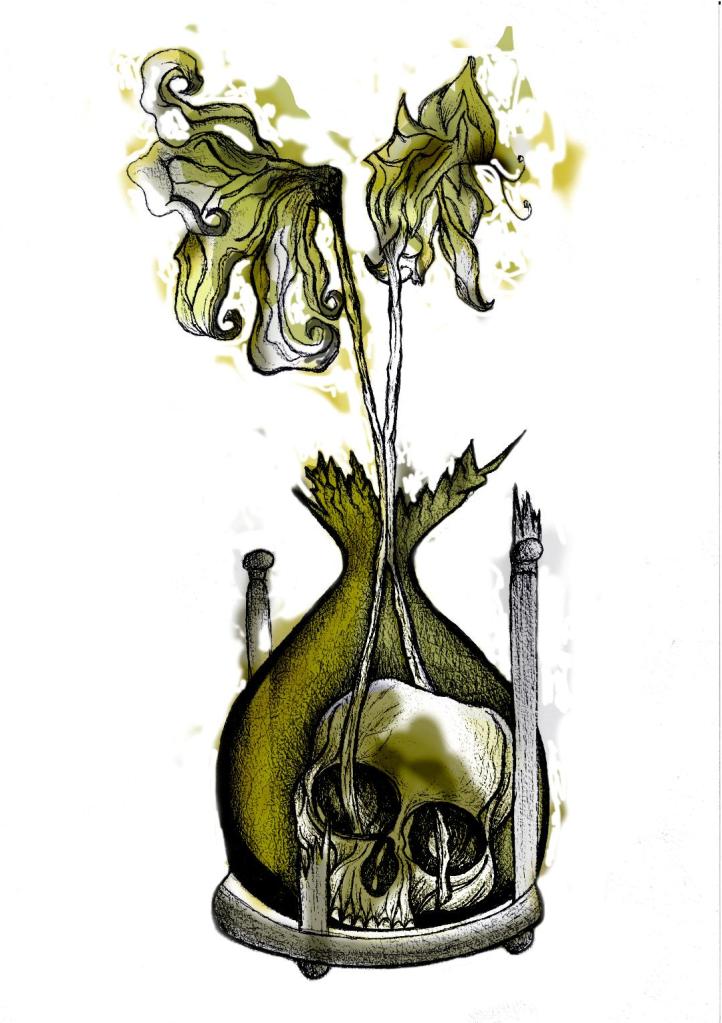
With the first version I adjusted the colours, brightness, vibrancy and saturation etc and then decided to use the pen tool to select certain areas to add colour. I like how it looks as a black and white ink drawing so I decided to only add colour to a few selected areas such as the flowers and the inside of the sand timer. The hand forms as part of the sand so I needed to keep this dark!
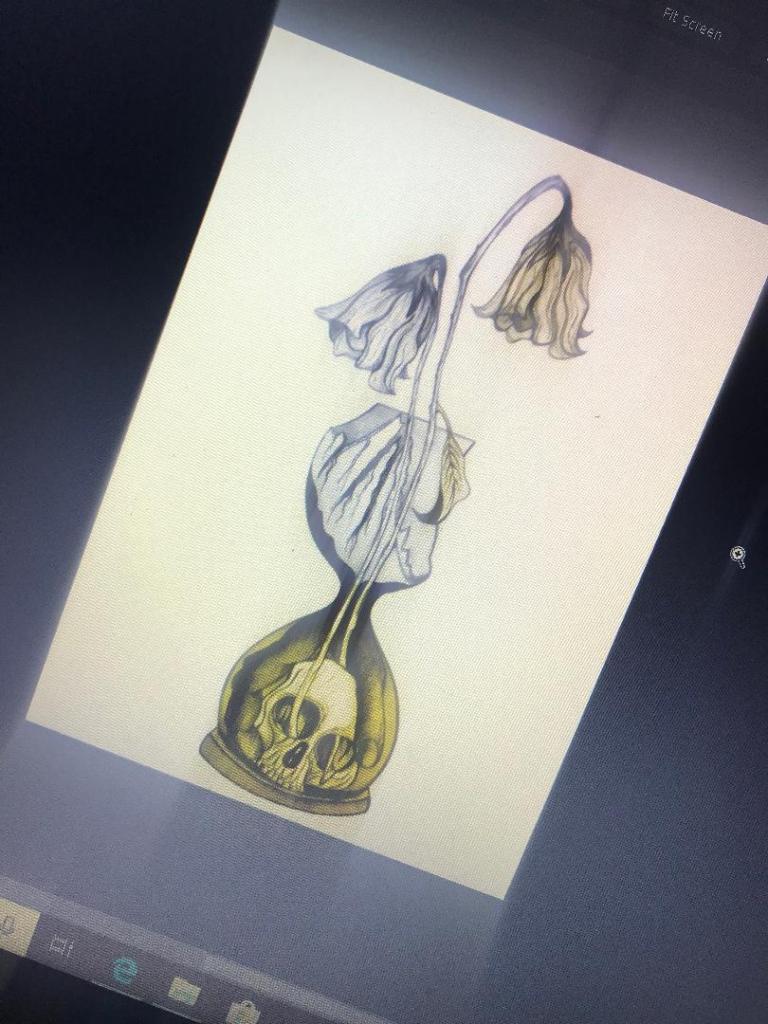
I like this as it still keeps the original drawing but also adds a hint of the yellow. It makes it look like an old fashioned image.
I then saw a tutorial on Skillshare about Duotones which I decided to watch. It was a lengthy tutorial (2 hours in total) but by the end of it I felt confident in creating my own.
However, It still needs some work!…
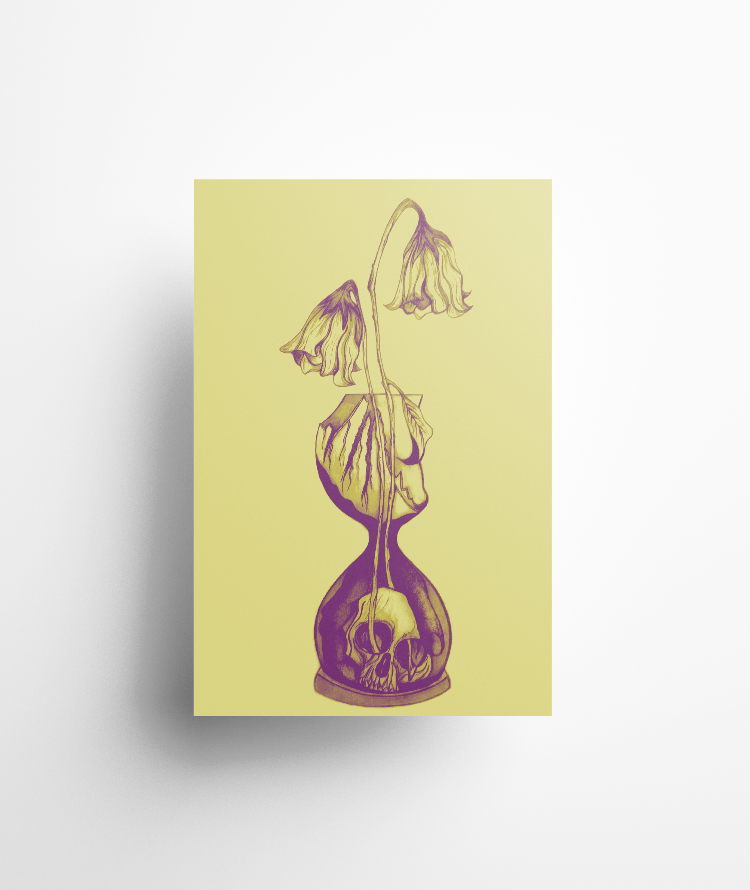
I need to adjust the colours some more because at the moment I have kept the duotones quite dark. In my opinion duotones are bright and modern in appearance and the colours should work well together, contrast and “pop” out!
I want to use yellow on this cover; the white flowers at the end went wilted and brown in appearance – I was thinking of a mustard yellow to try and closely match this. Yellow is also a bright happy colour which I think reflects the Eloi people but by making it that little bit dark and mucky looking reflects the evil within the book.
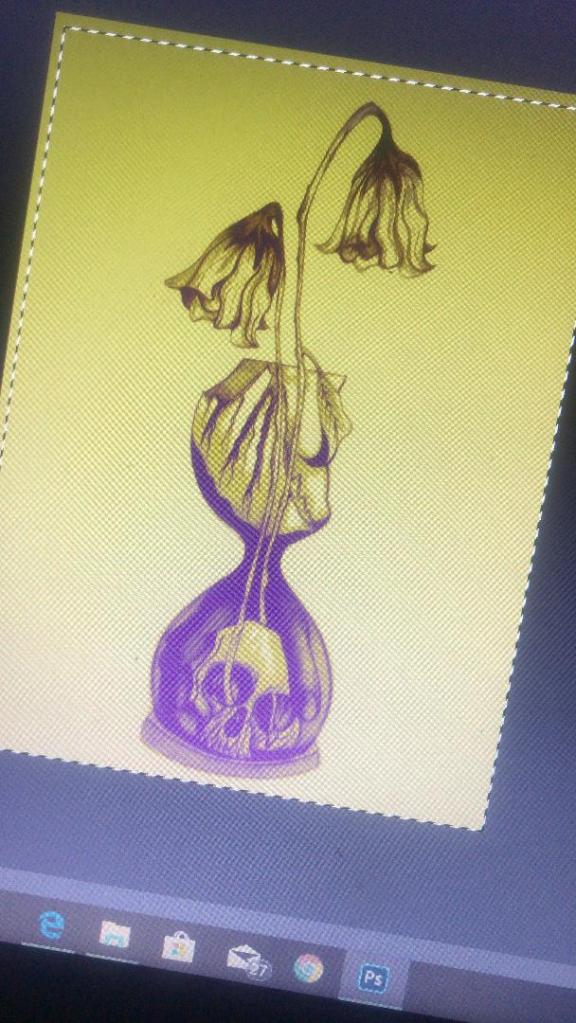
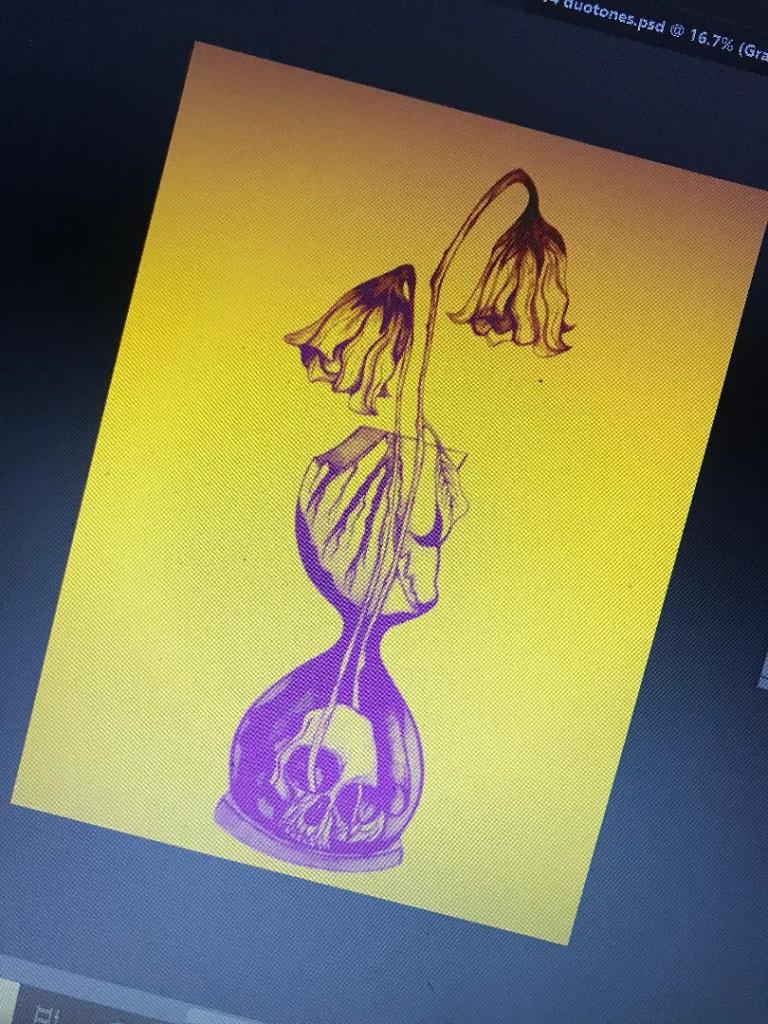
The above images are what I had a mess around with! I think the second attempt on the right works better. The colours stand out more and it catches your eye. The colour scheme I used on this one was a yellow and purple – complimentary colours so that they contrast.
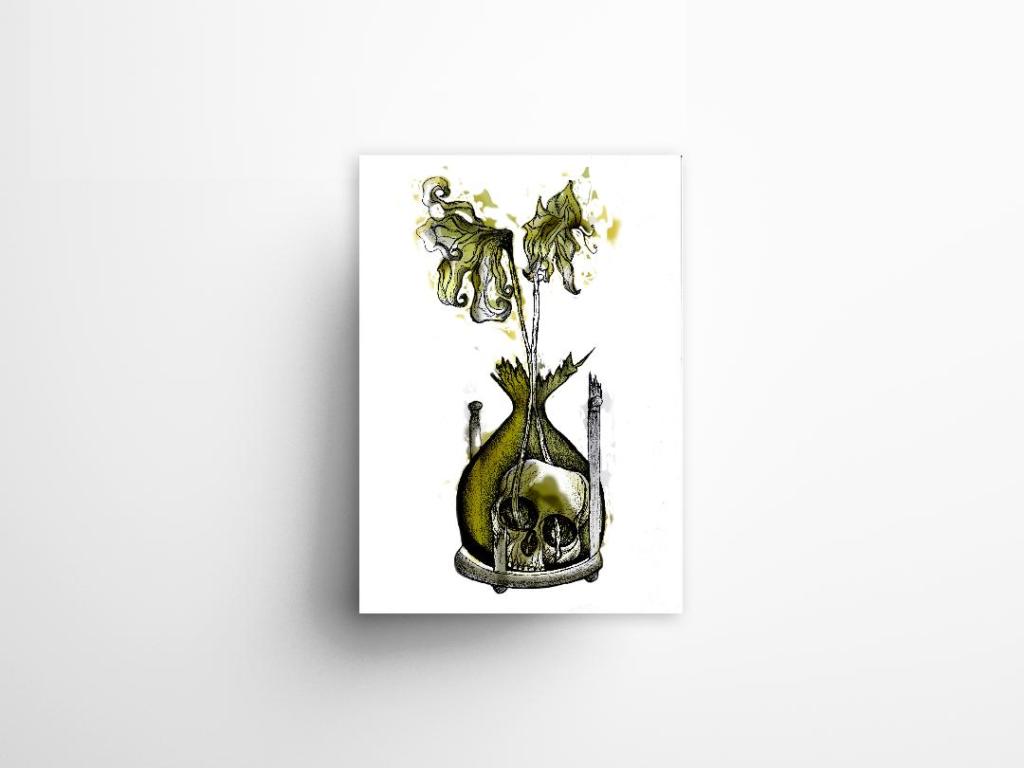
The plan is to add the text over the top potentially as an overlay, this will give a modern and interesting look to bring the book into todays era.








 pinkangeleno.com