Exercise: Poster and Flyer (Singout)

The Brief

I had a read through this brief and it seemed fairly straight forward and not intimidating or overwhelming, however! by the time I had finished this brief I was so fed up of it! I did not realise that having a black and white restriction in place would actually prove quite challenging! There is also a lot of text to fit into a small space which was also a challenging aspect to this brief.

I decided I would start off and design the A3 poster first and then when I have a design and layout for that I would take that forward into the A6 flyer.

I started off as I usually do by researching what is already out there in the wide world. I searched Pinterest for singing posters and noticed that practically every single one was the same style and format.

All the posters I found featured images of microphones, people singing, musical notes… I wanted to do something slightly different though. With such a small space and the limited colour palette, whatever design I decided to go with needed to be simple and clever. I instantly had the idea to try and do something similar to a poster that I know by Josef Muller Brockmann. It was a poster for Beethoven and it cleverly uses negative space and simple shapes.

There were some images that I found that gave me ideas or inspiration the most. They are these:

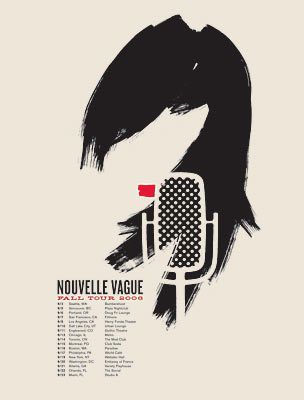
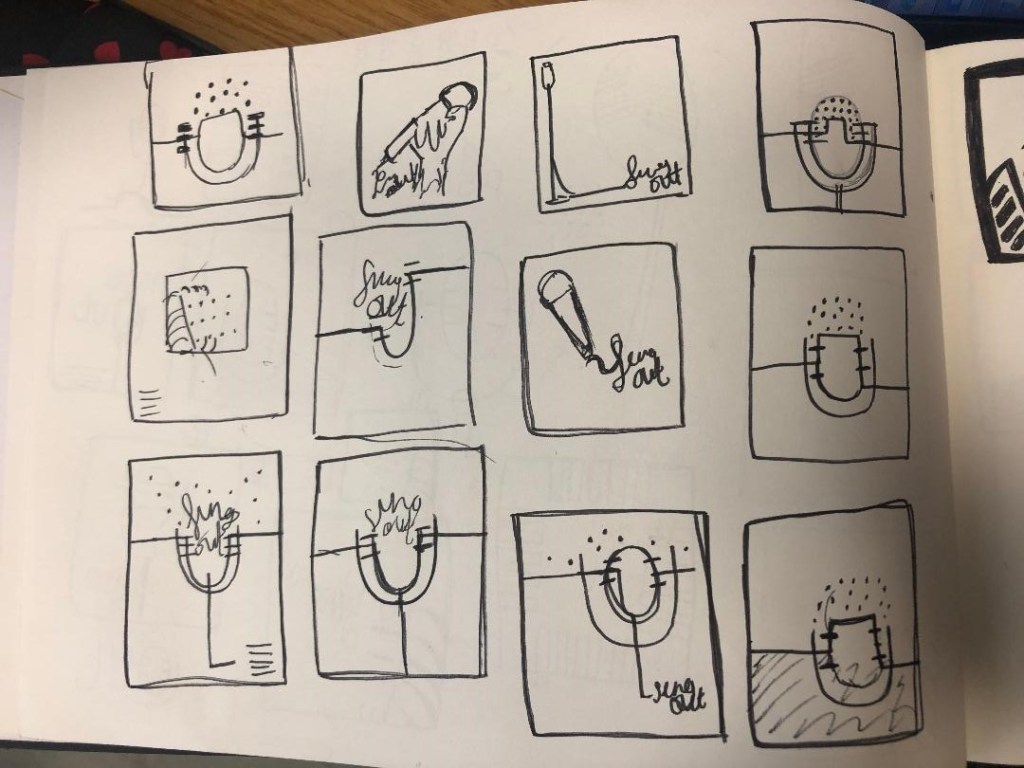
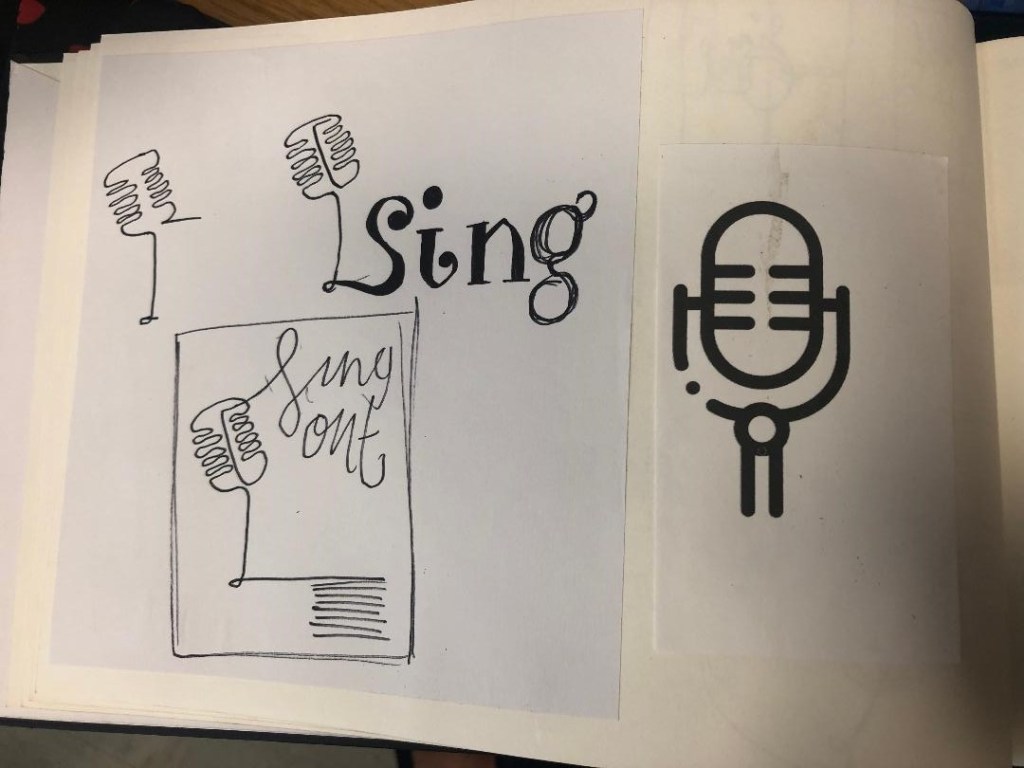
I started to sketch up ideas very similar to this poster in my sketchbook. I used a microphone as the main image and tried to simplify it down to its basic form to create a similar effect to what is seen in Josef Muller Brockmann’s posters. I was trying to find clever ways of making negative space the main design instead of using actual images, illustrations or photographs.
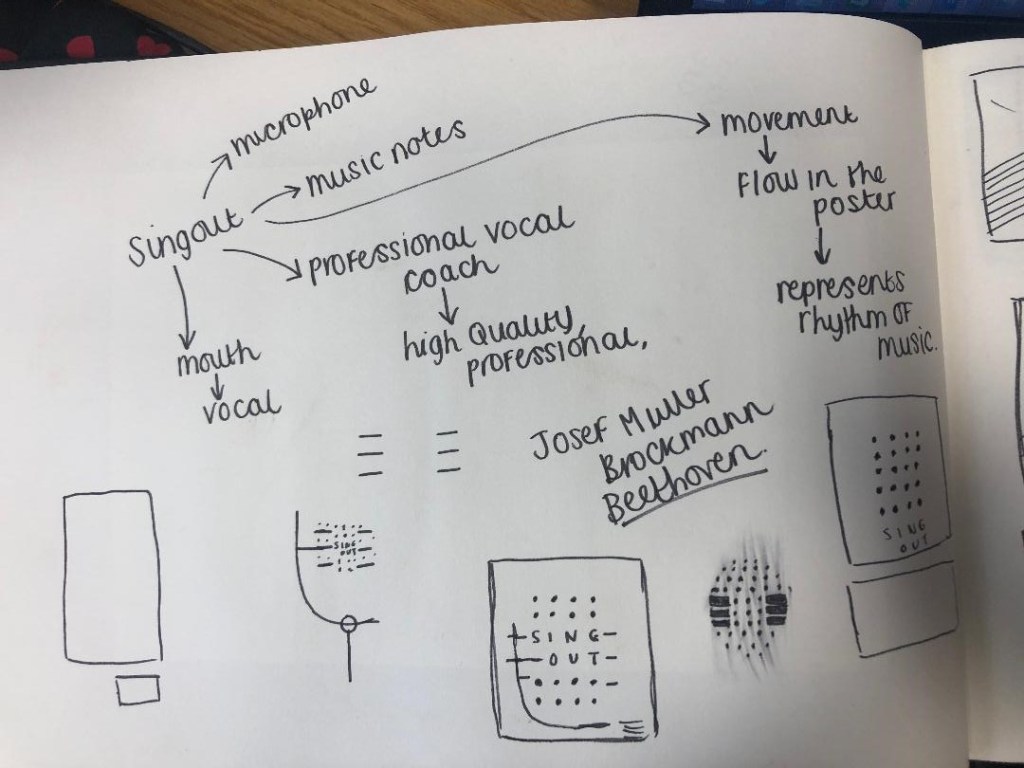
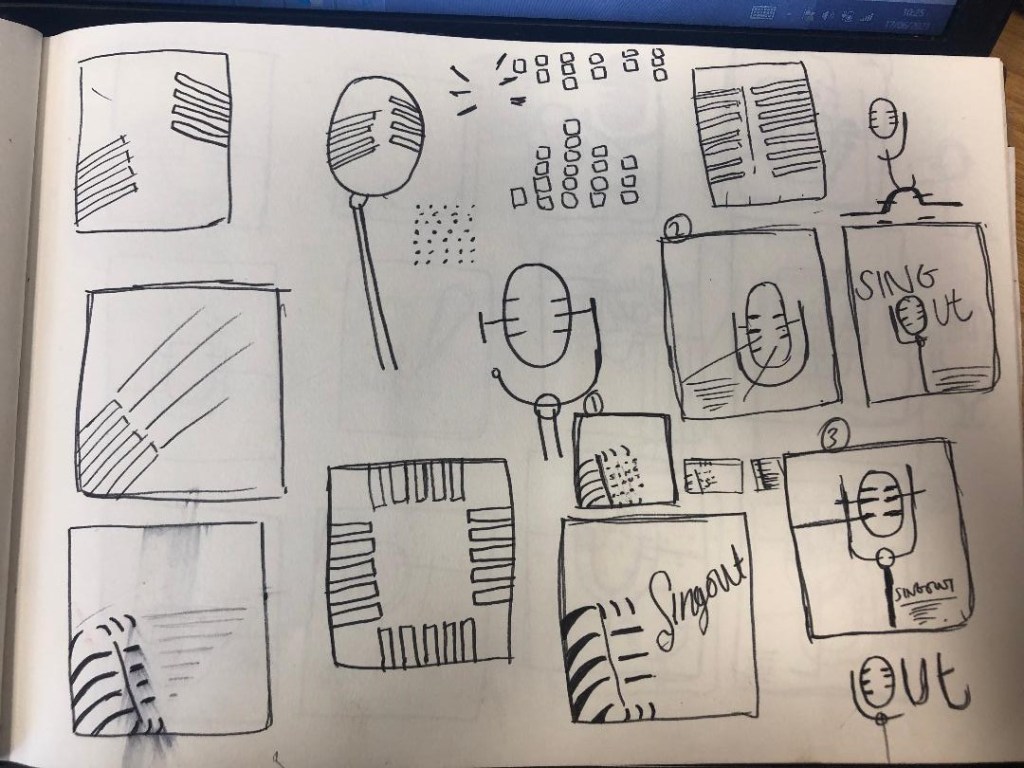
Trying to create it proved too difficult though, I was only using a section of the microphone and because of this I struggled to get the design to still look like a microphone. I also struggled to make the text a part of the design because it would have looked too small and not stood out at all. I went back to the drawing board and started with new ideas…

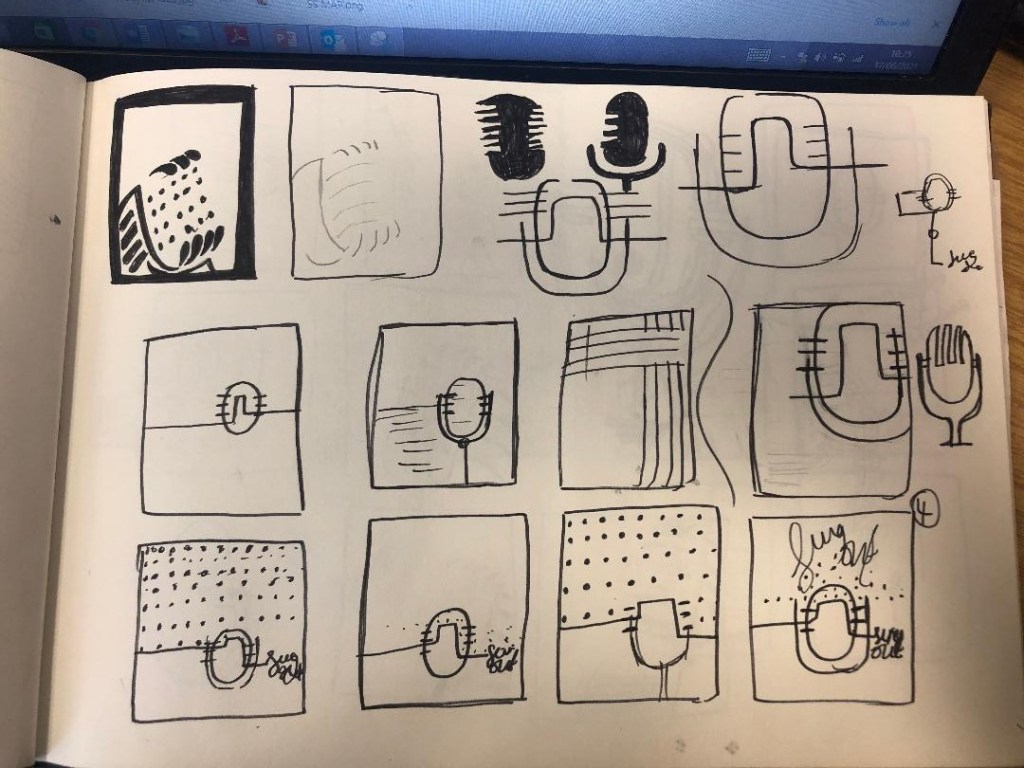
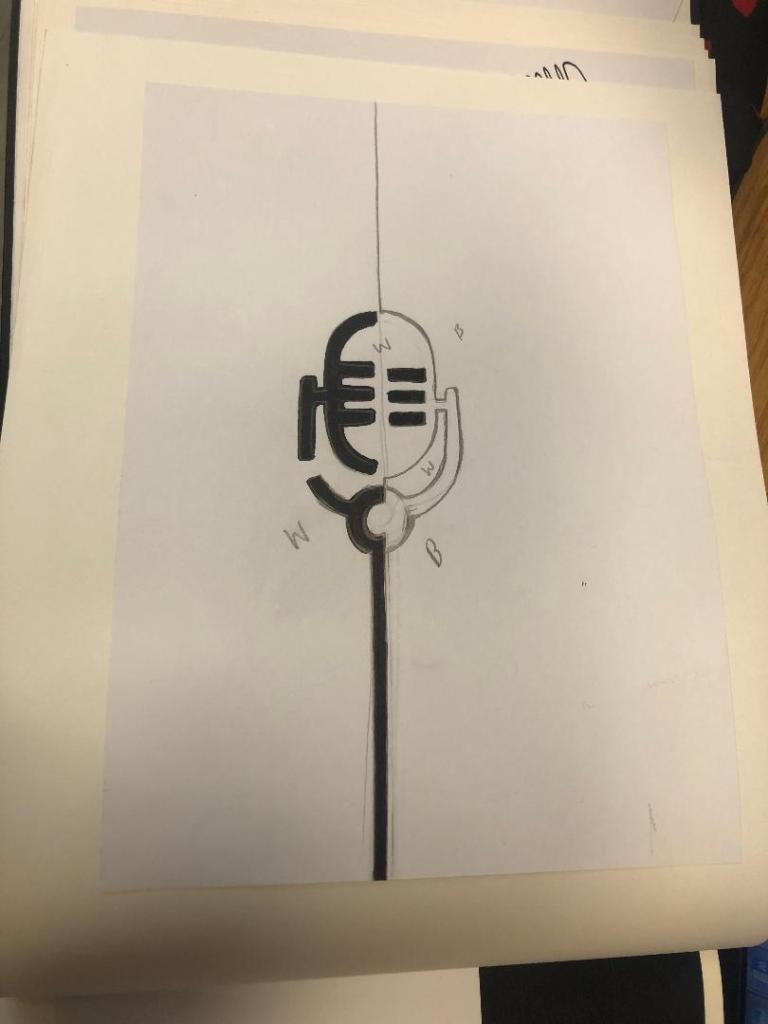
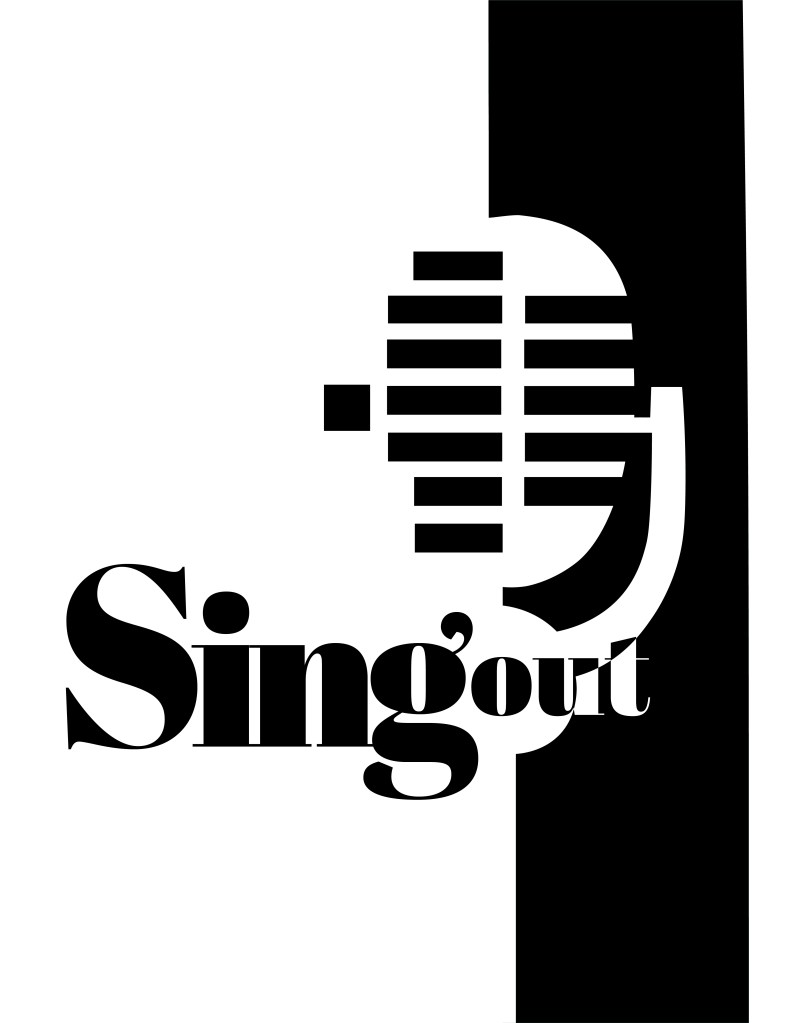
I started to feel frustrated that I couldn’t crack this brief in the way I originally wanted.. My thought process now was “Right! What is black and white, how can I make it negative space?!” BOOM! A 90s throwback of the Ying and Yang symbol appeared in my brain! What if I created half of the microphone in the white and half in the black….

I started to draw ideas:
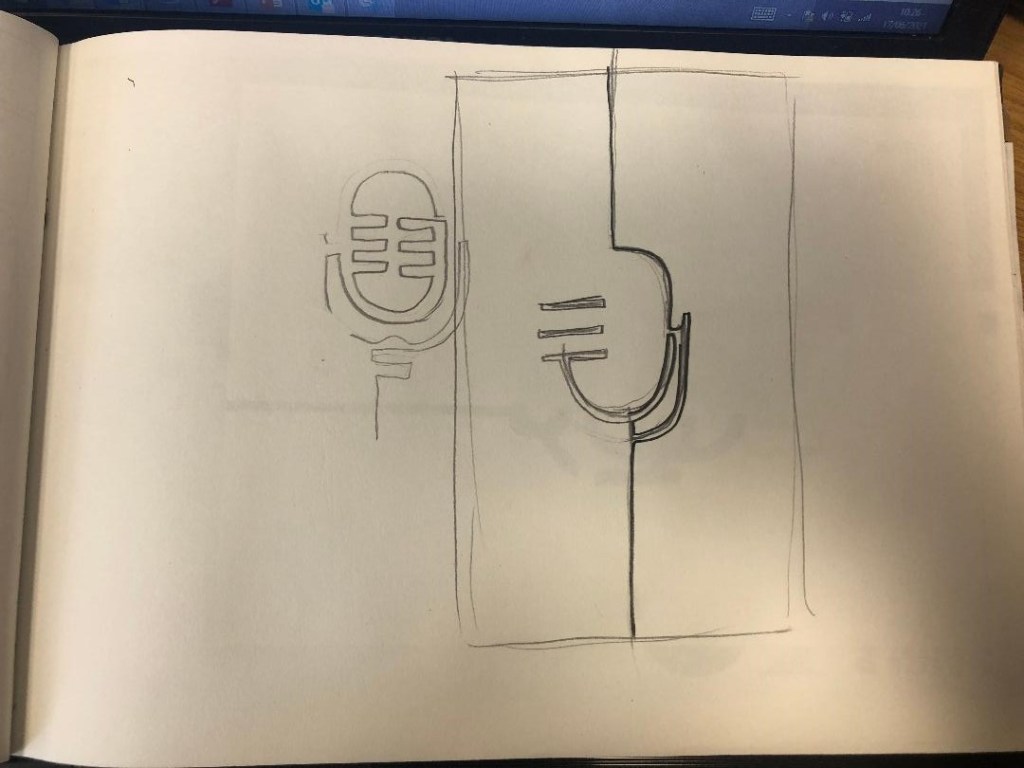
This could work! It looked like a microphone and it played on its negative space as part of the design!

I imported my drawing into Illustrator and started the process of drawing around it. This is what I ended up with:
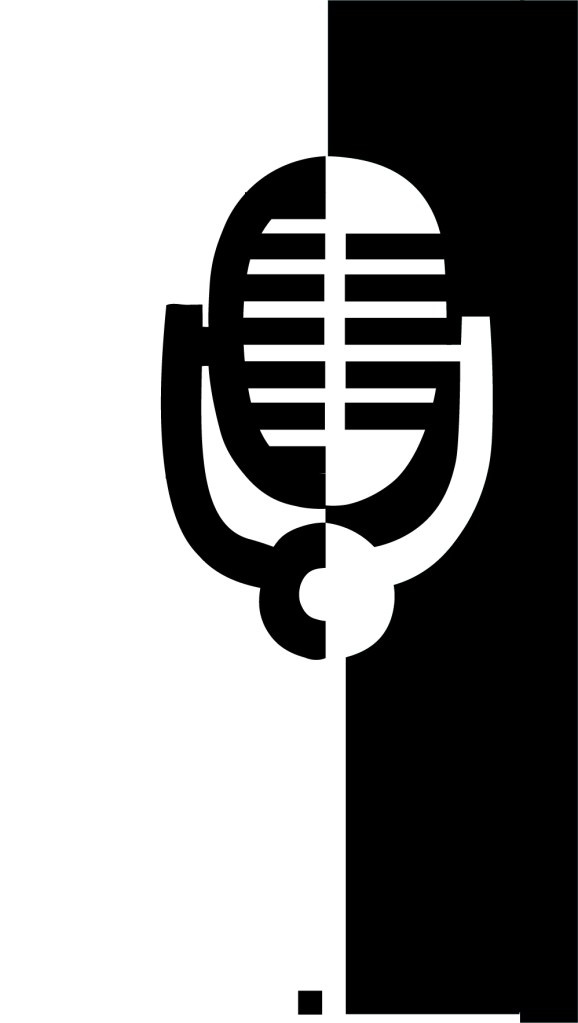
It stood out, it still looked like a microphone and it used negative space in the design! I decided to move forward and develop it further!

The next step as to figure out what typeface I wanted to use in my design, the one I chose to go with was Abril Display. I like it because the Black display is very bold and it stands out but also looks very ornamental and decorative too. The serifs look like the ends of music notes.

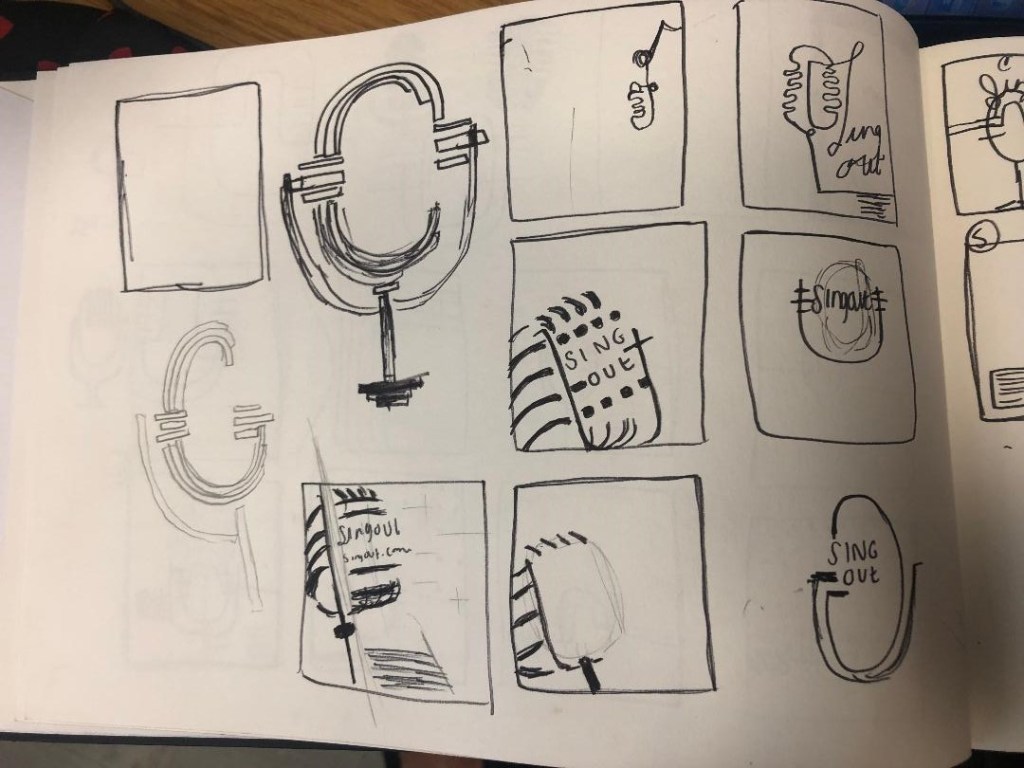
I then played around with the layout of my poster:
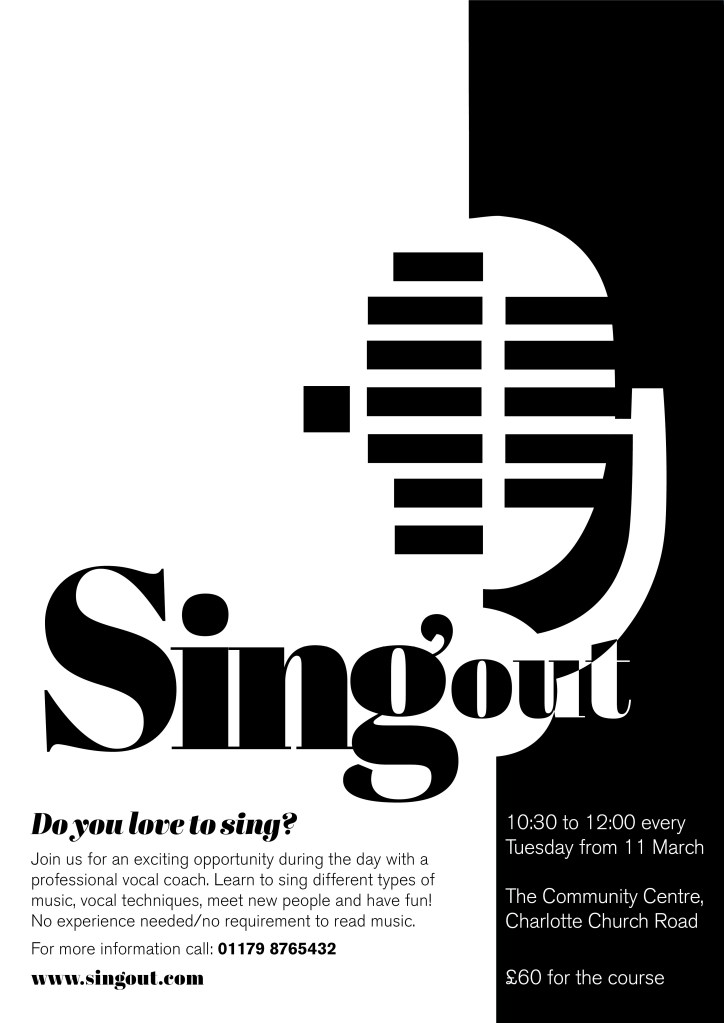
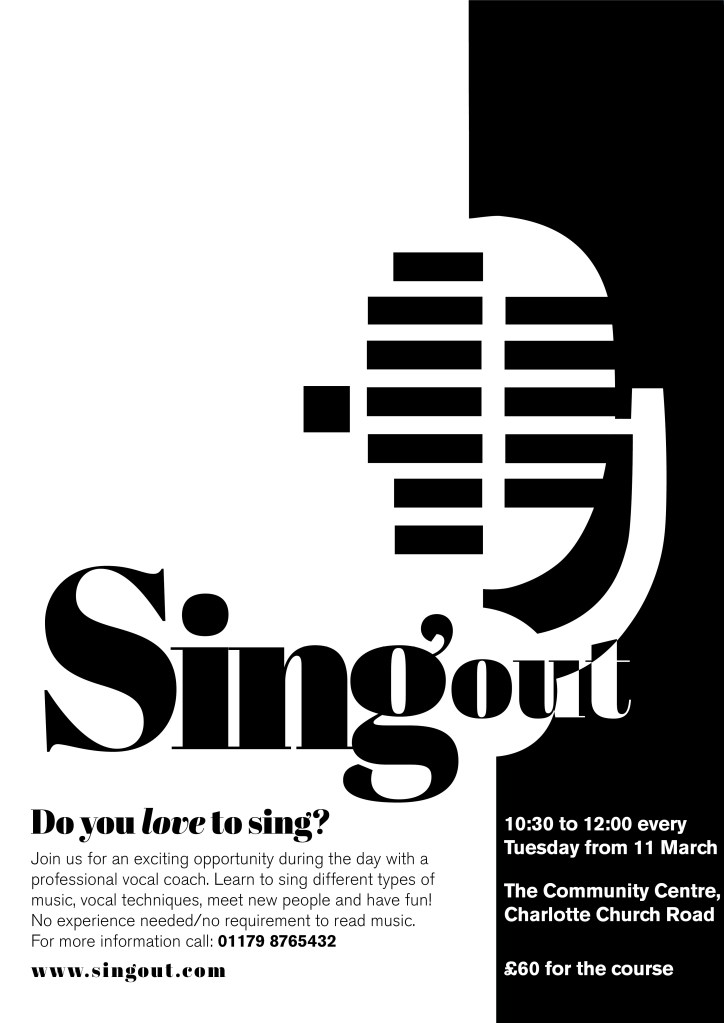
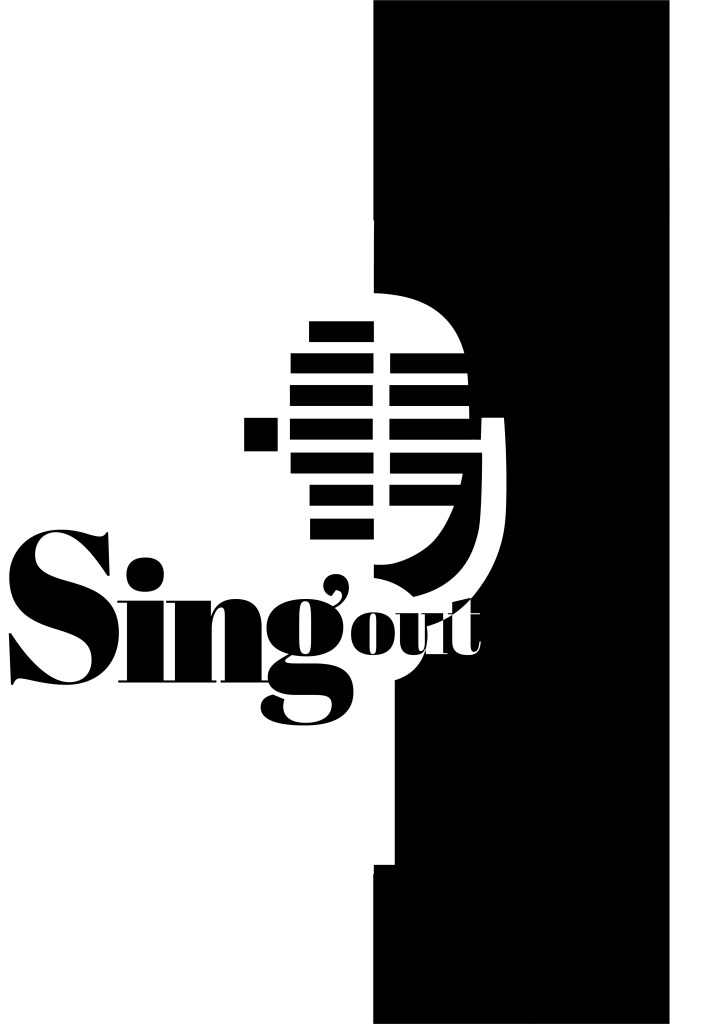
I messed around the most with how to display “Singout” – all one word! This was a challenge also! I decided to make”Singout” 2 different sizes but still one word for 2 reasons; 1) for contrast 2) to separate the word up but still keep it as one word. I placed the “o” in “out” in the centre of the microphone on some of the layouts as I felt it would make it look part of the design, however it changing the colours in “out” looked too confusing and was not legible at all.

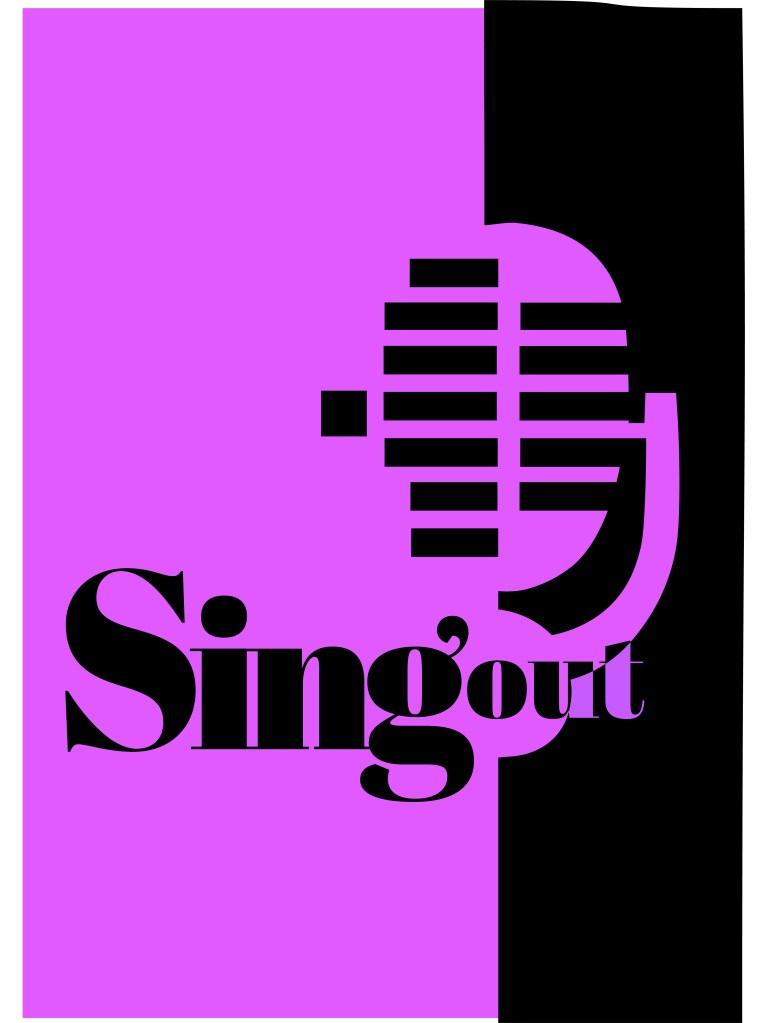
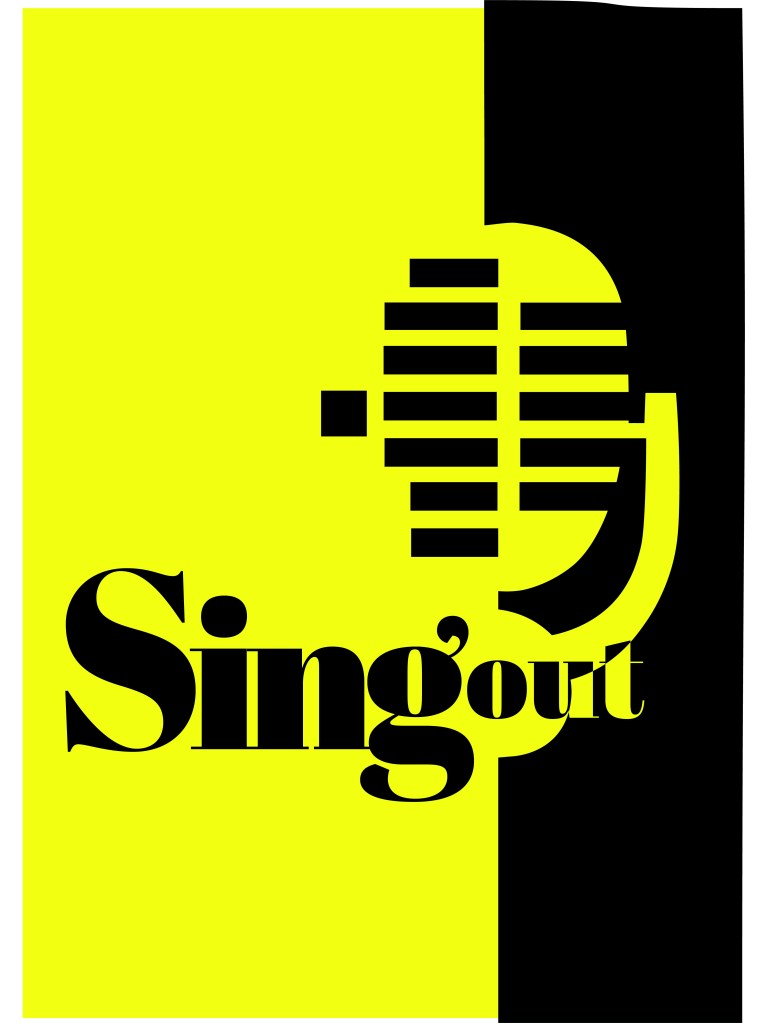
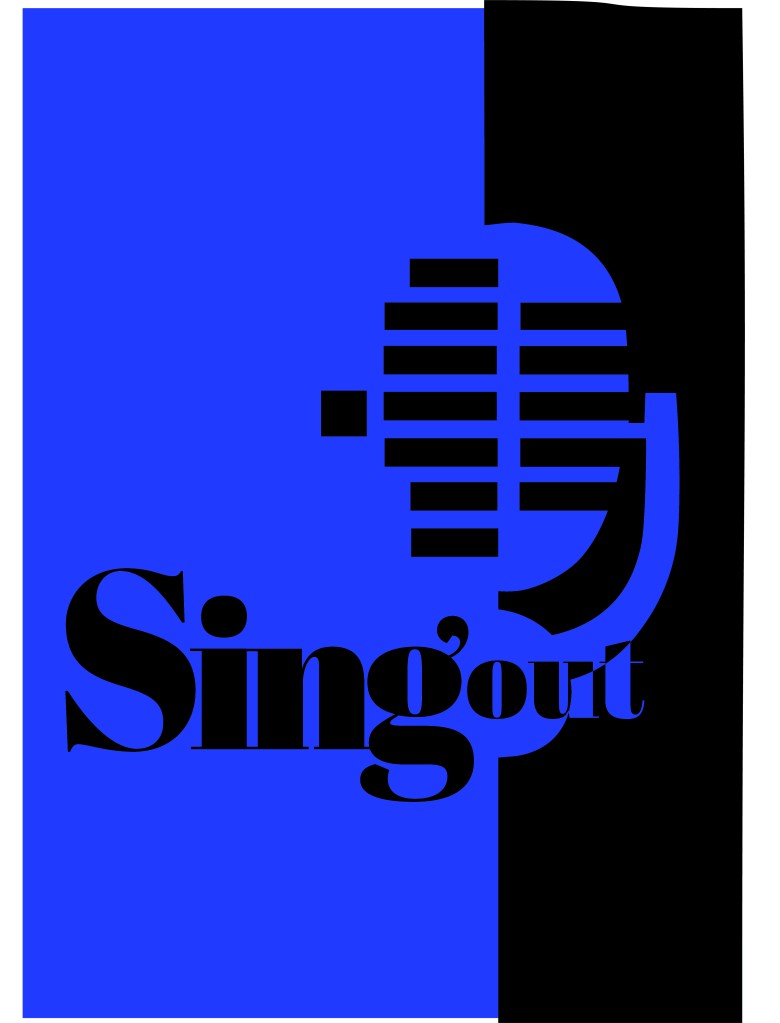
At this stage I did also experiment with different coloured backgrounds just to see how it might look if the design was printed or photocopied onto coloured paper.
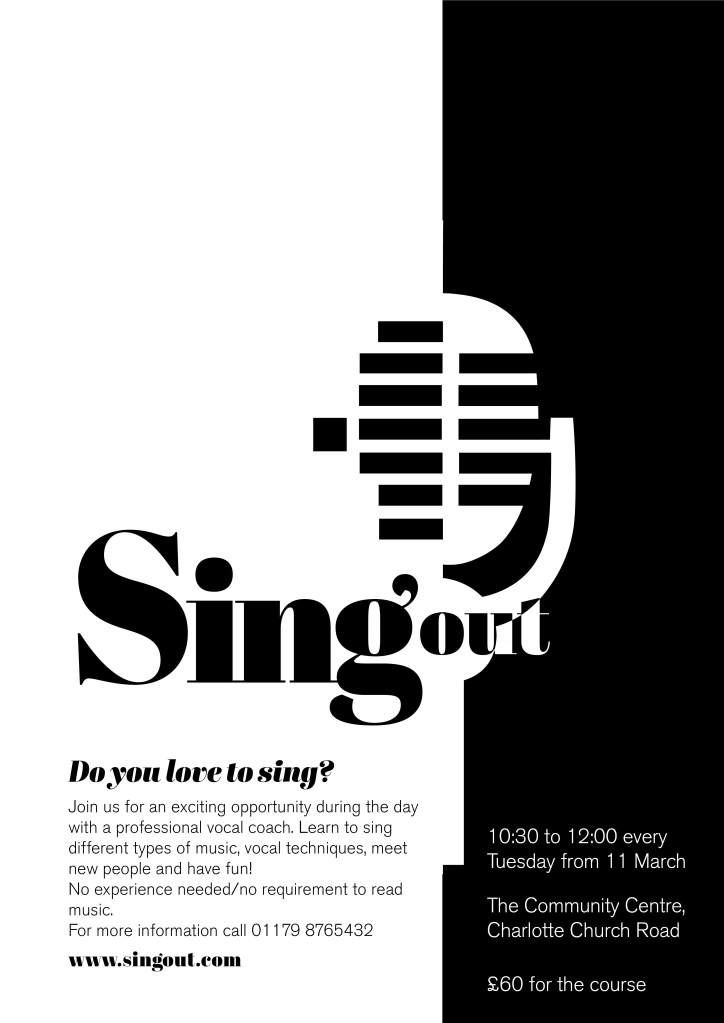
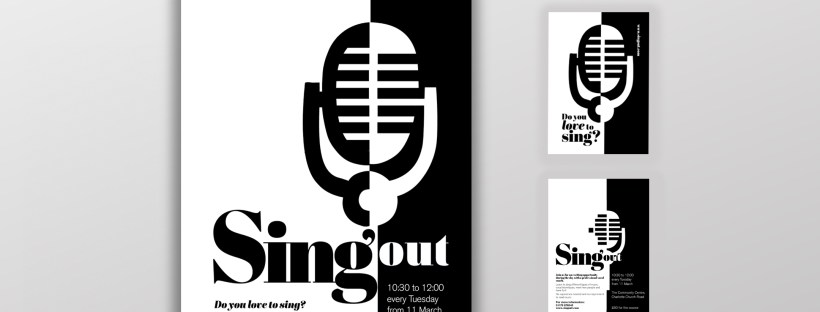
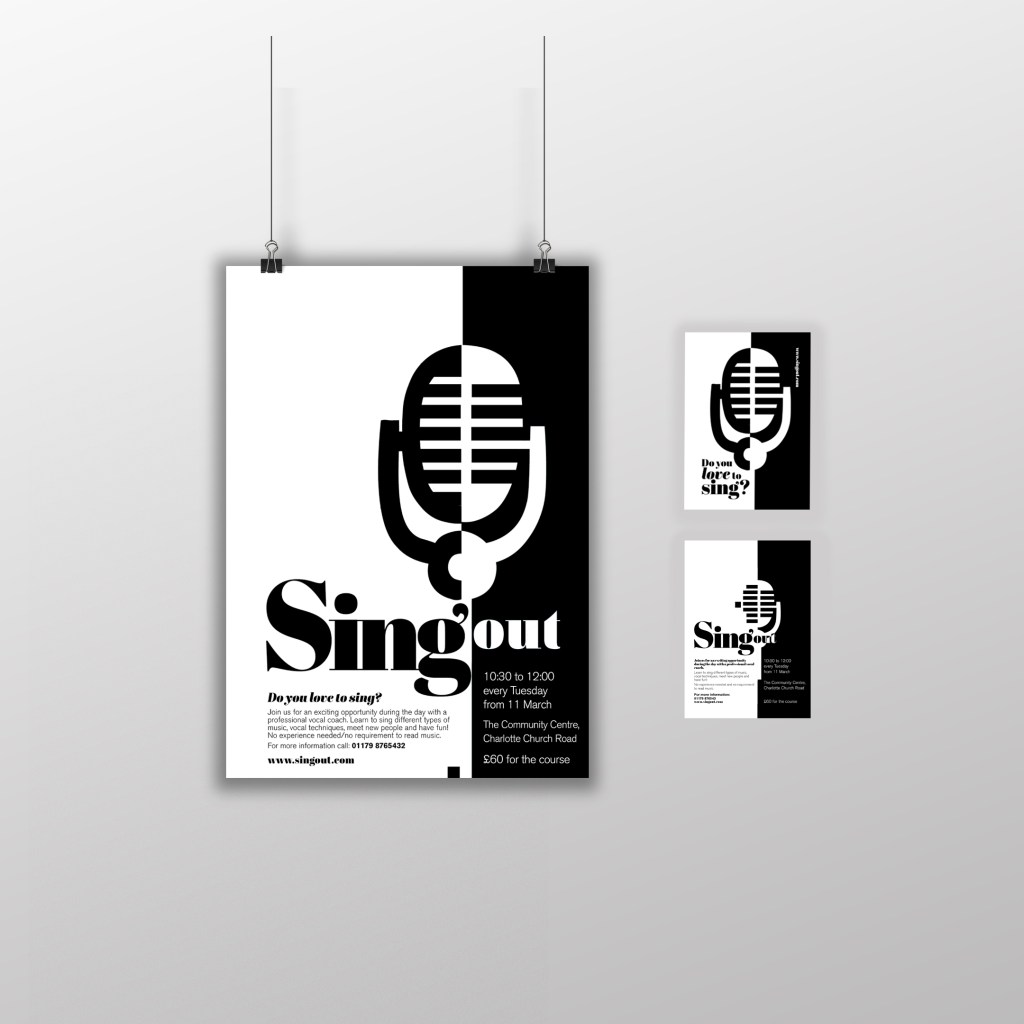
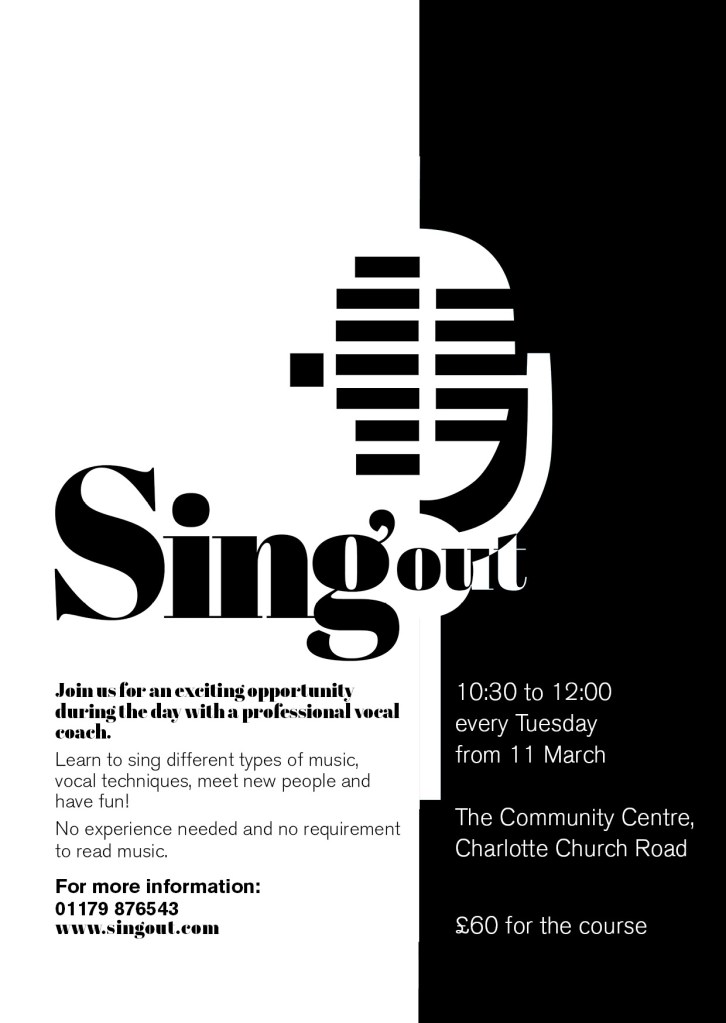
I decided to go with this poster design below in the end:

Singout as 2 different sizes for contrast an legibility. “Sing” is seen first as the vital information and then “out”. It could also represent being smaller for being “on its way out”. I used the same typeface for the sub heading of the poster and also for the website. This typeface is a serif which does not make it an ideal typeface for body text. The rest of the information I used Berthold Akzidenz Grotesk. It is a Sans-Serif typeface which makes it ideal for important information that needs to be read as it is clear and legible.

The final poster mockup
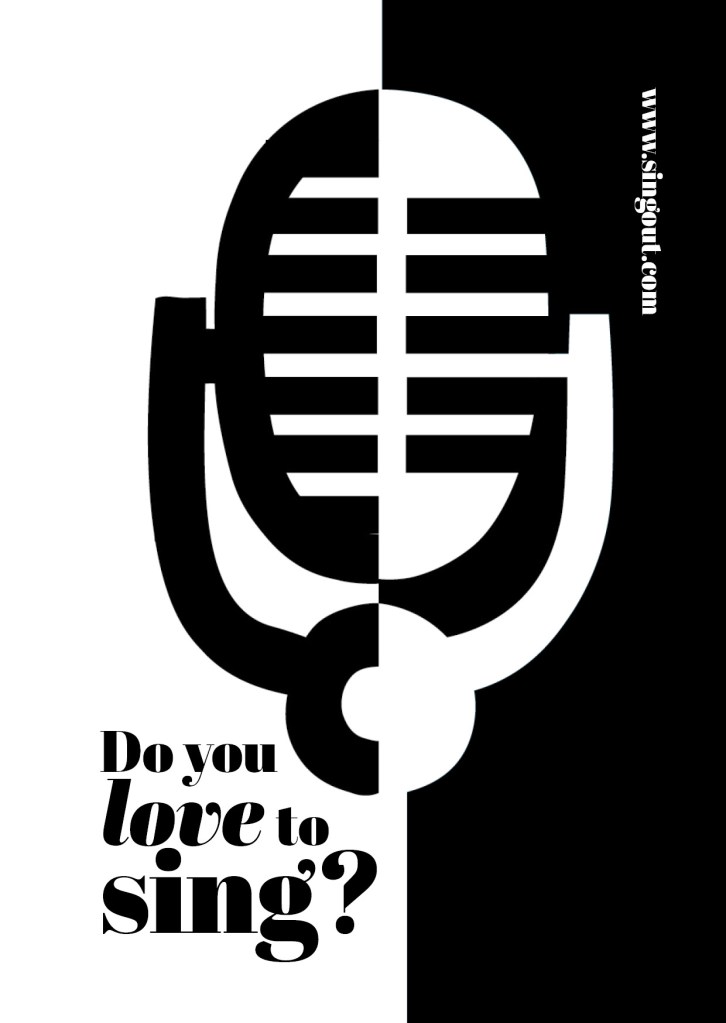
The A6 flyer

I used exactly the same format and layout for the flyer except that for the back of the flyer I used one of the ideas for the microphone that I did not use for the poster (I did not want to repeat the exact same image over 2 sides) Working in a small space was a challenge but I chose to use the first side of the flyer to draw people in first; the first thing people would see is the catch line “Do you love to sing” and the website. If someone who was a singer saw the front of this flyer they would be interested in finding out more information and turn the flyer over, some people might just see the flyer and remember the website to browse later on or some people would see the front and know it’s not of any interest and instantly discard it. Either way, the first side of the flyer is to get the attention of the reader.

The second side of the flyer is for the information that is wanted to be read. I have kept it in the sae layout as the poster so that it is easily understood and read. This side does not have to fight for attention as it is information that the person as been willing to read after being drawn in by the first side.
I think these designs work well. I am pleased with the outcome of this brief, I have met what was required of me and have produced material that can be cheaply distributed and photocopied to a high quality. The design stands out and grabs the attention of the client.
If the face fits(Part 1: Type Specimen book) Akzidenz Grotesk

Pages 2-3: Akzidenz Grotesk (Sans-Serif)

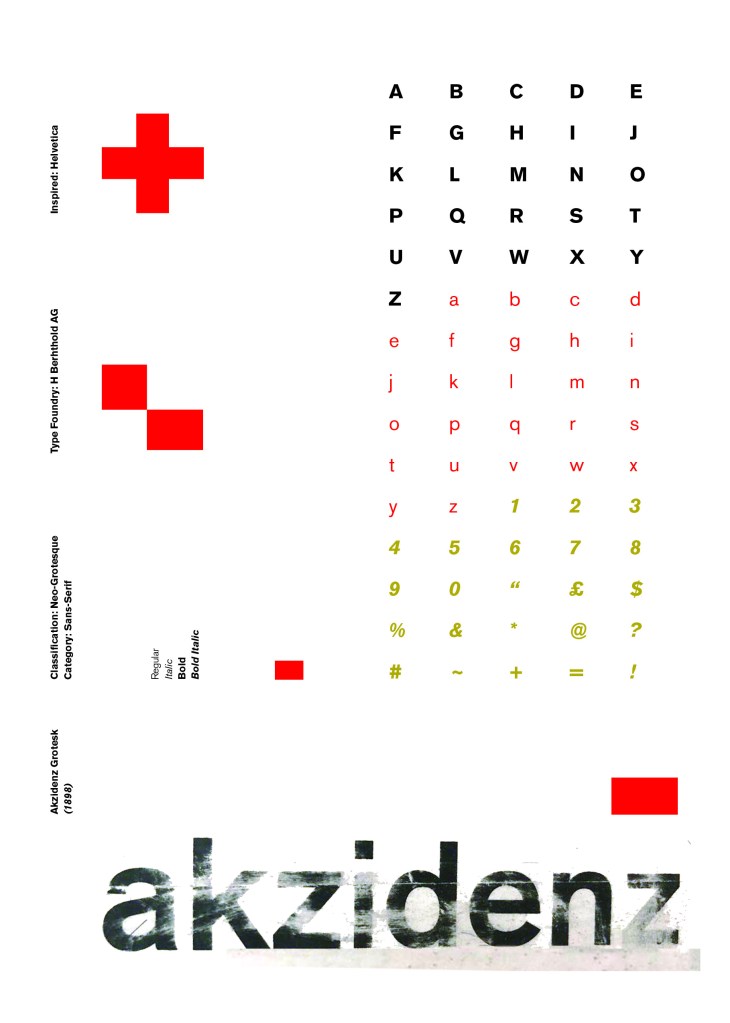
I wanted to carry on down a similar path for my next typeface, Akzidenz Grotesk was the next best Sans-Serif to choose. Akzidenz Grotesk’s history goes back further than Helvetica’s but despite this, they are still closely related. Akzidenz Grotesk was the inspiration behind the design of Helvetica.

Akzidenz Grotesk was known as the “jobbing” typeface; what this means is that it was heavily used in trade printing, advertising and forms that were made at the time. The typeface was designed to be seen from a distance. “Akzidenz” comes from the German language and means trade printing for an occasion or event. The latin term refers to it as “that which happens, a casual event, a chance”. I liked this saying and used it further in my design (I will come to that later!)

Keeping in mind that Akzidenz Grotesk was used predominantly in advertising and posters I decided to base my design around this, researching further I also found that Josef Muller Brockmann heavily used Akzidenz Grotesk in his poster designs.

Josef Muller Brockmann

Brockmann was a Swiss Graphic Designer but also the pioneer of the International Typographic Style which tied in brilliantly with this typeface. He was recognised for his clean use of typography, shapes and colours in his designs. His work mainly consisted of poster design. I bought a book about him and studied his posters to see how I could get a similar style for my own design. I also did some in depth research on Pinterest again to get some ideas and a feel for his style.

I found an image on Pinterest which caught my attention and gave me an idea for my design:

Composition 5 by Eduardo Seco

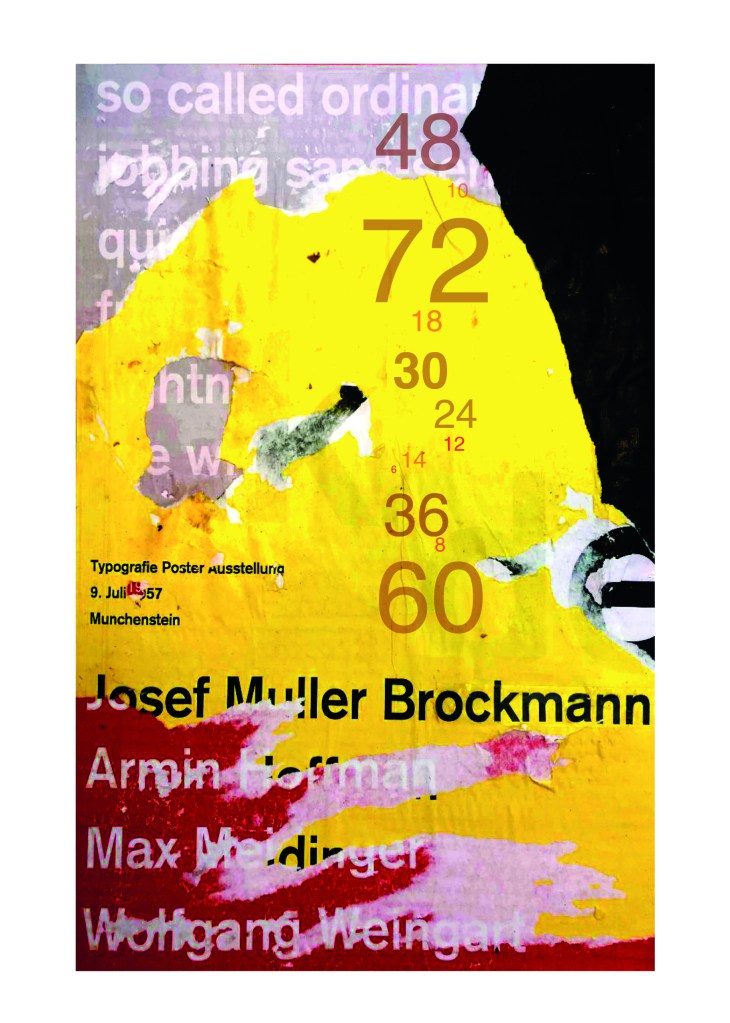
I liked the way the colours pop and contrast each other and the different styles/weights and sizes of the text also work together to create contrast. I felt I could create something like this using Akzidenz Grotesk, the Bauhaus colours and make it look like “trade printing or advertising with the modern influence of “Swiss Grit”.

I wanted to create the poster layout for my type specimen pages but just didn’t know how to do it…yet.

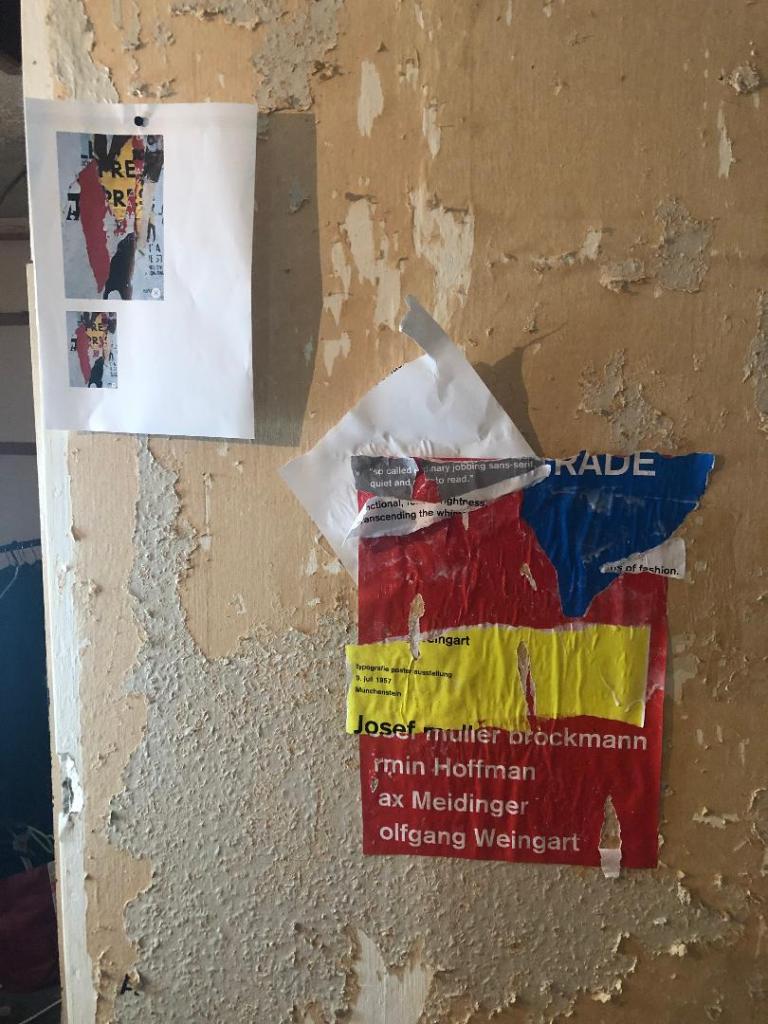
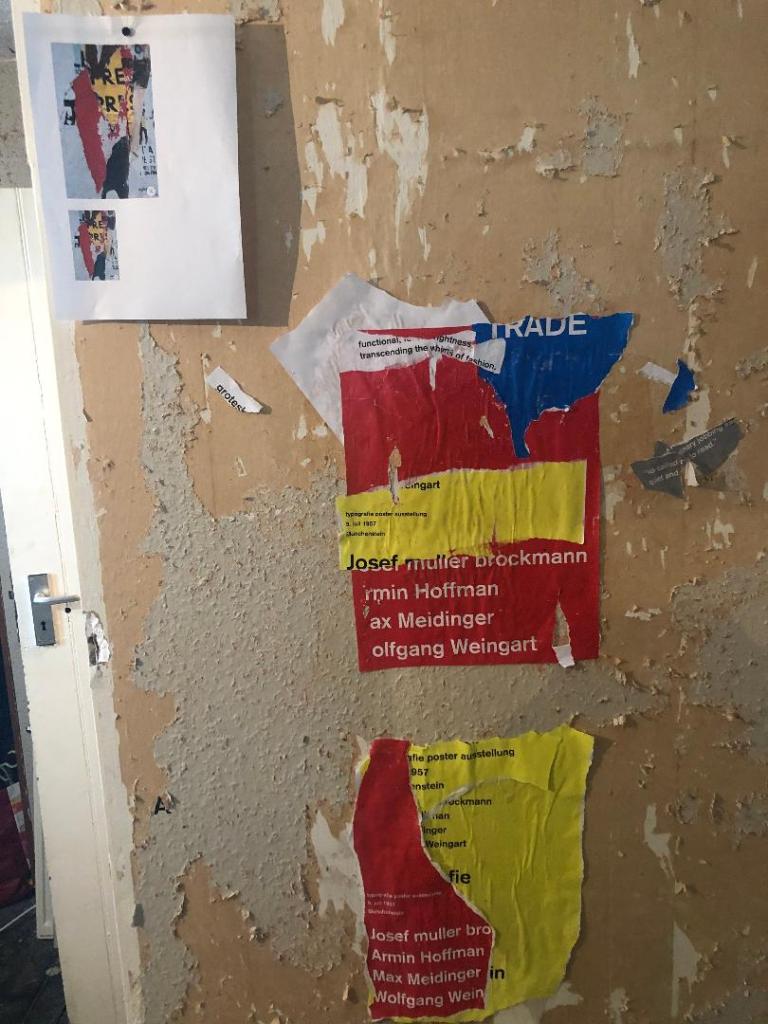
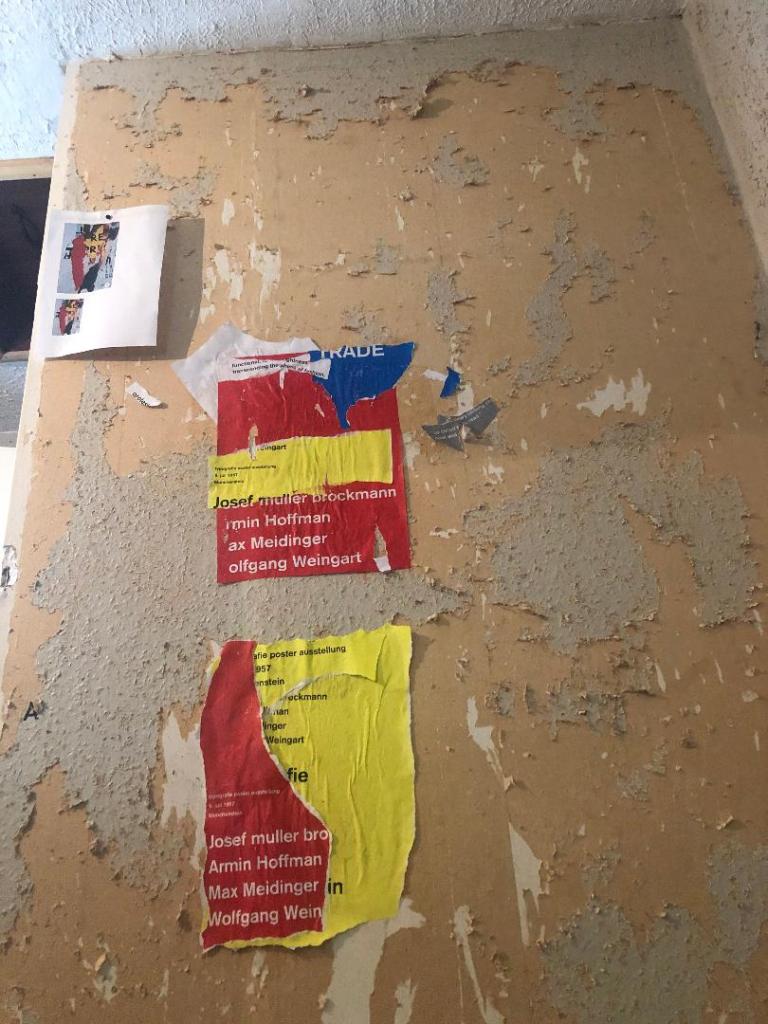
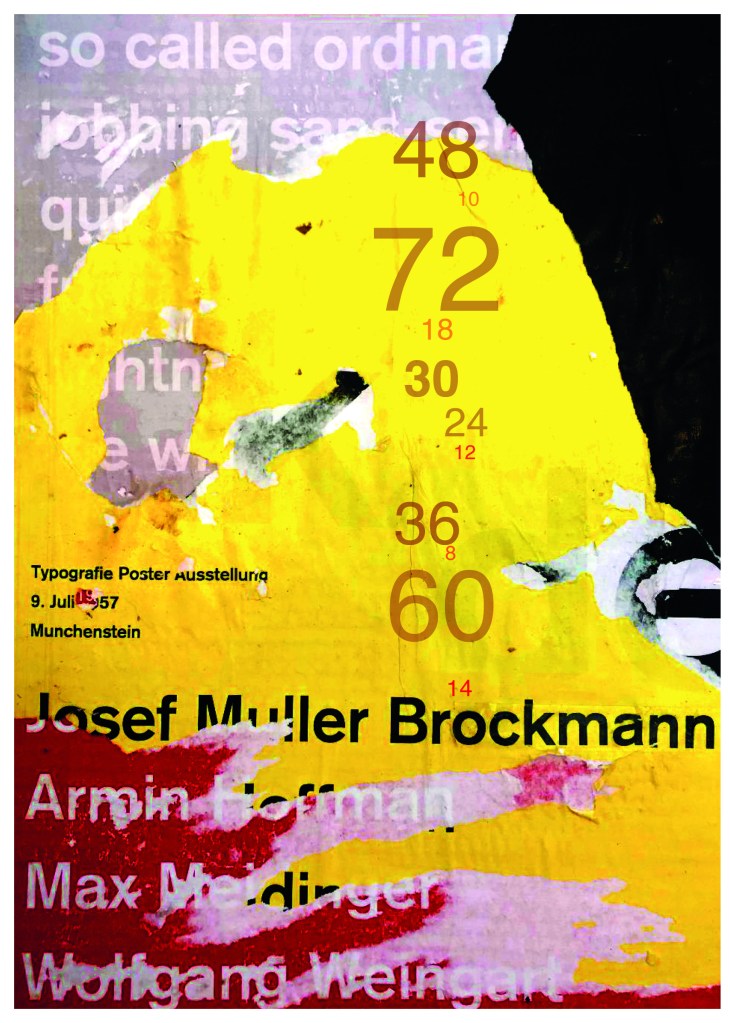
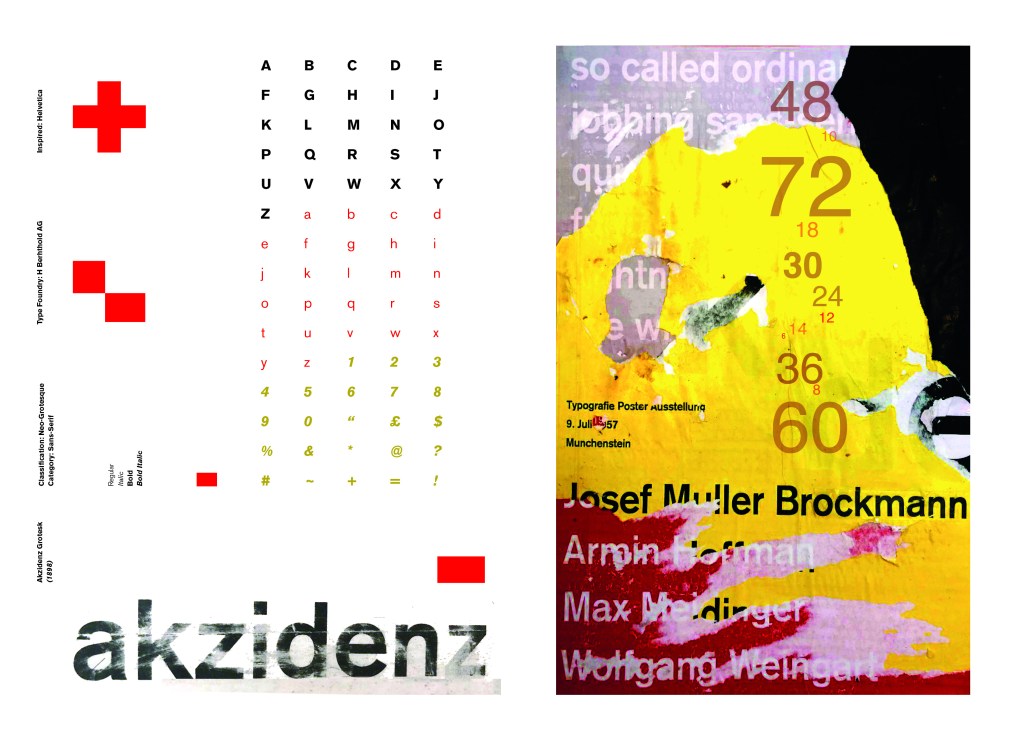
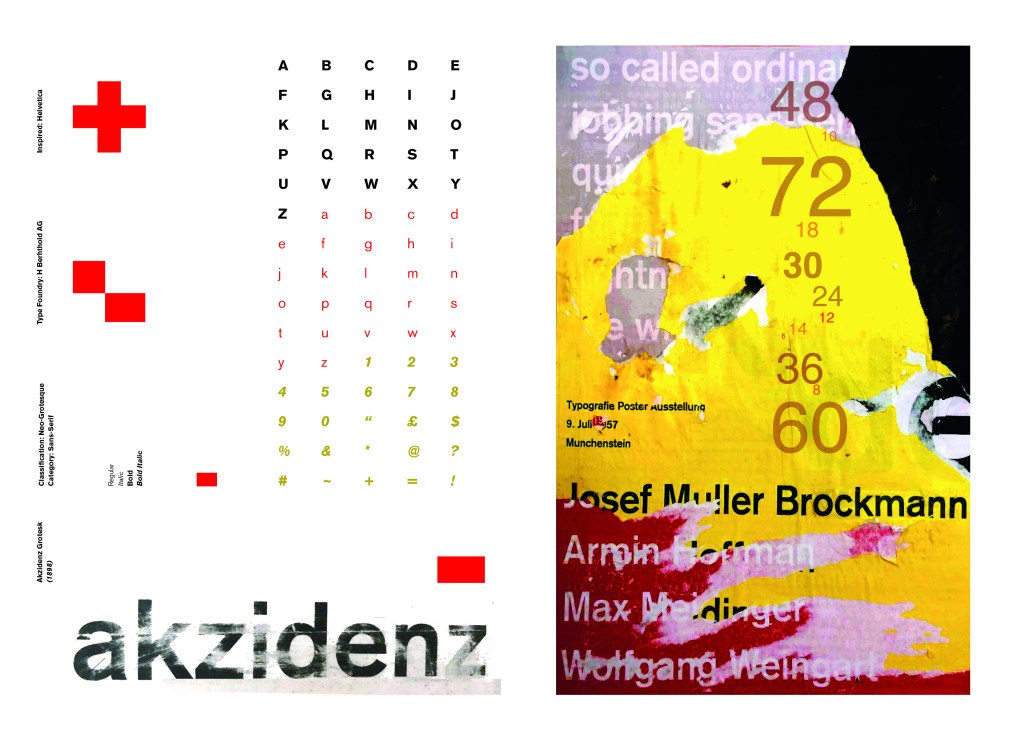
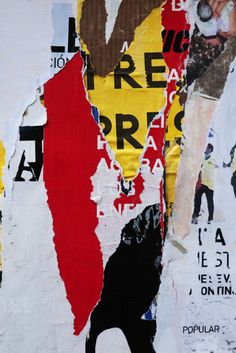
Using the image from Pinterest to vaguely copy, I knew I had to layer up and collage different posters to recreate that torn and ripped look. I decided to create a poster with a made up event (A typography exhibition in honour of Josef Muller Brockmann) then layer up behind it contrasting colours and different type relating to Akzidenz Grotesk. The only implication was that I wanted to actually create my poster on a real wall and photograph it and then import it into Photoshop to do any adjustments etc.. The issue was where would I find an urban wall when I live in the country? and how would I even get out to photograph one during lockdown?.. I then looked no further than home because we are currently renovating our house and the upstairs second bedroom wall is being ripped out and is covered in plaster, paint ripped off.. ideal for the urban look! I created a few A3 pages with different colours and pages filled with Akzidenz Grotesk type and then printed them off to later PVA glue onto the wall with a roller which I hoped would give a wrinkled, worn feel.

The next day in my lunchbreak at work I decided to trial a test piece on some card I ripped off a cardboard box; it was rough in texture so I thought it would have the same similar feel to a wall. It turned out to be perfect! I scrapped the wall idea totally and used this as my final piece for my design.

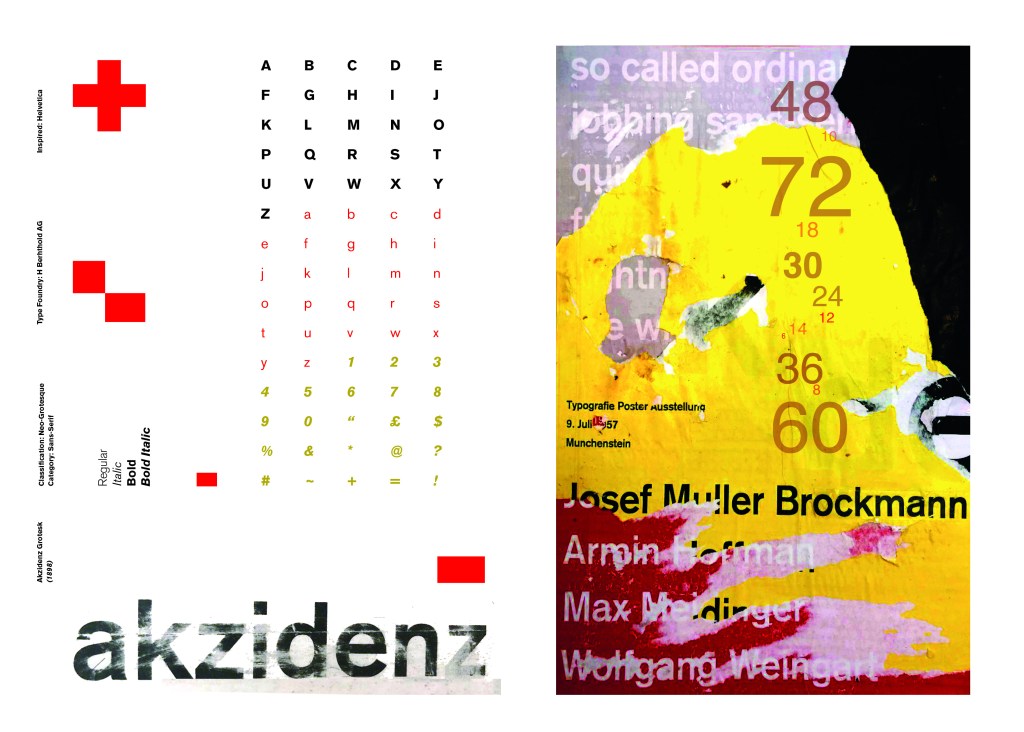
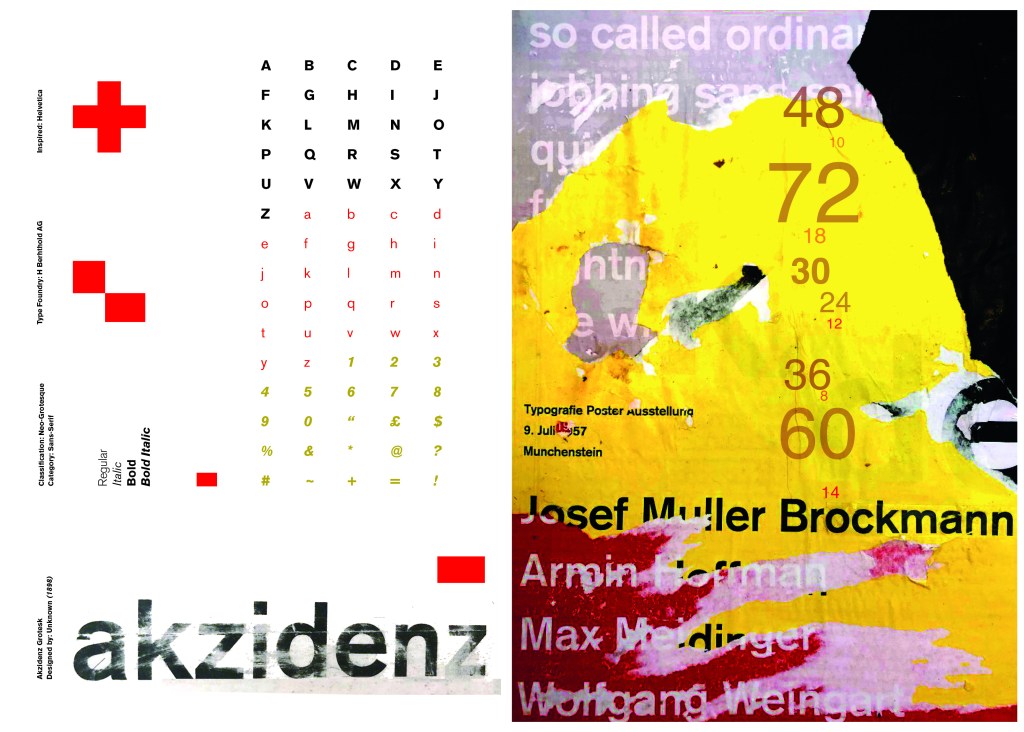
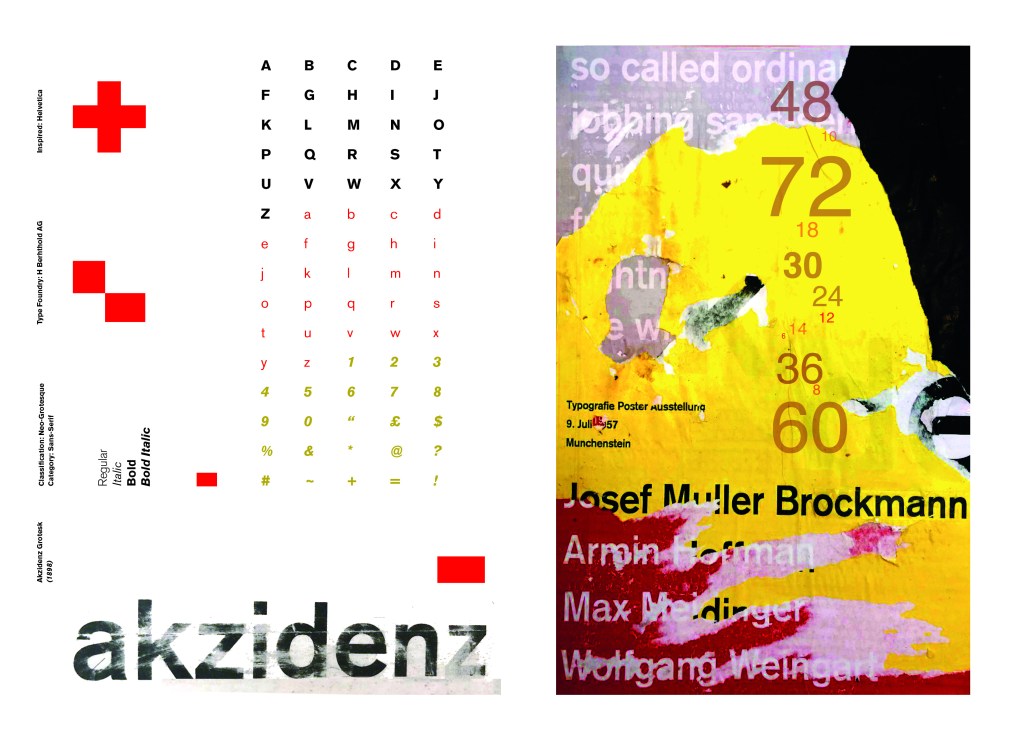
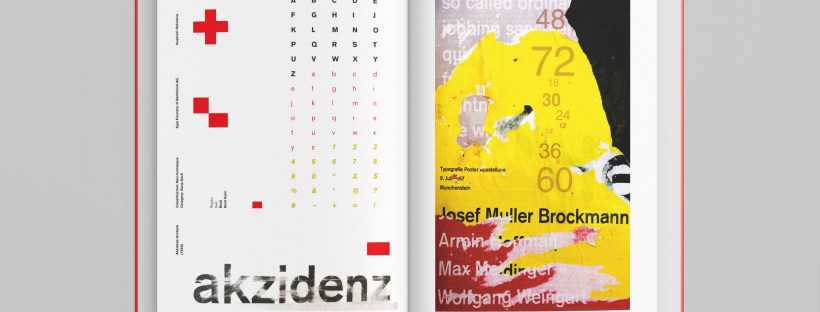
I then imported it into Photoshop and made some minor adjustments like changing the brightness/contrast etc. I also added the type point sizes onto the side of it to show what the type looks like at different sizes. I created 2 more pages on my Indesign document below my Helvetica pages and imported my collage poster into Indesign to start my final layout!

Digital Development

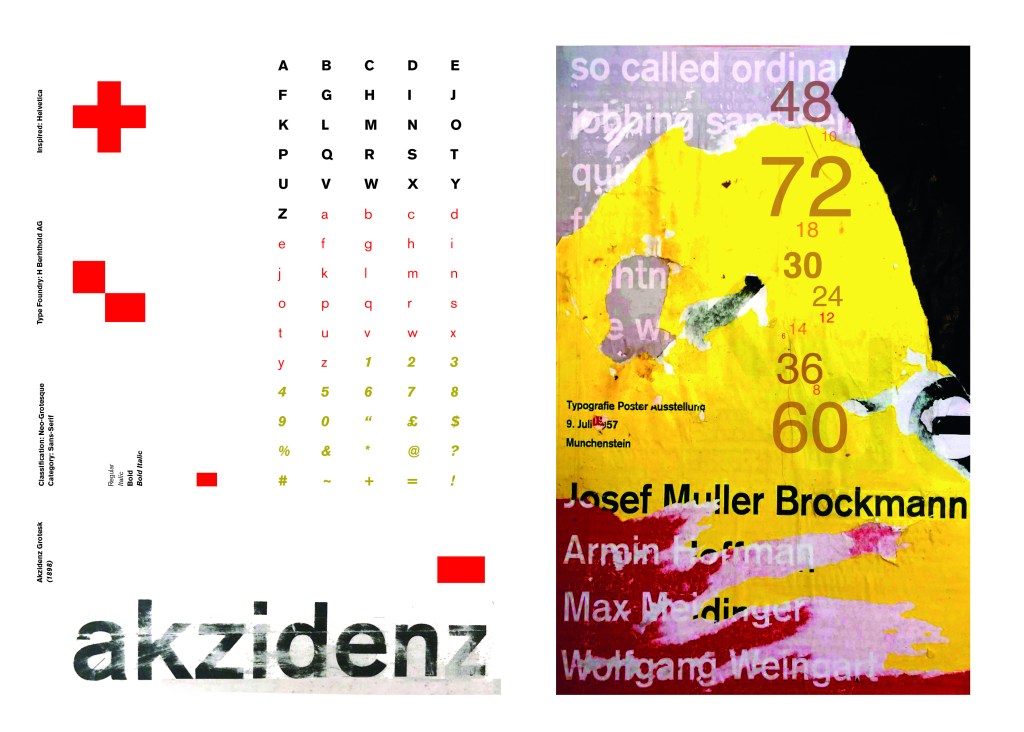
Again, I wanted a layout that was minimalistic and clean with lots of negative space. I decided to place the poster on the right hand side page and place the character alphabet of Akzidenz Grotesk on the left side.

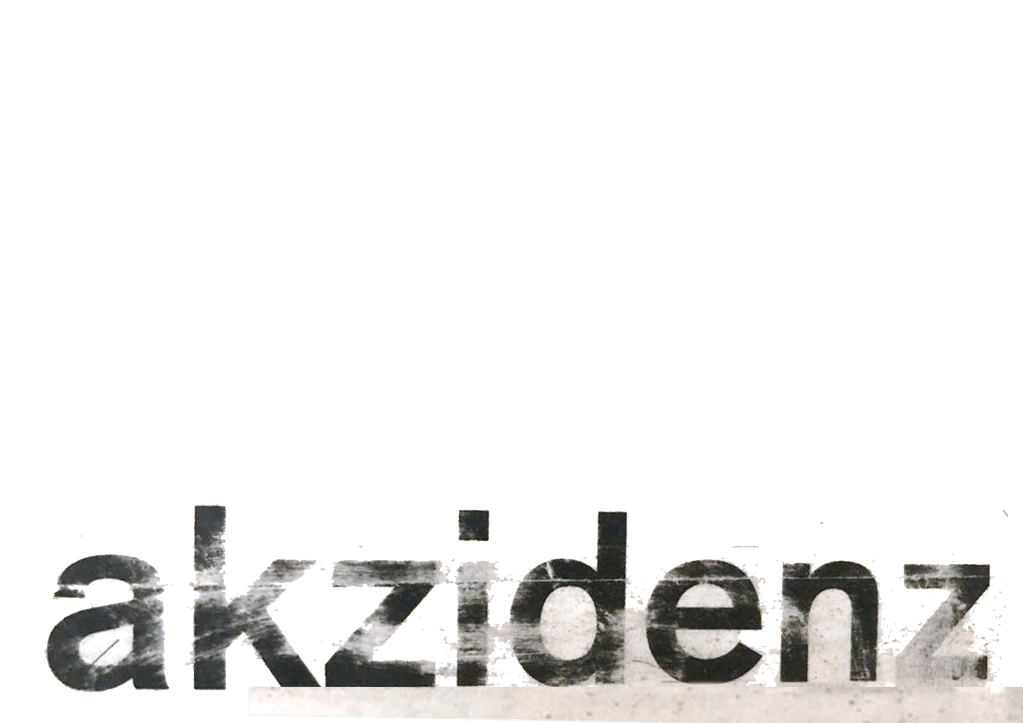
I wanted to use Red as a predominant colour again as it represents Swiss design and also the Bauhaus influence. I wanted to be in keeping with the “Swiss Grit” style of the poster though with the “Akzidenz Grotesk” heading and decided to try something experimental and different… I watched an interview with Chris Ashworth about a year ago where he explained what sort of experimental “grit” typography he does such as sticking type to the bottom of his twin girls school shoes so that when they return back from school in the evening the type is all ragged to give that worn down texture. He then uses this in his pieces rather than using digital textures. I wanted to do something similar for the type on my page. I decided though to try the cellotape method… I made friends with a Graphic Design student on Instagram who is also into Swiss Grit and he did a demo on his page of how he created his “gritty” type. He printed his type out using a laser/inkjet printer and then covered the text with cellotape and gradually pulled away at it to rip the ink off the page onto the cellotape. It worked! It gave a great gritty texture to my type which I then imported in and tweaked to become part of my layout.

Design Development – The stages of reaching my final design and layout!

The final layouts were received VERY well when I uploaded them onto Instagram. It got the most likes my page has ever got and everyone seemed to love it! I felt very proud of this piece when it was done!

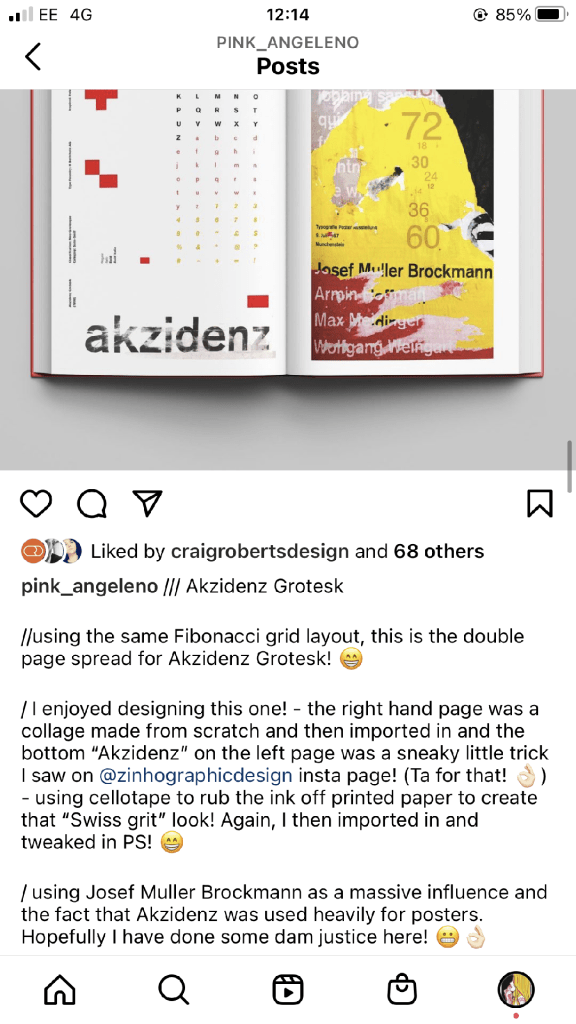
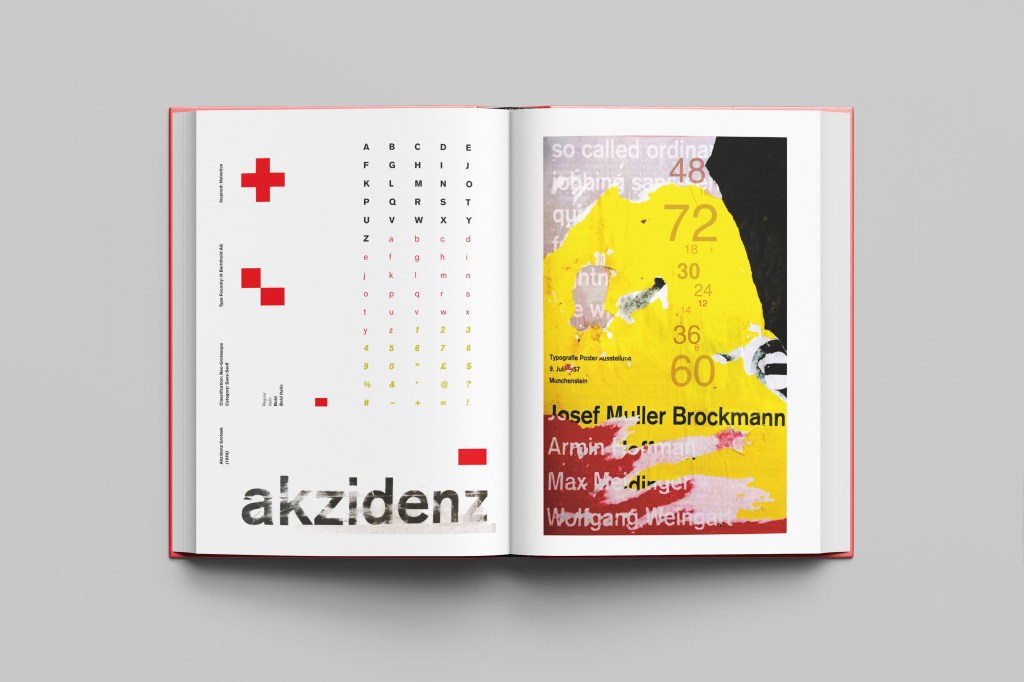
The final design pages and final mock up

The final mock up!

Responding to Tutor feedback…

The sketchbooks evidence in between stages, idea development and layout/mark
making: do you have any evidence of the planning for the laying for the Aksidenz
poster?
Is this a place where you could experiment with textures and layering with
surfaces and drawing media?

I have sketches in my sketchbook and images that I found on Pinterest that inspire the collage that I did for the Akzidenz Grotesk poster:

Work by Eduardo Seco

I agree with the feedback that I didn’t document the Akzidenz Grotesk collage all too well… but it was created entirely how it is pronounced!.. a complete happy AKZIDENT!

I had no idea really how to put the collage together for Akzidenz Grotesk. I tried first on the wall of my house PVA glueing different sheets of coloured paper that I printed out from my printer at work and this just did not work. I tried rubbing Letraset on the walls too, My plan originally was to create the poster on the wall using Letraset letters or printed type on sheets of paper that I would dampen and then rub off onto the wall!

Another thing that inspired me was a few photographs I took of the side of my old cooker… When I moved house in October 2020 I rented my house and inside it I had an awful, old cooker (possibly from the 1970s!!) when I moved it out to clean it I noticed some markings on the side of it. It was quite cool and I took the photos to bank in my resources for any future projects:

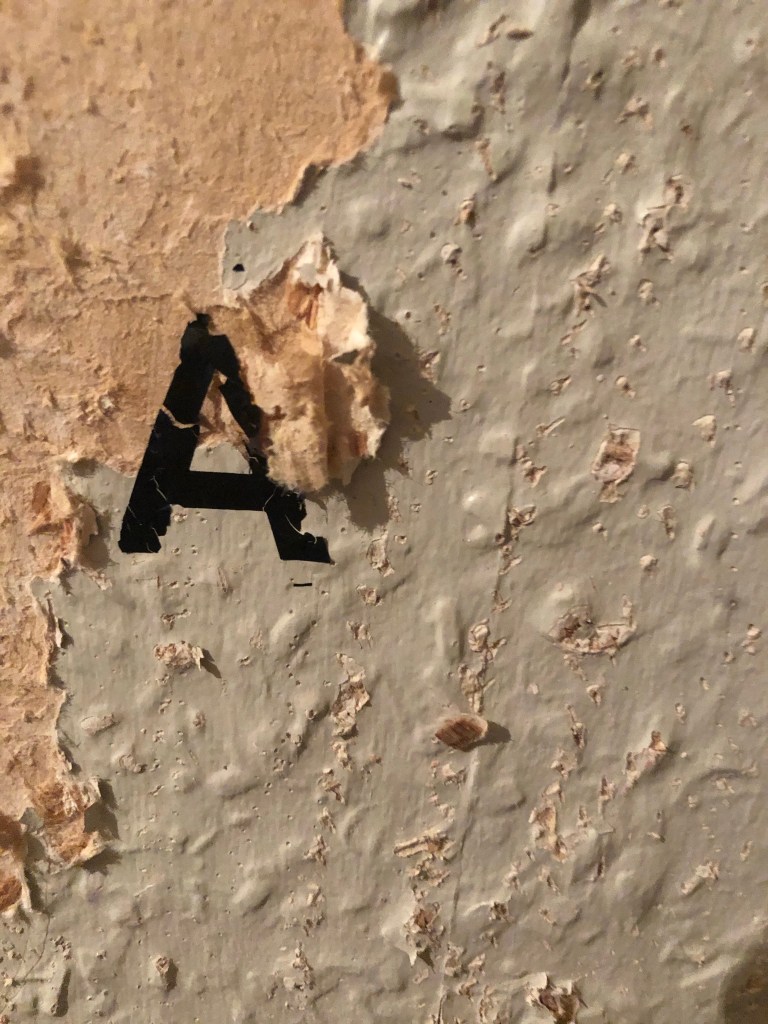
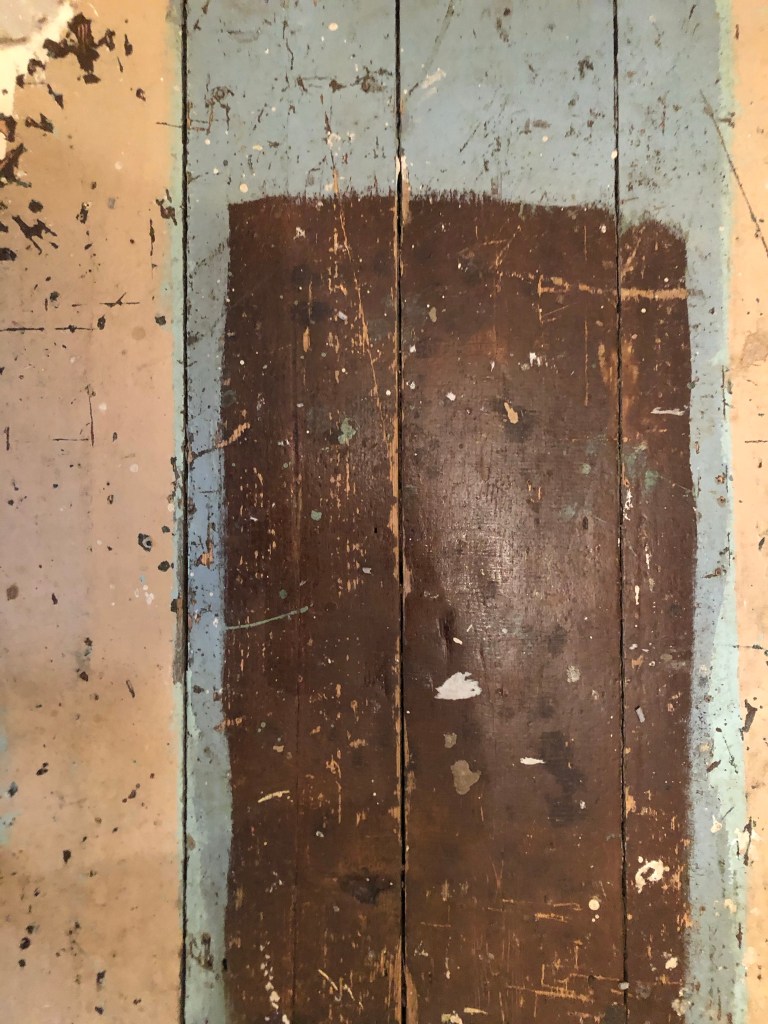
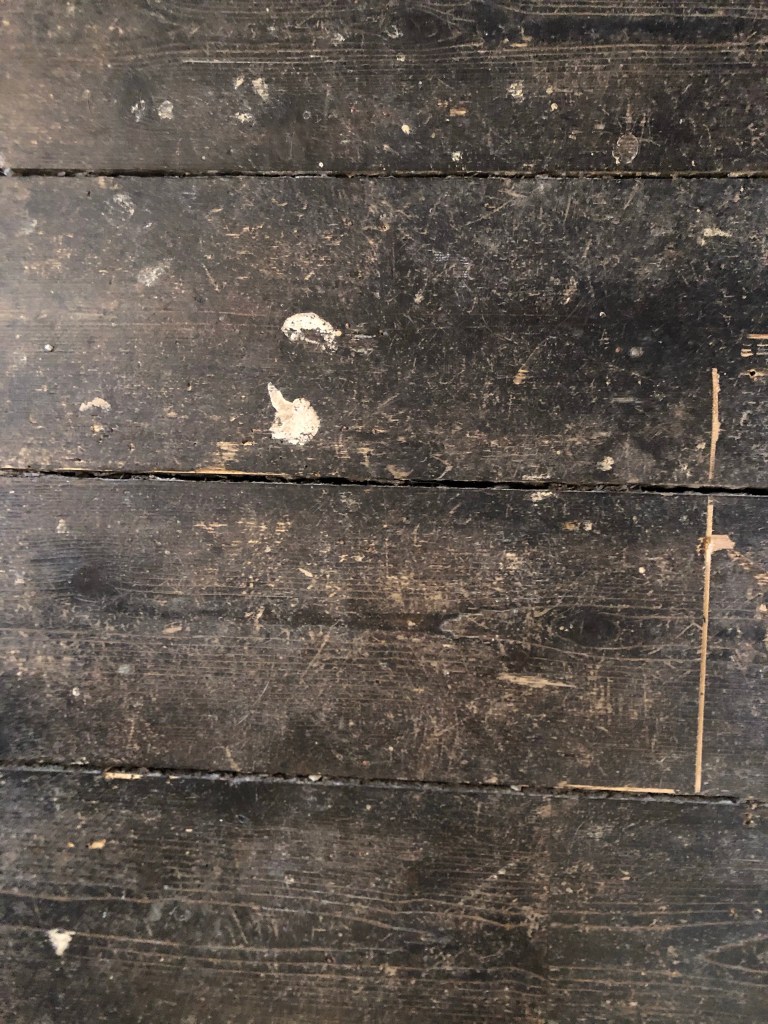
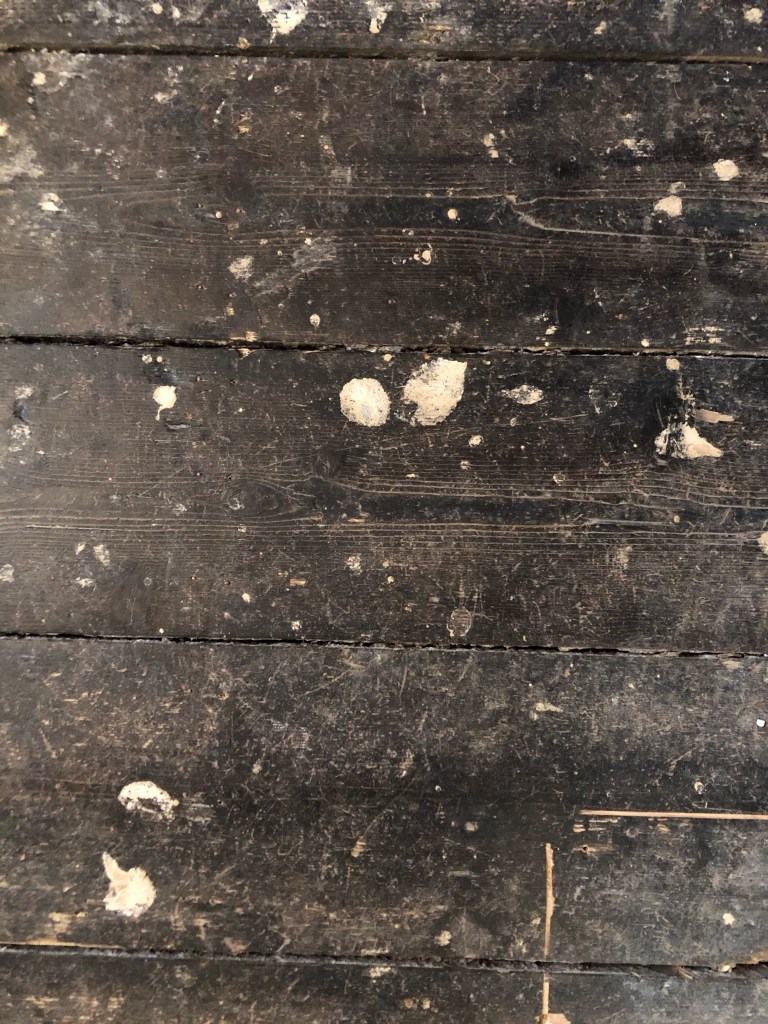
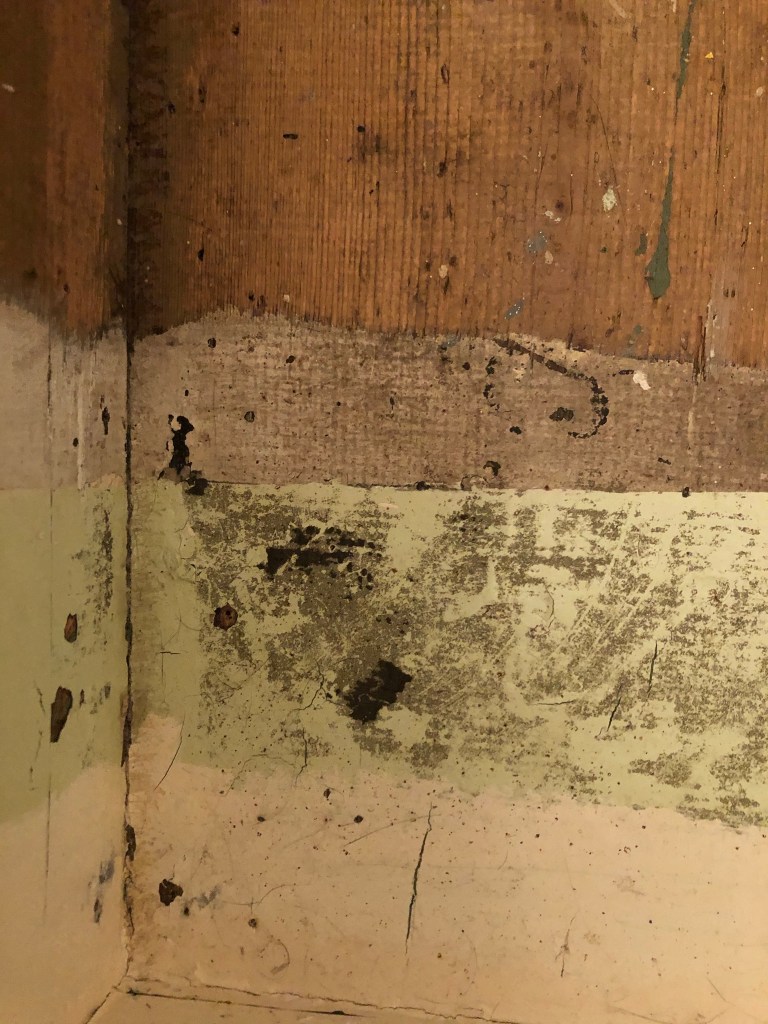
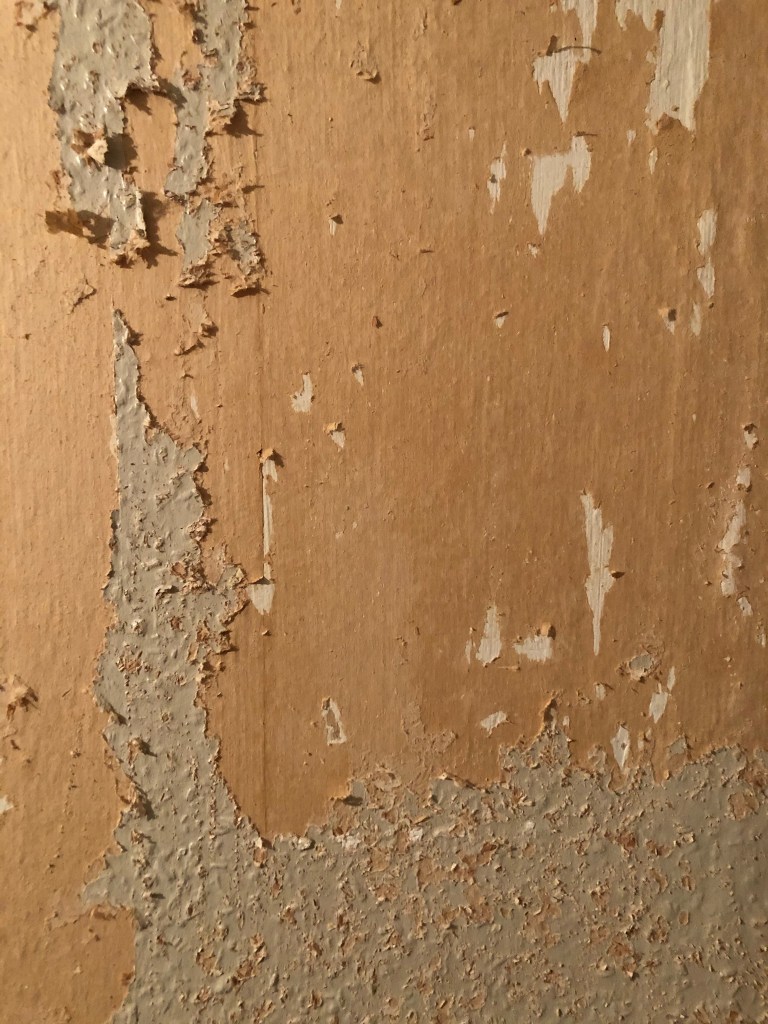
I knew I wanted to create this kind of effect but I was struggling as to know how…I then had the idea of photographing some different textures and then importing them into Photoshop to play around with for my poster. These were some of the textures I found, (again, they were all from the upstairs of my house which is currently now only starting to be renovated!)

The textures idea just wasn’t gritty enough for me though… This is where I went to work the next day feeling really frustrated at the fact that I didn’t know how best to create the idea I had in my head!!

I have a very rigid “Neat” approach to my work, everything I do is very structured and organised and I couldn’t quite get myself to create something “messy” enough!- I needed to switch off and just become careless and wreckless to see what I could create!! I had another go on my lunch break when I had the classroom to myself; I filled a paint palette up with PVA, found a screen printing roller to layer it on smooth and what I ended up with was the unexpected, perfect finished piece! I have photos that I have found in my design archive of me creating this final piece but other than me being really inspired by some collage work I found on Pinterest it happened without any prior planning or any planned sketchbook experimental work.. it was completely by accident! A really happy accident! I literally just created pages in Microsoft Word (my work laptop did not have Adobe at the time!) of block coloured pages and pages with some type using Akzidenz Grotesk, I printed them out using the laser printer and then layered them up on top of each other using PVA glue. Carelessly I just ripped sections away to reveal layers underneath. The idea was to create the feel of a really old billboard that has had hundreds of posters ripped off and layered on in its time in a really rural area of a city..

The final piece was perfect for me! In fact it seems such a shame to pack it away with all my Core Concepts work that I have thought about framing it as a showpiece!

Exercise: Too much or not enough information

This next brief is based around Occam’s Razor and the principal that you strip design down to its simplest form.. the bare basics and essentials. I watched a TED talk with Chip Kidd where he basically explained that when you see a picture of an apple you do not need the word “apple” to appear with it as you already know what it is. This is the same principle. It is taking all the information and then seeing what you can strip back whilst still making the message clear.

Below is the brief that has been given me for this exercise:

I have decided to follow on from the last exercise; I studied an organisation called Extinction Rebellion and I shall continue to base this exercise around them and one of their upcoming events.

I am a big fan of poster design, I have spent many hours watching tutorials by the @chrisdo on Youtube where he critiques his students (and viewers) posters. I have learned a lot of the theory behind good poster design so I am looking forward to this exercise.

I want to however try something different… slightly out of my comfort zone.

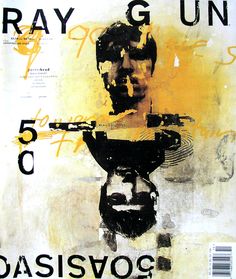
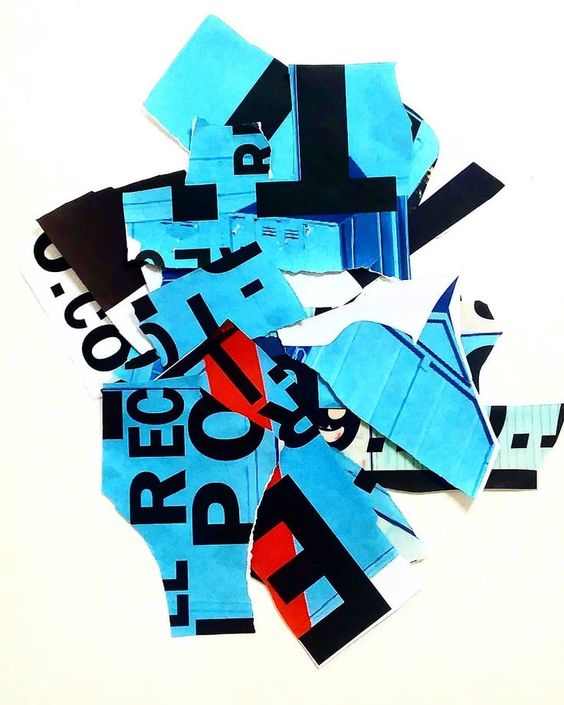
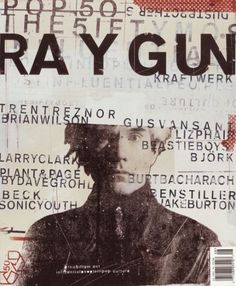
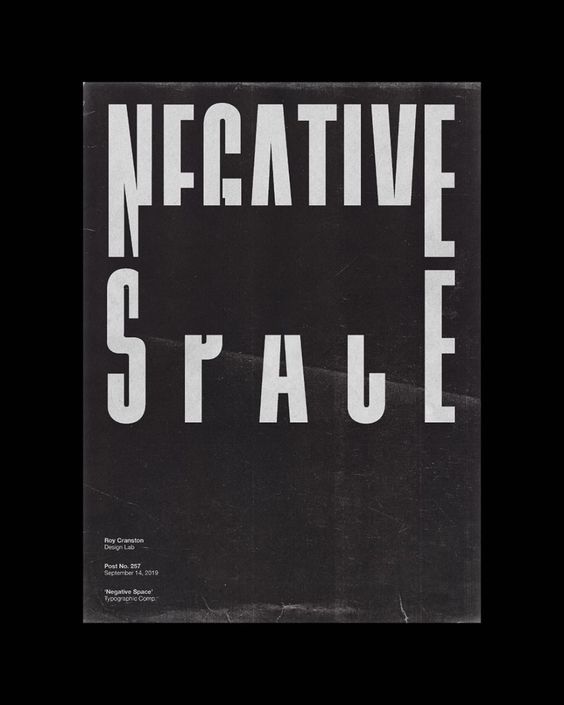
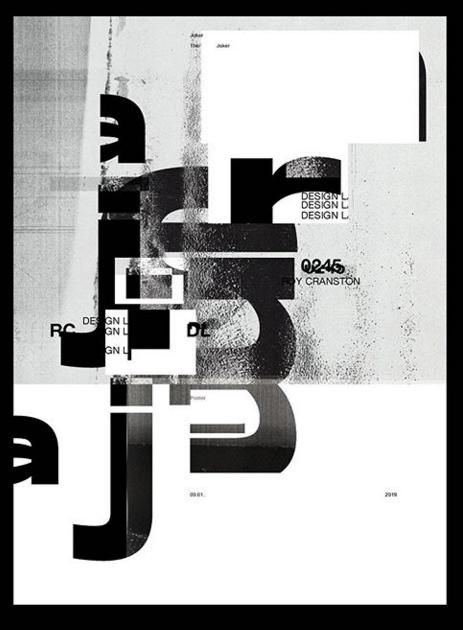
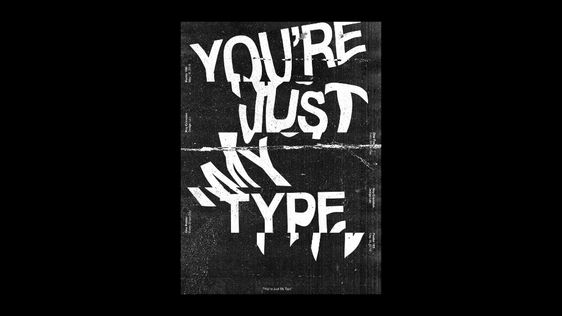
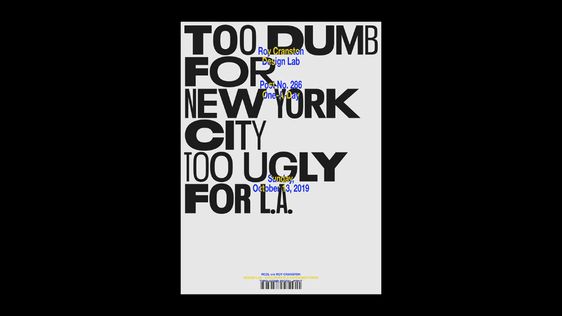
I am a big fan of “swiss grit”; Swiss typography, grunge typography and experimental layouts and collage. I particularly like the works of David Carson, Chris Ashworth and most recently Roy Cranston. “Swiss grit” is a term coined by Chris Ashworth to describe design style. David Carson and Chris Ashworth worked together on Raygun and they both have a very experimental design style; experimental typography and layouts and they are very old school in approach with hand drawn elements, old letraset typography, collage and mixed media. Roy Cranston is the new cool kid on the block. He started his design career by posting a poster a day on his instagram and now he has developed a big fan base for his designs. He has a very similar style to Carson and Ashworth in that his work is very experimental finding inspiration from everyday objects and from all kinds of different textures. The style of his work is very “swiss grit”.

Chris Ashworth

David Carson

Roy Cranston

So I have decided to try and do these 2 posters in the style of “swiss grit” taking inspiration from these designers! I am not sure I am cool enough to pull it off as it is not my usual style but I really want to give it a go!..

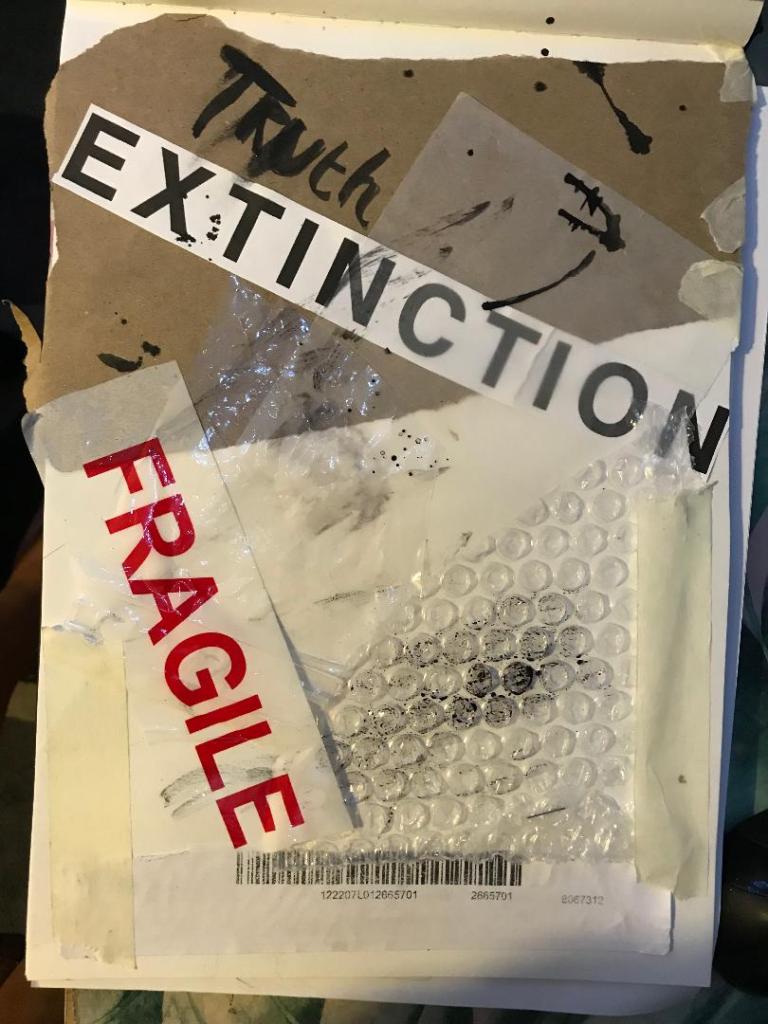
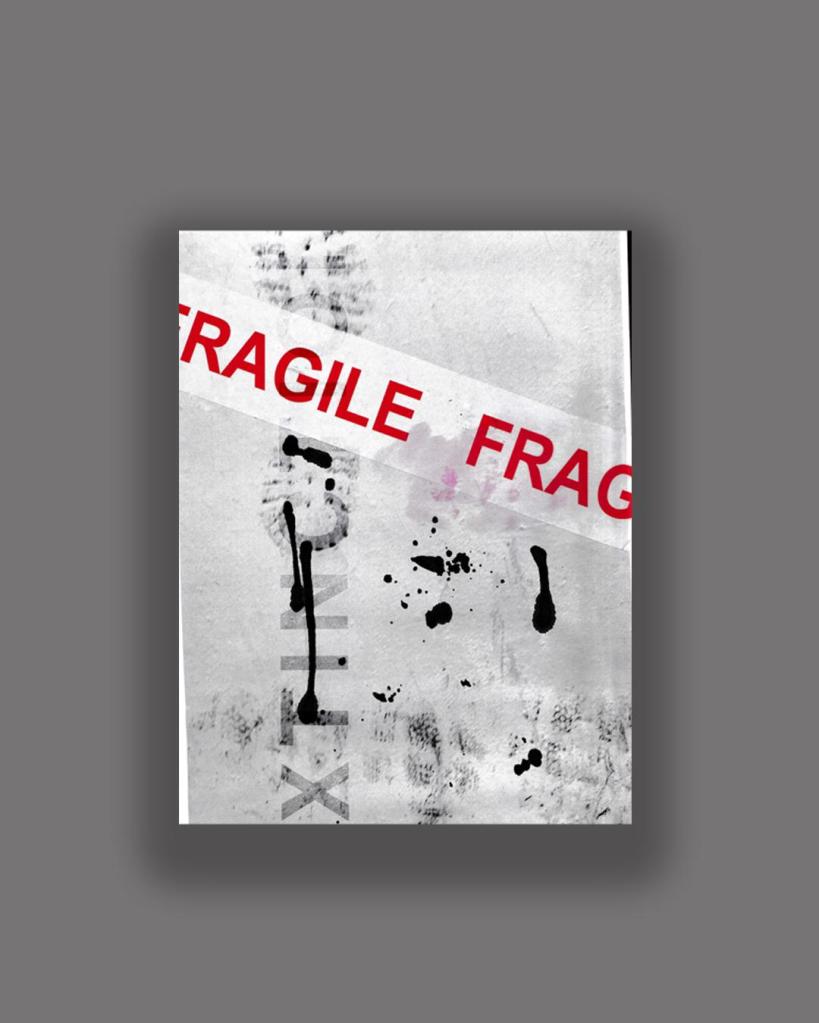
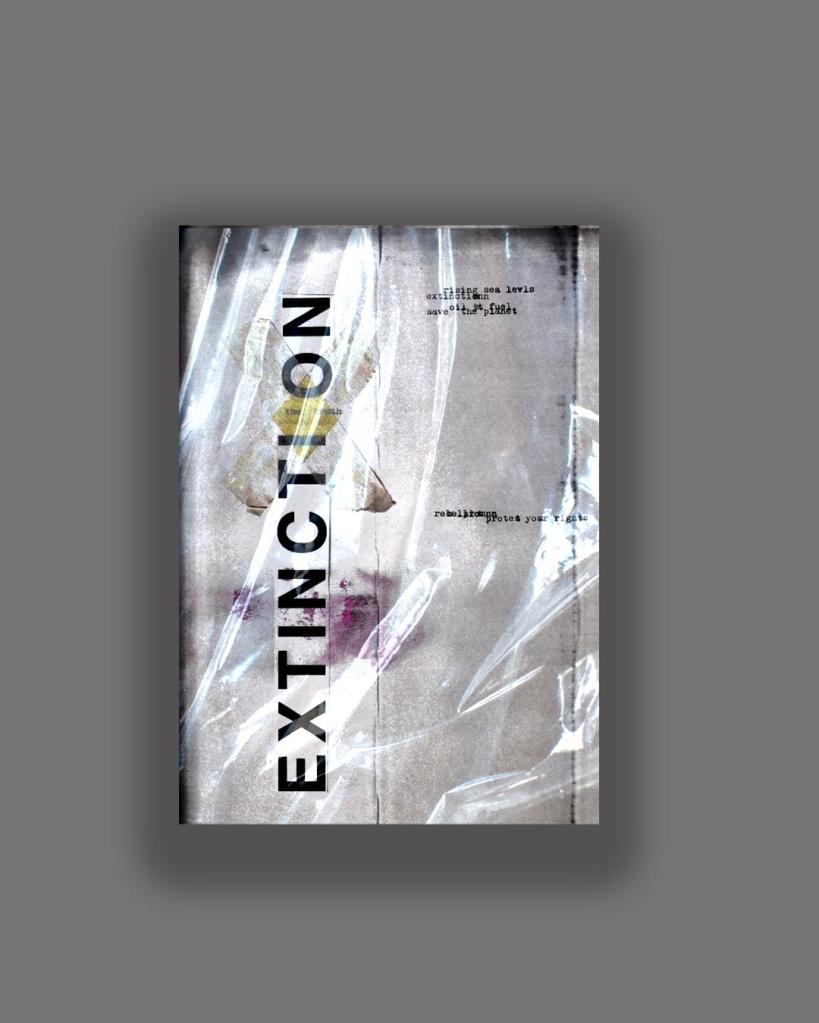
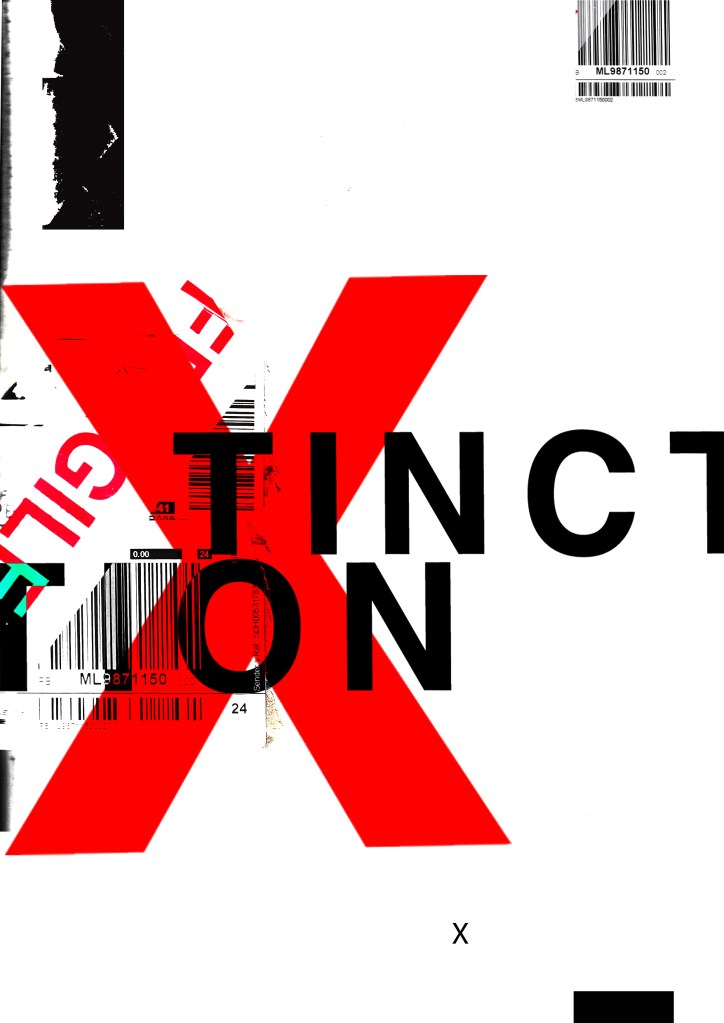
I have a bag at home filled with random things I have collected; parcel wrap, bubble wrap, plastic sheets, tracing paper, postage labels, cardboard, textured paper, fragile tape, masking tape and I also ordered some vintage Helvetica Letraset carbon sheets! I feel like this style would really go well with the organisation I have chosen; The organisation is an environmental group and the materials that I have chosen all contribute towards climate change and the carbon footprint so it would be interesting to see what I can do with the poster from these.

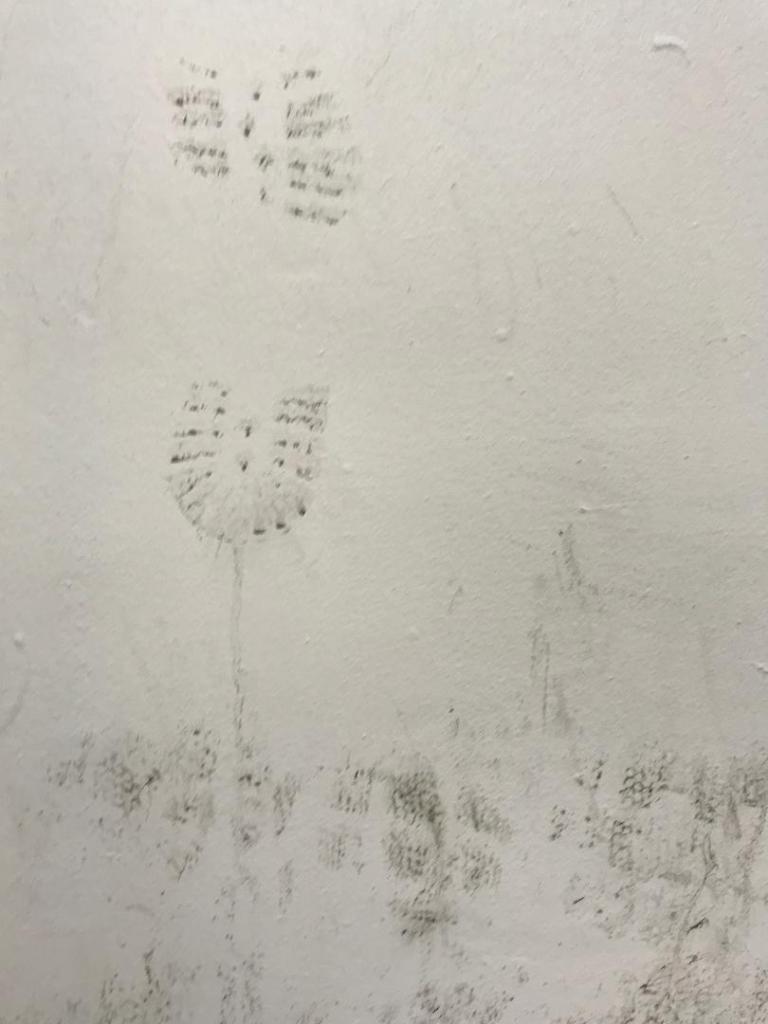
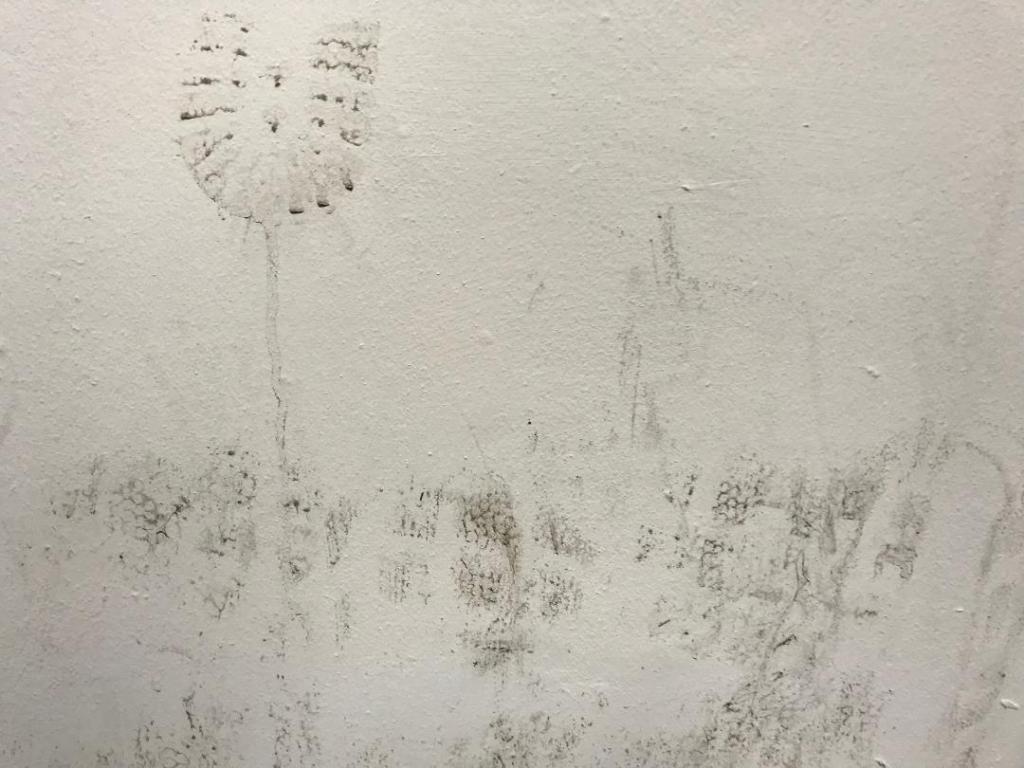
I also went for a visit to Nottingham recently and as I was walking through the car park I spotted a muddy wall with shoe prints on it. I instantly thought that this would be good as a texture for carbon footprint. I have used this on one of my trial pieces.
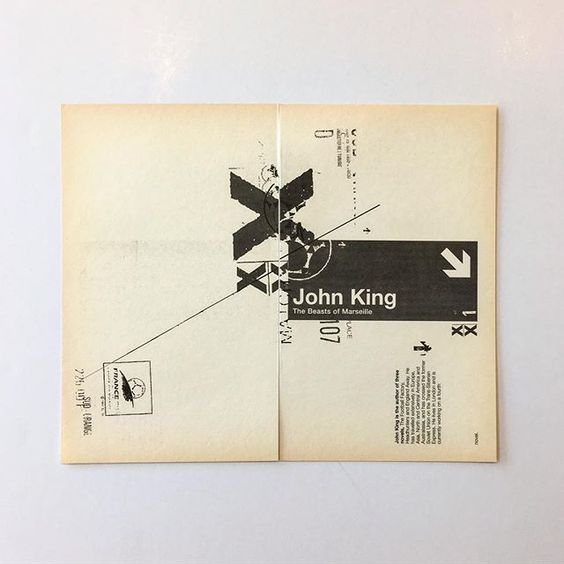
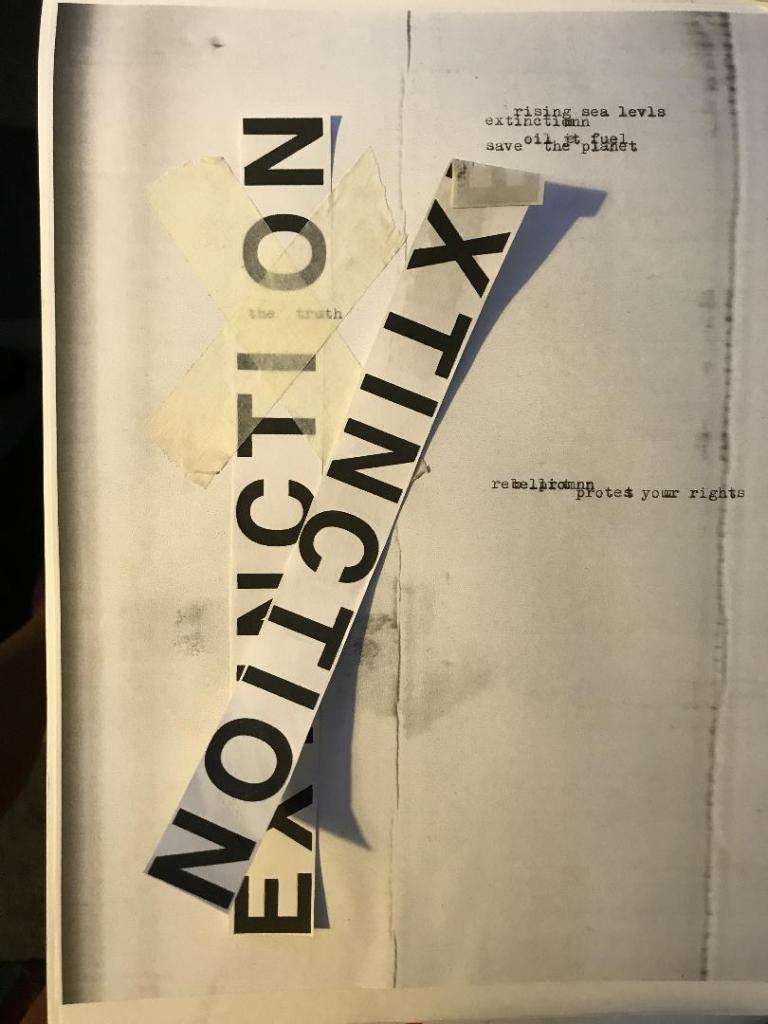
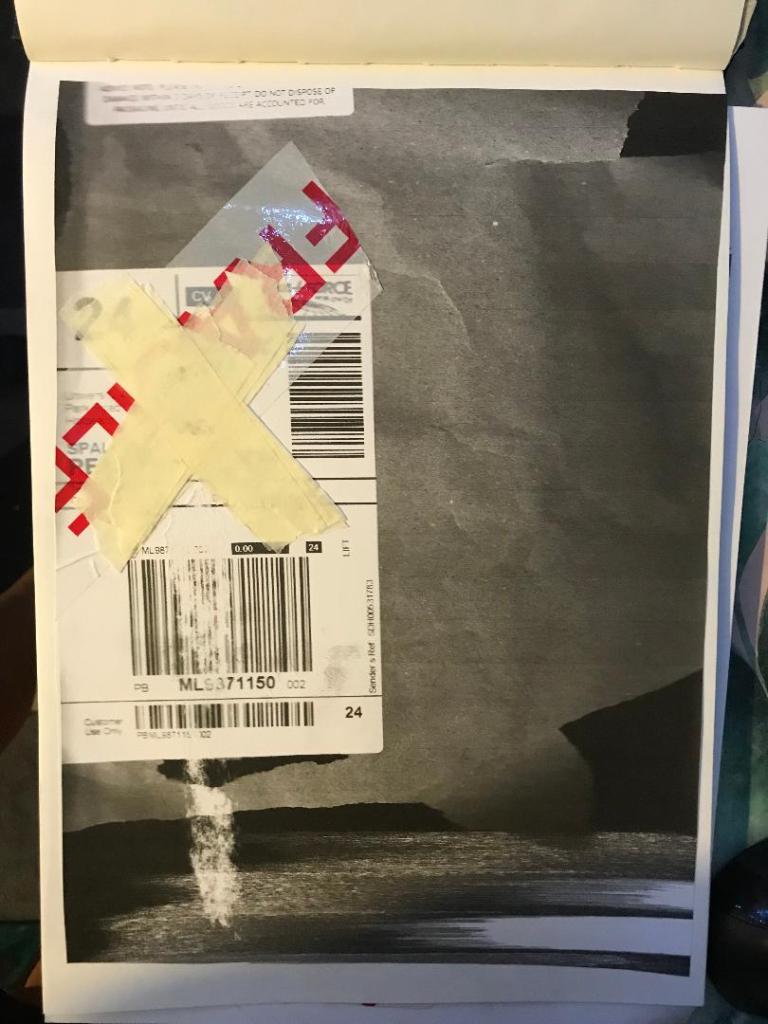
I had a bit of a mess around.. I did some experimental pieces in my sketchbook (below) and then imported them into Photoshop to see how they would turn out. I like the bottom 2 however, when you zoom out one of them does not work well as a poster as there is not enough contrast between the image and the text. The text should be in white maybe to contrast against the dark background.
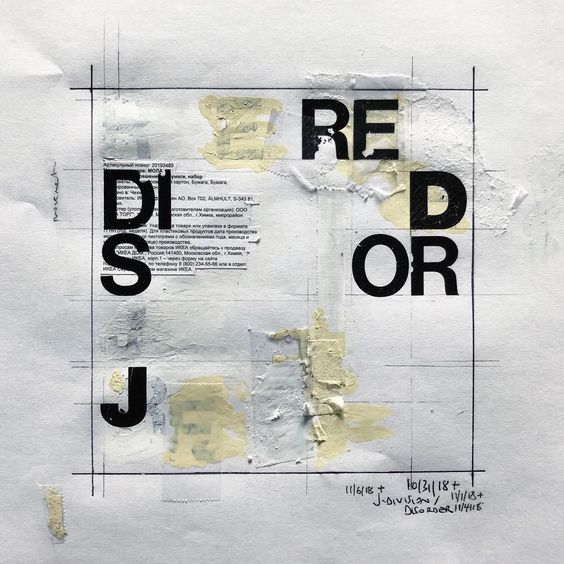
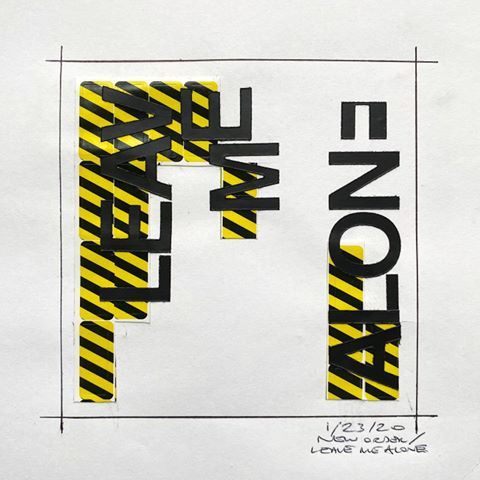
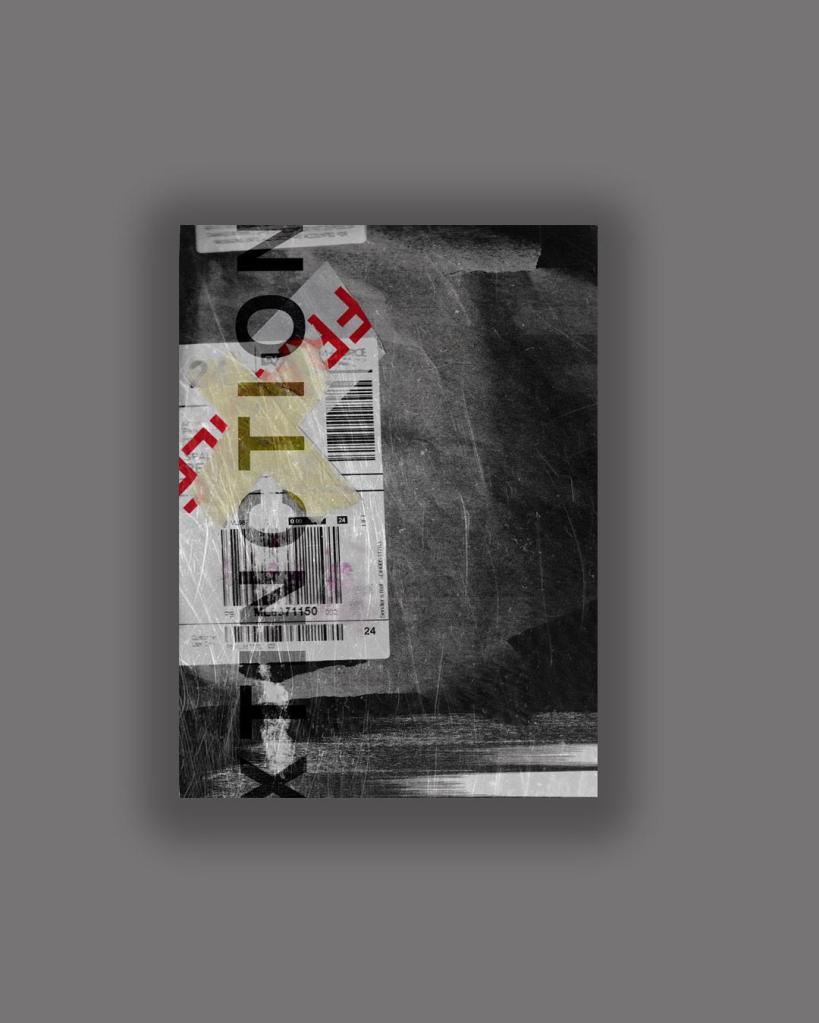
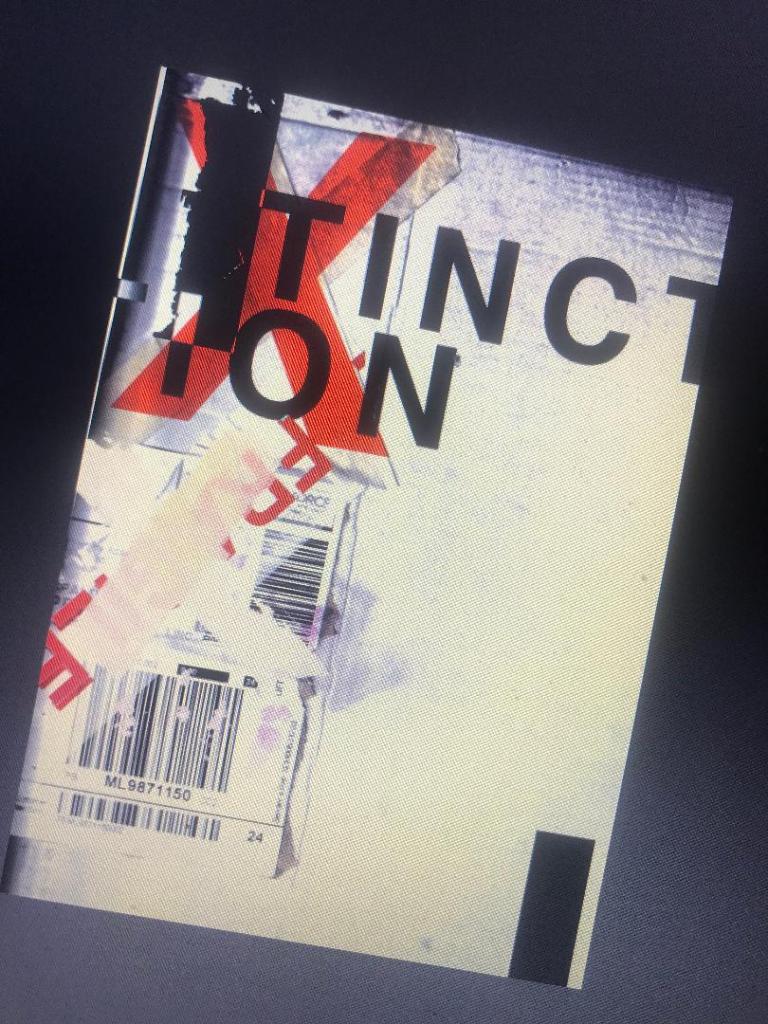
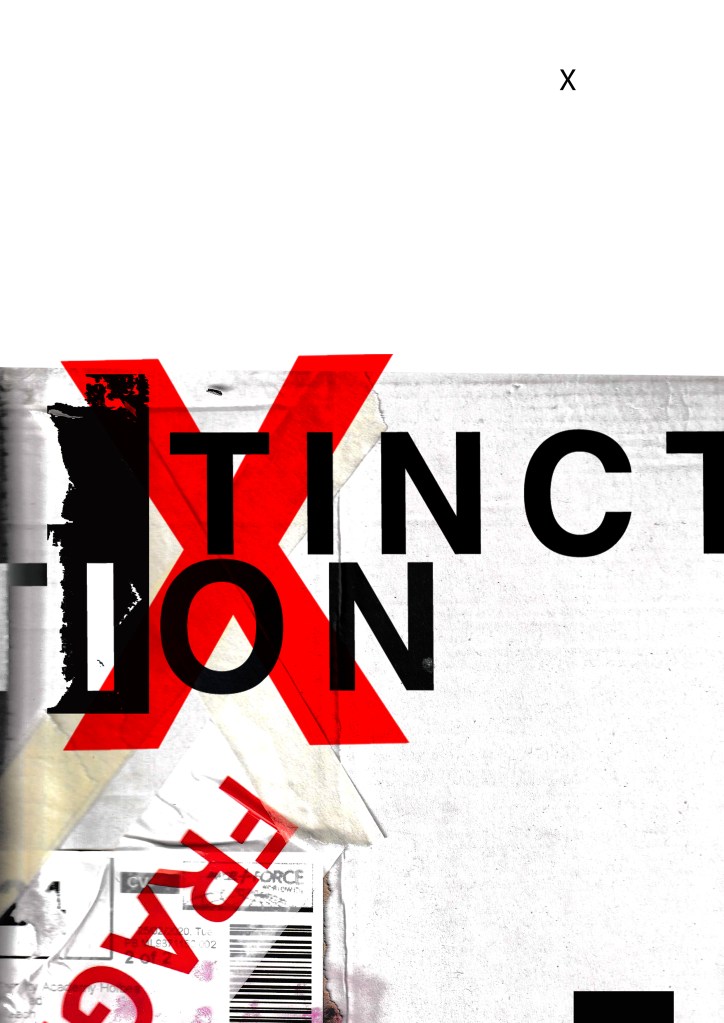
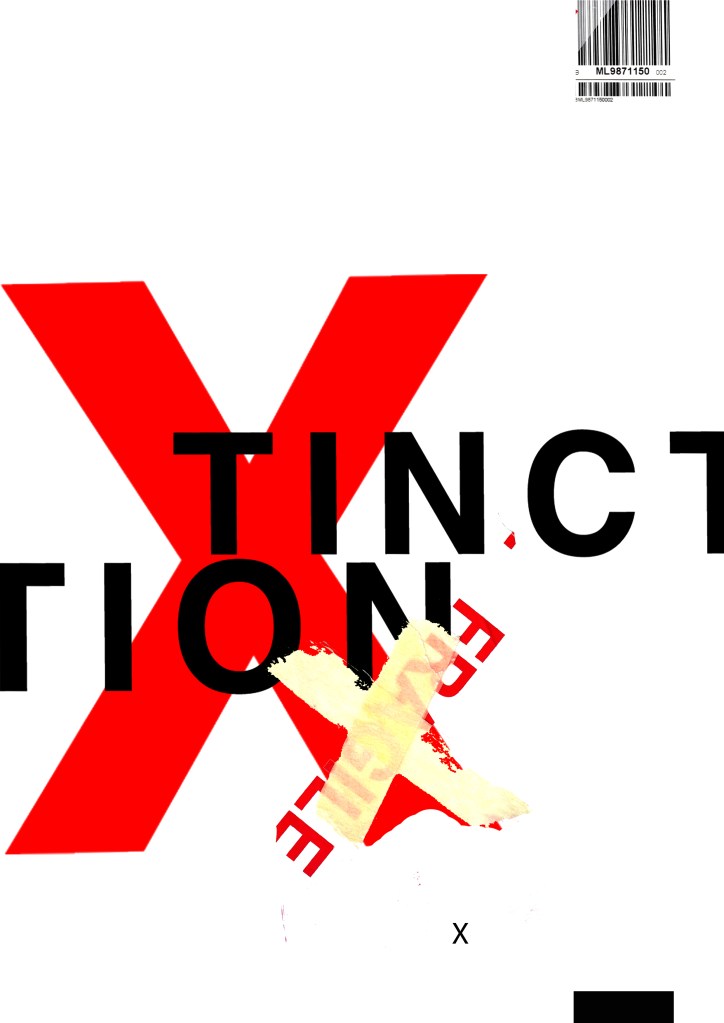
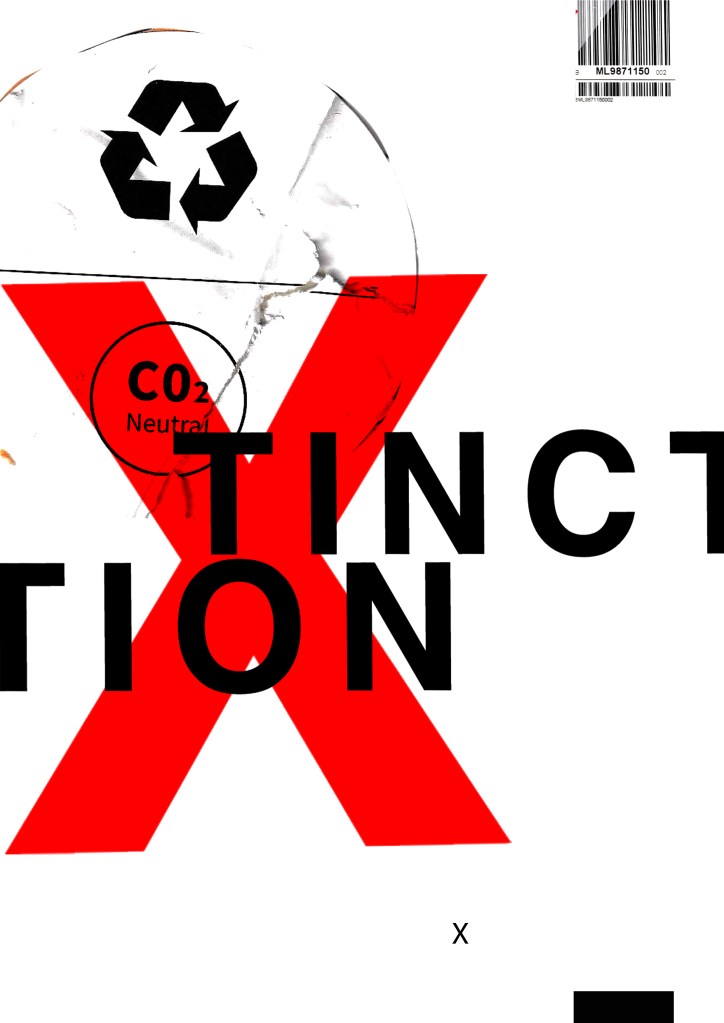
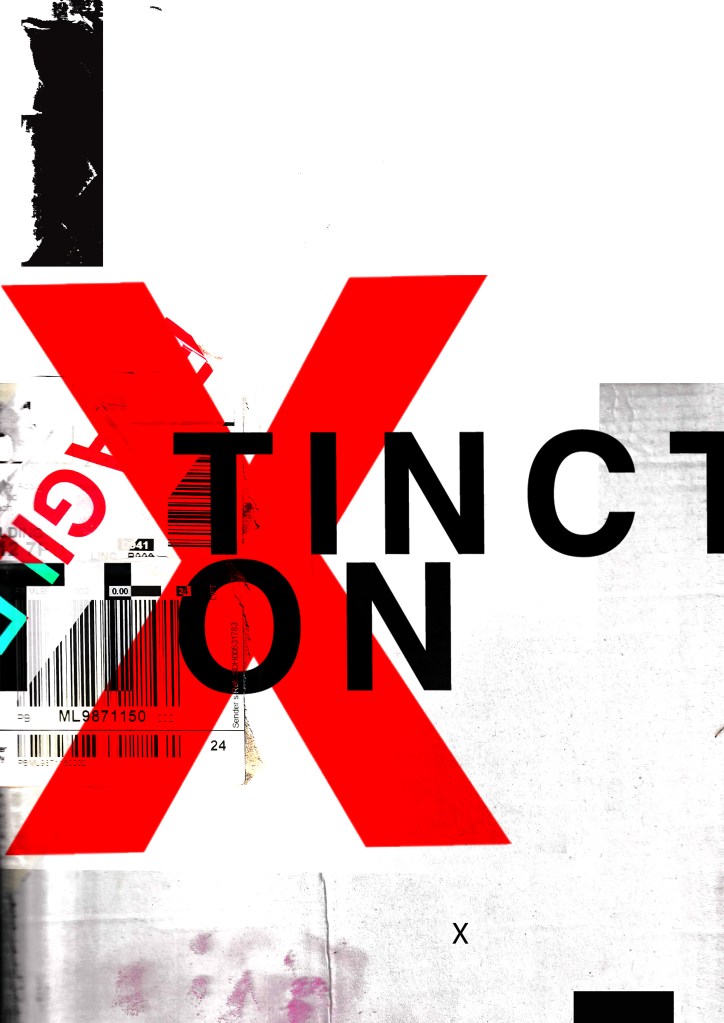
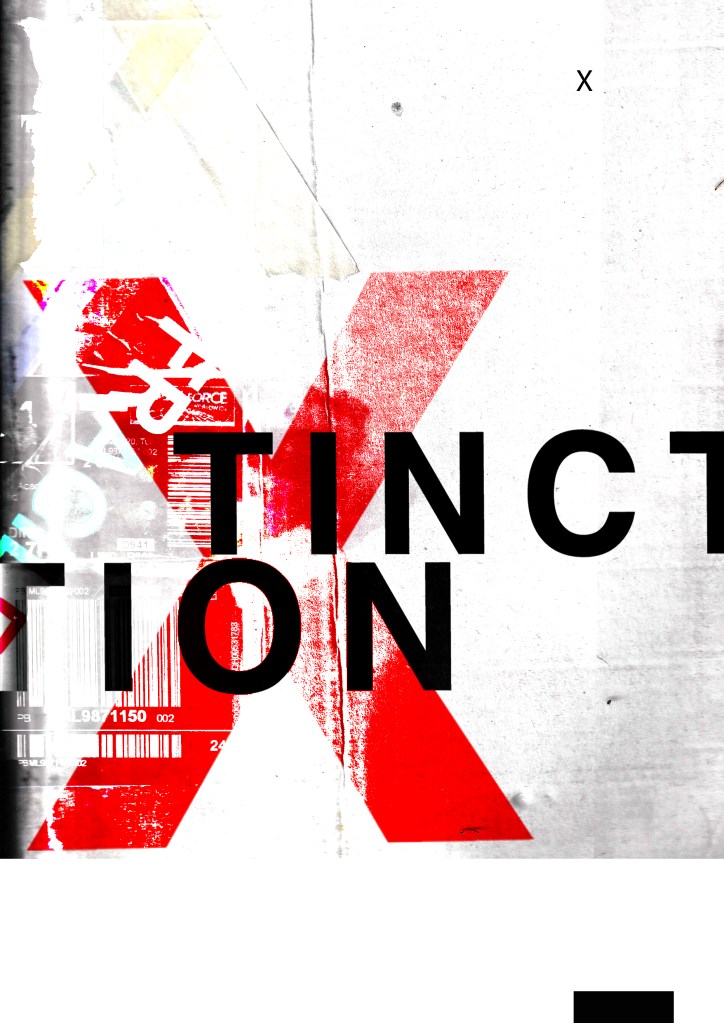
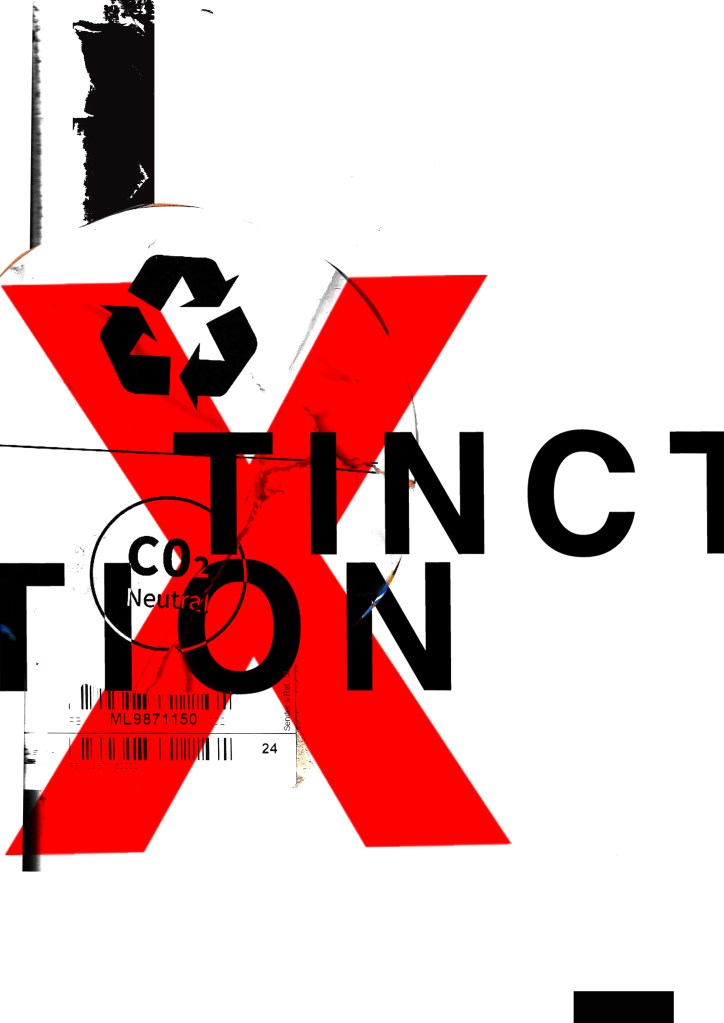
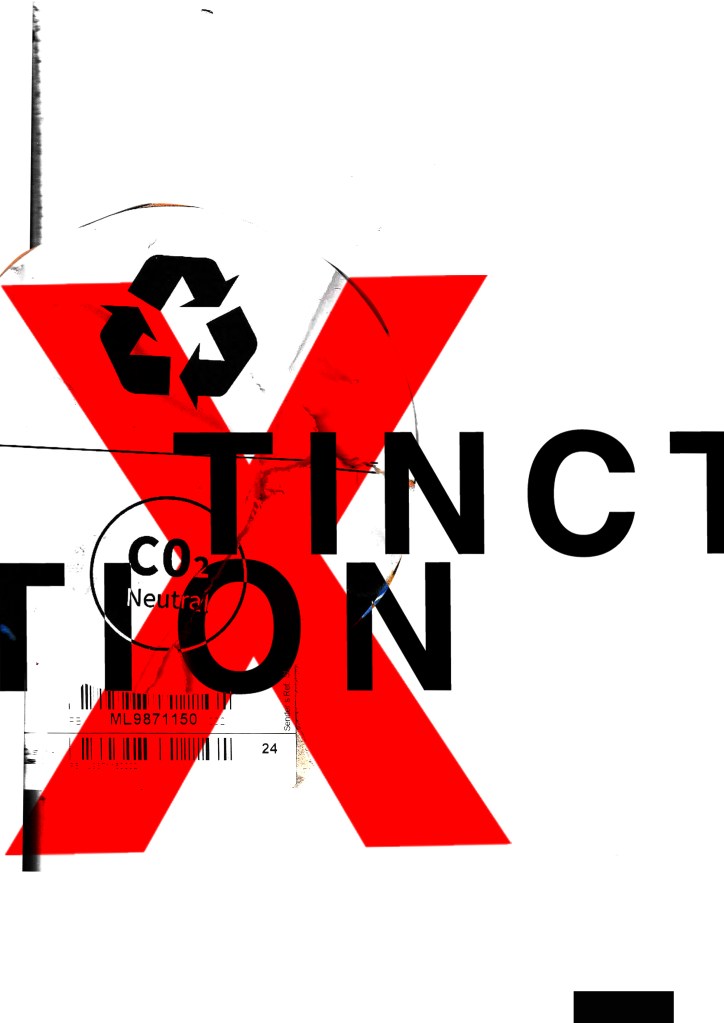
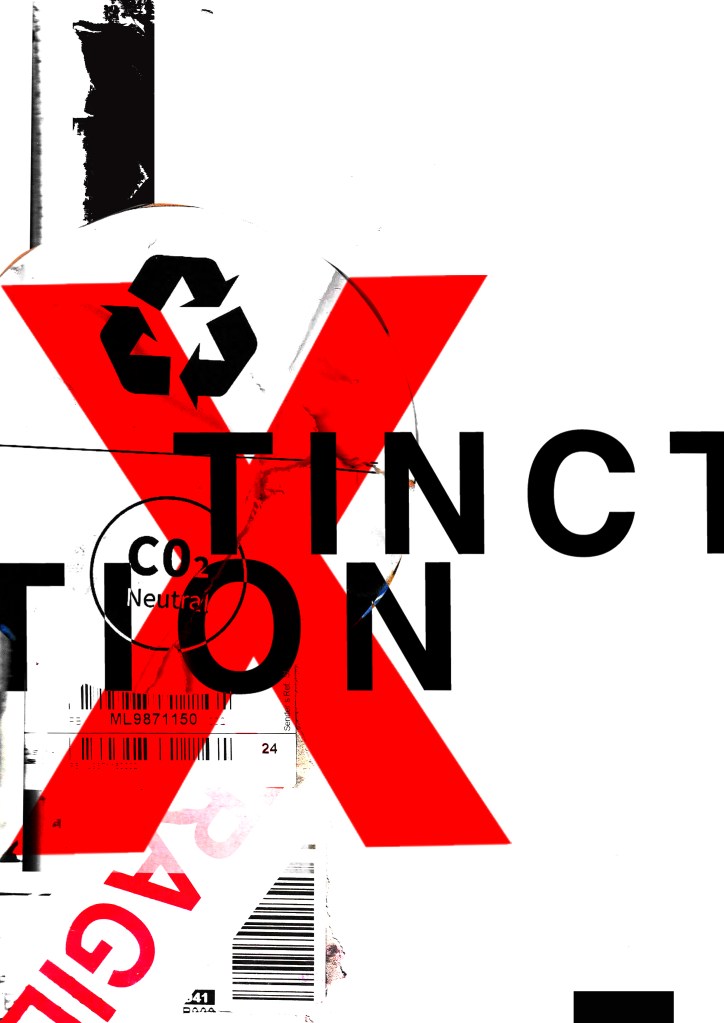
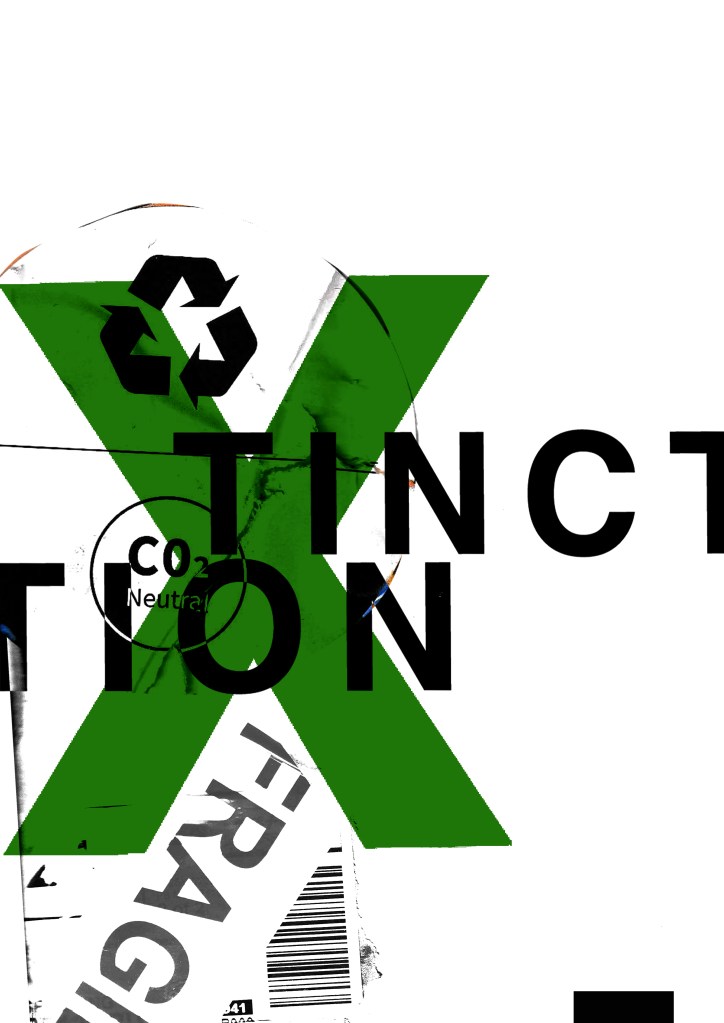
These have all been created by hand and from the resources that I have collected. I then scanned them in and added a texture in the background just to see what they would look like. I decided to trial these designs with the lettering “extinction” to match the organisations name but then I had a “happy accident” and accidentally shortened it by not sizing it correctly on one of the pieces and I actually quite liked the outcome; “XTINCTION. I think I would keep this! – (using the Occars Razor theory – why do I need the silent E? :D)

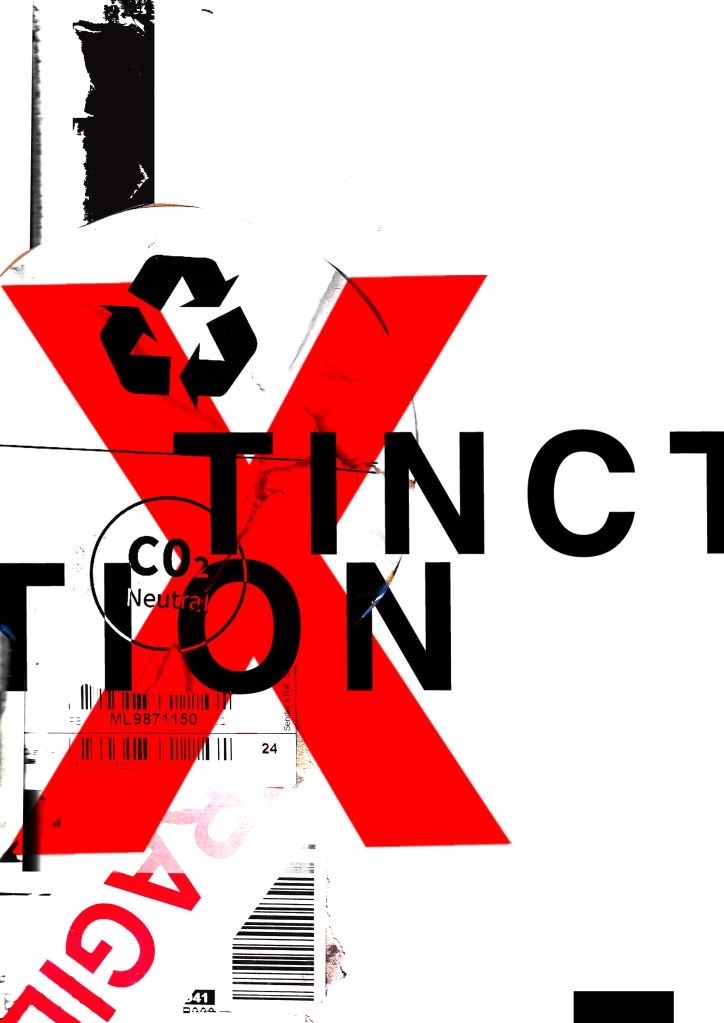
I like the idea of the FRAGILE tape and the masking tape to form the X. I had the idea to wrap something natural up using the parcel wrap and tape to show how the natural world is being affected by mankind, pollution and rubbish. I had the idea to find something natural that has been broken that I could stick back together on my collage piece to represent mankind’s input on the natural world.Something simplistic though to not take the attention away from the rest of the poster.

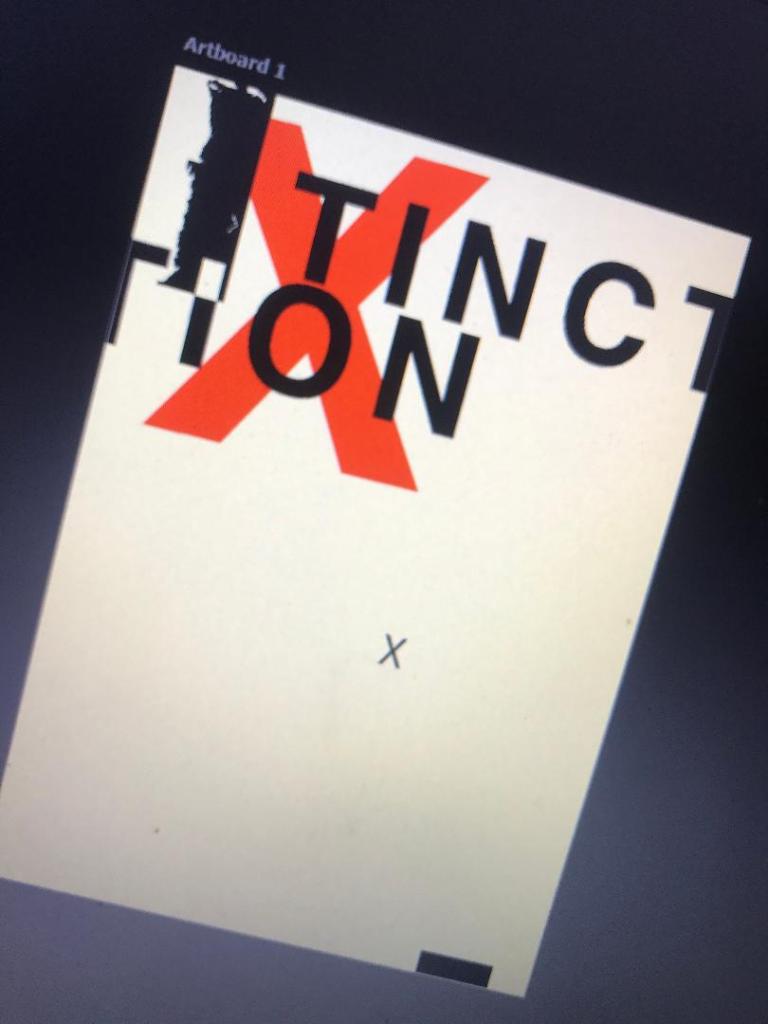
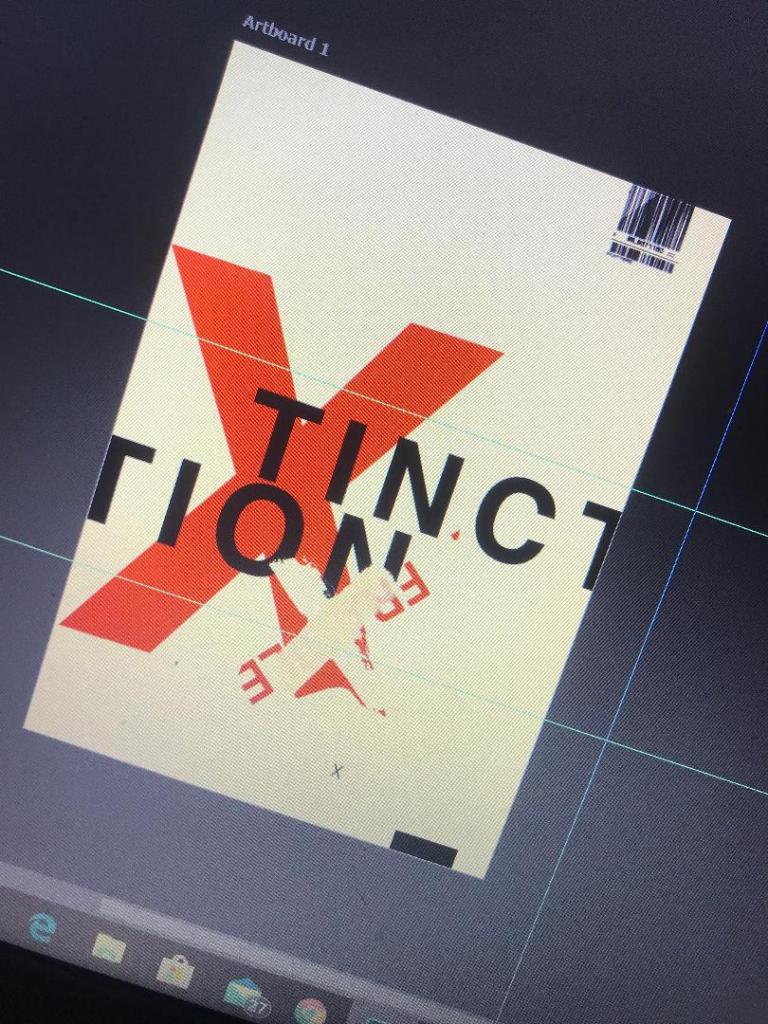
These are 2 more that I messed around with.. I like the simplistic approach of the first one but I also like the typography on the 2nd one. The like the way that I have separated xtinction and made the x bold and in red. At the moment though although I like the textures I don’t think that overall it conveys a message of what potentially the poster could be about. I think also that it needs more negative space.. at the moment there is a lot going on… too much happening all at once that the eye does not know what to look at first. I prefer the 2nd design but it needs more negative space and potentially everything to be sized down inside it. The bottom rectangle helps to draw your eye in but I think it needs to be shortened so it only just only shows at the bottom of the poster.

I then went and changed them some more.. This time I did not use a lot of texture in the designs. I kept them quite plain and simple. I think the colours “pop” more this way.

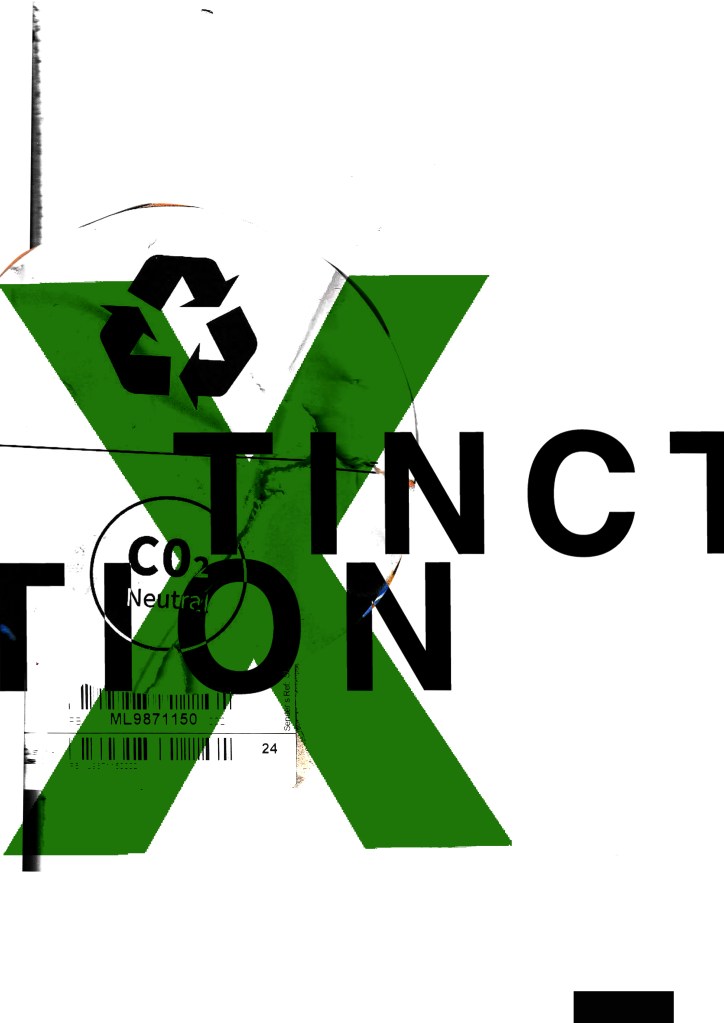
I resized elements on the poster. I also took the texture background away and I quite liked the contrast and clean look of the pure white and red. I tried to add more negative space to these and to also try and make the design flow better. Using the rule of thirds I have tried to separate elements into thirds. I have split the poster grid and layout into 3rds and placed each section of text within each 1/3 of the grid. I also tested out different layouts and placement of the text to see what flows best and what works better. It is still missing the environmental/climate change element though… You would not really know what this poster represented without the image.

…………

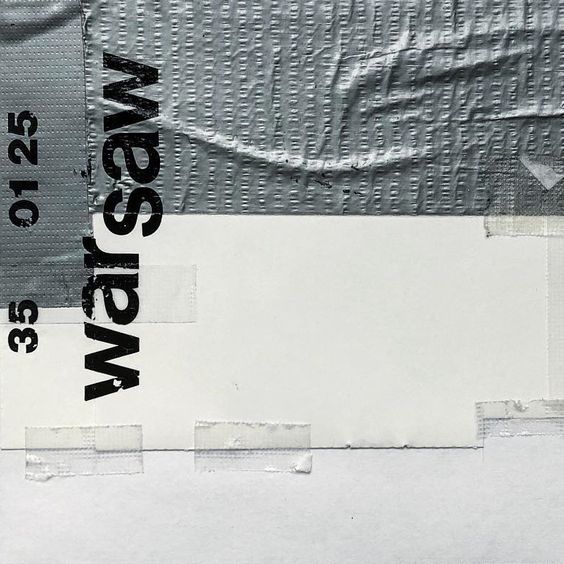
I then found this!

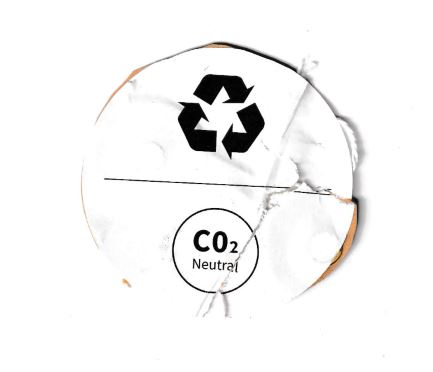
This was on the back of some packaging from a book that I ordered and received in the post. I thought it might be perfect to scan in and use on my posters because it is environmental and you know instantly what it is about. I thought maybe that this could be one of my main images. I then did some more trial pieces…

I much prefer the green colour. The green is not so threatening in appearance and it relates more to the environment. When you look at this poster it is more clear with the green to what it might represent.

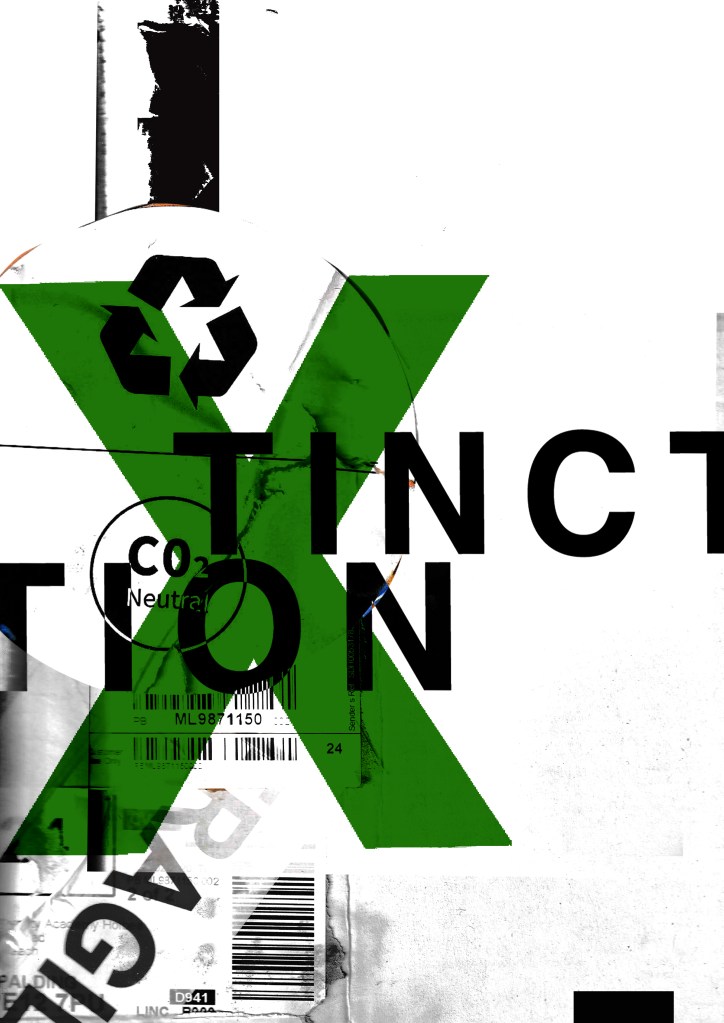
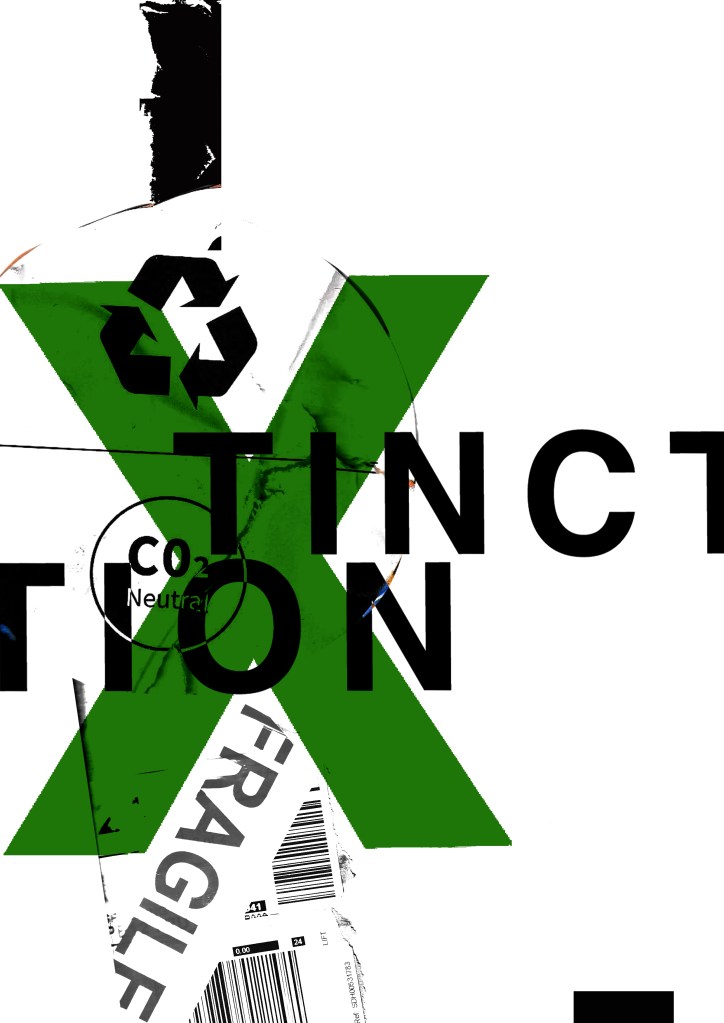
I was then torn between 2 designs..

I like the simplicity of this one
This one reminds me of something from Bauhaus with the geometric feel of the “fragile” placement.

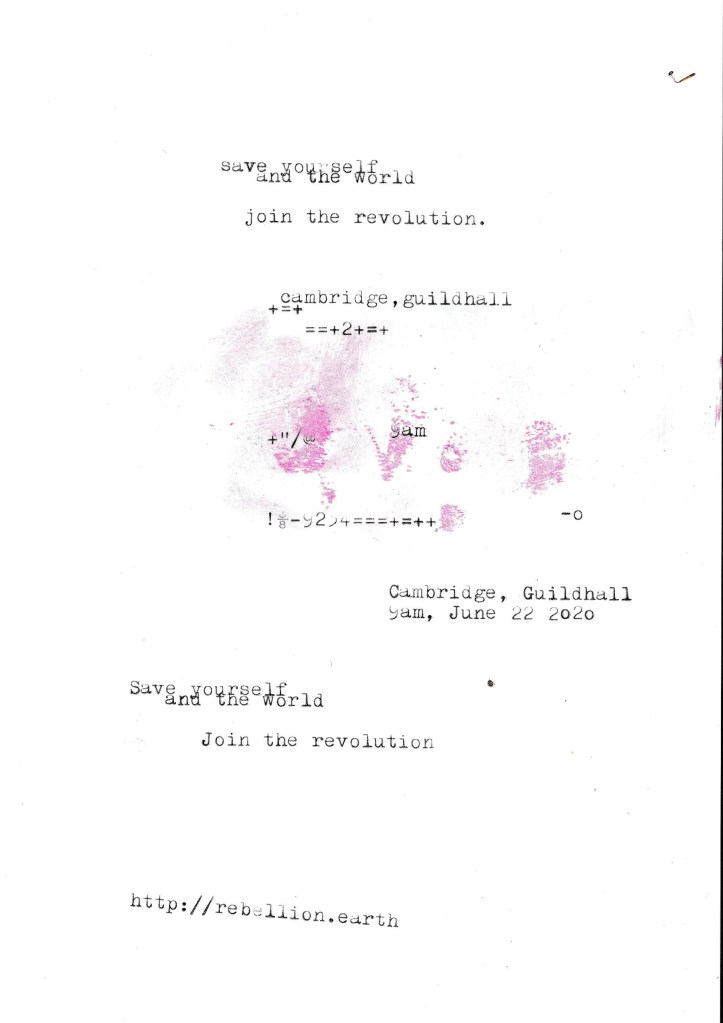
I needed to add the text into the designs also… I took the designs from above that I have made minimalist and applied Occars Razor to. I wanted to place as little text as possible to make it really minimal and to let the design deliver the message and entice the viewer in. I wanted to use a different form of media for the type instead of just typing it into Photoshop… I decided to use my typewriter to write out the text I wanted for the posters and then scan them in to alter and adjust in Photoshop.
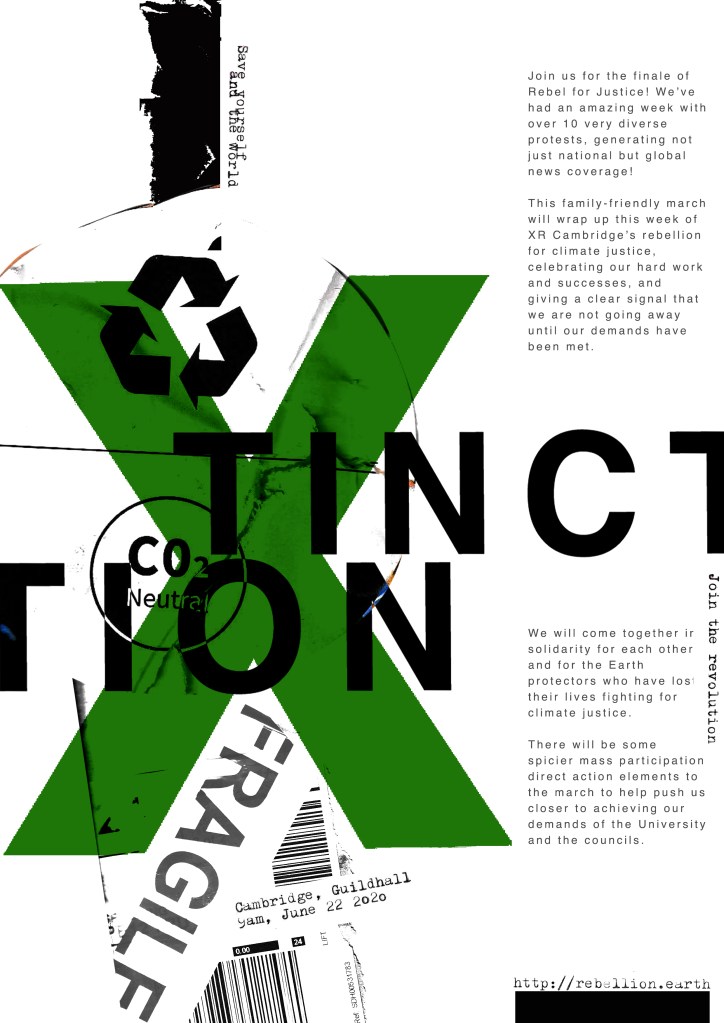
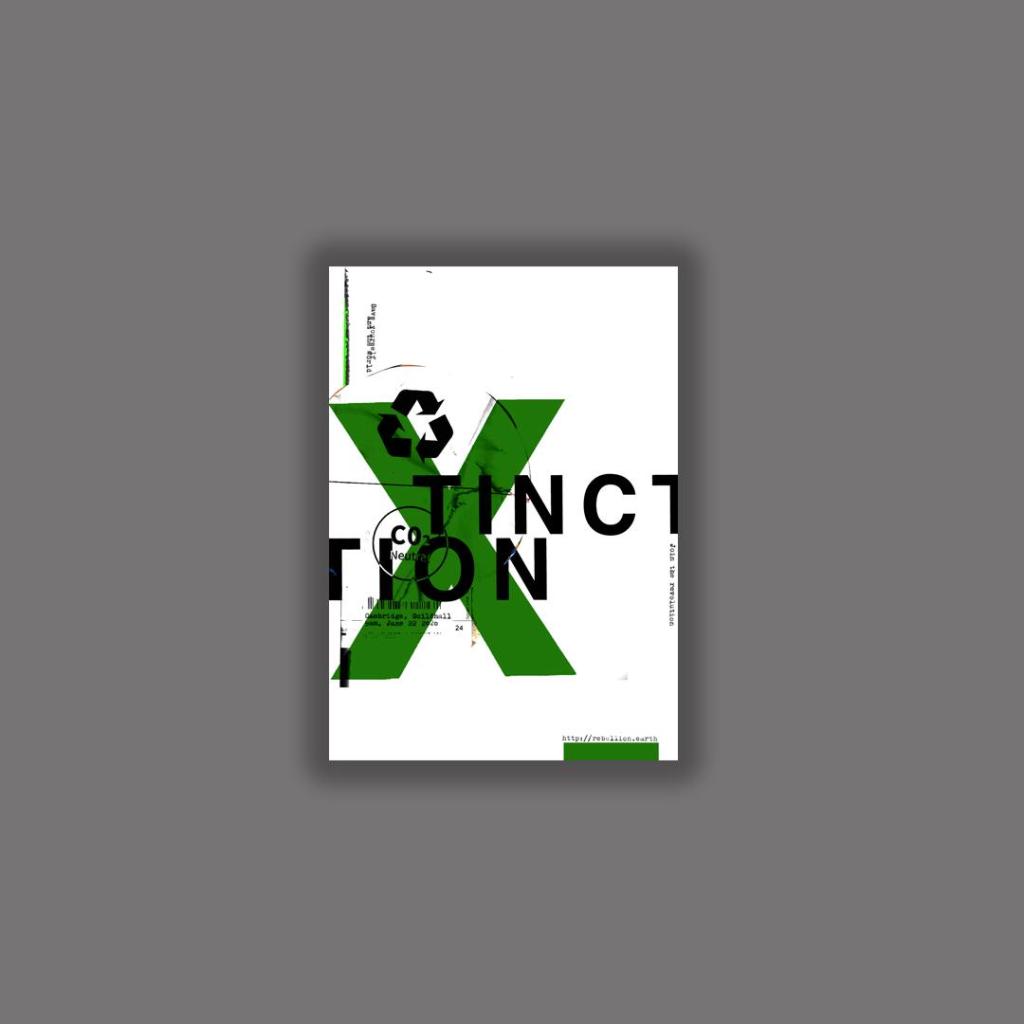
The text that I typed out was “save the world and yourself”, “Join the revolution”, the time and date for the event followed by the organisations website. I did not want to describe the event in great detail at all in this stripped back Occars Razor poster because the nature of this version is to have as little information as possible and to let the image and the design do the talking. The snippets of information that I have put on there allow the viewer to know what the poster is about as well as a time and place and then letting them seek out more information if they want to by looking at the website.

I have put both of these designs onto my Instagram page and so far this one seems to be the most popular. I think it works the best because there is a lot of negative space, it is clean and tidy in appearance, simplistic and bold. The idea is that you are drawn in by the design and overall look of the poster and then once the viewer is interested to find out more they would then read the information in the small print about the event.

I also had the seal of approval from the man and legend himself David Carson!…

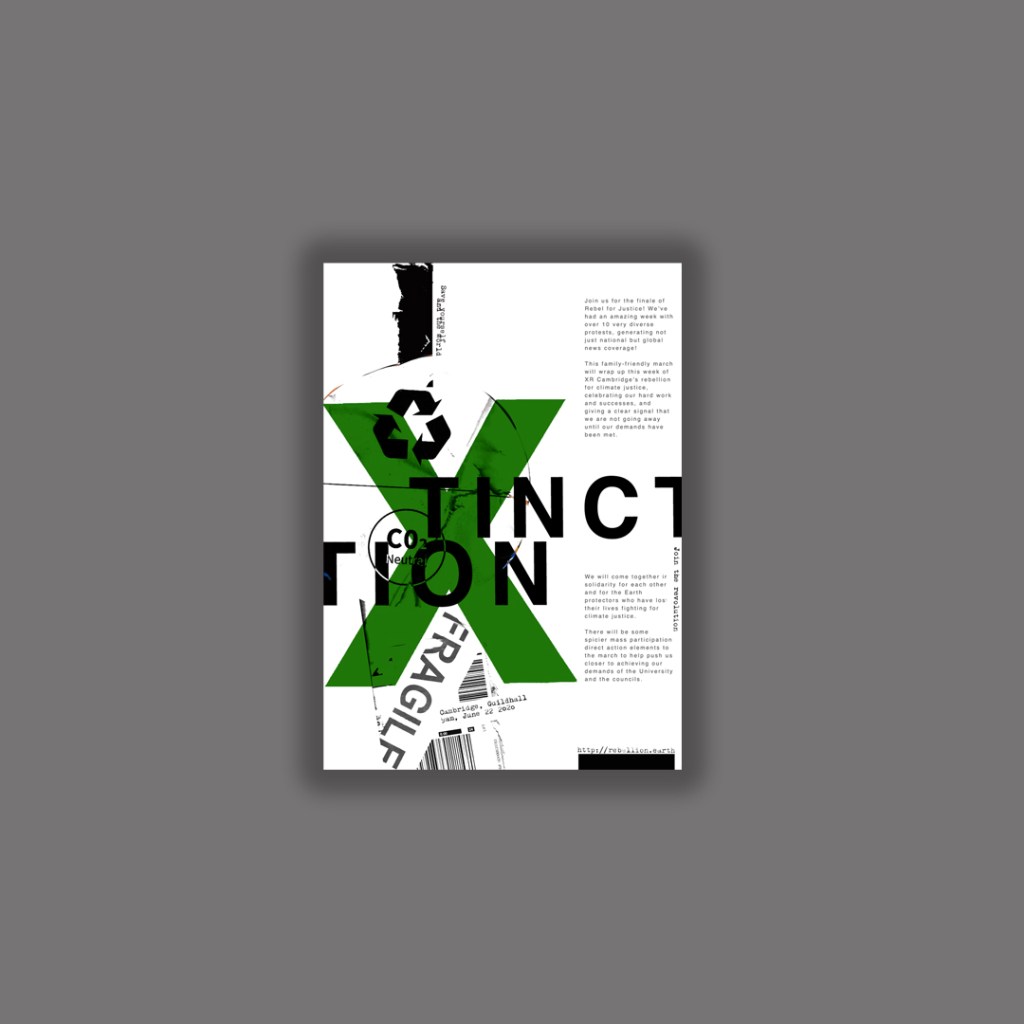
I then went back to the second design and reworked it to jam pack it full of all the information that is needed.

The Finals!

The next step was to ask for some feedback…

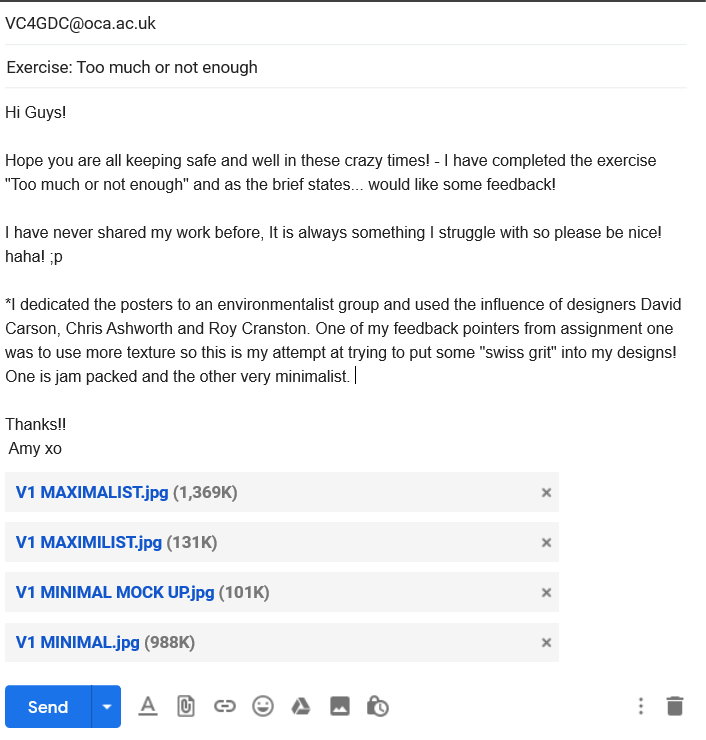
I emailed my fellow students in our OCA email group… (if reading this years in advance from now, the crazy times I talk about are the corona virus… )

I shall now wait for some feedback! 🙂