The final stages! – Making the HG Wells FINAL book covers!

I have FINALLY reached the final steps to this exercise! I have really enjoyed the design process though even though it has been a long and overdrawn one! – I always said I didn’t want to half ass it and I wanted to make sure that when it was complete that I had done the very best that I could have done with it! Putting the typography onto it and making them into book covers was a really daunting prospect! – However, I can go to bed tonight knowing that I am one step closer to making them look like the real deal! Doing this exercise has really made me also think that going into book design is something that I would want to do. I find now that whenever I go into bookshops I am scanning the shelves for the covers and not necessarily the books! Researching into Chipp Kidd and purchasing some of his books as well really interested me and made me think deeper into what really goes into the design of a good book cover!

“Never judge a book by its cover….. Unless you’re a designer!”

I started off with the 3 designs I tweaked on Photoshop (below):
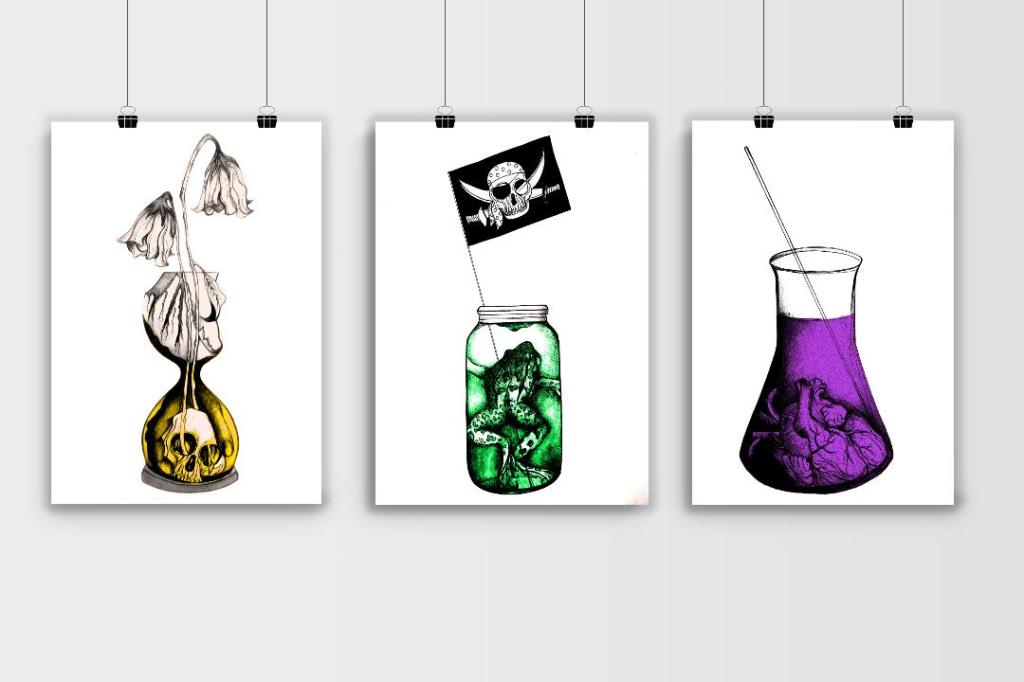
I have a current obsession with textures… which is a good thing seeing as one of the suggestions in my last feedback was to add texture to my work! I watched a video by Roy Cranston on Chris Do’s @thefutur where he spoke about where and how he sourced his textures for his poster work, it was funny because I already collect random photos of interesting textures and findings but just never use them! He also mentioned how you have to scour the internet for the free ones. I thought it might be interesting to add a texture to the covers.. maybe like an old vintage paper feel? This is what I went out to try and do.

I found a texture online which resembled ripped, discoloured old vintage paper (below) I imported this into Photoshop and did an overlay of it with my designs.
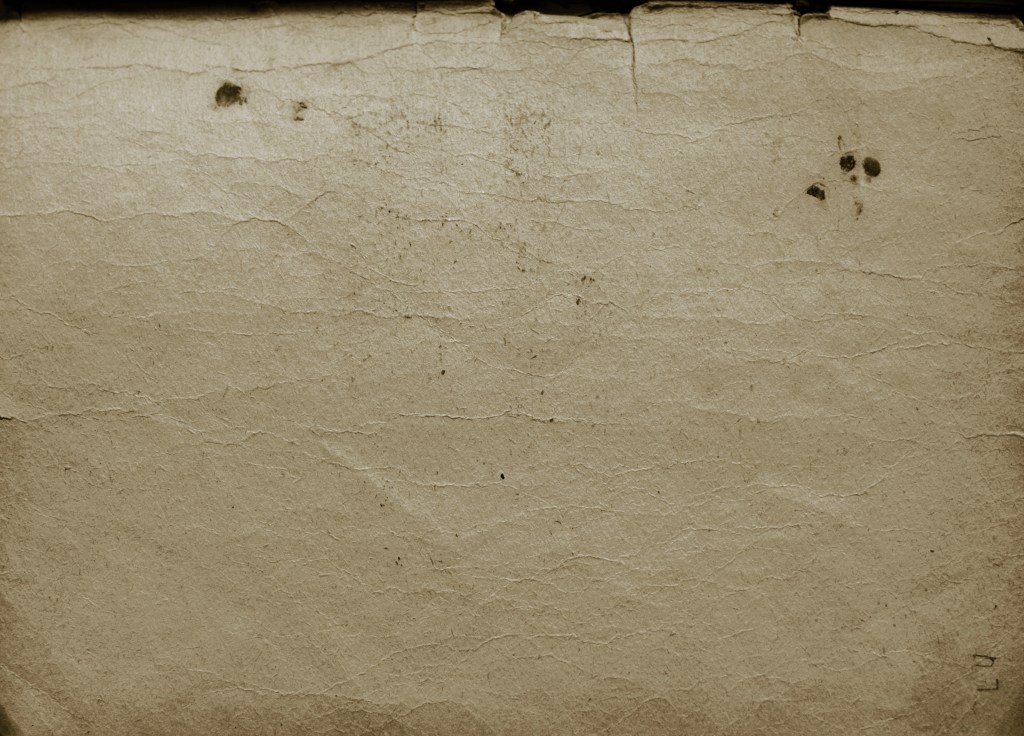
The texture I found online to add an effect to my covers

I think the texture worked extremely well! (below) This is what the first cover that I designed looked like with the texture included:
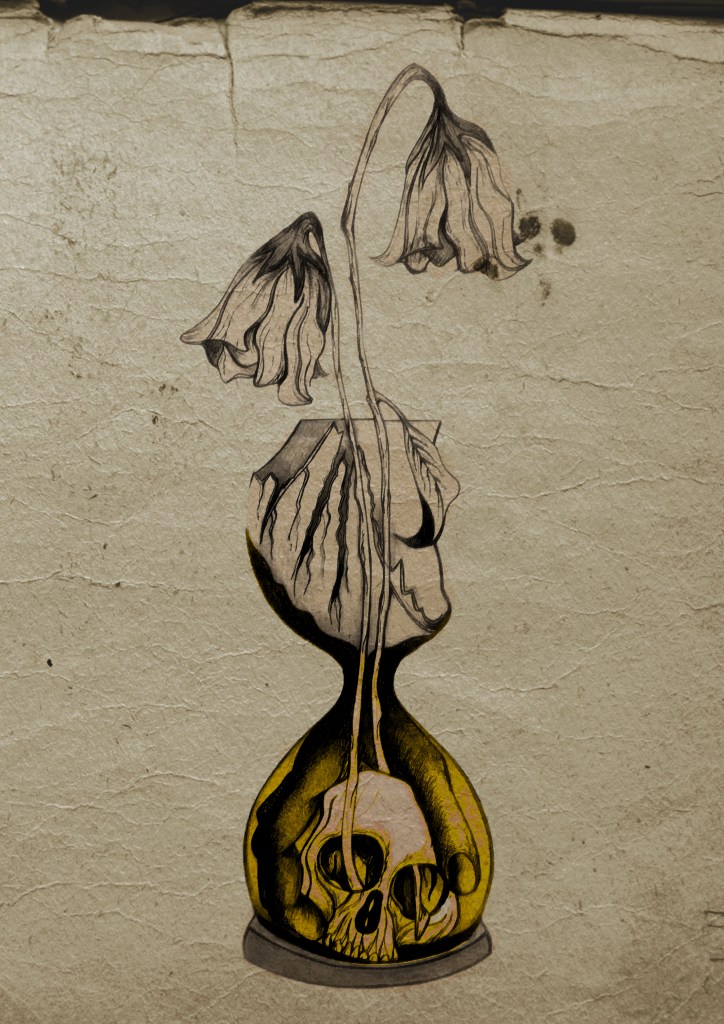
I then had the problem of successfully adding text onto the cover without making it look too drab, boring and old fashioned. Although I wanted the covers to have a vintage feel I also wanted a modern feel to the design to bring the book into the 21st century and to make sure that it is still relevant for many more years.

This above is the design I toyed with; I liked the idea of Franklin Gothic as a font at first glance.. it was literally the first trial typeface I used and tried it with. In my head I knew I wanted the text to be quite prominent across the whole cover. I had the idea of turning the opacity down to make it partially see through. I thought as well I could match the colours of the type to the yellow in the hour glass (see below)

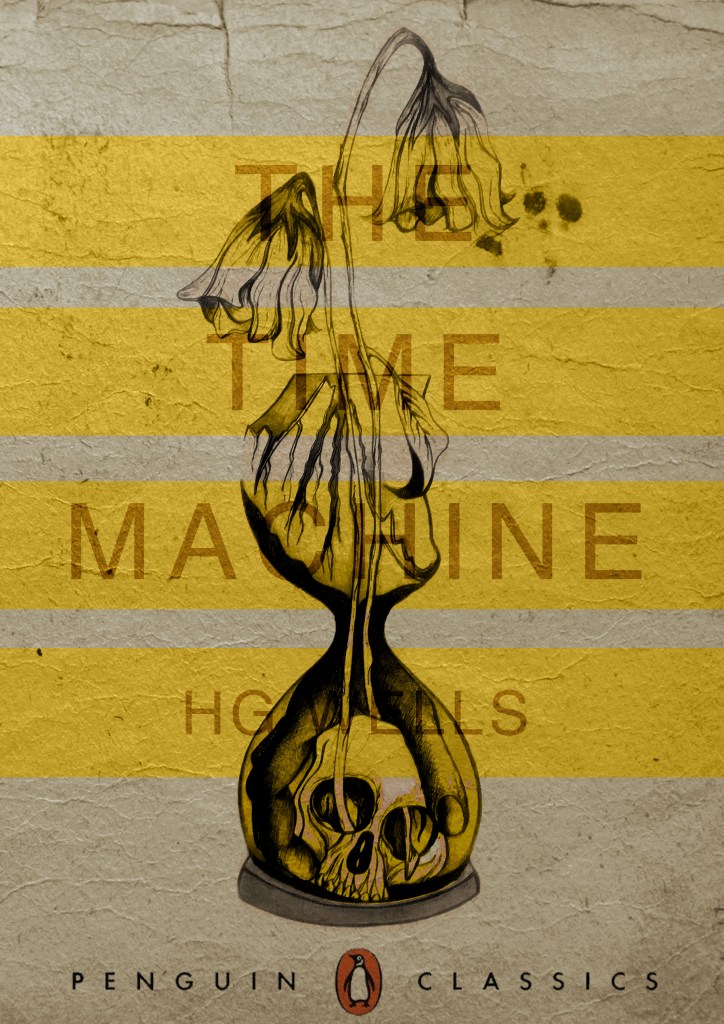
I liked this idea, the yellow worked well but it was still missing something… This is when I thought of the idea of using coloured bands across it (one for each line of the title)

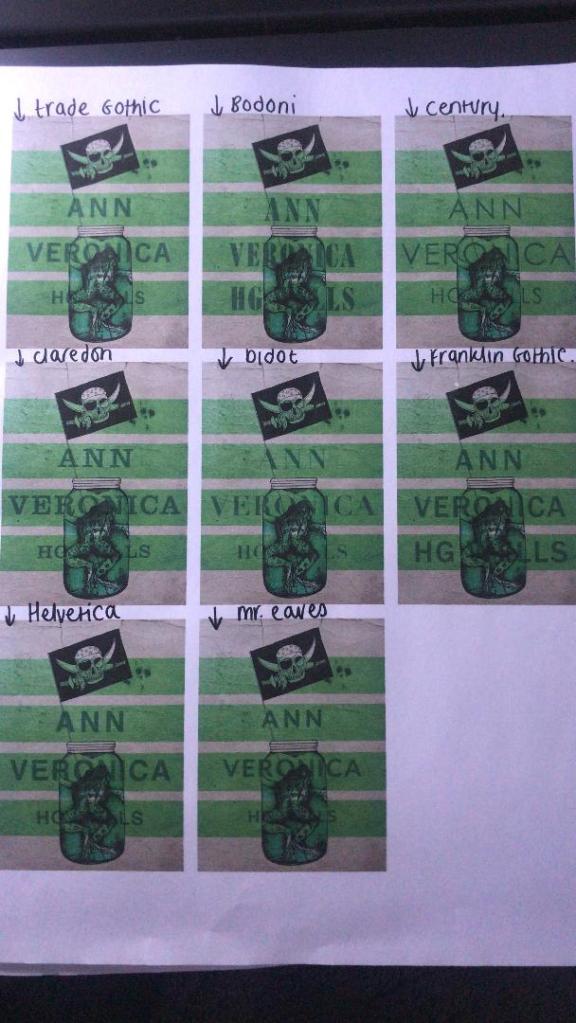
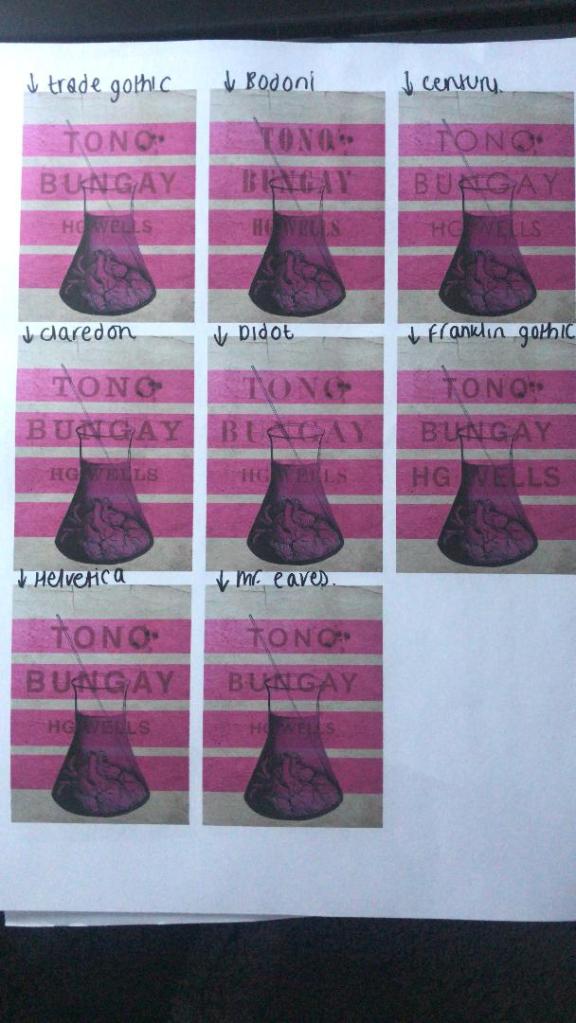
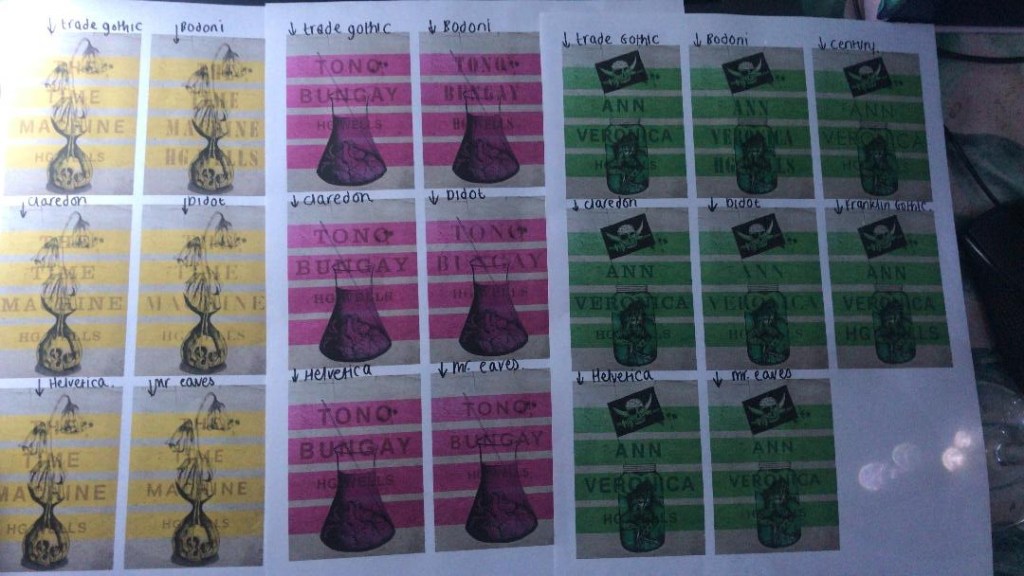
I really liked this idea! The only thing I needed to work on was the typography! I spent a while (a fair time!) picking out some of the best fonts and using them on all the designs to print out and compare! I sent photos also to my Mum who using her expert opinion and eye ;p picked out Helvetica! I also shared captions on my Instagram and people replied also with Helvetica. The reasons?.. obviously with it being the font of choice for most designers and also for the fact it is strong and stands out on a cover.

These are the sheets I shared with all the different fonts! (below)

So! Helvetica was the popular opinion!… and you know what?!… There is a reason why Helvetica rules all!.. I actually really like the look of them! The type is still illegible in places but I can work on that!

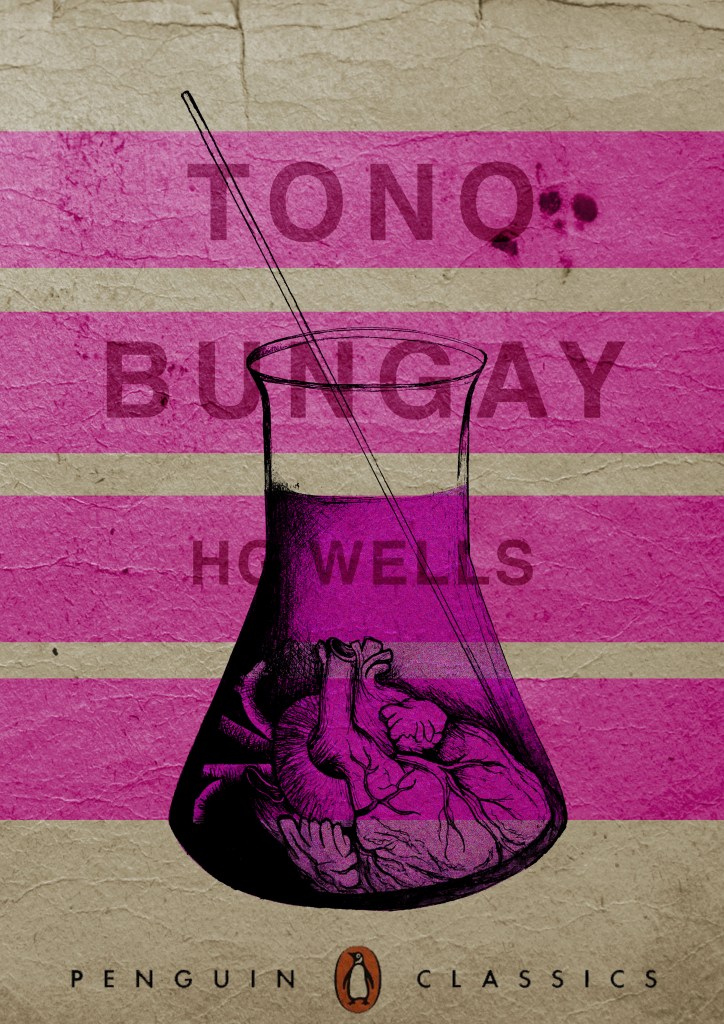
I then wanted to give it a go adding the publishers name and logo. I decided to go for Penguin – The classics! I found a logo online (not the best way to do it for pixelization and plagarim… BUT the brief states to use one so!…)

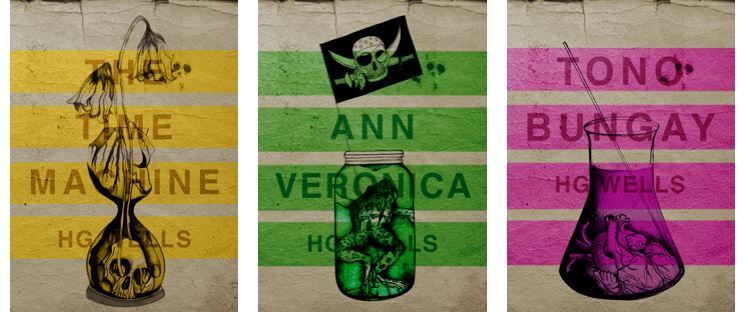
This one is perfect!… I then added it to each of the designs and adjusted the layouts accordingly and this is what they look like so far! 😀 really, really chuffed with them so far!

I still have adjustments to make; the illegible type, the hyphen in Tono – Bungay, the bars so that they all line up, the spine to design, bring everything together to create the final cover and then make mockups on actual books but at the moment I am pleased!
The Time Machine: Digital Development

Yesterday I decided to have a go importing my hand drawn ink design into Photoshop and have a play around!

I am not a pro at Photoshop to say the least, so the tutorial I watched on Skillshare a while back that I wrote in my blog about really helped me!..

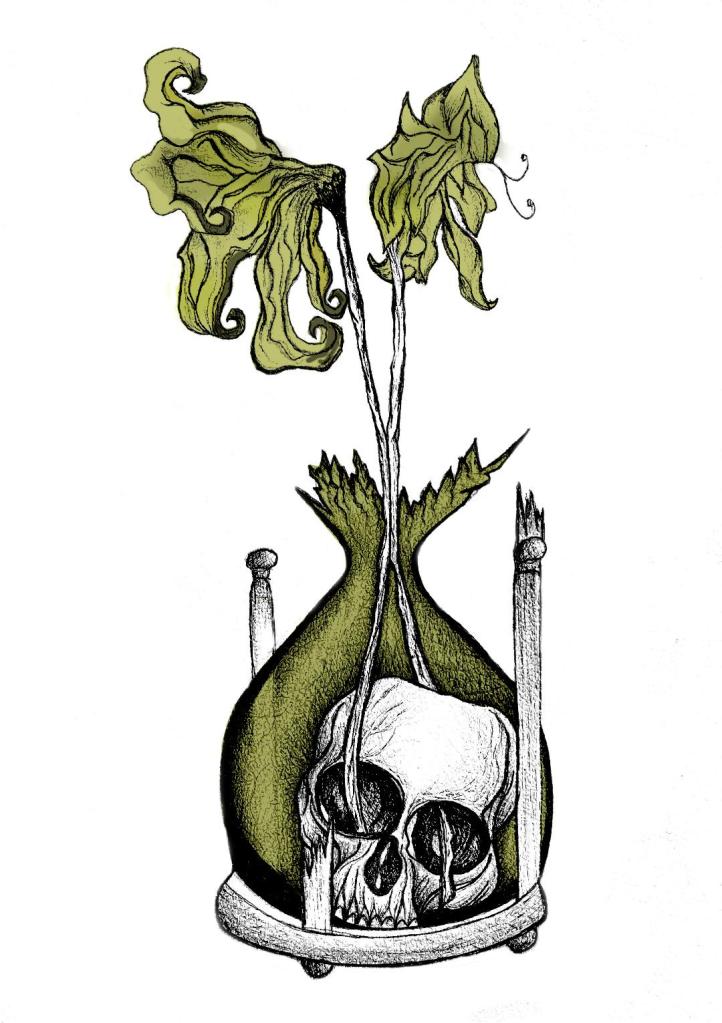
I decided to change the colours, I want each of the 3 books I design to use 3 different colours and work as a series in that the designs are the same and also the colours tie them together. The flowers in the Time Machine are white but dead, brown and withered at the ends so I decided to alter the colours to match this… I went with a white/murky yellow/black colour scheme.

To get me familiar with changing the colours and doing certain things in Photoshop I had a play around first, this was the trial starter piece..

Using the pen tool to draw around areas and making them a selection so that I could add colour to the area and then multiply to blend it in with my line drawing. I then created a clipping mask on a duplicate layer to further blend more colour in.

When I felt more confident I then started on a proper version;

This one I kept the colours quite subtle… I coloured in all of the flower shapes with a murky yellowish colour and carried this on into the hourglass. I liked it but it didn’t shout out at me..

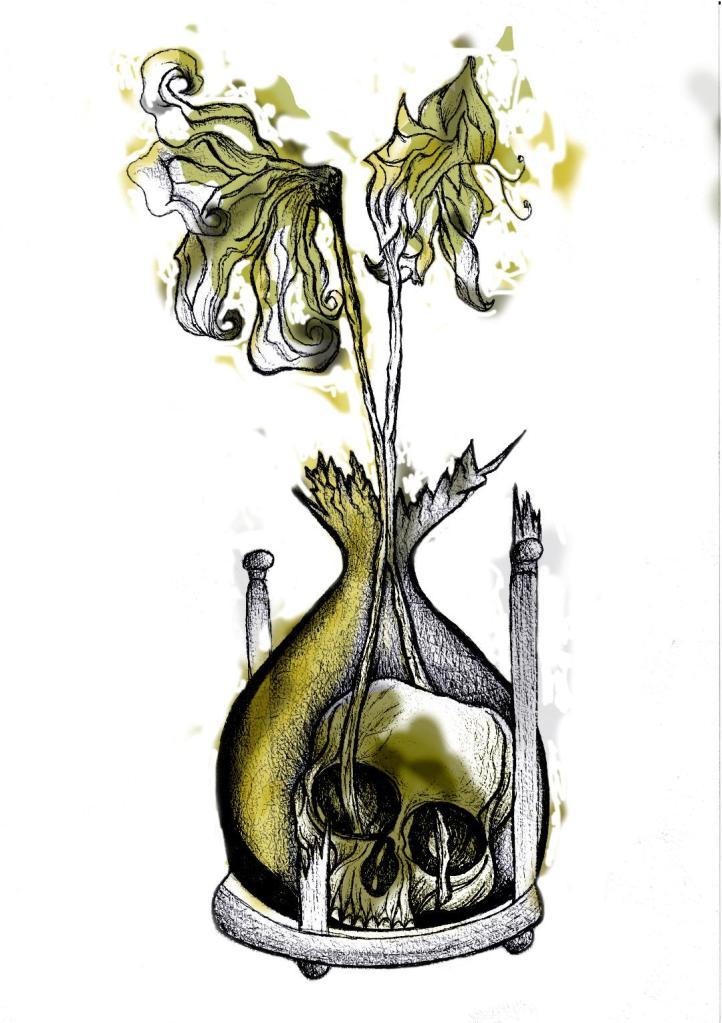
With this version I messed around more with the colours and blending them to create 2 tone effects. I accidentally moved the flowers layer but actually quite liked it being out of the shape slightly.. It gave a mix of the 2 colours; white and yellow. I also created like a water colour/watermark effect at the top of the petals.

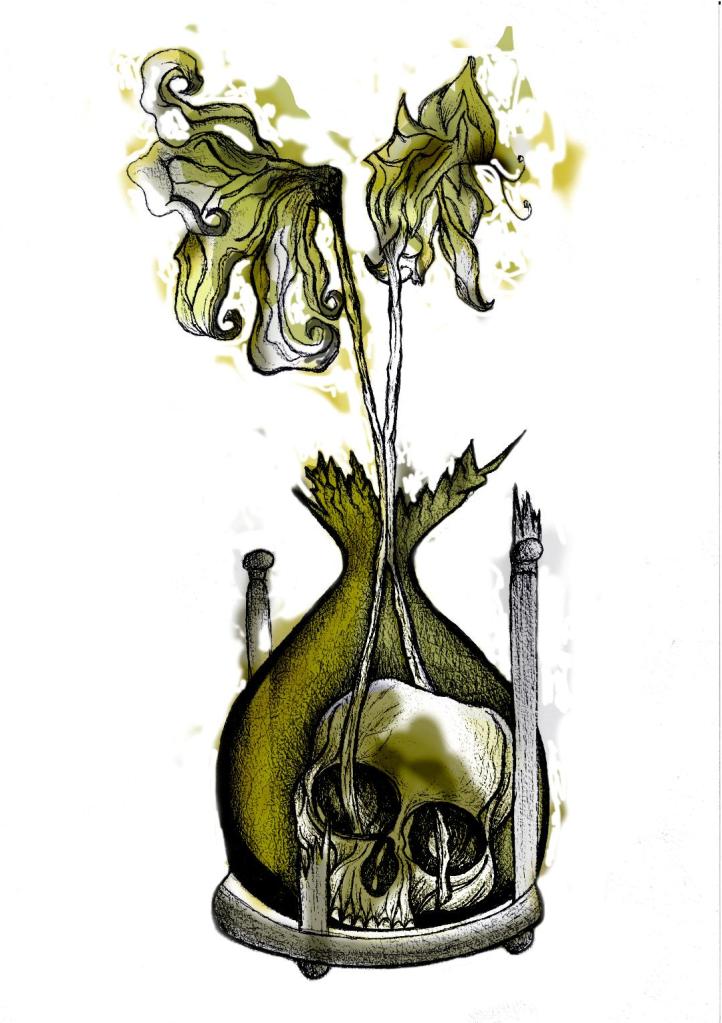
In this version I made the colours more deep and murky. I feel the colours are the strongest in this version. Overall I am happy with the progress I have made with it and the new skills I have learned, however It still needs improvement… I now need to find ways of how to make it work on a book cover with the typography element etc.. I think though that I shall draw the other 2 book designs and then take all 3 of them together and then look into layout and typography etc..

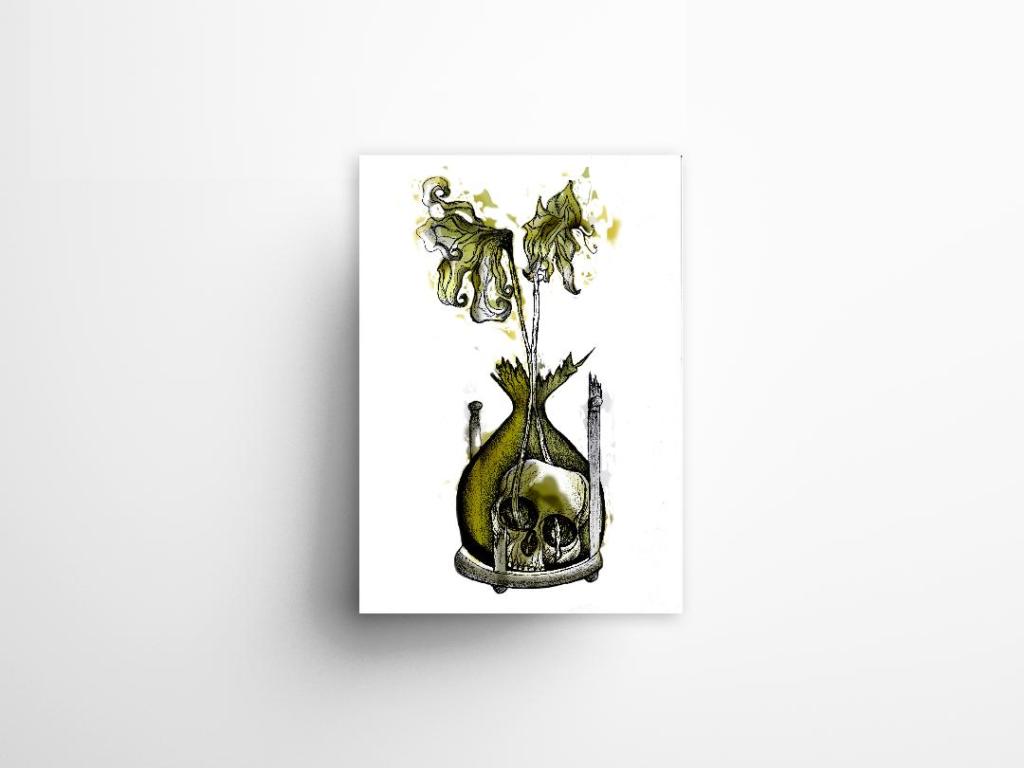
I also looked at mockups for displaying work more professionally on my Instagram account. I downloaded a simple poster mockup document and then added a drop shadow around the edge of my image.

The Time Machine: Drawing development (cont.)

Last night I finished the second attempt at my drawing! – The new and improved version with the “time” element. I feel that when you look at this image you can get more of a feel about what it is relating to rather than the version with just the bottle. it works better as an overall design for the book as it gives away more of what the story could be about.

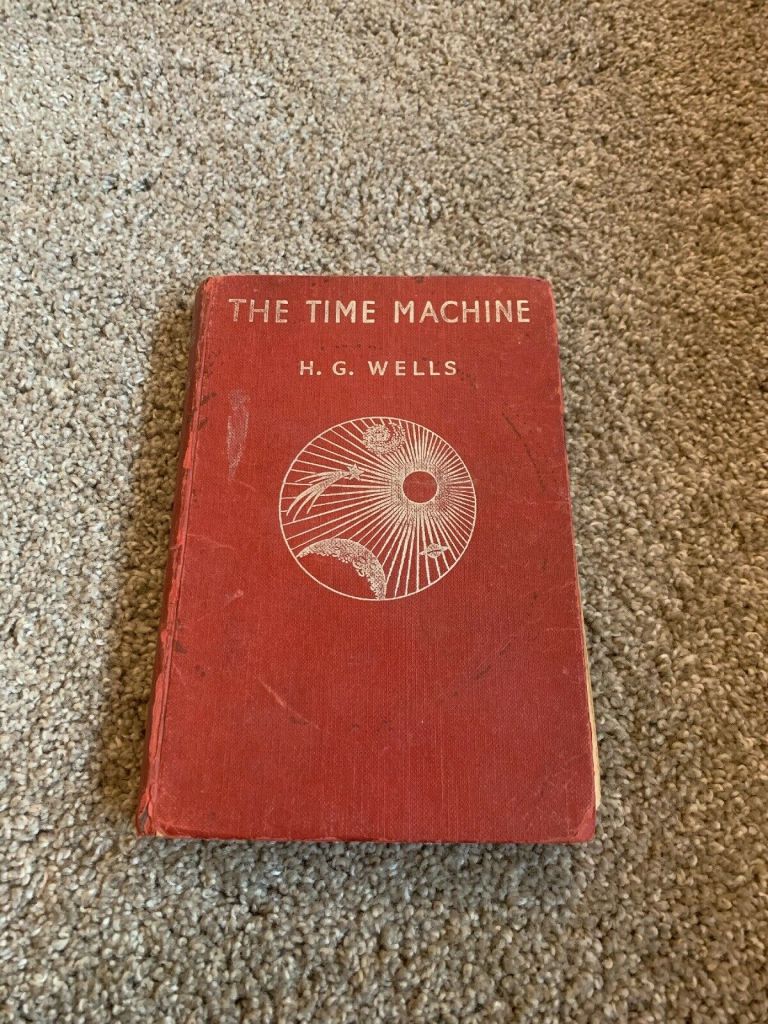
I think I shall develop this a little bit by importing it into Photoshop and adding different colours. I think I shall also experiment with different media; watercolours, pencil crayons etc… I have also bid on an old 1950s edition of Time Machine that is falling apart specifically so I can tear the pages out and collage them into my design (That’s if I win it!). I want to experiment a little bit more!

The Time Machine: Drawing Development (Cont.)

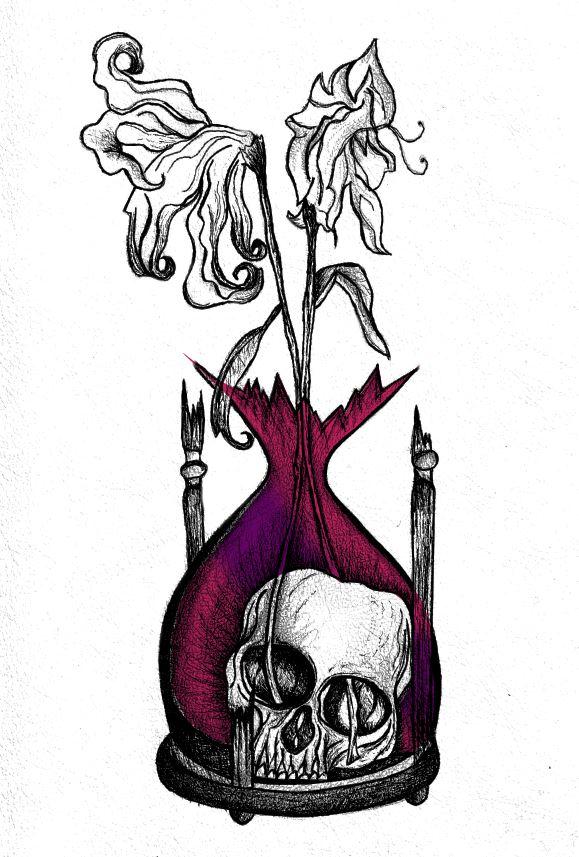
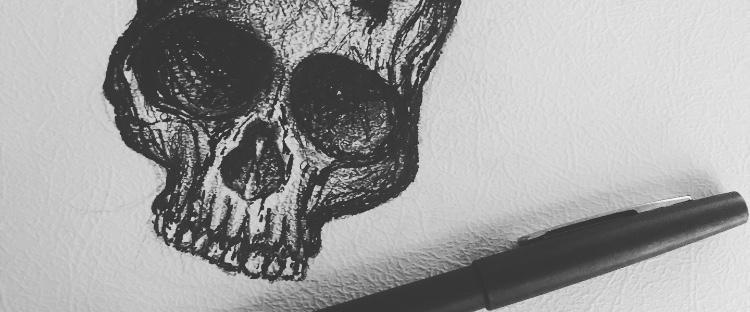
I finished off my first design drawing of the skull inside the botanical bottle and the 2 white dead flowers out of the top.

I am very pleased with how it looks! (and it looks quite nice on my insta feed! ;p)

However!…… I feel like I am diverting away from the purpose of the book (with my pure shock at how decent this actually looks after so long not drawing!!) – I feel like it is lacking the “time” element… The whole purpose of the image on the cover is to give a snippet of what the book is about, at the moment it could be about anything! The bottle could be seen as a normal vase so it’s not as though the science part I am trying to portray gives it away!

I thought back to the hourglass timer idea I had in my sketchbook and began to think about how I could bring that back into my designs..

I scoured Pinterest (see below!) I wanted an hourglass timer but a broken one; I wanted the flowers to protrude out of the broken glass. The Middle tattoo on the link below is the one that gave me the idea for my next drawing.. I could turn the bottle on my present drawing into the bottom broken half of an hourglass timer.

The drawing would then have the “time” element, the cannibalism story of the Morlochs with the skull and the 2 white flowers which symbolise that the time travel happened and represents the love from Weena.

This is what I have so far!…