Exercise: Signs and Symbols

  • The brief
  • First thoughts
  • Research
  • Initial Ideas
  • First designs
  • Final design
  • Critique and Feedback

The Brief

First Thoughts

I will admit that when I first read this brief I felt confused and frightened by it and I had no idea of what I would do! – There was just so much being asked and explained and so much information to absorb!

I think that including metaphors and similes into the equation made me initially freeze and panic and make the brief seem far more sophisticated and complex than it actually is. My brain was trying to find complicated answers when actually it was quite a simple response.

My first thoughts were to familiarise myself with metaphors and similes as my GCSE English days were a very long time ago!..

Metaphors – To compare something as something else (2 unrelated subjects) Refers to one subject by mentioning another or it might identify hidden similarities between the 2 things.

Similes – To liken or to say something is similar to something else, particularity using the words “like” “as” or “than”. “As brave as a lion”.

Moving on from this I decided to research some metaphors and similes around the 4 words I have been given to choose from in the brief. I chose Love and Danger to look at some examples and then to decide which one I would choose;

Love

  • “Falling in love”
  • “blanket of love”
  • “Love is a battlefield”
  • “Love is a garden”

Danger –

  • “Skating on thin ice”
  • “playing with fire”
  • “On dangerous ground”
  • “sail close to the wind”

Research

The next step in this exercise was to research existing signs and symbols. When I first read this brief there was only one designer who sprang to mind – Margaret Calvert who designed and implemented signs and symbols for our roads. I decided to refresh my memory on her work.

Margaret Calvert

Margaret Calvert is a famous British typographer and Graphic Designer who designed many of the existing road signs on the roads in the UK. Margaret also designed the typeface “Transport” which is also used on road signs.

Transport font.svg

Calvert was South African born and bred, she moved to England in 1950 where she started studying at the Chelsea College of Art. Her tutor there named Kinneir, asked her to help him design the signs for Gatwick Airport. They both chose the black on yellow scheme for the signs after researching that this was the most effective combination.

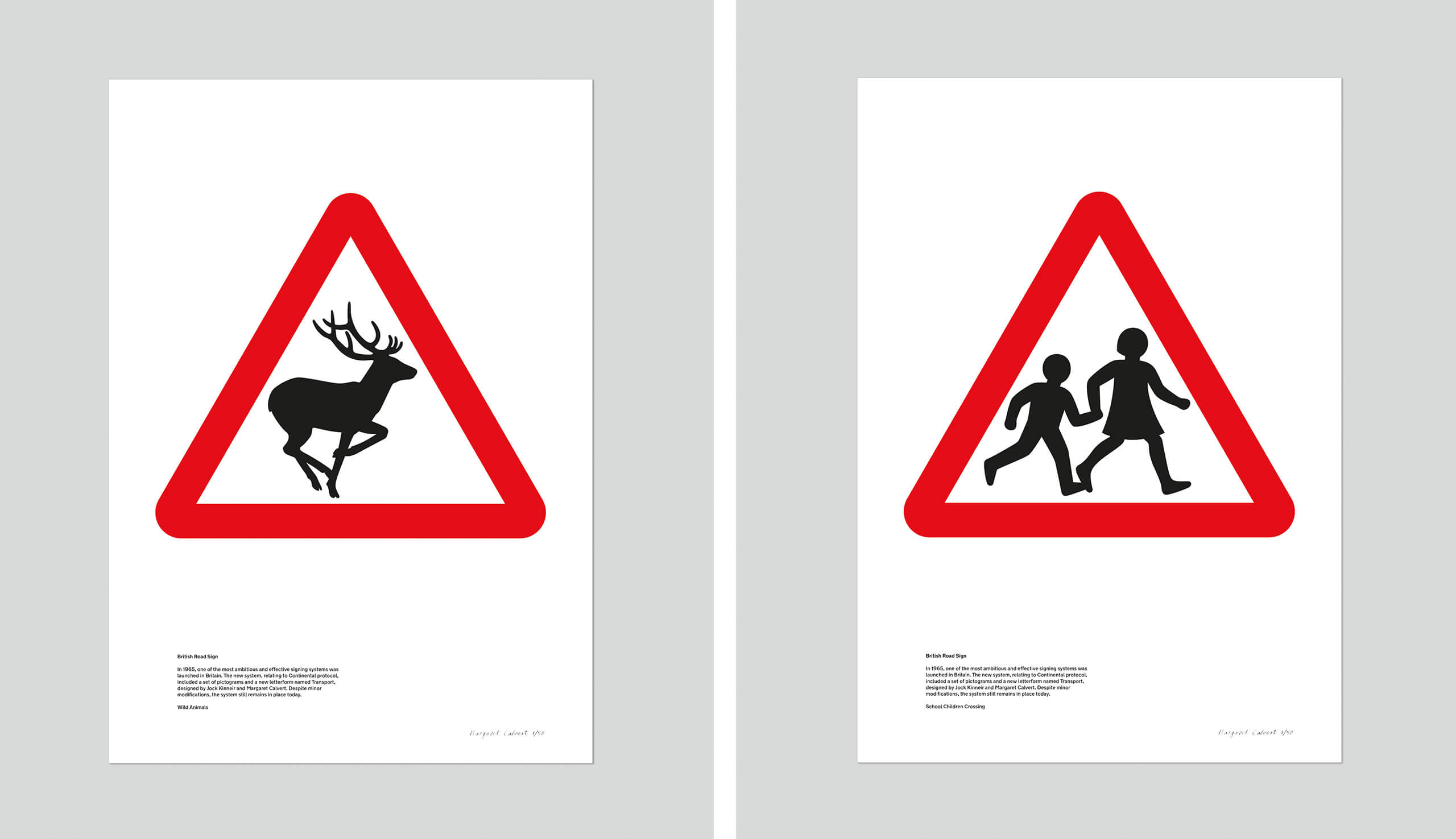
In 1957, Kinneir was appointed as head of signs for Britains roads. This worked out well for Calvert as he asked her to redesign the road sign system. Calvert came up with a very simple and easy to understand approach by using pictograms. Some examples of this are:

  • “men at work” (A man digging) – Calvert would appear on an episode of Top Gear where she would try and defend this controversial sign which to many looks like a man is having a fight with an umbrella!
  • “Farm animals” – This sign was based around a cow called Patience that she grew up on a farm with as a child!
  • “School children nearby” (A girl leading a younger boy by the hand)

All of her signs used triangles and circles; triangles showed warning whilst circles showed mandatory restrictions.

Signs and symbols are everywhere. There is a saying which goes;

“It is always better to show than to tell.”

Signs and symbols have the power to cross language barriers and can help to engage with an audience on a deeper level other than just words. Symbols are universal. Where words fail us, a sign or a symbol communicate a message quite simply and effectively. In my opinion what makes a successful sign or symbol is one which does not need any written word beside it.

I read and own a book called “GO” by the Graphic Designer Chip Kidd and in it he wrote about an image of an apple and the fact that you do not need to write the word “Apple” above or below it to convey that it IS an apple. The symbol or picture speaks for itself. This is the link to the TED talk relating to this:

Driving out and about signs and symbols are everywhere. These are just 2 that I decided to photograph in Hunstanton whilst I was sat waiting in the car in Tesco car park.
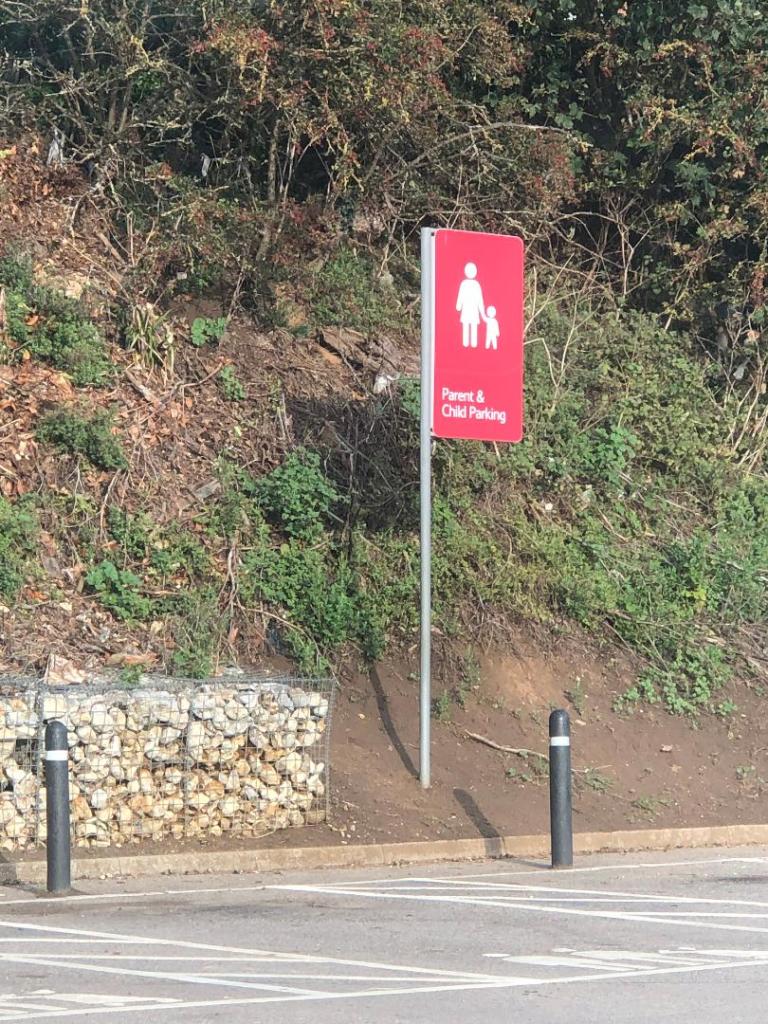
The most commonly used symbols worldwide are:

  • Arrow symbols: used to represent directions
  • Cloud, rain, snow and sun symbols: used to represent weather
  • Power, disk, wifi and bluetooth symbols: used to represent tech
  • Wheelchair, information, bathroom and no-smoking symbols: used on different signs found in public places

These are known as universal symbols. There is no language barrier; everyone from any background, culture or country can understand what they symbolise and mean. They are understood immediately with no ned for explanation.

Sign and Symbol shapes

It is not just the symbol itself though that needs great thought.. it is the shape that the symbol goes within. Different shapes represent different meanings.

  • Circle: Completeness, cycles, continuation, playfulness
  • Square: Stability, tradition, security, straightforward
  • Triangle: Transformation, movement, balance
  • Intersecting lines: Relationships, connected
  • Spiral: Growth, evolution, transformation
  • Five-pointed star: Excellence
  • Arrow: Direction, movement, force
  • Curved lines: Movement, connection, fluidity
  • Diagonal lines: Tension, excitement
  • Zigzag: Path, confusion

Circles and Triangles are the main shapes used on signs. Circles symbolise something that has to be conformed and adhered to whilst triangles carry warning. Triangles are renowned for their harsh sharp edges which carry warning in itself alone.

Sign and Symbol colours

The colours used within signs and symbols is another very important factor to consider. Signs need to stand out and be visibly noticeable right before you even reach them and the only way this is going to happen is with the use of simple contrasting colours. Black and yellow contrast each other and stand out. Black and yellow are always used in warning signs. Red and white are other commonly used colours.. particularly in the road signs by Calvert.

From looking at this research I had a good idea of where I wanted to go with this brief…

Initial Ideas

I knew that I wanted to use the word “Danger” as my chosen word to design for. From looking at the metaphors I researched, I knew that I wanted to explore “Playing with fire”.

I knew that I did not want to over complicate the design, it needed to be the simplest possible form, no use of words and clearly communicate the message of DANGER.

Playing with fire is very self explanatory. When you play with fire you are putting yourself in great risk of danger. When you play with fire you are usually well aware of the hazards and danger involved but pursue it anyway.

With this mentality in mind, it gave me the vibe and feeling of children messing around; children playing with fire. This led me back to my research around Margaret Calvert; the schoolchildren road sign. What if I could design something very similar to that of what she did but portray playing with fire instead?…

With this idea in mind, I had visions of a triangle warning sign with an image inside of children literally playing with a fireball. I did need to convince myself however that if I created a very similar sign to those of Margaret Calvert that I would not be seen as copying her work.

In the brief it states;

I will read existing signs (Margaret Calvert’s) and then drawing on their visual language (using their designs as inspiration) create my own.

In the back of my head I remember an interview with Chipp Kidd where he explained how he sourced the inspiration for his book cover designs; he regularly stole snippets, photographs, scans or past designs of other peoples work to use on his own and manipulate or change. Making work similar or copying other designers work is always a grey shady area.. but I decided I would use my own silhouette drawings of children and I made sure that there was no existing signs for playing with fire. I asked for the second opinion from my boyfriend, who is a teacher (although a teacher of motor mechanics – no design knowledge at all! :p) and he was also in agreement that the brief is pretty much asking me to create something very similar to what already exists. I am not trying to reinvent the wheel here!

From this point I started sketching some rough drawings. I wanted to make the “playing” part very clear. As soon as you look at the sign the message of “play” needs to be very clear. I pondered using football and other ball sports which could include the use of a fireball but the idea of skipping was very dominant in myself and my boyfriends mind. The idea was to have the 2 children holding a skipping rope either side and the fireball is playing in the middle. I think the idea works. It is simplistic, snappy and easily understood.

These are the first sketches of this thought process;
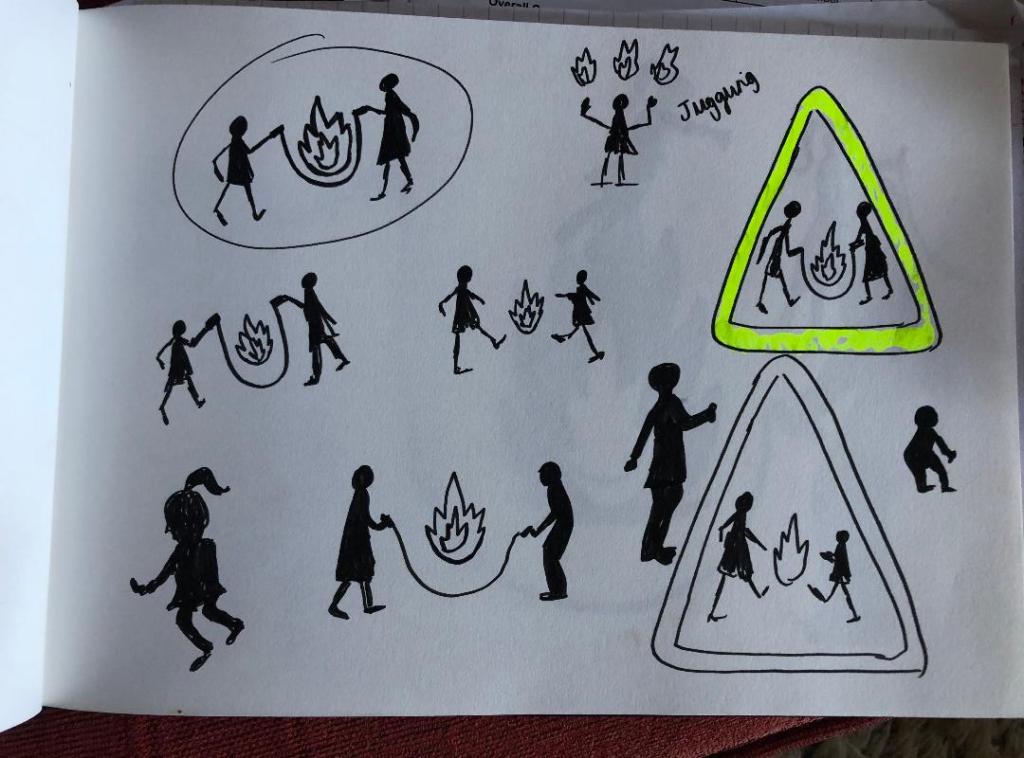
Once I had the initial idea in place, the next step was to perfect the poses of the silhouette children, they needed to differ from those that already exist of Margaret Calvert but they still needed to be simple to understand and have a posture that would appear as though they are playing.
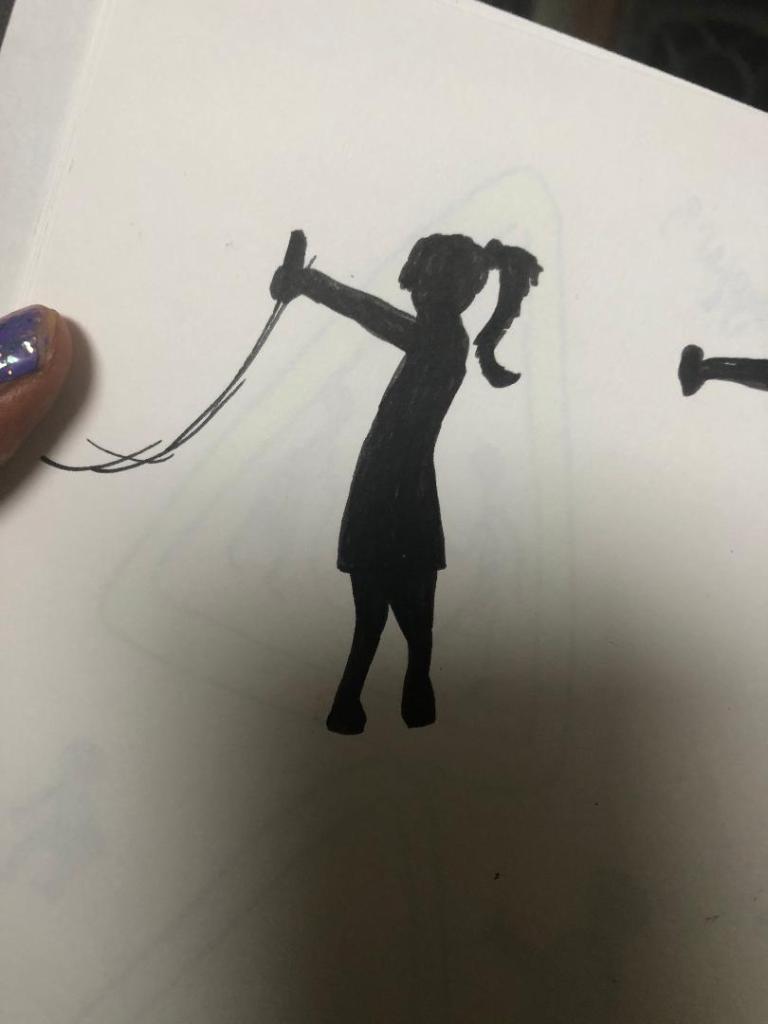
I like this pose of the girl. It is clearly visible that she is a girl and her pose is very naive and playful.
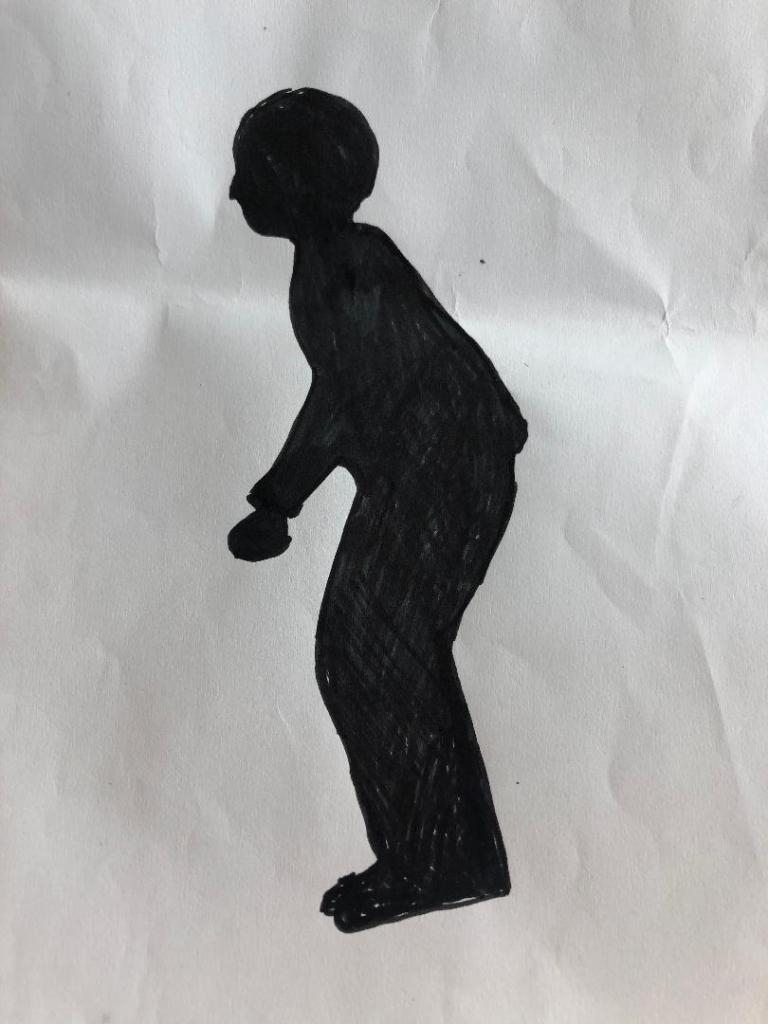
For the boy I played around with the idea of him squatting as if he was to jump or that he is moving in time to the rope swinging. His pose is not ideal and needed work.
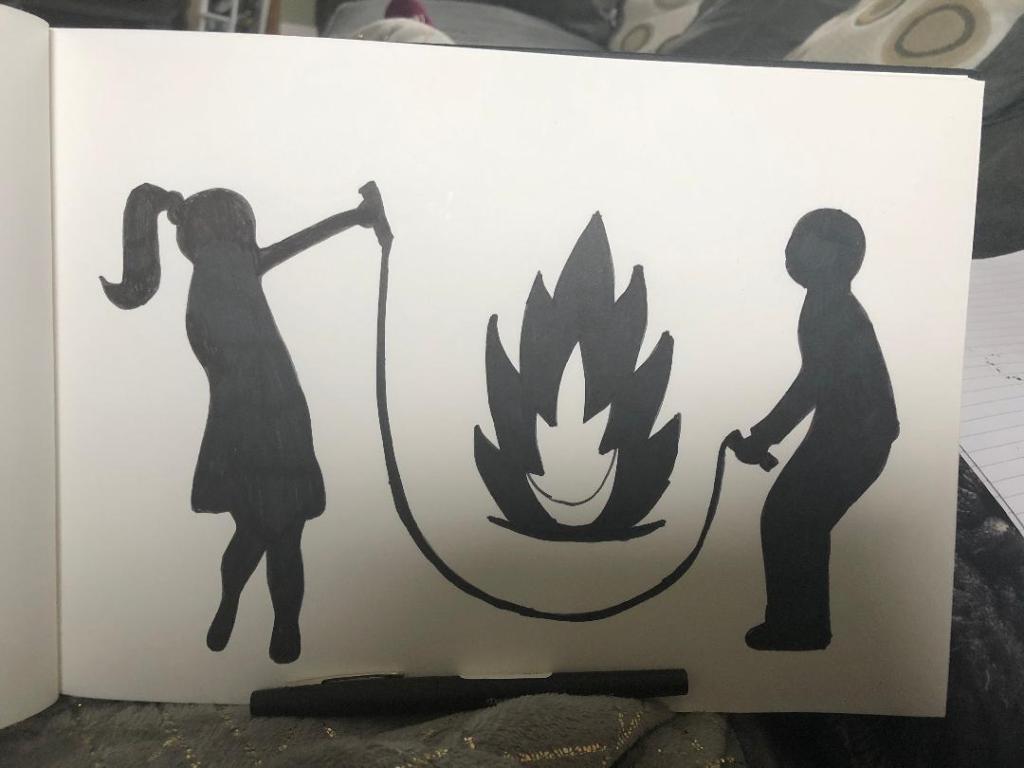
This is a rough mock up drawing that I have done of the 2 children and the fireball. There was much need for improvement on this design. The girls arm was too high up in her face and her other arm needed to be included. The boys posture was not ideal.. he looks like he is squatting from a great height off the toilet seat! – I remembered the flack that Margaret Calvert received for the men at work sign looking like an upside down umbrella and figured that if mine was a sign to actually be used in public it would be mocked considerably more!

With this in mind I decided to re-look at the silhouette shapes of the children. I decided to take a photo of what I already had drawn in rough and then import it into Illustrator to draw around in there and adjust accordingly.

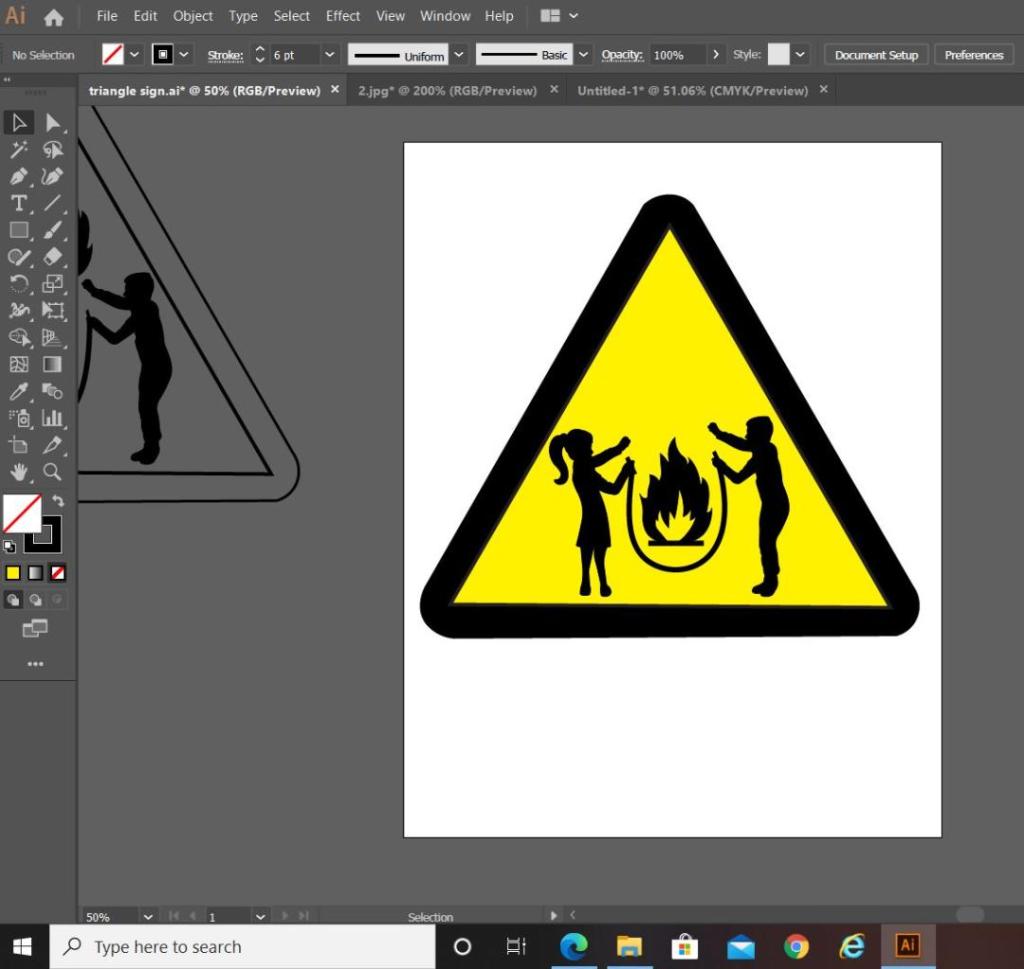
The above screenshot is from Illustrator. It shows the original shape of the girl that I drew on the left hand side and how I altered her into the middle girl that she now is. I altered the shape of the boy completely from the rough drawing that I originally drew of him – this version shows more movement and looks far more playful. I altered the girl slightly by copying elements from the boy (the nose, side profile of the face and the arms) and merging it into the middle image of the girl.
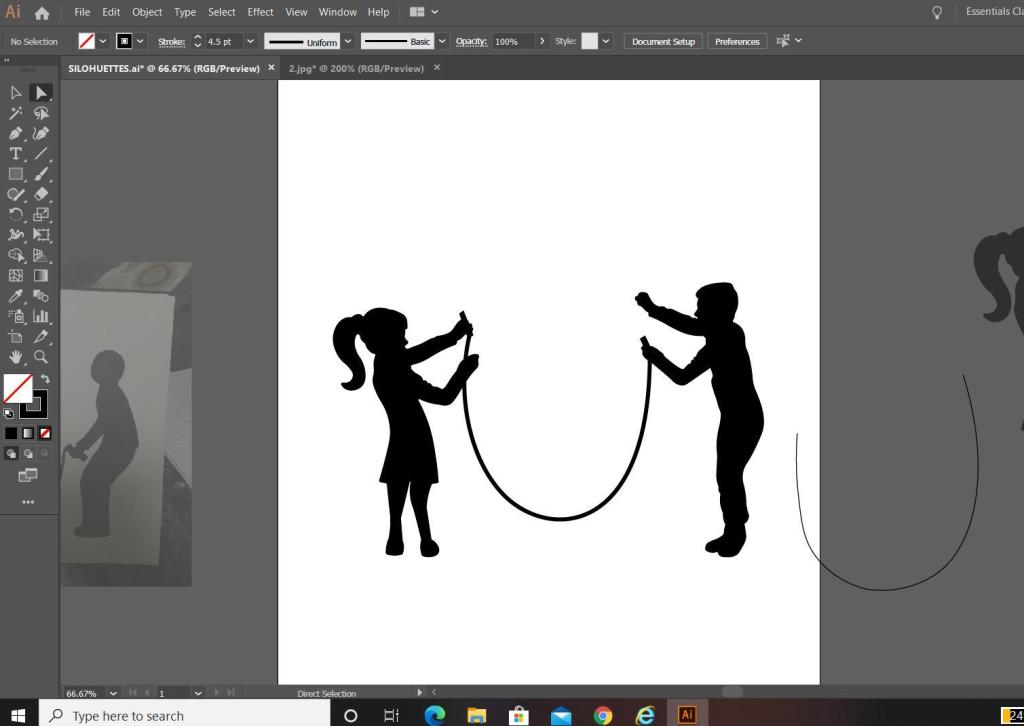
The next step was to add the skipping rope into the equation. I used the pen tool to create a perfect arc shape for it and then added handles in the hands of the children. I played with the thickness of the rope; I chose in the end to keep the rope thick in appearance to match the rest of the sign, I did think about making the thickness (or weight) of the rope thinner to give contrast to the image and to potentially break elements up to see if it would be clearer on the eye but swayed against this decision because it all needs to be bold to stand out as a caution sign potentially from a distance.
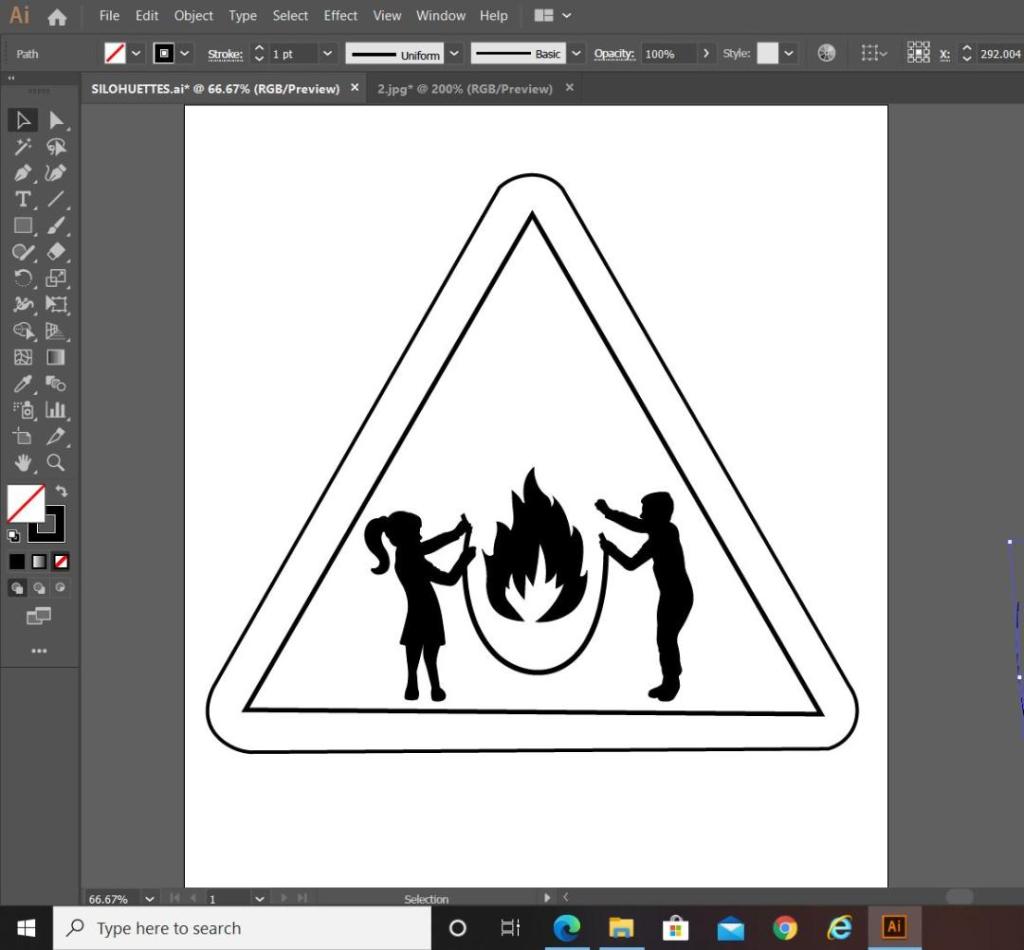
I then went on to draw the sign to put the symbol inside. The sign is a triangle warning sign, but as soon as I placed the symbol into the triangle shape I realised that I had a potential issue…

My symbol did not fill the whole inside of the triangle shape; it only filled the lower half, I knew I would have to try and play around with the sizing and positioning of the symbol itself to try and make it more dominant within the triangle. Firstly though I added colour to see how clear it works as a sign.
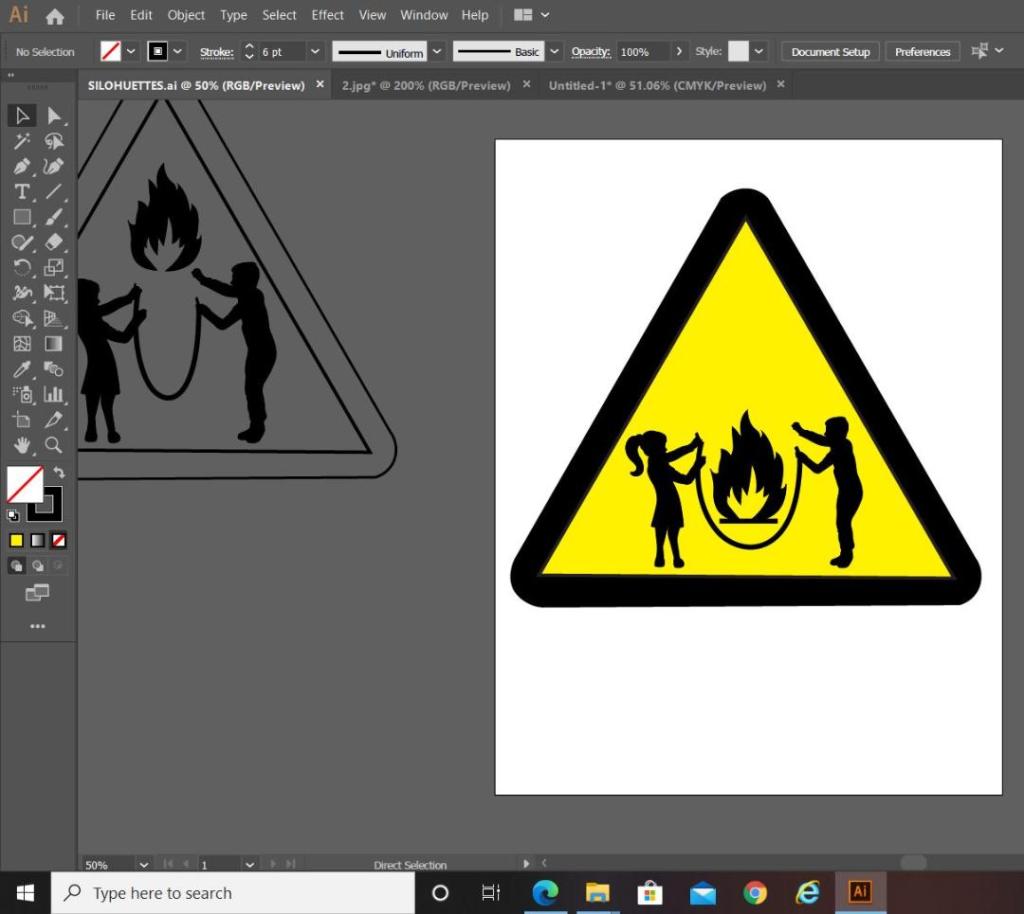
In the images above I was playing around with the positioning and sizing of some of the elements on my symbol. On the far left hand image (on the grey art board) you can see that I tried to decrease the gap between the children and made the skipping rope smaller and narrower; this did not work at all, the image looked distorted and squashed. The only way to make the symbol fit within the triangle shape better was to heighten the size of the children, push them together a tiny amount adjust the skipping rope accordingly. I also played around with the positioning of the flame symbol; I wasn’t sure if I wanted it to appear above the skipping rope or within the rope. Placing it above the rope shows that it is being tossed in the air by the rope, however with it placed within the rope it appears larger and also the eyes attention is drawn to the symbol as a whole rather than to different elements in different areas. The children’s arms are also high in the air and I wasn’t sure if I wanted the flame to be that little bit higher so that it appears as though they are trying to reach out and touch it as it is being flown into the air by the rope. My eye though is drawn to several different areas of the symbol when I separate it this way; with this in mind I think it is better to keep the flame low within the rope.
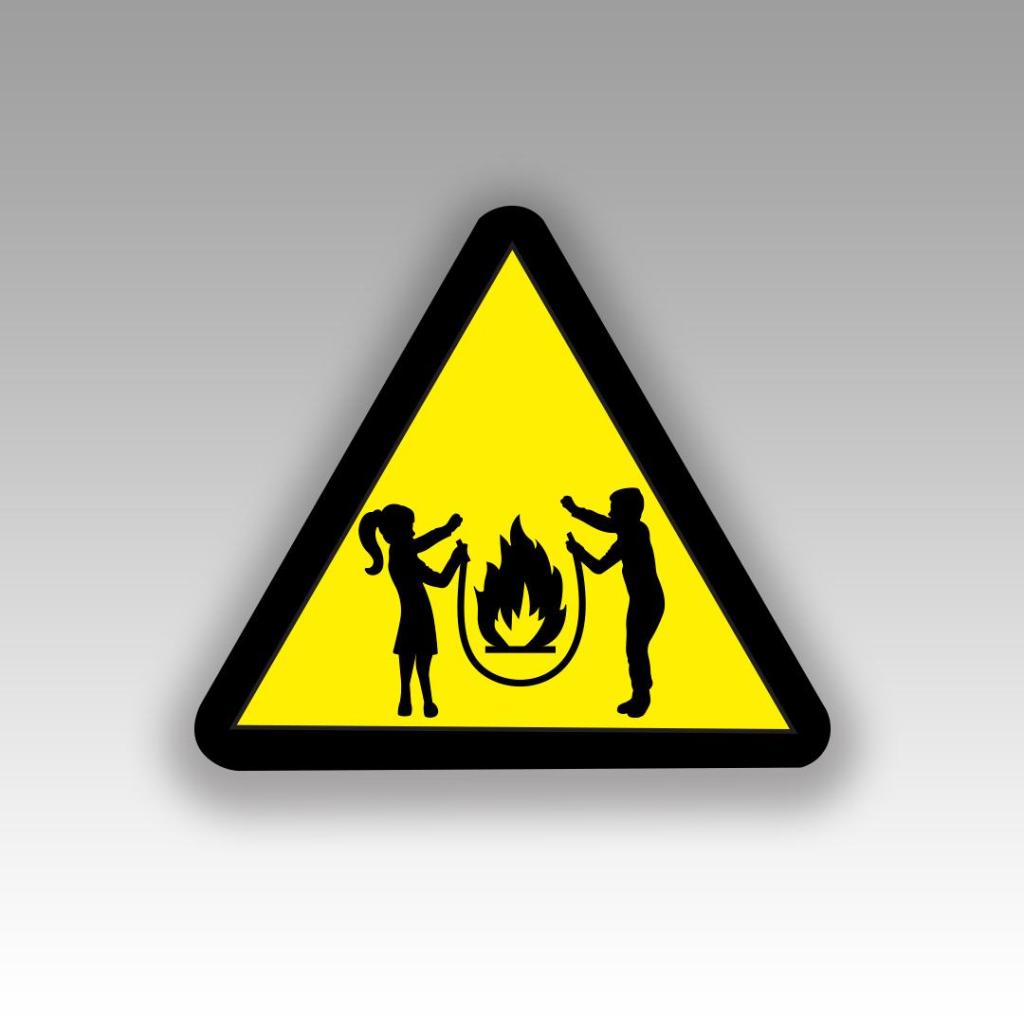
I decided to end this exercise on the above final symbol design.

I heightened the length of the children and kept the flame low in the rope to keep the eyes attention on the symbol as one whole image other than separated elements within the triangle.

Overall I am pleased with how it has turned out. I think I have met the brief by drawing on inspiration from existing signs and symbols, choosing one of the words I was given and by including a metaphor that linked to my chosen word “Danger”. I have looked into the design theory behind what makes symbols and signs effective and I have tried to include that into my own design. I would like to think that it is obvious when looking at this sign what I am referring to.

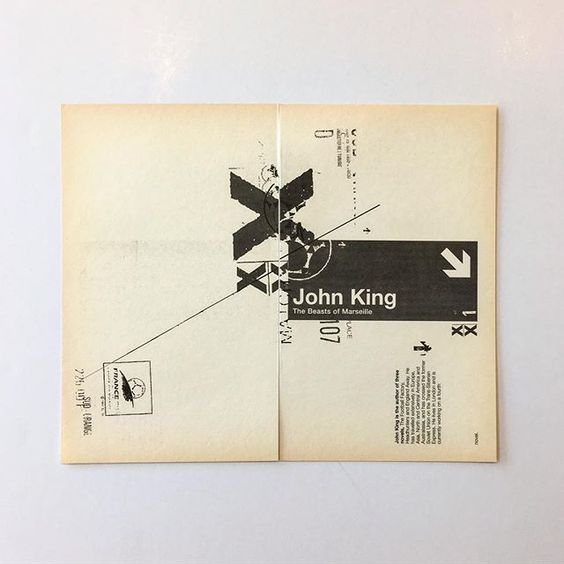
Exercise: Too much or not enough information

This next brief is based around Occam’s Razor and the principal that you strip design down to its simplest form.. the bare basics and essentials. I watched a TED talk with Chip Kidd where he basically explained that when you see a picture of an apple you do not need the word “apple” to appear with it as you already know what it is. This is the same principle. It is taking all the information and then seeing what you can strip back whilst still making the message clear.

Below is the brief that has been given me for this exercise:

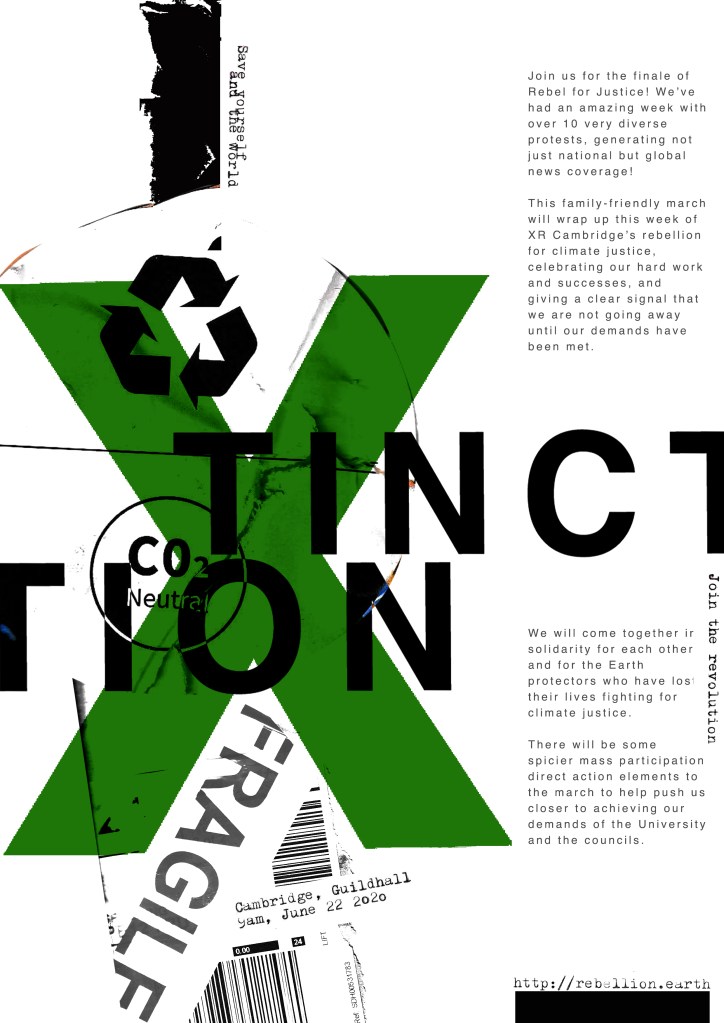
I have decided to follow on from the last exercise; I studied an organisation called Extinction Rebellion and I shall continue to base this exercise around them and one of their upcoming events.

I am a big fan of poster design, I have spent many hours watching tutorials by the @chrisdo on Youtube where he critiques his students (and viewers) posters. I have learned a lot of the theory behind good poster design so I am looking forward to this exercise.

I want to however try something different… slightly out of my comfort zone.

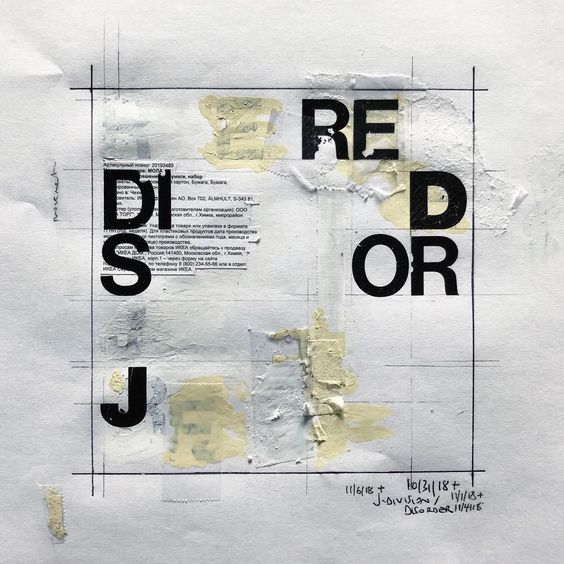
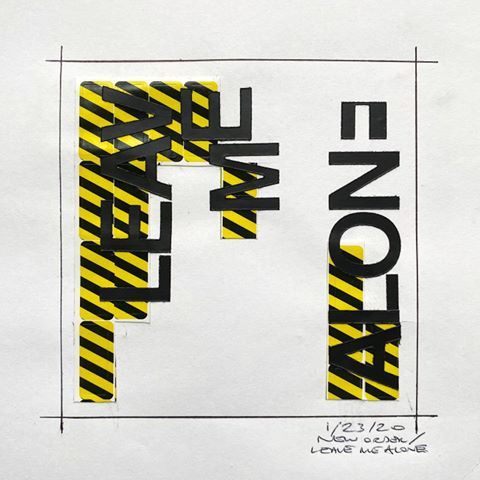
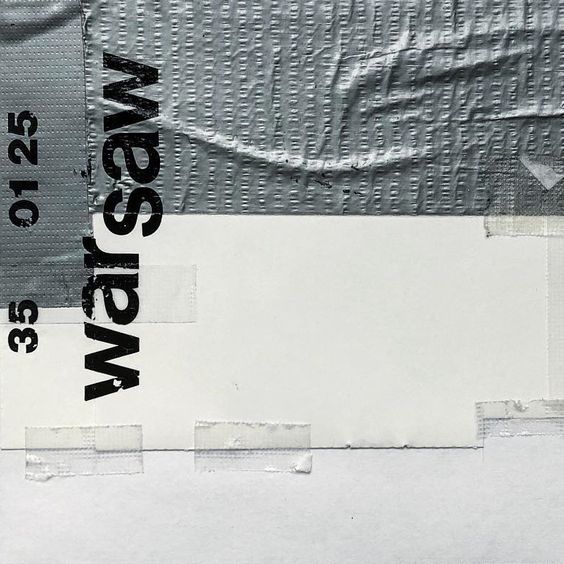
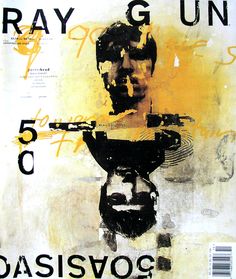
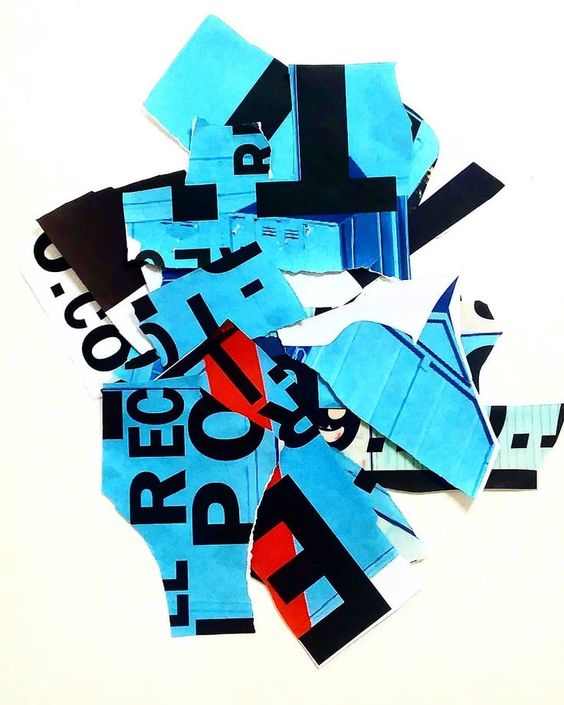
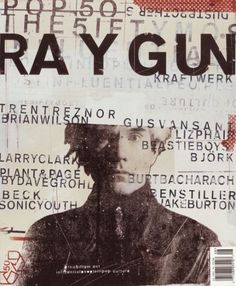
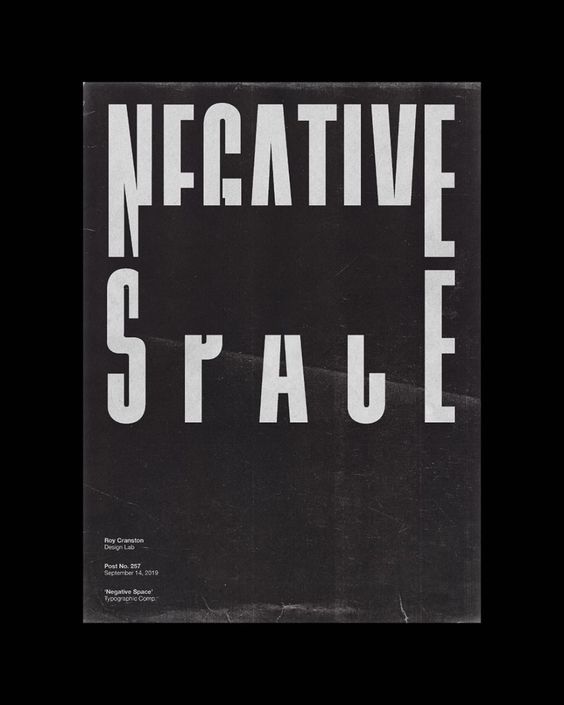
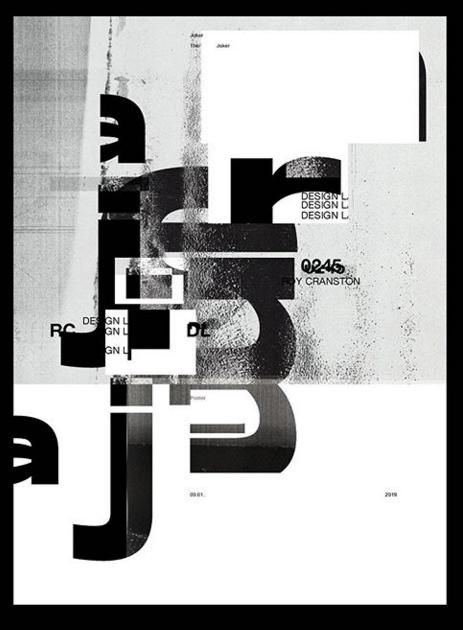
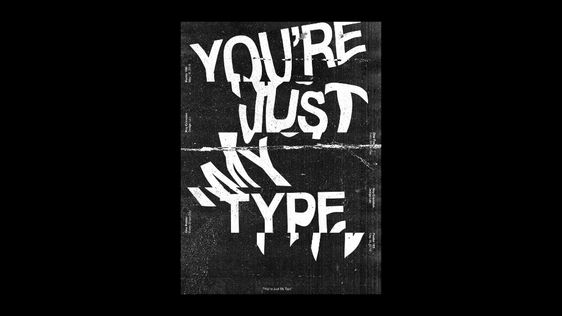
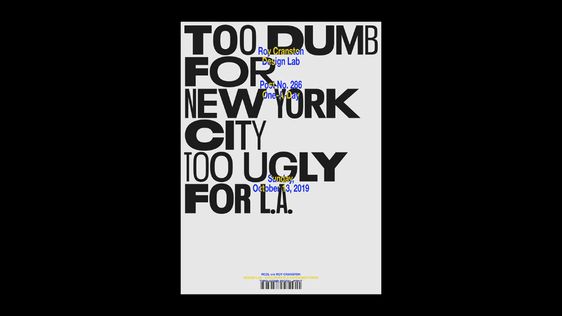
I am a big fan of “swiss grit”; Swiss typography, grunge typography and experimental layouts and collage. I particularly like the works of David Carson, Chris Ashworth and most recently Roy Cranston. “Swiss grit” is a term coined by Chris Ashworth to describe design style. David Carson and Chris Ashworth worked together on Raygun and they both have a very experimental design style; experimental typography and layouts and they are very old school in approach with hand drawn elements, old letraset typography, collage and mixed media. Roy Cranston is the new cool kid on the block. He started his design career by posting a poster a day on his instagram and now he has developed a big fan base for his designs. He has a very similar style to Carson and Ashworth in that his work is very experimental finding inspiration from everyday objects and from all kinds of different textures. The style of his work is very “swiss grit”.

Chris Ashworth

David Carson

Roy Cranston

So I have decided to try and do these 2 posters in the style of “swiss grit” taking inspiration from these designers! I am not sure I am cool enough to pull it off as it is not my usual style but I really want to give it a go!..

I have a bag at home filled with random things I have collected; parcel wrap, bubble wrap, plastic sheets, tracing paper, postage labels, cardboard, textured paper, fragile tape, masking tape and I also ordered some vintage Helvetica Letraset carbon sheets! I feel like this style would really go well with the organisation I have chosen; The organisation is an environmental group and the materials that I have chosen all contribute towards climate change and the carbon footprint so it would be interesting to see what I can do with the poster from these.

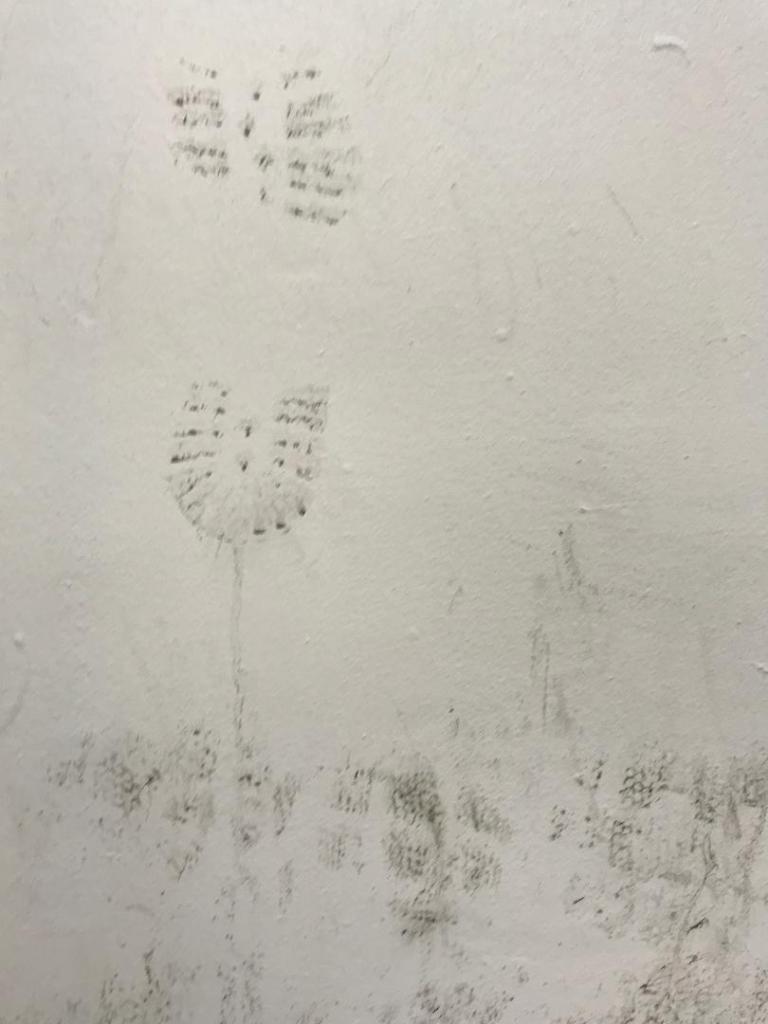
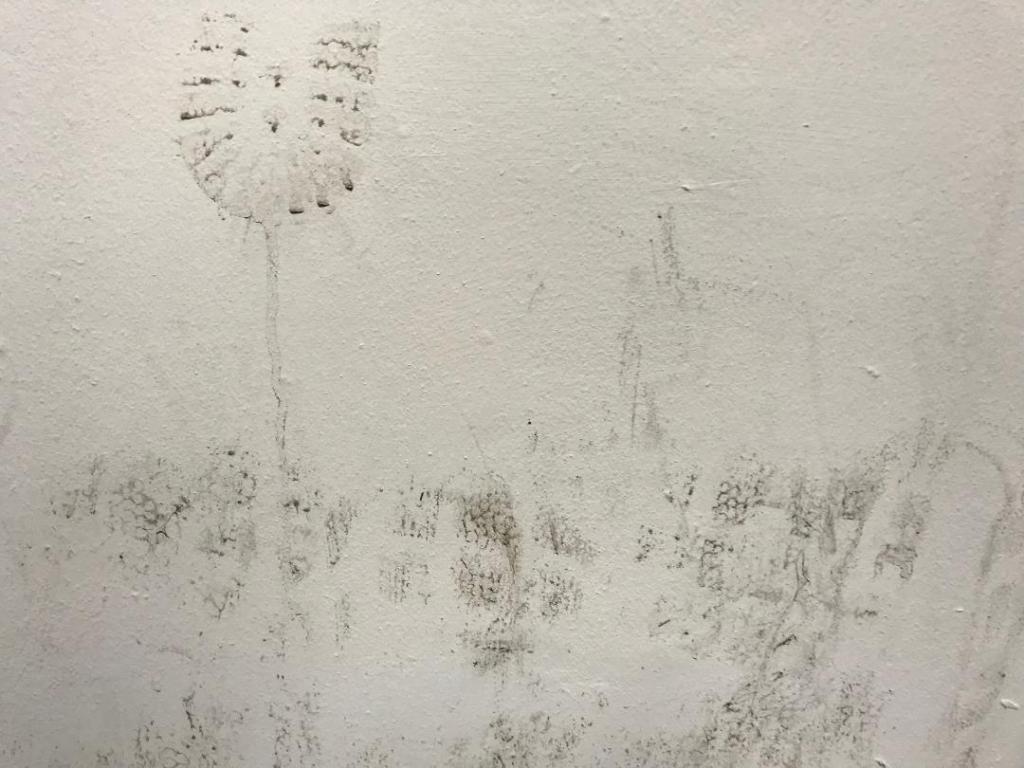
I also went for a visit to Nottingham recently and as I was walking through the car park I spotted a muddy wall with shoe prints on it. I instantly thought that this would be good as a texture for carbon footprint. I have used this on one of my trial pieces.

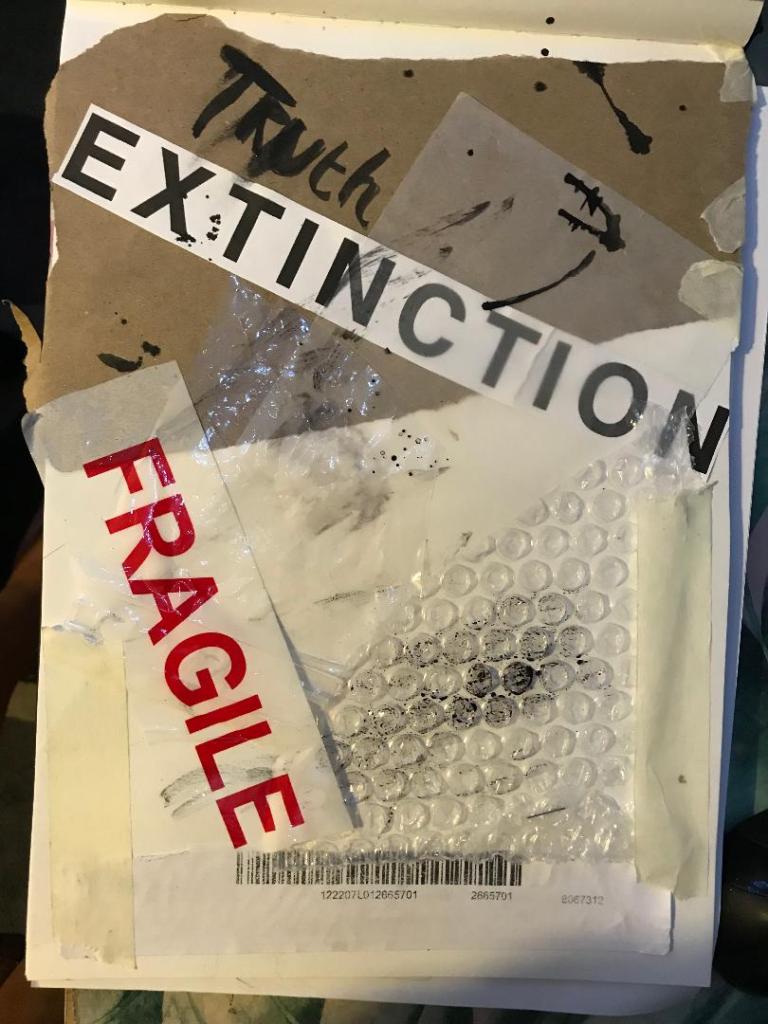
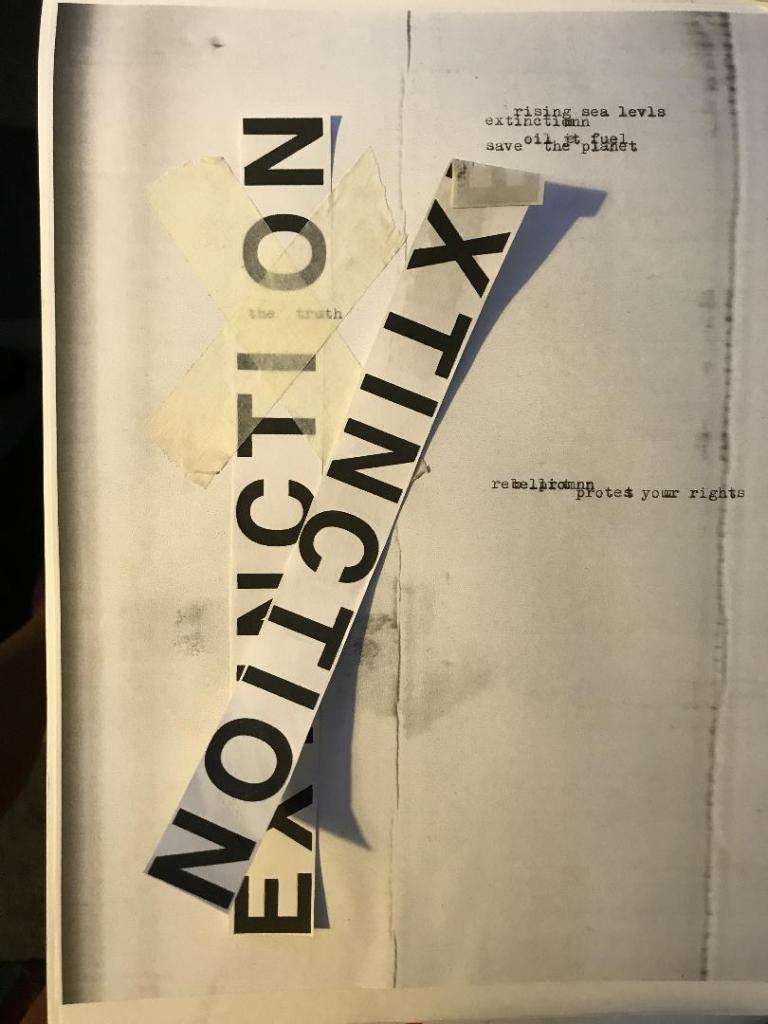
I had a bit of a mess around.. I did some experimental pieces in my sketchbook (below) and then imported them into Photoshop to see how they would turn out. I like the bottom 2 however, when you zoom out one of them does not work well as a poster as there is not enough contrast between the image and the text. The text should be in white maybe to contrast against the dark background.

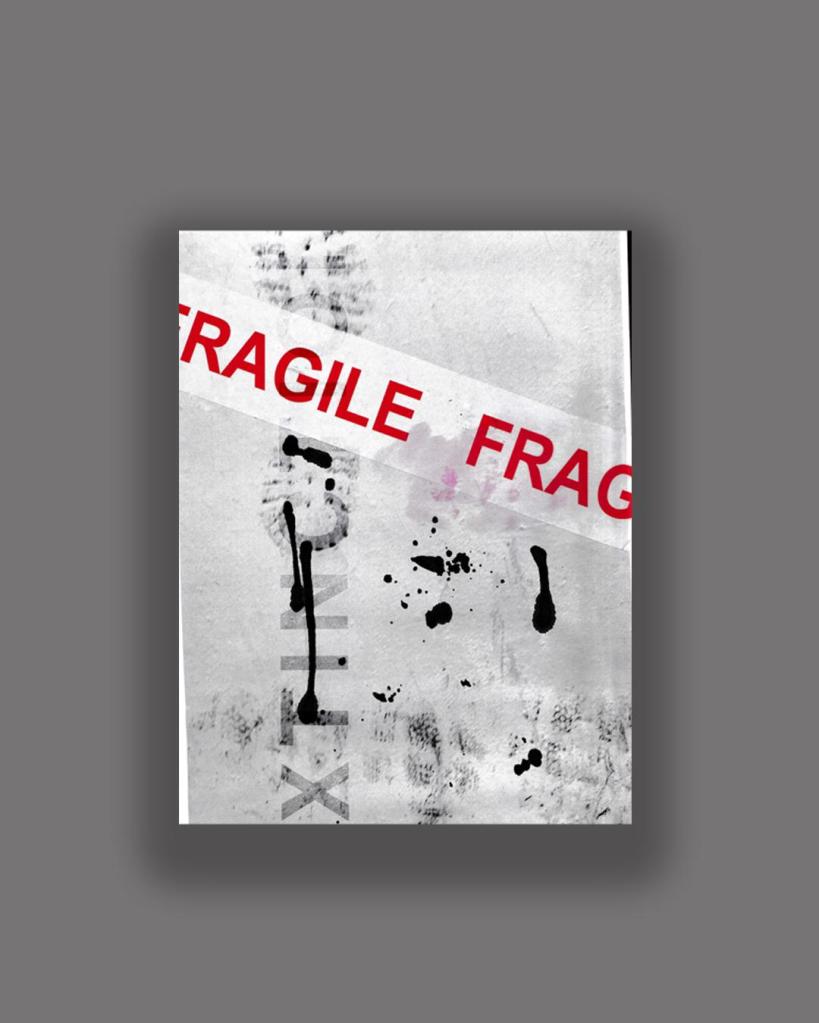
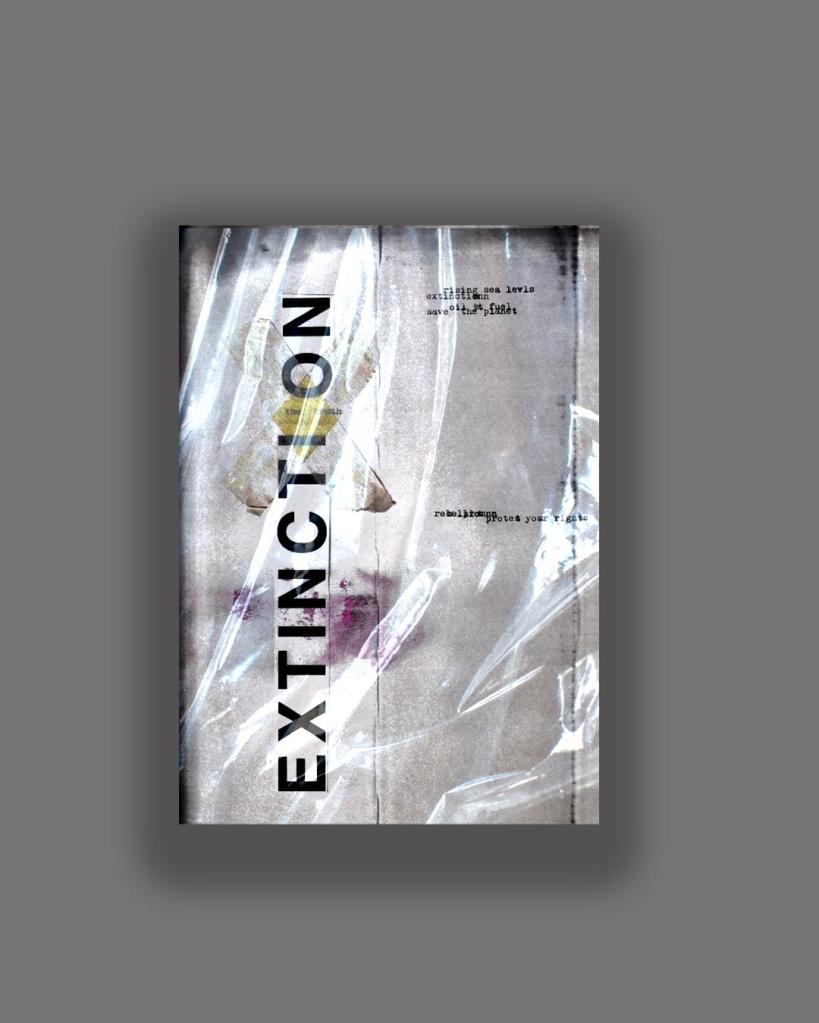
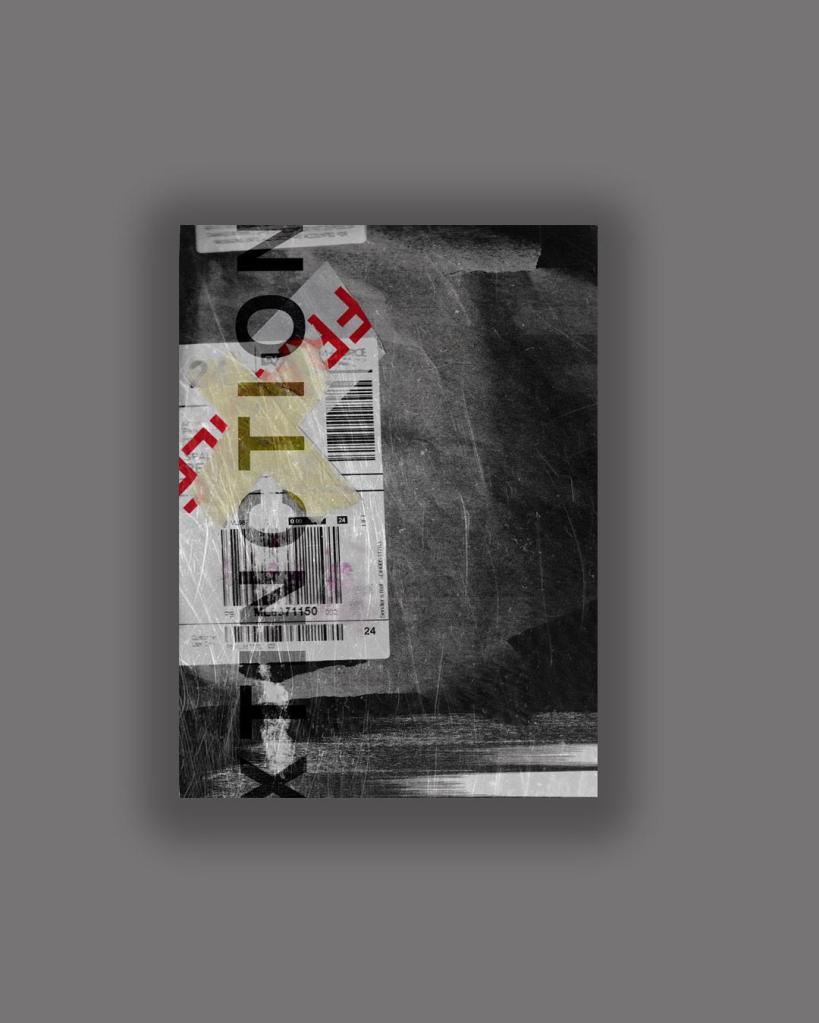
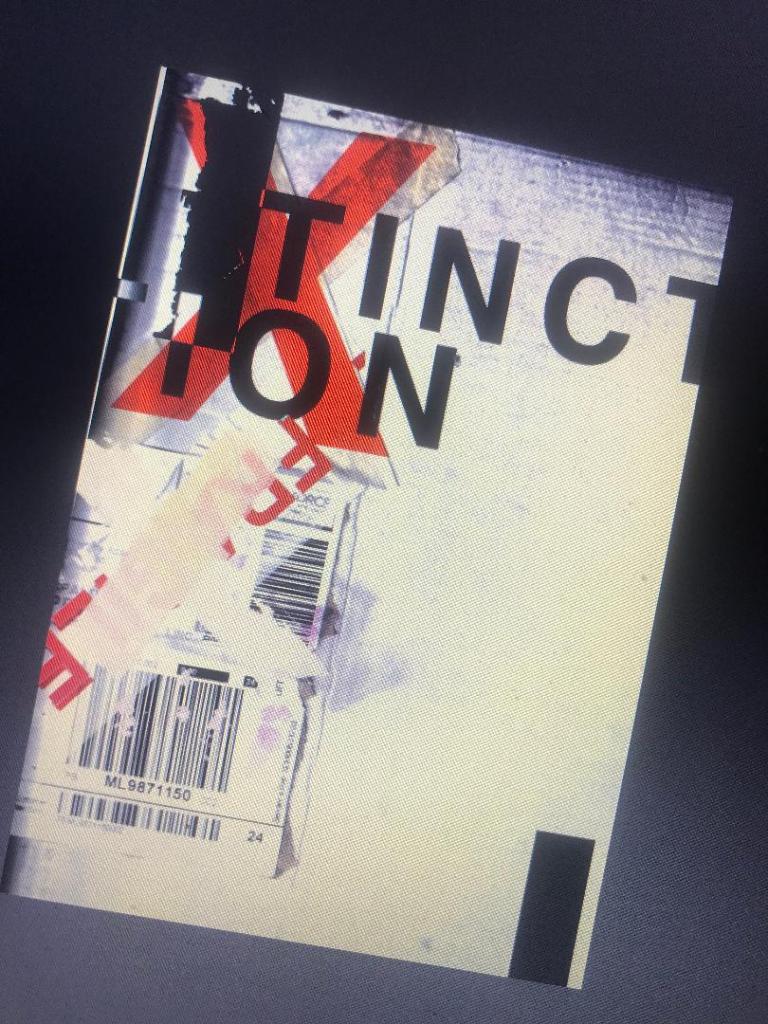
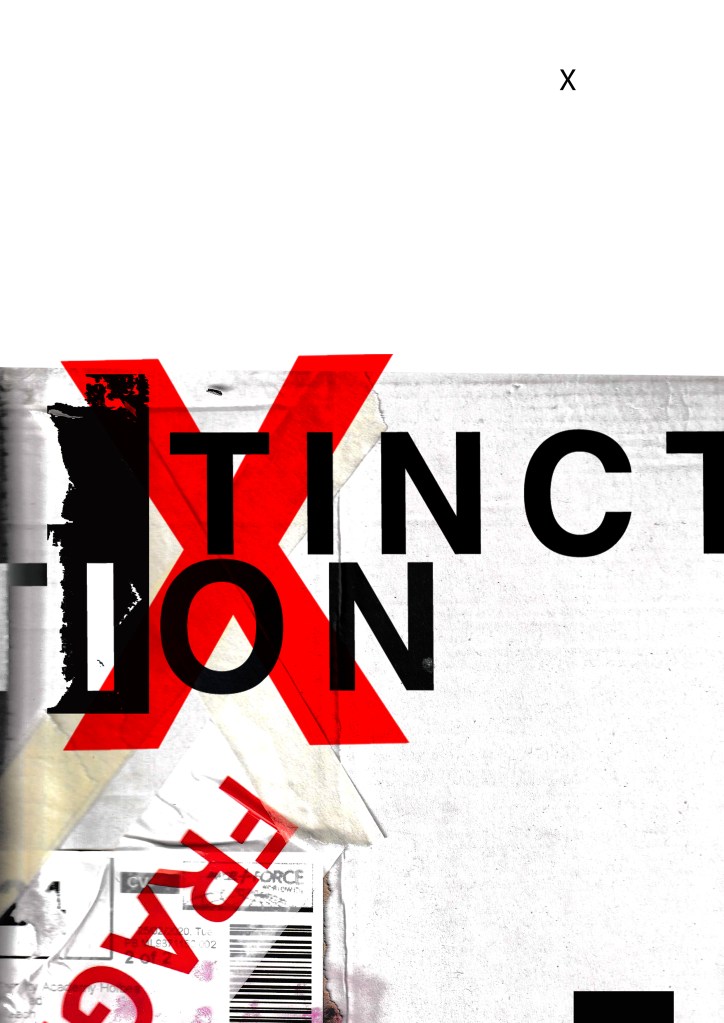
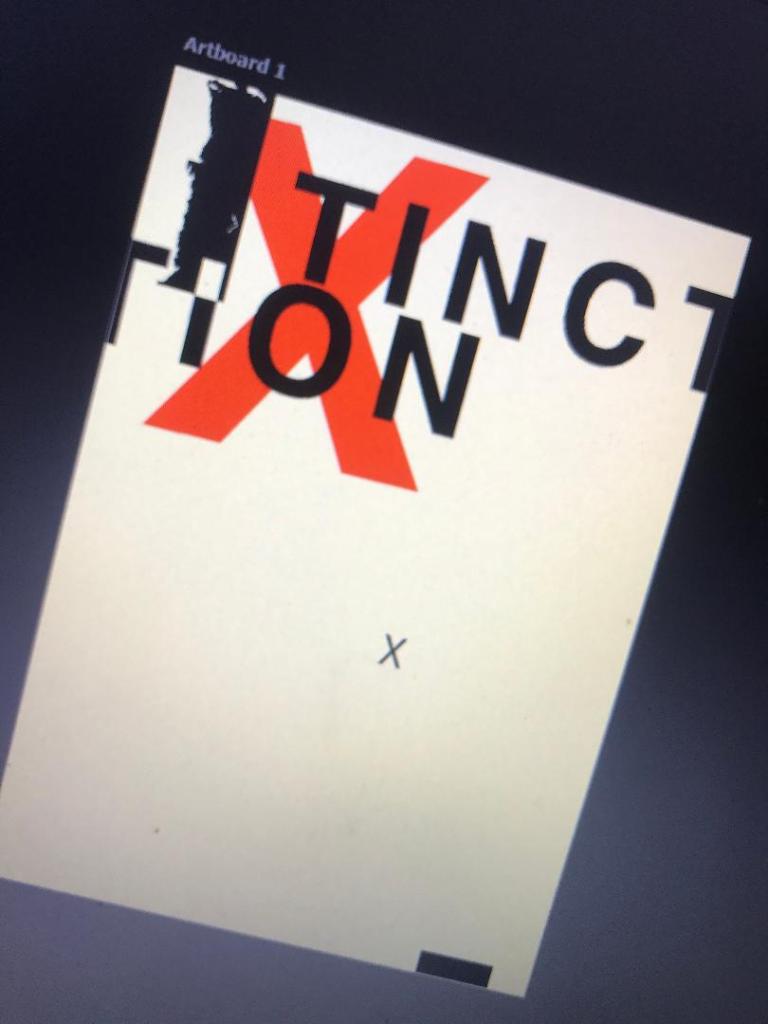
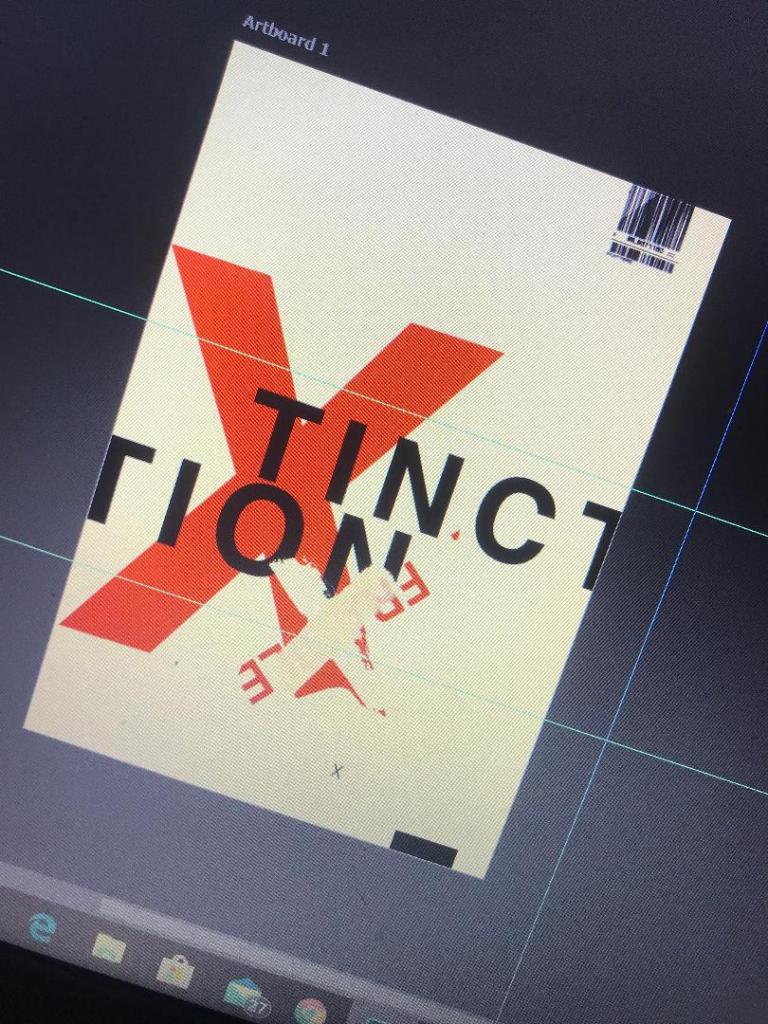
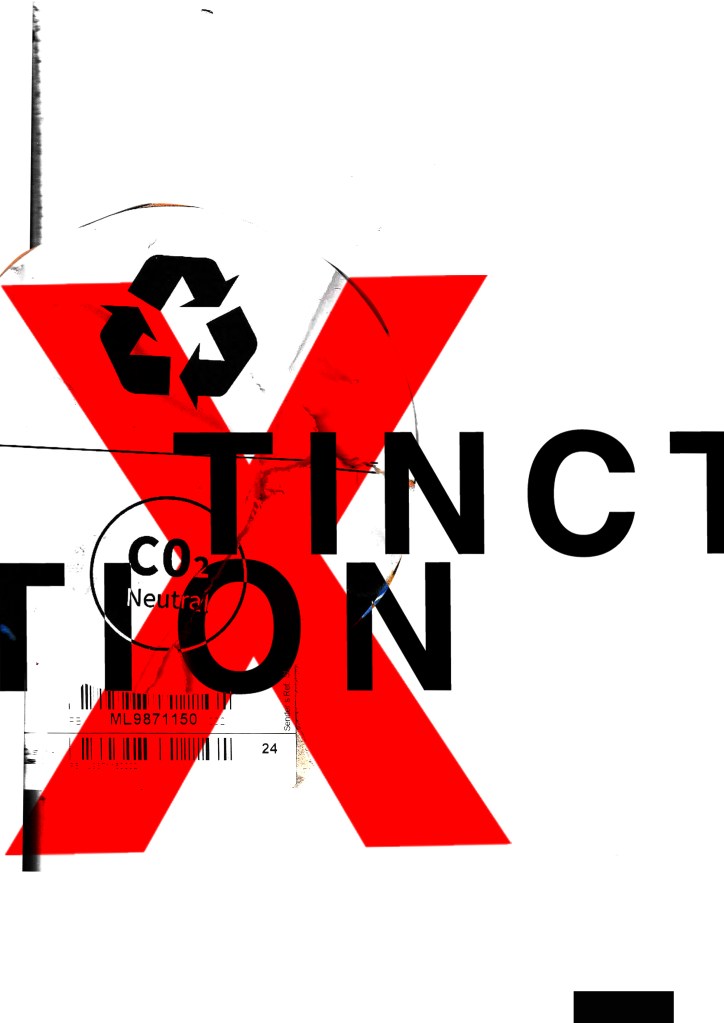
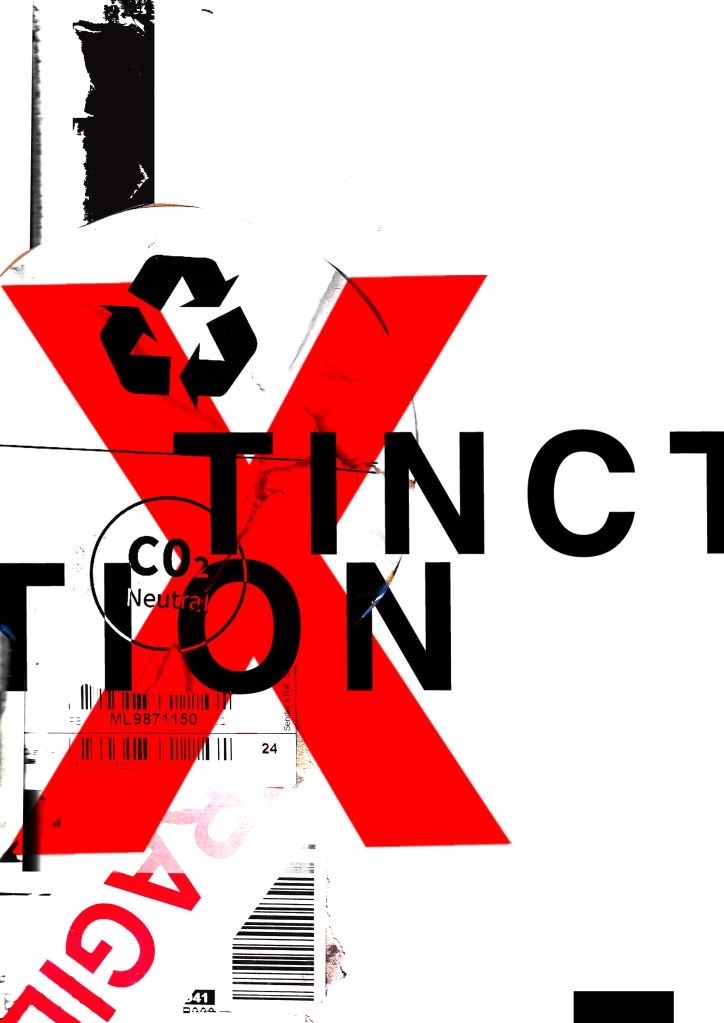
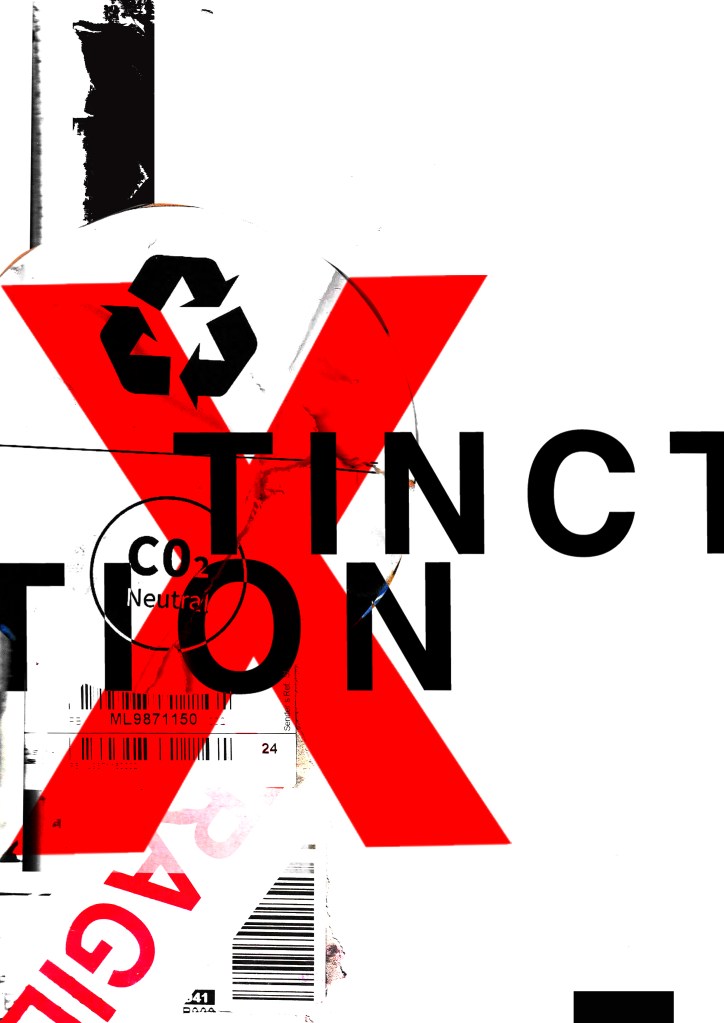
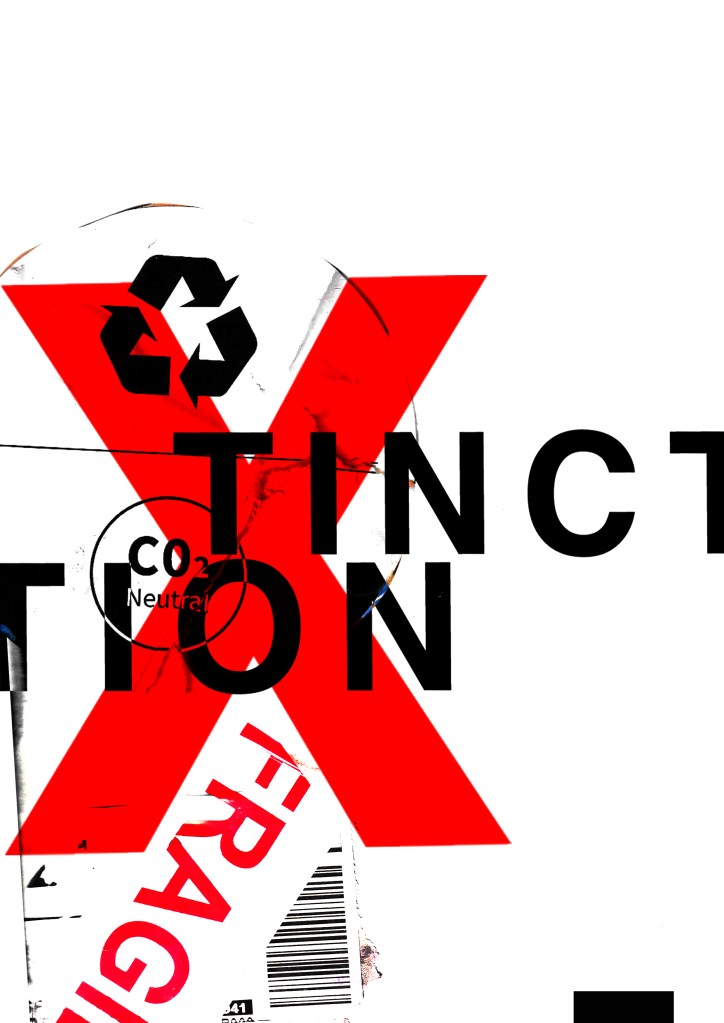
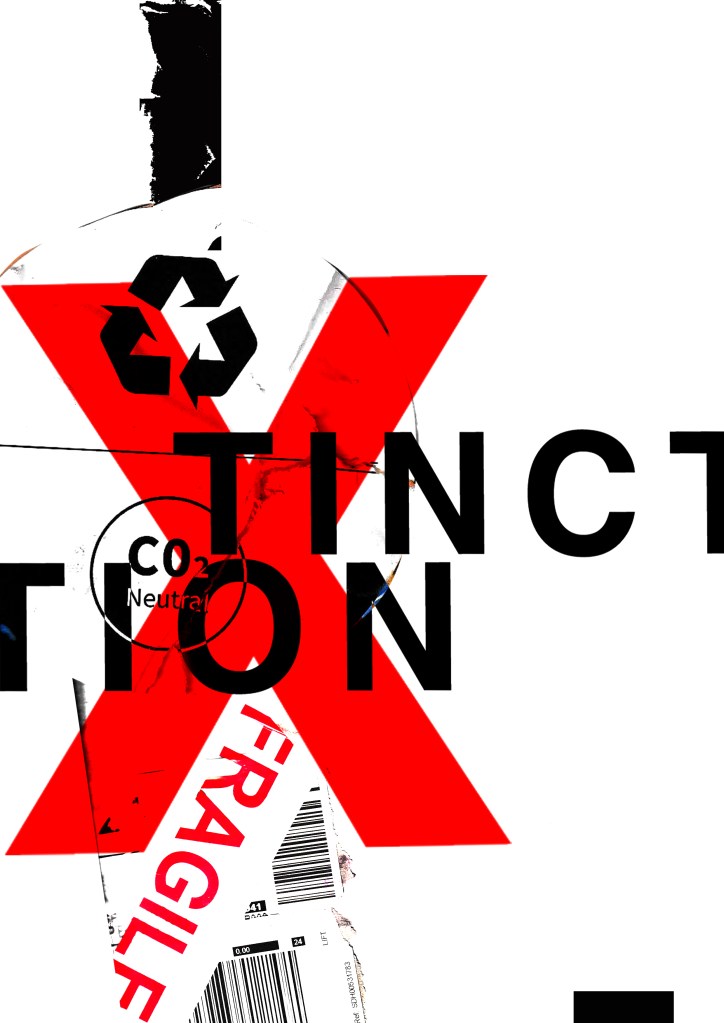
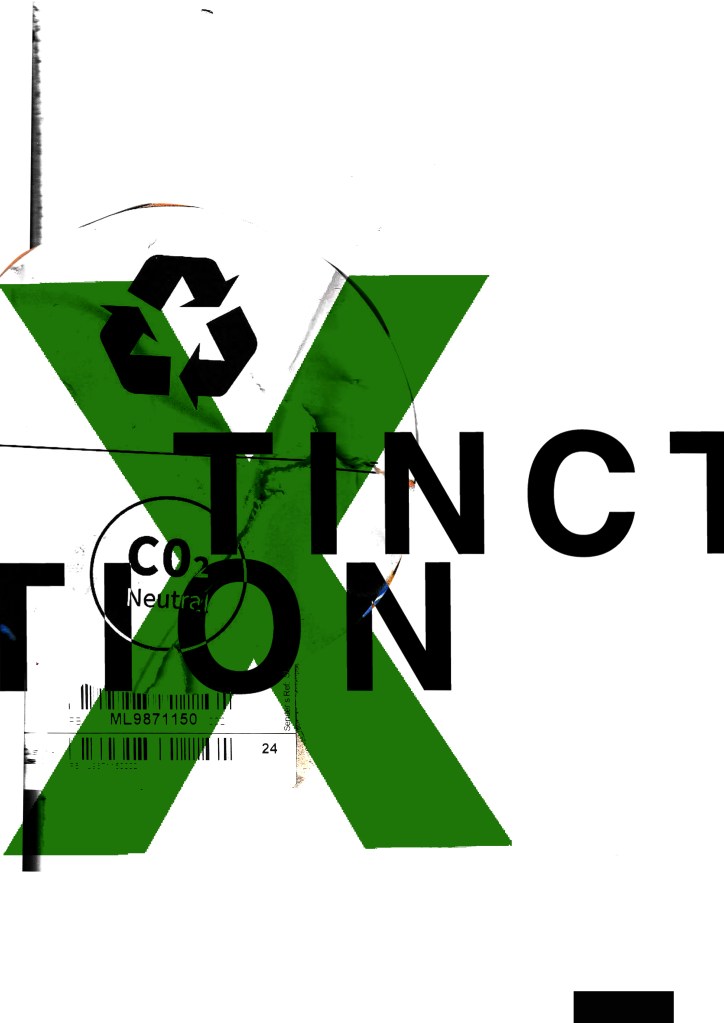
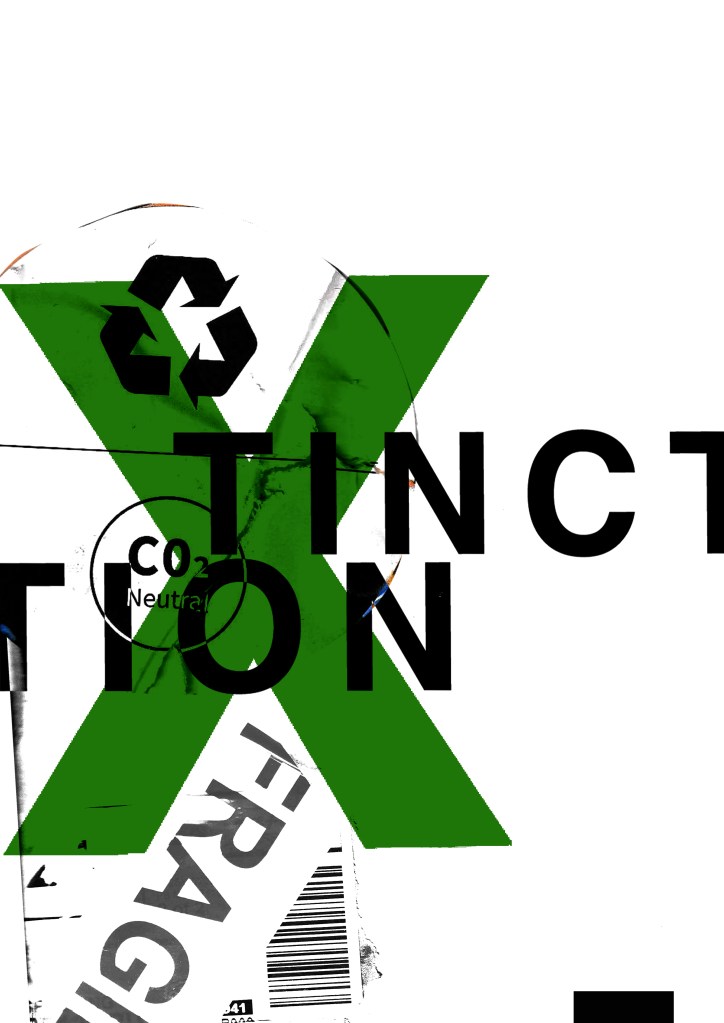
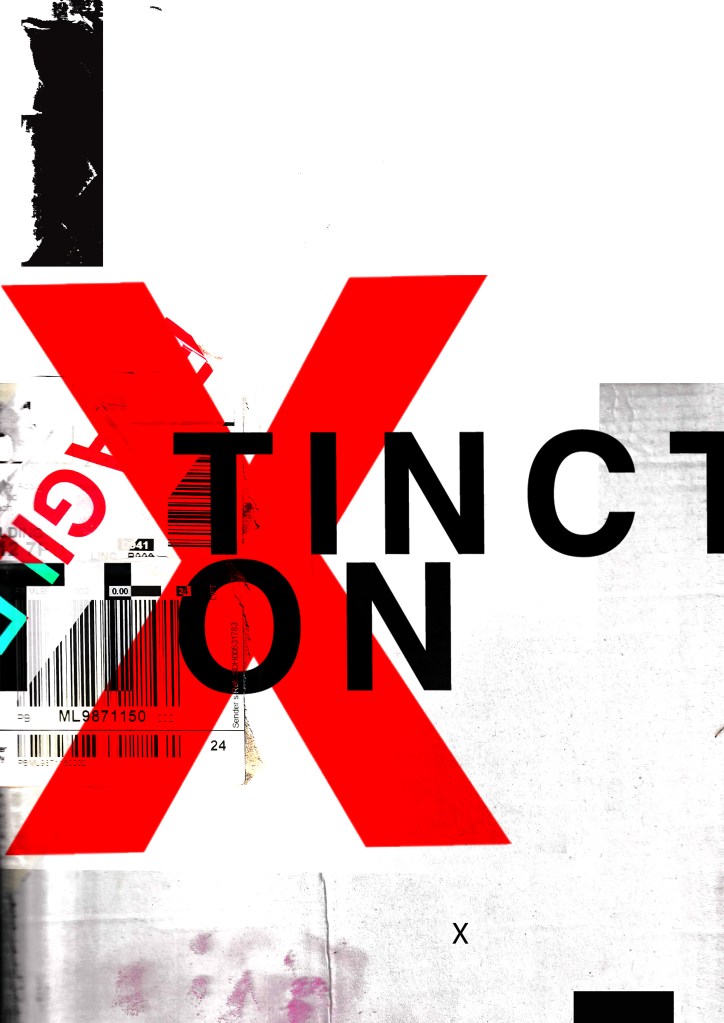
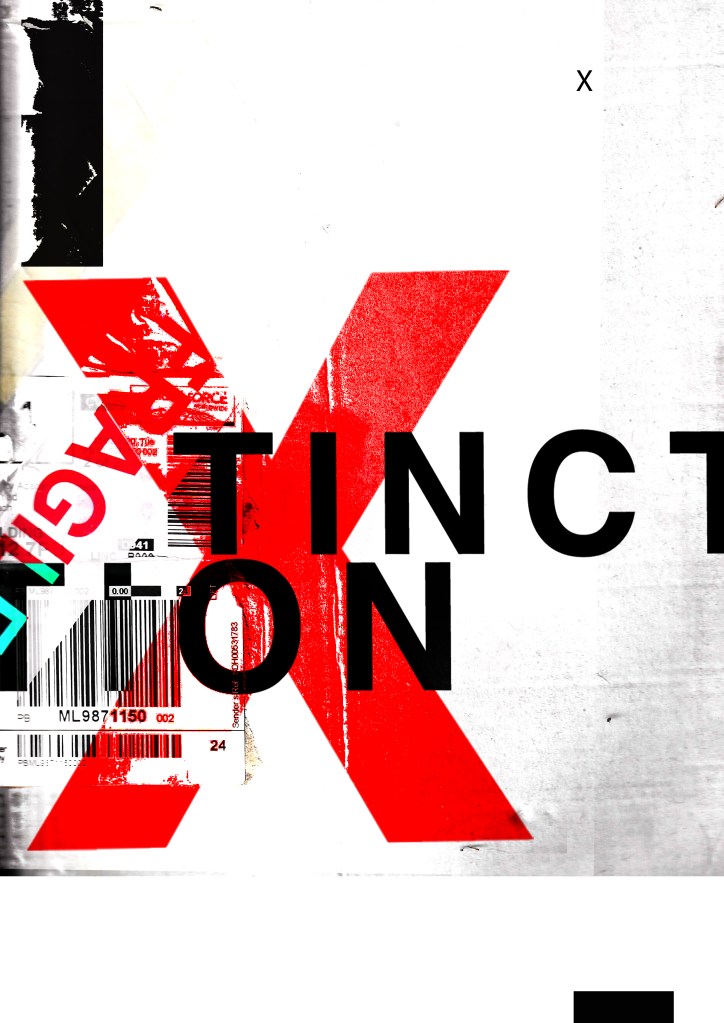
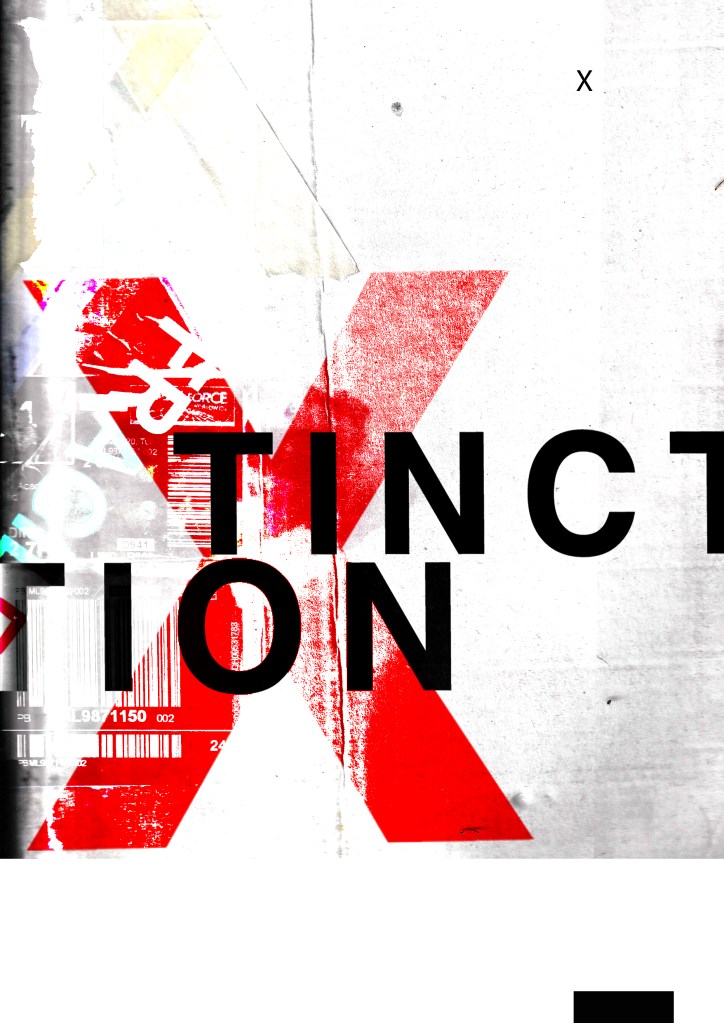
These have all been created by hand and from the resources that I have collected. I then scanned them in and added a texture in the background just to see what they would look like. I decided to trial these designs with the lettering “extinction” to match the organisations name but then I had a “happy accident” and accidentally shortened it by not sizing it correctly on one of the pieces and I actually quite liked the outcome; “XTINCTION. I think I would keep this! – (using the Occars Razor theory – why do I need the silent E? :D)

I like the idea of the FRAGILE tape and the masking tape to form the X. I had the idea to wrap something natural up using the parcel wrap and tape to show how the natural world is being affected by mankind, pollution and rubbish. I had the idea to find something natural that has been broken that I could stick back together on my collage piece to represent mankind’s input on the natural world.Something simplistic though to not take the attention away from the rest of the poster.

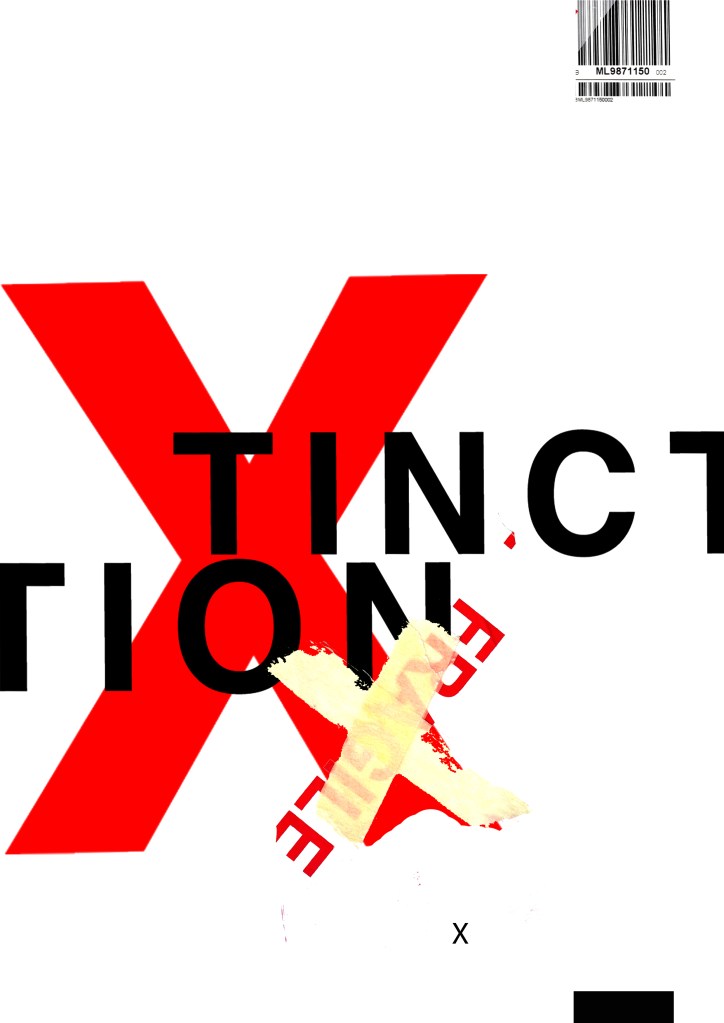
These are 2 more that I messed around with.. I like the simplistic approach of the first one but I also like the typography on the 2nd one. The like the way that I have separated xtinction and made the x bold and in red. At the moment though although I like the textures I don’t think that overall it conveys a message of what potentially the poster could be about. I think also that it needs more negative space.. at the moment there is a lot going on… too much happening all at once that the eye does not know what to look at first. I prefer the 2nd design but it needs more negative space and potentially everything to be sized down inside it. The bottom rectangle helps to draw your eye in but I think it needs to be shortened so it only just only shows at the bottom of the poster.

I then went and changed them some more.. This time I did not use a lot of texture in the designs. I kept them quite plain and simple. I think the colours “pop” more this way.

I resized elements on the poster. I also took the texture background away and I quite liked the contrast and clean look of the pure white and red. I tried to add more negative space to these and to also try and make the design flow better. Using the rule of thirds I have tried to separate elements into thirds. I have split the poster grid and layout into 3rds and placed each section of text within each 1/3 of the grid. I also tested out different layouts and placement of the text to see what flows best and what works better. It is still missing the environmental/climate change element though… You would not really know what this poster represented without the image.

…………

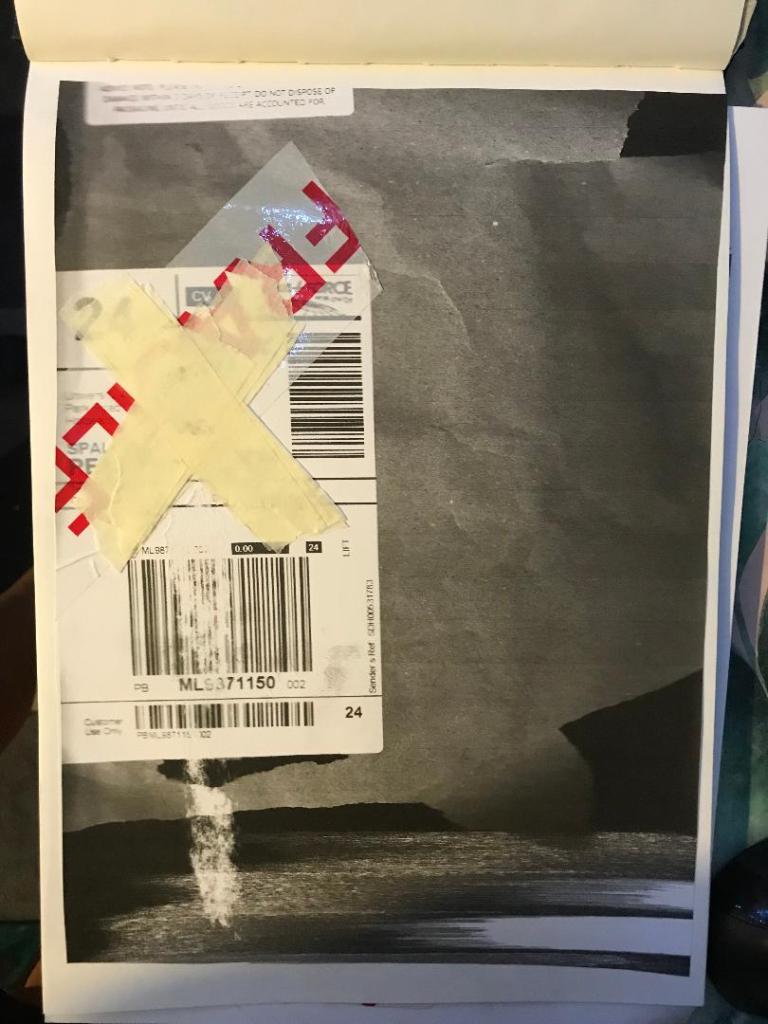
I then found this!

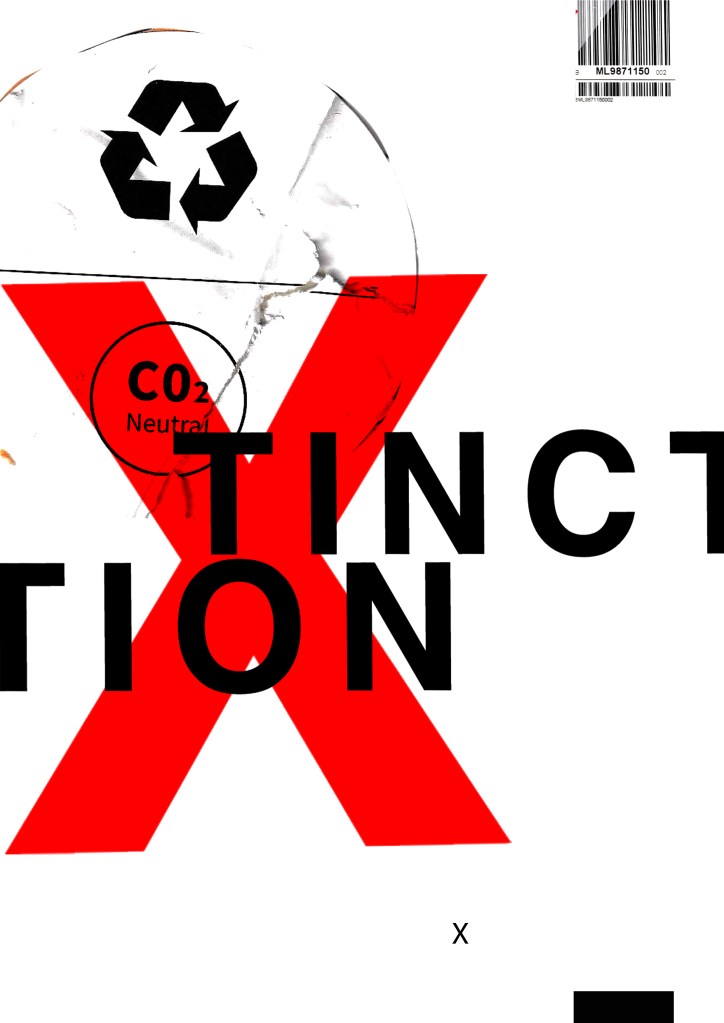
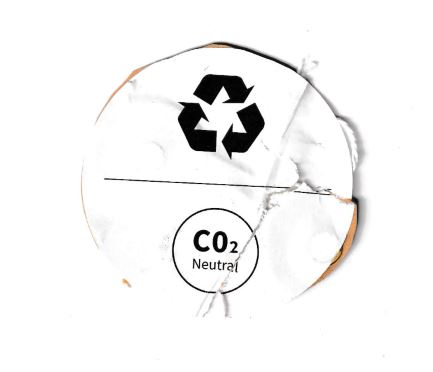
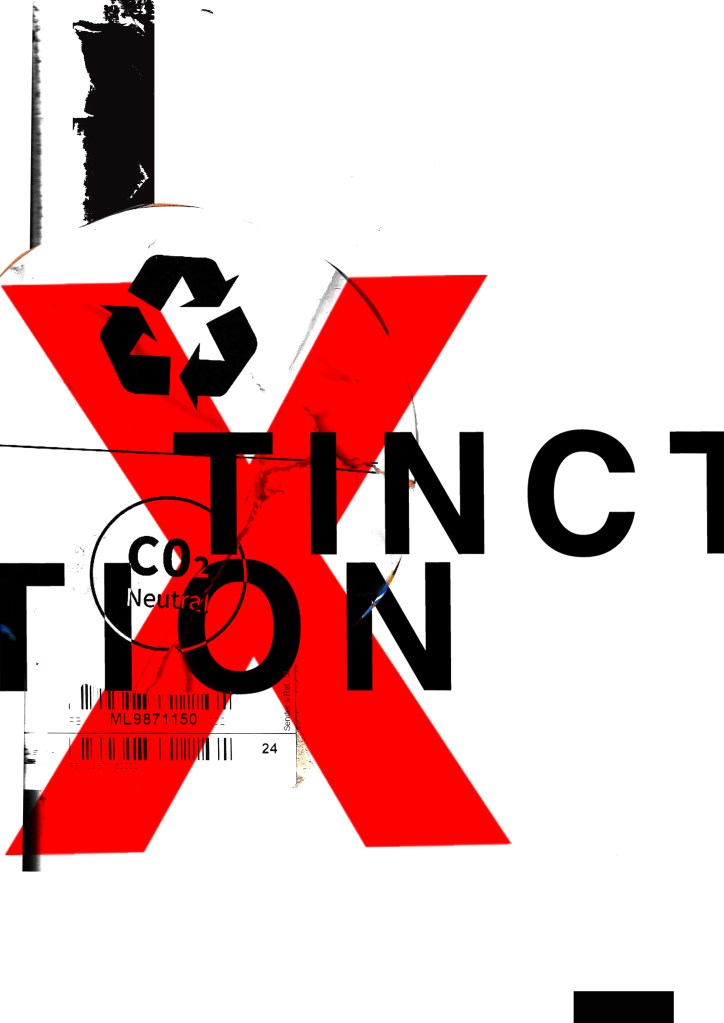
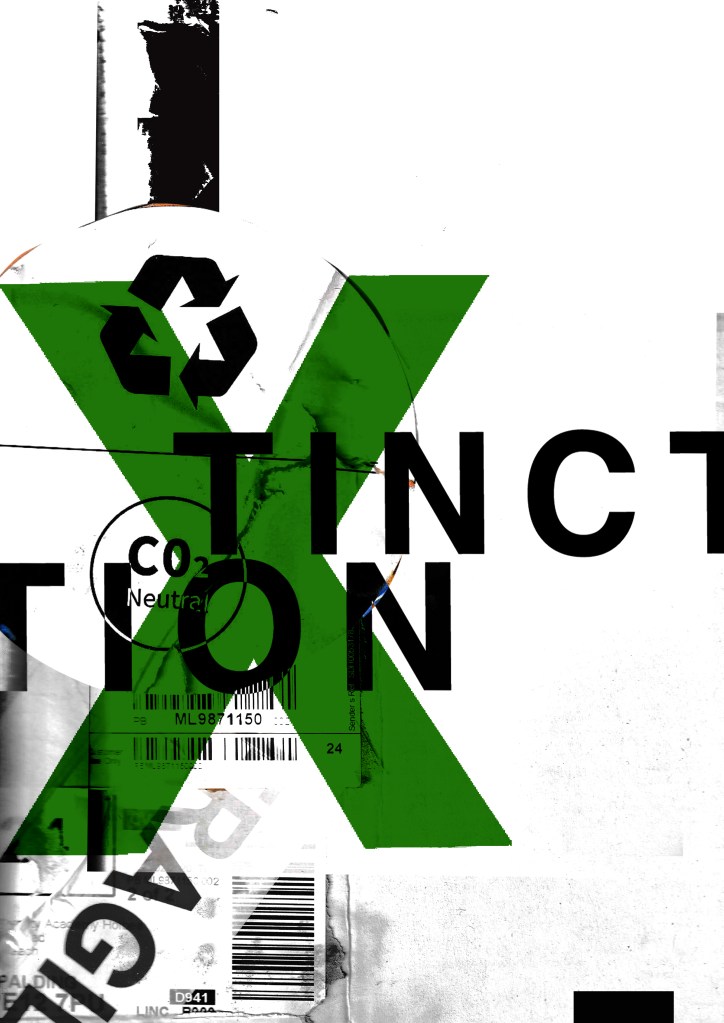
This was on the back of some packaging from a book that I ordered and received in the post. I thought it might be perfect to scan in and use on my posters because it is environmental and you know instantly what it is about. I thought maybe that this could be one of my main images. I then did some more trial pieces…

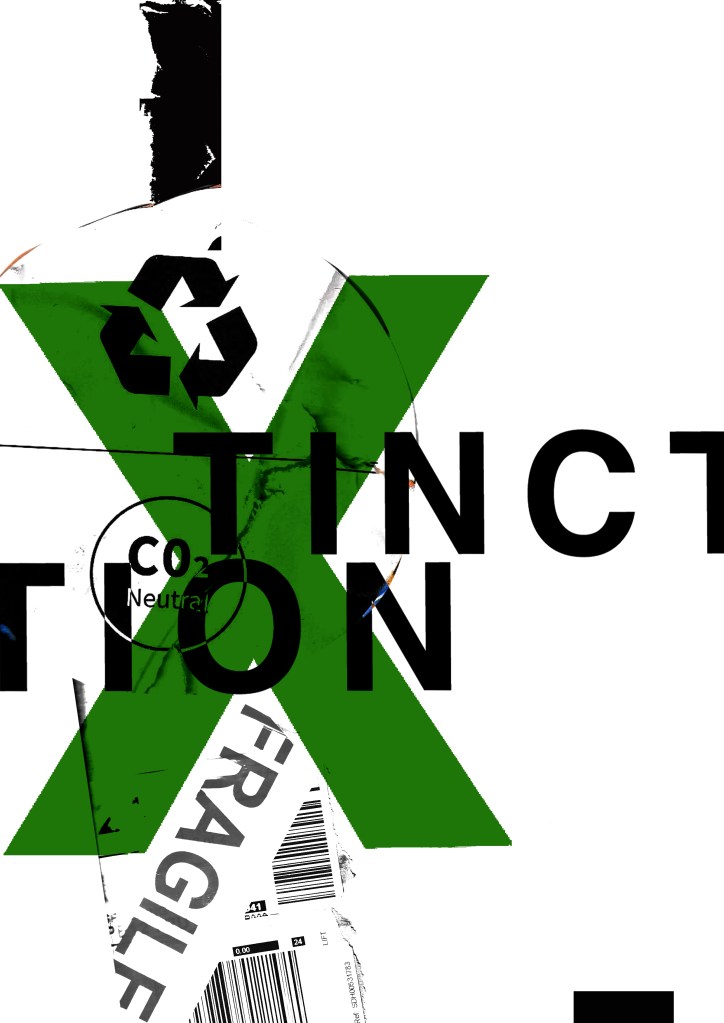
I much prefer the green colour. The green is not so threatening in appearance and it relates more to the environment. When you look at this poster it is more clear with the green to what it might represent.

I was then torn between 2 designs..

I like the simplicity of this one
This one reminds me of something from Bauhaus with the geometric feel of the “fragile” placement.

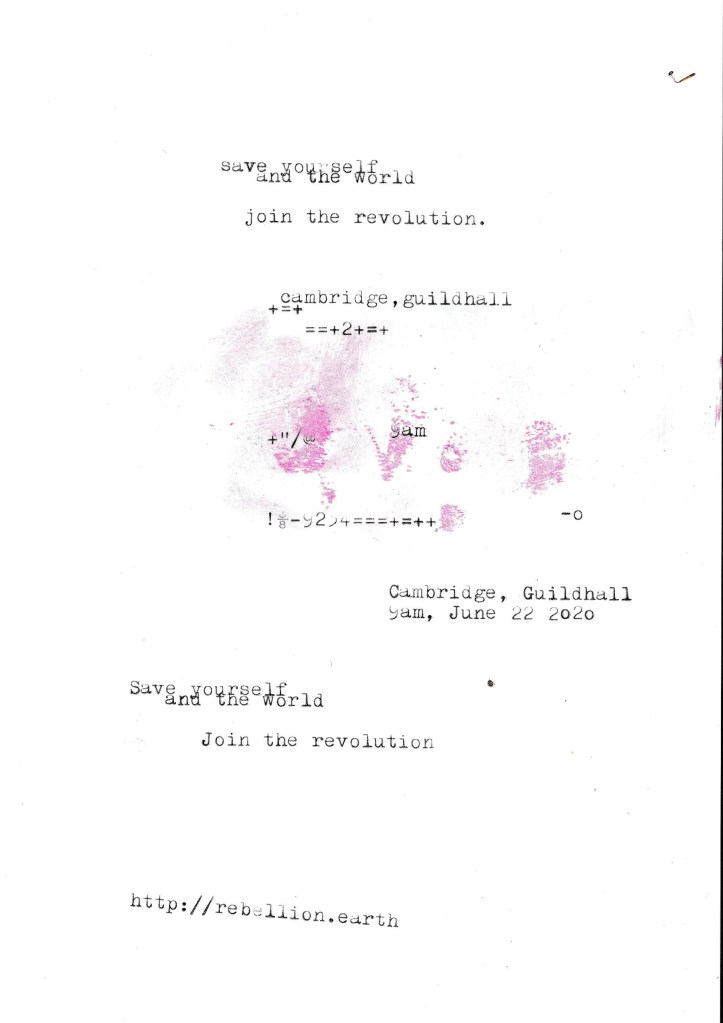
I needed to add the text into the designs also… I took the designs from above that I have made minimalist and applied Occars Razor to. I wanted to place as little text as possible to make it really minimal and to let the design deliver the message and entice the viewer in. I wanted to use a different form of media for the type instead of just typing it into Photoshop… I decided to use my typewriter to write out the text I wanted for the posters and then scan them in to alter and adjust in Photoshop.
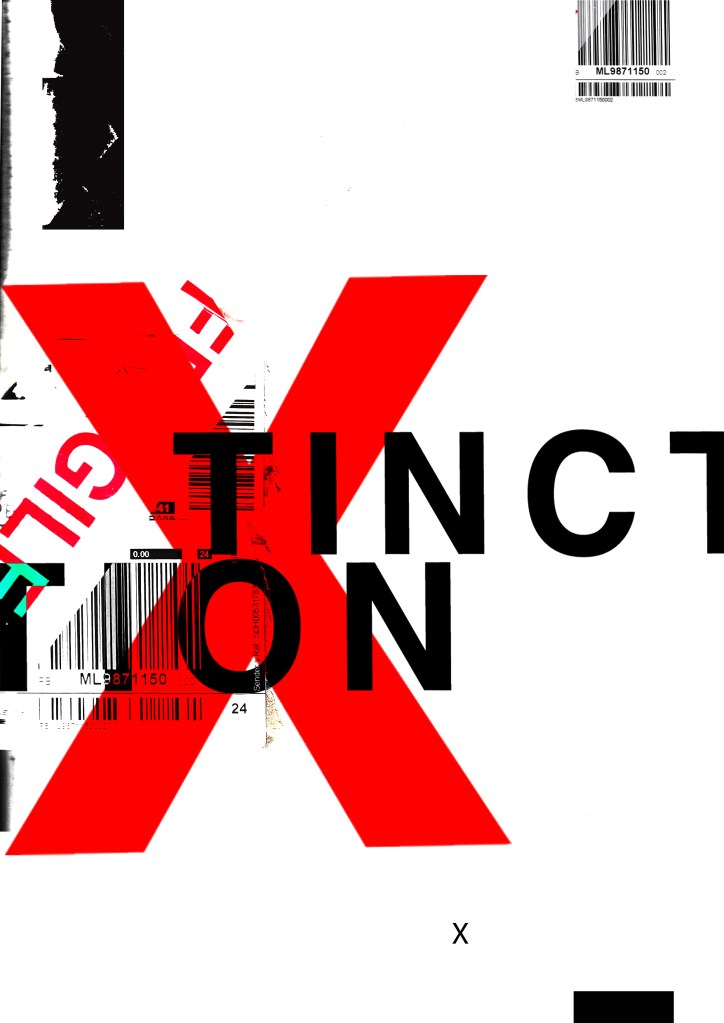
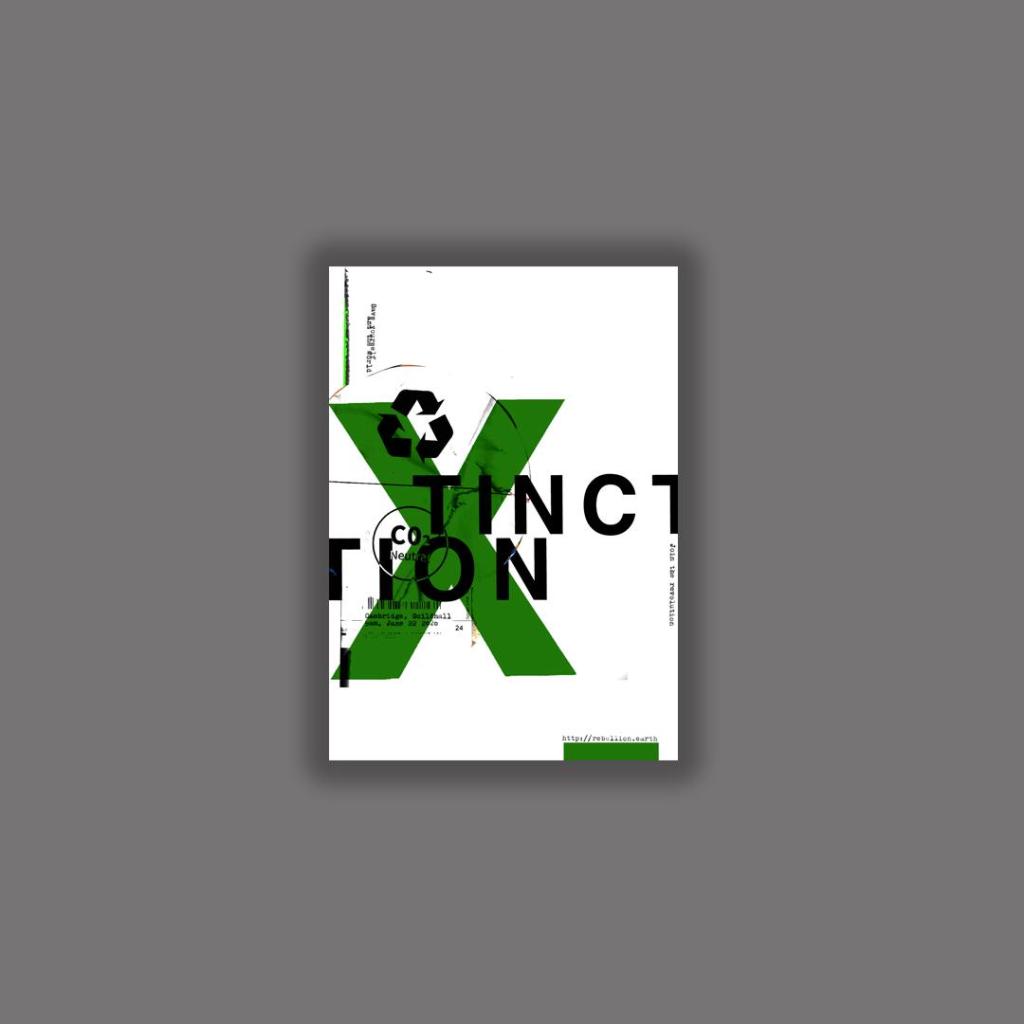
The text that I typed out was “save the world and yourself”, “Join the revolution”, the time and date for the event followed by the organisations website. I did not want to describe the event in great detail at all in this stripped back Occars Razor poster because the nature of this version is to have as little information as possible and to let the image and the design do the talking. The snippets of information that I have put on there allow the viewer to know what the poster is about as well as a time and place and then letting them seek out more information if they want to by looking at the website.

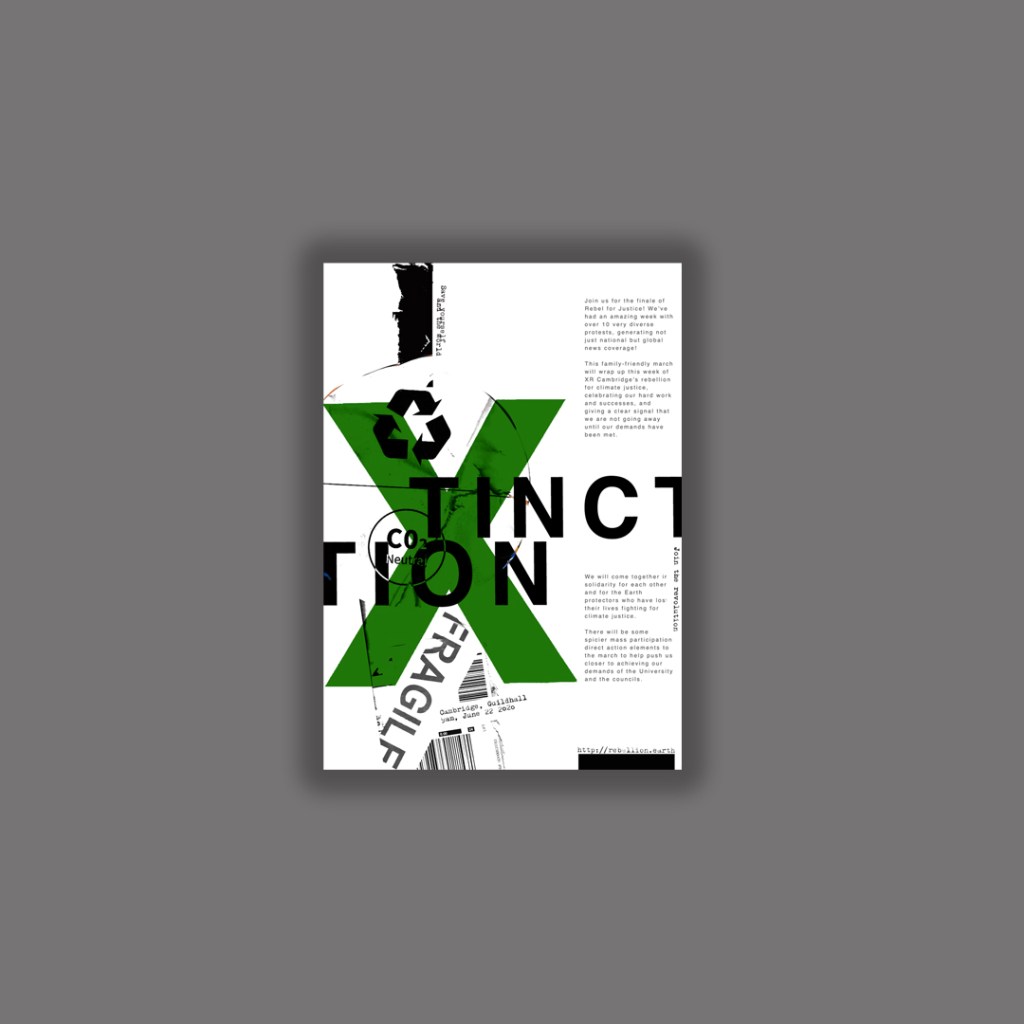
I have put both of these designs onto my Instagram page and so far this one seems to be the most popular. I think it works the best because there is a lot of negative space, it is clean and tidy in appearance, simplistic and bold. The idea is that you are drawn in by the design and overall look of the poster and then once the viewer is interested to find out more they would then read the information in the small print about the event.

I also had the seal of approval from the man and legend himself David Carson!…

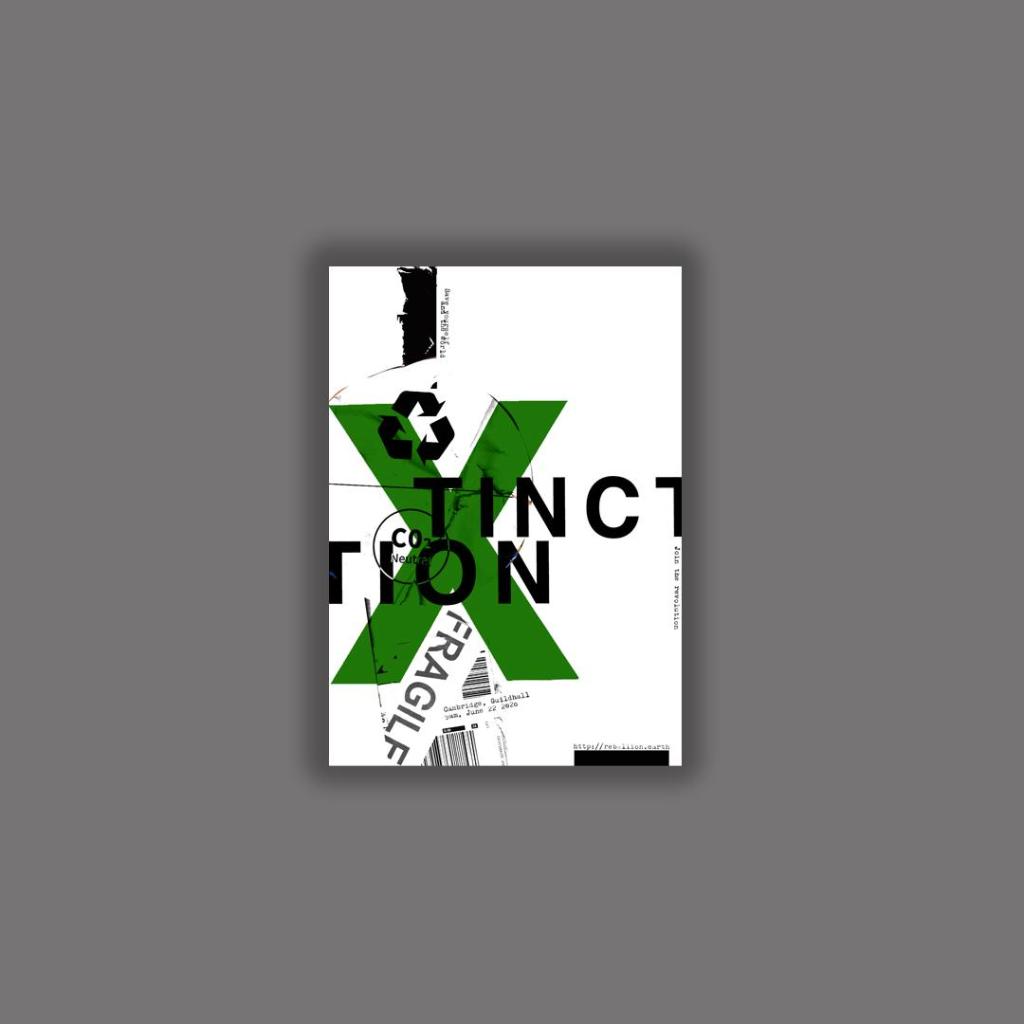
I then went back to the second design and reworked it to jam pack it full of all the information that is needed.

The Finals!

The next step was to ask for some feedback…

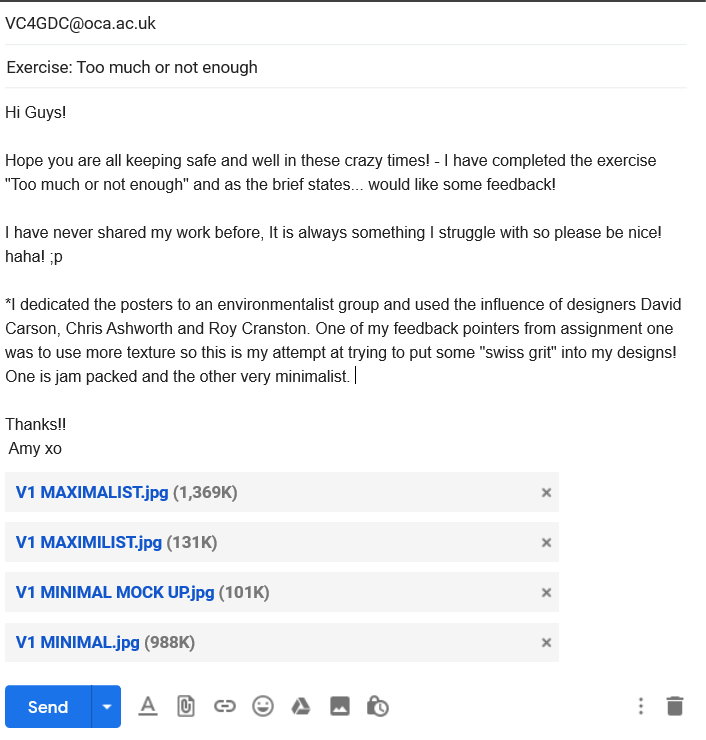
I emailed my fellow students in our OCA email group… (if reading this years in advance from now, the crazy times I talk about are the corona virus… )

I shall now wait for some feedback! 🙂

That’s a wrap! :D Book cover design exercise DONE!

Following on from my last post I have now finished the Book design exercise!! (well!… almost! I wrote this post a few days ago and have been keeping it in my drafts! – I have relooked over my designs and seen one potential flaw!… I have written about it at the bottom of this post!)

As I said in my previous post I was feeling very apprehensive about starting this exercise. I didn’t know anything about the author and did not know anything about any of the books he had written. Book design is something that I had never looked into or done before and I was completely overwhelmed with where to start with it. Finishing this exercise I feel that I have learned a lot from researching into the author and his books, watching TED talks by Chipp Kidd about successful book design and looking into existing designs out there. I feel I have achieved successful final design outcomes. I really enjoyed this exercise and as I said in my previous post book design is something that I would potentially like to go into.
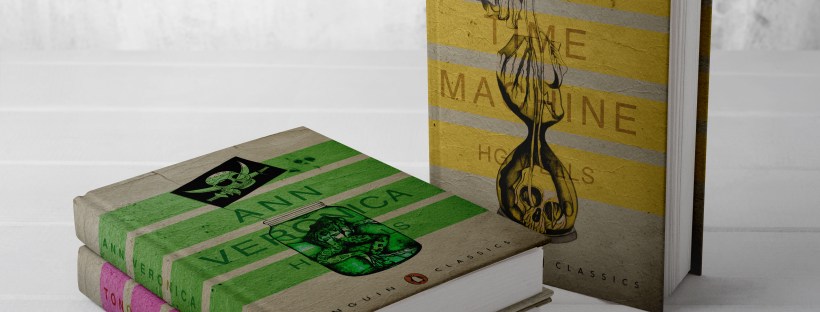
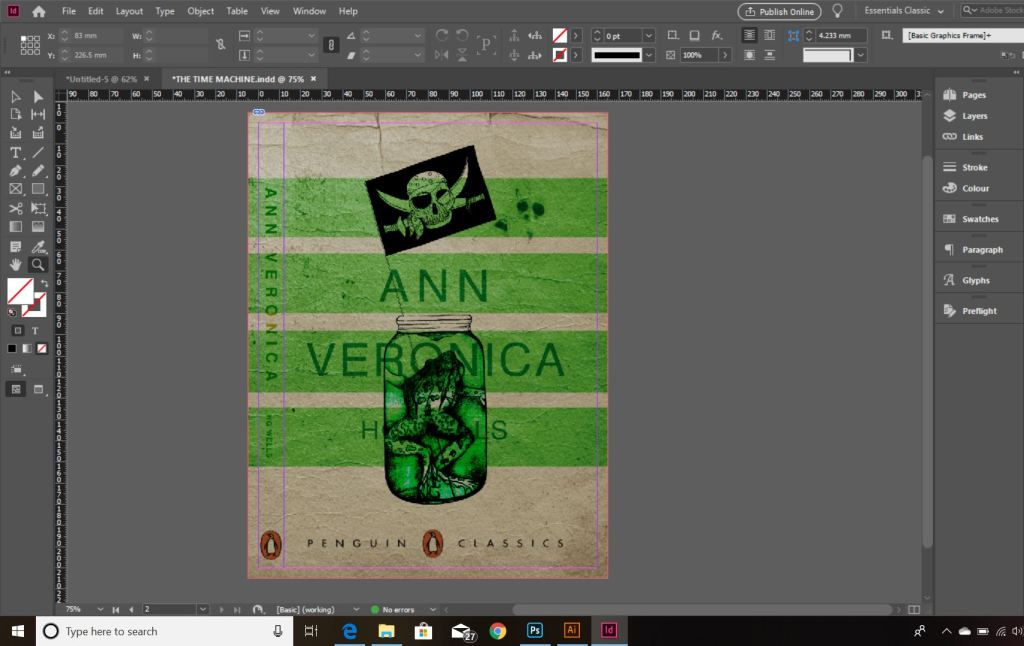
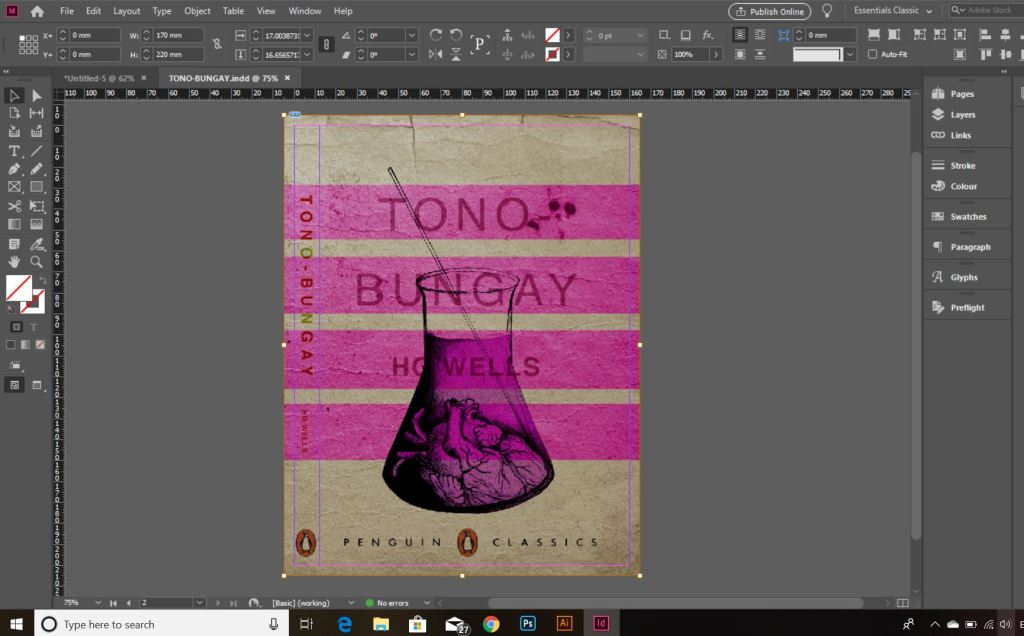
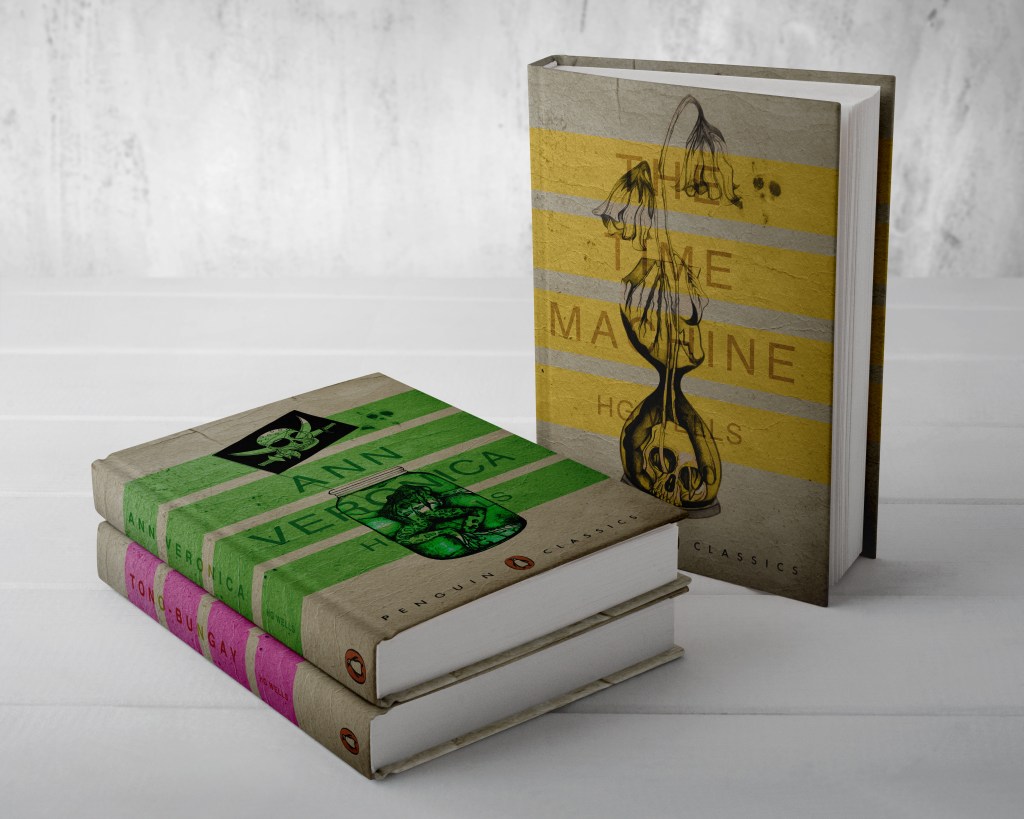
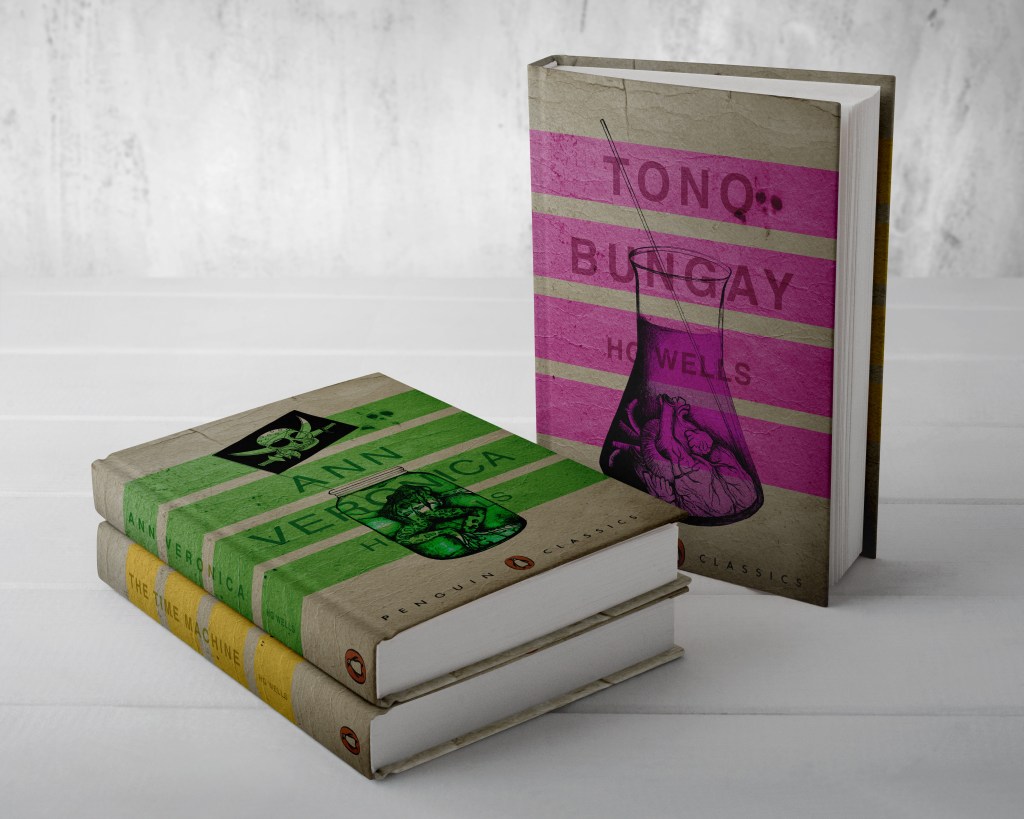
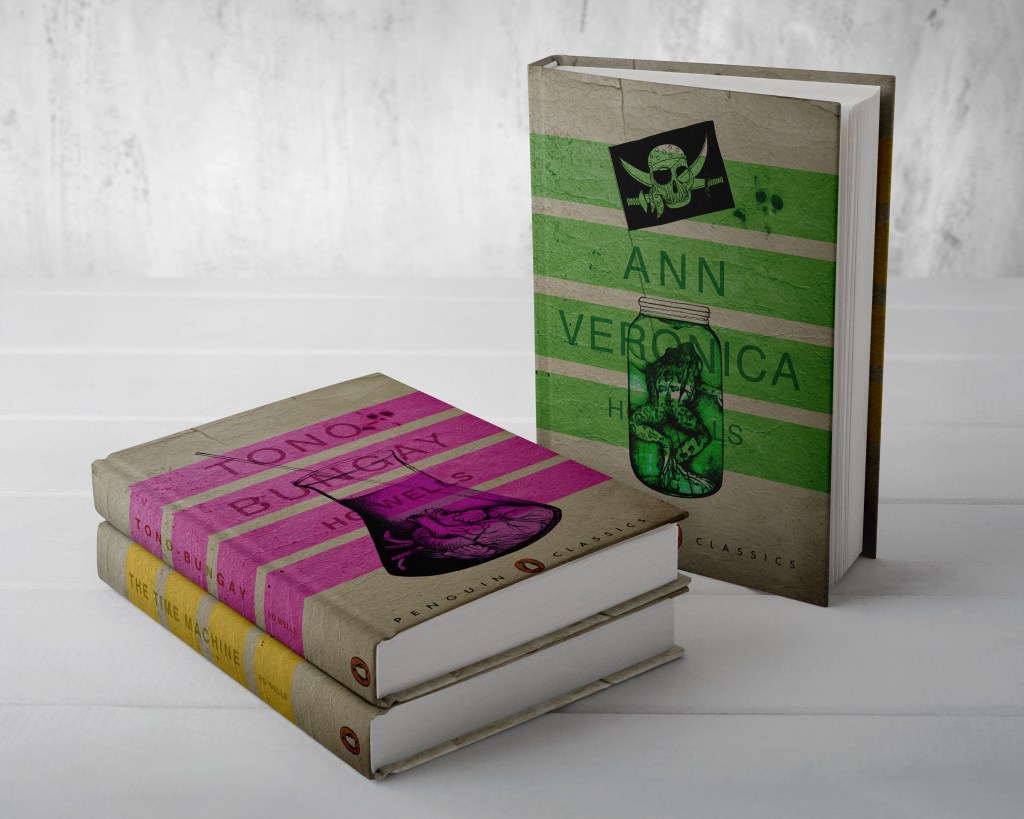
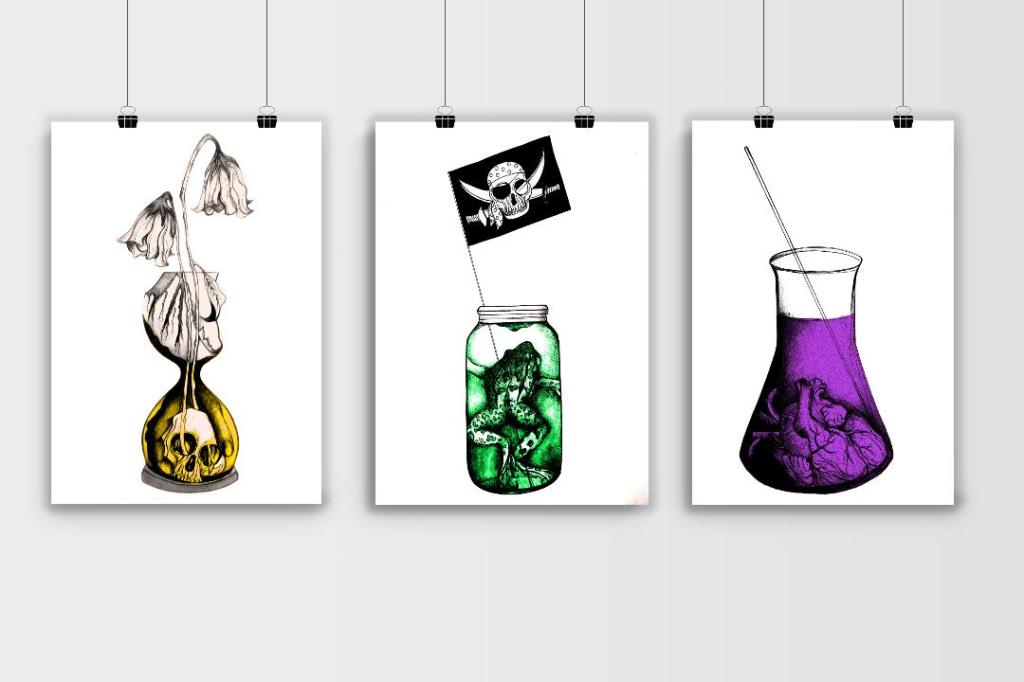
From my last post I adjusted the typography on the books; although some parts of the text are still hard to read, I actually quite like this effect. I also designed the spines. Once I saved the designs as PDFs I then imported them into InDesign. I set up the document in InDesign and worked out how big to make the spine by calculating the number of pages by the weight size of the paper used in paperback books (usually 80gsm). The calculations came up to about 4mm but I decided to work larger than that so that I would have more spine to work with in the design. I then created PDFs and mockups for my final designs. The mockups that I did for my Instagram posts I mocked up on hardback books. There are lots of free downloads online for free book mockups but most of them are for hardback books. I specifically wanted one to feature all 3 books at the same time. The mockups below show this.

The images above are the PDFS of my final designs with the spines. The screenshots below are the makings of them in InDesign.

*** Since writing this post as a draft a few days ago, I watched a poster critique by @thechrisdo. I know that this is book design and not poster design but the same rules still apply. It was so obvious that I don’t know why I did not spot my mistake earlier!… I haven’t made the titles of the books bold. I need to make the titles bold and the authors name in regular. This will show contrast between the 2 and also make the title stand out more. I may even adjust the tracking of the titles also.
The final stages! – Making the HG Wells FINAL book covers!

I have FINALLY reached the final steps to this exercise! I have really enjoyed the design process though even though it has been a long and overdrawn one! – I always said I didn’t want to half ass it and I wanted to make sure that when it was complete that I had done the very best that I could have done with it! Putting the typography onto it and making them into book covers was a really daunting prospect! – However, I can go to bed tonight knowing that I am one step closer to making them look like the real deal! Doing this exercise has really made me also think that going into book design is something that I would want to do. I find now that whenever I go into bookshops I am scanning the shelves for the covers and not necessarily the books! Researching into Chipp Kidd and purchasing some of his books as well really interested me and made me think deeper into what really goes into the design of a good book cover!
“Never judge a book by its cover….. Unless you’re a designer!”

I started off with the 3 designs I tweaked on Photoshop (below):

I have a current obsession with textures… which is a good thing seeing as one of the suggestions in my last feedback was to add texture to my work! I watched a video by Roy Cranston on Chris Do’s @thefutur where he spoke about where and how he sourced his textures for his poster work, it was funny because I already collect random photos of interesting textures and findings but just never use them! He also mentioned how you have to scour the internet for the free ones. I thought it might be interesting to add a texture to the covers.. maybe like an old vintage paper feel? This is what I went out to try and do.

I found a texture online which resembled ripped, discoloured old vintage paper (below) I imported this into Photoshop and did an overlay of it with my designs.

The texture I found online to add an effect to my covers

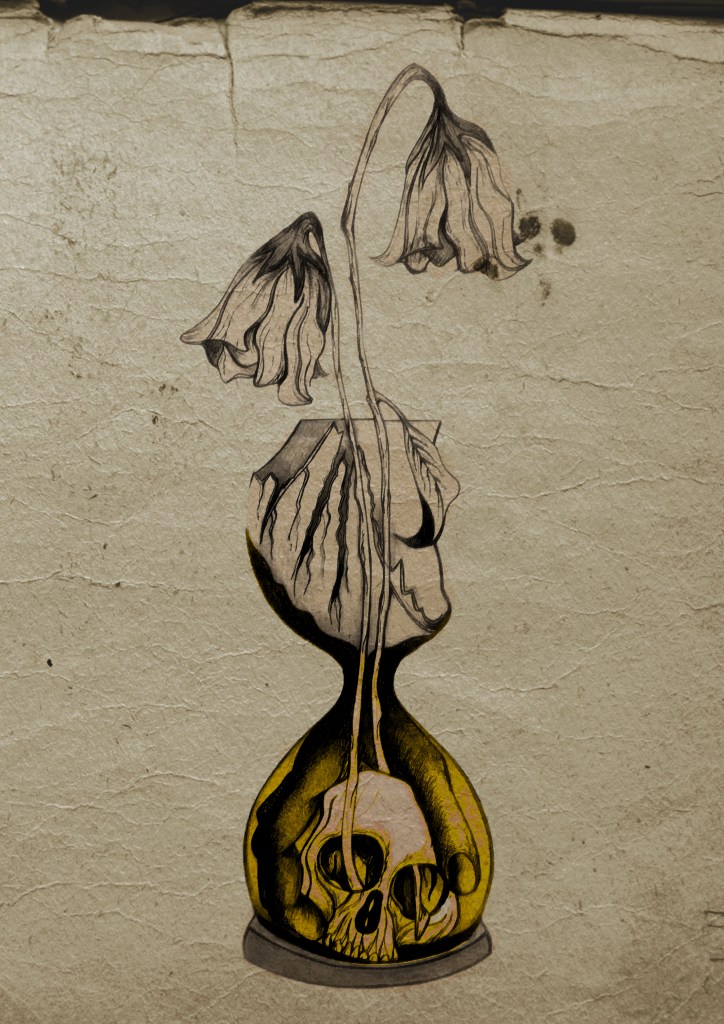
I think the texture worked extremely well! (below) This is what the first cover that I designed looked like with the texture included:

I then had the problem of successfully adding text onto the cover without making it look too drab, boring and old fashioned. Although I wanted the covers to have a vintage feel I also wanted a modern feel to the design to bring the book into the 21st century and to make sure that it is still relevant for many more years.

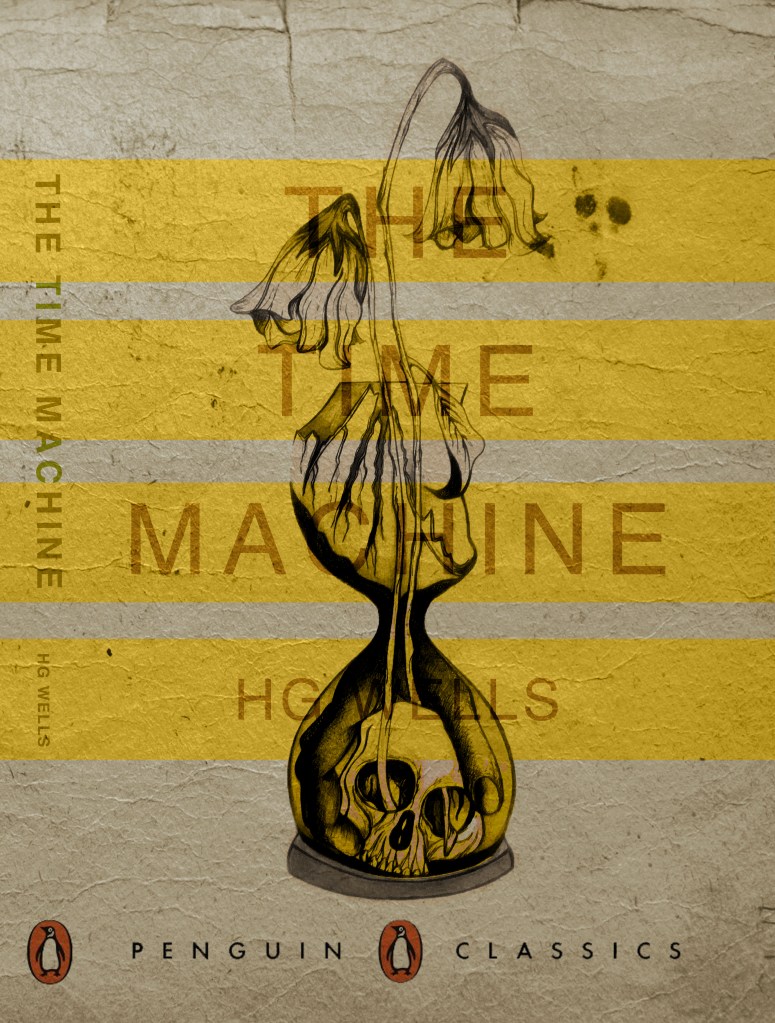
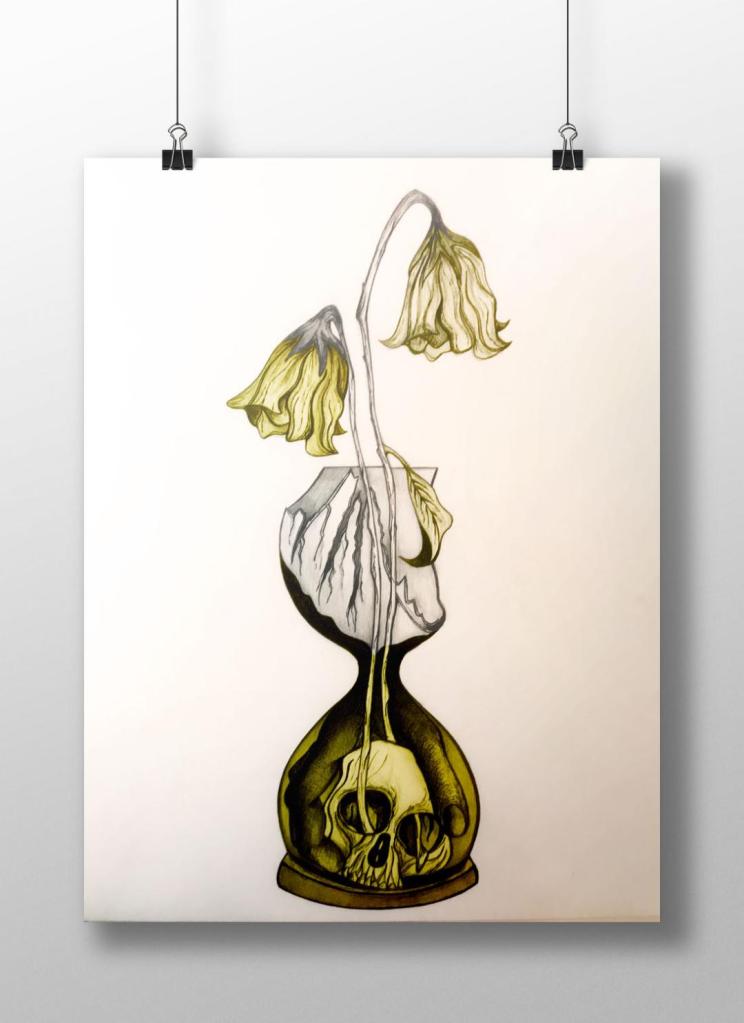
This above is the design I toyed with; I liked the idea of Franklin Gothic as a font at first glance.. it was literally the first trial typeface I used and tried it with. In my head I knew I wanted the text to be quite prominent across the whole cover. I had the idea of turning the opacity down to make it partially see through. I thought as well I could match the colours of the type to the yellow in the hour glass (see below)

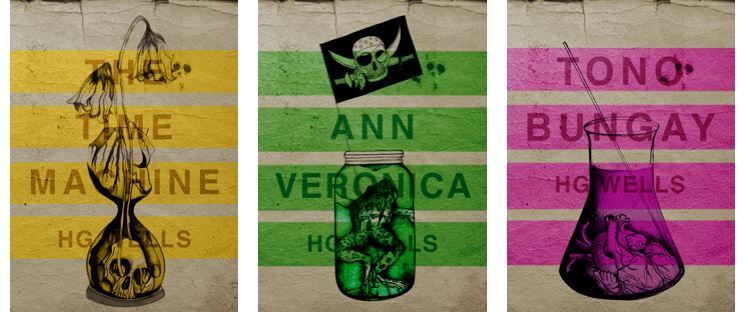
I liked this idea, the yellow worked well but it was still missing something… This is when I thought of the idea of using coloured bands across it (one for each line of the title)

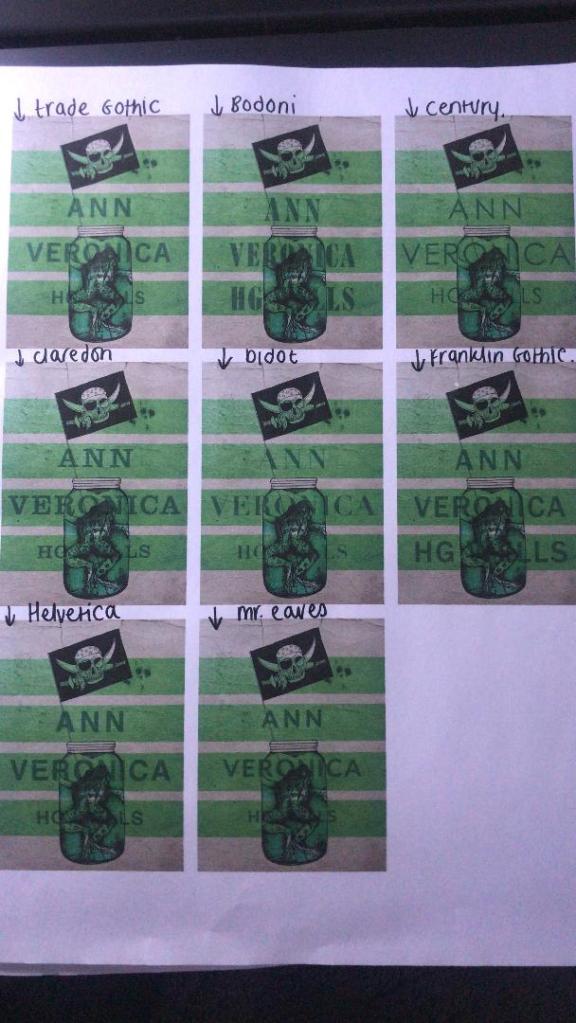
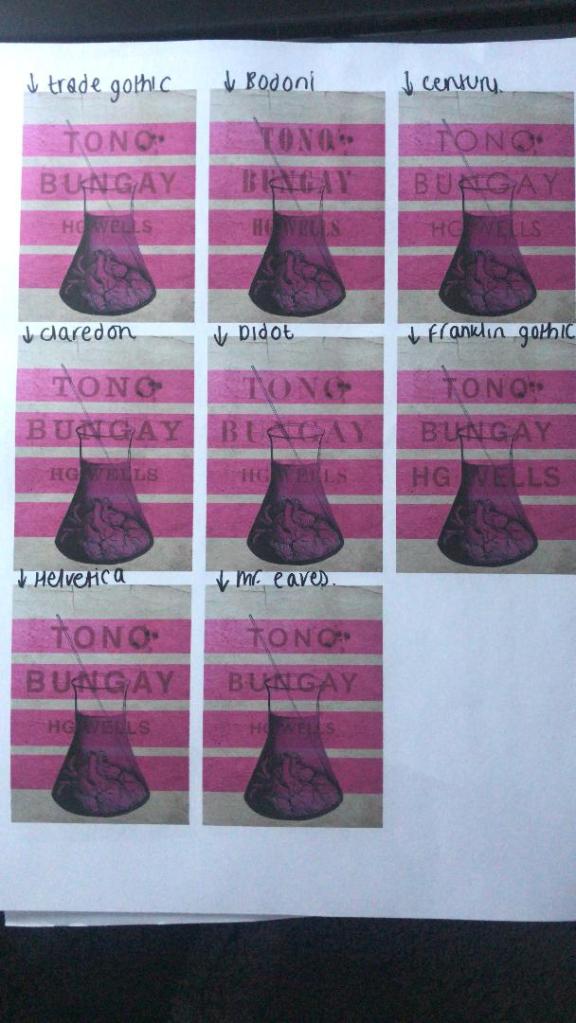
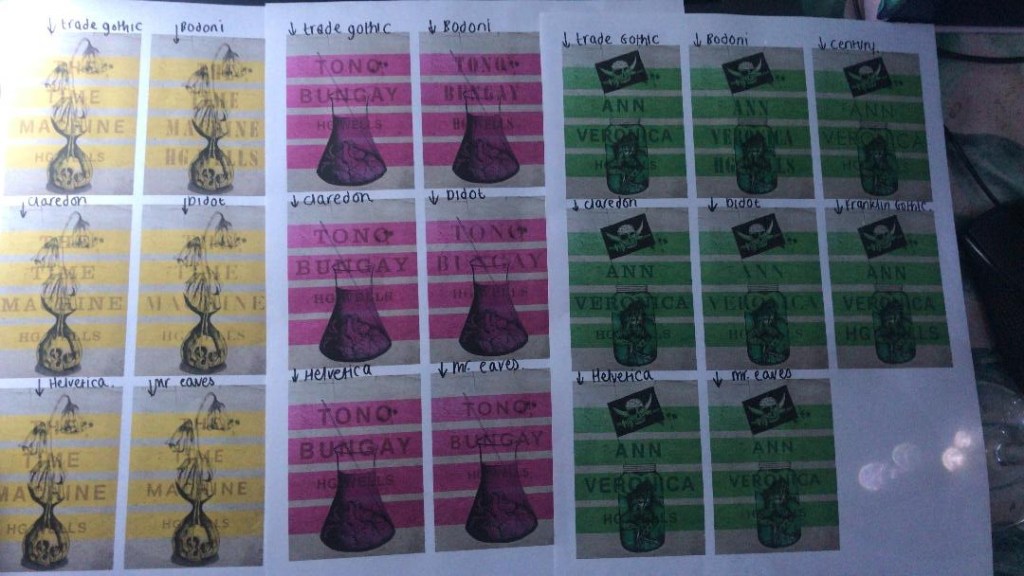
I really liked this idea! The only thing I needed to work on was the typography! I spent a while (a fair time!) picking out some of the best fonts and using them on all the designs to print out and compare! I sent photos also to my Mum who using her expert opinion and eye ;p picked out Helvetica! I also shared captions on my Instagram and people replied also with Helvetica. The reasons?.. obviously with it being the font of choice for most designers and also for the fact it is strong and stands out on a cover.

These are the sheets I shared with all the different fonts! (below)

So! Helvetica was the popular opinion!… and you know what?!… There is a reason why Helvetica rules all!.. I actually really like the look of them! The type is still illegible in places but I can work on that!

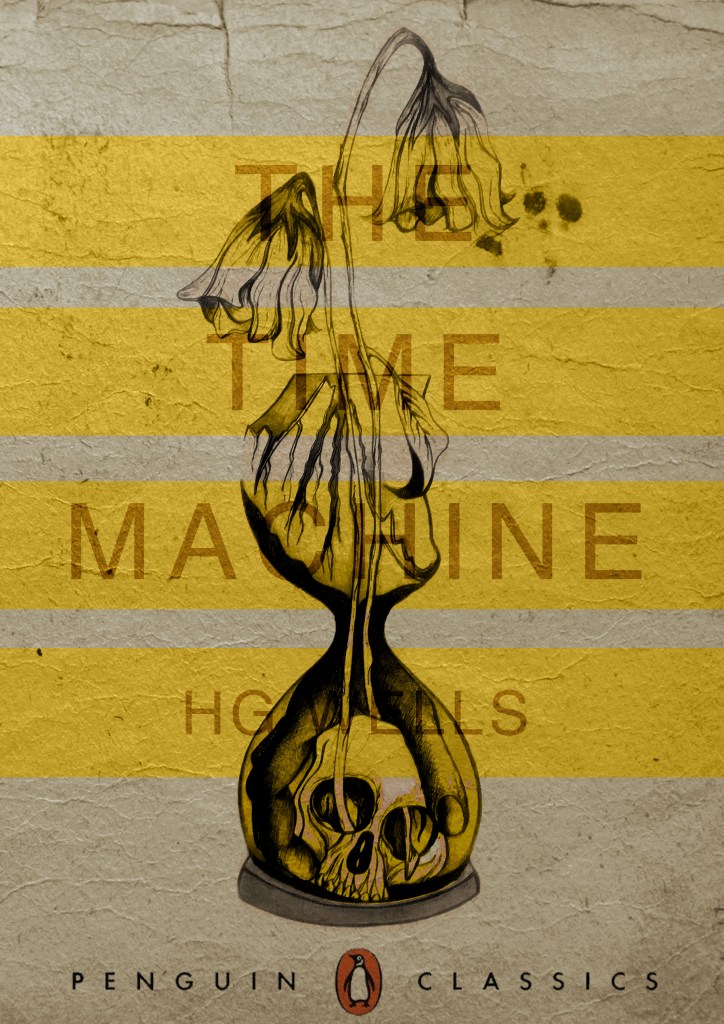
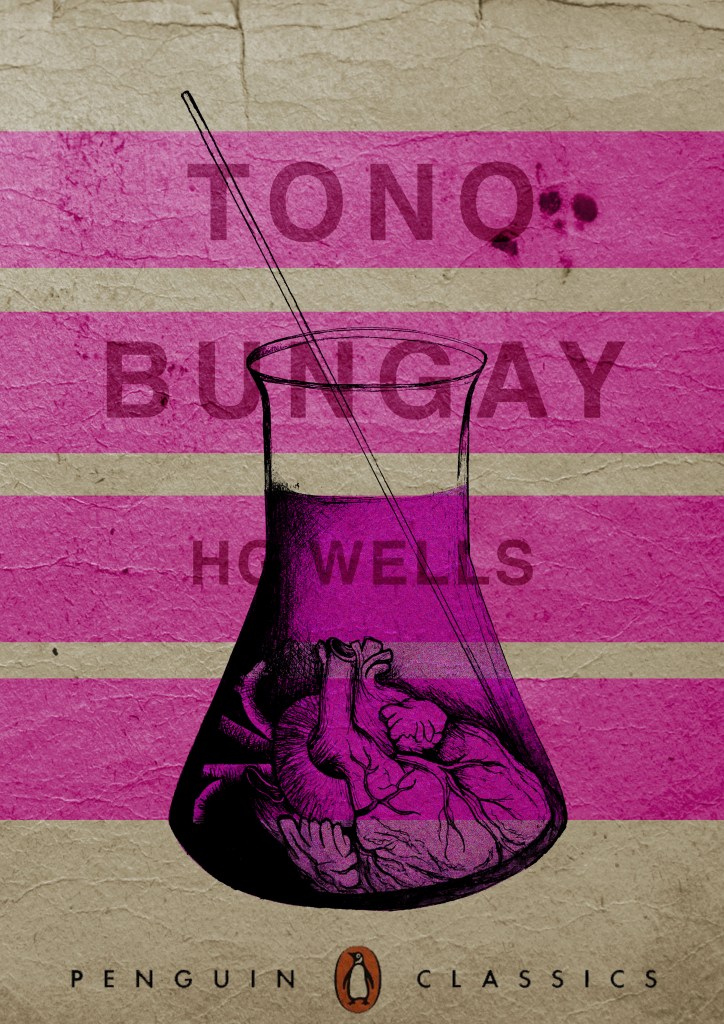
I then wanted to give it a go adding the publishers name and logo. I decided to go for Penguin – The classics! I found a logo online (not the best way to do it for pixelization and plagarim… BUT the brief states to use one so!…)

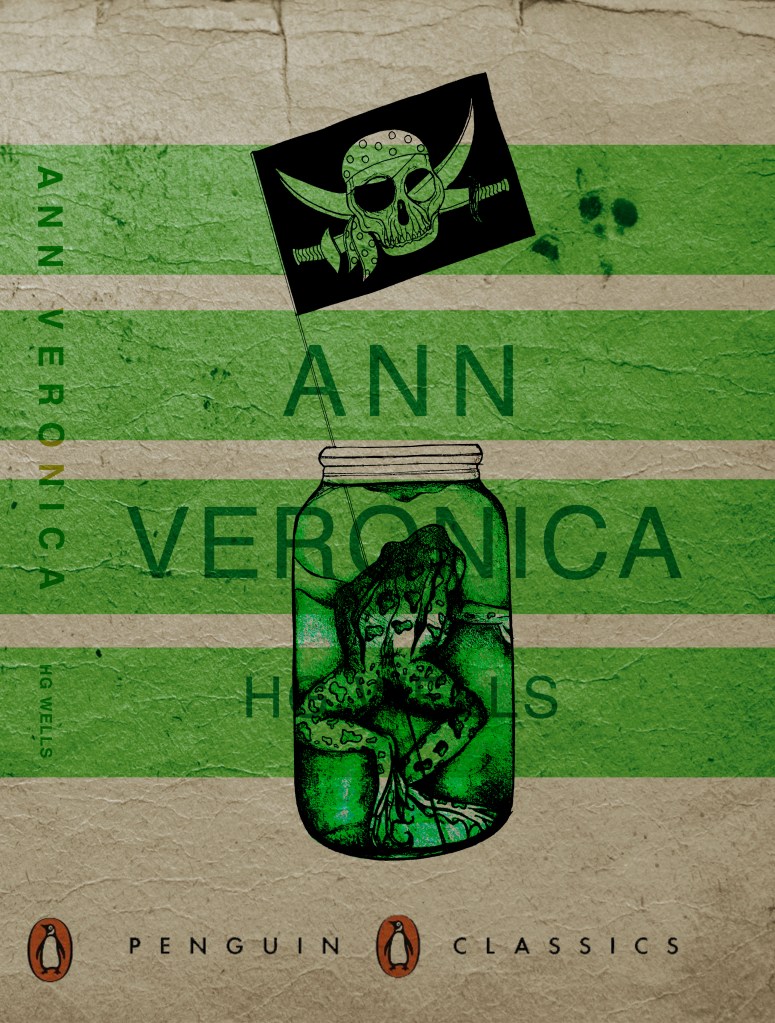
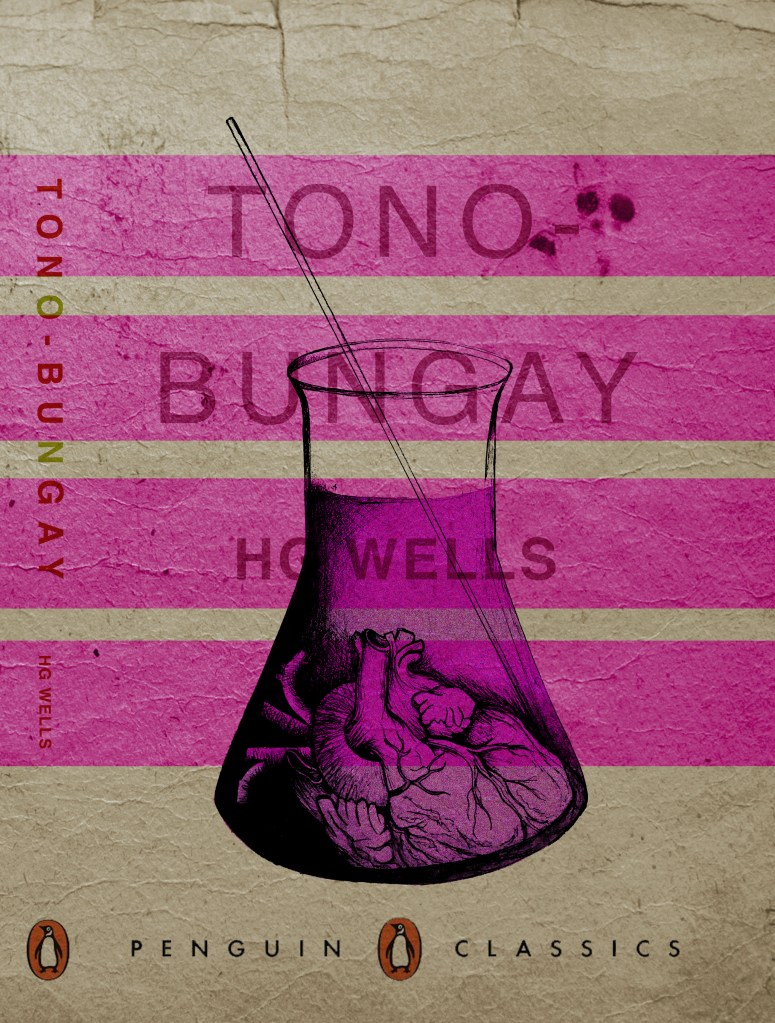
This one is perfect!… I then added it to each of the designs and adjusted the layouts accordingly and this is what they look like so far! 😀 really, really chuffed with them so far!

I still have adjustments to make; the illegible type, the hyphen in Tono – Bungay, the bars so that they all line up, the spine to design, bring everything together to create the final cover and then make mockups on actual books but at the moment I am pleased!

The Time Machine: Design Development (cont)

I have been a bit slow on development the last week or so… I have also been trying to work on something I want to start in the new year. (I’ll do a separate post for that!)

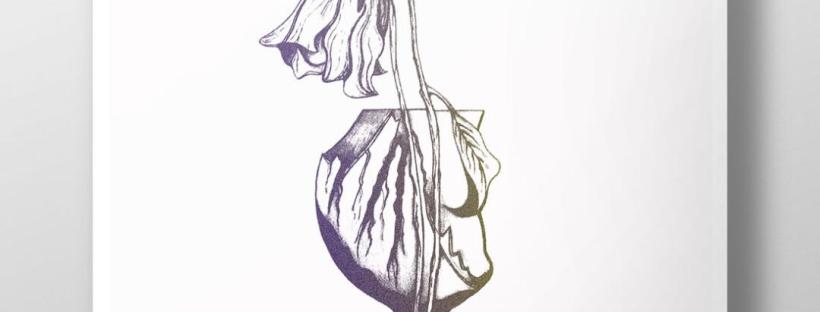
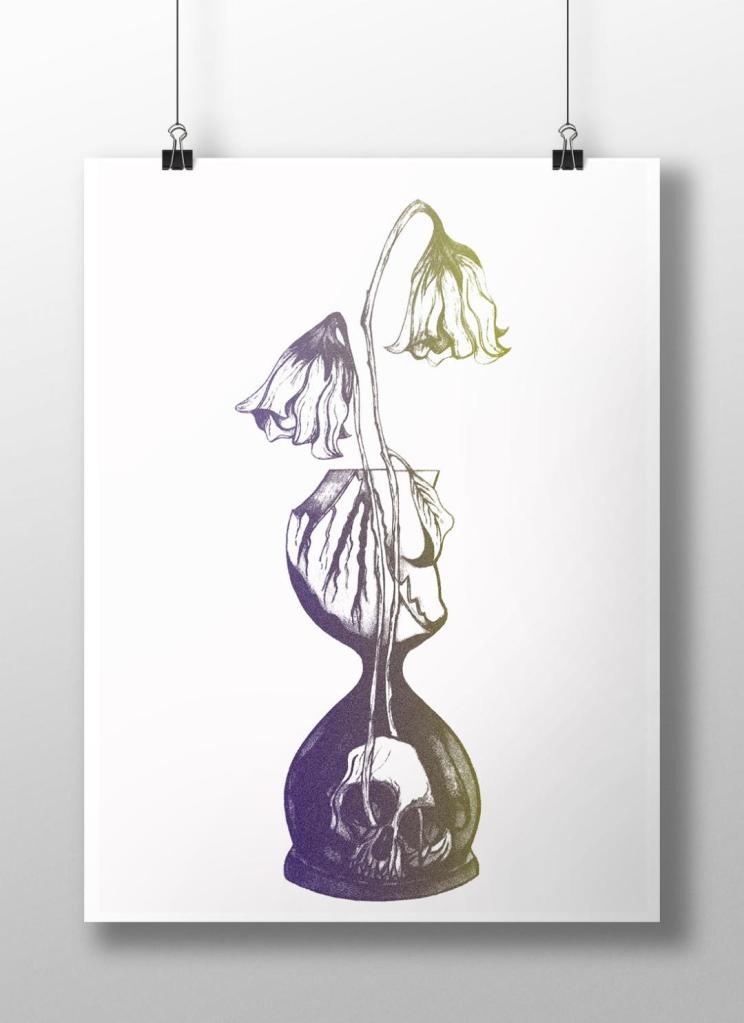
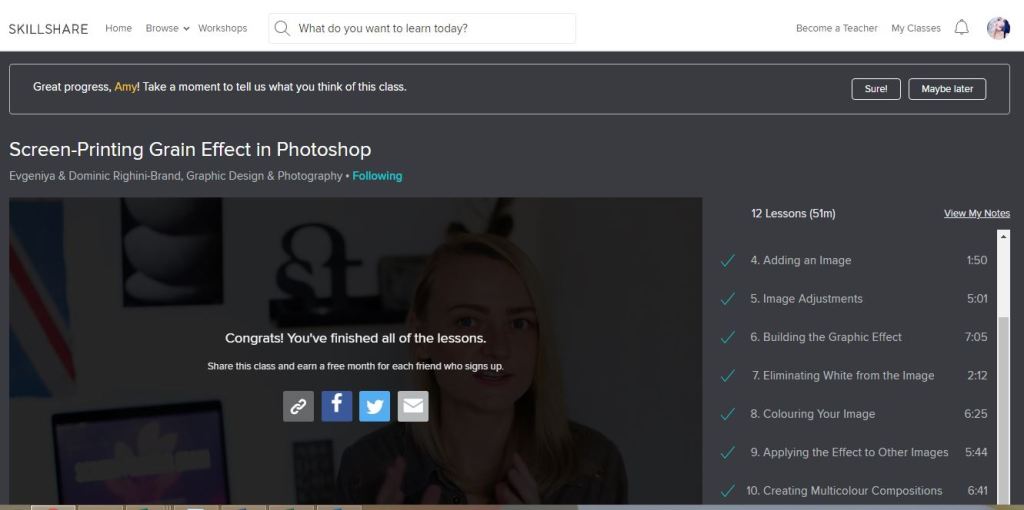
I watch a lot of SkillShare tutorials to learn different effects and skills to further improve my design work digitally. My last post mentioned how I studied a Duotones class by teachers called Evgeniya & Dominic Righini-Brand, Graphic Design & Photography  well I also studied another one of their classes for creating a screen printed effect. I thought this might add an “older” more vintage feel to the piece.

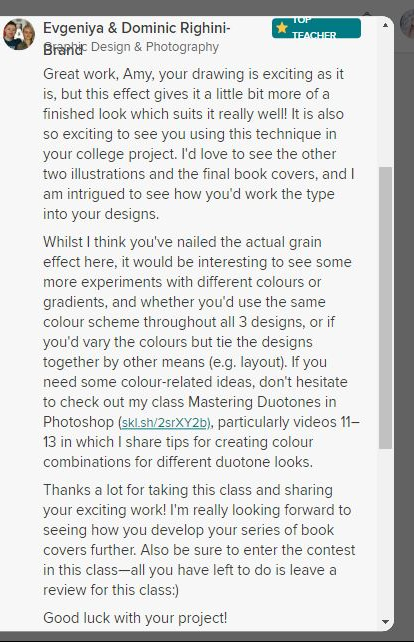
After I had finished the tutorial I also uploaded the finished piece to the Skillshare page for others to see (which is unknown for me!!- stepping out my comfort zone!) Here is the link below to what the tutor had to say to my piece!

https://www.skillshare.com/projects/224662

Out of all the trials I have done so far though I have to say I like the first one pictured above! I also posted it to my Facebook for the opinion of everyone else and they all agreed that this one stands out the most and the contrast between the black and yellow works the best. I am now going to draw the other 2 designs and then bring them into Photoshop and do the same digitally as this one. I will change the colours on each though so that they each have their own colour scheme.

The Time Machine: Drawing Development (cont.)

I have back tracked slightly from my last post!….

Sat on my break at work and I was asked how my uni work is going, I reached for my phone and passed it around the table to show what I have been working on… The feedback was good! – everyone thought my drawing was good!… however, there was some slight confusion as to whether the flowers were coming out of an hourglass timer (sand timer) or a regular broken vase… Having another look after a few days apart from it I could see where this could be confused. Although I was pleased with my drawing I felt like it was still missing elements.. I decided to redraw it… AGAIN! but this time make sure it is obvious that the flowers are coming out of a sand timer and not a “vase”!

I changed the flowers slightly also.. I was unsure of doing this but I think it could work…

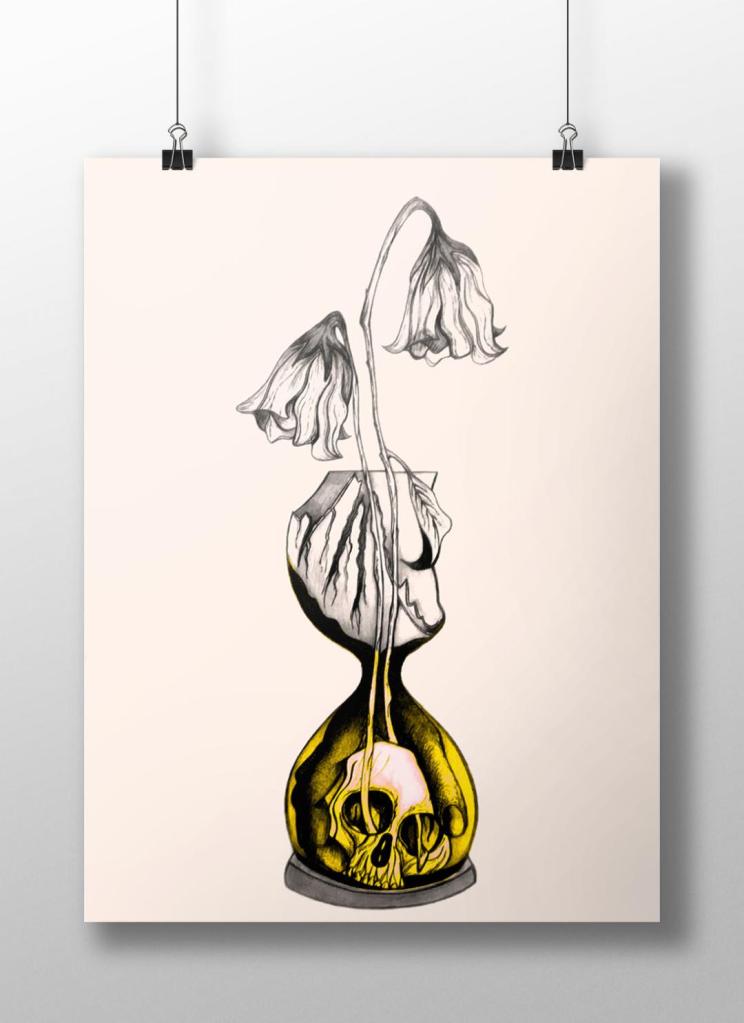
My flowers before looked quite wilted and withered and were a generic flower.. What I have drawn now are 2 white roses. I debated on using roses as the book states “2 white flowers” but when I looked up the symbolism behind white roses, to give someone white roses represents purity, inncocence, kindness and love. All of these traits are what Weena gave to the time traveller.

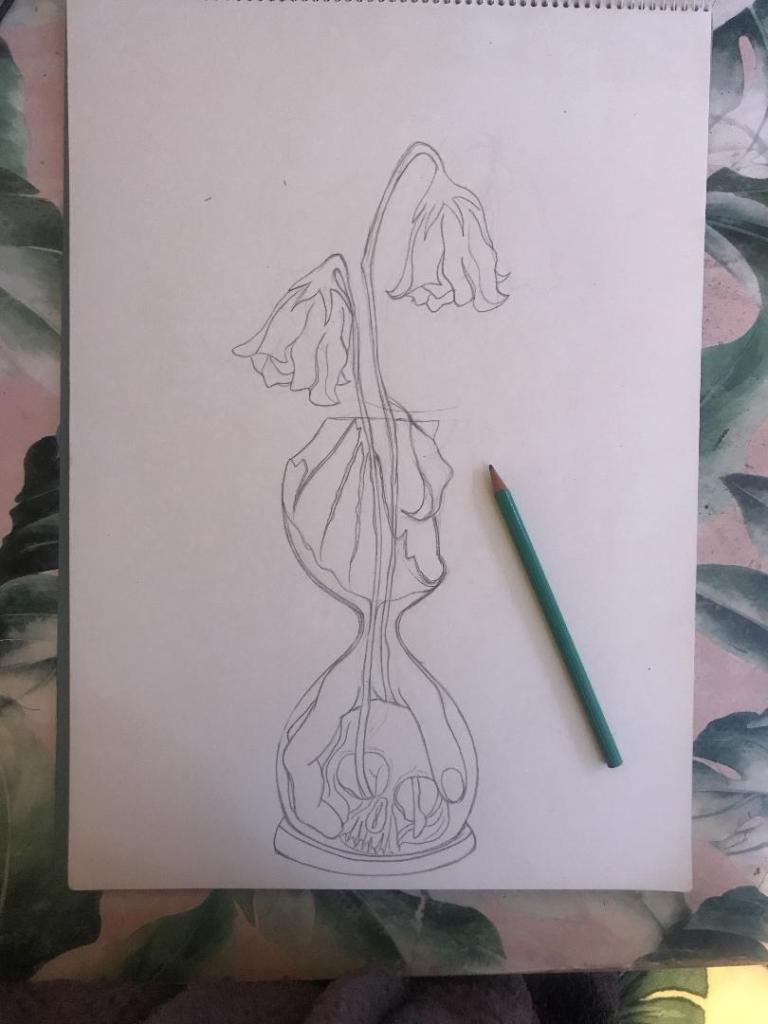
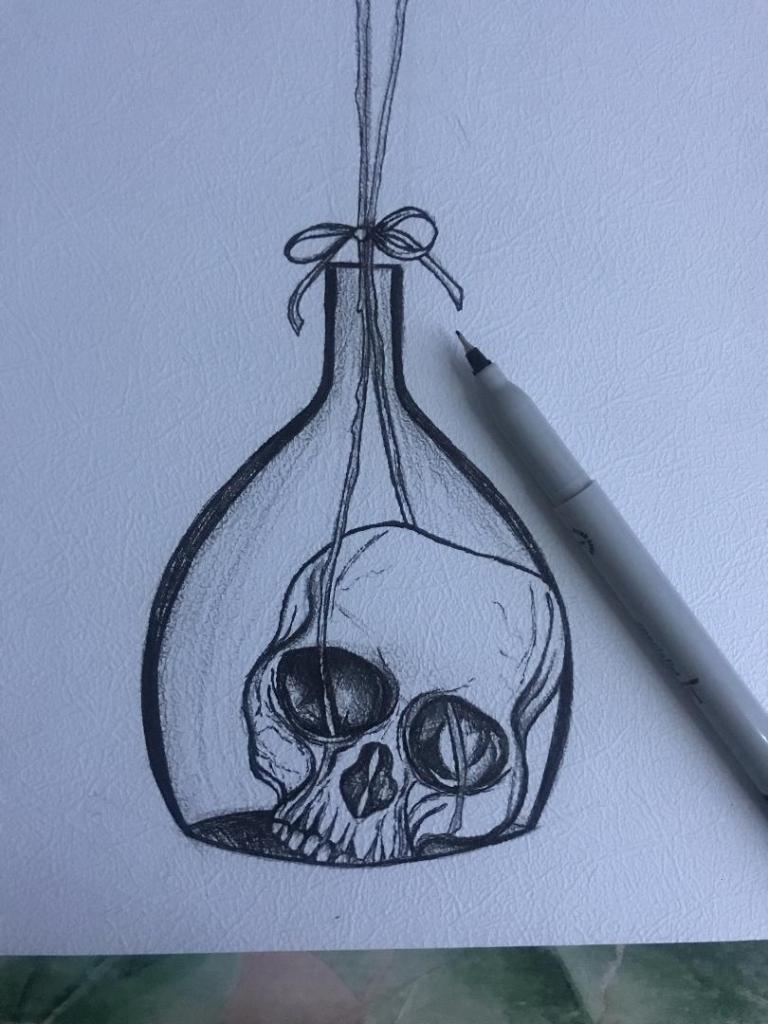
The sand timer (hour glass) has sand in the top half coming down to the bottom of the timer, before the sand hits the bottom of the timer it forms into a hand which holds the skull. The hand shows authority and dominance and represents the Morloch people. The skull represents the cannibalism aspect in the story; “killing the Eloi like cattle.”

This is what I sketched up last night:

It took me forever to get the hand right, I am hoping it will look even better once it is inked.

I was not happy with the broken glass on my last drawing. I accidentally at home smashed a circular wine glass, I decided to keep it and use it to draw from for the broken glass aspect of my drawing.

So far I feel like this design works better than the previous one, I shall get it inked out and then see some more!

The Time Machine: Drawing Development

“That’s very macabre but very good!” – Mum, 21/11/2019

I worked some more on the development of my final idea, I had another go sketching out what I would like on my final cover to see how it would work! When I have completed the drawing it is my plan to copy it several times and experiment with different looks and techniques (I want to try the tea staining and watercolour again)

I feel that even in one night since I drew the first rough drawing that I have improved massively! I kept quite light on the shading with this one so far and it does look much better. I also felt like I was trying to compare how good my drawing skills are with everyone else I was looking at online. Obviously I was looking at examples of ink drawn pieces and I felt myself trying to make mine look similar.. it was only when I stepped back and looked at a really good ink drawing I did back in October that I realised to myself that I am good at ink drawing but that I just have a different style! I shouldn’t try and sway away from this to be like everyone else because mine is just as good but in different ways!

It is nice to sit back and do some drawing though and improve my skills so I shall give it a few more attempts before hopefully I shall feel I can settle for one final one to take forward and be happy with!

The Time Machine: Design Development – experimental drawings

Last night when I got home from work I decided to sit down and have a go with some experimental drawing. I know what idea I want for my final cover and can visualise in my head how I wish it to look but I actually have to try and make that a reality!

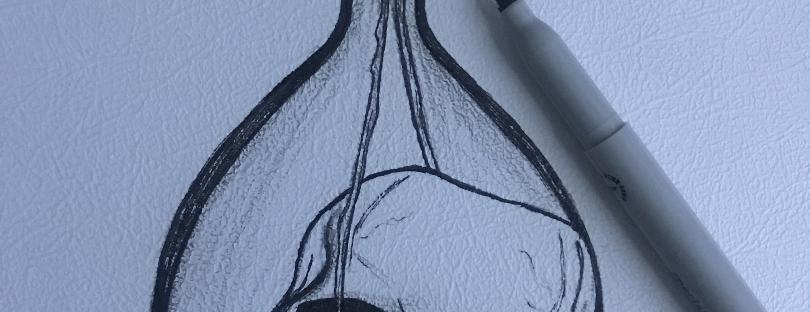
I want a potion bottle with a skull sitting at the bottom of it and the flowers coming out of the skulls eye socket straight out the top of the vase. The water in the bottle I want to look murky and dirty as it represents the Morlochs underground. I decided to give it a go drawing a skull in ink and then go from there!..

I have Pinterest (link below!) so I decided to have a look at different skull drawings and try to copy one off there!

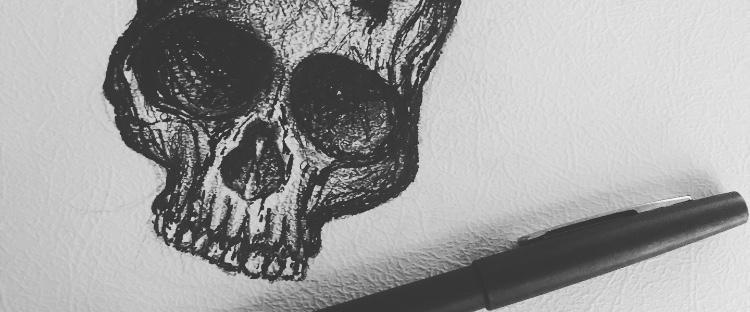
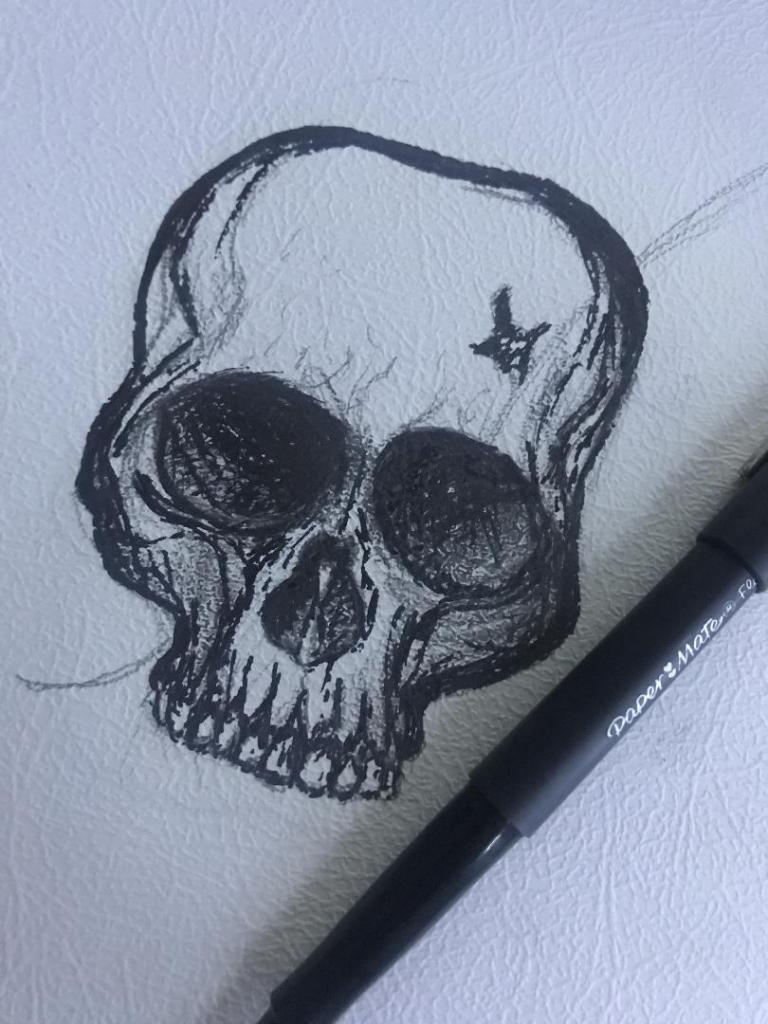
This is what I ended up with! The first one being the drawing at the beginning before I added shading etc.. I think I have made the skull too dark with the shading and on the final piece I shall make it a lot lighter. I like the tea staining that I added though, I like how it has ran with the ink and gives a very murky effect.. (I still feel though it could have ran some more!) I could even try this with different colours using watercolours instead of the tea staining.

Overall I am pleased with my first attempt.. I have not sat down and drawn for a while and when I do draw it is never anything as dark as this! 😀

I shall have a go at repeating the drawing with different ways and techniques until I am happy with what I have achieved!