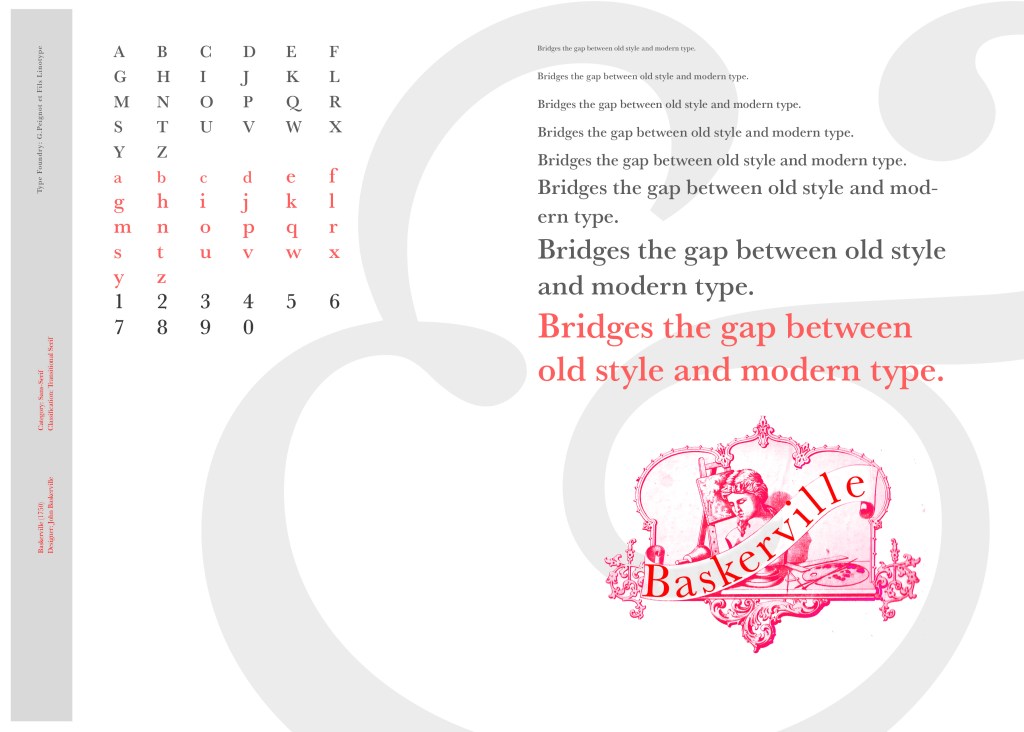
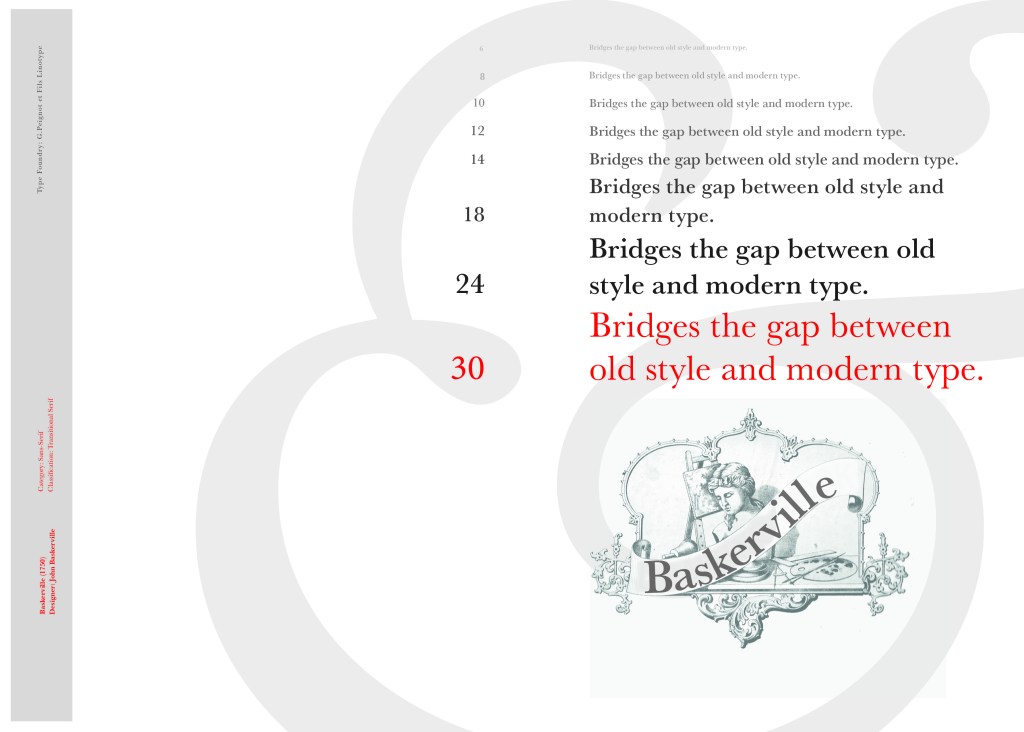
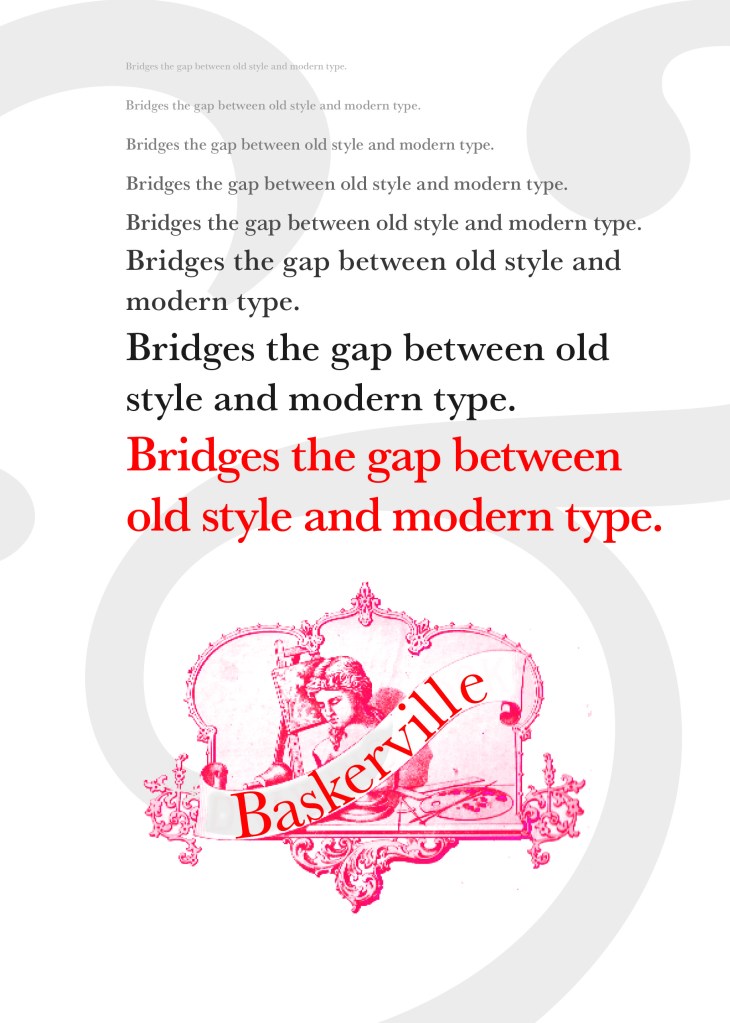
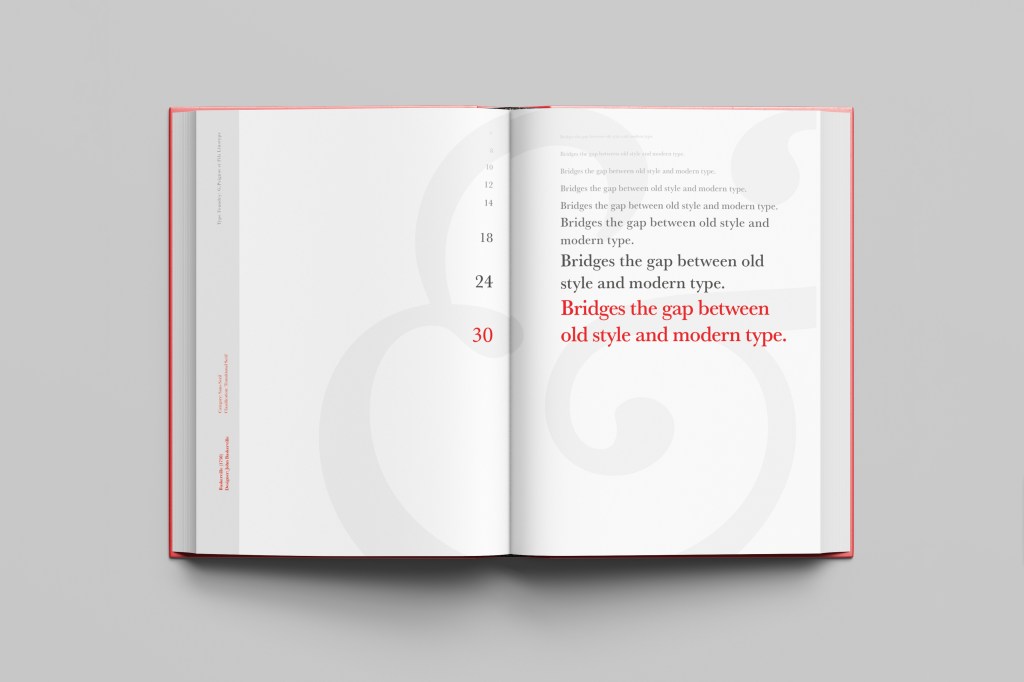
I started off my Serif typefaces with Baskerville. Baskerville was designed in the 1750s by John Baskerville in Birmingham, UK. Baskerville typeface showed contrast between thick and thin strokes and making serifs sharper and more tapered. Baskerville was inspired by Calligraphy and the typeface was and still is very popular in book design. John Baskerville wanted to create books of the greatest possible quality and his typeface certainly made this happen.
My idea for this design was to create a layout representing book design. My original idea was to create an old book and then incorporate Baskerville typeface and the characters into it.
I feel like I spent ages doing this design because I messed around with one idea trying to perfect it all day and then decided in the evening that the simplified version would be much better! I wanted to keep the old fashioned style but still try and bring in a modern vibe!
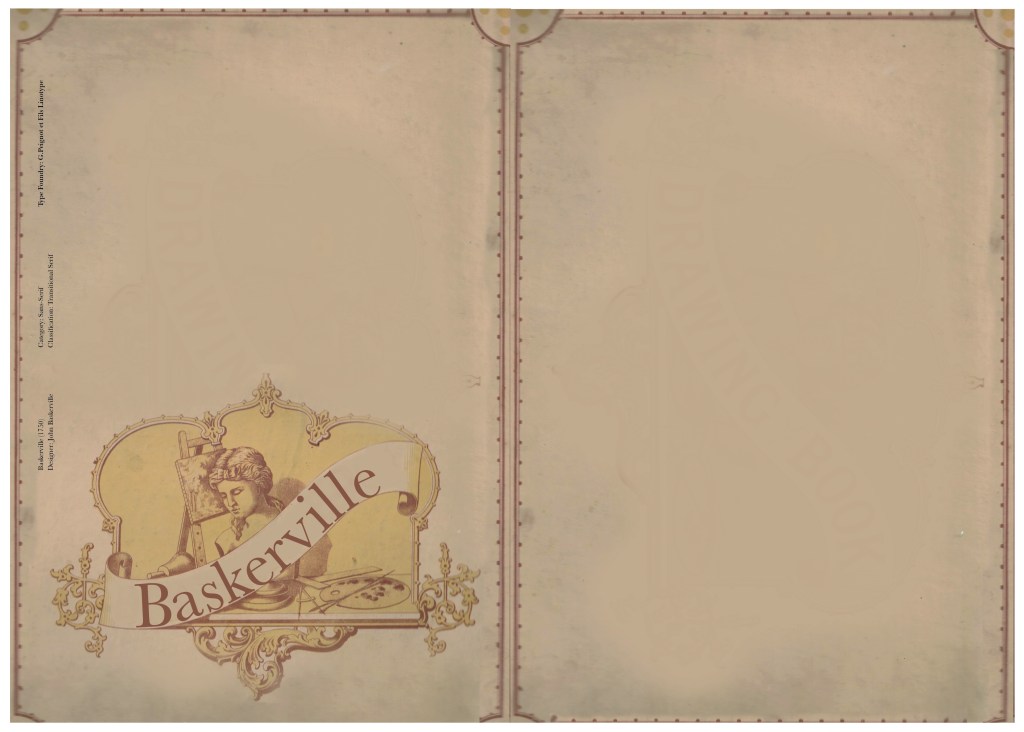
At home I have some old sketchbooks from 1905.. inside are all clothing patterns that have been drawn, there are blank pages that appear in the book though which are quite yellow and mottled with age and my initial idea was to scan these pages in to use as textures for my design. However, when I was scanning them in, the cover of one of the sketchbooks fell apart (they had been covered in brown paper) and underneath the brown paper was an old Edwardian/Victorian Cherub image with the words “Drawing book” I thought that would be a good idea to bring into my design but change the words “Drawing book” to “Baskerville”
**INSERT IMAGES OF DRAWING BOOK
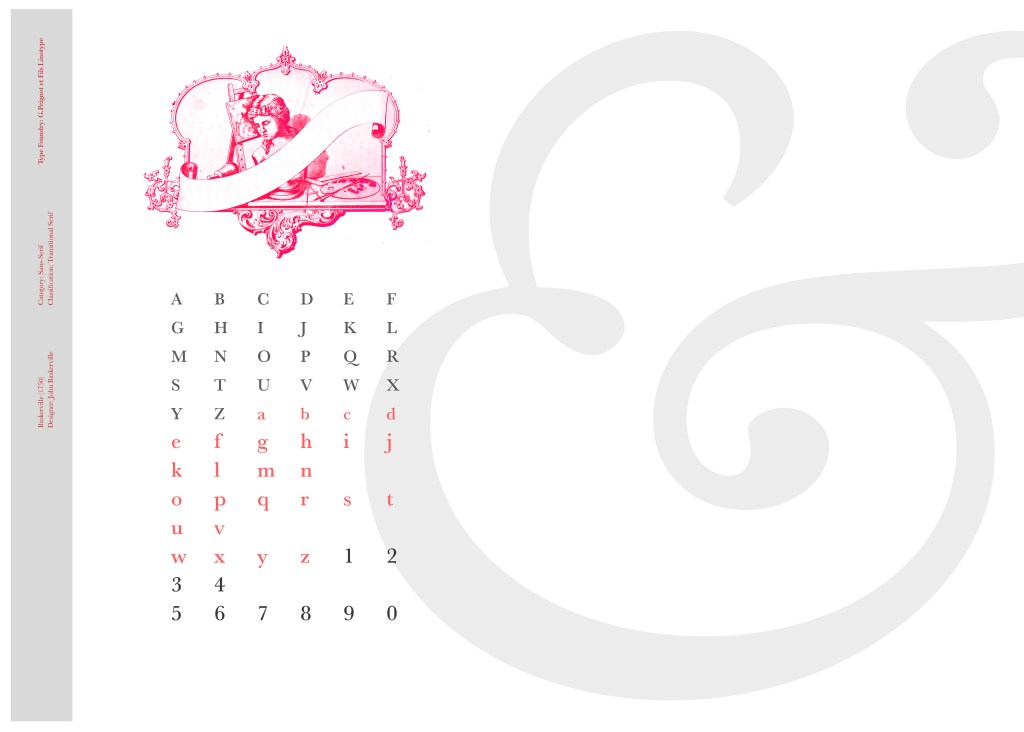
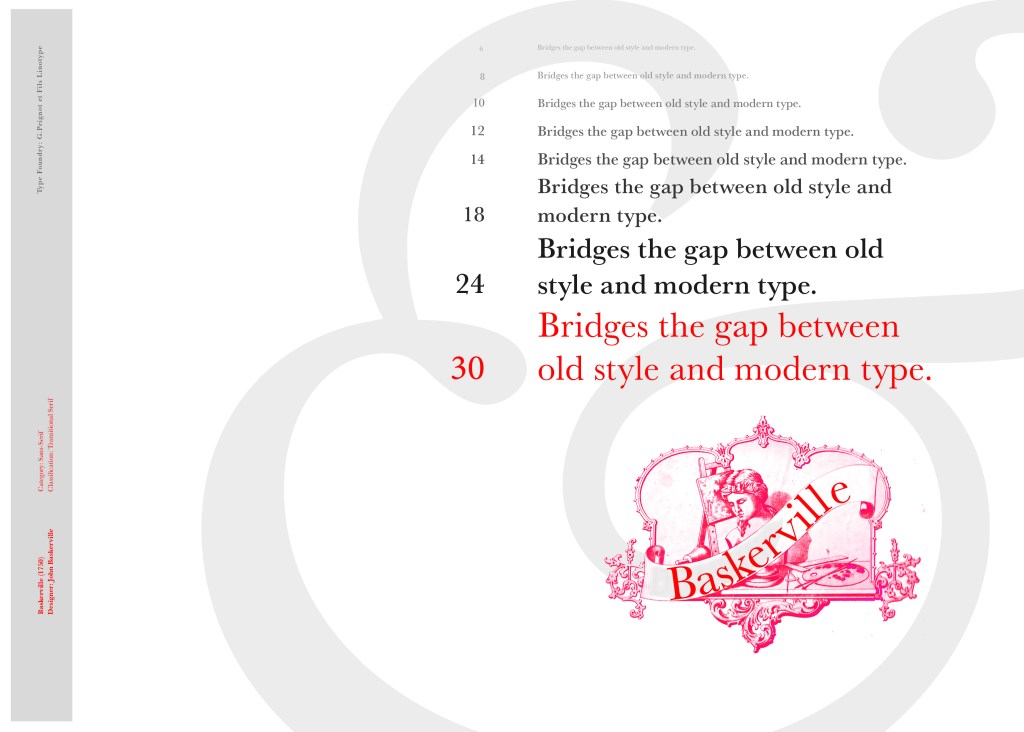
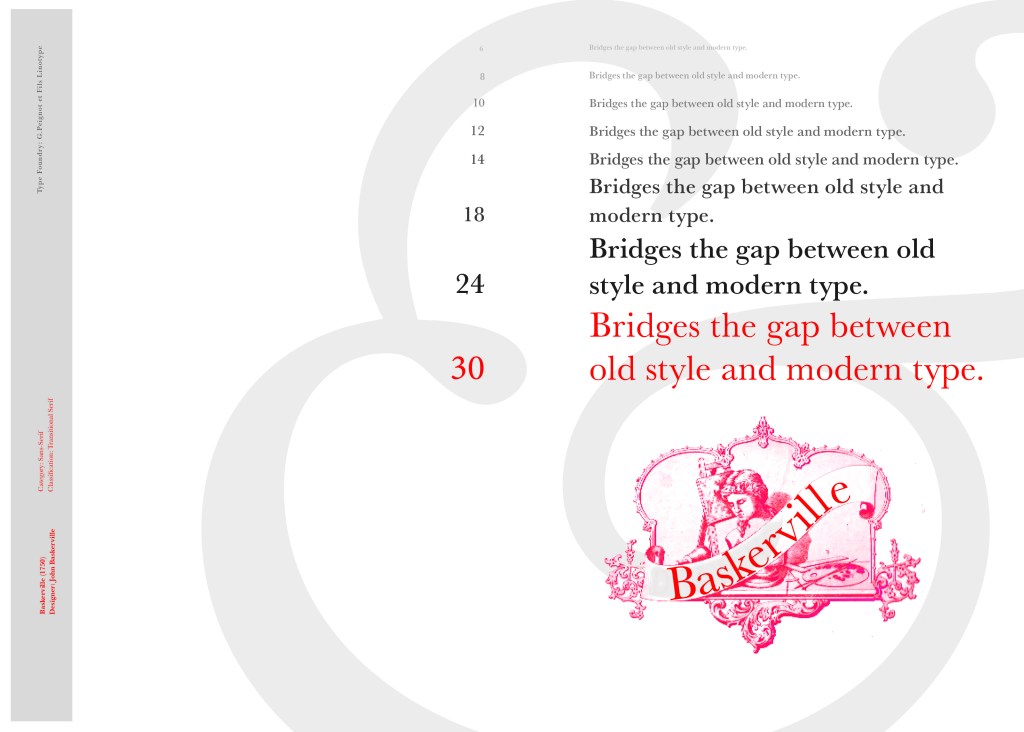
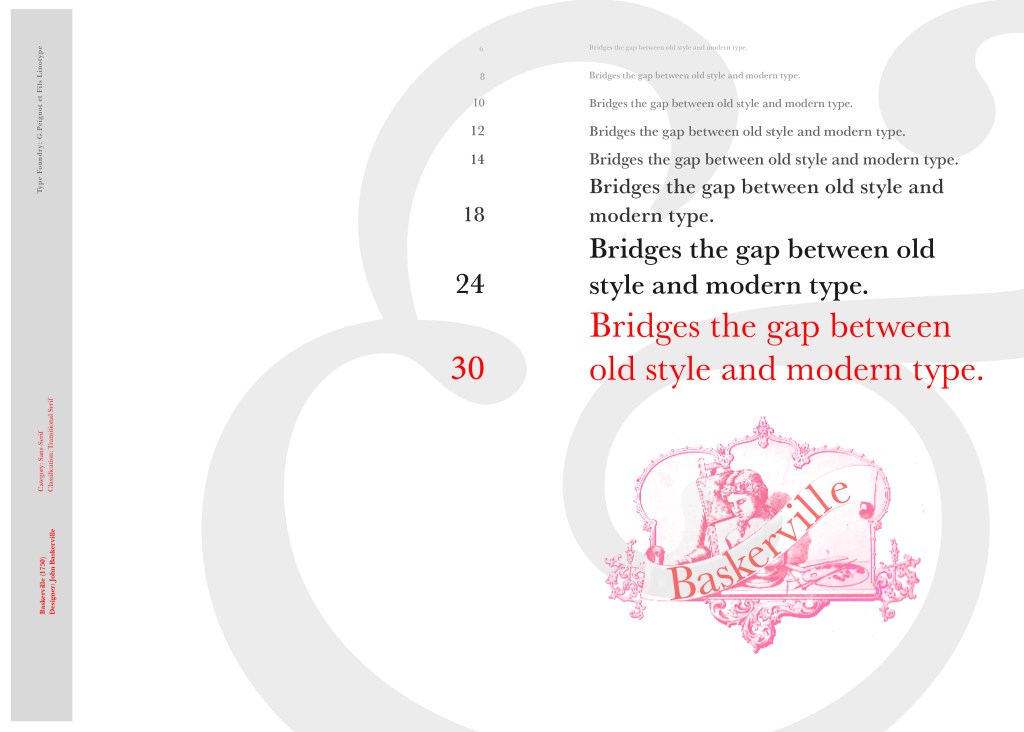
I changed the colour of the Cherub image to try and make it look more modern.. I wasn’t convinced though. I also changed the name “Drawing book” to “Baskerville” in Photoshop. When I did my research on Baskerville, it is well known for its glamourous looking ampersand which I instantly recognised from the V&A logo. I decided to use that in the design as it adds that old traditional feel but with a modern twist.
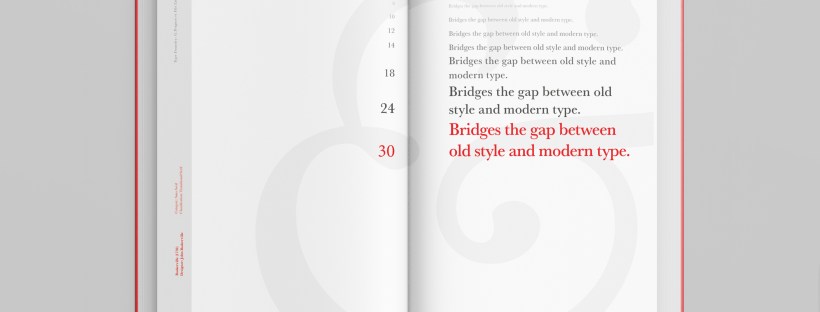
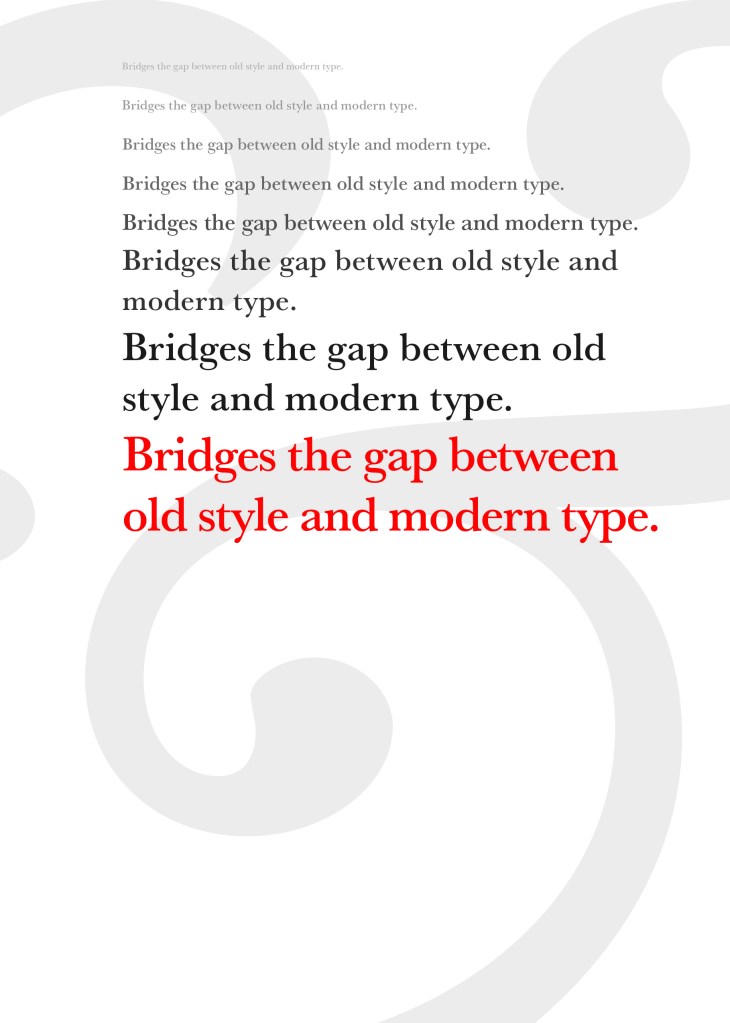
“Bridging the gap between old style and modern type” was a quote I found that summarises Baskerville and that was the same feel that I wanted to carry through my design. I also used the quote to show off the different weights, variations and pt. sizes of Baskerville.
Digital Development
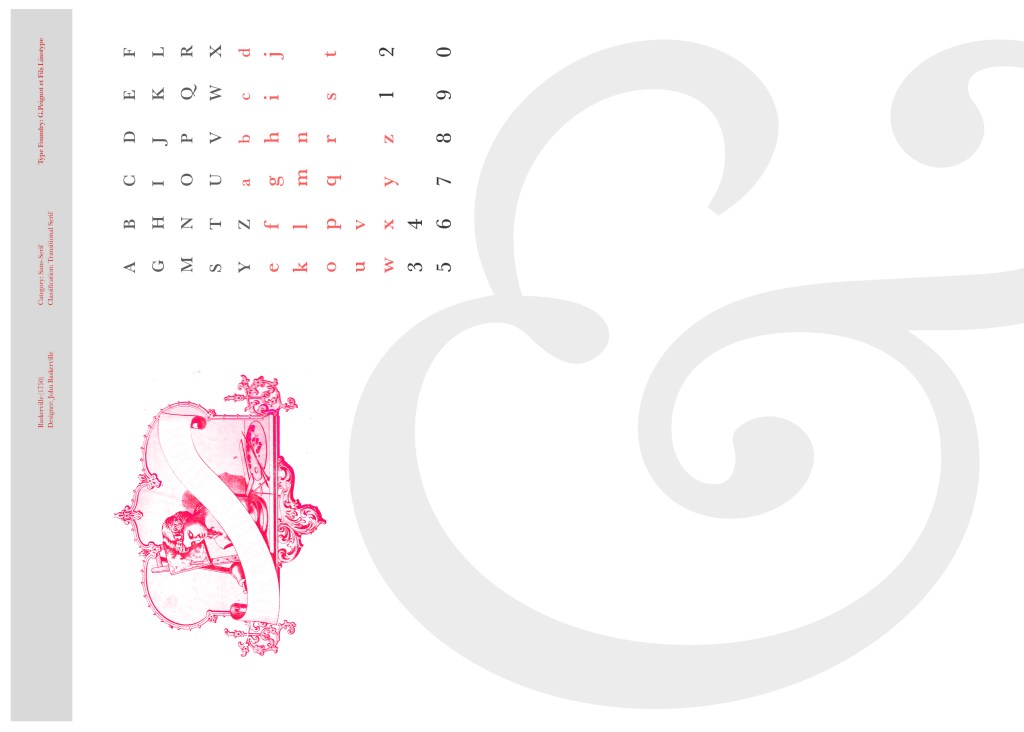
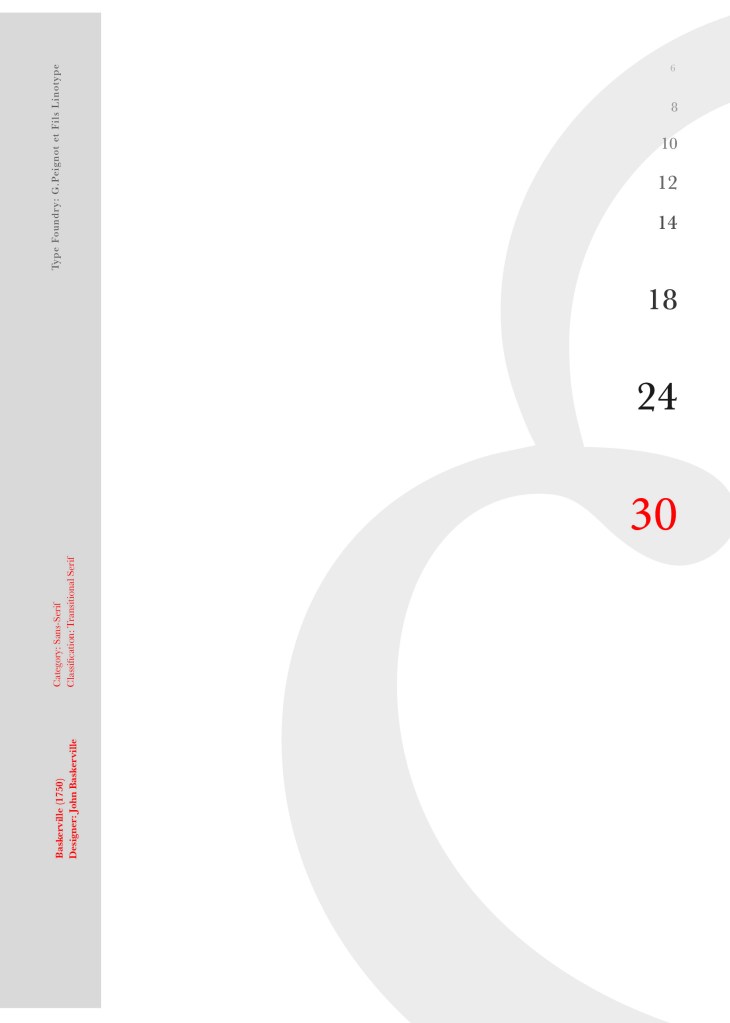
After doing much digital design development I realised (many hours later!) that the layout looked far better with just the ampersand. Let that ampersand do the talking!
The final mockup
The final design and layout is very simplistic and minimalist but I think it keeps an old fashioned traditional feel with a much more modern look.
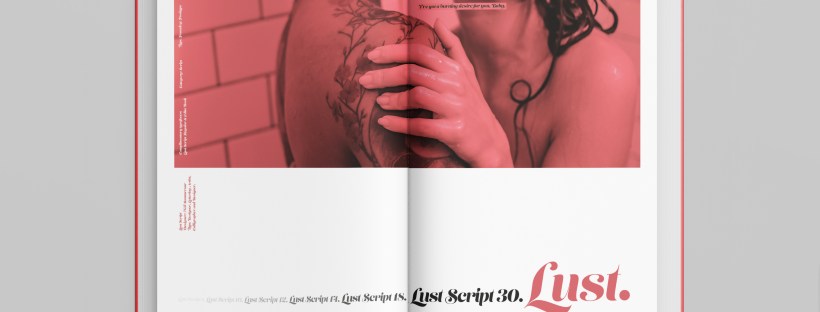
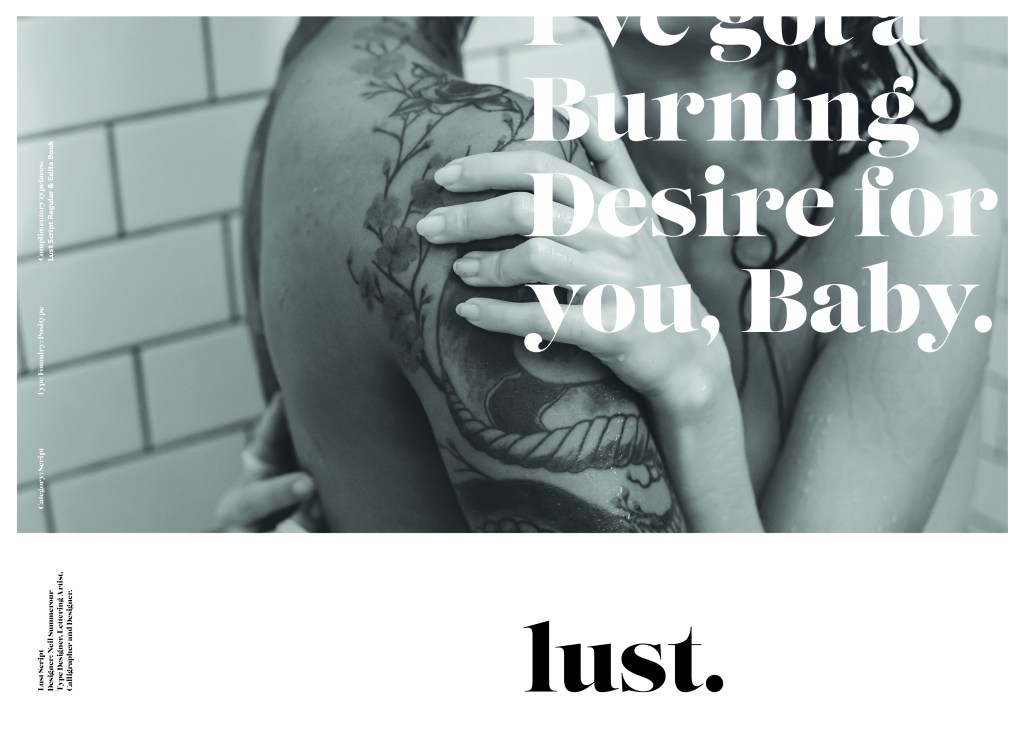
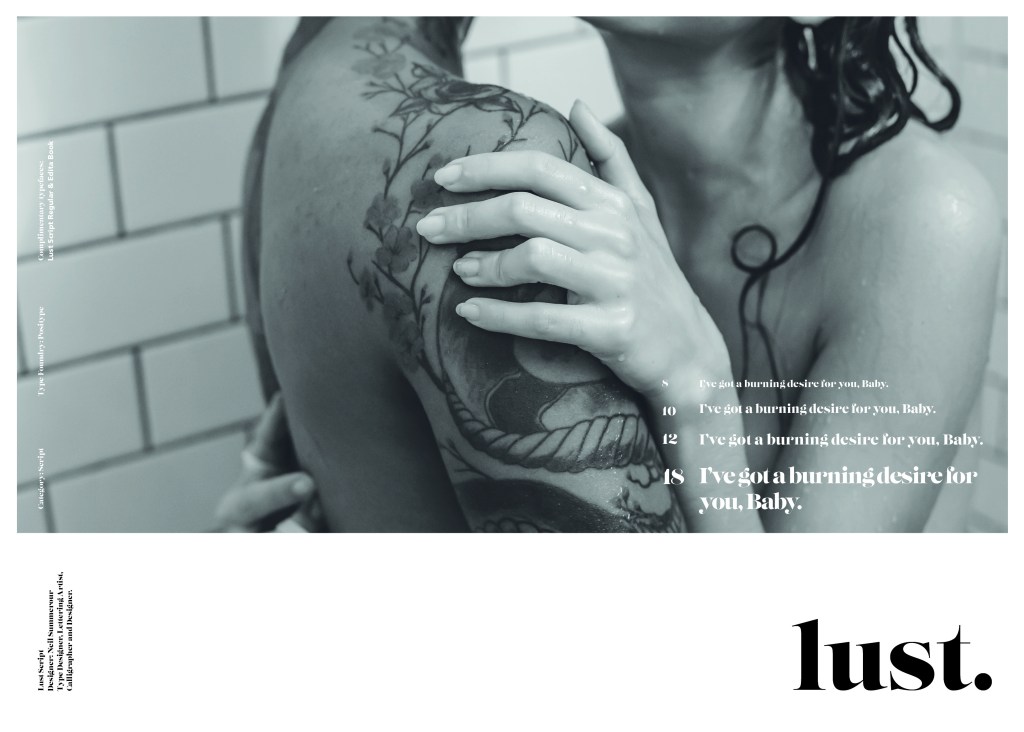
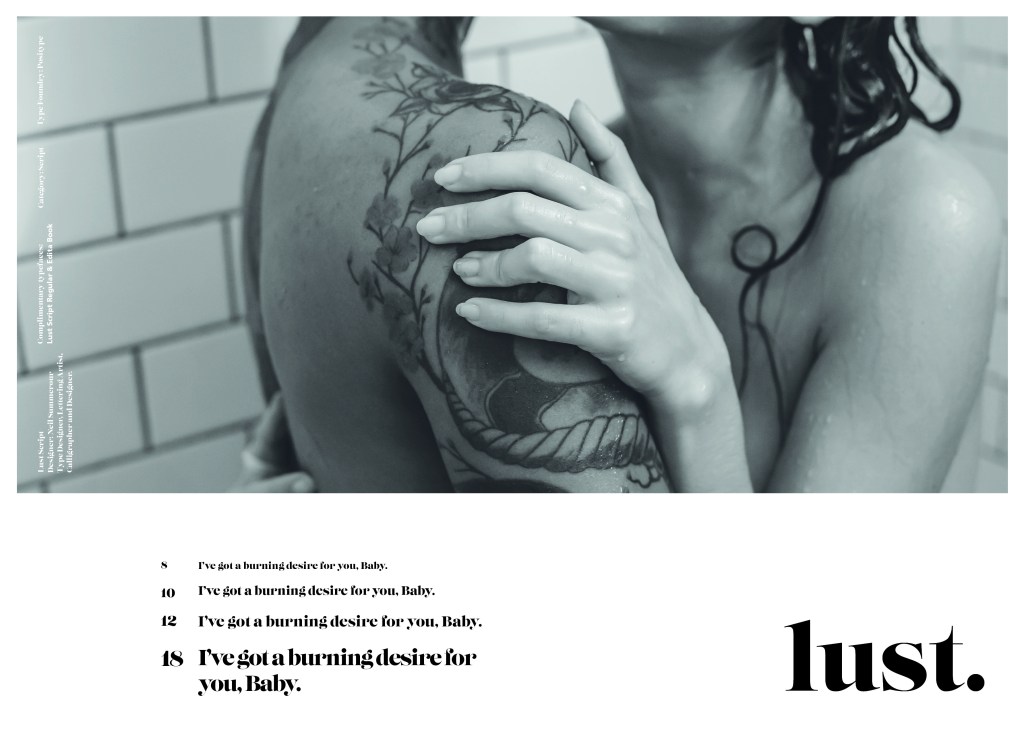
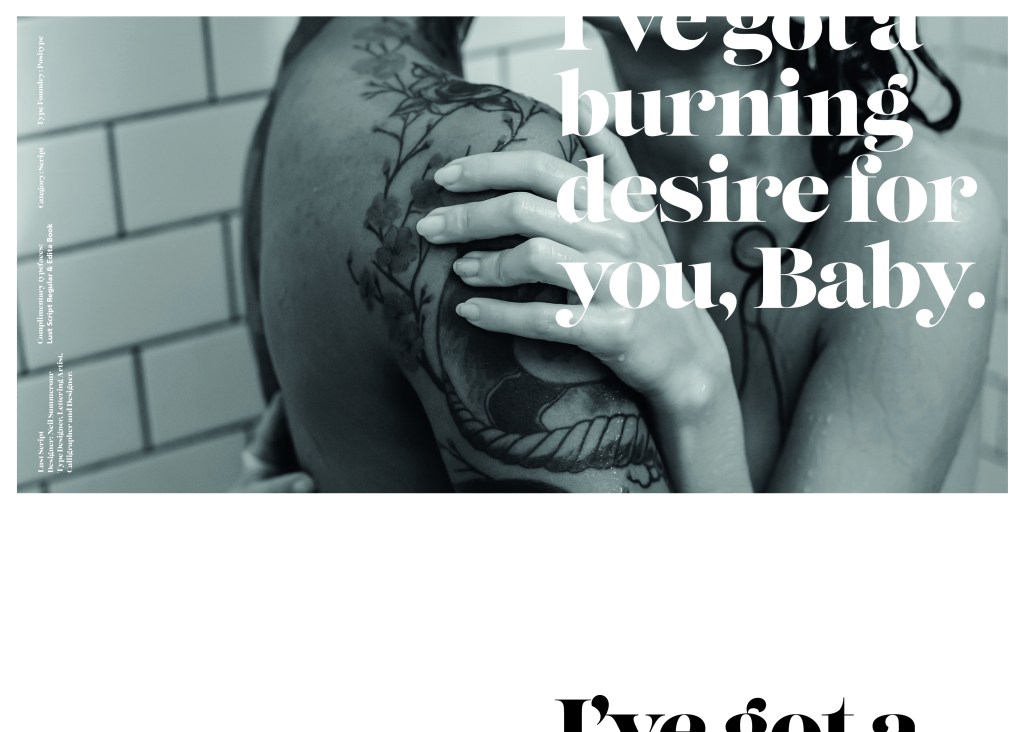
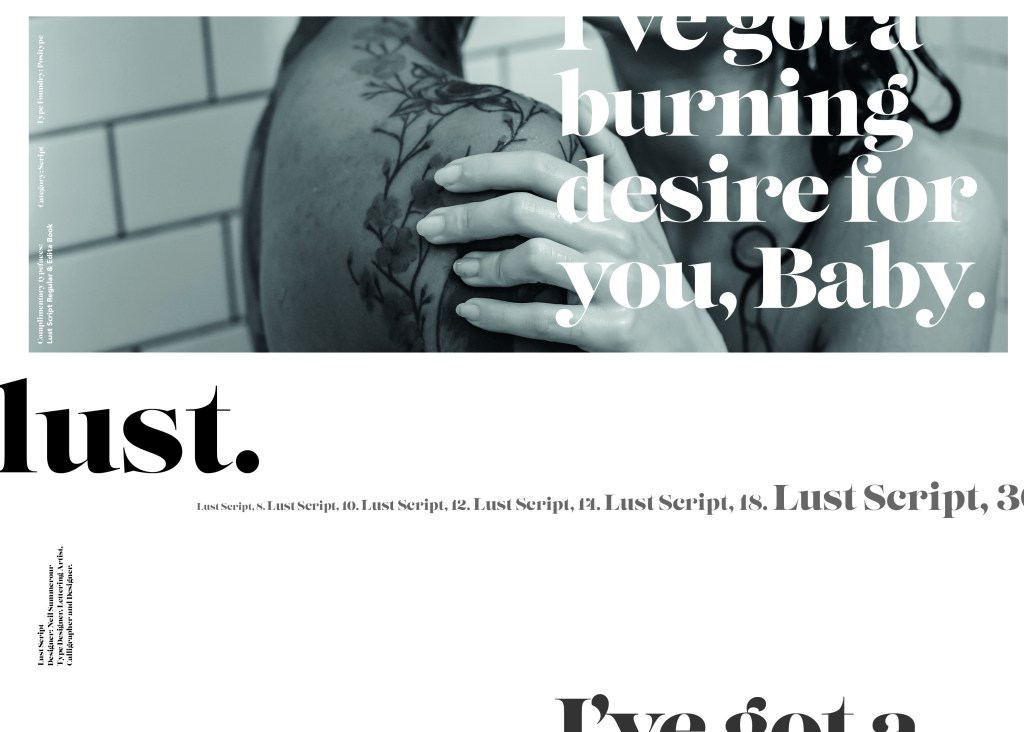
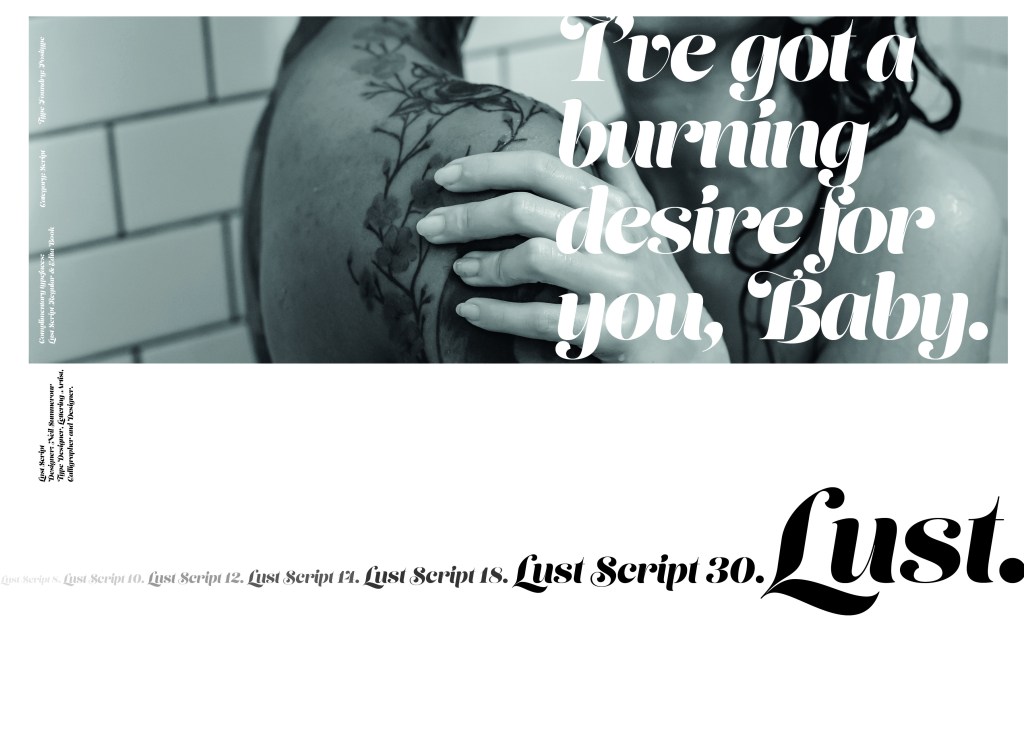
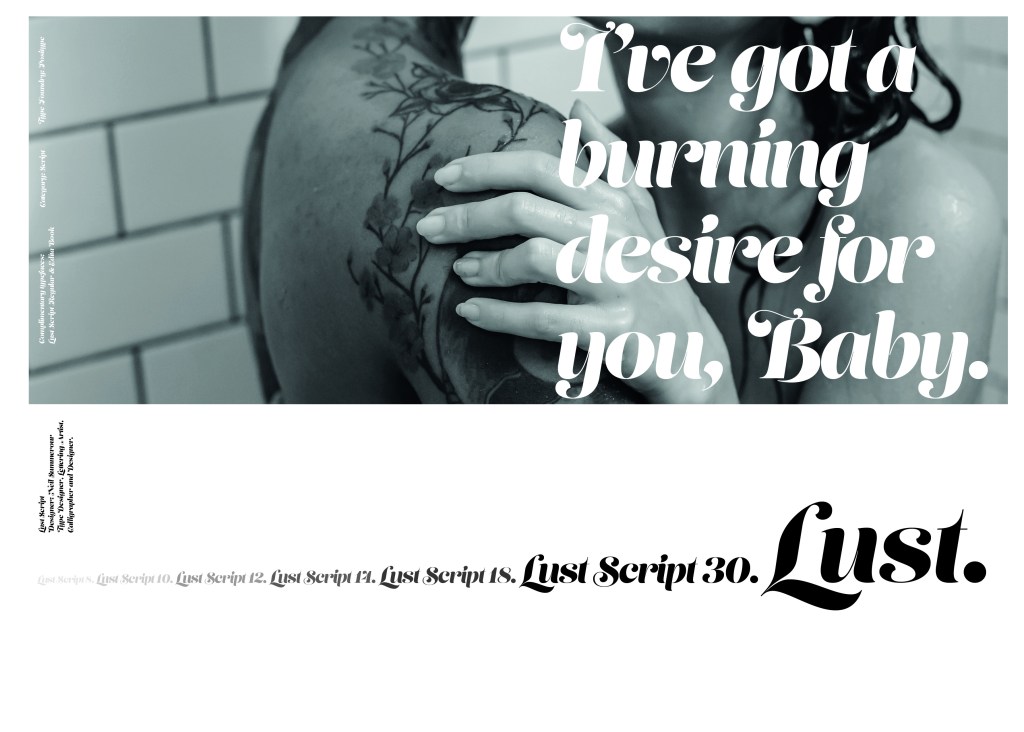
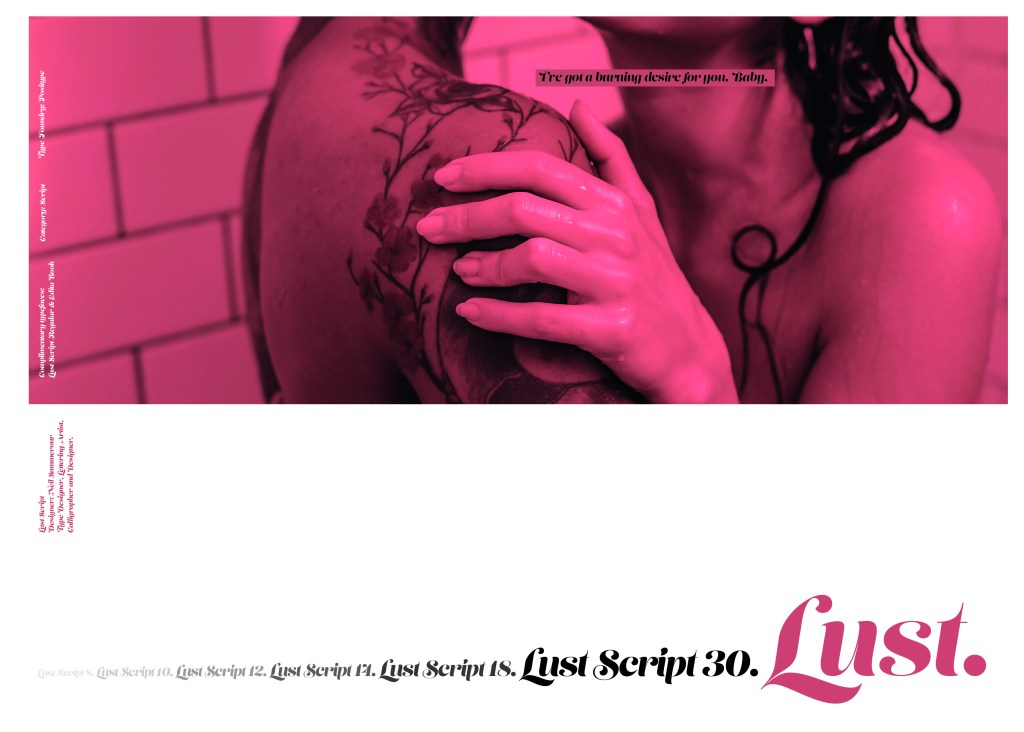
When it comes to decorative/ fun or “gimmicky” typefaces I am not very knowledgeable! In my work I mostly use Sans-Serif which is why I have made my specimen book “Sans heavy”! For this section of my specimen book I had to do my research and look into different typefaces that I could use for Script fonts. I started by looking at Adobe fonts on Typekit. I found one called Lust which attracted me the most and the name of the typeface gave me scope to use that in my design.
Lust was designed by Neil Summerour in the USA. There is limited information on this typeface other than letting the look and name of it do the talking!
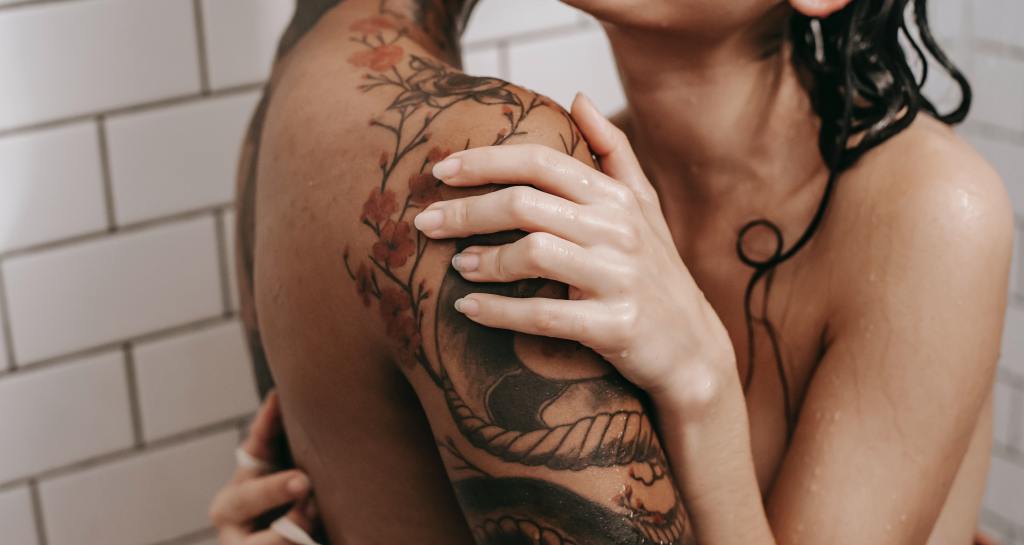
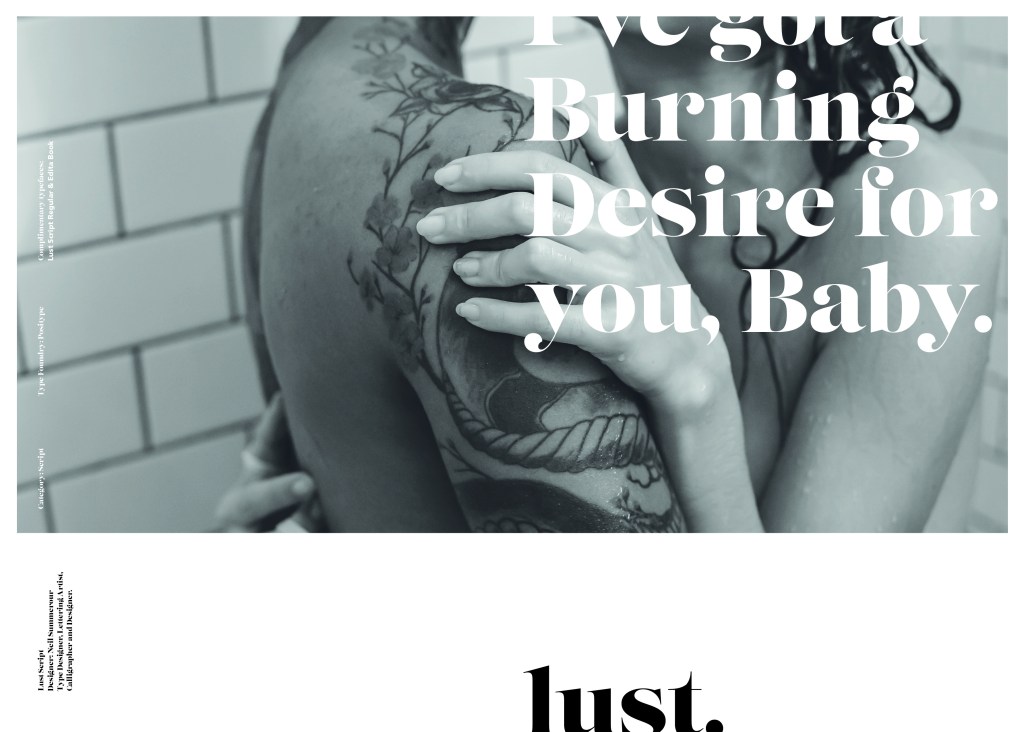
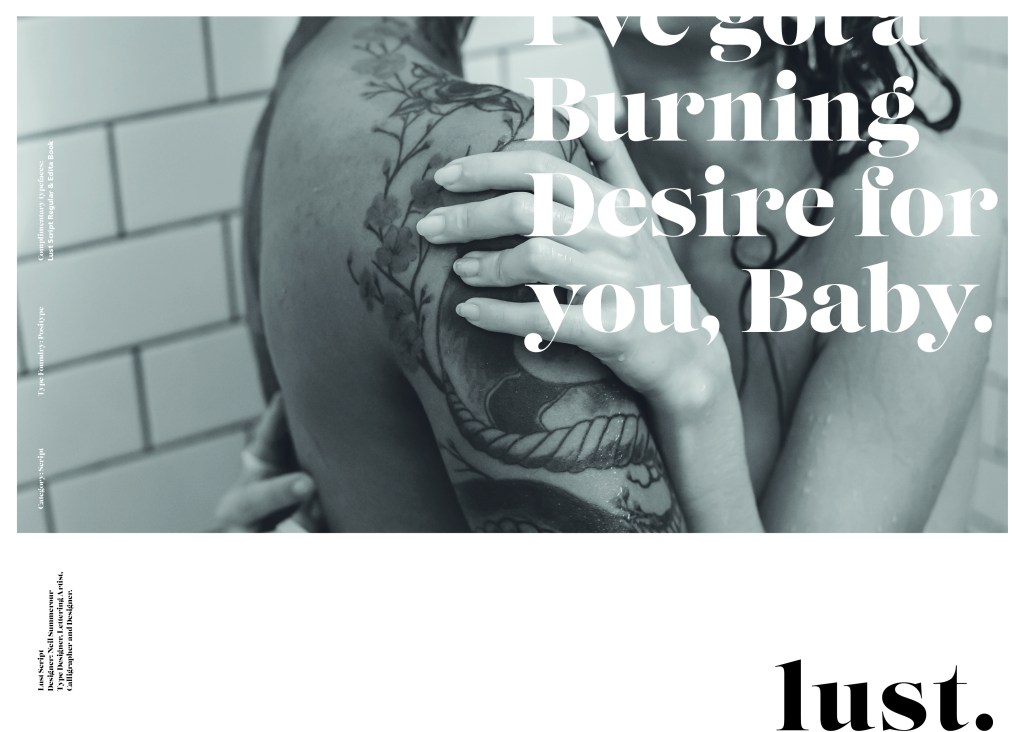
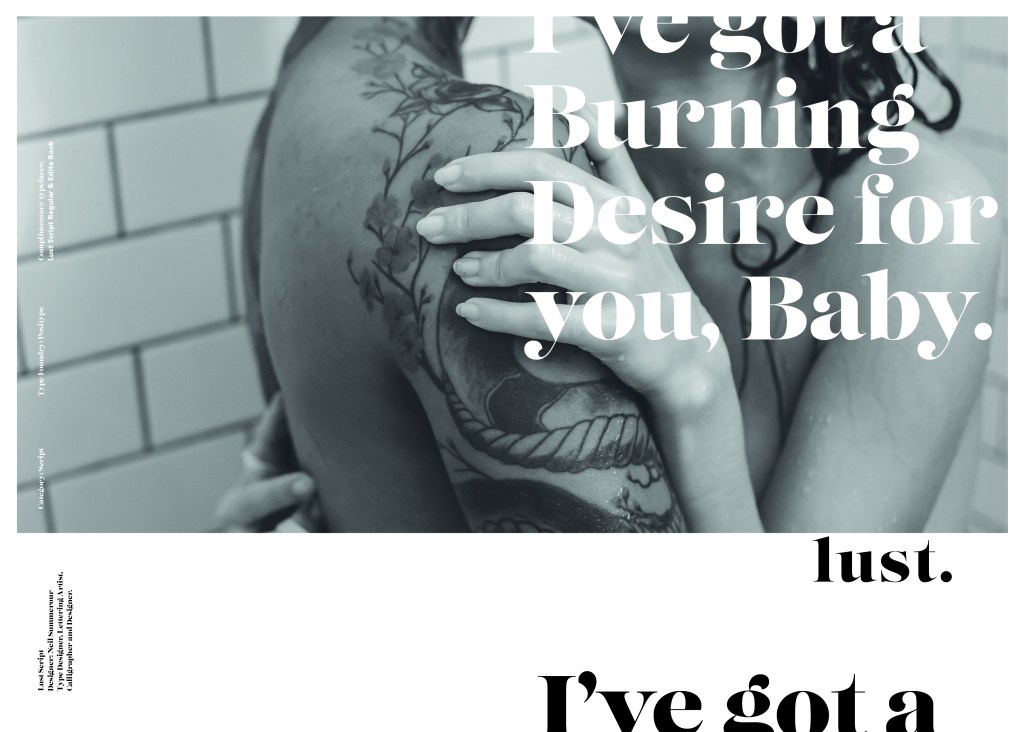
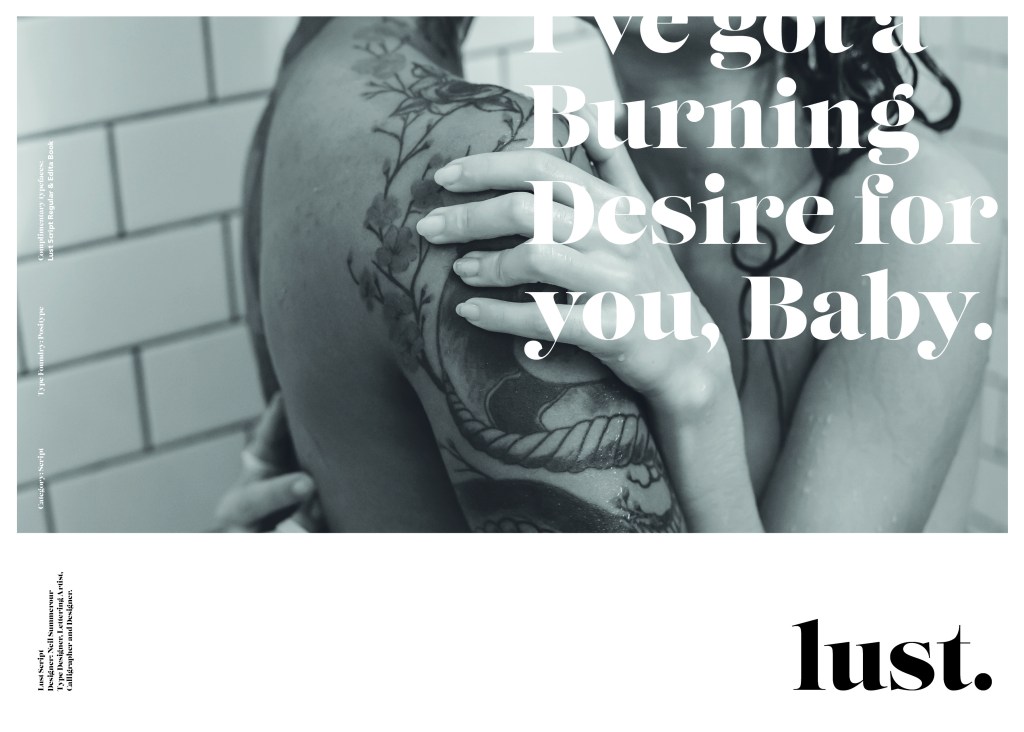
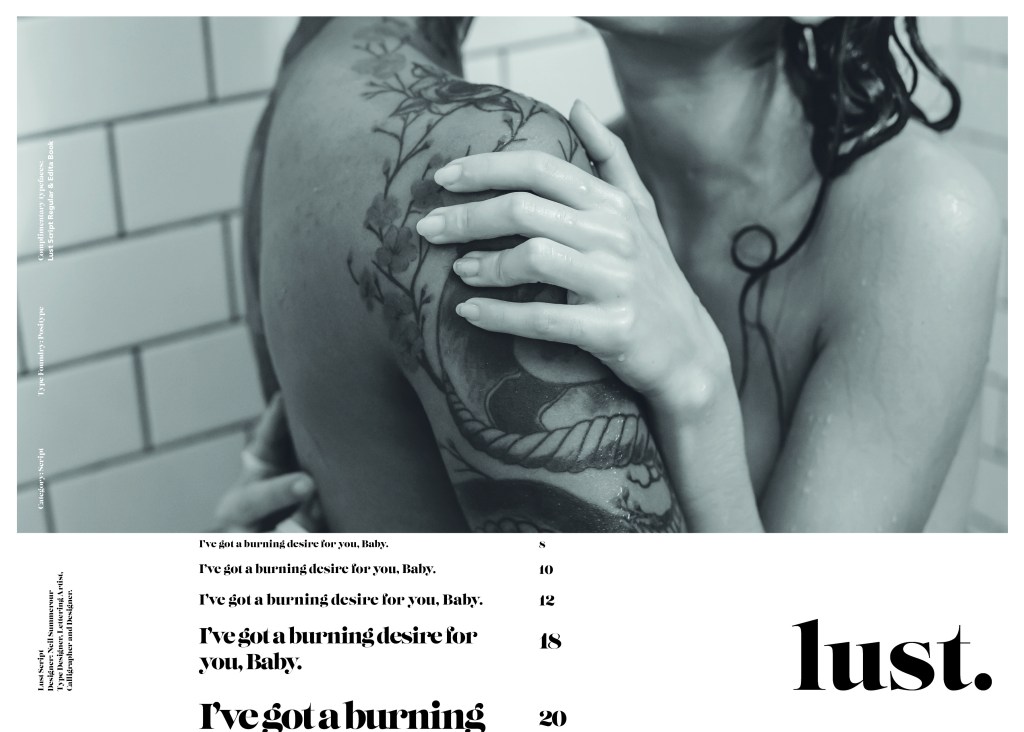
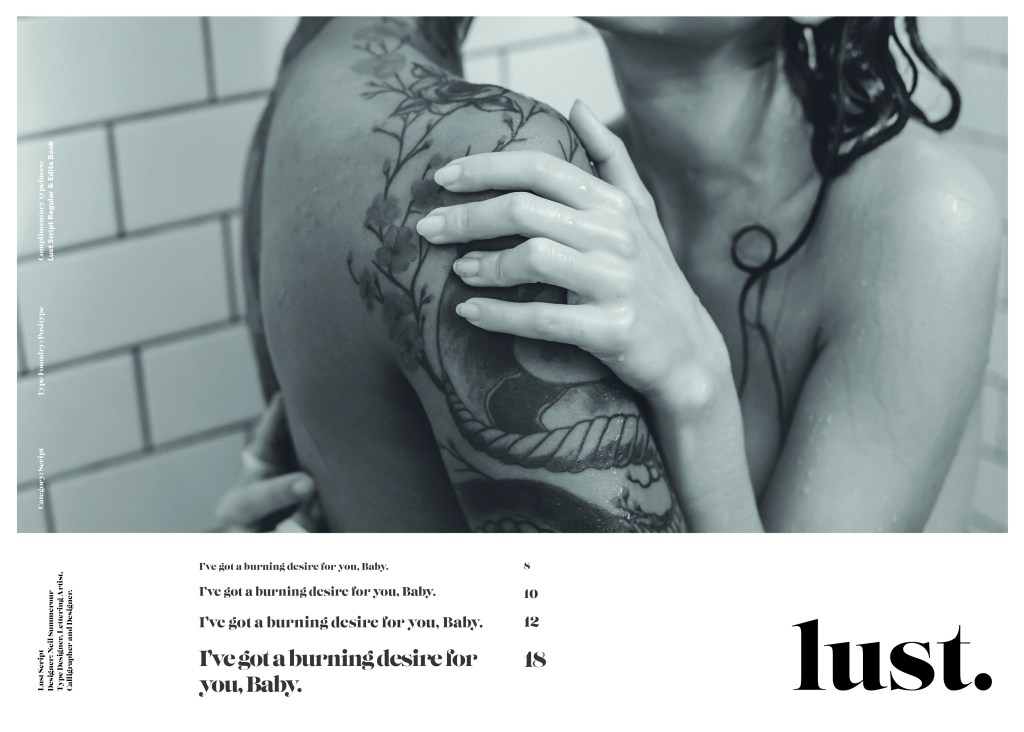
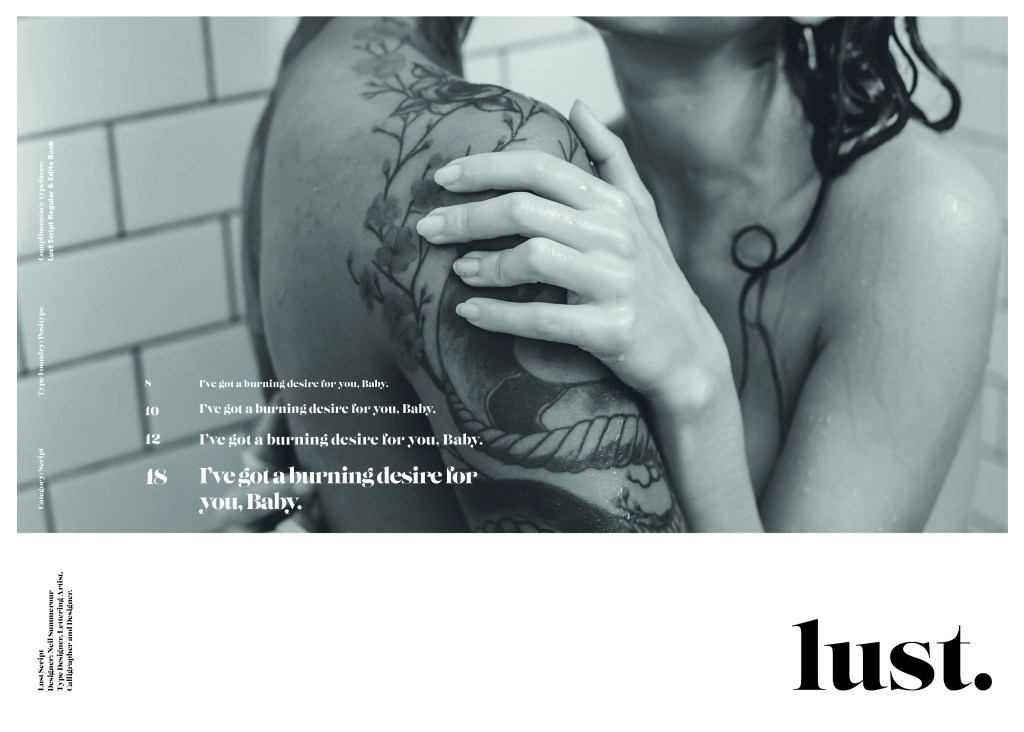
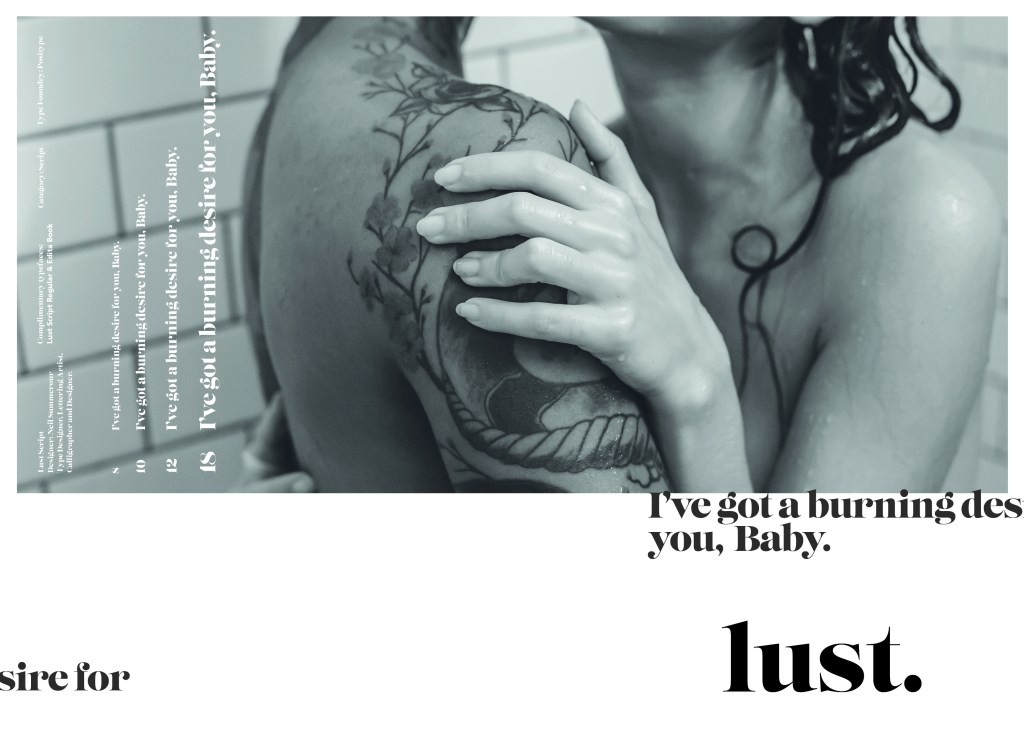
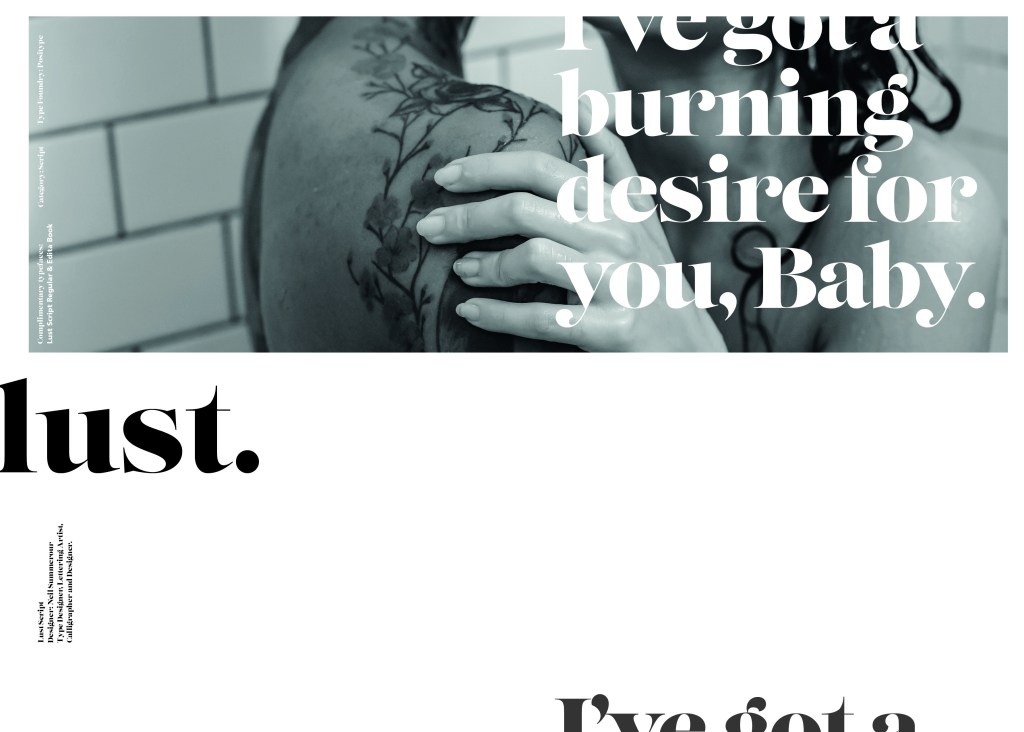
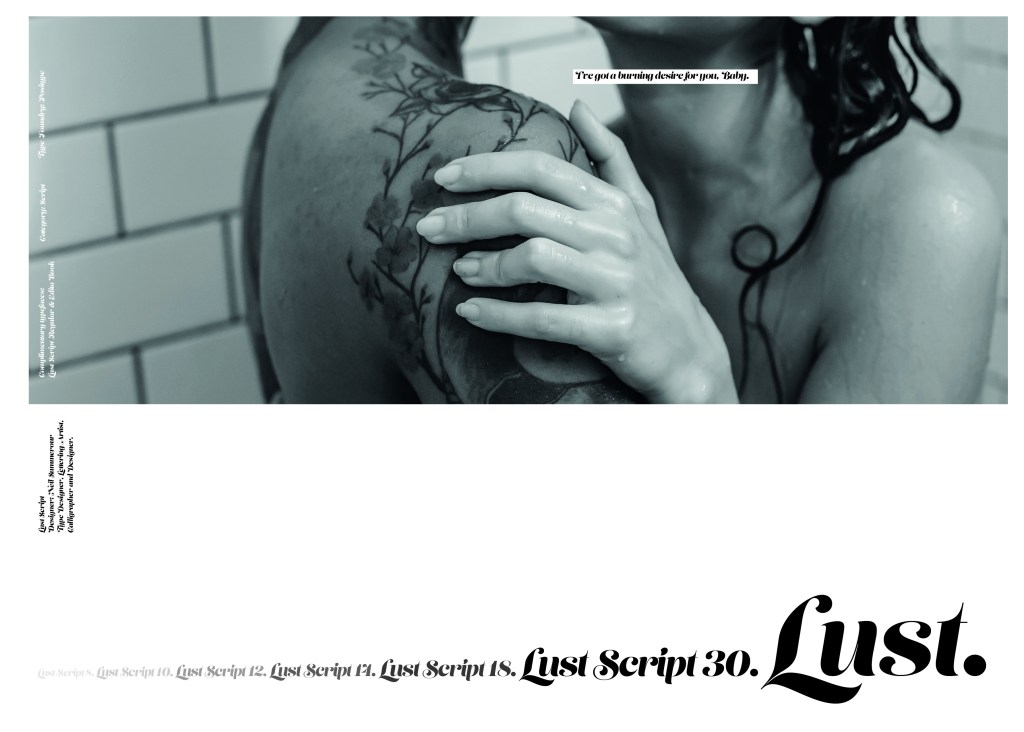
The typeface is very modern and looks very feminine to me, just like its name though it manages to lure you in with its swirls and curls and fancy serifs. I wanted to design around “lust” and my first thoughts were of a seductive image or an intimate couple. To help give me a better idea I searched Pexels.com for any relevant images I could use on my layout. I actually searched for the image I used on my final piece in my work time on my work laptop.. the image download was called “Erotic shower” (**shocked face!! – just hope my workplace does not check internet history!!) LOL!
The original “Lust” (Erotica shower.. **embarrased face!) photograph! Downloaded from Pexels.com courtesy of Tim Samuel
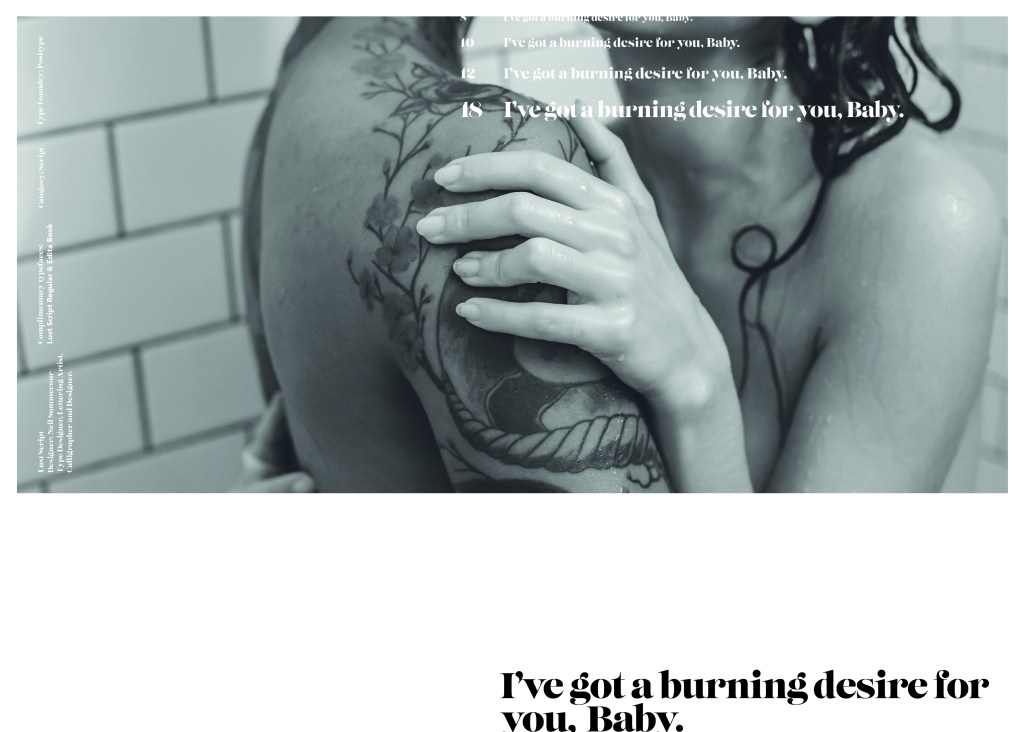
This design surprisingly was the most developed piece I have done; I seemed to trial many versions of this before I got to the final piece! The piece was originally in Black and White until I realised it looked very cold considering it should be about love and lust and all things warm and fuzzy! – I took the original photograph and put a reddy- pink filter on it and that improved it greatly!
I also had the idea again to use a phrase or quote instead of “The Quick Brown Fox….” for some reason when I see this image and read “Lust” it reminds me of a Lana Del Rey song called Burning Desire, I used the chorus from that song in my early development to replace “The Quick Brown Fox” but it looked too busy, eventually I settled on having it in small inside the photograph. It seems like a little thought bubble or moment between the 2 people now with the location I have put it. It adds just another little bit of interest to the piece.
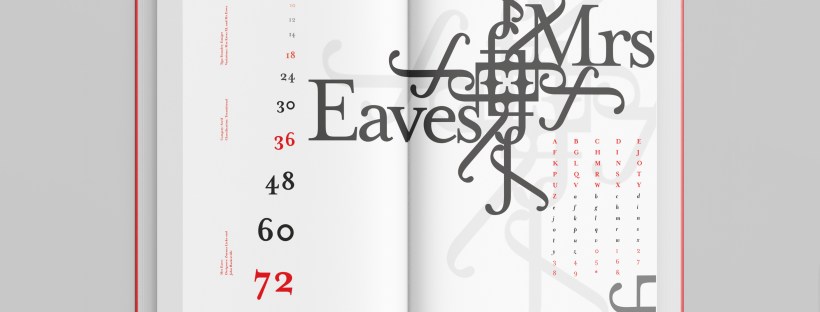
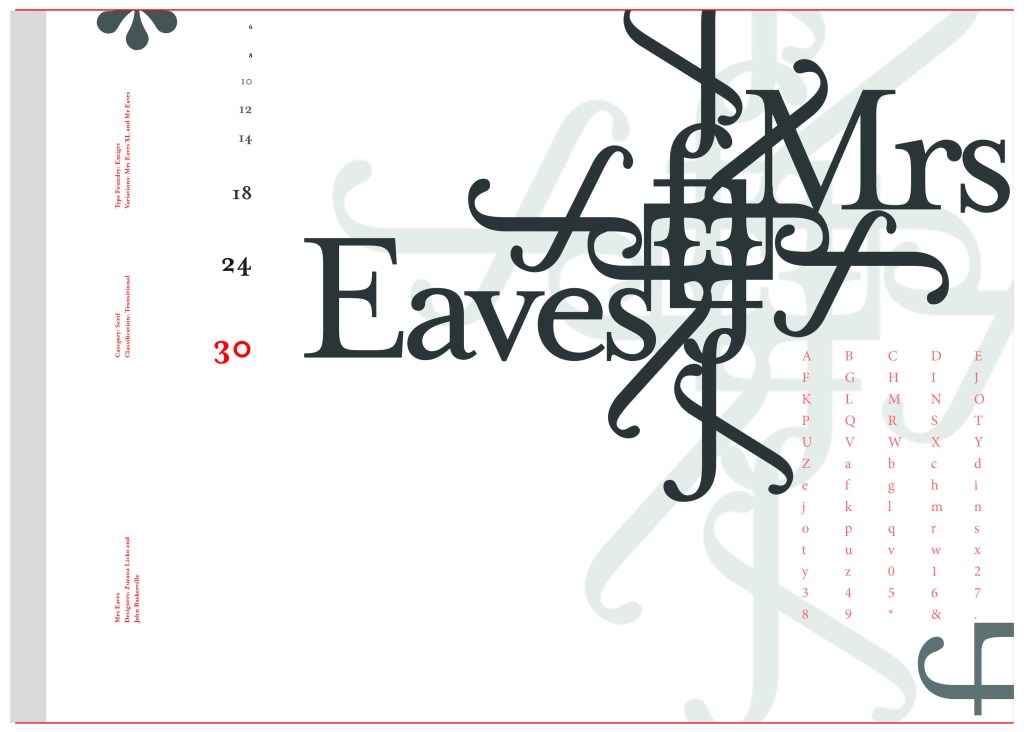
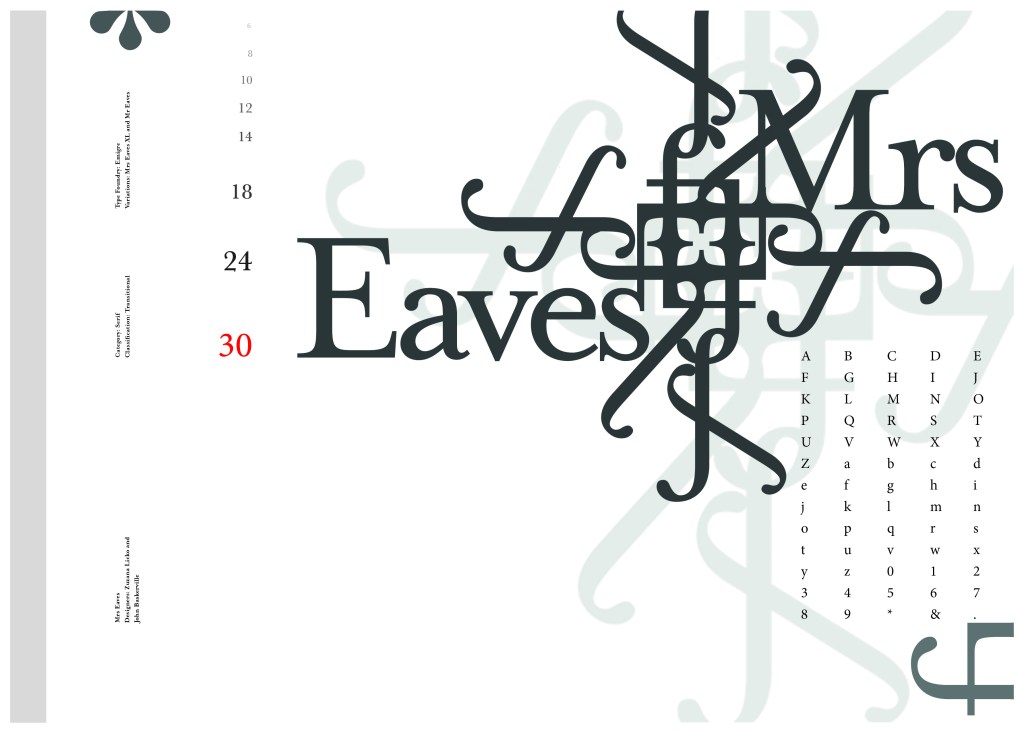
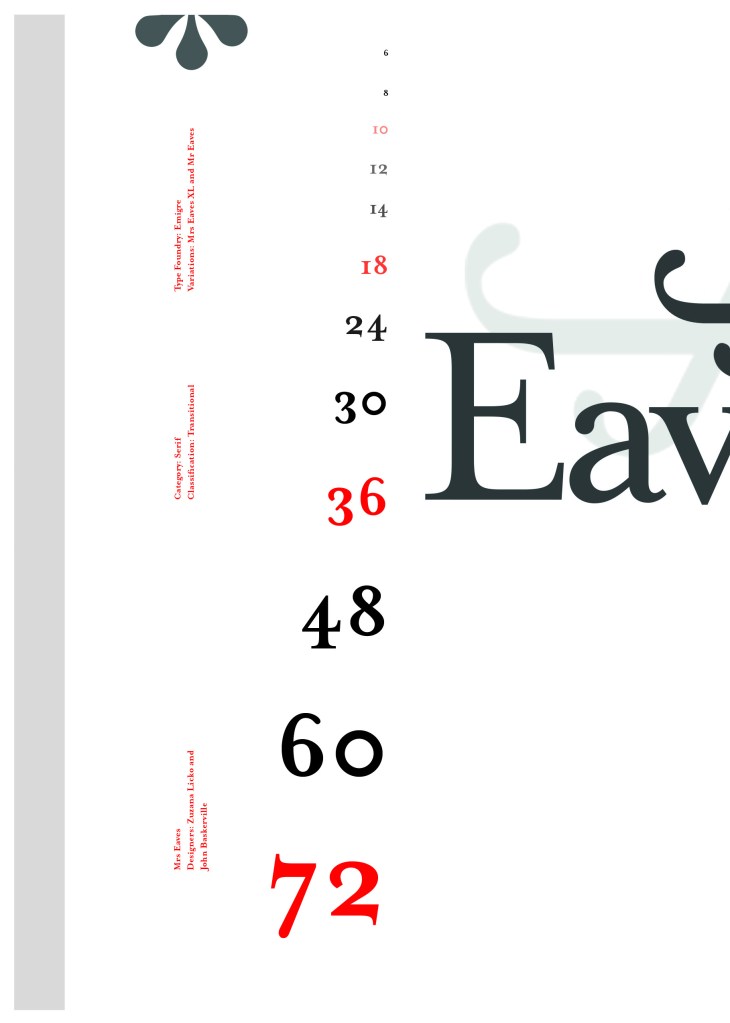
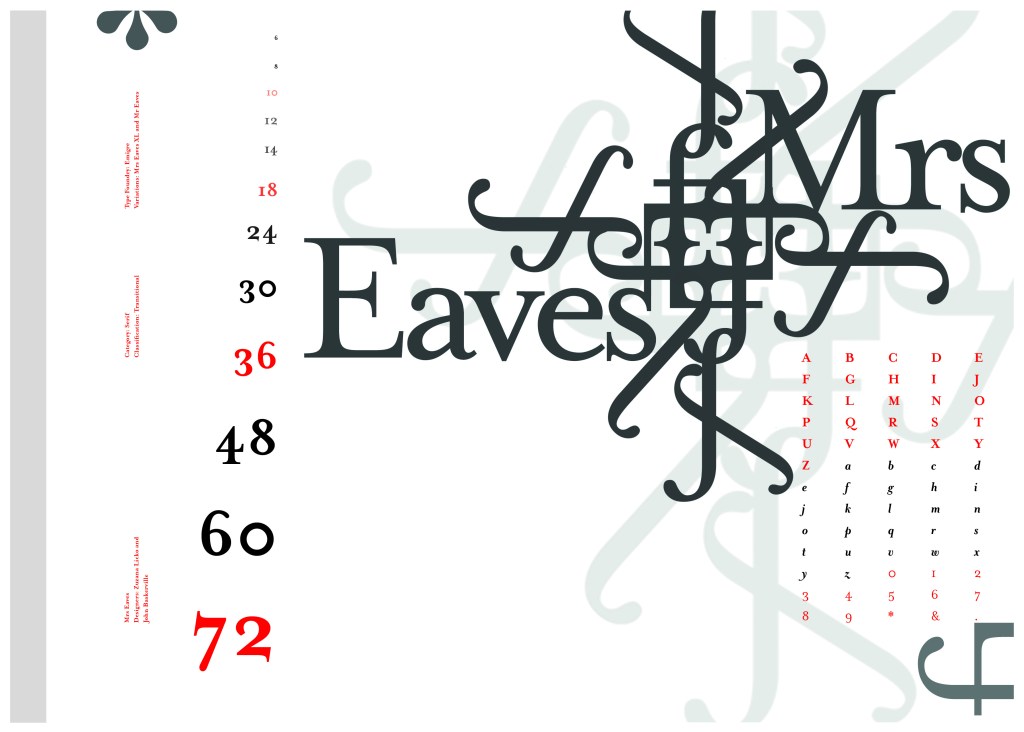
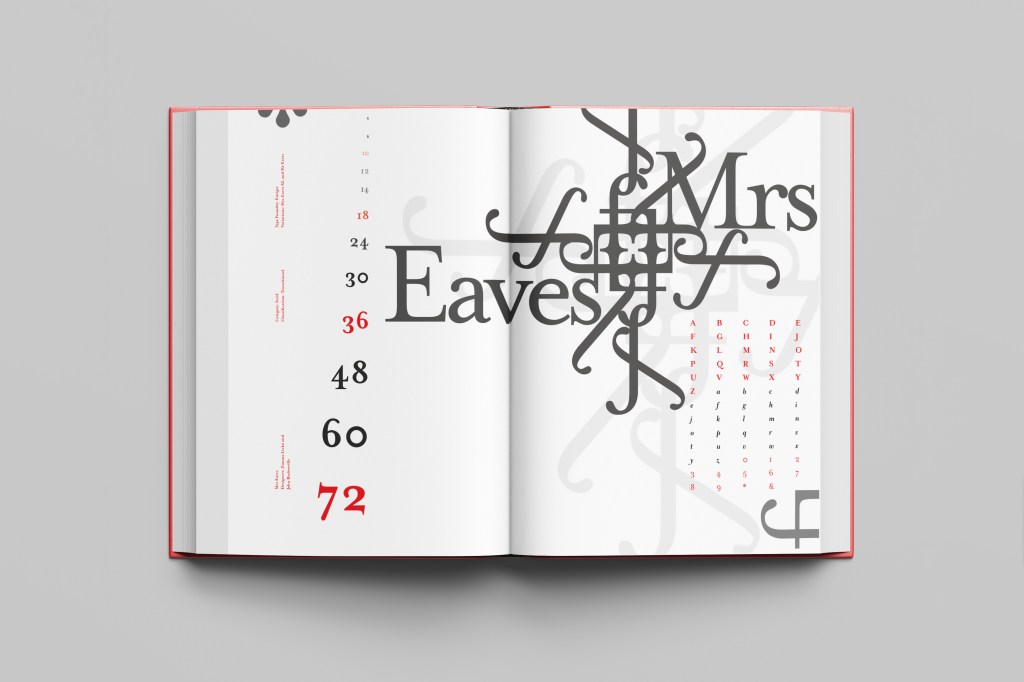
The last Serif typeface I chose was Mrs Eaves. I like the story behind this typeface and it also ties in nicely with Baskerville.
Mrs Eaves was designed in 2006 by Zuzana Licko in 1996. It is a variant of Baskerville. Baskerville is known for being absolutely perfect, stark and sometimes hard to read and Licko went out to create a version that was softer and more feminine in approach.
Mrs Eaves was named after Sarah Eaves; Baskervilles live in housekeeper who would later become his mistress and eventual wife. It was the story that drew me in to this typeface.. Sarah Eaves was John Baskervilles live in house keeper whose husband went on to leave her and her 5 children. Sarah in time became Baskervilles creative assistant and mistress and then when Sarah’s estranged husband died, they were married. Sarah Eaves was very much the woman forgotten in typography.
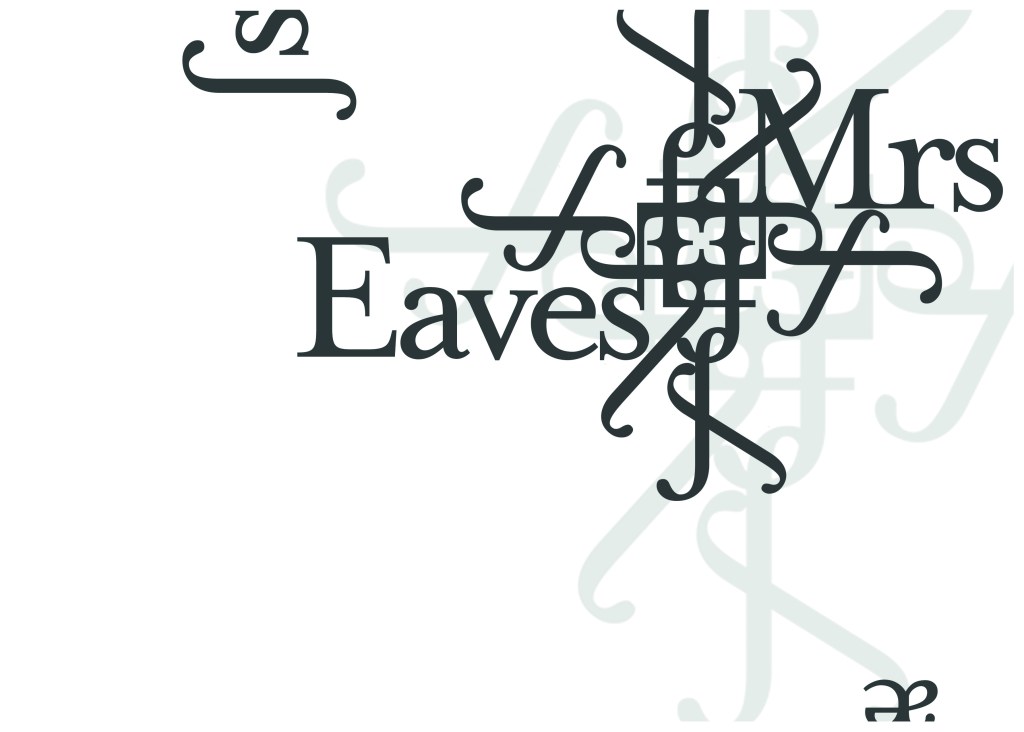
I wanted to bring an element of this story into the design; again, similar to Baskerville I had the idea to create a book design for the layout and tell the story of Mrs Eaves but then I saw that Mrs Eaves has the most beautiful ligatures and I wanted to do something with this. At college when I was 17 we had a project (similarly worded to this exercise actually!) called “create a type-FACE” or something similar where I had to create an actual face out of typefaces. I thought about creating a similar thing on my layout using just ligatures. I had the idea of a very feminine pattern and then possibly repeat printing it across the page. What I ended up with though was slightly different; I am a little bit disappointed because this is one of my least favourites looking back on it and it seemed to have so much more potential at the beginning but time was very much against me in this exercise.
I created a very similar layout to Baskerville as the 2 are related back to each other and then started messing around with the ligatures to make a feminine looking pattern. The pattern I created looks a bit like a Celtic cross, it reminds me of something that would appear in a stained glass window. It has a traditional yet modern feel to it. I tried to turn the opacity down on the design as I still think it looks a bit harsh but tuning it down just made it disappear into the backdrop.
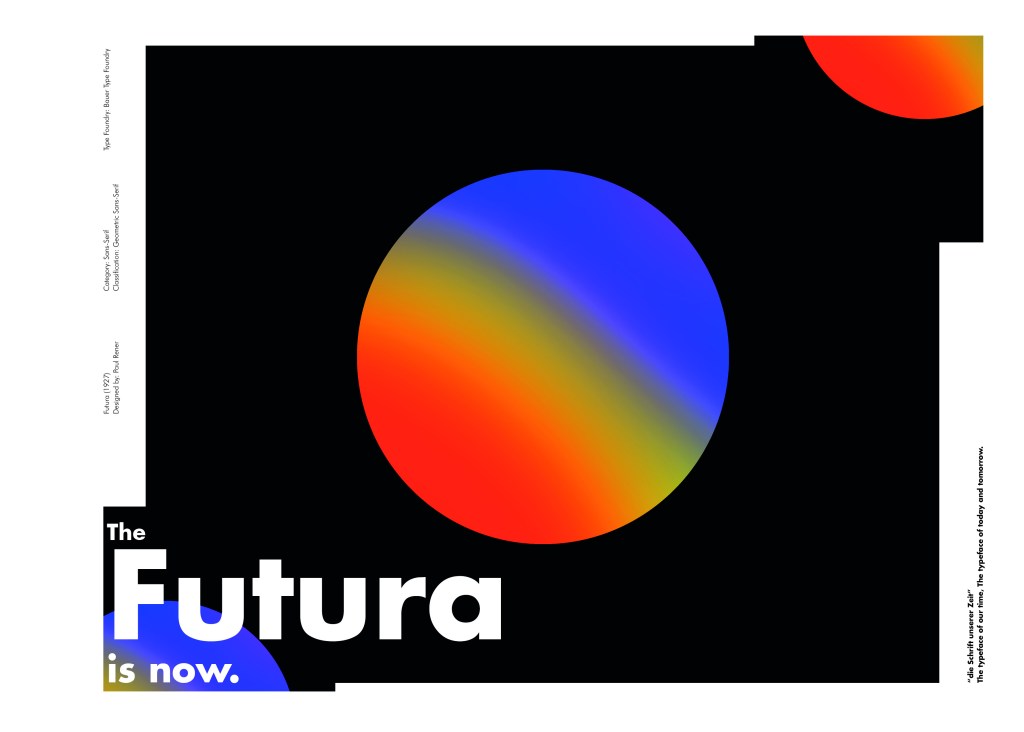
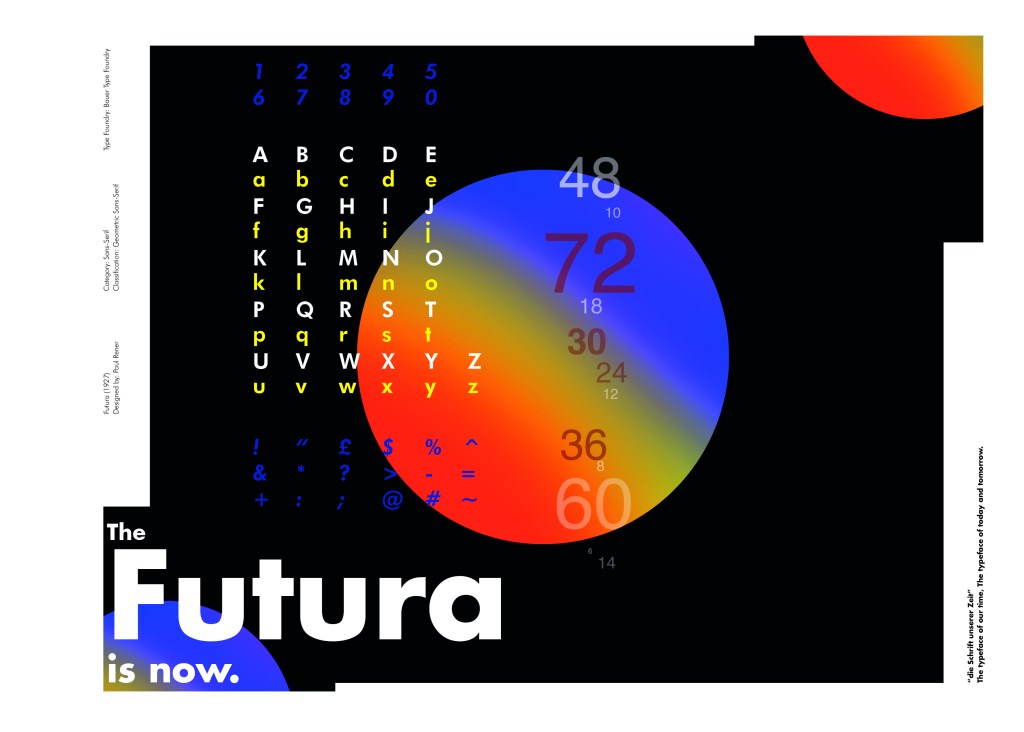
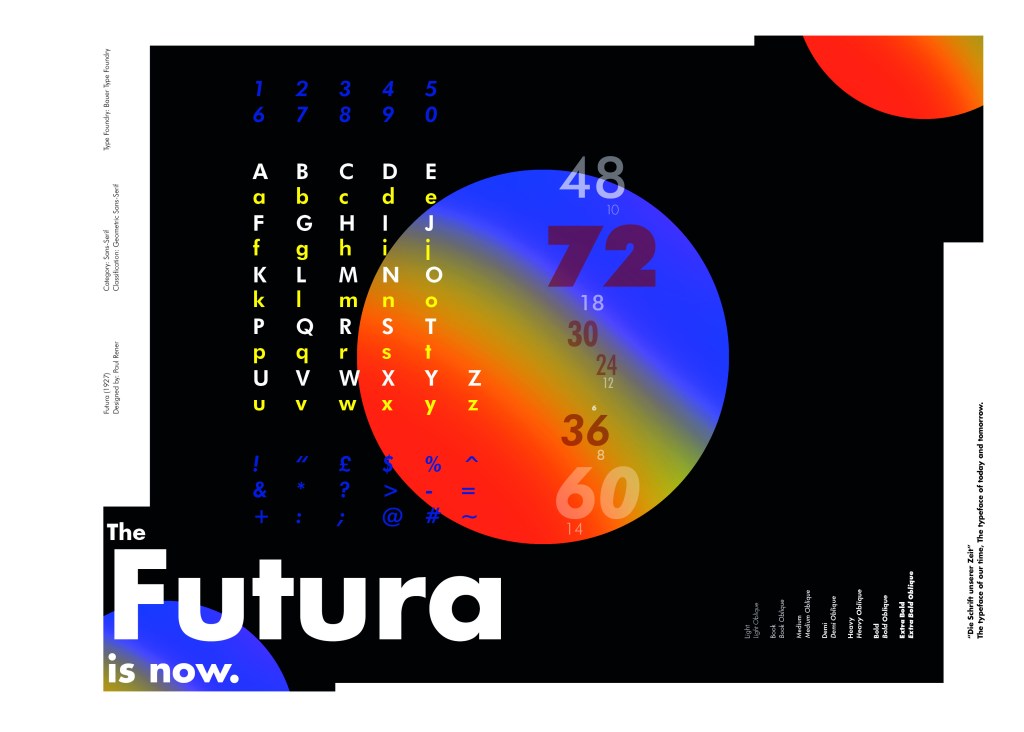
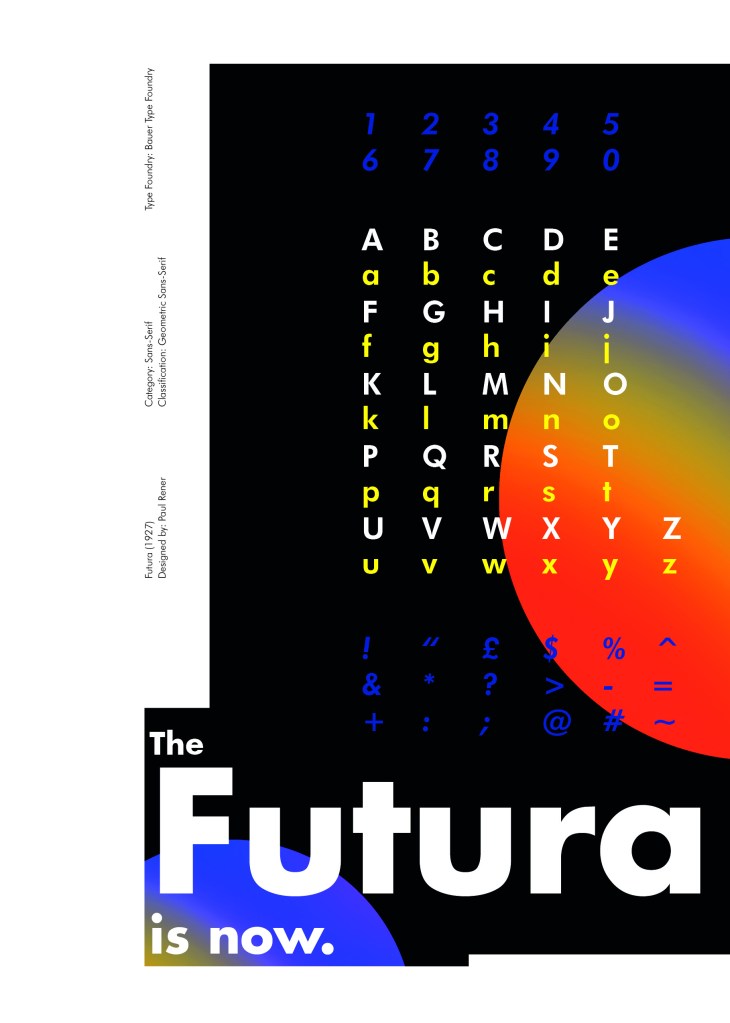
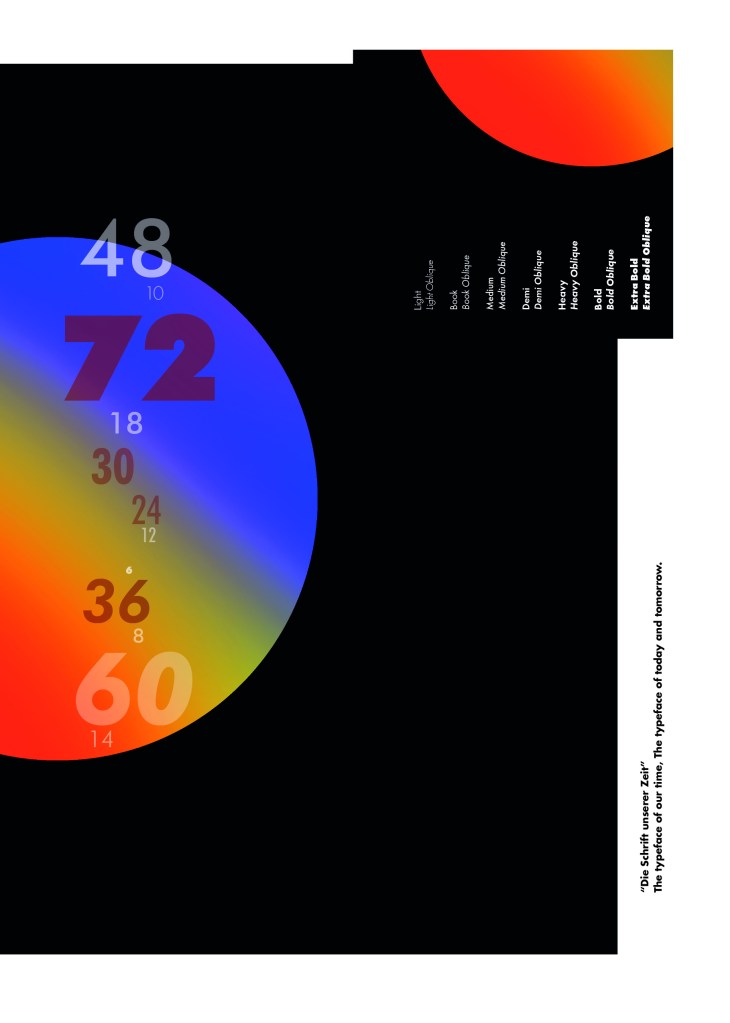
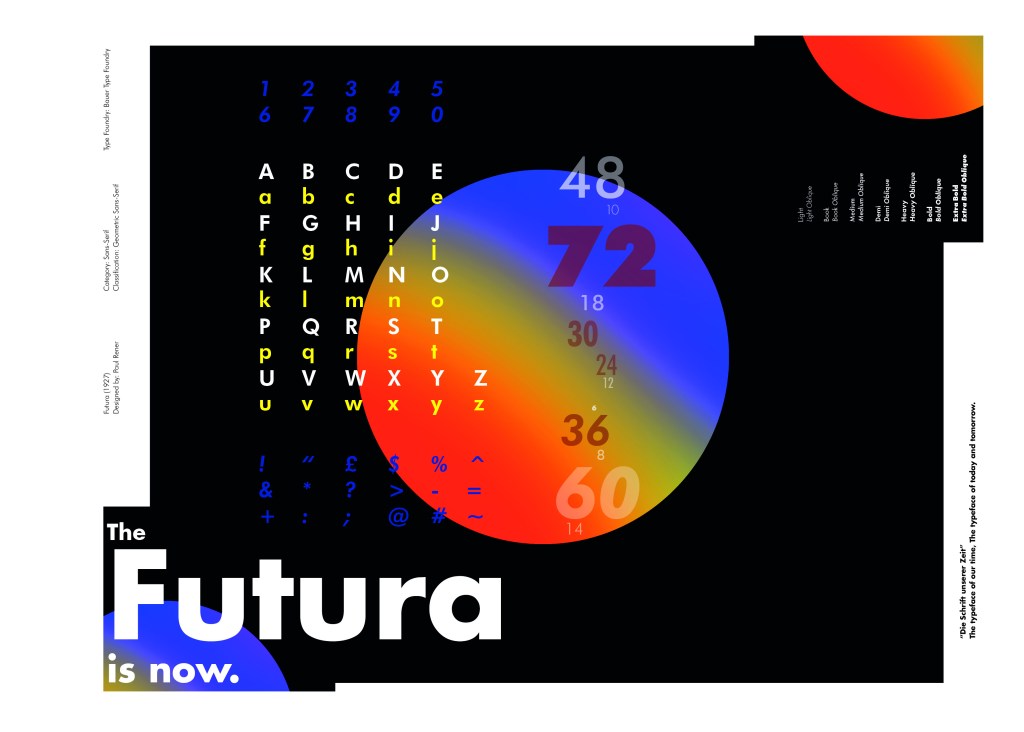
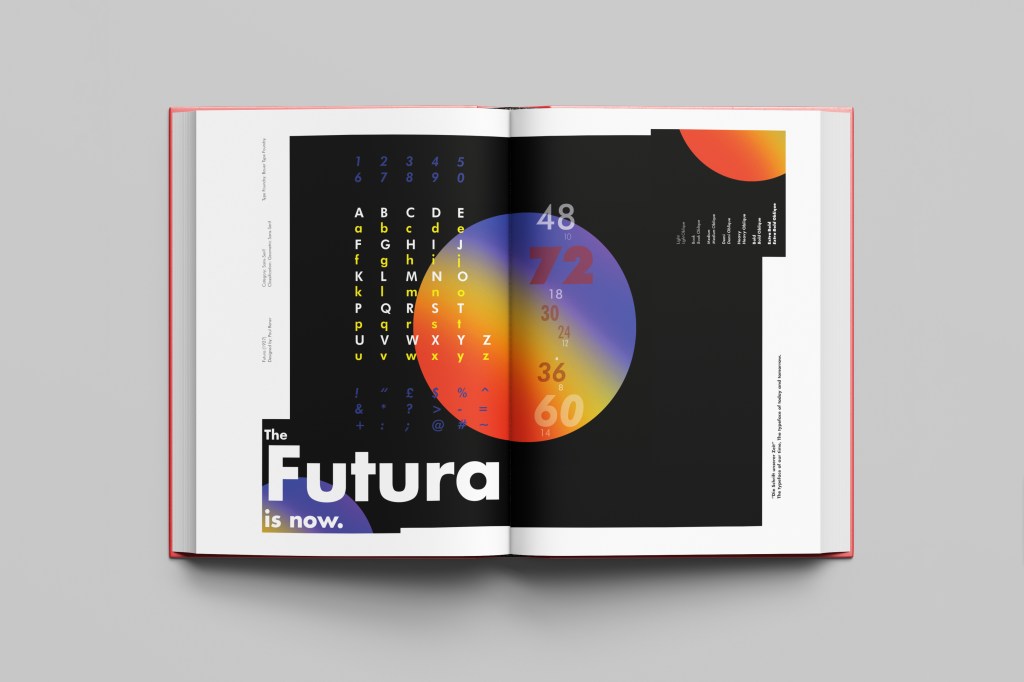
Futura is the last Sans-Serif typeface in my collection! I chose this one because again it is a classic and it also ties in well with the Bauhaus era along with the other Sans-Serif typefaces that I have chosen.
I did take a more modern approach when designing this layout though; instead of staying with traditional Bauhaus colours (Red, Yellow, Black, White) I was inspired by a German slogan “die Schrift unserer Zeit” (“the typeface of our time”) It gave me futuristic/modern vibes and I decided to play off this when designing my layout!
Futura reminds me of “future” and the future is modern and a mystery to us yet… I designed Futura around the theme of modern, futuristic space vibes with vibrant colours and an interesting layout.
“The Futura is now“
I had the idea to create planet-like orbs using Photoshop by using my brush tool and layer masks. I used this technique on one of my posters that I did for the “365 a poster a day challenge” I started a few years back. I masked the orb area out and making my paintbrush big, airbrushed different colours over each other to create a planet effect. I then copied it twice more create 2 in both corners. I really like the effect it gave. The bright colours contrast against the black to really make the design stand out. I also created contrast between small and big text.
Design Development – The stages of reaching my final design and layout!
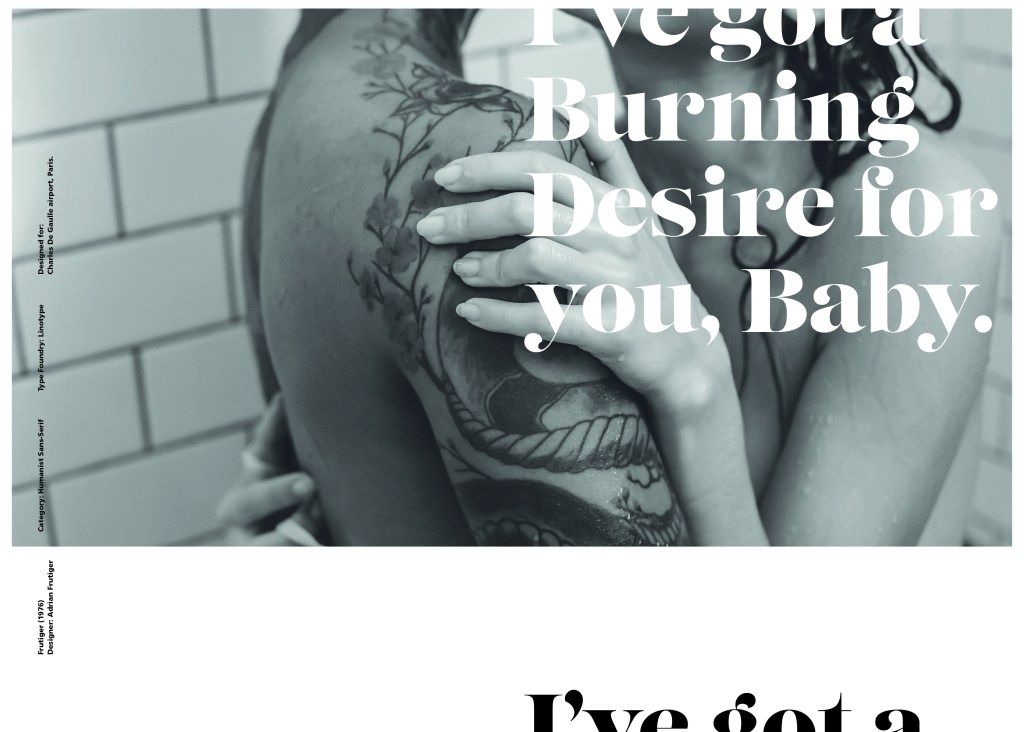
Following on from Univers, I chose to do another famous typeface by Adrian Frutiger.
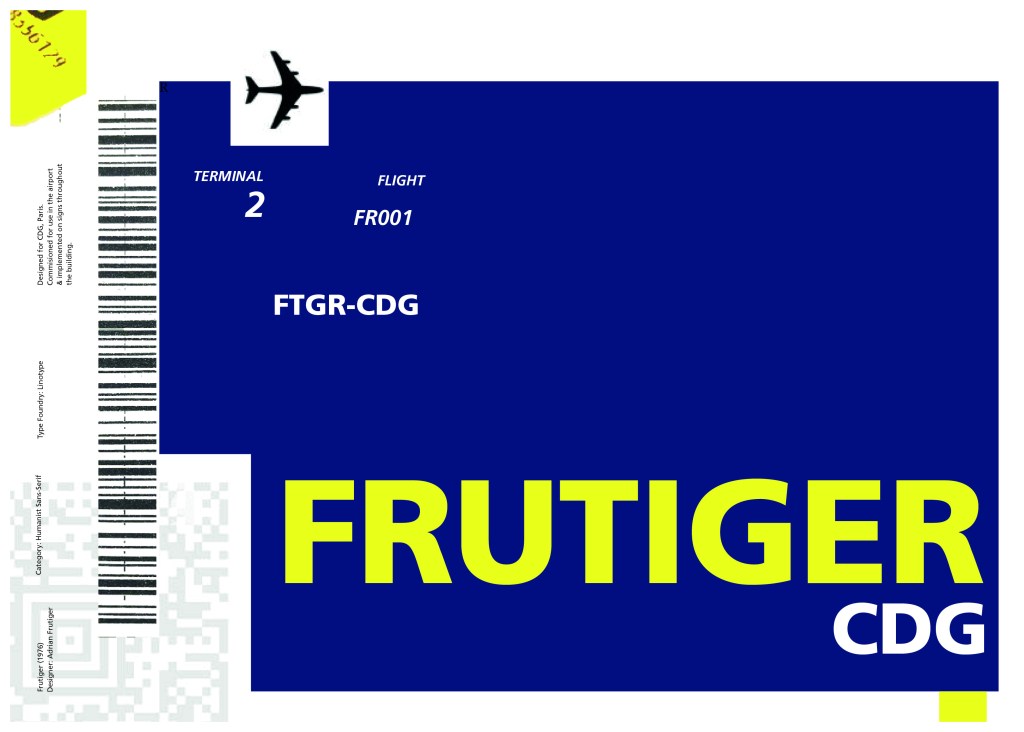
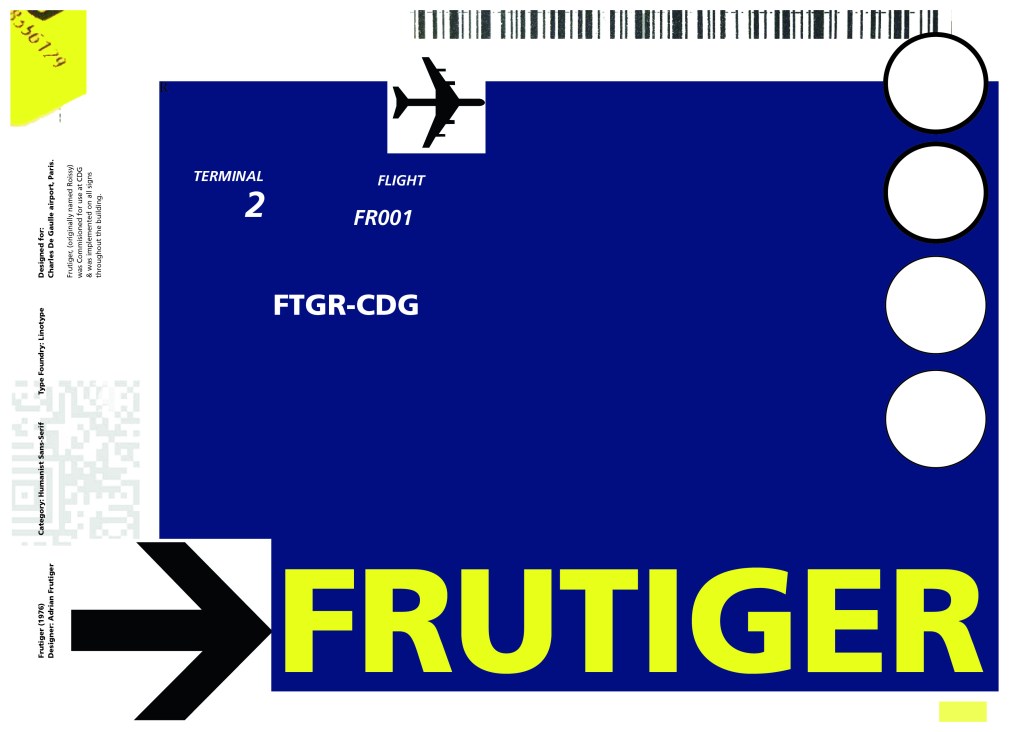
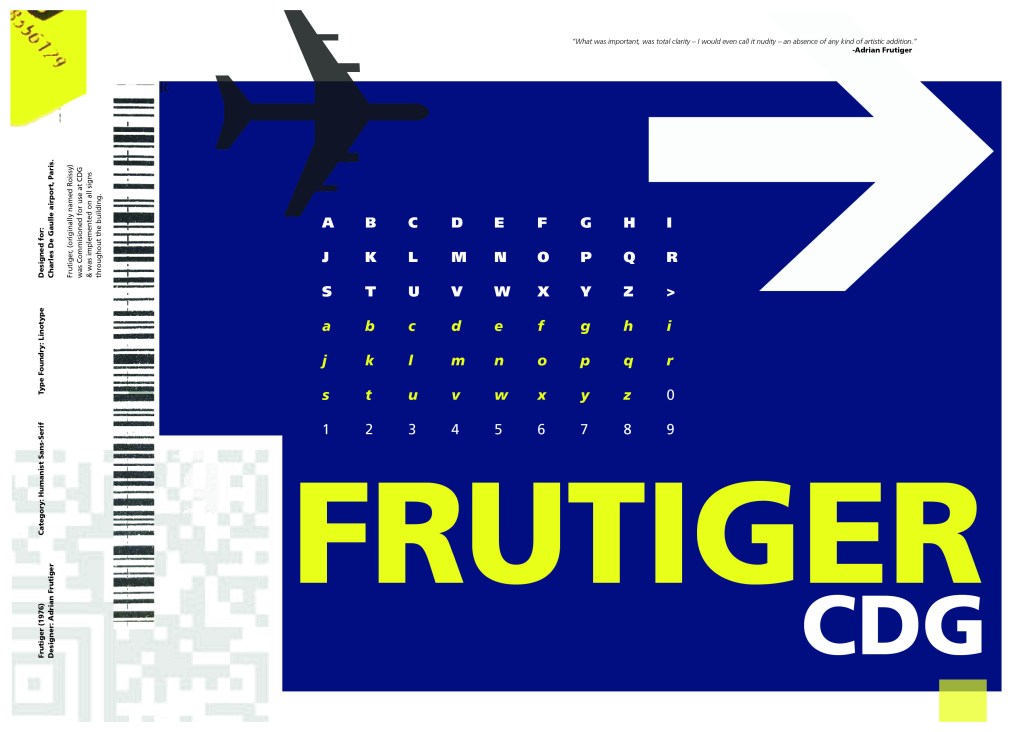
Frutiger is a Sans-Serif and was designed to be legible at any size. It was originally commissioned by Roissy Airport in Paris, (Charles De Gaulle) when it was first built to design all the signage in the airport. The airport wanted a new directional sign system. It was going to be named “Roissy” in 1972 after its success but was then Frutiger was approached to make the typeface suitable for print and it was then named after the designer himself.
The way forward for this layout design seemed quite obvious; to base it around signage and CDG airport. The first idea I had was to make the layout look like a baggage tag or boarding pass with the barcodes and airport names etc.. taking a little bit of inspiration from my Casetify Pangram phone case… My idea was to scan some barcodes in and then create another “swiss grit” style design.
I did ask my boyfriend if he had any boarding passes kicking around from his visit to Dubai a few years back (I haven’t travelled abroad in a few years now!) and he did have one boarding pass that I managed to take a QR code from and import into my design;
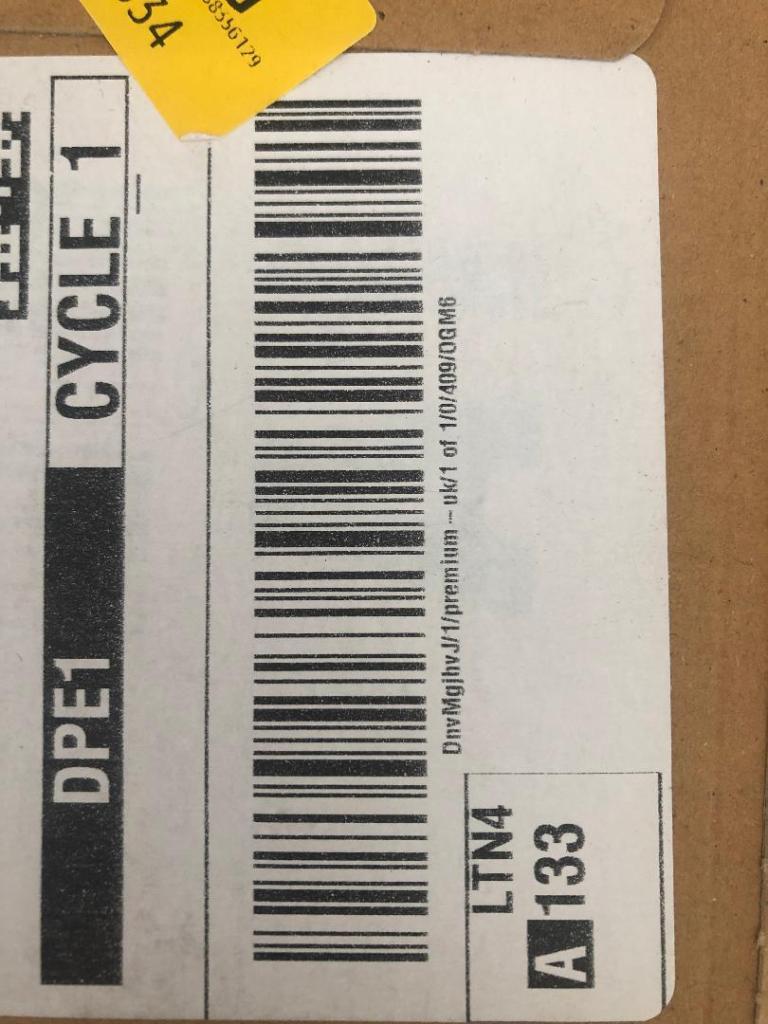
I also keep a bag full of different cardboard and paper textures and barcodes and anything interesting I could potentially use in my designs; I found a relevant barcode that I could use.
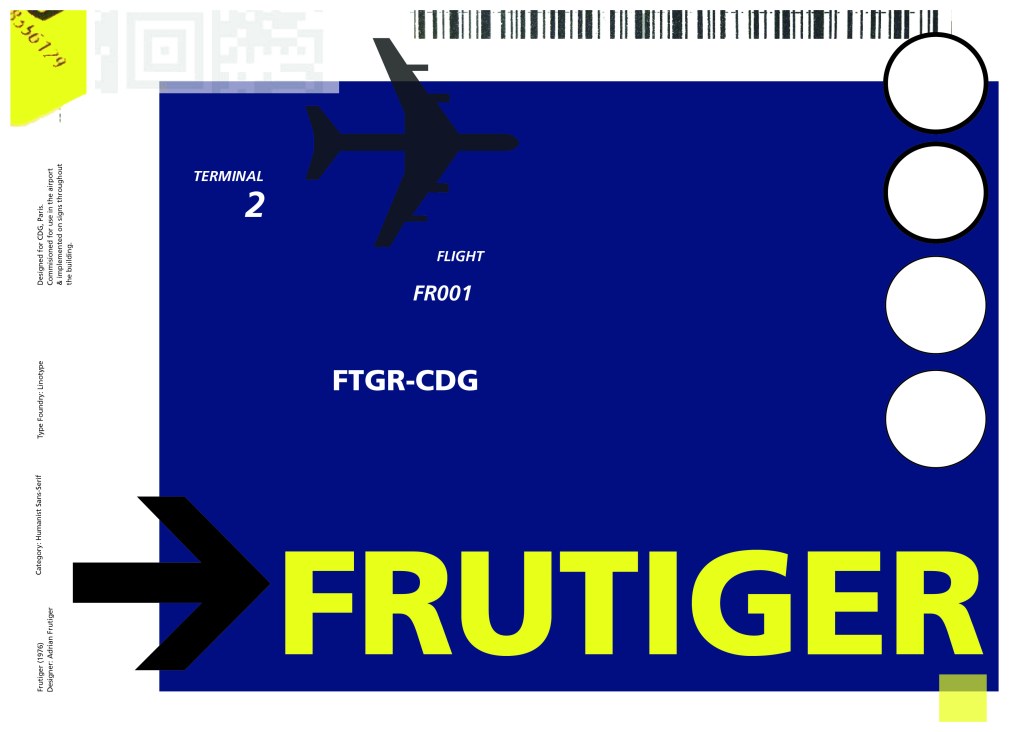
I felt like I needed some images of airport signage next. I did not want to take images from the internet because they would be very low resolution and would ruin my clean, legible design. The only way I could use airport images in my work was to import a web image of a sign and then trace around it in Illustrator to produce a high quality vector image. I did this for a plane and an arrow.
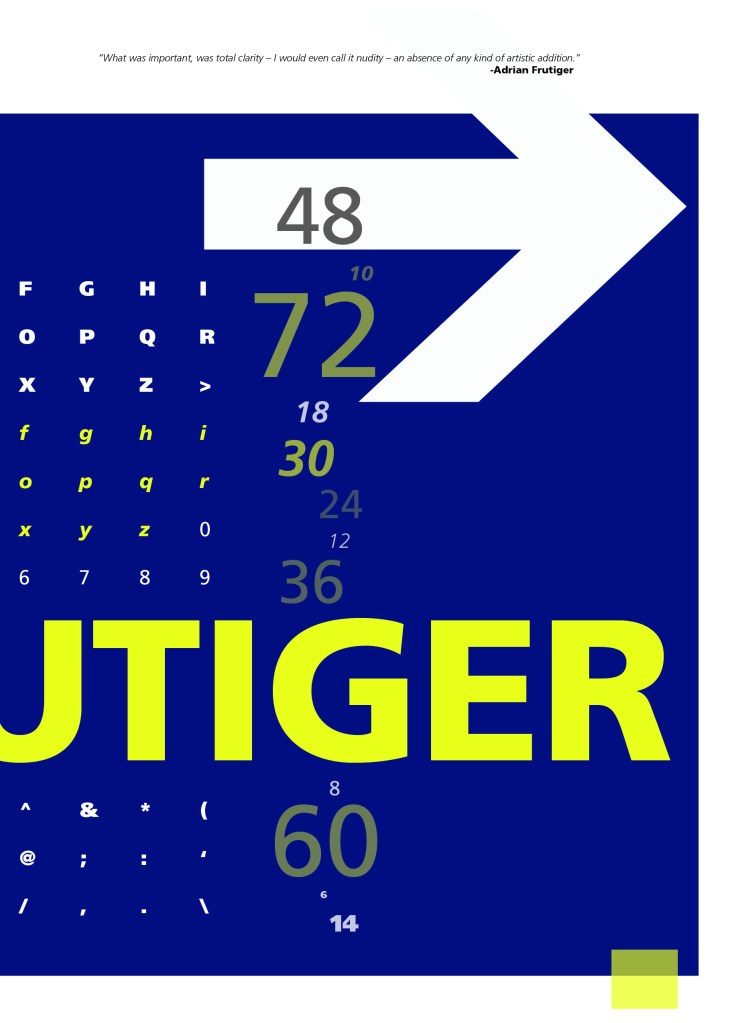
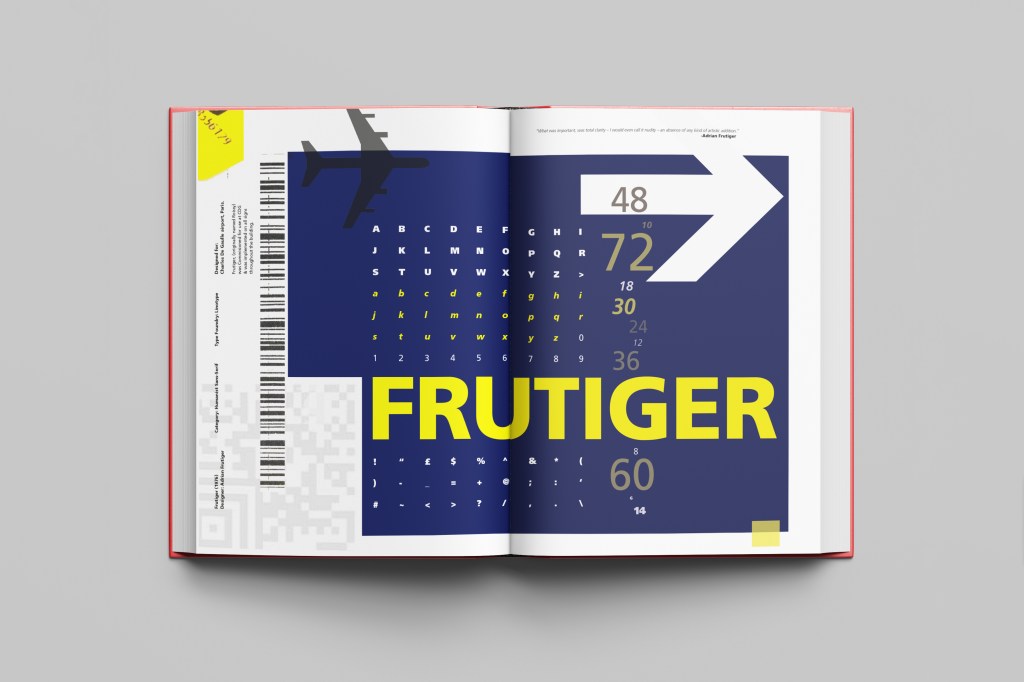
After I had collected these bits I decided to just take it straight into Adobe to try and make into a layout for the typeface. As you can see from the design development, It took me several attempts to get to the final piece! I had a lot of design elements to cram onto one page and I wanted to keep it as clean and as minimal as I could so it was a case of moving elements around the page to see what worked the best. I wanted the design to flow and to not be “too busy”. I think the version I decided on works the best.
Design Development – stages to the final design!
These are all the development stages I had to go through before I reached the final design.
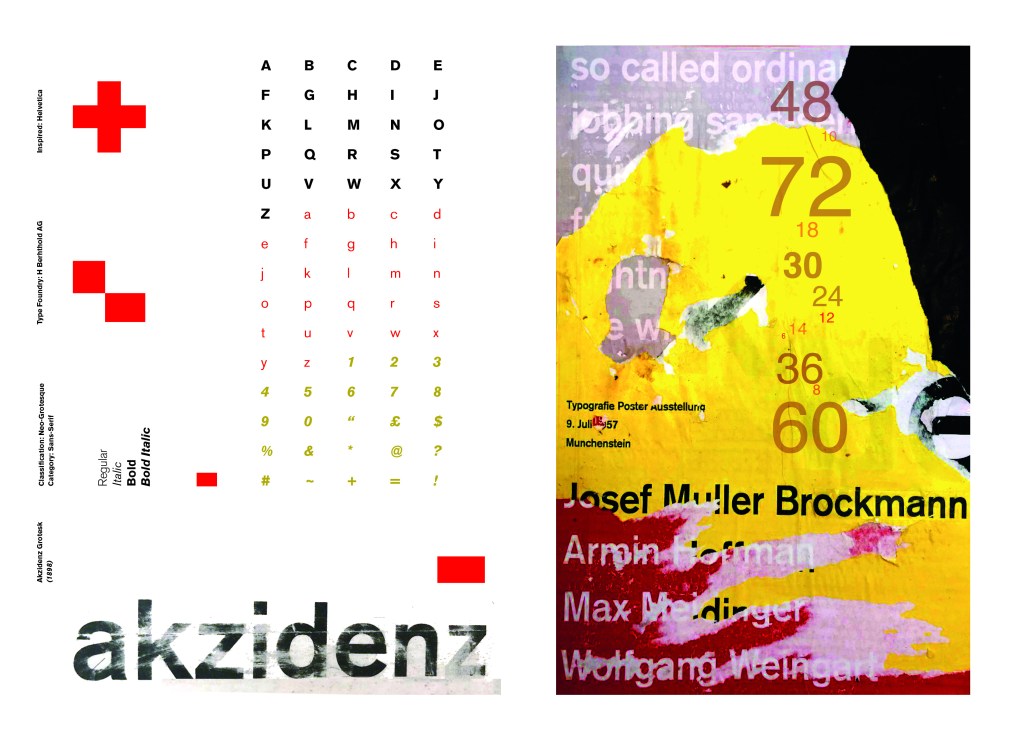
I wanted to carry on down a similar path for my next typeface, Akzidenz Grotesk was the next best Sans-Serif to choose. Akzidenz Grotesk’s history goes back further than Helvetica’s but despite this, they are still closely related. Akzidenz Grotesk was the inspiration behind the design of Helvetica.
Akzidenz Grotesk was known as the “jobbing” typeface; what this means is that it was heavily used in trade printing, advertising and forms that were made at the time. The typeface was designed to be seen from a distance. “Akzidenz” comes from the German language and means trade printing for an occasion or event. The latin term refers to it as “that which happens, a casual event, a chance”. I liked this saying and used it further in my design (I will come to that later!)
Keeping in mind that Akzidenz Grotesk was used predominantly in advertising and posters I decided to base my design around this, researching further I also found that Josef Muller Brockmann heavily used Akzidenz Grotesk in his poster designs.
Josef Muller Brockmann
Brockmann was a Swiss Graphic Designer but also the pioneer of the International Typographic Style which tied in brilliantly with this typeface. He was recognised for his clean use of typography, shapes and colours in his designs. His work mainly consisted of poster design. I bought a book about him and studied his posters to see how I could get a similar style for my own design. I also did some in depth research on Pinterest again to get some ideas and a feel for his style.
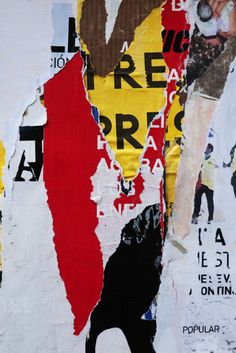
I found an image on Pinterest which caught my attention and gave me an idea for my design:
Composition 5 by Eduardo Seco
I liked the way the colours pop and contrast each other and the different styles/weights and sizes of the text also work together to create contrast. I felt I could create something like this using Akzidenz Grotesk, the Bauhaus colours and make it look like “trade printing or advertising with the modern influence of “Swiss Grit”.
I wanted to create the poster layout for my type specimen pages but just didn’t know how to do it…yet.
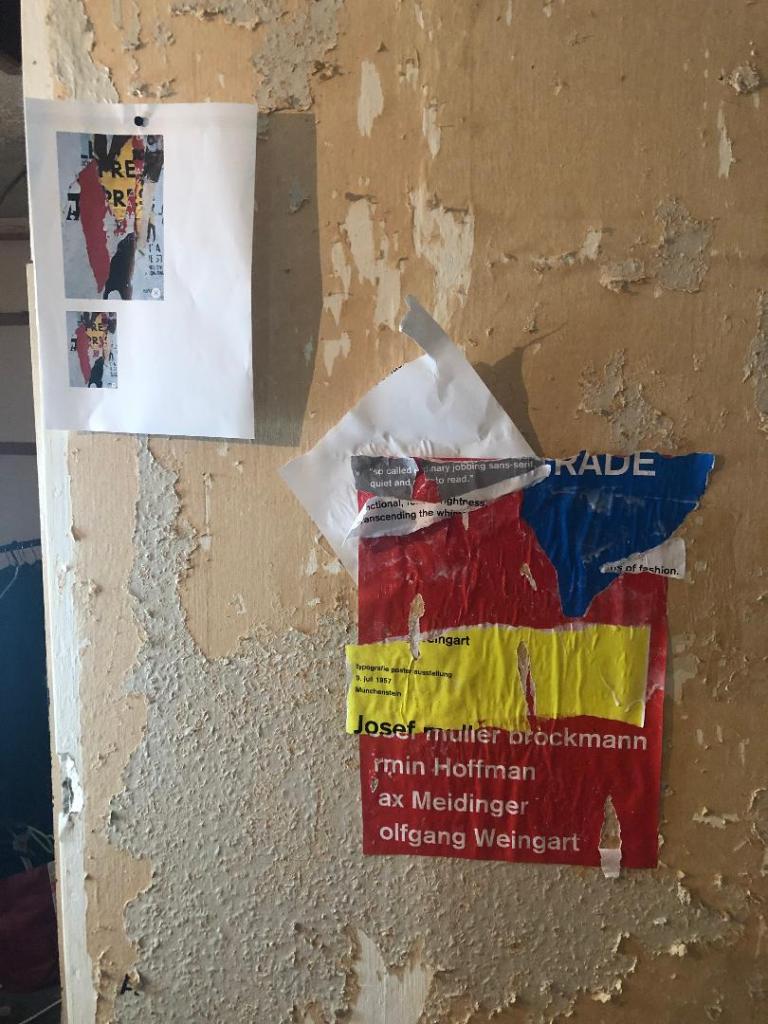
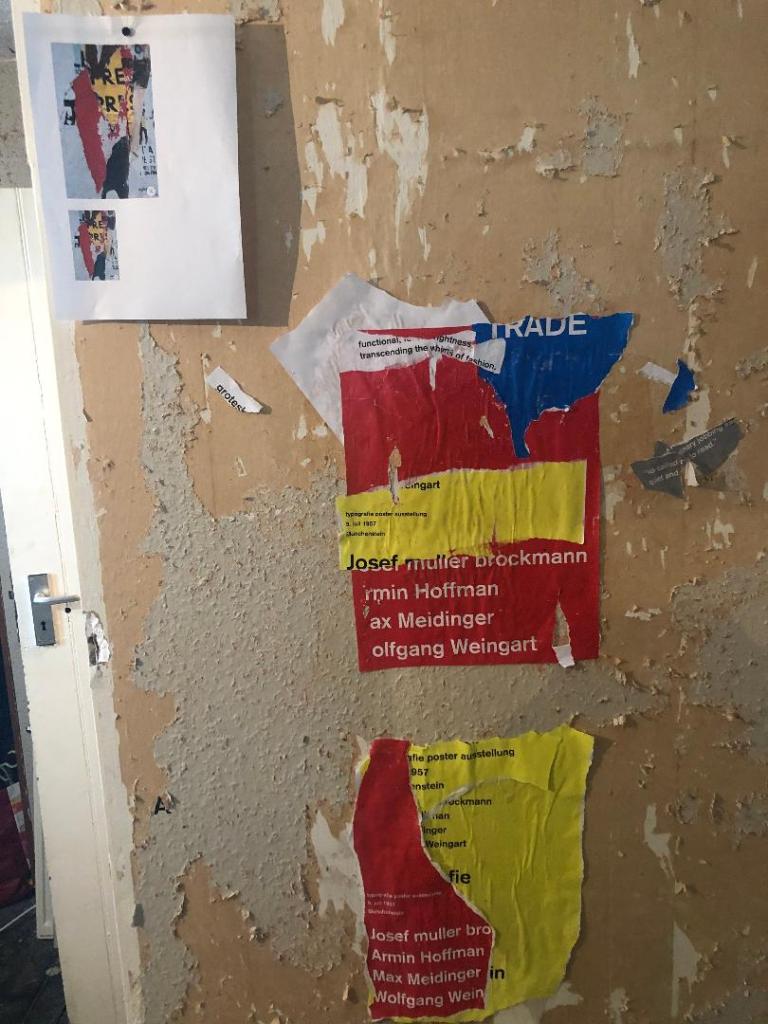
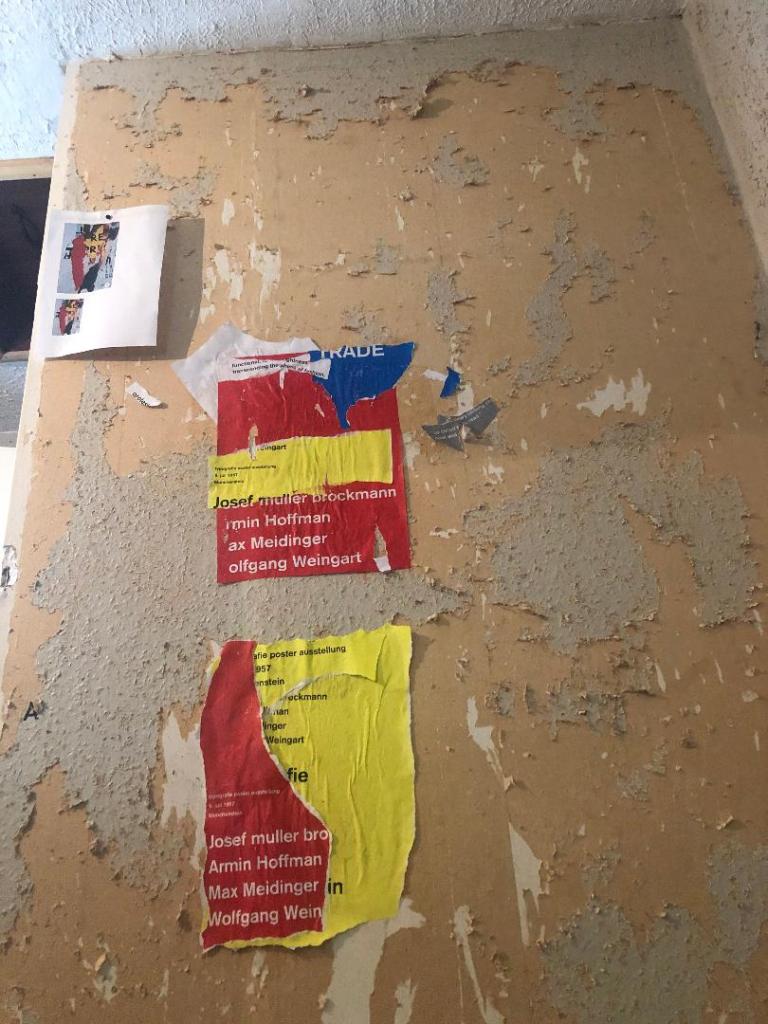
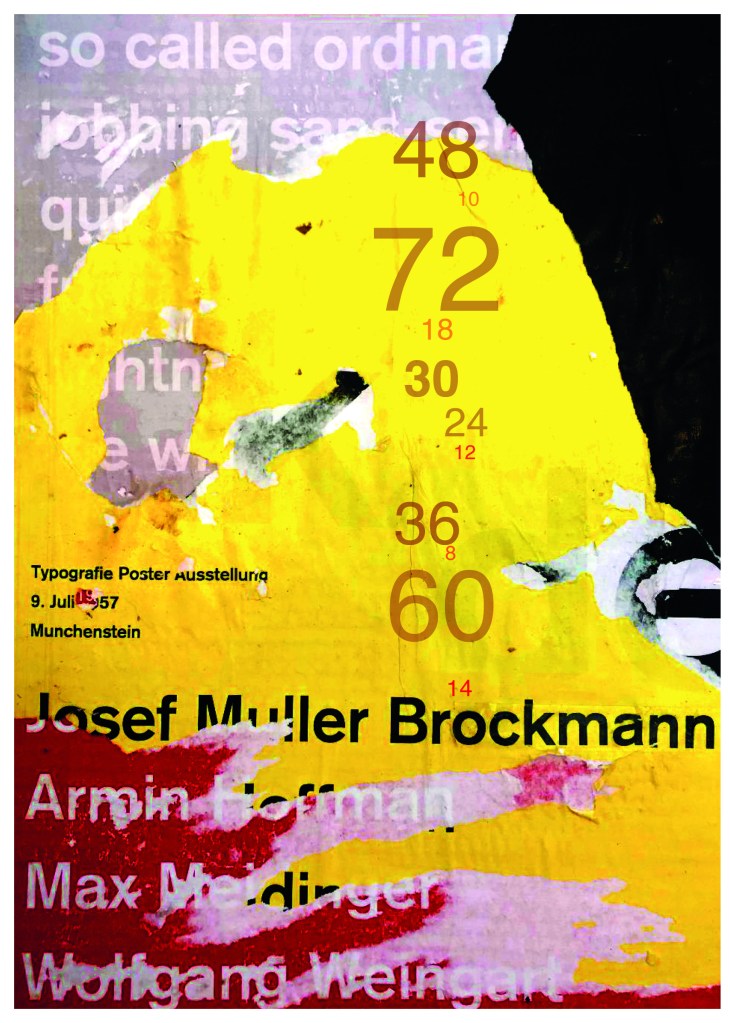
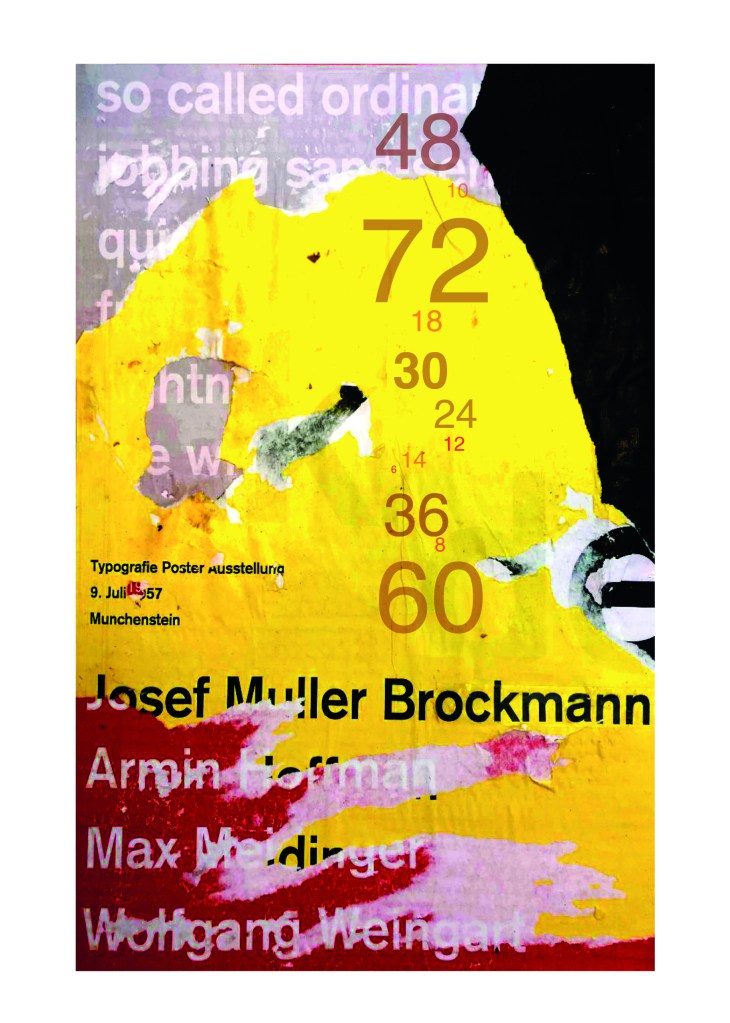
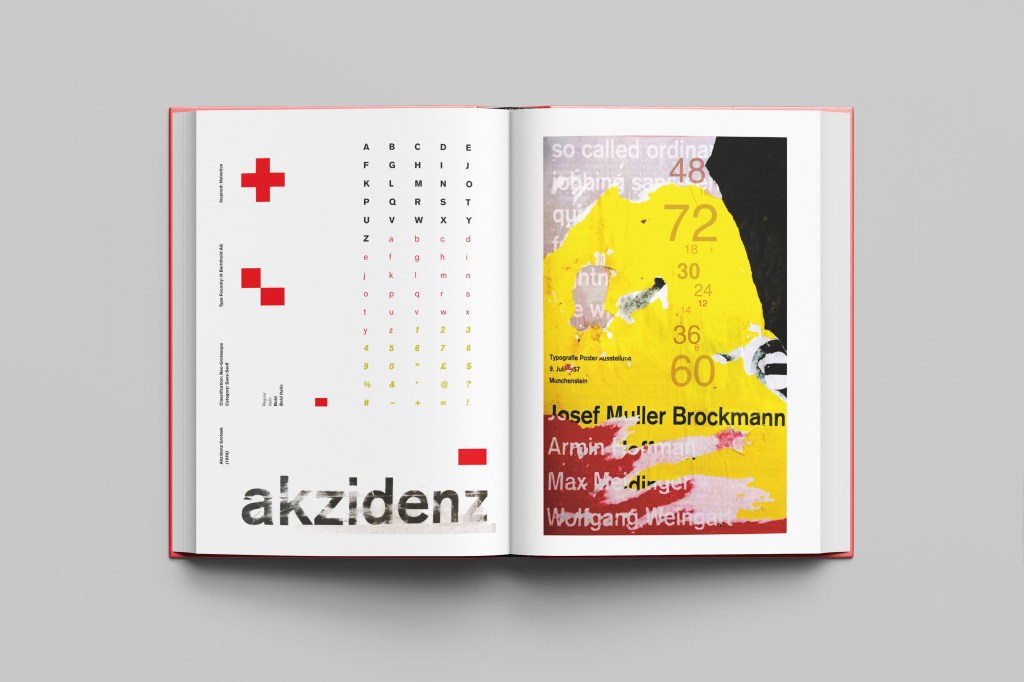
Using the image from Pinterest to vaguely copy, I knew I had to layer up and collage different posters to recreate that torn and ripped look. I decided to create a poster with a made up event (A typography exhibition in honour of Josef Muller Brockmann) then layer up behind it contrasting colours and different type relating to Akzidenz Grotesk. The only implication was that I wanted to actually create my poster on a real wall and photograph it and then import it into Photoshop to do any adjustments etc.. The issue was where would I find an urban wall when I live in the country? and how would I even get out to photograph one during lockdown?.. I then looked no further than home because we are currently renovating our house and the upstairs second bedroom wall is being ripped out and is covered in plaster, paint ripped off.. ideal for the urban look! I created a few A3 pages with different colours and pages filled with Akzidenz Grotesk type and then printed them off to later PVA glue onto the wall with a roller which I hoped would give a wrinkled, worn feel.
I enlisted my boyfriend with the roller to help glue them on! I needed someone who (no offence to Chris because he is super talented with cars and a brilliant Motor Vehicle Teacher! :p) has no creative flair or direction and would just stick random pieces anywhere without overthinking it! I procrastinate too much and am too regimental in my approach which is something I did not really want! I wanted it to look random and “rough” . At the end of the evening after doing these posters I decided I needed to go away and have another go printing off more sheets and make further alterations. The blue that I used was too much and it wasn’t layered how I wanted it to be. We just ripped pieces of paper and layered them on top of each other, what I needed to do was to print 4/5 pages and stick them all on top of each other and rip into them to reveal a page at a time.
The next day in my lunchbreak at work I decided to trial a test piece on some card I ripped off a cardboard box; it was rough in texture so I thought it would have the same similar feel to a wall. It turned out to be perfect! I scrapped the wall idea totally and used this as my final piece for my design.
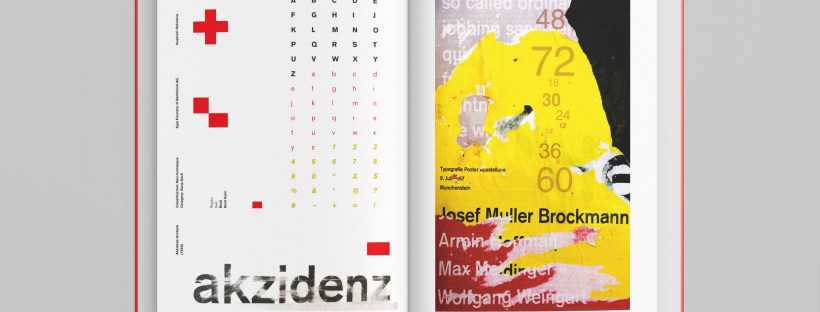
I then imported it into Photoshop and made some minor adjustments like changing the brightness/contrast etc. I also added the type point sizes onto the side of it to show what the type looks like at different sizes. I created 2 more pages on my Indesign document below my Helvetica pages and imported my collage poster into Indesign to start my final layout!
Digital Development
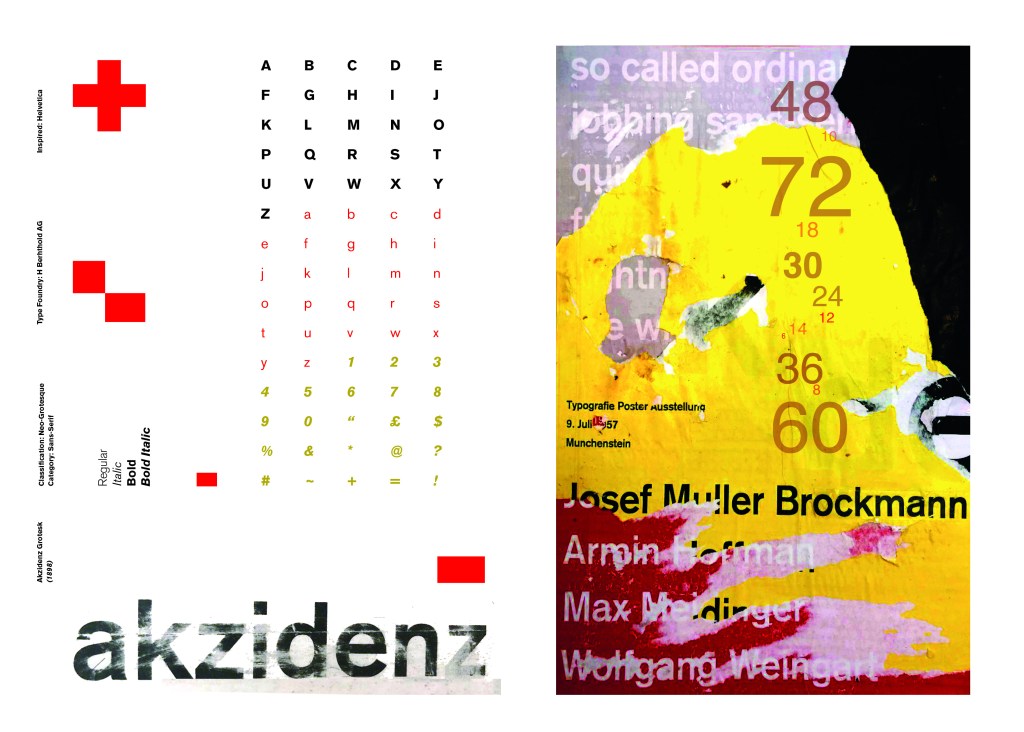
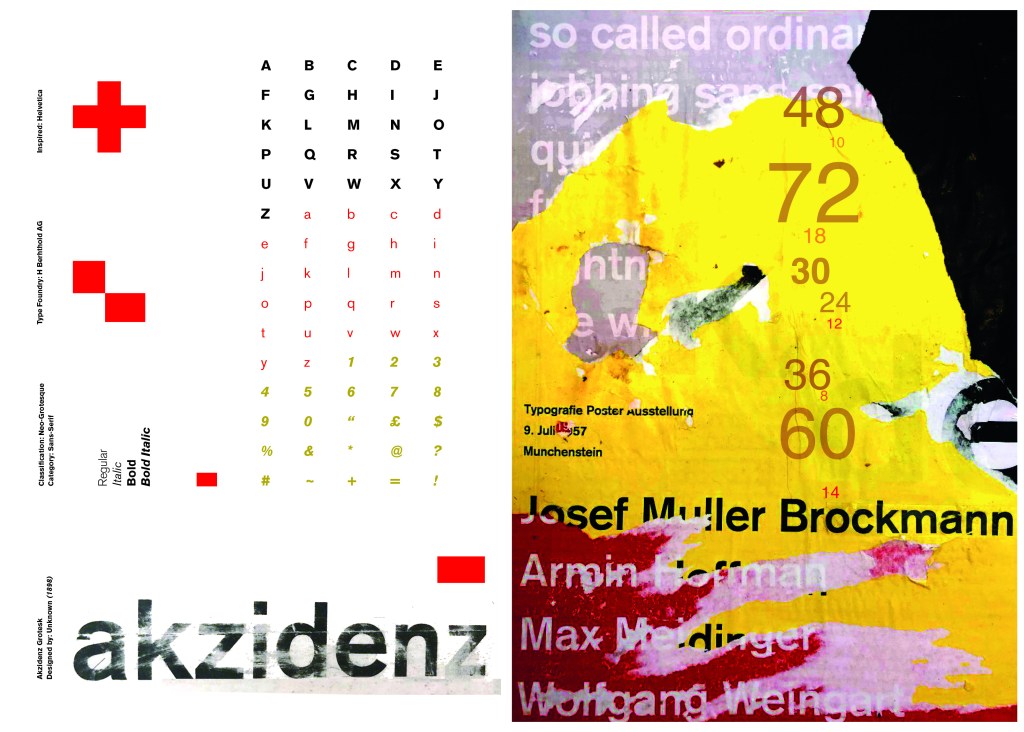
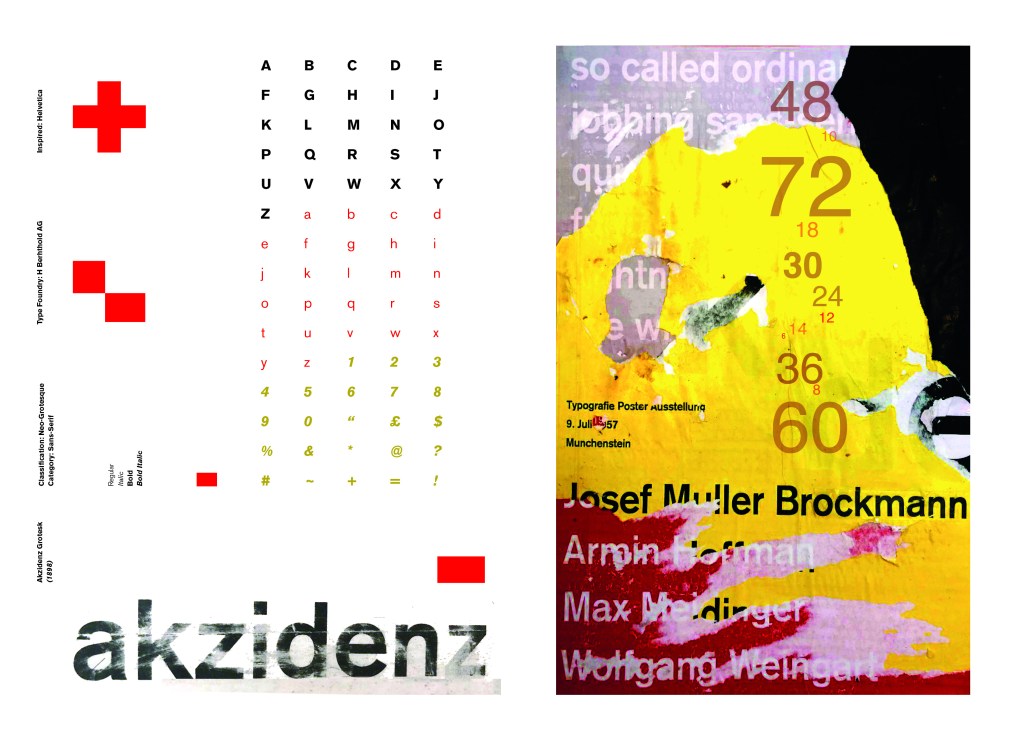
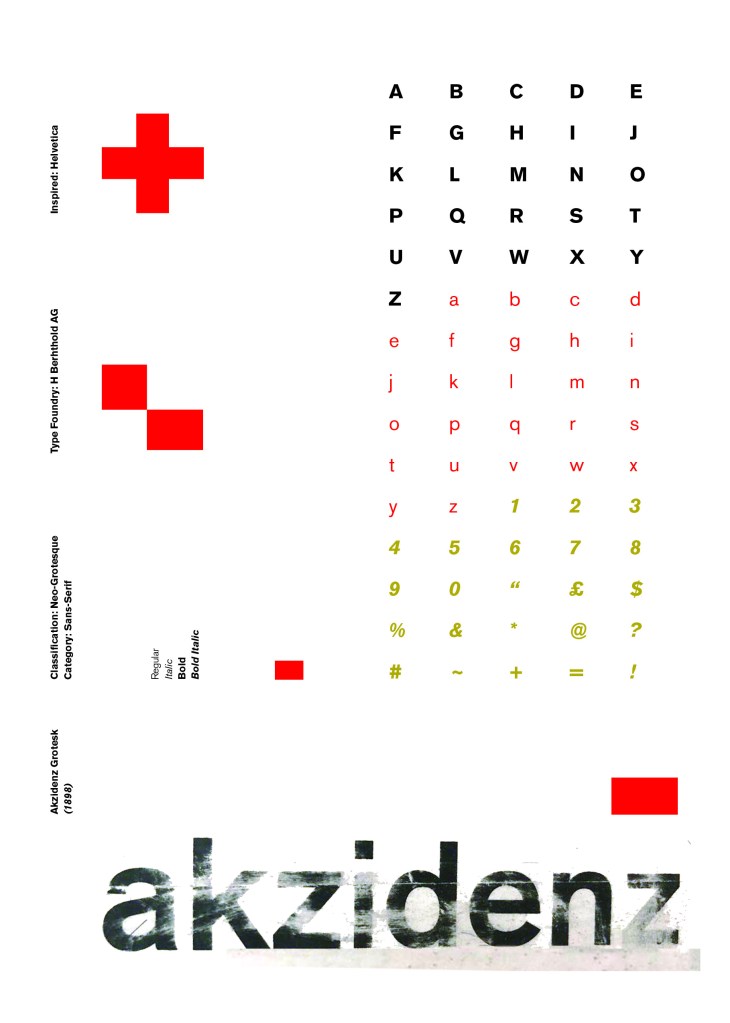
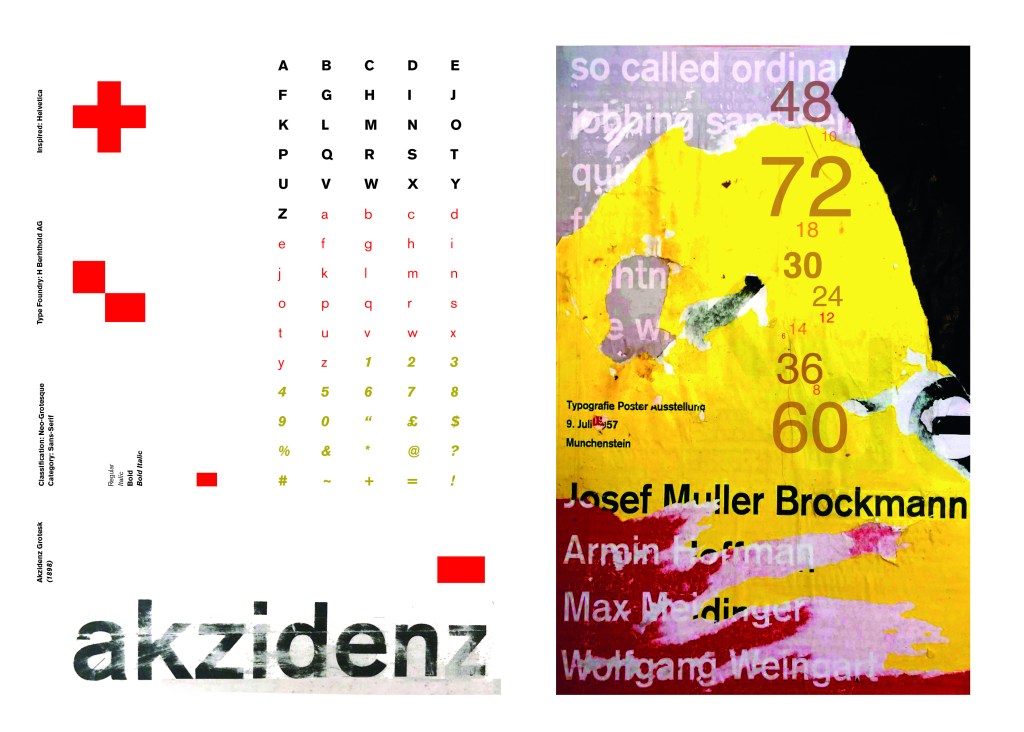
Again, I wanted a layout that was minimalistic and clean with lots of negative space. I decided to place the poster on the right hand side page and place the character alphabet of Akzidenz Grotesk on the left side.
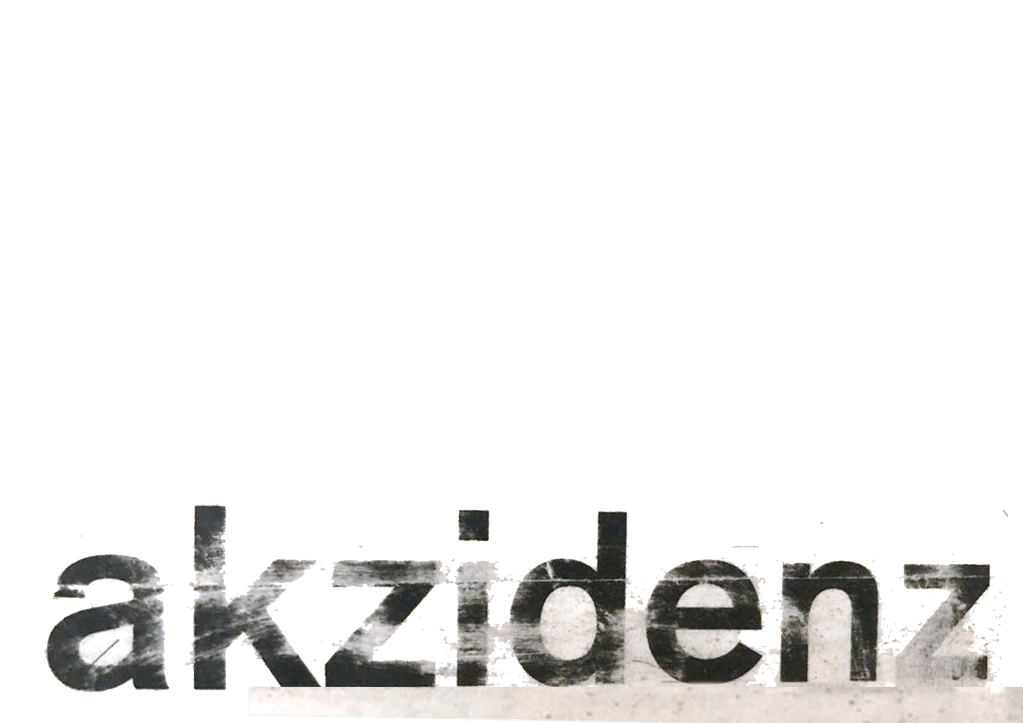
I wanted to use Red as a predominant colour again as it represents Swiss design and also the Bauhaus influence. I wanted to be in keeping with the “Swiss Grit” style of the poster though with the “Akzidenz Grotesk” heading and decided to try something experimental and different… I watched an interview with Chris Ashworth about a year ago where he explained what sort of experimental “grit” typography he does such as sticking type to the bottom of his twin girls school shoes so that when they return back from school in the evening the type is all ragged to give that worn down texture. He then uses this in his pieces rather than using digital textures. I wanted to do something similar for the type on my page. I decided though to try the cellotape method… I made friends with a Graphic Design student on Instagram who is also into Swiss Grit and he did a demo on his page of how he created his “gritty” type. He printed his type out using a laser/inkjet printer and then covered the text with cellotape and gradually pulled away at it to rip the ink off the page onto the cellotape. It worked! It gave a great gritty texture to my type which I then imported in and tweaked to become part of my layout.
Design Development – The stages of reaching my final design and layout!
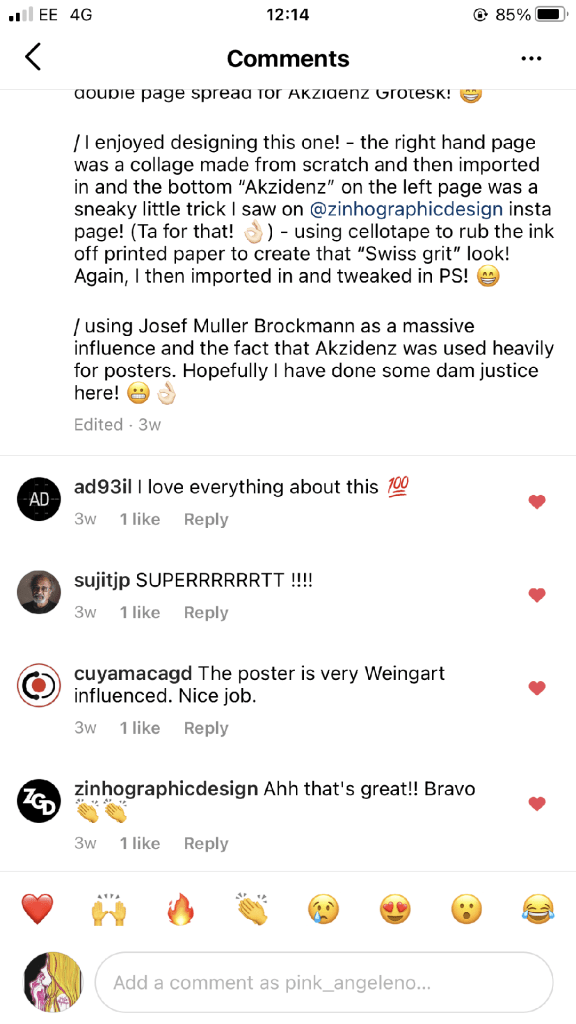
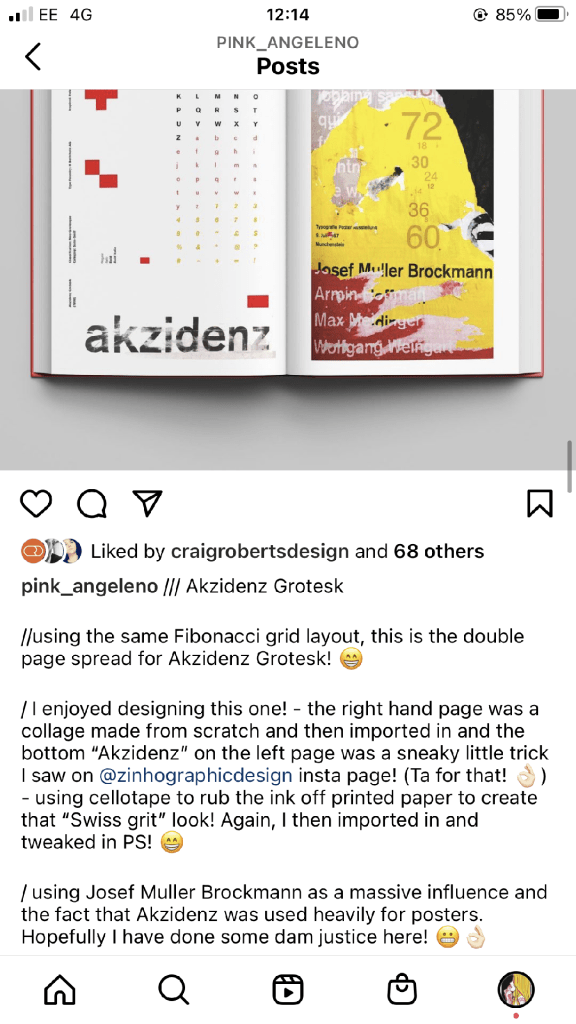
The final layouts were received VERY well when I uploaded them onto Instagram. It got the most likes my page has ever got and everyone seemed to love it! I felt very proud of this piece when it was done!
My Instagram screenshots
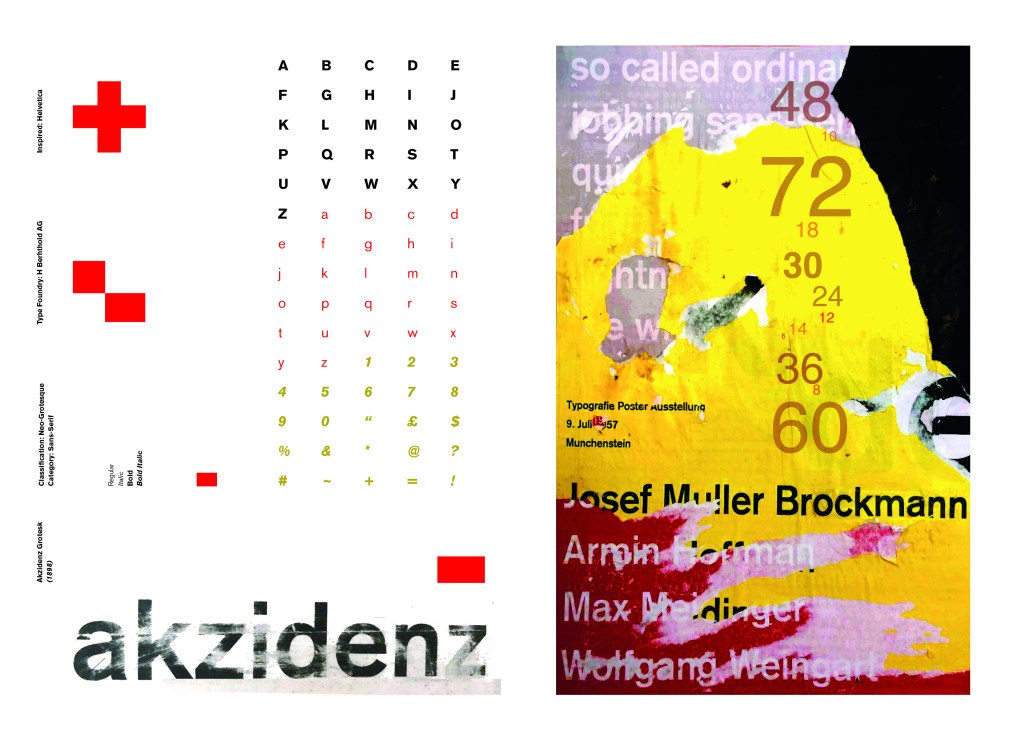
The final design pages and final mock up
The final mock up!
Responding to Tutor feedback…
“The sketchbooks evidence in between stages, idea development and layout/mark making: do you have any evidence of the planning for the laying for the Aksidenz poster? Is this a place where you could experiment with textures and layering with surfaces and drawing media?“
I have sketches in my sketchbook and images that I found on Pinterest that inspire the collage that I did for the Akzidenz Grotesk poster:
Work by Eduardo Seco
I agree with the feedback that I didn’t document the Akzidenz Grotesk collage all too well… but it was created entirely how it is pronounced!.. a complete happy AKZIDENT!
I had no idea really how to put the collage together for Akzidenz Grotesk. I tried first on the wall of my house PVA glueing different sheets of coloured paper that I printed out from my printer at work and this just did not work. I tried rubbing Letraset on the walls too, My plan originally was to create the poster on the wall using Letraset letters or printed type on sheets of paper that I would dampen and then rub off onto the wall!
Another thing that inspired me was a few photographs I took of the side of my old cooker… When I moved house in October 2020 I rented my house and inside it I had an awful, old cooker (possibly from the 1970s!!) when I moved it out to clean it I noticed some markings on the side of it. It was quite cool and I took the photos to bank in my resources for any future projects:
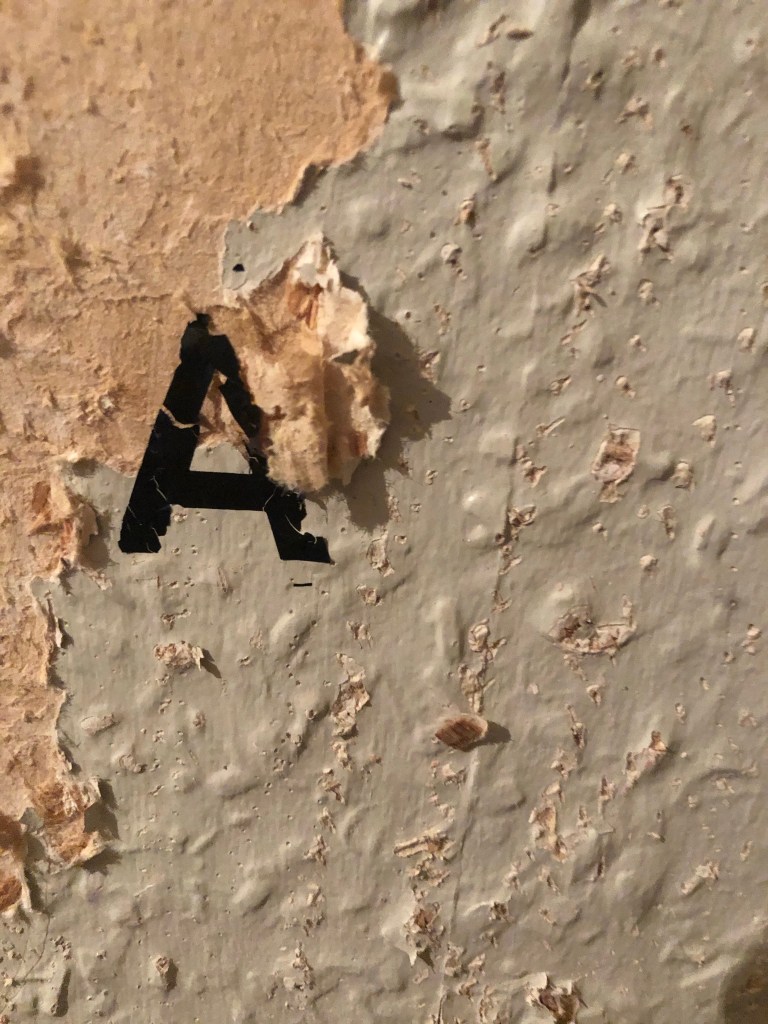
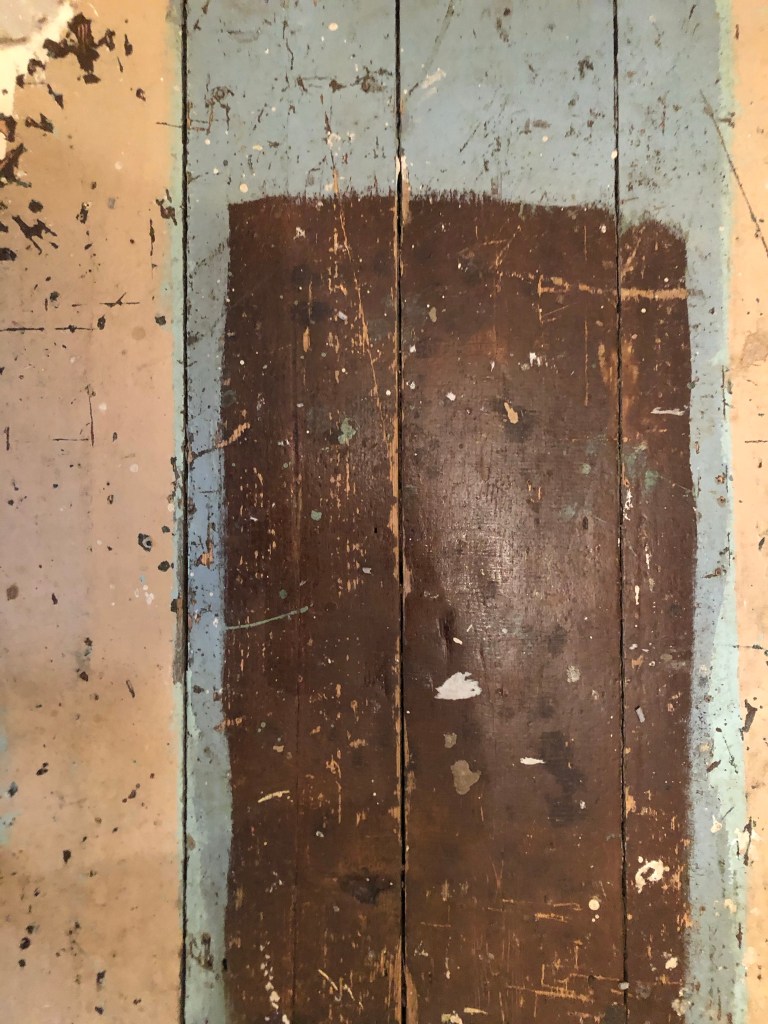
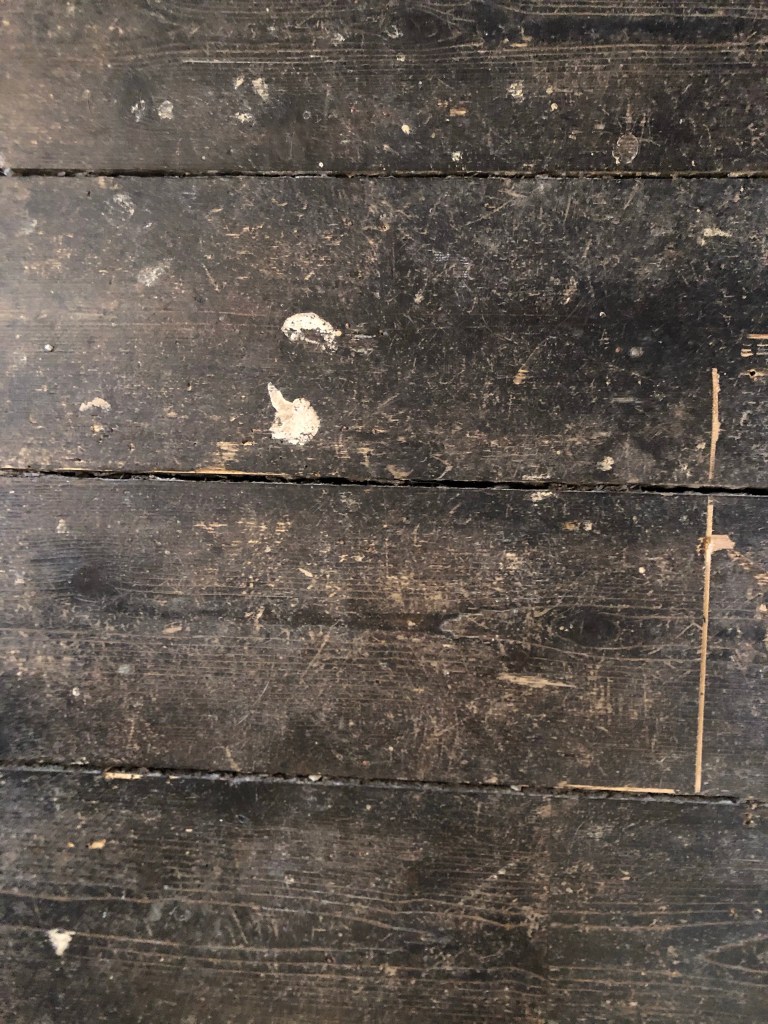
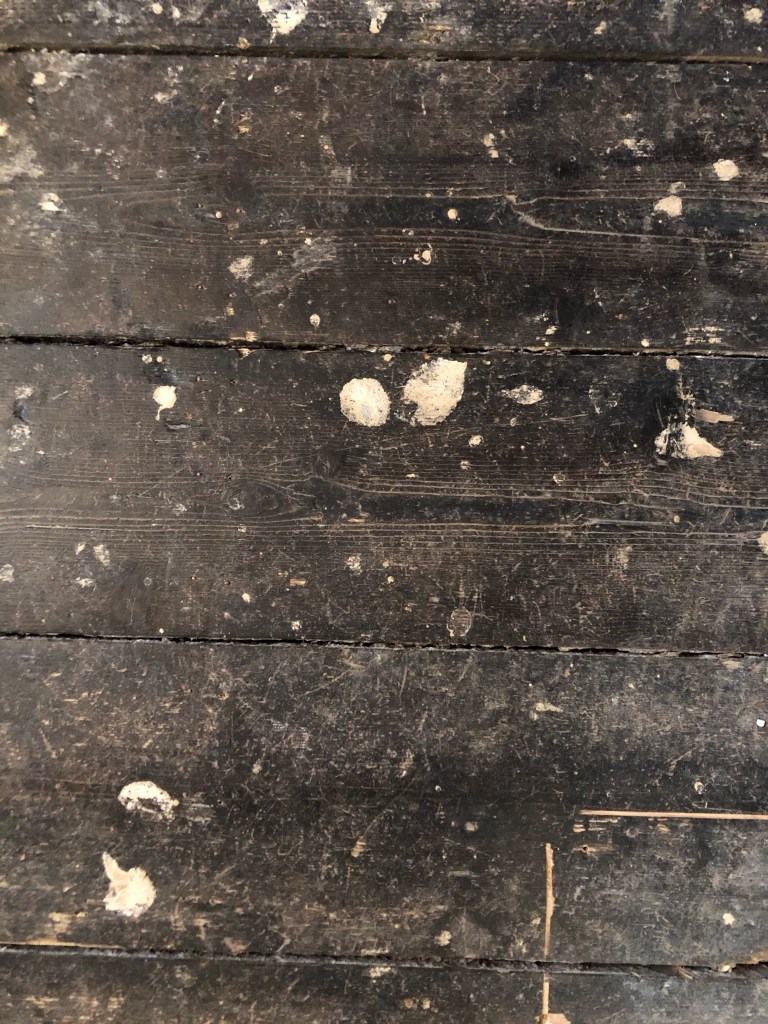
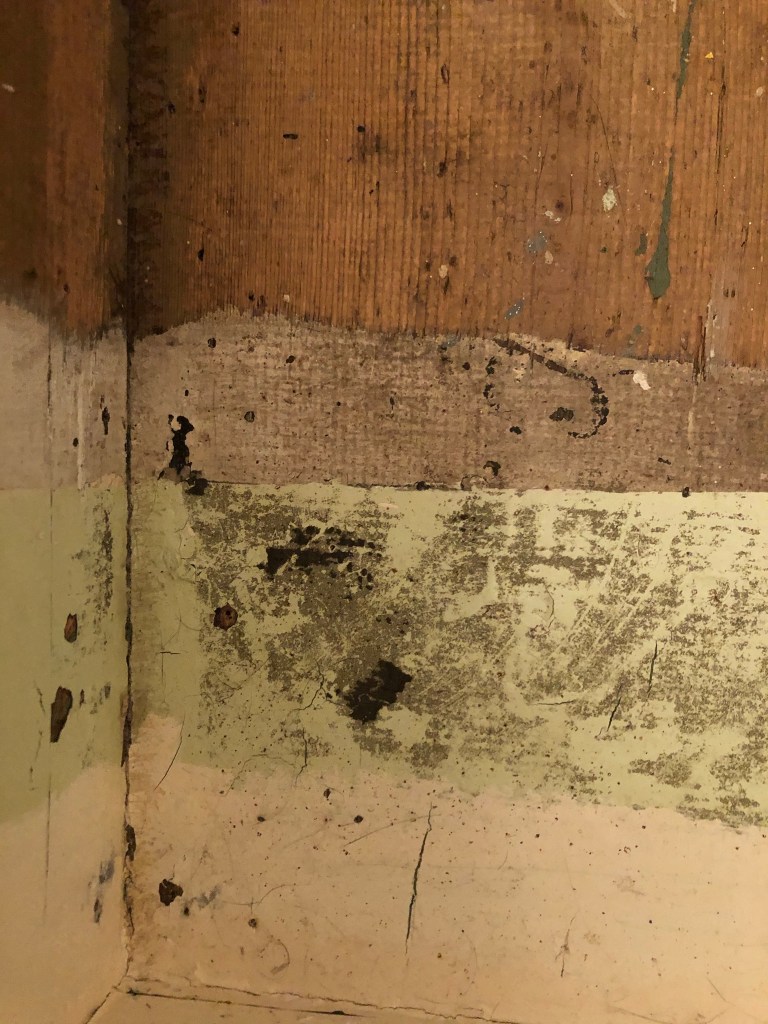
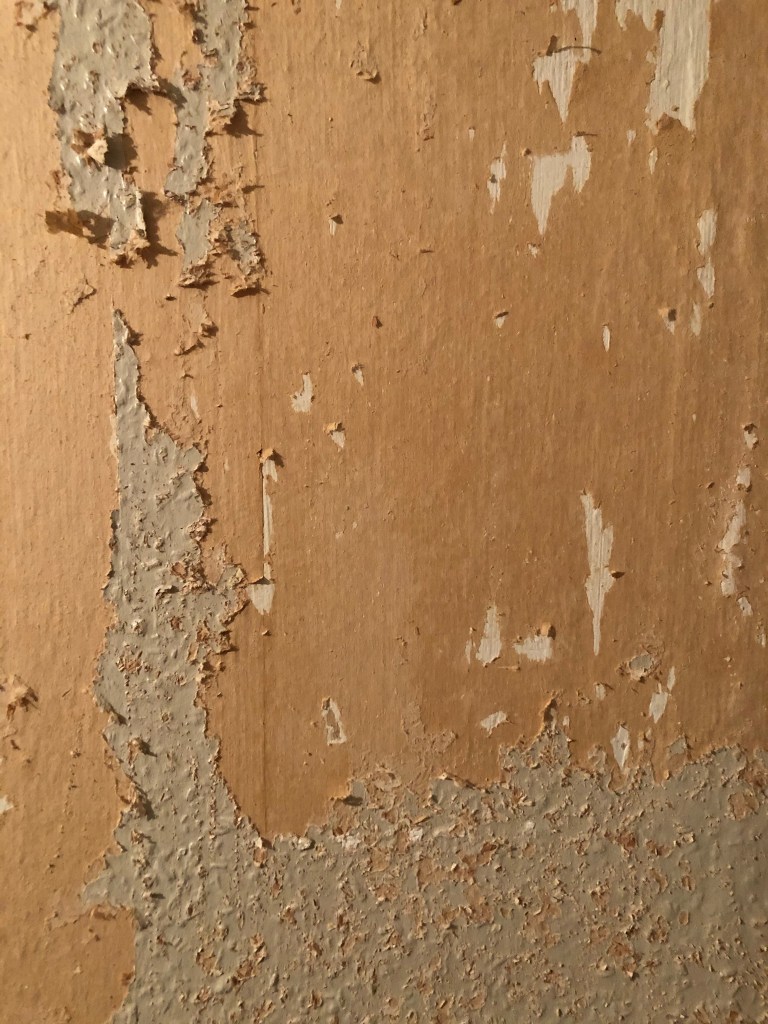
I knew I wanted to create this kind of effect but I was struggling as to know how…I then had the idea of photographing some different textures and then importing them into Photoshop to play around with for my poster. These were some of the textures I found, (again, they were all from the upstairs of my house which is currently now only starting to be renovated!)
The textures idea just wasn’t gritty enough for me though… This is where I went to work the next day feeling really frustrated at the fact that I didn’t know how best to create the idea I had in my head!!
I have a very rigid “Neat” approach to my work, everything I do is very structured and organised and I couldn’t quite get myself to create something “messy” enough!- I needed to switch off and just become careless and wreckless to see what I could create!! I had another go on my lunch break when I had the classroom to myself; I filled a paint palette up with PVA, found a screen printing roller to layer it on smooth and what I ended up with was the unexpected, perfect finished piece! I have photos that I have found in my design archive of me creating this final piece but other than me being really inspired by some collage work I found on Pinterest it happened without any prior planning or any planned sketchbook experimental work.. it was completely by accident! A really happy accident! I literally just created pages in Microsoft Word (my work laptop did not have Adobe at the time!) of block coloured pages and pages with some type using Akzidenz Grotesk, I printed them out using the laser printer and then layered them up on top of each other using PVA glue. Carelessly I just ripped sections away to reveal layers underneath. The idea was to create the feel of a really old billboard that has had hundreds of posters ripped off and layered on in its time in a really rural area of a city..
The final piece was perfect for me! In fact it seems such a shame to pack it away with all my Core Concepts work that I have thought about framing it as a showpiece!
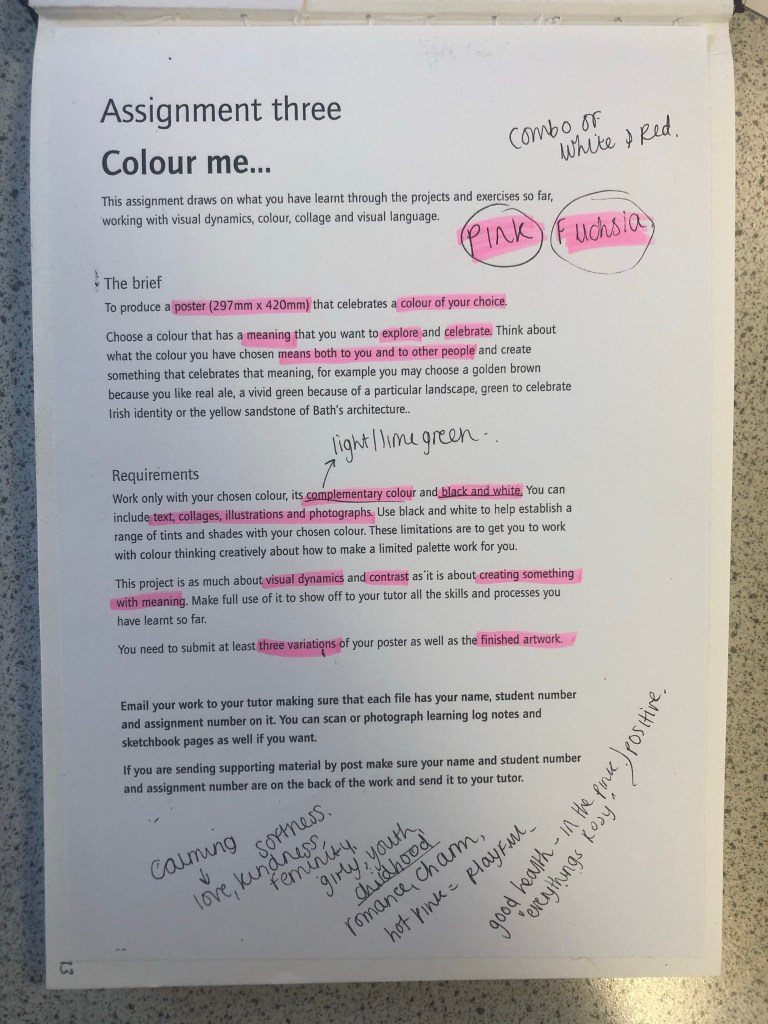
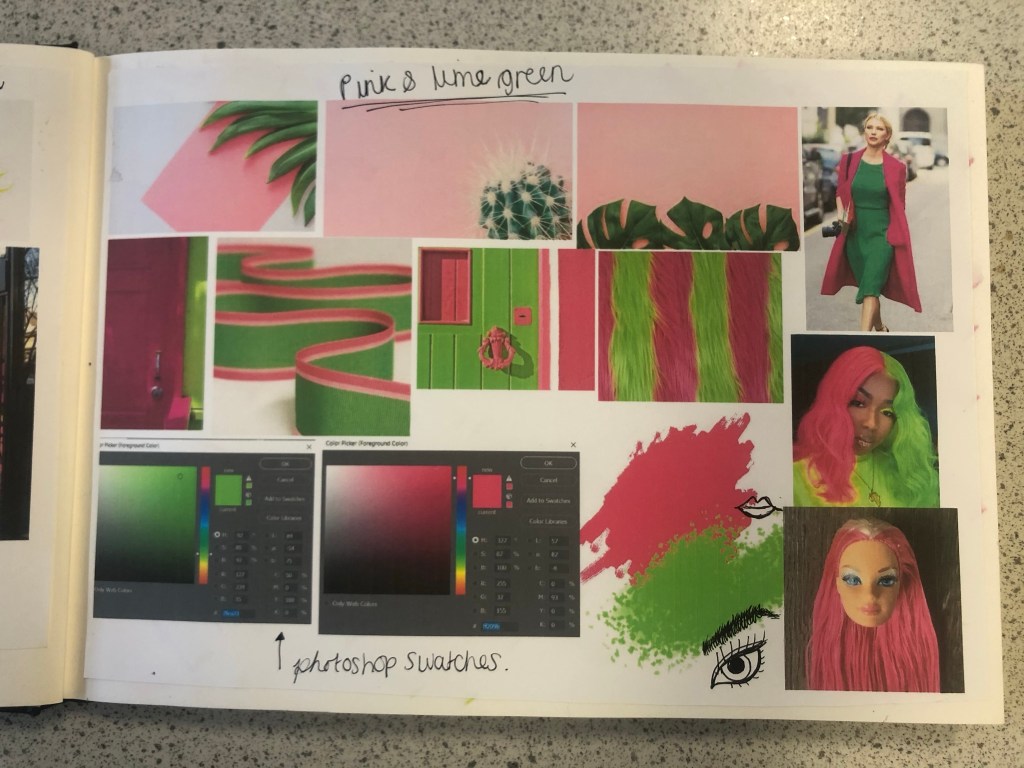
I approached this brief feeling fairly confident! I knew exactly what colour I would choose… PINK! In particular though, a more grown up Magenta Pink; It is not “pink pink” it’s not Fuchsia but it’s somewhere between the 2! I thought that the most difficult thing would be to convey what the colour means! I have never really thought about what the colour Pink does to me! 😀 All I know is that I am drawn to anything Pink and it just makes me feel happy and girly! I am familiar with colours on the colour wheel so knew what the complementary colour would be – lime green! I knew that I would have to research further to come up with some good ideas!
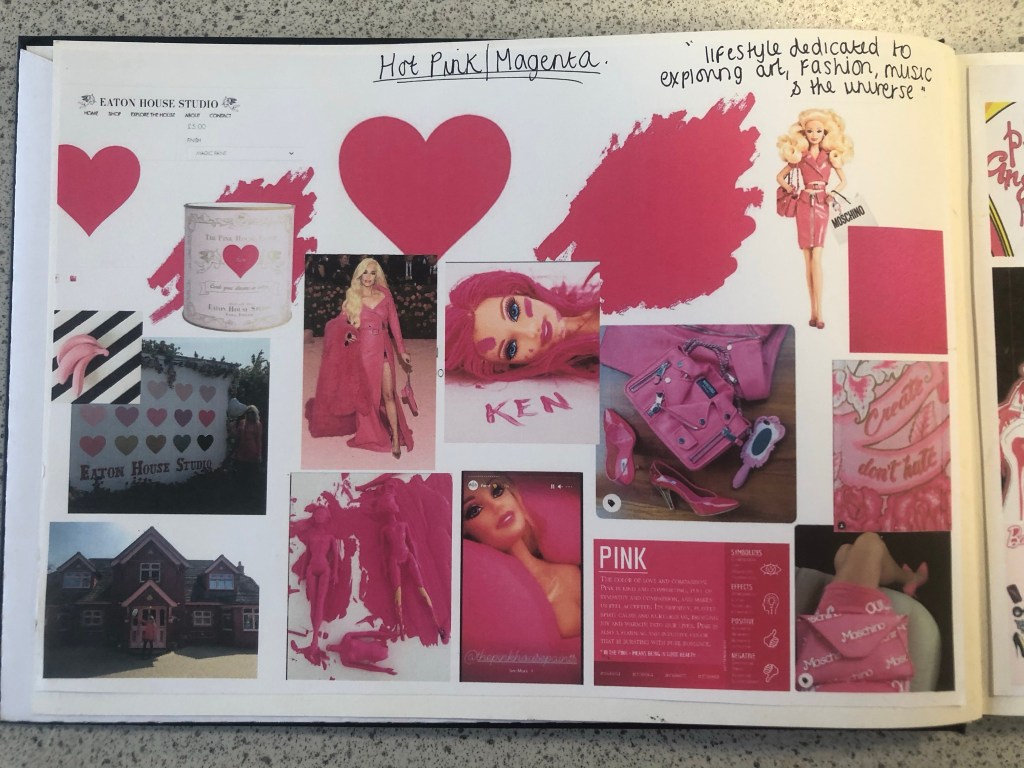
Research – Mood Boards
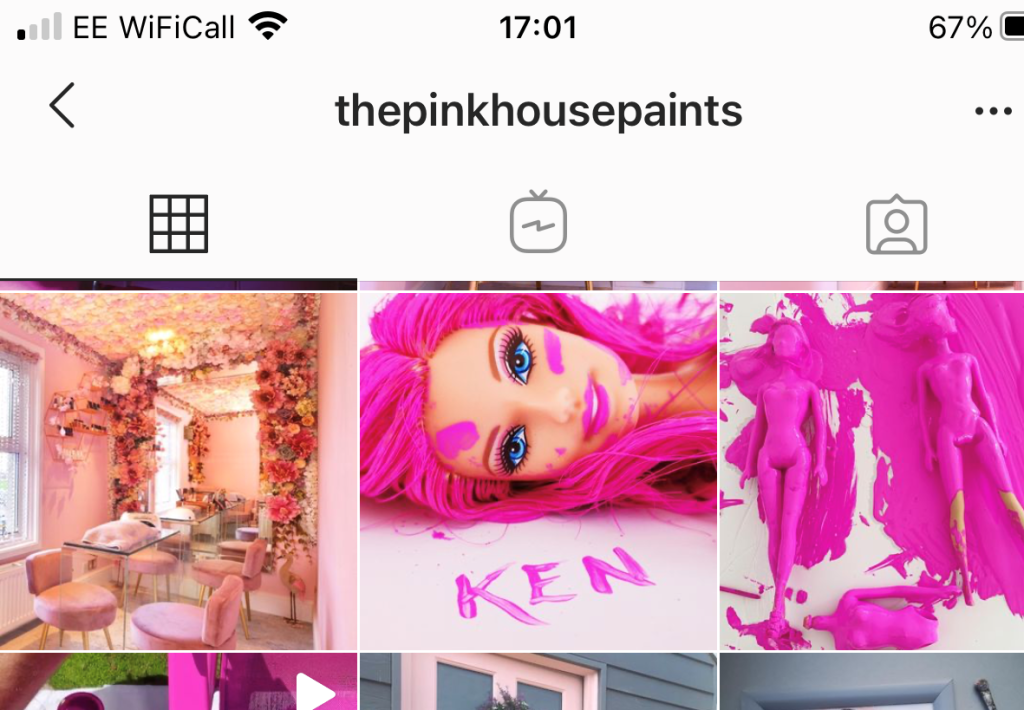
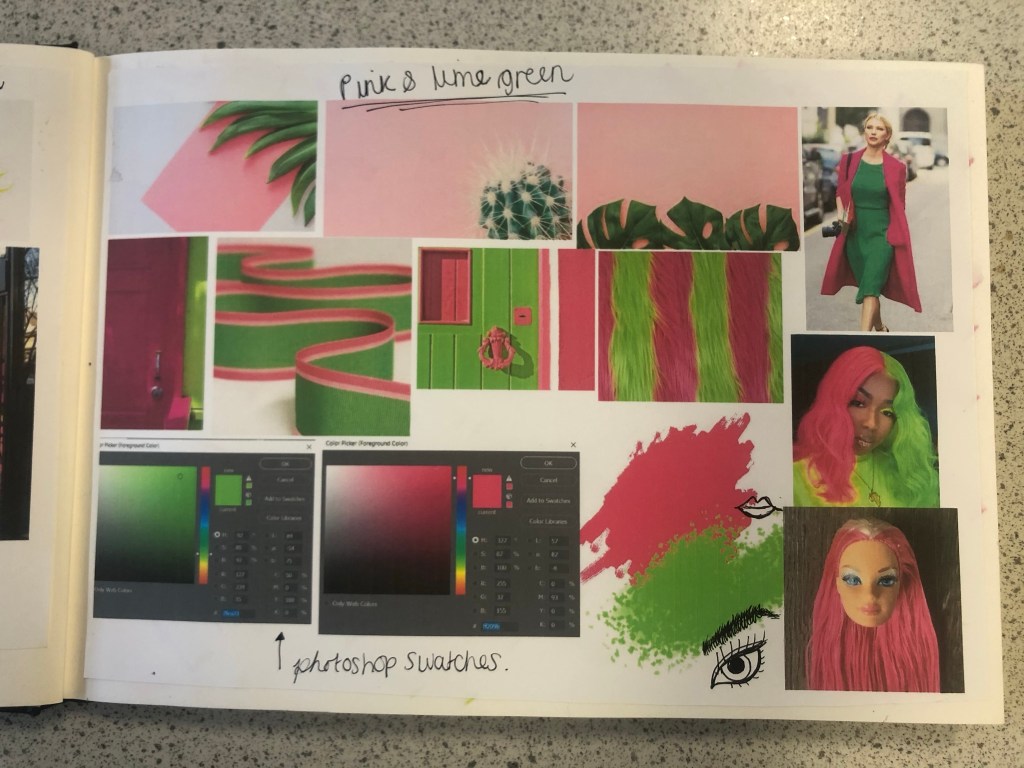
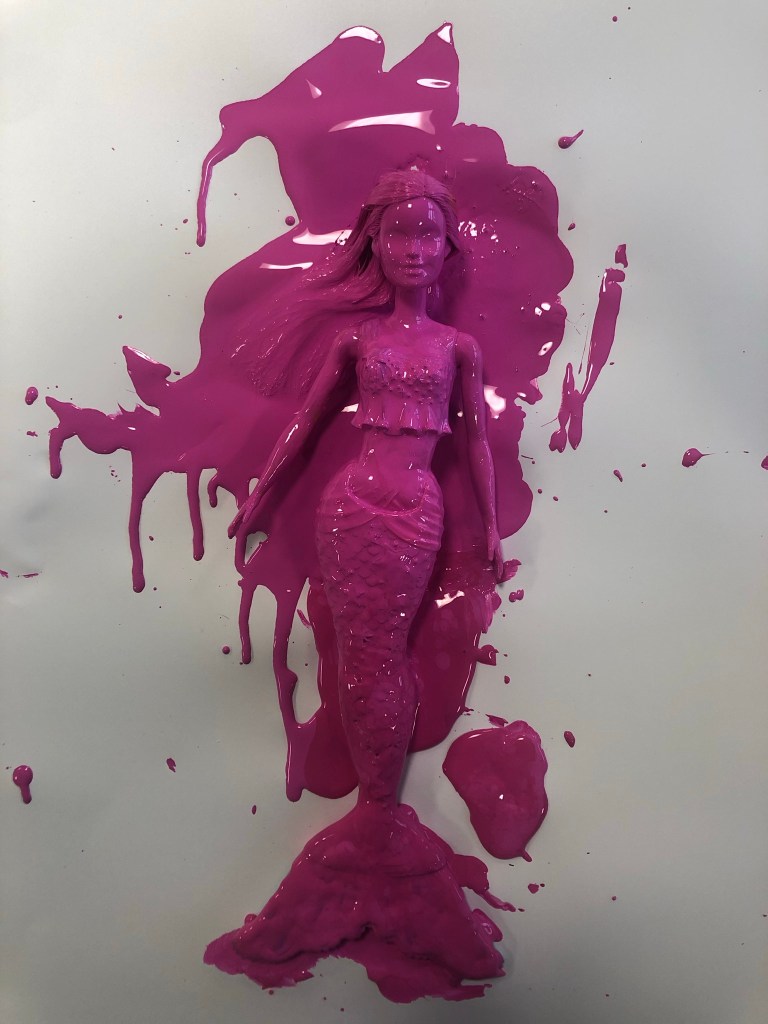
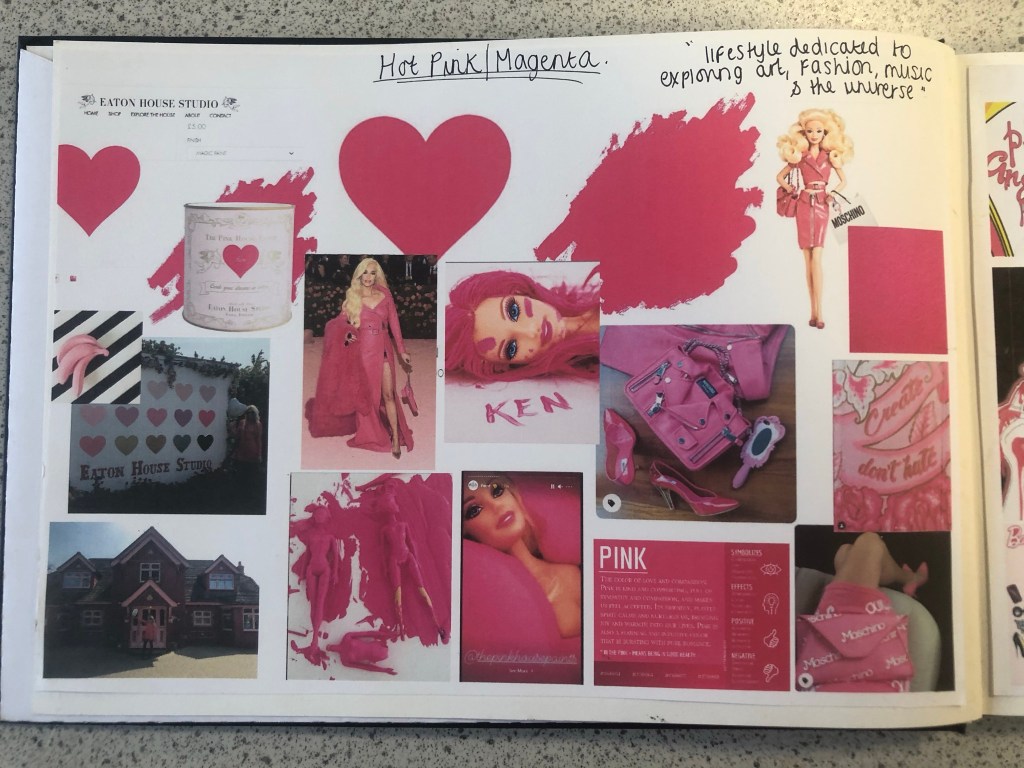
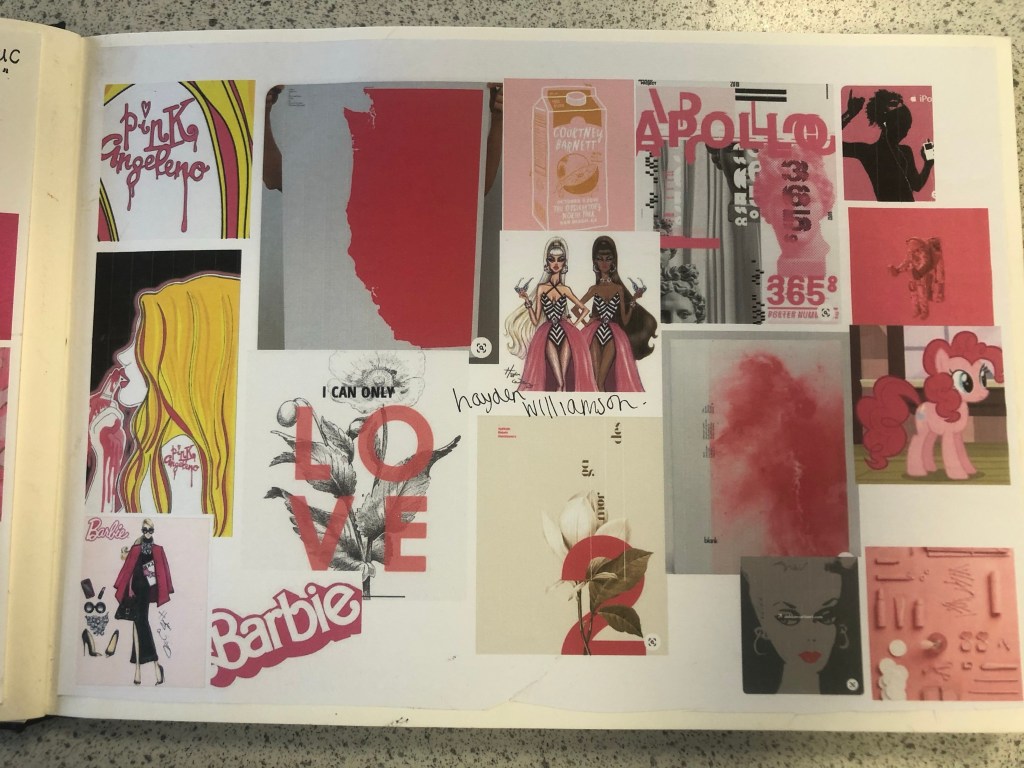
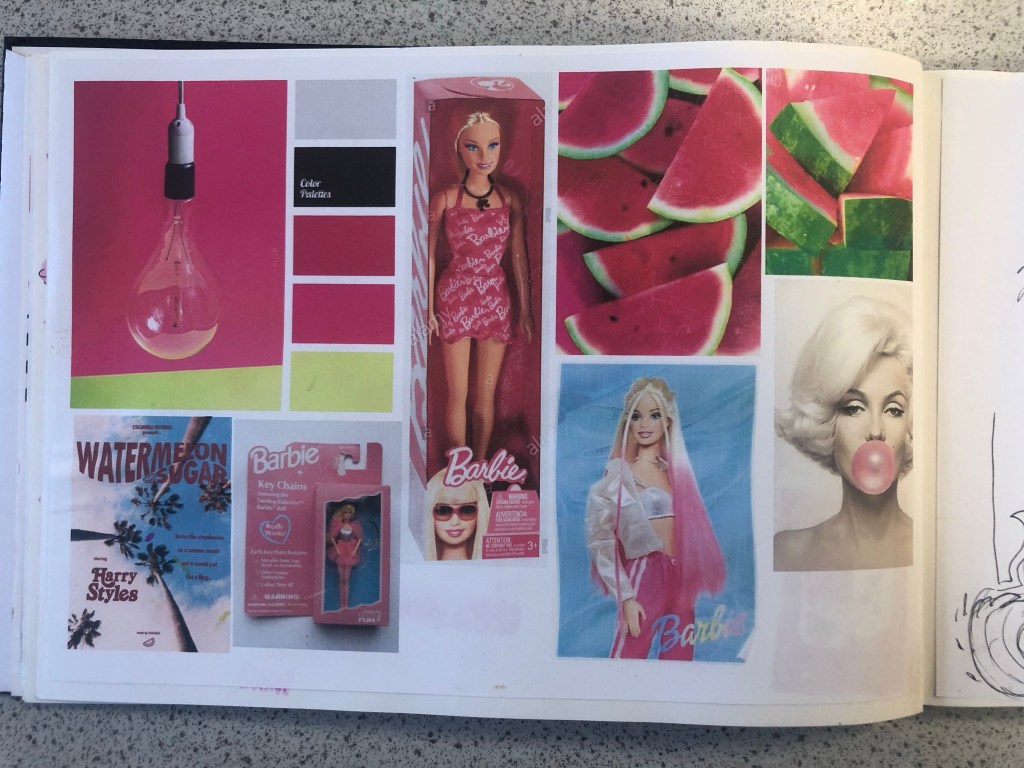
Whenever I begin with the research process I always start off with moodboards and mind maps. I started a brand new sketchbook for this assignment and began with some moodboards that I filled with images which I find appealing and that make me think of Magenta Pink the most. When I think of Pink I automatically think of Barbie and the hours of fun I had as a child playing with their long blonde hair, dressing them in bright funky outfits and collecting lots of hot pink accessories for them! My first 2 pages of my moodboards were inspired completely by this. A big source of inspiration also came from Eaton House (The pink House) in Essex which I had the joy of visiting almost 2 years ago now! (I have a post and some photos abut it in my “places to go people to see” menu at the top of site!) Eaton House now have a line of interior wall and magic (fabric) paints and I felt compelled to include this on my moodboard also, one of the paints is called “Ken” and it is a bright hot Magenta Pink. I found myself ordering a tester pot to see what the fuss was about and to see if I could use it as mixed media for this assignment. One of the images that stood out to me from Eaton House was one of their photographs they took for their Instagram page advertising “Ken”.
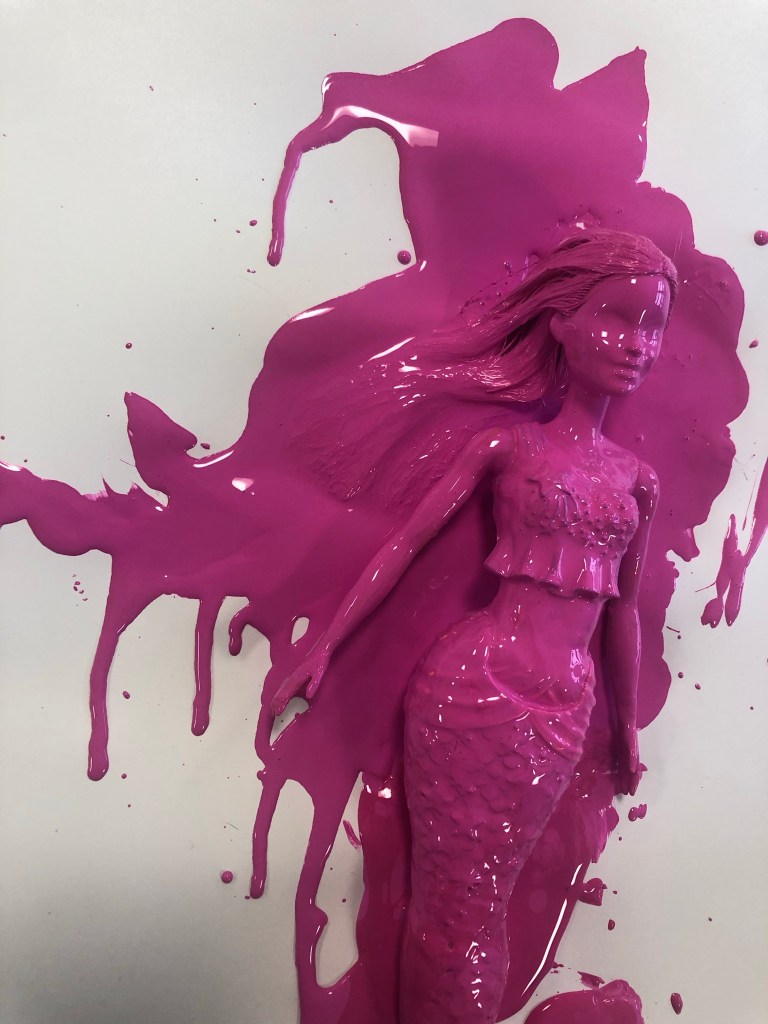
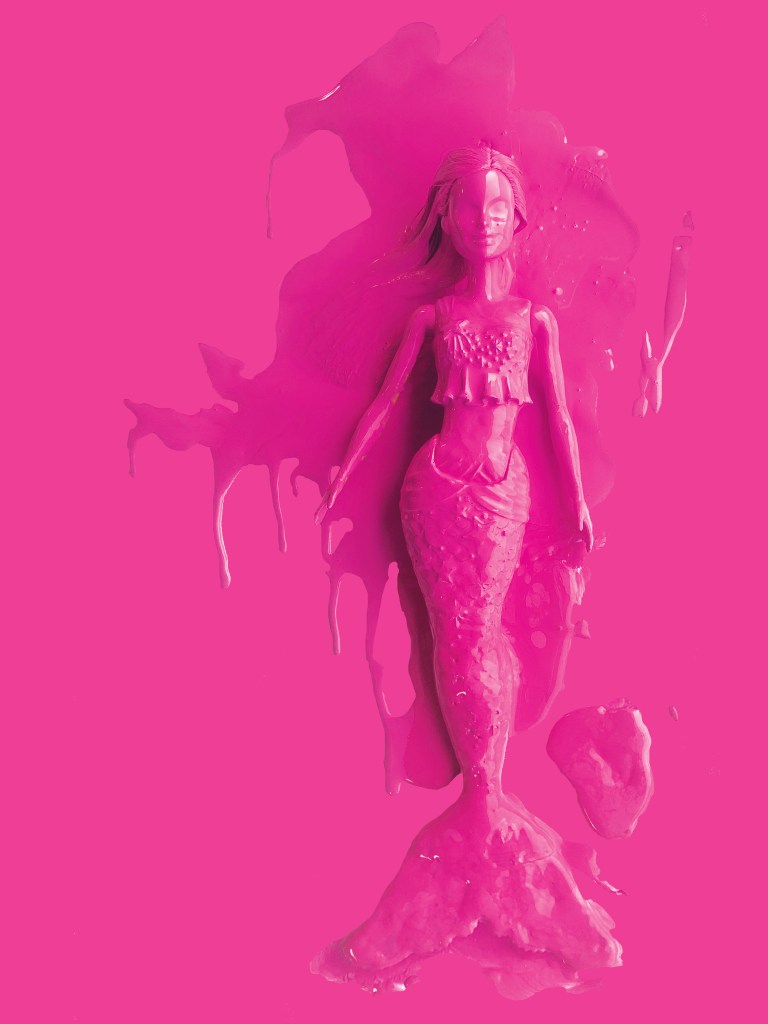
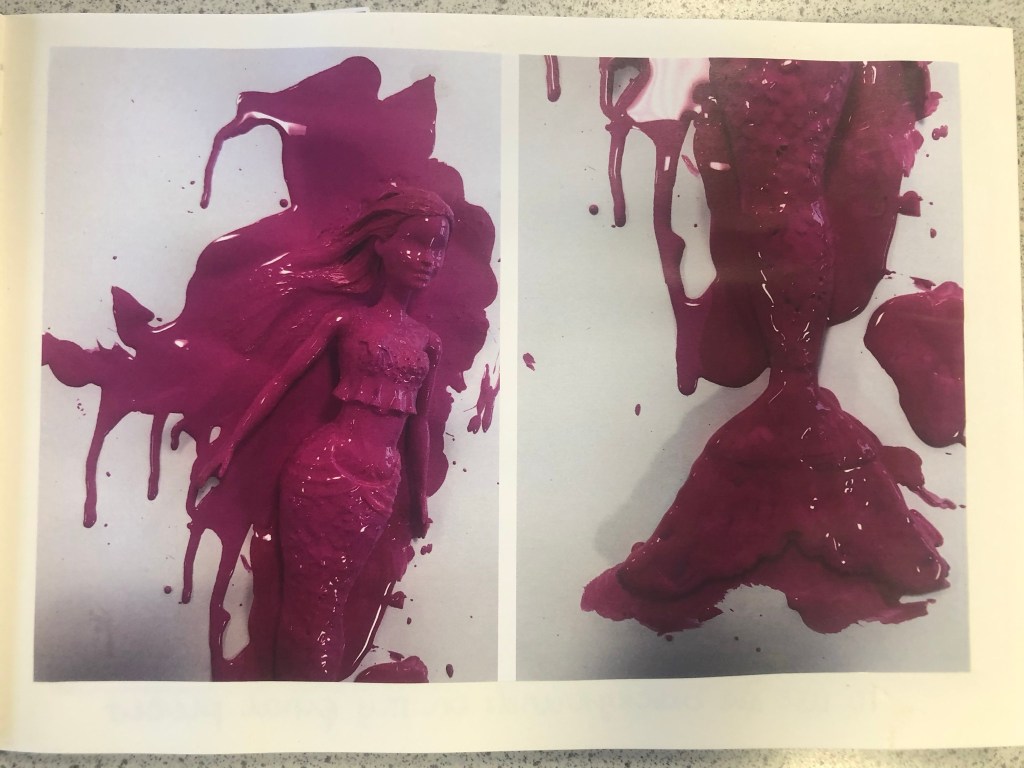
The photograph shows a Barbie completely covered and dripping in the pink paint, I liked the look of this and it gave me ideas; it was basically them messing around to see how consistent and bright the paint actually was before they sold any – basically grown ups playing around with Barbie’s but in a different way- Experimenting with paint colour! That is exactly what this colour is; It is like it was made for having fun! It is bold, attention seeking and experimental! It is the grown ups answer of a colour to mean play time!
I also looked at the Moschino Barbie range from Spring/Summer 2014. I am lucky to own a few pieces from this collection (I only wish I had them all!) for whatever reason, every time I see this collection I am inspired!- I absolutely love it! It was only right that I included the images onto my mood board. I also included on my moodboard illustrations that I did for my Assignment 1 and from where I got my blog name “Pink Angeleno” from, my Assignment 1 very much emphasised the fact that I love the colour pink! I looked into fashion illustrations by Hayden Williamson (He did a Barbie illustration series) and I looked into pink branding, pink films (Legally Blonde!) and pink poster art. I wanted to get as many images as possible to sum up what this colour means (colour theory), who the target audience is and what the colour means to others (emotionally).
My last page of my mood boards was based around the complementary colour. I wanted to see how well Lime Green and Magenta worked together side by side and I also wanted to research into the uses of those colours. The images that appeared the most in my search were pink backgrounds with palm trees in front or banana leaves (think of the Beverly Hills Hotel!) It was very clear from the images that these colours represented summer!
Having visual references on my pages helped inspire me more in my ideas. I then moved on to mind mapping.
Research – Mind Mapping
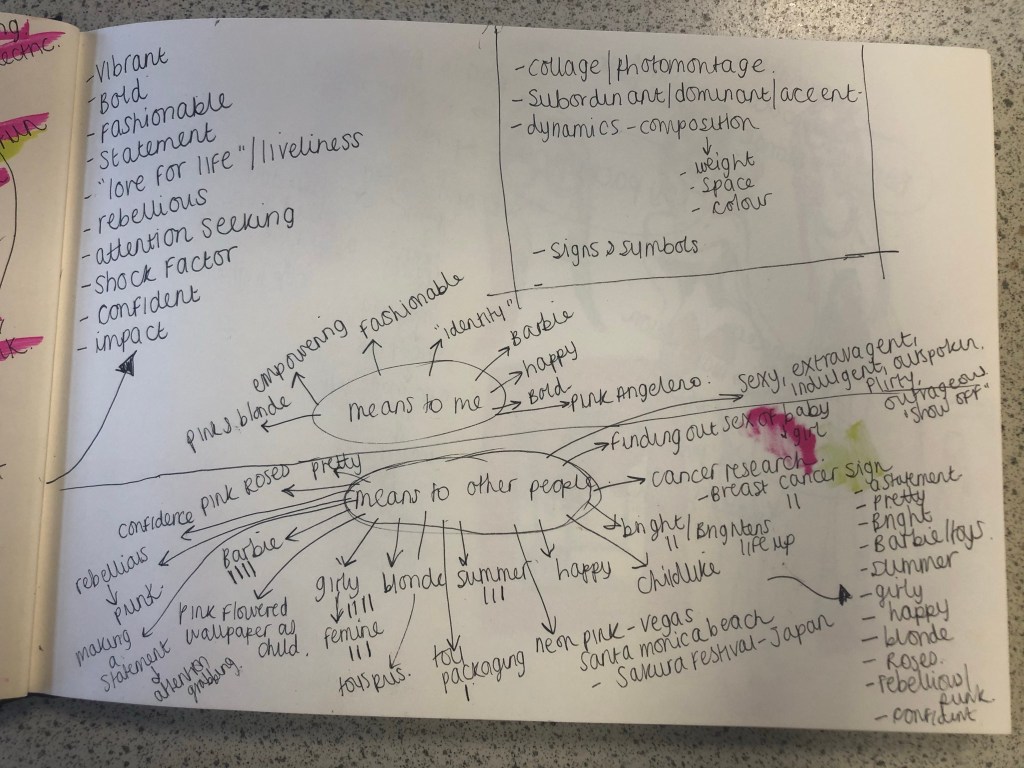
The first page of mind mapping was me exploring the meanings/emotions behind all 3 colours; Pink, Magenta Pink and Lime Green. I then looked at all the answers I had mind mapped and underlined the ones that both colours (Magenta and Lime Green) had in common:
Confident
Vibrant and bold
fashionable
fun
statement
“love for life”
rebellious
liveliness
impactful
attention seeking
shock factor
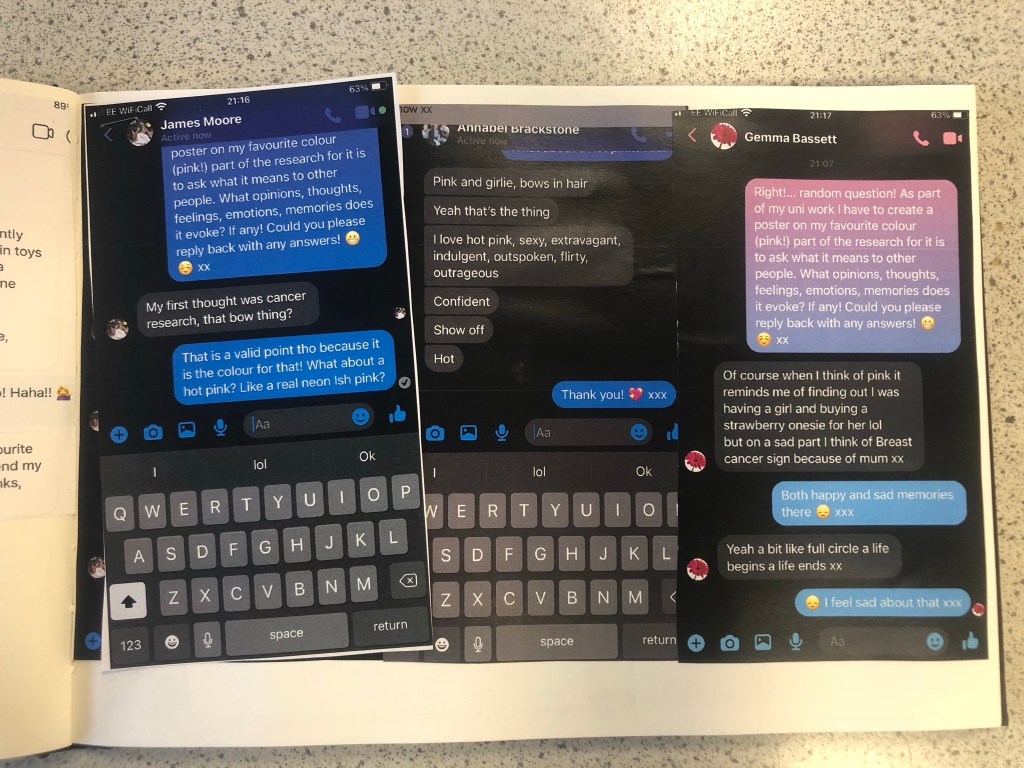
I knew that these were the factors that I would have to take forward into my first ideas and designs. My second page of mind mapping I concentrated on what the colour means to me and to others. I decided to ask some close friends and family what Pink means to them, what it reminds them of and what they think of when they hear the word PINK! I sent a message out through social media to ask people their thoughts on the colour; Luckily I had some good replies back! Almost every answer I received back from females mentioned Barbie and remembering the bright pink packaging from their childhood! It is very stereotypical also that Pink automatically reminds people of “Barbie girls” .I wanted to play on this in my designs as this is how most people see pink! The other answers were:
a statement
pretty
bright
Barbie and “pristine pink packaging!”
Toy packaging
Summer
Girly
Happy
Blonde
Roses
Rebellious/ punk
Confident
Vegas neon lights
Japanese Cherry Blossom trees
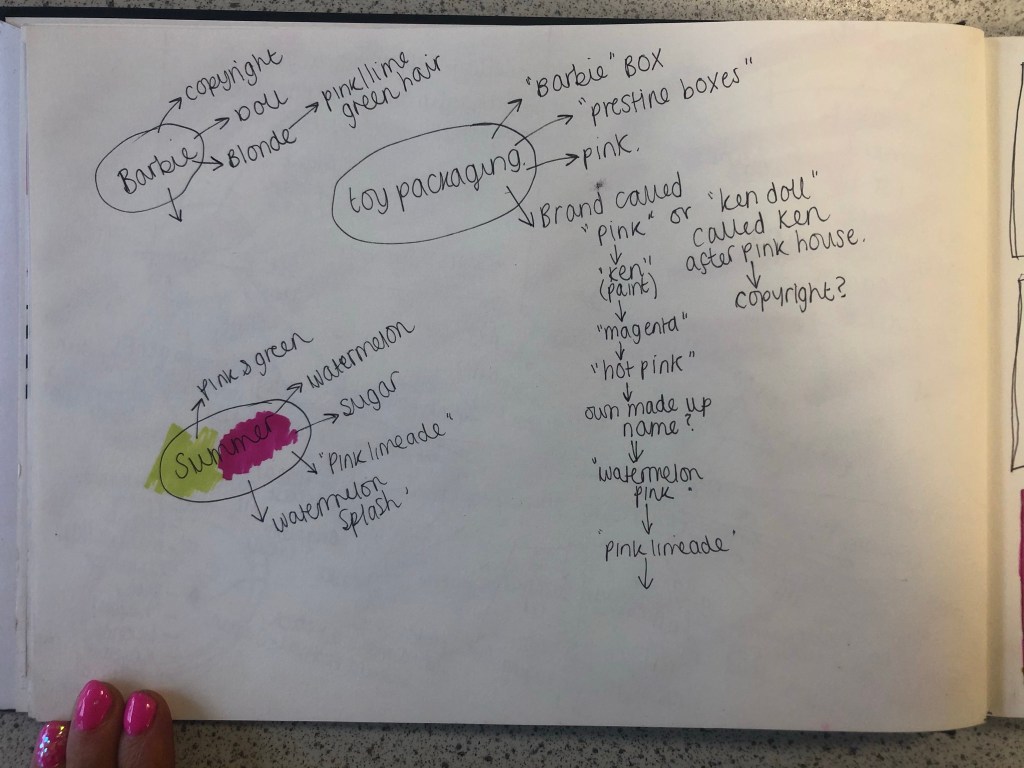
I knew from these answers that I definitely wanted to focus on how the colour reminds people of their childhoods with Barbie’s and the pristine pink toy packaging. The first idea I had was to make the poster into toy packaging.. instead of making the poster the colour Magenta pink, using some images to represent Magenta and writing about that colour I wanted to create something on the poster that represents the colour without the need for explanation but which is also playful and different in approach. Another answer that regularly came up was that people saw Magenta as attention seeking, bold and very confident. I wanted to show how Magenta is seen as the “grown up pink”. I could do a poster based around how Magenta is girly, pink, playful and brings out your childish side but is also a grown up striking pink, bold in appearance, rebellious and very confident! How could I bring the Lime Green into this idea though?…
First Ideas/Sketches
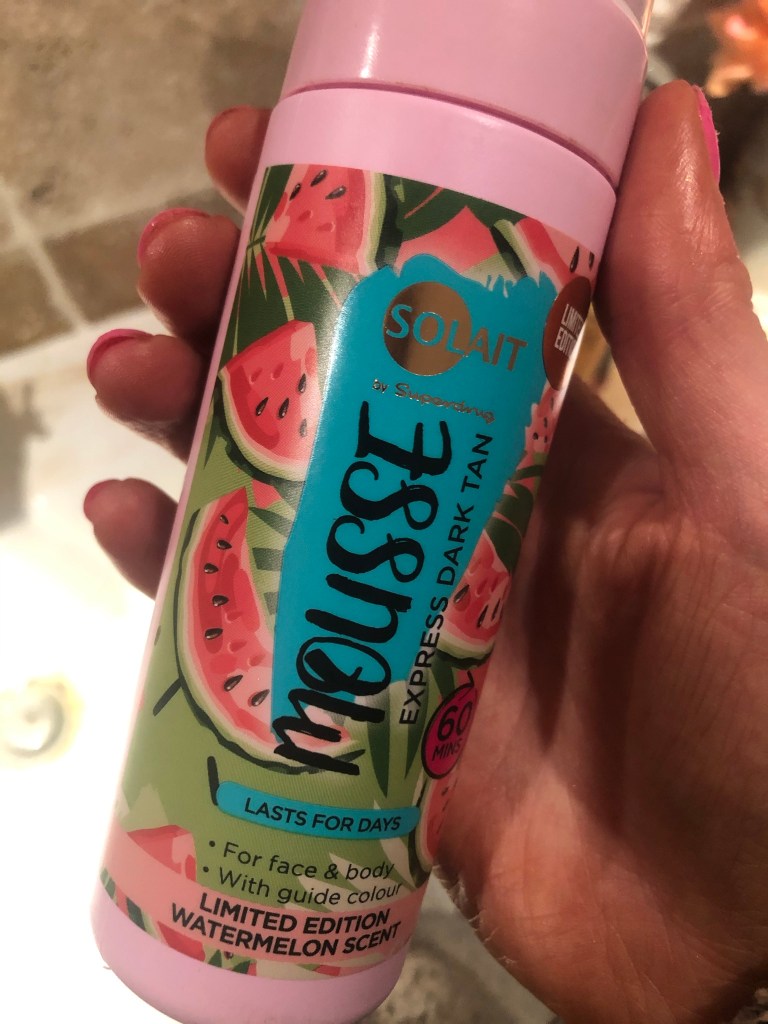
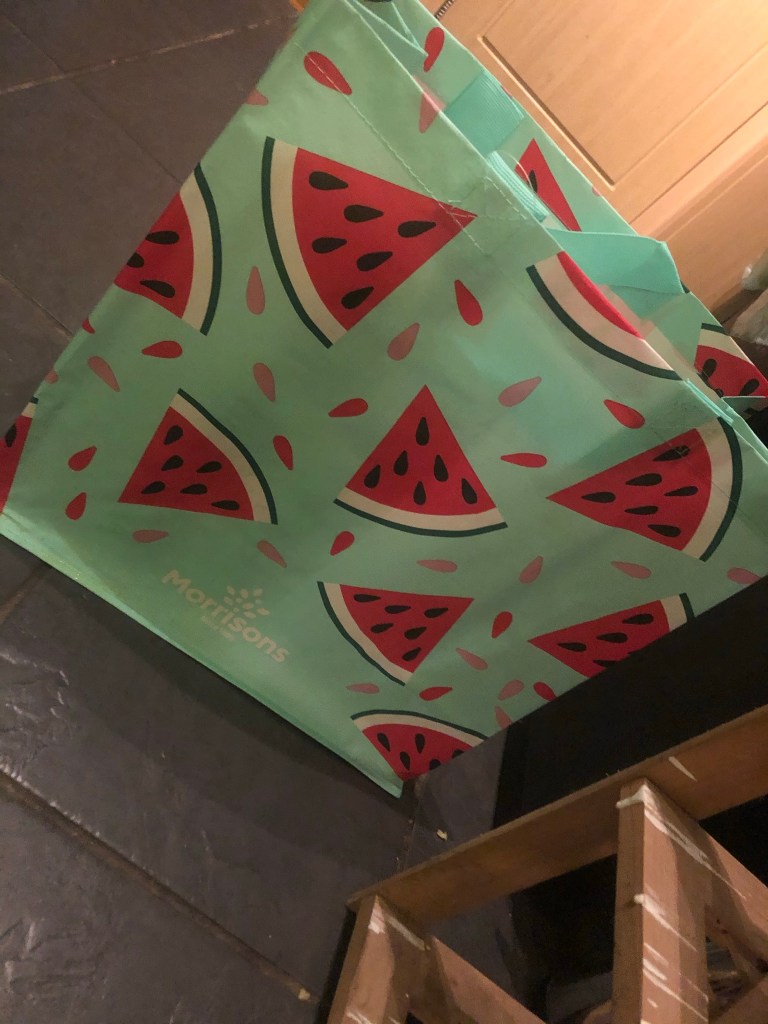
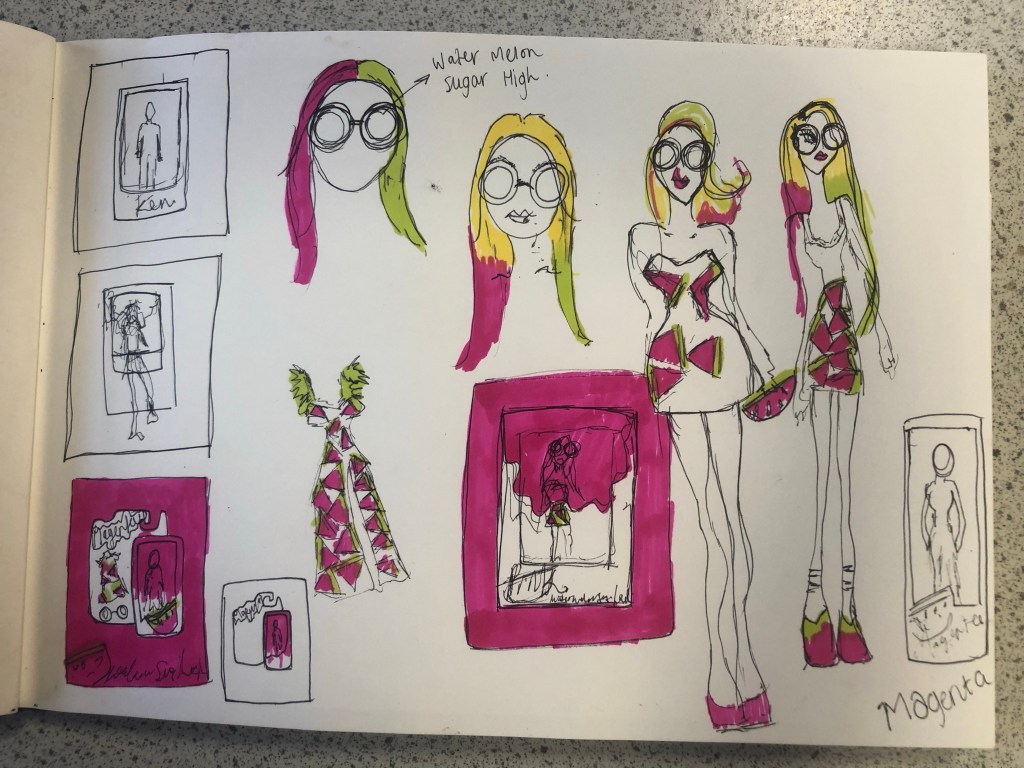
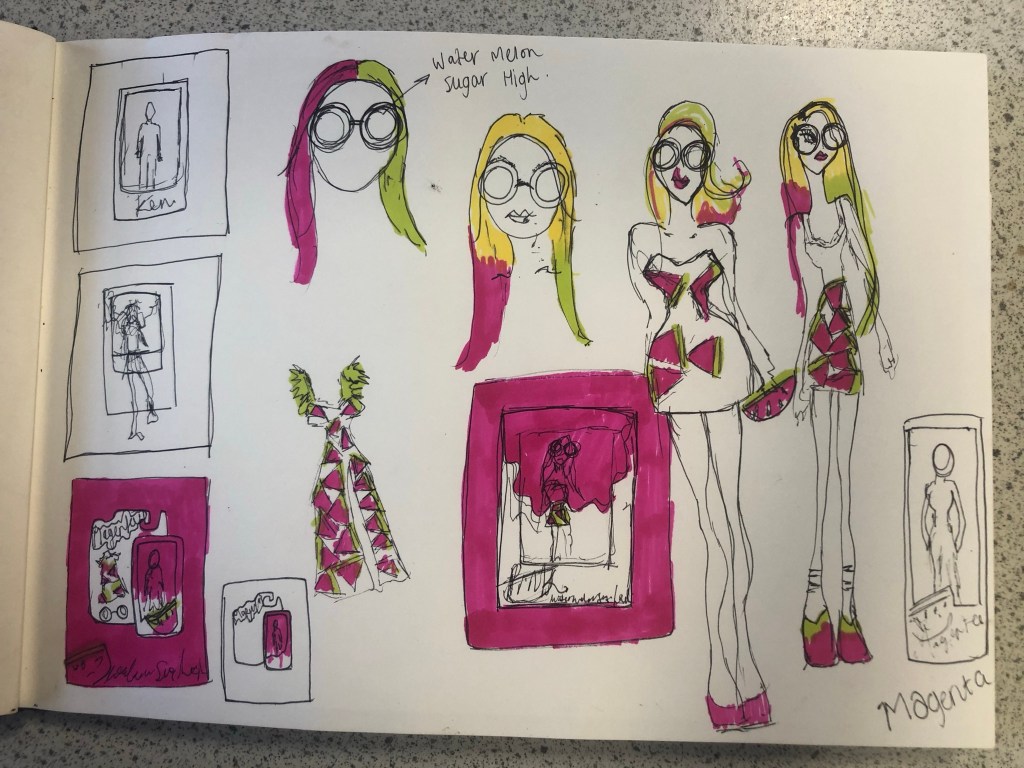
When I think of Lime Green and Magenta together I instantly think of Watermelons. I know Watermelons are usually Red and Green but in my mind I had the idea of brightly coloured vector art resembling a Lime Green and Magenta Watermelon. How would I bring a watermelon and toy packaging together to create a design though?.. In the back of my head I still had the Barbie doll that Eaton House poured into the paint playfully; If I could recreate my own version of this and bring it into my toy packaging design? I mind mapped around how I could bring the Watermelon into the design. Watermelons also represent summer so I knew I had also met one of the emotions that people feel when they think of Pink. The idea I had was to create limited edition doll packaging; make the doll a watermelon special doll but I needed a clever name for this. I mind mapped names that I could use for the limited edition packaging. I came up with “Pink limeade”, “Watermelon Pink” and my favourite “Watermelon splash”. The splash would symbolise the clash of the 2 colours coming together (Magenta and Lime Green). It also gave me the idea to use a mermaid doll which would further represent the “splash”. Since designing my posters I have looked around the high street and retail shops and seen a few designs that feature Watermelons:
If I was designing toy packaging for my poster I knew I had to be clever and not use the name “Barbie” because of copyright purposes. I needed another name. I did ponder the thought of designing a packaging for a Ken doll and using the Eaton House “Ken” paint as the colour I was designing the poster for but I decided to keep it for a female target audience as the colour is mainly seen as feminine. I needed a name for a female doll that would be representative of Barbie but not be Barbie… I simply thought of – “MAGENTA”.
I started to sketch some ideas based around this idea in my sketchbook. I drew out some toy packaging and some illustrations of dolls wearing brightly coloured Watermelon clothing and accessories. I was not sure whether I wanted to use the “painted Barbie” idea or whether I wanted to create a vector art illustration doll.
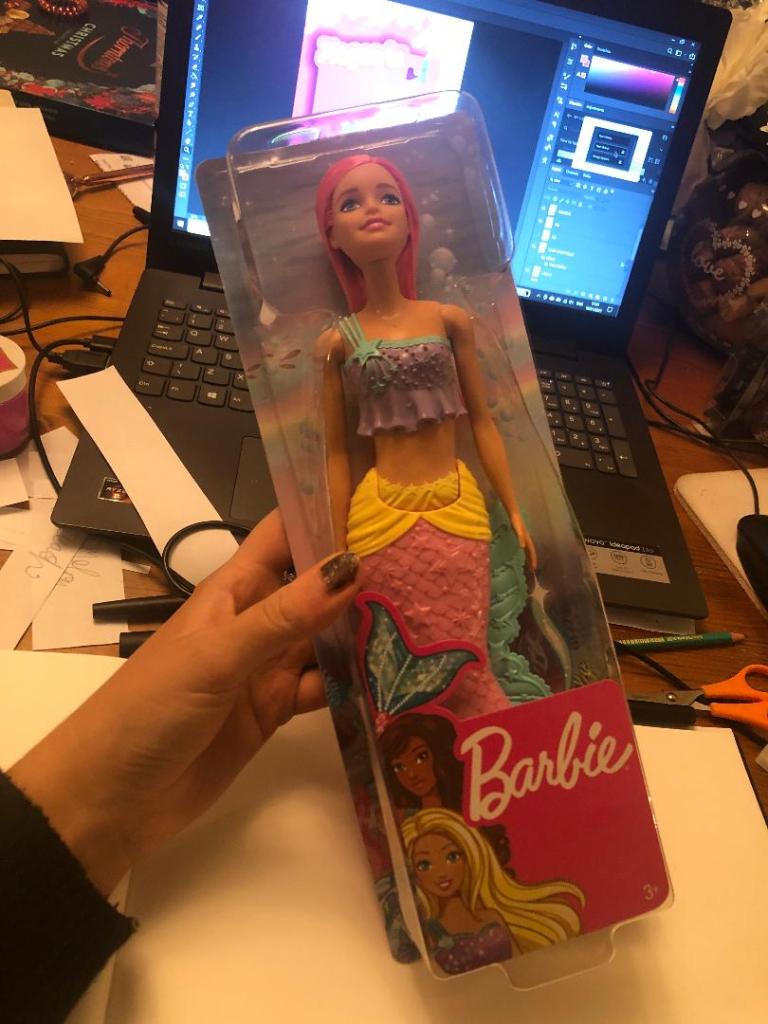
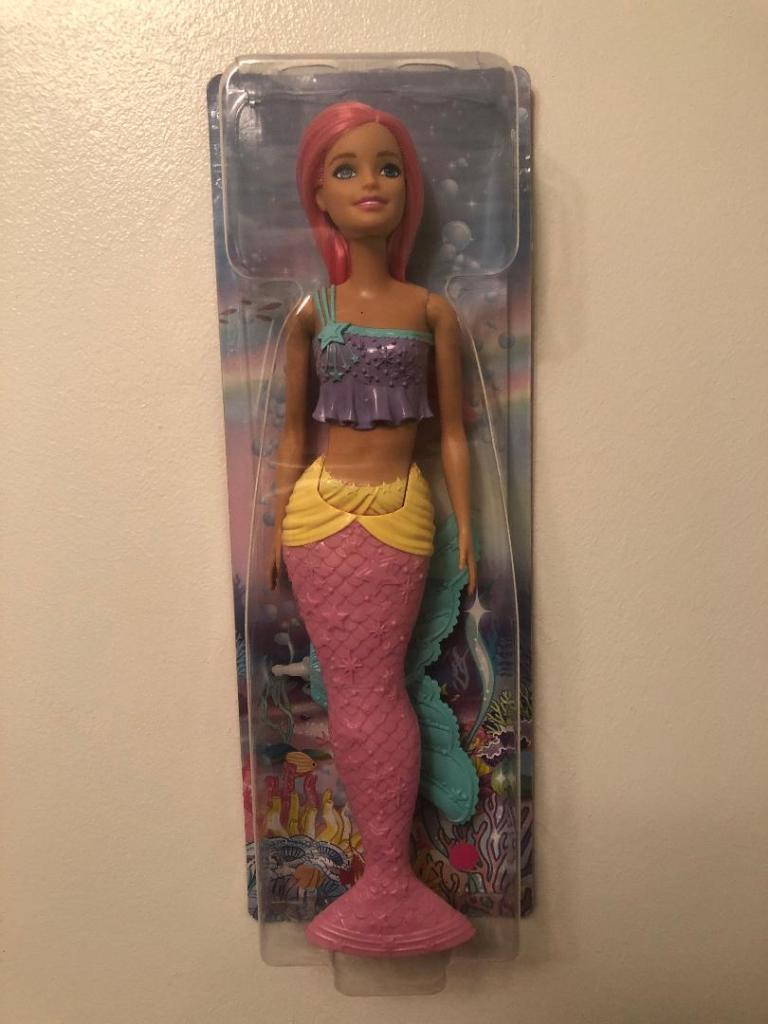
I drew some ideas for a mermaid doll with a Watermelon tail but then came back to the idea of the Eaton House painted doll and searched Amazon to see if there were any mermaid Barbie dolls I could buy and use. I found one on Amazon for £13. She had already pink hair and a removable mermaid tail. I could use this to experiment with the “Ken” paint just how Eaton House did.
Development
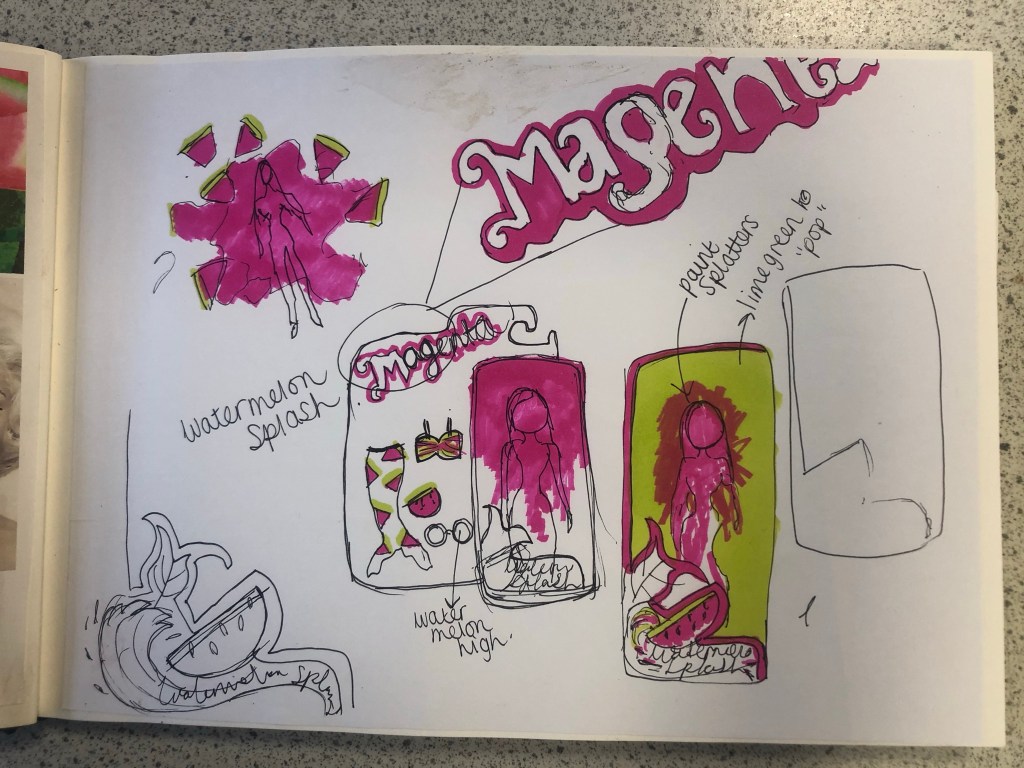
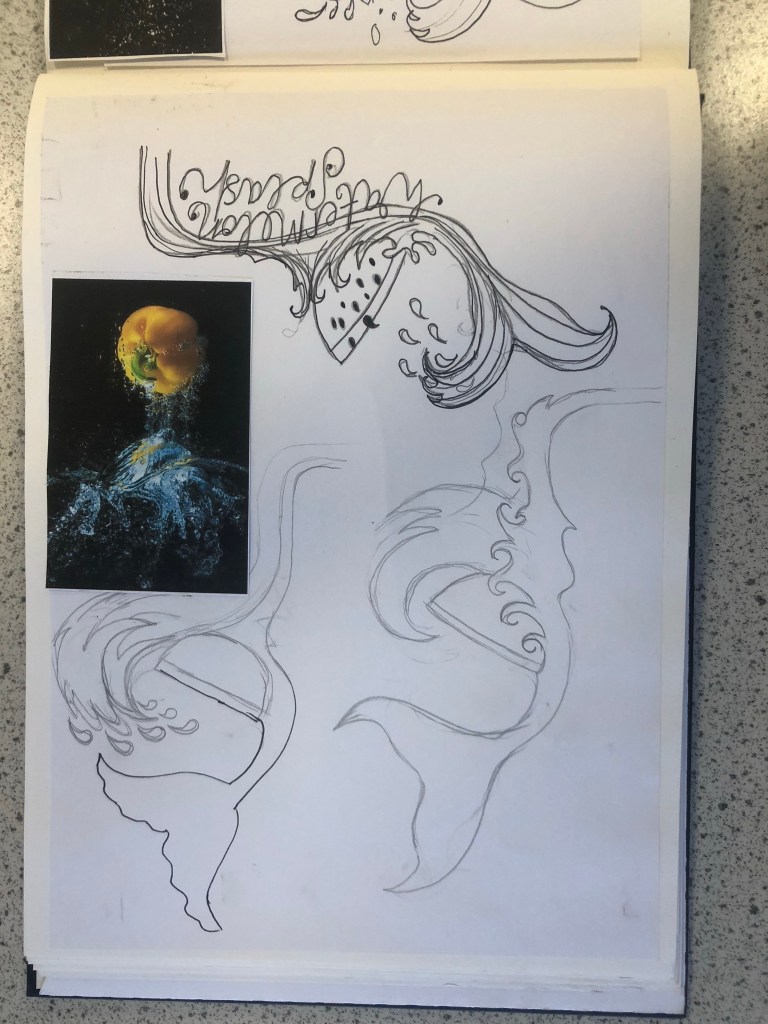
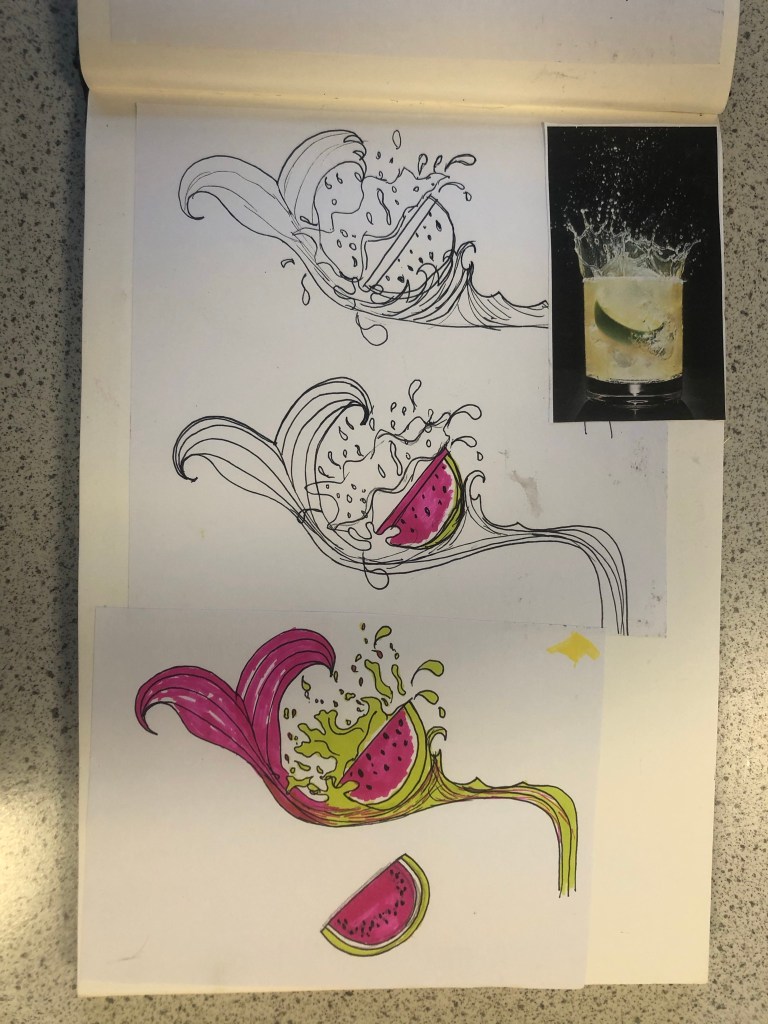
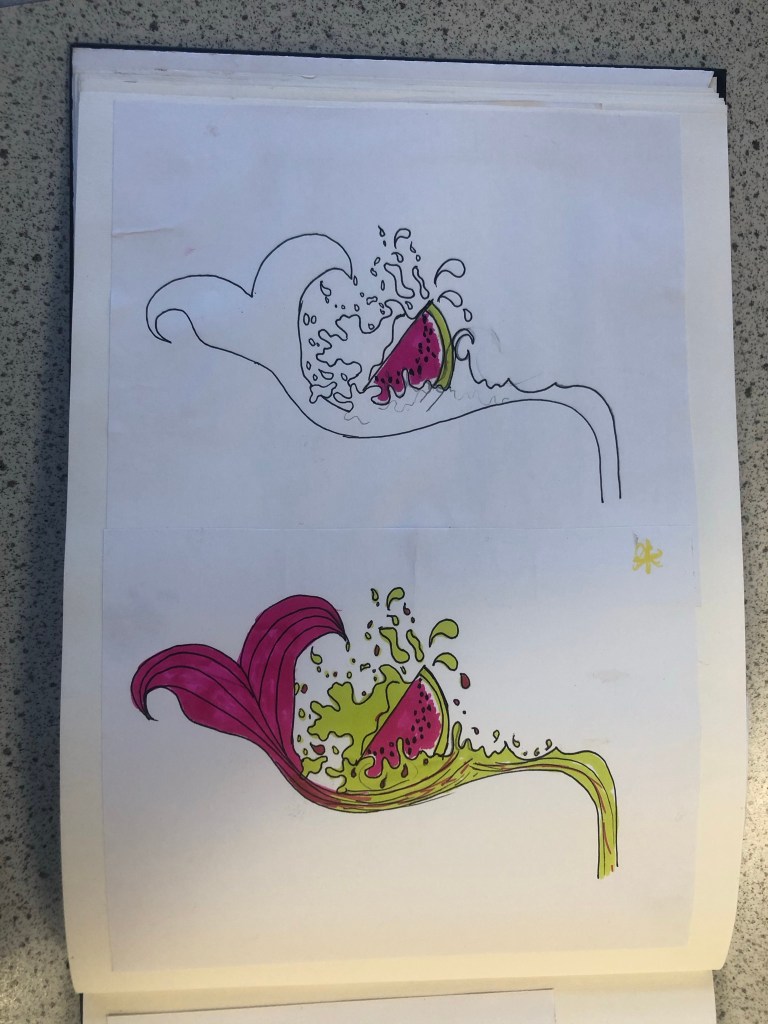
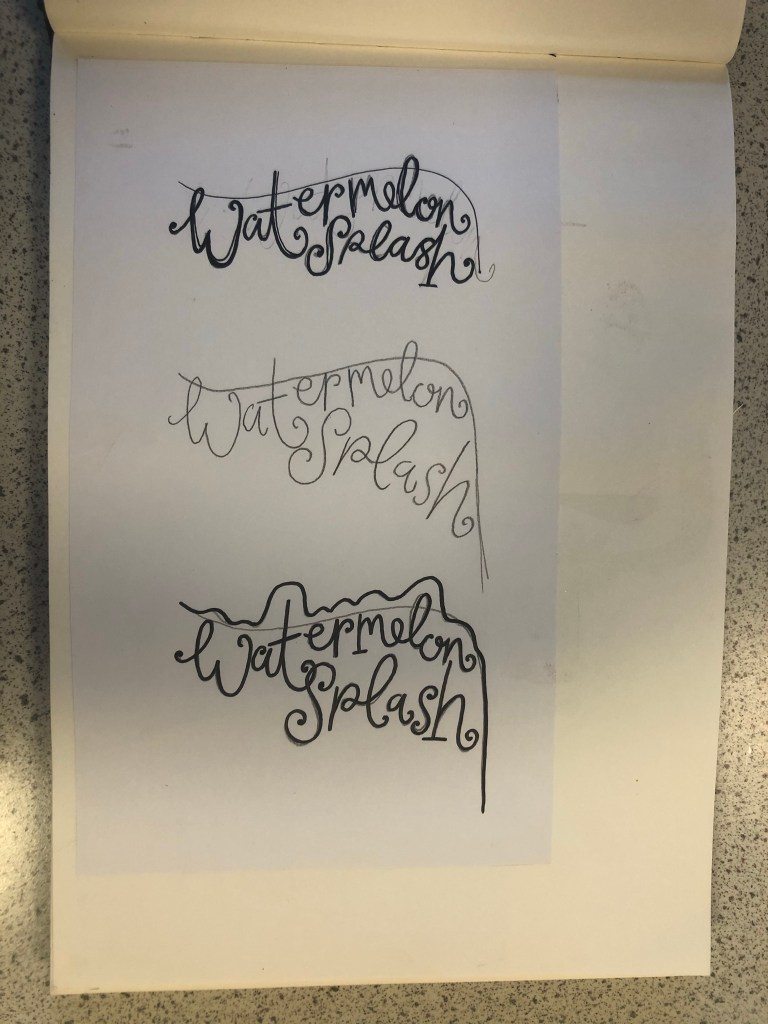
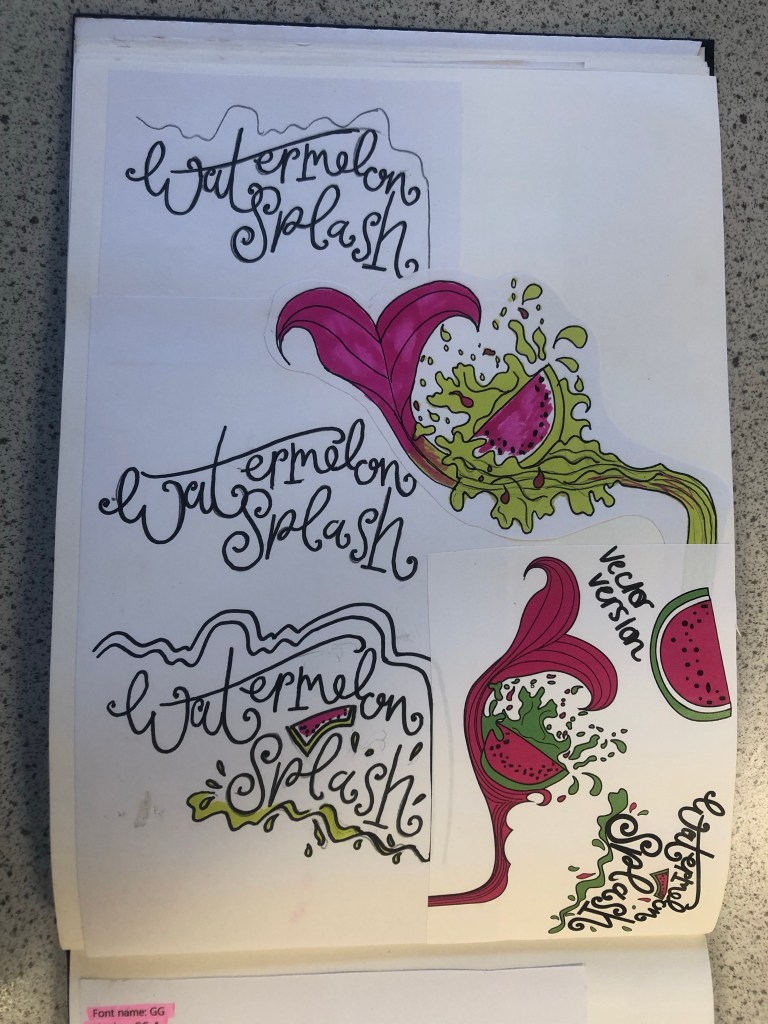
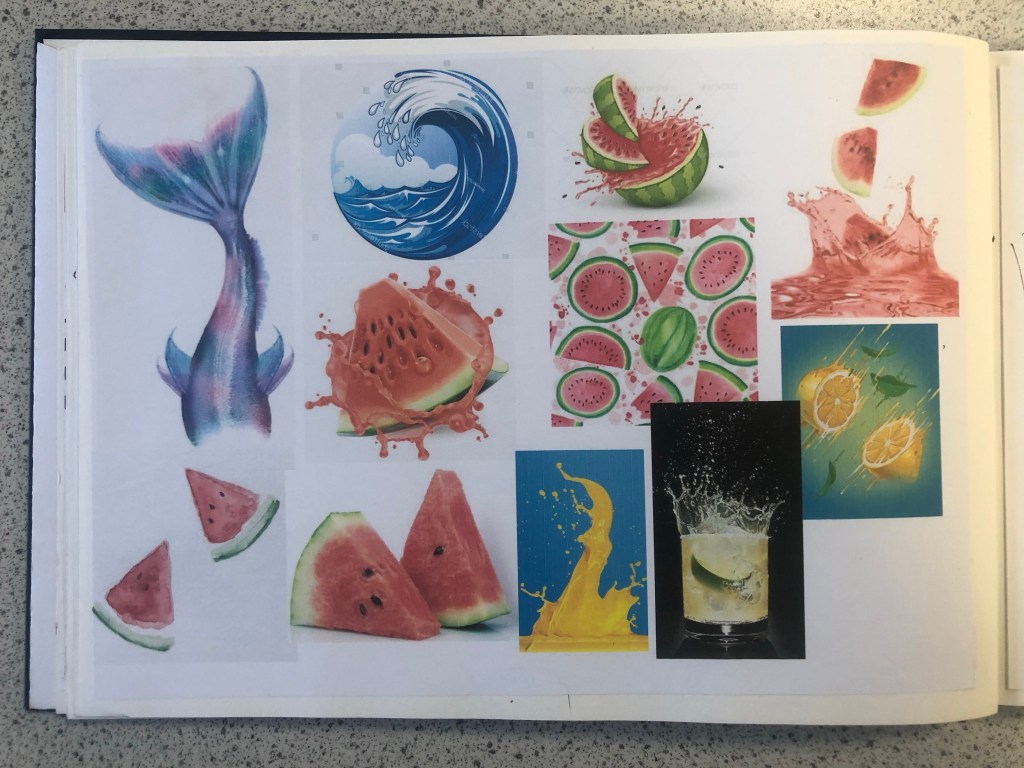
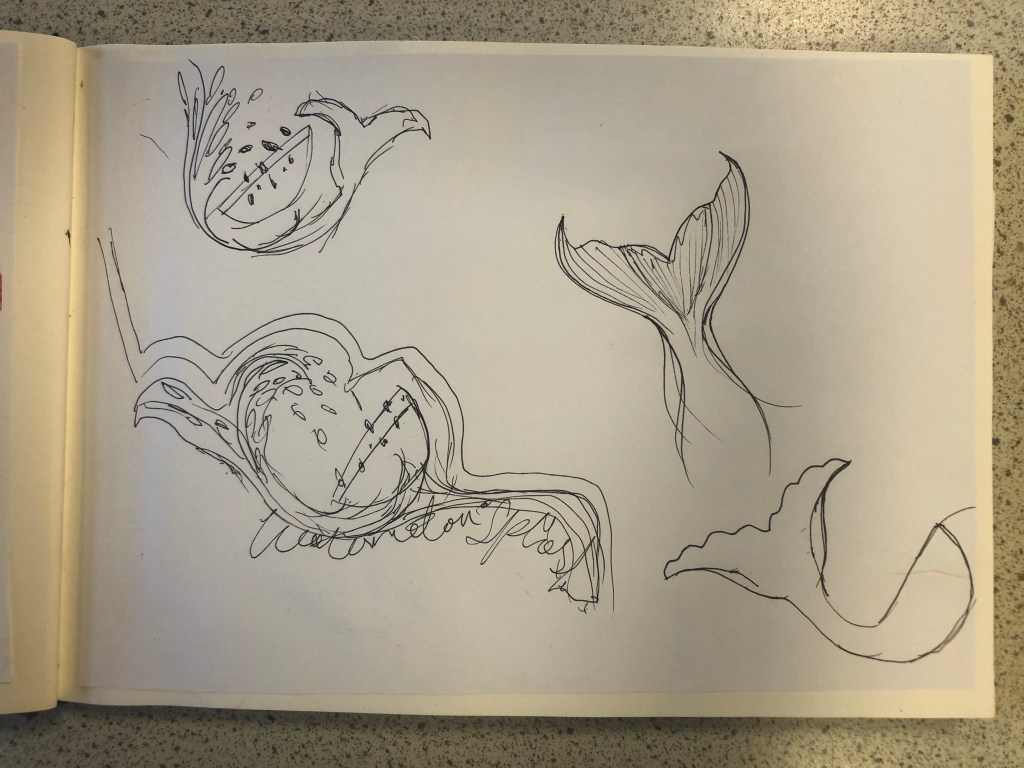
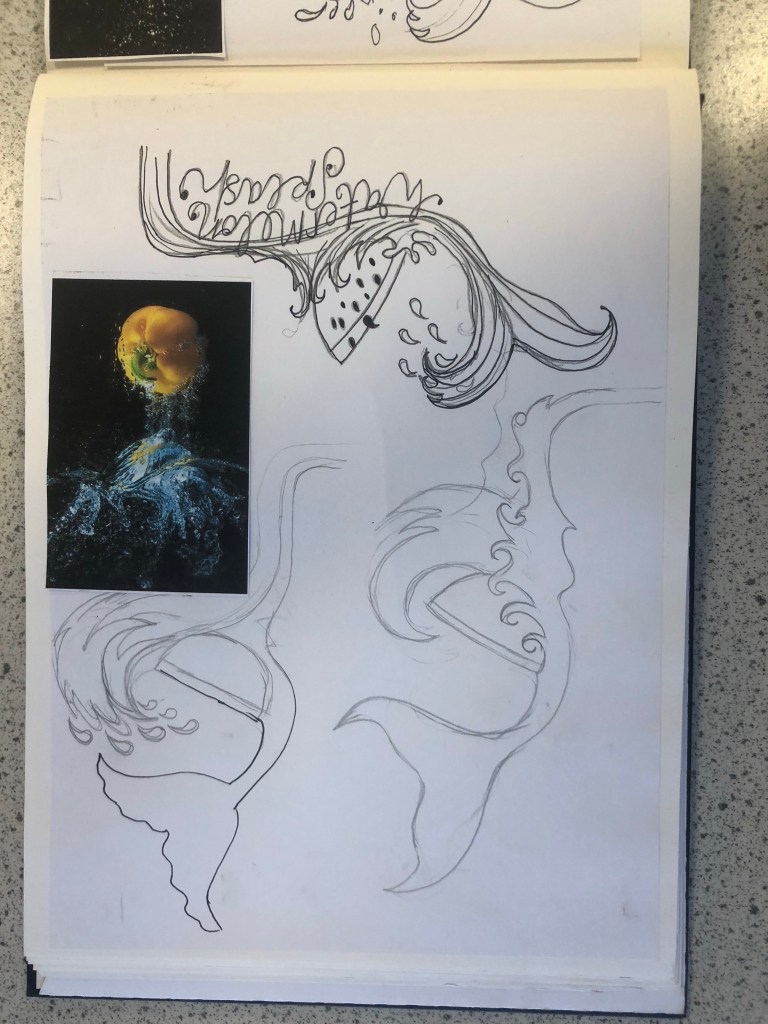
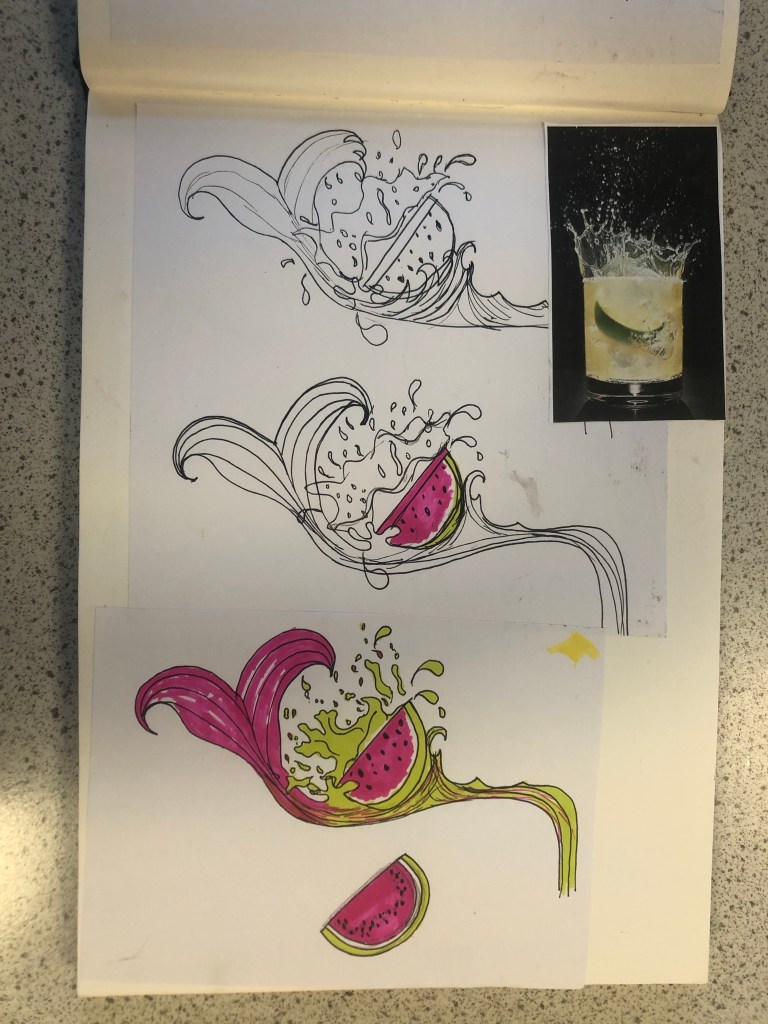
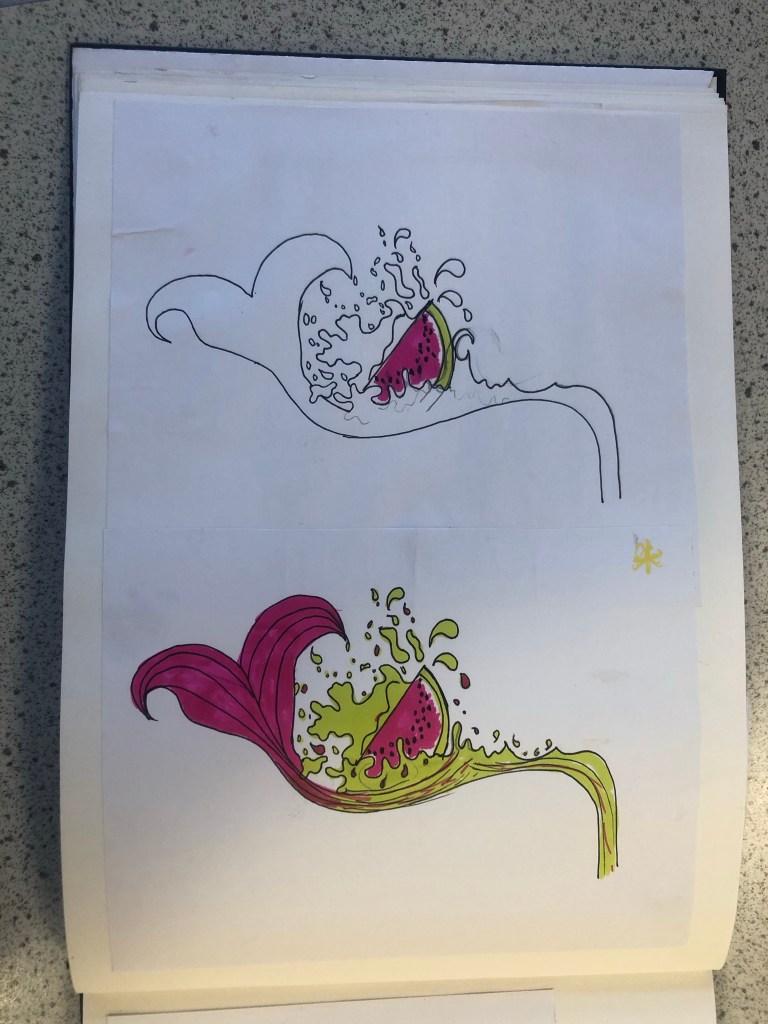
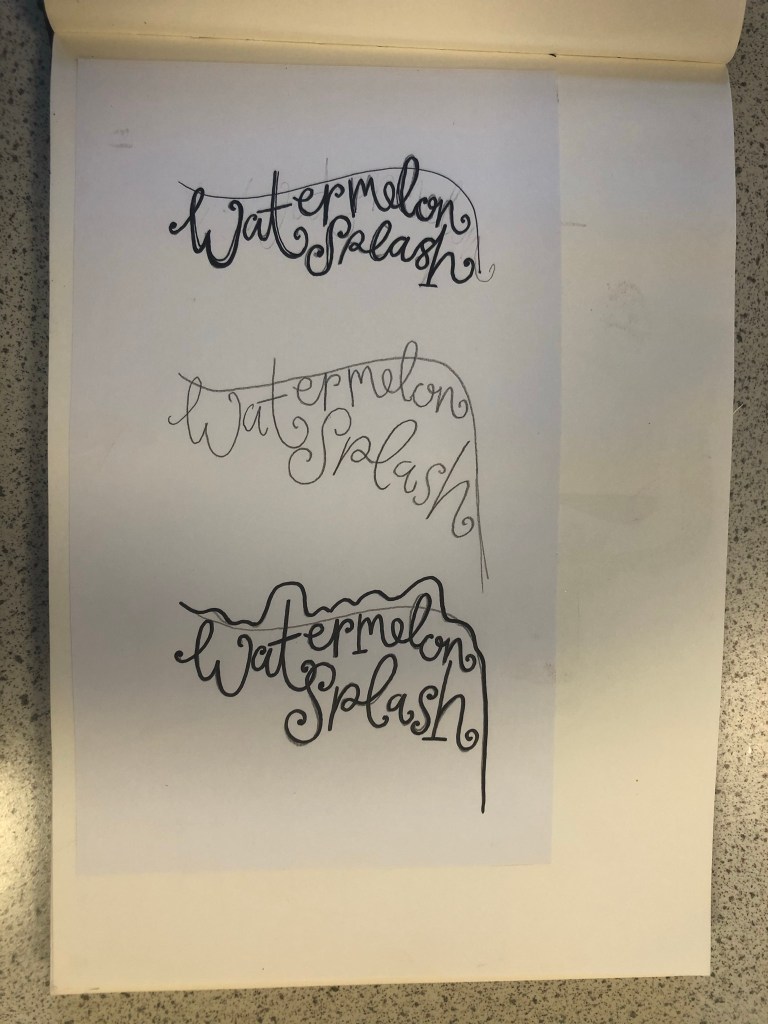
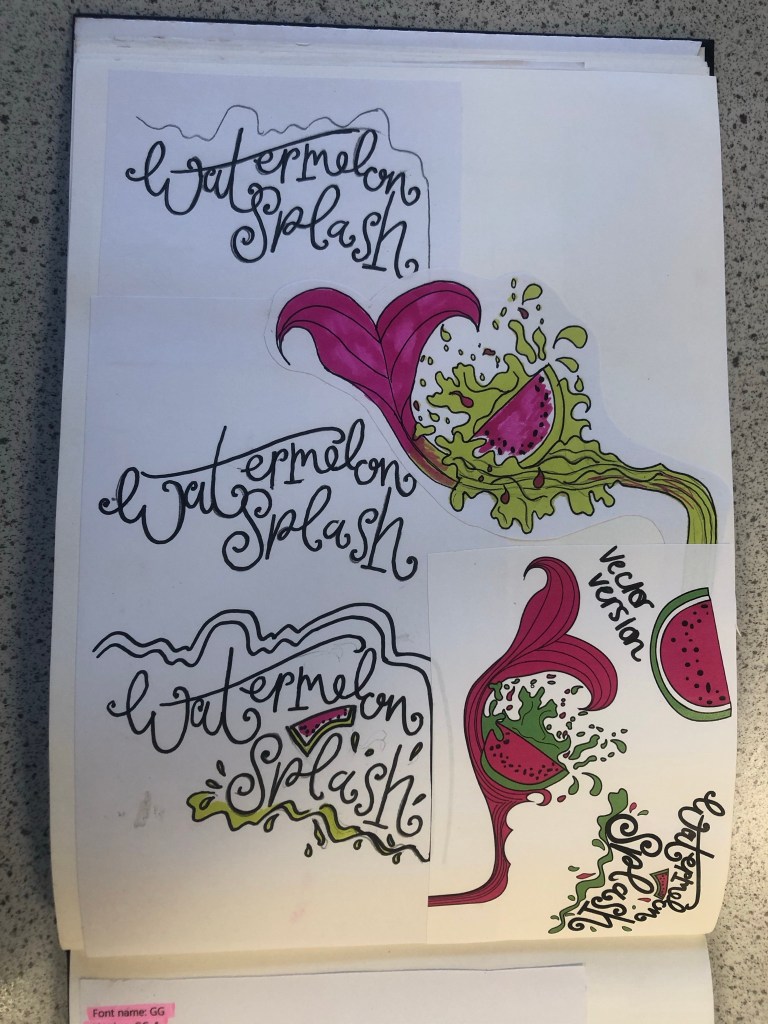
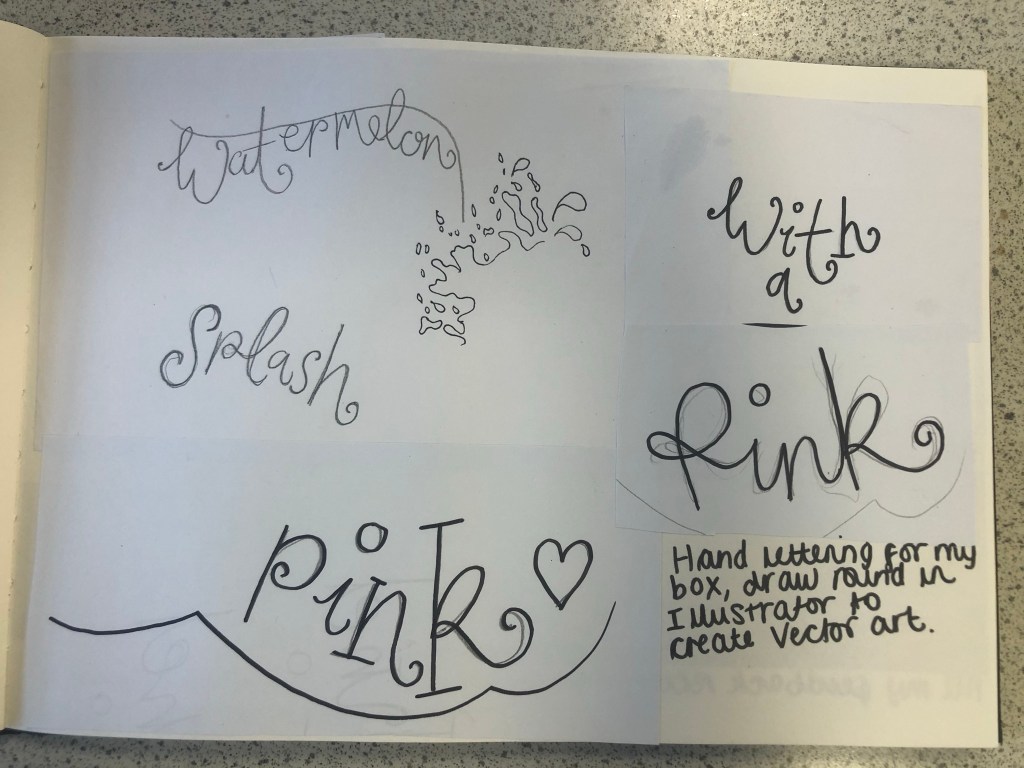
I then started to develop ideas around Watermelon Splash. I made another mood board filled with watermelons of all shapes and sizes, mermaid tails and splashes of water to see how I could represent the “splash”. I then started to draw up ideas based around this. I knew I wanted to include my hand lettering in this assignment as I like to turn my own writing into vector art whenever I can, so I started to sketch up “Watermelon Splash” in a style of writing that might be appropriate for the design. I came up with a strong design that I really liked and then decided to develop it further by drawing several versions of it with different splashes, different shaped watermelons and different positioning of the text.
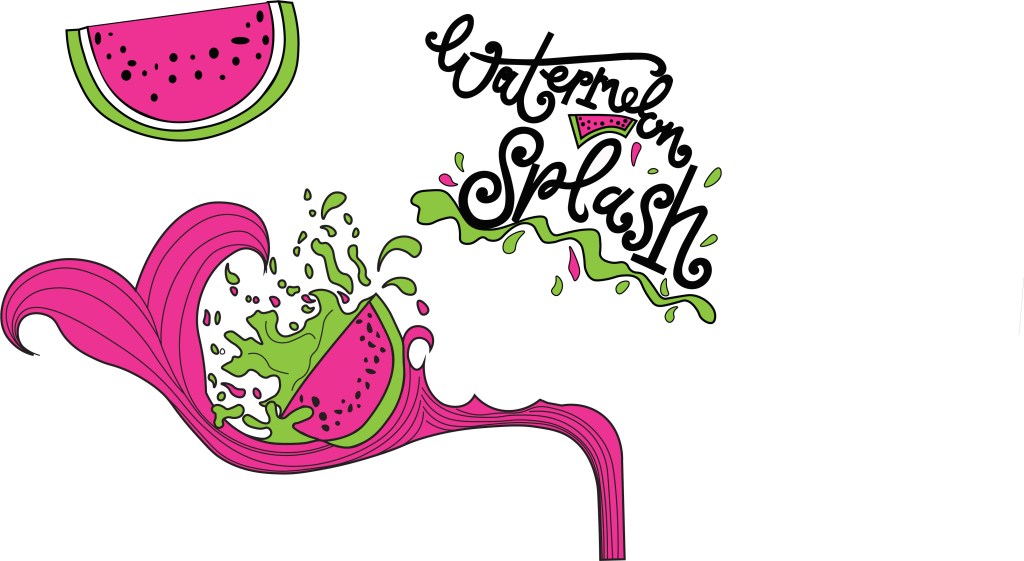
My final drawing for “Watermelon Splash” I was very pleased with. I scanned it into my laptop and drew around it all in Illustrator. I was left with my final vector art which I could edit to my hearts content around my final design.
Which Typeface?
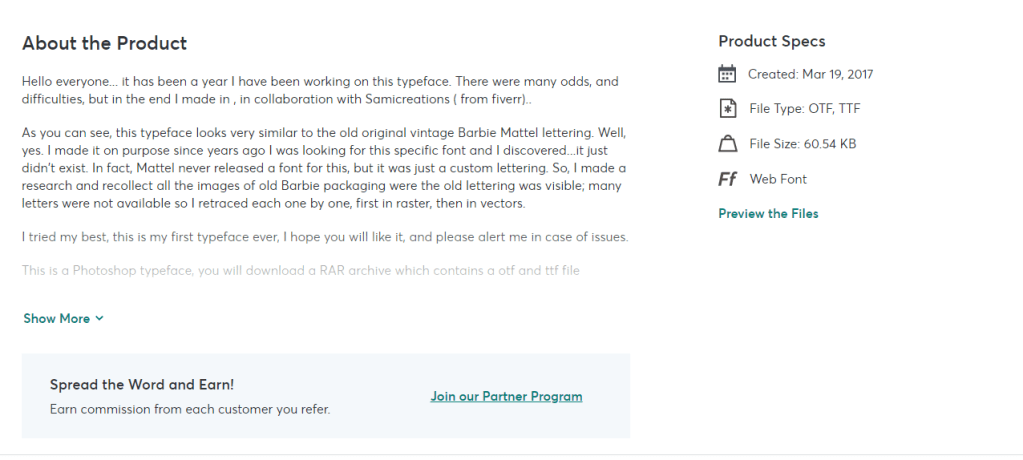
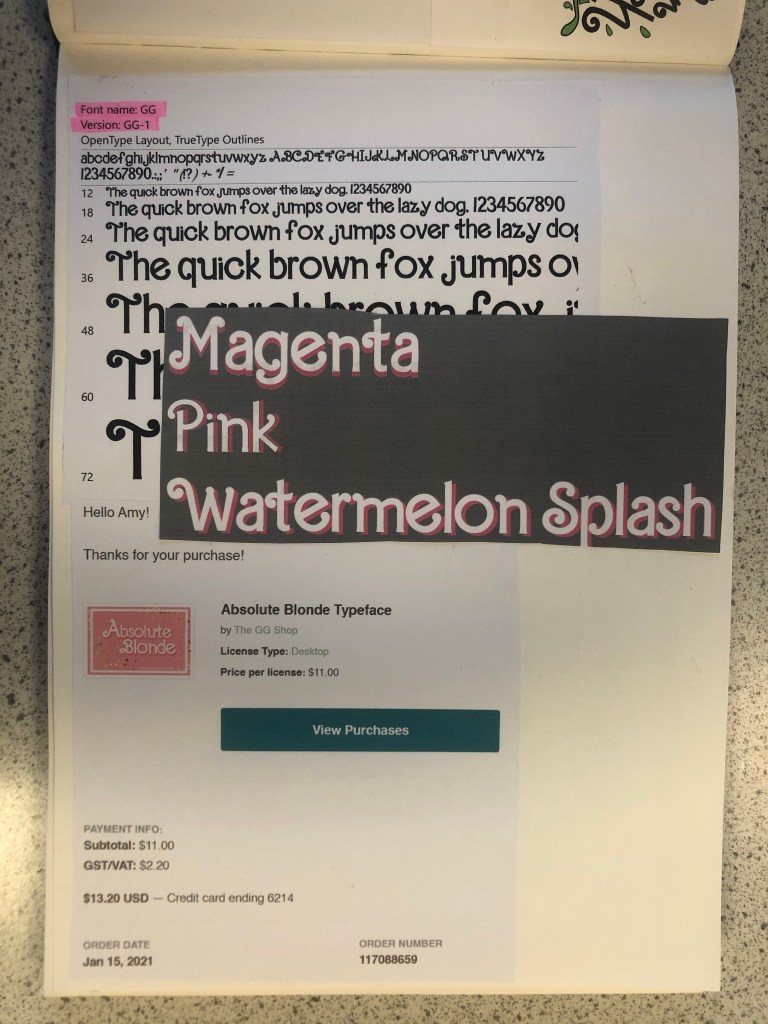
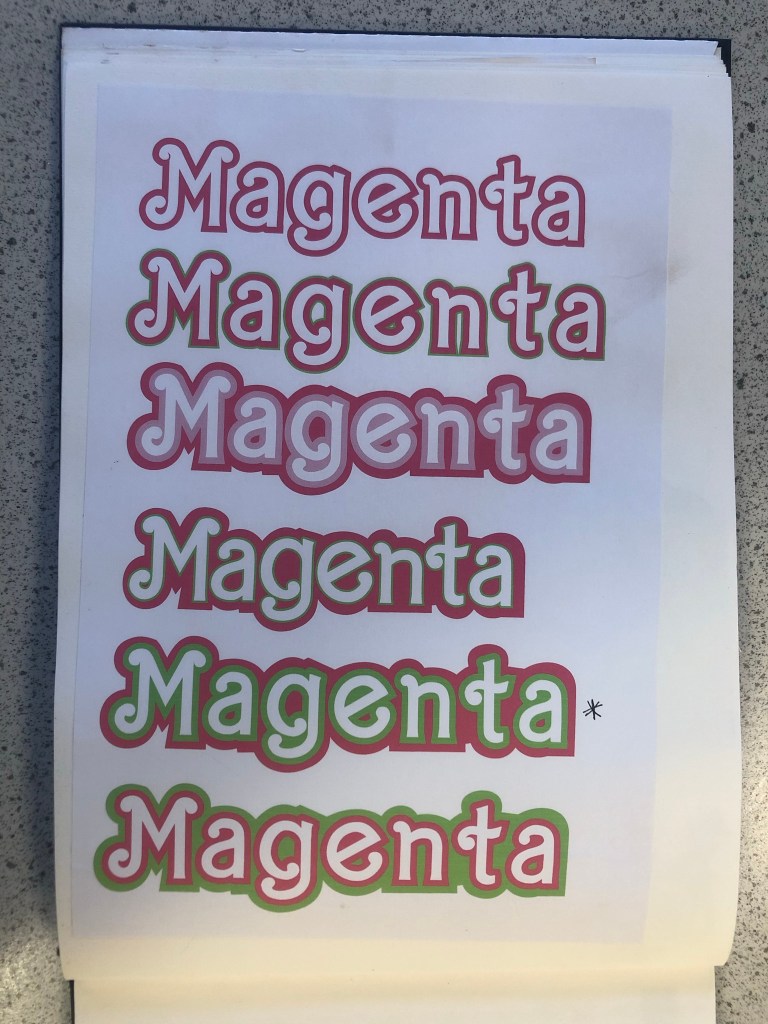
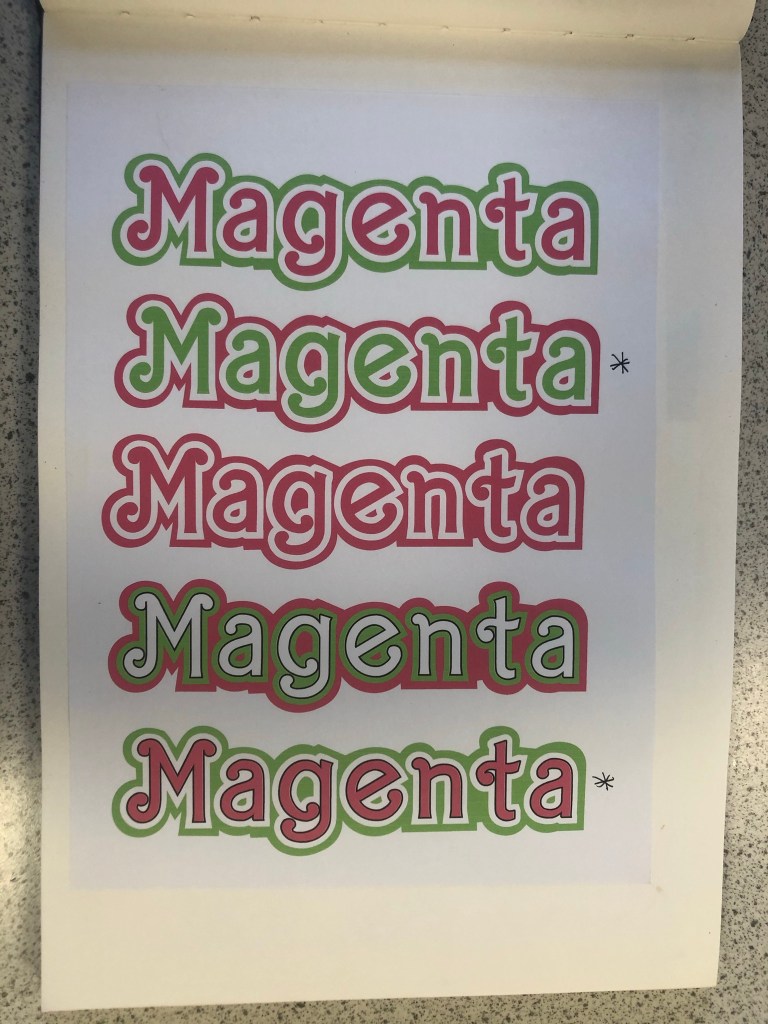
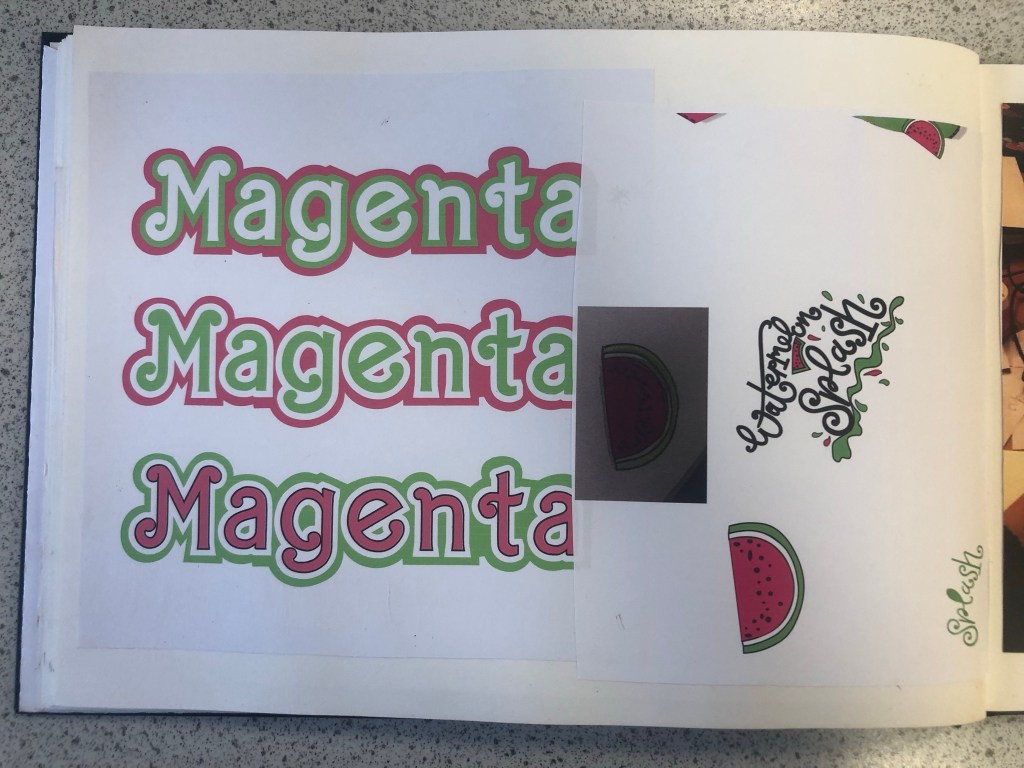
The next stage in my design process was to find a suitable font for “Magenta”. I wanted to use a similar typeface in my design to the “Barbie” font so I started to sketch with the idea that I would use my hand lettering to turn into vector art in Illustrator, however it seemed like such a long process that I decided to have a look online and search for any similar that I could download and use. I found one on Creative Market website that I had to purchase for $11. The typeface appears as GG when I install it onto my computer but it is called “Absolute Blonde”. The owner of the typeface created it when she was trying to desperately search everywhere for a “Barbie like” font to use in some invitations. This appealed to me! I could type what I need and then convert the type into editable shapes to turn into vector art!
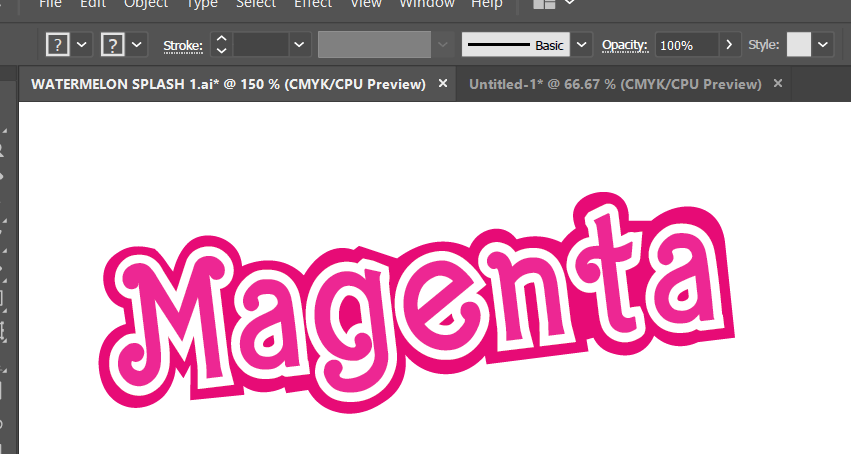
I created my vector art from the font and then messed around with various colour schemes for Magenta. I wanted it to stand out against the Magenta background that I had planned for my design. I was conscious also that I needed to make sure that there was contrast and visual dynamics with the type and design.
This is the version that I eventually decided on for my design:
Designing the packaging
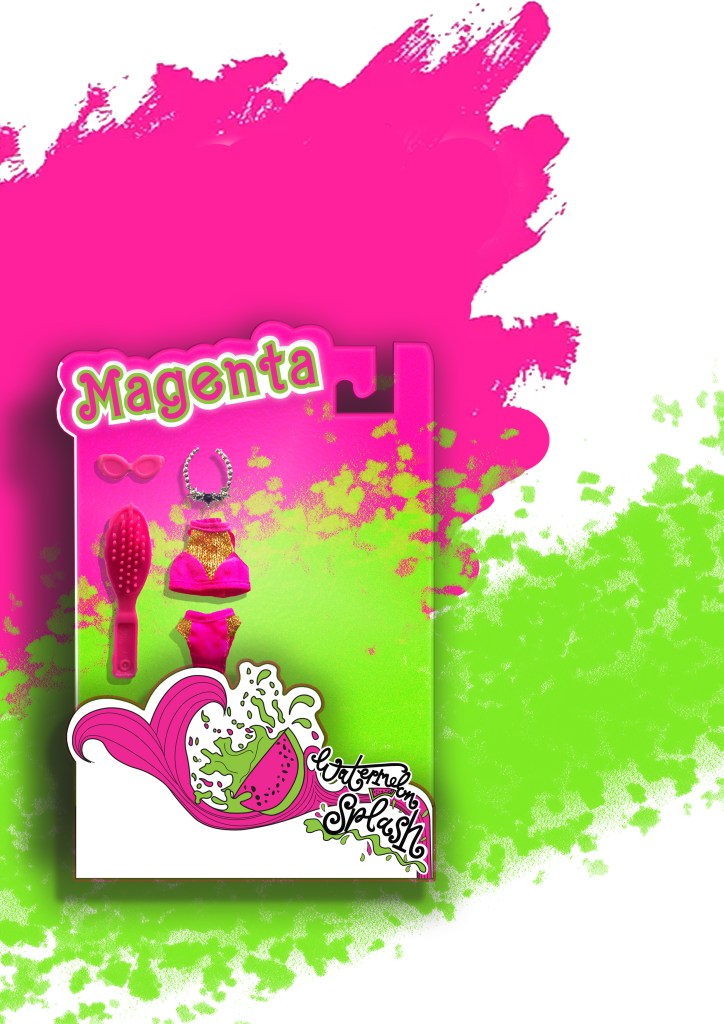
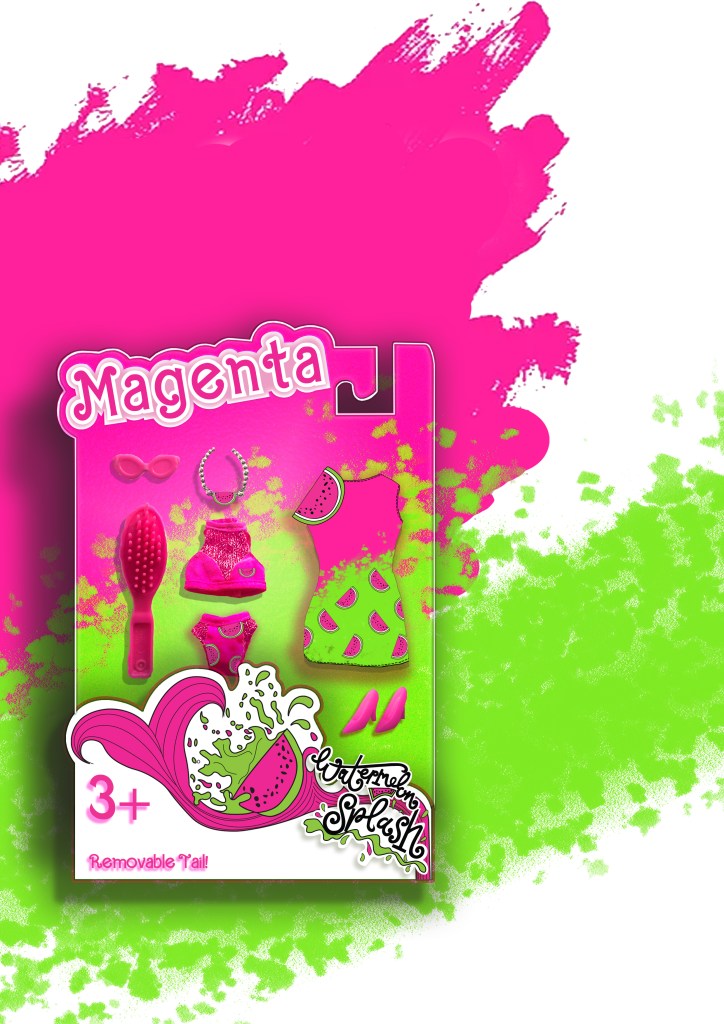
There is an image on one of my mood boards which shows doll figurine packaging with a hook at the top of the box to hang off pegs in the shop. I decided originally to go down this route of designing similar packaging. My idea was to have Watermelon inspired clothing and accessories in the packaging and then have the painted doll outside of the packaging covered in pink to match the rest of the poster.
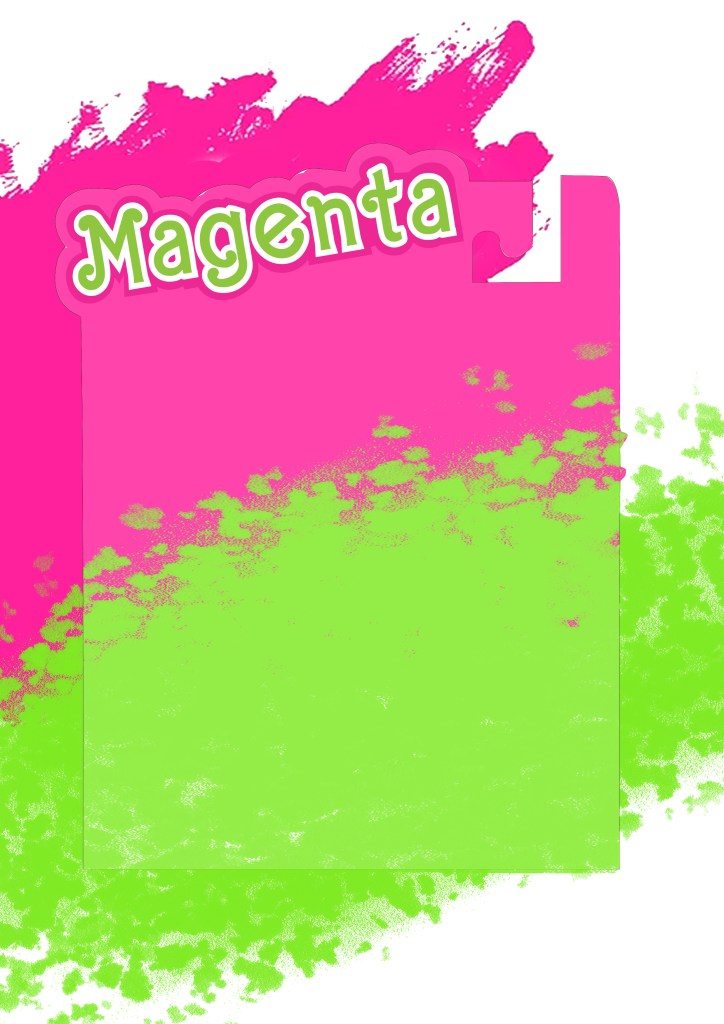
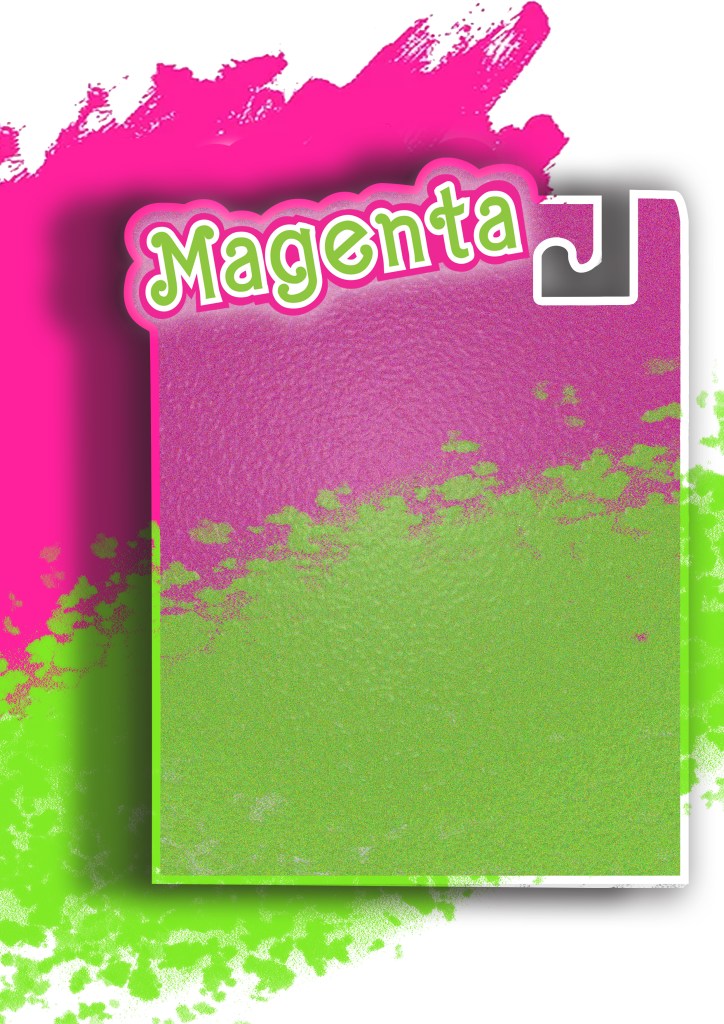
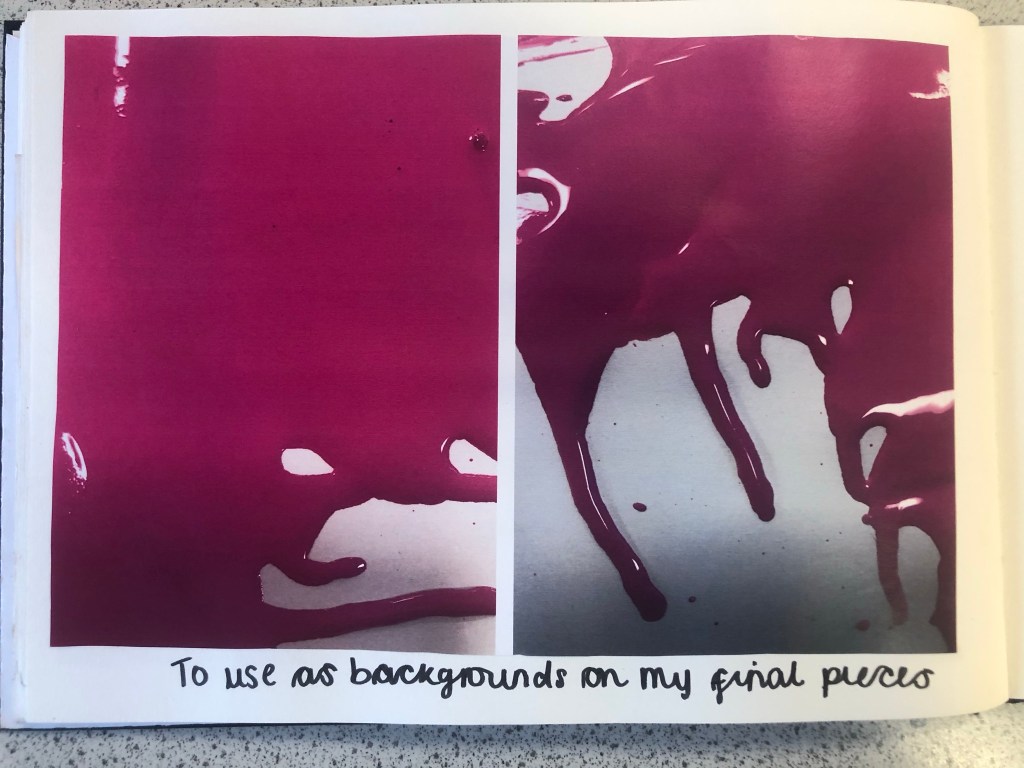
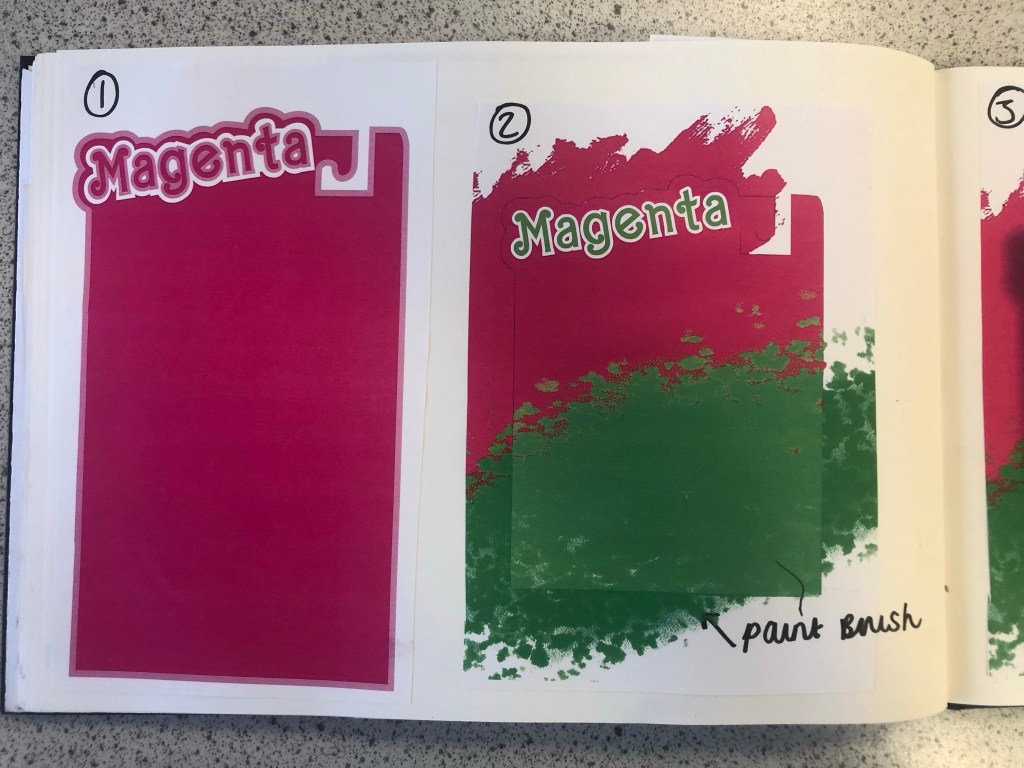
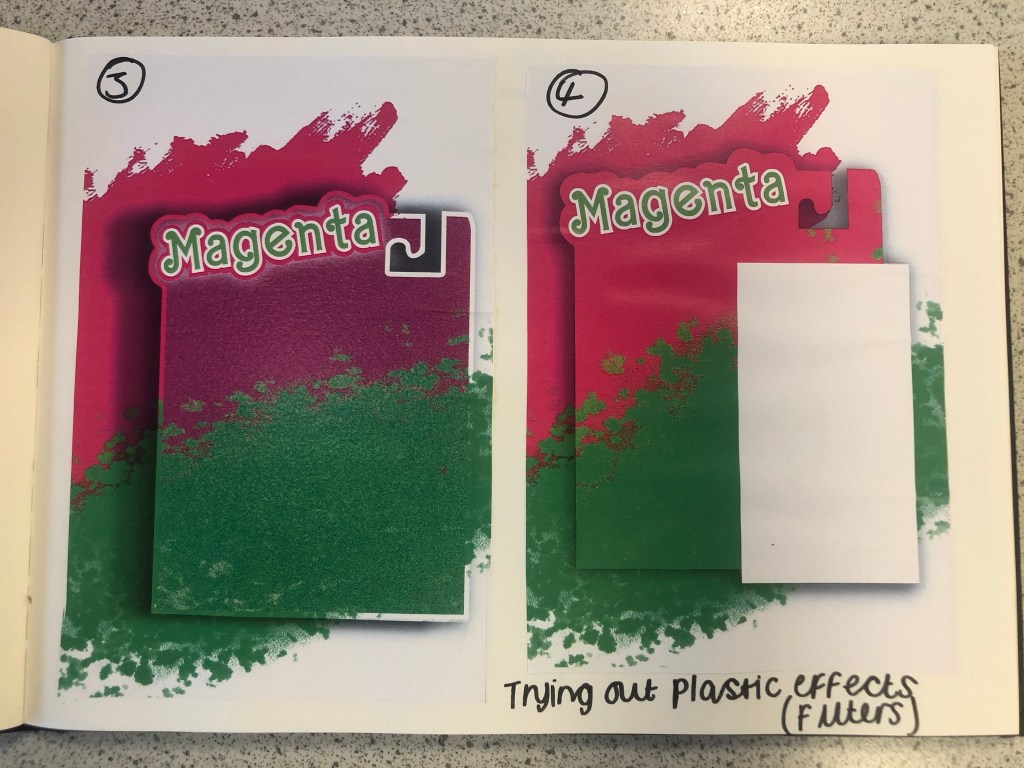
I am still an amateur at Photoshop so I struggled a bit at the start to try and learn how to try and do different things that I wanted to do. My main struggle was how to make the packaging look realistic and plastic-shiny. I drew out my packaging in Illustrator and then imported it over to Photoshop to edit further with filters and effects. It took several attempts for me to try and make the packaging look half realistic with drop shadows and the plastic film filter effect and even after all these attempts it still looked rubbish! I imported plastic film photographs over and lowered the opacity and laid it over the top of my design to see even if that would work but it still looked bad! The Magenta and Lime brush strokes in the background were taken as inspiration from one of my mood boards. I created this by using the brush tool in Photoshop.
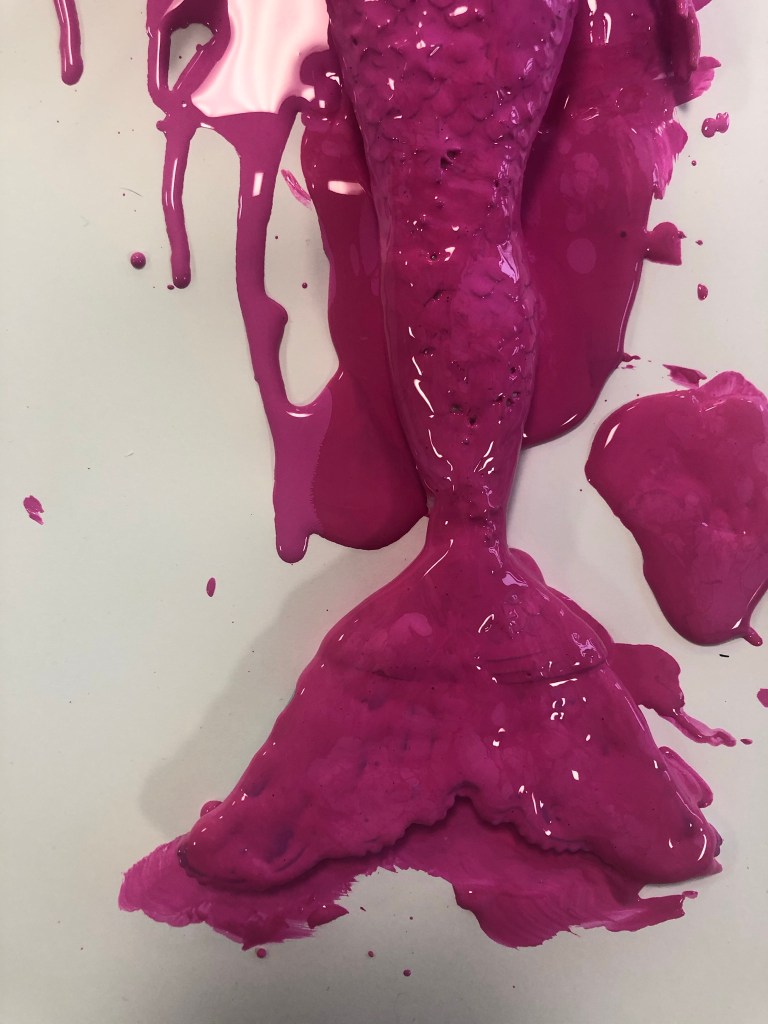
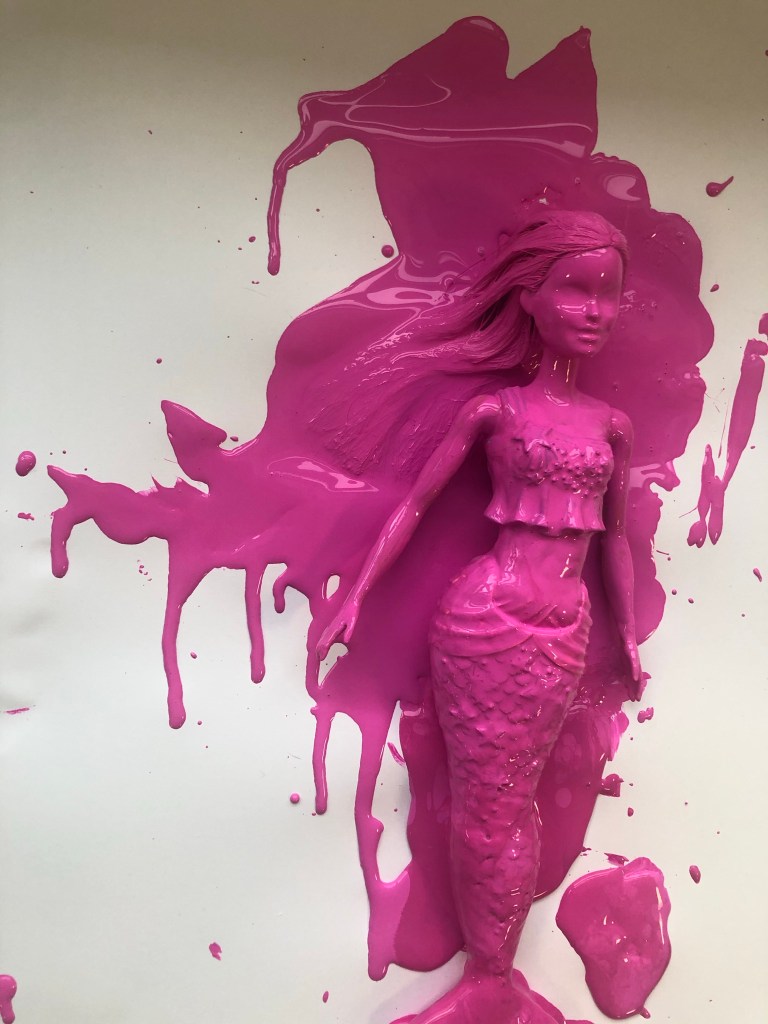
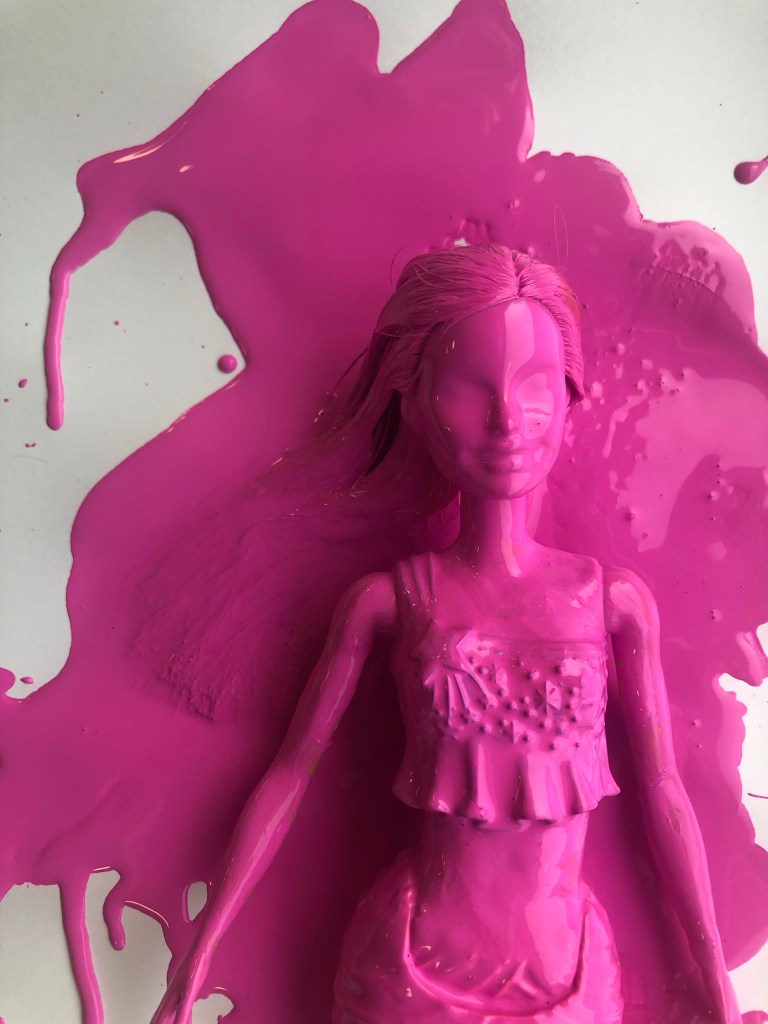
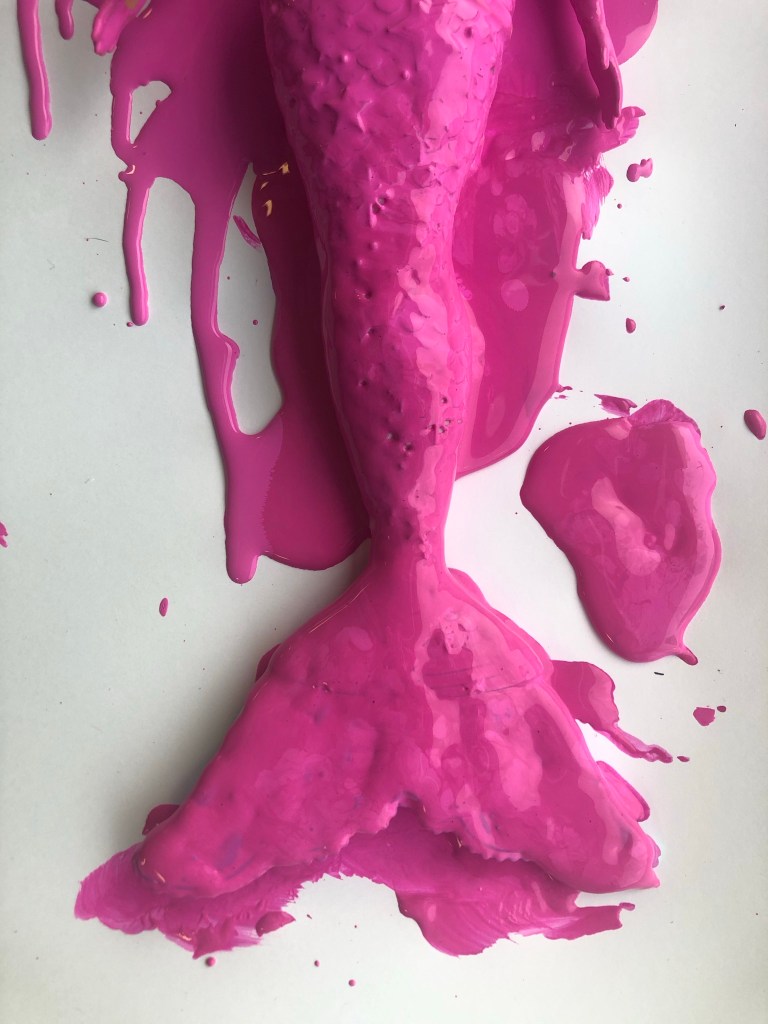
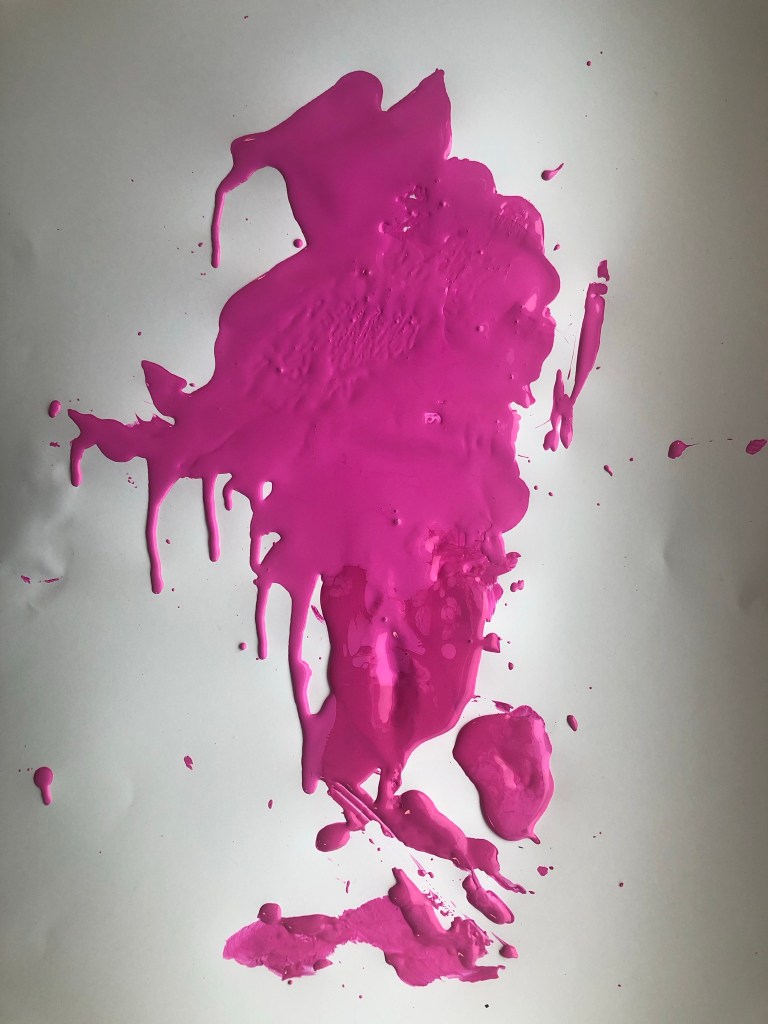
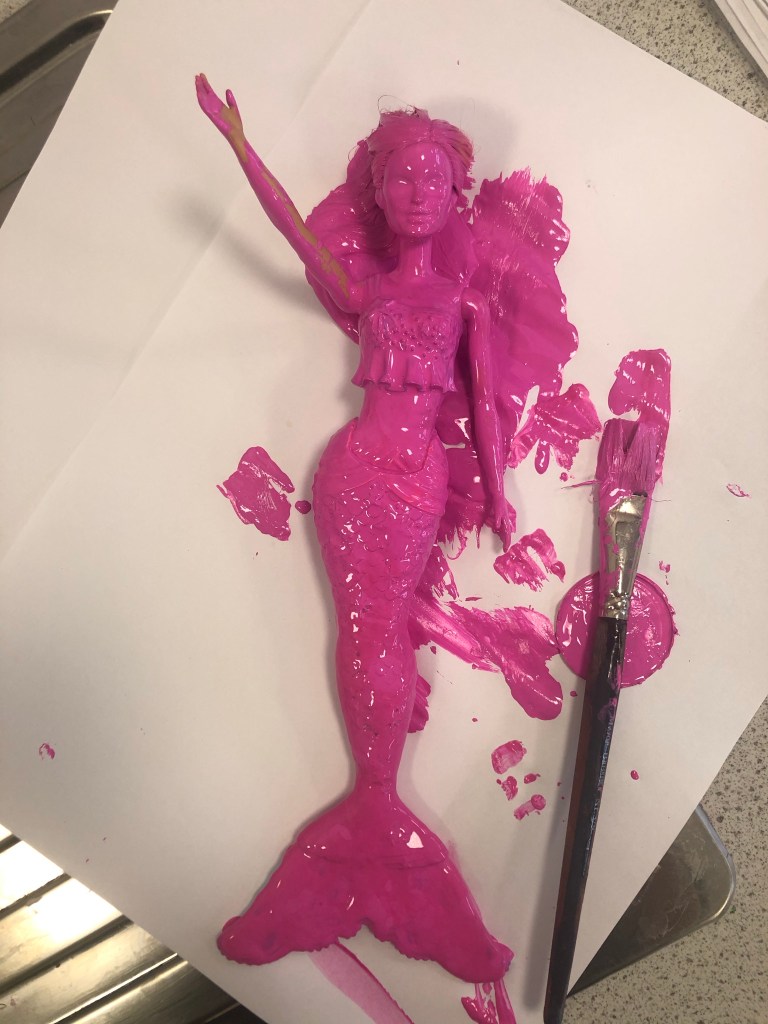
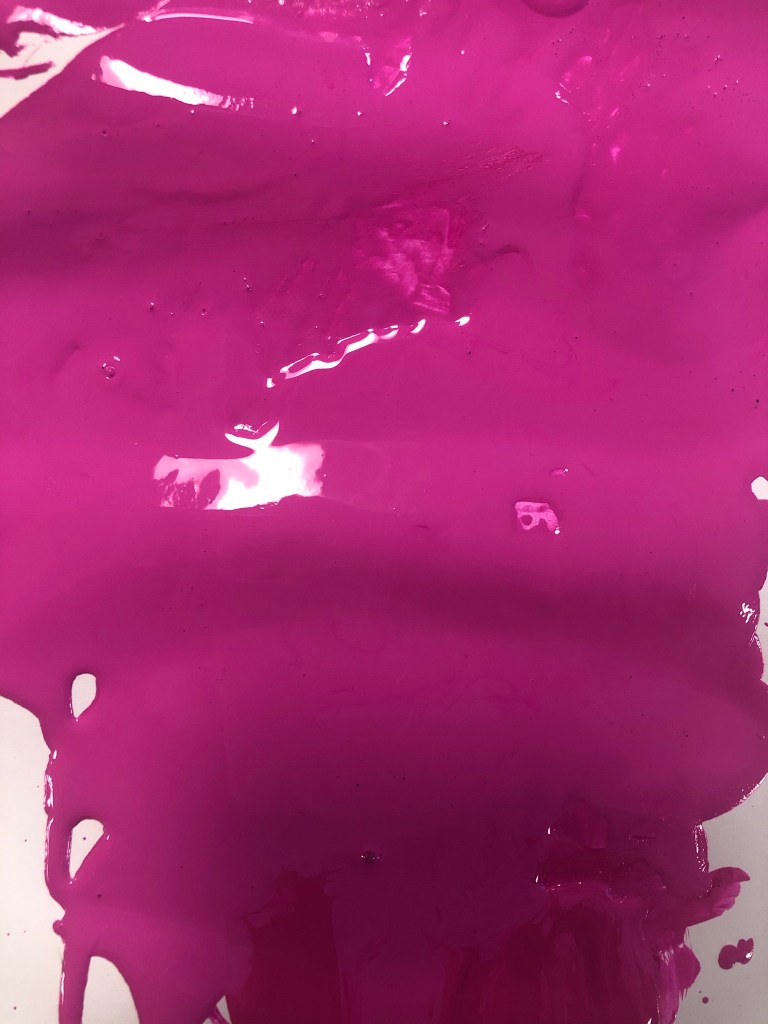
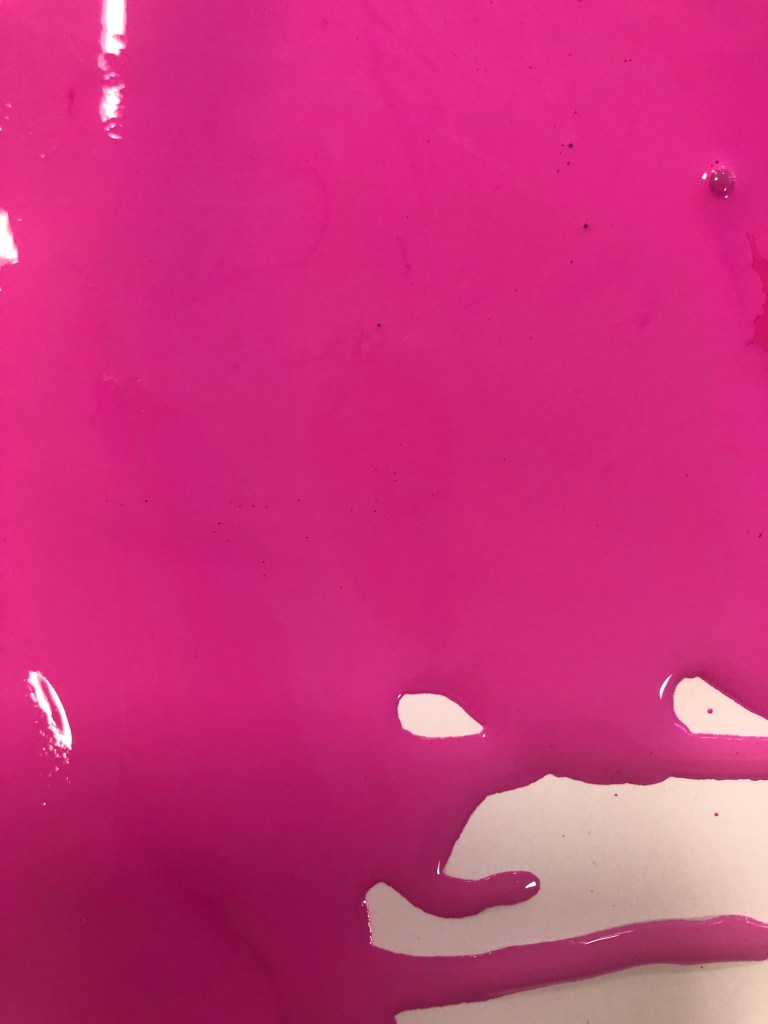
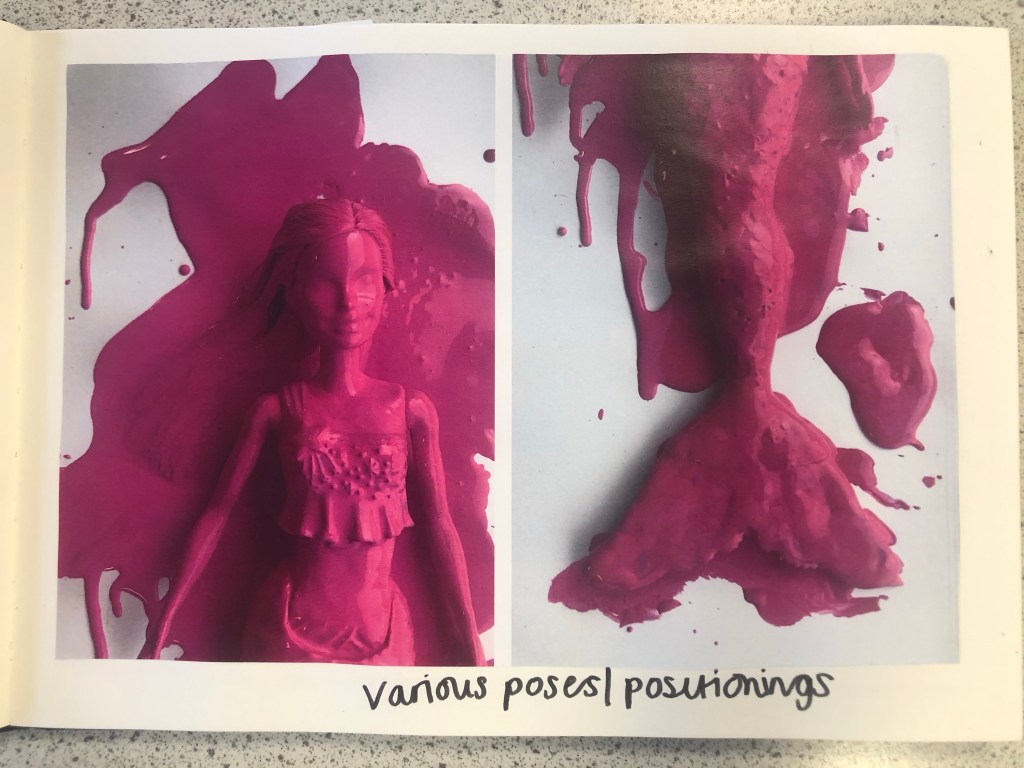
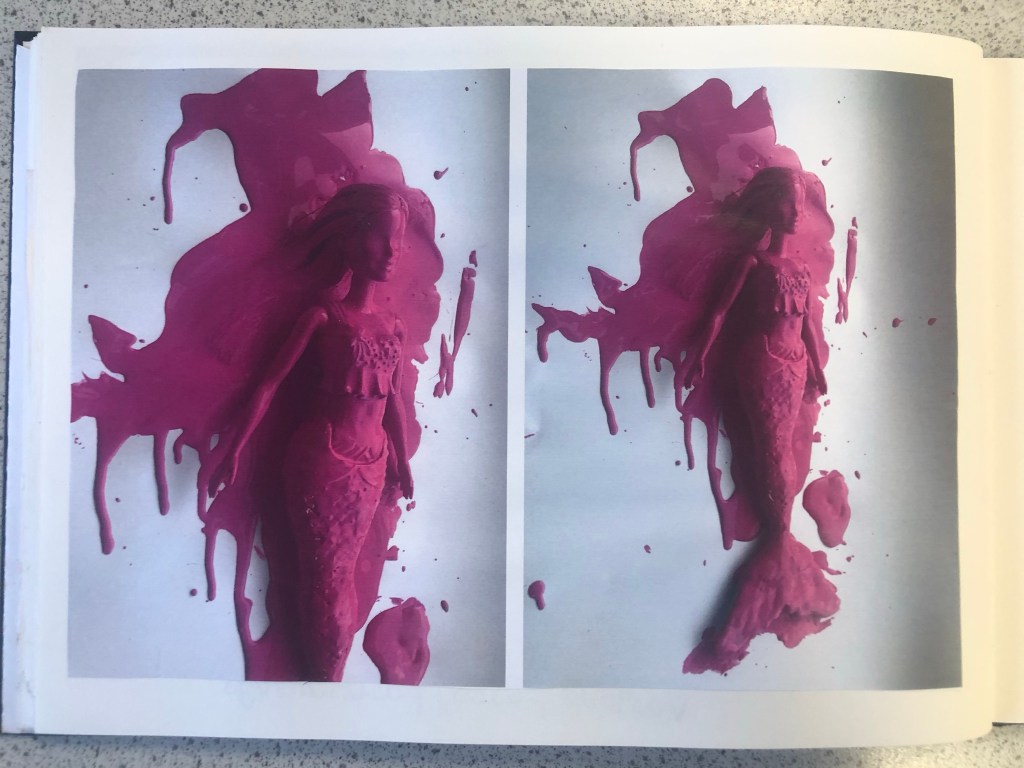
The next step before I continued trying to make my packaging look realistic was to take the doll and pour the paint over it to take photographs to see if any could be used as part of my design.
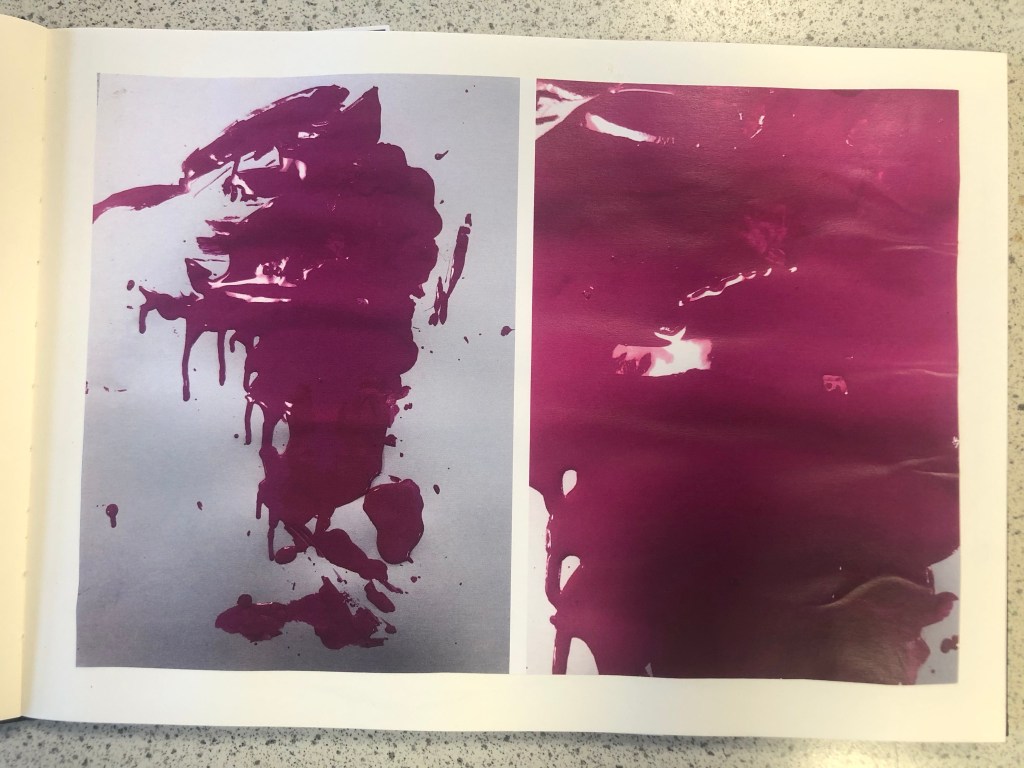
These were the photographs that I took at different angles. I then took my chosen photograph into Photoshop and adjusted it, gave it a Magenta background and took away the background noise.
It was then time to work on the packaging some more!
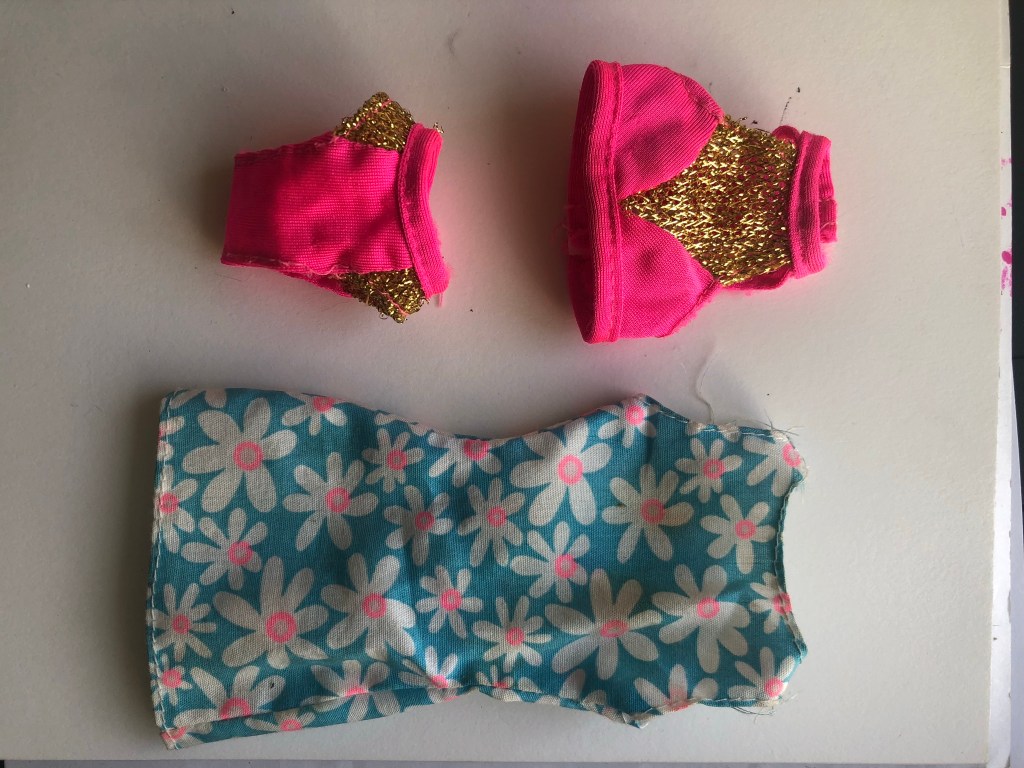
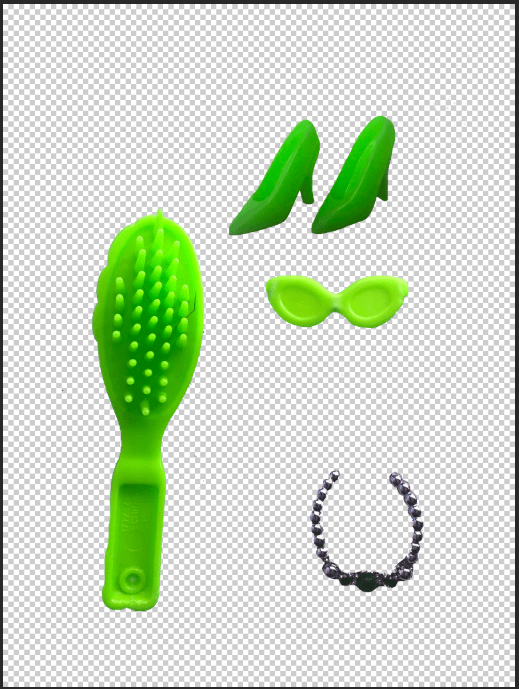
I still have a collection of Barbies and Barbie accessories in a storage container, so one day I decided to go through them and see if I could find any accessories that might be relevant to my design which I could alter to represent Watermelon Splash. I found a few which would:
I then altered them in Photoshop to make them match my Watermelon Splash theme and to place onto the packaging.
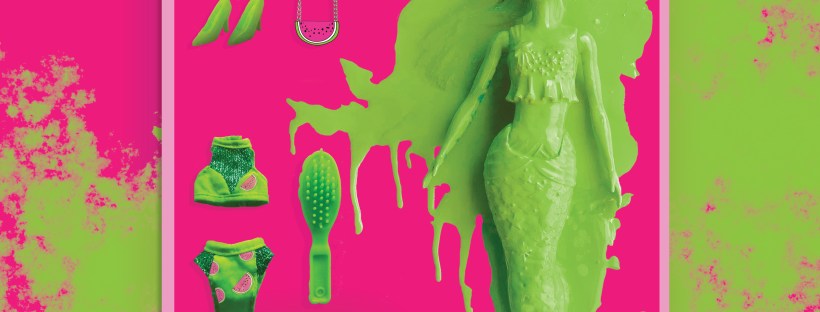
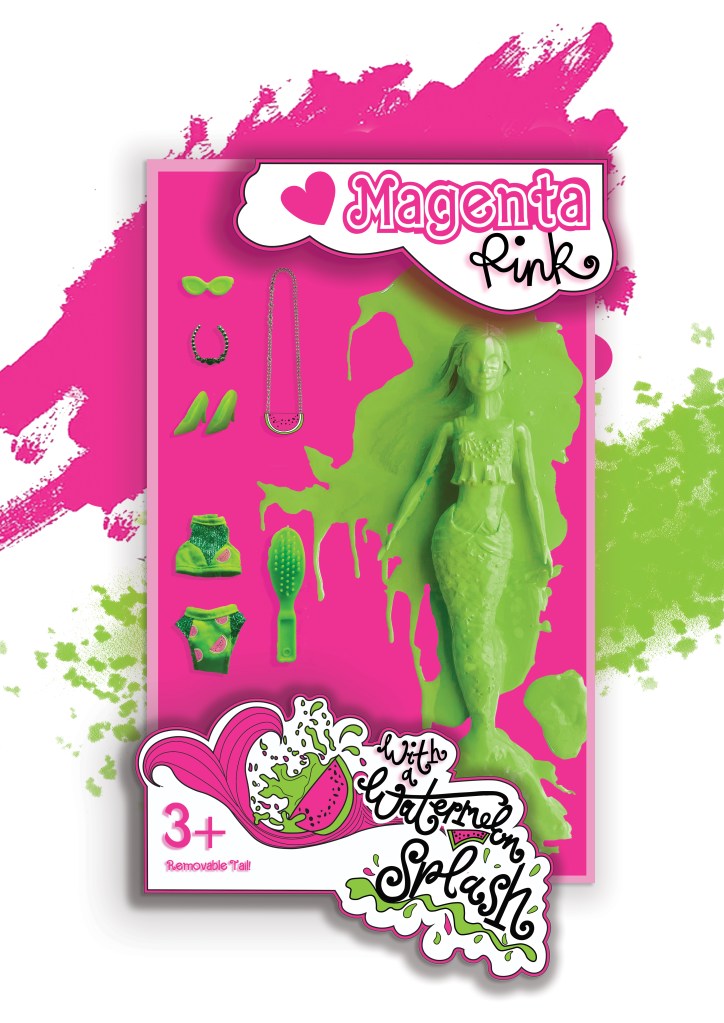
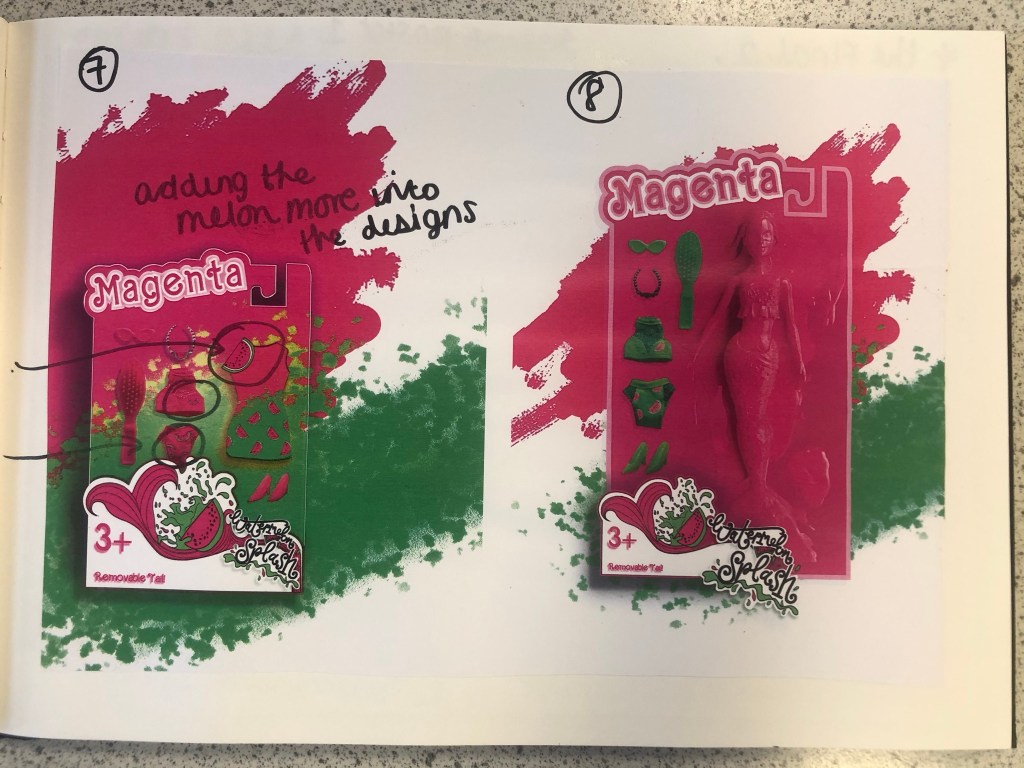
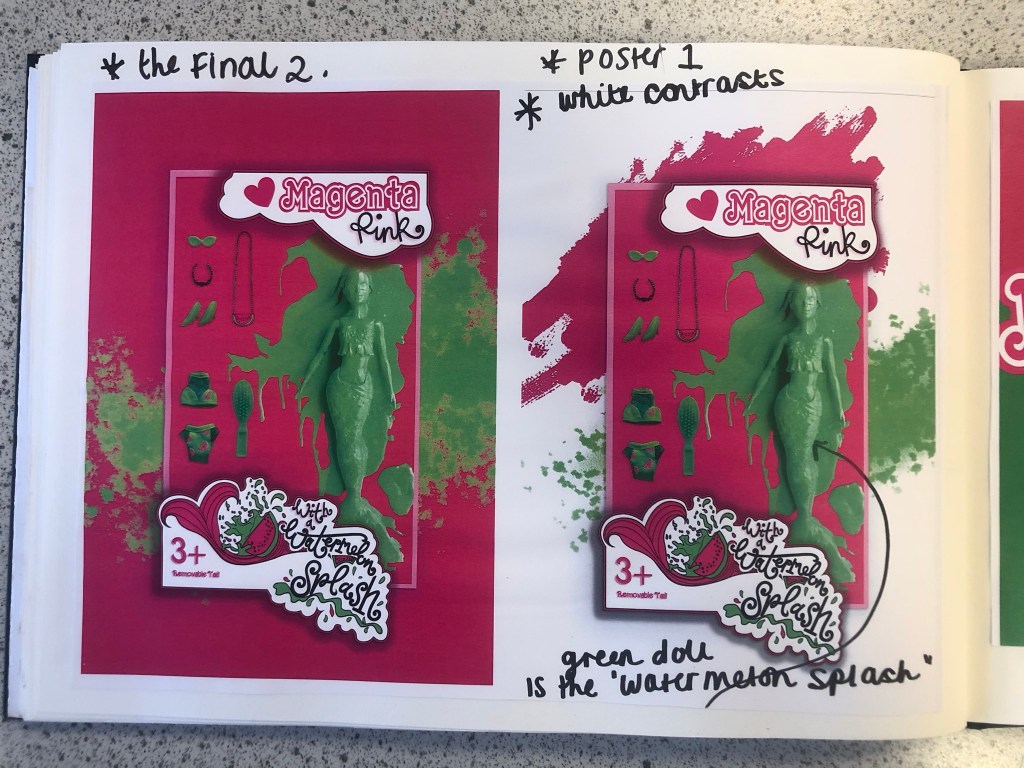
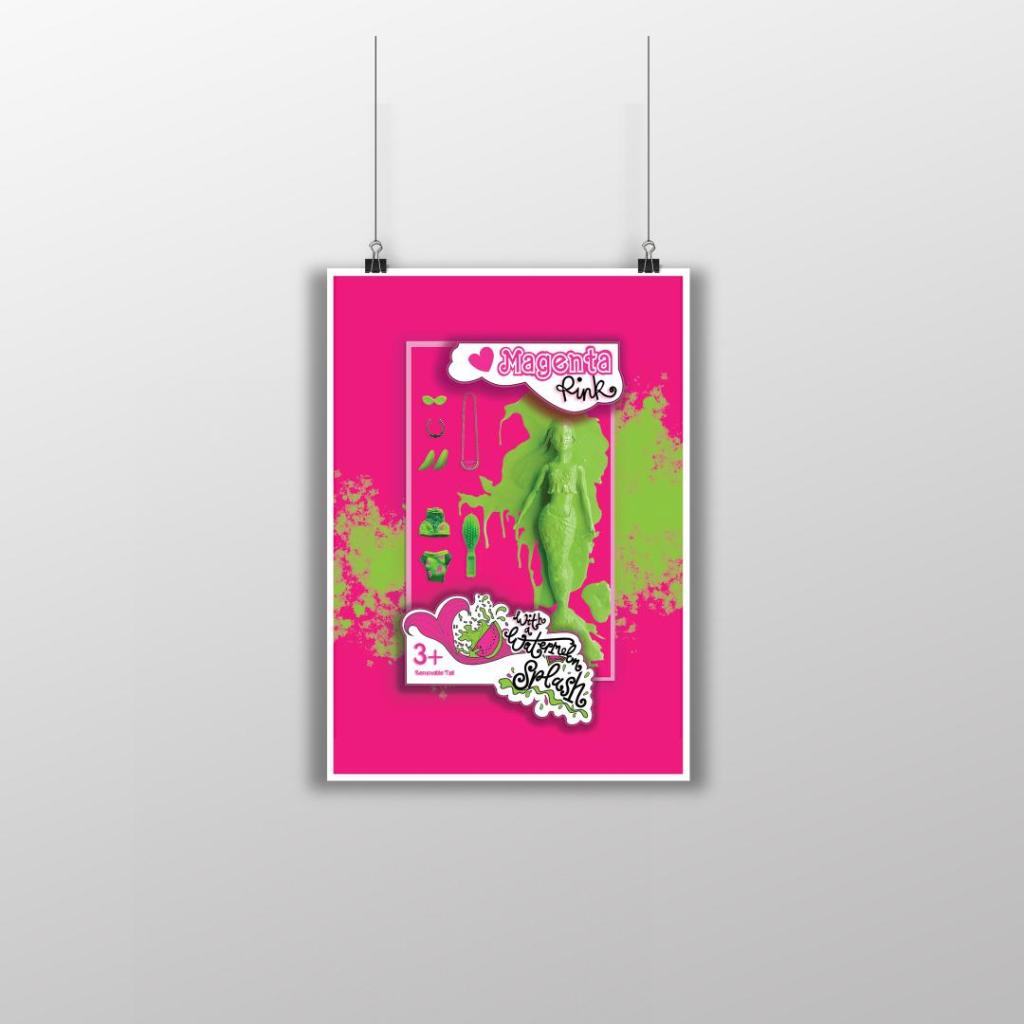
I started to like more and more of what I was creating. It was only when I had finished the 3rd development image below that I realised I needed to change the packaging again.. I included the doll into the packaging for this last development image but it still had the hook at the top of the box to hang it off a peg in the shop, realistically a heavy full sized doll would not be placed on a peg hook. I went back to Illustrator to create another packaging design. The colours however on these designs were working for me. I made Magenta the doll completely Magenta and then the Watermelon Splash around her was the bright, vivid Lime Green clothing and accessories.
The 3rd development where I decided the packaging needed to change once again.
Final Artwork
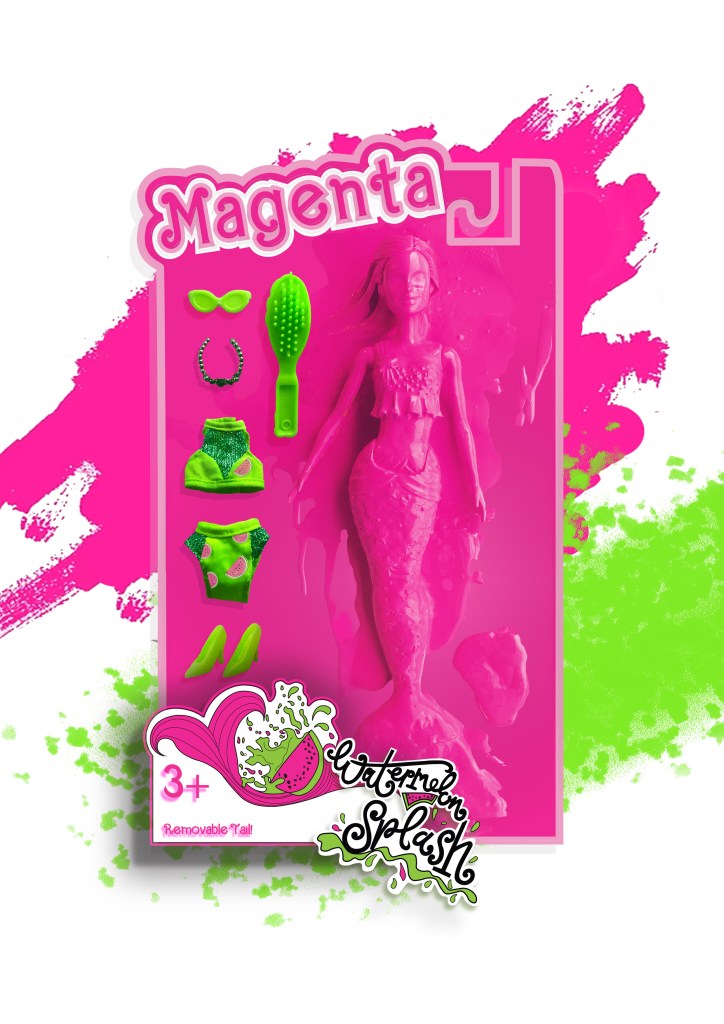
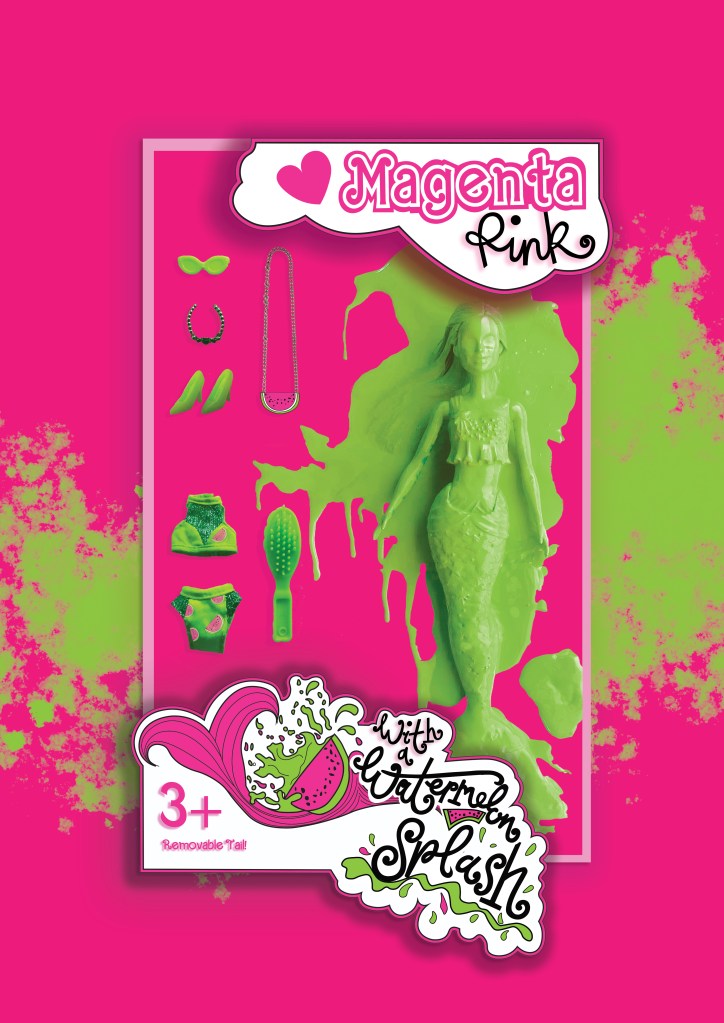
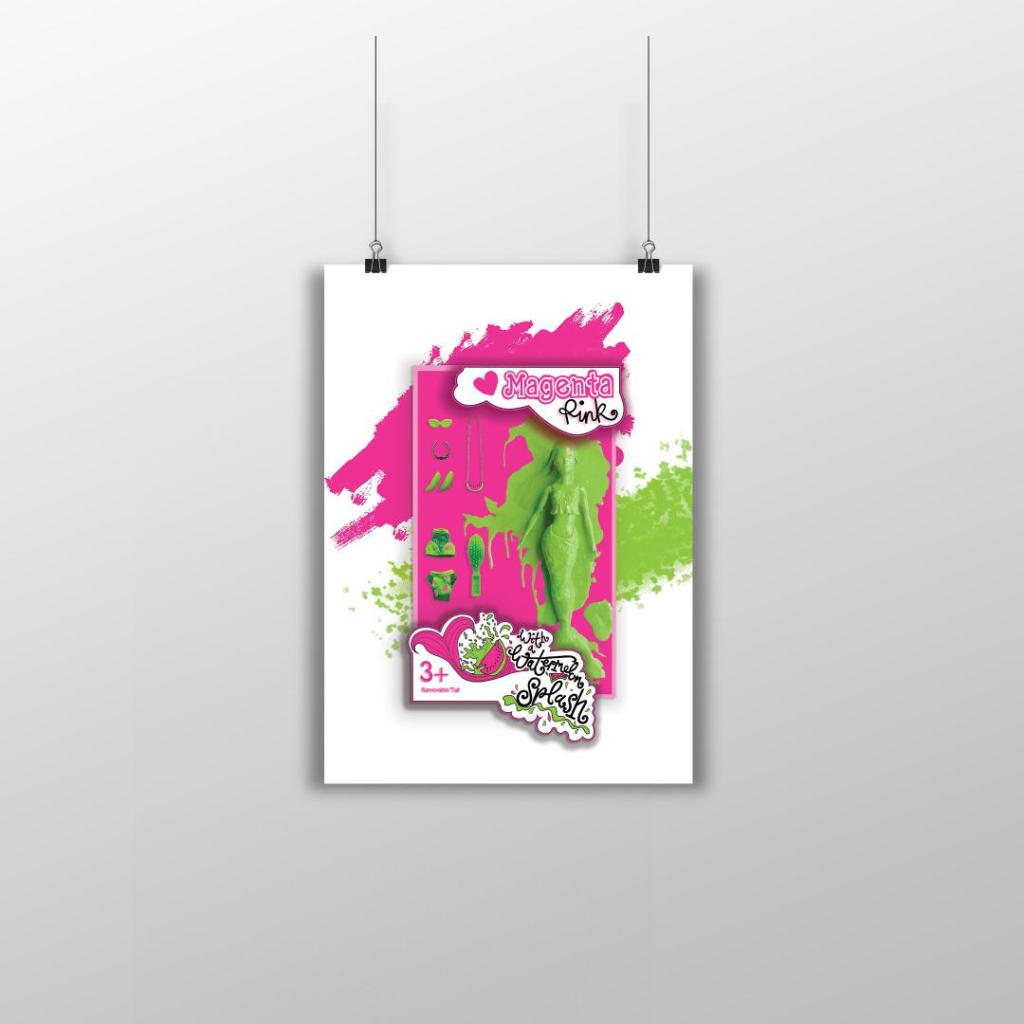
I then relooked at designing the box packaging to get rid of the hook at the top and make it look like an actual box. I ended up with 2 outcomes which I really struggled to choose the final artwork from:
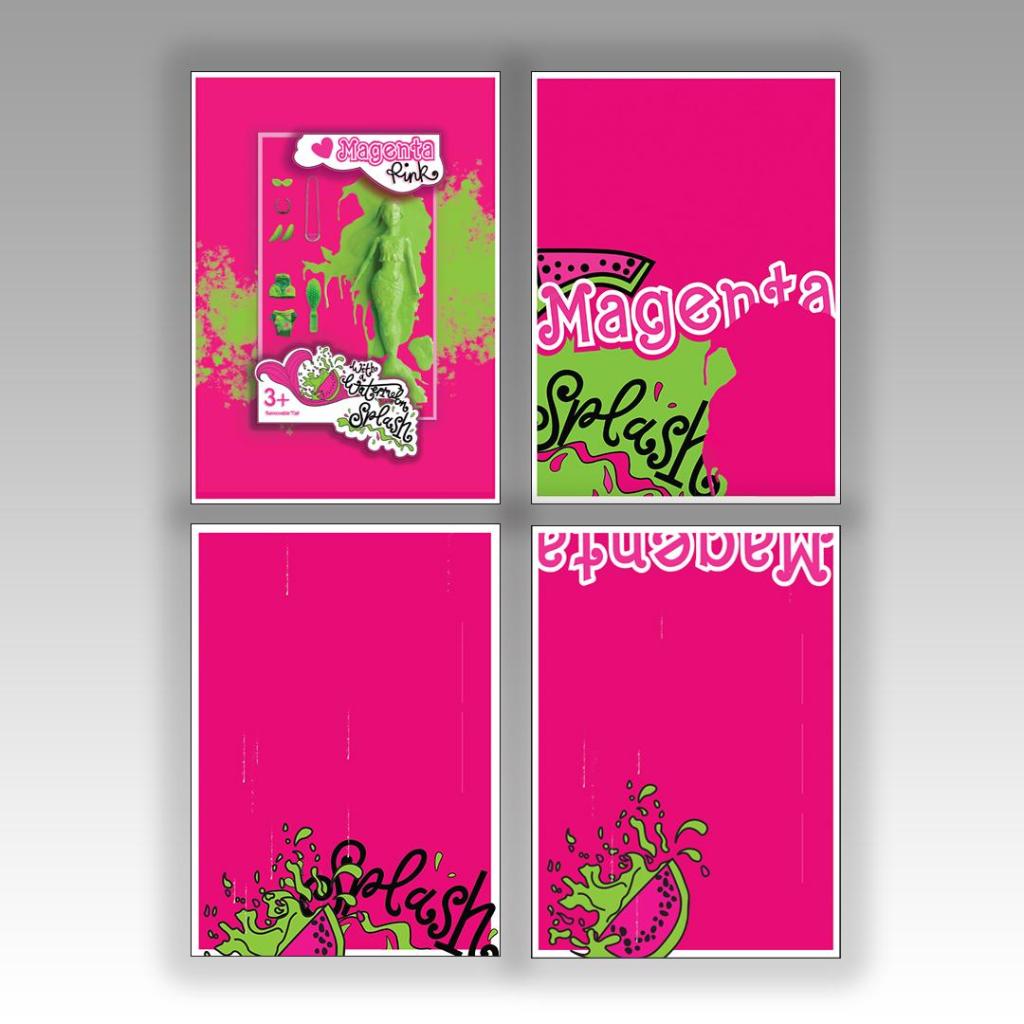
I changed the colour of the Magenta doll on these final versions; I just felt there was more of a contrast making her green, also I wanted this to represent the Watermelon Splash! I then really debated which background to have – did I want the poster mostly filled with Magenta Pink or did I want the white background with the colour popping out? I decided to go with the all Pink version, the reasons behind this are so it is definitely understood which colour I am designing for. The Magenta is the dominant colour and the Lime green contrasts and accents the pink. I think I have created a different approach to designing and celebrating a colour, I have created a quirky outcome. I think I have met the brief of celebrating a colour and what it means to myself and others. I did extensive research to see how others felt about the colour and then I designed based around the answers for this final design. I think it is obvious that the colour I am celebrating and designing for is Magenta Pink and the contrasting complementary colour is Lime Green. How I have brought the 2 colours together with the doll packaging and the limited edition Watermelon Splash idea is quirky in its approach. I am pleased with how it has turned out.
My final artwork
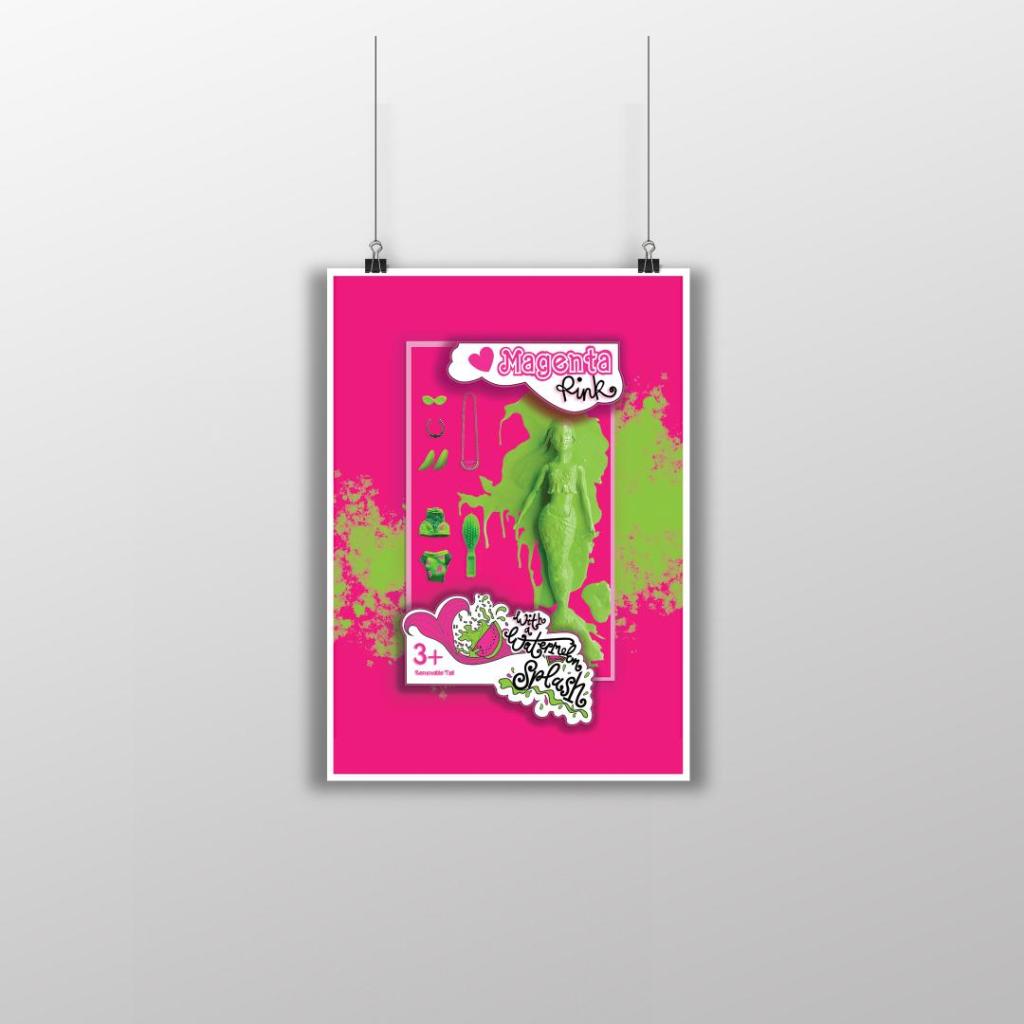
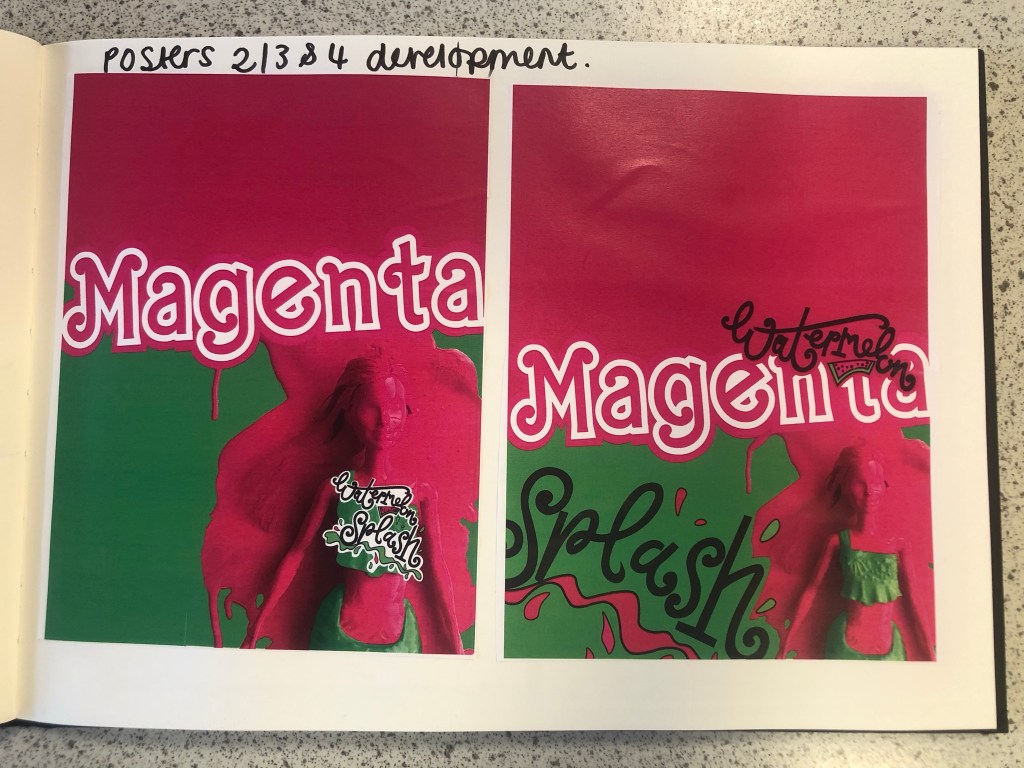
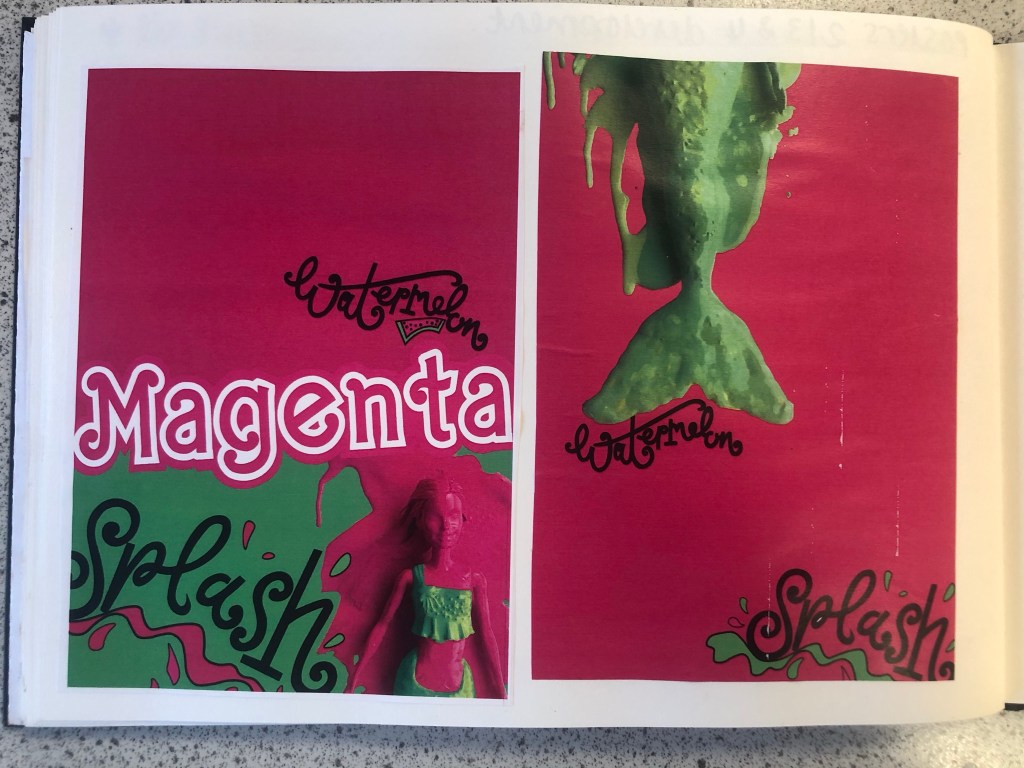
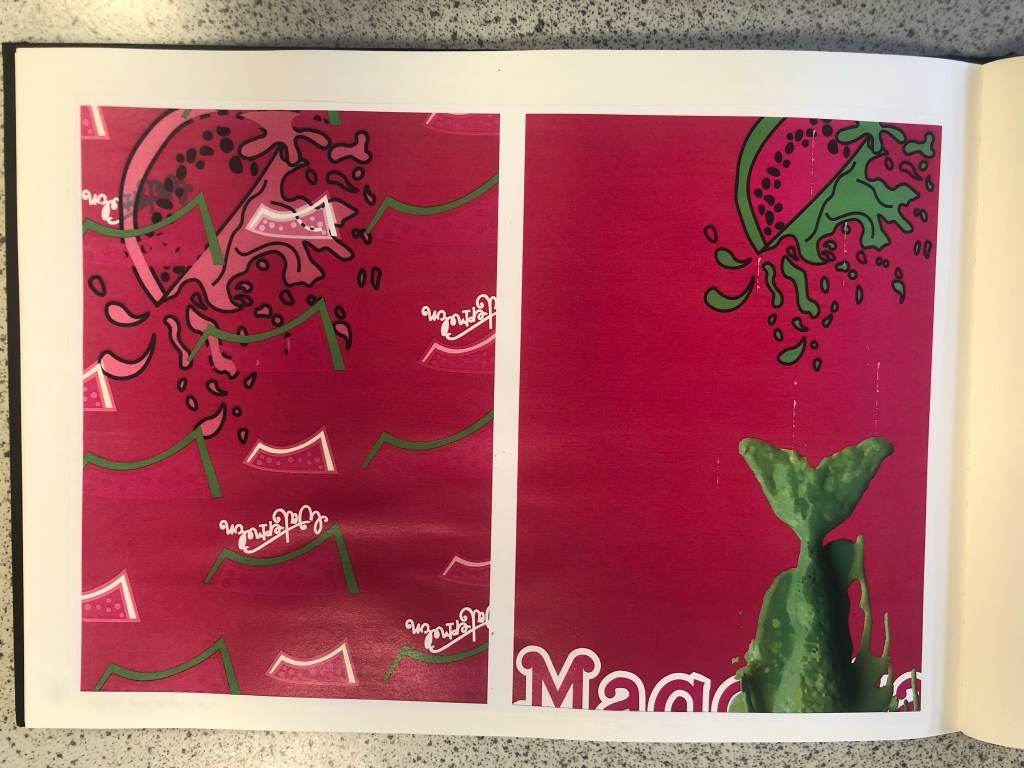
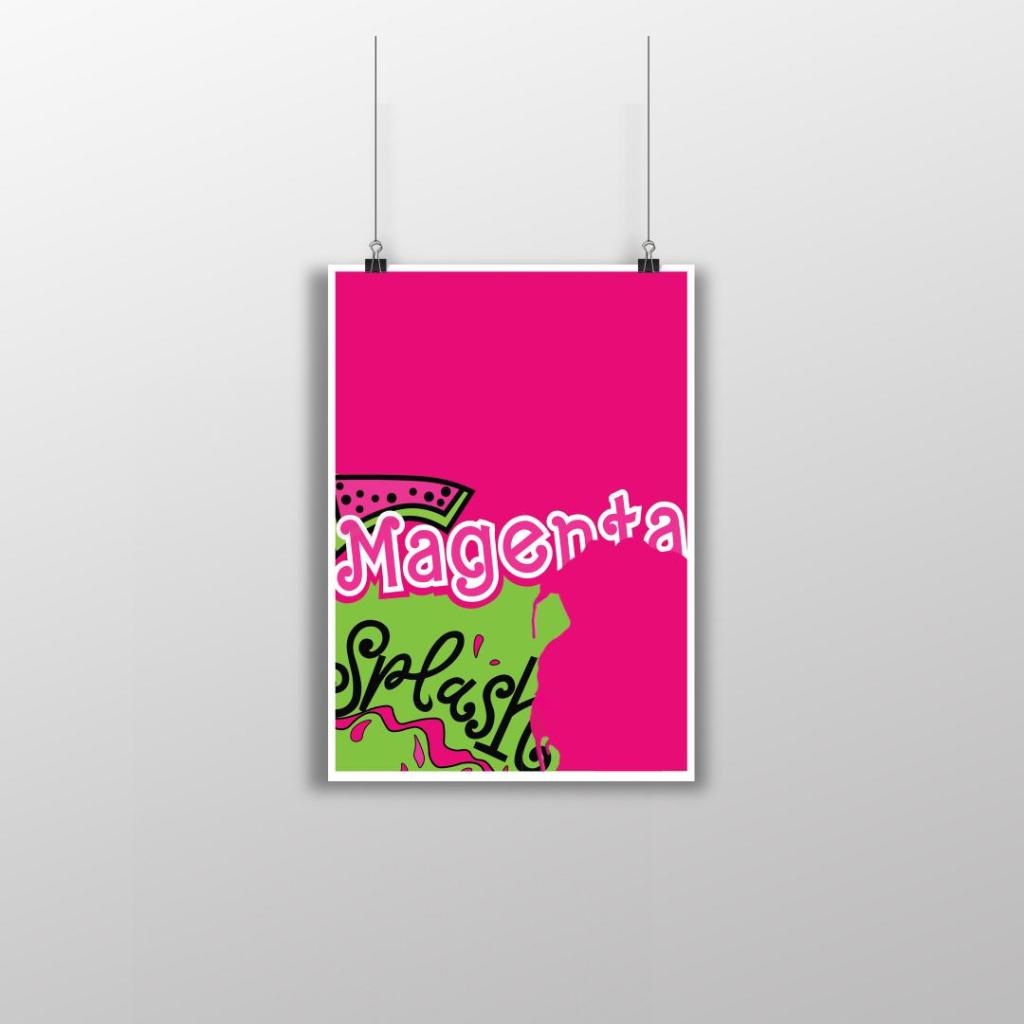
Poster 2
This is my final design for poster 2, (one of the variations of my final posters). I like how strong this design looks, the colours really work well together and makes everything pop! I created a white border around the design as this adds contrast against the Pink, it helps to break the colours up and make it more interesting. I took elements from my final artwork and used them to create this version. I wanted all of the posters to work well as a series and to make sure that they clearly represented Magenta as the celebrated colour so I filled the whole space with Magenta Pink. I wanted to make sure that negative space was a massive part of the design so I split the design into thirds and kept the top completely empty. I used the paint splash from when I painted the Barbie in this design. The paint covers part of the “Magenta” text. I like how this has done that, it looks like a chunk has been bitten out of it – more or less like how you would eat a Watermelon! I have used part of my Watermelon Splash vector art too and that works well with the paint splat. I used an illustration of the Watermelon rather than using the wording itself. It brings together images and type to convey a message.
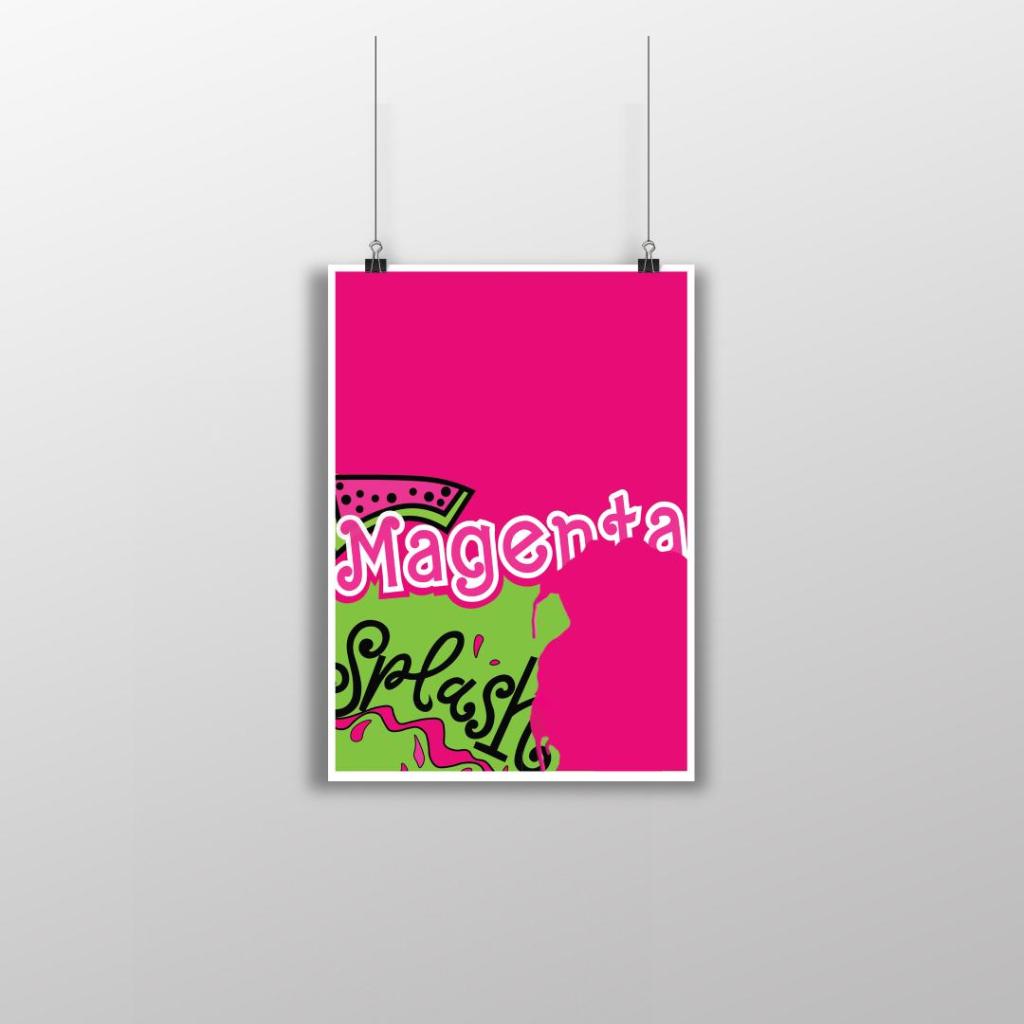
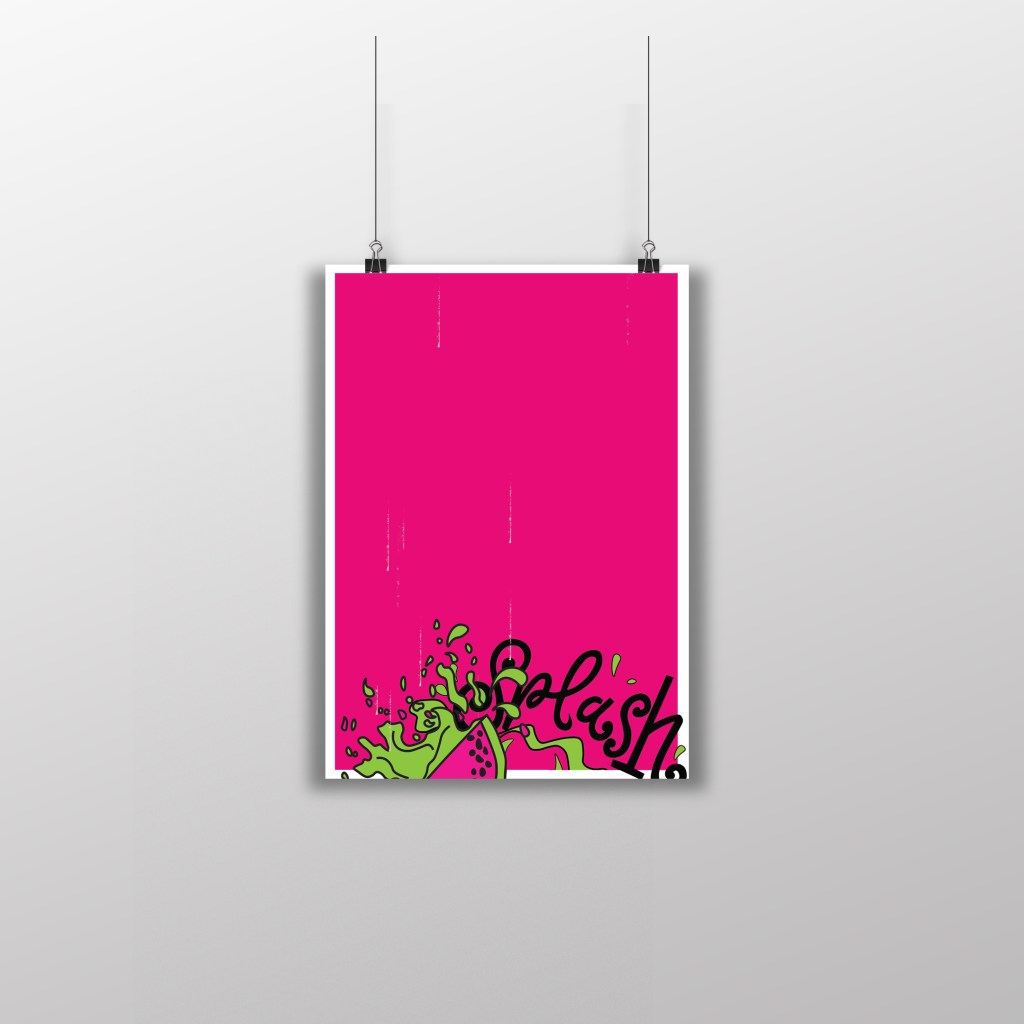
Poster 3
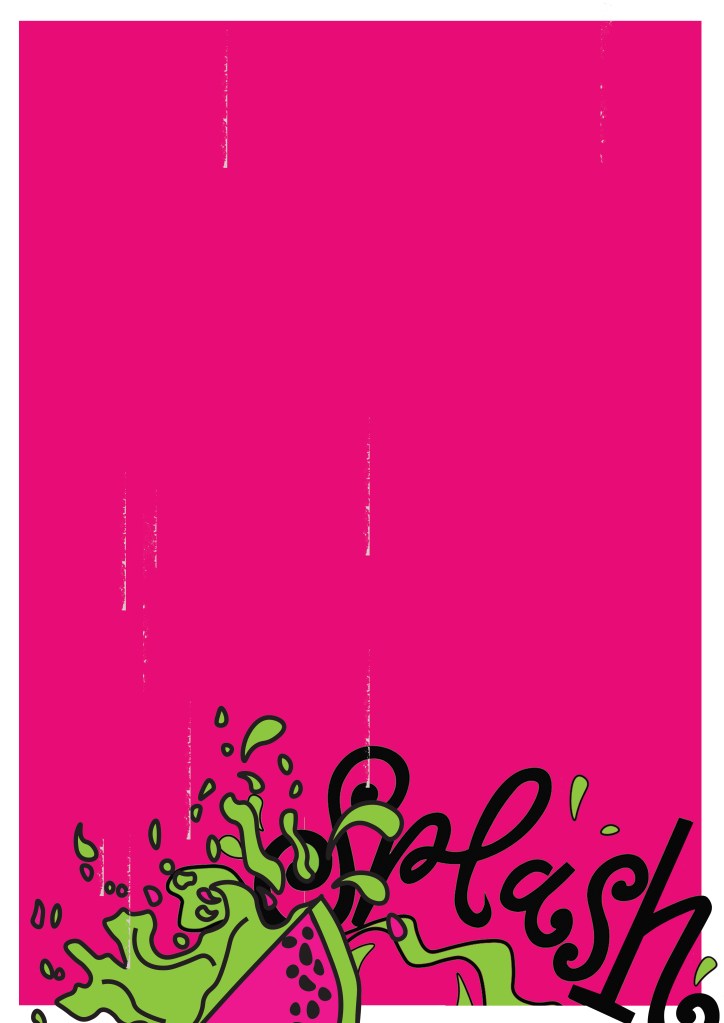
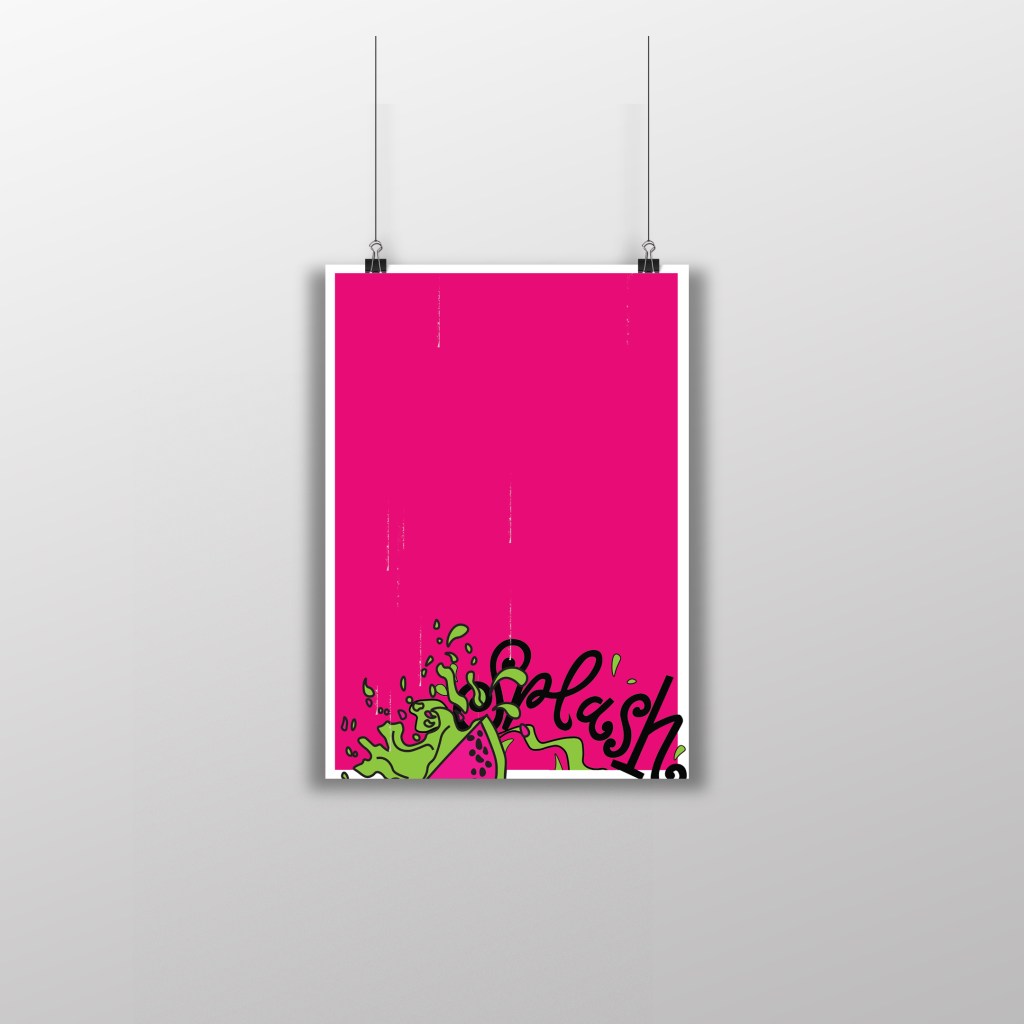
This is my final design for Poster 3, another variation of my final artwork. I have kept this one very similar to poster 3. I have made negative space a massive part of the design by keeping the top part of the poster completely free. To keep it in keeping with the other designs, I once again placed the white border all the way around it to again break the pink up and let it contrast against the white. There are tiny scratches of white on the left hand side and centre of the poster; these were completely accidental from where I imported the vectors over from Illustrator to Photoshop and accidentally left some of the noise on the jpegs. I moved these “scratchings” in Photoshop and made them drop down the page to look like refreshing water droplets. Again, with this design I took elements from the final artwork – on this one I took part of the Watermelon Splash vector design and placed it at the bottom of the design like it is falling into water to create that “splash”. I like how this design is quite simple but effective. The poster really stands out with the colours and once again I think it is clear what colours are being celebrated.
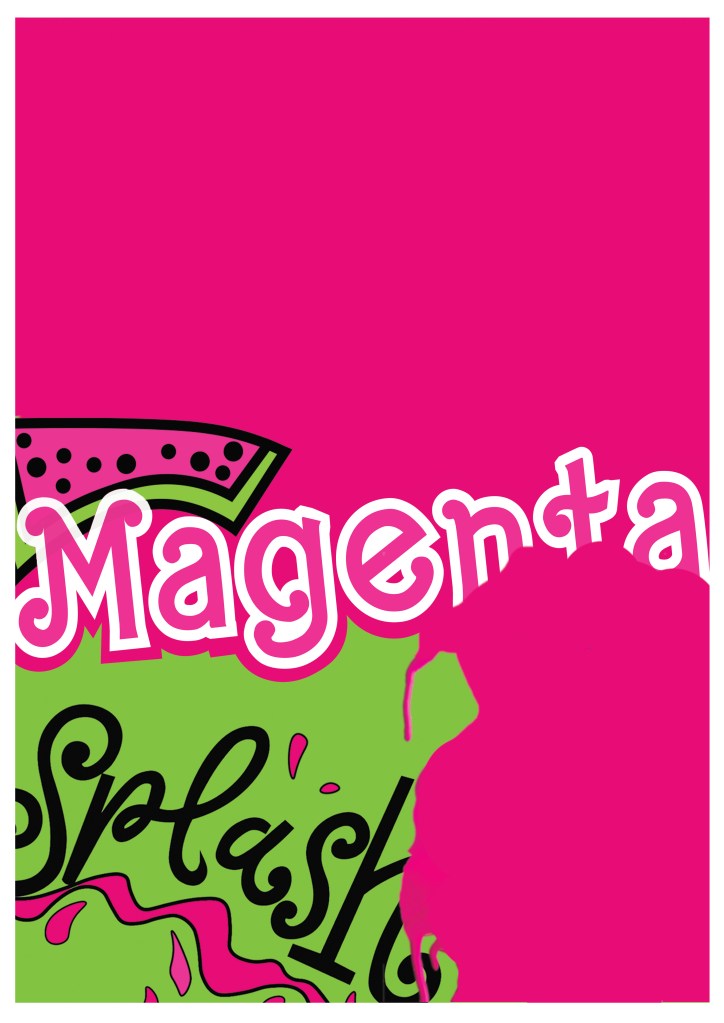
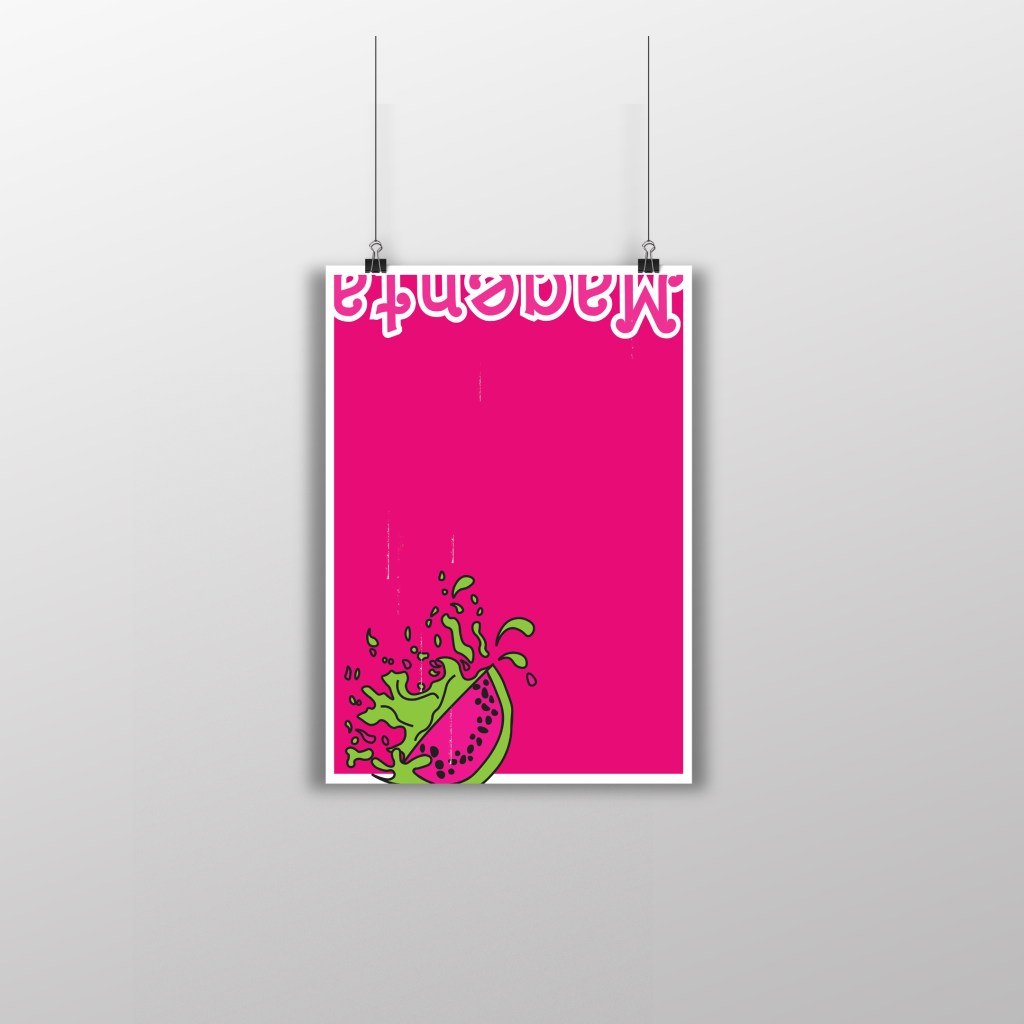
Poster 4
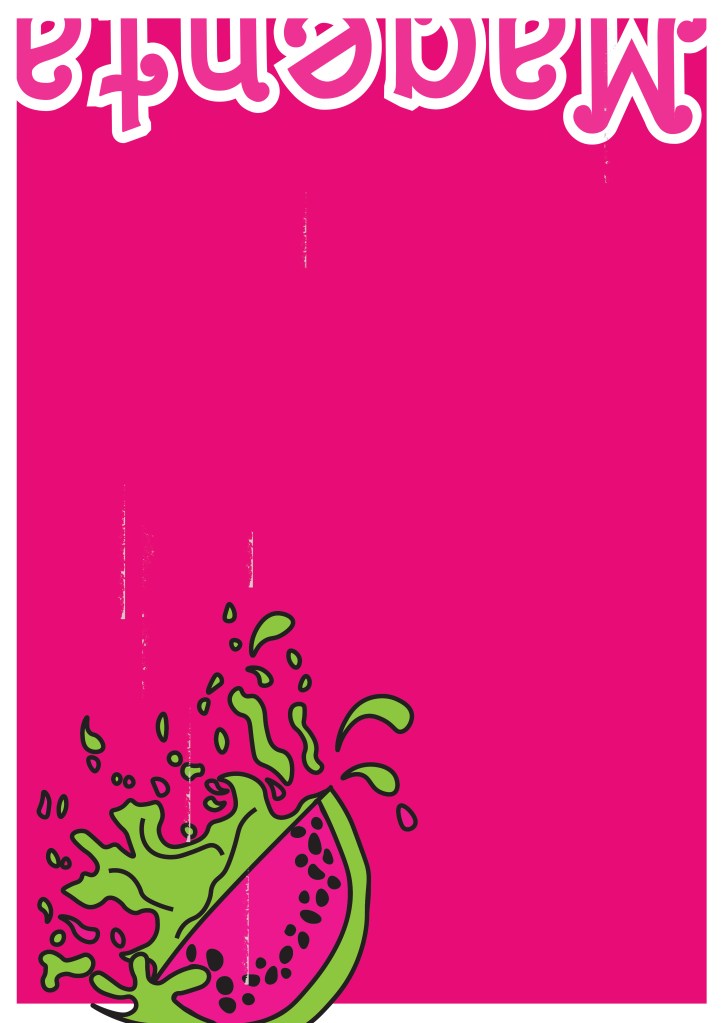
This is my final design for poster 4 (another variation to my final artwork). I really debated this design; I debated the type at the top of the poster and the fact that it is cut in half, upside down and not very legible. There was just something about how this poster looks though that made me change my mind and keep it! I kept the poster in keeping with the others again with the white border, negative space and making Magenta the main colour throughout the whole piece. I think that if you place all of the posters together it is obvious that they all belong together, they celebrate Magenta and that they are all variations of each other.






























































 pinkangeleno.com