Assignment 5: Your choice

Typography

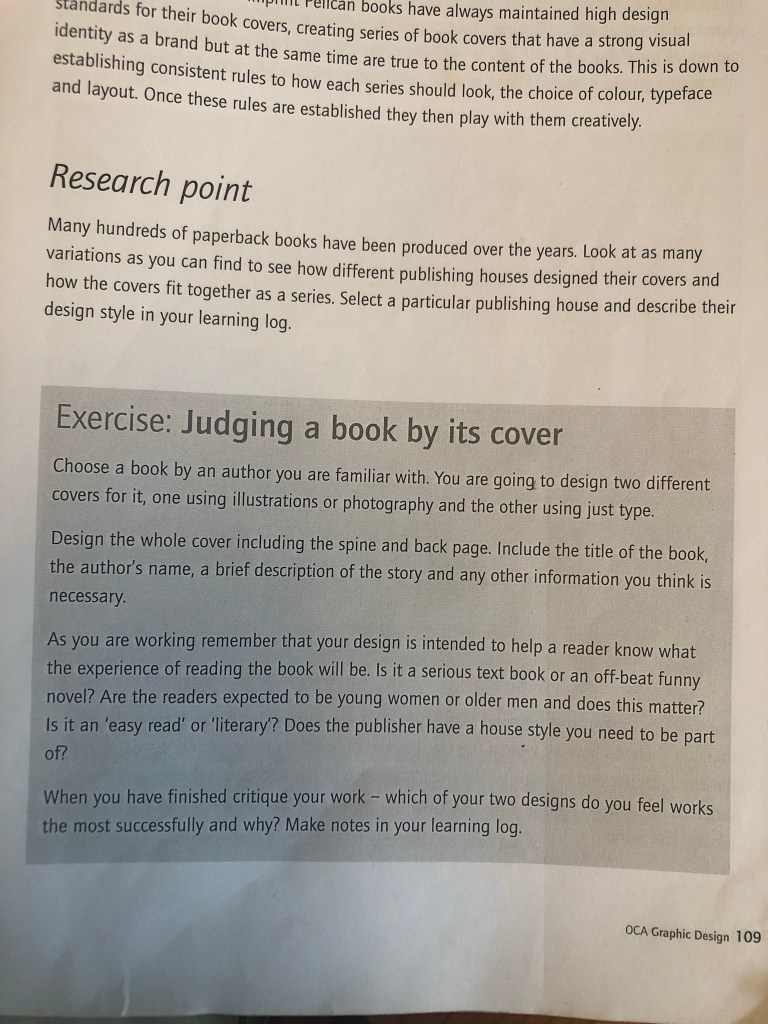
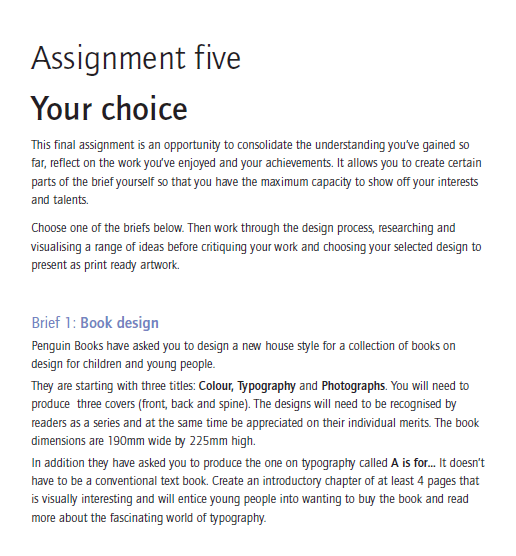
The Brief

First Thoughts

I had a look at this assignment in my book a couple of months back so that I could plan ahead and know what I was doing in advance for my assignment! I was torn between Influential book designers and Typography. I knew that I was way out of my depth doing my altered book and this was something I didn’t want to delve back into for a little while at least! I decided that I would want to do typography because that is the area I knew and enjoyed the best but I also knew that I didn’t want it to become another version of “My little book of Good typography” because I had covered a lot of the basics and the rules of typography in that. I knew that naturally my head would try and create another more or less identical version of that book because I liked the finished outcome so much! I needed to find another typography subject that would head in a new direction from the last book of typography I designed.

Something slightly different…

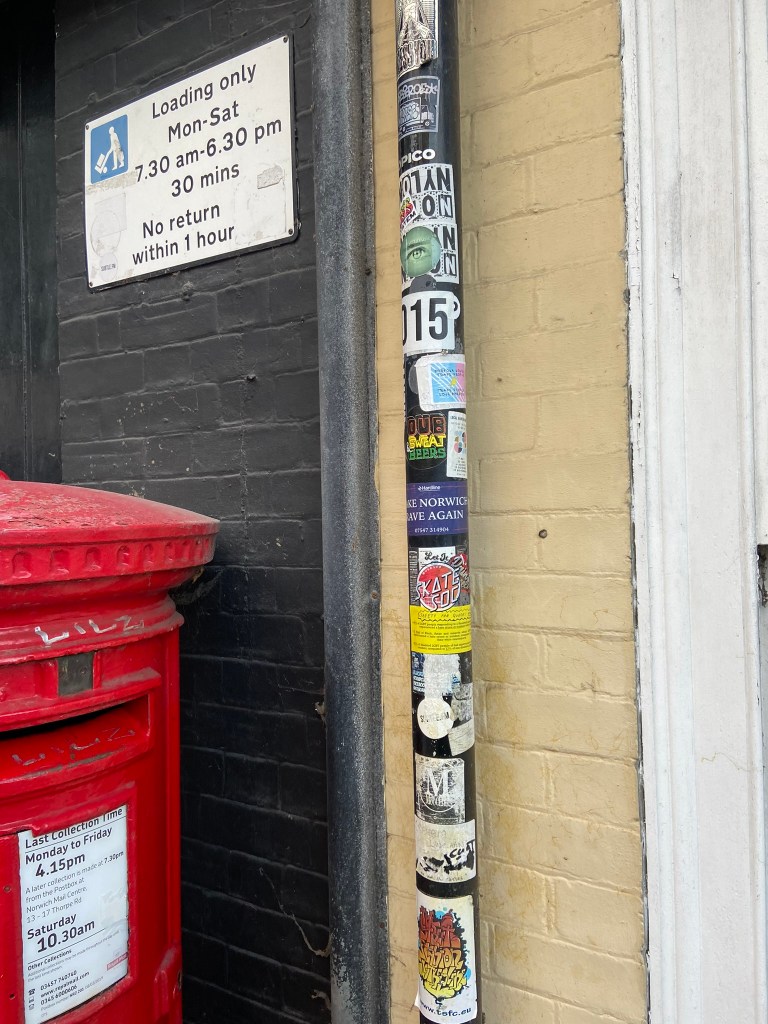
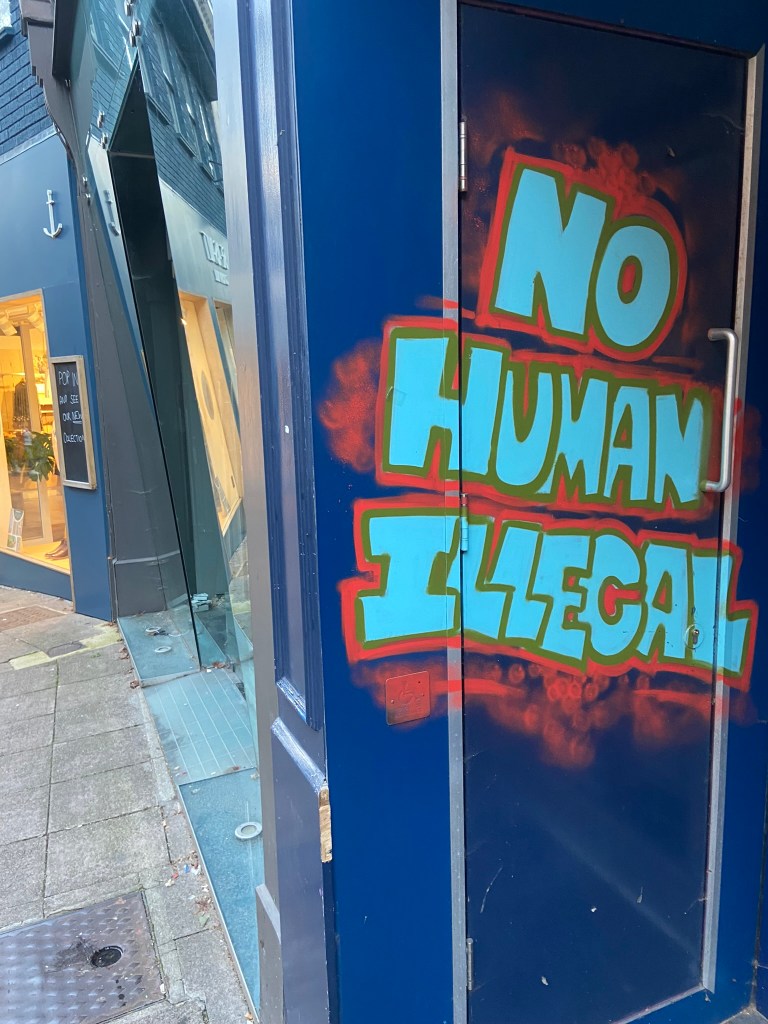
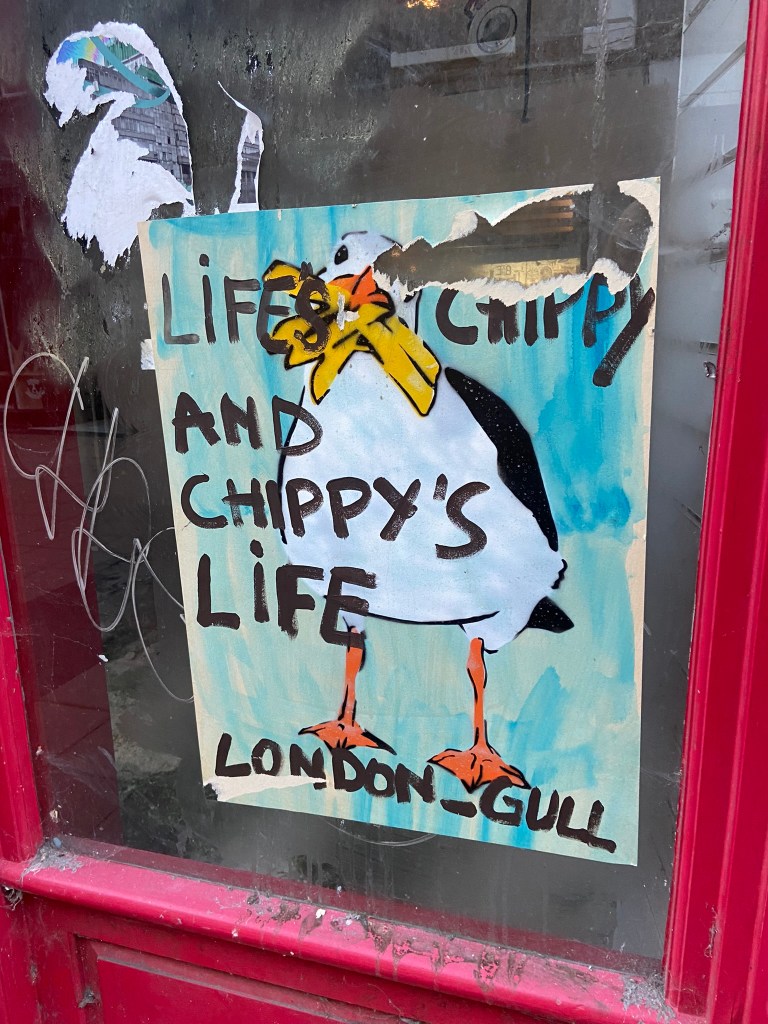
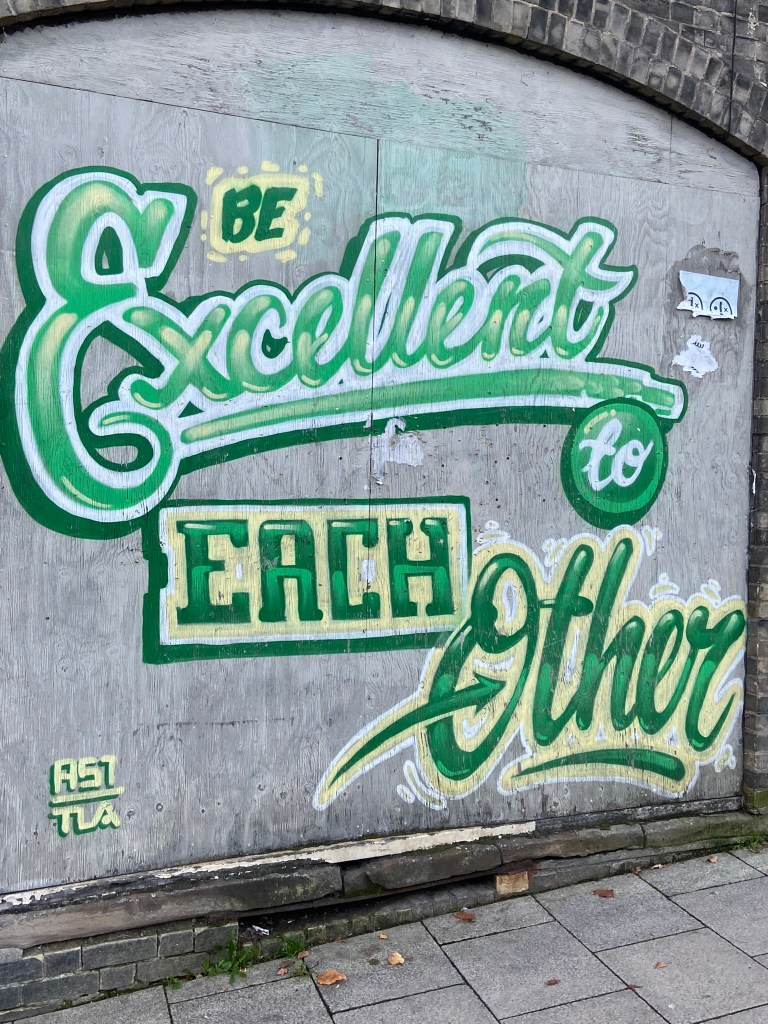
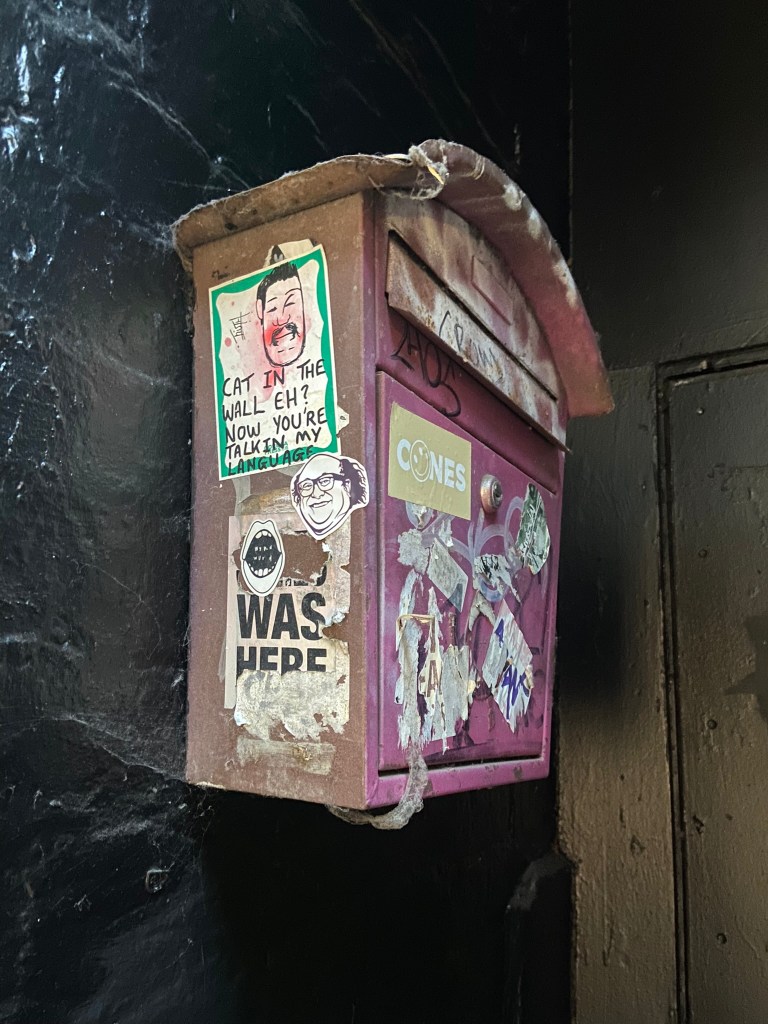
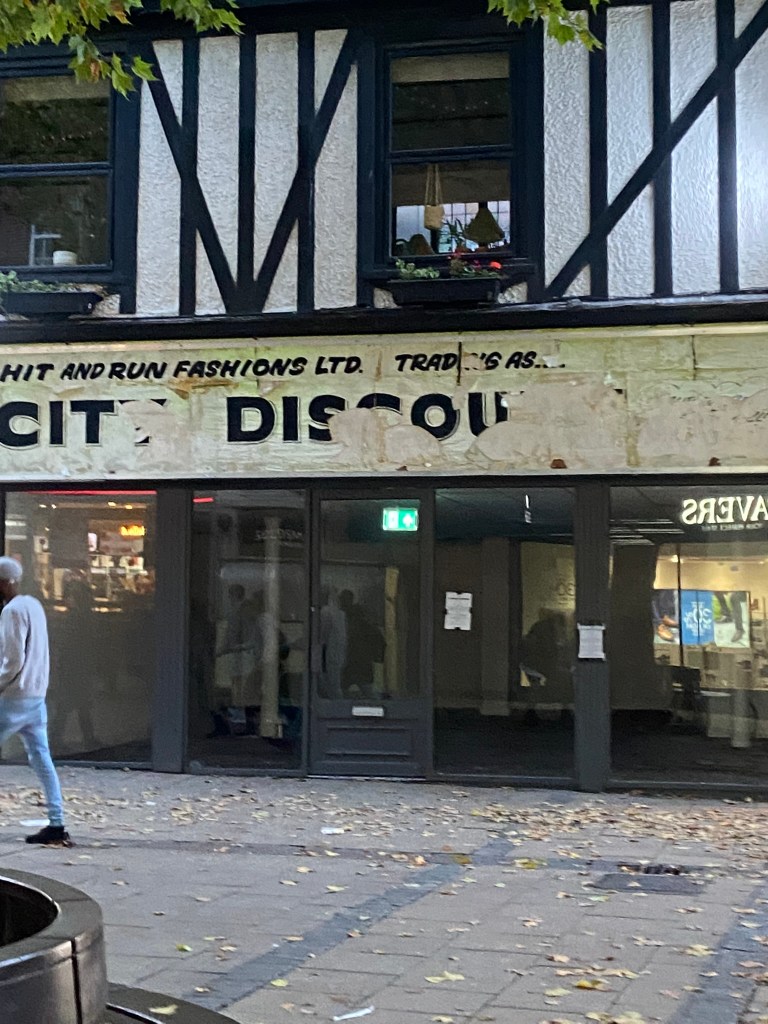
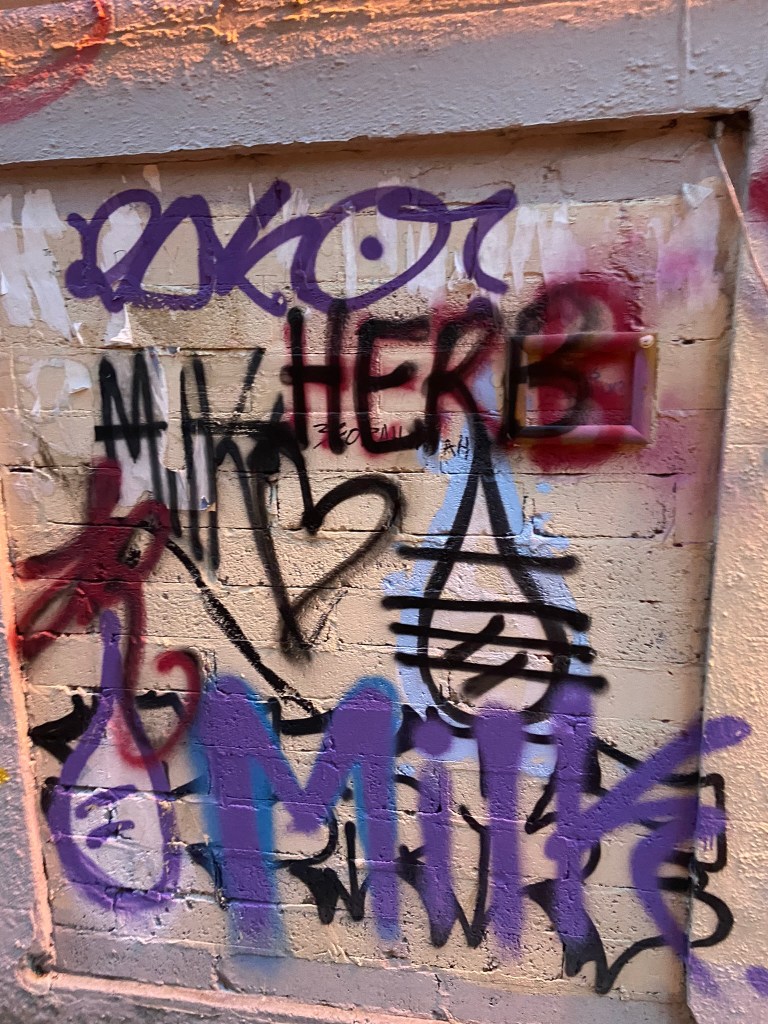
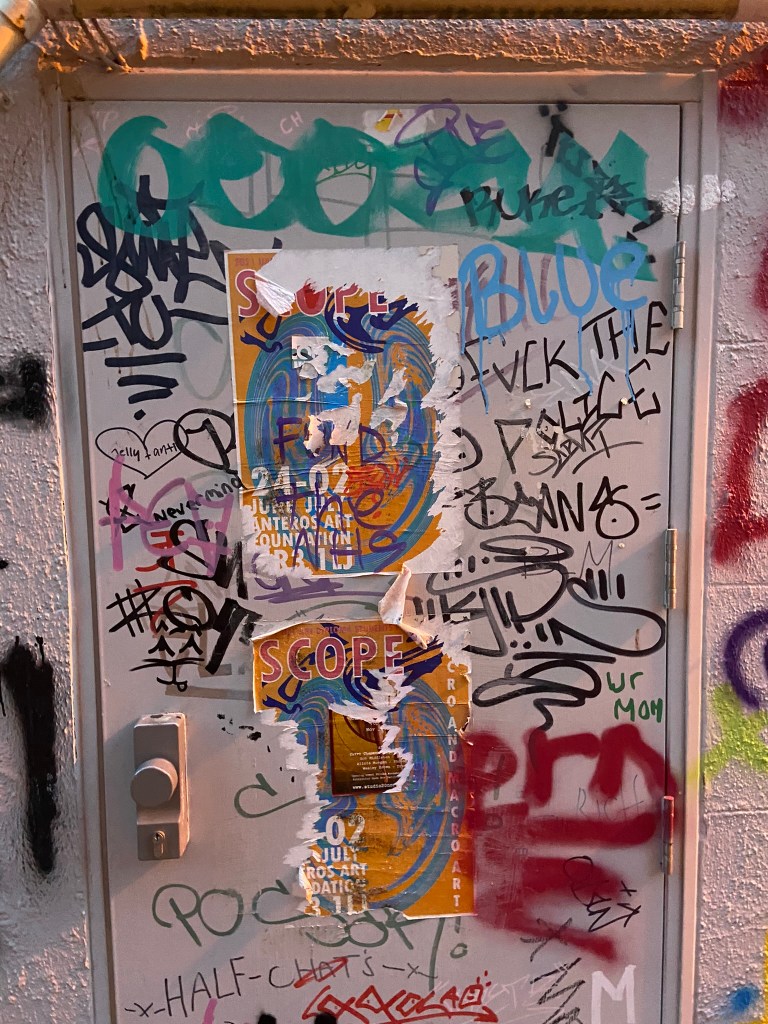
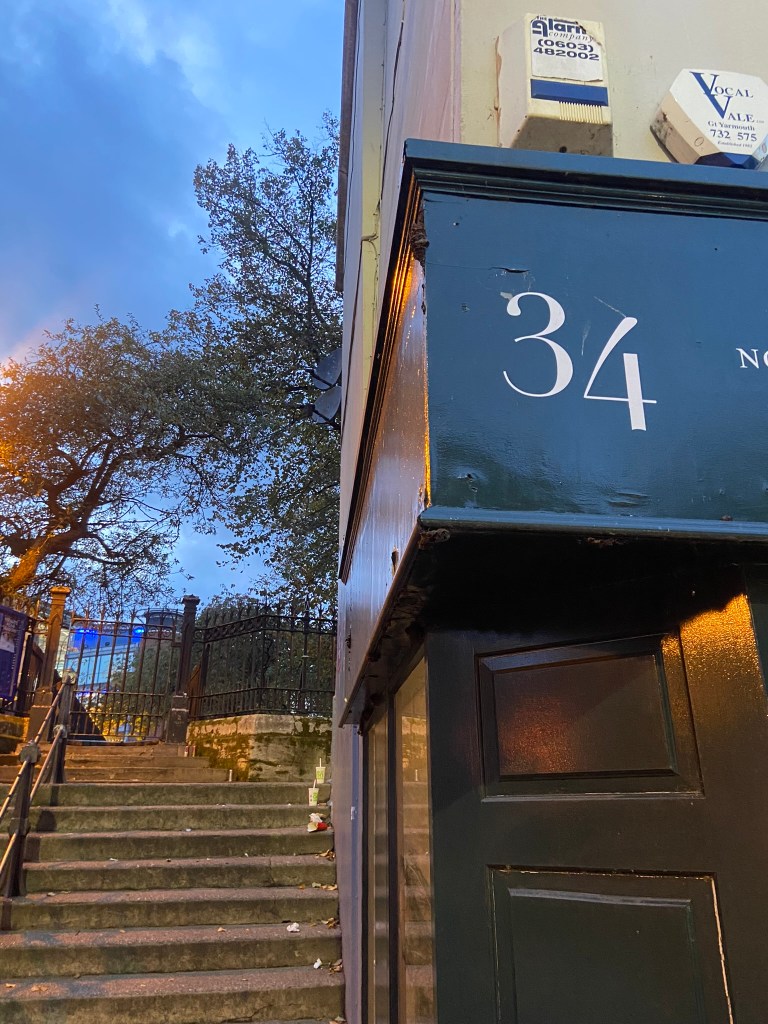
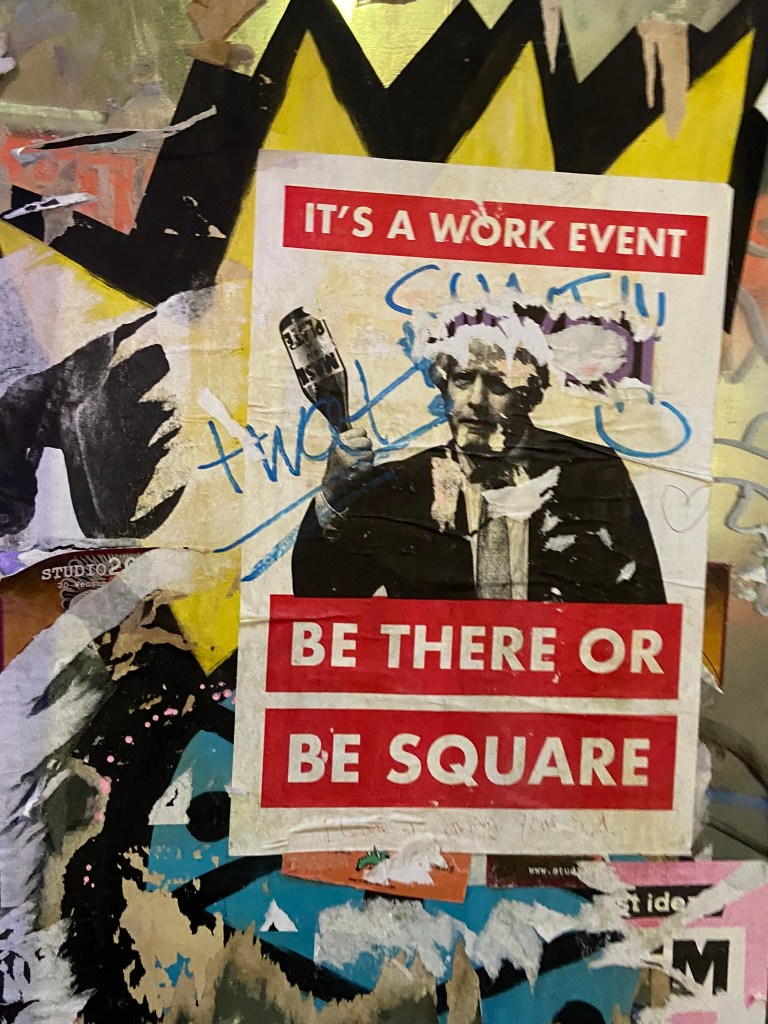
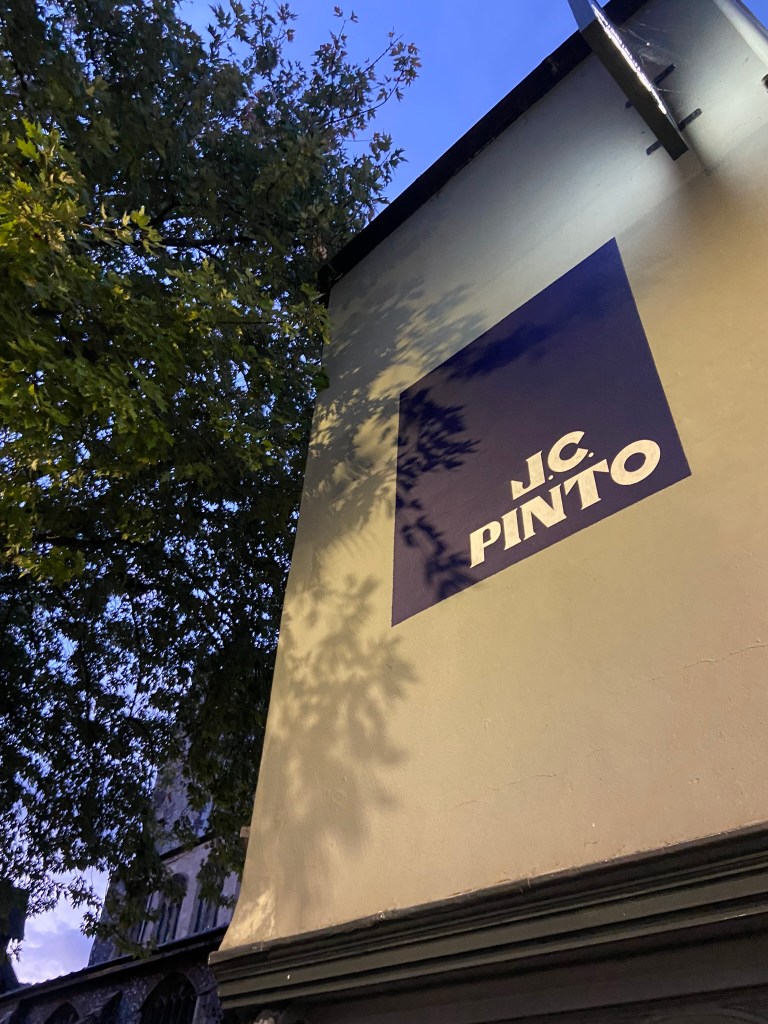
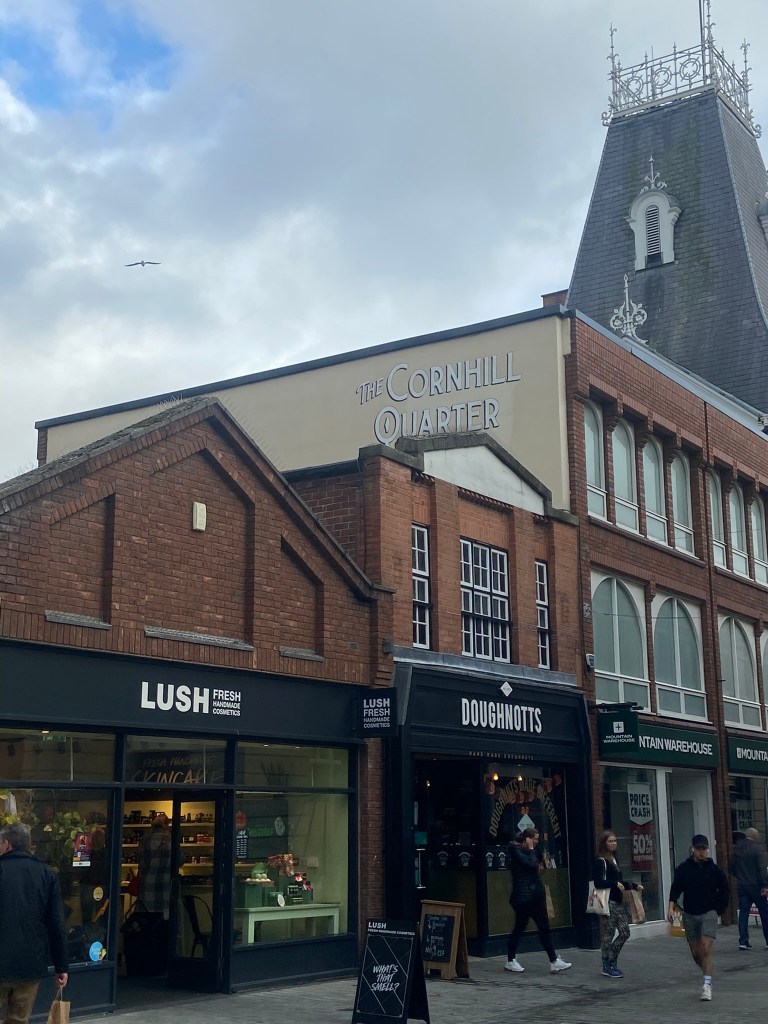
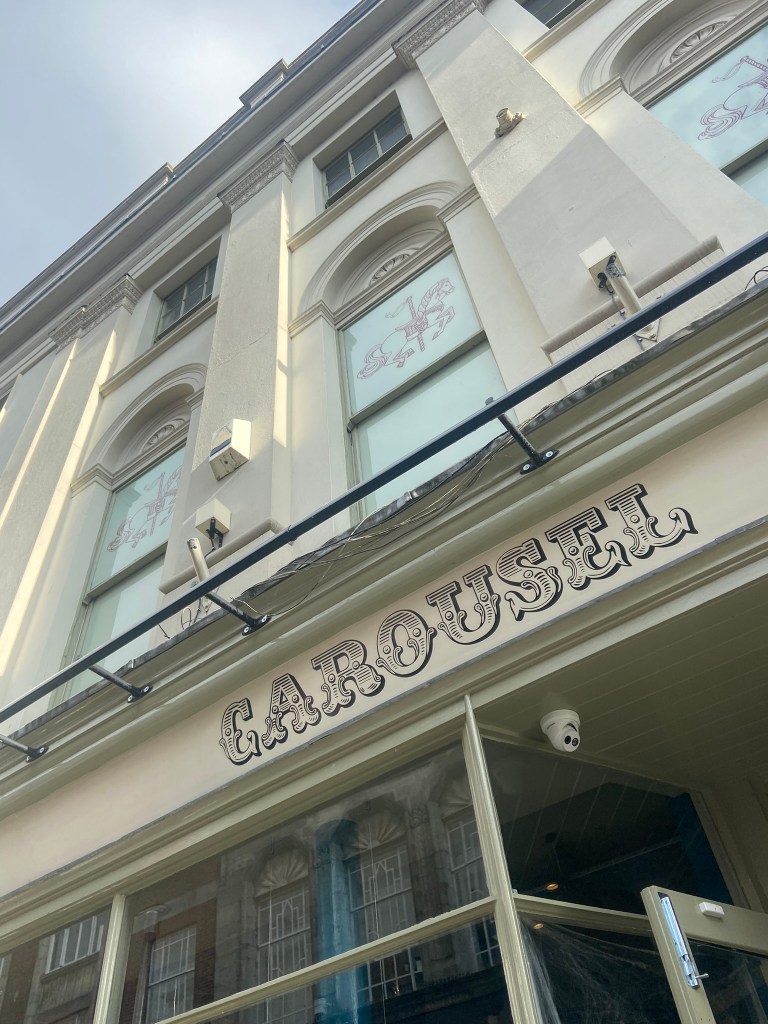
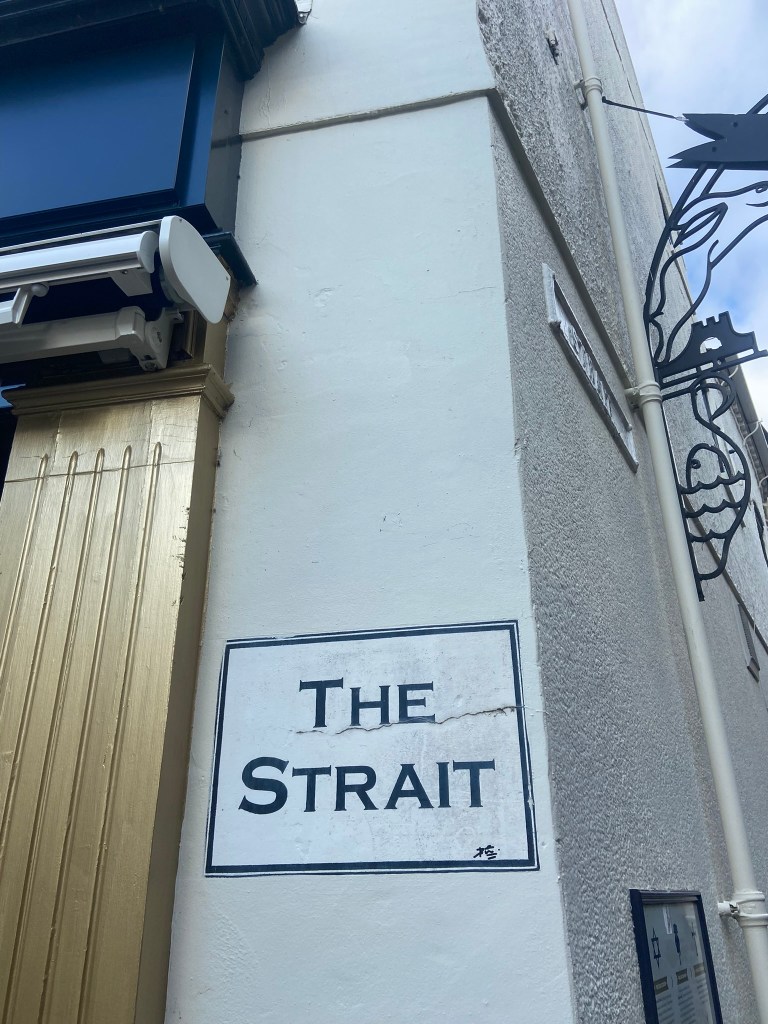
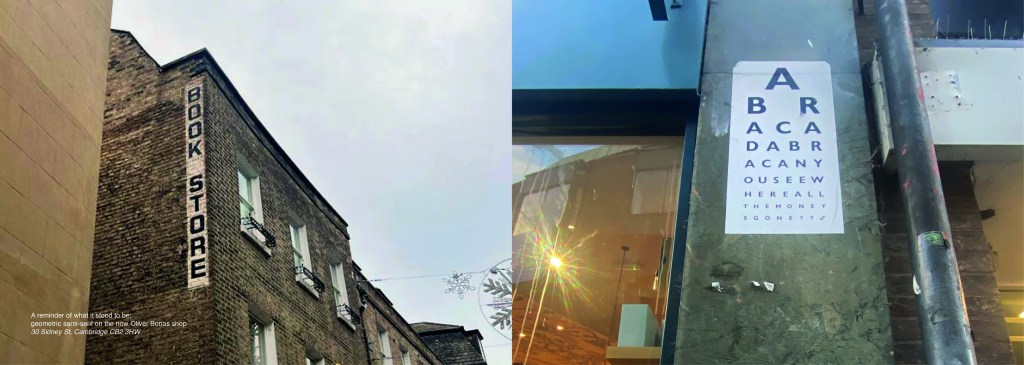
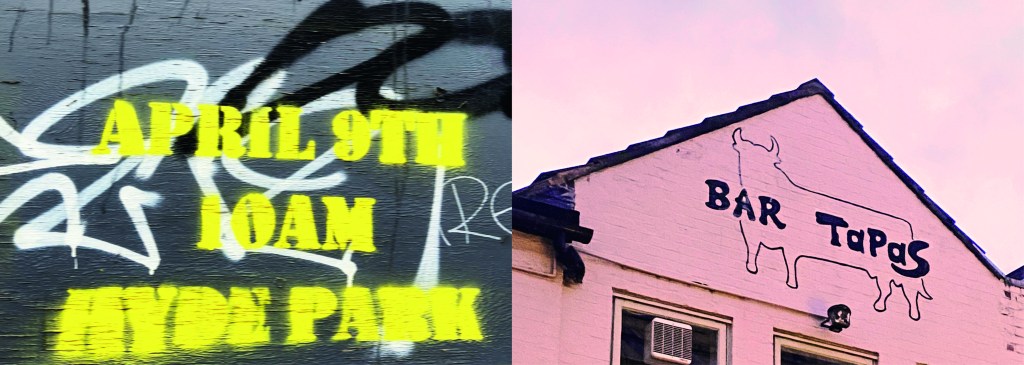
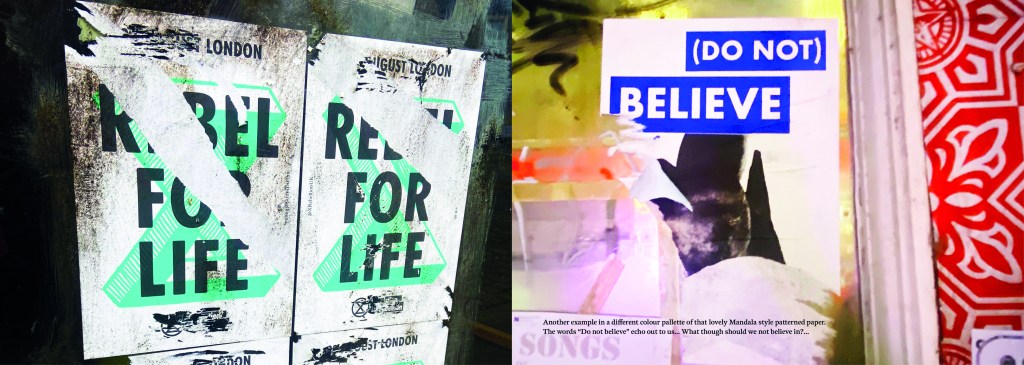
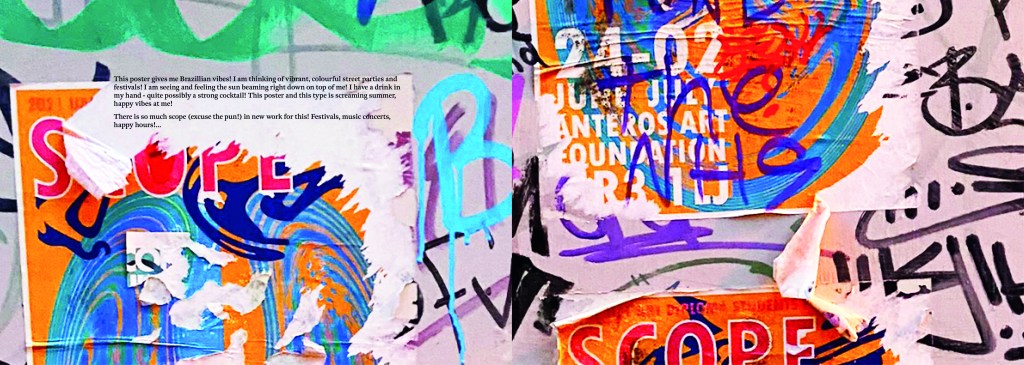
The idea came to me when I went to Norwich to try on my wedding dress after it came back from being made. I took my best friend with me and by the time we got back out onto the streets of Norwich out of the bridal shop it was getting dark and the streets were emptying. I had never really noticed the typography in the streets before, the graffiti struck me and I was just inclined to take cool photos of some of it (to the bewilderment of my friend!) I told her that I bank photos of cool arty stuff to use in future projects as textures or stock photos etc.. When I got home it got me to wondering whether I could make a book about the typography that is found in the streets?.. I had to really research this one, making sure that there were no holes in it. Could urban typography be classed as typography?.. I mean, I class anything that’s written as typography? Anything that communicates a message and conveys an emotion to us through type is typography, right? I just found the lettering I was finding on the streets really beautiful and I wanted to explore it further. I researched Vernacular typography and this is the lost art of sign painting and traditional methods of advertising on the streets before commercial printing came about. I found a lot of articles online by a designer called Molly Woodward who takes photographs of a lot of signs from the lost art of vernacular typography. Her kickstarter project is to try and map, document and preserve some of these fantastic hand lettered signs.

http://vernaculartypography.com/index.php/info/about/

A lot of the articles that I found online relating to vernacular typography study buildings and signs in Brazil and American states. I found a few learning blogs from OCA students on vernacular typography too which also made me a bit anxious.. was I jumping the gun, would there be a project in the future exploring this?…

I didn’t find much of the old style of vernacular typography on my travels sadly, but then I researched further online and found a University lecturer who taught a project on vernacular typography looking at the signs above hotels and B&Bs in Blackpool:

creativereview.co.uk/vernacular-typography-blackpool-hotels-sarah-horn/

Sarah Horn the designer of En Suites looked for standout typography, intricate letterforms, funny names and bold colour palettes. I quite liked the idea of how she was documenting type but also capturing time and age through her photographs; these are photos that people will be able to look back on in years to come and see what the town looked like at this point. That is another thing I found with vernacular typography; it very much shows the culture of the place and the people who live there. I also liked the fact that in the Creative Review article she states that she wanted to do a simple book in a size that reflects a souvenir guide; she is really designing for the culture of Blackpool. Blackpool is very leisure and tourism so a souvenir guide matches its aesthetics perfectly! I like how she has pretty much made a flip book of inspiring photography- it is not a sit down and read from front to back book, it is not particularly informative but its aim is to dip in and out and use as a research book. A book to flit in and out of whenever inspiration calls for it. I wanted to create something similar!..

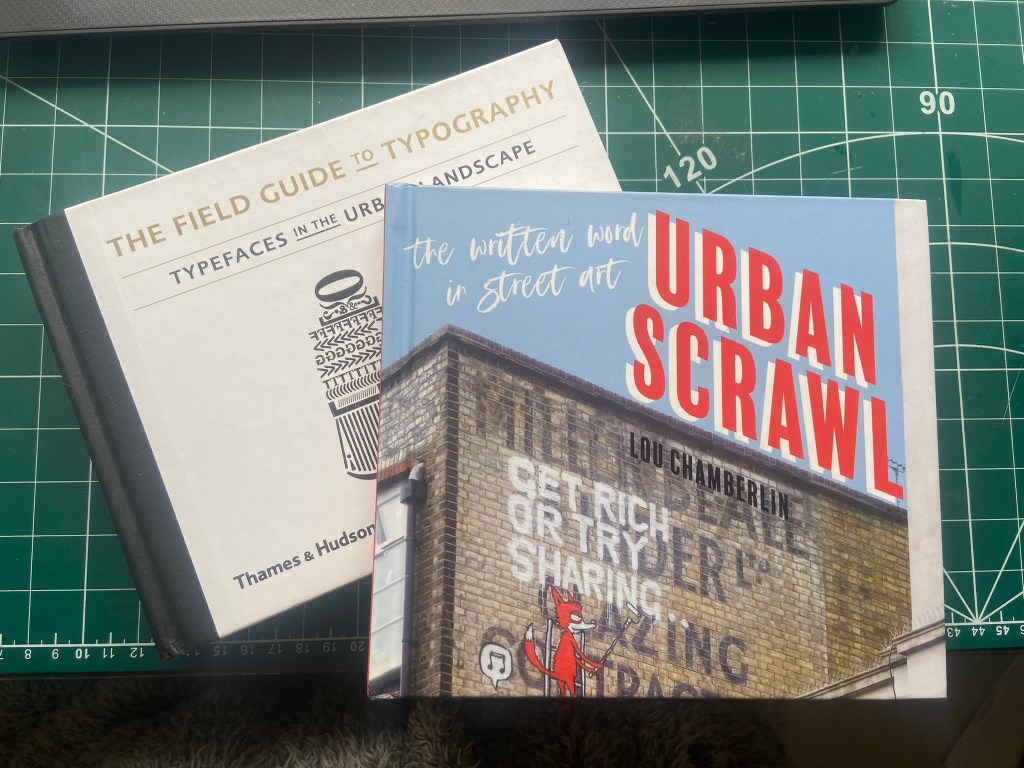
I also bought 2 books from Amazon which are very similar to that of which I wanted to create. One book is called “Urban scrawl” and concentrates more on showcasing graffiti hand lettered styles and the other book is called “The field guide to typography, typefaces in the urban landscape” which is like a bird spotting book of Graphic Design!- it shows examples of typefaces in the wild and then classifies them into what typefaces and era they are. I liked this idea and thought that I could potentially classify any typefaces that I found in the wild!
I was very anxious though as to whether I was meeting the brief of the assignment. The brief did say “alternatively identify your own project”… this was a different kind of project but typography nonetheless?.. I wanted to think outside of the box and go exploring down different avenues.. I didn’t want to play too safe but also I had crippling anxiety of my assignment being rejected for not meeting the criteria!

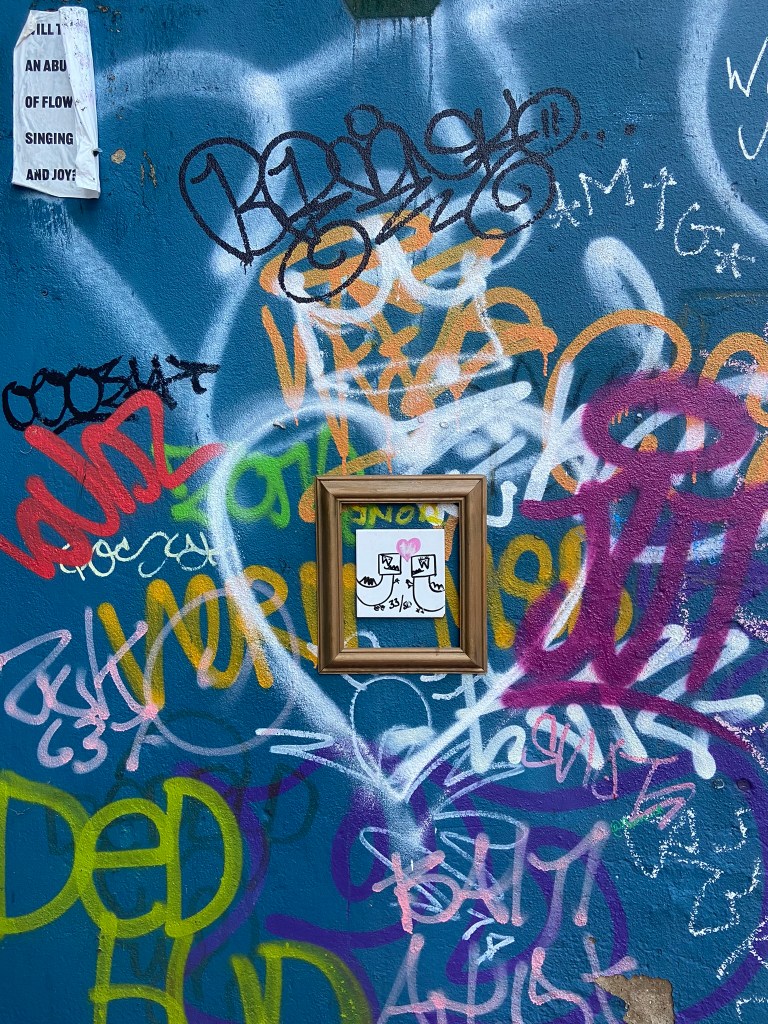
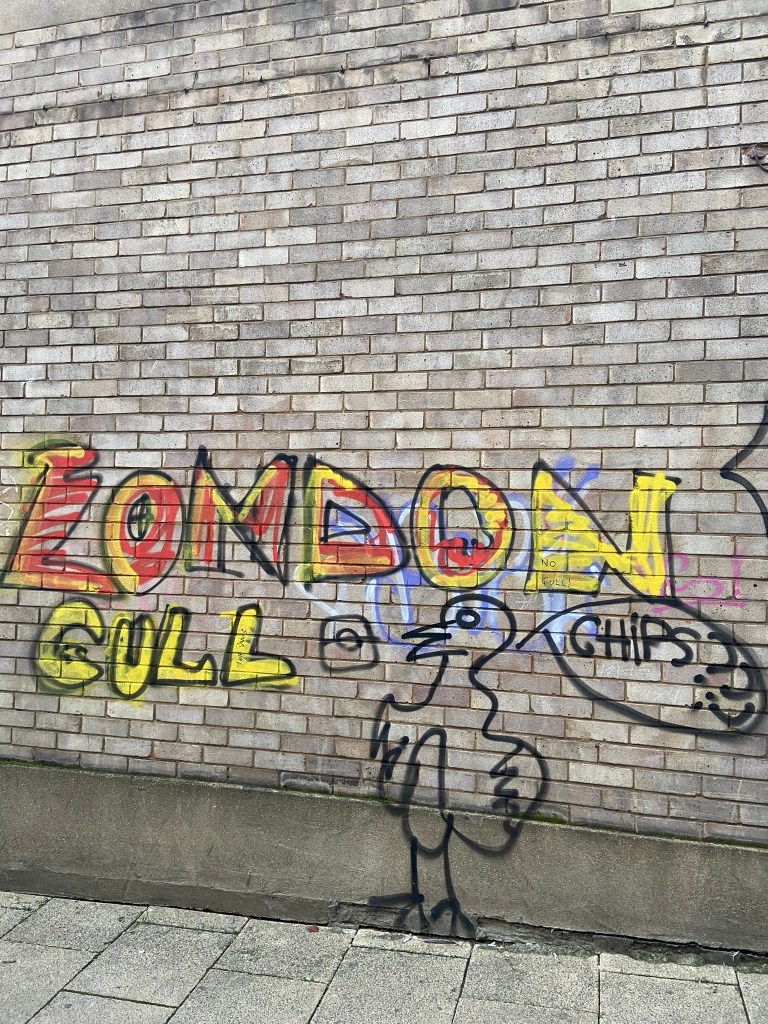
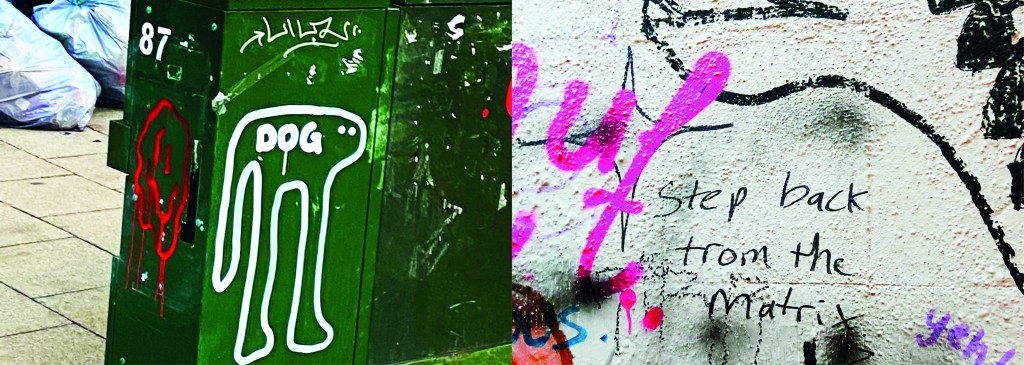
I wanted to include graffiti and street art in my book too as although these are not using typefaces, they are still a personal style and they are still hand lettered words with personal handwriting. There were many conflicting articles online that state that graffiti is not typography, I can see both arguments.. it is definitely not a traditional practice of typography but I wanted to concentrate on how insignificant ramblings or graffiti scriptures hand written on a wall can inspire a future digital typeface or fresh new designs.

I felt like I could have sit by myself for hours and days trying to justify to myself how I could or could not class this as typography.. I just had to be brave and go with my instincts…

The photographs

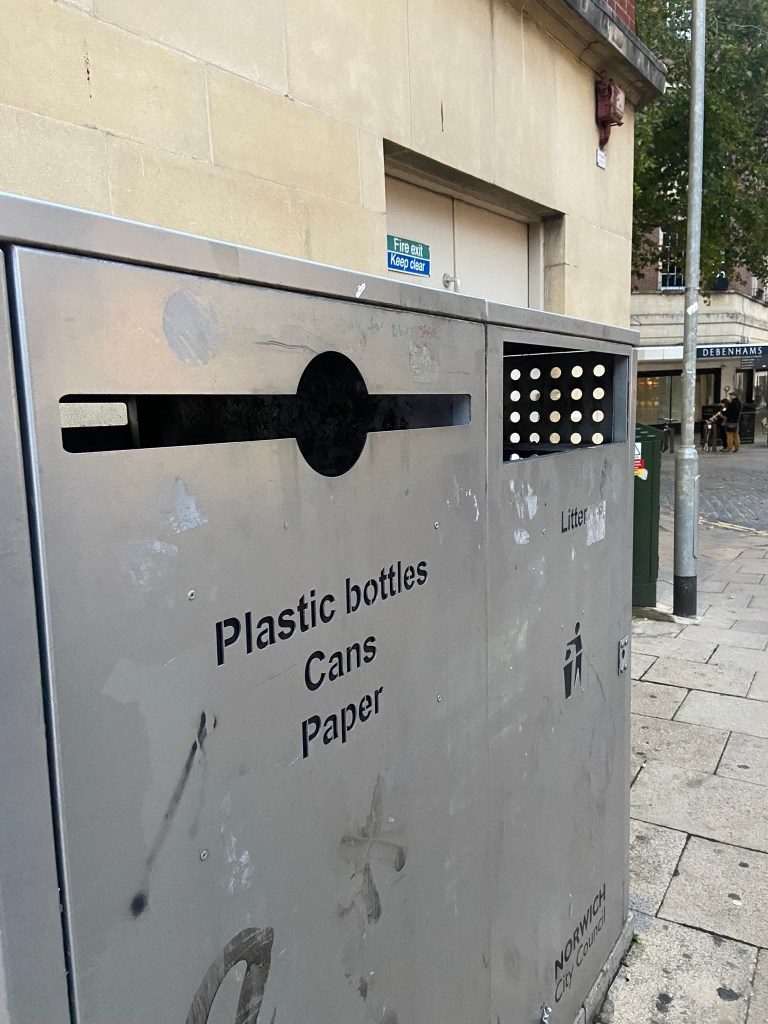
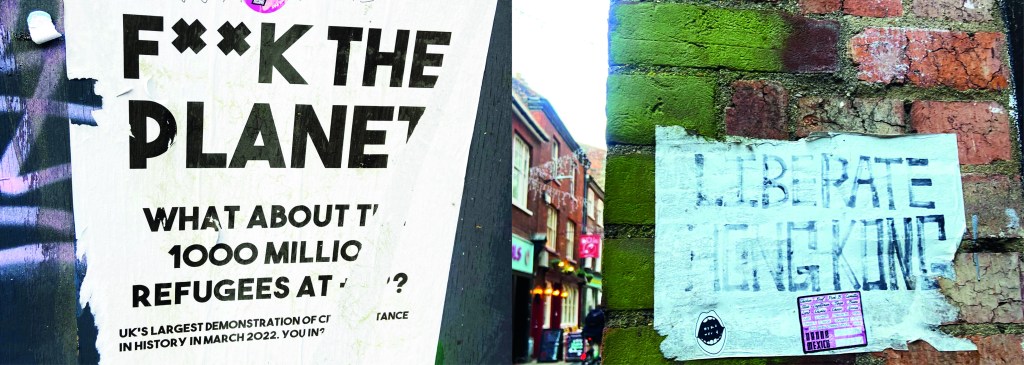
I had already got a small bank of photos from different towns and cities but I knew that for what I wanted for my book Norwich was by far the best place I had seen for urban street typography and art! Norwich is a 2 hour drive from our house and me and Chris left at 3pm on a Monday afternoon. Chris stuck an hour on the car in the carpark and told me to fill my boots! Off we set off down every nook and cranny looking for any sort of inspiration for my book. A lot of people stared wondering at me as I photographed graffiti that spelled out “boobies” among many! I didn’t care if it was relevant or not right now!- I just needed a hefty bank of photos to choose from! We literally photographed everything! Chris turned around to me at one point and said “I didn’t even know we would find this much to be honest… when you said about coming all this way to Norwich I thought it would be a waste of time! Actually though when you look, you can find a lot!” EXACTLY! This was what I wanted the purpose of my book to be! Inspiration is everywhere, you just have to be looking!! A lot of this vernacular typography is hidden, it is there is full view of us daily but we overlook it and take it for granted. Even the graffiti has sentiment, there are messages there to be taken into account.. we just choose not to see it as we associate graffiti with bad and not good. Chris said “graffiti is vandalism though, you are just celebrating vandals ruining things..” I replied that beauty is in the beholder, we did find some lovely examples of sentimental graffiti in nice hand lettering that I could imagine being traced around in design software and being developed into a new typeface!

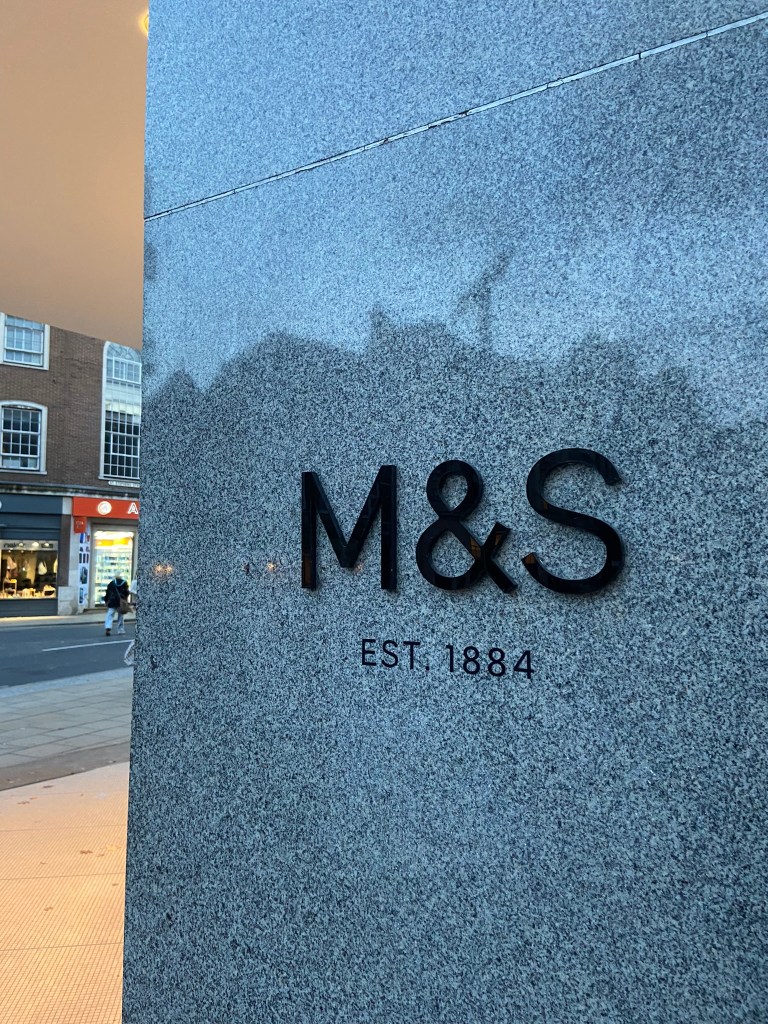
Chris was asking if I wanted to photograph shop fronts such as M&S that have the really nice ampersand and classic typeface; whilst this is lovely, M&S is too commercialized now. M&S in Norwich is the same as M&S in Brighton which is the same as M&S in London which is the same as M&S in Bristol!…These signs as elegant as they look with their typefaces are rather quite samey.. we have seen it before. I was looking for non-commercial beautiful typefaces. A lovely example of one I found was of an 84 in the ground of the church yard in the middle of town in Norwich:

It is a busy walk way and cut through to town but there was this beautiful 84 trodden into the ground. As I was photographing it a man hurried past me right in the way of my photograph and then looked behind him to question what on earth was I doing?.. What was I doing? What is HE doing… he is oblivious to what was beneath him! Another example of how type is everywhere but you need to choose to see it!

I really enjoyed that afternoon.. as weird as that might sound to some people. I was in no rush,..(well, the carpark I guess..) I wasn’t shopping, I wasn’t eating out, I wasn’t spending any money.. I was just walking round with my Fiancé and my iPhone being aware of my surroundings, being aware of the here and now and letting the creative vibes in.

Here are all the unedited photos that I took that night, including some that were already in the folder on my phone entitled “Urban typography”:

We definitely had fun walking around and looking at the random writings on the wall!

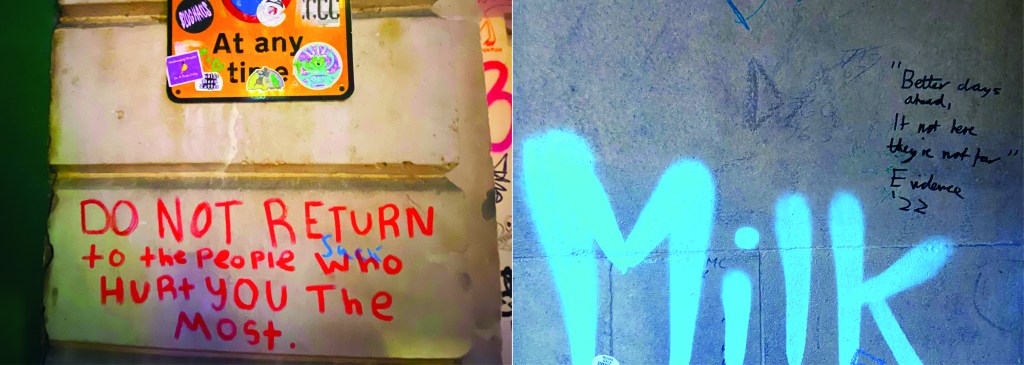
Some of them I was genuinely surprised by! Usually with graffiti it is just mindless ramblings and unintelligent one word scrawls.. Some of these were actual philosophical meanings that were carefully hand lettered and written onto there! I also found a lot of nice looking typefaces on our travels; there were a few with numbers and lovely looking ampersands which were rather very nice! The old pharmacy in Ely had lovely serif typeface inscribed into the building.

Now that I had banked a lot of good photos, it was time to go home and research further into what  content I was going to include in my book which would decide what photos I needed to import into Photoshop to edit to include in my book.

I started off by producing a rough flatplan of my book. I didn’t know yet how many pages I would be having in my book but I could start by planning out the beginning of the book with intro pages, contents etc..  I also needed to plan out how I was going to get vernacular typography, street art and collages into one book and split it accordingly. I had the thought at this beginning stage to colour code each section of the book which is why there are colours following some of the pages.

I also printed out contact sheets of all of the photos I took and highlighted them against their category; Vernacular, graffiti, experimental.

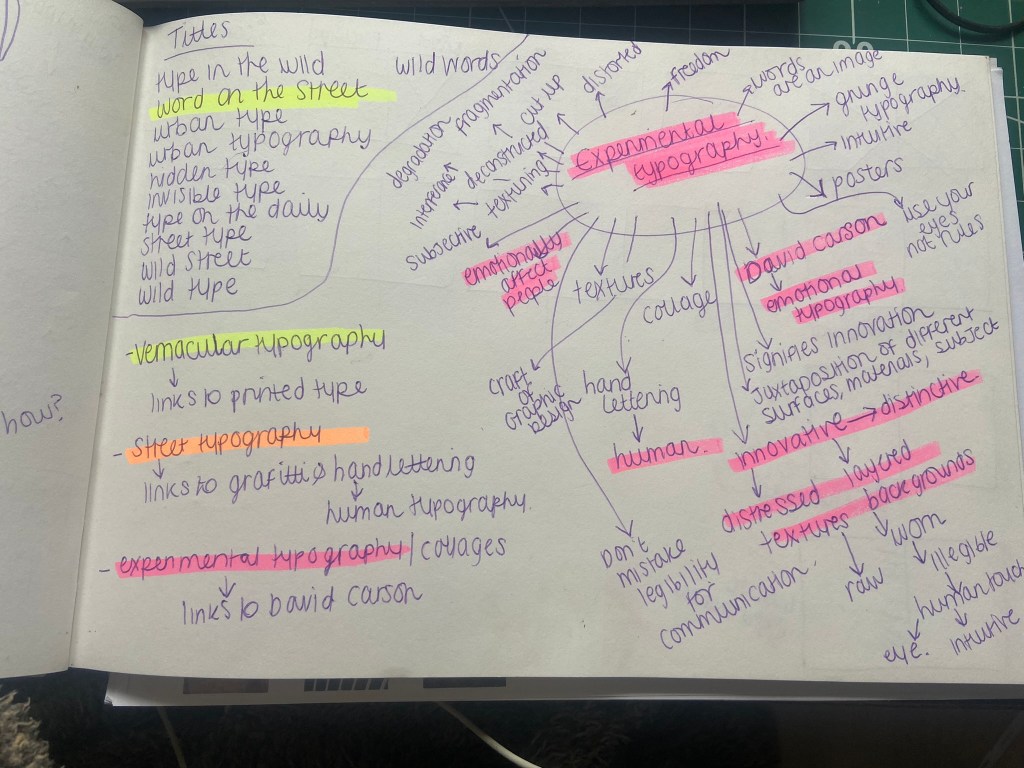
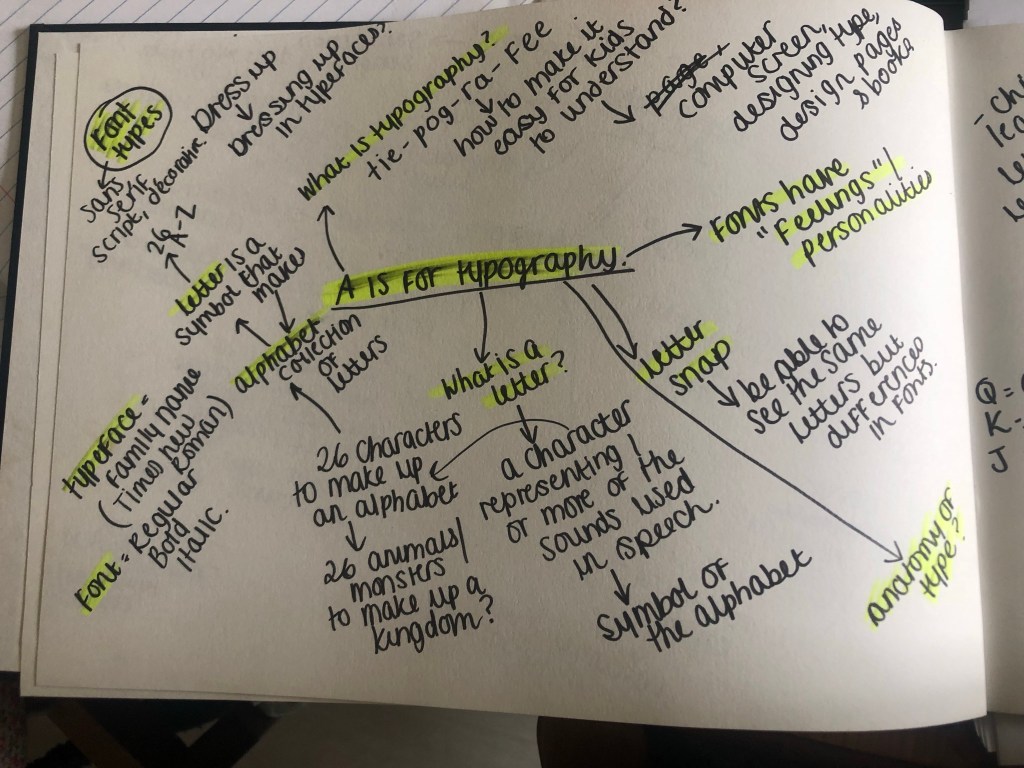
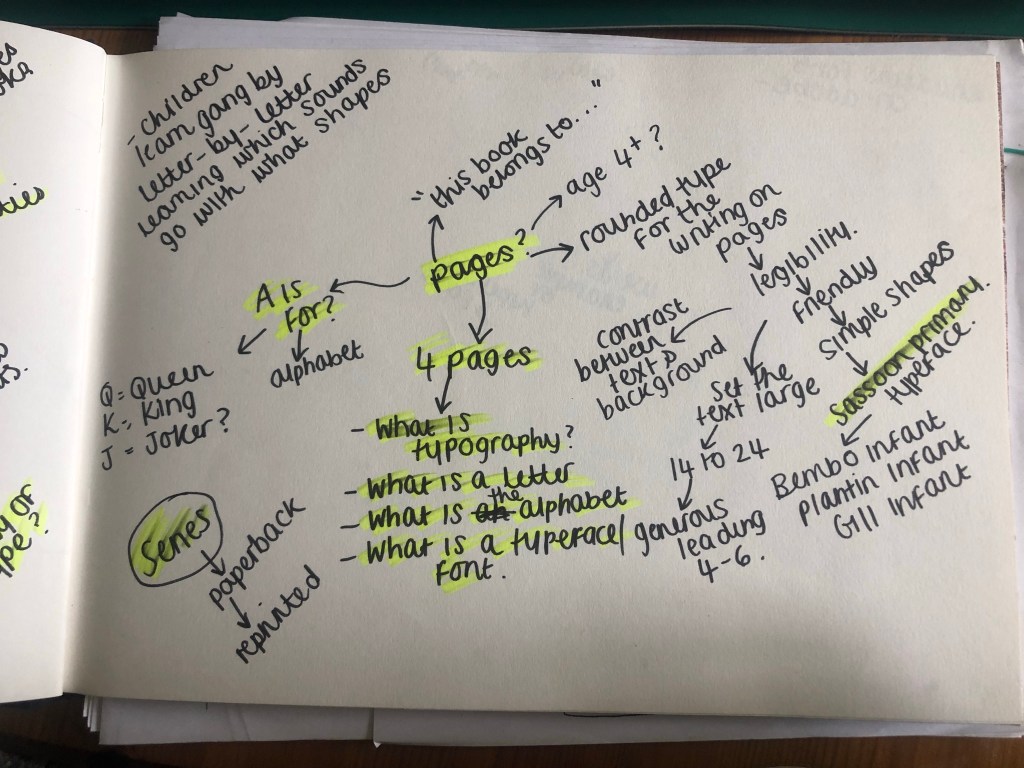
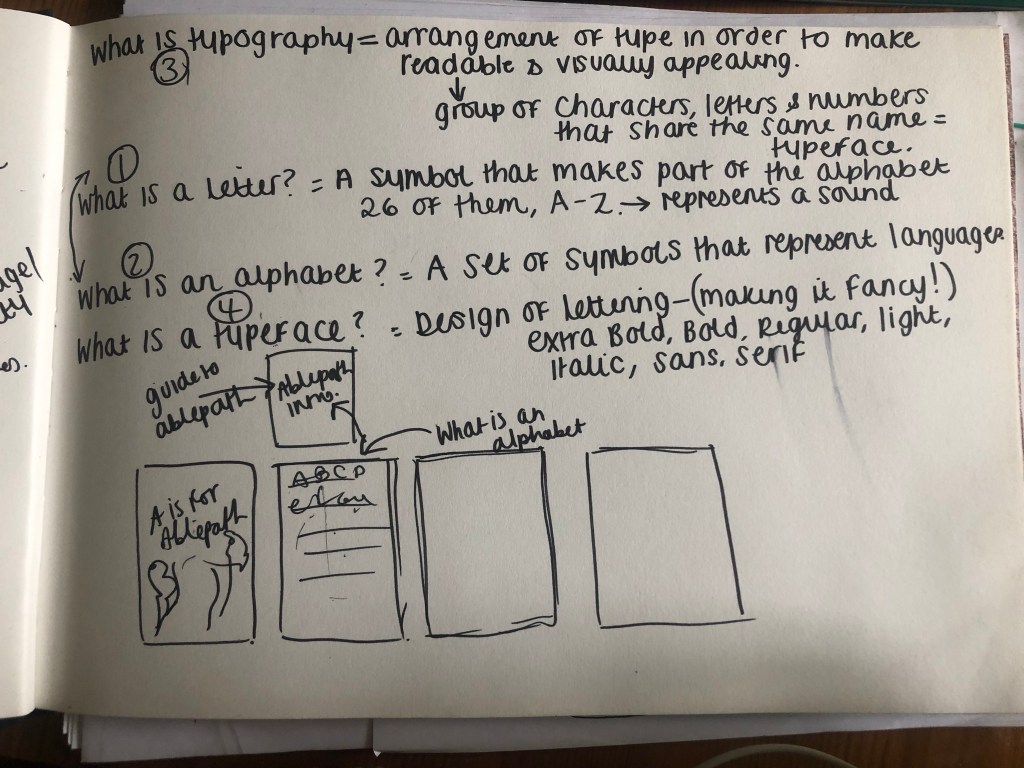
I also mind mapped some research around vernacular typography, street typography and experimental typography:

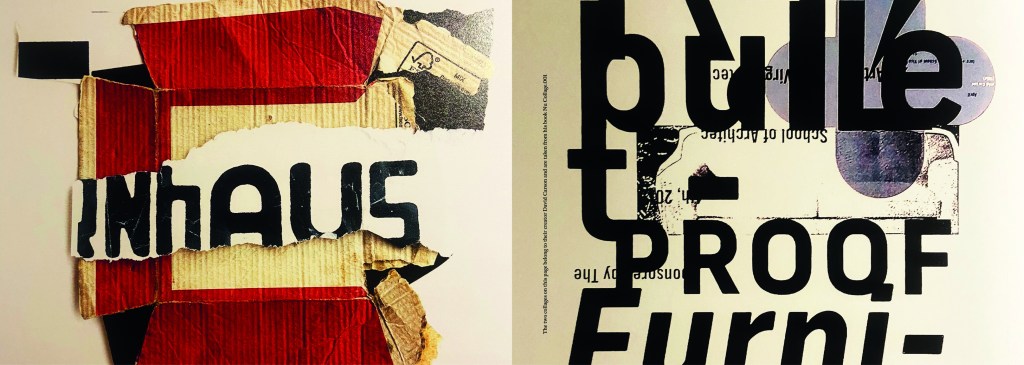
I figured out that my book would have three chapters: Chapter 1 on vernacular typography which would feature the shop fronts, signs and any interesting typefaces I found on my travels. Chapter 2 would focus around the street art; Graffiti and more humanist typography done by hand lettering and handwriting. Chapter 3 would focus around posters and collages that feature interesting type which would then lead into a little bit of information about David Carson whose recent experimental typography work involves collage.

It was difficult to sketch ideas around my layouts as a lot of what I am using are photographs, instead I sketched out ideas for the style of layout that my book might have.

I whittled my photographs down and organized them into their groups ready to edit and bring into my book later.

Timings for my book

The photographs that I took for my book were taken late October whilst I was on half term from school, I started this assignment on Monday 7th November and it was complete by Wednesday 9th. This is not something I am particularly proud of- but I did work my socks off for 14 hours straight on both days whilst being off sick from work, (I have been ill for 3 weeks now!). I had to really organize myself and know exactly what content was going in the book. I am so fortunate to have pre planned ahead and taken all of the photographs I took for the book! In industry I know there are fast turn arounds but nothing possibly as quick as this for a published book! In an ideal situation I would have liked to allow myself more time to add more content- more creative outcomes from the examples that I found (the end, hidden chapter in the book!). Although the turn around for my book has been quick, there hasn’t been any corner cutting. I have successfully included everything I wanted to from my initial idea and I have checked it numerous times for typos. I have just been really unfortunate this year of studying in that I have had so much personally happening.. house renovations, our wedding in 3 months which has been full on organizing!, hen parties, (one of my own, that I organised.. *eyeroll) full time work, fitness and numerous of silly little health incidences this year that have hindered my study time quite significantly! I do like the fact that I had full creative control over my book, in industry I would have been the artist, author and designer and it would have been my content and vision which would drive the book forwards.

The size of my book

I now needed to figure out the size of my book. From doing previous exercises in this unit I have a Solopress paper sample book that I quite like to keep handy for reference and I really like the size of it. I measured it up and it was 21cm x15cm landscape. This is also very similar to the En Suite book that Sarah Horn designed. It is also a very similar size to the 2 books I bought on Amazon.

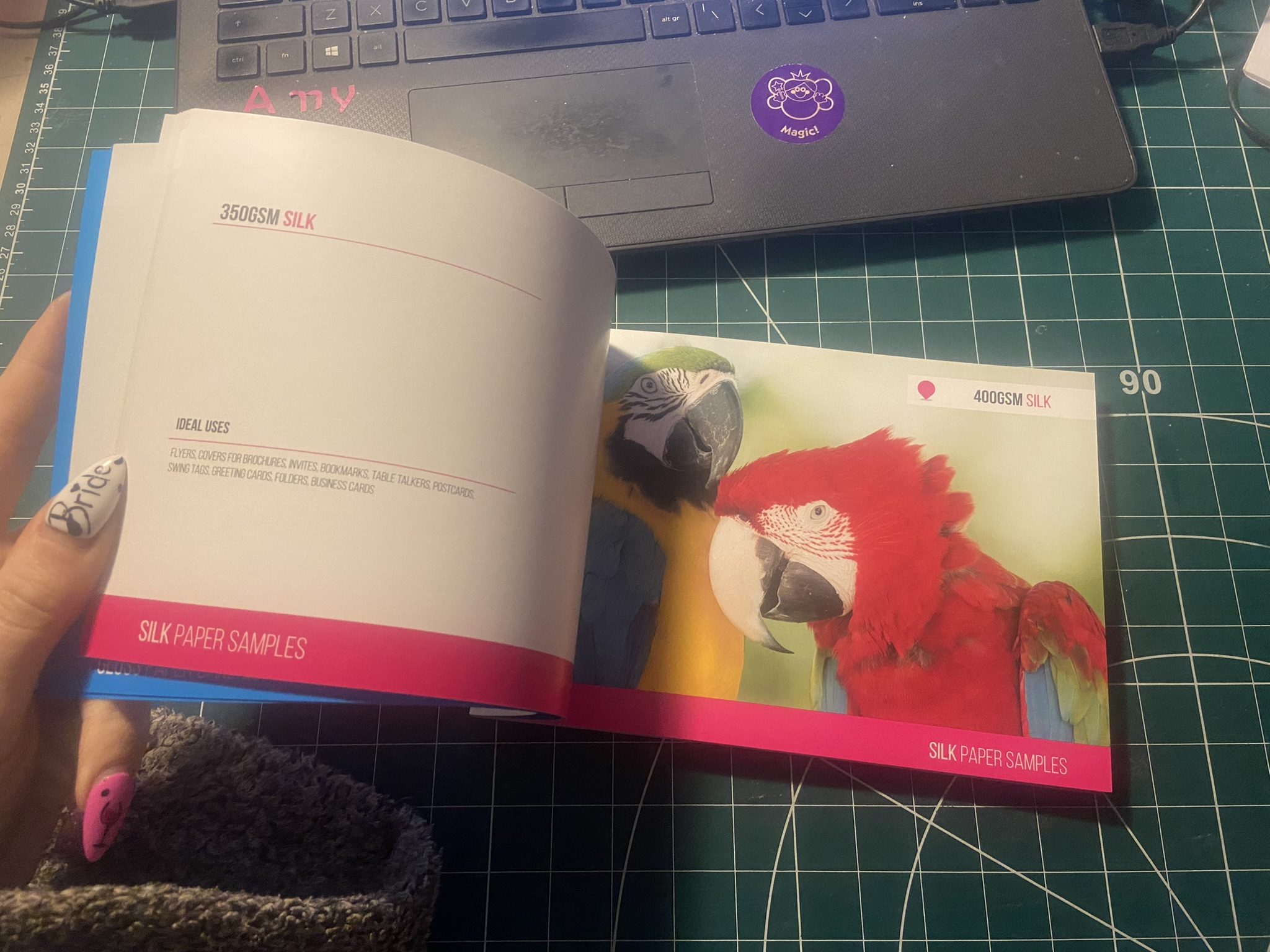
I decided to go with this size and created my document in InDesign. In my last assignment I made the silly mistake (I didn’t even know what I had done until my tutor pointed it out!) of designing everything in Photoshop (including text!) and then importing it into InDesign. I have no idea why I did that because I have never done that before! I know that images are edited into Photoshop to be imported into InDesign and any text is always done in InDesign and any vector illustrations in Illustrator! I was not going to make that mistake this time! I started editing my photographs in each folder one at a time increasing the vibrance and lightening up wherever was needed. I wanted really bold, striking, bright and colourful photographs for my book!

Referring back to Solopress printing book I keep as a reference, I had a look to get my book professionally printed from there. Although I had such a short time designing my book and I couldn’t possibly have a physical copy in my hand for my final course deadline, I plan to have some copies printed so that I can present these for assessment when that date rolls around. The cost of the print depends on how big the book is. My book with all the photographs actually turned out to be a proper book! I only envisioned 40 pages maybe for my book as I have had a nosy at a few fellow OCA students blogs and seen that their work consisted of about that mark.. Mine ended up being 102!! I just had so much good photographic content for it that I didn’t want to miss any out! I also really enjoyed putting it all together.

https://www.solopress.com/perfect-bound-brochures/a5/

I inputted some details on Solopress website to see how much my book would cost to have printed:

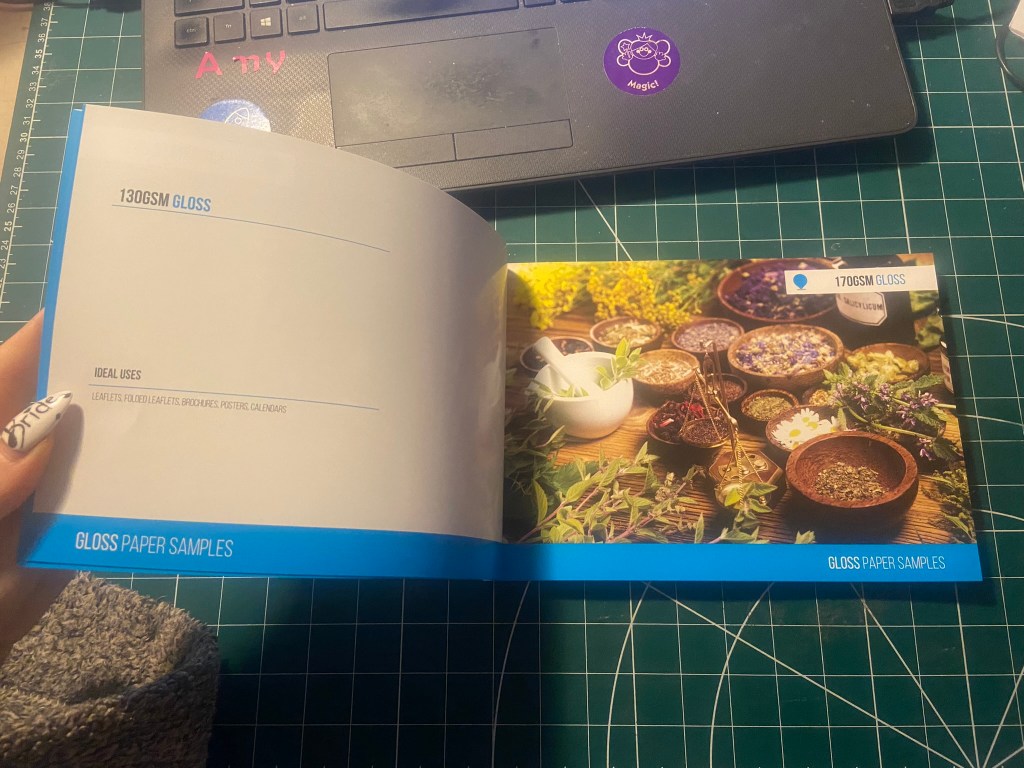
From looking at their book I flicked through the pages to see what options would be best for my book. I wanted an A5 perfect bound brochure as these were suited for a lot of pages. I like the 170gsm gloss paper for the insides; I needed a glossy paper to show the beauty of the photographs. I also wanted a chunky, glossy front cover so went for the heaviest stock option they had in glossy for the cover. There was paper stock in silk available at 400 gsm but glossy suits the nature of my photo book more.
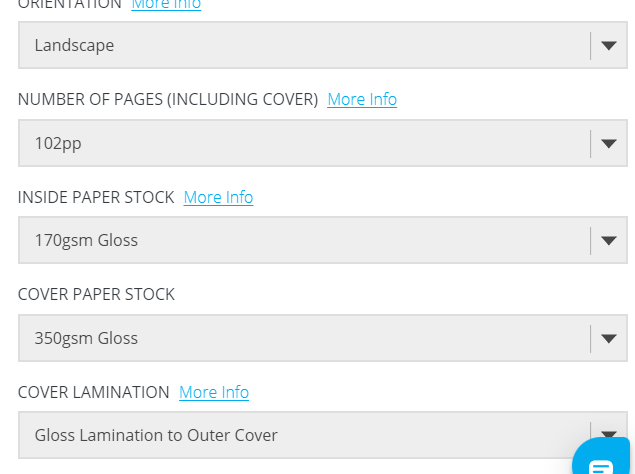
The costs were not cheap… but then for a full colour, big book like the one I have produced I would imagine that this would be the typical price. It is better to order more copies than less at this point! I would probably try and order 10/15… give some out as promo for my work.

For the time being the best option for my book when I had completed it, was to find an online digital place where I could house it for the time being! I refer back to part 1 of this unit where I state I am not a fan of digital books, I am still not.. but desperate times called for desperate measures and at least this way I had a fully functioning book that could be read in a digital state for the time being!

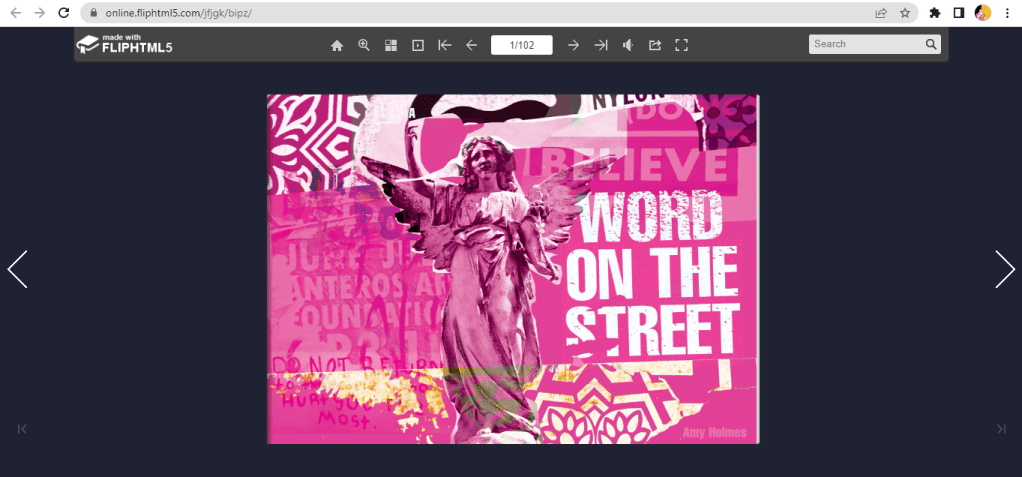
I found this website, which is actually quite good for importing in your PDFs and it creates a flipbook of your work!

You can see my book below by following the link!

https://online.fliphtml5.com/jfjgk/nurj/#p=1
Designing and making my book

I edited all of the photographs for the book in Photoshop and then created all of the content using InDesign.

My book would be primarily a photo source book to flick through for inspiration so I knew that when It came to laying it out, it needed to have a photograph a page. The front and back covers I designed last because I wanted to finish the whole of the book to see if any inspiration or cool images would be made by the end of the book to include on the cover.

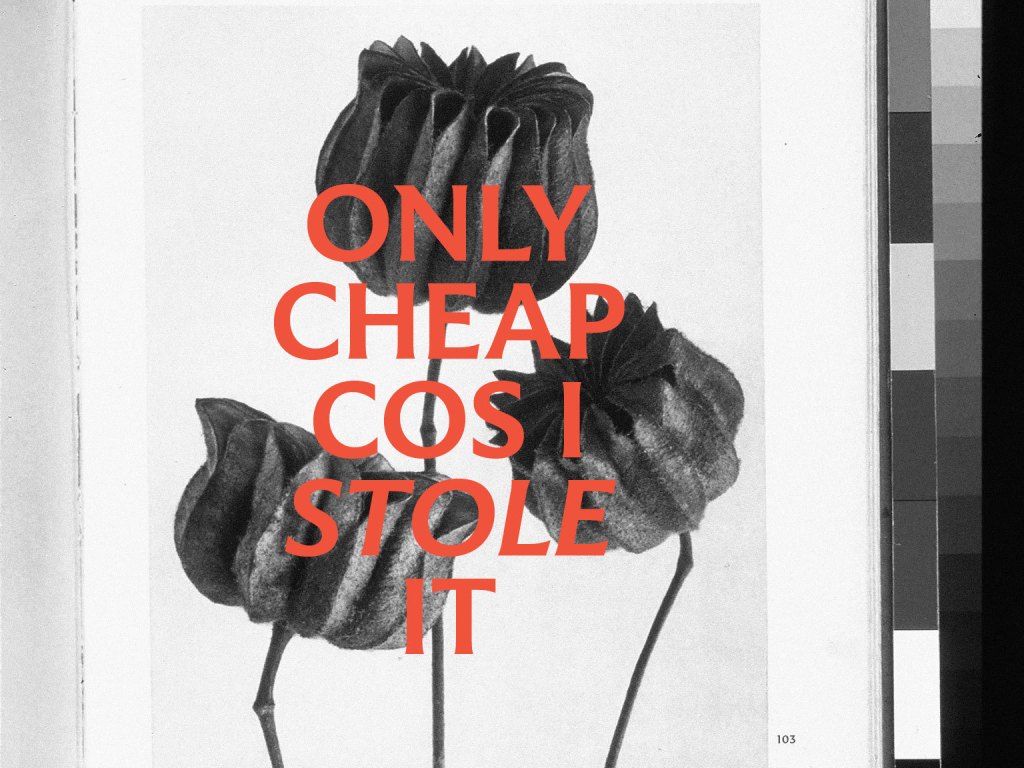
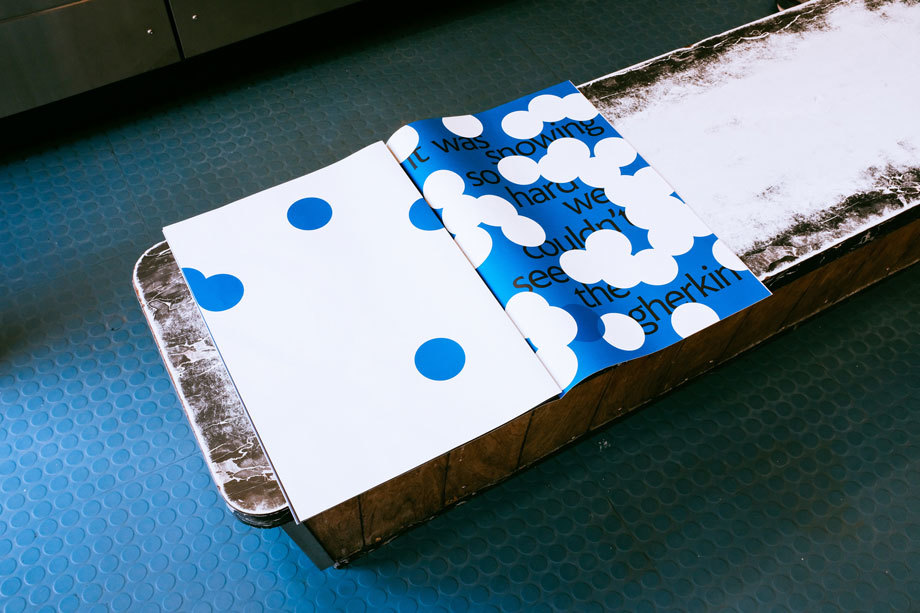
This is page 2 and 3 of the book. I wanted contrasting pages so that they were bright and vivid and stood out. A lot of the photographs in the vernacular typography first chapter were blue in colour or had a blue/grey tint so I decided that Blue was the appropriate colour to start this chapter off!

I wanted a bit of an introductory to the book and a chance to self promo my work. In InDesign I worked to a 6 column grid and positioned my text over 4 of the columns.

For the squiggly graffiti page I cropped a section of the photograph below and then put a filter over the top to give a cool effect!

When I was in Bristol over the summer I took a cool photograph (and a video!) of people “jumping the fire” as the lad told me in the video I took, this is tradition in Bristol.. a right of passage and means that you belong to the city of Bristol. It might be complete Saturday night drunken bollocks but I really liked the photo I took on this random night! It is very urban with the lights and the graffiti and the people in the groups and walking by. It has atmosphere and a vibe if nothing else! I had to use it for the opening page of the book! I edited the photo in Photoshop to increase the vibrancy and added a little bit of a posterise effect.

I opened the book also with a short piece I wrote on the importance of type everywhere. I used Red for this page to mirror the dominant red colour in the Bristol photo.

For the contents I created a page very similar to the opening pages where I took a section of a photograph from my collection and overlaid a filter on the top to create a new feel. I used a contrasting colour to the yellow- red which again ties in to the previous pages and also pops out against the yellow and helps the headings stand out. The typefaces that I am using are Helvetica compressed for the main headings and title – it looks quite “street” and stencil like and then for the body text I have gone for a contrasting and complimentary typeface called Meno Text Semi Bold. This sans-serif is ideal for body copy and really compliments Helvetica.

For the Chapter 1 opening pages I have done similar again, cropped a section of a photo and then laid a filter over the top to create a cool effect and tried to choose contrasting colours. The red is very dominant in my book and the blue is the colour I chose to colour code the first chapter of my book as most of the photos have a cool, blue/grey tinge to them.

The photograph I chose to use first for vernacular typography is below; I really like this one as I’ve explained in the info I have written explaining in my own words what vernacular typography is. For each page of writing I have done I have tried to keep the background white to allow for better readability and I have either aligned the text over 4/6 of the columns or distributed the text over the 2 halves of the page depending on how much text there is as to how much room I needed to take up.

Before I started showing different typefaces from my locations in my photographs, I needed to give some information on how to tell them all apart and how to classify them to readers who might not already know.

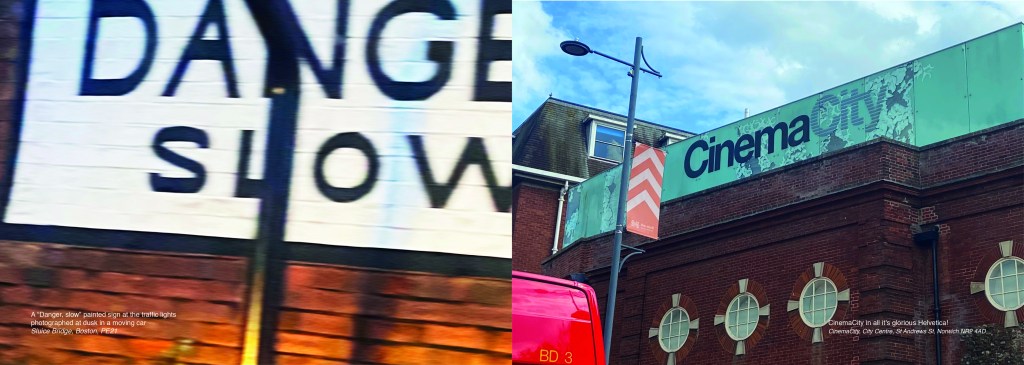
I also did the same for serif typefaces and their classifications… This will help the reader identify which typefaces belong to which classification and better help them when they go out into their own urban environment and find some of their own!

Again, I did the same technique with the left hand page by taking a section of a photo and putting a filter over the top and then I chose contrasting colours for the facing page to make the pages pop and really stand out.

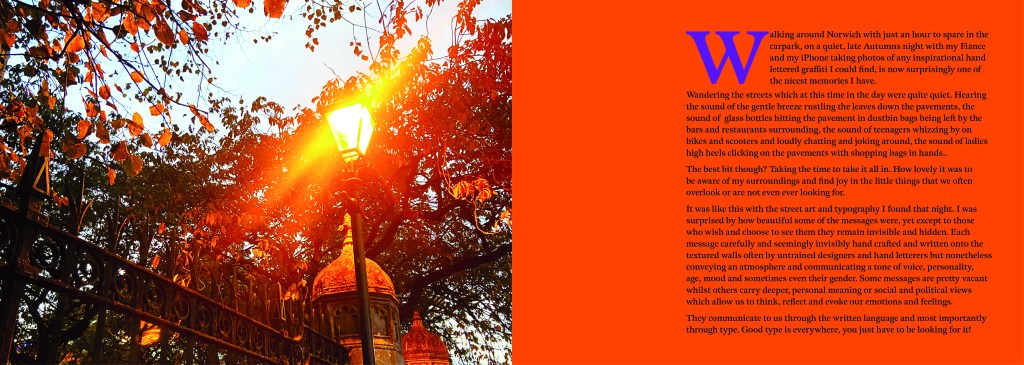
These 2 pages were a personal introductory to street art, I documented how important it is to be aware of your surroundings, live in the now and really take in everything around you because you never know what you might find! I used a photograph I took of a street light near a church yard in the middle of Norwich, I just remember thinking how pretty the orange leaves looked against the brightness of the lamp.
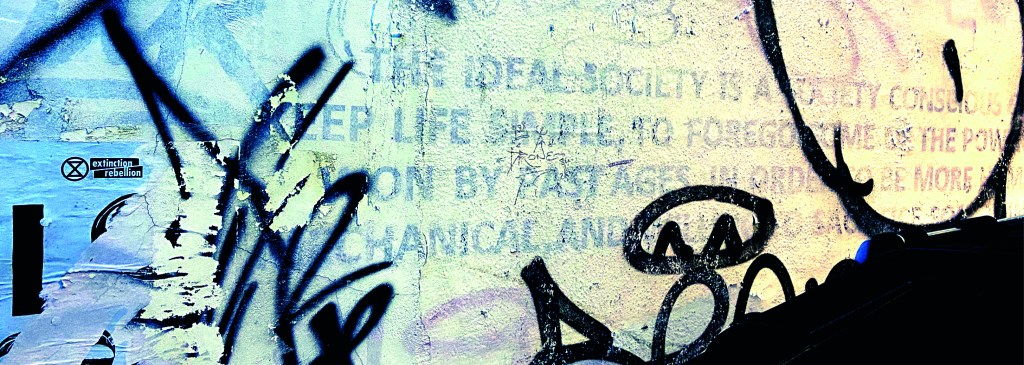
The same as every opening chapter I have done up until now, another left hand page created from a cropped section of a photo and then with a filter put over the top. I have used contrasting colours again to make the pages pop.

For the double pages below, I used another photo that I randomly took of the street in Norwich at dusk. It just gives an urban feeling for the opening of Chapter 3.
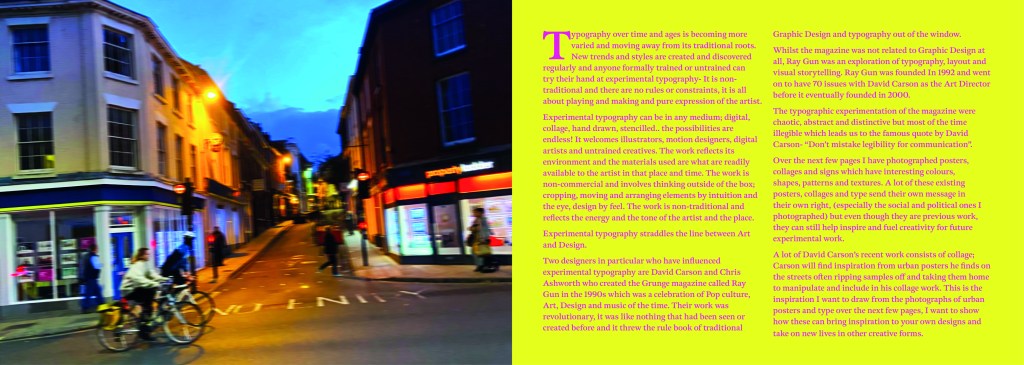
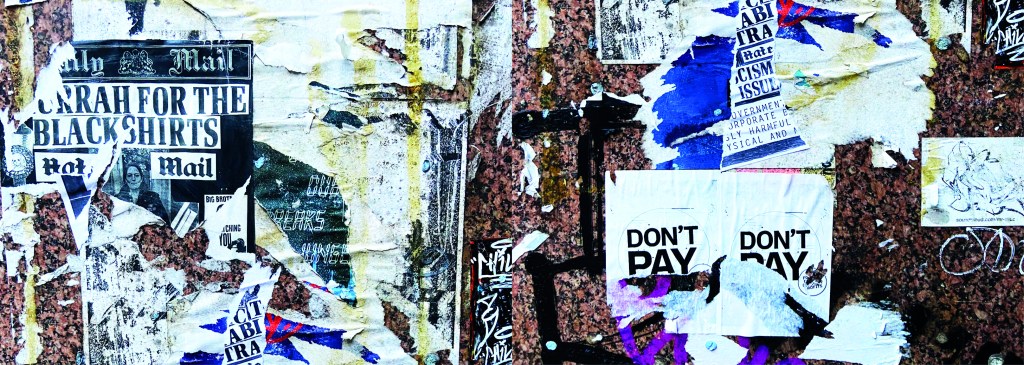
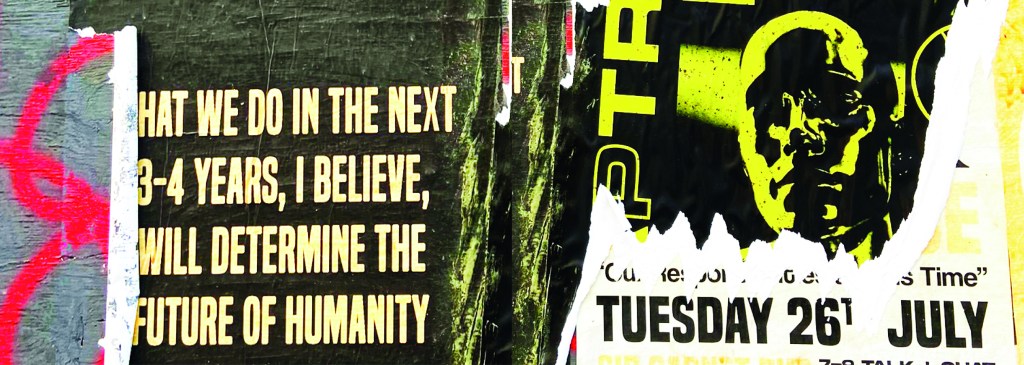
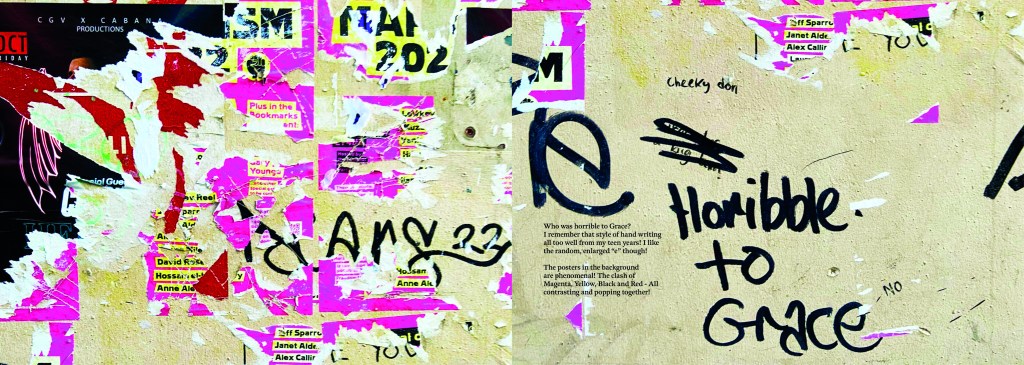
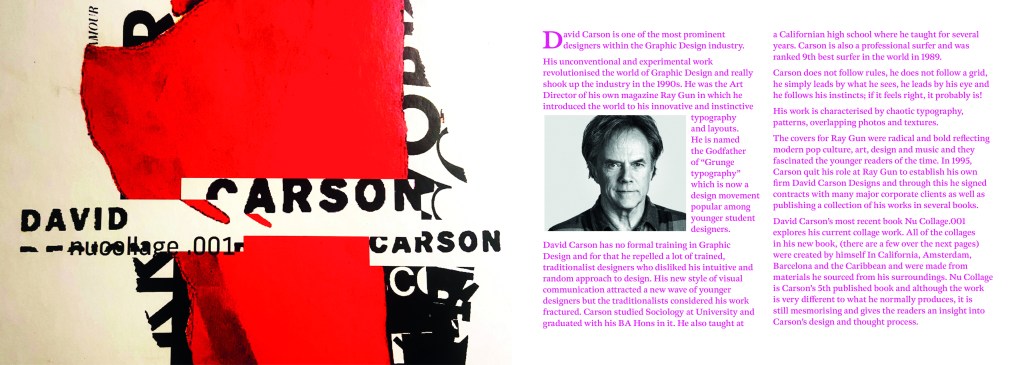
This is where I introduced David Carson to chapter 3. I felt like it was relevant to include him in this chapter as a lot of his new recent work is very similar to that what I found in urban posters and collages in the street. Carson takes a lot of inspiration off the street for his own designs and collages. He rips interesting letterforms off posters or packaging that he finds and incorporates them into his own work. I wanted to show in this chapter how you can take inspiration from these posters, collages and type on the street and import them into your own work to create new, fresh work.
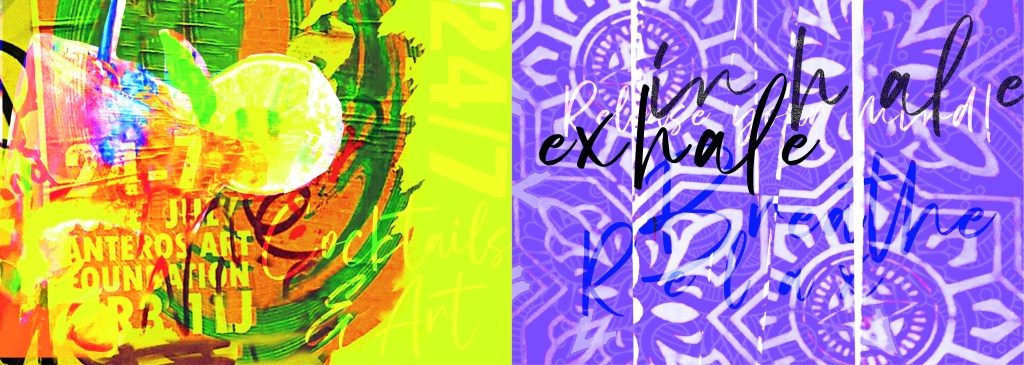
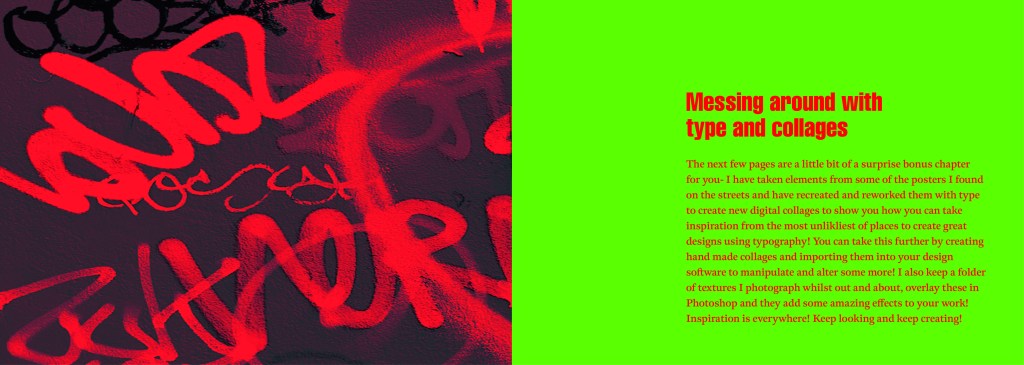
These are the opening pages to the last section of my book which is where I try to bring some inspiration by showing how you can rip text, images, textures, patterns etc off materials you find in the urban environment and bring them into your own work to create some cool art, designs and type.

I created a few examples, I would have liked more time to spend on this hidden chapter as this is really what inspired me to create this book! I would take photos and then use them as textures or as backgrounds or inspiration for any future work! It would be quite cool in the future (even just for fun!) to create a book full of these new, fresh designs made from existing type and work.
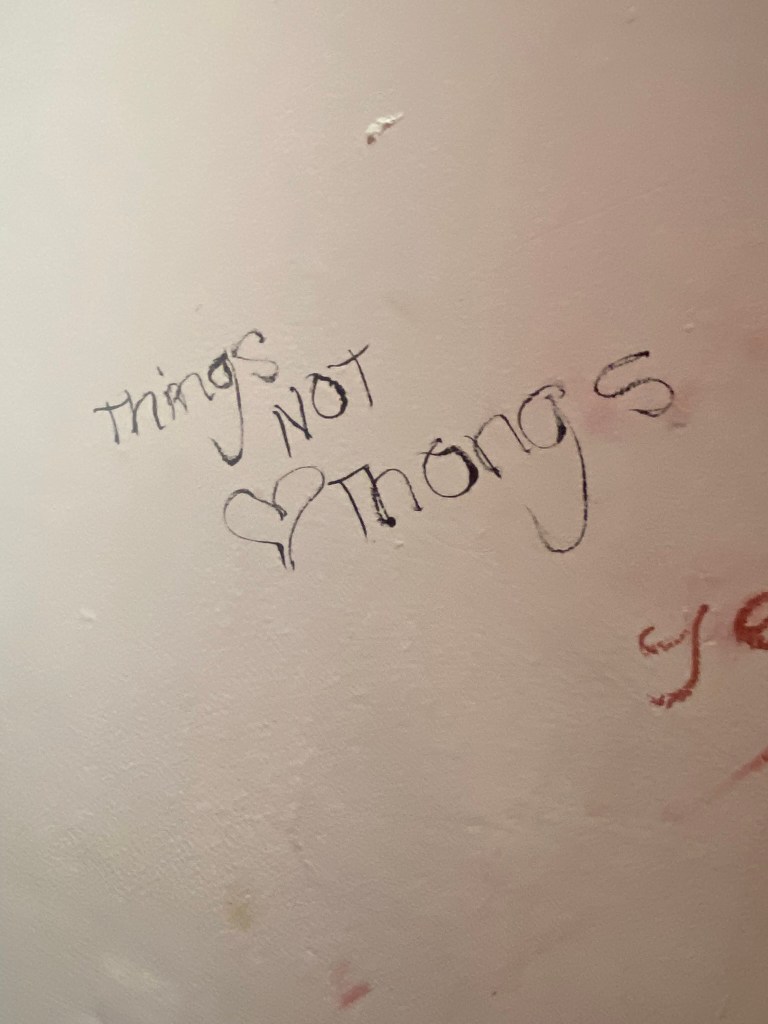
I closed my book off in a similar way to how I opened each chapter. I used the same pattern for the inside back cover as I did for the inside front cover. There was one piece of writing I found on a wall in Norwich where someone had scrawled out a nice sentiment. I don’t know if it is religious, I would guess that is is a song lyric.. nonetheless it had an obvious effect on the person who chose to carefully write it out on a random wall! For someone struggling with a hard time and looking for a sign or something to tell them things will be ok, this is it! I’m not sure if we can class it as typography?… its humanist, its hand writing, we could take the hand writing and create a typeface from it… what a nice little quote though if nothing else and it is a nice way to close the book.

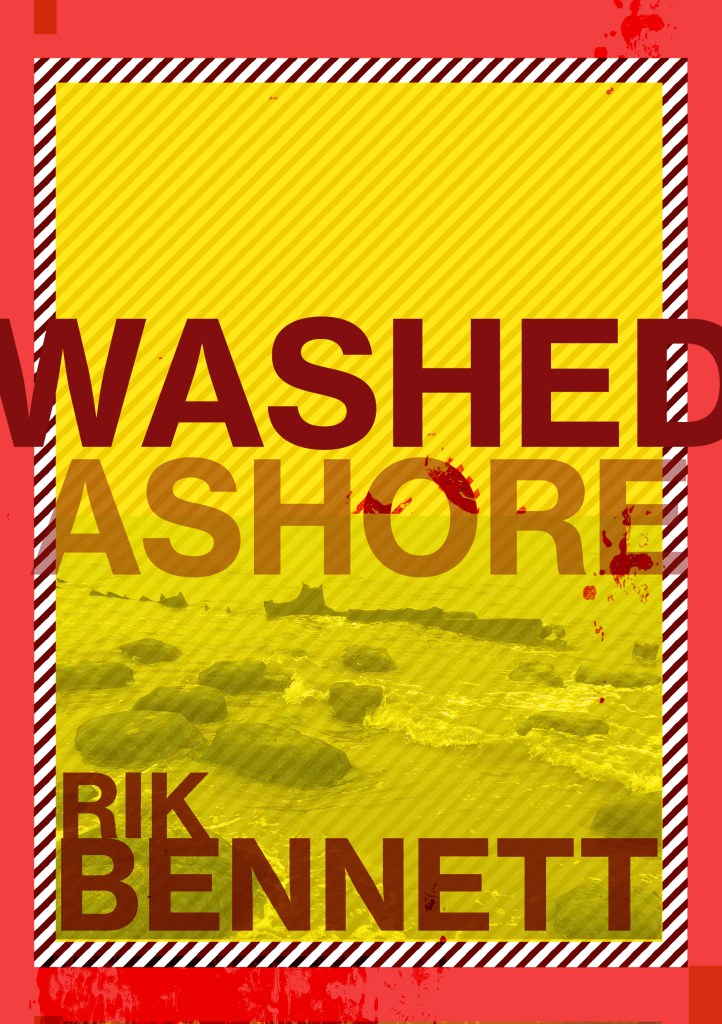
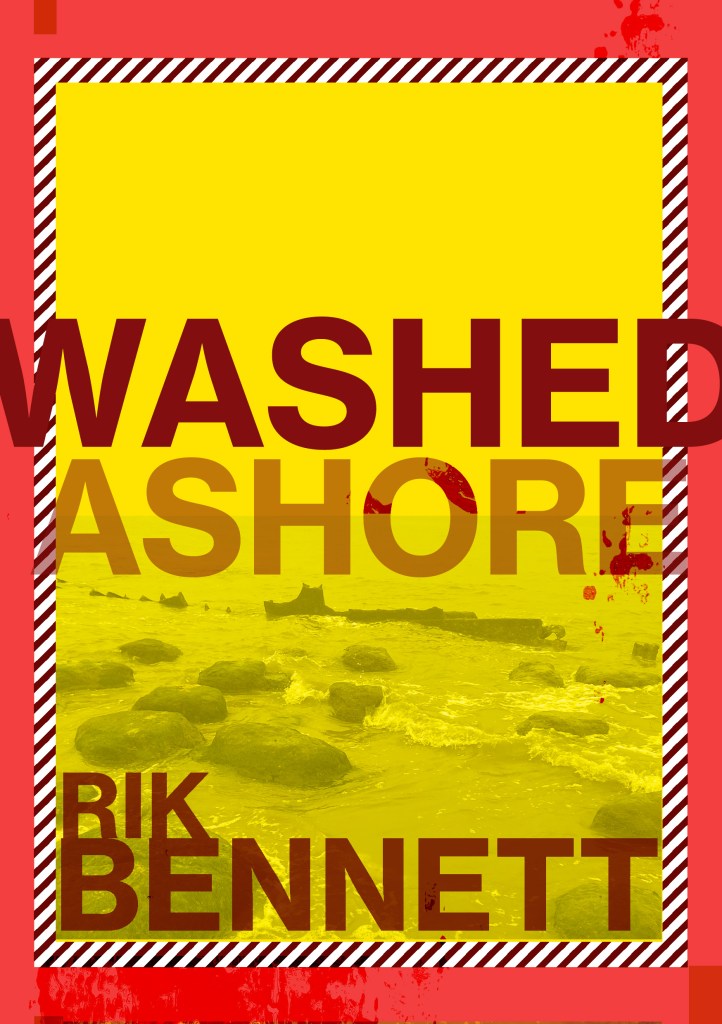
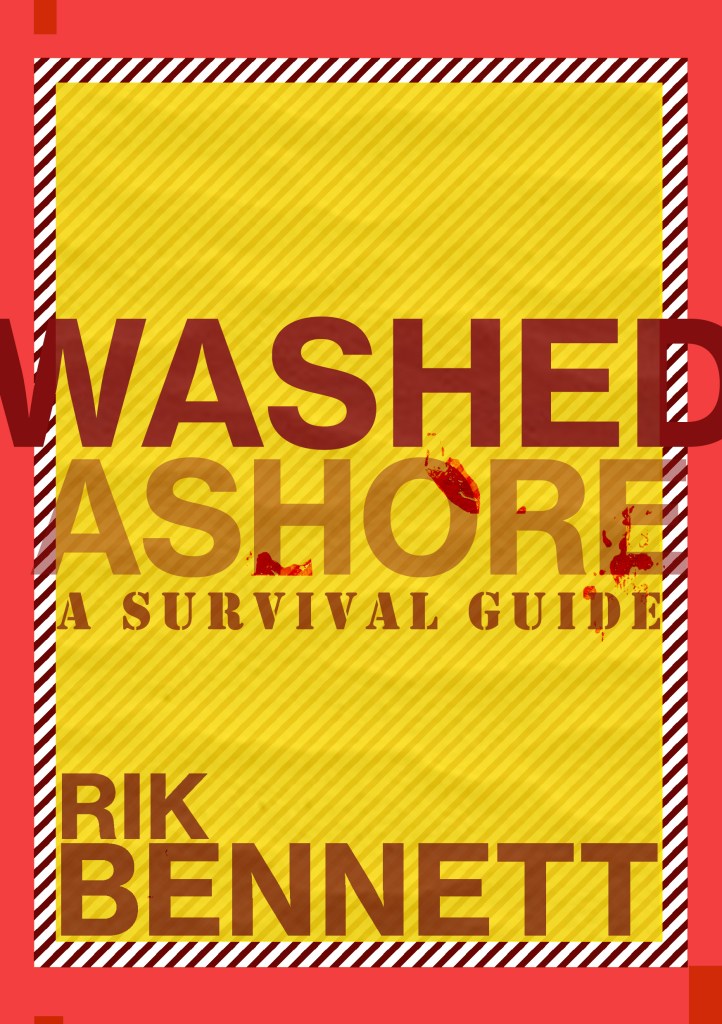
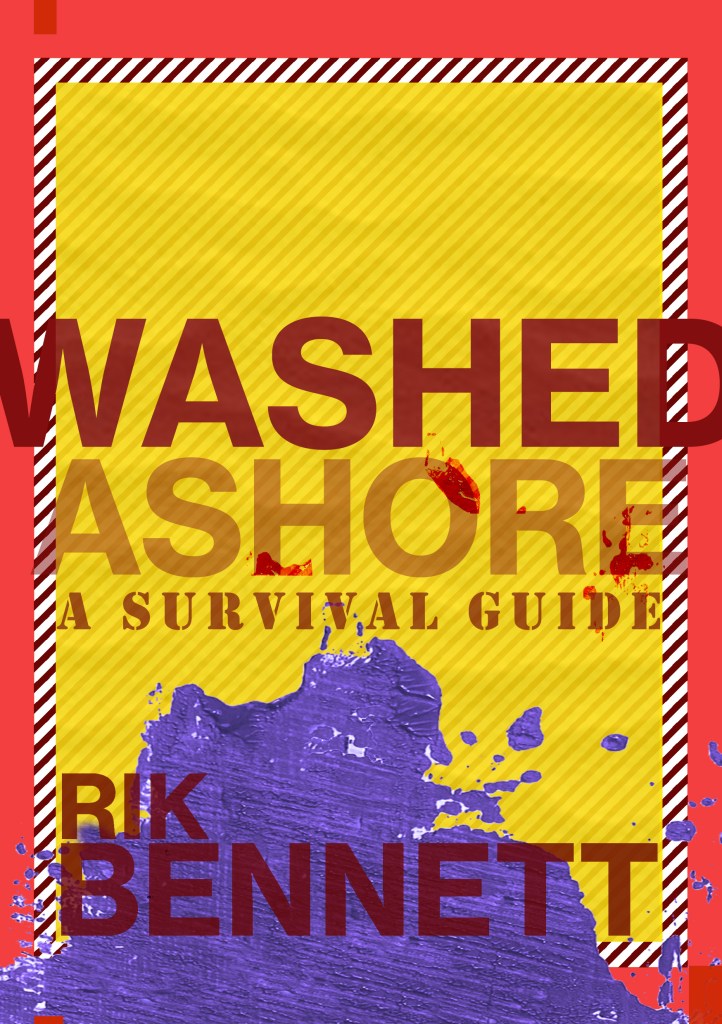
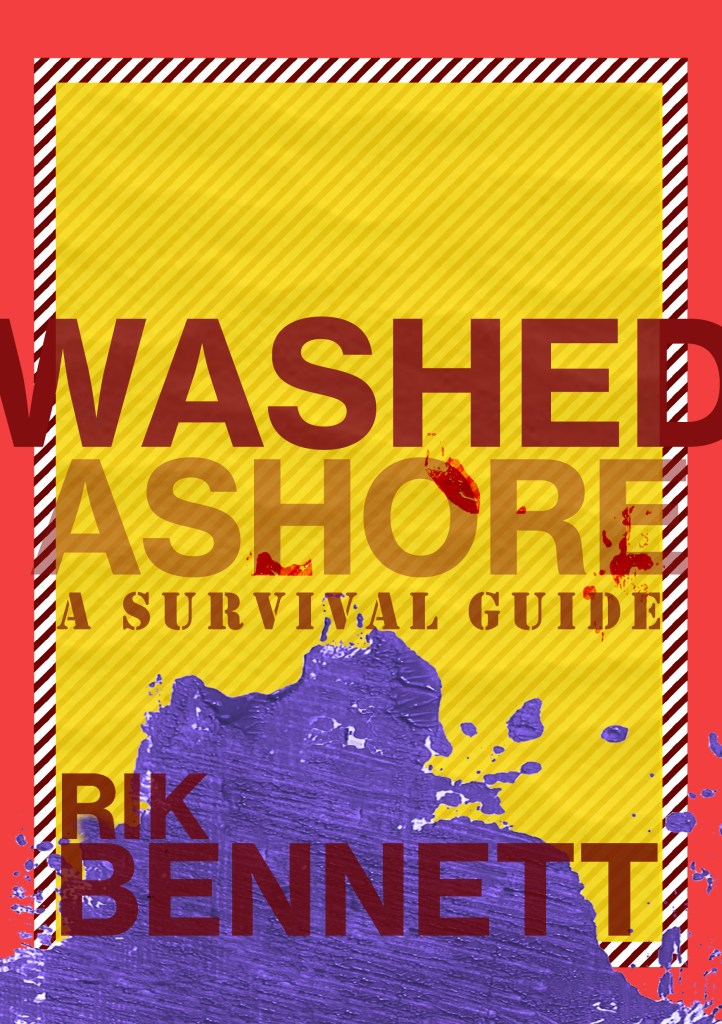
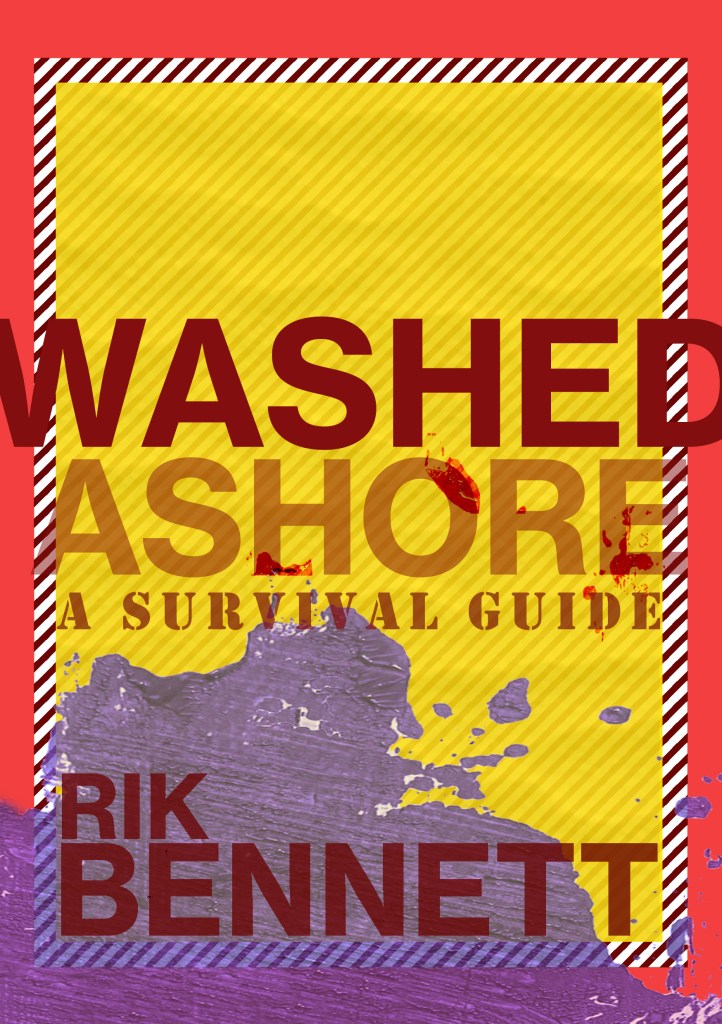
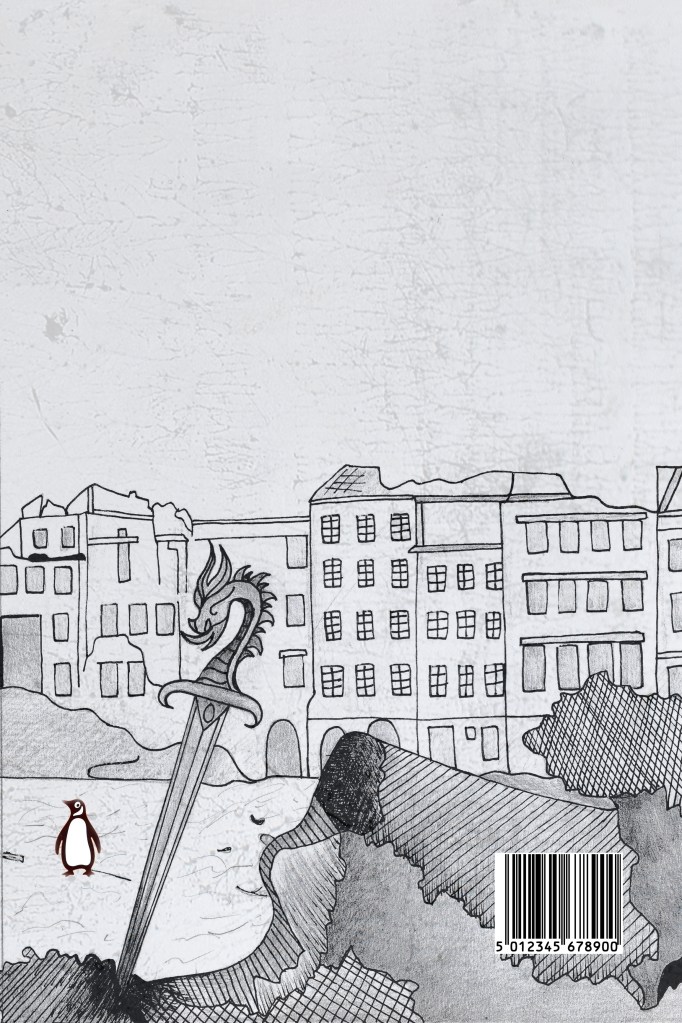
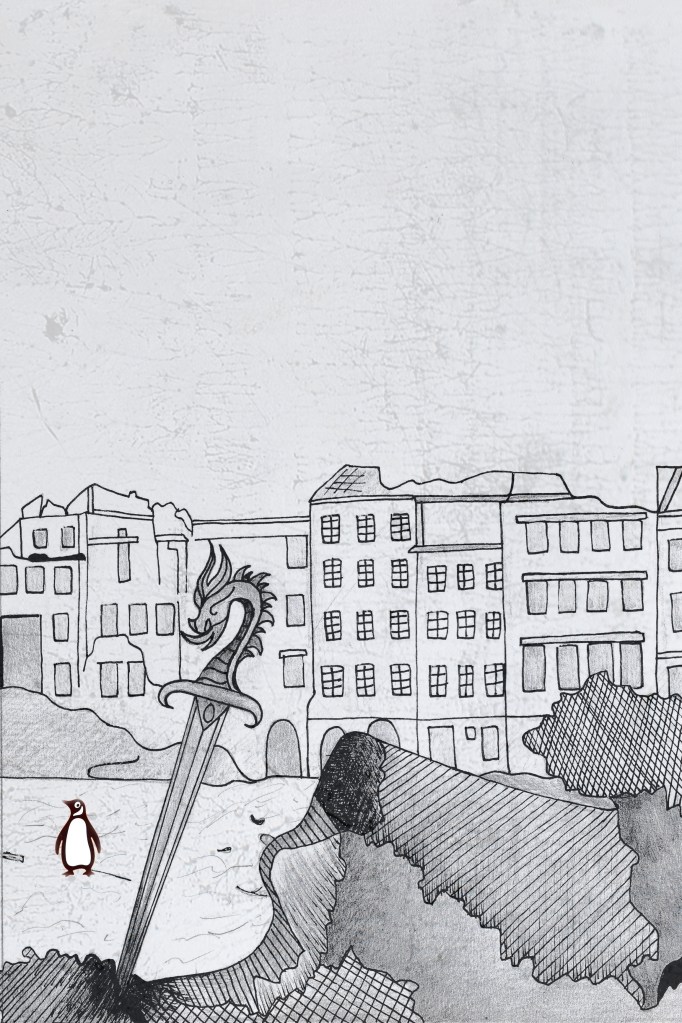
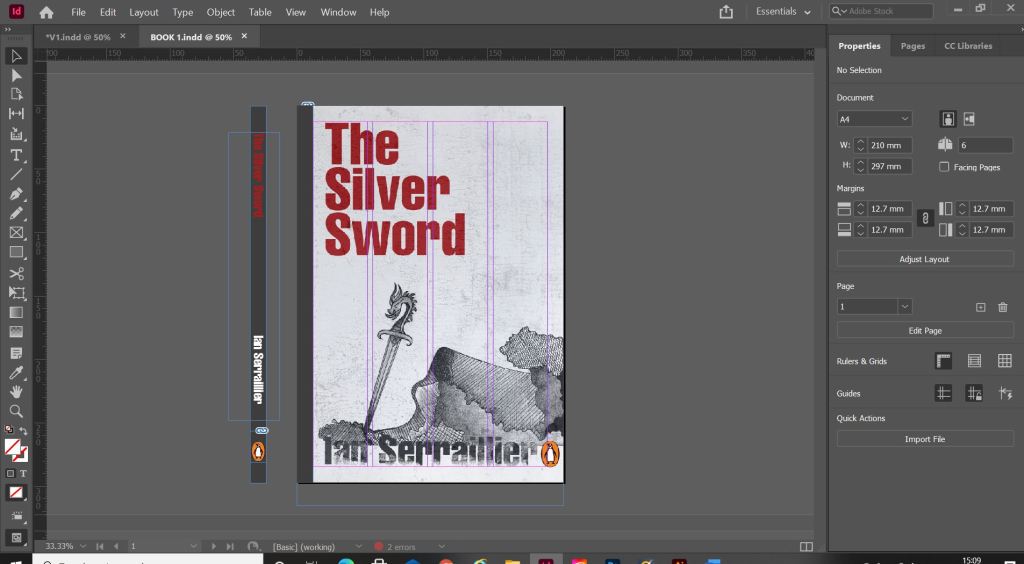
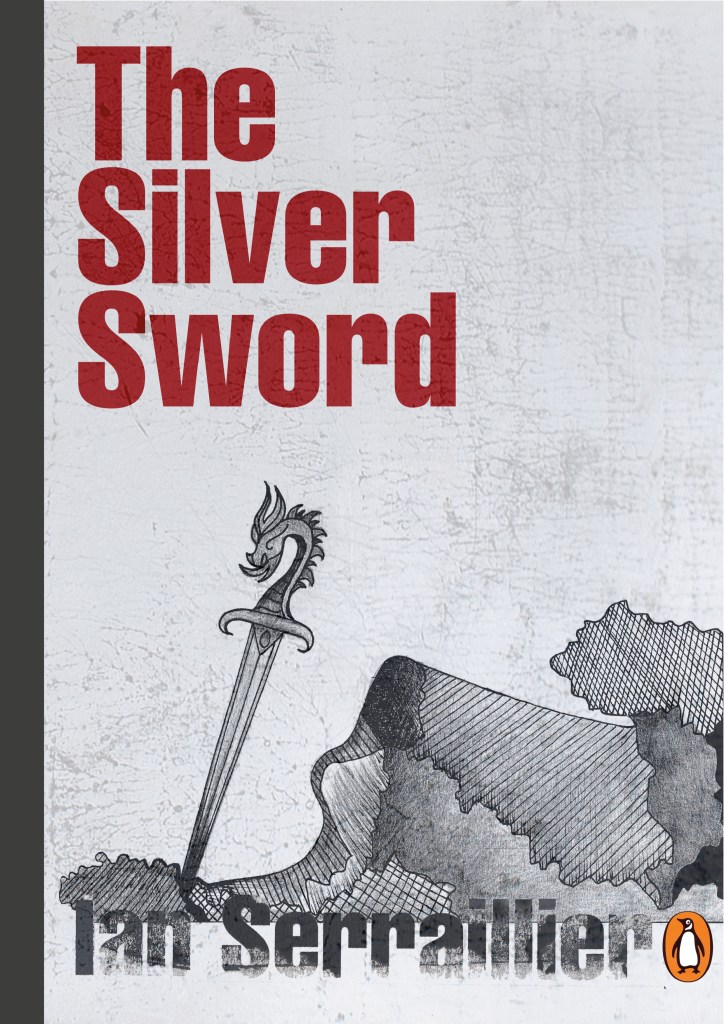
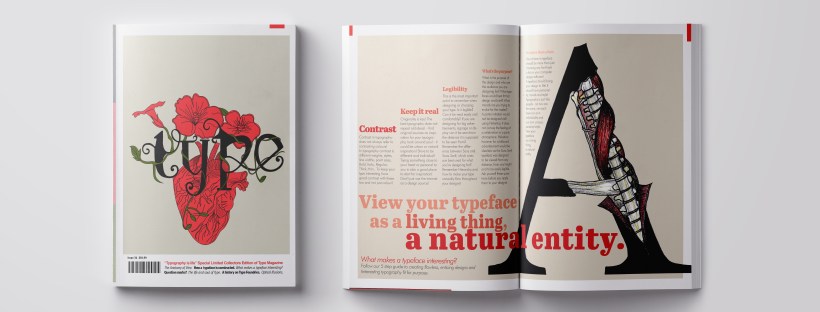
I designed the front and back cover last of all and I’ll be honest I almost totally forgot to!..

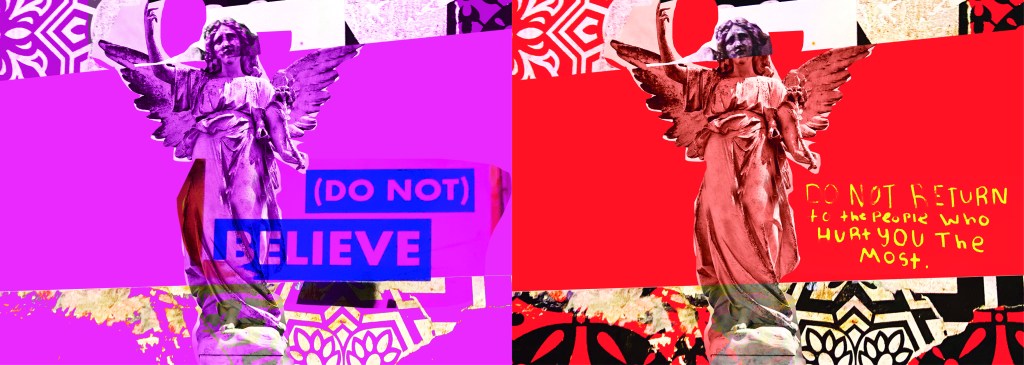
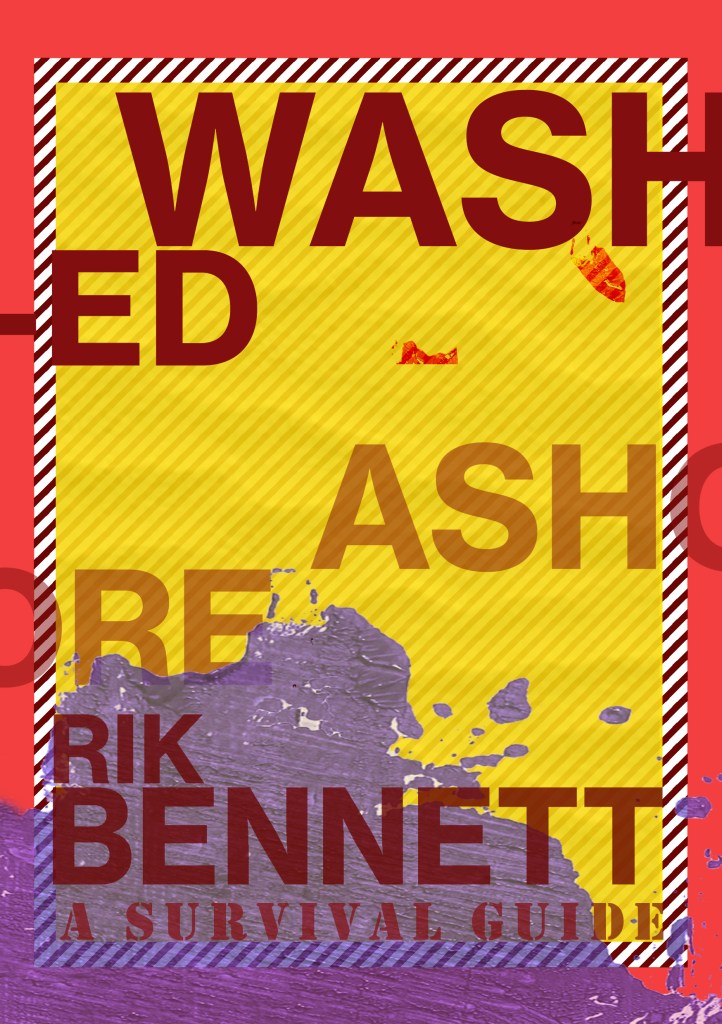
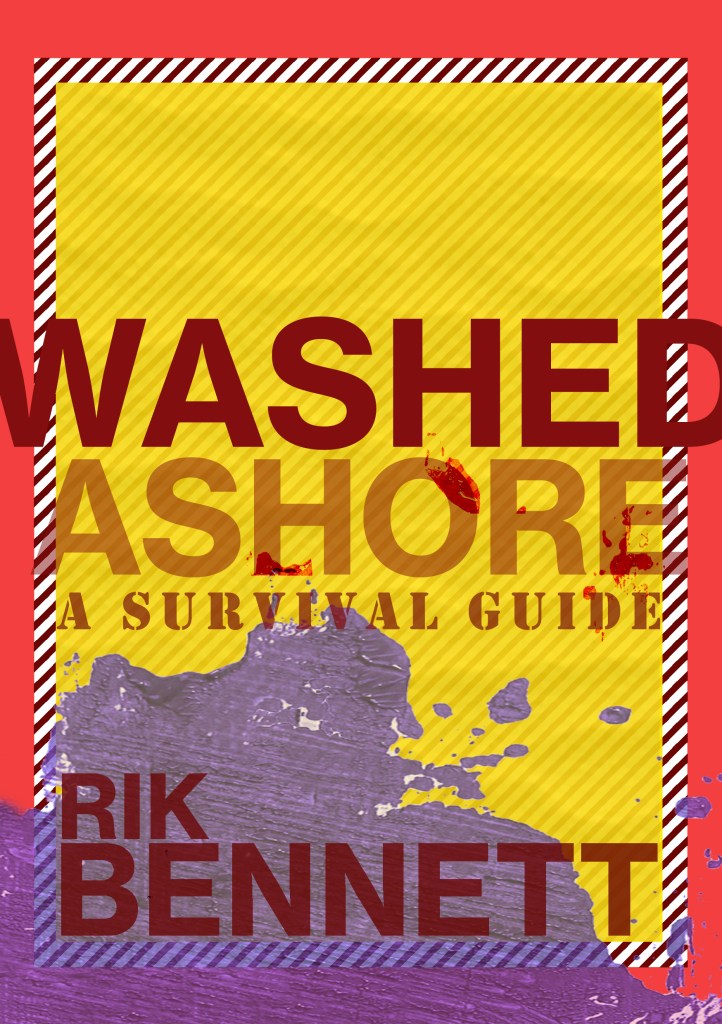
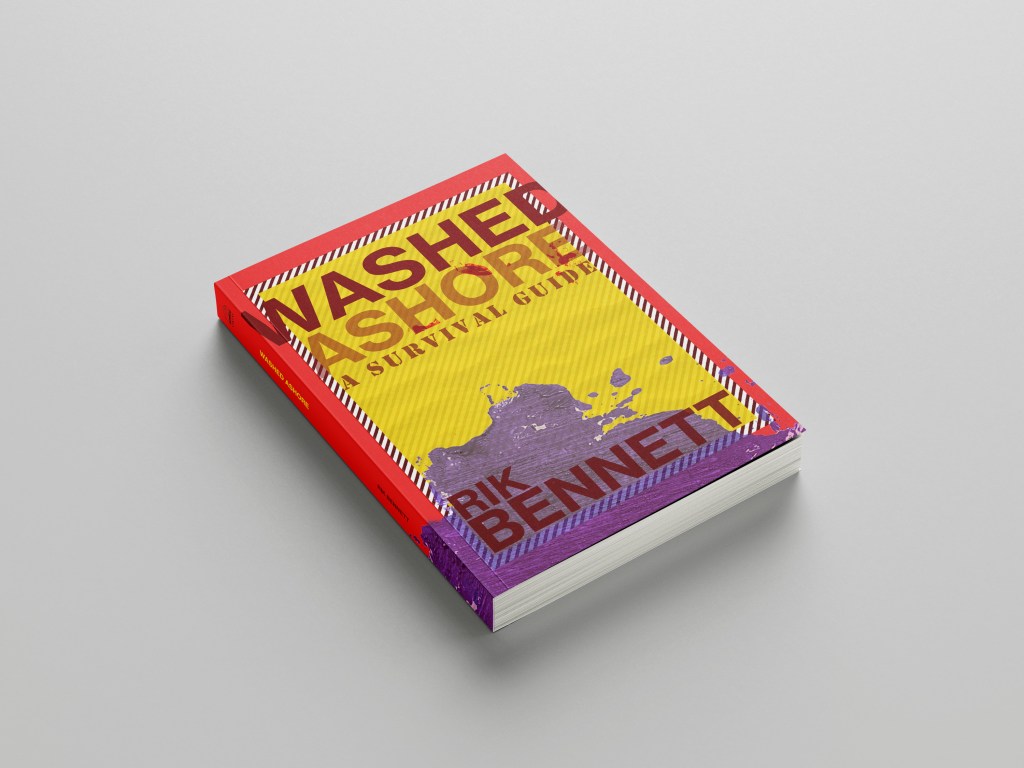
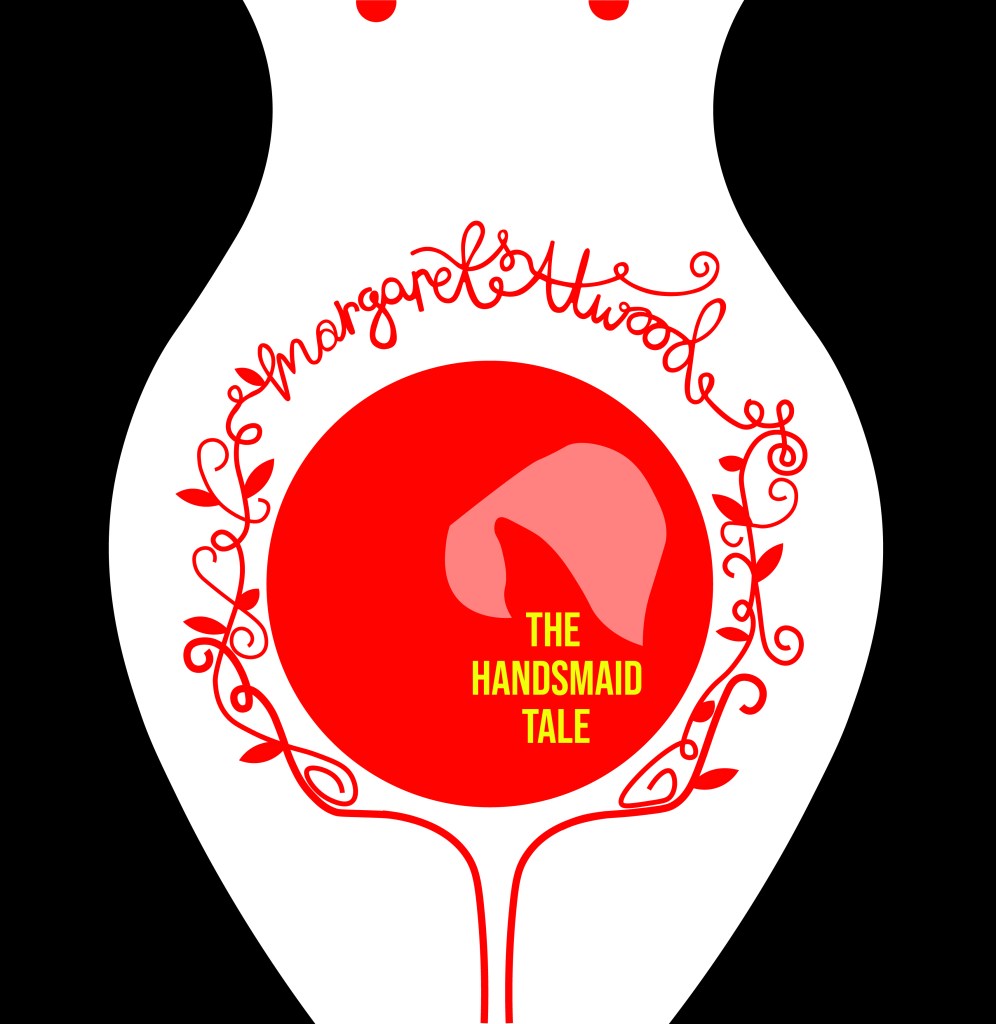
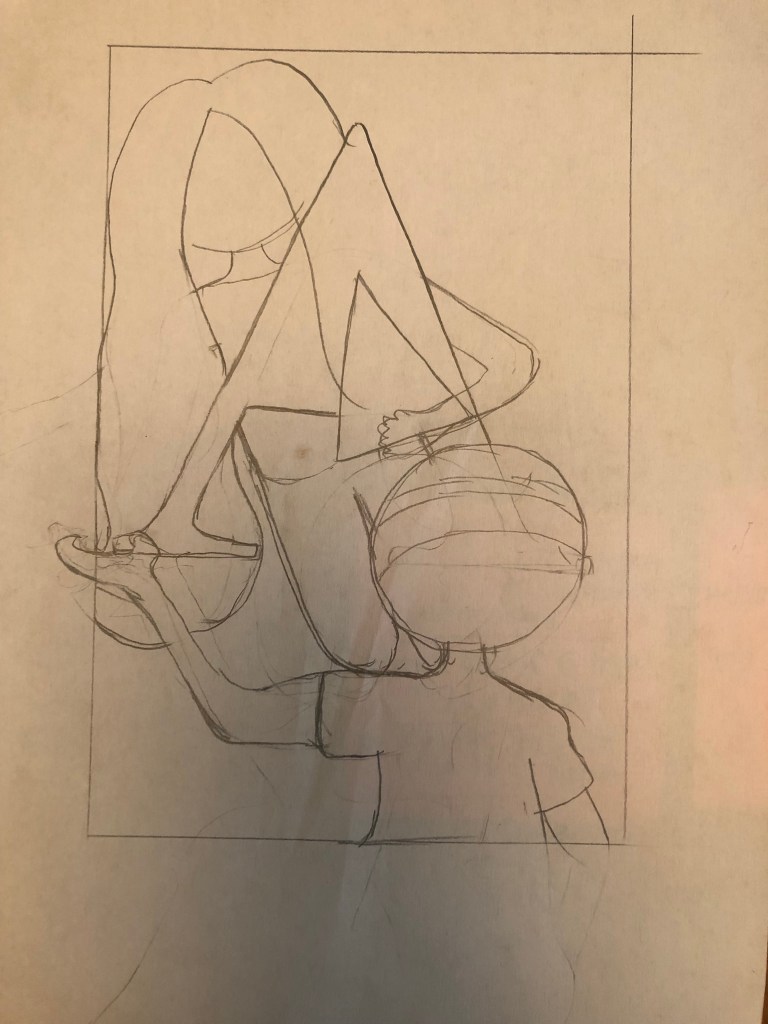
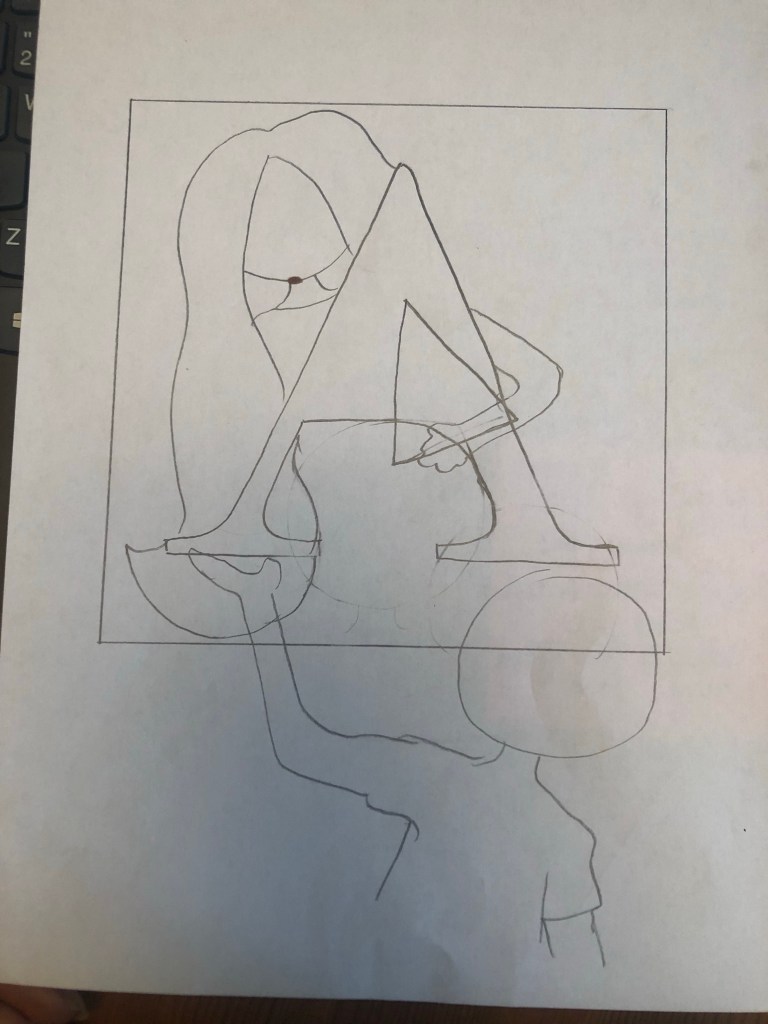
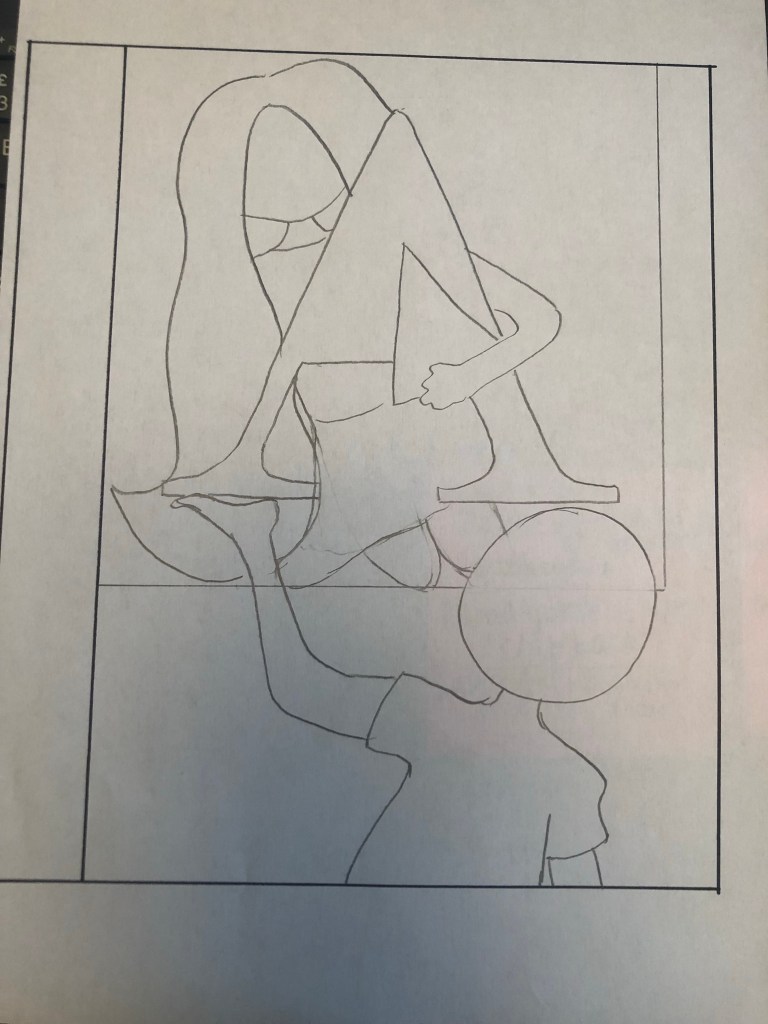
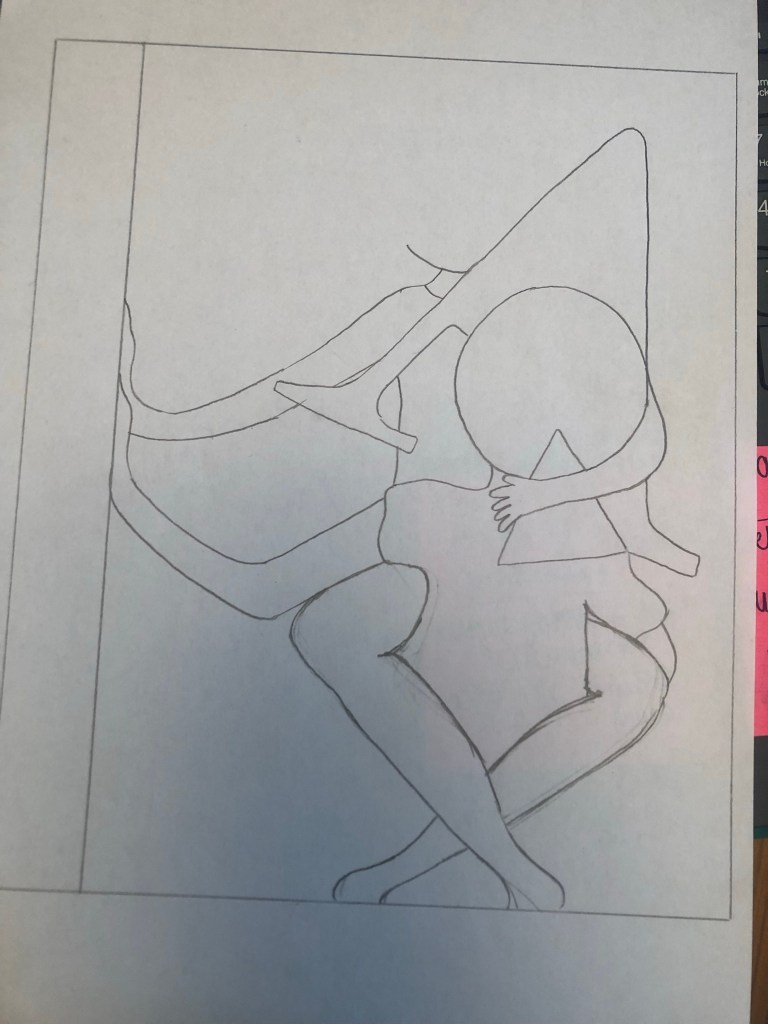
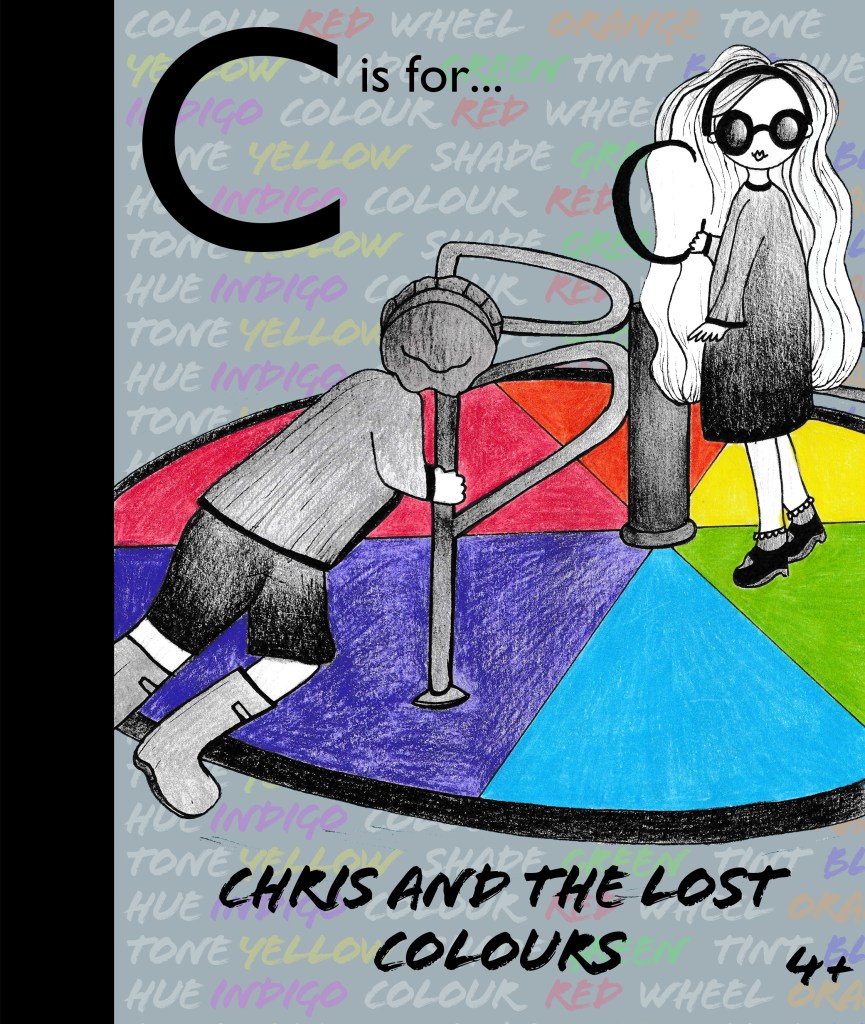
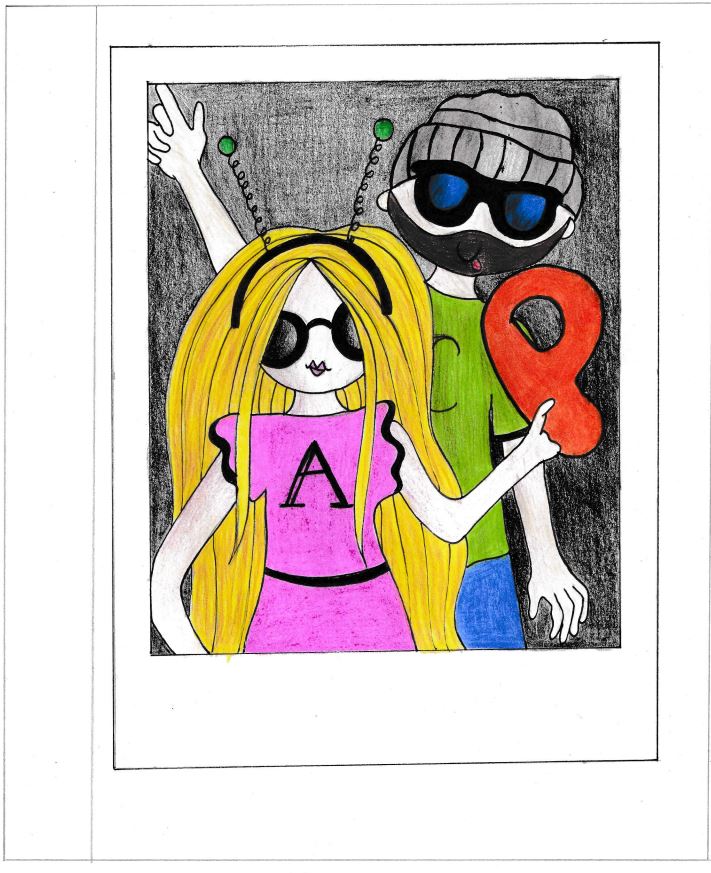
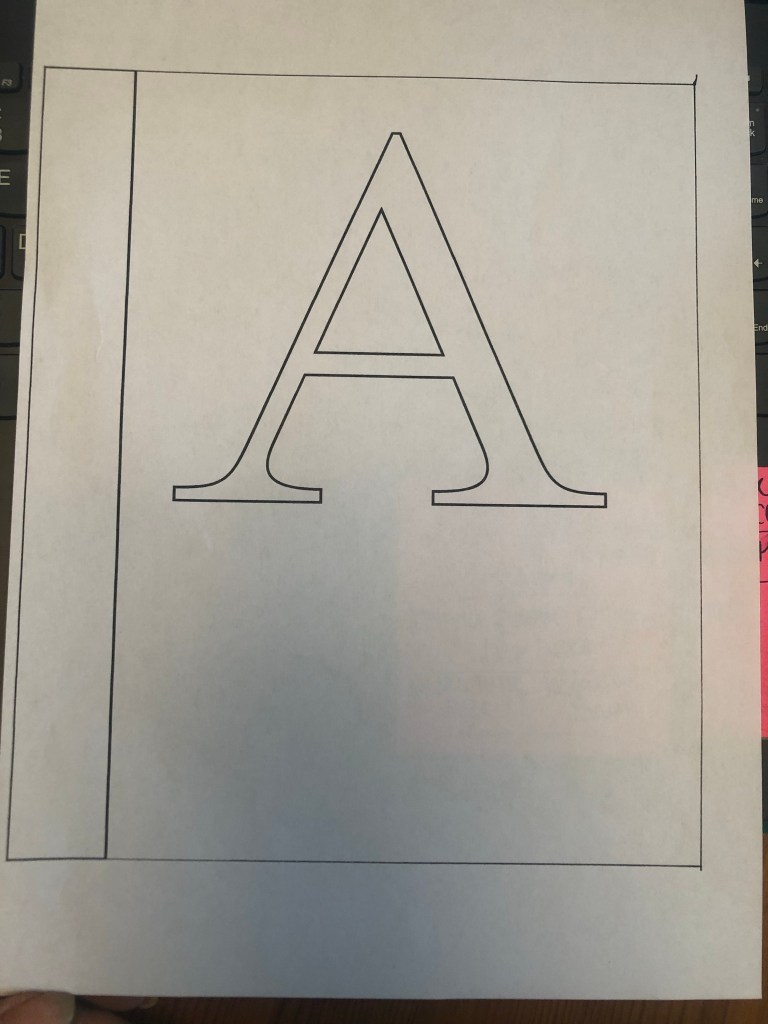
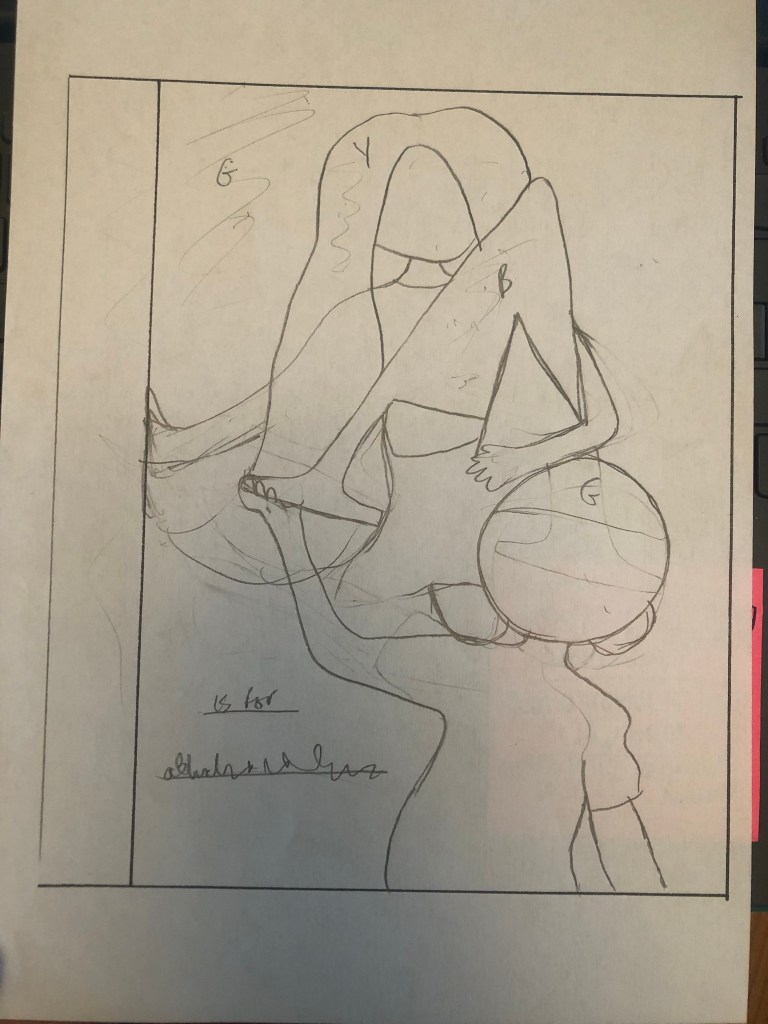
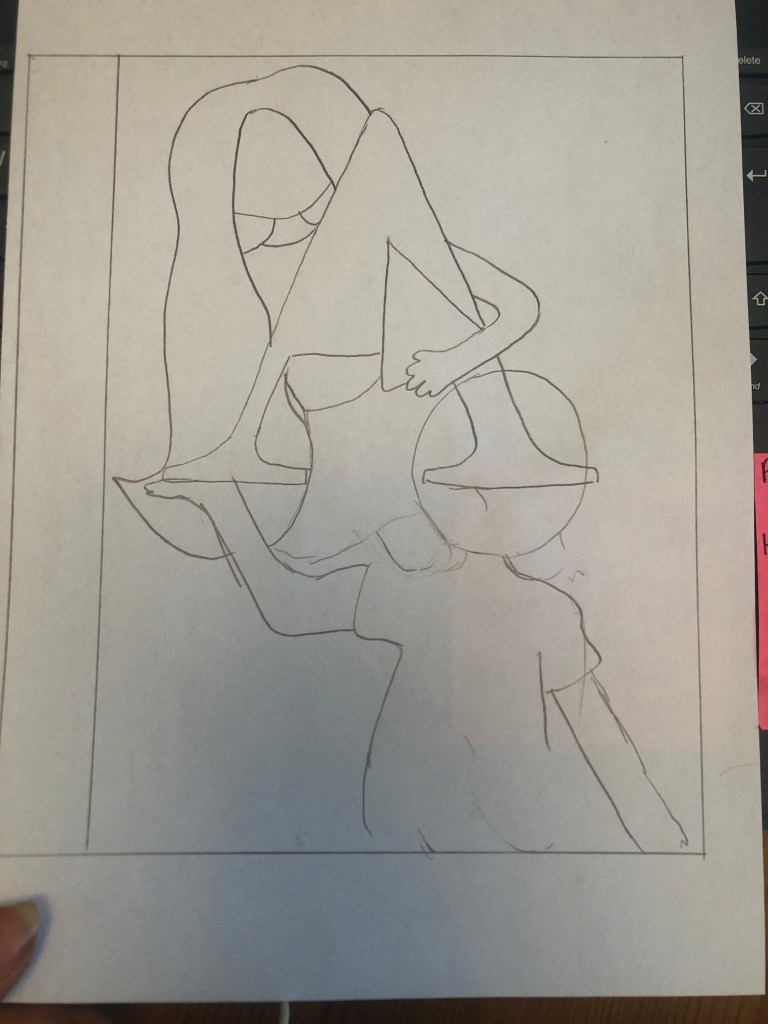
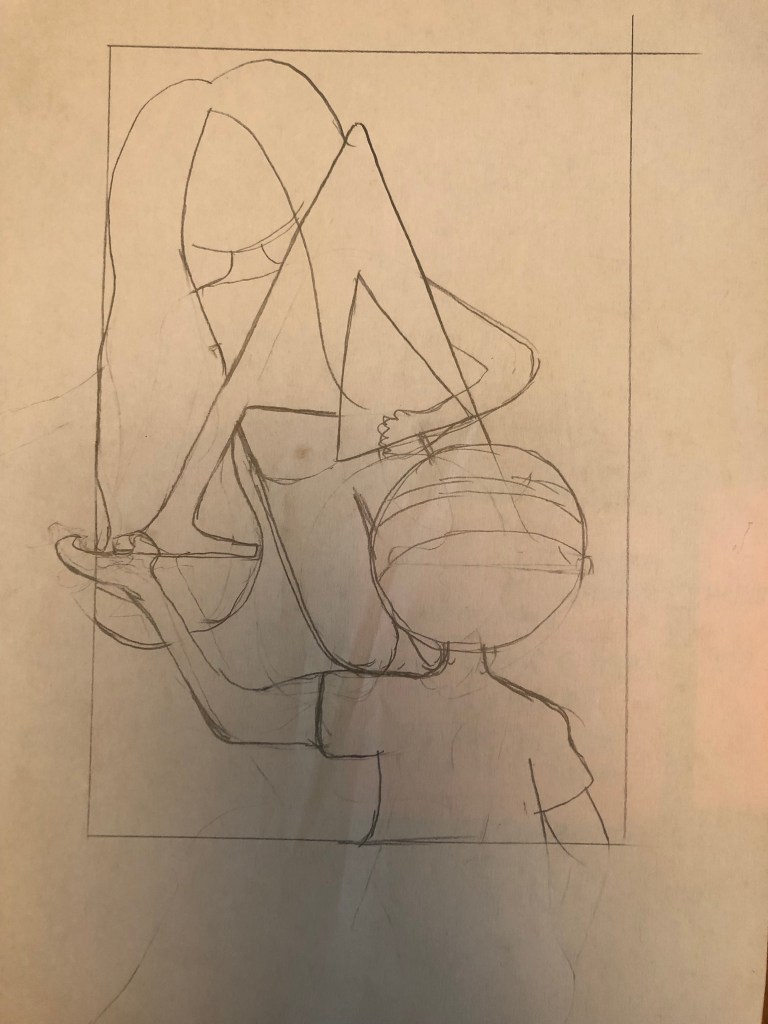
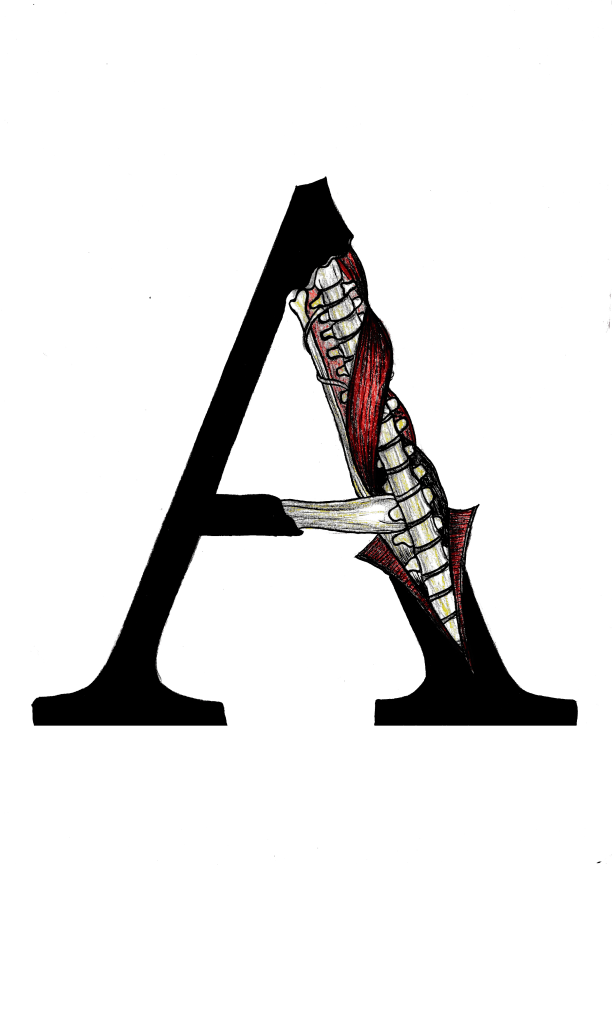
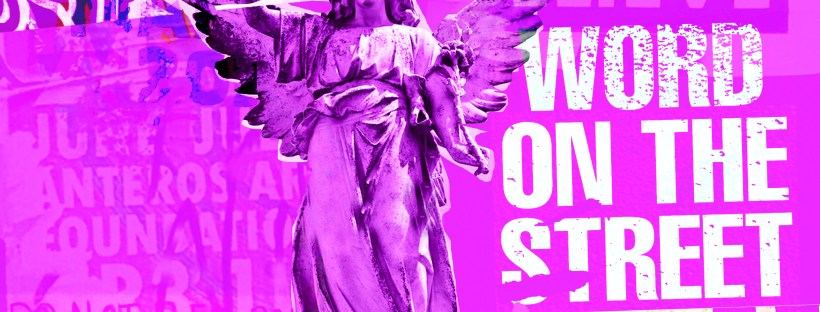
I created these using one of the collages I put together for chapter 3 using snippets of type, snippets of mandala/floral inspired paper and clips of posters. The head of the angel was actually on one of the posters I took a photo of, I have no idea what it might have been, it was just a head! I then went onto Google and found a body to try and best match up to this angel! It is eccentric and weird but I kinda liked it! It is like the word of God! I couldn’t help resist balancing a capital A on his/her finger either!

It is not a typical cover for a Graphic Design typography book and after I designed it I was a bit unsure whether it would actually work… I started to design a back up cover which had a photo of the vernacular typography on that building in my hometown (the first photo in my book!) but then I reminded myself that I wanted to do something I hadn’t previously done.. I found myself moving closer to “My little book of Good Typography “again with how I used a photo for the cover of that. Nope, I would carry on with this cover.. if nothing else it intrigues you as to what it is all about! It almost looks very Punk!

Another one of the quotes I found on a wall I included on this cover and in the book “Do not return to the ones who hurt you the most”, who would have thought you would read these little messages on a wall? Coming from someone who was once in a violent relationship I cannot relate more. It is hauntingly beautiful. The handwriting also had potential to be imported in and turned into a typeface..
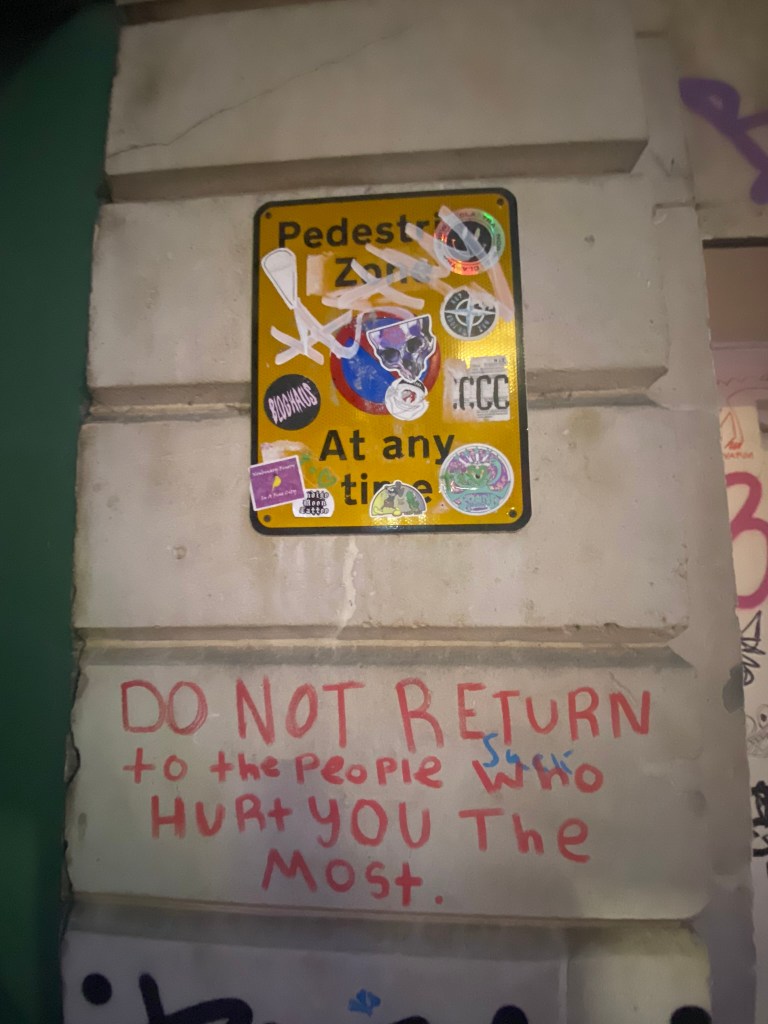
I mean, it would be a very childlike typeface but I can see it! I really like the curved shapes of the rounded letterform.

In Fact!.. Let’s just create a page for it! Writing this blog made me decide to create 2 extra pages for it because it shows how you can take inspiration and then create new designs and type and potential typefaces with it!

Conclusion

I really enjoyed designing and making this book, it was a shame I couldn’t see it professionally printed before I submitted this assignment but for my formal assessment I shall have a copy to photograph and include in my portfolio. I am pleased I managed to find somewhere to upload it as a digital flipbook though, it gives a sense of what it will look like when it is professionally printed. I am disappointed with how little time I have had for this assignment, although I am pleased with how hard I have worked to achieve the final outcome that I have. At the beginning of my journey with the OCA and even at the beginning of Creative Book Design, I was very much a perfectionist and just couldn’t leave my work alone. I would reach a final outcome and then have to constantly perfect it. This short assignment has taught me to create designs very quickly and to be content with the outcome I reach just so that I stick to deadlines. I am pleased that I used photographs that I personally took in this book, it makes it more personal to me and knowing that I put the hard work in to source the photos. I really like the photos I took as well, there is a broad range of different styles and typefaces to keep the reader enthusiastic throughout the book. My only worry is that I will be graded down for not using traditional typography, especially as I haven’t even studied vernacular typography in this course at all! I just wanted to show how typography can exist outside of the design studio and is available 24/7 for everybody at any level of training regardless of whether you have design knowledge and experience. How inspiration can be found from the unlikeliest places and how very often we overlook graphic design that is around us daily. I gave my mother in law the link to my book and she said she forgot that there was so much design around her daily and that next time she was out and about she would pay attention more often… Chris even sent me photos whilst on his Stag do of unusual typefaces he found on his travels! It’s contagious! everyone soon shall be observing type out and about in the wild!

Assignment 3: My little book of Good and Bad Typography

The Brief

My First thoughts about the brief and reflecting back…

Completing this 3rd part of this course has actually taught me a lot more about the grid system and layouts than what I already knew and it has helped me to develop my knowledge more which made this assignment much more enjoyable and I am very pleased with the finished designs and finished books!

I started to brainstorm ideas for what content to put inside of my books one late night whilst I had to sit in my car ALL night and wait patiently for my fiance in A&E! (minor accident, few tetanus jabs later!..) It worked out quite well though because I watched a few videos (until about 4am!) on LinkedIn by a really quirky dressed American Graphic Design teacher about typography which really helped me to create the written content for my pages:

The main topics that I was considering were:

  • Contrast
  • Grid
  • Kerning/Tracking
  • Skipping a weight
  • no more than 3 fonts
  • Justified left, ragged right
  • Readability-clarity-legibility
  • negative space
  • Hierarchy
  • Bad typefaces – Comic Sans, Papyrus
  • Not distorting type
  • Typos
  • Widows/orphans/rivers
  • Fonts matter

There was a lot of rules that I could use in my books! I was worried though that my books were only 8 pages! This meant that I could only be allowed 3 double pages in each book and I knew that I would be writing and designing for one rule per each double page spread which meant I had to choose wisely! I didn’t want to cram loads of information over single pages. This would mean that I would have to choose a few rules that are similar and could be classified under the same subject: E.g – I decided that skipping a weight, choosing 1 typeface but different fonts within the same typeface and using contrasting colours would all come under the rule and the “creative umbrella” that is Contrast. Skipping a weight creates contrast as does choosing different fonts within the same family and using contrasting colours.

I had designed similar in Core Concepts for “If the Face fits” – a typeface sample book and I really loved that exercise! I was really pleased with the layouts that I produced for it and I knew that I had a lot to compete with for this assignment! I wanted to at the minimum achieve the same results as last time if not excel and design and create something that has developed and grown since then! The layouts for my type specimen book were very clean, minimal and spacious.

I have to admit I felt threatened by the title “My little Book of Good typography”, I felt frozen by the fear to get started for fear of attempting to create a book on Good typography but it ending up being bad! I was worried that what I have learned so far would be good enough to create a title of this nature! At the same time I was also worried about creating a book on bad typography because I am such a perfectionist that I really struggle to do things bad!! There was a lot of growth and development within this assignment; as my Fiance said – “It has travelled far”.

Let’s see where it went…

Research

As I mentioned above I did a lot of researching into potential topics to use within my books in the early morning of a night sat in my car at A&E! Watching them videos though was helpful and I did pick things up that I didn’t already know! – Type classification and how to choose typefaces that contrast and work with each other. I also did a search on good and bad typography books and stumbled upon a book from Craig Ward, (which looking back now I have only just realised that I used his quote on the back of my Good typography book!) his book called “Popular lies* about Graphic Design” intrigued me as I liked the look of the clean, minimalist layouts and it was also a small, pocket sized book which closely matched the brief of this assignment.

When I first saw the brief for this assignment I was hell bent on creating ugly pages using Comic Sans as this is one of the most hated typefaces but It was after reading one of the articles in his book that I decided against it; it made me rethink that is it actually hated or is it just massively used and overused in the wrong context that just winds people up?… A victim of misuse! It was a debate that I actually couldn’t justify using in my books in the end plus it seemed too cliched; I imagine everyone would have that appear in bad typography.

Craig Wards book basically highlights popular Graphic Design rules and pulls apart whether they are actually tried, tested and they work or whether they are just “lies”.

These experimental layouts then lead me to remember about another book that graces my bookshelf:

“Show your work” by Austin Kleon, it is another little book full of simple layouts aiming to boost creativity and confidence.

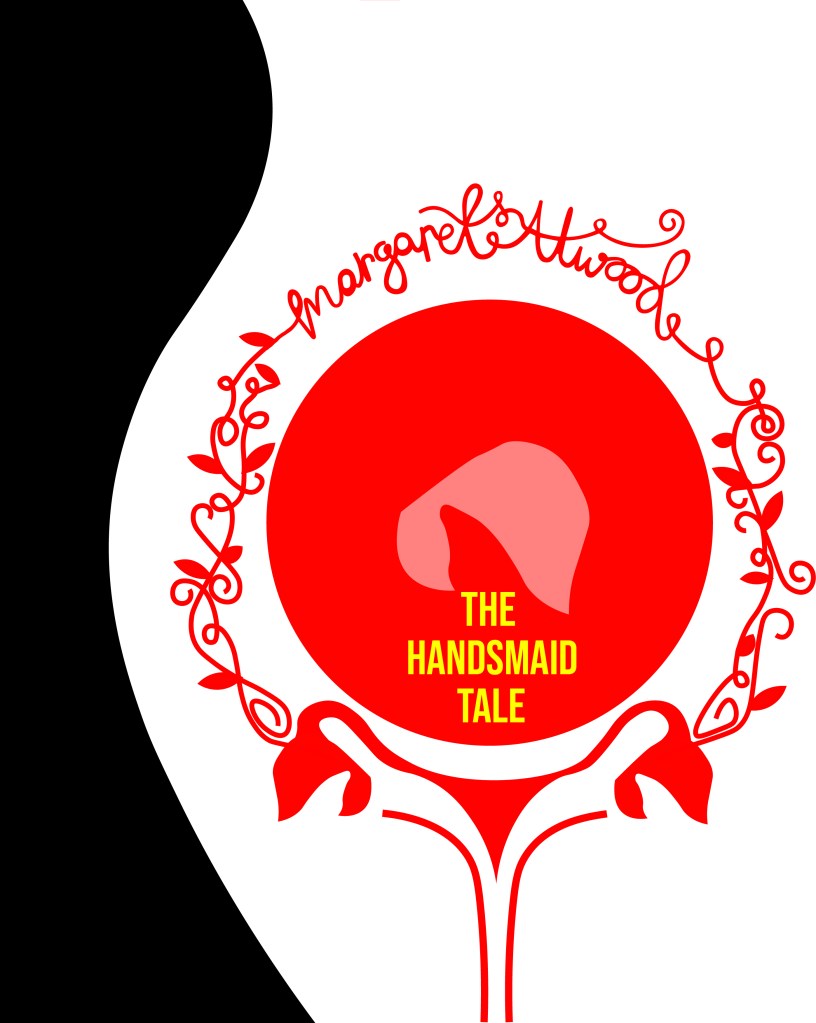
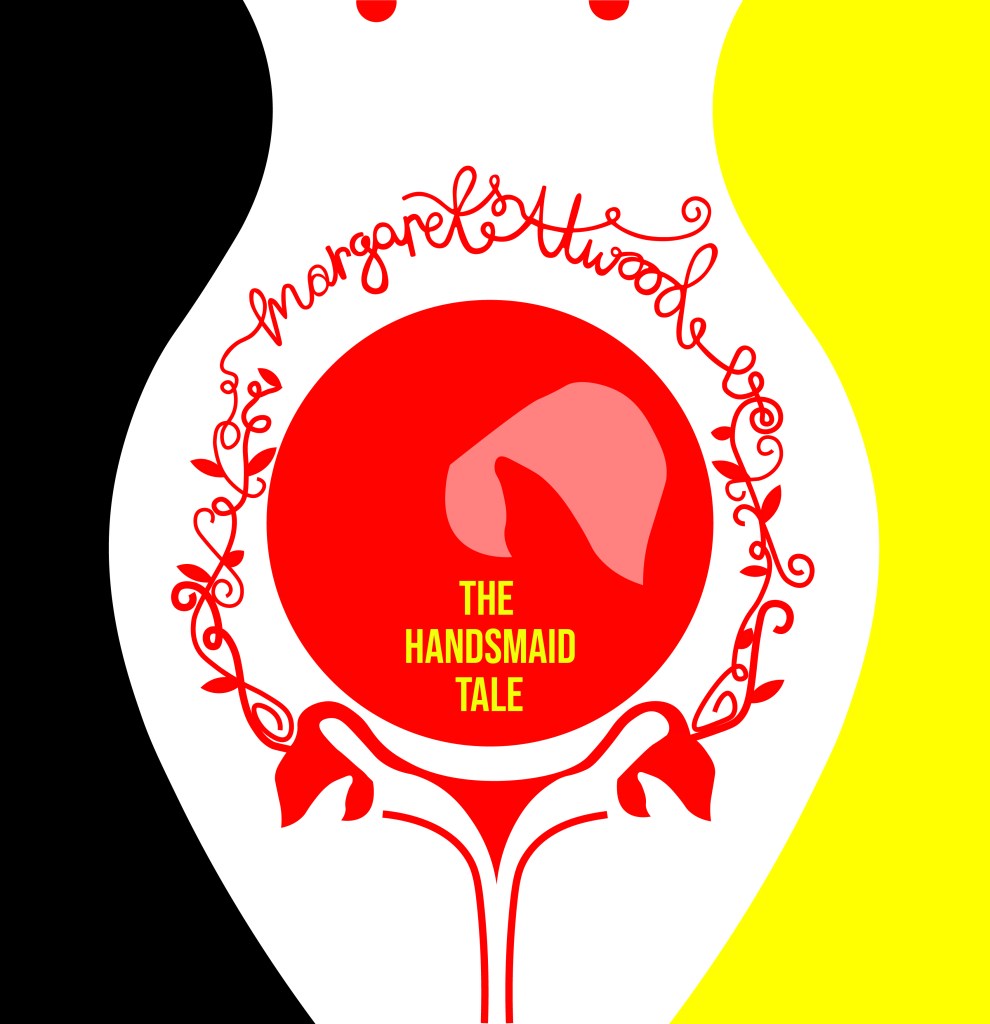
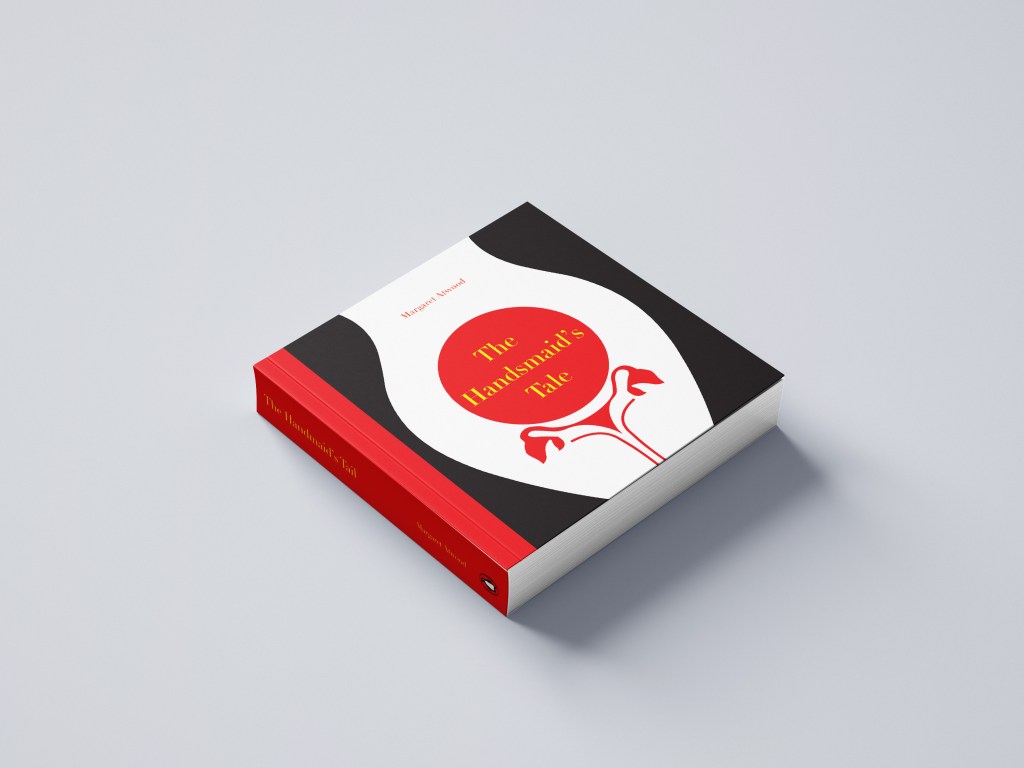
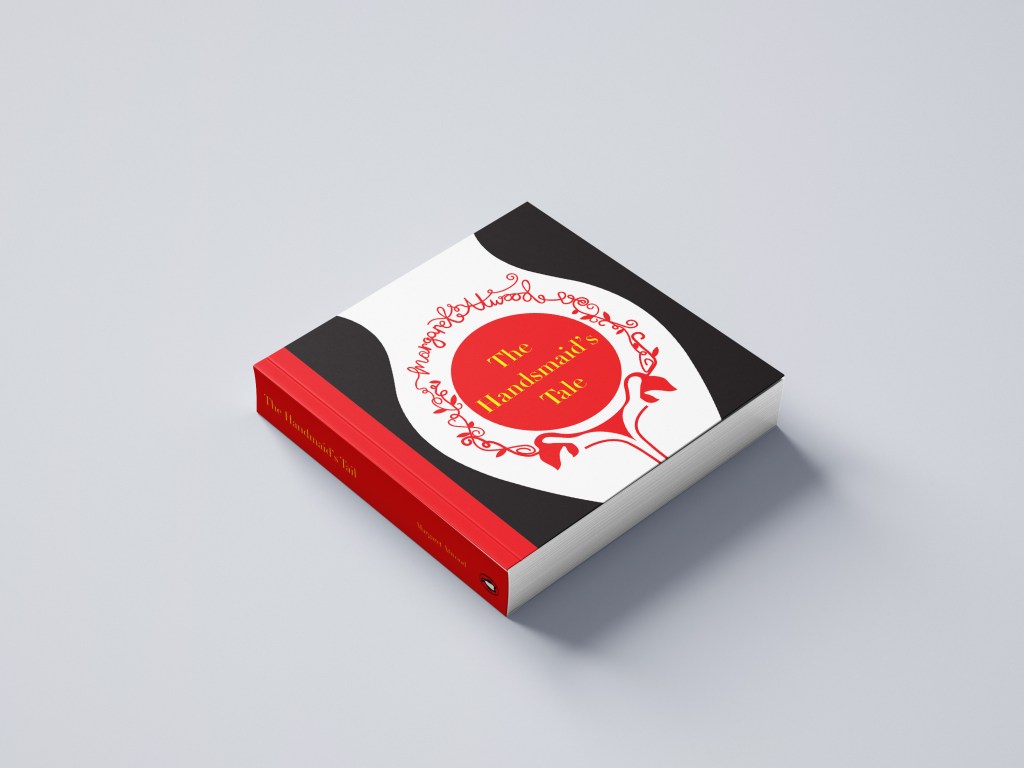
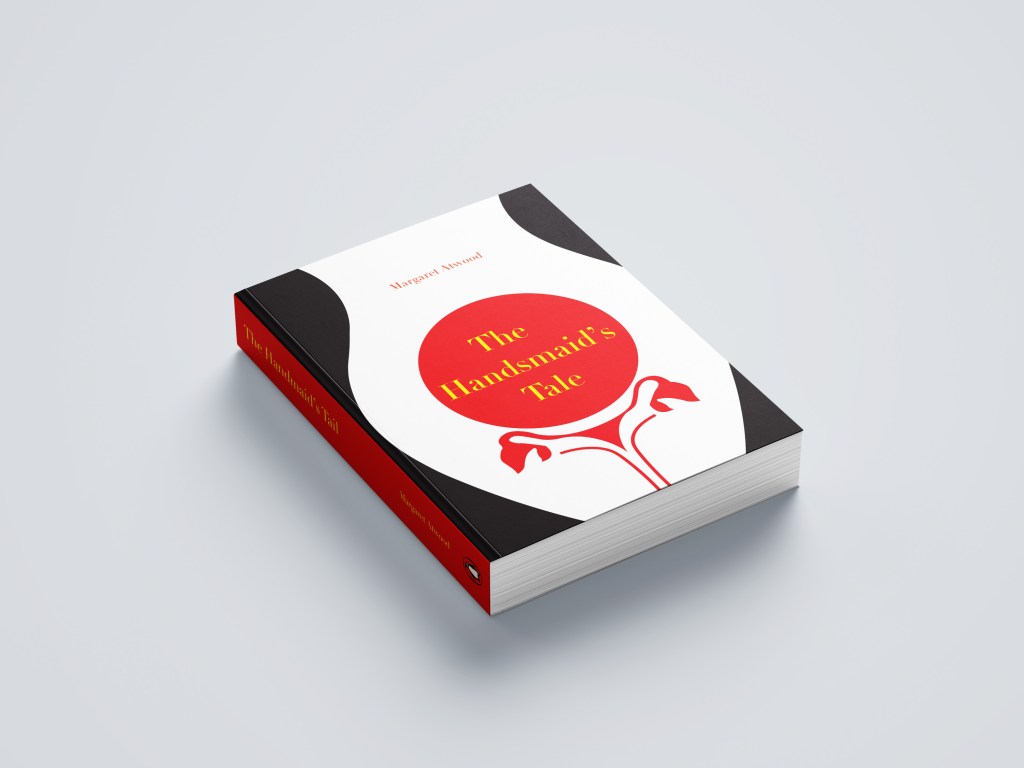
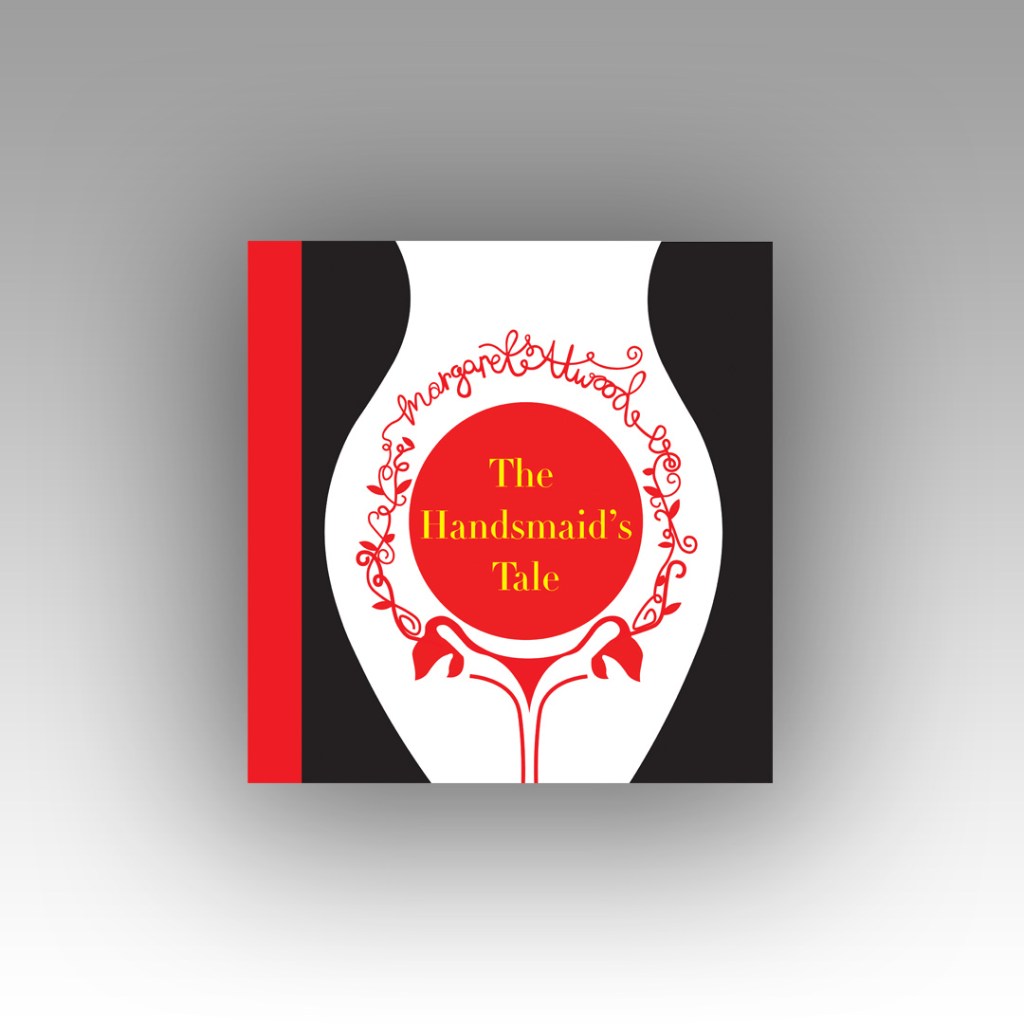
Taking into account the feedback I received from my tutor on my Handsmaids Tale book (where I created a mockup of my design on a square book) where my tutor suggested that not many books are squared and I may wish to rethink my decisions for future books – I looked at this little book which is squared and figured that this assignment might be an exception to the rule – I actually took a risk and using the same measurements as Austin Kleons book I used the same measurements to create mine further on into the assignment.

It started with 2 photographs…

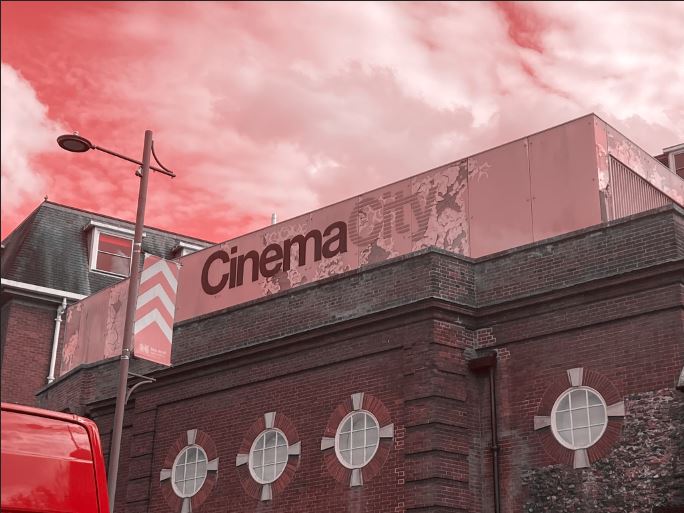
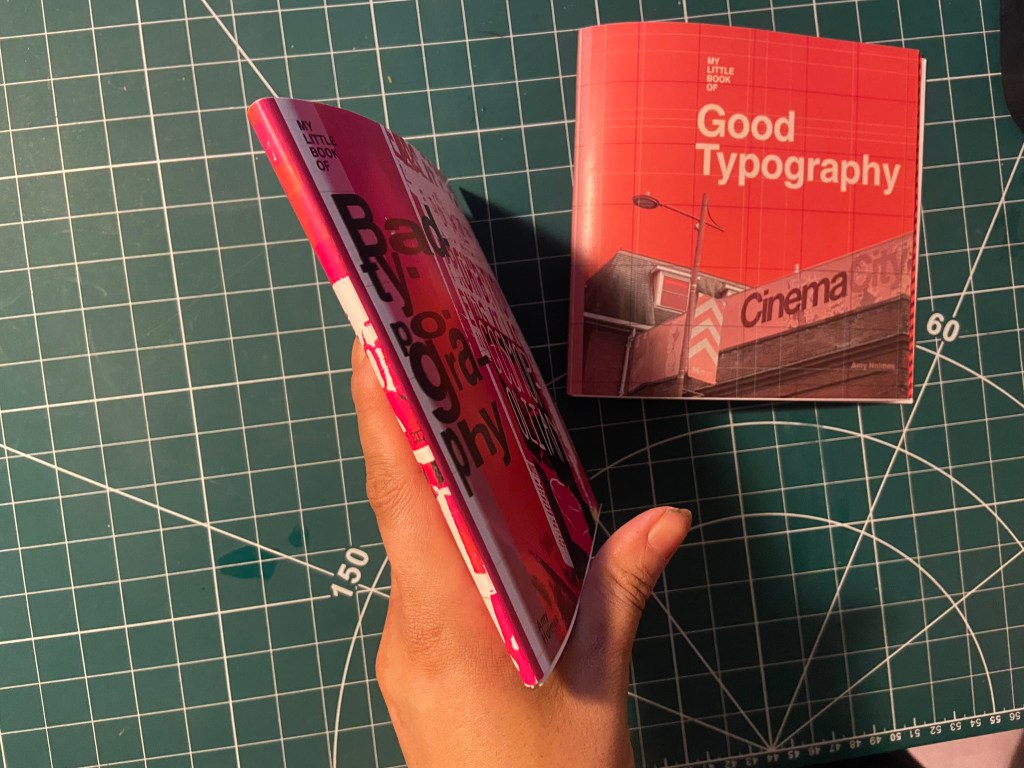
Late August I had a lot of trips out to various places; one of them places was Norwich (My wedding dress is there!) and as I was randomly walking around – I have only been there a handful of times now – I spotted some great typography on an old building that I loved the look of. Beautiful Swiss type on a classic old, industrial feeling building in a really urban, gritty, dirty environment. Good typography really is invisible! The typography that sits there completely overlooked on a daily! I had never even heard of the company CinemaCity before I took the photograph of it – I just assumed it was an old company that had gone under over time! However, I took the photograph and put it on my @Pink_Angeleno instagram page as a story about great typography that is completely overlooked.. I stored it on my phone and it was only weeks later that I decided that this would be a great photograph to use in my book! The typeface used was Helvetica and that is one (if not the one!) of the most loved typefaces of all time. I could do a piece on how great Helvetica is and how it is perfect because of its legibility.

I’ll be honest I didn’t even sketch any initial ideas for this! The ideas flowed from the photograph and as soon as I took it into digital to mess around with it, it got developed and changed until I reached the best design outcome! The rest of the Good typography book flowed from this one photograph – the feel, the colours, the vibe!…

I then needed my bad typography book to follow in the same footsteps and again, it’s only out of pure chance that I ended up taking a photograph on one of my other trips out in late August to Bristol that ended up being stored on my phone and then brought out for my book!

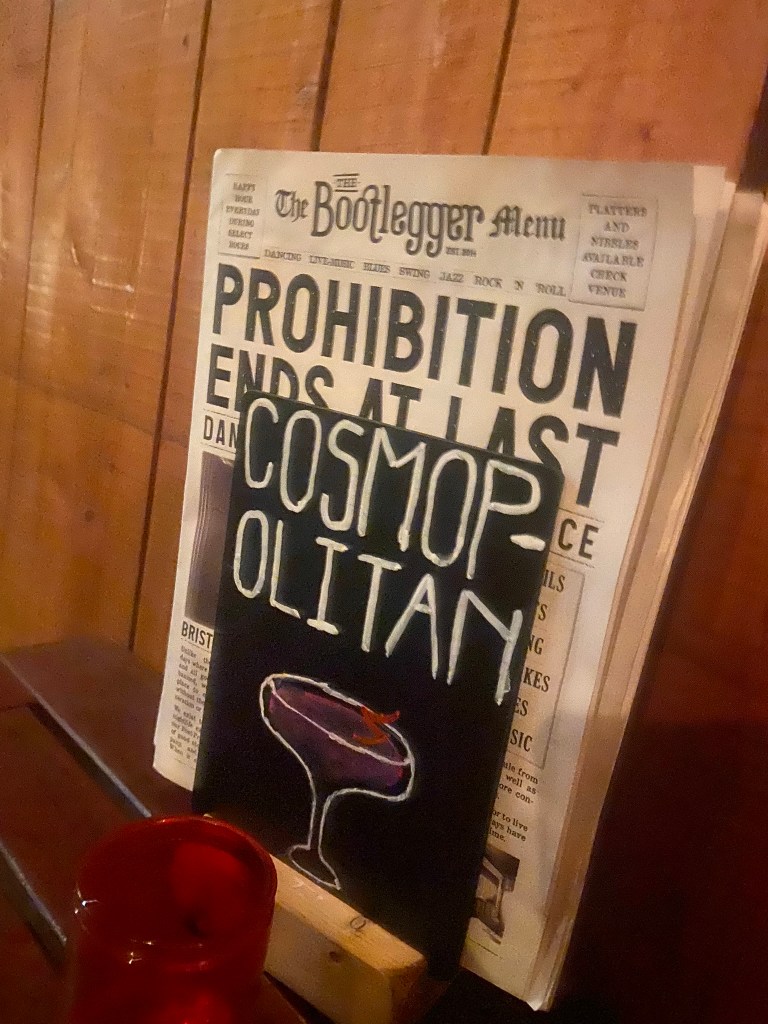
Late night in Bootlegger in Bristol with my Dads girlfriend after drinking my bodyweight in Sauvignon Blanc, cocktails and Jack Daniels doubles my drunken, incoherent self decided that sat next to me was a really bad sign! I was possibly babbling on about Graphic Design to my Dads girlfriend at that point.. who knows? All I know is that in that drunken moment I had to photograph this sign.. because? I just did!

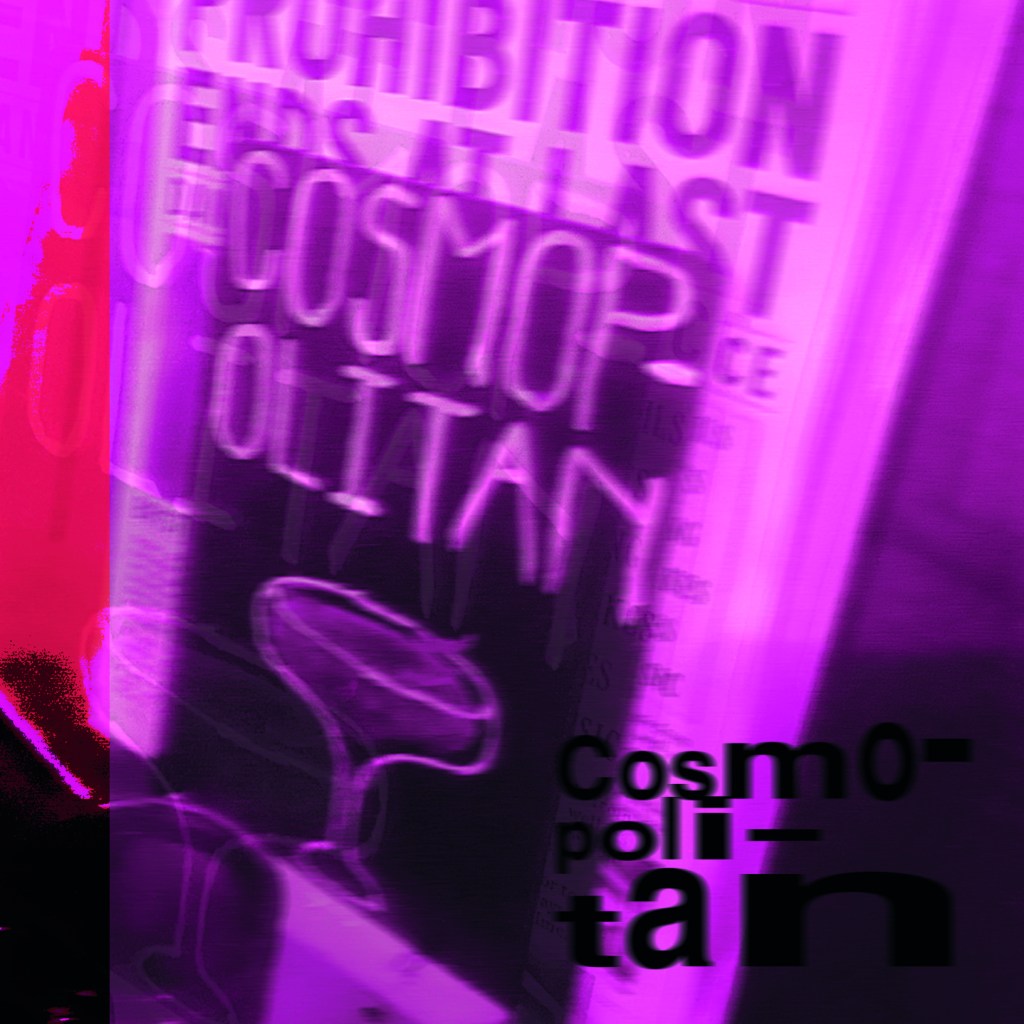
Cosmops!!! All I could picture was an inexperienced young member of staff, (bad I know!) who had been told to create some chalkboards to advertise cocktails, they started off great but then realised they had run out of room and decided to just hyphenate it because that was the best thing that they could do in that situation other than having to wash it off and start again and take the time again to carefully arch each letter and make each one the same size…! It made me chuckle at the good effort and attempt but at the fact that it just wasn’t right!

I didn’t realise at the time I took this drunk photograph that it would be the idea and basis behind the bad book of typography for this assignment!

Looking back there are also examples of bad typography I only wished I had photographed! – What I learned from this assignment is that if I see anything I feel like I need to photograph I don’t need to think about it – I just should! I am creating a folder on my phone of random images that could later be used in future work! – Another example I wish I photographed was a sign that was placed on a tree opposite our house by one of our ridiculously interfering neighbours!.. She had placed some herbal plant in a big recycling bag at the base of a tree and wrote a sign saying – “please help yourself, put it in your house, its GOOD for you!” I made myself chuckle by reading it out in a hideous, monstrous voice because the way she had written it looked and read so aggressive and unhealthy!! I could have used that as a photograph to accompany why fonts matter!!

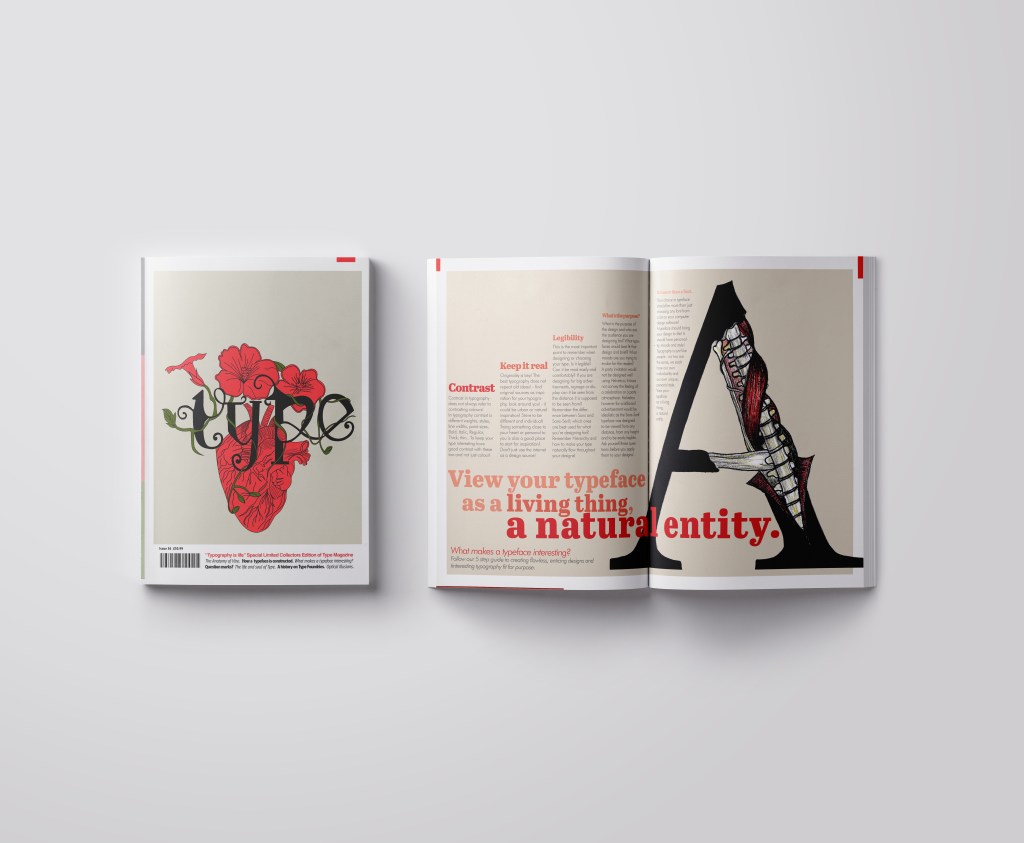
Good Typography page 1 &2! Hel to the yes with Helvetica and legibility.

Starting off with my photograph as what was then a really rough idea!- I imported it into Photoshop and had a mess around to see what I could do to change the colours, vibe etc.. I wanted to keep it very much in keeping with Swiss typography by keeping Red as the main dominant colour. The corner of the Red Royal Mail van set the tone for the red too!

I messed around with firstly putting a photo filter over the top of it, it added a mood to the sky but other than that the image just wasn’t striking or “modern” enough to use as a main image in a book!

The same week as I also started messing around with this, I also had my first Graphic Design interview for a job that I wouldn’t have really minded having a chance with! (I never actually heard back from them after the interview though!… *eyeroll) but during my process of prepping for it like an absolute mad woman (thanks again! like!… really appreciated!) I had to study their website to find out a little bit about them! -I noticed that their branding was also Red and I also noticed that they used a nice striped background on a lot of their images which gave me the idea for my photograph…

I did like this and decided to try and recreate it in the background for my CinemaCity!

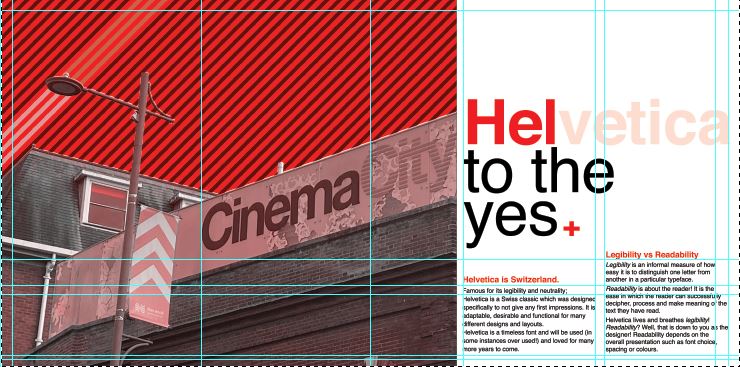
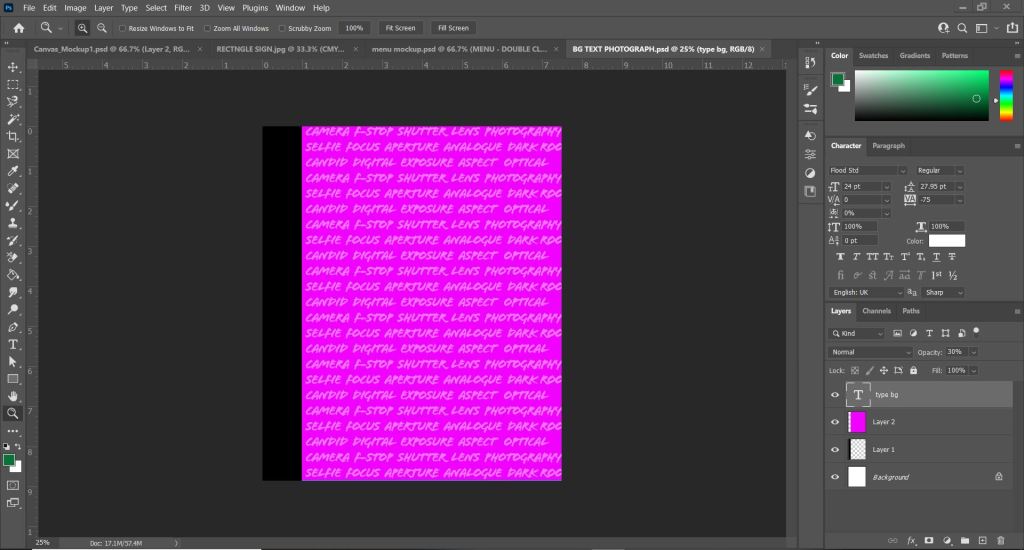
I am still learning Photoshop, so googled how to create a diagonal striped pattern and then placed it behind my photograph. I then used the polygonal tool to cut out the sky on the photograph so that the striped background was visible but didn’t cover the main image.

I then changed the colour of the stripes near the lamppost which made it look like streaks of light were coming out of it which I thought looked quite cool! This layout felt more striking and modern which I was much more happier with!

I didn’t want the image to cover the whole layout, (I decided to make the size of my book 12.5 x12.5 which meant that this layout was 25 x 12.5) I wanted to have a spacious feel to the layout and make negative space very much a part of the design.

I then needed to concentrate further on the hierarchy and content for the layout:

I decided to move the photograph to the left but then I decided that I needed to put some of the knowledge I had learned in part 3 to some use and create a grid to work my layout around; I created a golden section/ spiral grid and worked the rest of the layout around it. The “eye” of the layout as I call it!- or the point of the spiral is where the main focal point is on the layout; it is eye level and it is where the eye travels to first. This is the spot where I have put the Swiss cross. I then found that my eye is led to the text below to read what the layout is about and then the photograph is the nice visual imagery that accompanies the whole layout!

I wanted something catchy for the heading of the piece!- a pun! something cheesy but which catches your attention and makes you want to read further! I did start off with just writing Helvetica but then decided that was far too boring! – How do I convey how good this typeface is? Hell yes! I kept Helvetica but then toned down the opacity on part of it so that the main heading reads “HEL to the yes” I liked it!

I wrote about how Helvetica is a very neutral typeface – it gives no impressions, it is what it is. I then thought about the saying that goes “he/she is Switzerland” meaning sat on the fence and not taking sides.. it also helped that Helvetica is Swiss so this made perfect sense! The sub heading to the piece was “Helvetica is Switzerland”. I then accompanied this with a piece of writing about legibility vs readability – 2 important topics within typography.

I wanted to keep it minimal and clean looking and wanted negative space to play a big part within the layout; I split the right hand side page into thirds and kept the content very much to 2/3, allowing the top of the spread to breathe and remain spacious!

I did then print a test page out just to see whether the content was readable! – the last thing I want is to lecture about readability and then the reader can’t actually read what I’ve created because the type is too small! I decided to change the layout slightly and make the text larger just to see if it was more easily read. It worked, but it didn’t work as well as the smaller text. I felt it lost a bit of its strong structure.

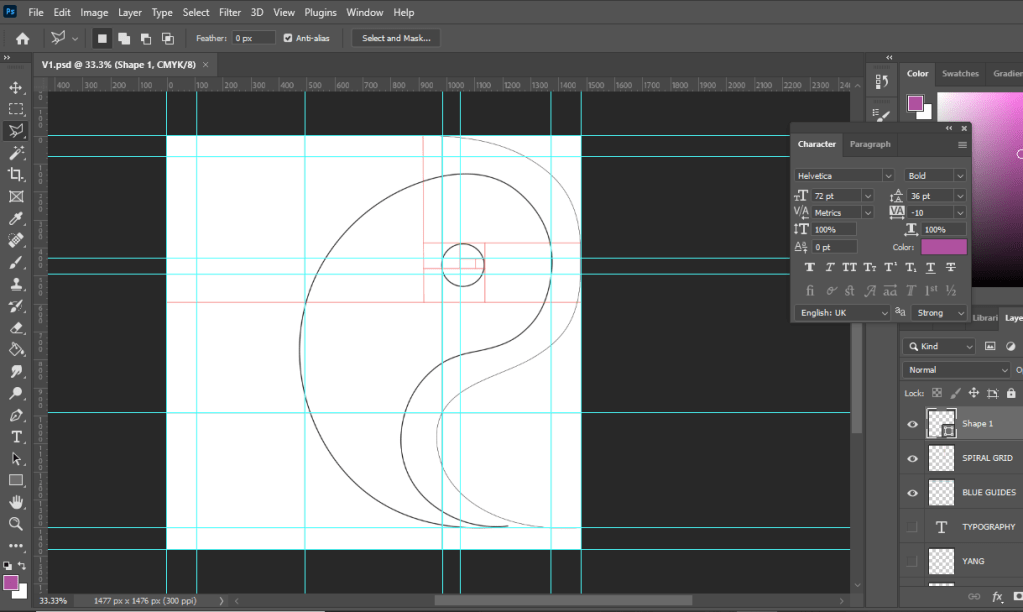
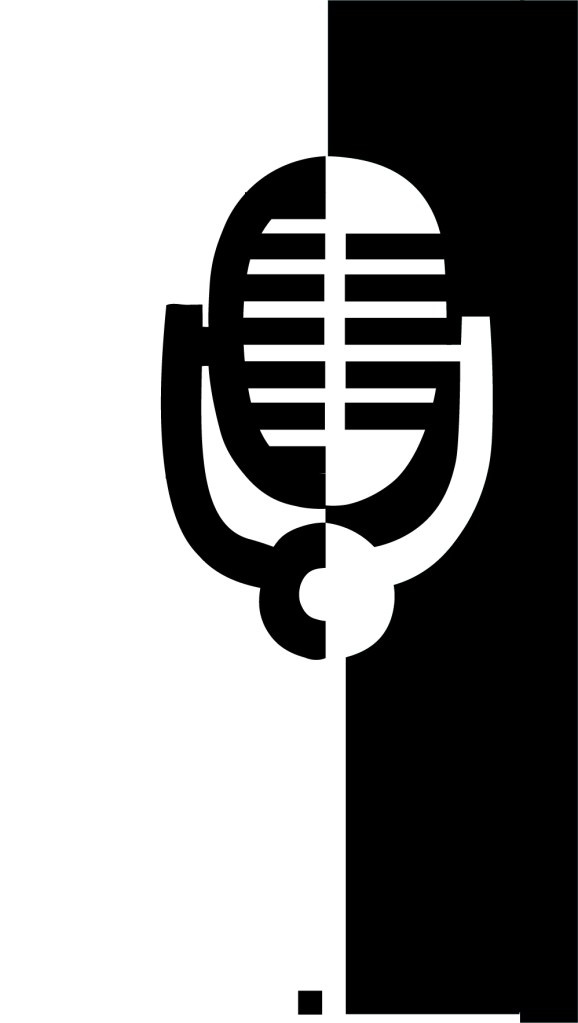
It then got me on to thinking about what a potential front cover might look like for this book and how I might create the other pages to mirror this layout… I was thinking about how I could potentially tie both books together – the only idea I had was like Yin and Yang! – Good, bad, light and dark, hot and cold, sweet and savoury! That was what these books were! one was Yin and the other was Yang! I started to explore possibilities around this idea and how the pages and layouts might work around it…

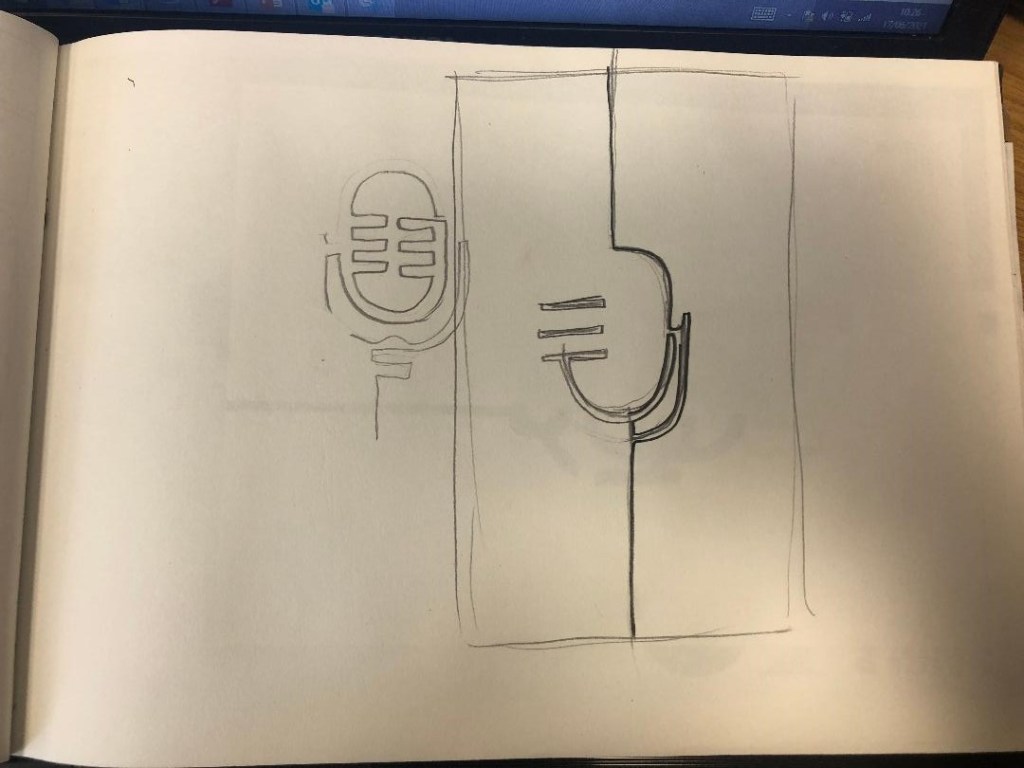
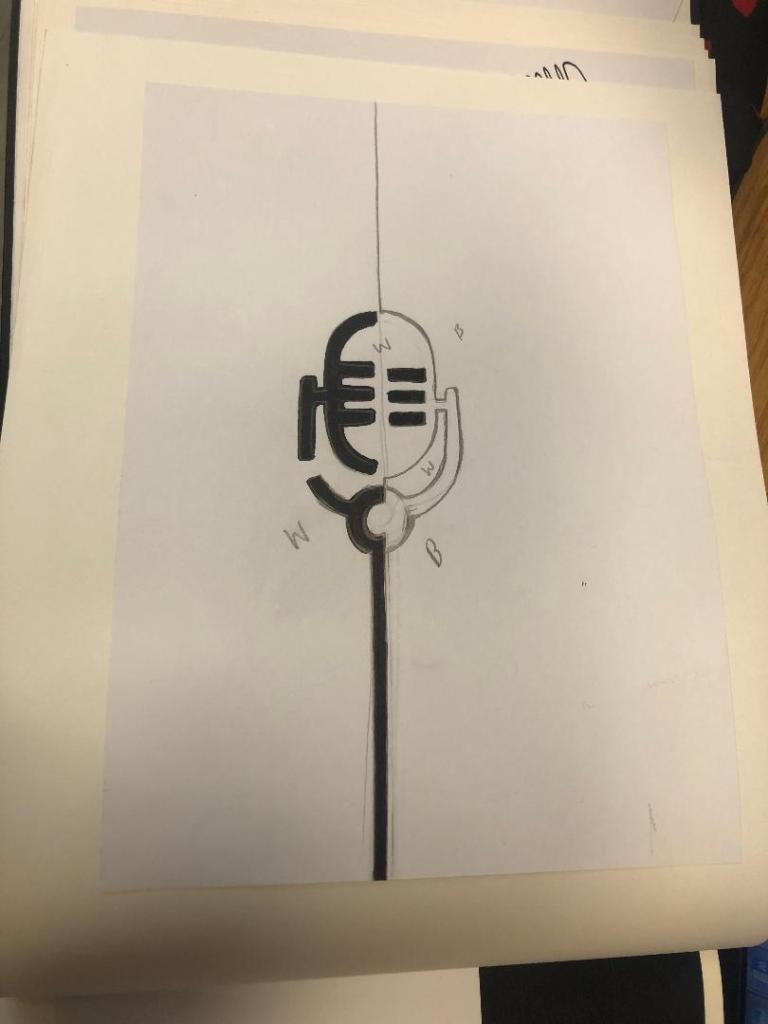
I sketched a few ideas… I had the idea of the books joining like the Yin Yang symbol; It would involve a section out of the books being cut out though, this would make the layouts smaller, busier and tighter. It would also make one of the books back to front which would be Ok because that could be the bad typography book!- one thing we don’t do in the Western world is read from back to front – consider it another rule broken!

With this in mind I started to create some ideas for a potential front cover..

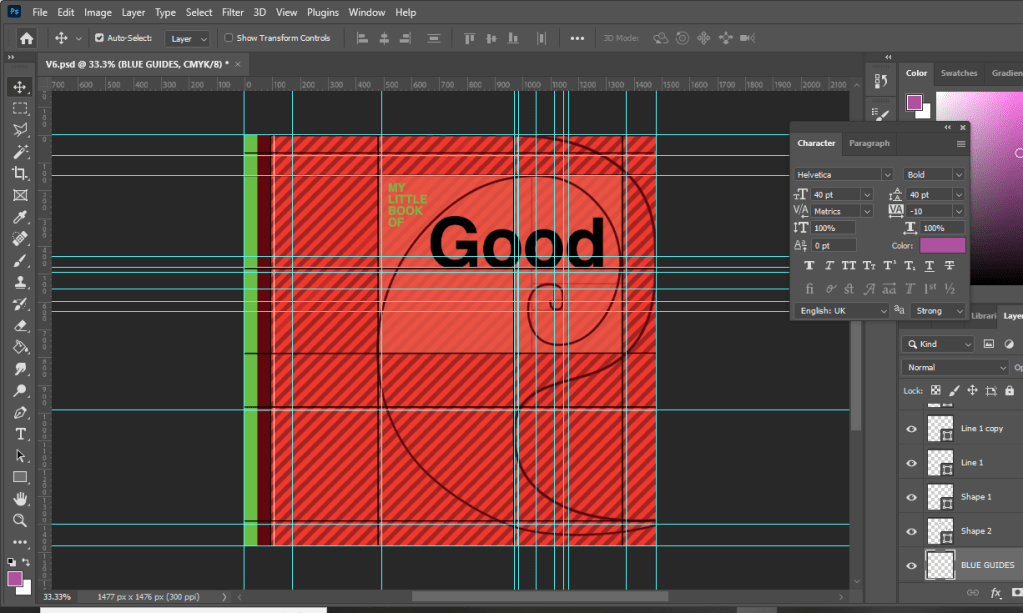
Using the Golden spiral grid I created my first Yin Yang shape… the circle of the symbol is in the main focal point of the spiral. The book and the pages would be cut to the symbol.

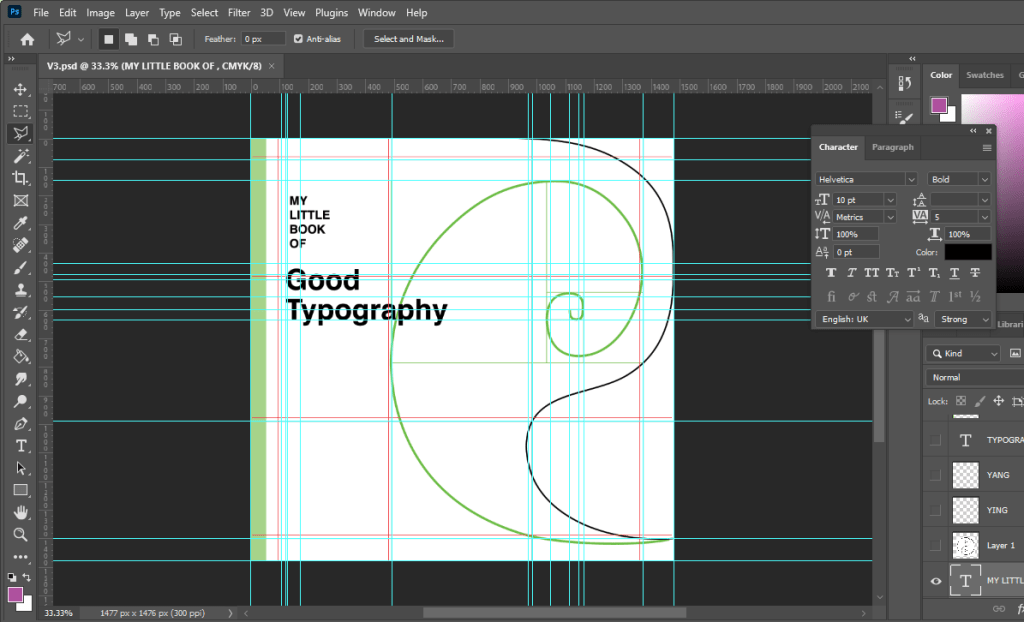
I then added further and started to try and build in the typography to the design…

I absolutely hated it but carried on! – it reminded me of a really dull, 1980s textbook I was probably made to read when I was a teenager!

It looked slightly better with larger text…

I then tried to bring in the Red…. It then looked like a Constructivist, aggressive book!

Brought in a bit of Green to try and contrast against the Red and also to soften it… Green is more of a natural colour.

I then decided to try and highlight the grid and the golden section more… I highlighted the rectangle which formed the golden spiral of my Yin symbol.

I then added the lower part of the symbol.. hated it, it looked like a foetus!

I hated the covers I had produced… but going back, I looked at how I would have to potentially change the layout to work with the cut out book and pages. I drew out the outline of the Yin symbol and worked out which part of the page and layout I would lose on both sides. It seemed a good idea… but I hated it. I felt that it would have to be cut by hand when I had printed the finals out and it would look shoddy and unprofessional. The phrase “keep it simple” resonated with me and I went back to the drawing board.

I then had the idea to tie in the Helvetica double page spread with the front cover. This could work… it would all lead nicely into each other then.

I then went back and tried a few designs for front covers using the Cinema City photograph:

I wanted to highlight “good” by making it larger but it just blended in with the Cinema City which is not what I wanted it to do! I wanted the title and the image to stand out each by themselves and not blend in together!

I felt that this worked better.. but I just didn’t love it. I didn’t want to go with it and regret my decision later when I decided that I hate it!

This was heading in the right direction! There was just something not quite right yet! – I felt like it was the stripes taking the attention away and smothering the rest of the design!

When I removed the stripes it worked so much better!!! It was clean, spacious, minimal.. the colours worked together and it just felt like Swiss typography! I loved it!

Loved it!!

Loved it a little bit more when I added in the grid element!!

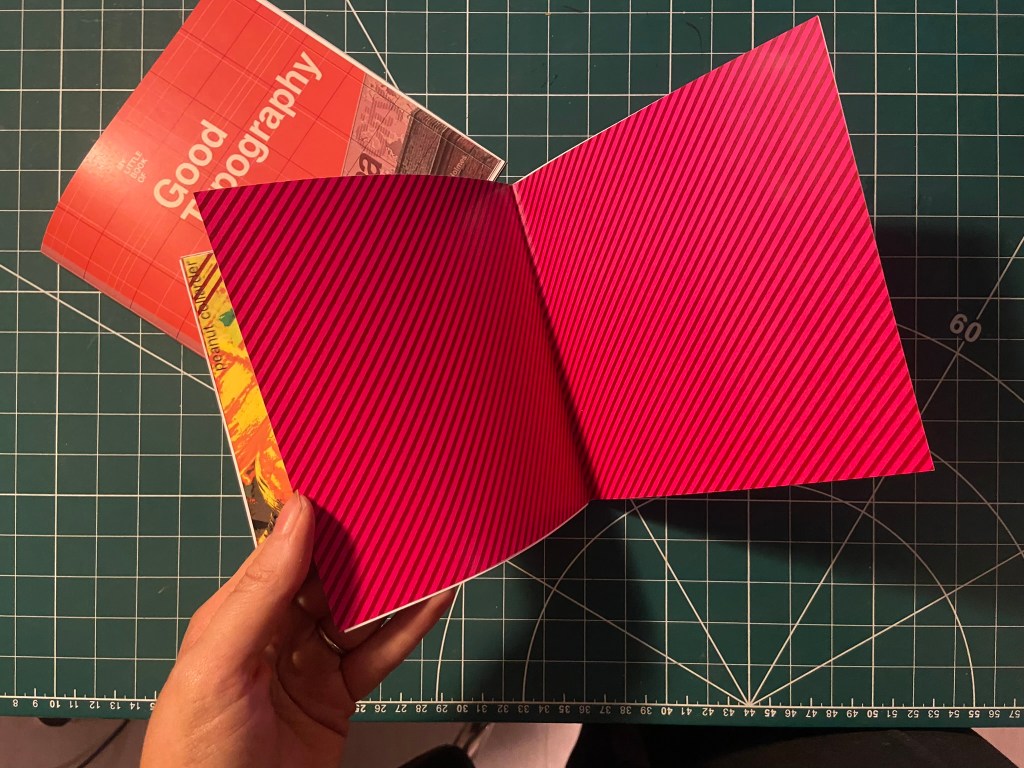
I really wanted the stripe design to follow all the way throughout the book;, I had to take them off the front cover because it stifled the rest of the design but I decided that I would create inner inside covers with just the stripes to then lead into the rest of the book!

With the front cover, inside pages and the Helvetica layout smashed I was on to a good start! I then looked into what else I could do for the other pages…

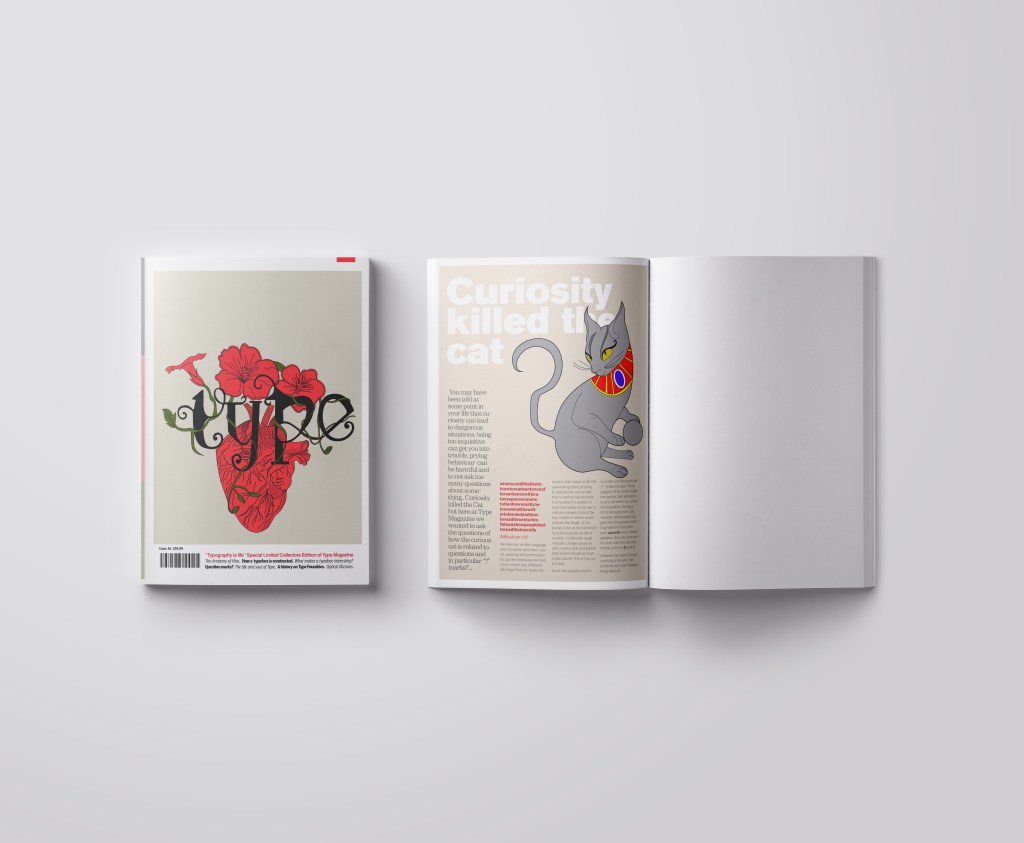
Good Typography pages 3&4, Contrast!

For the next good typography pages I thought that I would do contrast – purely because like what I mentioned earlier there are several rules that come under the contrast umbrella.

  • Contrast using contrasting colours
  • Contrast using harmonious complimentary fonts within the same typeface family
  • Contrast by using different font sizes and skipping weights, using different line weight thicknesses

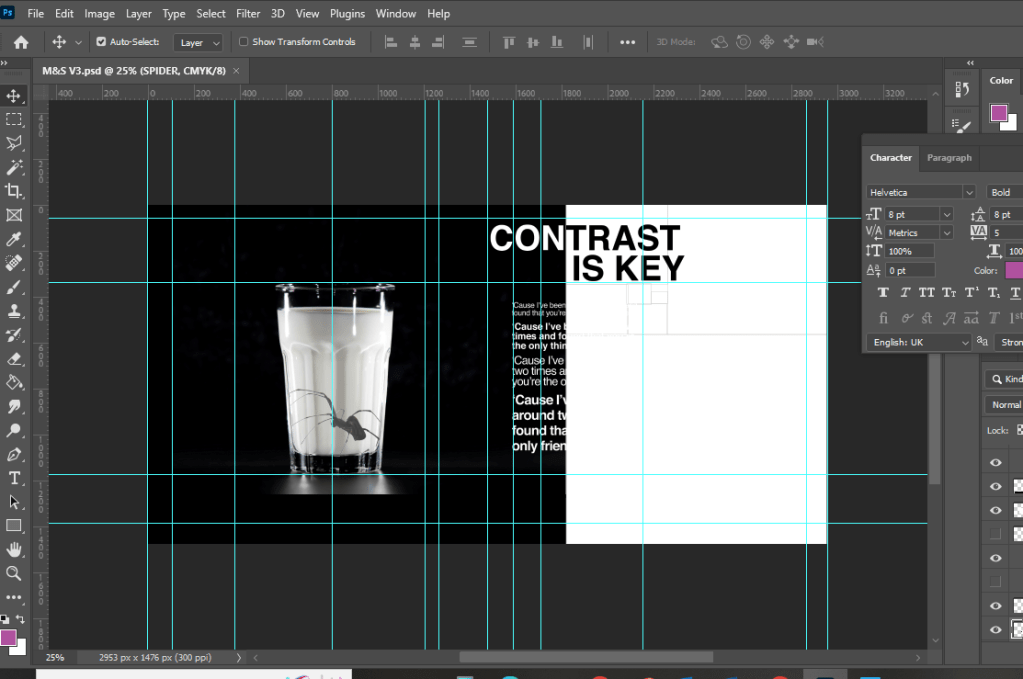
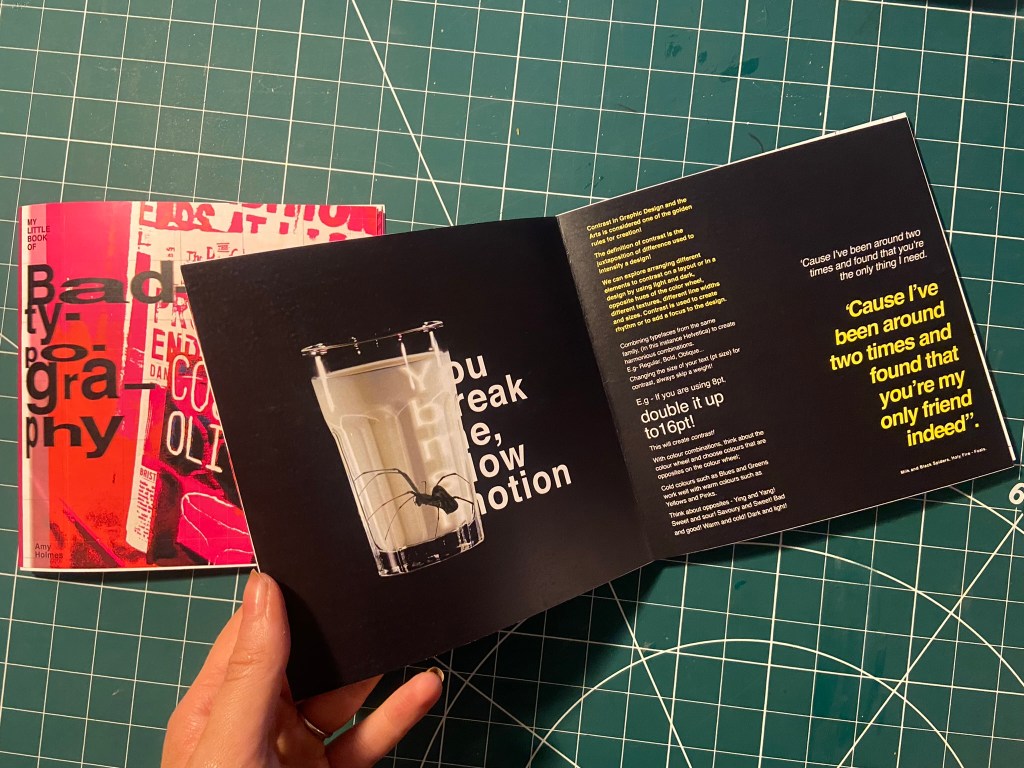
One of my favourite songs is Milk and Black Spiders by Foals and a few days before I started designing for this layout it was playing in my car on the way to Tesco and my fiancé was asking what the song was about, he was like “I guess its about contrast really isn’t it” this got me thinking about including the song and the metaphor of the black spider and the white milk as the subject for my contrast spread!

As a starting point I needed stock photography of a Spider and milk! I was going to take my own photograph of a glass of milk but felt that a free stock photo that I found on Pexels.com was perfect:

I then found one of a Spider which was also perfect! I could cut around the spider using the lasso:

I started off by creating a similar layout to the one I did for Helvetica. I wanted to keep the imagery very simple – I was undecided whether I wanted the Spider walking near the glass of milk or the spider (cruelly!) submerged in the glass. Submerged in the glass seemed a bit more dark and edgy for the feel of the piece! I also knew I wanted to use some of the verse of the song on my layout “You break me, slow motion” is a very haunting verse to use for an edgy looking layout!

Messing around with the dark/light, black/white on the layout…. it just didn’t seem to work though

I much preferred the milk and spider to be alone on the left hand page. It was clean, spacious and it felt like it gave an isolated, lonely, daunting, edgy feel to match the mood of the colours and the layout.

Using the saying “contrast is key” I tried to mess around with the layout again, there just was no contrast at all in this though – the text is all too big, it all blends in together and looks too harsh!

I tried to mute the “contrast is key” and have it bleeding off the page but it just wasn’t right…

I created contrast with the song lyrics by alternating between white and yellow text. I used yellow because it contrasts well against black and also because it is like a warning colour- this layout is about Spiders which brings warning to most people who have a fear of them!

It was important for me to achieve contrast in the written content; I had a large body of text and I had to try and keep it readable in such a small publication but I also needed it to contrast against the rest of the layout.

The end result of the Milk and Black spider was promising though!- I decided to distort some of the text behind the glass and reflect it to look larger as though its in liquid. I manipulated some of the spiders legs in Photoshop to make them bend to look as though it is pressed up inside the glass.

I think the final layout for this works well!

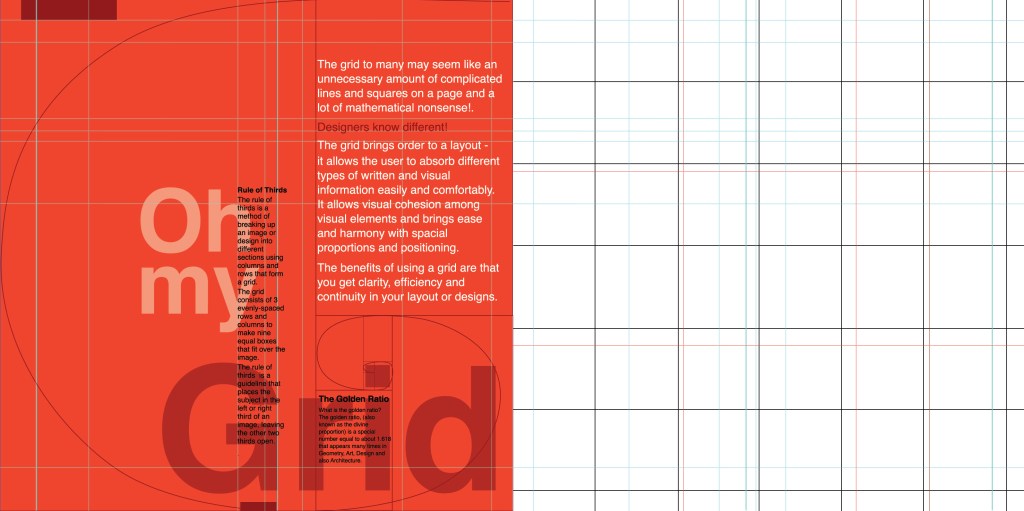
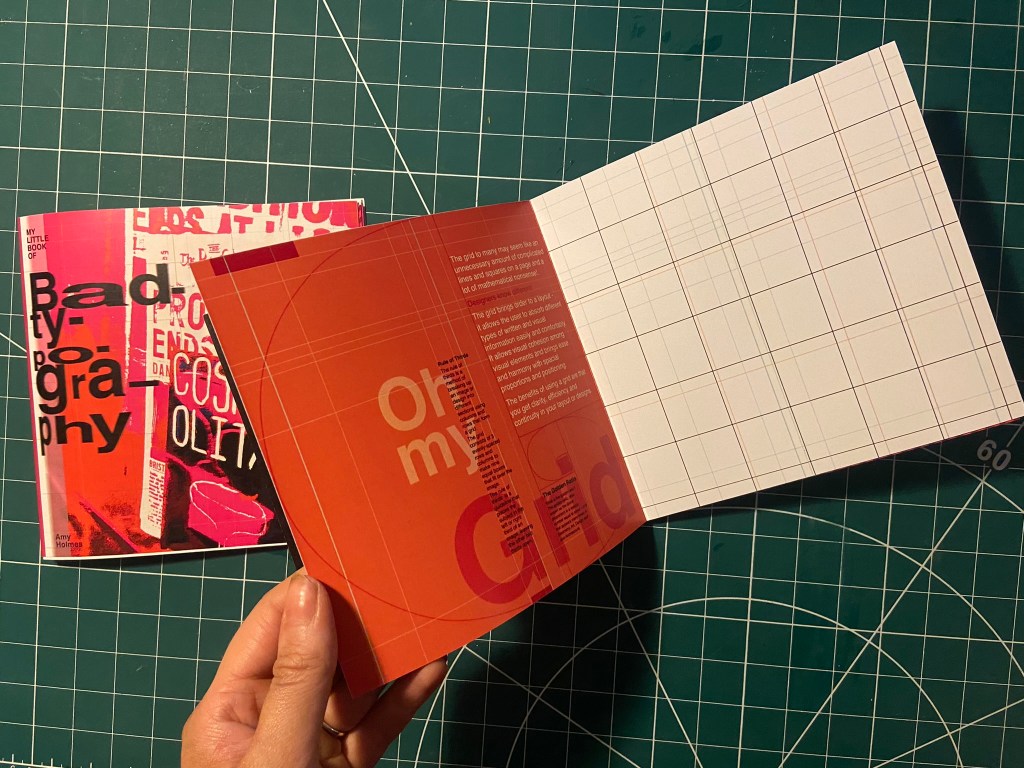
Good Typography pages 4&5, Oh my Grid!

I felt like the next best subject for my book was the grid system as the majority of this third unit has been based around the importance of it! I have also learned a lot in this unit from doing the grid exercises and research so I decided to try and include it and show off what I have learned the best I could in my layout!

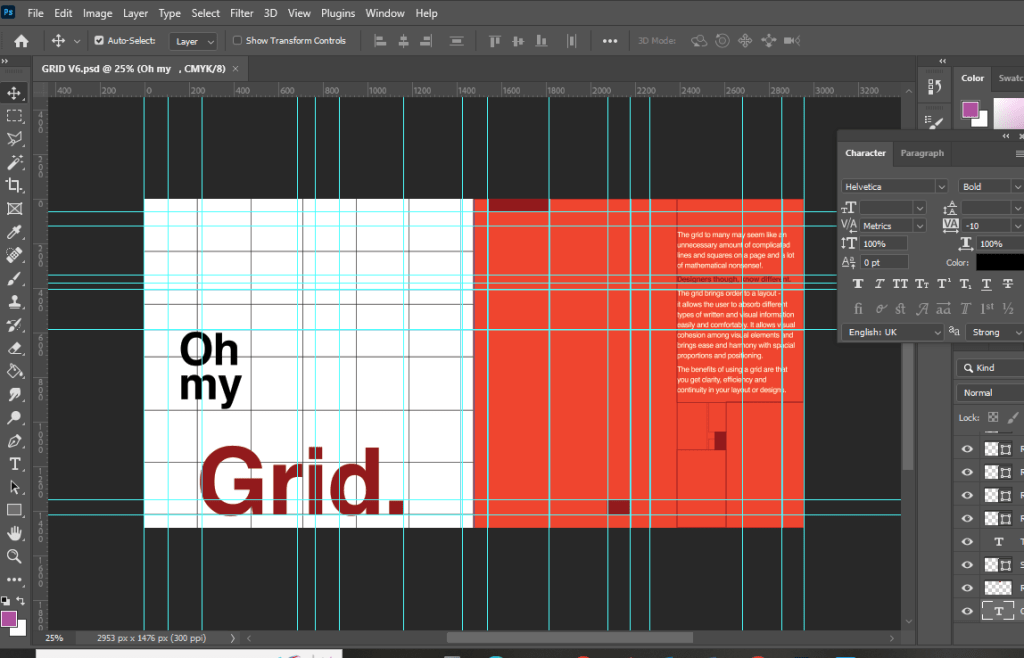
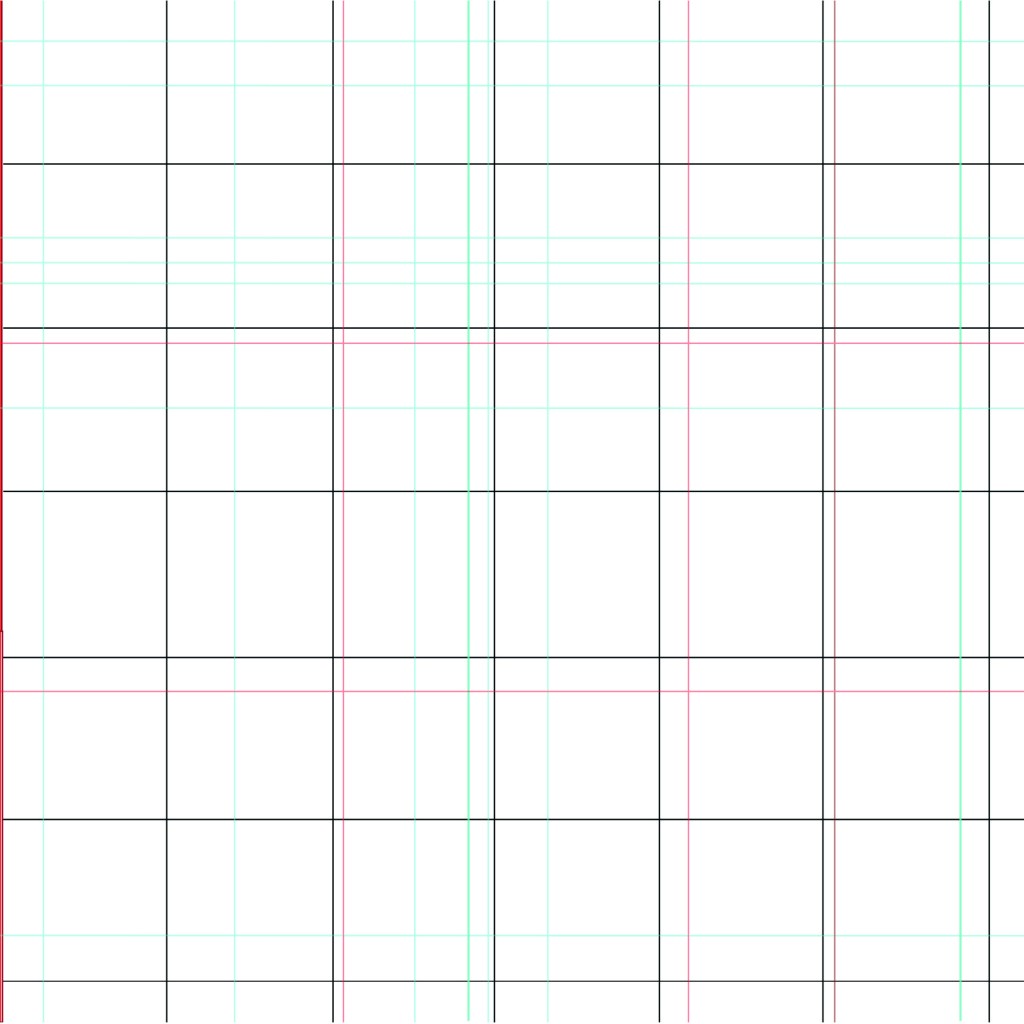
I started off by drawing out my grid!

The pun “Oh my Grid” immediately came to me! It might have been because I wrote about how a lot of people might see the grid system as a lot of complicated and unnecessary lines all grouped together on a page and immediately panic and think OMG!! I did think to change it to “oh my good grid” to try and highlight that grids are indeed good! There was not enough contrast here though, the main heading needed to be bolder and stronger than this!..

This was indeed heading in the right direction! The red married in with the main theme of the entire book but also worked in this layout considering that grid layout was popularized by iconic designers such as Josef Muller Brockmann who originated from the International Typographic Style (Swiss typography!).

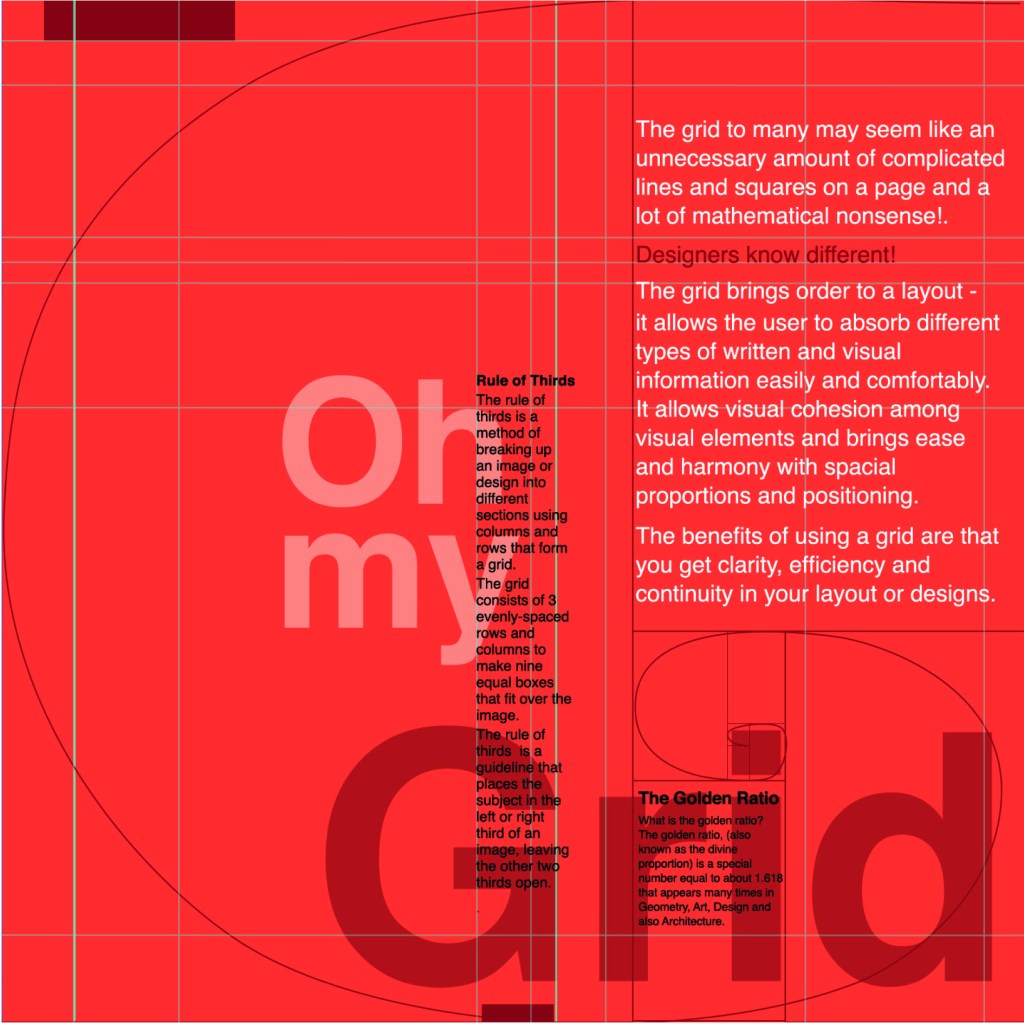
I then included the Golden Section into my layout and the rule of thirds.

I decided that Oh my Grid worked better; it slips off the tongue and it is immediately obvious.

I then included the golden spiral into the layout which ties in with a little bit of text which tells you about it. This is a strong layout but I think it got better!

This layout happened completely accidentally! I accidentally moved the text so that it overlapped the other text and I actually really liked it! I switched the pages around and decided to keep the right hand page completely free apart from the grid outlines.

I also changed the colour of the small text to black because I felt that in Red it blended into the Red background more which made it more difficult to read!

I just needed a back cover!

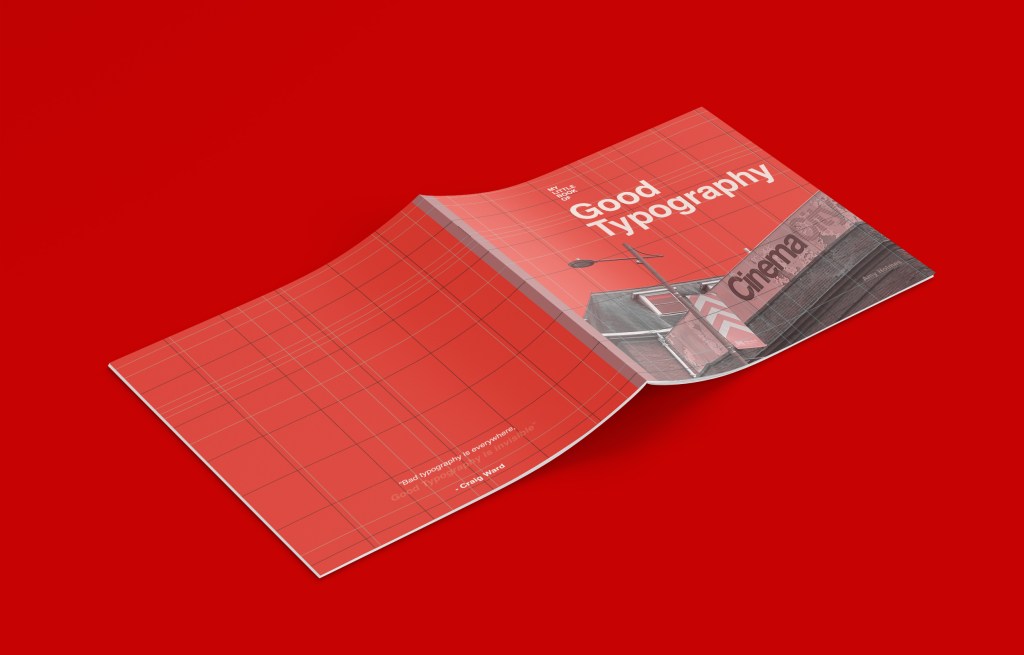
I wanted the back cover to be pretty much the same as the front cover but minus the photograph.. I wanted it to be very simple, I didn’t want to put a massive blurb about what the book was about – the book and the images should do the talking for itself! That is where I found the quote from Craig Ward – Bad typography is everywhere, good typography is invisible”.

I also lowered the opacity on “Good typography is invisible” to make it look more invisible!

I was very pleased with all 3 layouts! I just now wanted to go back to the inside front pages and add a photo credit for the photograph on the front cover!

My little book of Bad typography, Cosmops and Hyphenation!

As I mentioned further up this post, I already had my main photograph (Cosmops!) that had set the tone and was inspiring the rest of my book; although I liked this photograph and thought it was a classic example of typography gone wrong, I was also worried that the hyphenation topic wouldn’t be a strong enough one to warrant being in this book – the more I looked into it though, hyphens are seen as a no no to a lot of designers so I decided to take the risk and go along with it and to see what I could come up with!

This layout also travelled the distance! It went from being too “safe” to me being brave and experimenting more with it!

Similar to what I did for Cinema City, I changed the colour of the photograph by adding a filter to it.. when I think of cocktails, I think of girls drinking them and I think of the colours pink or purple. I decided to go with Purple. I didn’t want to be too girly, I wanted a deep purple colour to be a bit more edgy and atmospheric.

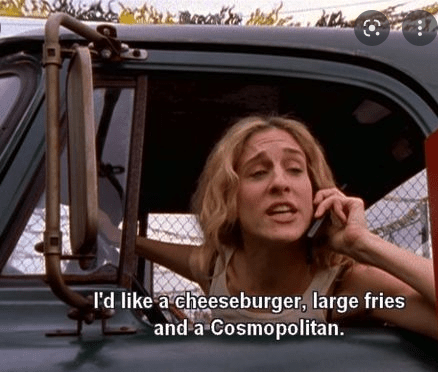
I refer back to my comment about girls drinking cocktails; the most famous example I can think of is Sex and the City!-

I decided to use this as the main quote on the page, further on though I turned against this idea; my fiancé said “I have no idea what that means…” it dawned on me that this book is for everyone not just Sex and the City fans!

As you can see above I played around with the layout a lot! Creating contrast, taking into account negative space and trying to create a harmonious hierarchy! It just seemed “too safe” for a book about bad typography though… I needed to get more experimental.

All I could hear though in my head was MOP MOP MOP! Mopping up those Cosmops on a night out! Drink some Cosmops! I got silly and used this as the main heading for the pages:

This was more experimental.. it was far more David Carson and Raygun.. What if though I could try and reflect the place I was in (drunk!) when I photographed this sign?.. it would also tie in with mopping up (soaking up!) the Cosmops! I used a blur filter to blur the text and the photo ever so slightly… just enough to disorientate the reader ever so slightly!…

Nailed it! It feels very Punk and Acid house! It feels like a drunk Saturday night out!

I also played it unsafe by hyphenating all of the text to make it really uncomfortable and hard to read!

My little book of Bad typography, Too many (type) faces!

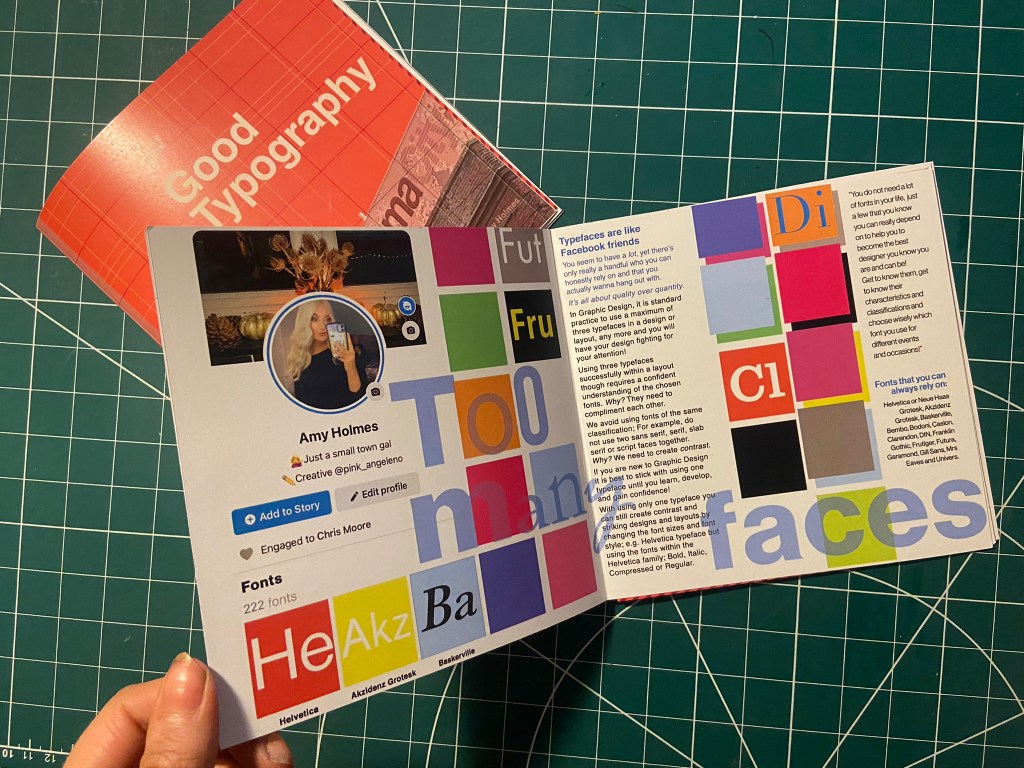
I decided that the next topic to appear in my book should be “too many typefaces”, Two pages about how using too many fonts can be bad for a design. I had the idea in my head of typefaces being like people- friends on Facebook more specifically. People boast about how many friends they have on Facebook when actually they are more acquaintances and people that you keep on there just to nosy at! A lot of people have complete randoms on their Facebook just to keep their friends number up! I am talking quality over quantity; rather having a handful of friends than loads that are crappy! It is exactly the same with typefaces, I have loads on my computer but I always go back to the ones I love and use frequently!

This is also a layout that travelled far! Again, I felt it was “too safe” and too “magazine” for my liking. It felt like a glossy spread in “Pick me up” magazine than it did belonging in a chic little book about bad typography!..

Using my Facebook for inspiration, I only have 222 friends… (probably 220 acquaintances!!) I screenshotted my Facebook app and imported it into Photoshop to manipulate and include in my design layout!

It was easy to match the typeface to Facebooks app – Helvetica! Duh! 😉

I just cut out friends and replaced with fonts.

I wanted to keep the feel of the layout like something that would be on Facebook – I used the same blue as the Facebook logo. I used the “what’s on your mind?” section of Facebook to use as a speech bubble type thing to talk about how using a maximum of only 3 typefaces at one time is crucial in Design.

“Too many fake mates” didn’t really highlight what the piece was about… It gives out mixed messages and meanings.

I took out the photos of my “mates” and replaced them with a coloured square featuring the beginning of the name of a typeface to represent my font friends.

The spread below reminded me of a page out of Pick me up magazine… It just wasn’t right for a book.

It then went back to this… which I thought I was going to go with…

It then went to this which I was certain I would go with!… (plus my profile photo changed by this point!)

But! It just wasn’t “bad” enough… it all felt too regimented, clean and like it belonged in the book about good typography!

I then went along with this one!- It was busy, bright and too much going on for too many typefaces!

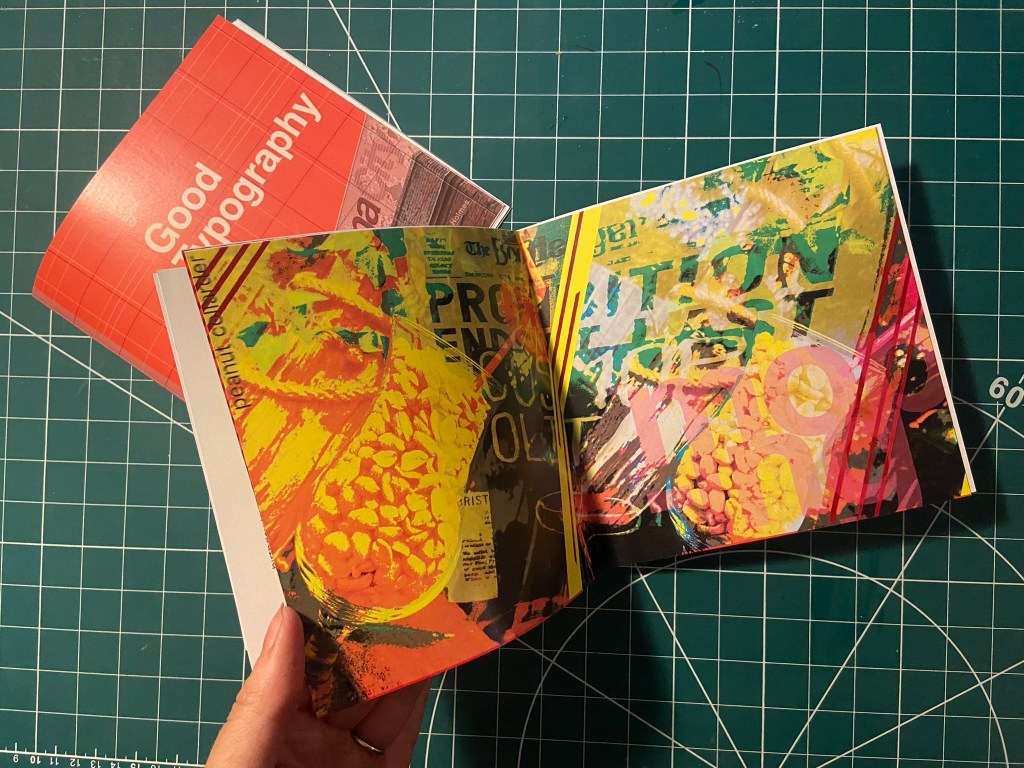
My Little Book of Bad Typography, Peanut Collarders! – Typos!

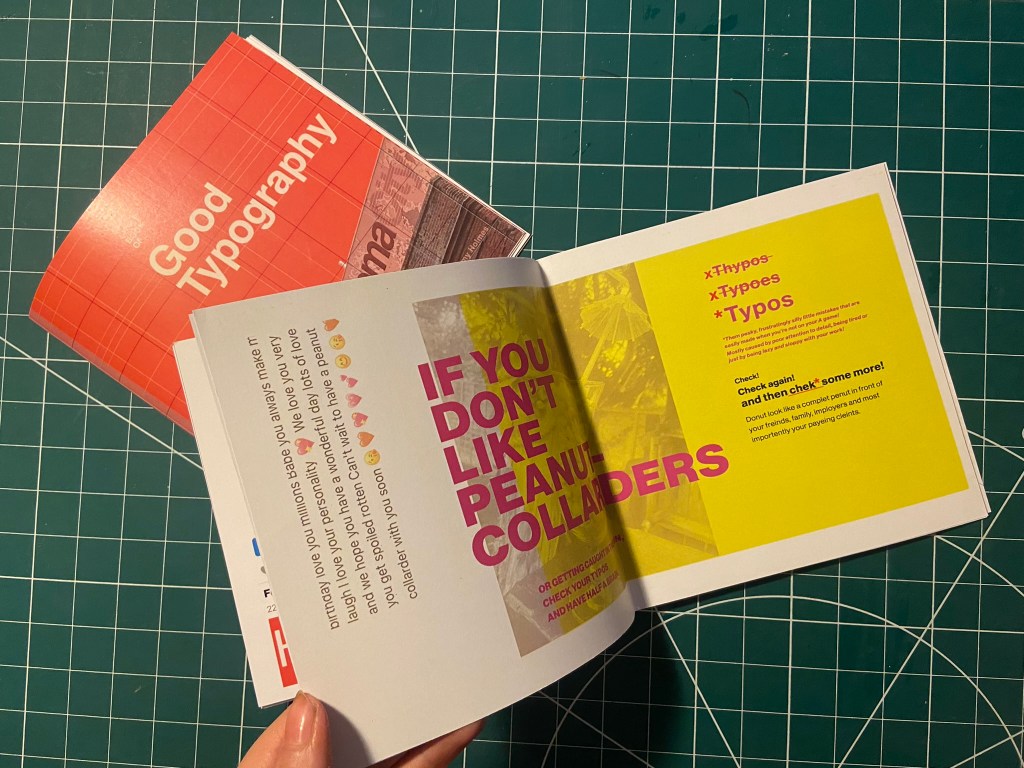
This next part of My little book of bad typography was inspired by a Facebook post that one of my distant friends wrote to one of her best friends.. I read it and (cruelly!) might have laughed a bit and instantly screenshotted it to use as material for Typos!! – the topic of my next pages!

Ok!.. so the infamous message was this!

Possibly a little bit mean…. ;s but c’mon!… it was too perfect to not use! Do you like Peanut Collarders?… ;p

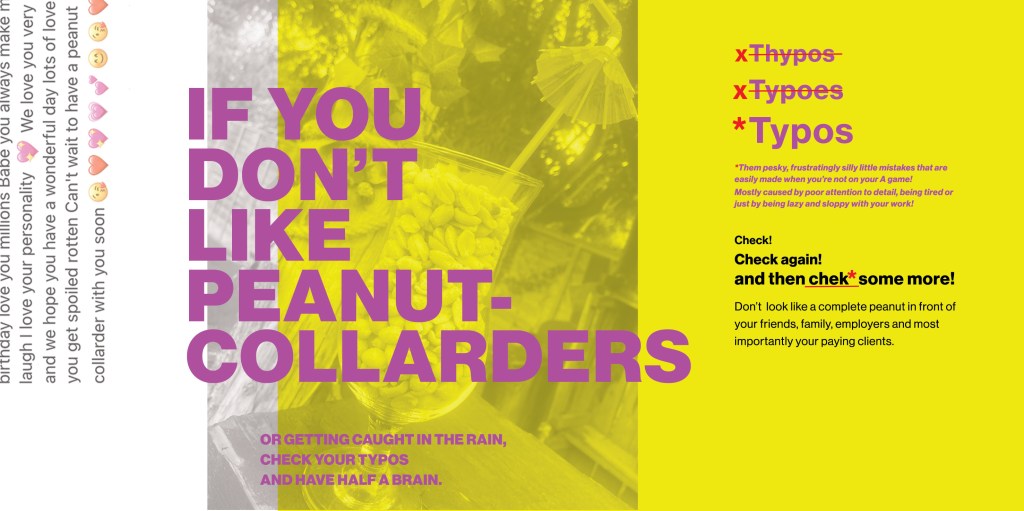
Firstly I needed to know what a Peanut Collarder might look like! – cue our outdoor bar, a pink umbrella straw, a large bag of peanuts and a Pina colada glass!..

Like I have for all the other layouts, I imported a photo of my Peanut Collarder into Photoshop and placed a yellow filter over the top.

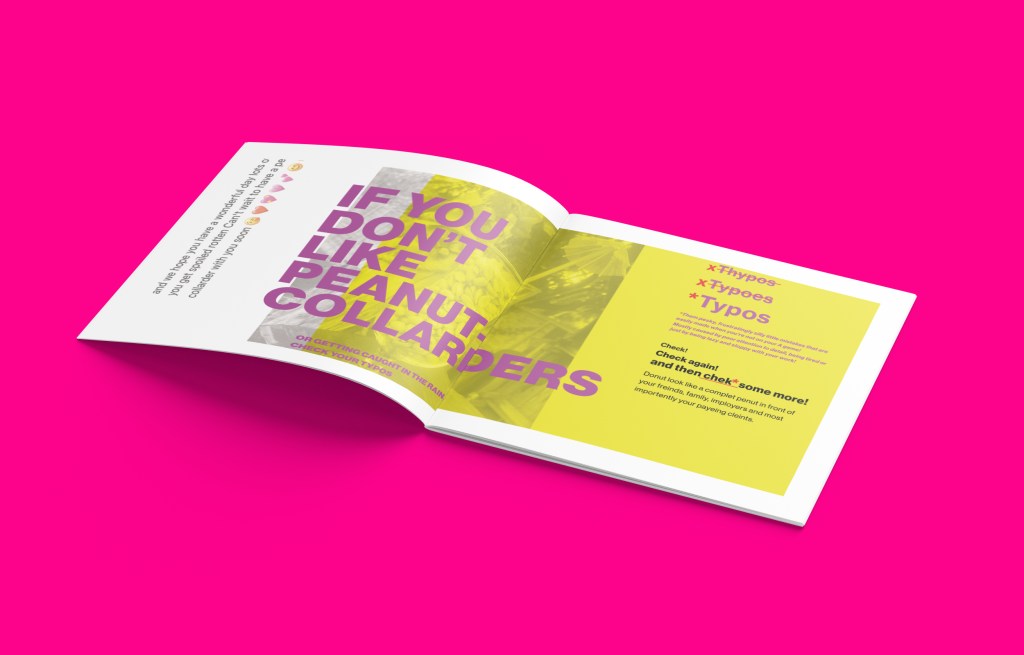
I then also altered and imported in the Facebook message (obviously protecting the identity of who wrote it and who it was intended for!) Obviously I had to use the Pina Colada song as the main heading for the layout! – It started off with “Do you like Peanut Collarders?” but then evolved to “If you don’t”.. then don’t create typos!!

Once again though the layout seemed too “safe”, I really liked the look and feel of the layout but it needed to be made more “bad”.

I then spelt “Typos” three times making sure that the first 2 were definite typos!

This then evolved into a host of typos in the main body of text – it related more to the nature of the book and it reflected typos perfectly!

I then had a think about the inside pages; on my Good typography book I had the striped red inside pages… I wanted similar for this book too but in keeping with the Pink, Punk colour!

I also included another photo credit for the photograph taken in Bootlegger!

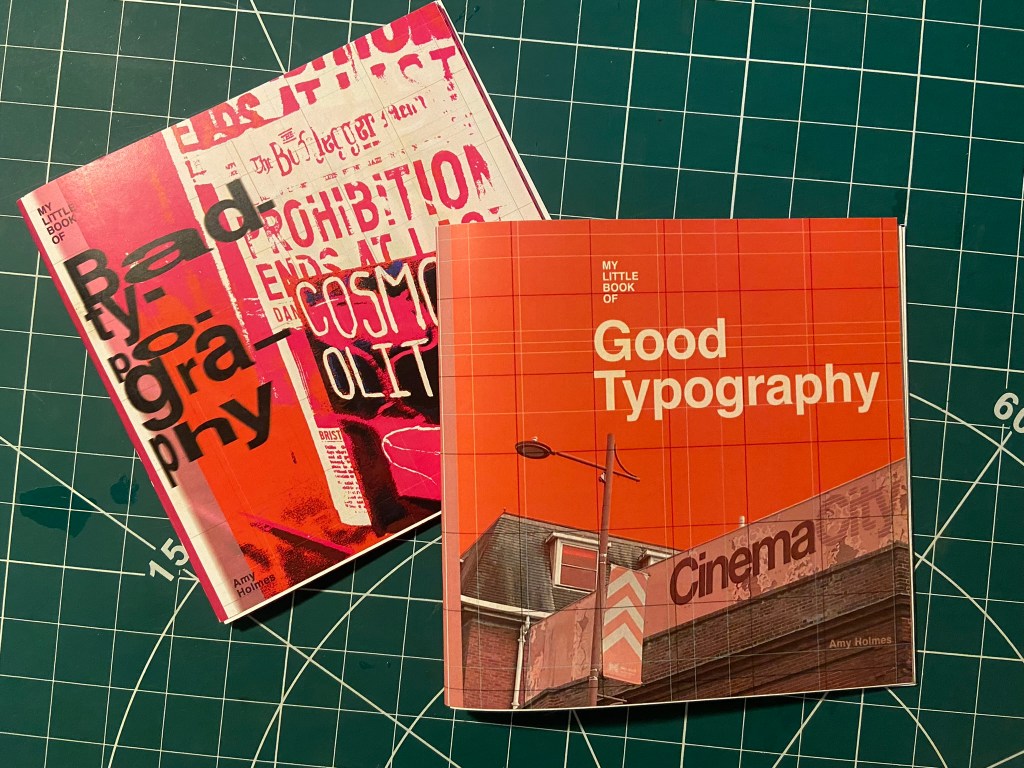
I then had to work on the front cover for the bad typography book! I had big shoes to fill from the first cover! I did like the David Carson inspired pages I did for Cosmop so I wanted to follow in the same footsteps!

I had loosened up a lot from starting this assignment so for this cover I just went for it!

It only took 2 attempts and I knew I had cracked it! The response I got on my Instagram when I uploaded them was proof enough! –

I have noticed that as the time goes on and I gain more and more confidence I am able to stop second guessing myself and put out a design after only a shirt while working on it and know that it was the right decision!

They did look good on my Insta feed though I do have to say!… They got a lot of love from my fellow OCA peers too!

It was then time for the back cover.. I pretty much wanted the front cover to roll over to the back because I loved it so much!

Bad typography is everywhere so that is all I literally wrote on the back!… it did change ever so slightly though because when I imported the jpeg into InDesign I actually liked how it looked when I zoomed in on a certain part of it!

Perfect!

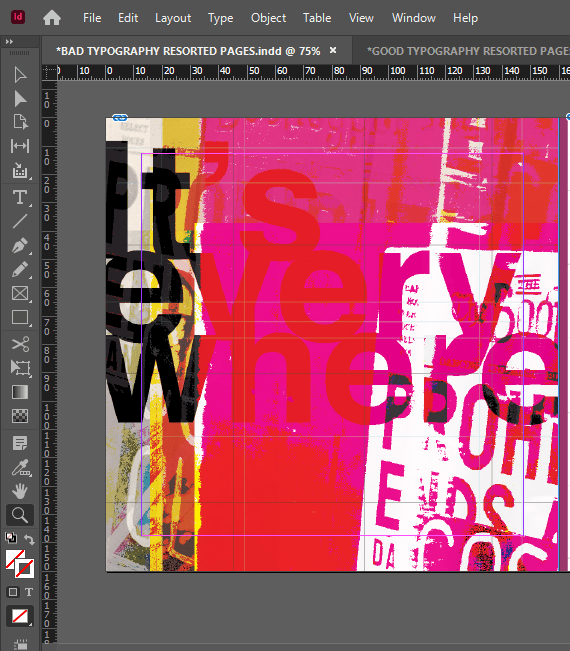
I also wanted to do a similar thing for some inside back pages for this book, in the style of David Carson and collages and like what I have done for the front cover and the Cosmop layout!

It looks like absolute mayhem! Peanut Collarders, Cosmops… wild night out!

Making the final books

As always when creating a final book I always set up a document in InDesign and then import any images I create in Photoshop in to then add text etc… this time I worked differently, I created everything in Photoshop and exported the jpegs and then imported them all in!

My methods of printing the books are not ideal; I did not take this one to professional print I just did as I did with my zine and printed it out at my workplace using their laser colour printer. I really struggled to correctly paginate my pages when I printed my zine to my work laser printer last time because the printer flips the pages weirdly! I found that I had to lay pages put upside down and at different sizes to print correctly last time! – it was a nightmare! I tried the same this time, I paginated all the pages but because there was only a certain number of pages there was a double page spread on each book that printed out blank! I did not want blank pages in my books so instead I went back and printed each spread off individually and bound my book together in a different way!

The paginated versions that I printed for my first trials!

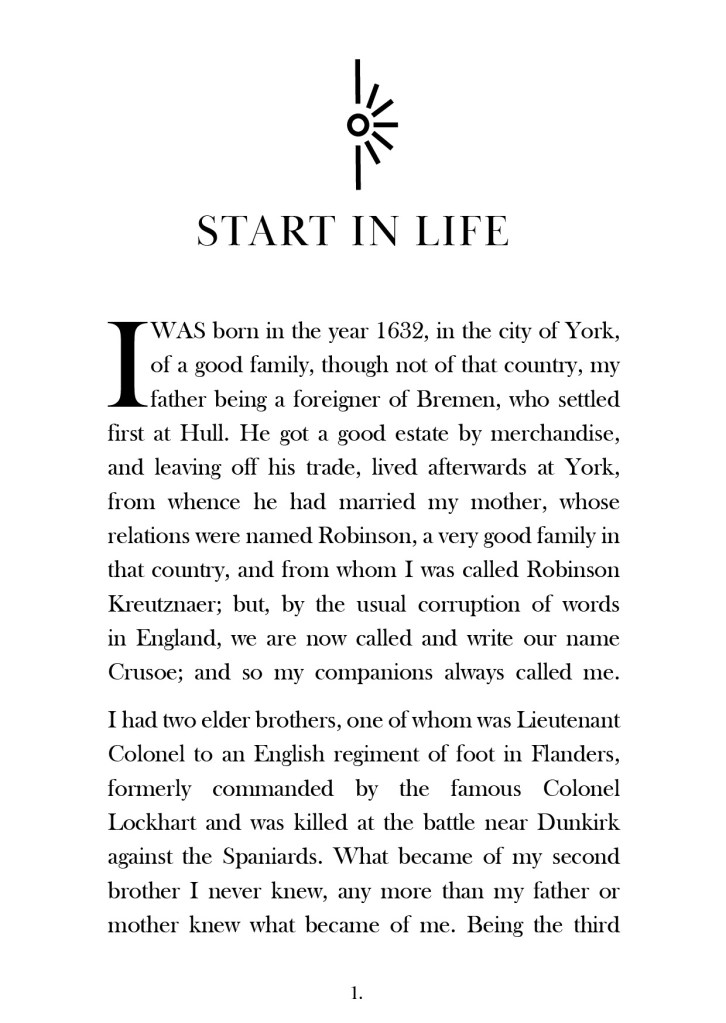
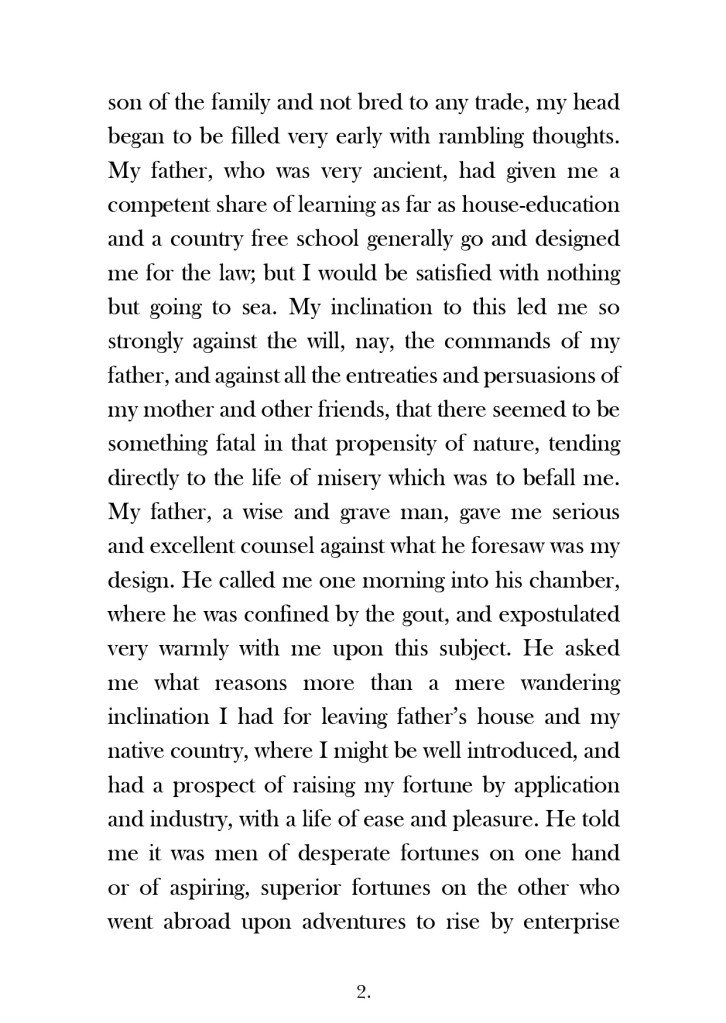
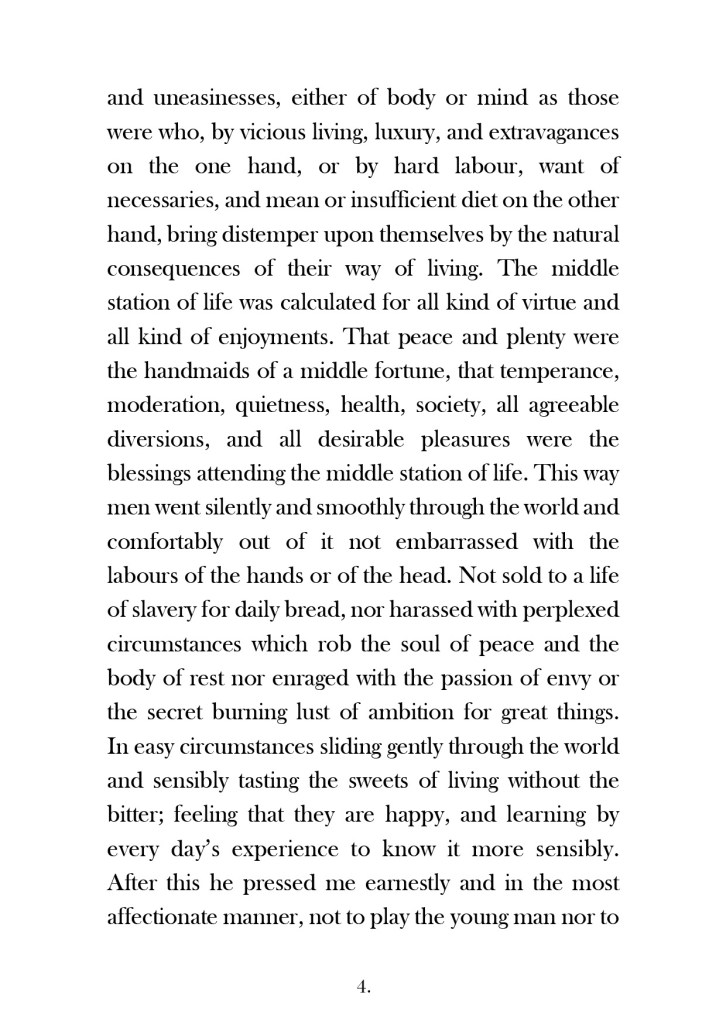
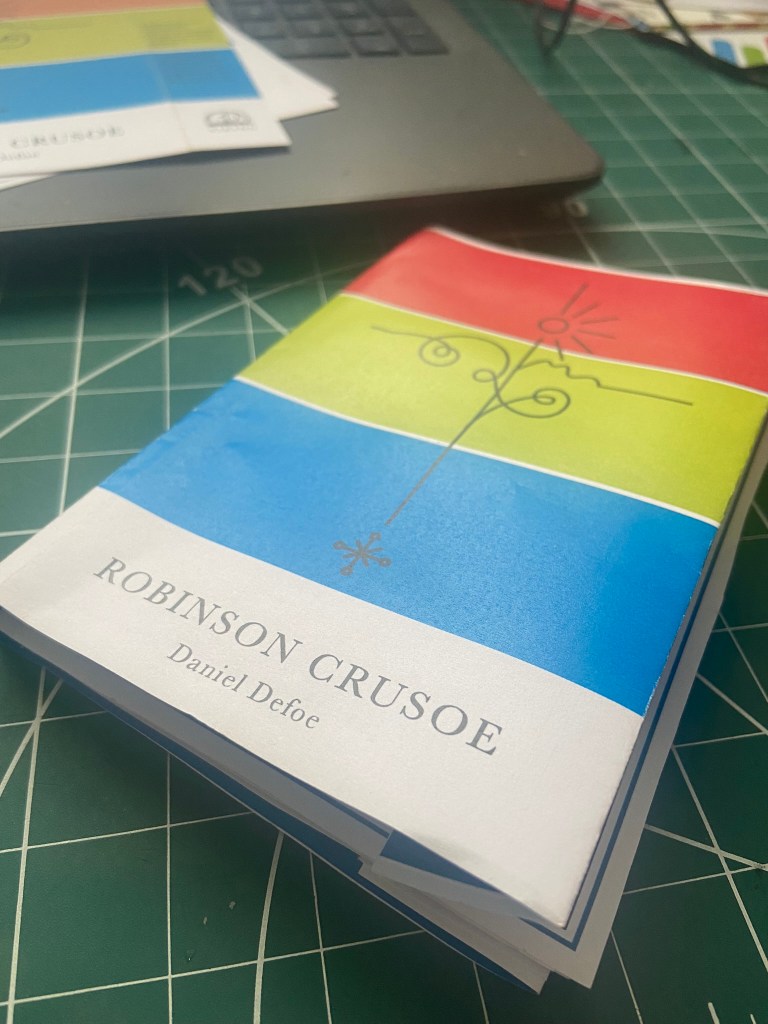
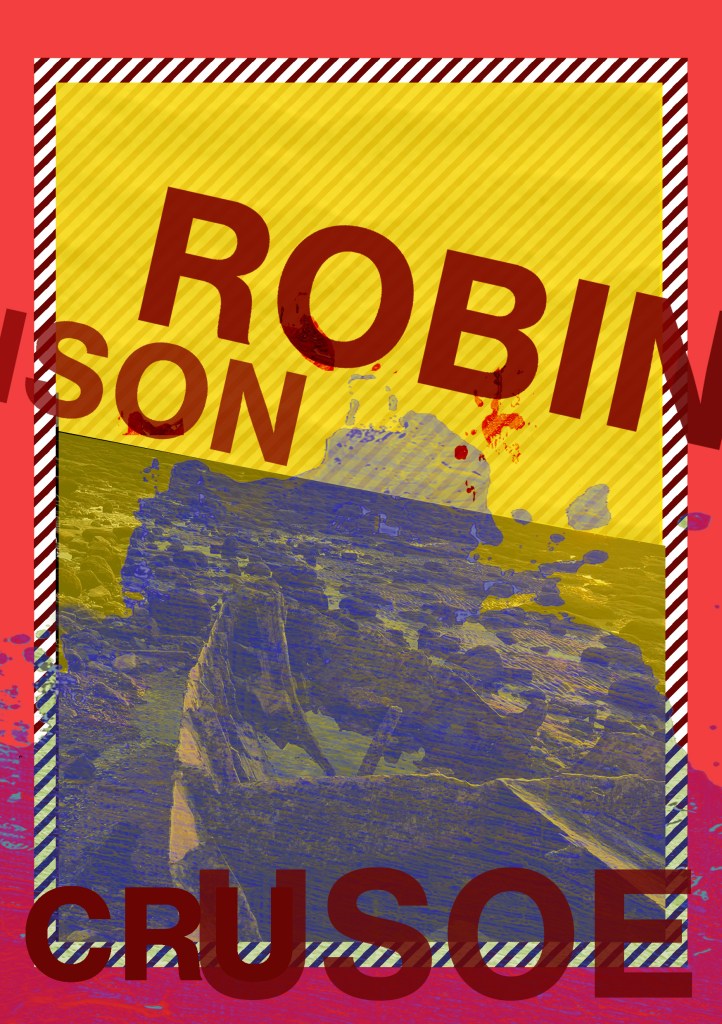
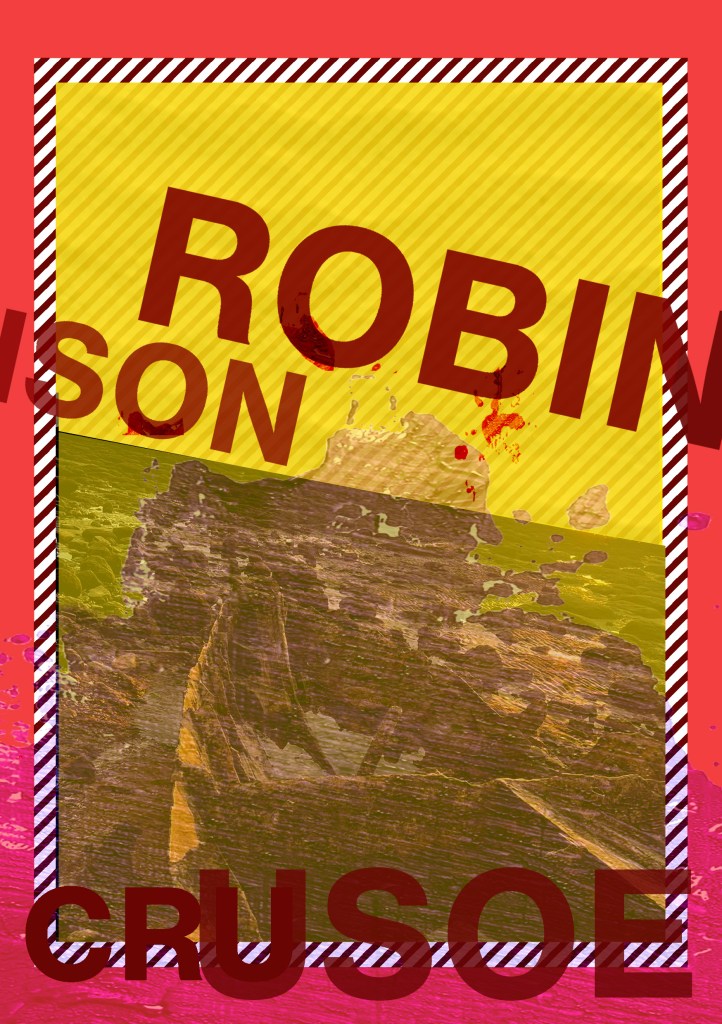
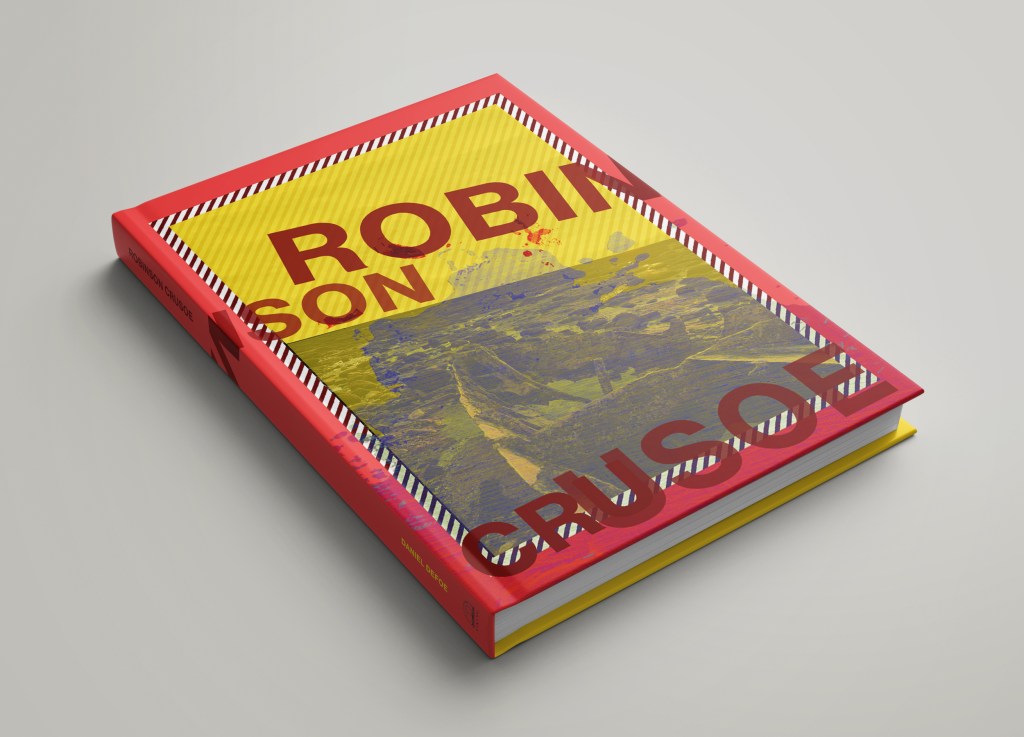
I printed my books out using the same paper stock as I used for Robinson Crusoe; a lightweight glossy card stock – (it is somewhere between paper and a really thin card!)

I then used photo mount and glued the pages back to back, the way I bound my book actually made this the perfect paper stock to use because by the time I had finished I had really sturdy glossy little books! The spine was quite prominent too and sturdy!

Conclusion

The one thing I will note that I have done differently this time is that I have very little initial sketches!- Usually I have handfuls of little doodles which help inspire my designs; this time however I was working from my instinct and digital development! The 2 photographs inspired my thought process and then digitally from there everything just flowed! My confidence has increased since the start of this assignment, I am really pleased with how my books have turned out. The response on Instagram and from friends and family has been positive too! The verdict has mostly been that they look very striking and professional! In my next assignments I wouldn’t make the same exception and have such limited drawings but I took a risk with this assignment to work digitally and it paid off! I am so much more confident with grid systems too which is something a few years back I never thought I would say! I used to hate the grid and be one of the people I wrote about!- just a page full of unnecessary, complicated lines! I really enjoyed this assignment and I think my skills and layout design has come on leaps and bounds from “If the face fits” in Core Concepts. Next time though I shall probably look into having them professionally printed; it will also give me the experience in dealing with industrial printers and outside professionals!

Part 2: Assignment 2 – Form and Function

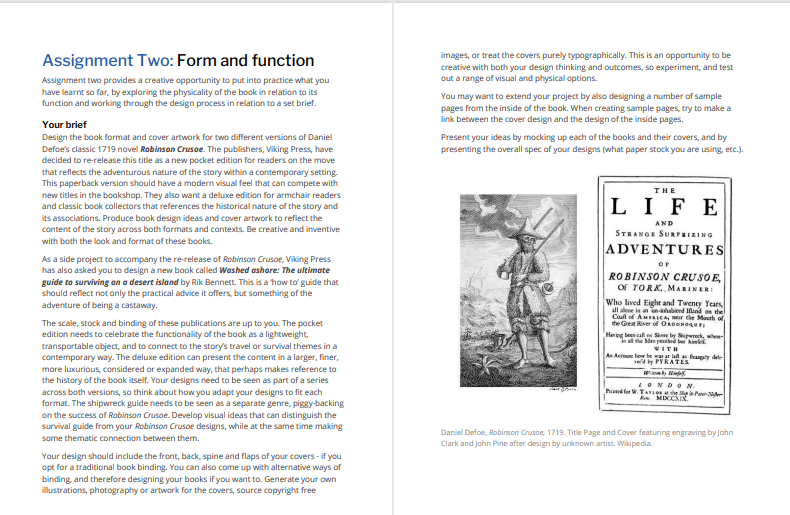
The Brief

First Thoughts

My first thoughts about this assignment was that it is a big assignment and a lot to design for! I was also nervous about figuring out what papers to choose for the publications; there is so much choice and trying to work out the different weights and figuring out which papers do the best job for each part of the book seemed like a foreign language to me even though I did the previous exercise studying the different paper samples etc.. I just figured that I would go off using my GF Smith paper samples; after all I can physically see and feel all of them to know what would be best!

Research

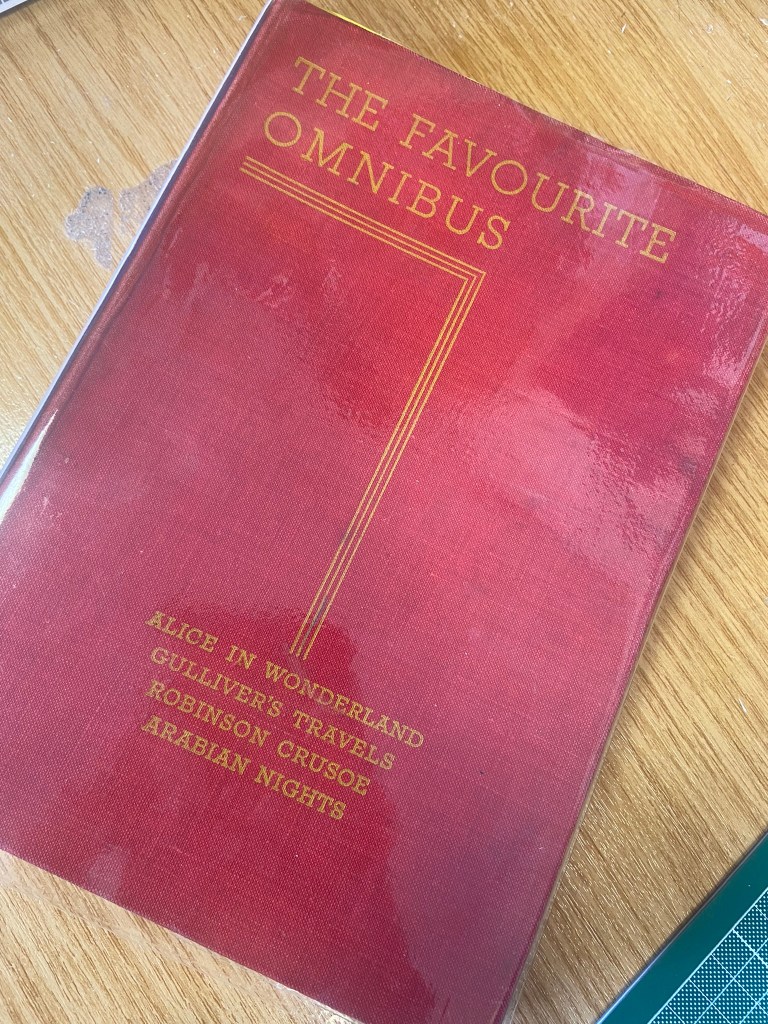
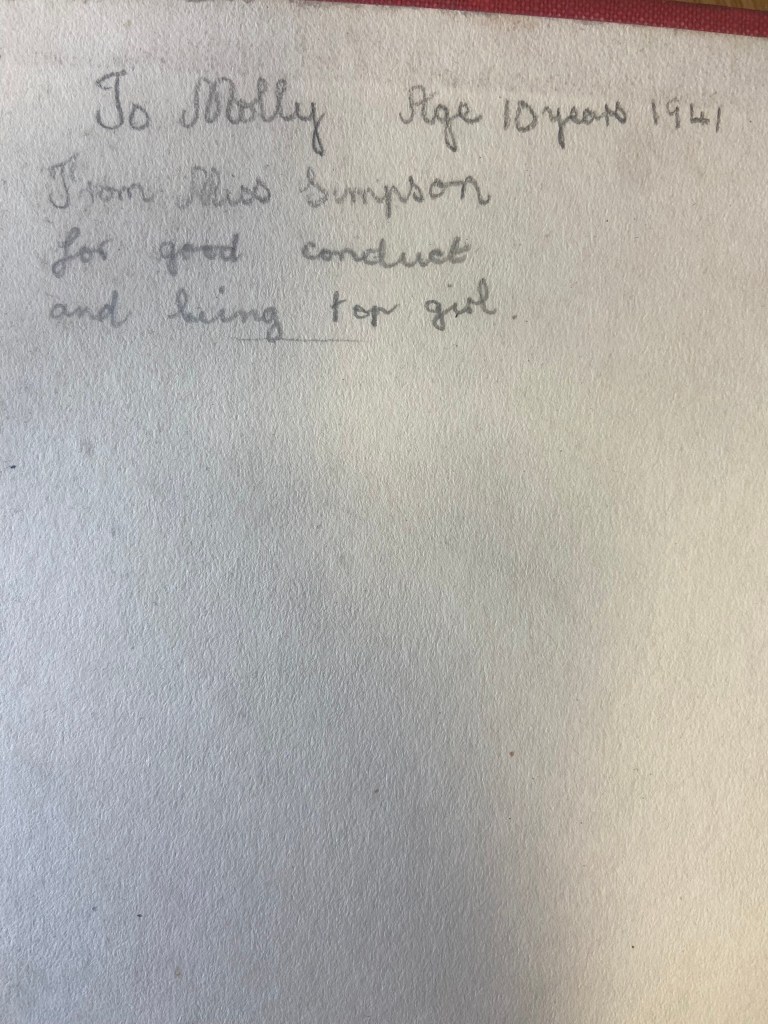
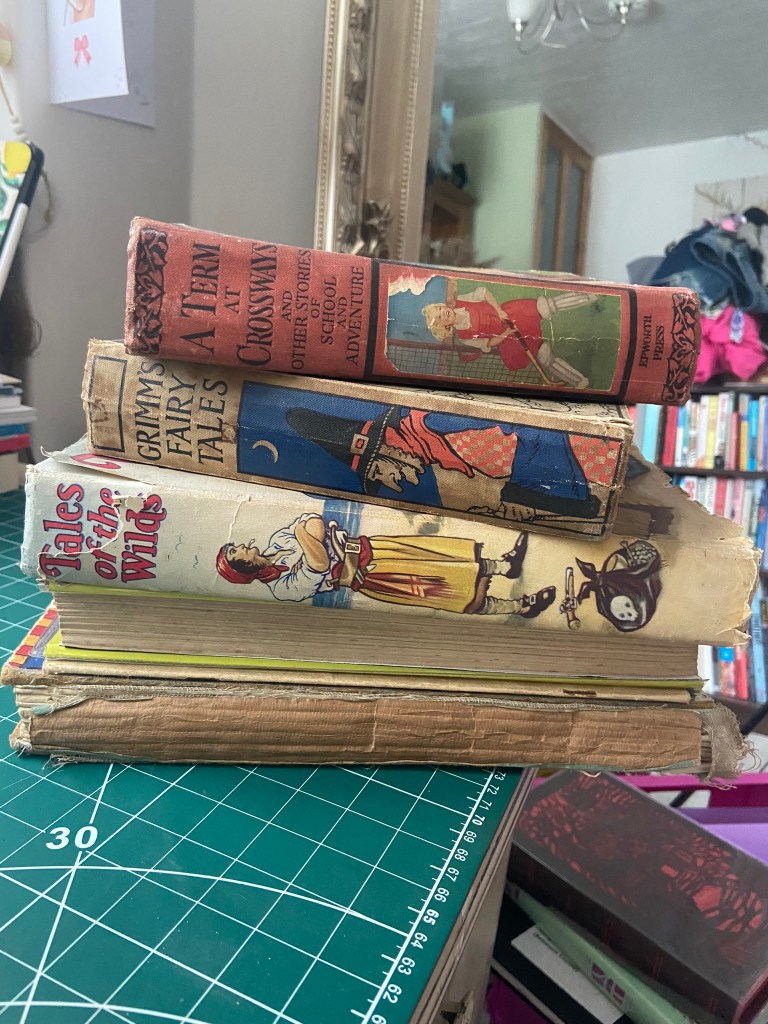
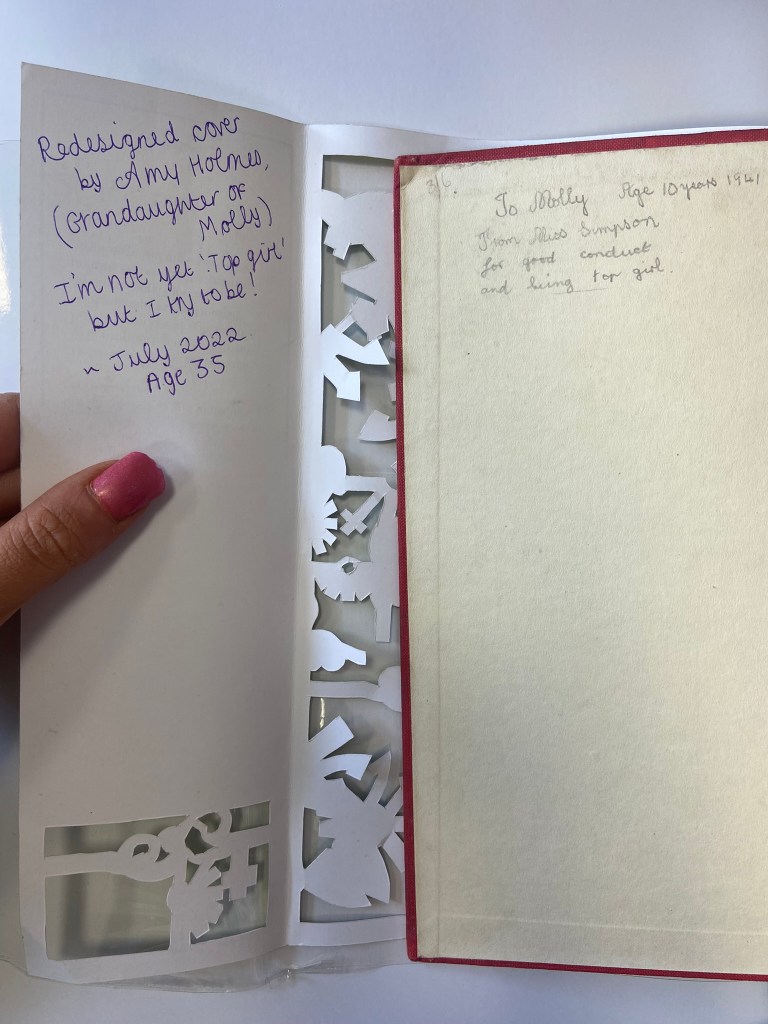
I started to research first, obviously I knew who Robinson Crusoe was and I knew vaguely what the story is about but I didn’t know enough to be able to design two books. About a week before I started this exercise my Mum had some old books that belonged to my Grandma and Grandad when they were children which she no longer wanted and didn’t have room for. For the purpose of this course and because I didn’t really want to lose them, (there’s that sentimental feeling that books give you! – trying to keep hold of them as they are heirlooms and hold their own story and history within their own right!) I took them off my Mums hands. One of the books was a thick, red, cloth bound omnibus of adventure stories of which included Robinson Crusoe which was a bonus! From first glance at the brief it states I needed to mock up my covers; I usually do this in a digital form by finding a book mockup online and placing my designs onto it. I thought this time though it would be a good idea to mock up my design onto this actual book! – it would then hold even more stories and history; firstly that it was gifted to my Grandma for being a good student at school and secondly it would have a new cover designed and made by her granddaughter 70 years later – my grandchildren might hold onto this copy and try and figure out why I designed a new cover for it so many years later! You never know, they might be artistic and add their mark onto it too!

Also, a hardback collectors edition does not need to be lightweight – they are made to purely keep at home on a bookshelf with no need to carry around so this was a perfect book to model it from.

I now had a copy of Robinson Crusoe in my hands; I didn’t have the time though to sit and read it all. I decided to cheat a little bit and find a pdf version online which I skimmed through; I also read a few summaries of the book. Reading these were interesting! There were so many takes on the story- bad and good! Some people were saying it is a marvelous tale of bravery and adventure whilst some other reviews were that it is a seriously outdated story of slavery and racism (They also used the image to accompany their review of Desmond out of Lost which confused me because I couldn’t see the link between the two!! *shoulder shrug) I could see both sides of the argument but also understand that is it an incredibly old story and times progress and evolve!

The key points that I picked out from the story were:

  • Friday – the slave boy that Crusoe rescues from the island and brings back home.
  • The cross that Crusoe builds on his arrival to the island – to use as a religious artefact but also to use as a calendar to tally and scratch the days off onto.
  • The Parrot, Goat and Dog that he owned on the island
  • The Cannibals and mutineers that he had to avoid
  • The footstep in the sand that he found which petrified him and reminded him that he was not alone on the island.

Having had a quick glance at covers they all seemed to be based around the same ideas; the island, sun, sea, sand, parrots, illustrations of Crusoe in raggy clothing on the beach… I did not want to create another cliched cover. I wanted to try and venture outside of the box and design something that wasn’t completely obvious.

I went onto Pinterest to start off with and researched more into the different covers and even just shipwrecks, sea and being a castaway in general just to come up with some ideas, colours and moods.

As I was on a tight timeframe I didn’t want to waste any time I had in trying to research into covers as I knew that this assignment wouldn’t be a quick process! – therefore even sitting in bed at nights I was looking at Amazon, Ebay and Instagram to see their copies of Robinson Crusoe!

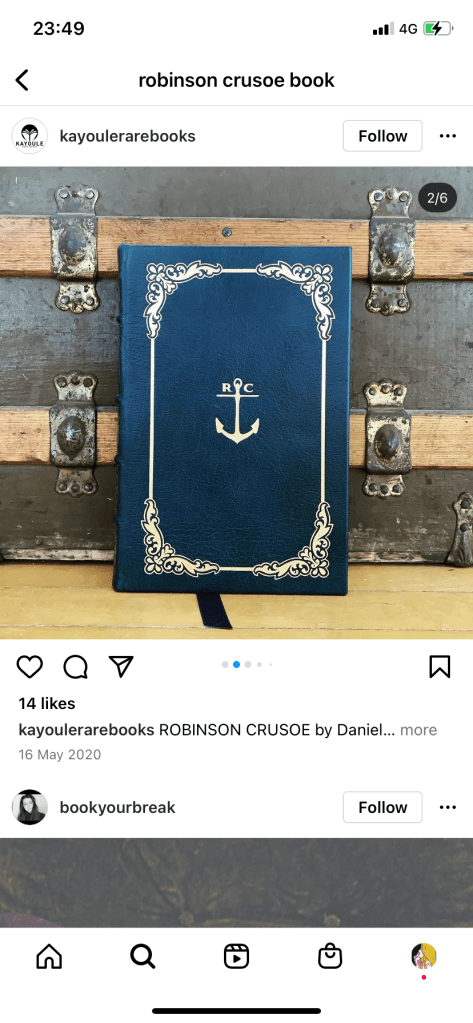
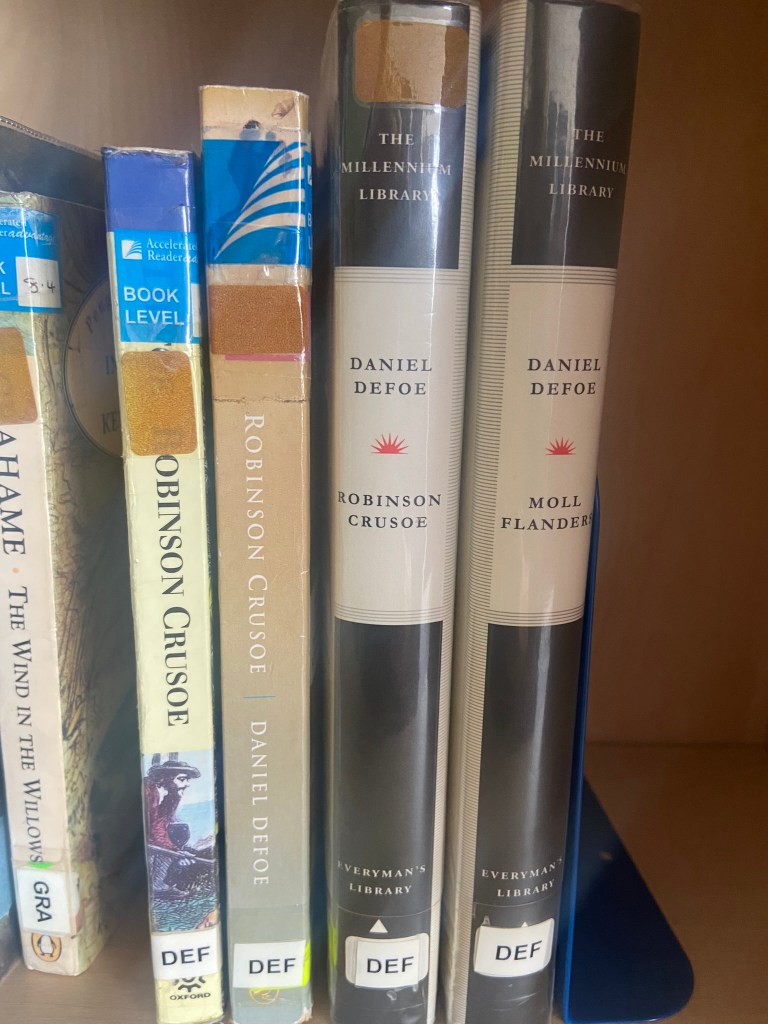
I liked the cover above with the anchor and the simple RC. This gave me sailing vibes and the anchor definitely relates back to the sea. The ornate border around the outside gives it a classic feel but also relates back to the era of the book.

I even found myself looking at the book section in Tesco every time we went for a shop just to see what cover designs there were for similar books or any book actually! I wanted to see what different covers existed that I could steal some inspiration from! I found a few:

These intrigued me because I was under the impression that for paperback books you didn’t generally have coloured tipped pages.

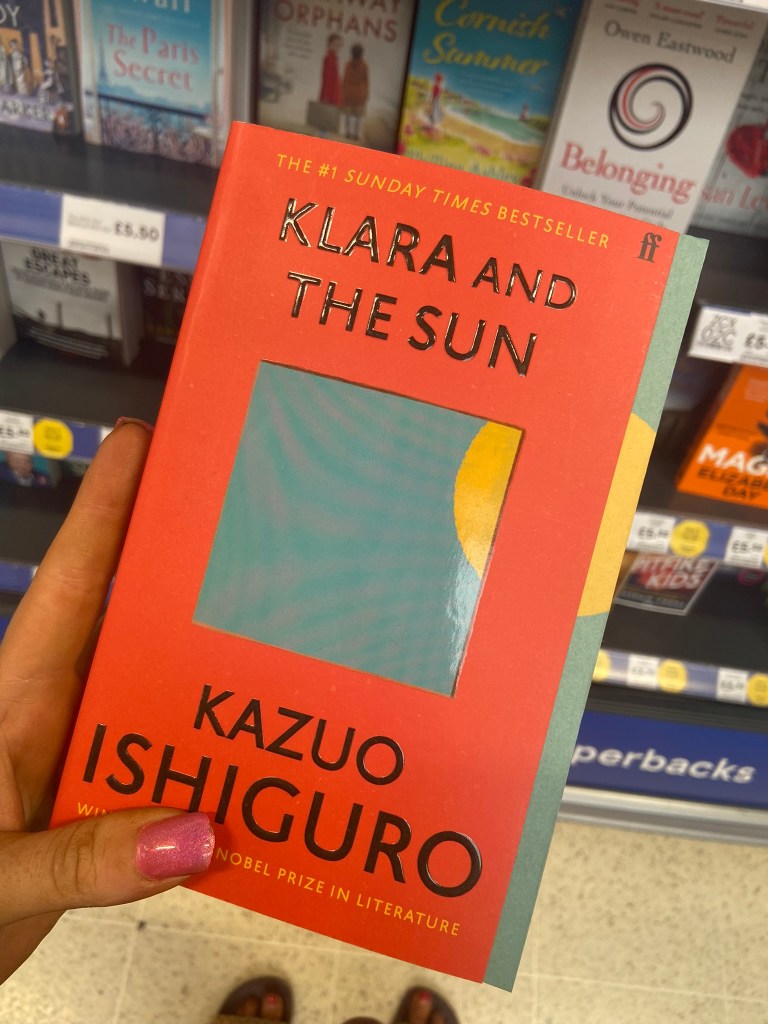
The book below was interesting becasue the inside box was cut out to reveal the page underneath. The cover also ran short on the right hand side – it gives the impression of the sun moving across the sky at certain times of the day. The cover is very simplistic as well. It is bold and catches your attention.

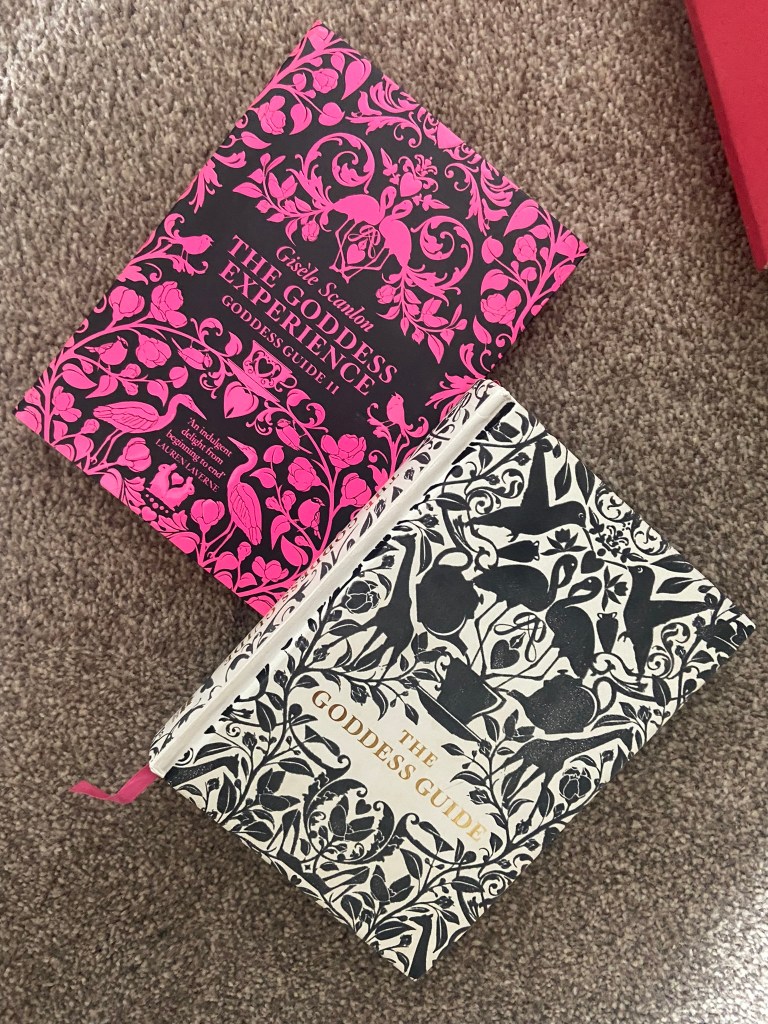
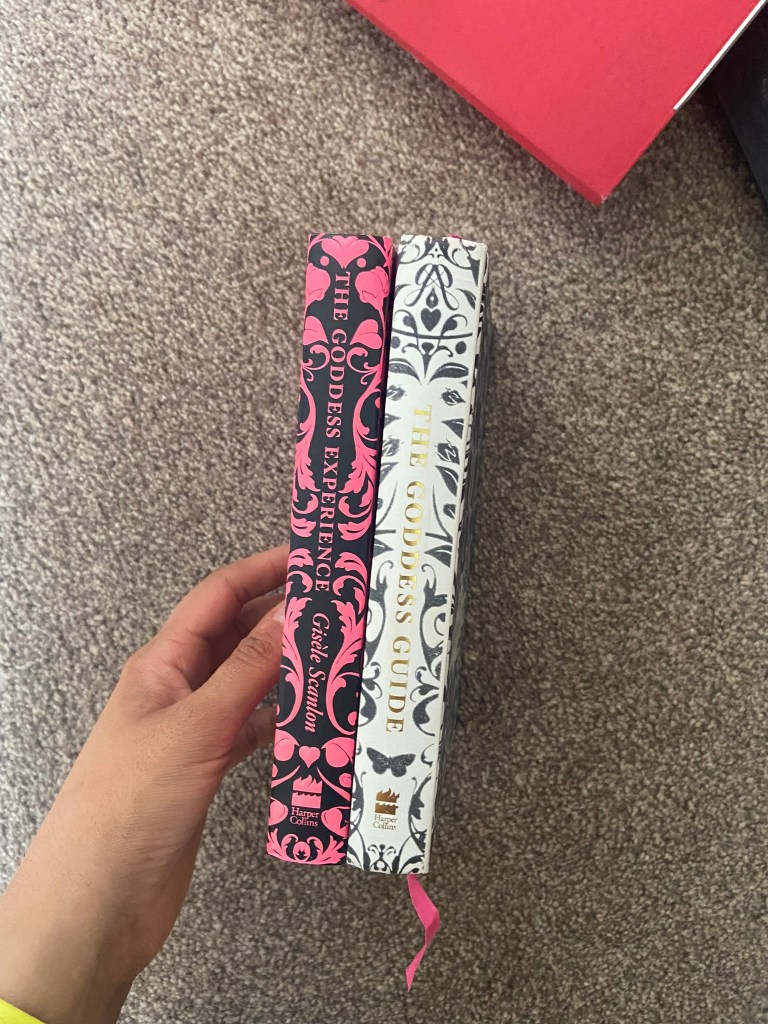
I also found the Goddess Guides on my sisters bookshelf; I totally forgot these existed given the fact that the white copy used to be mine and I bought her the pink copy as a birthday present! These are beautiful covers! The covers have a fuzzy felt feeling! – really soft and luxurious to touch. They also feature a repeat pattern which is where my ideas were leading…

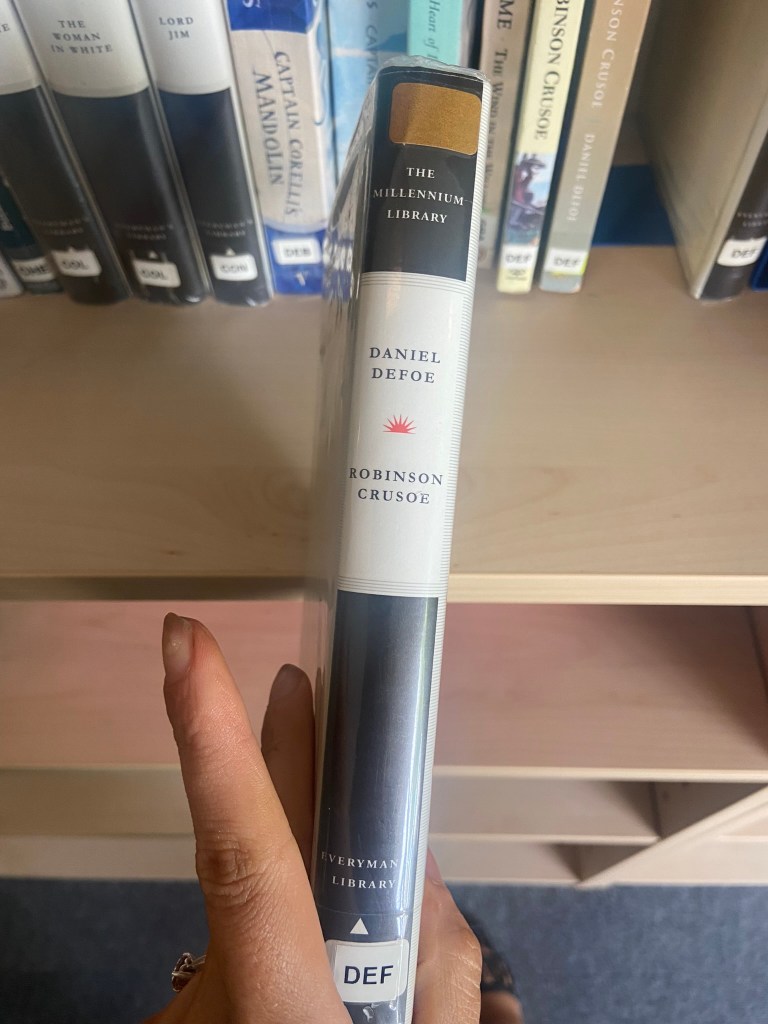
I also went into our LRC at work and had a look at a few copies in there to see what designs already existed:

These were very basic, uninspiring copies. They also seemed very dated and not very contemporary in feeling.

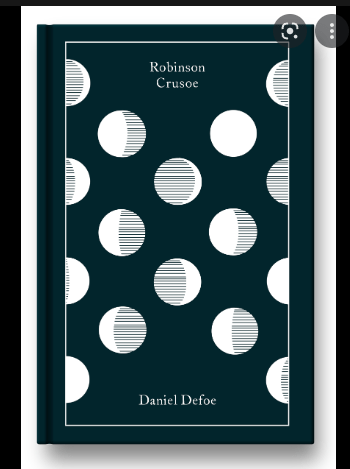
One cover that I found that really intrigued me was the cover for Robinson Crusoe that Coralie Bickford-Smith designed. It was quite coincidental as well considering she was one of the designers from the previous exercise that we had to research into and also considering that before I started this unit I had no idea who she even was.

This wasn’t an obvious cover design for the story – not any of this design represents being shipwrecked, sea, sand, island.. parrots! – it shows stages of the moons using hatched lines. Why the stages of the moon? it shows time – time spent and lost on the island. It is a very clever approach and really makes the cover more intriguing. It would definitely makes me pick up a copy and question and try and work out how the cover relates back to the story and what the story could be about. This is the sort of design outcome I wanted to achieve. I also liked the simplicity of it. There is beauty in simplicity – good design doesn’t need to be complicated.

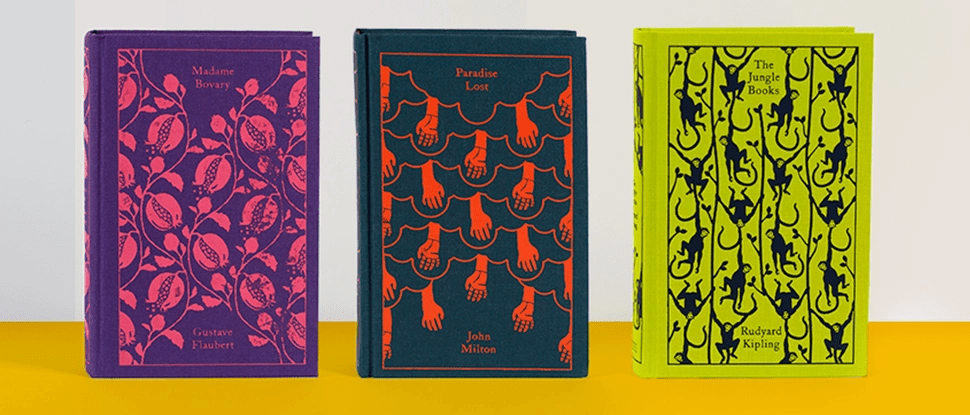
Coralie Bickford Smiths cloth bound covers also interested me in the previous exercise and I wrote about how I would use the influence and inspiration from these to use in my own.

Image from Penguin Books

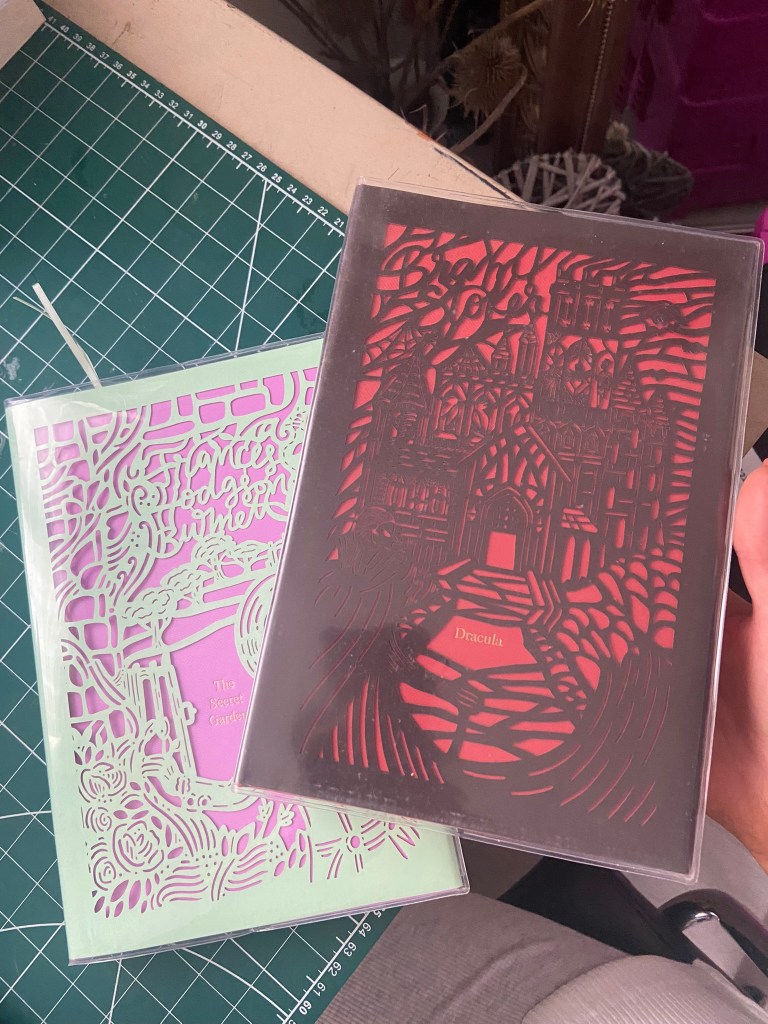
The other books I wrote about in the previous exercise that influenced me were the seasons editions designed by Kate Armstrong:

Initial ideas for Hardback collectors edition of Robinson Crusoe

I decided that for the hardcover version of Robinson Crusoe I would like to create something similar.

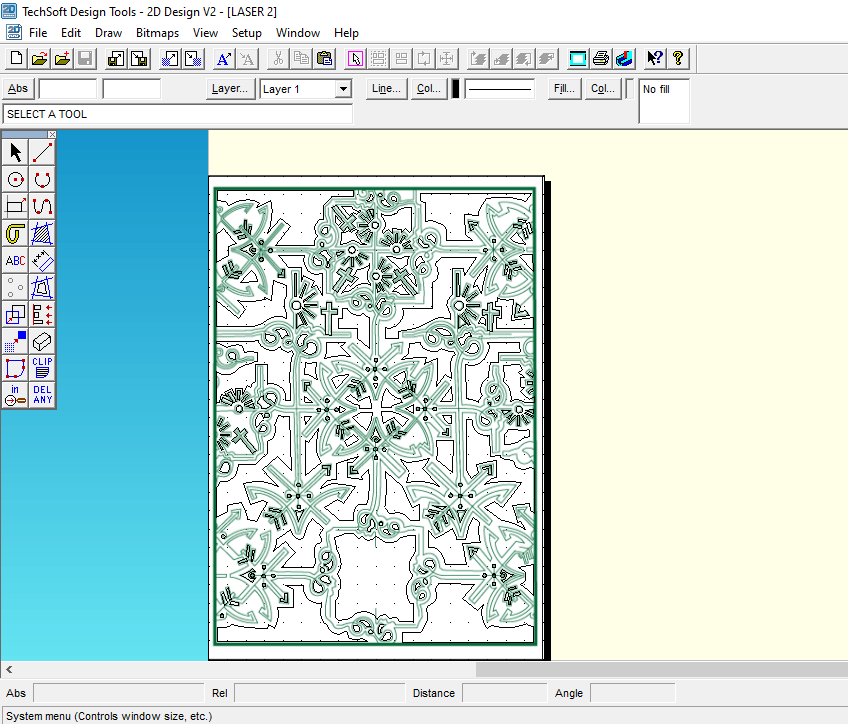
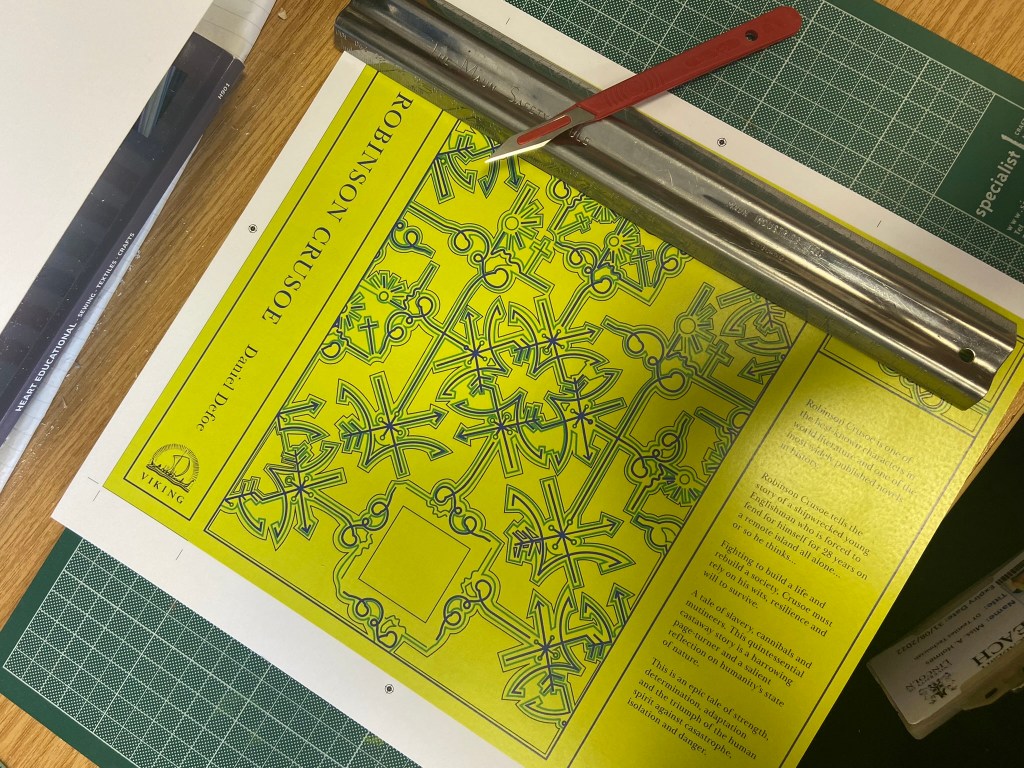
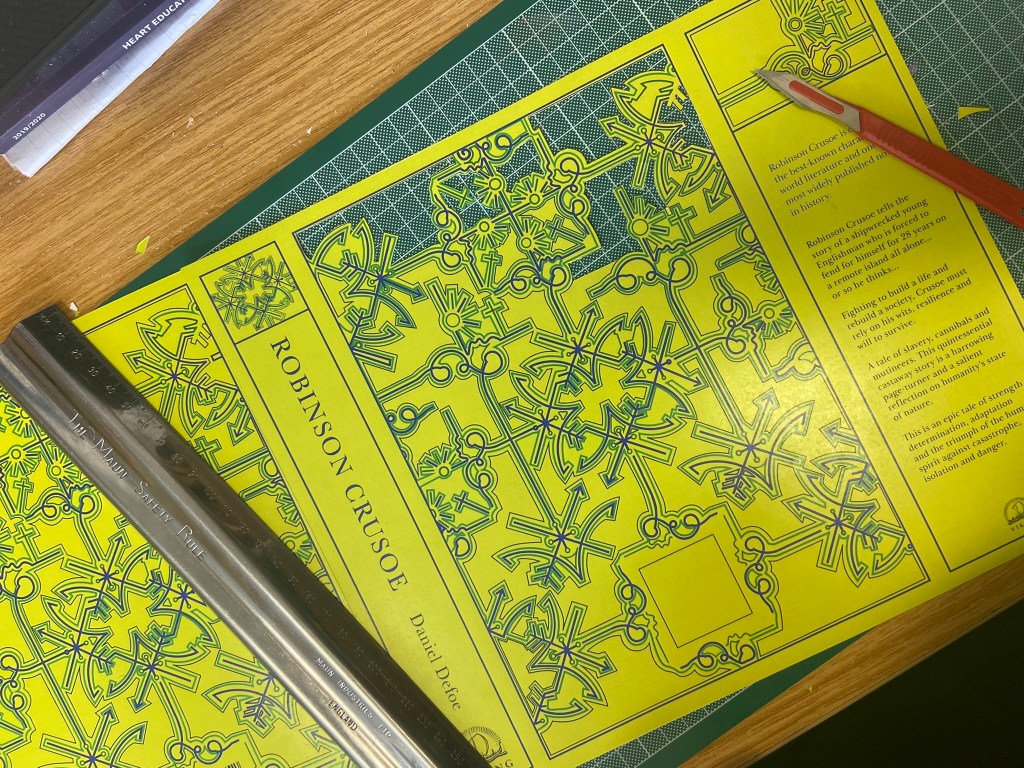
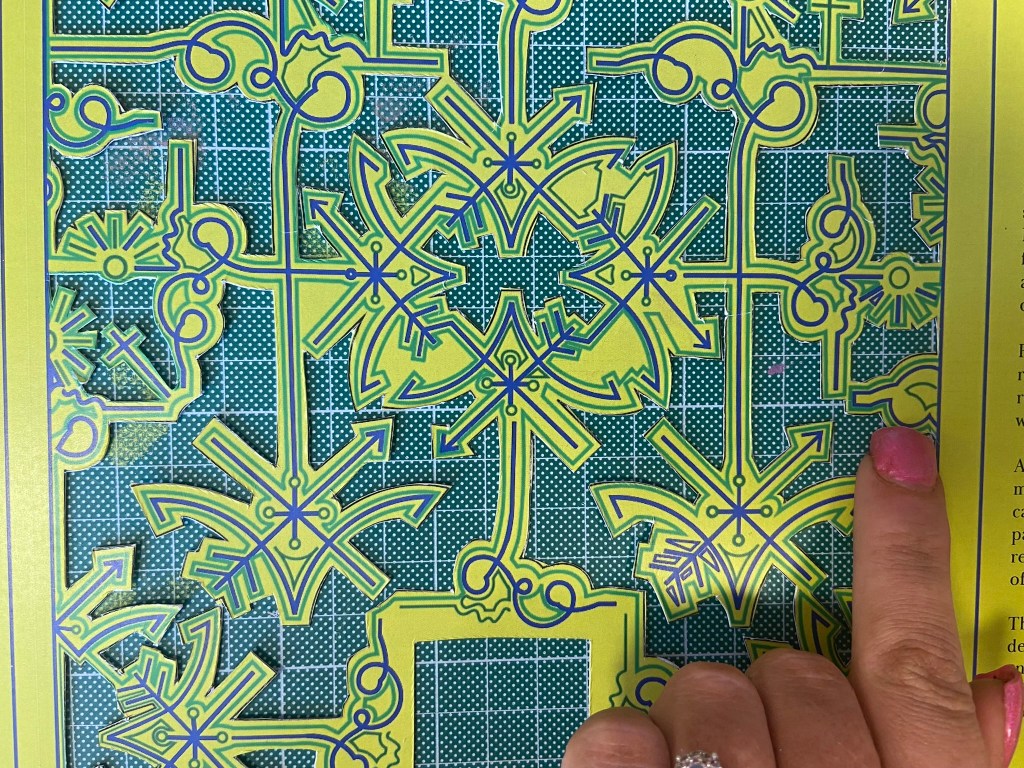
I wanted to take inspiration from both the above designers but for my design to not be too similar. I decided that the original book I was going to use of my Grandmas to mock the design onto was already cloth so I could have a paper cover and try and laser cut a design so that the cloth book showed from underneath the design. This would give a classic, contemporary look. I also have a laser cutter at work so felt that this wouldn’t be too much to achieve! I just had to figure out the design and then try and create a path around it in which it would be cut.

Knowing what to do for the design that wasn’t cliché and like everything else I had seen was challenging at first. I knew I wanted simple and an old exercise from many years ago when I was at college reminded me of how to go about it – take a complicated image and strip it down to its bare essentials. A bit like this assignment about form and function – take something down to its simplest.

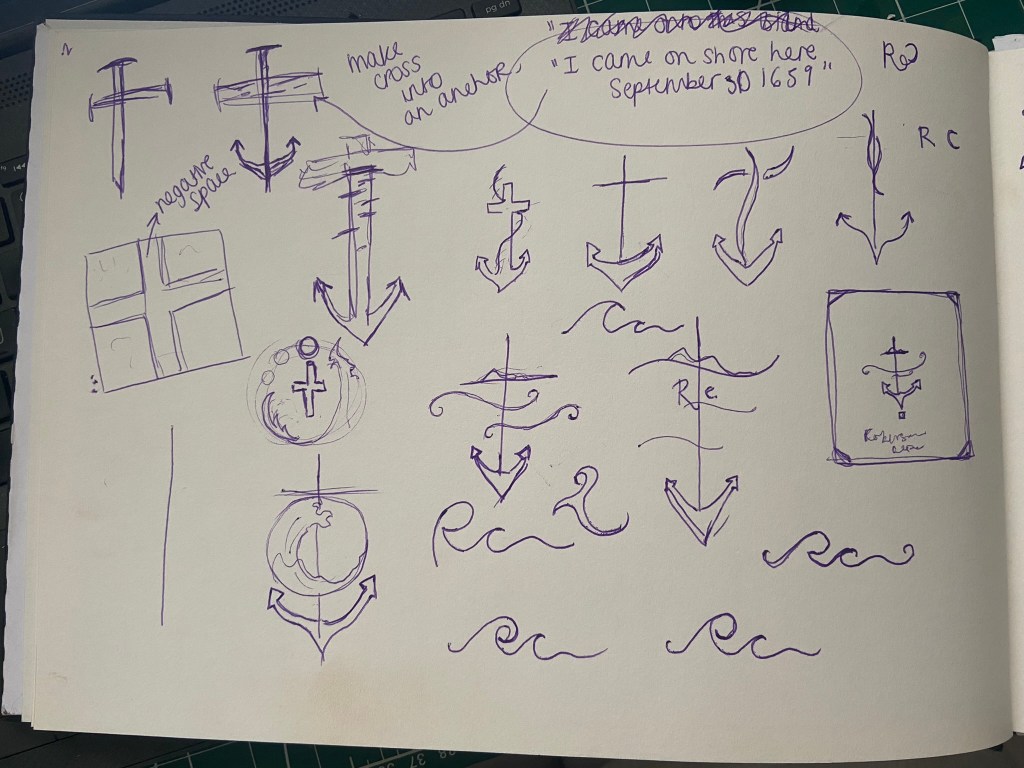
The cross kept coming back into my mind because it had 2 significant meanings – 1) for the calendar it was used for and 2) for its religious impact on Robinson Crusoe and how it helped keep his faith throughout his time of being stranded. The religious aspect would have also been more meaningful in the 1700s when the book was written – it shows the history of the story.

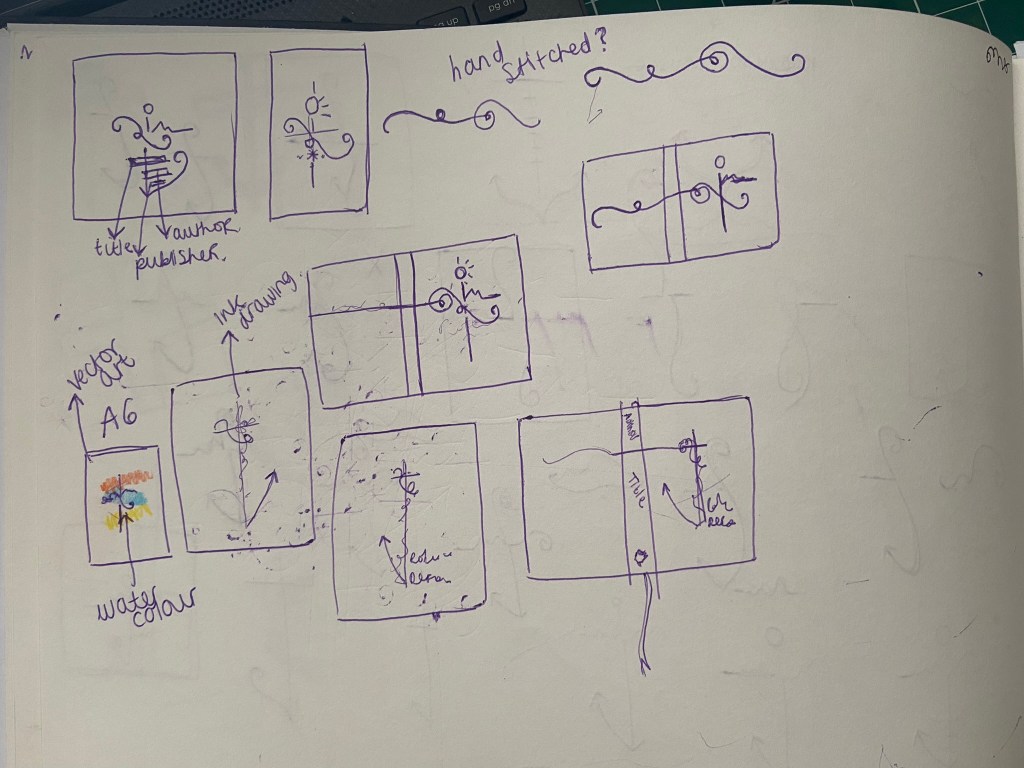
I didn’t want to just show a cross on the design though because this would indicate it is a religious book to the unsuspecting reader. From researching Bickford- Smiths covers and Kate Armstrong’s I wanted to mirror something similar in the way they used a repeat pattern to cover the cover. I started sketching ideas around the cross and other elements of the story to see what I could come up with. In the back of my head remembering to strip everything down to its simplest form.

I was trying to from a cross as part of an anchor (remembering the cover above I talked about that gave me inspiration with the anchor and the RC) Could I form the rest of the story in with this simple illustration? Could I add some waves and the island and it become a symbol yet an image that is easily understood what it is?…

I took a photograph of one of the sketches and imported it in to trace around in Illustrator and create some artboards of different ideas to compare and develop.

I started by measuring my Grandmas book; width, length, width of spine… to give me the dimensions for my document. Once I had the correct size document I then traced around my sketch.

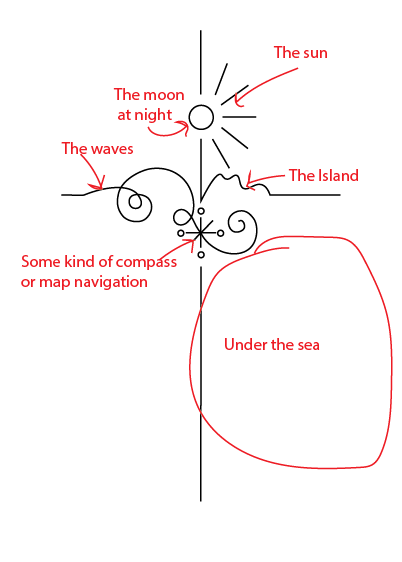
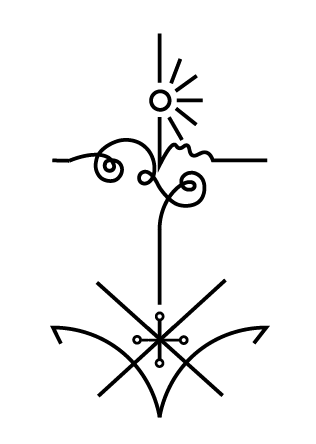
The simple outline I ended up with was this:

Here it is explained!

I played around with putting an anchor at the bottom of the design but I felt it trapped and constrained the design – it felt like it had more space to breathe and more negative space being empty at the bottom.

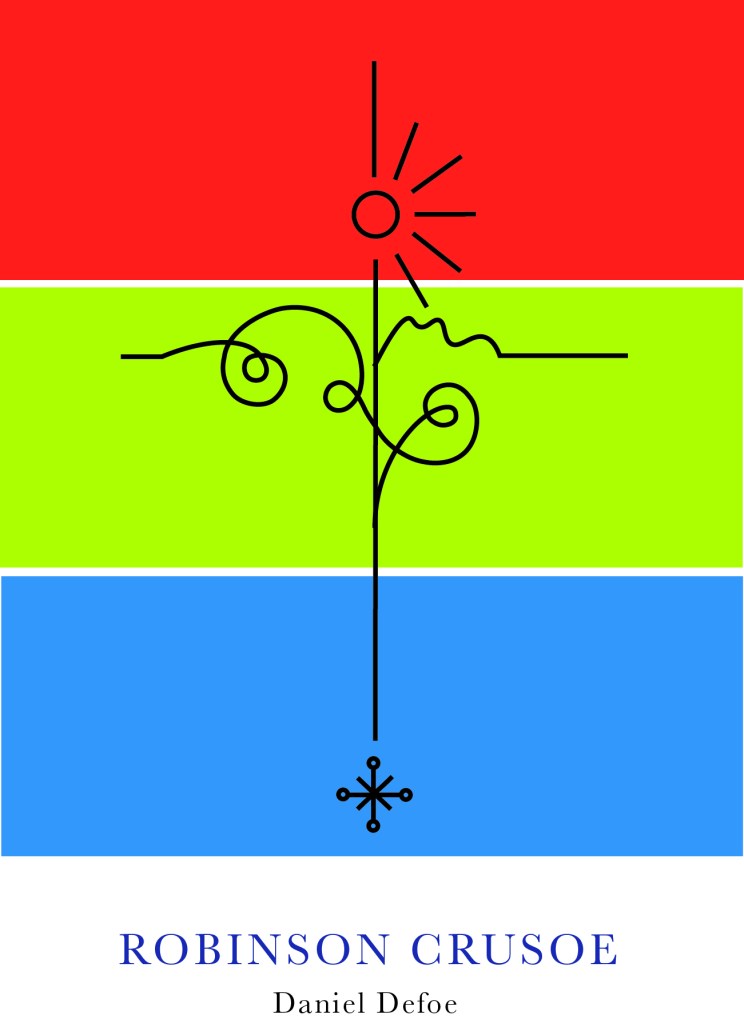
I felt it had potential… I messed around with it as a single image on a cover and by accident ended up unknowingly at that point with the design for the paperback edition! However… for this version I did change my mind and make the design into a anchor at the bottom, I felt it just explained the image more.

At this point though I had to figure out a way to repeat the design to make a repeat pattern and then work out a way in which I could laser cut it out to make the final cover!

I played around with the design below and felt it was moving in the right direction but it wasn’t quite there!..

I played around a lot more until I came up with this:

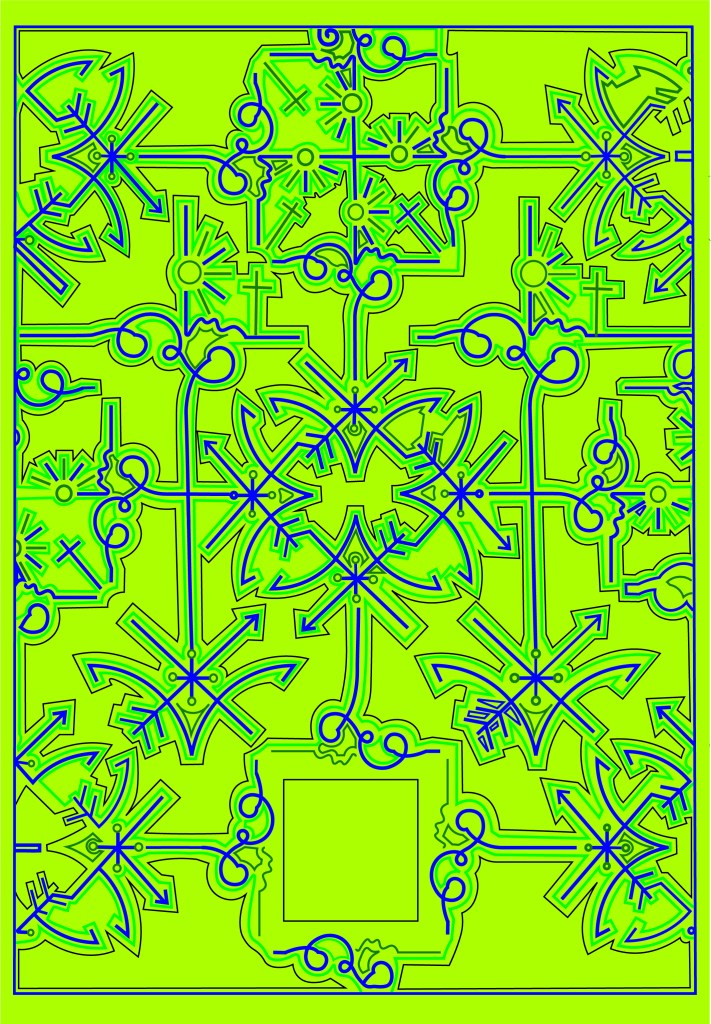
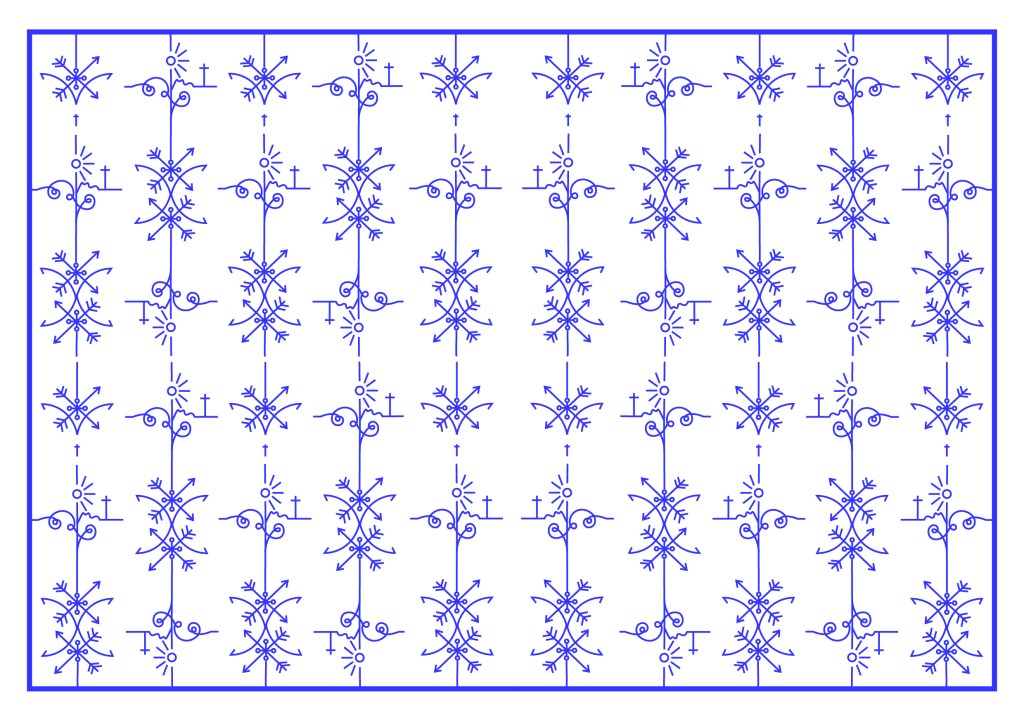
This looked classy and contemporary. I liked it. All the design is was the simple line drawing repeated and rotated at different angles to form a repeat pattern. Now I had the basis for my design I needed to create a path around the design so that I could laser cut it out eventually…

I did need to decide what colours to use for my design though. The original book of my Grandmas is Red so I needed colours that would compliment this. The colours I was thinking were contrasting, cool colours like blues or greens – these also tied in with island and sea theme.

I like the top middle design below because the green and the pink outlines really worked together but then I realised that Pink and Red would not be a good combination! The middle bottom version worked perfectly – I know the old wives tale of “Blue and Green should never be seen” but I made an exception in this case because they worked a treat together!- plus this saying comes from mariners and sea goers from the fact you should never paint your boat blue and green because it is bad luck and would not be seen out at sea.. I guess this ties in well with the fact that Crusoe was shipwrecked!!

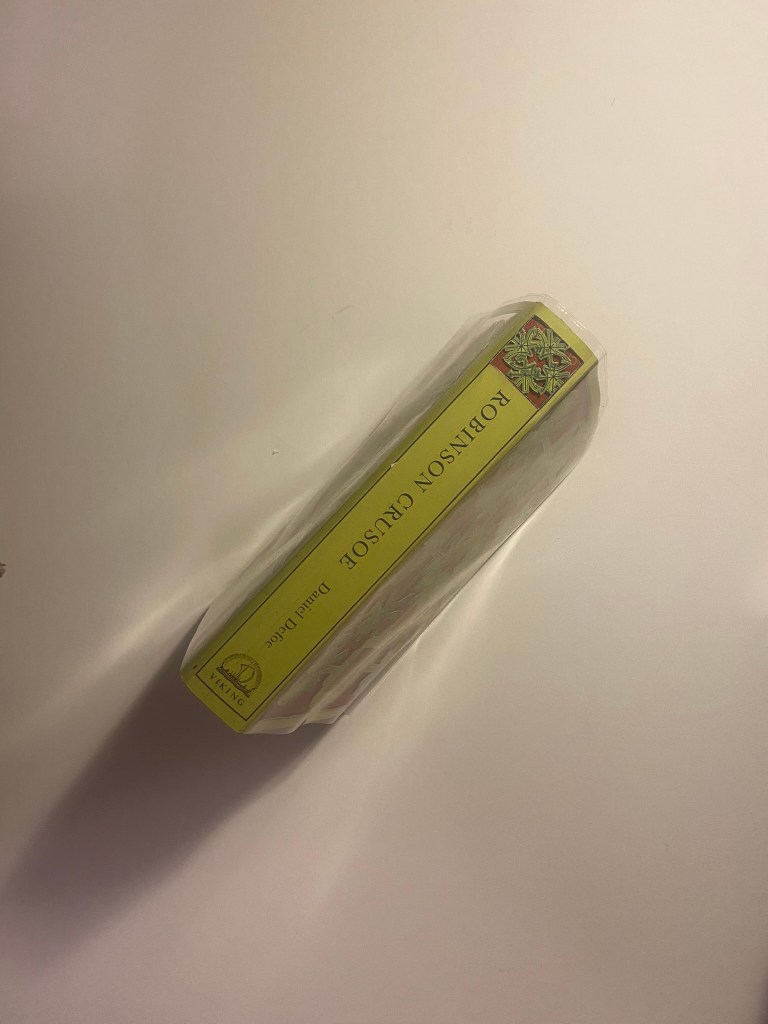
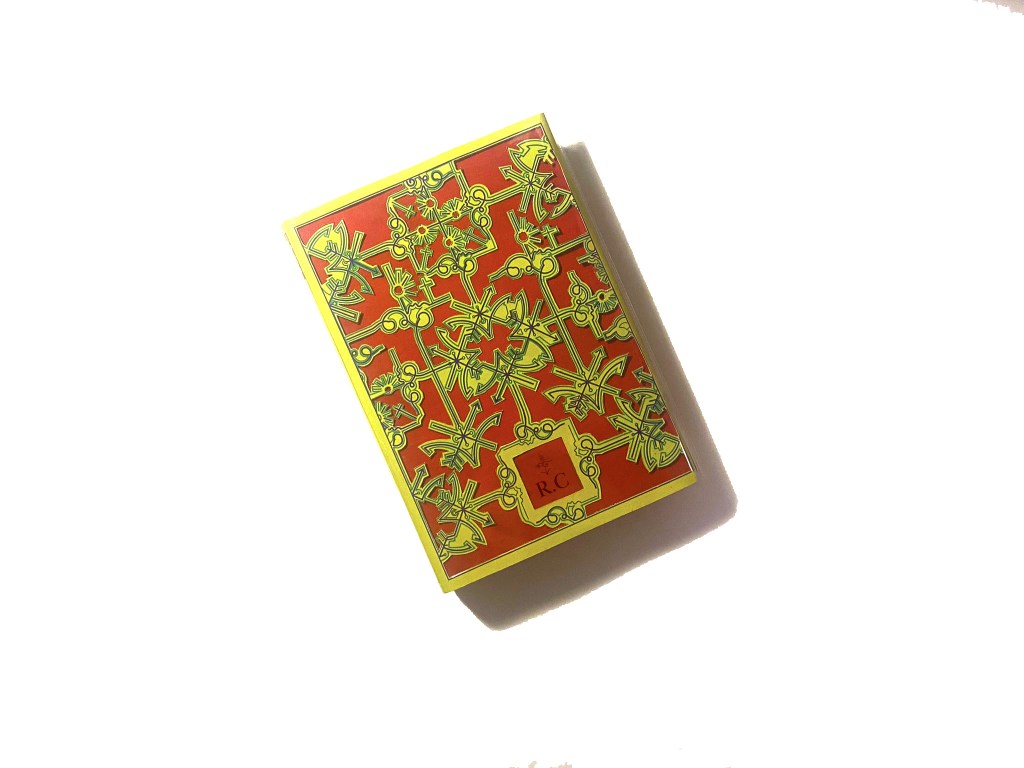
Using the influence from the book cover I researched with the anchor and the simple RC, I decided to use this influence on my own cover and that is where I have left the space free at the bottom. I wanted R.C to be embossed onto the actual book. I had no idea how I was going to do this yet especially as the book is one that belonged to my Grandma. All I did know was that I would have to use the back of the book as the front was emblazoned with “The Favourite Omnibus”.

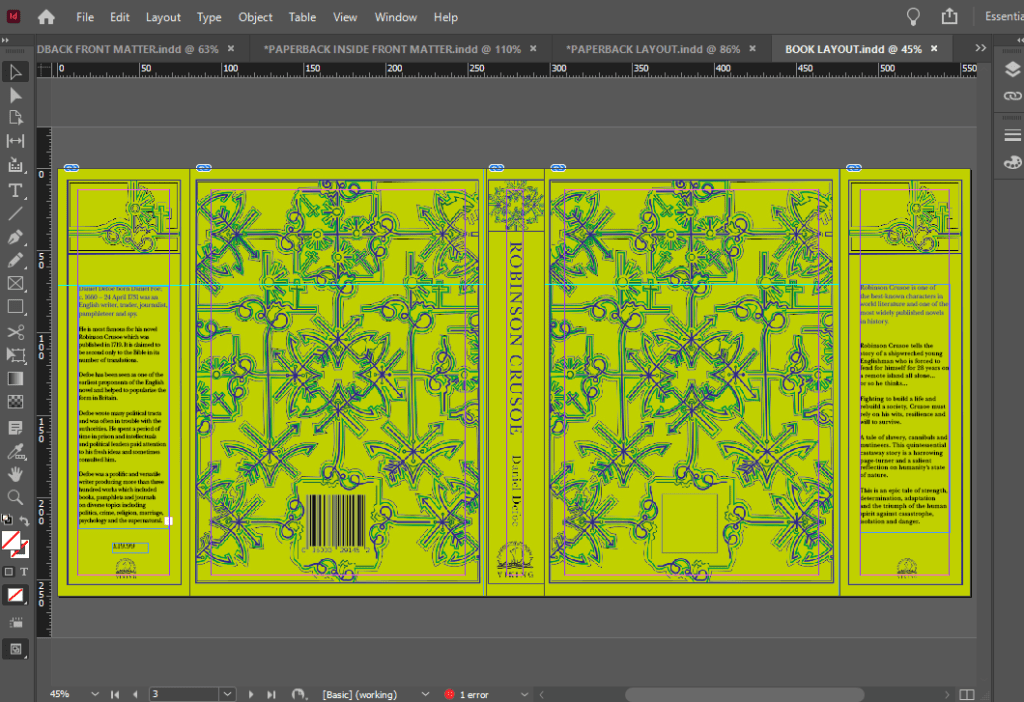
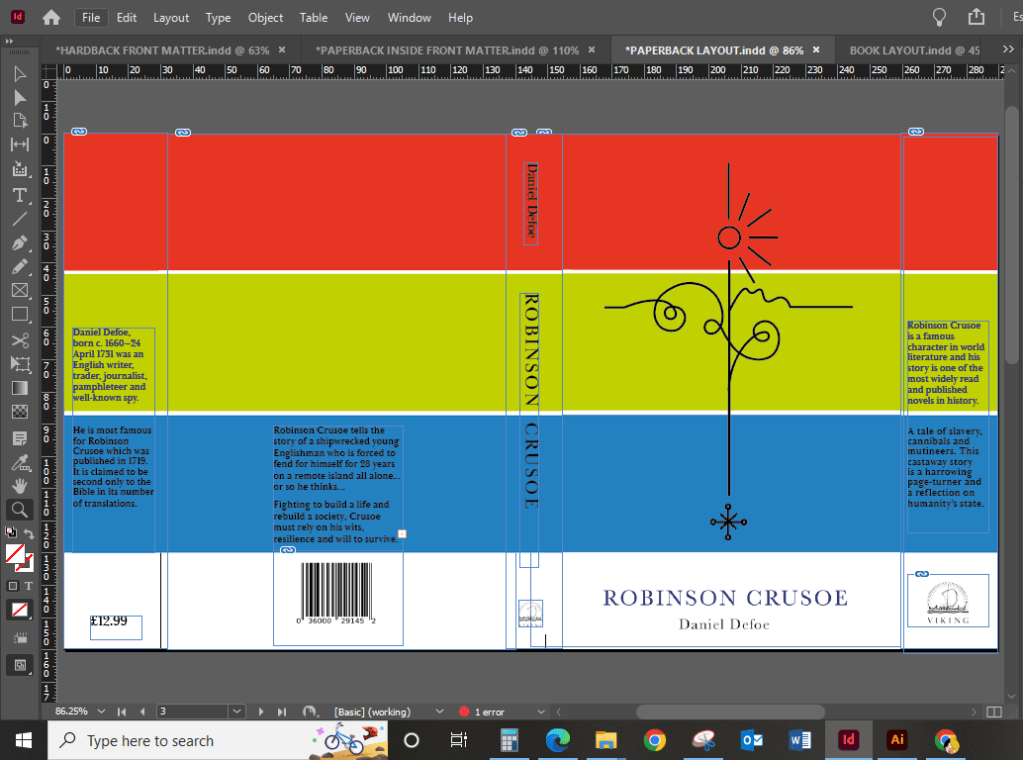
The next step was to create the book cover layout in InDesign.

I measured the Red book again to make sure that I had the exact measurements I needed.

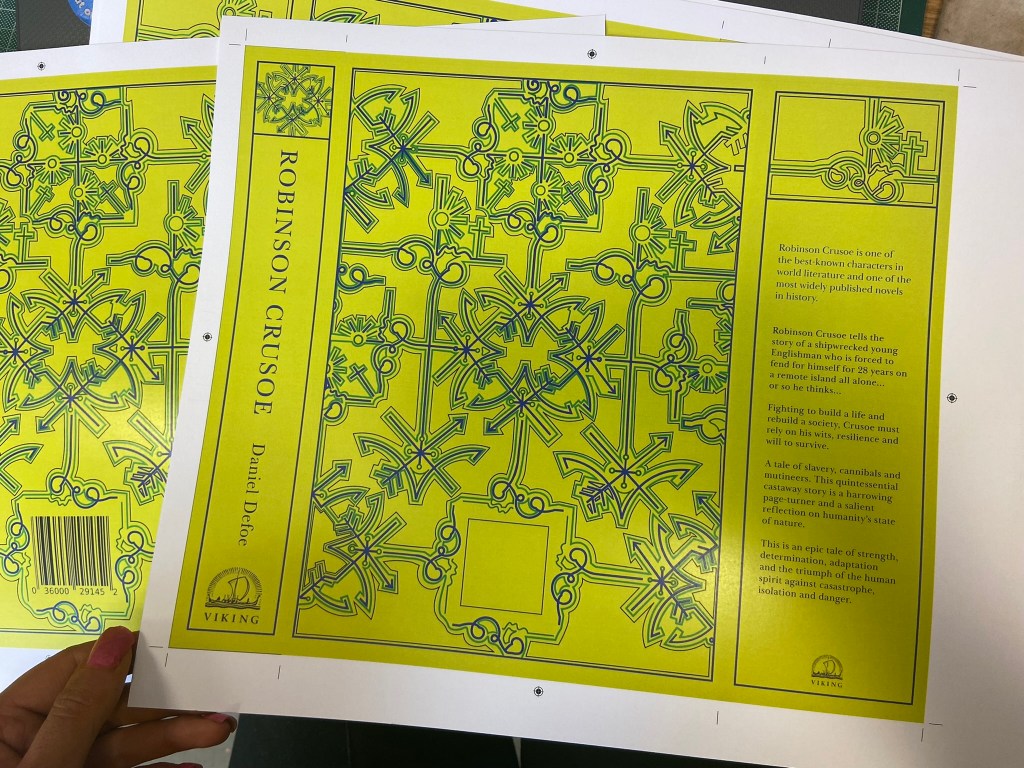
I measured the front of the book and then created an InDesign document to that exact size. I then turned off the option in InDesign to allow pages to shuffle which meant that I could place pages next to each other on a layout. I then moved 5 pages alongside each other before changing the size of 3 of them to allow for the spine and the 2 inside cover flaps.

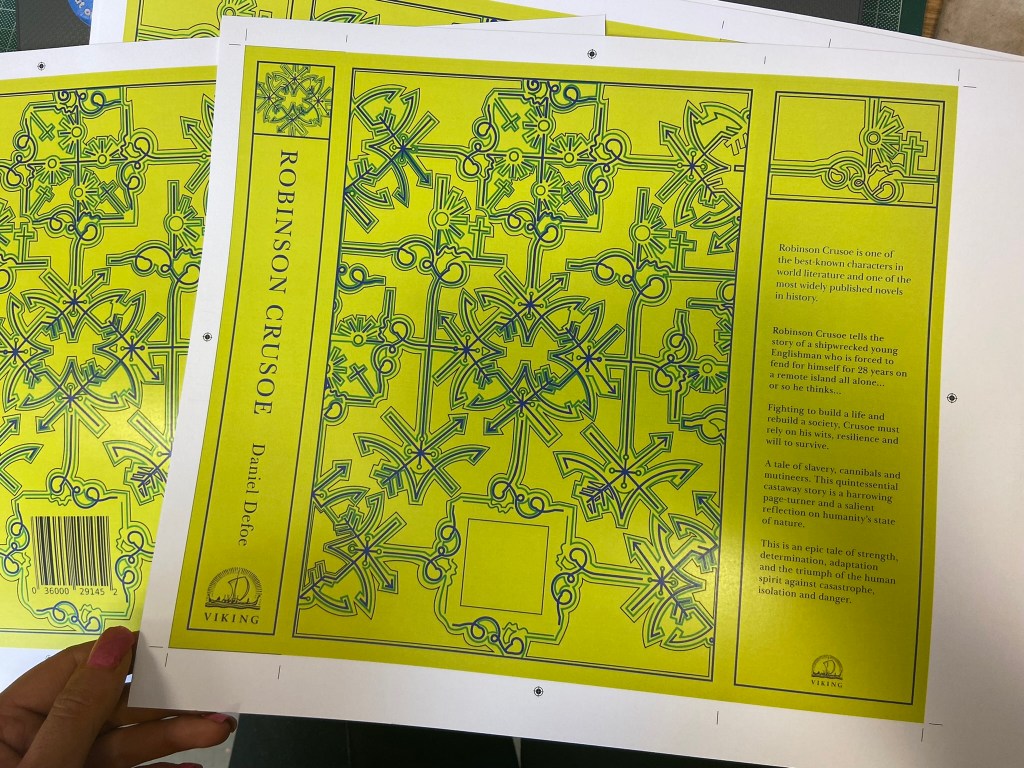
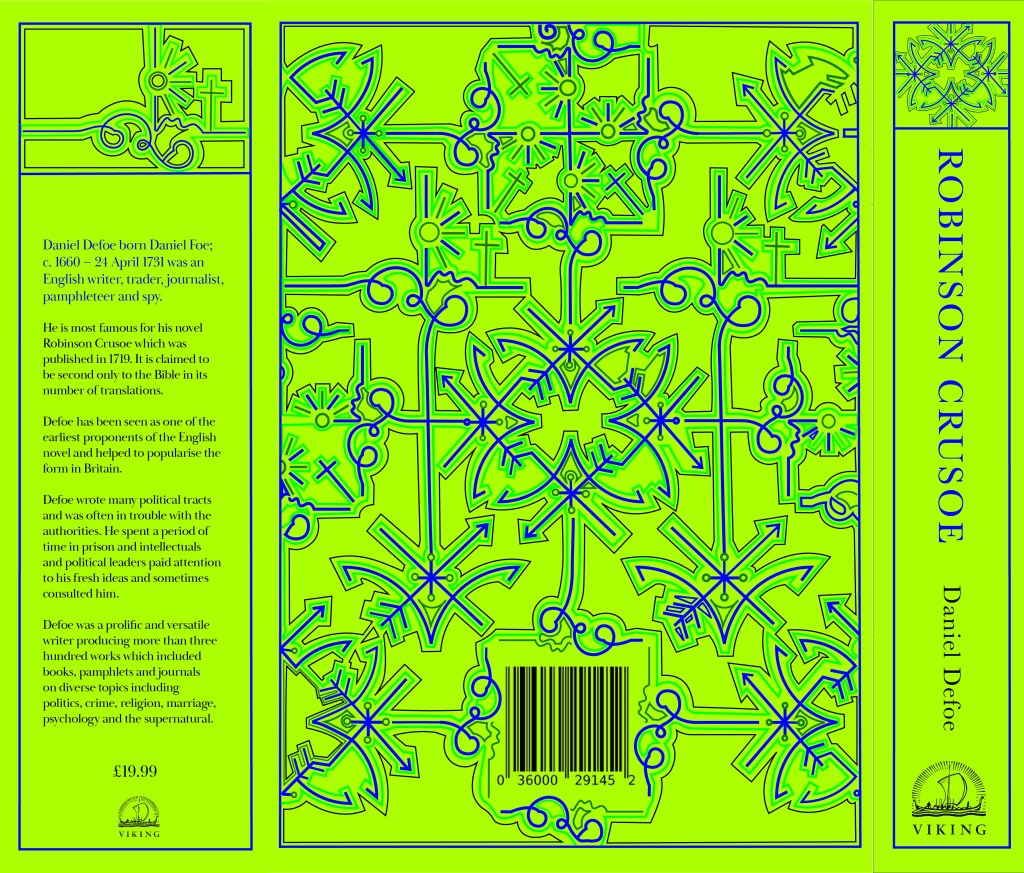
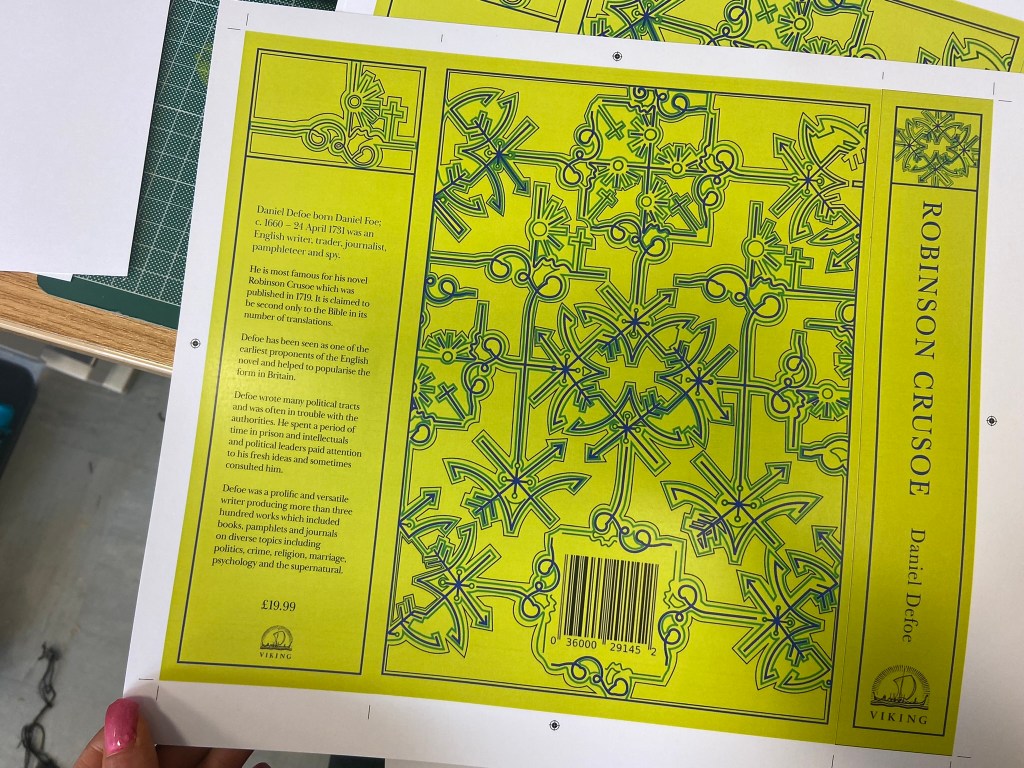
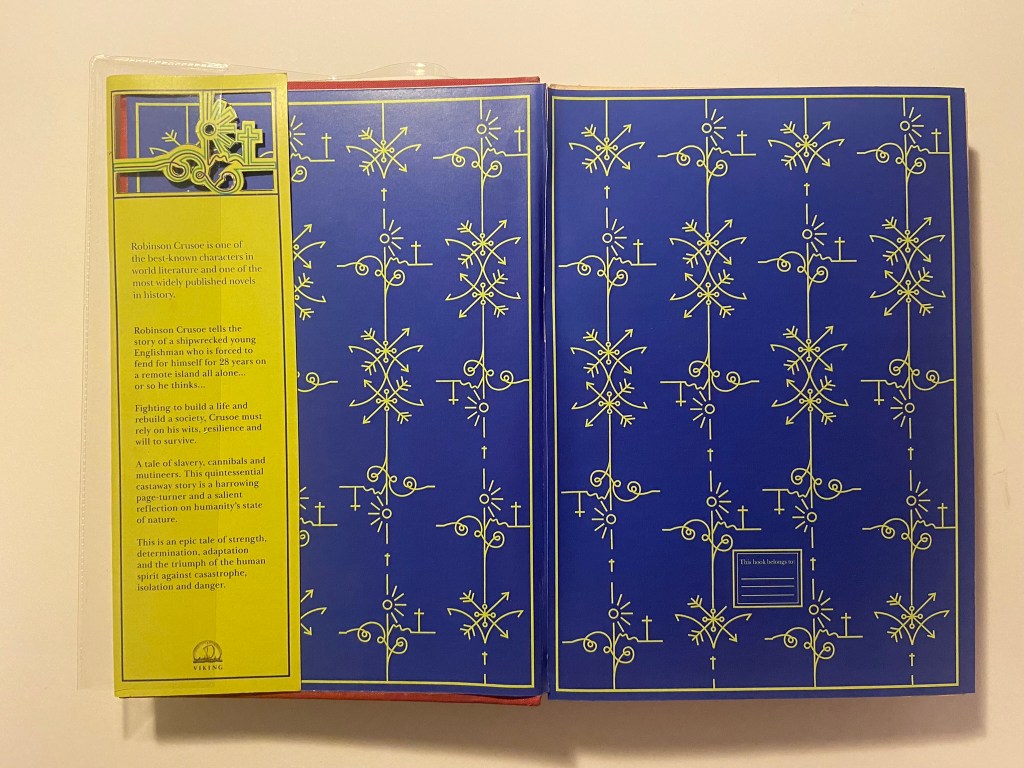
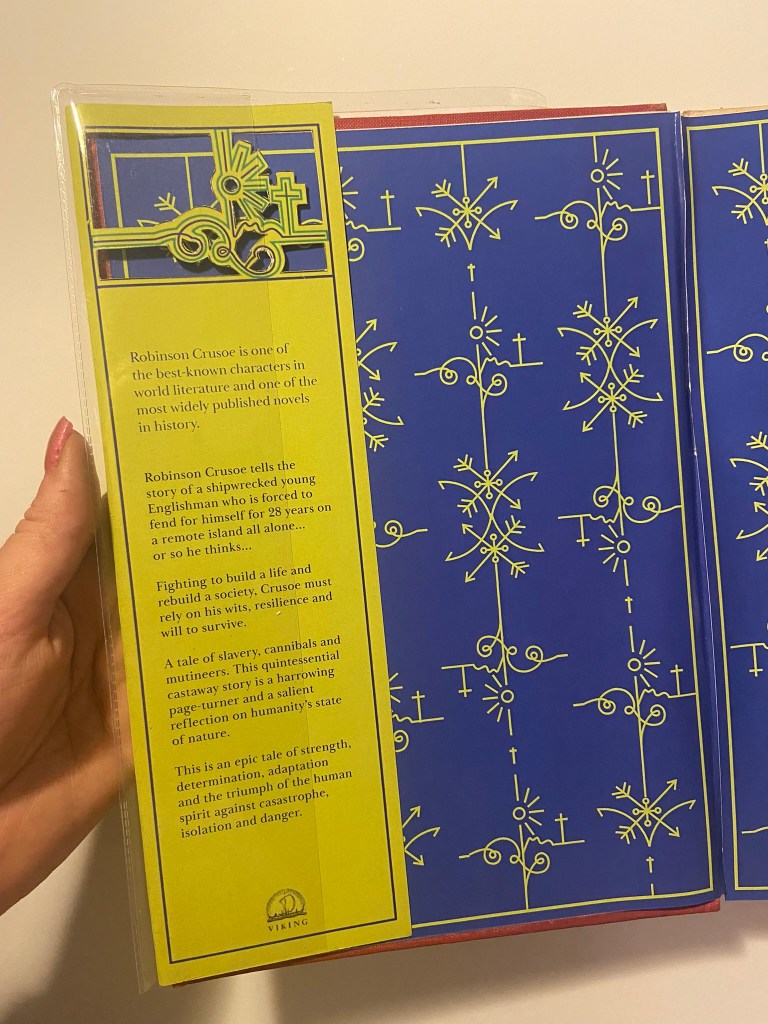
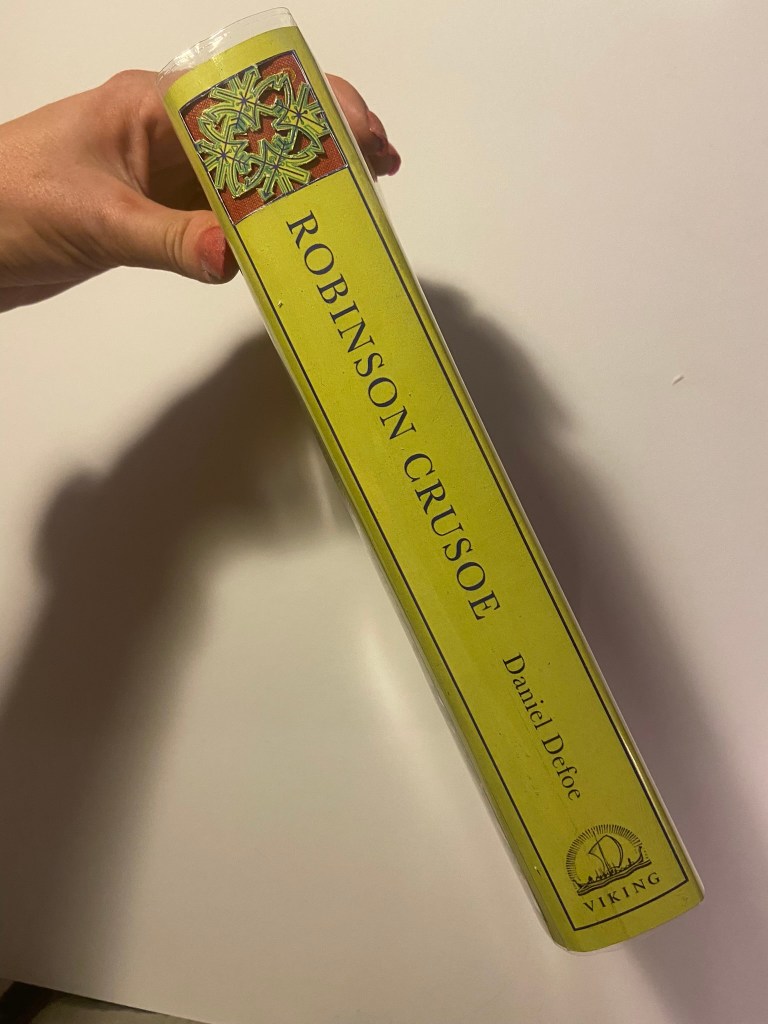
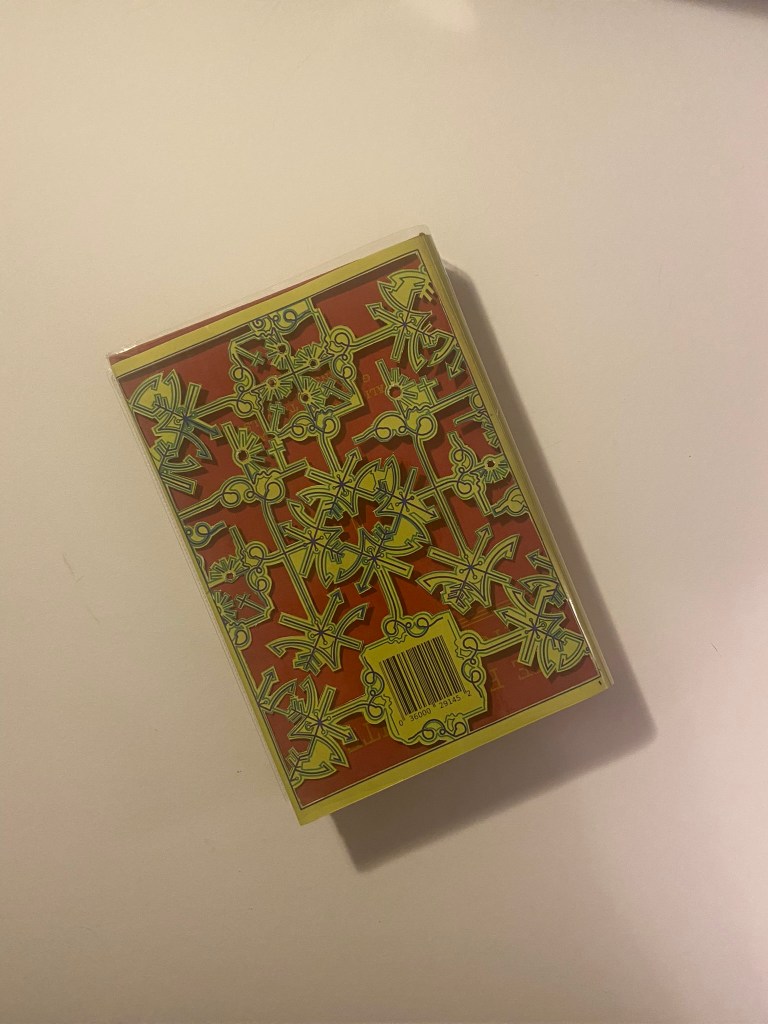
I used Baskerville typeface for this whole piece; it is such an elegant, classic typeface and it ties in with the era of the book itself. The modern repeated design and the modern, bright colours mixed in with Baskerville typeface really gives the whole design and book cover a classic contemporary look. I might be biased but I think it looks beautiful! 😉 I included the use of laser cut elements on the inside flaps too.. I planned to design inside cover pages and this would allow that pop of colour to show through!

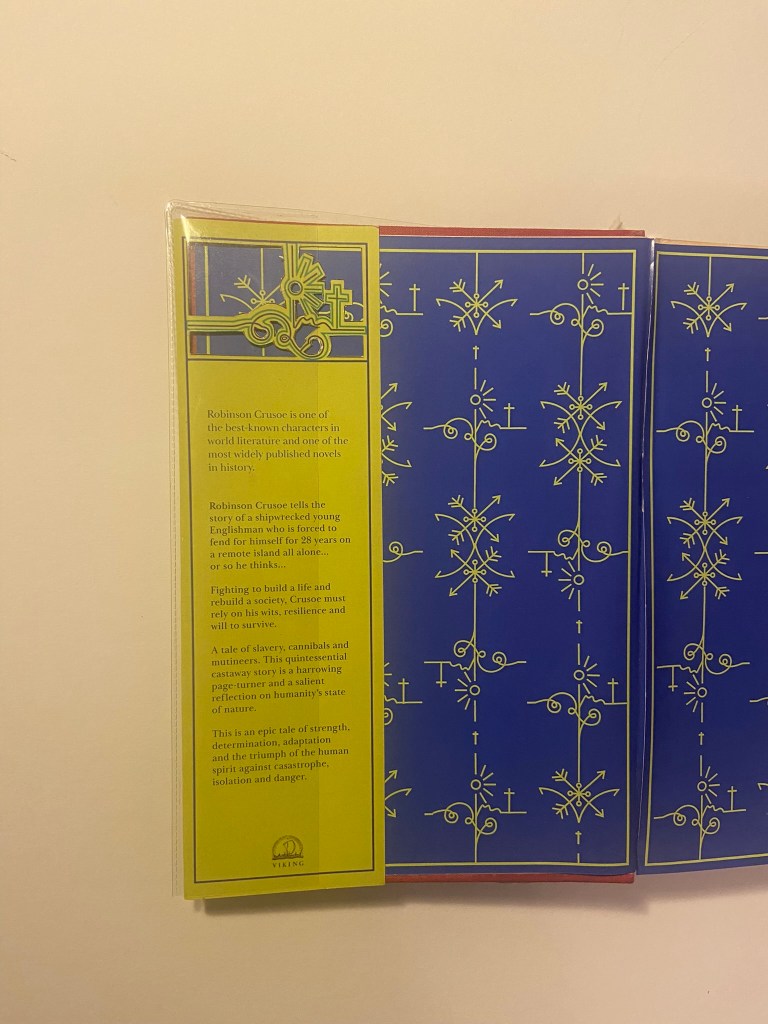
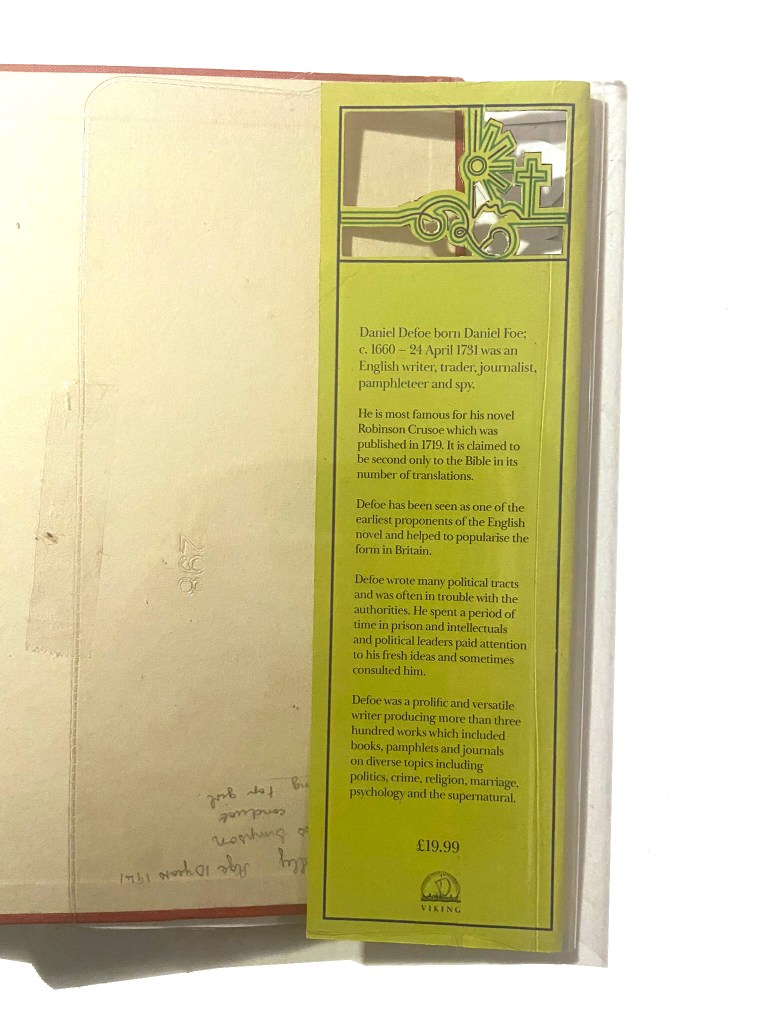
I used the use of the grid to align my text up across the whole layout and to make sure that the hierarchy and design was balanced all the way throughout. On the inside front cover I wrote a short blurb on Robinson Crusoe and what the story was about, on the inside back flap I wrote about Daniel Defoe – this allows for the reader to know the history and historical references behind the author and the story.

I tried to use contrast throughout the design with different size text (large next to small) and by highlighting certain areas of text using the Royal Blue colour. I wanted repetition throughout the whole design.

I also used the Viking Press logo as this was the publisher that the brief stated I needed to use.

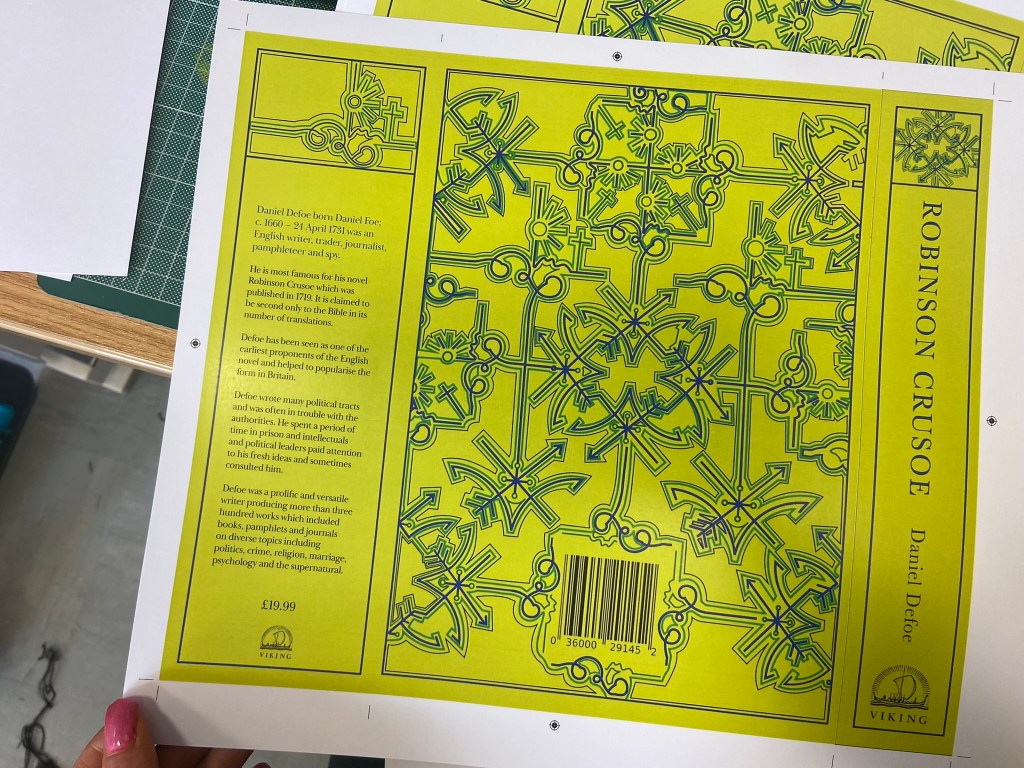
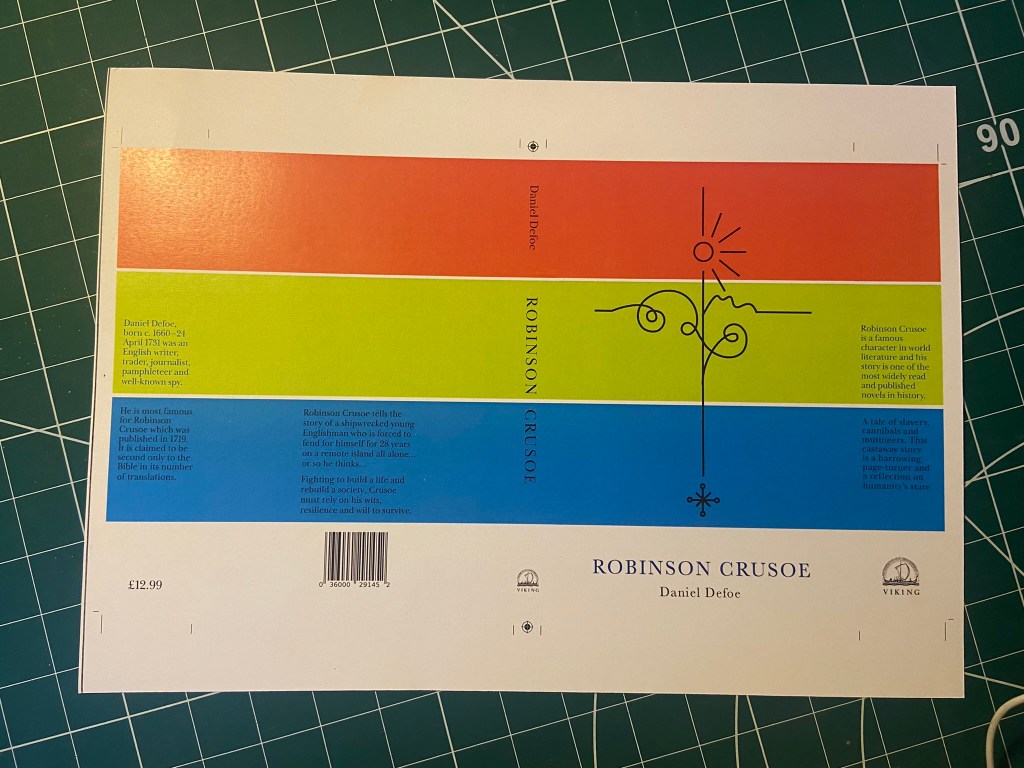
Even creating the layout of the whole complete book cover was challenging because the biggest printer I have at work is A3 to print out on. My book layout slightly overlapped A3. I had to create the layout as a whole but then also create 2 more documents to split the layout into 2 halves and then when I printed them out join the 2 together seamlessly at the spine with some photo mount! It worked easier than I expected to be honest!

From doing my research I always knew I liked cloth bound books but in this case I had the cloth bound book in the form of my Grandmas book, I then knew that my laser cut design and the book layout as a whole needed to be printed onto some kind of strong paper or card. Card wouldn’t allow me to have a luxurious feeling and normal 80gsm paper would be too thin for the job and easily rip as well as not giving that professional, luxurious feel.

What I managed to source was this:

It is a thin, glossy card. It is very smooth to touch and gives a lovely shine and shimmer. I printed my book cover layout onto it using a laser printer so the quality was very high! It is also thick enough to be able to be cut into but not weak enough to rip. It is the right weight to be folded neatly around the actual book too.

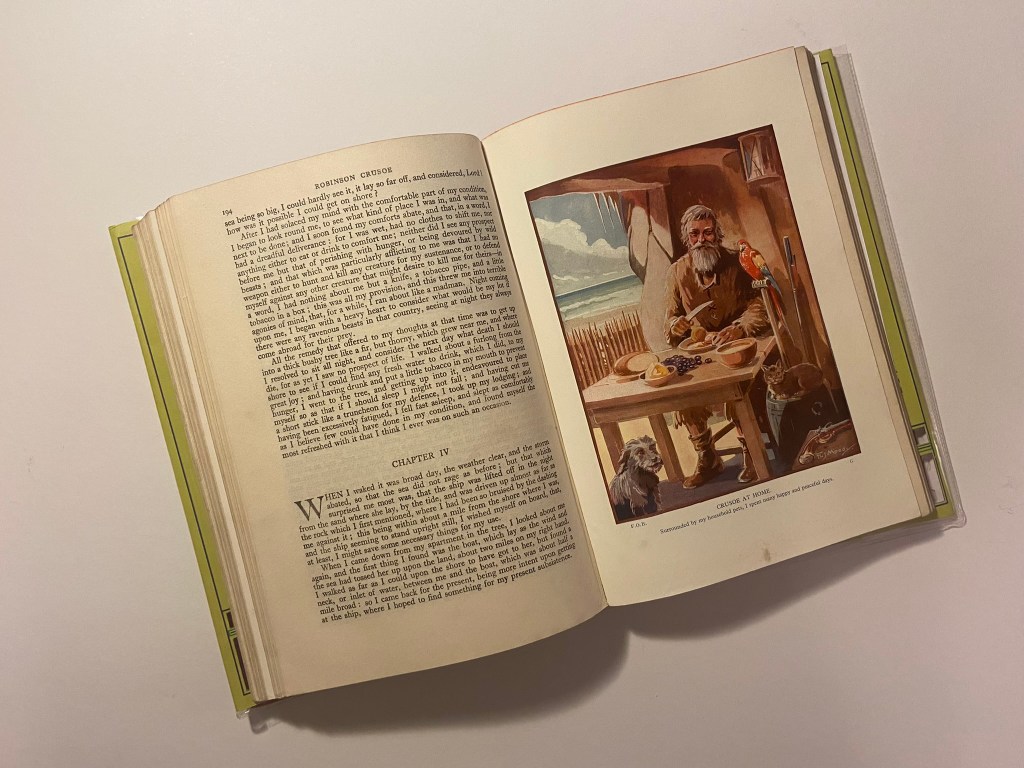
In regards to designing the rest of the pages for the book I was restricted. I didn’t want to ruin the pages of my Grandmas original book that I was mocking my cover onto. The book itself has hard board plain insides that had started to yellow and I felt that I could design some inside cover pages and cover these using the same card from above into the existing book.

This was the design that I went with:

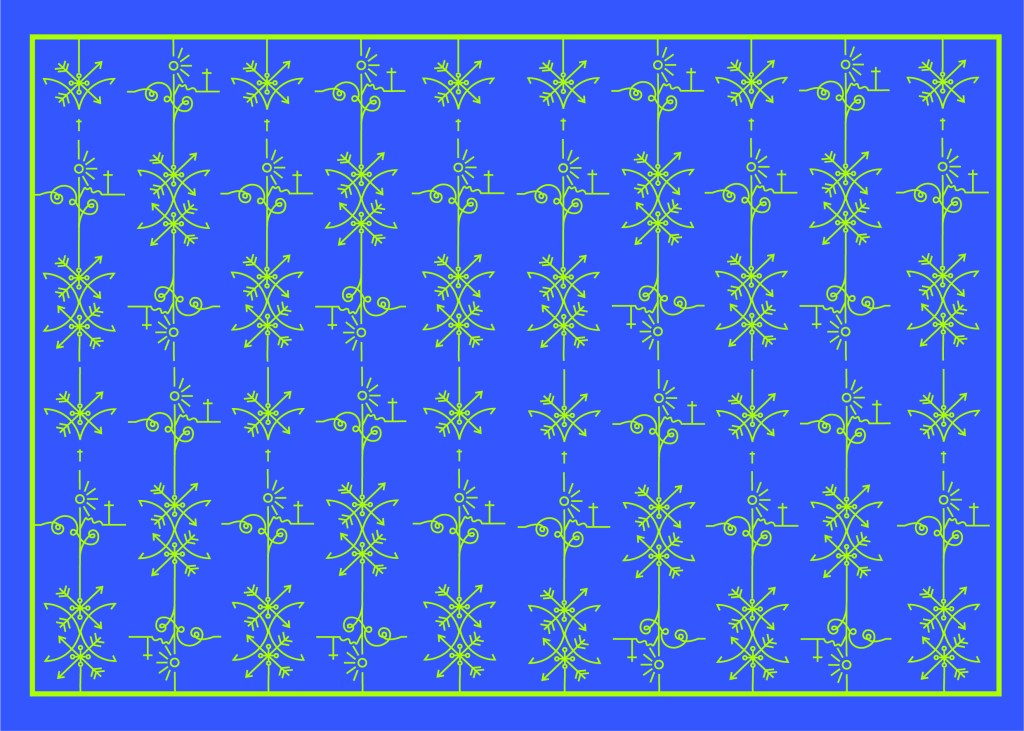
It ties in with the design on the front. It uses the same colours as the front and the use of the block Blue colour really adds a pop of rich colour against the Green front cover when you turn the page over. Again, it gives a classic contemporary feeling. The repeated pattern seems quite luxurious and regal in appearance but the bright colours really modernise it and make it stand out.

Although I can’t include any pages in this book because the book is whole as it is and I didn’t want to ruin any original pages from the book, I did create some pages just for an example that could be used within this book if it were to printed into a new cloth bound book just like my Grandmas.

If I was to professionally publish my own version of this book I would have a Red, clothbound hardback book like my Grandmas and include my laser cut designed cover on its 160gsm glossy card and then have a plastic cover over the top to protect the book and the cover from the elements. It is a hardback collectors edition so it needs to be kept clean, protected and dust free. It also makes it feel and look more luxurious and expensive compared to its paperback friends! The inside pages would be from the GF Smith book of paper samples – I have chosen 115gsm Glacier White paper for the pages of the book because it is thin enough to be able to turn the pages easily but it is also a luxurious, smooth finish (as I attempt to show in my video!) I wanted to use a more luxurious feeling paper for my hardback collectors edition to what I would use in my paperback edition.


Attempting to laser cut…

The majority of my time spent on this assignment was trying to problem solve ways around trying to cut it out on the laser cutter! (*spoiler alert* I still ended up doing it by hand with a scalpel!)

The problem is that although I love the little, old antiquated laser cutter at work it is not compatible with Adobe or modern programs! To get my design from Illustrator over to the laser cutter I had to use the laser cutters software which is 2D Design.. (that is another b*tch!!) and manually draw around my design again so that it is readable for the laser cutter. That was great! – 2 solid work days later (whilst the rest of the school were on activity days!) I had perfected the stencil in 2D Design… I had also completed the whole book cover layout in InDesign which I was really pleased with. The plan was to print out the layout from InDesign of the whole book cover – including the original front cover and then place this onto the laser bed in the laser cutter… using the 2D Design document with the second stencil of the design I drew, use the laser cutter to go over my original drawing on the printed copy on the laser bed.. sounds complicated right?.. It actually really was… trying then to communicate to the laser cutter the exact, precise location to cut.. nope… 2 days completely wasted on this!

Below shows me drawing out my original design in 2D Design to create the stencil!

I took my printed copy of the layout I produced in InDesign and cut it out using a scalpel knife – it didn’t give the same professional appearance but it was the best I could offer at this point! For another solid work day I spent cutting out the front and back covers of the book!

The mockup

Once I had finished cutting out my cover I then went about mocking it up onto the original book. I was overall pleased with how it turned out. If I was to redo it I would possibly make the border area of the front and back covers wider because I found that I lost some of the border when it was placed onto the book (have a look at my video!).

I did mess up though (as I also explained in my video) because I was trying to find a way to emboss the R.C onto the cover; I had a letraset sheet in 84pt Helvetica and I knew before I even transferred it that this would be the wrong choice! – Helvetica is a very emotionless, strong, bold sans-serif typeface and the cover I have made is very soft and feminine in its appearance especially with using Baskerville (a very delicate and classic serif typeface) throughout the design. I instantly regretted my impulse decision. I then realised that I couldn’t scratch the letters off the cover so I knew I would have to take photographs of the final product and then Photoshop the letters out and Photoshop some Baskerville on to it!

I also added my own inscription into the book cover so that my future generations of relatives can see that the book has been handed down and things have been added to it. This book has its own story now!

I took these photographs and imported them through iCloud and then went about the process of tweaking them in Photoshop so that they were fit to upload to my social media design account @PinkAngeleno and so that they could be used as the final mockups for my design!

The Mockups

The paperback pocket sized, travel friendly edition

Designing for the paperback edition was a lot easier – it turned out that I created the cover for my paperback edition completely out of experimentation and it turned out that it just worked!

The Hardback edition and the paperback edition are very different publications in the fact that the hardback edition is a heavyweight, luxurious collectible work of literature and art whereas the paperback is purely a travel sized book that would get stuffed into a backpack or a pocket, the spine would get creased, the pages would get creased and it would be a much cheaper publication to produce in general.

Although they are both very different in publication, I needed the design to be very similar though; I needed them both to be seen as though they were part of the same series. If you was to put them alongside each other I needed them to be seen as though they related to each other in some way. I needed repetition in design. I decided to use the same colours, the same motif and the same typeface.

This was the accidental experimental design that I was messing around with for the hardback edition but then I ended up using for my paperback edition:

It uses the same motif or line drawing that is used in my hardback edition – which I repeated to make the pattern on my front and back covers. I used the same 3 main colours and placed them into 3 blocks. This is a very simple, bold and an attention seeking cover.

The Red also ties in with the hot sun, the Green ties in with the island and the Blue ties in with the sea – they are all in order according to the design too.

I have a tiny travel guide book to LA which I modelled this cover from. I measured up the LA guidebook and it was 110mm x160mm and as I did before with my hardback edition I created an InDesign document and then added 5 pages to create the front, back, spine and 2 inside flaps. I chose to do the book this size as it is a book to be taken places and to travel with, it is a book to take with you on your own adventures!

I then created a very similar layout to that of my hardback edition. I didn’t need to split the design over 2 sheets this time as the size of the book cover fitted on an A3 sheet and was easily printed onto 1 sheet. Again, I used the same 160gsm glossy, card paper stock that I used for my hardback cover – just because it prints a dream and because it gives a nice glossy appearance and is strong to keep a book protected.

I also created the pages that I would mock up inside the paperback edition; again, very similar to those that I designed for the hardback edition but different in the fact that I used less colours and they are not as ornate. The inside front cover uses the same design as the hardback edition but isn’t in the striking Blue – it uses Blue as the main colour but on a white plain background. These pages in this paperback are to be printed on basic 80gsm printer paper and for it to be a basic, cheap and lightweight as possible. I have done a little video below to show my choice of paper:

As my video above shows, I then decided to print the cover out and attempt to see how it would be put together properly in industry. I started reading “Making Books” by London Centre for Book Arts and also watched “The Art of the Book” tutorials on YouTube by Shepherds of London:

https://store.bookbinding.co.uk/store/department/123/THE-ART-OF-THE-BOOK/

This gave me an understanding of how I would need to print and collate the pages and back boards etc to bind and make into a book. With my printed version of Robinson Crusoe though, there wasn’t enough pages to make up a book and my spine was too thick for the limited pages I had. I did however paginate my pages correctly in InDesign so that when they printed out they were all in order, (It wasn’t such a long drawn out process since I already had experience in doing the pages for my zine!) I then could see how I would sew the pages and bind them together and then my front and back cover would be printed onto a hard board and the inside front cover adhered onto the inside with the pages of the book glued to the spine.

The Mockups

Washed Ashore by Rik Bennett: A survival guide

In the brief it stated that this book must “piggyback” off the success of the other 2 books Robinson Crusoe books I have designed. Therefore it didn’t need to be the same but it needed to relate back to the other 2 and be seen as part of the series.

The book would be a survival guide and all I could picture in my head were the same things that appeared when I did a Google search of survival guides… big stencil fonts and warning colours (yellow, black, red…), symbols and bold, attention seeking covers. I didn’t want cliche again, I didn’t want to recreate yet another stencil font symbol riddled cover!..

I wanted this title to be similar to the paperback edition I did for Robinson Crusoe. As with the hardback design and the paperback design using the same colours and typeface I wanted this one to use the same colours to keep the repetition but I knew that Baskerville on a Survival guide possibly wouldn’t be the way!- I needed a strong Sans-Serif font to do the job! I chose Neue Haas Unica – Some nice Swiss type on there! I did however still use Baskerville for the authors name.. I thought this would add contrast and repetition from the last 2 covers!

I started brainstorming ideas around what I could do for the survival guide… I even watched Castaway to try and get some ideas for what I could use on the cover! Chris kept telling me to use Wilson as the main design… *eyeroll! ;D

I looked at symbols but knew that I didn’t want to use what everybody else had done.. i.e. tents, fire… I even researched plane safety cards to see what illustrations and simple diagrams they used to symbolize warning and survival!

I then googled “How long could you survive on a desert island” and the piece of writing that I read in reply to that question gave me the idea for the rest of it!..

It seemed a bit gruesome really and morbid.. but the fact that the first things people think you will need when you crash onto a desert island are shelter, fire and food etc… no-one actually thinks that without fresh water you could have everything else you need but still die! I wanted to bring this shock tactic and fact onto the front cover of the book.. I’ve not seen another survival guide use this approach.. it gives a snippet of what the book could be about, presents the reader with a gruesome fact and then would leave you intrigued as to what else lies in the book or what else the book is about.

I decided to use the same block of colour approach as I used in the paperback Robinson Crusoe, they would then both look similar together.

The 3 blocks of Blue running down the design also represent the sea and the 3 days it takes until you die from lack of water. I wanted to use typography in this piece and using the numbers which follow down the blocks this is like a countdown.. 3, 2, 1…. are you dead from lack of water and knowledge or have you read the book and you have survived? It also uses the rule of 3. When you reach the bottom of the layout and the design you are greeted by a block of yellow which is the sand, washed ashore! The 3 blocks on the sand keep repetition within the layout and also represent sand grains and the rule of 3.

The numbers are also placed so that your eye has to follow them down and across to the end of the layout. Number 2 is bigger than the others to add contrast and number 1 is cleverly placed floating at the top of the last blue block.. this could symbolize that it has survived and swam to safety or died and is floating at the top! – that is down to the readers discretion as to whether they are going to allow themselves to be educated by the book on survival techniques!!

The cover is very bright and bold and grabs the attention of the reader by the text at the top and by what is happening with the numbers going down the page. It is a balanced composition and hierarchy.

Just like the last 2 book covers I have designed I designed this one in the same way. This book is slightly bigger than the travel, pocket sized paperback I designed for Robinson Crusoe; that was a bit bigger than A6 and this book cover is a normal paperback size of a bit bigger than A5 – 125mm X 195mm.

As with the last two layouts I have designed I did exactly the same for this one and created a document in InDesign and created 3 pages, 1 of which I altered to make the correct size for a spine. For this design I didn’t include inside front and back cover flaps.

I relied on the grid again to line up my text and so that I correctly positioned elements on the design.

I wanted my survival guide to have an element of humour to it… I don’t think that a survival guide on being a castaway on a desert island is a really serious topic considering it doesn’t happen all too often and is quite an impossible thing to occur! – I picture this book as a light hearted, entertaining, funny holiday read!

I really like the added reviews at the top of the book! – me and Chris came up with some creative, clever reviews!!

For this book I would want to go somewhere in-between the other 2 books.. Robinson Crusoe hardback edition was luxurious and used luxury paper, Robinson Crusoe the paperback edition was more basic as a travel, pocket sized book that would be folded and creased inside a backpack or pocket whereas this copy would be somewhere in-between – possibly a book you would take on holiday with you but not carry around in a bag.. maybe just a coffee table/bedside table read. It wouldn’t need to be super light weight because of the fact it is not being carried around. I envision a glossy mid-weight cover and glossy lightweight pages inside…

What I found from using my GF Smith paper sample book was the Max range which is suitable for magazines, books and advertising. The 100gsm weight glossy paper in Natural Matt would be ideal for the pages of the book as the paper is still lightweight but adds a bit more of a luxurious feel compared to the lightweight 80gsm pages of the paperback Robinson Crusoe. I then decided on the 250gsm natural matt glossy card for the cover as this is thick enough to support the rest of the book and be able to not be creased and bent easily.

The Mockups

What have I learned from doing this assignment?

I feel like I have learned a great deal that I didn’t have much knowledge about until I started this assignment or unit!

My GF Smith paper sample resource book has been a blessing! – this allows me to have every kind of paper sample literally at my fingertips with useful information to accompany it on what the best uses for the papers are! I would have struggled a great deal without it by having to rely on my my free samples sent out by individual printing companies which are ok.. but they are not as informative or organised into categories like the GF Smith paper samples.

I also went out and bought some books to read up on and research and “Making Books” was one of them that was helpful… I was hoping to have made one of my book cover designs into a proper book using the help of this book and “The Art of the Book” tutorials on YouTube which are particularly helpful in getting started with bookbinding… The only thing that hindered this was my deadline for this assignment. I spent a lot of time trying to perfect the laser cutting aspect and for the hardback edition that I lost a lot of time because of that. I shall definitely be trying out book binding though and attempting to make some of my own sketchbooks and notebooks to use as gifts etc!

I now know a lot more than I did about Robinson Crusoe!.. and it definitely pushed me out of my comfort zone because Robinson Crusoe is definitely not a cover I would have chosen to design for myself!

Overall, I am pleased with my design outcomes; other than regretting not making one of the covers into an actual bound book I feel like I have learned a lot more about how books are professionally printed and bound and how that as a designer my job just isn’t to design the cover but also to design and figure out what papers are used and how it will be printed etc…

Working on my Tutor Feedback

The symbolism captured in your line illustration for the deluxe version is great. Why did you use just one line weight; could you have experimented with different weights or drawing by hand or drawing in
the sand or painting with a fine brush or etching into wood etc? Developing your illustration
into a pattern is visually pleasing but how does the illustration style and laser-cut technique
reflect the narrative?

In my spare time I actually do a bit of Pyrography so it seemed appropriate that I could try this out! – I guess that in my head at the beginning of this brief I had looked at so many modern covers that I had the vision in my head to go with a similar idea! I like grungy and gritty mixed media designs so it would be a good idea to give a few experimental designs a go! Pyrography onto driftwood would work well with the narrative too because it could have been carved by hand out of sheer boredom by Crusoe as he was stranded for hours, days, weeks, years on the deserted island.

My in-laws have a plot of land with some old glasshouses on and let me tell you there is nothing you couldn’t find in there! – after searching for a short while I came across the perfect piece of flat wood which would work well enough to etch onto. I etched my fine line illustration onto it, (thicker lines just did not work with this illustration as the lines got lost and blended in together).

I then couldn’t think of a way to make a piece of wood look attractive on a book cover so I decided to take it for an outing out to the beach and see if I could take some scenic photographs of it!

It wasn’t the most sunny, scenic day in Old Hunstanton on this day, even though it was July!- It was a little cloudy and we very almost got cut off by the sea trying to photograph the old ship wreck! I was gutted the sea was coming in quite quickly and we couldn’t have had some photographs with the piece of wood right near it! – fits the narrative right?

I started off with these photographs and none of them thrilled me! – how I could turn these around into an interesting, engaging book cover I never knew!

I then decided to photograph from a different view point… taking a sharpie and drawing onto some rocks for effect to see how that might look!

I was just put massively off by the fact that my freehand illustration on the rock looked like a face! All I could see staring back at me was a smiling rock!

I then took a few more photos and whilst I got a few nice action shots of the sea kicking in – the rest weren’t much good!

I then decided to try and use the wood to create some different mixed media techniques:

I used a pencil originally to etch over the top of the wood but then decided to just try an embossing pen over the top which worked really nicely. I then decided to try and block print with it by using lino paint and a roller to roll the paint over the top and then press down onto the paper. I liked this technique because it looks like the illustration has been drawn into blood; Robinson Crusoe does have a darker side to its story with the Cannabilism and murders so this could tie in with the narrative!..

I decided to explore around this idea first! I imported the photograph into Photoshop and developed a few ideas! I also got some photographs of some sand textures and imported them in and overlaid them with my photograph to make it look as thought he blood has been dragged across the sand and then drawn into. I also created a diagonal striped line pattern in Photoshop as this represents danger and is also used in warning signs – I also like the minimalist/Constructivist look of it. I have experimented with Typography by breaking the text up and by changing

My favourites are these ones:

I then developed these a bit more:

I decided on these two in the end; one slightly more minimal than the other

I decided to also go back to the shipwreck at Hunstanton Beach that I was previously unsuccessful at reaching before high tide! – I wanted to see if I could get any good photographs of the ship wreck to include on one of the covers so that it would tie in more with the narrative. I went on a beautiful afternoon at low tide and I was lucky enough to get great photographs this time!

https://www.edp24.co.uk/lifestyle/real-story-behind-the-mystery-wreck-of-hunstanton-sands-935446

https://norfolktalesmyths.com/2019/02/17/hunstanton-the-s-t-sheraton-wreck/

The story behind S.T Sheraton is really very interesting! It is amazing that such a big, iron clad ship can erode so much in half a century.

Wreck of the Sheraton on Hunstanton Beach
The Sheraton wreck as it used to be at low tide. Photo taken July 1948 © Copyright William Grindrod 

I then took my favourite photos and edited them in Photoshop; there was a couple in the way of my epic sunset and front of the boat snap and I really wanted to edit them out!

I then started to mess around with ideas in Photoshop of different layouts which included the photograph of the front of the boat; I did have the idea to include the original illustration that I used in all my previous covers (the one I etched into the wood!) but instead I decided to use the paint effect that I created using the block of wood, change the colour and use it to represent the choppy, dangerous waters.

These covers give me Bauhaus vibes. It also reminds me of Constructivism:

Constuctivism was an early twentieth century art movement founded in 1915. Constructivist art was abstract and aimed to reflect modern, industrial society and urban space. The movement rejected decorative styles in favour of an industrial look. Constructivists used their art in favour of propaganda and social purposes and were associated with Soviet socialism and the Russian Avante-Garde.

Although Robinson Crusoe is in no means related to this art form, I liked the minimalist, bold look. The colours contrast each other well and represent the sea, sand and danger! Even the text at an angle represents a ship going down which does tie in nicely with the narrative of Crusoe. The overall look of the cover gives sea sick, dangerous choppy waters, rough sea vibes.

I then went back to look at the cover for the survival guide – “Washed Ashore” my tutor liked the potential in my original design but just did not see that it worked as a survival guide or to tie in with the two Crusoe novels. I can see her point of view from reading through her feedback; although she liked my humorous approach for my original cover for it, she said there was trouble distinguishing whether it is a novel or a guide.

I decided again to use the same layout that I have used in the other two designs as this would work on a survival guide; the warning colours, the diagonal warning stripes… I started to mess around in Photoshop with some layouts and some ideas:

I ended up liking 2 designs;

The one on the left is just pure experimental typography and I actually like the most but the one on the right is possibly more appropriate for the type of book it is supposed to be. I have been defeated by cliché by using the stencil font for “A survival guide”; it is not something I wanted to do but other than doing what most existing covers do by using symbols this seemed the less cliché of the two evils!!

Exercise 4: Designing a Cover

The Brief:

“A rat in a maze is free to go anywhere, as long as it stays inside the maze.”

Margaret Atwood, The Handmaid’s Tale, 1985

Following on from the discussion of George Orwell’s novel 1984, look at the covers for Margaret Atwood’s equally dystopian novel The Handmaid’s Tale (1985), in which a woman finds herself surviving inside a harsh American fundamentalist society that sees women’s roles as subservient cooks, matrons, and mothers. Alternatively, you can pick a different book to respond to but it needs to be one with more than one cover design so avoid recently published books.

Are there key conceptual motifs being used over and over again within different cover treatments?

Can you identify more expressive versions of the covers? Check the date of each version and try to speculate about the historical, political or social context for each one. (Don’t spend long on this but it’s important to realise that creative design doesn’t happen in a vacuum.)

Using one of the main motifs you have identified (such as the uniforms that feature in the book), the title of the book, author’s name, and no more than three colours (including black and white) generate as many different layouts of the cover design as you can. Think about how you can dynamically layer, organise, frame, clash, or balance these elements. Work quickly and come up with lots of different visual possibilities.

This is a similar exercise to the Lightbulb Project in Graphic Design 1, which aims to generate quick design possibilities by arranging your typography, motif and colours in as many, and as varied, ways as possible.

Use thumbnail drawings or DTP layouts to achieve at least ten fundamentally different layouts. This is a warm-up exercise that will help you with your approach to designing a cover for assignment two.

I really liked this exercise even though I had never heard of the book before I started this brief! As always I started off by doing some research into previous covers and reading a summary of the book to get a feel for what the storyline was about. I then found out that there is a series (4 seasons) that is streaming on Amazon Prime (which now I am HOOKED on!) so I also started watching that initially for some inspiration and to try and set the mood for my designs. It is a hard hitting, scary watch!- some scenes take your breath away and make your heart and stomach leap out of your mouth!

I started to research into existing covers on Pinterest which is always one of the best sources for visual references:

I also referenced anything I saw that gave me further ideas or that I thought I could use as inspiration in my designs.

There are lots of covers that have been designed for this book; most of them reference the Handmaid with her red dress and bonnet. This was the main motif that was used but I wanted to try and come up with more expressive designs that people had not yet explored.

One of the images that gave me inspiration was this one that I found on Pinterest:

This illustration is from a 2012 copy of The Handmaid’s Tale although it reminds me of something that has come out of a Sci-fi book from the 1960’s/70’s as it feels like it has a futuristic feel to it! The illustration shows a pregnant Handmaid who is looking down at her tummy. When I saw this illustration and looked at her belly, in my head I saw a round, Red circle and I knew this is what I needed to try and use in my designs. I knew I wanted to try and depict the red Handmaid but bring in the fertility element of the storyline.

After doing research on different books in the previous exercise, I had an idea of what I liked and didn’t like and knew that I wanted a very sharp, clean, minimalist cover. The brief also asked that we used limited colours so I knew that an intricate design was out of the question. From doing the previous exercise and researching Suzanne Dean and her award winning minimalistic cover of The Handmaid’s Tale I knew I wanted to take inspiration and draw ideas from this.

I started to sketch some initial ideas in my sketchbook. I was trying to make the designs as minimal as possible- stripping them right down to their bare essentials- the basic shapes and layout.

Some of the ideas I came up with were winners and helped me to go forward and develop the ideas but a lot of them just didn’t work! The third along at the top was supposed to symbolize a pregnant tummy but just ended up looking like a droopy boob!! The ones that worked the best are the most simple. I liked the black that I used as the outline silhouette of a woman’s body. I was playing around with the idea of negative space within a design at this point. I then had the idea to depict the unborn child (first in foetus stage) and then just using the bonnet to depict the unborn female in the womb. I also used small red circles on the earlier designs to depict nipples; I wanted to push boundaries and design outside of my comfort zone. The book is all about exploiting women and stripping women of their freedom and their rights and I know that in todays society “free the nipple” is quite a controversial movement! I wanted to advocate this in my design and do more or less the opposite what the book storyline doesn’t do! However, I did reframe in the end from using them in my final design 1) because when I removed them it allowed for negative space at the top of the design and didn’t distract the attention from what I actually want the readers to see and 2) because I felt it would be too much and sexualise the book; I didn’t want the cover to imply “sex” at all – I just wanted the cover to show the womanly, strong, female body and for it to represent the pregnancy storyline.

When I had more further ideas of what I was doing I then took the designs forward and developed them into more artboards- eliminating designs at each stage until I finally came up with a handful that I could choose and further develop and improve.

I also experimented with hand lettering because my original idea was to have floral branches and twigs coming out of the pregnant tummy and then evolving into the authors name at the top. I wanted the design to be very feminine and hand lettering just allows a more softer approach that by using typography.

I did change the design from that which I drew above though; instead of having the branches and twigs coming out of the thigh and pregnant belly I had the idea to include the ovaries and make the twigs and branches come out of them instead! I took a key motif (the bonnet) and changed the context of it slightly by making it form the 2 ovaries. I really like this idea because it is using one of the obvious key motifs but using it in such a way that is more expressive and different.

This is a screenshot of the hand lettering I drew from my design above using Illustrator.
This is a screenshot of my artboards in Illustrator.

I experimented with hand lettering but also with typography; I wanted to do some design ideas that used typefaces. I was torn between two; Bebas Neue and Didot. Bebas Neue is a Sans-Serif and is very condensed. I initially thought I wanted a sans-serif font that comes across non-expressive, Bold and abrupt but then I thought about the womanly cover and decided that a much softer, feminine typeface would be needed. Didot was the perfect choice! It is a serif font and appears soft and feminine but it is also a lovely, attractive typeface to be able to read (It is popular in glossy fashion magazines!). I then experimented with the leading of the text; I like the tight, condensed look of Bebas Neue but I did think that from a distance it would make it difficult to read if the leading was too tight. I opted for Didot and gave it a much more relaxed, spacious feel.

I then developed on the artboard ideas further and experimented with different variations of the typography etc.. I eventually realised that I liked the versions I had done using Didot and with the authors name above in small. I experimented also with colour; the brief specified we were to use no more than 3 colours and the ones I originally experimented with were Red, Yellow and Black. The yellow worked perfectly for the typography as a clash of colour against the rest of the design. It allowed the title to stand out on its own. The red represents the book and the Handmaid and I felt gave it a very communist feel (which actually wouldn’t be too far from the storyline in the book!) Having such simple use of colour really allowed my designs to be striking, clean and really stand out. The colours also contrast each other beautifully.

Just for further feedback and reassurance I printed the artboard pages out and asked my colleagues which ones stood out the best to them. They all agreed with the ones I had chosen as my favourites and these were the ones I took forward. I know that I did not have to produce a final design or cover for this assignment but I enjoyed the exercise so much and really liked my design outcome that I wanted to make it into a final piece for my portfolio and my Instagram account. When I was mocking the designs up, I decided that I liked both versions and wanted both to appear in my portfolio and on my Instagram for comparison so I included both. I do however prefer the version without hand lettering and this would be my choice of final design.

I mocked them up onto a square hardbook book – I had the idea in my head of making a square book as this would allow for more space on the cover:

I then mocked them both up onto a paperback edition:

However, because I had designed my design to fit a squared cover I did lose some of the negative space from my original design. I still like it though!

The final designs:

Responding to tutor feedback

My overall feedback for this exercise was really good! One of the things that my tutor mentioned in her feedback though which really let me down was that she thought I hadn’t done any first initial sketches before I took it through to digital – it was so frustrating because I did! (*massive crying face right now!) I just totally forgot to import the photo of my sketches onto my original post!!!

So, here they are! (better late than never!)

My tutor also commented on my questionable choice of a square book.. which actually now looking back from a few months ago when I completed this exercise I actually completely agree with her. It is unusual to find a squared book unless it is a children’s softback or hardback. I think at the time I massively struggled to find a free A5 decent paperback and hardback mockup online so ended up with the square version!- poor design choice!

Therefore I rethought my decision and mocked my book up nicely onto an A5 mockup:

My tutor then let me know in her opinion she preferred the version of my design where I used hand lettering as it made the book come across more feminine. I totally agree!- I think I just doubt my decisions sometimes and struggle to make final decisions! I could rectify this in the future by doing surveys or something similar where people vote on the final design.. either that or by asking people to critique my work more! The best place to do this would be my workplace as they all have DT experience!

Another question that was highlighted was why did I make the decision to choose yellow as the colour for the type? – simply, I just wanted a contrast from the Red! Yellow and Red both work great next to black but contrast against each other!

Exercise: Judging a book by it’s cover

The Brief

First Ideas

When I first looked at this brief It is book design which is something I really enjoy doing, but I did worry when the brief stated that once cover had to use Type and images/photographs/illustrations and the other one just type. I wondered how I could use type in an interesting way for the second cover.. surely with just type the cover would be really plain and uninspiring?..

The first step was to research into what book I could design my cover for. It needed to be a book I was familiar with.. I used to read a lot of books when I was younger but I do not read at all now. I decided to choose one of the books from my younger years to design for.

When I was younger my favourite book was “Just as long as we’re together” by Judy Blume. I read this when I was going through tough time in my life and I could relate as an 11 year old to the characters and the storyline. A few years on from that title I started reading “The Babysitters Club” series with my best friend at the time and we LOVED them! I still remember now the stories from most of these books! The characters in the stories were again very relatable and I remember as a young child it made m very much feel like I was a part of this group! It was a sense of belonging. The other book I remember well is “The Silver Sword” a war story about the hope, courage and survival a family holds while trying to find each other and escape to Switzerland during the war. It was a tough call which one to go with. I did research existing covers for each book though:

I love the bright colours of The Babysitters Club titles. Looking at these covers brings back so many good memories for me; I feel like that is what good book design should do! The images on the front also helped me to imagine what the characters would look like in real life too. I related the book covers to the storylines very well. This style of cover though is something which I have done a lot of already in my design work.. I felt like I should push yself out of my comfort zone a little..

The Judy Blume covers use a lot of photographs; this is a route I did not really want to go down. I much prefer illustrated covers – they feed the imagination more!

The remaining book was The Silver Sword.. this gave me ideas of using Swiss type in the design as it is a story that uses Switzerland strongly in the plot. I love using Swiss design and Swiss type and started thinking of ways I could bring this into this design…

I also used Pinterest to find ideas for my book covers:

I also did a google search for The Silver Sword to look at photographs from the time of the ruined buildings and relics to give me a better idea of what I could include in my designs.

I found map of the route the children had to walk to try and find their mum and dad in Switzerland and it gave me ideas for a design- I could use the outline of the map as the map but also to represent the rubble that the Silver Sword was found in.

I started mind mapping and sketching ideas:

My sketchbook pages

I first mind mapped ideas around what the book was about and the main plot. The story bases around a 5 inch high silver sword envelope opener with a dragon breathing fire on its hilt. This Silver Sword is the main storyline because without it the family would not have been reunited. I decided to use this as the main image. In the story the Silver Sword was found in a pile of rubble.. I had the idea of showing rubble on my design – I just didn’t know how. I wanted to illustrate the book with my drawings but I also wanted to show texture – I wanted texture for the rubble and ruins and to use strong warm colours to represent fire and the buildings and relics.

Book 1 – (Type and Illustration)

I remembered back to when I created my type specimen books and created a collage for Akzidenz Grotesk. It is one of my favourite pieces and it turned out so well.. It received so much love on social media too and it really related to the typeface and Swiss type…

I decided that I could create similar for this design. I also messed around with letter rubbing which is inspired by Chris Ashworth and his “Swiss grit” – I printed out pages of the title and author and then used cellotape and water to peel the ink away from the paper to be able to stick it to my pages – it gives a rubbed, worn effect which looks great!

The bottom drawing is the outline of the map with the Silver Sword sticking directly out of it. I quite liked this.. but what if I could do a similar thing as to what I did in my Akzidenz Grotesk collage and create the map and rubble from torn pieces of warm coloured paper (Reds, Oranges, Warm browns) to represent the rubble and the fires.

I created a collage to see how it would look.. I did not love it at all but saved it for later just in case..

It was back to the drawing board for me! – I decided that because I was trying to stick to a very strict timeframe I would stick with what I knew best and draw my design out. I decided that because I love ink drawing I could use hatching on the rubble to make it look like different textures.

I found an image of a Silver Sword on Google to copy my drawing from and used an image of a dragon that I found earlier in my research to create the dragon on its hilt.

I drew my drawing up and scanned it in before I added detail, just in case I wanted to change it at any point.

I actually preferred the design without the buildings for the front cover. My vibe and feelings for this cover was “the simpler the better.” following in the style of the International Typographic Style – less is more.

I also started work on the letter rubbing.. I decided to only do this for the author though and to keep the main title strong and bold in appearance. I also wanted the title to be in Red to match the Swiss vibes..

I created the title using printed paper and rubbing the ink onto the cellotape and then transferring it onto my design, scanning it in and altering it in Photoshop.

I took my main drawing over to Photoshop too to do some alterations and to start creating my final first cover. I also imported a scratched metal texture which I lowered the opacity to give a grey, rough textured background to the covers.

I preferred the simple, toned down cover without the scratched metal effect. The pure white background really contrasted against the black inks. I absolutely love how the rubbed down lettering turned out too!

I did however decide to use the buildings on the back cover to carry on the image but in more detail on the back.

I also edited the Penguin logo a little bit to add more fun to the back cover! (I say fun.. the poor thing is wandering around war torn Warsaw looking absolutely bewildered!!)

I did decide though if I was using the buildings for the back of the book, that image had the scratched metal effect on it which would mean I would have to use the same for the front. I brought back the scratched metal effect for the front cover.

Once I had created my images in Photoshop I then created a document in InDesign to design the text for the covers.

It was Helvetica all the way for my first cover! I used Helvetica Compressed for the title and author on the front and then used Helvetica Regular for the copy text on the back cover. Helvetica ties in to the Switzerland connections in the book. For the text on the back cover I went onto Amazon and copied a description of the book from one of the listings for The Silver Sword.

I used a wrap around spine for the books again as it breaks the design up on the front and also adds contrast.

Book 2 – (just type)

For book number 2 I decided to try and bring back the collage that i decided to write off at the beginning of the design process for Book 1!..

I thought that if I used this for the background on book number 2 it would still represent the map and the colours of the rubble and fire but without actually showing them. I wanted the reader to use their own imagination and come to their own conclusion of what this front cover was all about.

I took the awful collage into Photoshop and worked my magic trying to make it look worthy to be on a front cover of a book.. It actually wasn’t too bad!

This was my cover for “just text” I did though take it a little bit further and add some detail, which to be honest I am unsure if I am breaking the brief by adding? Worse case I have 2 versions; 1 with just type and the 2nd which is just an optional extra!

In Illustrator I decided to add points to the map so that it was more obvious that it was an outline of a map. I also added the Swiss cross and circles to mark the places they crossed. Obviously it is a very abstract map.

For the back I did exactly the same layout as book 1 but just used the outline of the map. It is a very simple solution to the brief. The worn paper represents the war torn, worn out state of Warsaw at the time and the warm colours represent the rubble, ruins and the fires that burned because of the bombings. It is also quite a modern cover in that it takes inspiration from Swiss grit.

Considering I HATED that collage when I first created it, it actually didn’t turn out too bad!

Overall I believe I have met the brief for these books, I actually surprised myself with the 2nd just type book – I thought that this would be tricker than it was! – it just goes to show that if you have an idea and it doesn’t quite work out, persevere with it because it might actually work out better than originally thought!

The Mockups

Assignment 5 – Your choice (Book Design)

The Brief

I was very short of time by the time I reached this assignment! I had just about 2 weeks to complete a whole unit! I was feeling the pressure and the panic was on! Weirdly though having such a short deadline for this did help my “perfectionism” and my constant need to go back and change everything all the time! I had to use my gut instincts and go with my first idea and designs.

In my head and because of the limited timescale, I told myself to do a good job in such limited time it would be better to go with the third choice in this brief which was to design a poster and promotional material for a play called “Abigails party” but I knew that if I did not complete this book design choice I would have been really disappointed in myself and regretted my decision; I HAD to push myself and time manage myself to complete this assignment! I really like designing books and magazines so really pushed myself to work hard and achieve my final designs.

I didn’t realise that this brief was such a big brief and that there was so much design development involved with it until I started with the ideas and research. 1 day into this brief and I did panic that I would run out of time before I came up with a good idea for it let alone go through the design process!!

Anyway, I started off with Pinterest again and created a board full of existing book covers, inspiration and ideas to push me forward with my own ideas.

I also started mind mapping in my sketchbook what the brief was asking of me and any ideas I had.

First ideas

My first initial thoughts were that the brief was asking for a “new house style” of books for young children. The title of one of the books the brief had given me was “A is for..” in my head I decided that title is a book obviously designed for primary school children to help with their reading and writing. The brief also asked for at least 4 introductory pages to “visually entice” children to want to carry on reading the book. I thought that this was a very limited number of pages to get a lot of information in!! I decided I would do 6 double pages.

The “A is for…” book was to be based on Typography which is quite a long, complex, complicated subject to teach! There are several things which I knew would be important to know about Typography:

  • 1) What is Typography
  • 2) What are letters?
  • 3) What is an alphabet?
  • 4) What is a typeface?
  • 5) What is a font?
  • 6) What is the difference between a typeface and a font?
  • 7) What is a Sans-Serif?
  • 8) What is a Serif?
  • 9) What is Bold, Italic, Regular, light, oblique, condensed etc…
  • 10) The moods that typefaces can convey

How on earth would I explain something so complex to very small children? I was thinking back on my experiences of Graphics and I don’t think I knew what Typography was or the relevance of it until I started my BTEC at college!

I had this same issue in my day job where I had to create display boards explaining to year 7/8 students what Typography was!- I decided to use these as a reference too!

I knew I would have to break it down into simple bitesize chunks and try and make it interesting and appealing for children. The only ways to do that would be limited text which is easy to read and understand and to create the information into pictures or images somehow…

What if I could turn the typography information into a story? I instantly thought of the series by Ricky Gervais called “Flanimals”. These books I remember were really popular with young children when they first came out and I remember that because I couldn’t really understand why!! They are basically books about imaginary weird animals and naming each one and explaining what they are etc.. If I could do something similar in my book design it might be as popular.

I then started to brainstorm ideas around how I could create little monsters out of letters (I decided on monsters because they would be suitable for both boys and girls) Would I create monsters that looked exactly like the letters? – like an A” shaped monster? Or would I create monsters which all looked different but just had the letter on their body somewhere -e.g. on a T-shirt they are wearing? I had the idea that each monster would be a letter but I needed to help the children understand next what an Alphabet is… An alphabet is made up of letters so I decided that the alphabet could be the monsters kingdom and the letters could live inside it. I needed a name for this kingdom or alphabet. I couldn’t just call the kingdom “Alphabet kingdom” it seems a bit dull and uninteresting! – My boyfriend is a bit of a geeky nerd!- obviously in a loveable way to me! ;p (he openly admits to it anyway!) and he came up with the idea of an anagram. (Apparently in gaming him and his friends used to use anagrams for things in the game to beat opponents!) He googled “alphabet” and it came up with “Ablepath” He was really open to the idea of this kingdom or town to be called “Able Path” and told me he envisioned a “yellow brick road” kind of cover! I however was not taken by it at all! I did not think it would be easily understood by young children or be associated as a play on words for “alphabet”. I did not write the idea off completely and still brainstormed ideas around it but it was not the idea I went with. Another (geeky!) suggestion he made was that there is a Pokémon alphabet where they make the letters into monsters. He found the image and sent me it for me to look at. It was a good idea and I used it in my sketchbook as research but again, it was not an idea I rolled with.

Unown alphabet (pokemon)

I went back to the drawing board to see how I could create popular, children’s, educational books in a series. A light bulb moment went off when I remembered about the Biff and Kipp books from my childhood! I had a google of the series and found a book called “Land of Letters” It was a Friday night and I have Amazon Prime so decided to order a copy for £5 to use as inspiration.

The book arrived early the next day and the storyline as how the magic key glowed for an adventure and they landed in a land full of letters – they created words of things and then they magically came to life. They then had to escape a snake they made up from the letters.

Creating the story

I spent the best part of the next day going back and forth with ideas and writing out potential narratives for storylines.

In the end I decided to use real people (cartoons) and get them to go on magic adventures with type. I kept asking Chris his opinion on my ideas and what characters I should use and then I had the idea to create the characters around me and Chris! (“A is for… Amy and Typography Adventures!!”) I looked on Pinterest again for some ideas on cartoon characters and then drew up a character for both of us. I based the characters around how we really look and our key features/personalities.

The storyline I originally thought of was that the characters could be typefaces like “Amy typeface” and “Chris typeface” Chris has a very laid back personality and simple taste in clothing so he would be a Sans-serif typeface whereas Amy is the opposite and would be a serif. I need to explain what a serif is though and the only way I could think to explain a serif would be to compare it to fancy shoes… To then try and explain the terms Bold, Italic and Regular I could dress the characters up in different clothing that best represent these terms. I came up with the storyline of the 2 characters walking around their town and Amy is very plain with bare feet.. she wishes she could have serif feet like all of the other fancy serif women – that is when a fairy godmother shows up and offers 3 wishes, 1) to make them both bold 2) to make them italic and 3) they wish to go back to their normal “regular” life. In these wishes to be bold Amy would get her bold fancy serif shoes and Chris would have a different approach of being Bold by the cars he drives. (Bold would be like a Bold, big car and Italic could be like a streamlined, lightweight sports car for example)

I got Chris to pose for his drawings on one of the hottest days of the year! HAHA! He is known for wearing his hat and shades so I needed to draw his sunglasses and hat to see what they looked like:

I was fairly pleased with the illustrations. They are not representative of human proportions but they are cartoons and most of the cartoons that I researched are very childlike and simple to appeal to children. The long hair on Amy with the flower hairband was supposed to represent a capital A and the A cross bar.

I then decided that I would create the introductory pages first and create the cover last of all using illustrations from the double page layouts. The problem was now how to create the introductory pages and how to get enough of the storyline and the information that is needed onto the pages.

The storyline I was thinking about was quite long winded and would take a few pages to get the plot started without even touching on the Typography storyline. I needed to cut the story down or simplify it to make it suitable for the introduction. I decided to change the storyline and make it a story about the 2 characters in a Design and Technology lesson in school learning about Typography. I used a dialogue between the teacher and the 2 characters to explain in simple terms what Typography is. At the end of the story the characters go away and imagine what there lives would be like if they were typefaces in a Bold, Italic or Regular world.

Creating the illustrations

I decided that I would do a very similar style and layout to the Biff and Chip Magic Key books, they are simple and easy to read and the simple illustrations are easy to engage with. Once I had the storyline it was then time to create the appropriate illustrations to match. I had an idea of what I wanted to do in my head but I can’t draw from imagination, I need something physical in front of me to draw from. Even if I find images and just use parts of it to create other images, I prefer something to work from. I had the idea of the page for the school lesson in Typography as a view of the classroom from looking at the back and the characters sat on a workbench or table with their backs to the readers watching what is happening on the board at the front and asking questions to the teacher. I work in a school so know what a school classroom setting looks like, however I still wanted a physical photo in front of me to take ideas from.

I searched Pexels which is fast becoming my favourite site to download free images from to use in your work. I searched “classroom” in the image search and found one that might be good for my drawings. I had no intentions to actually use the photo in my book, but to copy the photo and adapt it for my illustration.

I went on to draw this:

I then scanned it and imported it into Photoshop to adjust the levels and brightness/contrast. I then ended up with this version (below!) I was pleased with how it turned out, although it is drawn with mixed media (colouring pencils) I have still imported it to change digitally. I also like the textured effect the colouring pencils give. The illustrations are still very childlike to appeal to that clientele. I saved it as a JPEG to import into InDesign when I designed the layouts.

Before I moved on to create the other 2 illustrations for the other pages, I thought it would be a good idea to create the my book document in InDesign and design the layout for the text and drawing.

I created a new document to the size that was given me in the brief – 190 x 225mm in InDesign with facing pages.

I wanted to keep the pages simple. I did have a lot of text for the pages though, I did not want the text to fill the entire pages edge to edge though because it would be too intimidating for young readers to look at. I remember when I was little, if a book had too many words in them I chose less intimidating books!

I also needed to choose an appropriate typeface and point size for the text. Rounded typefaces are best for young children; they are friendly to look at and easier to read. I googled “Best typefaces for children” and the search returned with an educational page and a list of typefaces best for children’s publications. One of them was the typeface I used called Gill Sans Infant. I am obviously familiar with Gills Sans by Eric Gill but never knew there was a “child friendly” version! The typeface was perfect! To keep the text page interesting though I did emphasise words on the page by making them larger or bolder and I did use a selection of the actual typefaces that match the typefaces they talk about in the story. I think it just adds an element of interest to what would normally be a dull page and also it adds an educational element to it showing typefaces literally. I chose to use Comic Sans as one of the featured typefaces because this is a typeface that children should be familiar with. If I used Helvetica they would have absolutely no idea!- however, I have added a twist to Comic Sans (and educational again for future young designers!) by saying that it is a rubbish typeface – but in a fun way! ;p I used size 16 for the body text which is far too big for most printed publications but it actually works in a children’s book because it makes it easier and friendlier to read.

I included the use of white space in my layout. There looks like there is a lot of white space with the borders around the edges but again, this is to make the pages look less intimidating to the younger readers by making them think that because there is a lot of white space there is not much text on the page. I had to adjust the kerning and tracking accordingly to make sure that there was no hyphenation on the page – you can turn this off but then there are far too many gaps (rivers) on the page. I was feeling quite confident and happy with the layout!

I then went on to further create the next 2 illustrations for the next 2 double pages..

The next illustration I knew would be a scene in the classroom again but this time showing the characters daydreaming about what their lives could be like as Bold, Italic or Regular. I could draw this without needing any resources:

Once I had drawn and coloured it, I once again scanned it in and imported it into Photoshop to adjust and tweak. I had to add a section to the desk just so it fitted the size of my InDesign document without making it disproportionate. I did this with the clone tool:

I then went on to draw my final illustration for the last double page spread. This one I needed to find some resources for; I knew I wanted to portray the pair inside their imaginations dressed up in their bold lives. I needed an image of a fast car to copy and a pink car for Amy’s character. I found the images I needed from a quick google image search. I also needed a “Bold dream house”

Again, I scanned and imported it into Photoshop to adjust and alter:

I then went back to my InDesign document and added the next few pages:

The book pages: Digital Development

I used a 4 column grid for the layout. It is a simple design layout so didn’t need anything fancy. I used size 16 for the text, which is too big for any other printed books but ideal for children’s books. I had to mess around with the tracking and leading again to get rid of the hyphenation; I could have just turned it off but then it would cause too many rivers in my text.

The front covers

The next steps were to design the 3 front covers for the books. The brief states that they needed to be in a series so I started to research books that already exist that are part of a series.

These are some of the children’s books that I found in a series. The Roald Dahl ones illustrated by Quentin Blake are very simple and easy to read and understand but it is the illustrations that make the book special. They are all brightly coloured and follow the same design layout throughout.

The books below I photographed from my “Penguin Classic covers” book. They are illustrated by a designer called Jessica Hische who does hand lettering. They collaborated with her to create a whole series of drop caps books for all the classic titles from A-Z. Each book has its own caps for the name of its title. They are also all colour coded.

This next series is interesting! – but they really do work!

I decided that for my series of books I needed to:

  • Keep them all the same – “A is for..” “C is for…” “P is for…”
  • Use bright colours for each one but a different main colour background so that they each have their own colours
  • Use the same layout on the front

I decided to start with “A is for..”

Cover 1- “A is for…”

I am a massive fan of negative space in designs but this time I wanted the image to fill most of the front cover. I wanted the image to be bold and stand out and immediately grab attention. Ideally I wanted the image to do most of the talking.

I started coming up with ideas and sketching some drawings of what I wanted. My original idea was to have a box in the middle of the cover with the A inside and have the 2 characters peaking around the outside of it. This idea then changed to the characters holding the A… It then changed again to the main character Amy holding the A and Chris supporting the lift… again! I changed my mind, I then thought about kneeling Amy on Chris’s shoulders holding the A but then eventually decided on the piggy back idea which I went with. Amy is carrying the A but the middle part of the A is separate which is the bit in front of Chris’s face!

I used photo references to help me draw out my characters and get the position of their arms and body in the right place!

The images below are all the drawing development I did for this cover! – The typeface I used for the A was Mrs Eaves! – ties in nicely with the story and also that Mrs Eaves was designed for use in books!

I then had the decision of whether I took my drawing forward digitally to turn into vector art or whether I carried on in the same style as the pages and created it by hand and then tweaked it digitally. I started off creating it digitally to see what it would look like but then I opted to keep it all in the same style. I drew it out again neatly, coloured it in and then scanned it in to tweak digitally.

The version I tried in vector art style

I messed around with the coloured backgrounds to see what would look best on the front cover:

I decided to use Turquoise as the background for this one. It contrasts nicely against the Pink and yellow and does not get lost in the green that are already present on the design. It is a bright, happy colour too.

I then started work on the layout of the book. I decided to use Gill Sans Infant typeface again for the “A is for…” this needs to be simple and easy to read still. I used Flood for the title – it is fun, modern and looks like a child’s marker pen – most importantly though it is still legible.

I did think that the background was a bit too plain though, I decided to create a background using key words in Typography and lower the opacity right down so that it sits with the image on the cover to just add a bit more level of interest.

I was fairly happy with what I now had! I added the Black wrap around spine because I just felt it breaks the design up a bit and adds contrast against the blue but also matches the typography on the page. I did wonder if I should put the publishers logo on the front of the book, but having looked at the Drop Caps series: they didn’t. I decided to place it on the spine and on the back cover. I decided to put an age on the front of the books – the text is possibly too much for a 4 year old to read alone – but supported by an adult it could be a book that would be read together.

Cover 2 – “C is for Colour”

For my second cover I had the idea of a colour wheel – this is possibly the first thing that is taught in primary school in colour theory. I only needed to design the cover for this one but to be able to know what I was designing for it I still needed to come up with some kind of narrative for it.

I had the idea of them turning on a colour wheel and messing around with the colours… but what looks like a colour wheel that children play on?… A playground roundabout! I could then create sections for the colours on it. The only issue is that I needed a photo of children on a roundabout so that I could draw from it!

I searched Pexels again and found a perfect image that I could draw from!

I would use the boy pushing the roundabout as a base to draw Chris and use the tall girl in the middle as a base for drawing Amy.

The title of this book would be “C is for Chris and the lost colours” I had the idea to make the characters black and white as though they are living in a world where the colours have disappeared. I had the idea of Amy’s hair turning white as the start of all the colours disappearing. This is why her hair is white on the cover! Chris would have to learn how the colour wheel works and spin the colour wheel like a mad man to bring the colours back!!

Once again I drew it out neatly and then scanned it in to adjust in Photoshop.

Again, I did a similar background using key words in colour:

I then used the same typefaces and layout as the first book and created my final cover! I used Grey as my background because it ties in with the lost colours and also because it allows the key words in the background to stand out – it brings more emphasis to “colour”.

Cover 3

Cover 3 is called “P is for Photobooth Photograph Panic” The idea behind this was inspired a bit by Stephen Kings Christine! – instead of the car turning evil, the photobooth goes crazy taking everyone’s photographs which then turns them into overexposed frozen photographs! Once again Chris and Amy must learn the theory behind a camera to try and work things out! The photobooth was just a fun idea and a lot of children would be familiar with it… using props etc and dressing up for silly photos!

My idea was the cover to be a polaroid photo and the 2 characters in the photograph being silly for the camera:

Once again I then scanned it into Photoshop to adjust:

I also did the key words background again to match the other 2 titles.

I used the same typefaces and layout again as the other 2 books in the series.

The Back covers

I followed the same layout for all 3 covers. They all had the wrap round spine, the ley word backgrounds, the same typefaces and each back cover has a barcode and the Penguin publishers logo and also a DT logo I made to show that it is a series of educational Design Technology books. The typeface I used for that is Mati. I used this typeface because it looks very childish but creative. It looks like it has been designed and made.

I used pull quotes from the book pages to give the reader an idea of the kind of dialogue that is inside the book. I made this slightly bigger and bold to stand out.

I centre aligned everything which is something I would never normally do and the text is very big just so it is legible and “fun looking” for young readers… again, this is something I would never usually choose to do.

The spine I kept very simple. I used the letters in the book series at the top of the spine, the tile in the same typeface “Flood” along the middle and the Penguin logo at the bottom. I kept the spine Black to match the wrap around spine.

The Final Mockups

Final Thoughts

I am pleased with how this has turned out, also when I uploaded it onto my social media it had a good response!

This was definitely different to what I am used to designing, I struggled with using big type, lack of negative space and using a lot of gimmicky typefaces that I would usually avoid! I pushed myself out of my comfort zone and I am pleased with what I have ended up with. Each book works as a stand alone title and all 3 work together to create a series. The house design I created for these titles was the key words backgrounds on each one and the DT logo that features on the back.. this is the style of the DT books A-Z that would be designed. The illustrations I feel work although I struggled with not making the characters realistic – my style of drawing is more fine art than illustration and I had to take a more laid back, easy going approach to creating loose childish illustrations. I feel that they work for the target audience of these books though, they are also drawings that children could take inspiration from themselves and draw their own versions.

The Sketchbook Pages

Responding to tutor feedback –

Reworked designs

“On the back, the leading is a little tight at times, which affects legibility.
Juggling the length of text within the page /book grid is tricky and can be
addressed through text edits, or type size.
Do you feel the DT series logo is prominent enough?

Might there be photocopiable pages to colour in for the typographic book?”

Reading through Bee’s comments I did agree with the leading on the back of the covers, this is something that I found tricky when completing this assignment and something I will have to work on moving forward. I was conscious that I didn’t want any hyphenation occurring in my text or any widows so I really tried to adjust the leading to allow for this.

I have reworked the covers slightly also adjusting the logo that I originally used. I did not spend too long on the logo because I was running out of time at the end of my course and also because the cover designs were what I felt was more important. The logo I originally used was the letters DT for Design Technology and they were using Mati typeface. It was simplistic and looked childlike. It is something that a child might produce if they were in a design technology lesson. I have kept this original logo but changed it slightly to include the Penguin logo as this is a series of books by Penguin Books. I have made the penguin hold the letter T and in Din typeface I have included “Penguin Design Technology” They now sit inside a blue box; I have used the colour Blue because it is the colour most associated with learning as it is relaxing and calm.

I changed the colour of the text from white to orange as I felt it was easier to read.. I chose Orange because it matches the Penguin logo.

On “C is for…” I could not decide which colour to have for the text at the top; White or Orange. I created a mock up of both to see. I still think i would go with the bottom White as it mirrors the theme on the spine and it also reflects the theme of the story being in black and white. I still also think that the white is more legible on the grey background than what the Orange is.

Exercise: Poster and Flyer (Singout)

The Brief

I had a read through this brief and it seemed fairly straight forward and not intimidating or overwhelming, however! by the time I had finished this brief I was so fed up of it! I did not realise that having a black and white restriction in place would actually prove quite challenging! There is also a lot of text to fit into a small space which was also a challenging aspect to this brief.

I decided I would start off and design the A3 poster first and then when I have a design and layout for that I would take that forward into the A6 flyer.

I started off as I usually do by researching what is already out there in the wide world. I searched Pinterest for singing posters and noticed that practically every single one was the same style and format.

All the posters I found featured images of microphones, people singing, musical notes… I wanted to do something slightly different though. With such a small space and the limited colour palette, whatever design I decided to go with needed to be simple and clever. I instantly had the idea to try and do something similar to a poster that I know by Josef Muller Brockmann. It was a poster for Beethoven and it cleverly uses negative space and simple shapes.

There were some images that I found that gave me ideas or inspiration the most. They are these:

I started to sketch up ideas very similar to this poster in my sketchbook. I used a microphone as the main image and tried to simplify it down to its basic form to create a similar effect to what is seen in Josef Muller Brockmann’s posters. I was trying to find clever ways of making negative space the main design instead of using actual images, illustrations or photographs.

Trying to create it proved too difficult though, I was only using a section of the microphone and because of this I struggled to get the design to still look like a microphone. I also struggled to make the text a part of the design because it would have looked too small and not stood out at all. I went back to the drawing board and started with new ideas…

I started to feel frustrated that I couldn’t crack this brief in the way I originally wanted.. My thought process now was “Right! What is black and white, how can I make it negative space?!” BOOM! A 90s throwback of the Ying and Yang symbol appeared in my brain! What if I created half of the microphone in the white and half in the black….

I started to draw ideas:

This could work! It looked like a microphone and it played on its negative space as part of the design!

I imported my drawing into Illustrator and started the process of drawing around it. This is what I ended up with:

It stood out, it still looked like a microphone and it used negative space in the design! I decided to move forward and develop it further!

The next step as to figure out what typeface I wanted to use in my design, the one I chose to go with was Abril Display. I like it because the Black display is very bold and it stands out but also looks very ornamental and decorative too. The serifs look like the ends of music notes.

I then played around with the layout of my poster:

I messed around the most with how to display “Singout” – all one word! This was a challenge also! I decided to make”Singout” 2 different sizes but still one word for 2 reasons; 1) for contrast 2) to separate the word up but still keep it as one word. I placed the “o” in “out” in the centre of the microphone on some of the layouts as I felt it would make it look part of the design, however it changing the colours in “out” looked too confusing and was not legible at all.

At this stage I did also experiment with different coloured backgrounds just to see how it might look if the design was printed or photocopied onto coloured paper.

I decided to go with this poster design below in the end:

Singout as 2 different sizes for contrast an legibility. “Sing” is seen first as the vital information and then “out”. It could also represent being smaller for being “on its way out”. I used the same typeface for the sub heading of the poster and also for the website. This typeface is a serif which does not make it an ideal typeface for body text. The rest of the information I used Berthold Akzidenz Grotesk. It is a Sans-Serif typeface which makes it ideal for important information that needs to be read as it is clear and legible.

The final poster mockup

The A6 flyer

I used exactly the same format and layout for the flyer except that for the back of the flyer I used one of the ideas for the microphone that I did not use for the poster (I did not want to repeat the exact same image over 2 sides) Working in a small space was a challenge but I chose to use the first side of the flyer to draw people in first; the first thing people would see is the catch line “Do you love to sing” and the website. If someone who was a singer saw the front of this flyer they would be interested in finding out more information and turn the flyer over, some people might just see the flyer and remember the website to browse later on or some people would see the front and know it’s not of any interest and instantly discard it. Either way, the first side of the flyer is to get the attention of the reader.

The second side of the flyer is for the information that is wanted to be read. I have kept it in the sae layout as the poster so that it is easily understood and read. This side does not have to fight for attention as it is information that the person as been willing to read after being drawn in by the first side.

I think these designs work well. I am pleased with the outcome of this brief, I have met what was required of me and have produced material that can be cheaply distributed and photocopied to a high quality. The design stands out and grabs the attention of the client.

Exercise: Birthday List

The Brief

This brief seemed like a fairly simple brief from first glance, it is basically a poster of names and their birthdays but in a cleverly designed way. This brief came in handy because in our house my boyfriend used to have a list of everyones birthdays but I accidentally destroyed it – I told him that I could design this for the course and also for our house!

I started thinking about different ways that I could design this. I did not want to create a “simple” design. It is all too easy to list names and birthdays. The example that was given in the Core Concepts book was NOT what I wanted to achieve at the end of it.

I had the idea of a pie chart but split into 12 segments for the 12 months. I could record the information around the pie chart. I then had the further idea of creating the pie chart into a birthday cake! I knew I would have to draw my pie chart first and measure out accurately the size of each section and then import it into Illustrator to draw in actual size and add decoration etc..

I drew out the circle first (rather quite big actually!) I am rubbish at maths and working out measurements etc so it took me a while to master the art of a compass and a protractor and measure it all out!

The circle was quite big! They are my shoes at the bottom! I am so rubbish at working measurements out that I just kept it simple for me by making it large scale!!

Once I had the circle drawn out I took a photograph of it and imported it into Illustrator to draw around and start producing my final design.

I decided to set up my document in Illustrator and to create my final design in A3 size. I did not want to make it too big to display on a wall (you can still buy pretty looking A3 frames to cater for this size for on the wall of a house) and I did not want to make it too small so that the information would be illegible.

I imported my photograph in and lowered the opacity so that I could barely see it and locked the layer so that It could not be moved. I then created a new layer and started to trace around my pie chart drawing using the pen tool. I created new layers for each section of the pie chart.

My only issue when I finished drawing around the circle was that it looked more like a mosaic aerial view of a patio in a new build house! How could I make it look more like a birthday cake to make it look more attractive as a wall chart?… The circle in the middle really took away the “look” of a birthday cake. I decided to get rid of it and have the segments meet in the middle like they would if it were a real cake.

I started to research into aerial views of birthday cakes just to see how I could make mine look more “cakey” and less “patio”.

This video shows you how to create mixer brushes for Photoshop that look like swirly, squirty icing. I followed this tutorial but it took me a good few hours to figure out how to do it myself! I did create a mixer brush to use in my design though. This is how it turned out:

When I changed the middle of the cake and the sections met in the middle, it created me another issue of how I would make the months legible as they are supposed to be in the centre middle circle section of the cake that I deleted. The sections now were too skinny to fit the month names. I came up with the idea to make each section a colour. I would match the colours to the seasons and use different shades for each month: Blues for Winter, Greens for Spring, Yellow for summer and oranges for Autumn. For the months where there are no birthdays I decided to pull the slices out as if they were about to be eaten. These are also the only slices that I would put the icing on because if I put icing on the other 9 slices the information would be lost. I also made the background a blue colour and added sprinkles just to make it look more appealing and like a birthday. I mapped out on each slice where each piece of information would go and it was starting to look more like a birthday cake now, although it still looked too mathematical with the lines on the sections and the colours did not contrast against the blue background very well. The colours were too much alike. I needed a pop of colour!

For anyone that knows me well enough the colour I chose to make the “pop” wouldn’t surprise! I used a nice bright Pink! I think it works really well against the cool blue background and the coolness of the lilac icing. It looks far more celebratory, cheerful and happy!

Although I said during my Typography unit that I did not like quirky and gimmicky fonts, I find myself experimenting and using them more now. The typeface that I used for this is called “Flood” I found it on Adobe Fonts and it reminded me of cake being smeared in the form of type. It has that modern, fun feel to it also! It really works in the hot Pink colour too!

I now just needed to add all of the relevant information and the symbols for the chart:

**** INSERT PHOTO OF SYMBOLS

I then took my sketch and imported it into Illustrator to draw around each symbol to place on my chart. I added a key to the bottom of the chart so that people would know what each one means.

The bottom symbol menu added on.

This is how the final chart turned out! I am pleased with the result! I think I have met the brief; I have created a chart that records everybody’s birthdays and what they are to be sent for their birthday as well as making it look attractive and appealing to want to put on the wall.

The only other thing I really questioned was the position of the text going around the wheel. I did wonder whether to flip the text to go the other way when I reached July but then decided against it because there was room to further develop the chart… If the chart were to be manufactured in industry there is room for the wheel to be actually made into a functional, turning wheel. The text would then be positioned just right to flow around the moving wheel. There could even be an arrow made for the top of the wheel to point to the correct month!

The typefaces that I used for my chart were Ayra for the names of the months; It is a fun, thick width typeface that stands out and looks great in white! I used Flood again for the names of everyone on the chart to keep repetition with the design and also because it works really well and it legible.

The final mockup

If the face fits (part 1: Type specimen book) Baskerville

I started off my Serif typefaces with Baskerville. Baskerville was designed in the 1750s by John Baskerville in Birmingham, UK. Baskerville typeface showed contrast between thick and thin strokes and making serifs sharper and more tapered. Baskerville was inspired by Calligraphy and the typeface was and still is very popular in book design. John Baskerville wanted to create books of the greatest possible quality and his typeface certainly made this happen.

My idea for this design was to create a layout representing book design. My original idea was to create an old book and then incorporate Baskerville typeface and the characters into it.

I feel like I spent ages doing this design because I messed around with one idea trying to perfect it all day and then decided in the evening that the simplified version would be much better! I wanted to keep the old fashioned style but still try and bring in a modern vibe!

At home I have some old sketchbooks from 1905.. inside are all clothing patterns that have been drawn, there are blank pages that appear in the book though which are quite yellow and mottled with age and my initial idea was to scan these pages in to use as textures for my design. However, when I was scanning them in, the cover of one of the sketchbooks fell apart (they had been covered in brown paper) and underneath the brown paper was an old Edwardian/Victorian Cherub image with the words “Drawing book” I thought that would be a good idea to bring into my design but change the words “Drawing book” to “Baskerville”

**INSERT IMAGES OF DRAWING BOOK

I changed the colour of the Cherub image to try and make it look more modern.. I wasn’t convinced though. I also changed the name “Drawing book” to “Baskerville” in Photoshop. When I did my research on Baskerville, it is well known for its glamourous looking ampersand which I instantly recognised from the V&A logo. I decided to use that in the design as it adds that old traditional feel but with a modern twist.

“Bridging the gap between old style and modern type” was a quote I found that summarises Baskerville and that was the same feel that I wanted to carry through my design. I also used the quote to show off the different weights, variations and pt. sizes of Baskerville.

Digital Development

After doing much digital design development I realised (many hours later!) that the layout looked far better with just the ampersand. Let that ampersand do the talking!

The final mockup

The final design and layout is very simplistic and minimalist but I think it keeps an old fashioned traditional feel with a much more modern look.

Assignment four – Show me…

The Brief

First Ideas

When I first read this brief I knew I would enjoy it because magazine and book design is an area in design that I particularly enjoy. From reading the brief it seemed to be a continuation of the exercise “If the face fits” where it is based around type specimen books and type foundries. I had already researched into type foundries in the previous exercise (If the face fits) so I already had some background knowledge as to what I would be designing. From my understanding of the brief it was asking me to design a typeface to use for the magazine but to also design the magazine in a similar way to which a publication would be released by a type foundry to promote their typefaces.

I knew I wanted my Type Magazine to be one of the high quality Matte or glossy magazines that cost a small fortune in the shops! ;p One of my favourite magazine venues is Magazine Heaven with my nearest being based at Rushden Lakes and inside there they have a whole host of Art and Design magazines which range anywhere from £6-£15.

The next step for me in this assignment was to see what magazines were already on the market and how I could make my magazine look similar to what already exist out there. I also needed to research into type foundry publications and typefaces that I could create for my own publication.

Research

As always I did some intense research for this assignment; some of which I did before I started this assignment as part of the exercise “If the face fits”. I came across a magazine publication for a typeface called FS Benjamin that I really liked and enquired with the type foundry to see if they had any of the print copies left to send me; unfortunately they didn’t but they sent me a link to their blog to their typeface to have a look at the content on there. It was then that I researched into who Fontsmith were as I had no idea really as to what type foundries did. Here is the content they sent me for the typeface:

https://www.fontsmith.com/fonts/fs-benjamin

I really liked the modern, simplistic, catchy and witty way that they advertised their typeface in their print publication. FS Benjamin was designed around the theme of London. It was inspired by the noises, the smells, the atmosphere, the buildings and the people. The name Benjamin FS originates from the real full name of “Big Ben”. It was inspired by the contrast that there is in and around London; the old signs and old buildings juxtaposed against the modern glass architecture that now surrounds the city. I liked the idea that they had designed a typeface around something and thought that I could do similar in my own design. I started to think of things that inspired me lately or what I have a passion for.

As well as producing a print publication in the form of a magazine to promote their typeface they also collaborated with Dixon Baxi a branding company to host an evening to promote the typeface and create a playlist of sounds and music on Vinyl as part of the print publication that match the mood and feel of FS Benjamin and London. I really liked this idea; it is taking the idea further than just selling a typeface as a typeface, they are making it into an atmosphere, a mood and vibes. It is not just selling the typeface it is also selling what the typeface represents, the idea behind the type and the city behind it.

I had a lot of ideas and inspiration to draw from this!

My other research came in the form of researching Pinterest. I always find Pinterest a great way to find inspiration and to be able to organise pins into sections that are easy for me to refer back to or to find. I created a new board for this assignment and then added sub sections to the board and researched into;

A lot of these sub sections shall be explained further into my post.

Now was the time to research into existing Art and Design magazines that already grace the shelves of fancy newsagents.

I wanted my magazine to be very simple and minimalist. I wanted it to look high quality and to be a high end magazine that would feature in a magazine shop such as Magazine Heaven. I wanted to have one main eye catching, attractive image on the cover to draw peoples attention to the magazine. In my head I could imagine it to be produced out of high quality recycled heavy weight gsm paper (ideally with a matte finish!) so these are the sort of magazines that I was researching into. My only thoughts were now how to create a magazine and a look around a typeface that I was to design…

Another one of my favourite magazines of the moment is a Country Living Vintage Home magazine that I bought on a whim (for a really pricey buy of £13!!) I saw it in WHSmiths a few months ago and just really loved the look of the front cover and the Botanical section that was in there and all of the vintage drawings and finds!

Country Living bookazine Vintage Home is out now

For some reason at the moment I really like the Botanical trend. I like the old vintage books, the cartridge paper that some of the old botanical drawings are drawn on, I like the colours and the ink drawn drawings and I like the feminine, old fashioned book typefaces that are used in the vintage plant specimen books. I had to buy this magazine just to draw inspiration from or just to look at every time I feel uninspired! – That is exactly what I did when I started ideas for this assignment. I looked at the book and knew I wanted to create a typeface based around the botanical influence whilst taking inspiration from timeless, old fashioned typefaces that appear on those old plant specimen books.

Another factor which makes the botanical theme perfect to use in my designs and type is that my article in my magazine has to be based on the anatomy of type; anatomy relates to plant anatomy and also human anatomy. I could use the type anatomy as a simile for plant or human anatomy. I did some dark, anatomy style art for my Time Machine book designs and had the idea that I could do similar for this.

I felt like Baskerville or Mrs Eaves was the ideal typeface to match the botanical theme I was aiming for. Even though Mrs Eaves is not a vintage typeface it is based around Baskerville which is. It was also designed for use in book design. I also really love the intricate, ornate ligatures of Mrs Eaves, I wanted to try and recreate that with my own typeface. I have a pretty style of hand lettering so I figured I would use that but add in inspiration from Mrs Eaves and Baskerville.

I started off with drawing some rough sketches of the different parts of a typeface and some different styles that I could explore. I particularly liked the PE ligature that I sketched. This gave me ideas for the rest of the typeface.

I used a specimen sheet of Baskerville from a previous exercise (A typographic jigsaw puzzle) where the typeface was dissected into all its parts to piece back together again. I figured that I could use this as a base to design my own typeface from. It gave me ideas of how to design my typeface, I knew I would have to design it all as completely separate parts (dissected) and then piece the letters together from the parts. Once I designed certain parts of the letters; such as the stem, I realised I could then use them again in other letters, e.g. I could use the stem I designed on all lowercase letters such as b,d,h,l but also use it again on the uppercase characters like D,T,H,F,E etc.. The bowl on the b could also be used on the d.

What happened next was that I spent endless hours with a pack of tracing paper, armed with erasers and a whole pack of HB pencils and I sketched out my upper and lower case alphabet for my typeface. Before I mastered the full alphabet though, I drew out “Type” first as this needed to be perfect as this is the focal point of my whole magazine.

Once I perfected “Type” I then created the rest of the alphabet- lowercase, uppercase, numbers and symbols.

The sheet above are the parts I created that would make up all of the uppercase letters and alphabet.

This is how my letters turned out. It looks very Avante Garde and reminds me of Biba! It also looks like a Led Zeppelin Stairway to Heaven poster I used to have in my house. Clearly without knowing it I have some 1970s influences!

The sheet above are the parts that make up the lowercase letters and eventual lower case alphabet.

Above is the final lowercase alphabet! I actually quite like the b and d. Again, I am feeling a 1970’s vibe with this!

I needed a name for my typeface and asked my boyfriend Chris for any ideas, he actually came up with the name I used for it – Vine! In his opinion it looks like a vine with all the twists and twirls and to be honest it tied in perfectly with the plant botanical influence I wanted to use. I had also visited Beaulieu Estate whilst doing this assignment and there was a trumpet Vine there that I took a photo of as inspiration and to potentially use in my magazine design.

Digital Development

The next stage was a painstakingly long one! I had to take my drawings of Vine and draw them in Illustrator and turn it into Vector lettering to eventually import into a programme I bought called Fontself which turns your vector lettering into an actual font! How exciting!!

https://www.fontself.com/

Eventually I drew out all the parts of the letters and pieced them together to form my letters. I then imported them into Photoshop to measure them out on a baseline and to an X-height and Cap height etc..

I mentioned earlier that I bought and used Fontself to create my typeface. I downloaded it from their website and then it is opened up in Photoshop where you can drag your letters into the programme directly from Photoshop to create your font!

When the typeface has been made by Fontself it can then be downloaded as an actual font!

The only downside to my font is that it actually looks like the gimmicky, tacky font called Jokerman! I did watch a YouTube video on how to use Fontself though by Chris Do and he did seem to design a version of Comic Sans so it could always be worse! Also, because I did not spend as much time as I would have liked creating the typeface the sizes all came out wrong from my hand drawn baseline. That is why letters such as the J sit way too high. It takes years and years to perfect a typeface though so I am pretty pleased with the one I have created and also it has given me an idea of how type is created! Even if I have done it in an amateur way, I have gone through the correct process of designing a typeface. I did read about optical illusions after I had created this though and wished I had created the X differently. Where a thin line is obstructed by thicker lines they seem to continue on a different path; i.e the X. To balance this illusion the thin diagonal strokes must be placed at different angles parallel to each other. The greater the contrast, the more this illusion happens. It can also be visible in Q, W and ampersands. I would definitely have another go at designing a typeface however, maybe when I have more time though and deadlines are not looming!

My next step was to figure out how to turn my title into a beautiful magazine cover!

I already mentioned how I had the idea to use a drawing as the main image for my magazine cover; similar to what I achieved with my HG Wells titles that I did earlier in the course. I had the idea to create an anatomical design which links to the anatomy of type but is also similar to plant and human anatomy. Whatever design I chose to do would also have to relate back to Vine also.

This is the design I came up with; very similar to the art I did for one of my HG Wells covers, in fact I used the drawing of the heart I used for that in this. The heart relates back to the human anatomy and the vine that is wrapped around the heart and the type represents the fact that it is also living in the same way. I also googled vine flowers and it came back with Red flowers which matched the colour scheme I was going after.

Once I had drawn it up, it really did look like a good piece of vector art!

As much as I love Black and White line drawings, with vector art it just doesn’t look as good. I had the idea to do Duotones on this but none of the colour schemes I came out with really worked. I decided in the end to colour it in. Once I had it coloured it in, it gave me once again Avant Garde vibes.. like the sort of illustration you would have found on a 1920s postcard or in an illustrated Victorian style flower book. Either way, I liked it!

Now was the time to start designing the magazine cover!

Designing the magazine cover

I wanted a cover with lots of negative space, to look minimalistic and to be instantly eye catching and bold to look at and these were the final contenders for my front covers. I really struggled to choose between the middle one I went with and the bottom one with the parts of the letters in the background. Everyone I asked chose the bottom design, but in the end I thought the simple plain background worked better and didn’t take the attention away from the main image. It felt like the bottom one was trying to hard to compete against itself. I did ask one of my colleagues at work (she is a Textiles teacher) and she said when she saw it, it reminded her of one of the matte expensive magazines you buy from fancy exhibitions and museums! BOOM! I met my own expectations! ;p

I created the illustration in Illustrator and then exported it as a PNG with a transparent background so that I could import it into InDesign and change the colour background to whatever I wanted. I worked to a 4 column grid. The typefaces I used along the bottom of the magazine were Helvetica, Meta condensed Bold and Meta condensed book italic. They all work well together and bring contrast to the layout.

Designing the introductory pages

On pages 2-3 I really wanted to give an introduction on what I was going to write about rather than going straight into the article. The brief specified that I must mention the anatomy of type and write about what I have learned from how type is designed. I decided to put a twist on it and write about how I made my own typeface; I had the idea to do “The anatomy of Vine” an article telling the reader the process involved with making Vine. I would put a spin on it and make out the magazine was interviewing the designer (which would be me). To do this though it meant that I needed to keep a similar layout and theme to the front cover. I would also need to showcase my font- Vine. This particular article would be more like a type foundries publication that they would produce when they were promoting one of their typefaces (just like FS Benjamin). With this idea in mind I then created the next phase of my magazine design and drew an illustration to represent Vine.

My printer ran out of ink! (above!)

I then did exactly the same as before and turned my art into vector art. I did not need to draw around the text though as that is now an installed, useable font! ;D

I really toyed once again with which version to go with. I really liked the contrast in colour against the bottom grey and the top left bright green and really did think that the green would have been a better option to choose because of this, but then I decided to keep the pages in repetition with the front cover and went with the grey.

I wanted my illustration to fill the whole right hand page and then have an intro on the left. The introduction is basically a blurb which says that Type Magazine is interviewing the designer of Vine and is exploring the anatomy of type. I wanted to keep negative space and not have the pages crammed full of information. I wanted to keep the clarity and cleanliness. I decided to use an enlarged V (In Vine typeface) for the left hand side and then sticking to the same 4 column grid I placed my introductory text in the 4 columns along the bottom. I made sure that the text was aligned to the baseline grid so that the text aligned along the bottom. The green boxes along the edge are just to bring some contrast ad colour into the design.

Designing the Anatomy of Type (Vine) article

I am not going to lie.. I pretty much winged this part of the assignment! I started from scratch in InDesign with no prior sketches, just an idea in my head and then kept on developing it from there!

These are all the versions of it that I tried out before I reached my final version (bottom right)

I wanted to have that illustrative element in it again to match the rest of the article so I took pieces off the illustrations I had drawn already to create a new illustration. I wanted it to also look like the Vine was alive as much as the typography so had parts of the letters growing off the vine and a heart growing from one of the branches; again, this ties in with the anatomy part.

I originally wanted the text to flow through the piece as if it were a vine; winding up the page, but with the amount of text this was impossible. The only way was to stick to a 4 column grid again and have the text flow throughout it. I used green at certain points in the design for contrast and that “pop” of colour. I used a pull quote in a green box to separate the text up and I used some photographs of where I designed the typeface.

Designing “What makes a typeface interesting?” article

I also designed this article slightly differently.. I also winged this and developed it as I went along! One thing I knew though was that I did not want to use the heading “What makes a typeface interesting?” I googled exactly what does make a typeface interesting and it came up with 5 points:

  • Contrast
  • Originality
  • Legibility
  • What is the purpose
  • It’s more than a font

These points made perfect sense to me and I easily wrote up an article stating what was important about all of these facts and how they helped to make great type!

http://psd.fanextra.com/articles/thursday-theory-what-makes-great-typography/

I did however read a good quote – “View your typeface as a living being, a natural entity” oohh it felt deep! I loved it! It tied in again with how I was trying to liken type to human and plant anatomy. I searched Pinterest for “Type anatomy” and there were images of type being torn apart to reveal bones and muscles. I loved this idea! I drew my own version of it on a letter A. I would use this as the main image for that article!

I drew the first version in Black and White and scanned it in and then went back to the original and added colour just so I had two versions I could choose from. Eventually I decided that the colour one was the best and I imported it into Photoshop to tweak and adjust the levels and colours etc.

I am actually quite pleased with how this double page spread turned out. I did worry for it at the beginning because I just could not get the sizing of the “A” right or get the heading to look right. In the end it worked out better when I broke the heading up into different point sizes and lowered the opacity on parts of the type. I used the quote that I found as a main heading; I felt like that would draw attention more and add more curiosity to the article than directly saying what the article is about. I kept the same 4 column grid layout but decided to place the text slightly differently; I placed the text in an upwards direction to resemble evolution. To add more depth and for that element of contrast I also used different point sizes and changed the opacity for the headings as they moved upwards.

The typefaces that I used for this layout were;

  • Abril Titling for the main heading
  • Futura light for the main body text
  • Futura light Italic for the sub heading along the bottom

Designing “Question marks” article

This is the section of the brief that really confused me. I was actually wondering whether it was a trick question and the answer was so simple that It was staring me in the face! However, I had a snoop at fellow students work and it seems that none of them were any the wiser! The only answer that I could think of was that the brief was asking for a history of the question mark… I mean, who did come up with that for a symbol? a squiggly weird shape! – this is where I got the idea for my final page!..

I searched on Google and found the above link, that explained to me that the question mark was possibly invented at the time of the Egyptians and the design of the question mark based on a cats curly tail! Well!.. I have heard things that make less sense! -With this in mind I thought about drawing an illustration of an Egyptian cat to use on my design and make its tail in the shape of a question mark. It also made me think of the quote “Curiosity killed the cat” – this is also where a person is curious for answers!!

This is the drawing I ended up with! In his/her paws is a ball which makes up the lower point of the question mark on his tail! Again, I went into Illustrator and drew him/her in vector!

It was then time to work on the final page. I decided to make the final page a single page because I really did not think I would have that much information on the question mark to fill a whole double page spread.. plus also I am aware that the brief states “short” article and mine currently are like essays! :S (I wanted to get the layouts right though and not cram the information all on a double page spread!)

The typefaces I used for this page were:

  • Berthold Akzidenz Grotesk – the main heading
  • Sutro Light – for the side blurb (which is Egyptian designed)
  • Franklin Gothic Light – for the body text

I struggled with hyphenation in the left introduction blurb column.. I struggled to choose a point size that would fill the space but also stop the words from having hyphens. In the end I went along with it because I have seen magazines use hyphens and also because I did not want massive rivers between the text; I am still learning how to adjust the tracking/kerning accordingly. Changing some of the text to Red brought attention to that specific part of the article which is actually quite important to see why this article is as important as it is and also because of contrast again! It adds a pop of colour!

Conclusion

Overall I am pleased with how this assignment has turned out! When I started this typography unit I felt very scared and overwhelmed and now I can say that I have learned so much and I am feeling confident about using typography in my future designs from now on! I particularly love book and magazine design so really enjoyed this brief. I am becoming more familiar using InDesign now, again, I felt a little overwhelmed when I first started. I still need to improve on tracking/kerning etc to make sure that my type looks perfect on my layouts but that will come with further practise! I think I have met what the brief has asked of me, except I have possibly gone about it in a slightly different way.. The only thing I could have improved on was to make the articles “short” but I was too busy experimenting with how to lay everything out whilst still keeping negative space and making it interesting. I had a lot of information to fit on one double page spread!

The final mock ups!