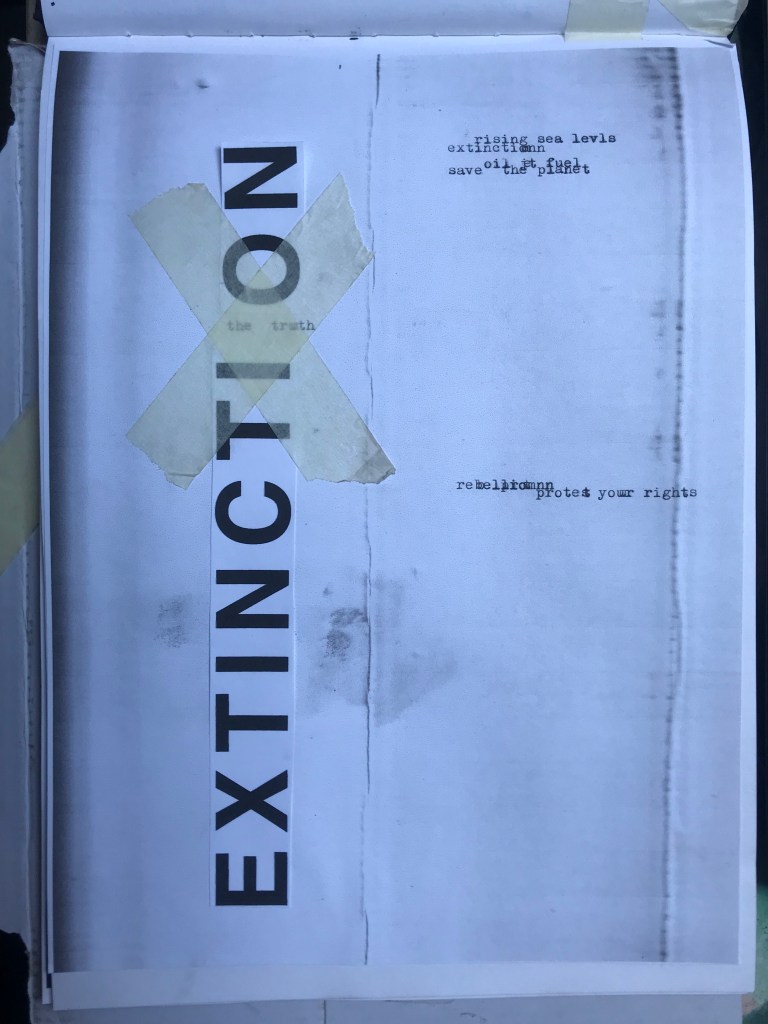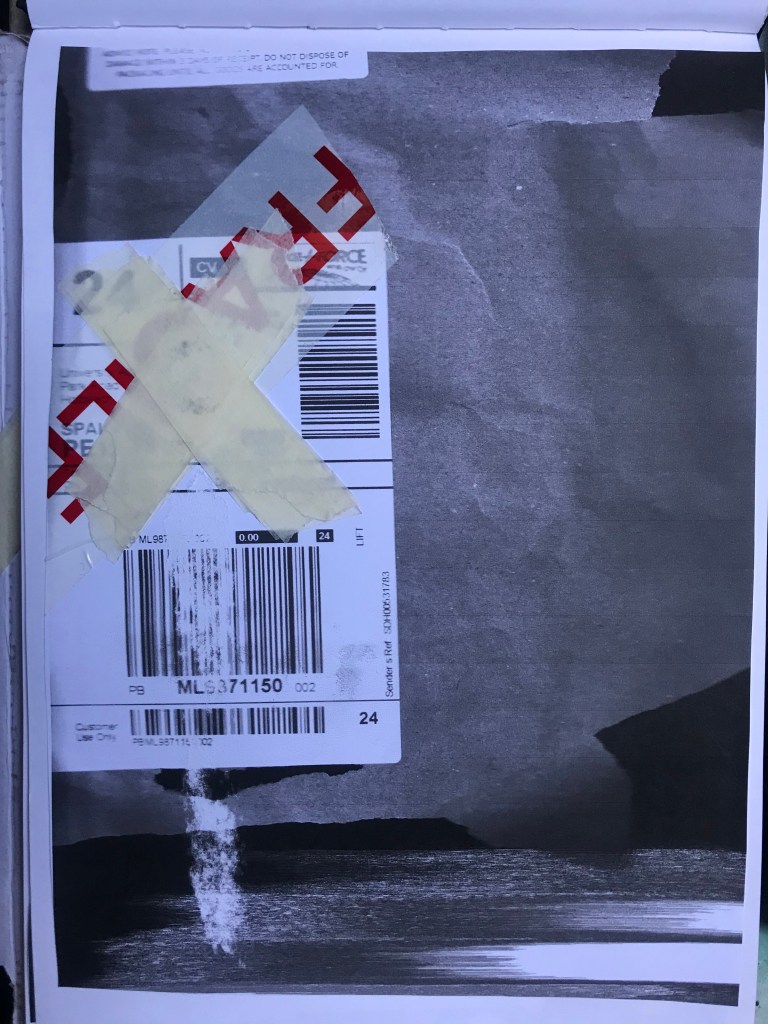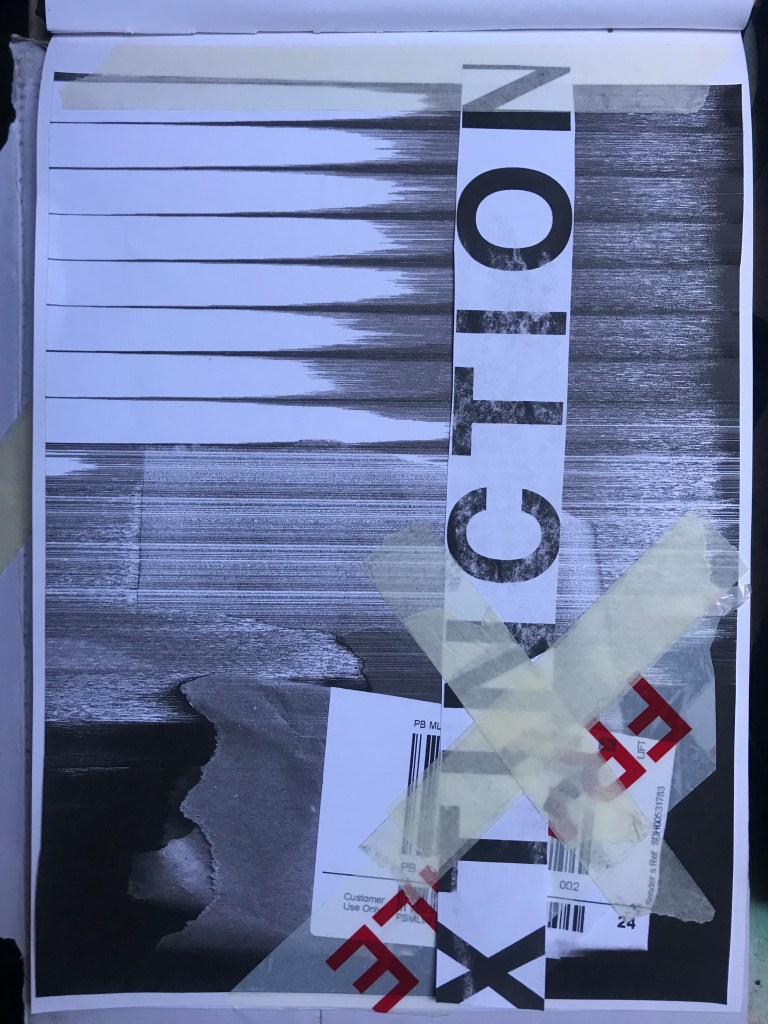
Part 1: Exercise 3 – Alternative Publications

The Brief –

Using your research into artists’ books and fanzines as a starting point, think about their physical or design qualities and creatively apply some of these approaches to your own designs.
For example, there’s a distinctive visual quality to many fanzines which comes from a ‘cut and paste’ approach to designing and through the use of cheap photocopying and printing. Punk fanzines in particular make a virtue out of having limited resources, no computers and little, or no, formal training as
graphic designers. Use your sketchbooks to experiment with a similar ‘cut and paste’ approach by cutting and collaging magazines and other material. What does this approach offer you as a book designer?
Alternatively, you can find other ideas you would like to test out in your sketchbook. You don’t need to make any finished designs, just give yourself room to experiment and try things out.

Starting out…

This is a very open brief!- there are no restrictions in what I can do with this! The brief is to start some experimentational work in my sketchbook which I am guessing I could potentially use or refer back to for Assignment 1.

When I think of experimental work in design, I automatically think of experimental typography with the likes of David Carson, Chris Ashworth and Roy Cranston. Sophia Clausse could be another contender for this too; I stumbled across her work when I was researching fanzines and artists books. I really like this style of work and I have used it in quite a few of my past exercises and assignments in Core Concepts.

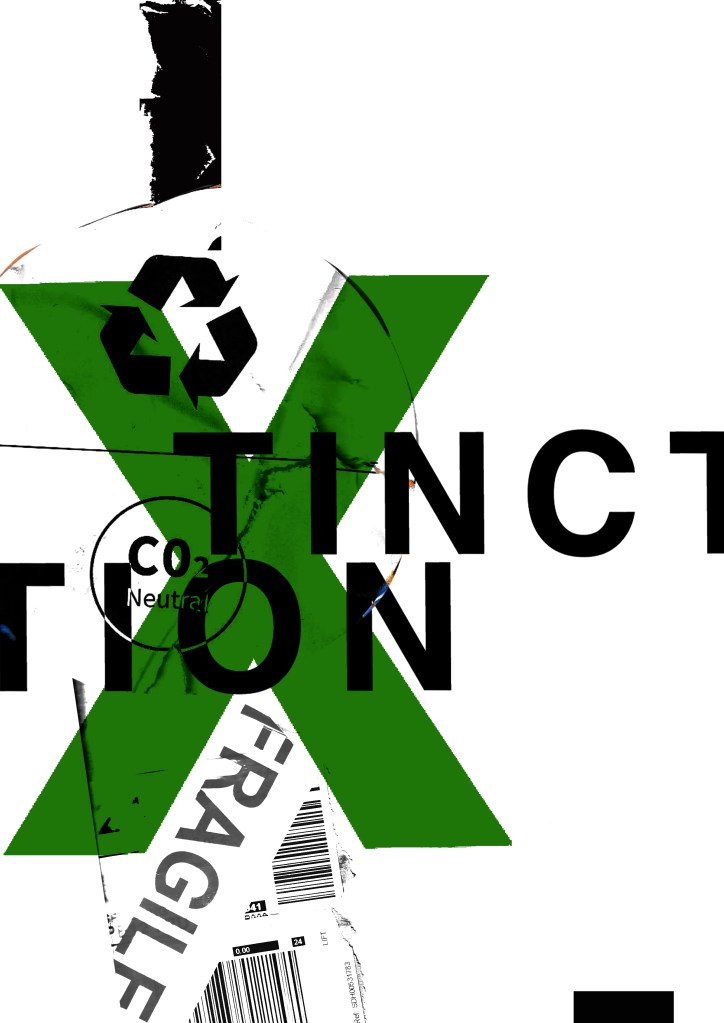
It also reminded me of an experimental piece I did in Core Concepts which I was really pleased with at the time. Again, this was inspired by David Carson and Chris Ashworth:
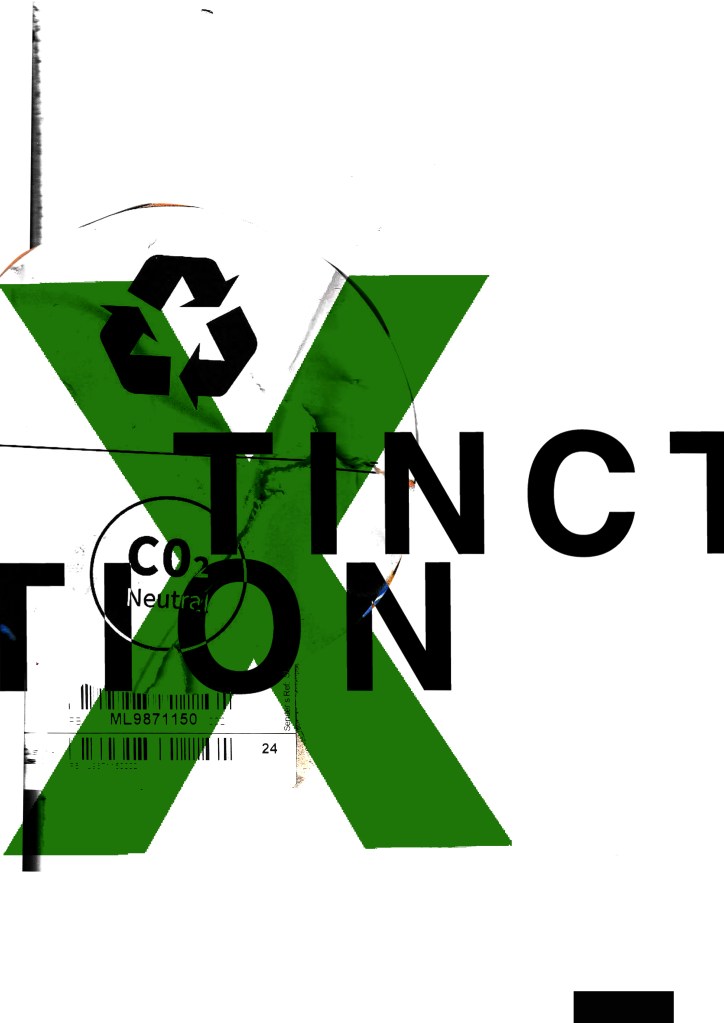
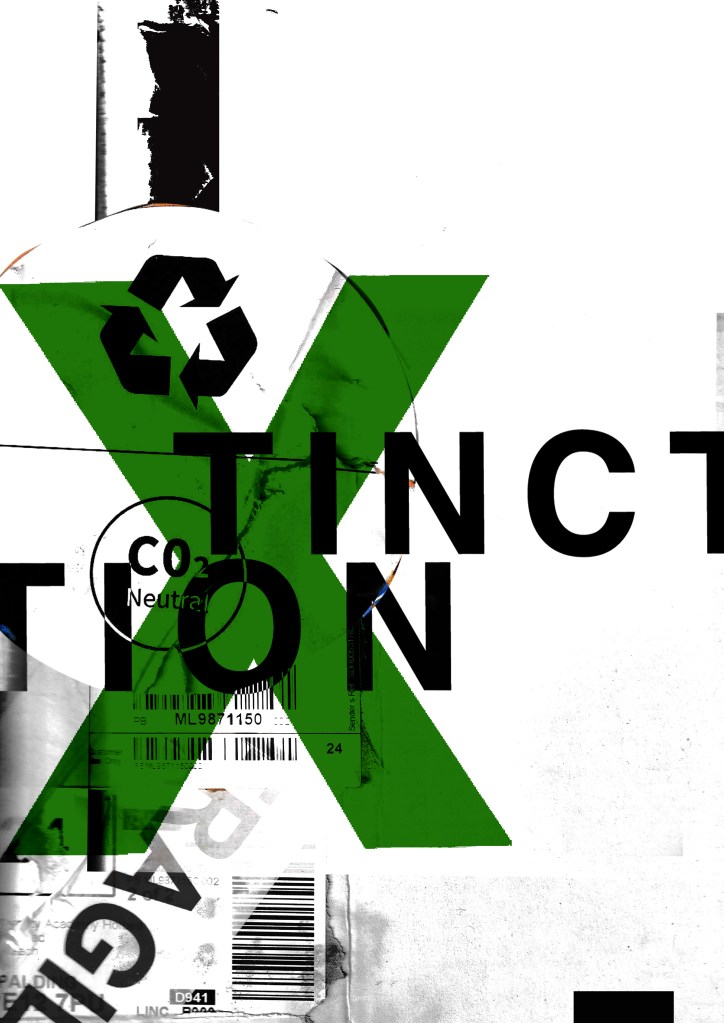
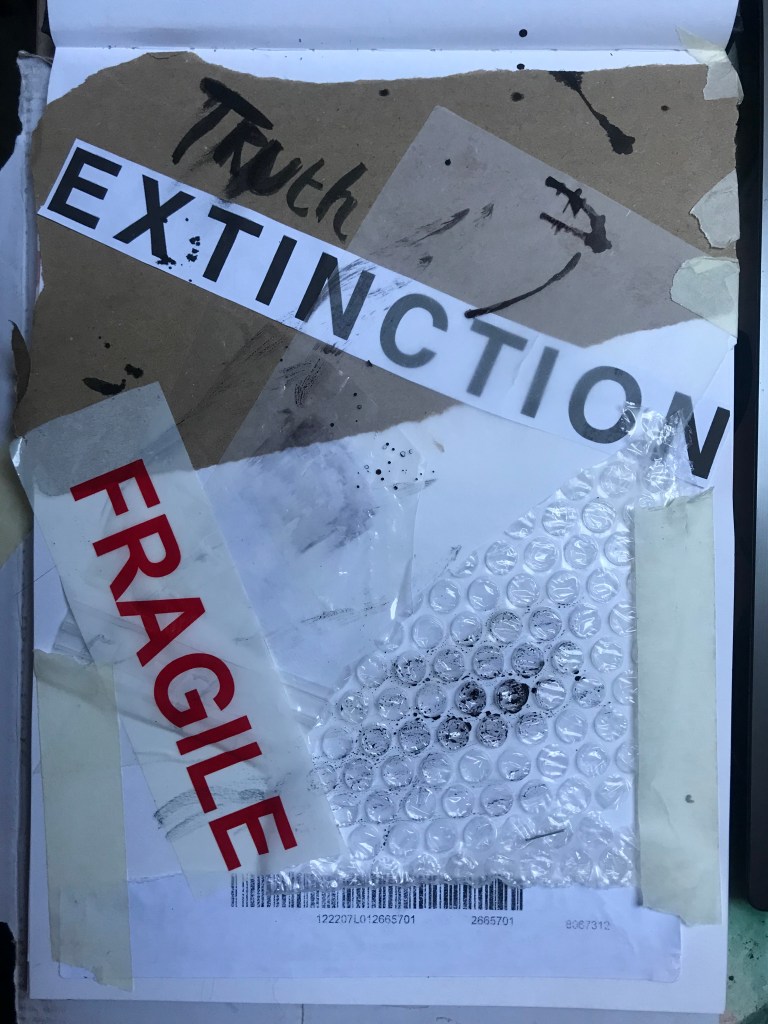
How I made these was by using old packaging and printed barcodes and turning them into a composition to then import in digitally to add typography:

I keep a bag of packaging and random materials ever since I completed that exercise because I just never know when I might need to use them again for something similar!
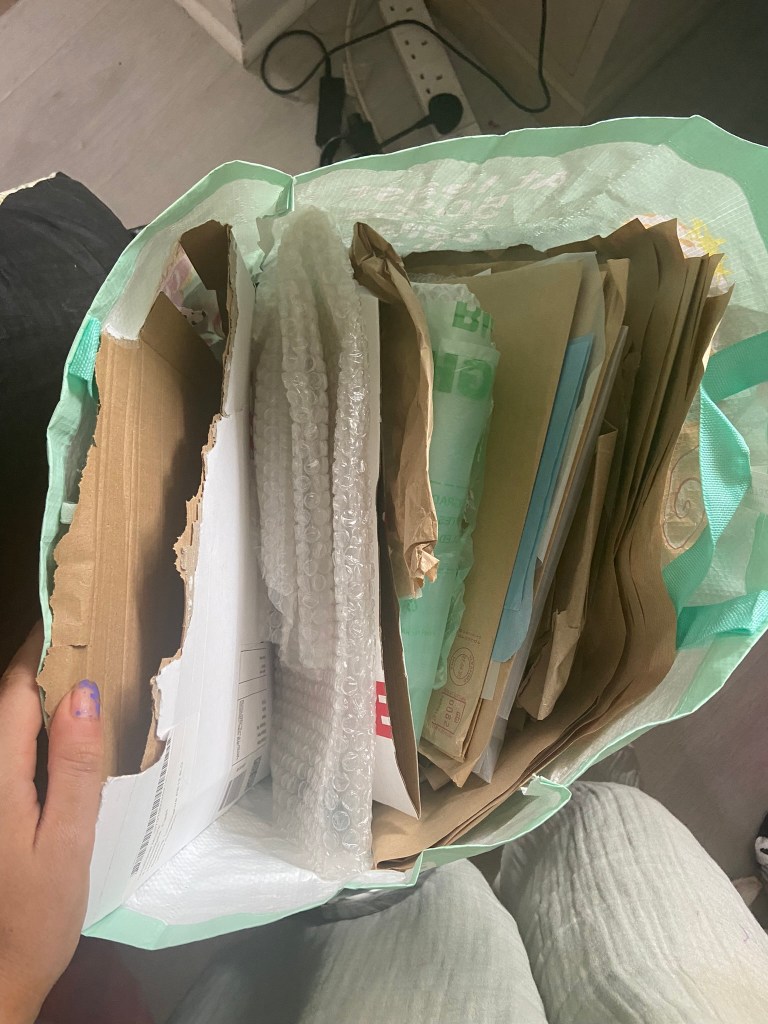
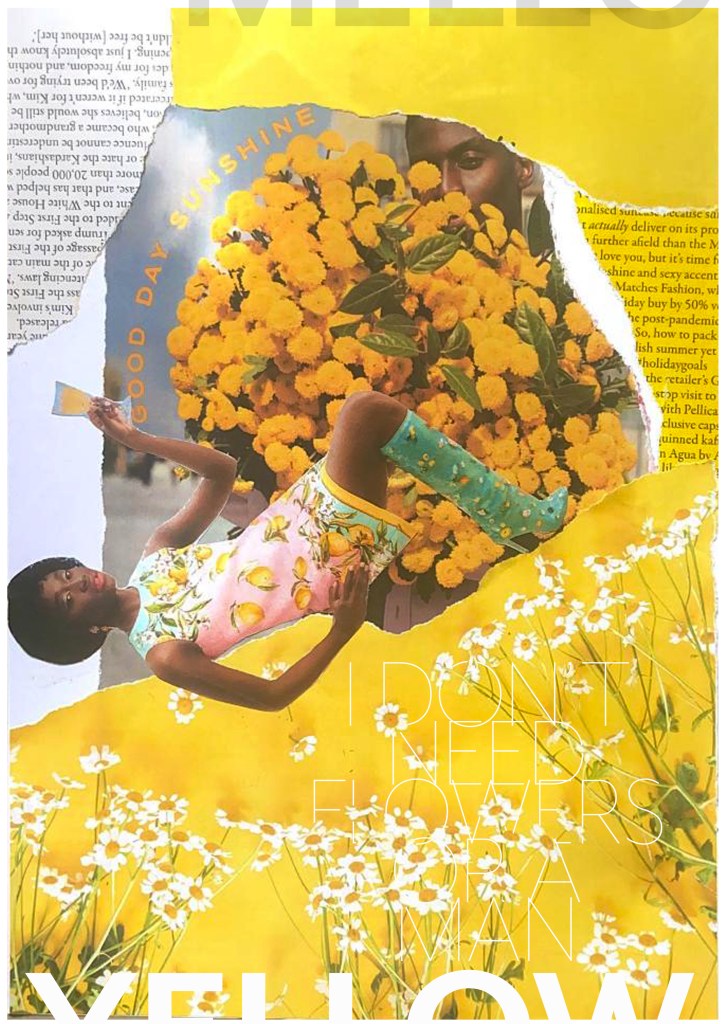
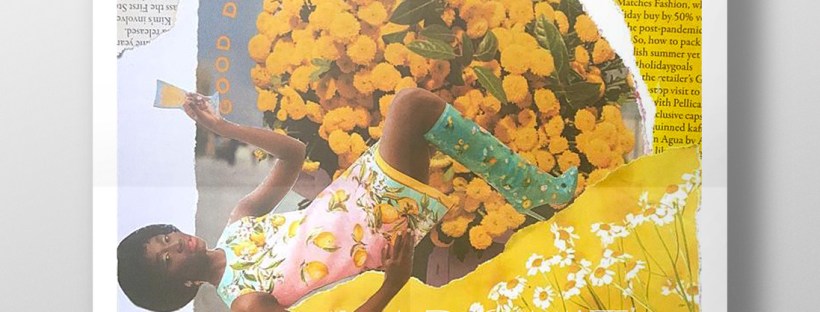
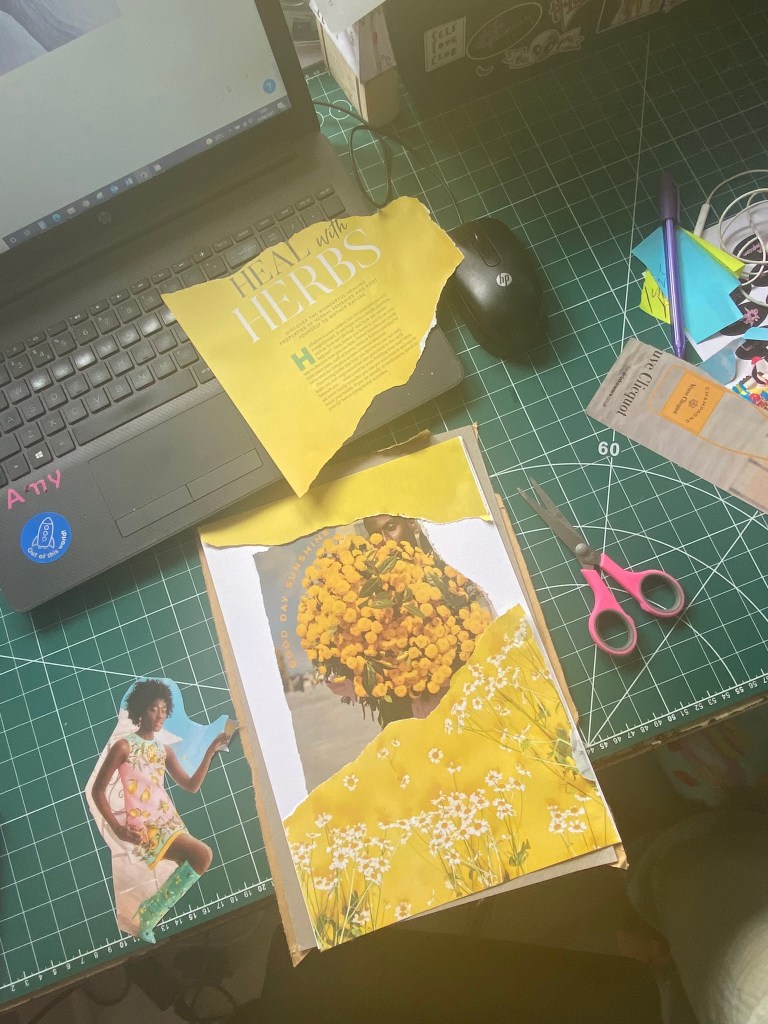
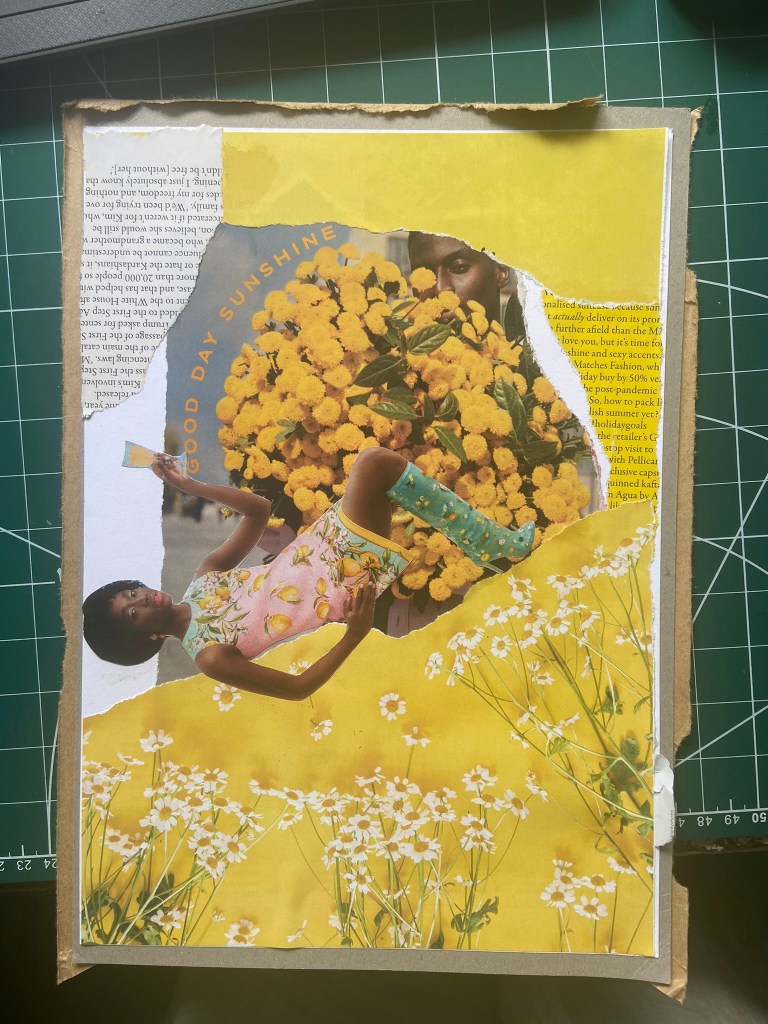
I got this bag out again to see what I could come up with for some experimental collages for this exercise. I also had some old fashion magazines that I used. I found some bright yellow summery layouts in the fashion magazines – a lot of material based around lemons! With the cuttings I found I decided to make some sort of story out of them…

There was an advert of a man holding some flowers and looking all shy behind the bouquet and then I found a clipping of a woman all dressed in lemons and yellow and looking very chilled out and relaxed drinking a glass of something alcoholic! The woman looks way too self involved to want the man or his flowers and I played on that in the text I use “I don’t need flowers or a man”. I wanted some kind of balance to the piece and that is where I used the bottom clipping of the flowers but also used another part of that to go along the top. I did the same with the clippings of text I found.. I placed them across from each other on the layout, it just made the hierarchy look much more balanced out. To add some contrast to the piece I added the larger text for the main title “mellow yellow” but changed the opacity at the top so that yellow stood out much more.

This exercise shows you how much you can create some pretty cool, meaningful layouts using just some magazine clippings and typography!
The Time Machine: Design Development (cont)

I have been a bit slow on development the last week or so… I have also been trying to work on something I want to start in the new year. (I’ll do a separate post for that!)

I watch a lot of SkillShare tutorials to learn different effects and skills to further improve my design work digitally. My last post mentioned how I studied a Duotones class by teachers called Evgeniya & Dominic Righini-Brand, Graphic Design & Photography  well I also studied another one of their classes for creating a screen printed effect. I thought this might add an “older” more vintage feel to the piece.

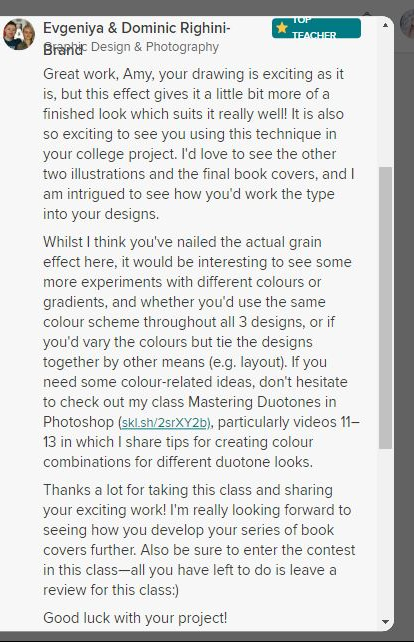
After I had finished the tutorial I also uploaded the finished piece to the Skillshare page for others to see (which is unknown for me!!- stepping out my comfort zone!) Here is the link below to what the tutor had to say to my piece!

https://www.skillshare.com/projects/224662

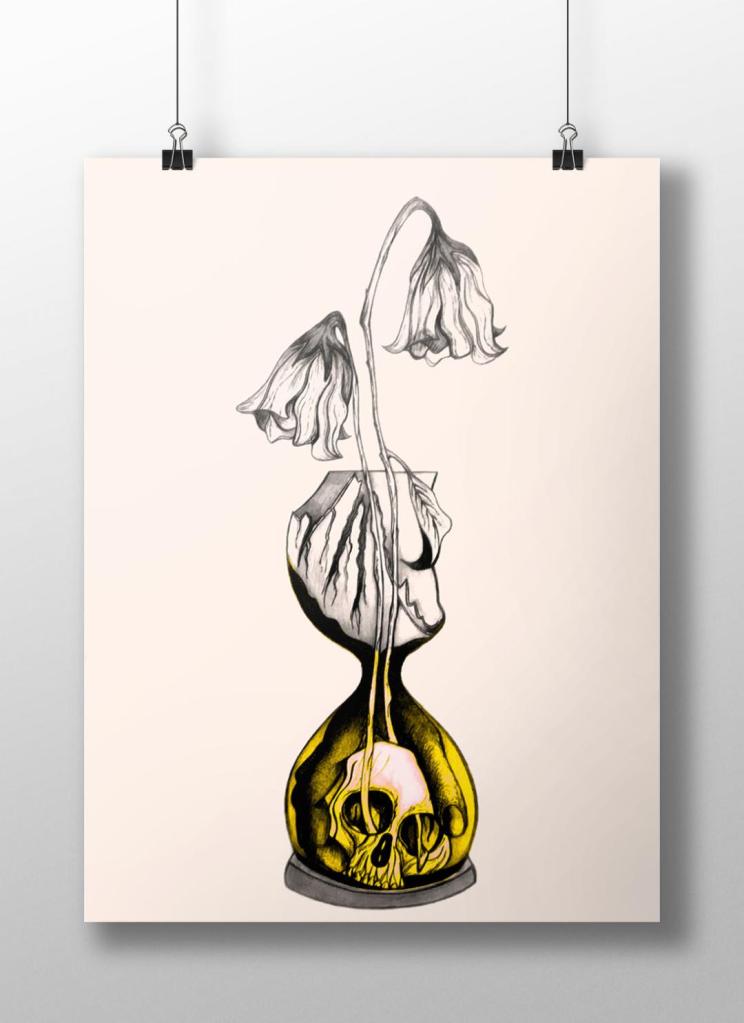
Out of all the trials I have done so far though I have to say I like the first one pictured above! I also posted it to my Facebook for the opinion of everyone else and they all agreed that this one stands out the most and the contrast between the black and yellow works the best. I am now going to draw the other 2 designs and then bring them into Photoshop and do the same digitally as this one. I will change the colours on each though so that they each have their own colour scheme.

The Time Machine: Digital Development – Duotones

With my final ink drawing I decided to import it into Photoshop again and change the colours.

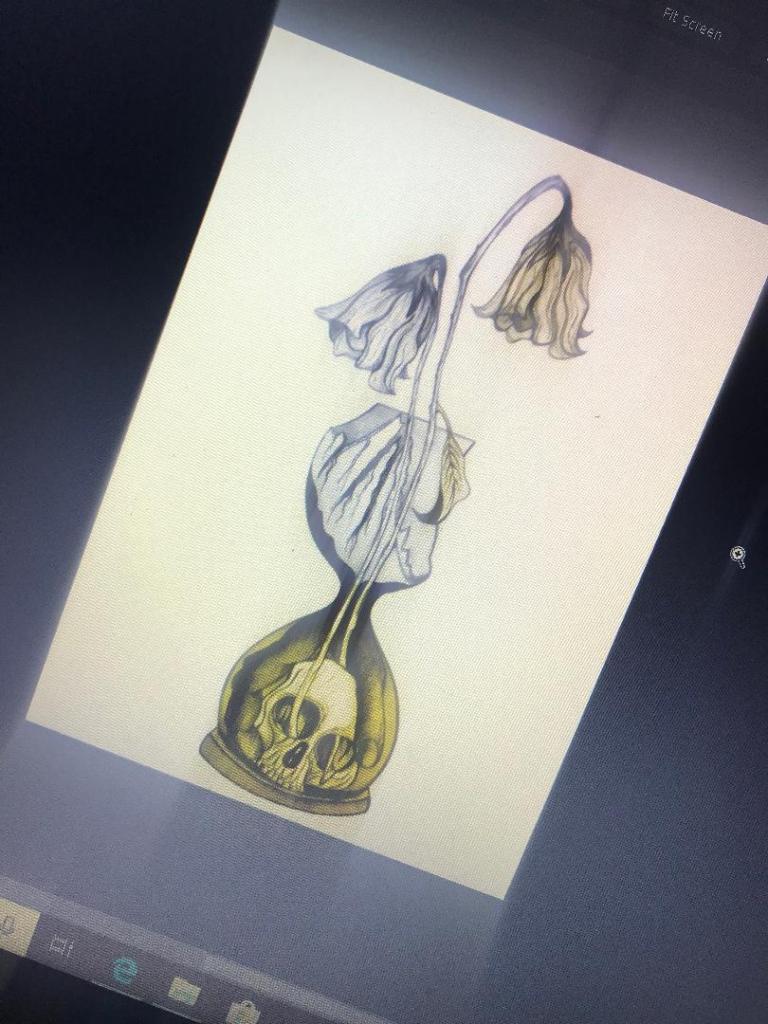
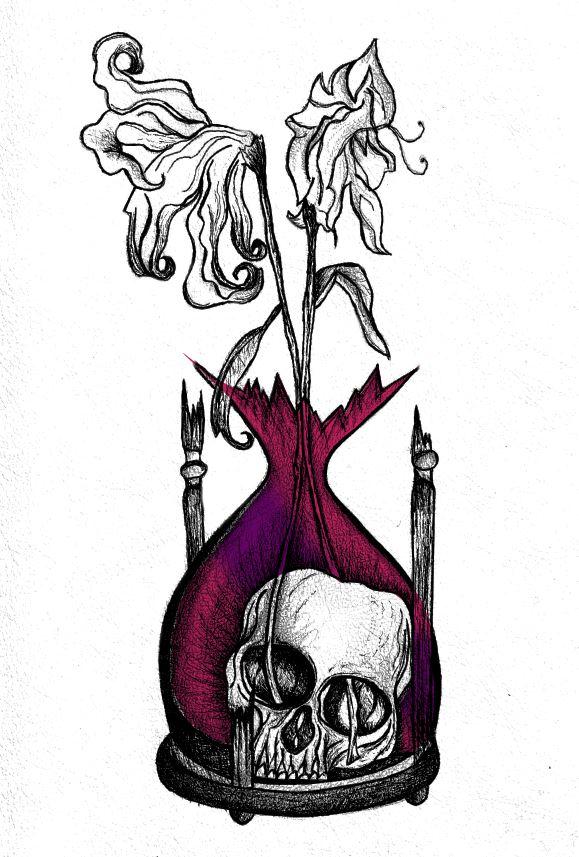
With the first version I adjusted the colours, brightness, vibrancy and saturation etc and then decided to use the pen tool to select certain areas to add colour. I like how it looks as a black and white ink drawing so I decided to only add colour to a few selected areas such as the flowers and the inside of the sand timer. The hand forms as part of the sand so I needed to keep this dark!

I like this as it still keeps the original drawing but also adds a hint of the yellow. It makes it look like an old fashioned image.

I then saw a tutorial on Skillshare about Duotones which I decided to watch. It was a lengthy tutorial (2 hours in total) but by the end of it I felt confident in creating my own.

However, It still needs some work!…

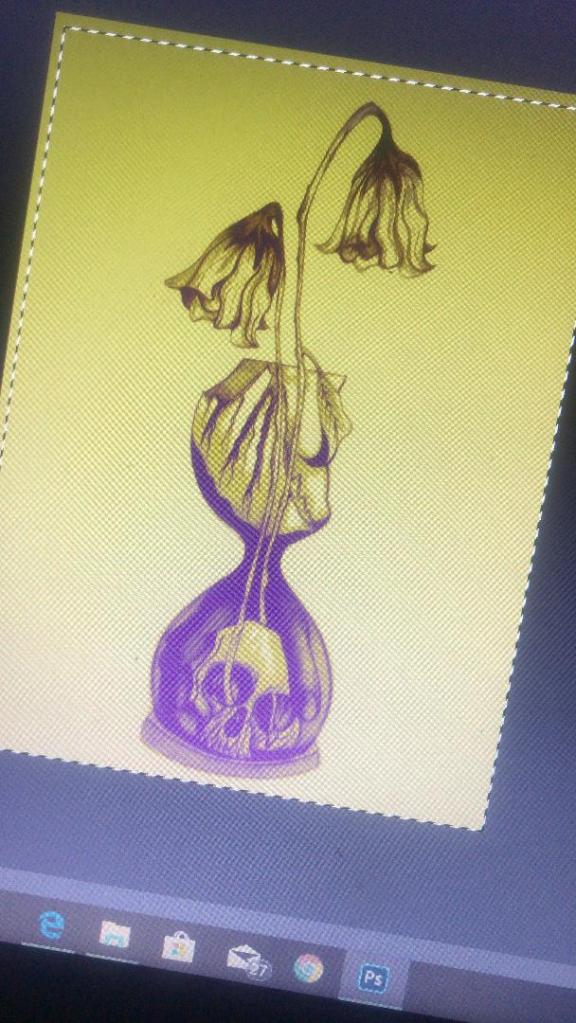
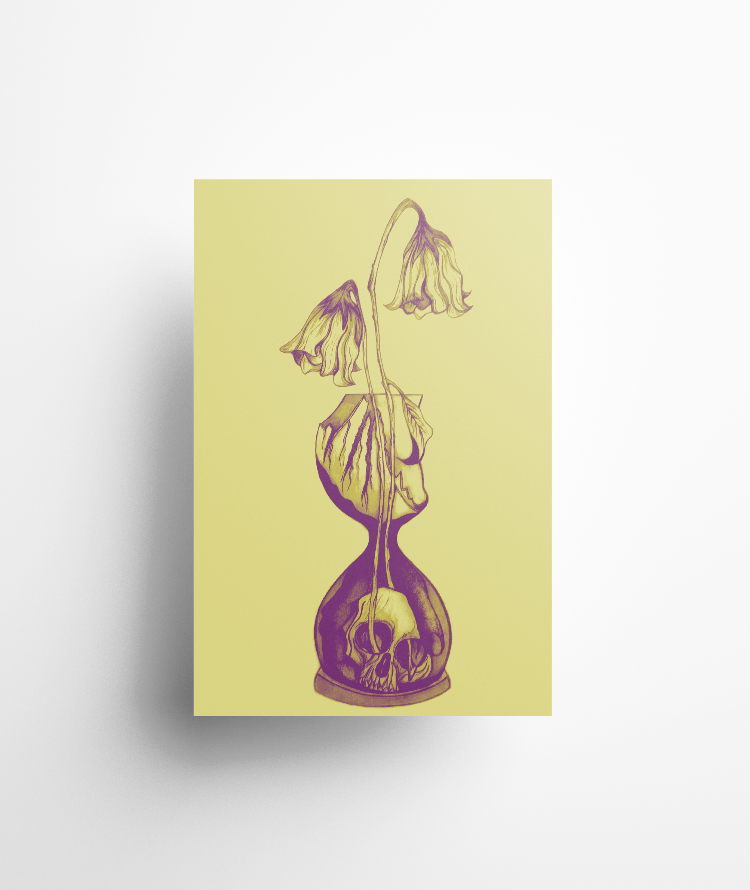
I need to adjust the colours some more because at the moment I have kept the duotones quite dark. In my opinion duotones are bright and modern in appearance and the colours should work well together, contrast and “pop” out!

I want to use yellow on this cover; the white flowers at the end went wilted and brown in appearance – I was thinking of a mustard yellow to try and closely match this. Yellow is also a bright happy colour which I think reflects the Eloi people but by making it that little bit dark and mucky looking reflects the evil within the book.

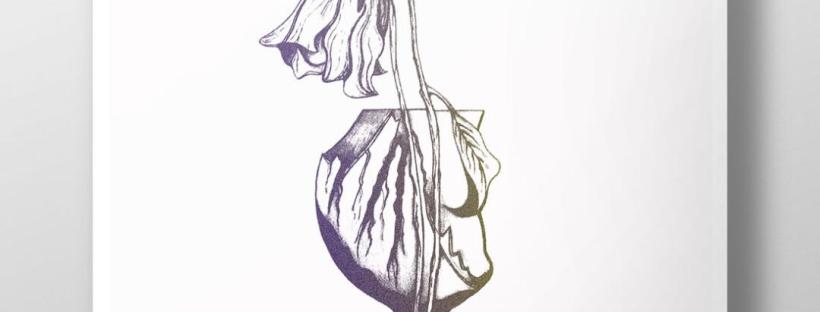
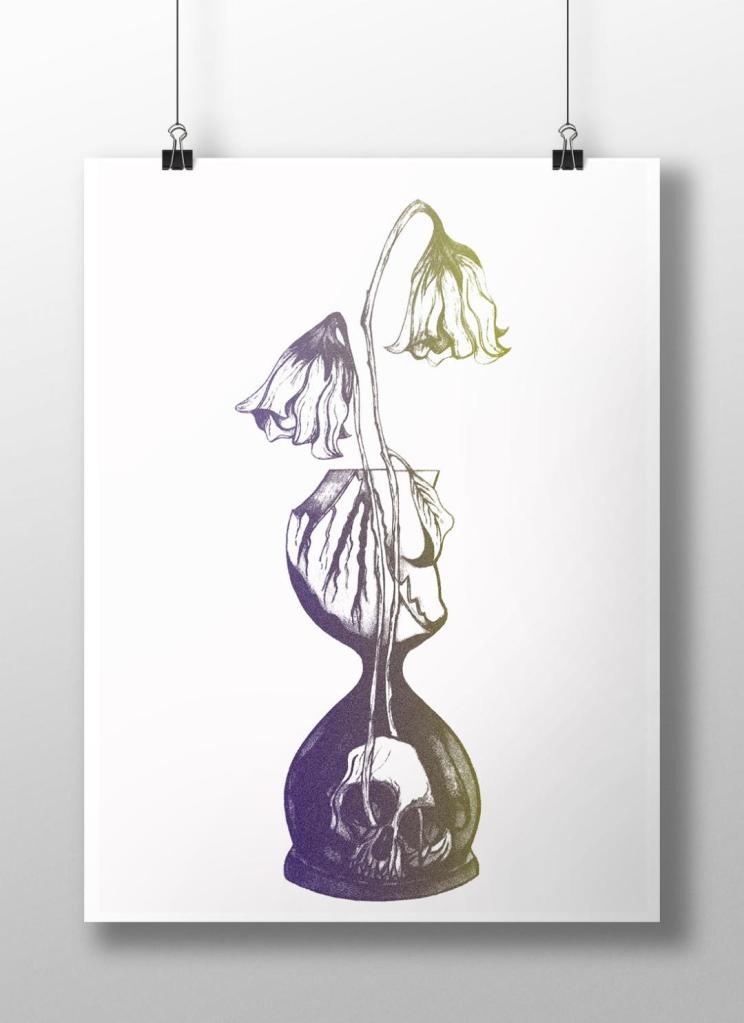
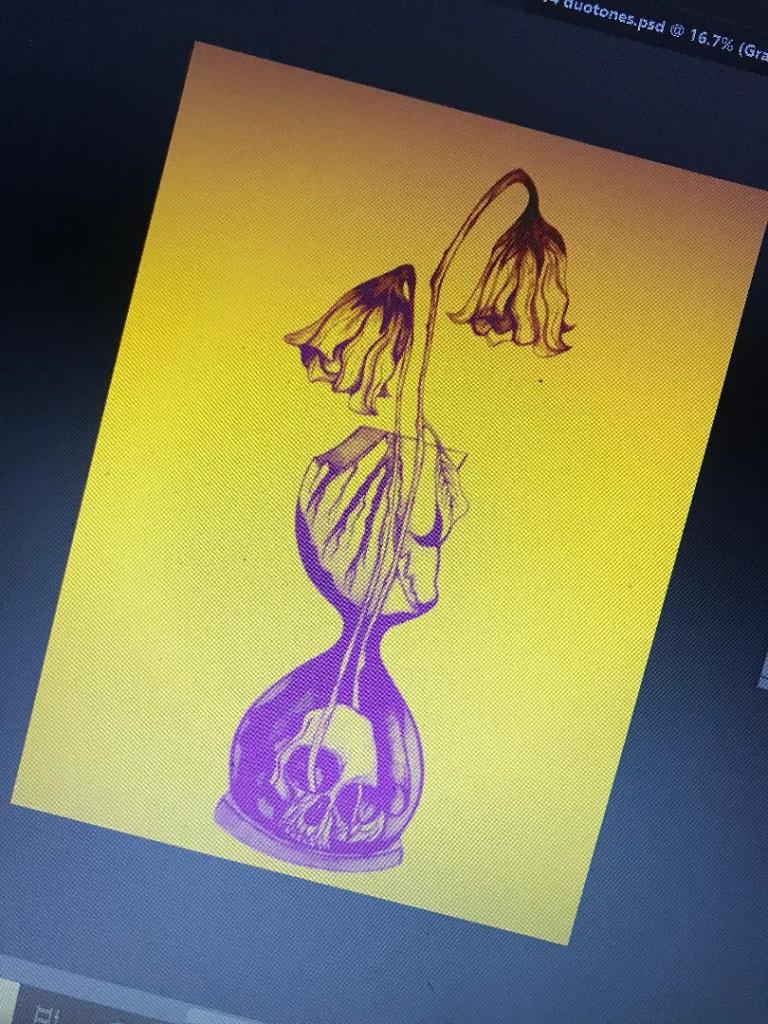
The above images are what I had a mess around with! I think the second attempt on the right works better. The colours stand out more and it catches your eye. The colour scheme I used on this one was a yellow and purple – complimentary colours so that they contrast.

The plan is to add the text over the top potentially as an overlay, this will give a modern and interesting look to bring the book into todays era.

The Time Machine: Digital Development

Yesterday I decided to have a go importing my hand drawn ink design into Photoshop and have a play around!

I am not a pro at Photoshop to say the least, so the tutorial I watched on Skillshare a while back that I wrote in my blog about really helped me!..

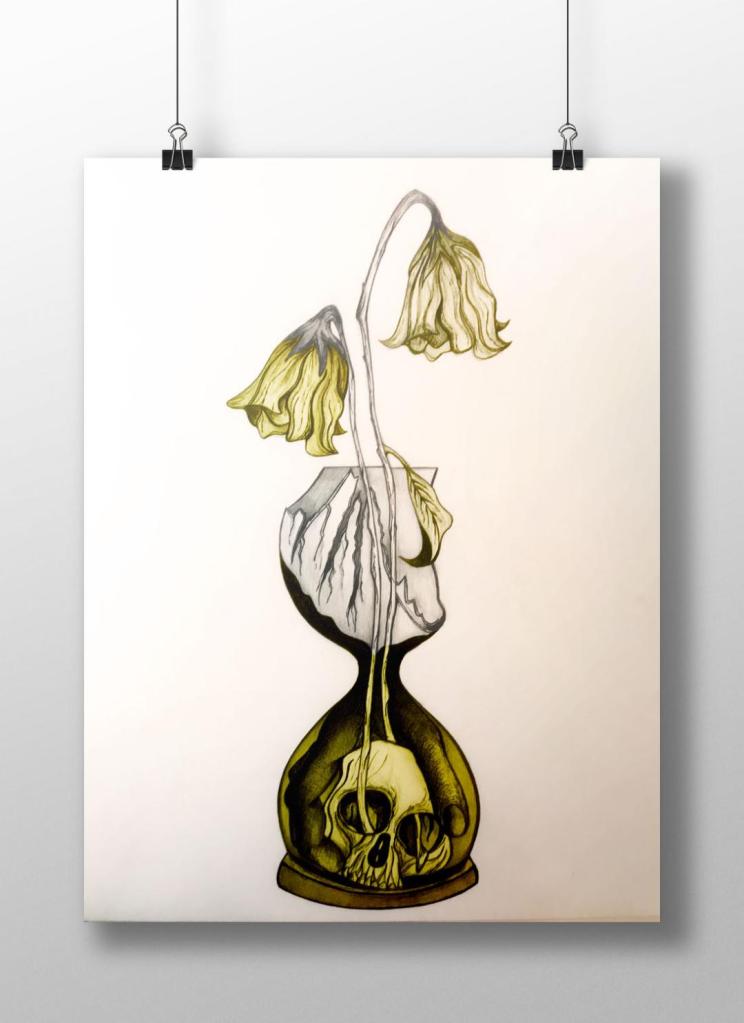
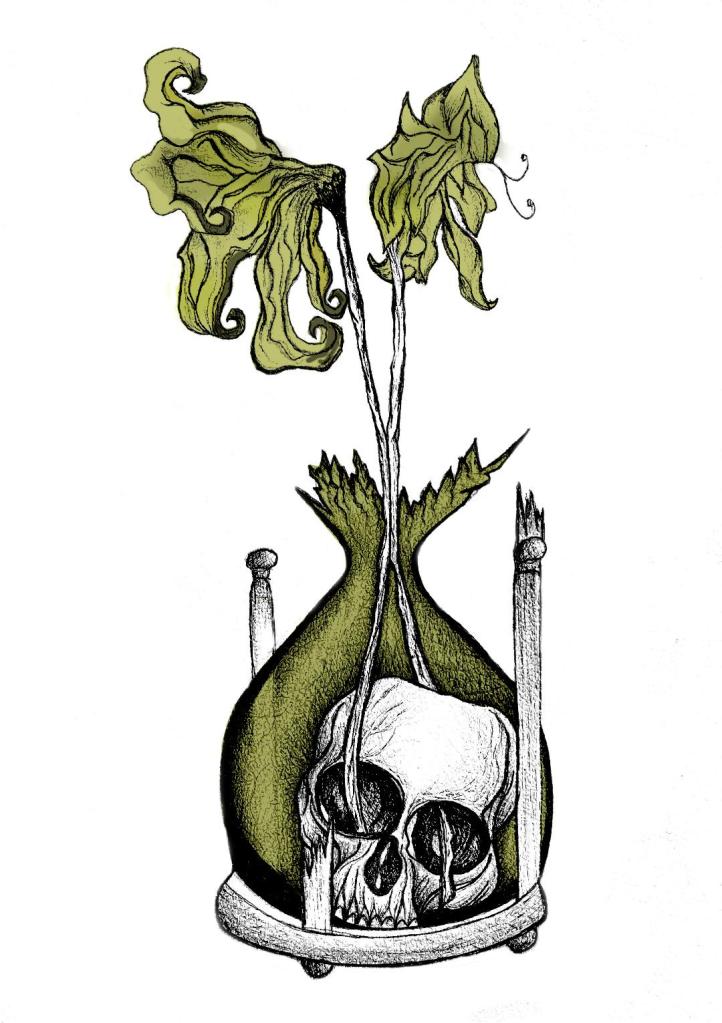
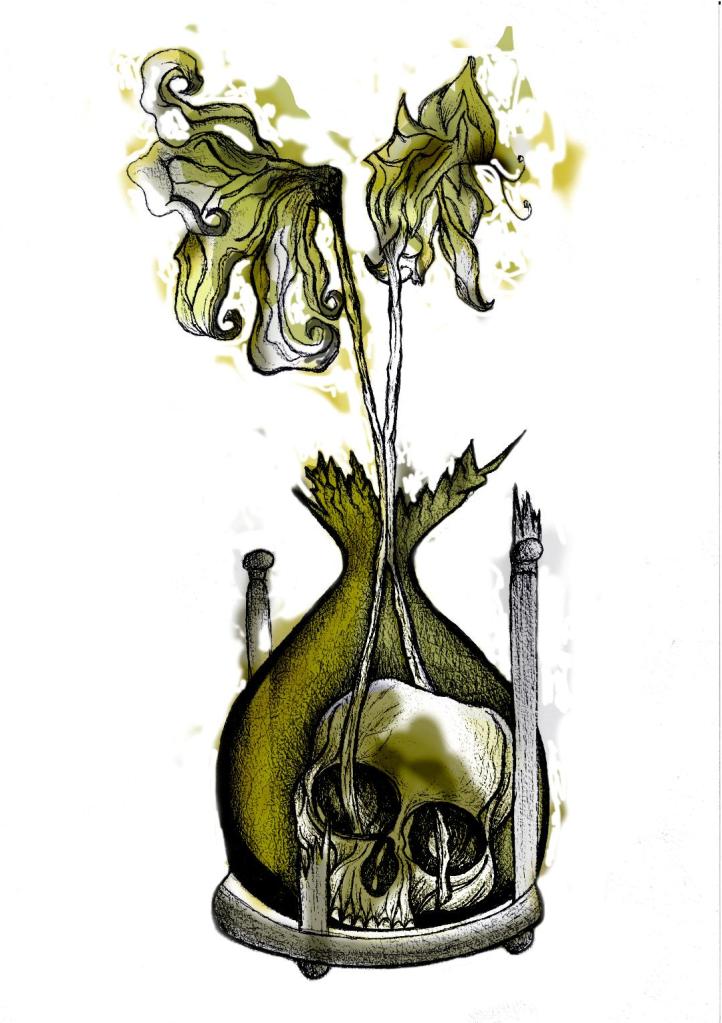
I decided to change the colours, I want each of the 3 books I design to use 3 different colours and work as a series in that the designs are the same and also the colours tie them together. The flowers in the Time Machine are white but dead, brown and withered at the ends so I decided to alter the colours to match this… I went with a white/murky yellow/black colour scheme.

To get me familiar with changing the colours and doing certain things in Photoshop I had a play around first, this was the trial starter piece..

Using the pen tool to draw around areas and making them a selection so that I could add colour to the area and then multiply to blend it in with my line drawing. I then created a clipping mask on a duplicate layer to further blend more colour in.

When I felt more confident I then started on a proper version;

This one I kept the colours quite subtle… I coloured in all of the flower shapes with a murky yellowish colour and carried this on into the hourglass. I liked it but it didn’t shout out at me..

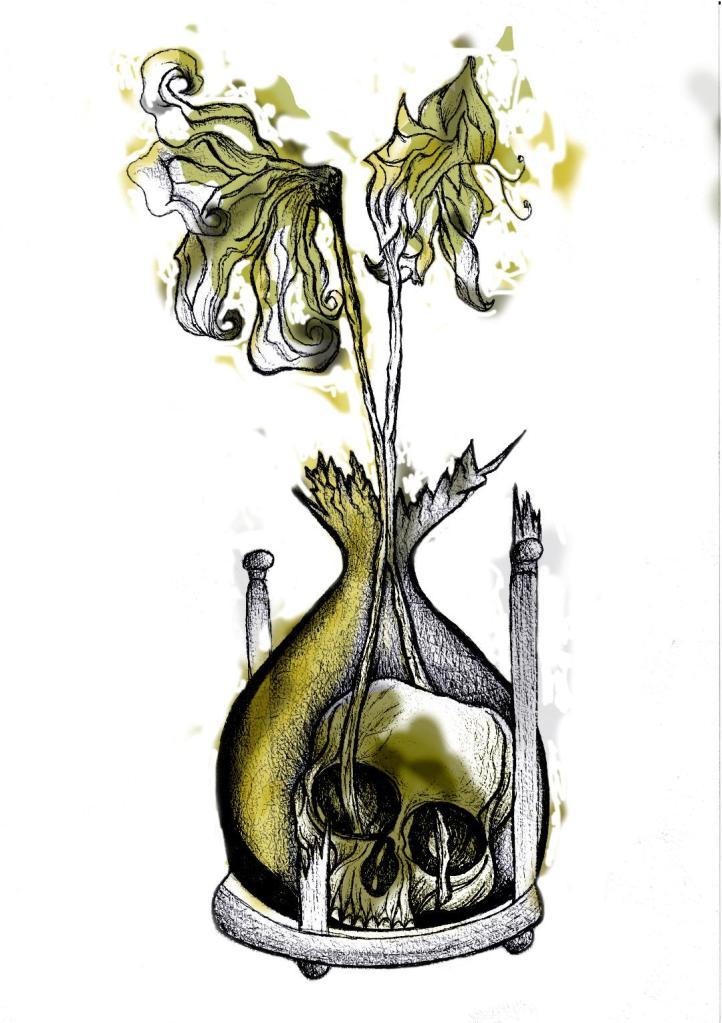
With this version I messed around more with the colours and blending them to create 2 tone effects. I accidentally moved the flowers layer but actually quite liked it being out of the shape slightly.. It gave a mix of the 2 colours; white and yellow. I also created like a water colour/watermark effect at the top of the petals.

In this version I made the colours more deep and murky. I feel the colours are the strongest in this version. Overall I am happy with the progress I have made with it and the new skills I have learned, however It still needs improvement… I now need to find ways of how to make it work on a book cover with the typography element etc.. I think though that I shall draw the other 2 book designs and then take all 3 of them together and then look into layout and typography etc..

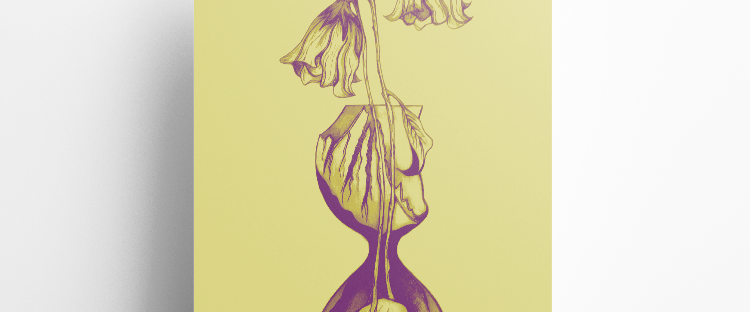
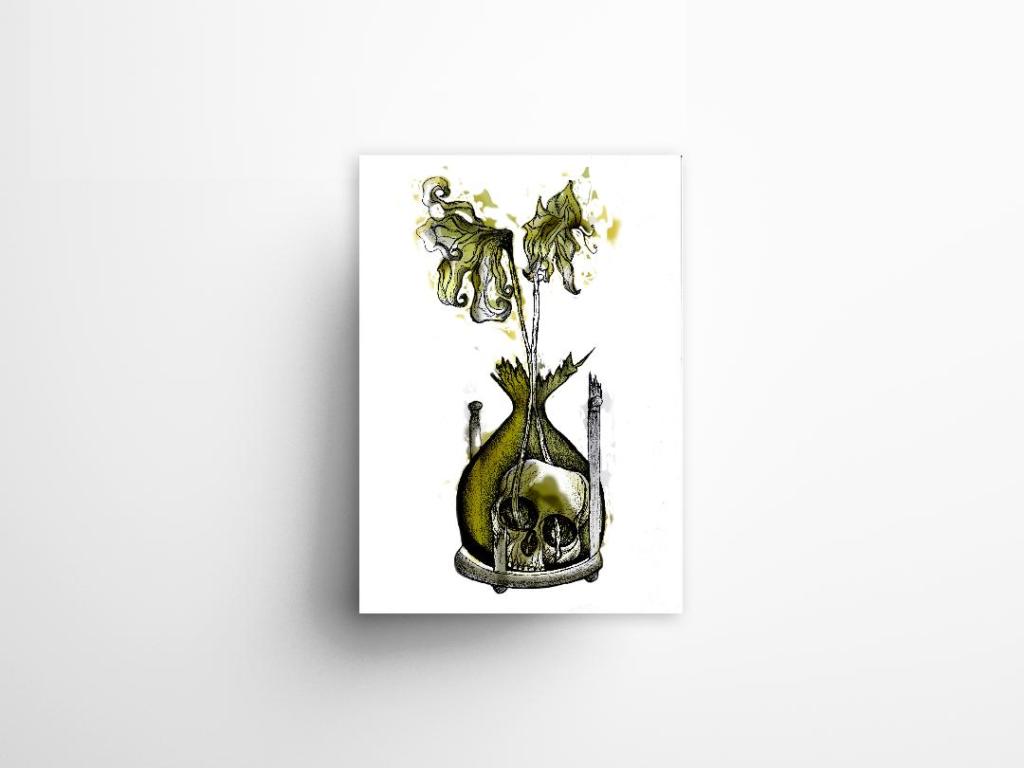
I also looked at mockups for displaying work more professionally on my Instagram account. I downloaded a simple poster mockup document and then added a drop shadow around the edge of my image.