When I first looked at this brief It is book design which is something I really enjoy doing, but I did worry when the brief stated that once cover had to use Type and images/photographs/illustrations and the other one just type. I wondered how I could use type in an interesting way for the second cover.. surely with just type the cover would be really plain and uninspiring?..
The first step was to research into what book I could design my cover for. It needed to be a book I was familiar with.. I used to read a lot of books when I was younger but I do not read at all now. I decided to choose one of the books from my younger years to design for.
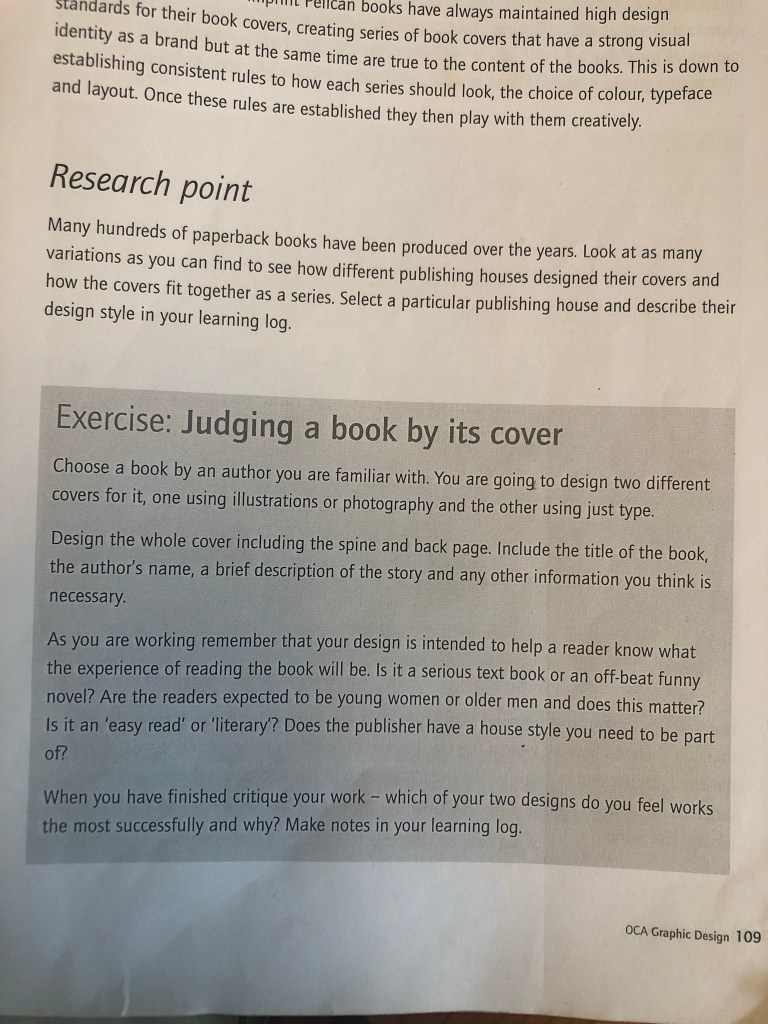
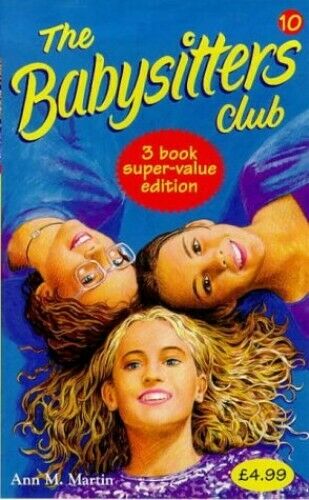
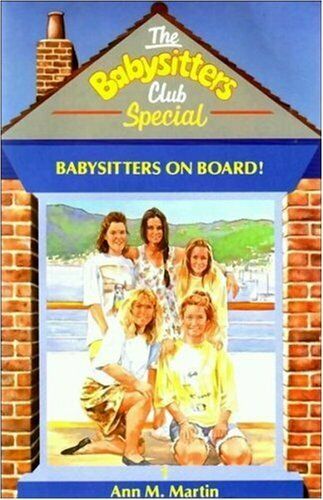
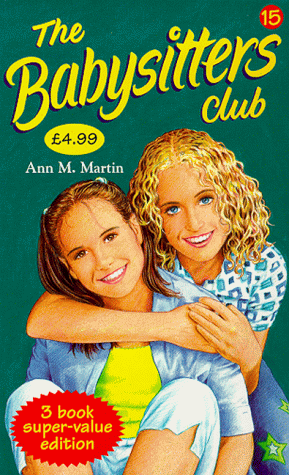
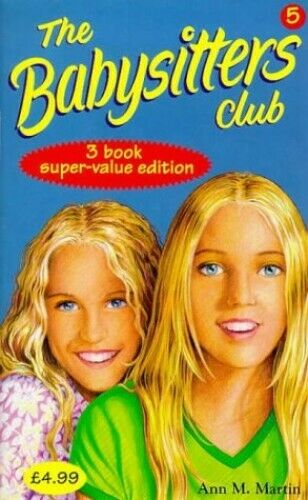
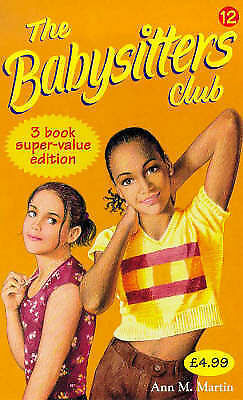
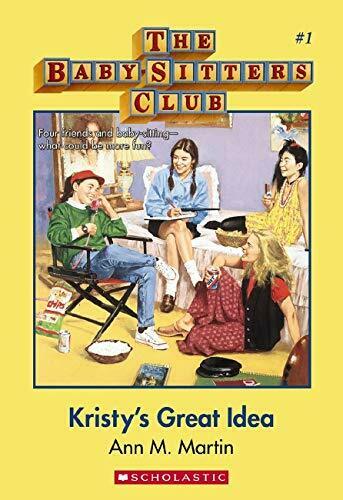
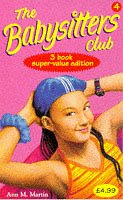
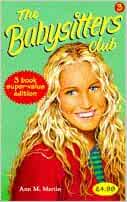
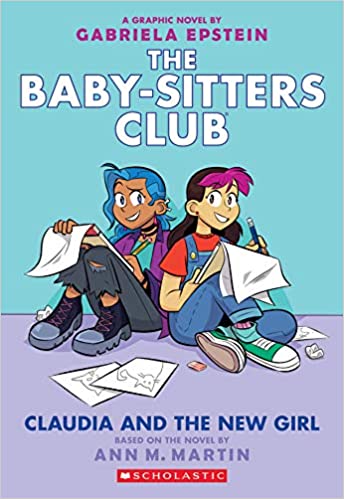
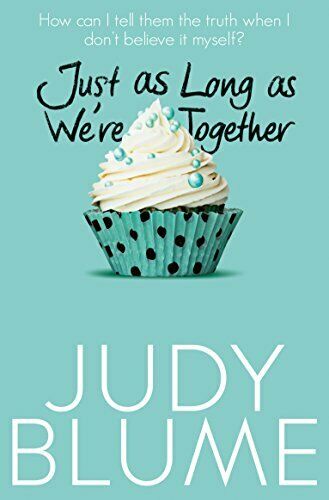
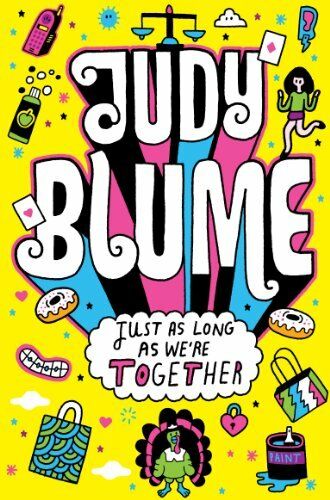
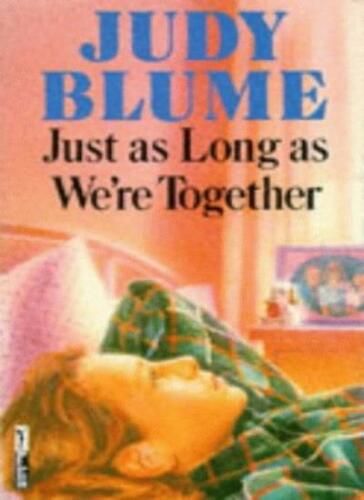
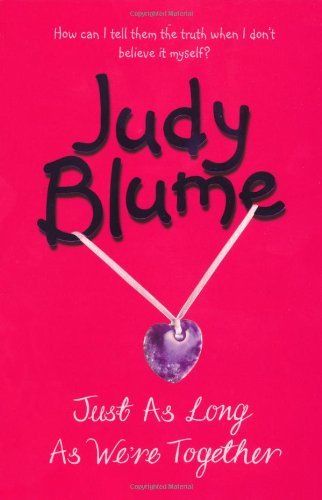
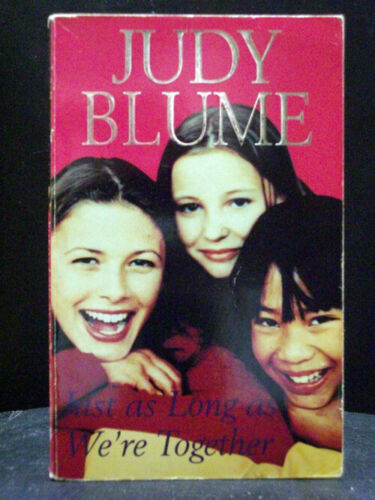
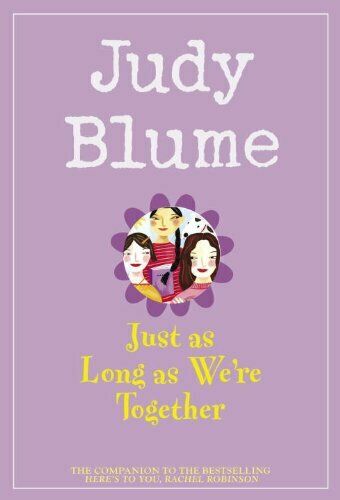
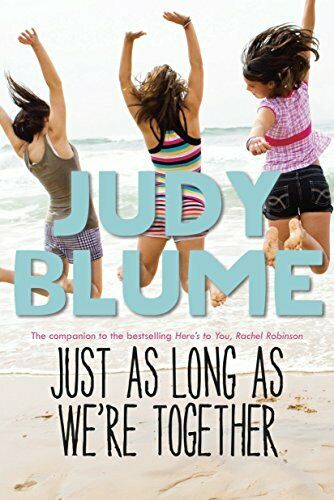
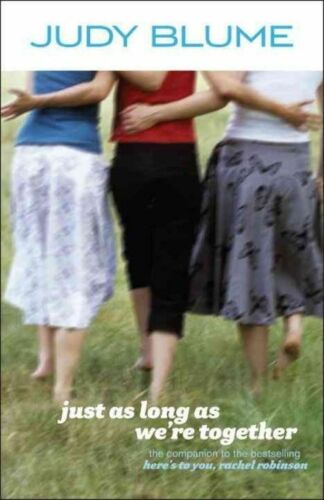
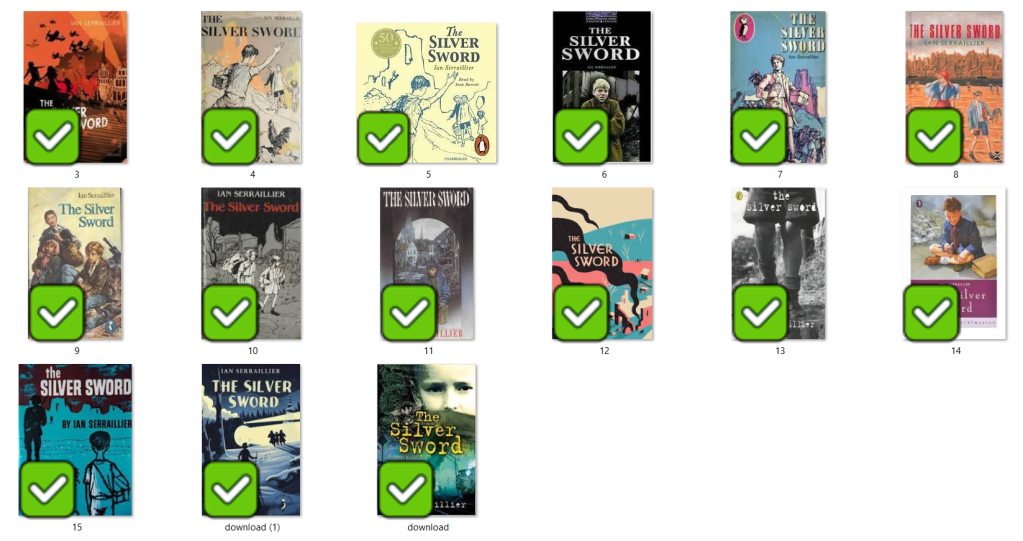
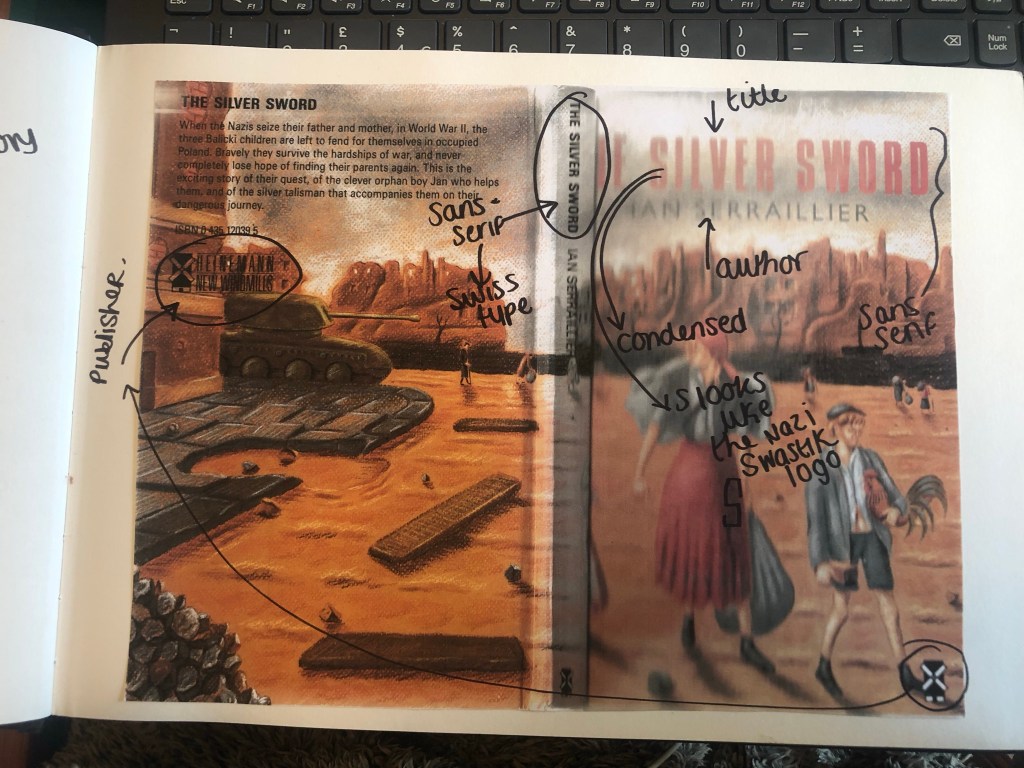
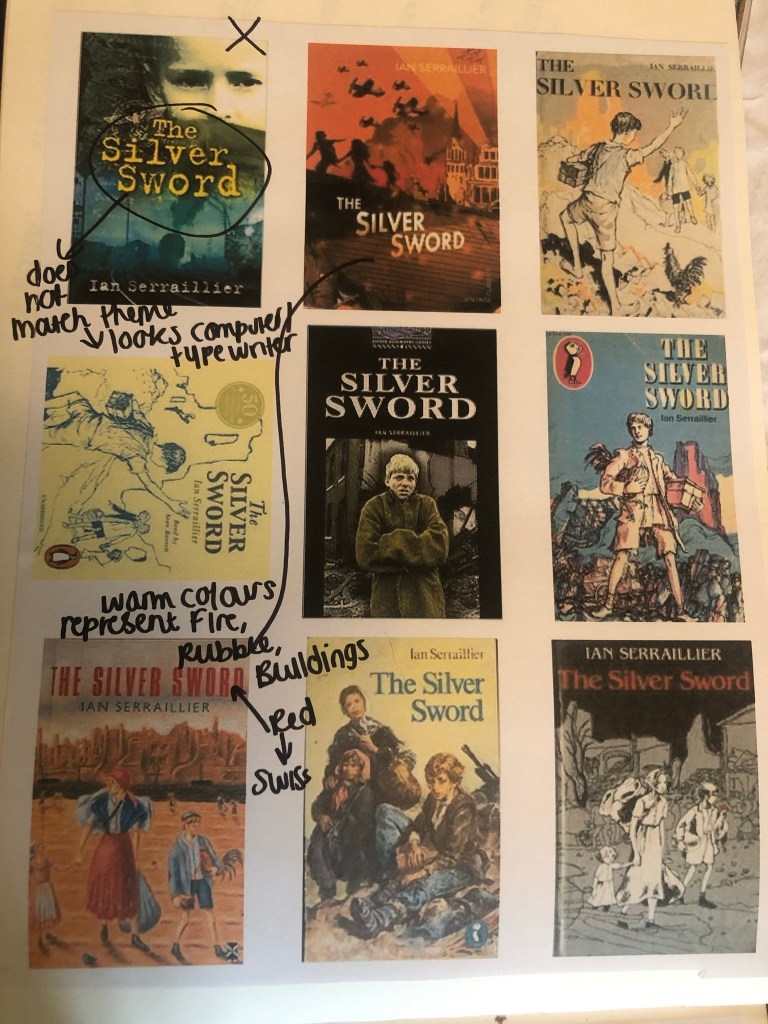
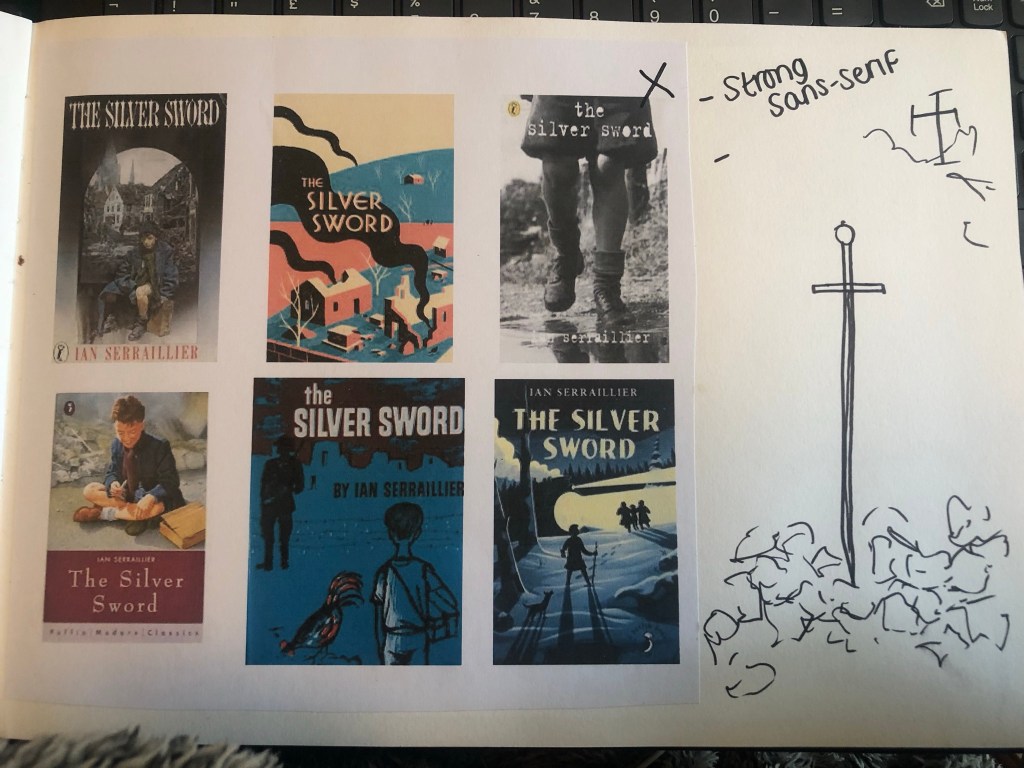
When I was younger my favourite book was “Just as long as we’re together” by Judy Blume. I read this when I was going through tough time in my life and I could relate as an 11 year old to the characters and the storyline. A few years on from that title I started reading “The Babysitters Club” series with my best friend at the time and we LOVED them! I still remember now the stories from most of these books! The characters in the stories were again very relatable and I remember as a young child it made m very much feel like I was a part of this group! It was a sense of belonging. The other book I remember well is “The Silver Sword” a war story about the hope, courage and survival a family holds while trying to find each other and escape to Switzerland during the war. It was a tough call which one to go with. I did research existing covers for each book though:
I love the bright colours of The Babysitters Club titles. Looking at these covers brings back so many good memories for me; I feel like that is what good book design should do! The images on the front also helped me to imagine what the characters would look like in real life too. I related the book covers to the storylines very well. This style of cover though is something which I have done a lot of already in my design work.. I felt like I should push yself out of my comfort zone a little..
The Judy Blume covers use a lot of photographs; this is a route I did not really want to go down. I much prefer illustrated covers – they feed the imagination more!
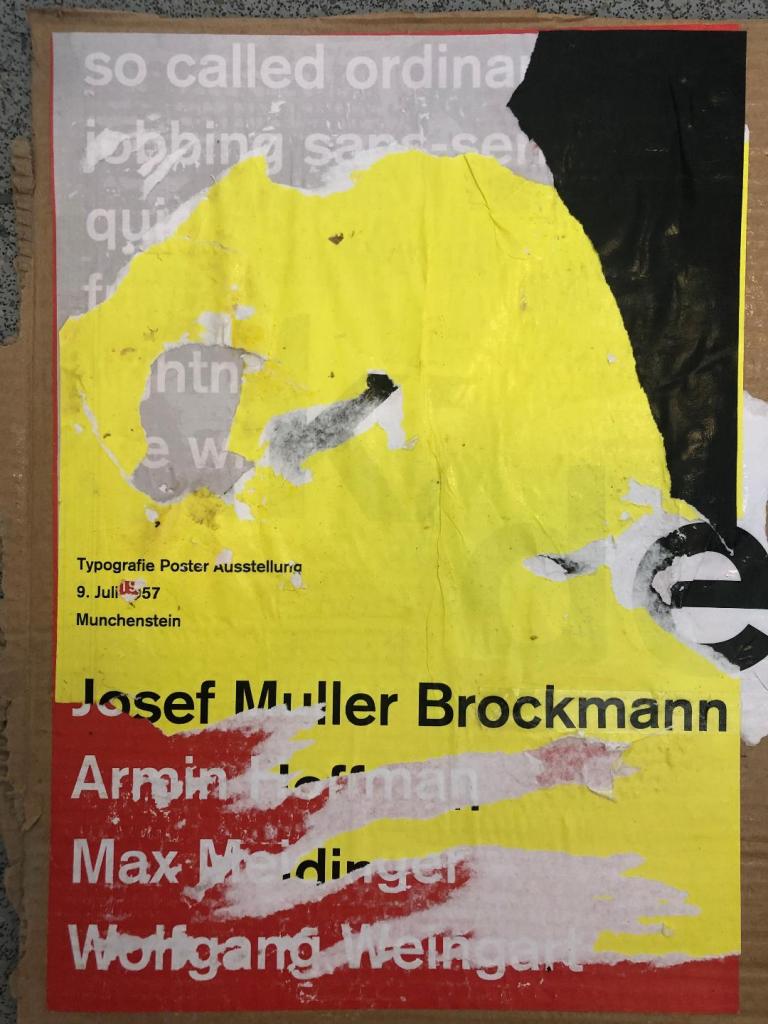
The remaining book was The Silver Sword.. this gave me ideas of using Swiss type in the design as it is a story that uses Switzerland strongly in the plot. I love using Swiss design and Swiss type and started thinking of ways I could bring this into this design…
I also used Pinterest to find ideas for my book covers:
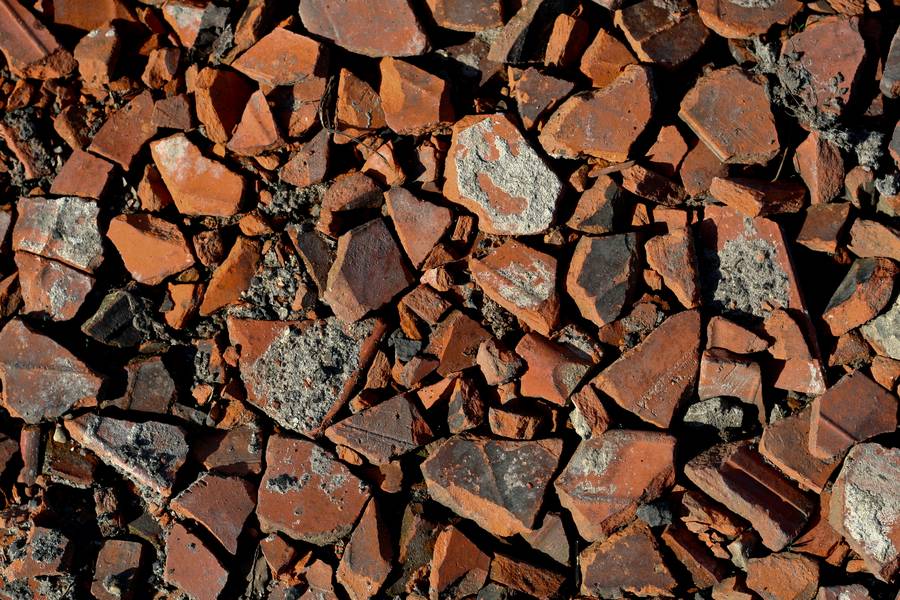
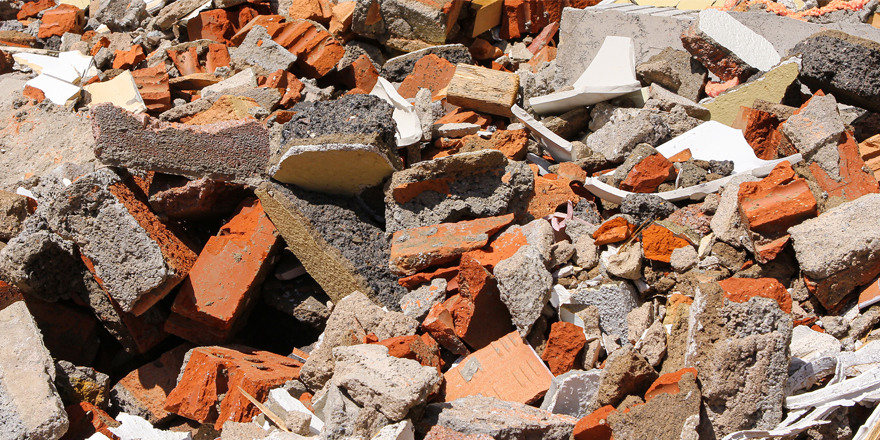
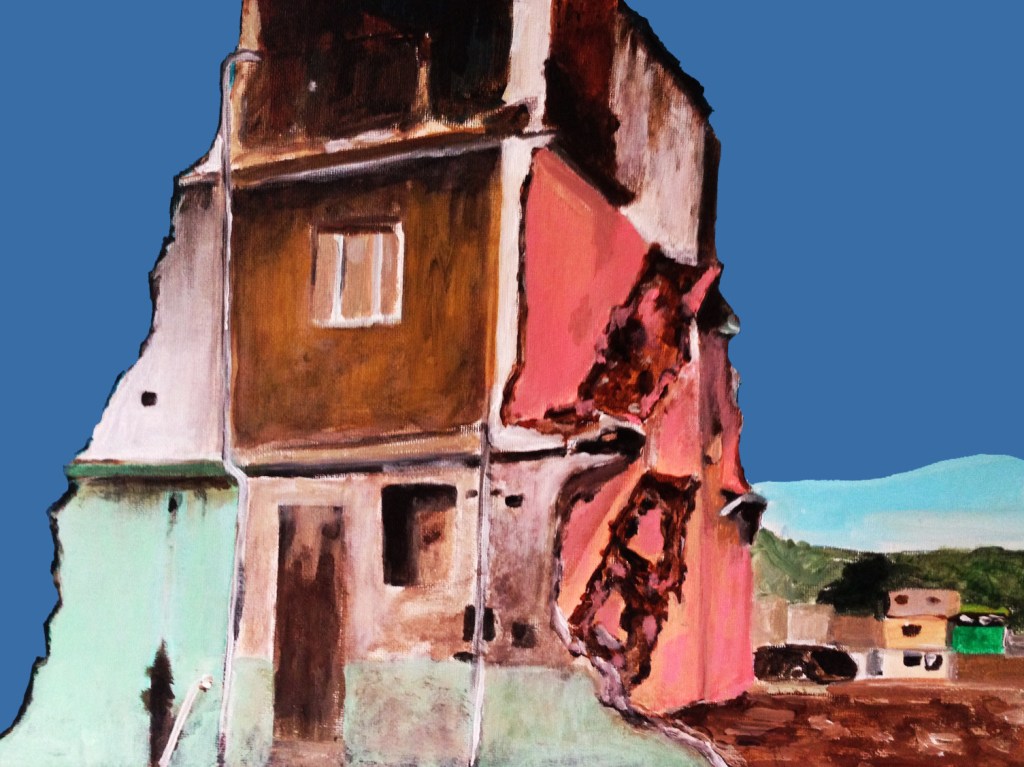
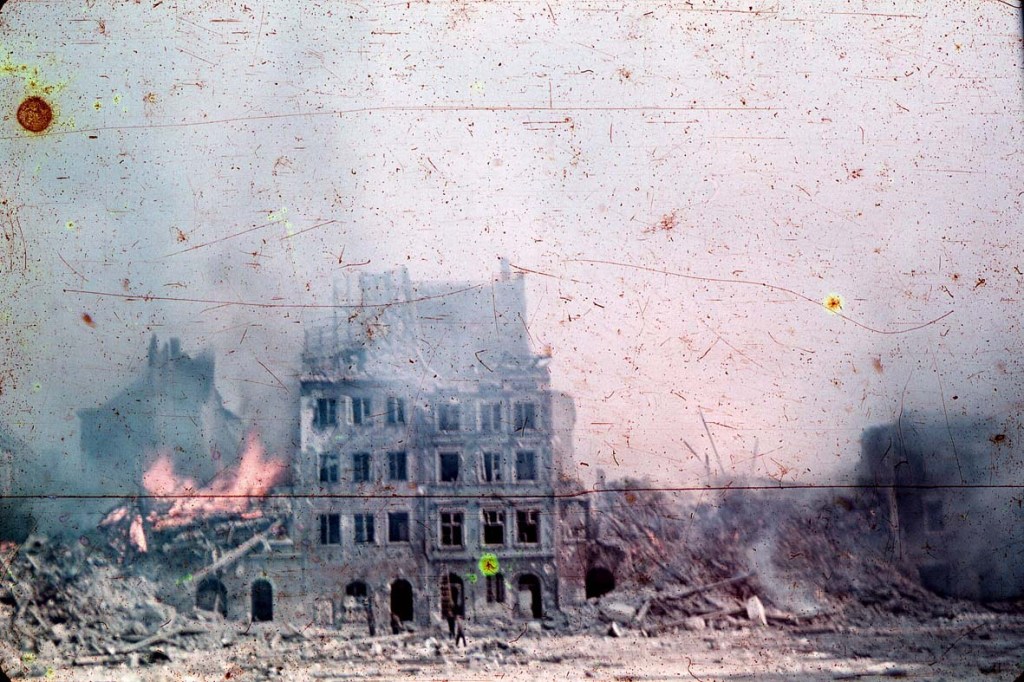
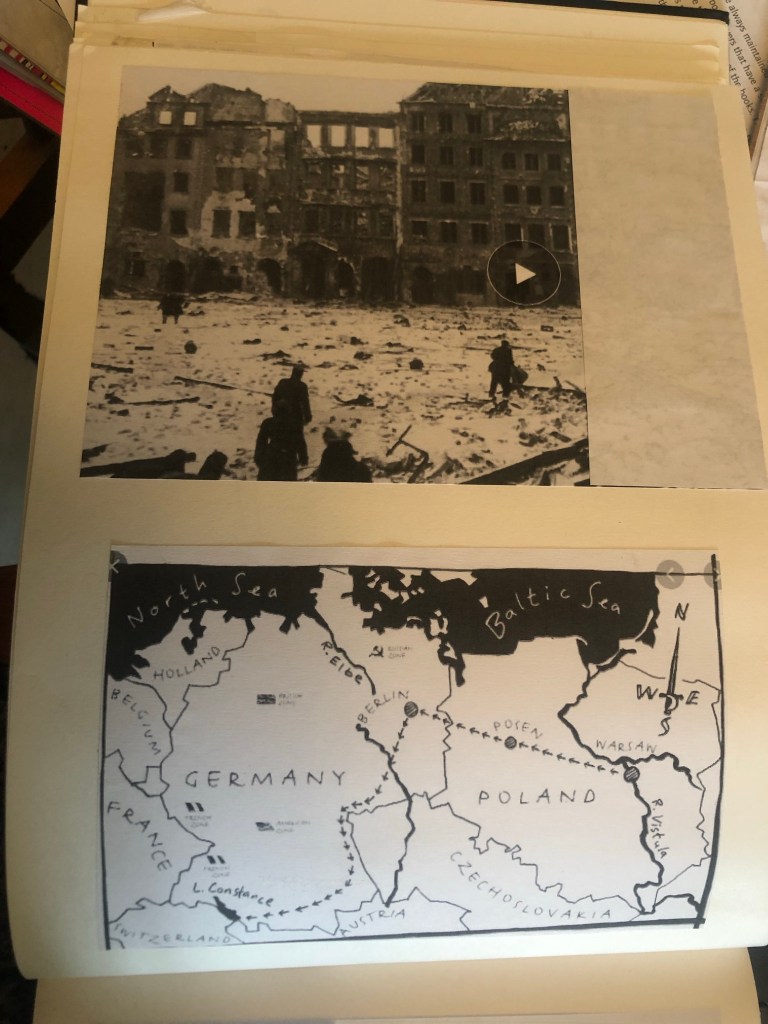
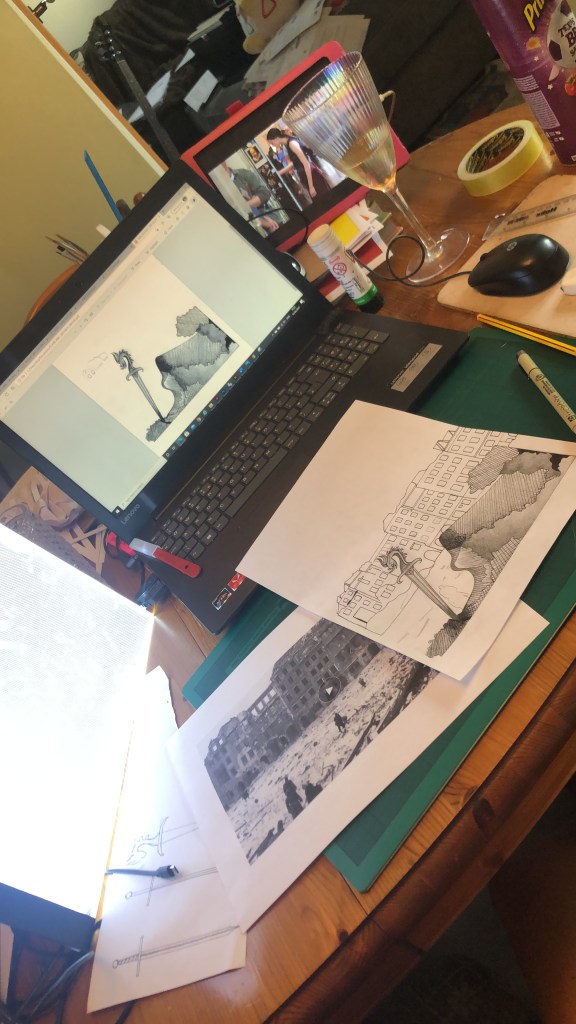
I also did a google search for The Silver Sword to look at photographs from the time of the ruined buildings and relics to give me a better idea of what I could include in my designs.
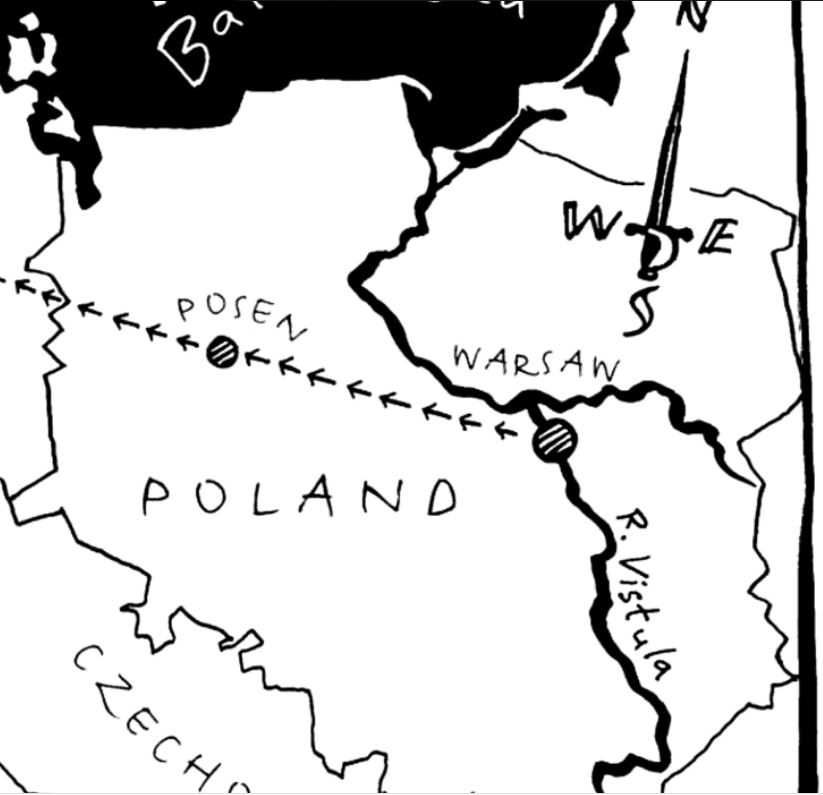
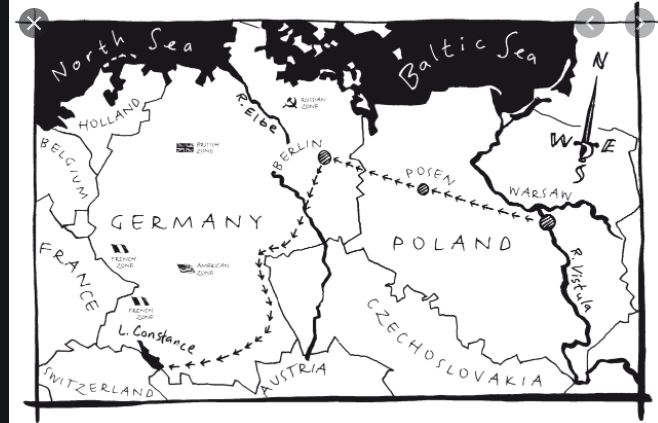
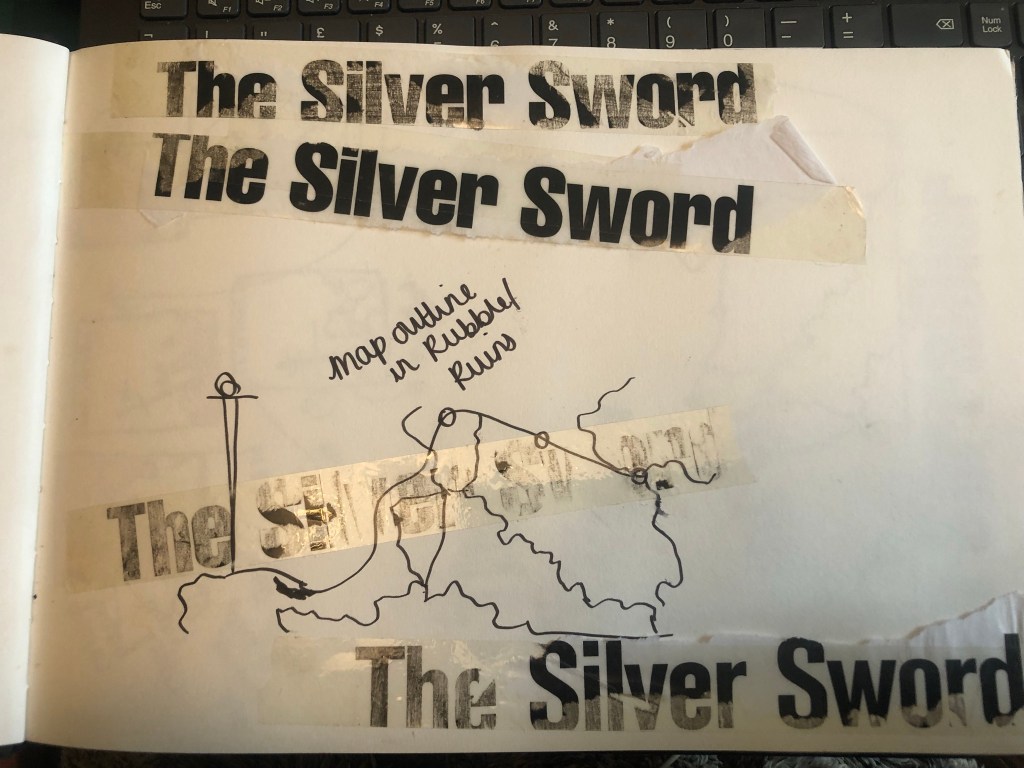
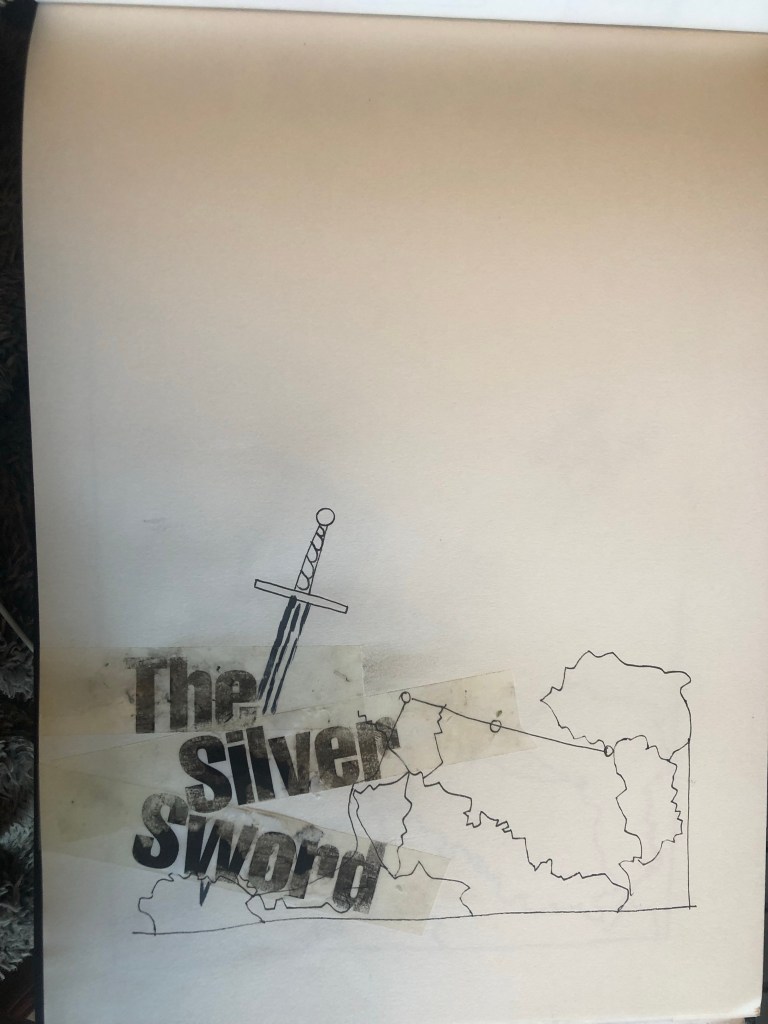
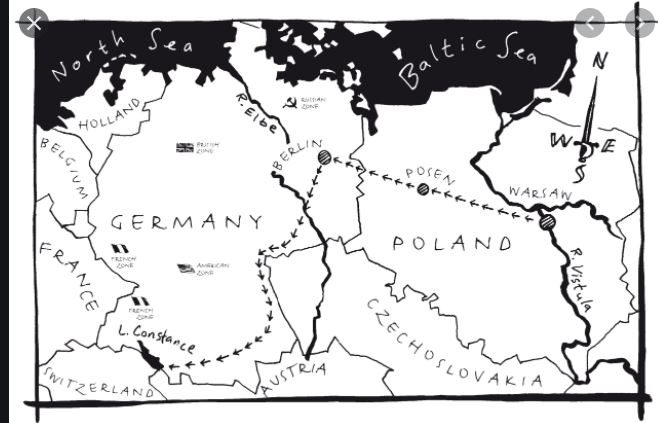
I found map of the route the children had to walk to try and find their mum and dad in Switzerland and it gave me ideas for a design- I could use the outline of the map as the map but also to represent the rubble that the Silver Sword was found in.
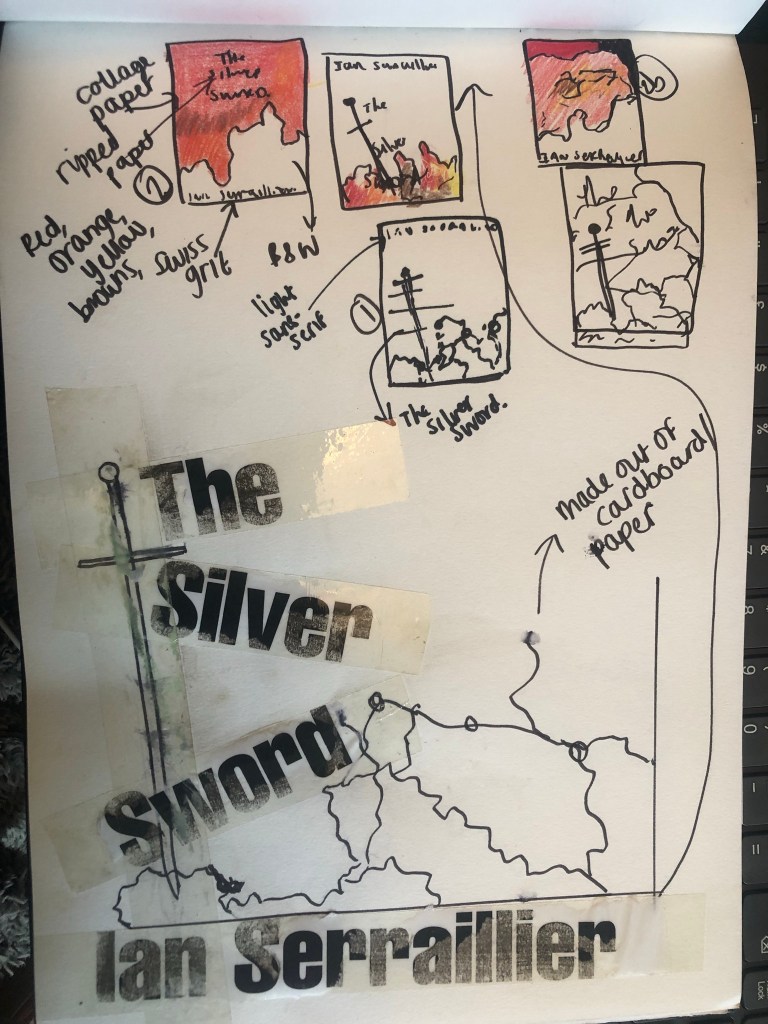
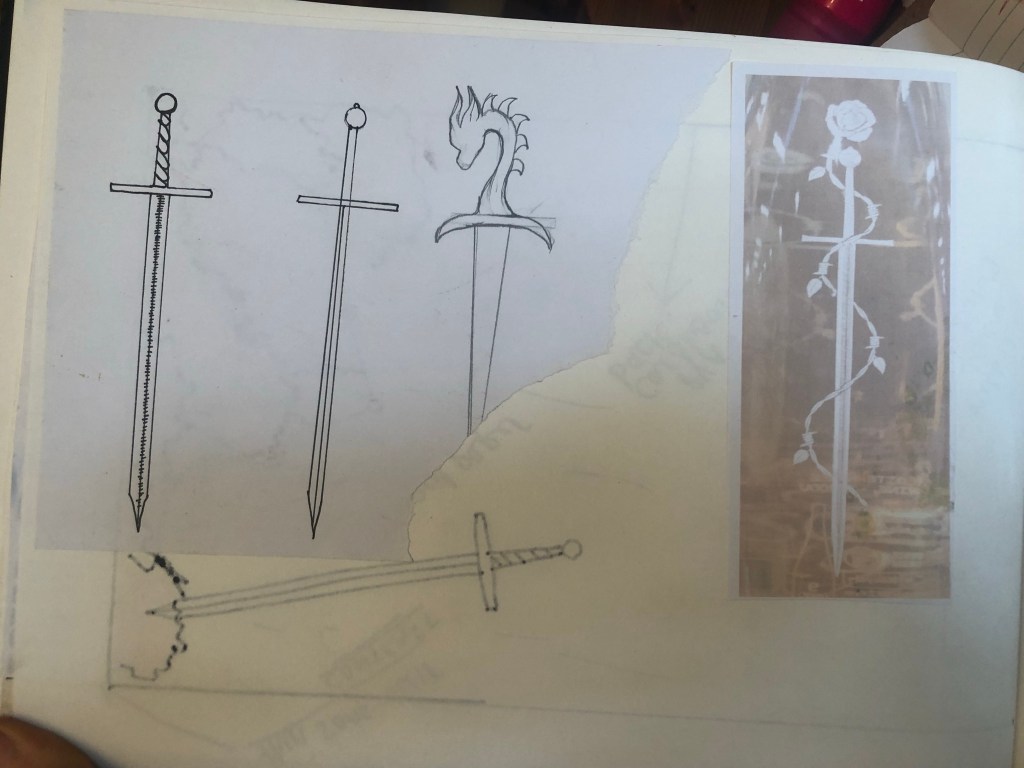
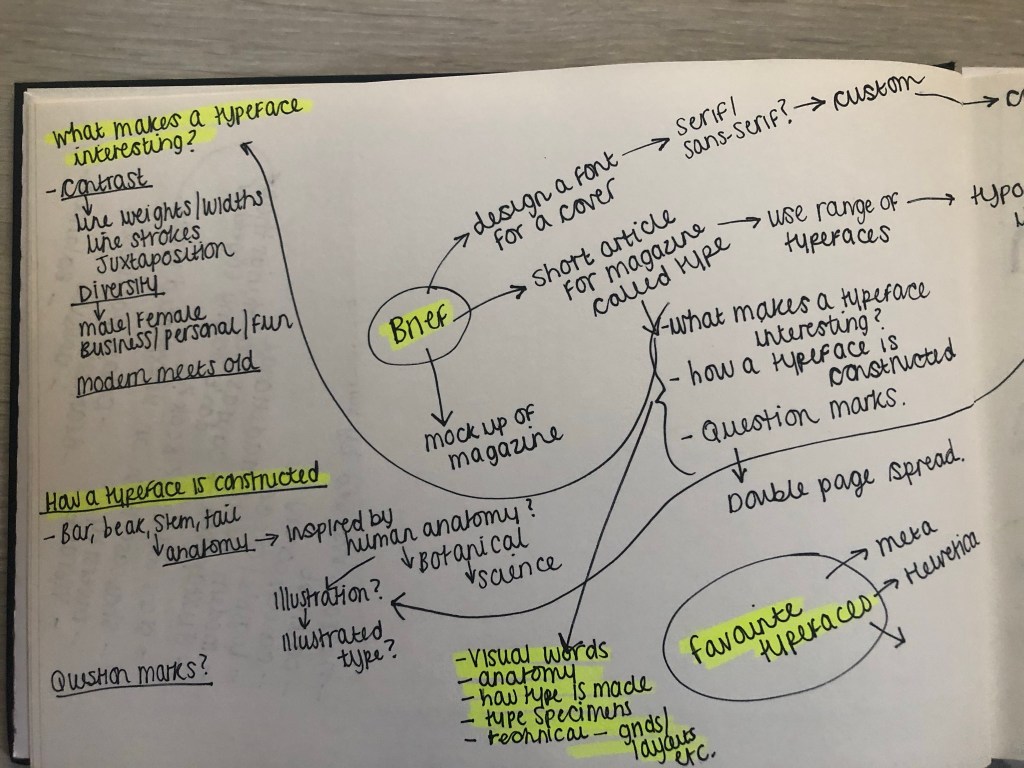
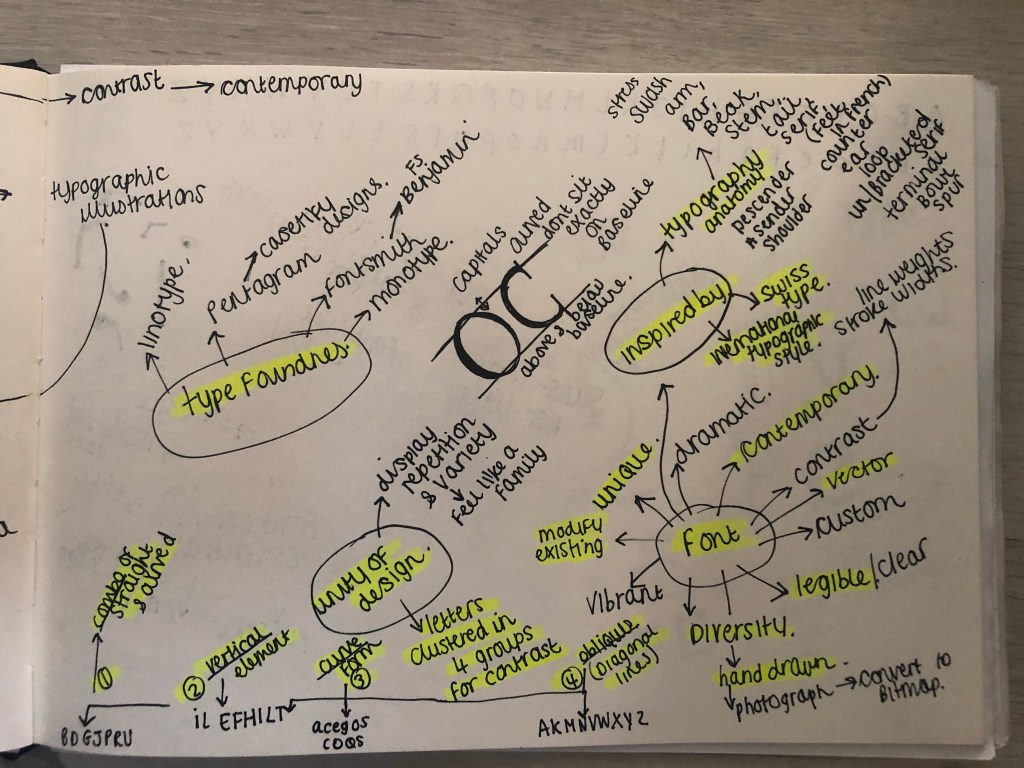
I started mind mapping and sketching ideas:
My sketchbook pages
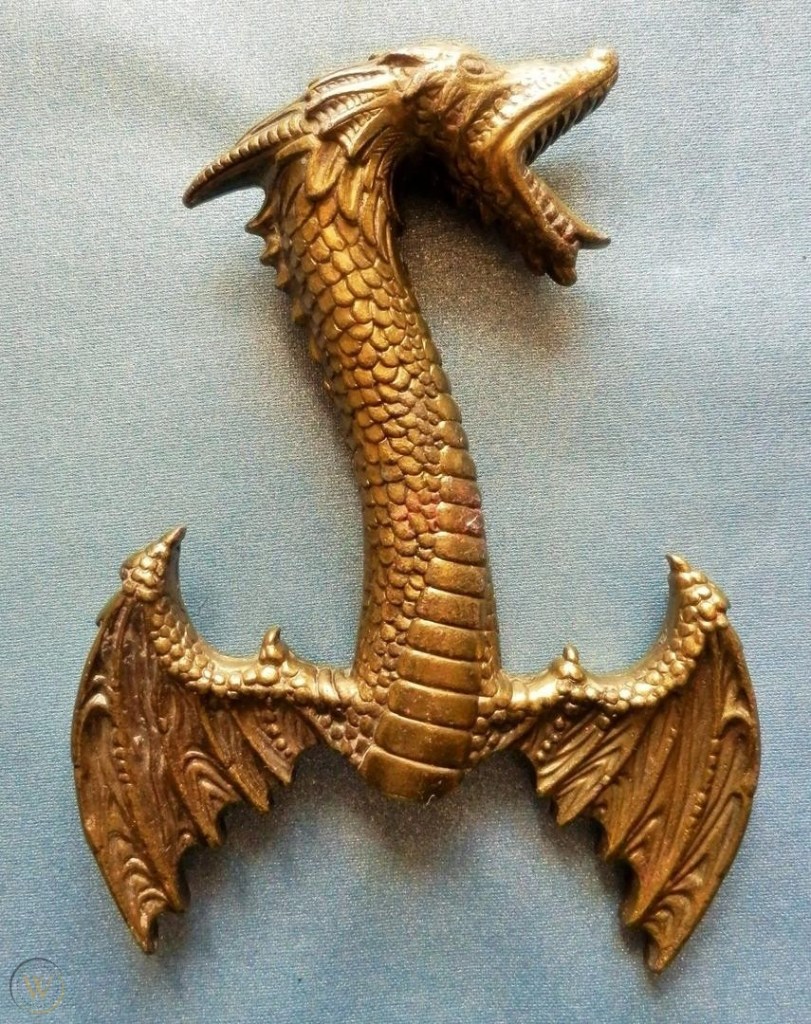
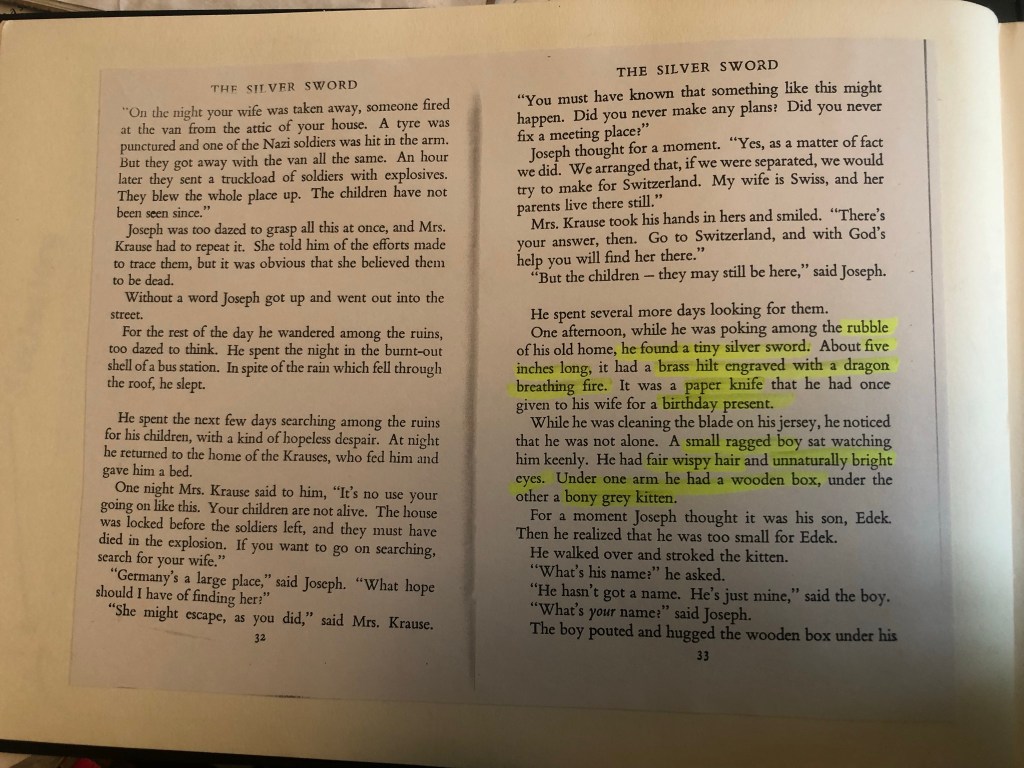
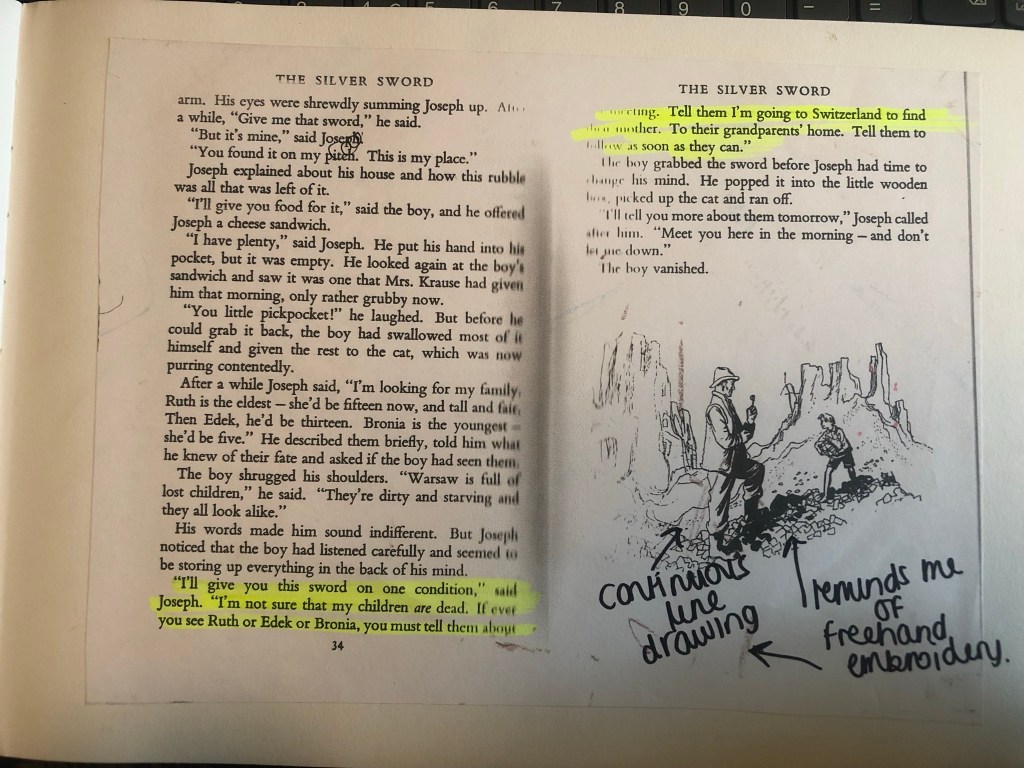
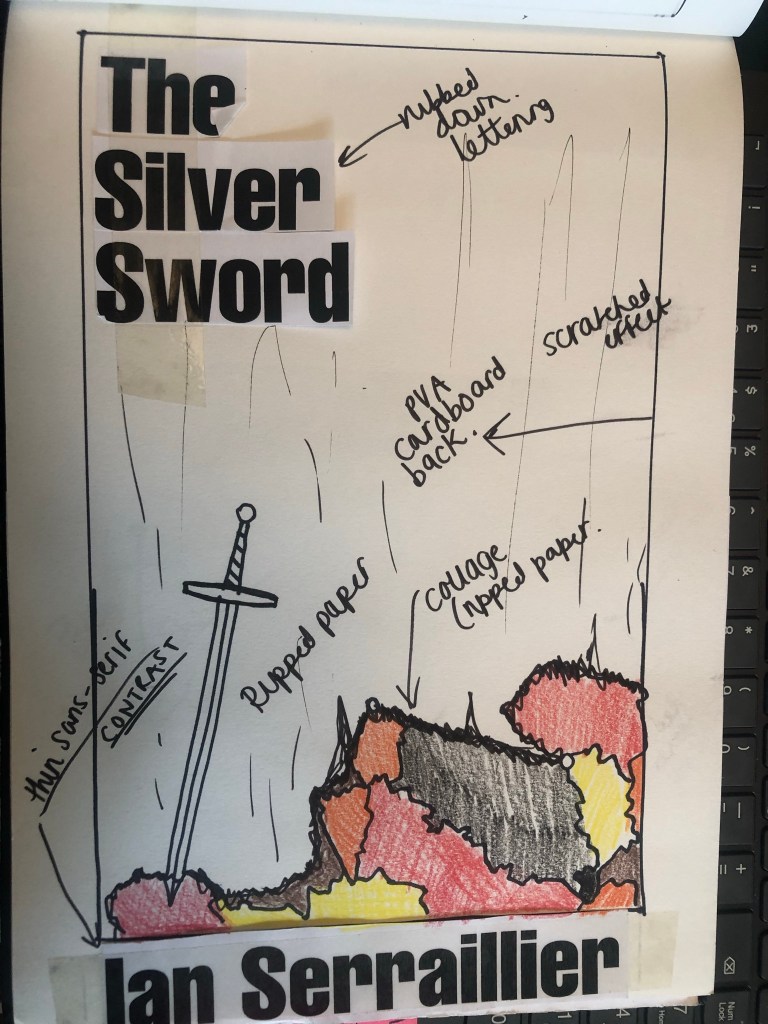
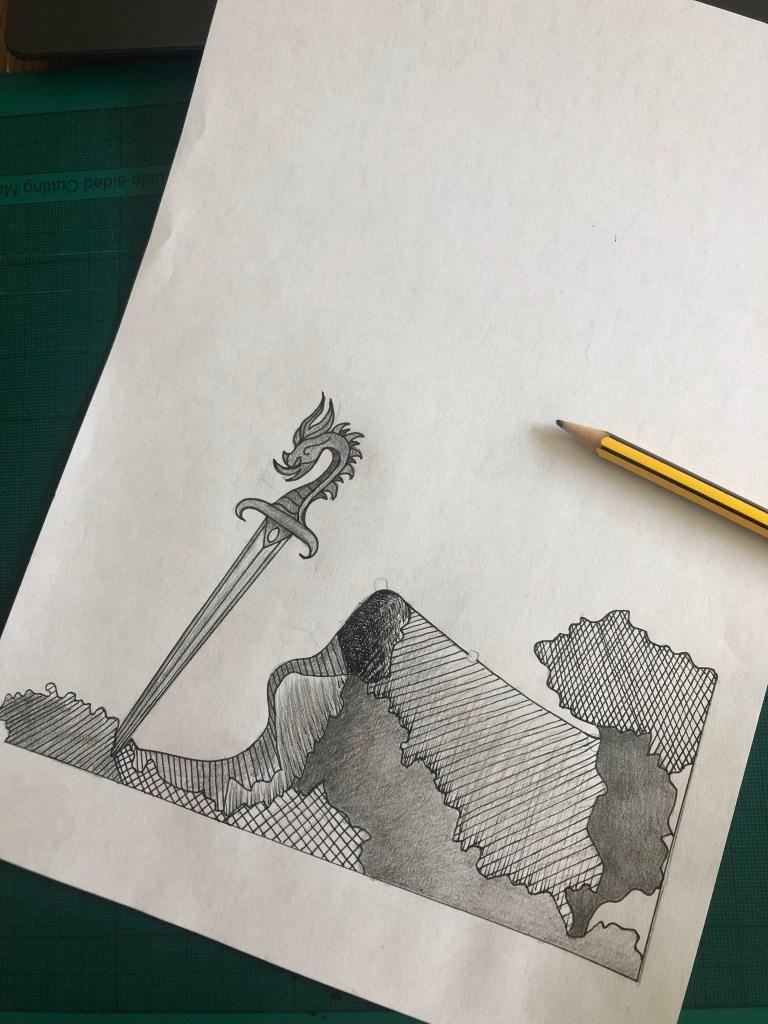
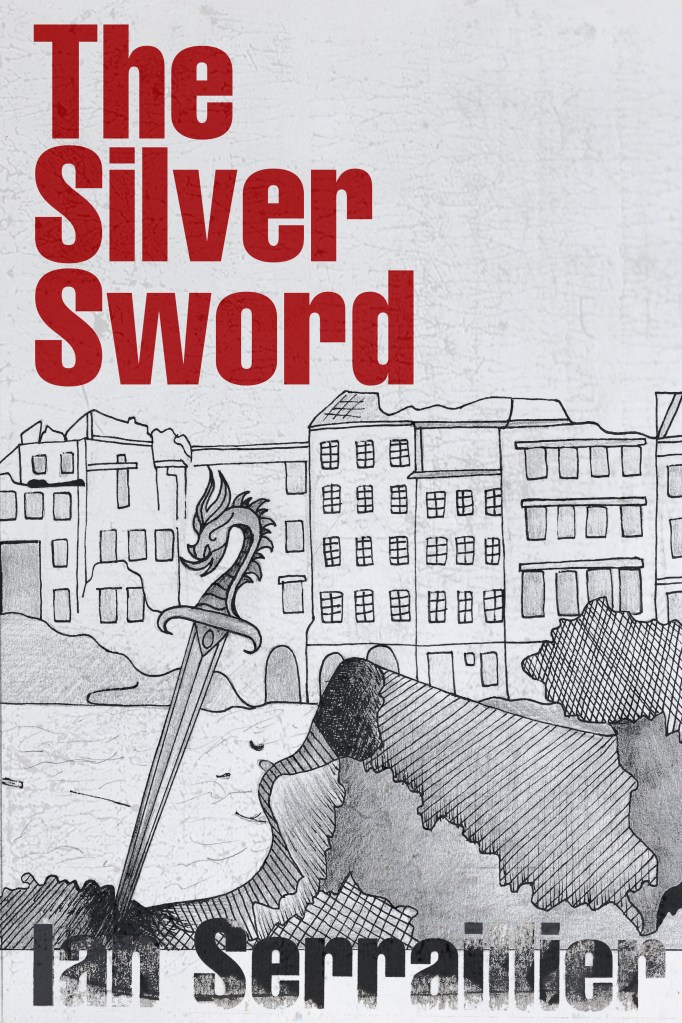
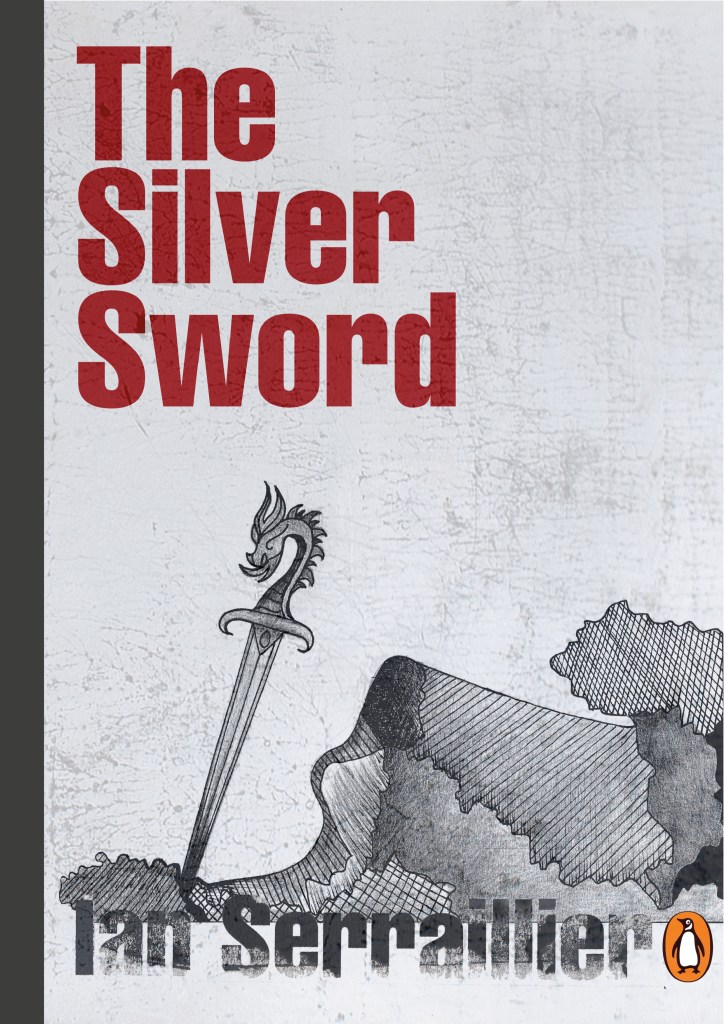
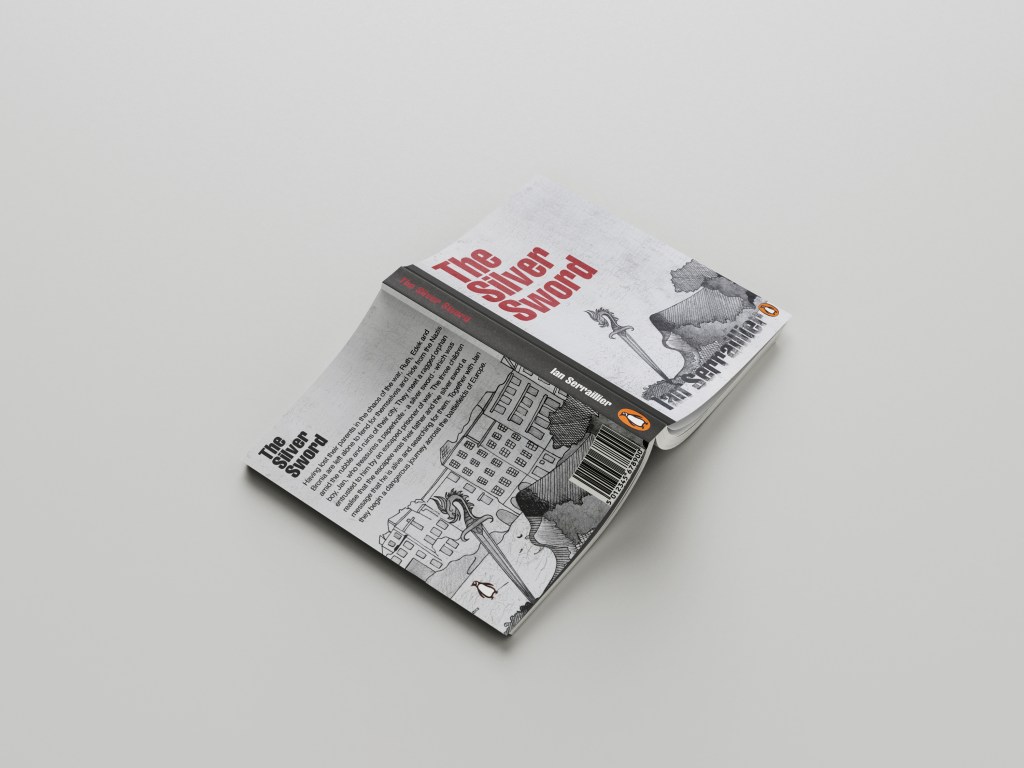
I first mind mapped ideas around what the book was about and the main plot. The story bases around a 5 inch high silver sword envelope opener with a dragon breathing fire on its hilt. This Silver Sword is the main storyline because without it the family would not have been reunited. I decided to use this as the main image. In the story the Silver Sword was found in a pile of rubble.. I had the idea of showing rubble on my design – I just didn’t know how. I wanted to illustrate the book with my drawings but I also wanted to show texture – I wanted texture for the rubble and ruins and to use strong warm colours to represent fire and the buildings and relics.
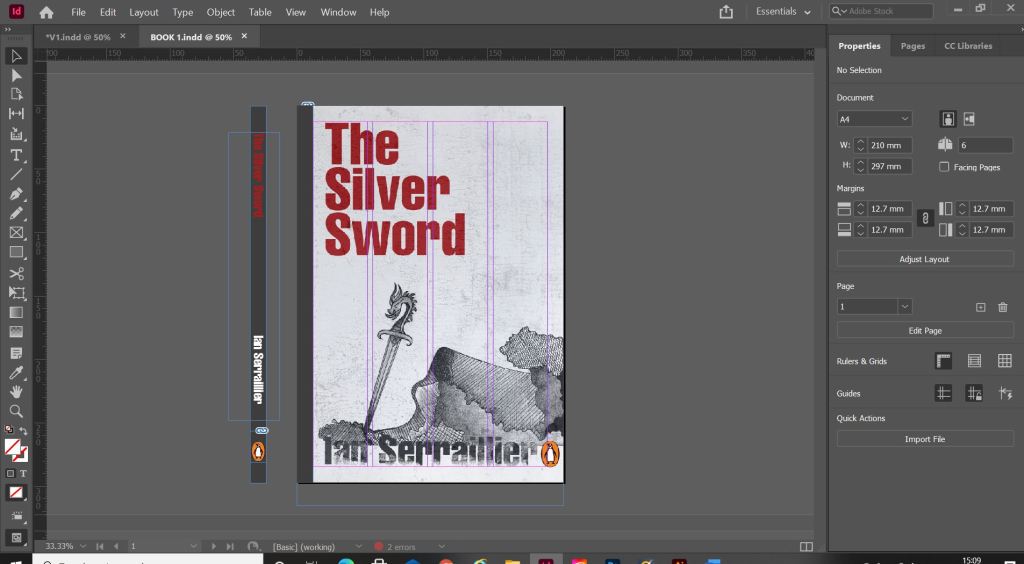
Book 1 – (Type and Illustration)
I remembered back to when I created my type specimen books and created a collage for Akzidenz Grotesk. It is one of my favourite pieces and it turned out so well.. It received so much love on social media too and it really related to the typeface and Swiss type…
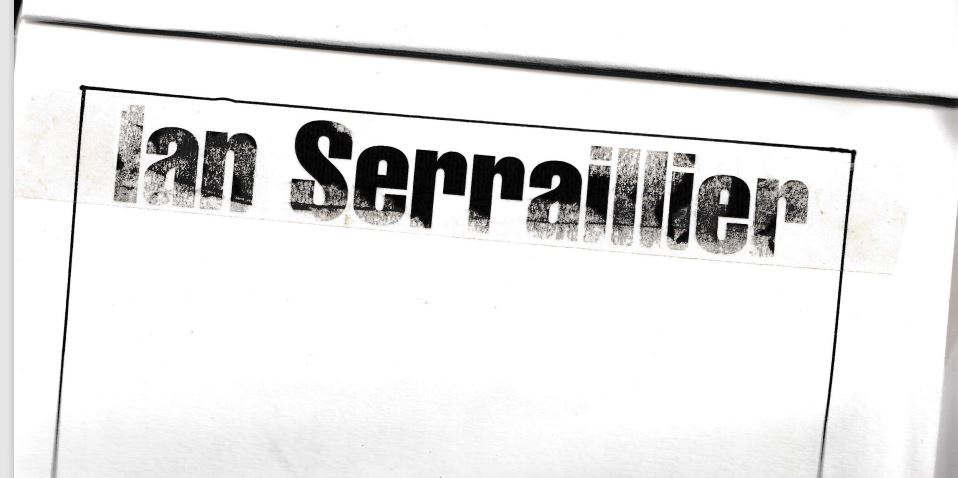
I decided that I could create similar for this design. I also messed around with letter rubbing which is inspired by Chris Ashworth and his “Swiss grit” – I printed out pages of the title and author and then used cellotape and water to peel the ink away from the paper to be able to stick it to my pages – it gives a rubbed, worn effect which looks great!
The bottom drawing is the outline of the map with the Silver Sword sticking directly out of it. I quite liked this.. but what if I could do a similar thing as to what I did in my Akzidenz Grotesk collage and create the map and rubble from torn pieces of warm coloured paper (Reds, Oranges, Warm browns) to represent the rubble and the fires.
I created a collage to see how it would look.. I did not love it at all but saved it for later just in case..
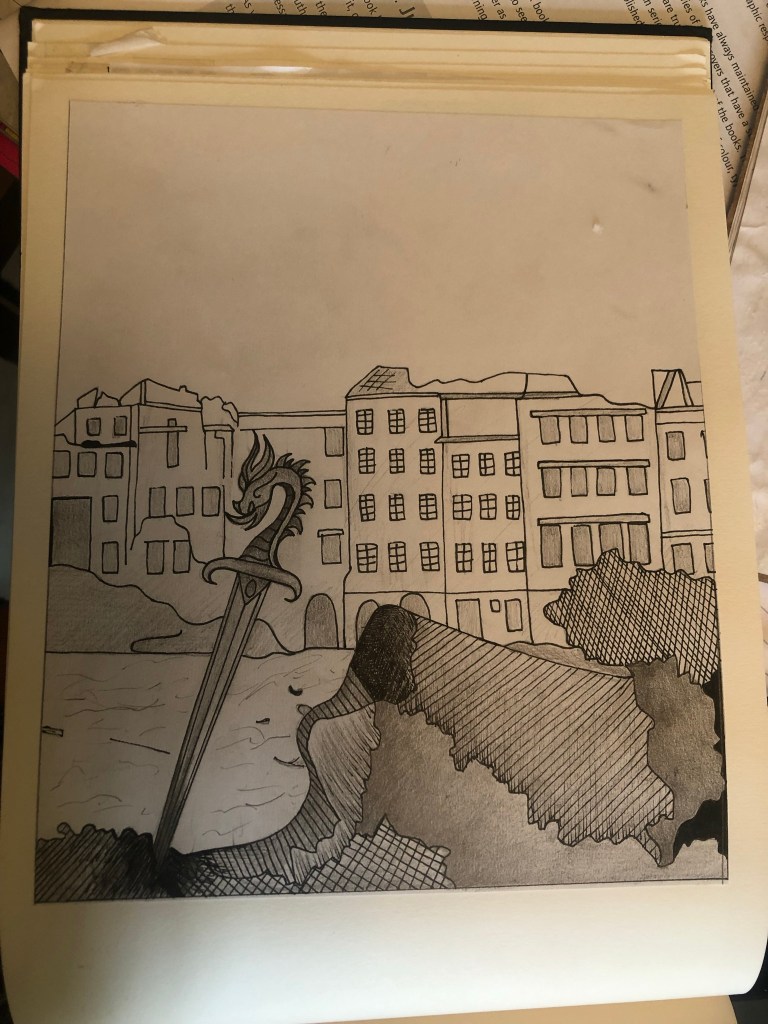
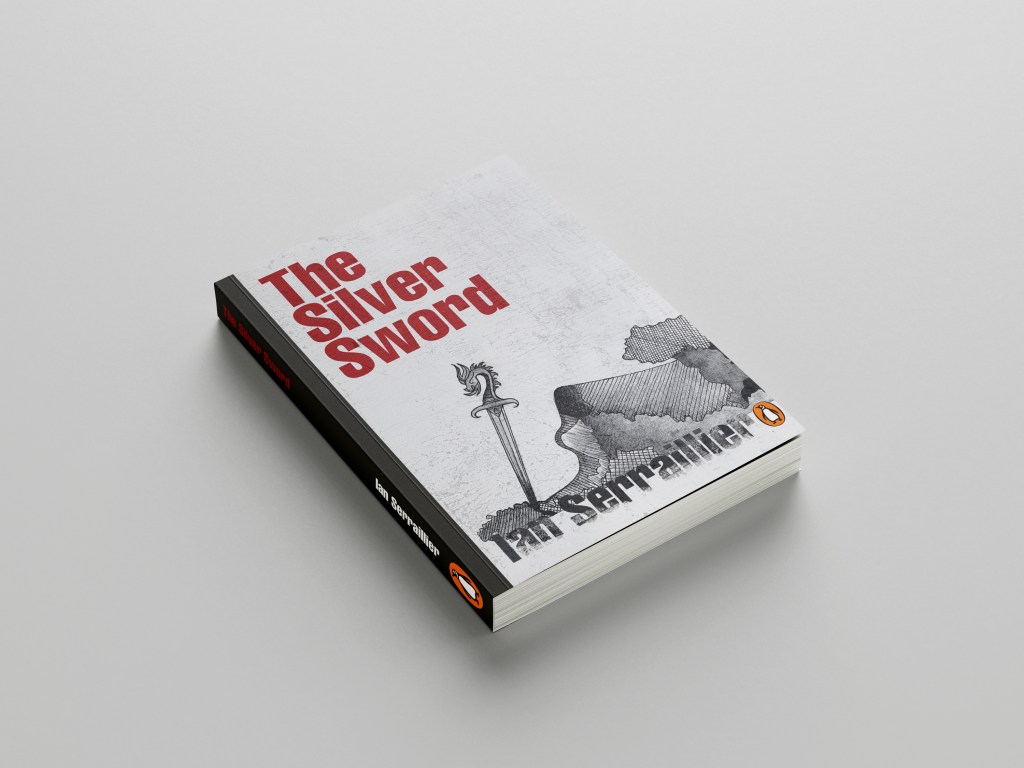
It was back to the drawing board for me! – I decided that because I was trying to stick to a very strict timeframe I would stick with what I knew best and draw my design out. I decided that because I love ink drawing I could use hatching on the rubble to make it look like different textures.
I found an image of a Silver Sword on Google to copy my drawing from and used an image of a dragon that I found earlier in my research to create the dragon on its hilt.
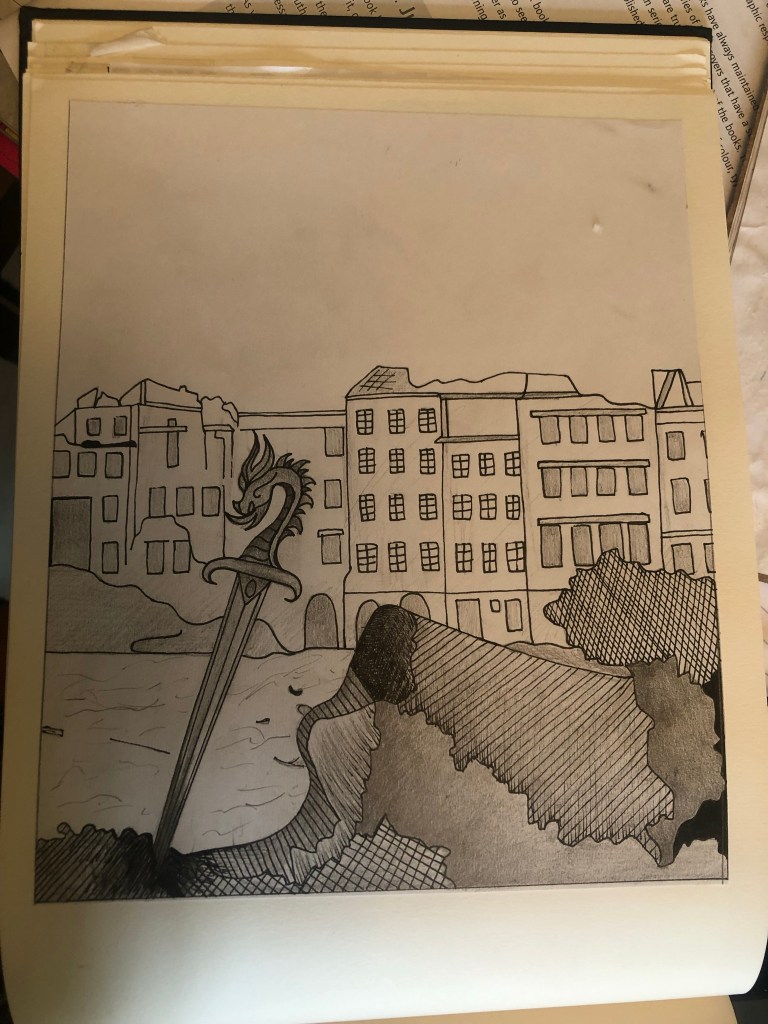
I drew my drawing up and scanned it in before I added detail, just in case I wanted to change it at any point.
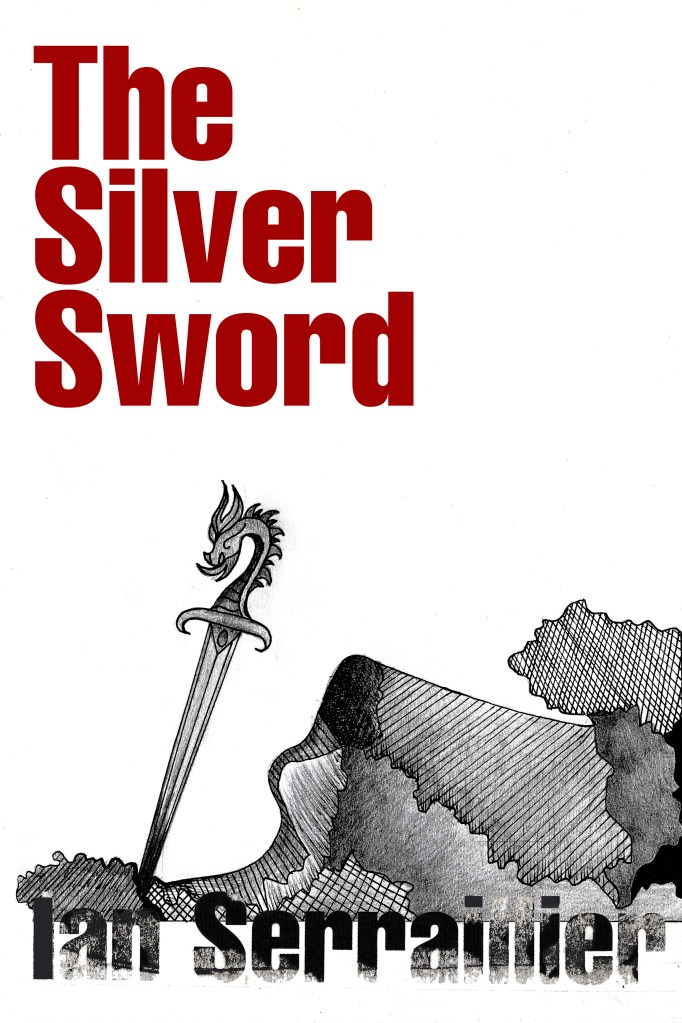
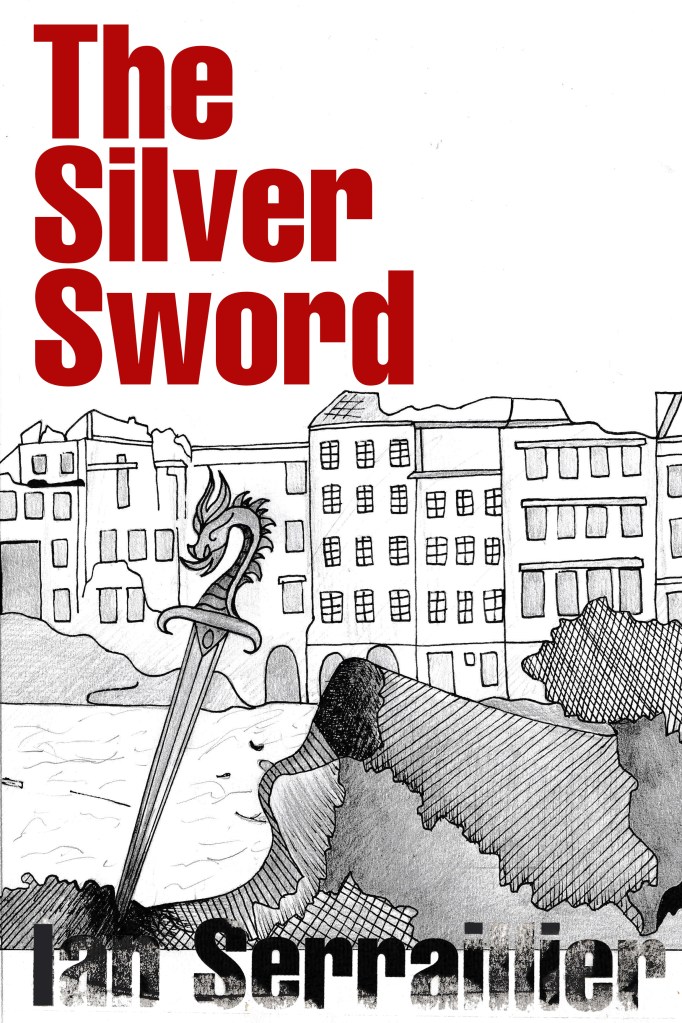
I actually preferred the design without the buildings for the front cover. My vibe and feelings for this cover was “the simpler the better.” following in the style of the International Typographic Style – less is more.
I also started work on the letter rubbing.. I decided to only do this for the author though and to keep the main title strong and bold in appearance. I also wanted the title to be in Red to match the Swiss vibes..
I created the title using printed paper and rubbing the ink onto the cellotape and then transferring it onto my design, scanning it in and altering it in Photoshop.
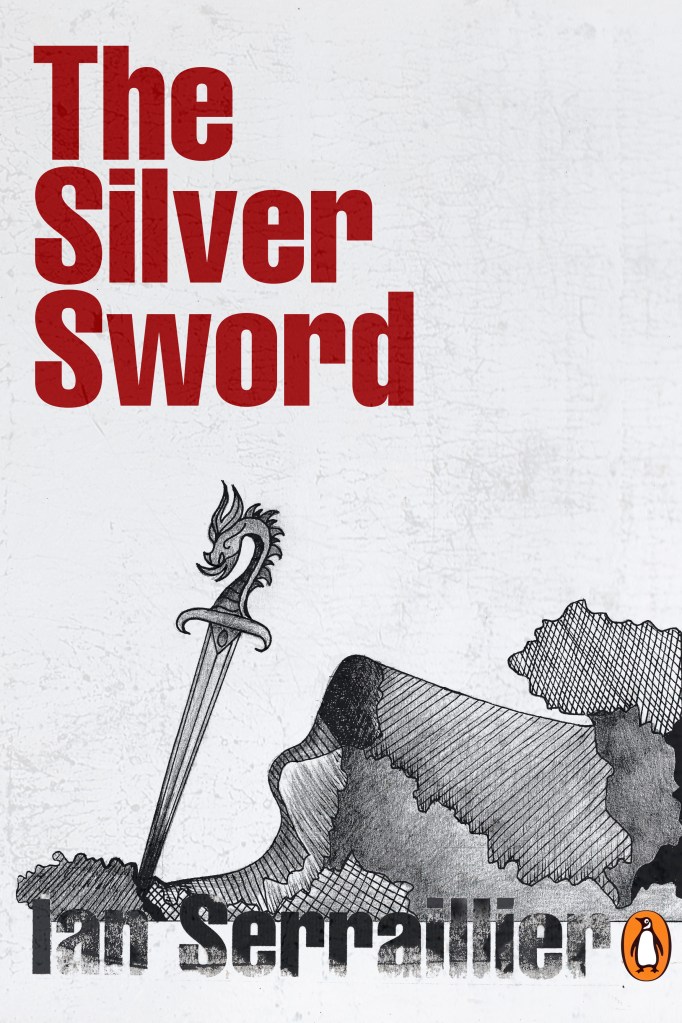
I took my main drawing over to Photoshop too to do some alterations and to start creating my final first cover. I also imported a scratched metal texture which I lowered the opacity to give a grey, rough textured background to the covers.
I preferred the simple, toned down cover without the scratched metal effect. The pure white background really contrasted against the black inks. I absolutely love how the rubbed down lettering turned out too!
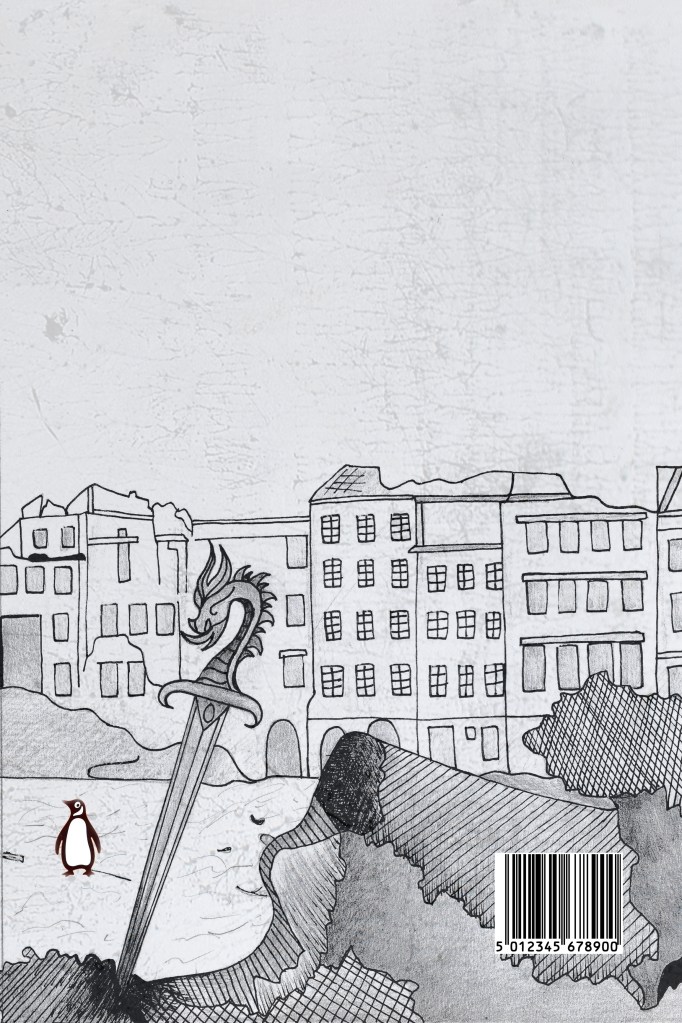
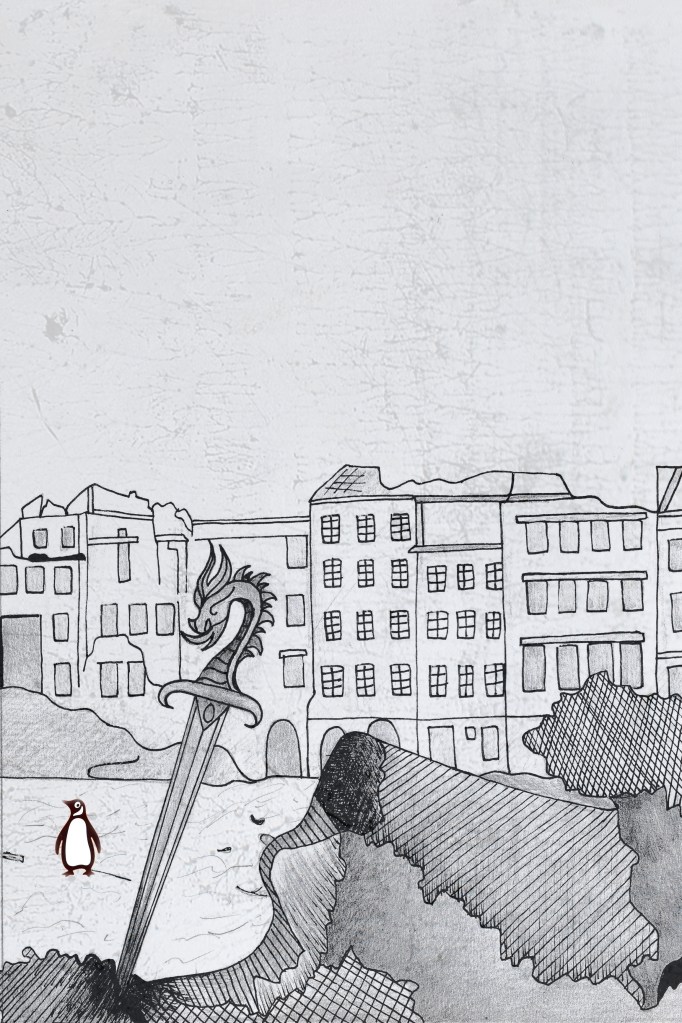
I did however decide to use the buildings on the back cover to carry on the image but in more detail on the back.
I also edited the Penguin logo a little bit to add more fun to the back cover! (I say fun.. the poor thing is wandering around war torn Warsaw looking absolutely bewildered!!)
I did decide though if I was using the buildings for the back of the book, that image had the scratched metal effect on it which would mean I would have to use the same for the front. I brought back the scratched metal effect for the front cover.
Once I had created my images in Photoshop I then created a document in InDesign to design the text for the covers.
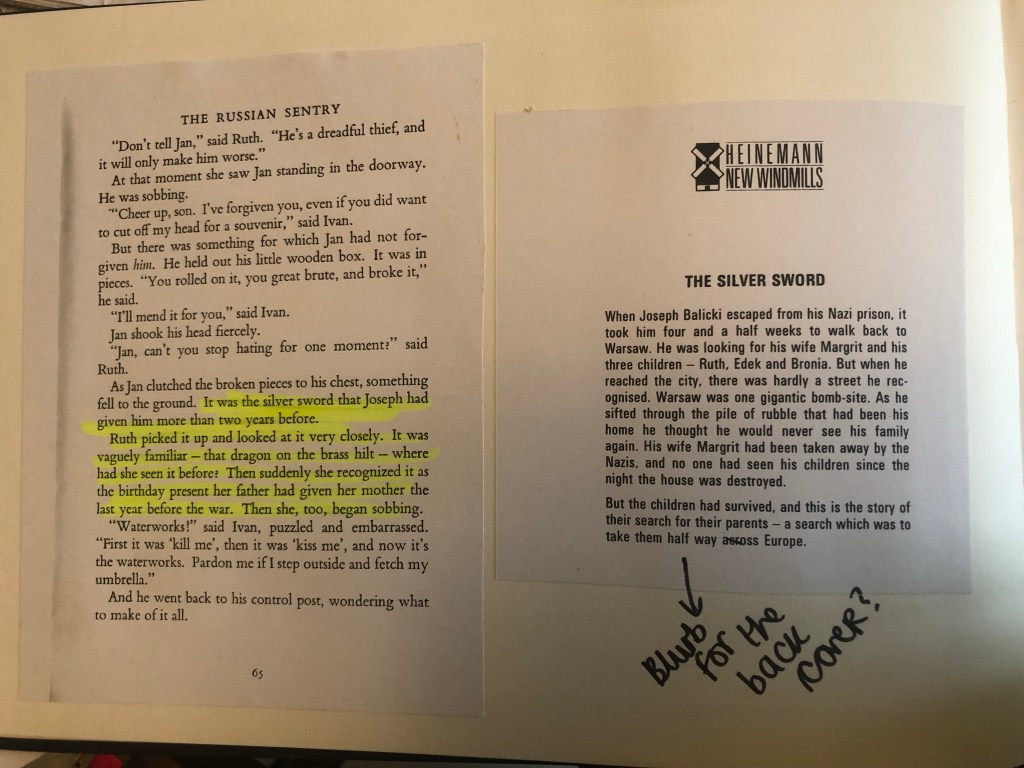
It was Helvetica all the way for my first cover! I used Helvetica Compressed for the title and author on the front and then used Helvetica Regular for the copy text on the back cover. Helvetica ties in to the Switzerland connections in the book. For the text on the back cover I went onto Amazon and copied a description of the book from one of the listings for The Silver Sword.
I used a wrap around spine for the books again as it breaks the design up on the front and also adds contrast.
Book 2 – (just type)
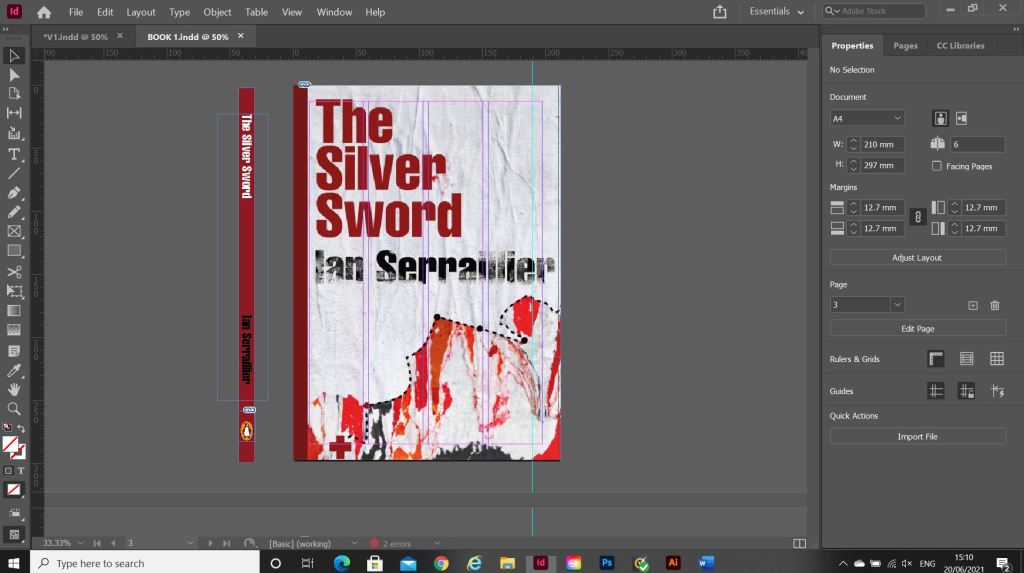
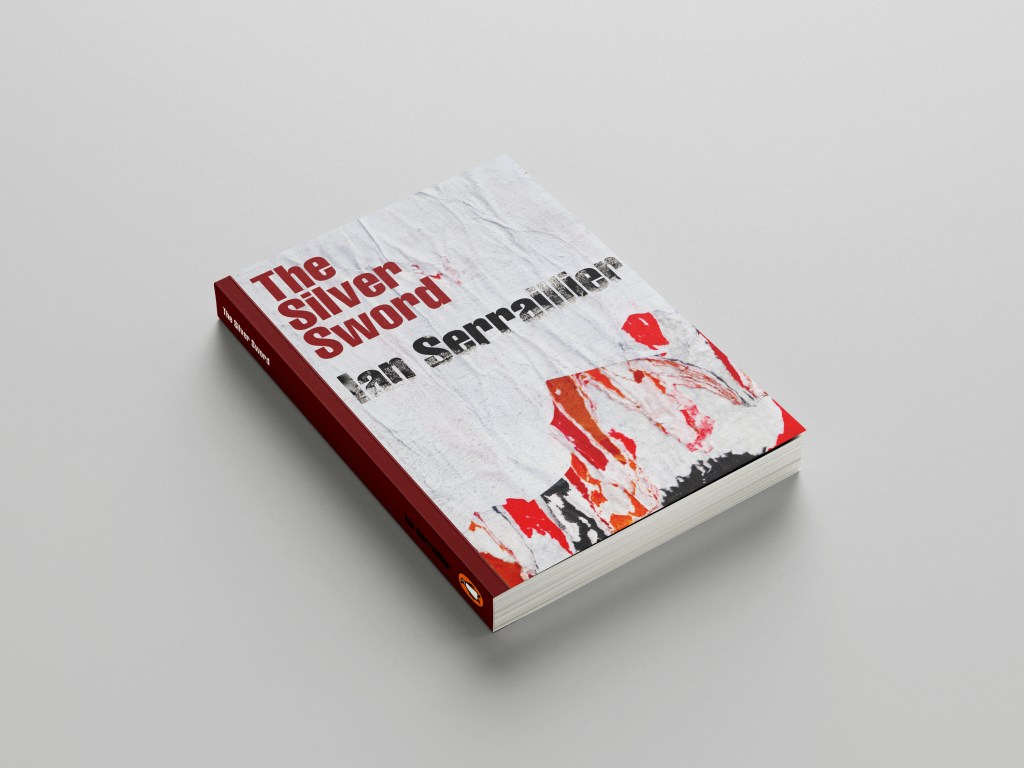
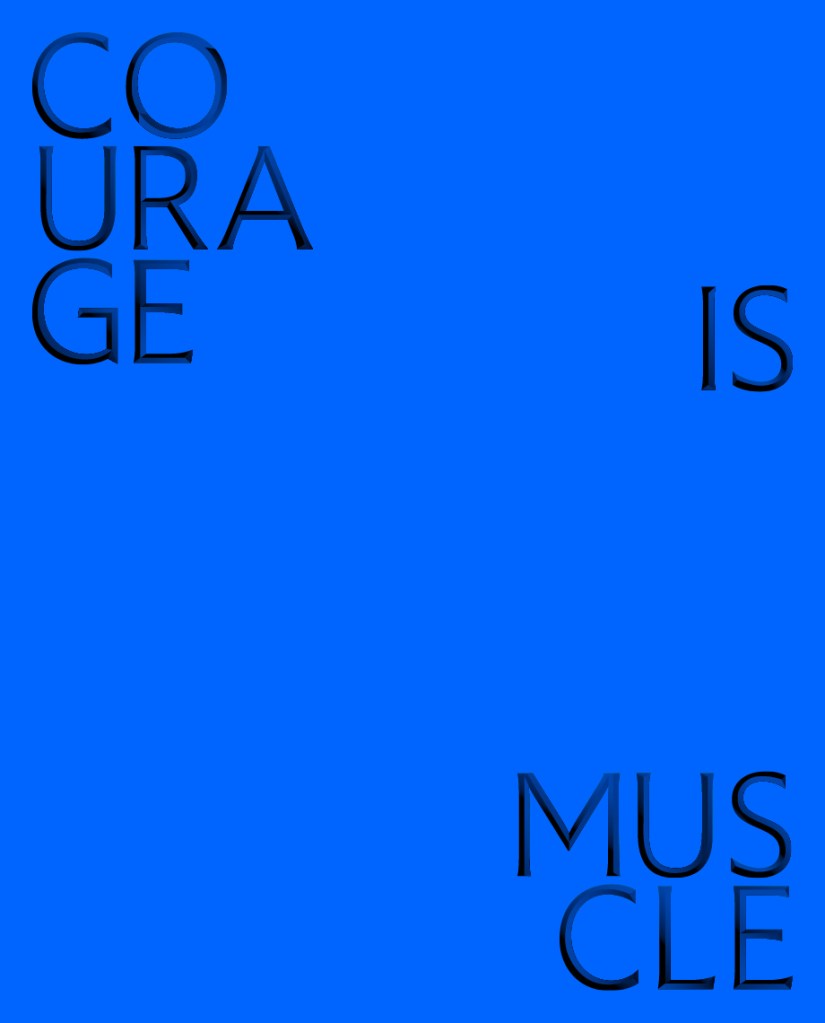
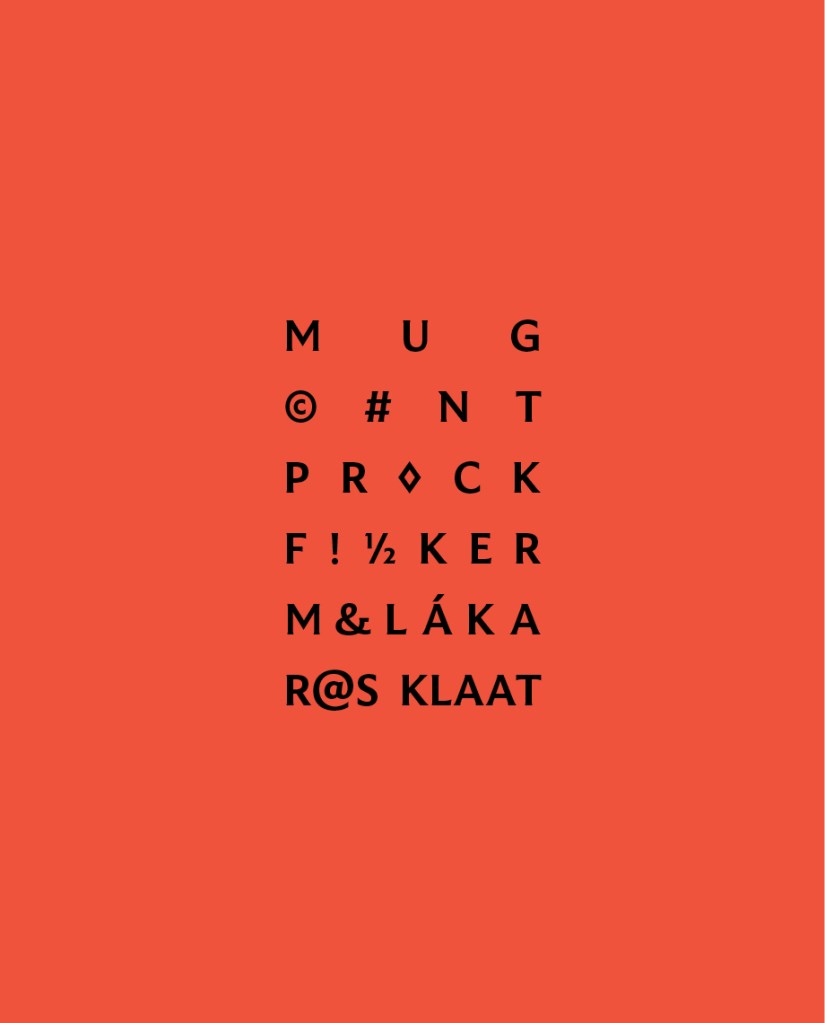
For book number 2 I decided to try and bring back the collage that i decided to write off at the beginning of the design process for Book 1!..
I thought that if I used this for the background on book number 2 it would still represent the map and the colours of the rubble and fire but without actually showing them. I wanted the reader to use their own imagination and come to their own conclusion of what this front cover was all about.
I took the awful collage into Photoshop and worked my magic trying to make it look worthy to be on a front cover of a book.. It actually wasn’t too bad!
This was my cover for “just text” I did though take it a little bit further and add some detail, which to be honest I am unsure if I am breaking the brief by adding? Worse case I have 2 versions; 1 with just type and the 2nd which is just an optional extra!
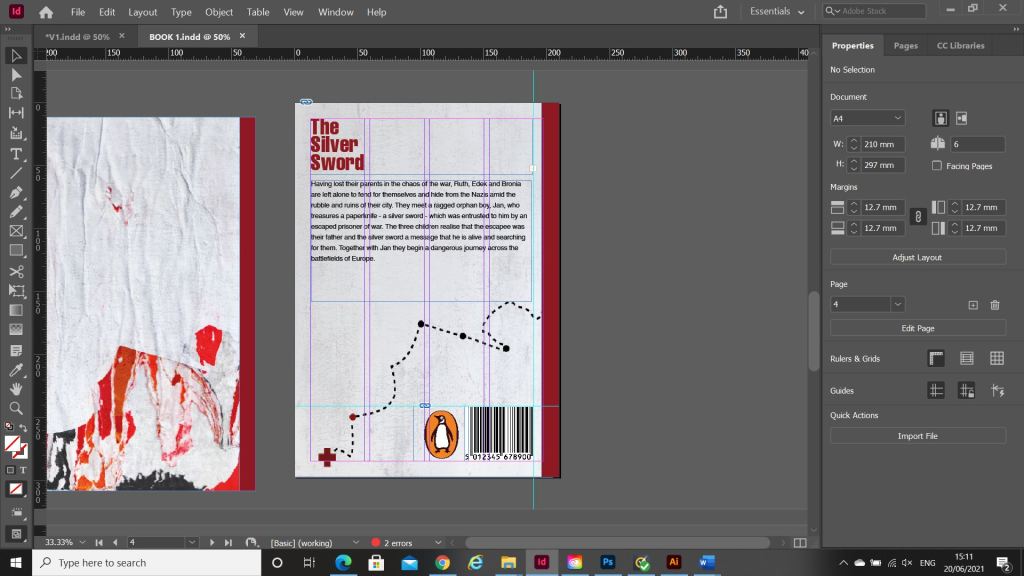
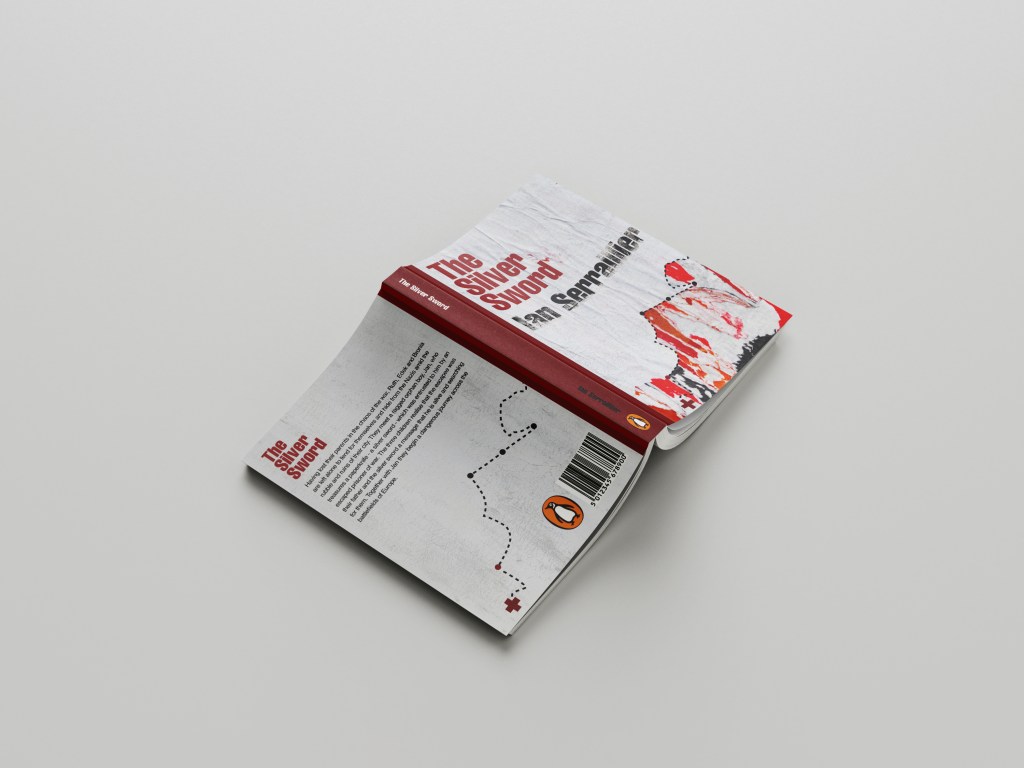
In Illustrator I decided to add points to the map so that it was more obvious that it was an outline of a map. I also added the Swiss cross and circles to mark the places they crossed. Obviously it is a very abstract map.
For the back I did exactly the same layout as book 1 but just used the outline of the map. It is a very simple solution to the brief. The worn paper represents the war torn, worn out state of Warsaw at the time and the warm colours represent the rubble, ruins and the fires that burned because of the bombings. It is also quite a modern cover in that it takes inspiration from Swiss grit.
Considering I HATED that collage when I first created it, it actually didn’t turn out too bad!
Overall I believe I have met the brief for these books, I actually surprised myself with the 2nd just type book – I thought that this would be tricker than it was! – it just goes to show that if you have an idea and it doesn’t quite work out, persevere with it because it might actually work out better than originally thought!
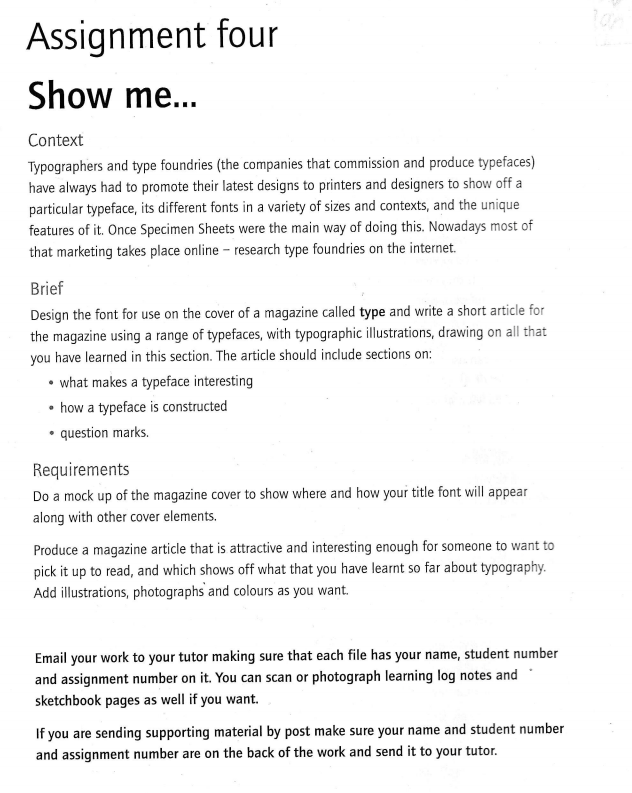
When I first read this brief I knew I would enjoy it because magazine and book design is an area in design that I particularly enjoy. From reading the brief it seemed to be a continuation of the exercise “If the face fits” where it is based around type specimen books and type foundries. I had already researched into type foundries in the previous exercise (If the face fits) so I already had some background knowledge as to what I would be designing. From my understanding of the brief it was asking me to design a typeface to use for the magazine but to also design the magazine in a similar way to which a publication would be released by a type foundry to promote their typefaces.
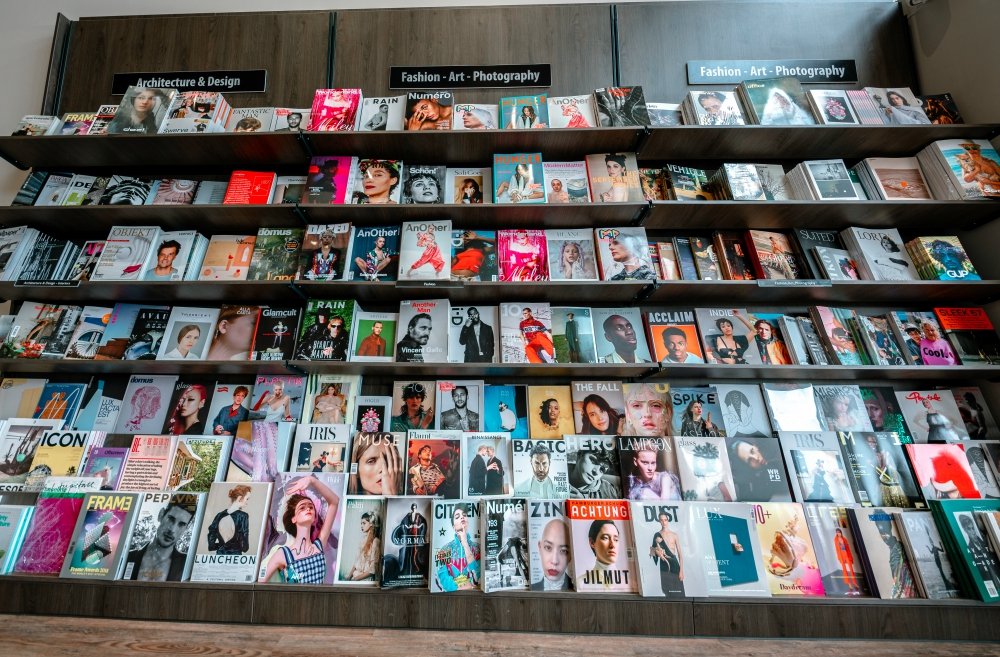
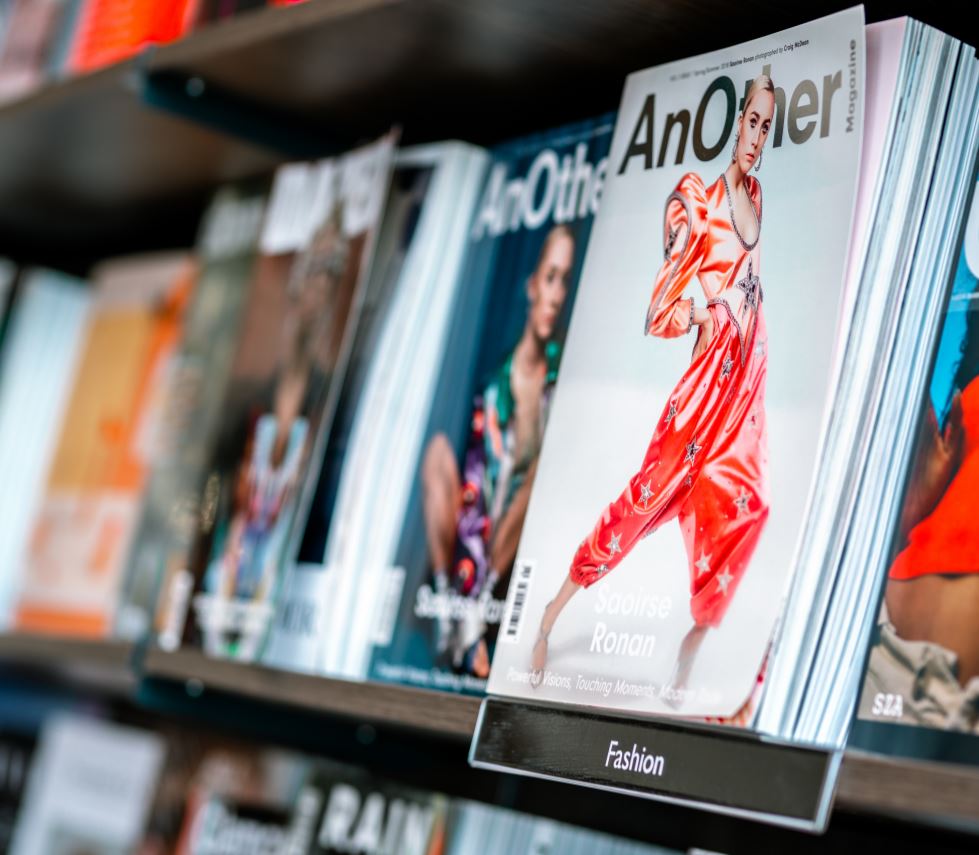
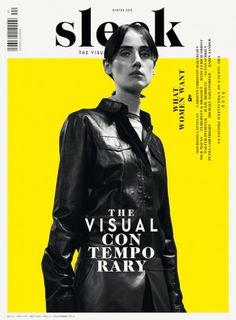
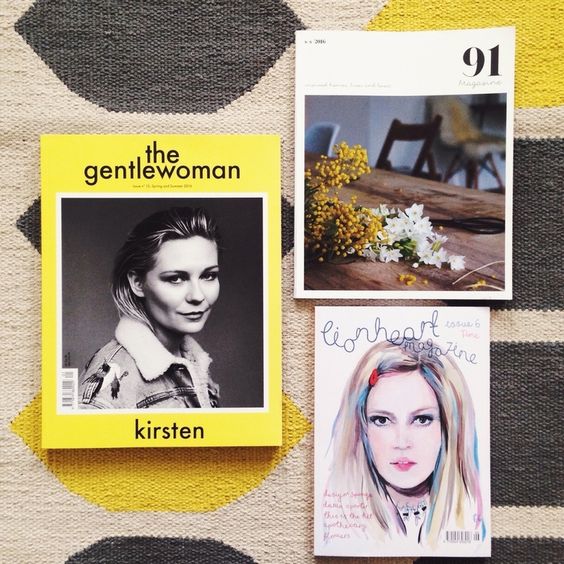
I knew I wanted my Type Magazine to be one of the high quality Matte or glossy magazines that cost a small fortune in the shops! ;p One of my favourite magazine venues is Magazine Heaven with my nearest being based at Rushden Lakes and inside there they have a whole host of Art and Design magazines which range anywhere from £6-£15.
Magazine Heaven at Rushden Lakes
The next step for me in this assignment was to see what magazines were already on the market and how I could make my magazine look similar to what already exist out there. I also needed to research into type foundry publications and typefaces that I could create for my own publication.
Research
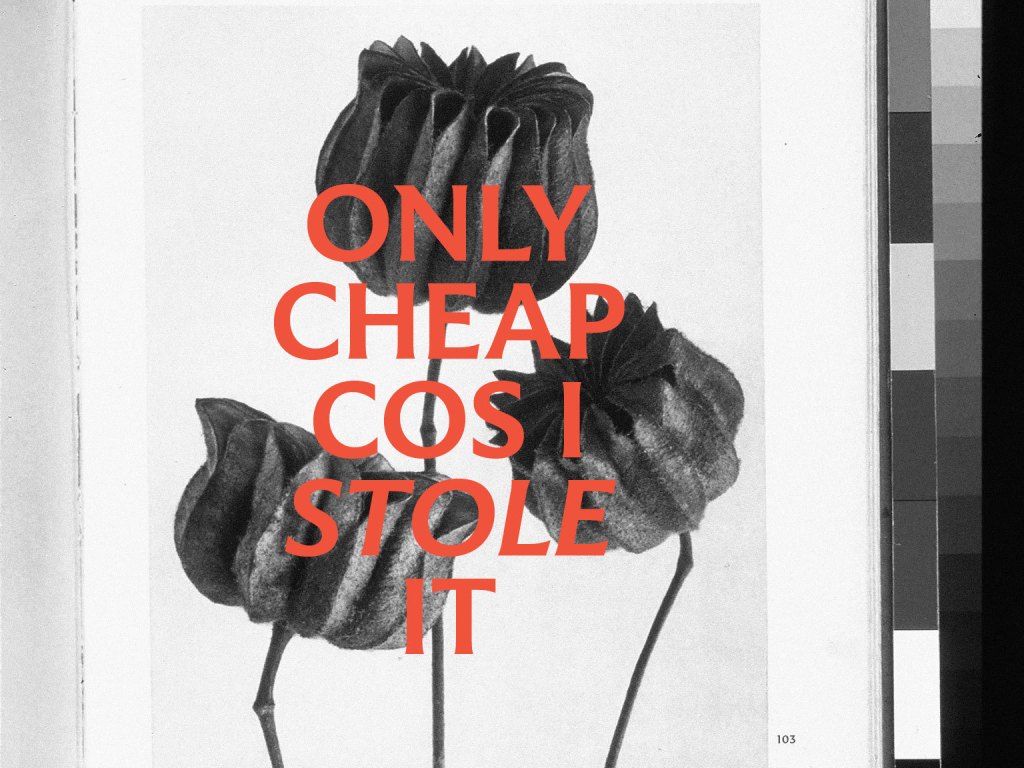
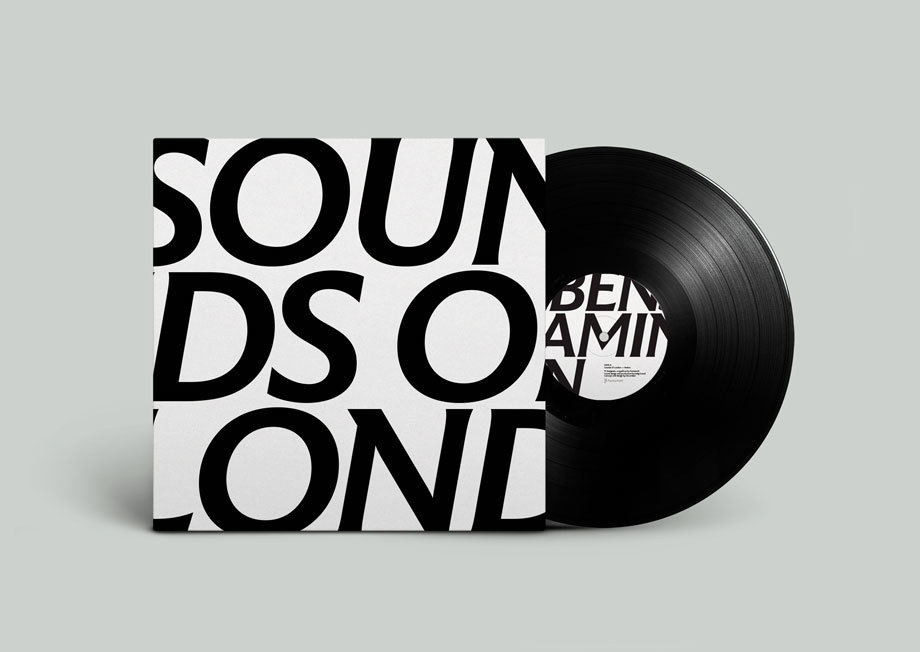
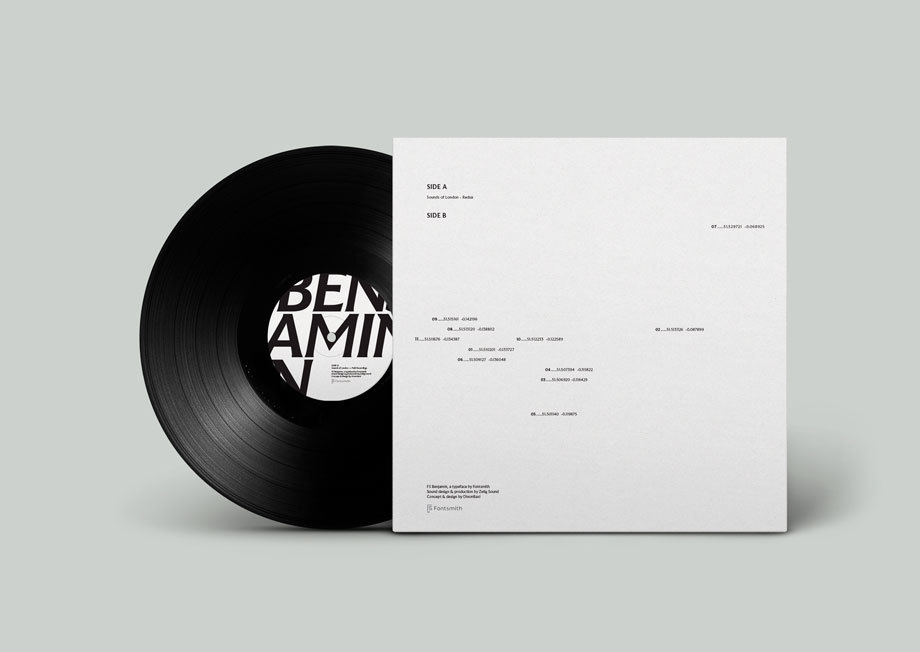
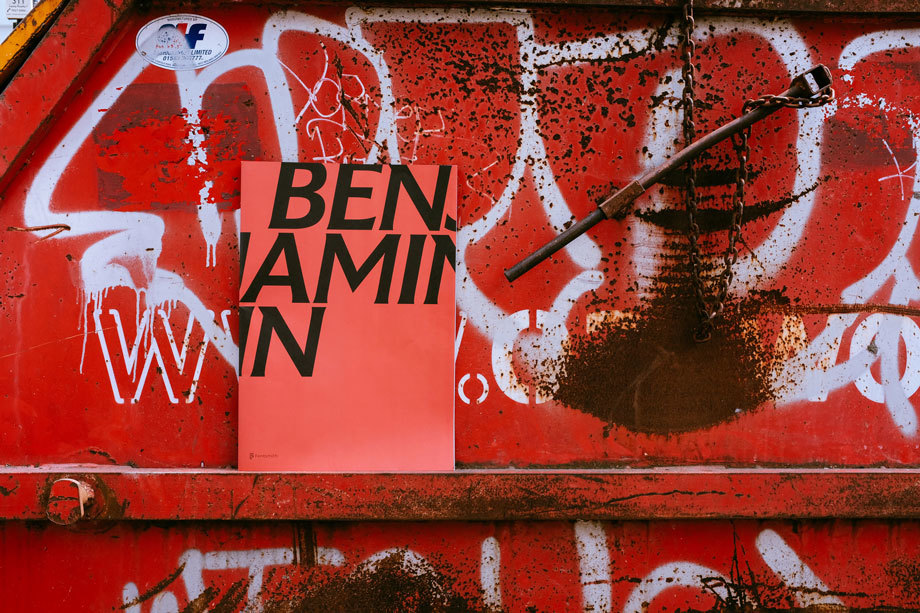
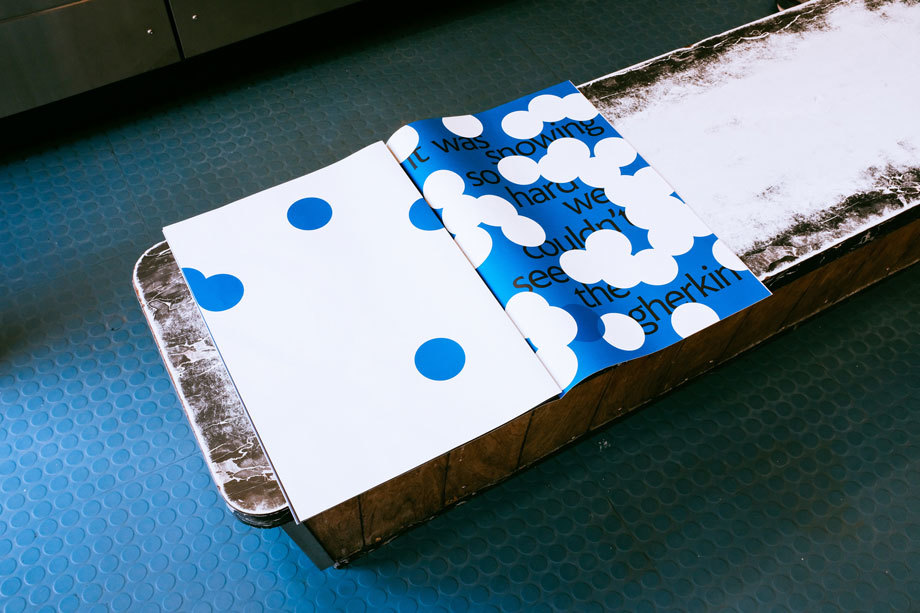
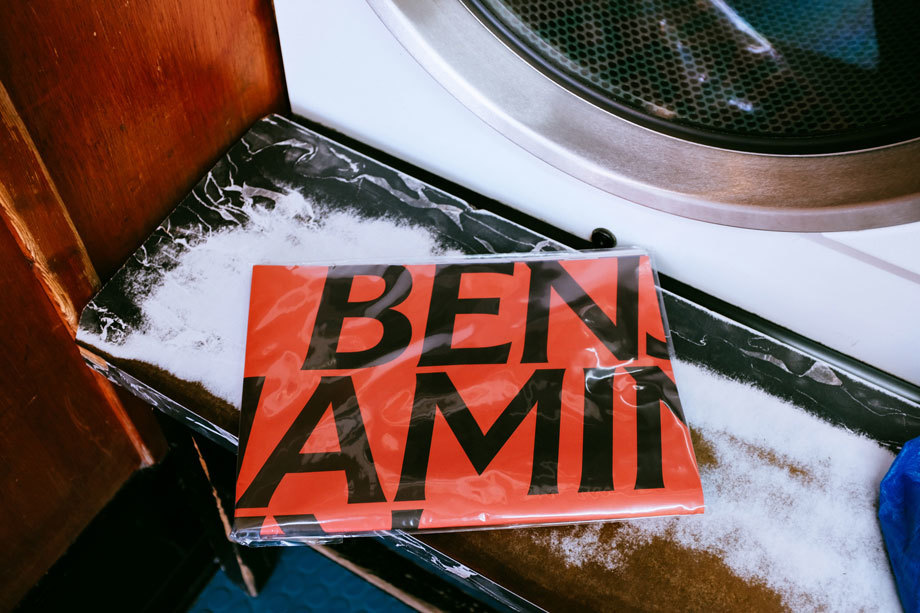
As always I did some intense research for this assignment; some of which I did before I started this assignment as part of the exercise “If the face fits”. I came across a magazine publication for a typeface called FS Benjamin that I really liked and enquired with the type foundry to see if they had any of the print copies left to send me; unfortunately they didn’t but they sent me a link to their blog to their typeface to have a look at the content on there. It was then that I researched into who Fontsmith were as I had no idea really as to what type foundries did. Here is the content they sent me for the typeface:
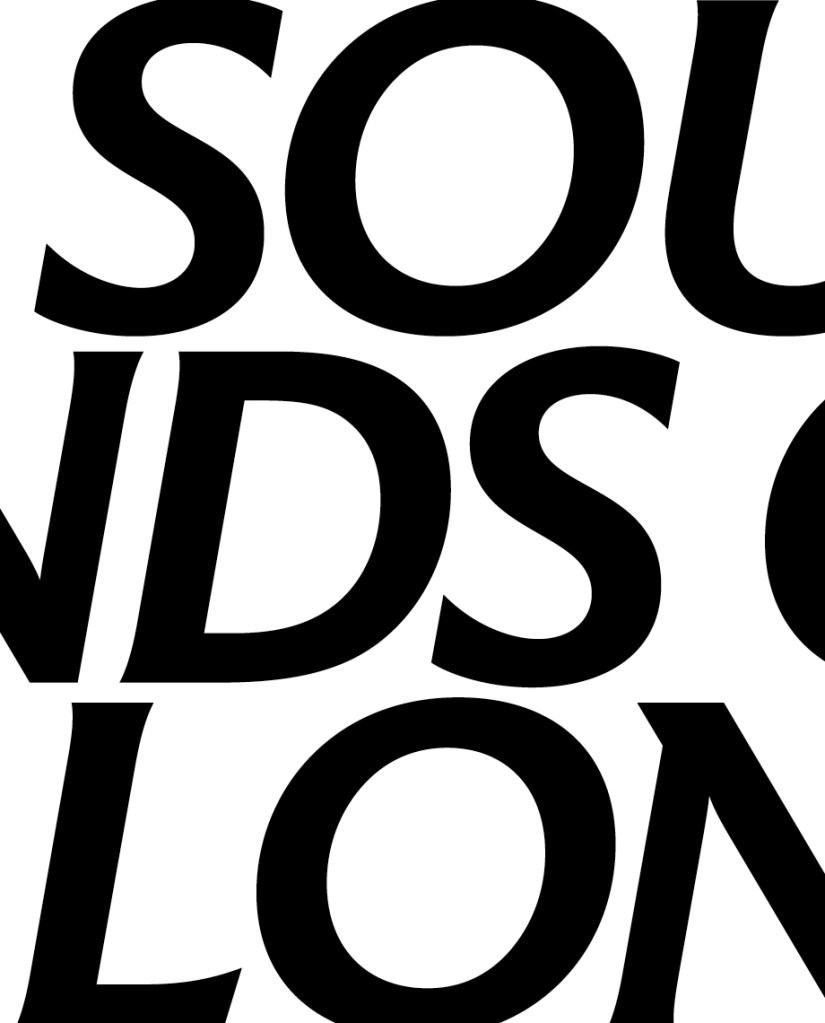
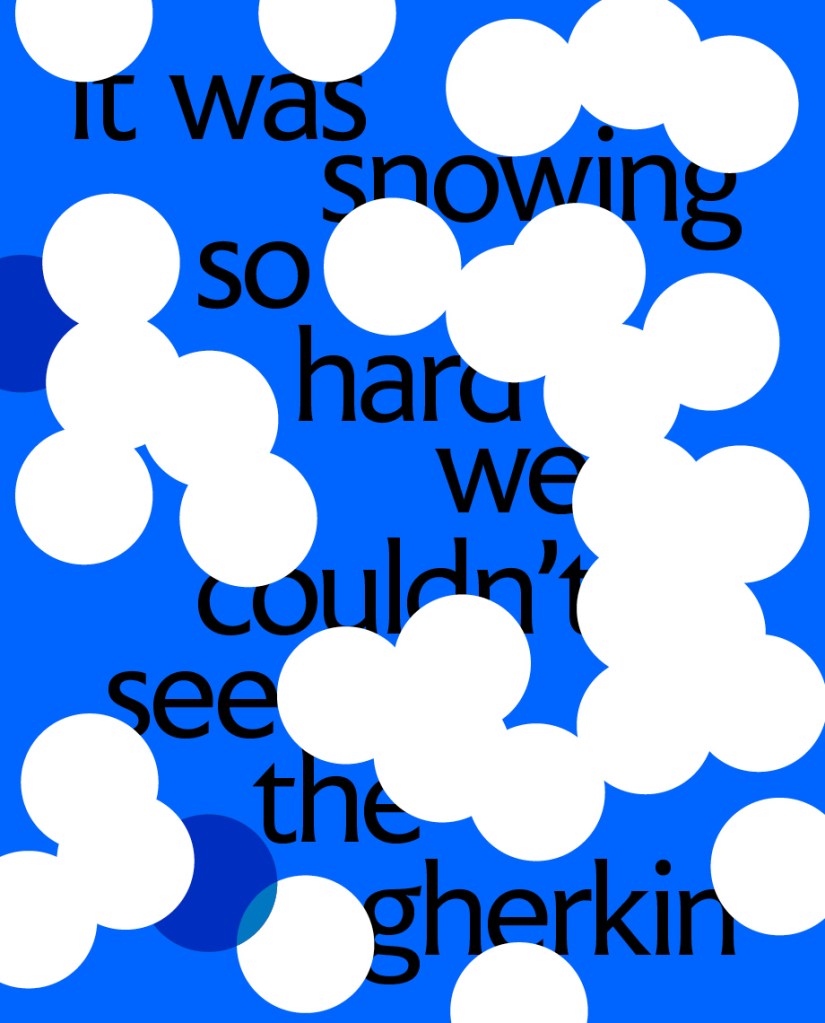
I really liked the modern, simplistic, catchy and witty way that they advertised their typeface in their print publication. FS Benjamin was designed around the theme of London. It was inspired by the noises, the smells, the atmosphere, the buildings and the people. The name Benjamin FS originates from the real full name of “Big Ben”. It was inspired by the contrast that there is in and around London; the old signs and old buildings juxtaposed against the modern glass architecture that now surrounds the city. I liked the idea that they had designed a typeface around something and thought that I could do similar in my own design. I started to think of things that inspired me lately or what I have a passion for.
As well as producing a print publication in the form of a magazine to promote their typeface they also collaborated with Dixon Baxi a branding company to host an evening to promote the typeface and create a playlist of sounds and music on Vinyl as part of the print publication that match the mood and feel of FS Benjamin and London. I really liked this idea; it is taking the idea further than just selling a typeface as a typeface, they are making it into an atmosphere, a mood and vibes. It is not just selling the typeface it is also selling what the typeface represents, the idea behind the type and the city behind it.
I had a lot of ideas and inspiration to draw from this!
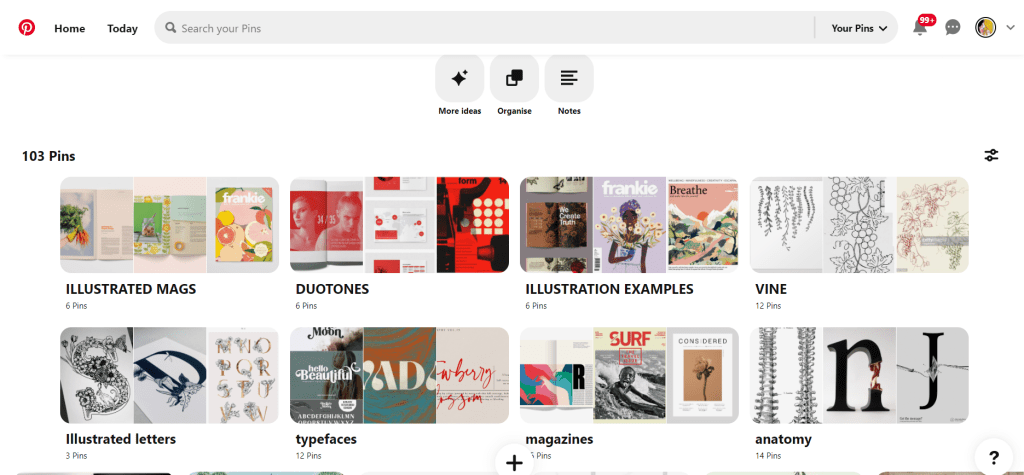
My other research came in the form of researching Pinterest. I always find Pinterest a great way to find inspiration and to be able to organise pins into sections that are easy for me to refer back to or to find. I created a new board for this assignment and then added sub sections to the board and researched into;
A lot of these sub sections shall be explained further into my post.
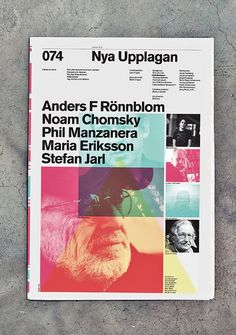
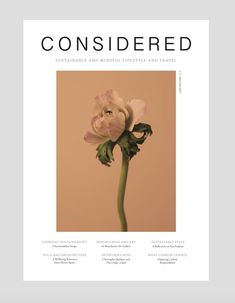
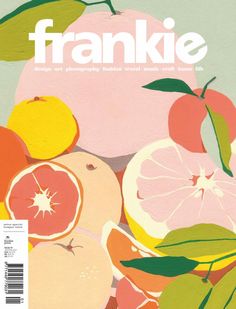
Now was the time to research into existing Art and Design magazines that already grace the shelves of fancy newsagents.
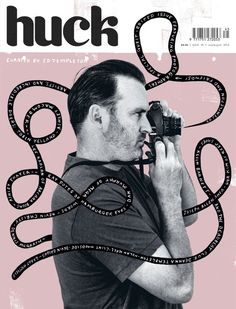
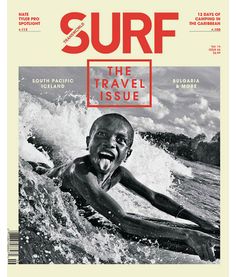
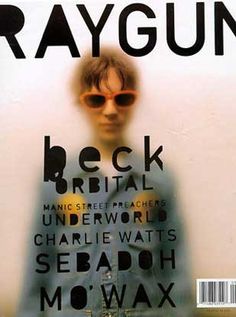
I wanted my magazine to be very simple and minimalist. I wanted it to look high quality and to be a high end magazine that would feature in a magazine shop such as Magazine Heaven. I wanted to have one main eye catching, attractive image on the cover to draw peoples attention to the magazine. In my head I could imagine it to be produced out of high quality recycled heavy weight gsm paper (ideally with a matte finish!) so these are the sort of magazines that I was researching into. My only thoughts were now how to create a magazine and a look around a typeface that I was to design…
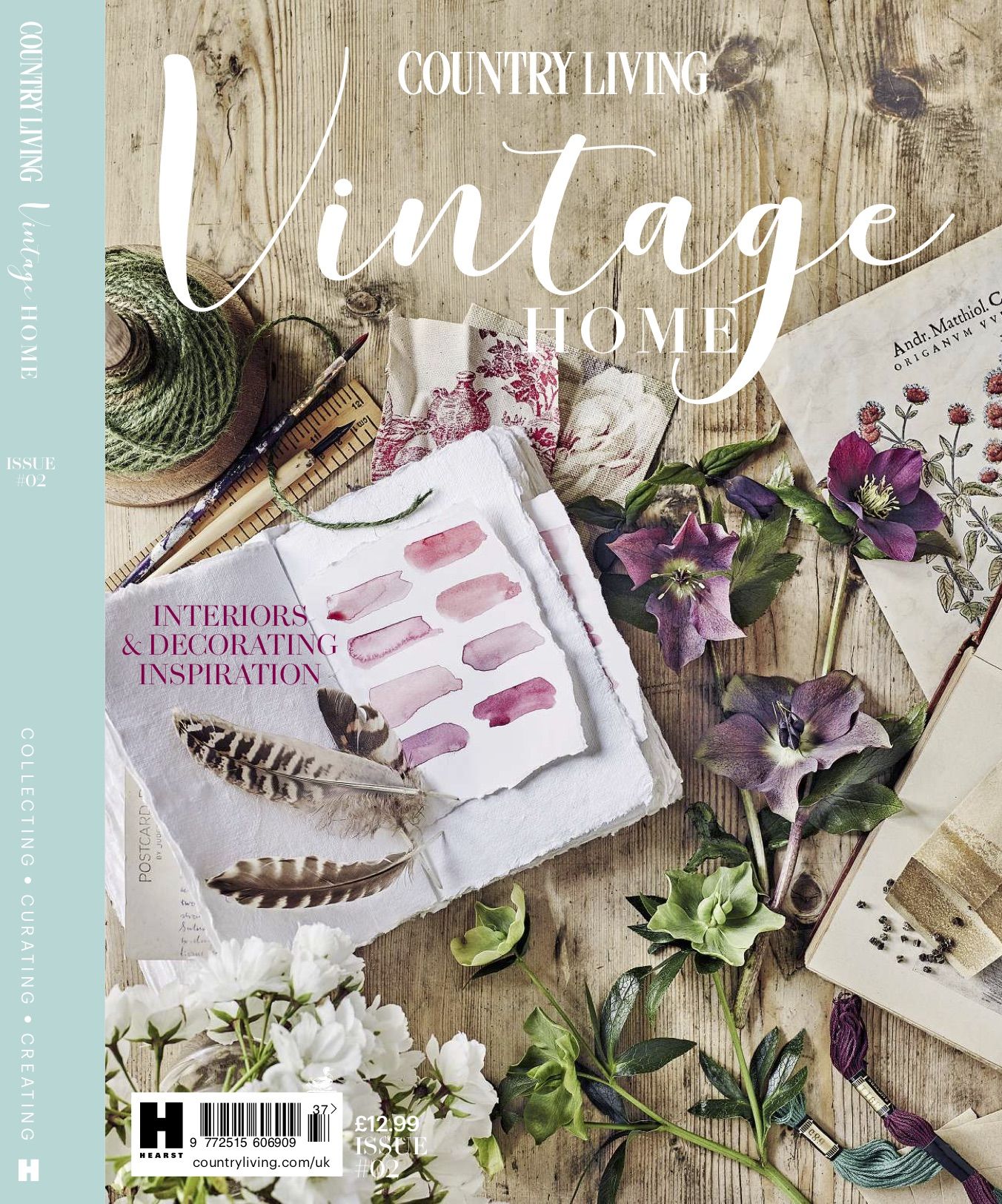
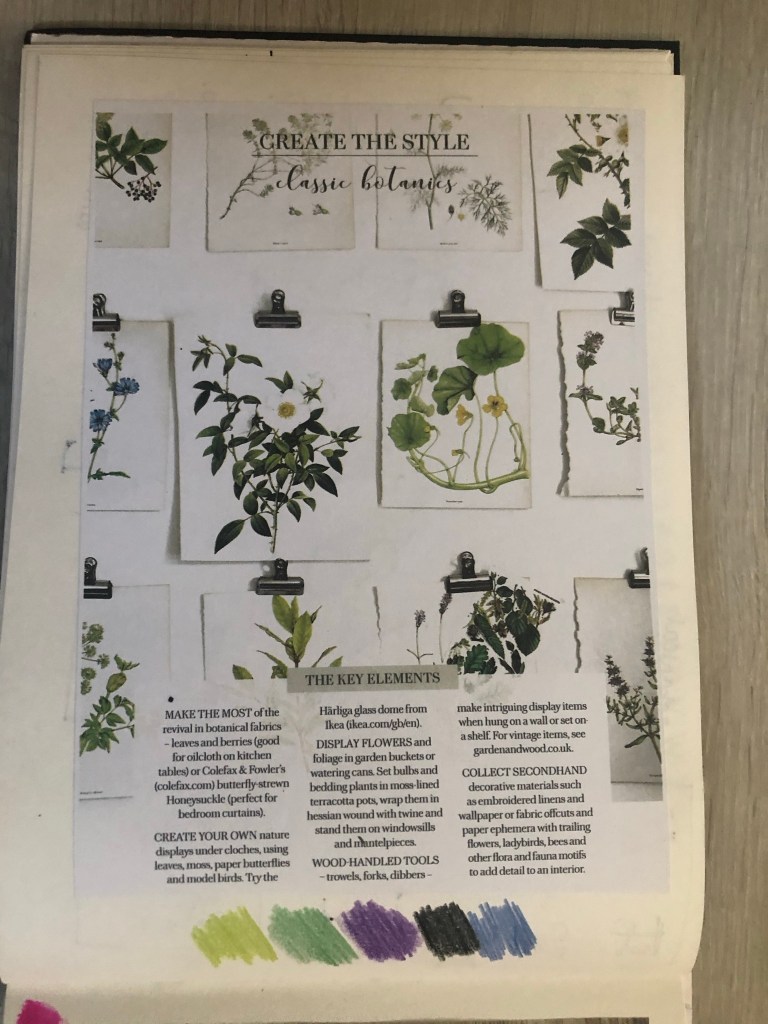
Another one of my favourite magazines of the moment is a Country Living Vintage Home magazine that I bought on a whim (for a really pricey buy of £13!!) I saw it in WHSmiths a few months ago and just really loved the look of the front cover and the Botanical section that was in there and all of the vintage drawings and finds!
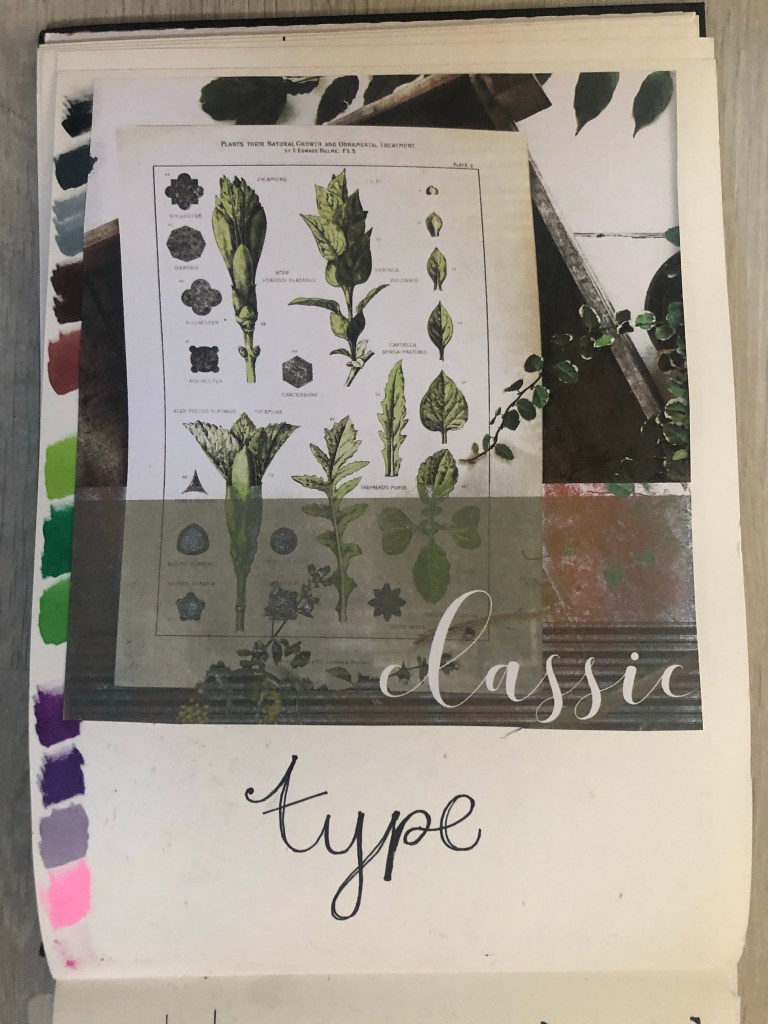
For some reason at the moment I really like the Botanical trend. I like the old vintage books, the cartridge paper that some of the old botanical drawings are drawn on, I like the colours and the ink drawn drawings and I like the feminine, old fashioned book typefaces that are used in the vintage plant specimen books. I had to buy this magazine just to draw inspiration from or just to look at every time I feel uninspired! – That is exactly what I did when I started ideas for this assignment. I looked at the book and knew I wanted to create a typeface based around the botanical influence whilst taking inspiration from timeless, old fashioned typefaces that appear on those old plant specimen books.
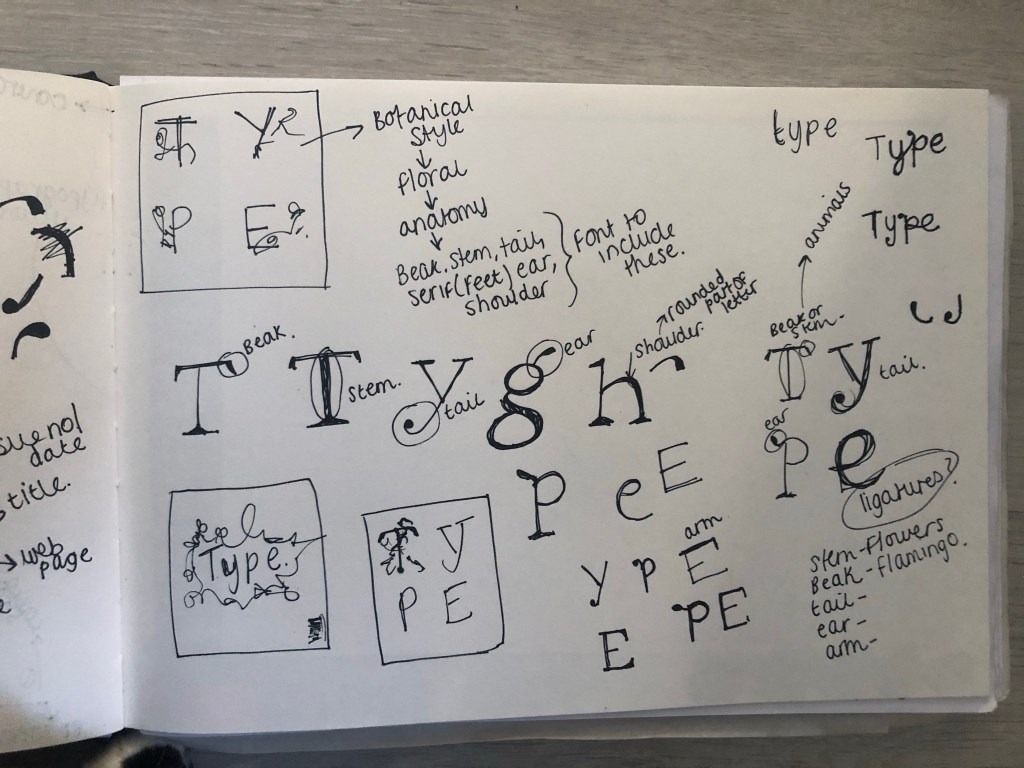
Another factor which makes the botanical theme perfect to use in my designs and type is that my article in my magazine has to be based on the anatomy of type; anatomy relates to plant anatomy and also human anatomy. I could use the type anatomy as a simile for plant or human anatomy. I did some dark, anatomy style art for my Time Machine book designs and had the idea that I could do similar for this.
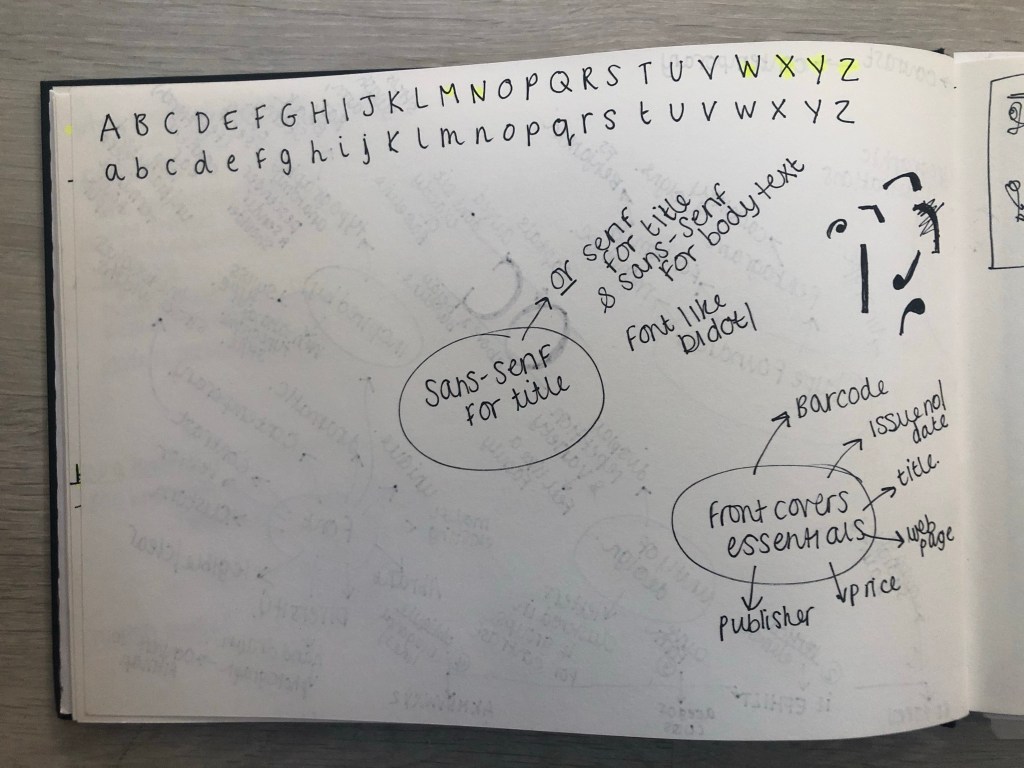
I felt like Baskerville or Mrs Eaves was the ideal typeface to match the botanical theme I was aiming for. Even though Mrs Eaves is not a vintage typeface it is based around Baskerville which is. It was also designed for use in book design. I also really love the intricate, ornate ligatures of Mrs Eaves, I wanted to try and recreate that with my own typeface. I have a pretty style of hand lettering so I figured I would use that but add in inspiration from Mrs Eaves and Baskerville.
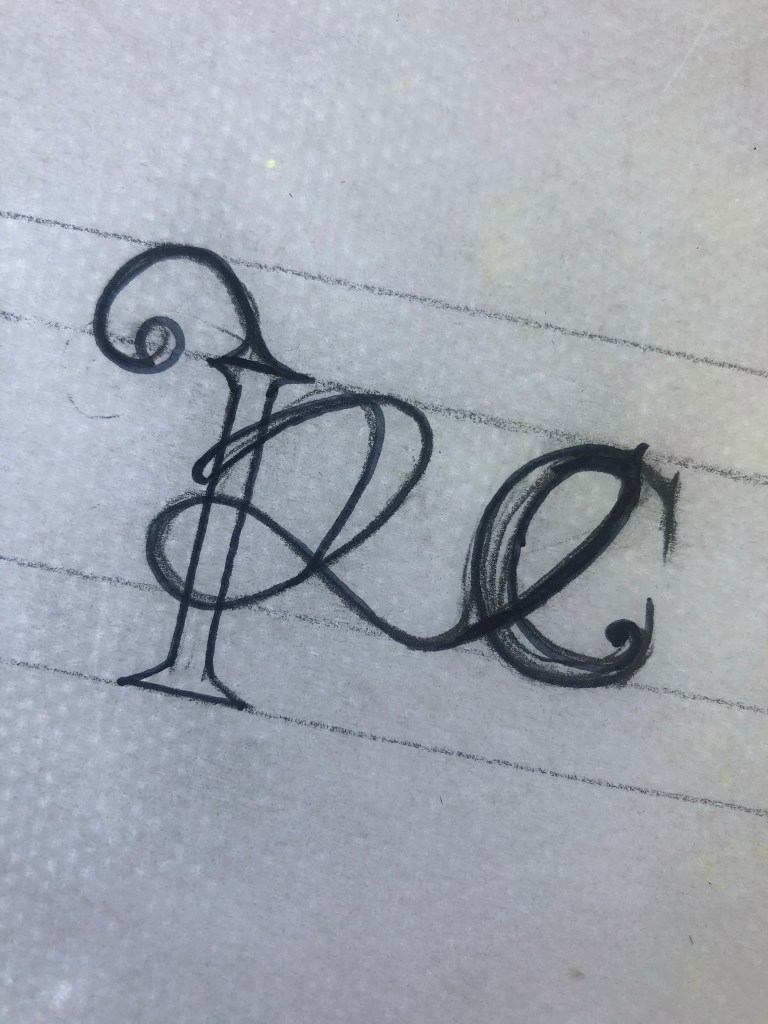
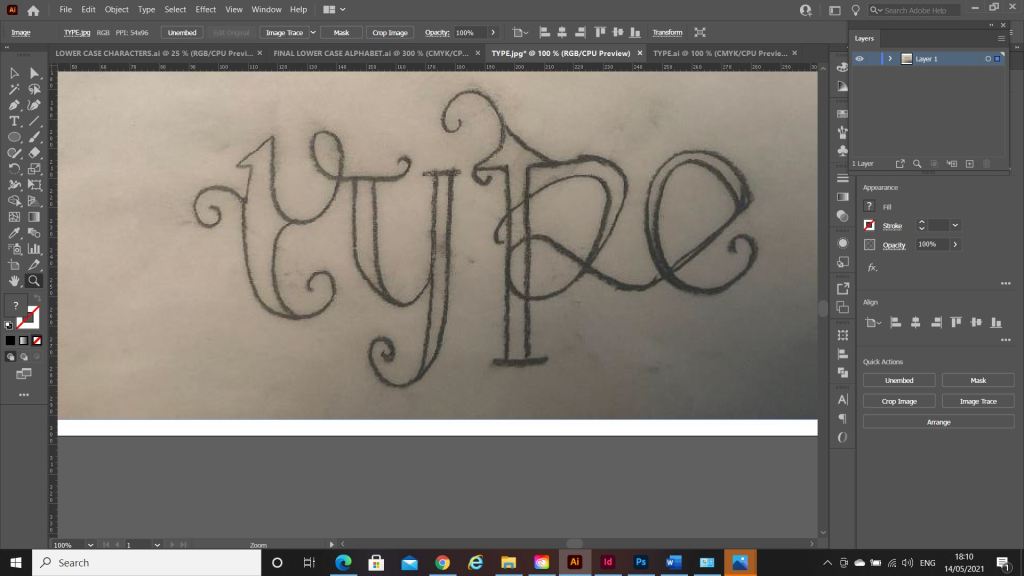
I started off with drawing some rough sketches of the different parts of a typeface and some different styles that I could explore. I particularly liked the PE ligature that I sketched. This gave me ideas for the rest of the typeface.
I used a specimen sheet of Baskerville from a previous exercise (A typographic jigsaw puzzle) where the typeface was dissected into all its parts to piece back together again. I figured that I could use this as a base to design my own typeface from. It gave me ideas of how to design my typeface, I knew I would have to design it all as completely separate parts (dissected) and then piece the letters together from the parts. Once I designed certain parts of the letters; such as the stem, I realised I could then use them again in other letters, e.g. I could use the stem I designed on all lowercase letters such as b,d,h,l but also use it again on the uppercase characters like D,T,H,F,E etc.. The bowl on the b could also be used on the d.
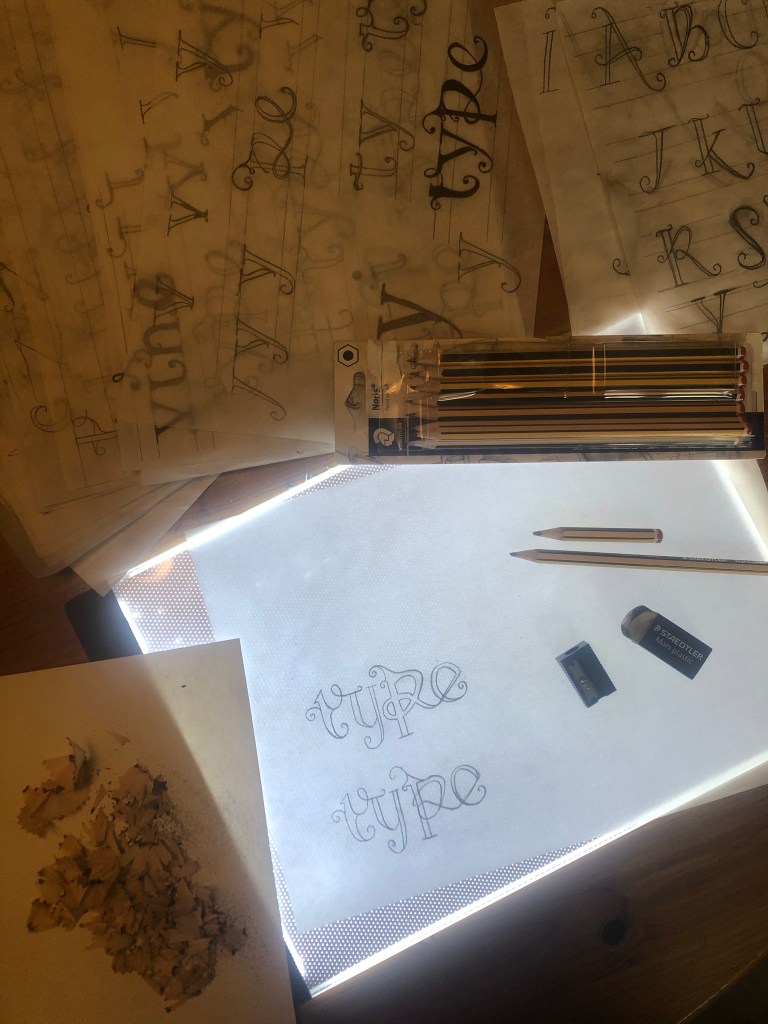
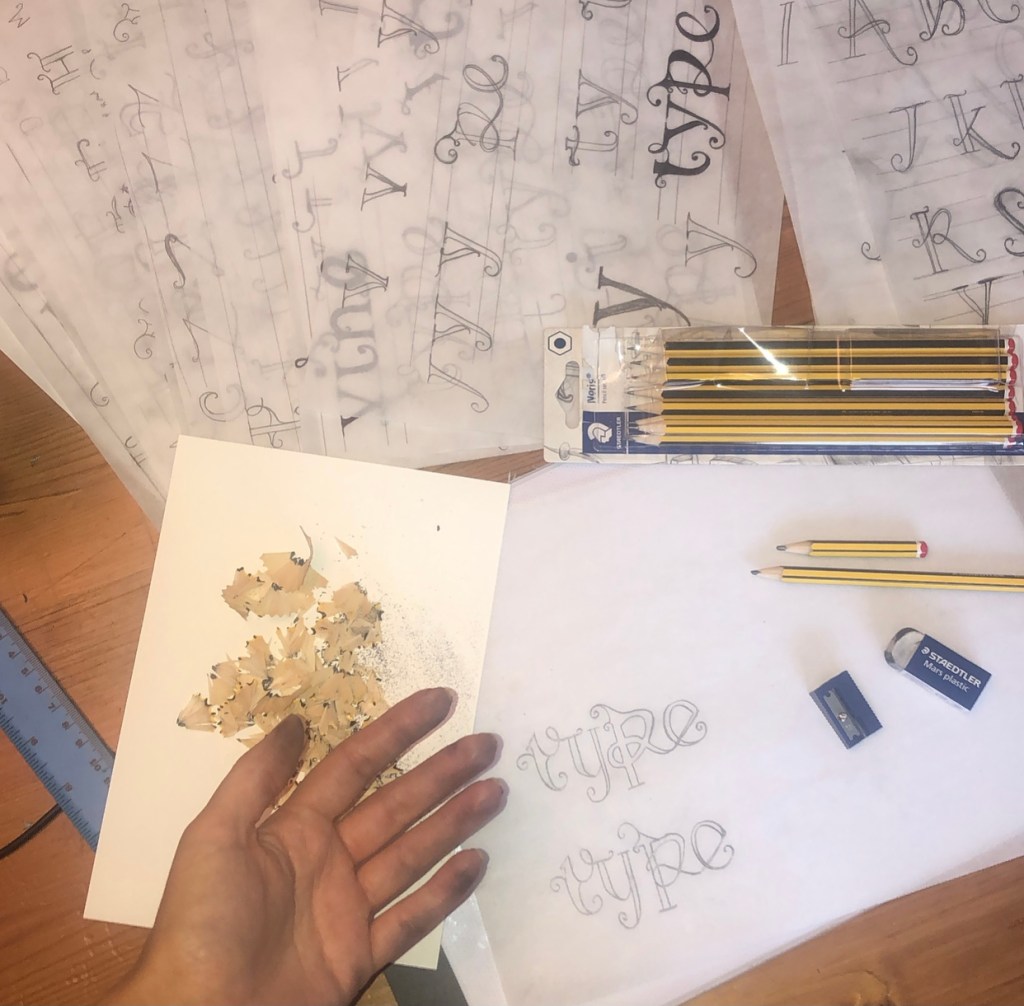
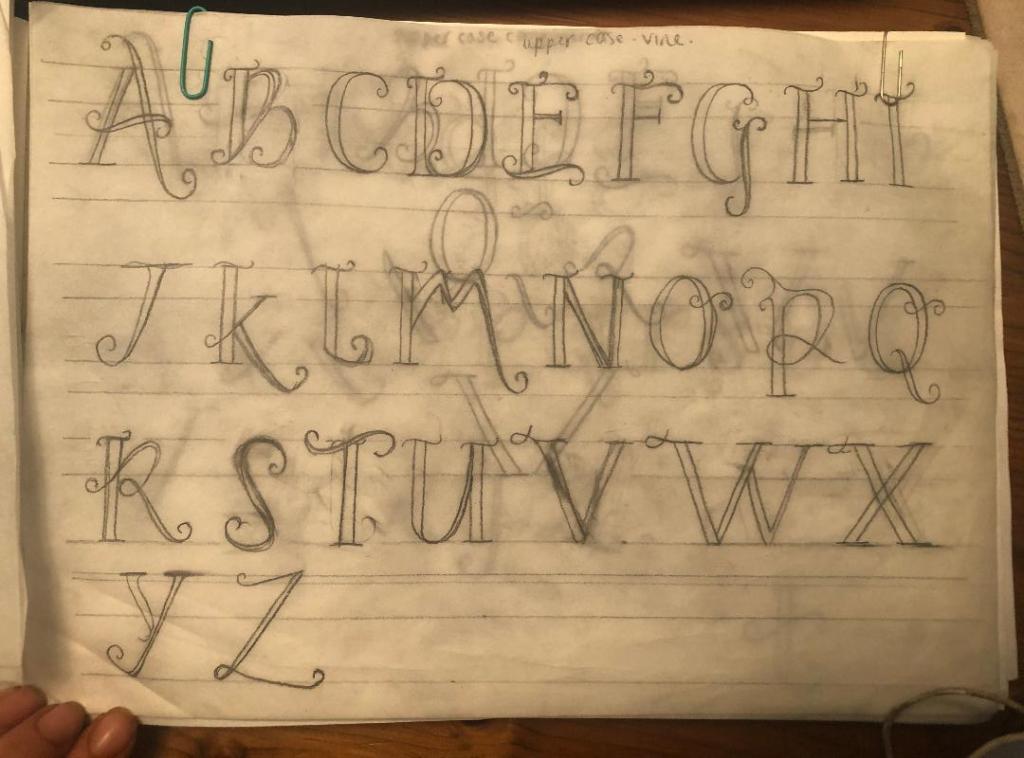
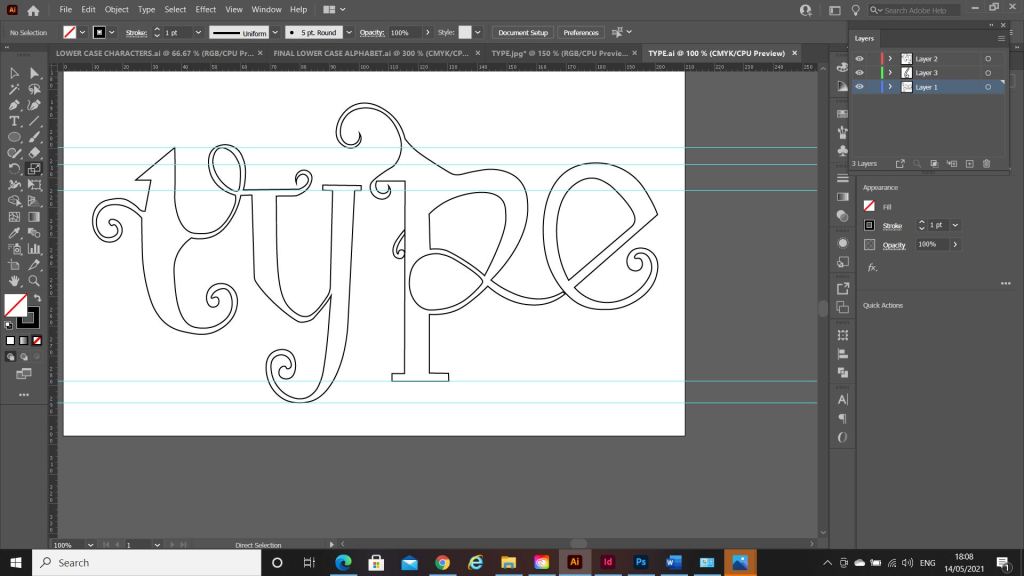
What happened next was that I spent endless hours with a pack of tracing paper, armed with erasers and a whole pack of HB pencils and I sketched out my upper and lower case alphabet for my typeface. Before I mastered the full alphabet though, I drew out “Type” first as this needed to be perfect as this is the focal point of my whole magazine.
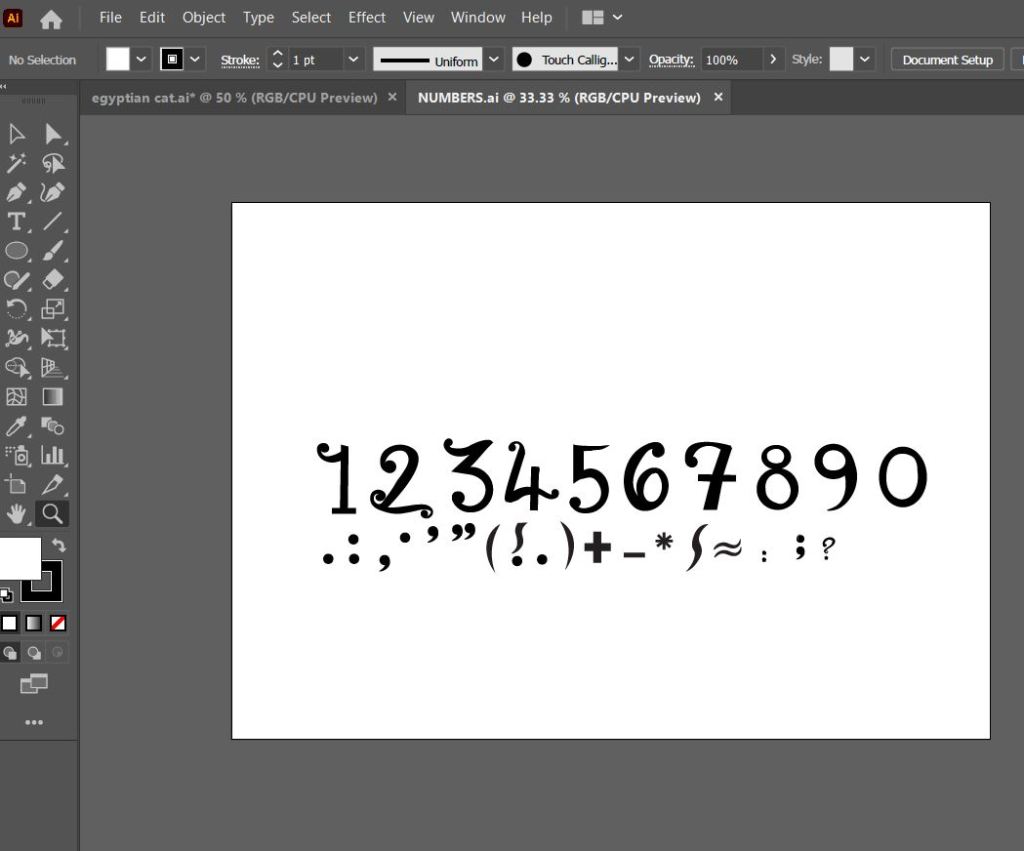
Once I perfected “Type” I then created the rest of the alphabet- lowercase, uppercase, numbers and symbols.
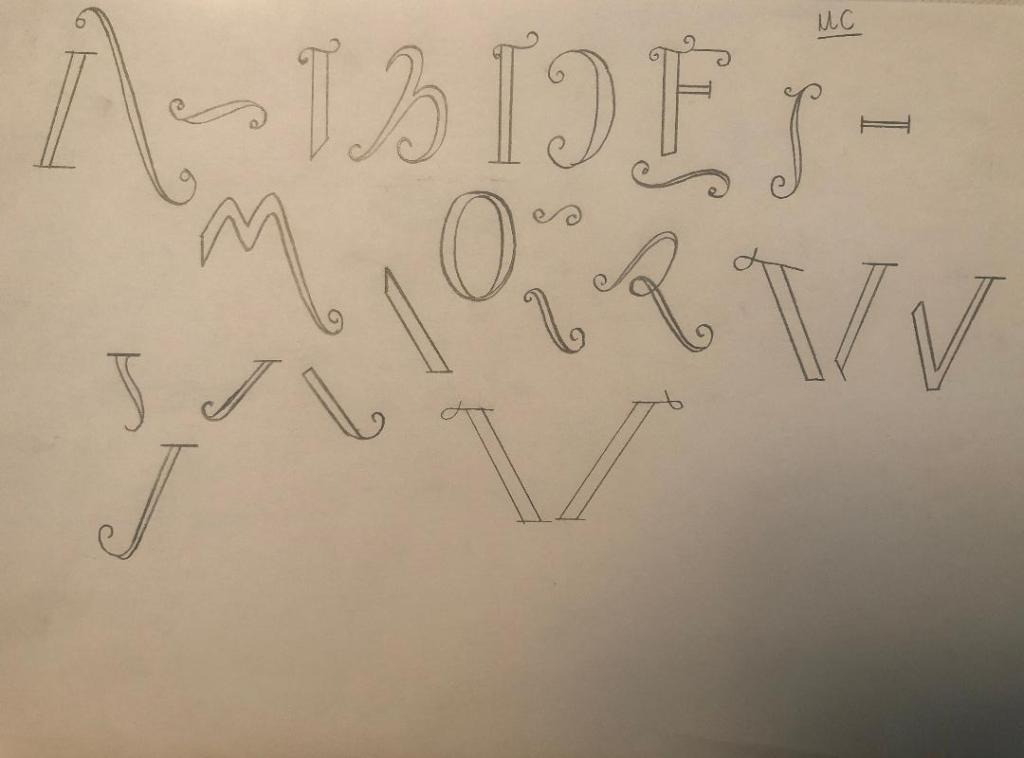
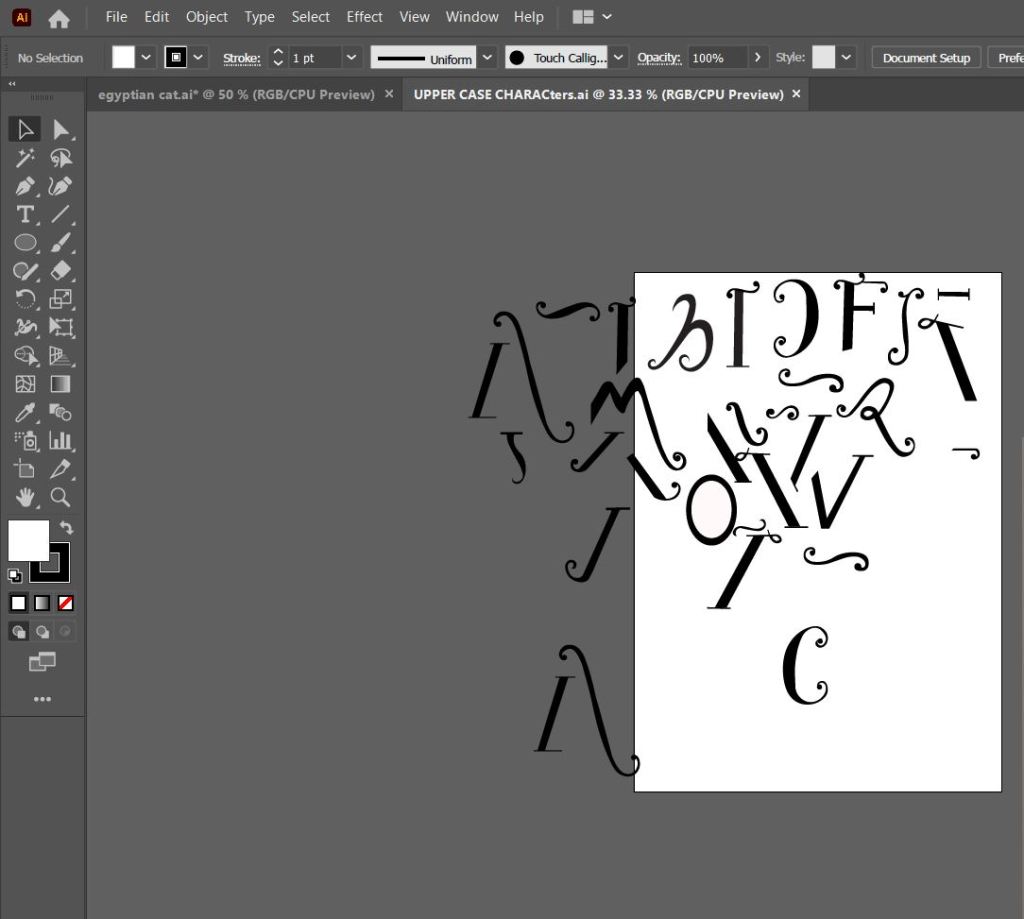
The sheet above are the parts I created that would make up all of the uppercase letters and alphabet.
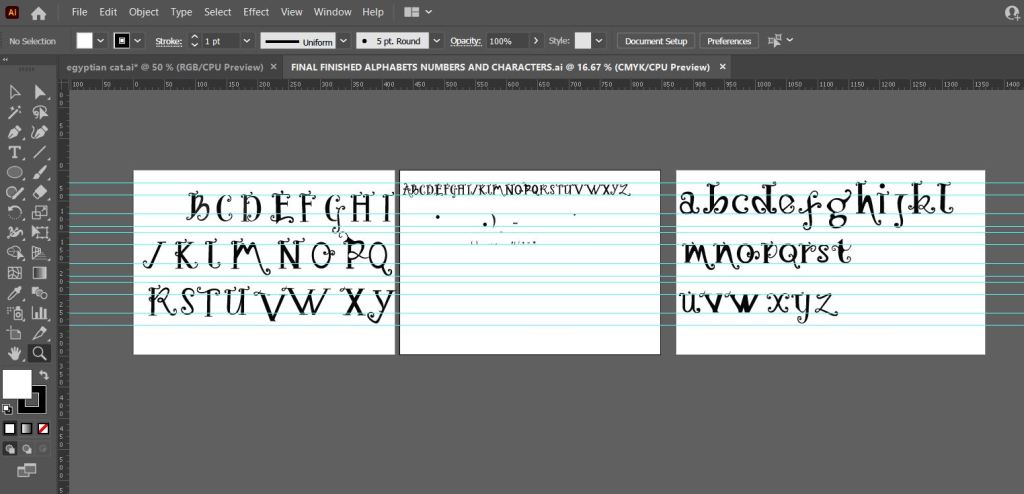
This is how my letters turned out. It looks very Avante Garde and reminds me of Biba! It also looks like a Led Zeppelin Stairway to Heaven poster I used to have in my house. Clearly without knowing it I have some 1970s influences!
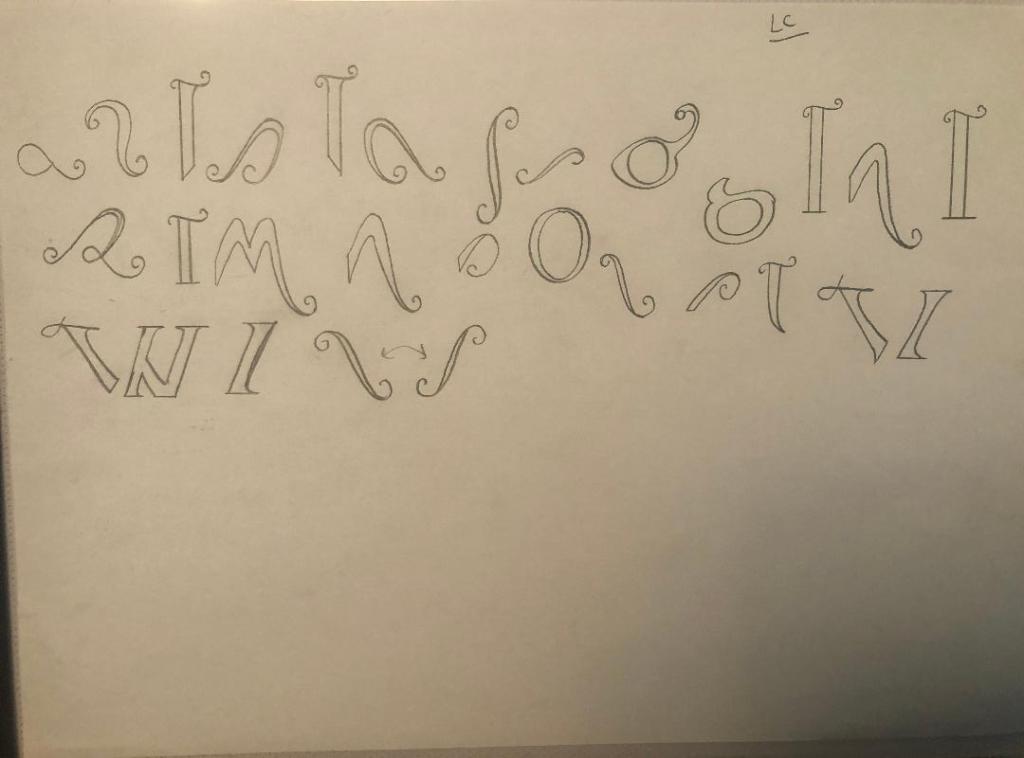
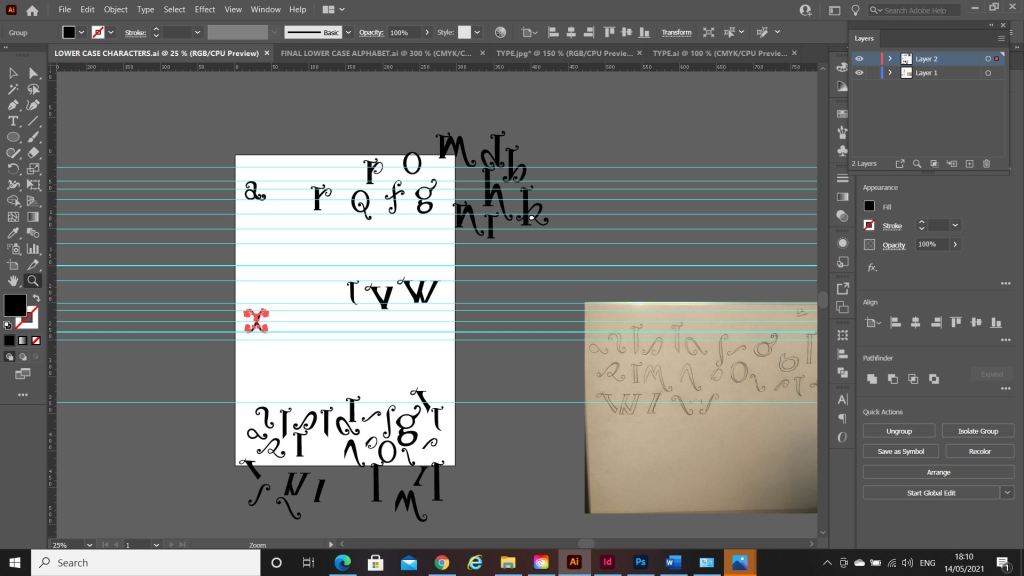
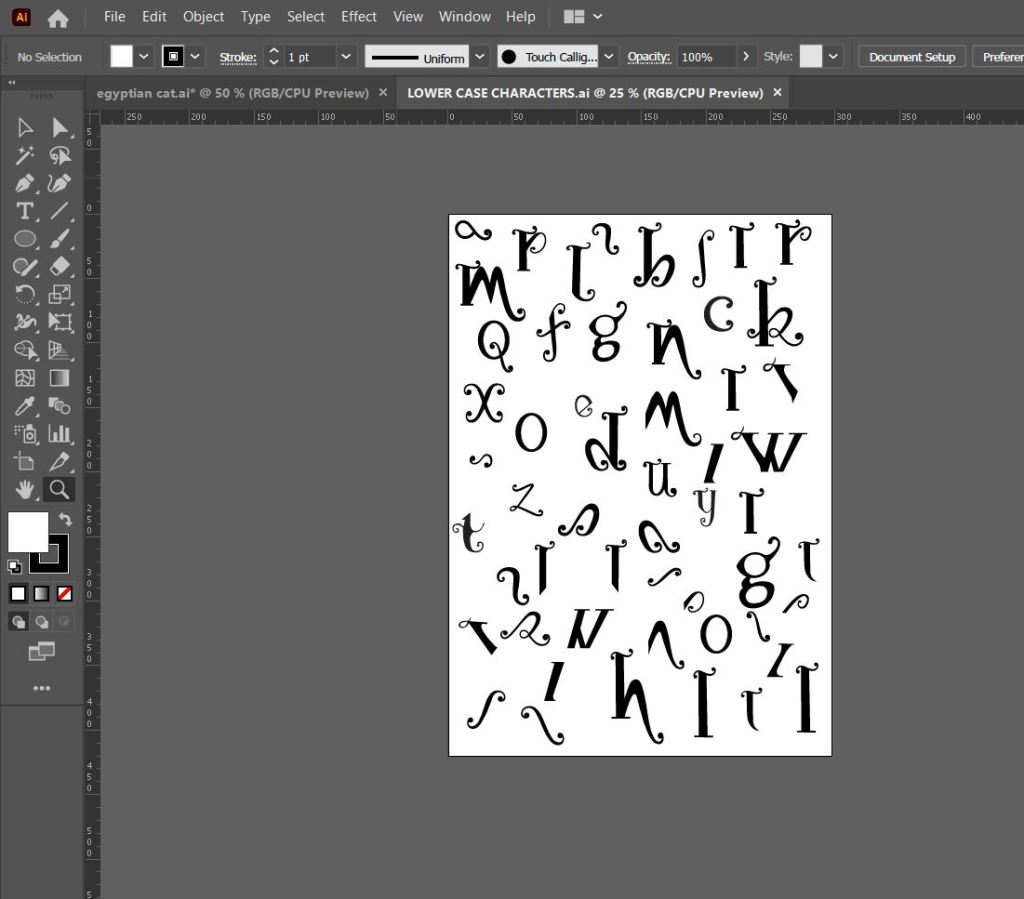
The sheet above are the parts that make up the lowercase letters and eventual lower case alphabet.
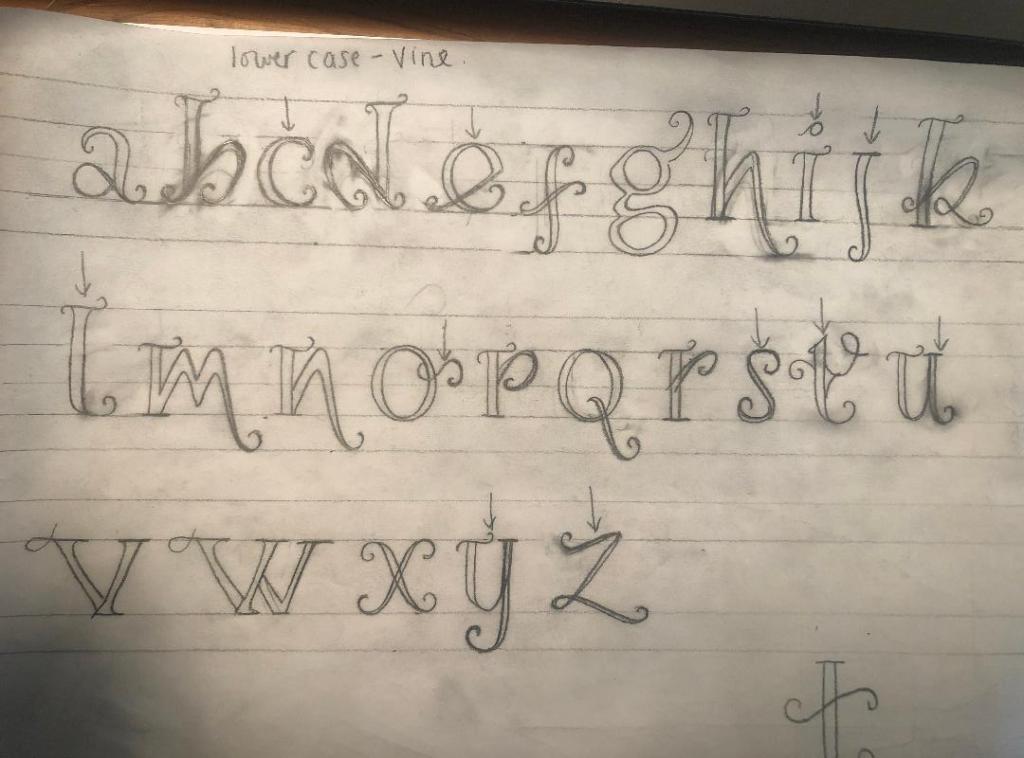
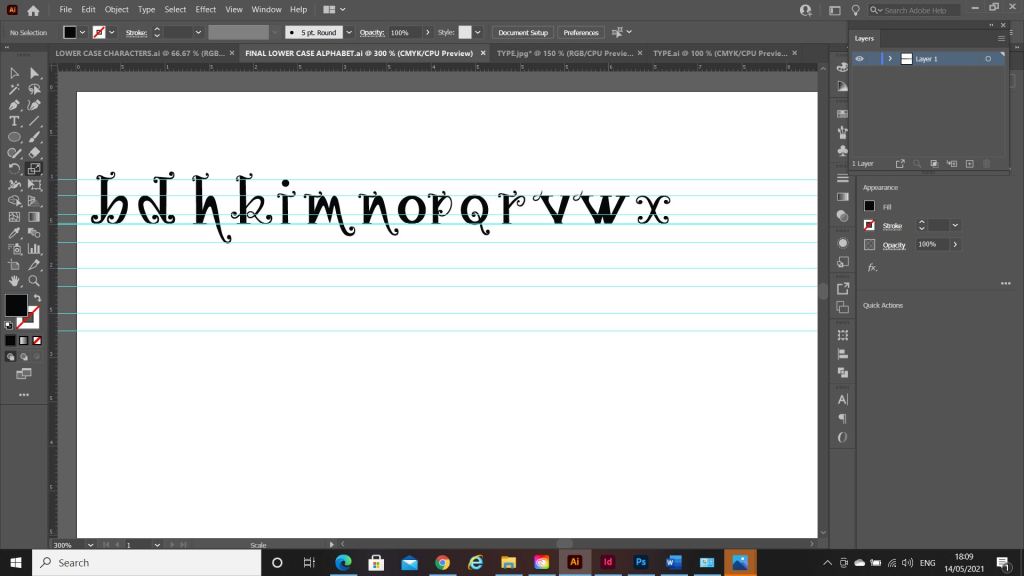
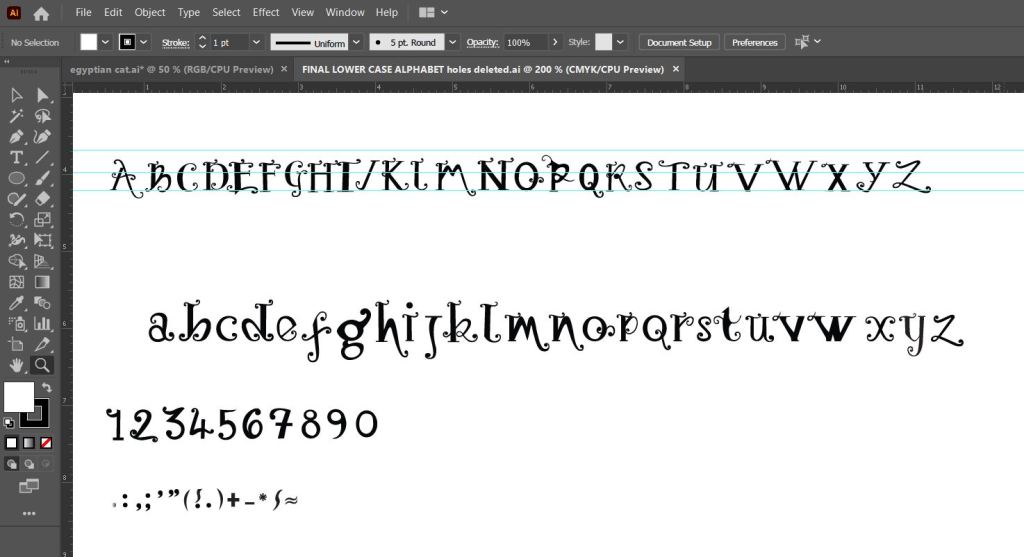
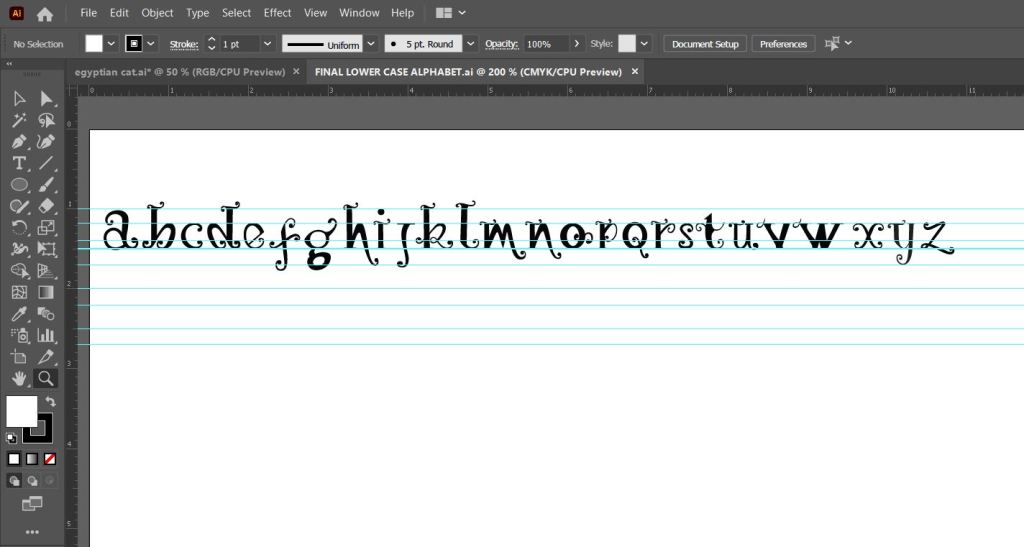
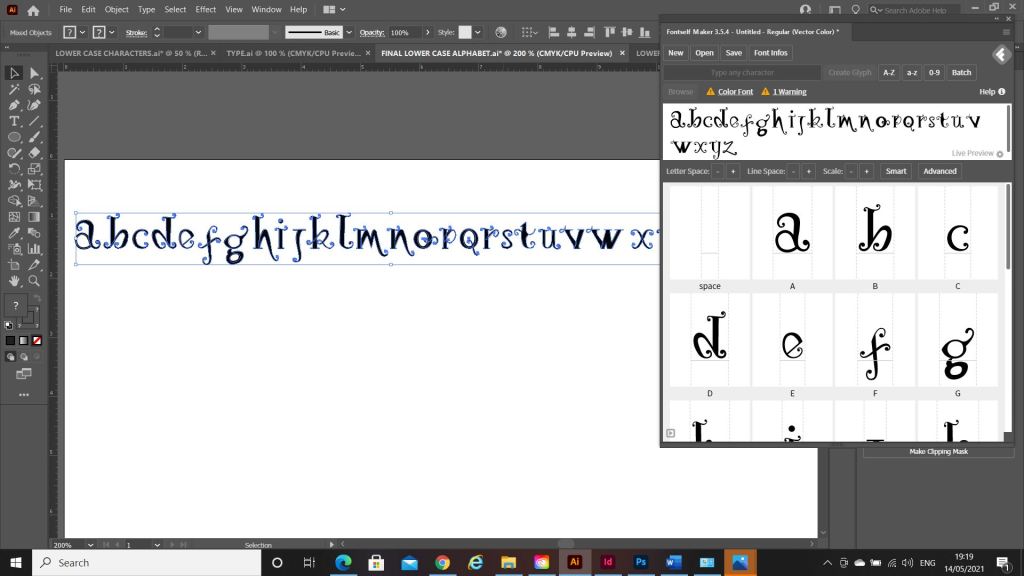
Above is the final lowercase alphabet! I actually quite like the b and d. Again, I am feeling a 1970’s vibe with this!
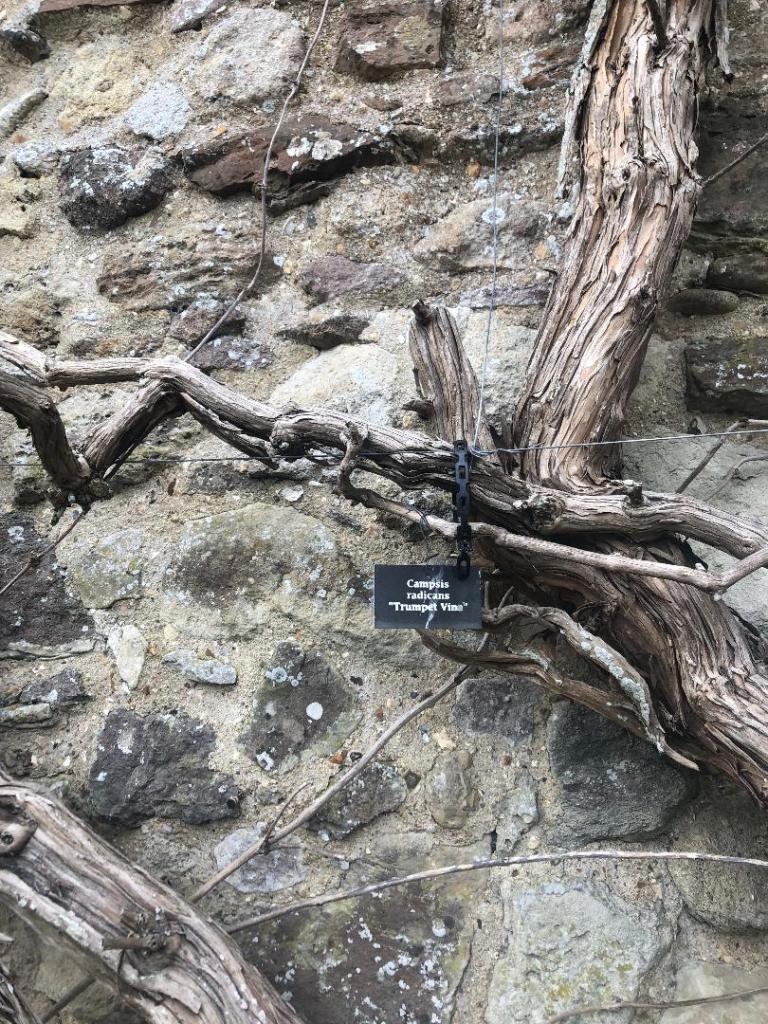
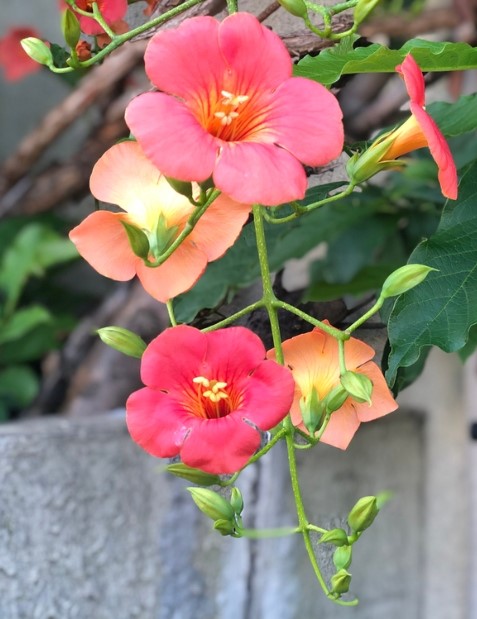
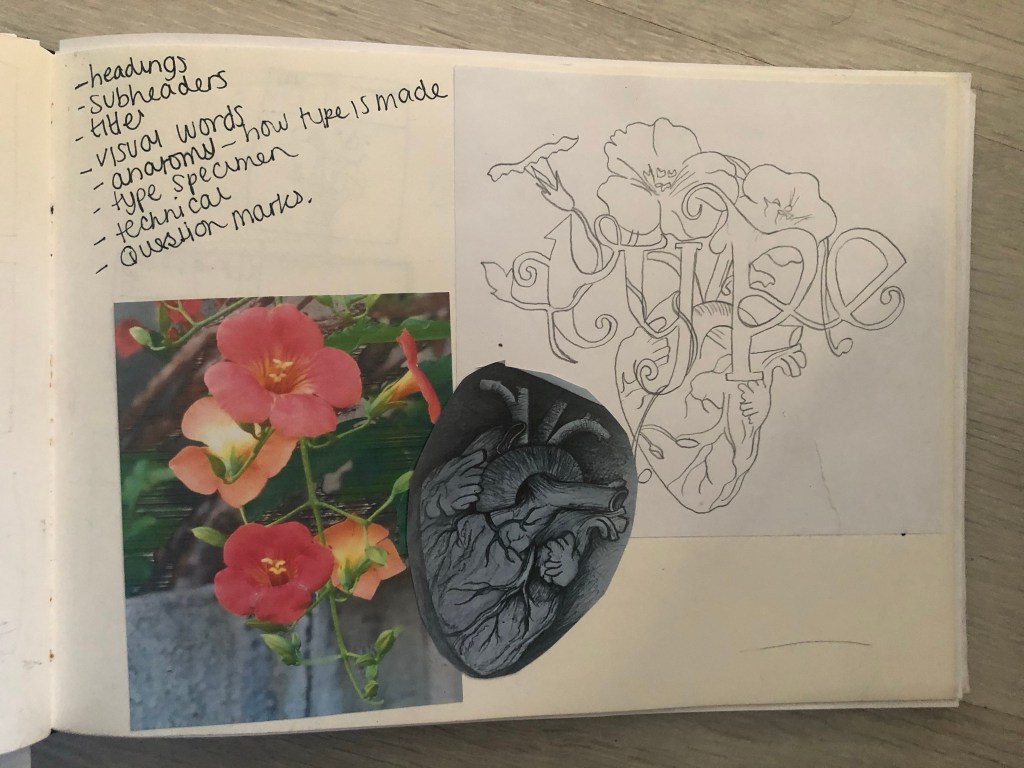
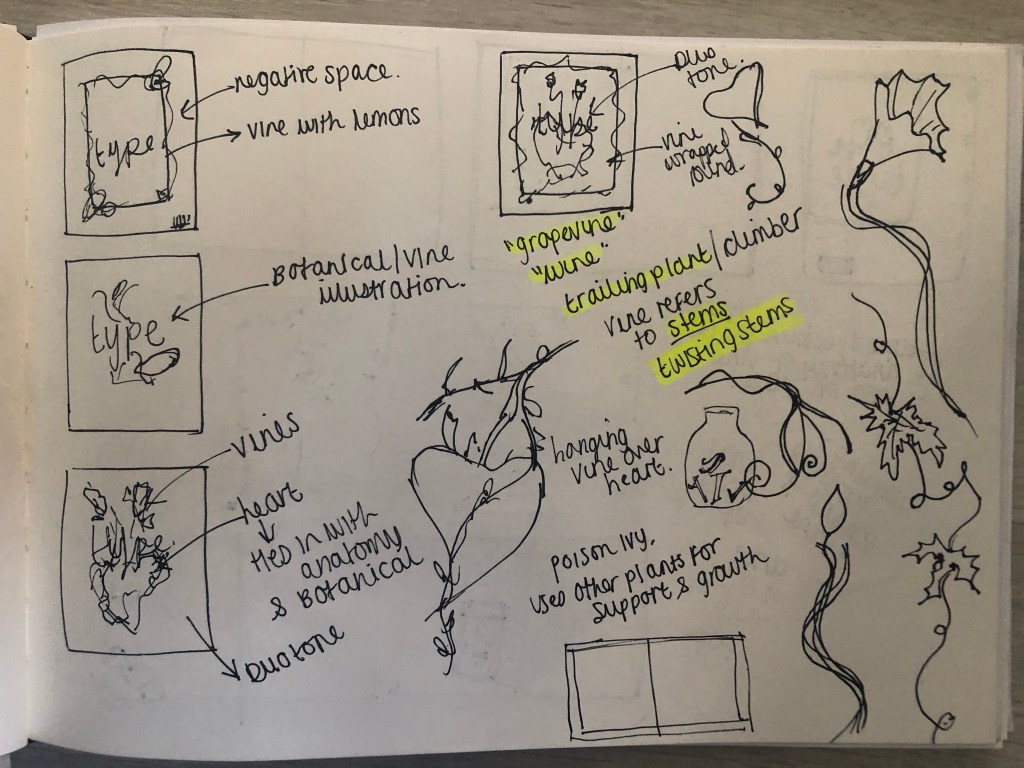
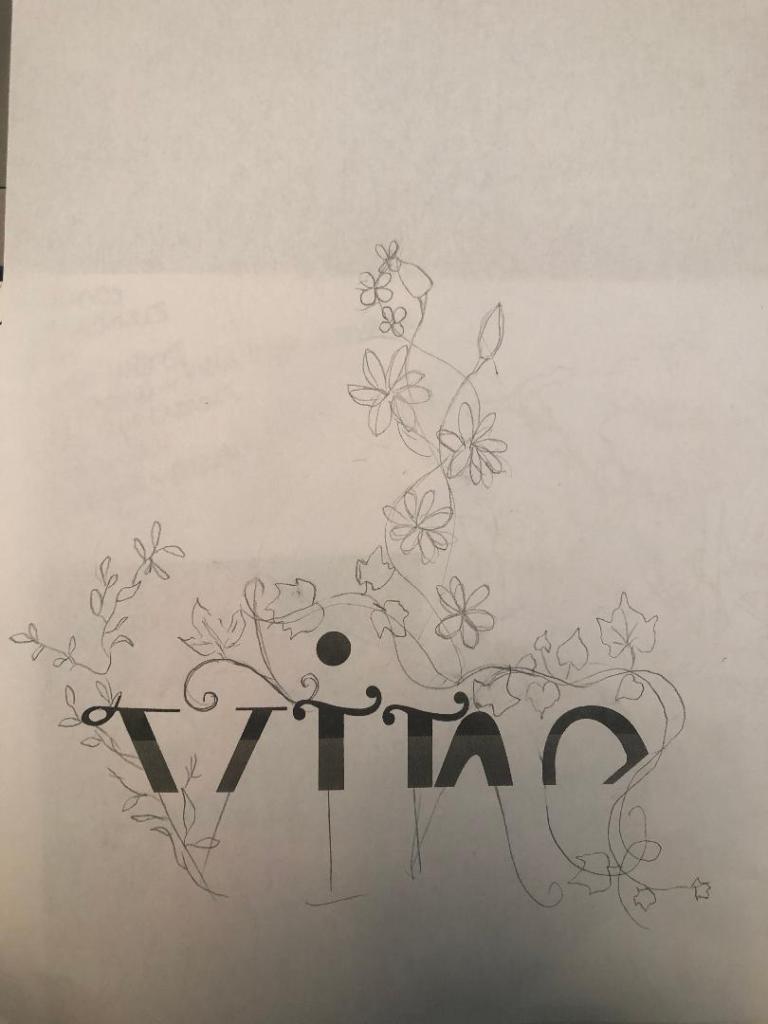
I needed a name for my typeface and asked my boyfriend Chris for any ideas, he actually came up with the name I used for it – Vine! In his opinion it looks like a vine with all the twists and twirls and to be honest it tied in perfectly with the plant botanical influence I wanted to use. I had also visited Beaulieu Estate whilst doing this assignment and there was a trumpet Vine there that I took a photo of as inspiration and to potentially use in my magazine design.
The trumpet Vine at Beaulieu
Digital Development
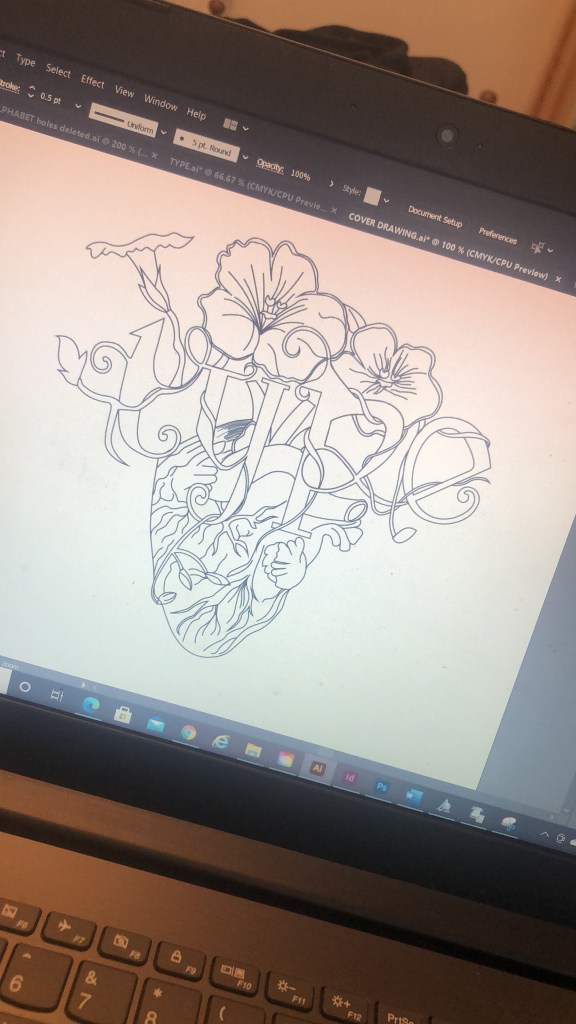
The next stage was a painstakingly long one! I had to take my drawings of Vine and draw them in Illustrator and turn it into Vector lettering to eventually import into a programme I bought called Fontself which turns your vector lettering into an actual font! How exciting!!
Eventually I drew out all the parts of the letters and pieced them together to form my letters. I then imported them into Photoshop to measure them out on a baseline and to an X-height and Cap height etc..
I mentioned earlier that I bought and used Fontself to create my typeface. I downloaded it from their website and then it is opened up in Photoshop where you can drag your letters into the programme directly from Photoshop to create your font!
When the typeface has been made by Fontself it can then be downloaded as an actual font!
The only downside to my font is that it actually looks like the gimmicky, tacky font called Jokerman! I did watch a YouTube video on how to use Fontself though by Chris Do and he did seem to design a version of Comic Sans so it could always be worse! Also, because I did not spend as much time as I would have liked creating the typeface the sizes all came out wrong from my hand drawn baseline. That is why letters such as the J sit way too high. It takes years and years to perfect a typeface though so I am pretty pleased with the one I have created and also it has given me an idea of how type is created! Even if I have done it in an amateur way, I have gone through the correct process of designing a typeface. I did read about optical illusions after I had created this though and wished I had created the X differently. Where a thin line is obstructed by thicker lines they seem to continue on a different path; i.e the X. To balance this illusion the thin diagonal strokes must be placed at different angles parallel to each other. The greater the contrast, the more this illusion happens. It can also be visible in Q, W and ampersands. I would definitely have another go at designing a typeface however, maybe when I have more time though and deadlines are not looming!
My next step was to figure out how to turn my title into a beautiful magazine cover!
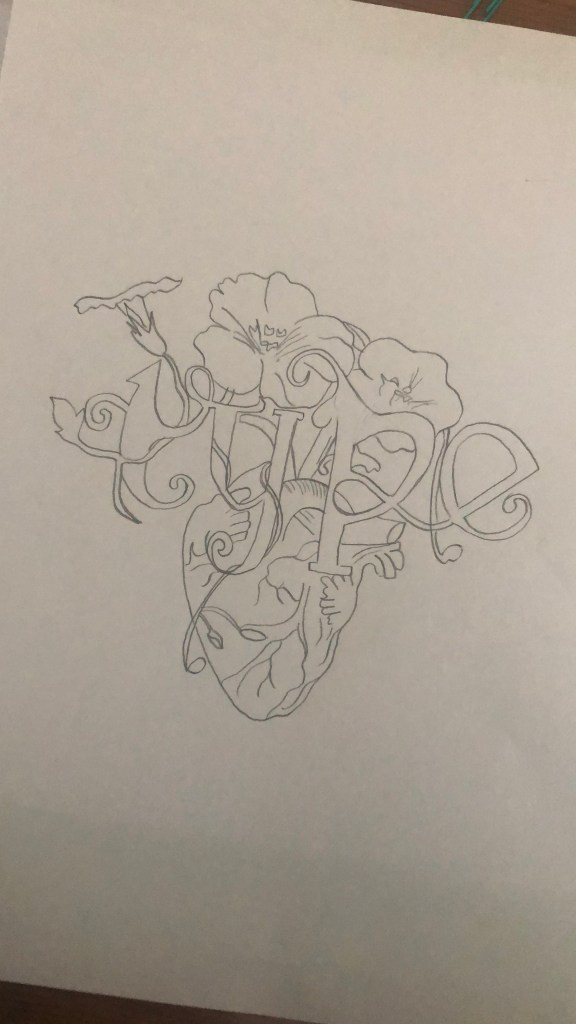
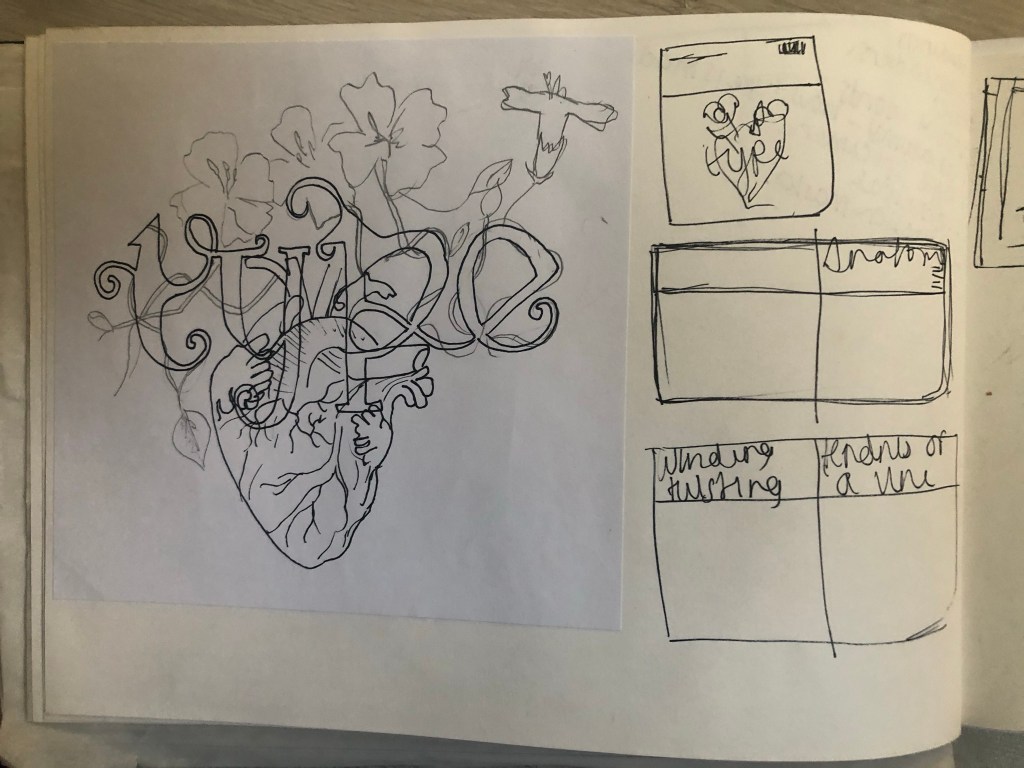
I already mentioned how I had the idea to use a drawing as the main image for my magazine cover; similar to what I achieved with my HG Wells titles that I did earlier in the course. I had the idea to create an anatomical design which links to the anatomy of type but is also similar to plant and human anatomy. Whatever design I chose to do would also have to relate back to Vine also.
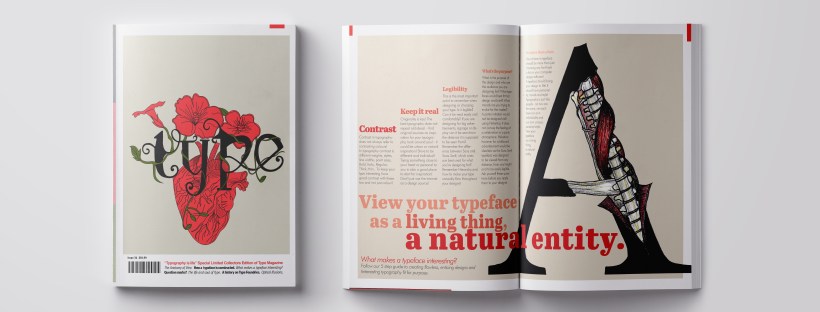
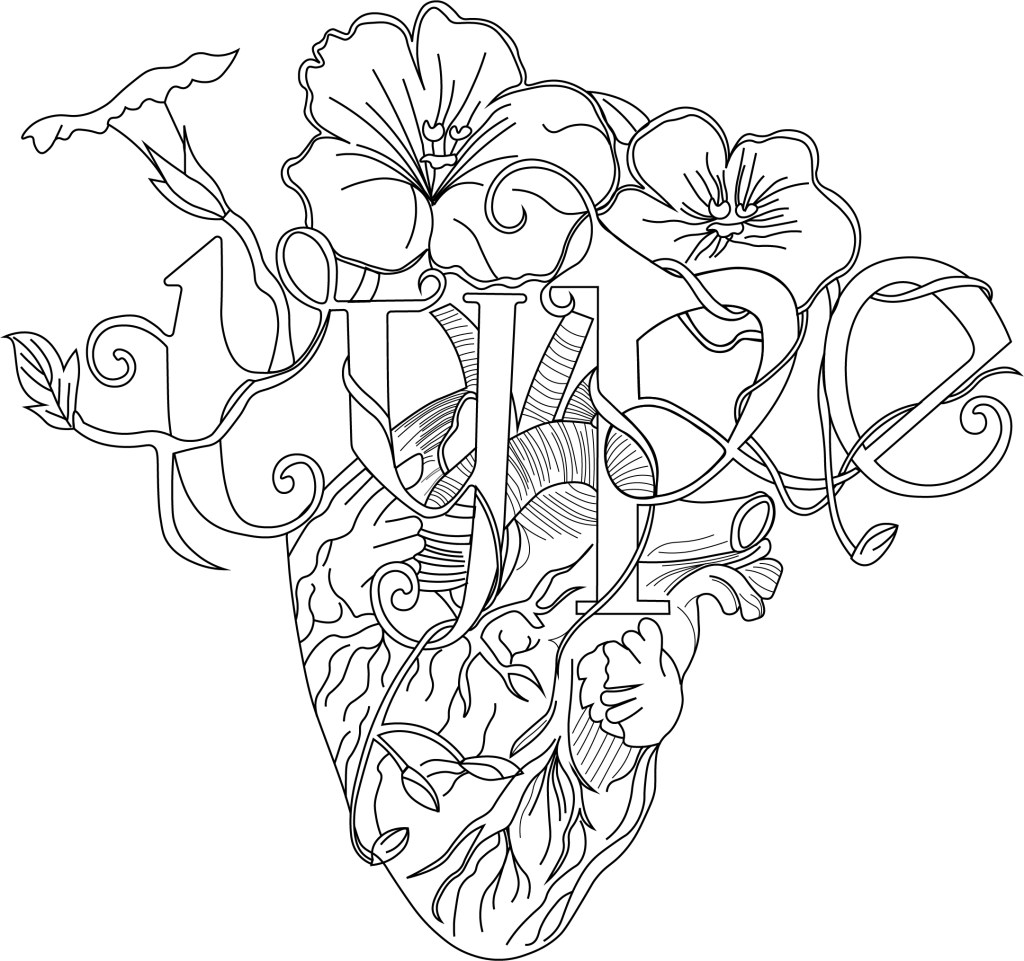
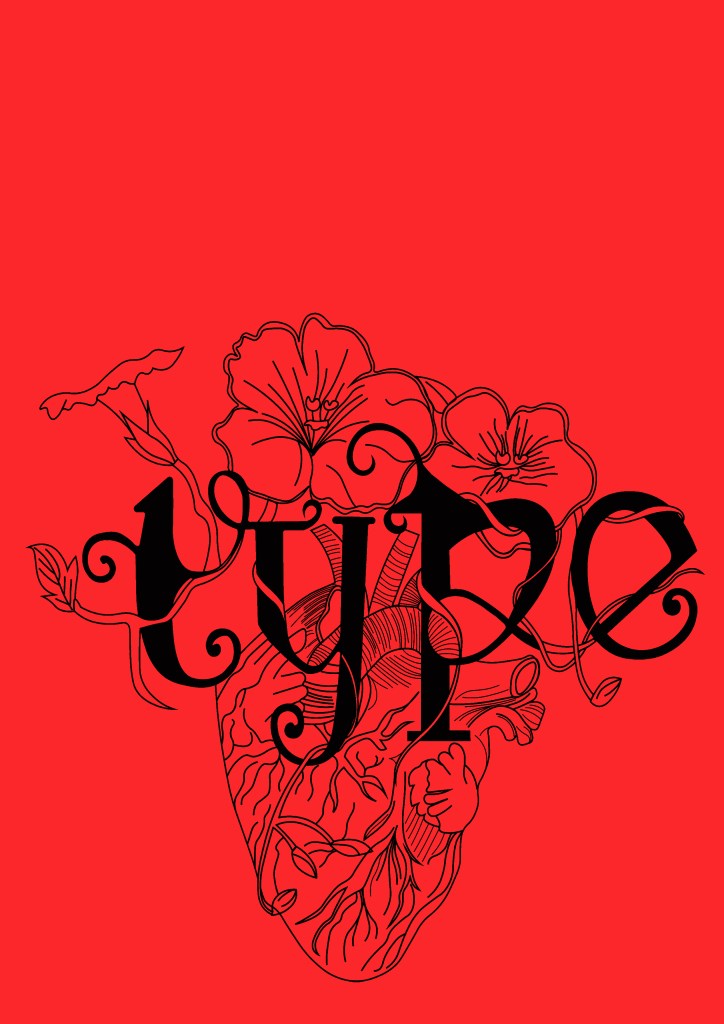
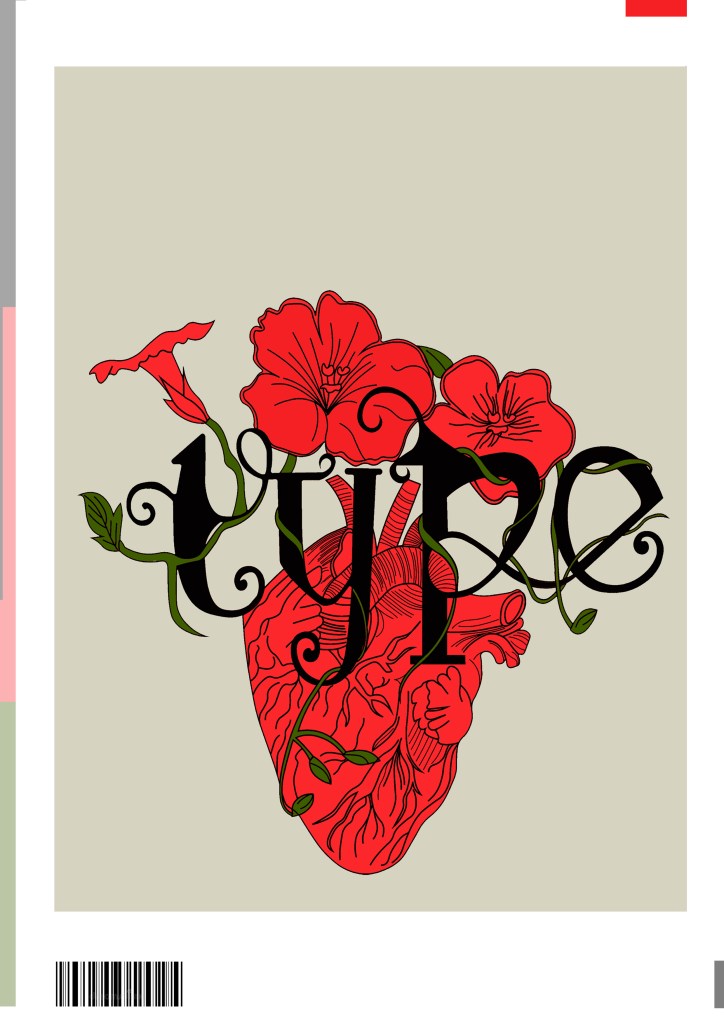
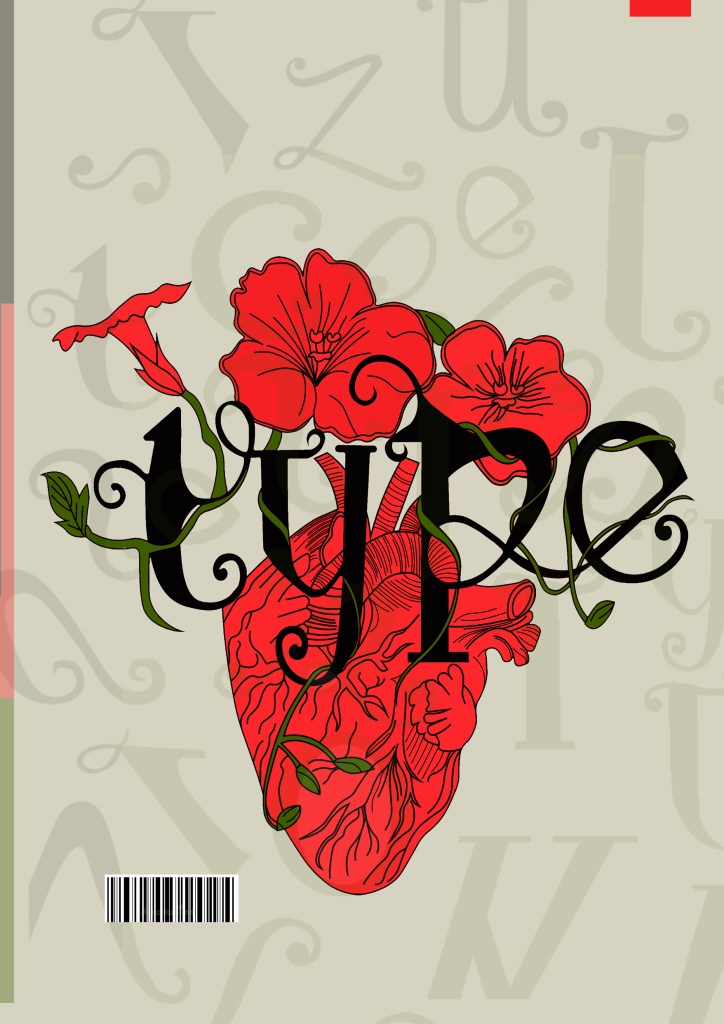
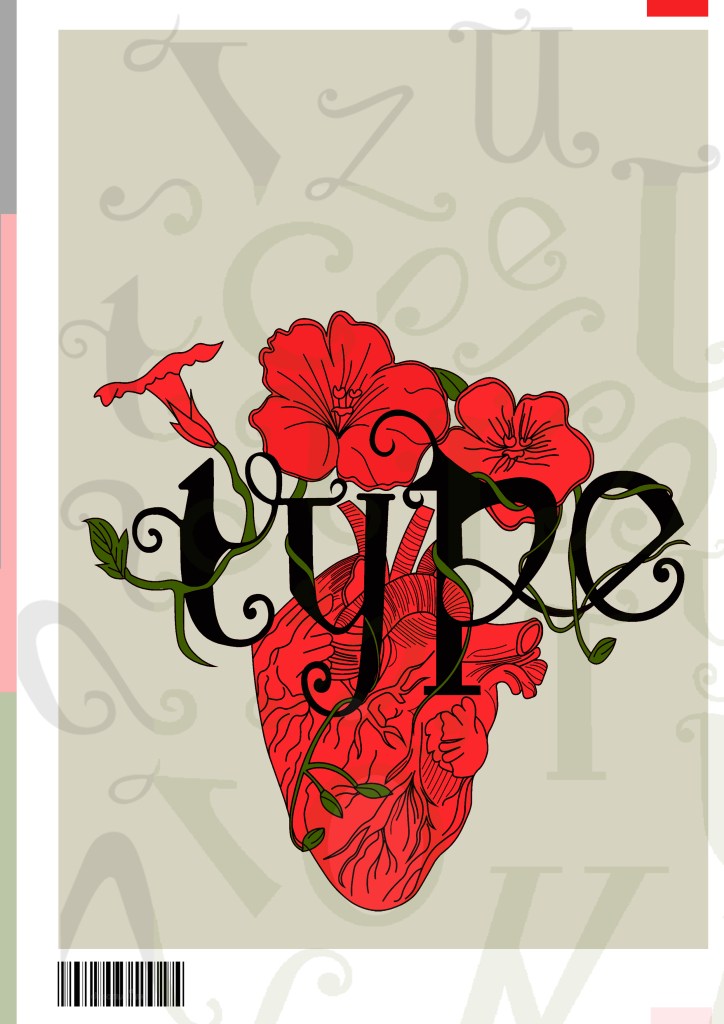
This is the design I came up with; very similar to the art I did for one of my HG Wells covers, in fact I used the drawing of the heart I used for that in this. The heart relates back to the human anatomy and the vine that is wrapped around the heart and the type represents the fact that it is also living in the same way. I also googled vine flowers and it came back with Red flowers which matched the colour scheme I was going after.
The heart I used in my HG Wells covers
Once I had drawn it up, it really did look like a good piece of vector art!
As much as I love Black and White line drawings, with vector art it just doesn’t look as good. I had the idea to do Duotones on this but none of the colour schemes I came out with really worked. I decided in the end to colour it in. Once I had it coloured it in, it gave me once again Avant Garde vibes.. like the sort of illustration you would have found on a 1920s postcard or in an illustrated Victorian style flower book. Either way, I liked it!
Now was the time to start designing the magazine cover!
Designing the magazine cover
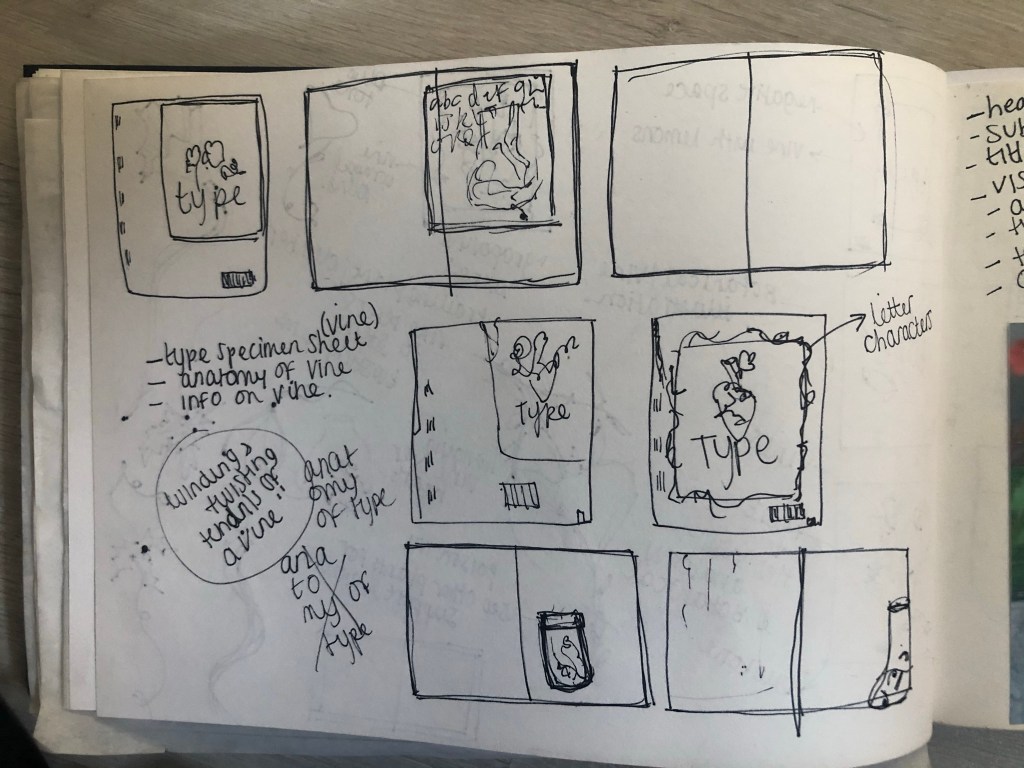
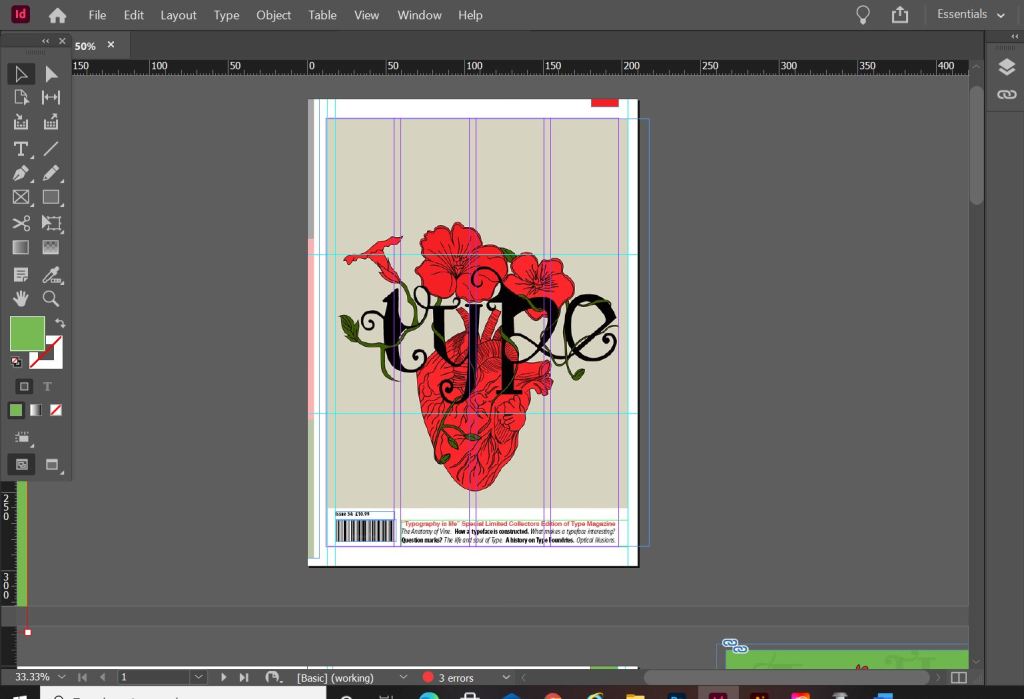
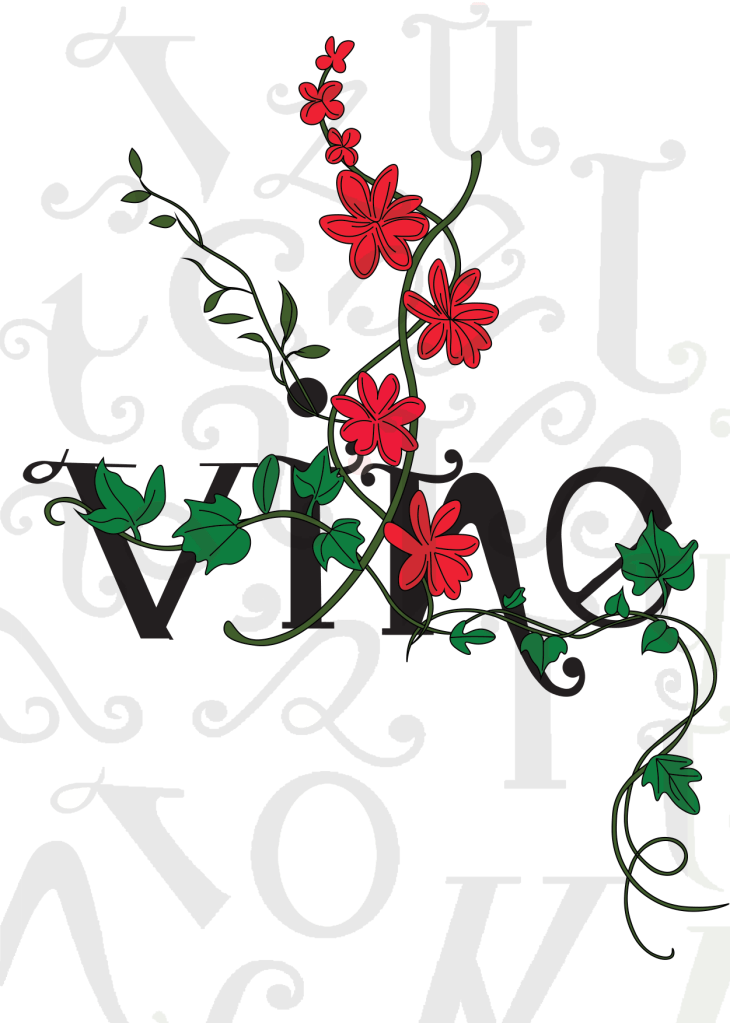
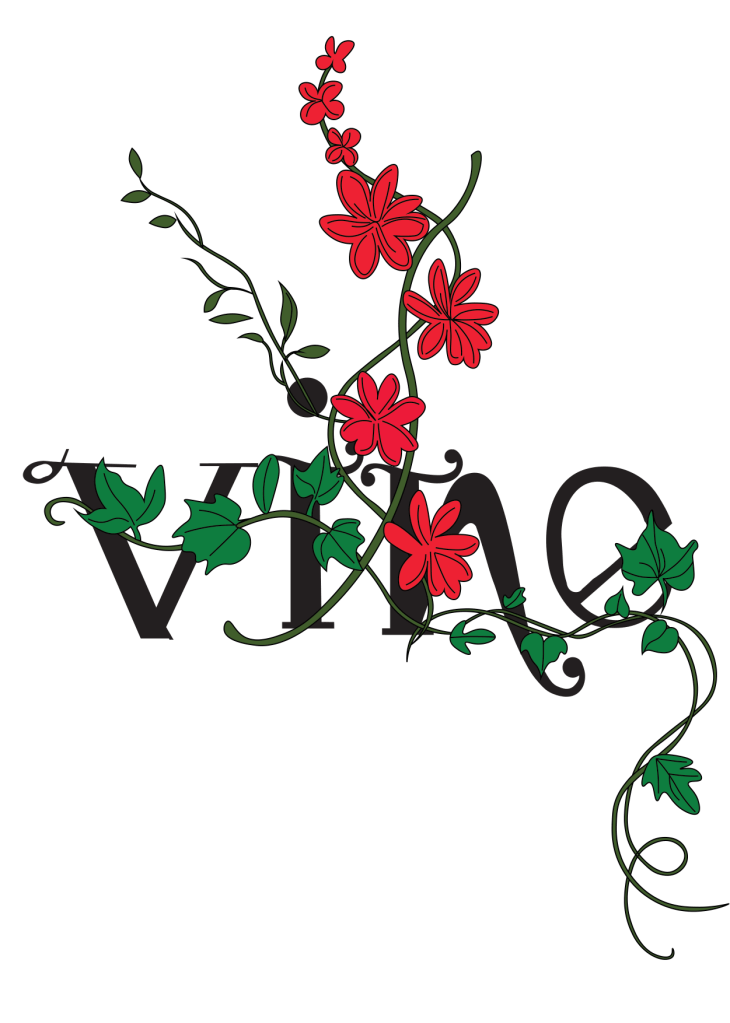
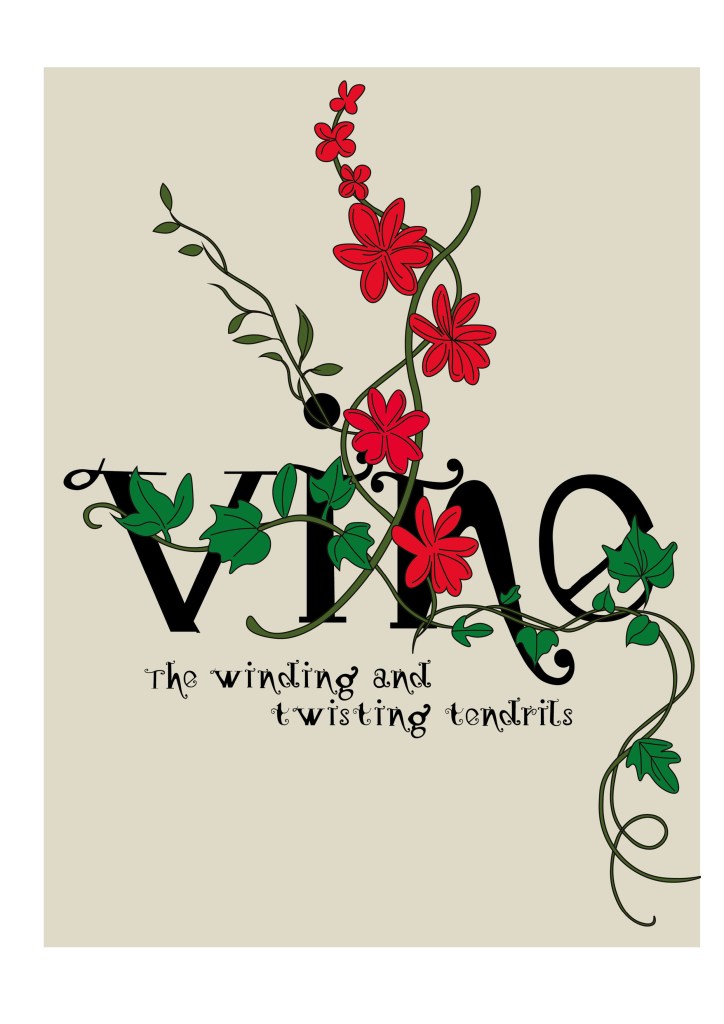
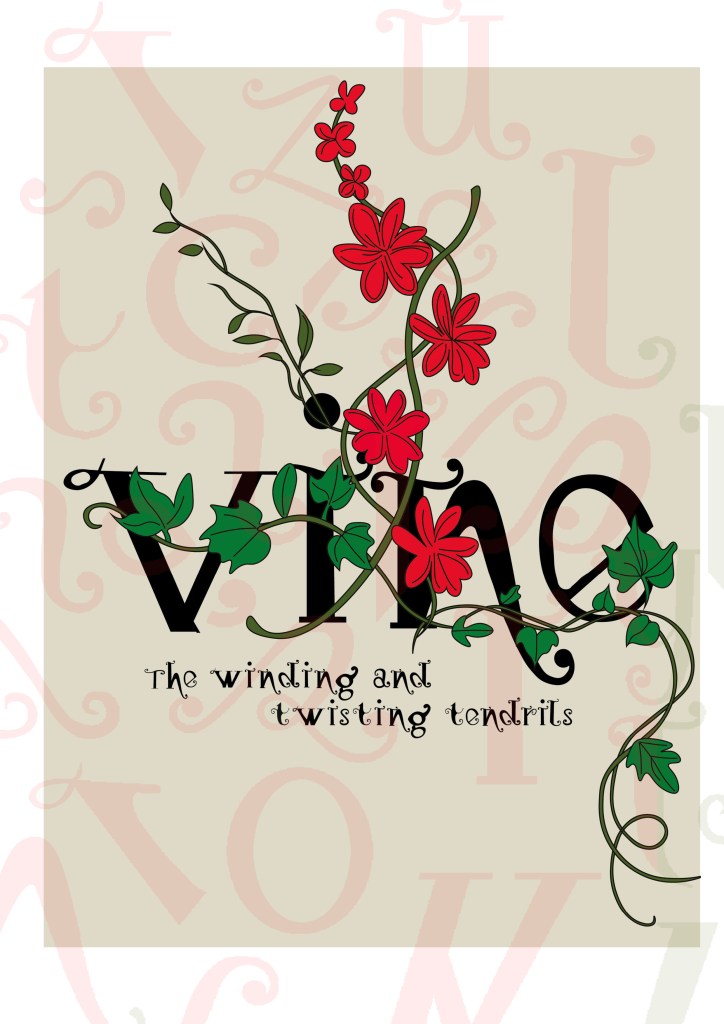
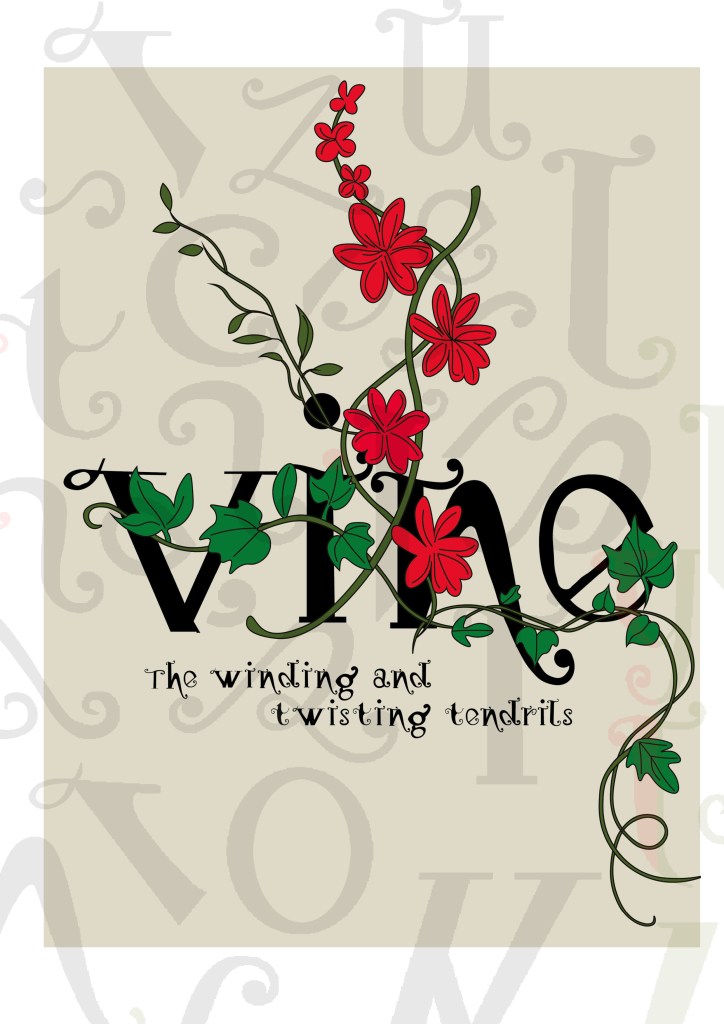
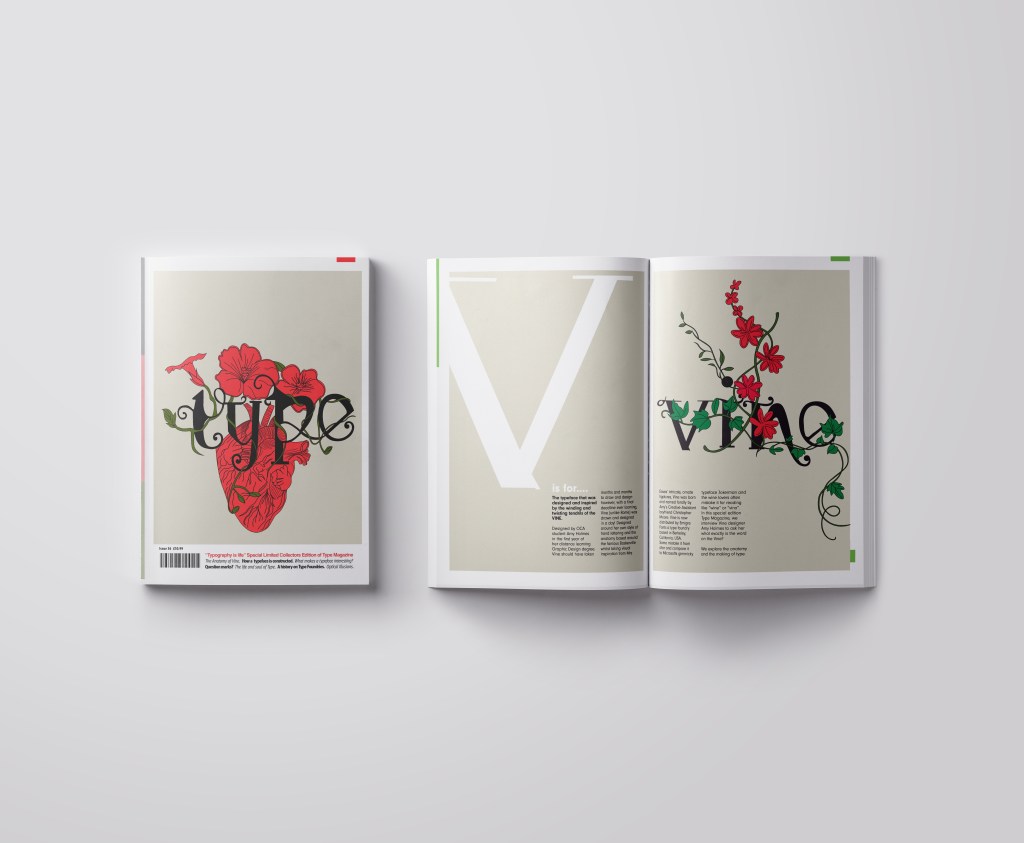
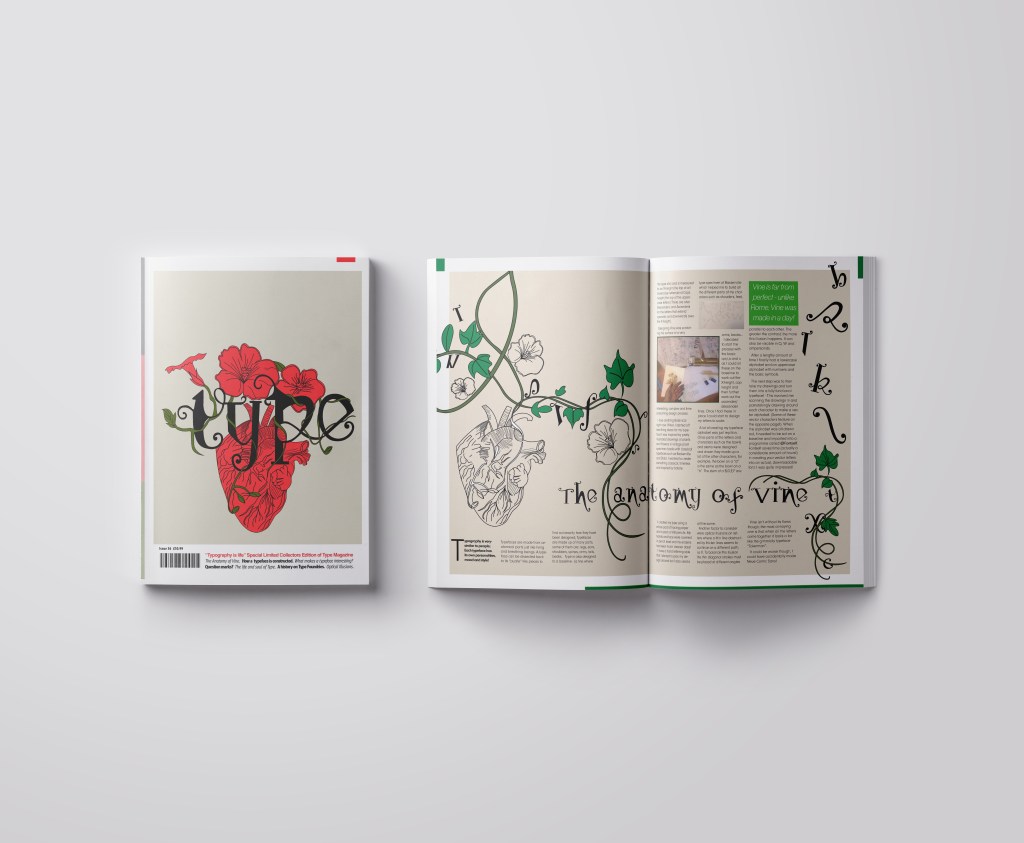
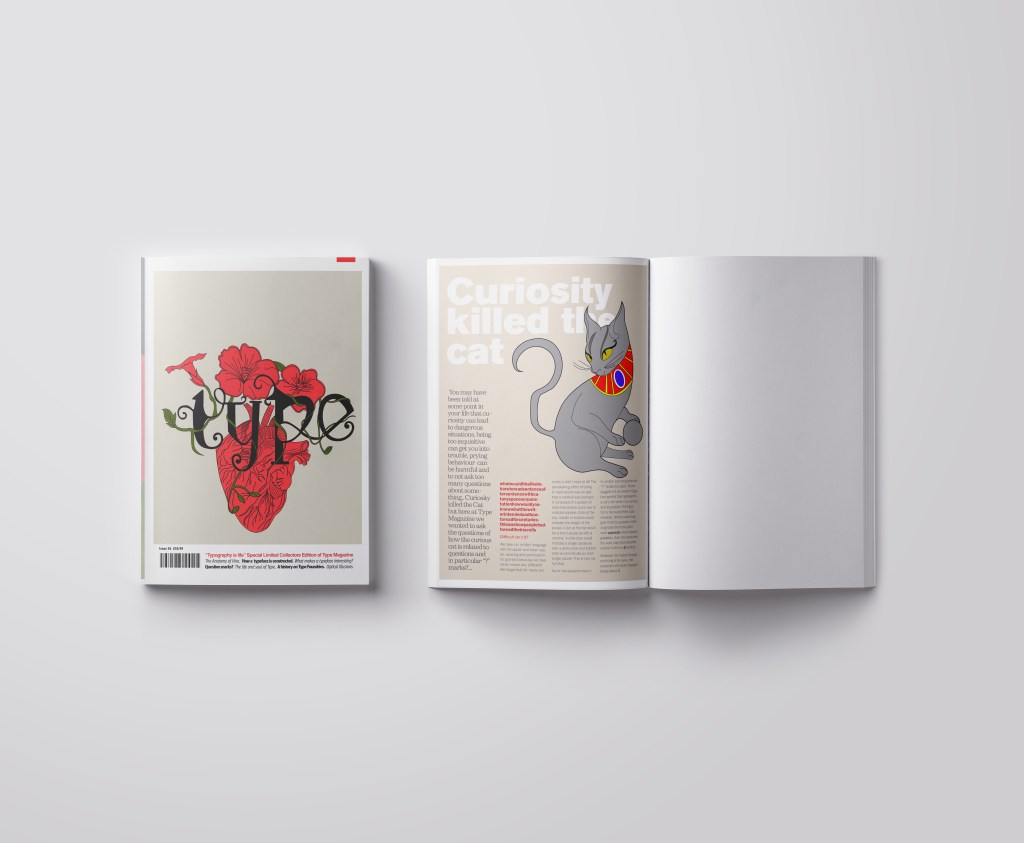
I wanted a cover with lots of negative space, to look minimalistic and to be instantly eye catching and bold to look at and these were the final contenders for my front covers. I really struggled to choose between the middle one I went with and the bottom one with the parts of the letters in the background. Everyone I asked chose the bottom design, but in the end I thought the simple plain background worked better and didn’t take the attention away from the main image. It felt like the bottom one was trying to hard to compete against itself. I did ask one of my colleagues at work (she is a Textiles teacher) and she said when she saw it, it reminded her of one of the matte expensive magazines you buy from fancy exhibitions and museums! BOOM! I met my own expectations! ;p
I created the illustration in Illustrator and then exported it as a PNG with a transparent background so that I could import it into InDesign and change the colour background to whatever I wanted. I worked to a 4 column grid. The typefaces I used along the bottom of the magazine were Helvetica, Meta condensed Bold and Meta condensed book italic. They all work well together and bring contrast to the layout.
Designing the introductory pages
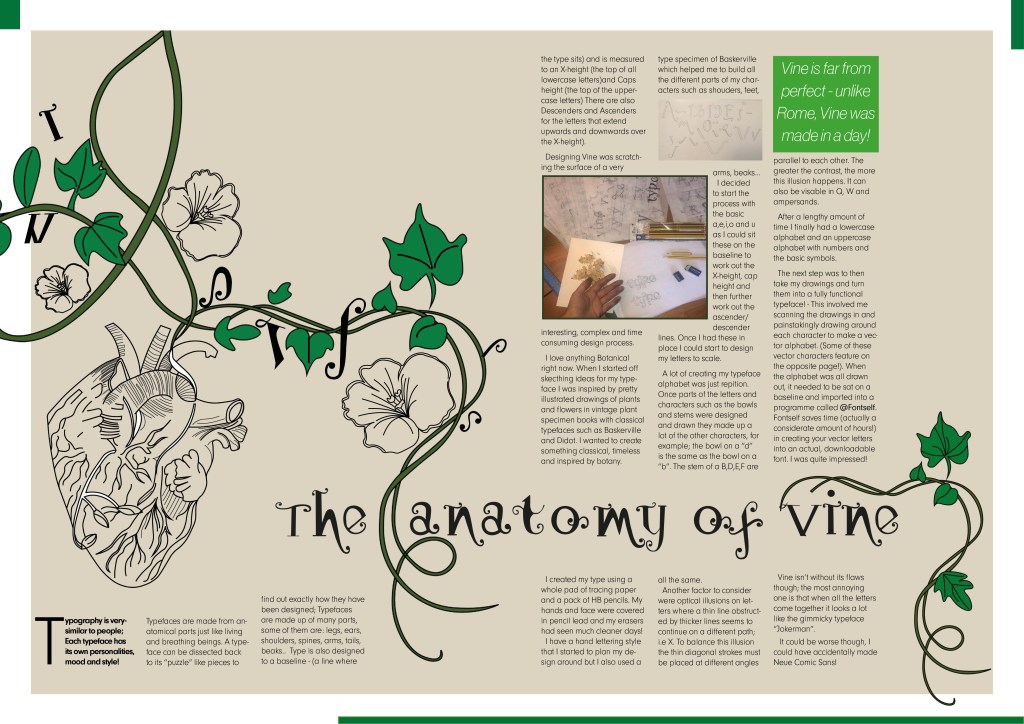
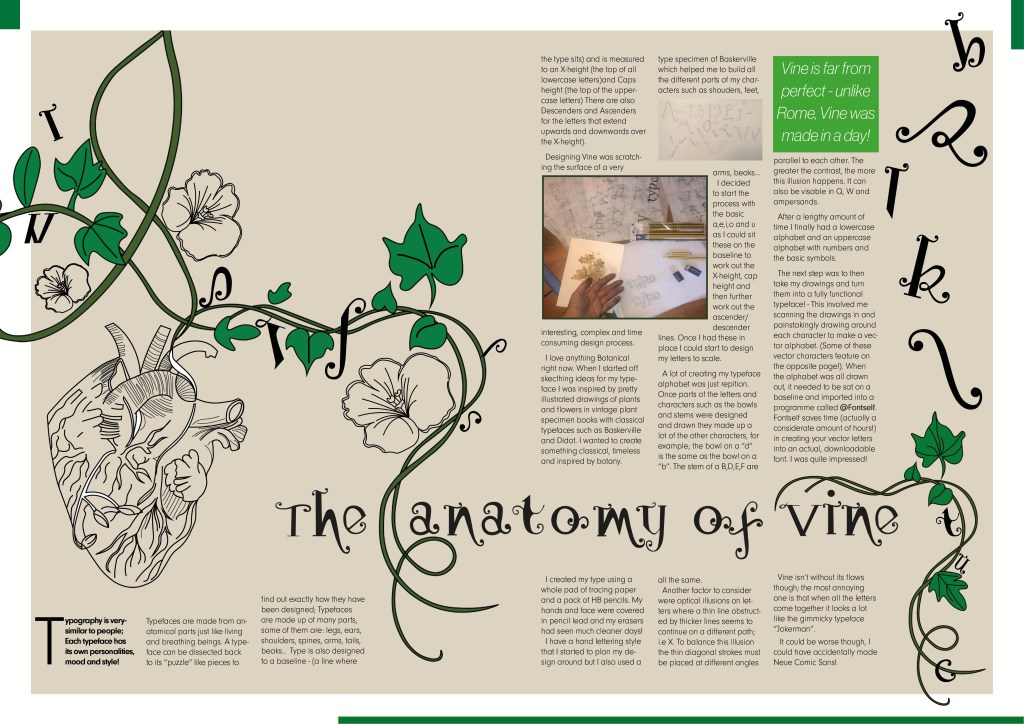
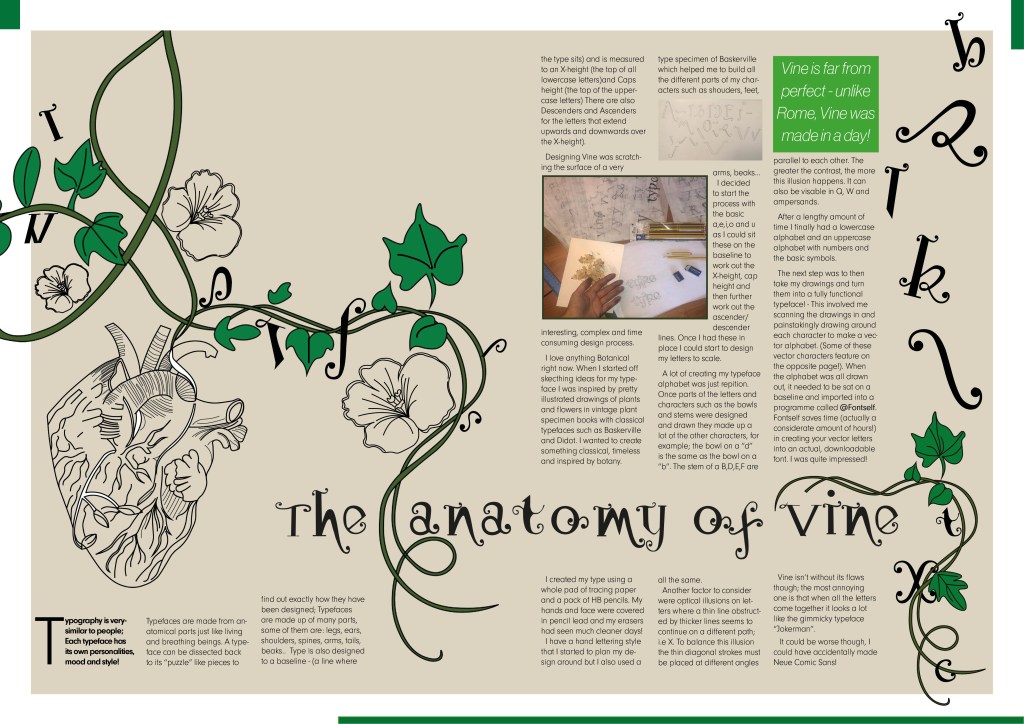
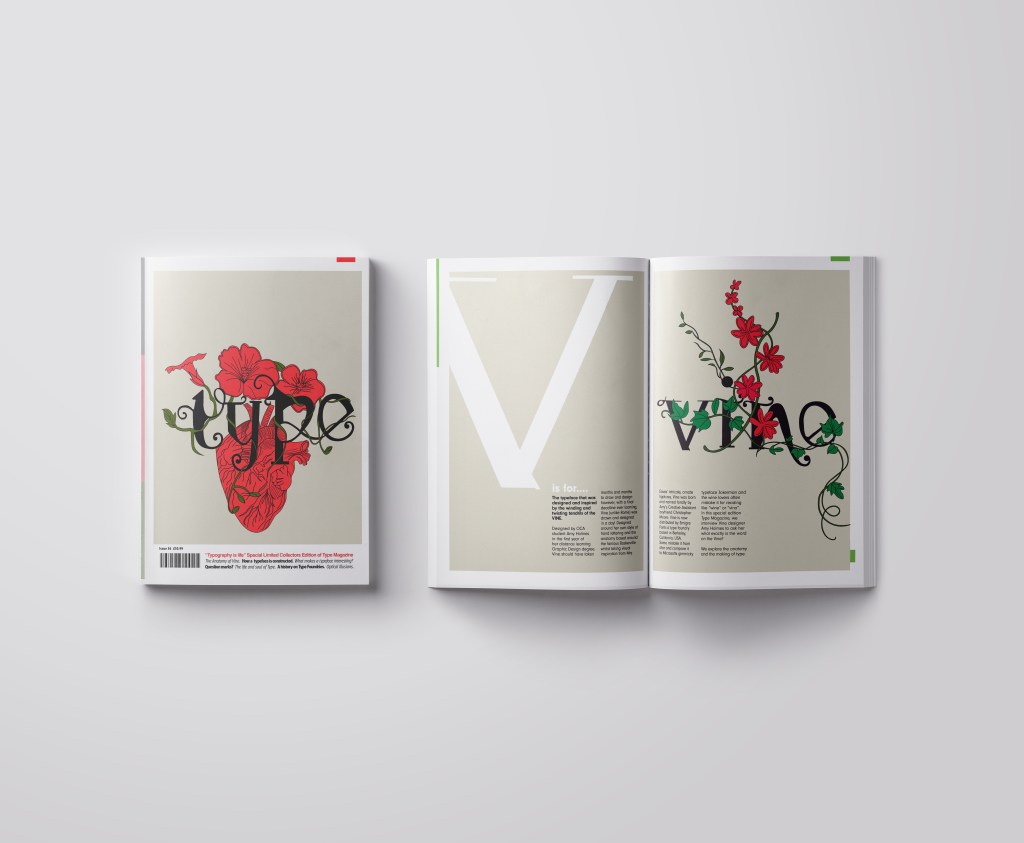
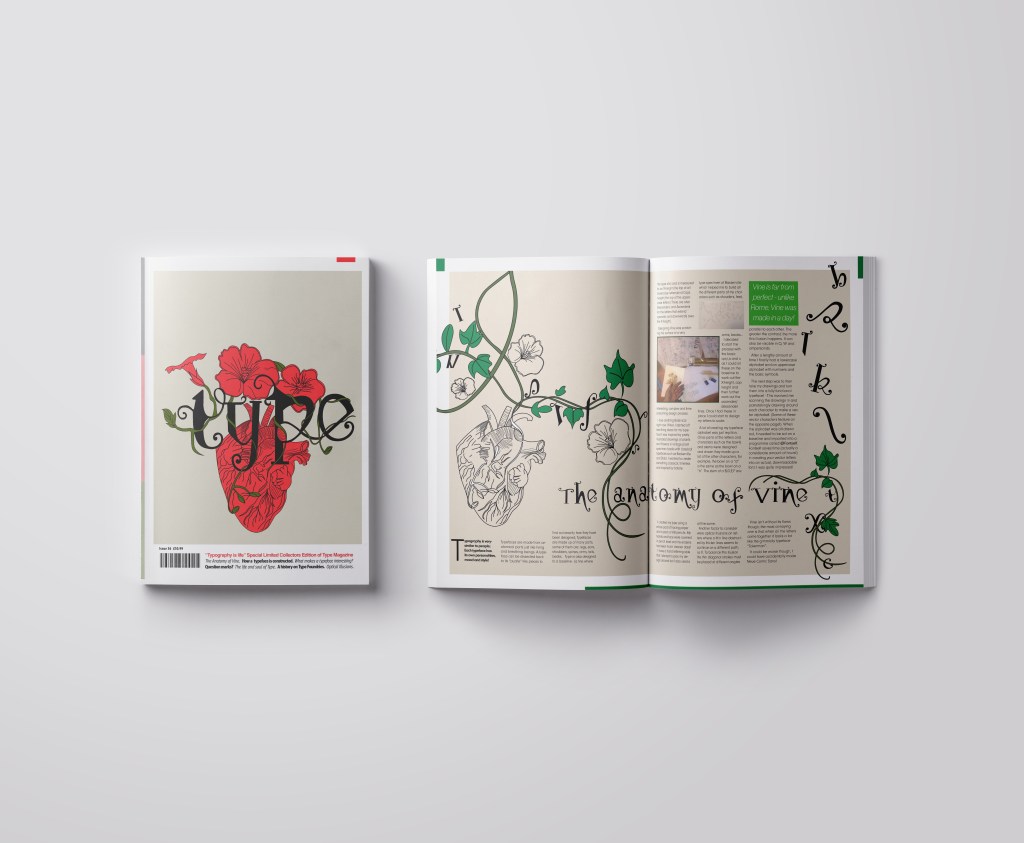
On pages 2-3 I really wanted to give an introduction on what I was going to write about rather than going straight into the article. The brief specified that I must mention the anatomy of type and write about what I have learned from how type is designed. I decided to put a twist on it and write about how I made my own typeface; I had the idea to do “The anatomy of Vine” an article telling the reader the process involved with making Vine. I would put a spin on it and make out the magazine was interviewing the designer (which would be me). To do this though it meant that I needed to keep a similar layout and theme to the front cover. I would also need to showcase my font- Vine. This particular article would be more like a type foundries publication that they would produce when they were promoting one of their typefaces (just like FS Benjamin). With this idea in mind I then created the next phase of my magazine design and drew an illustration to represent Vine.
My printer ran out of ink! (above!)
I then did exactly the same as before and turned my art into vector art. I did not need to draw around the text though as that is now an installed, useable font! ;D
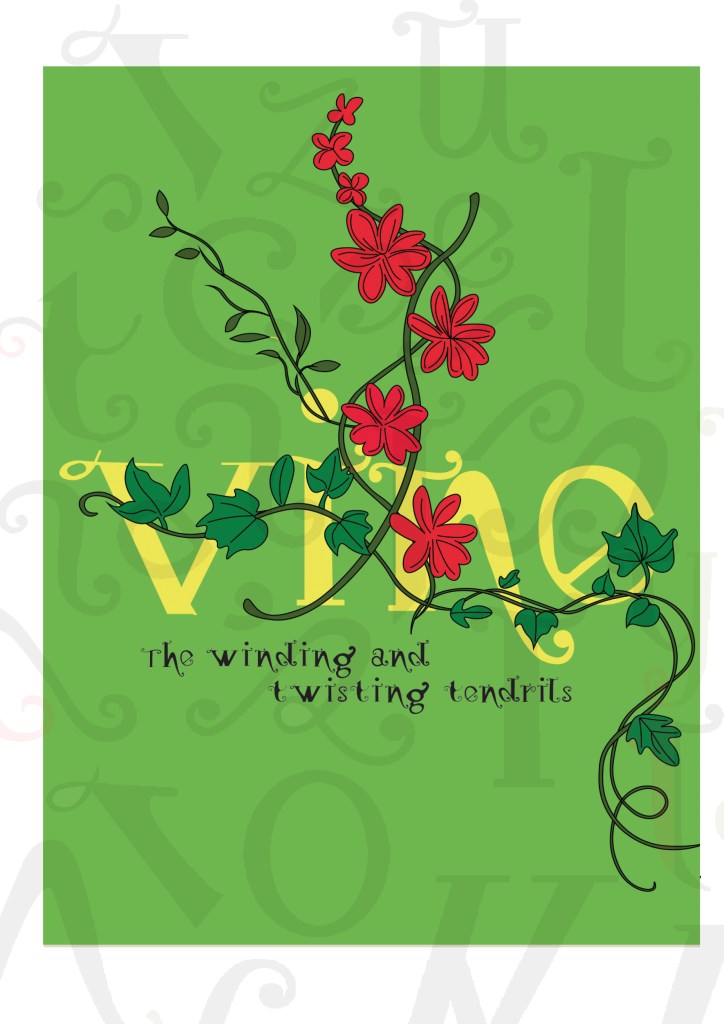
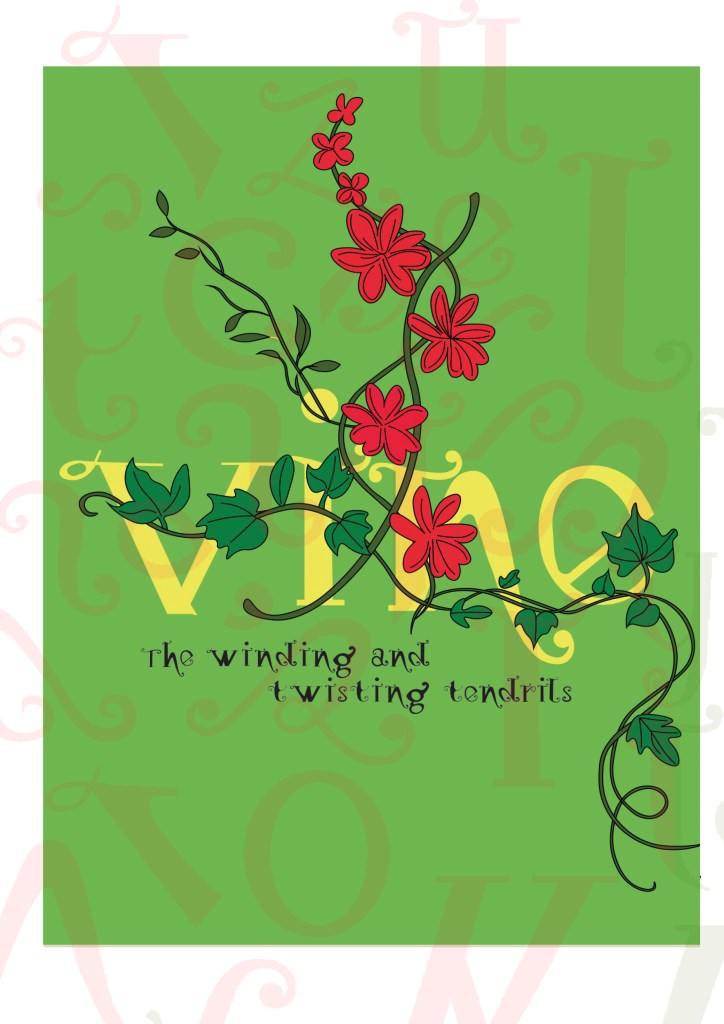
I really toyed once again with which version to go with. I really liked the contrast in colour against the bottom grey and the top left bright green and really did think that the green would have been a better option to choose because of this, but then I decided to keep the pages in repetition with the front cover and went with the grey.
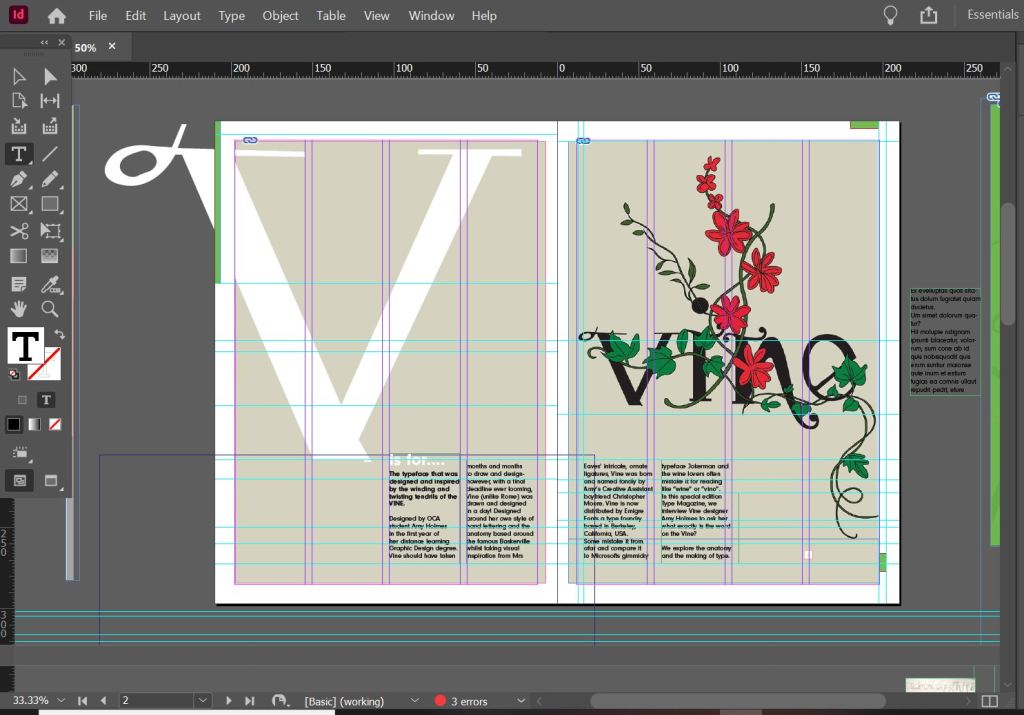
I wanted my illustration to fill the whole right hand page and then have an intro on the left. The introduction is basically a blurb which says that Type Magazine is interviewing the designer of Vine and is exploring the anatomy of type. I wanted to keep negative space and not have the pages crammed full of information. I wanted to keep the clarity and cleanliness. I decided to use an enlarged V (In Vine typeface) for the left hand side and then sticking to the same 4 column grid I placed my introductory text in the 4 columns along the bottom. I made sure that the text was aligned to the baseline grid so that the text aligned along the bottom. The green boxes along the edge are just to bring some contrast ad colour into the design.
Designing the Anatomy of Type (Vine) article
I am not going to lie.. I pretty much winged this part of the assignment! I started from scratch in InDesign with no prior sketches, just an idea in my head and then kept on developing it from there!
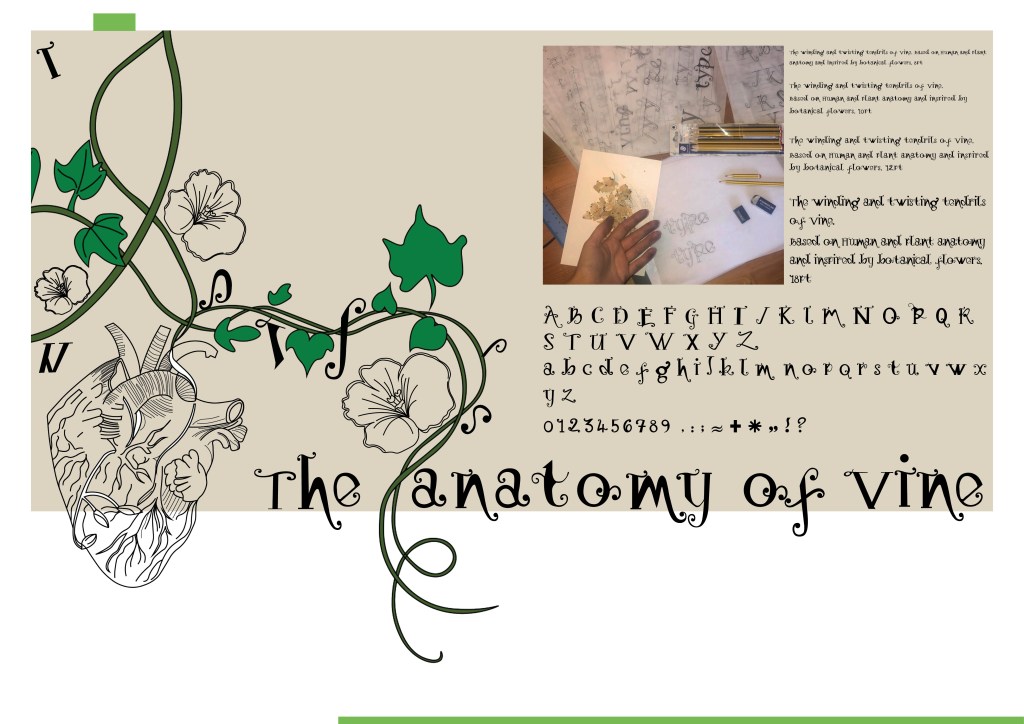
These are all the versions of it that I tried out before I reached my final version (bottom right)
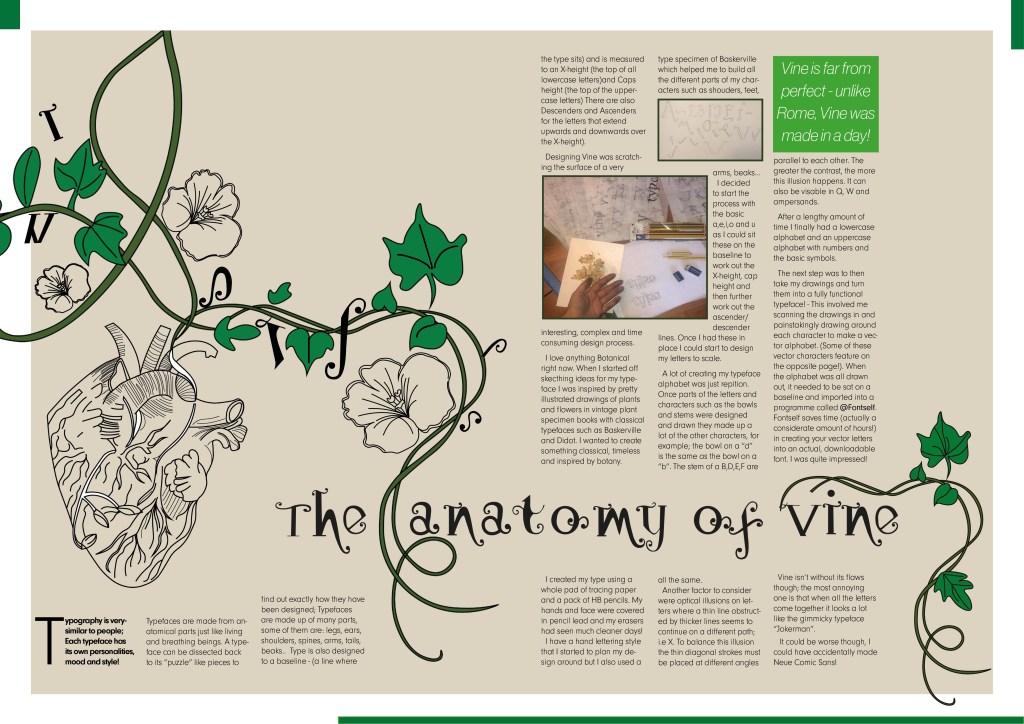
I wanted to have that illustrative element in it again to match the rest of the article so I took pieces off the illustrations I had drawn already to create a new illustration. I wanted it to also look like the Vine was alive as much as the typography so had parts of the letters growing off the vine and a heart growing from one of the branches; again, this ties in with the anatomy part.
I originally wanted the text to flow through the piece as if it were a vine; winding up the page, but with the amount of text this was impossible. The only way was to stick to a 4 column grid again and have the text flow throughout it. I used green at certain points in the design for contrast and that “pop” of colour. I used a pull quote in a green box to separate the text up and I used some photographs of where I designed the typeface.
Designing “What makes a typeface interesting?” article
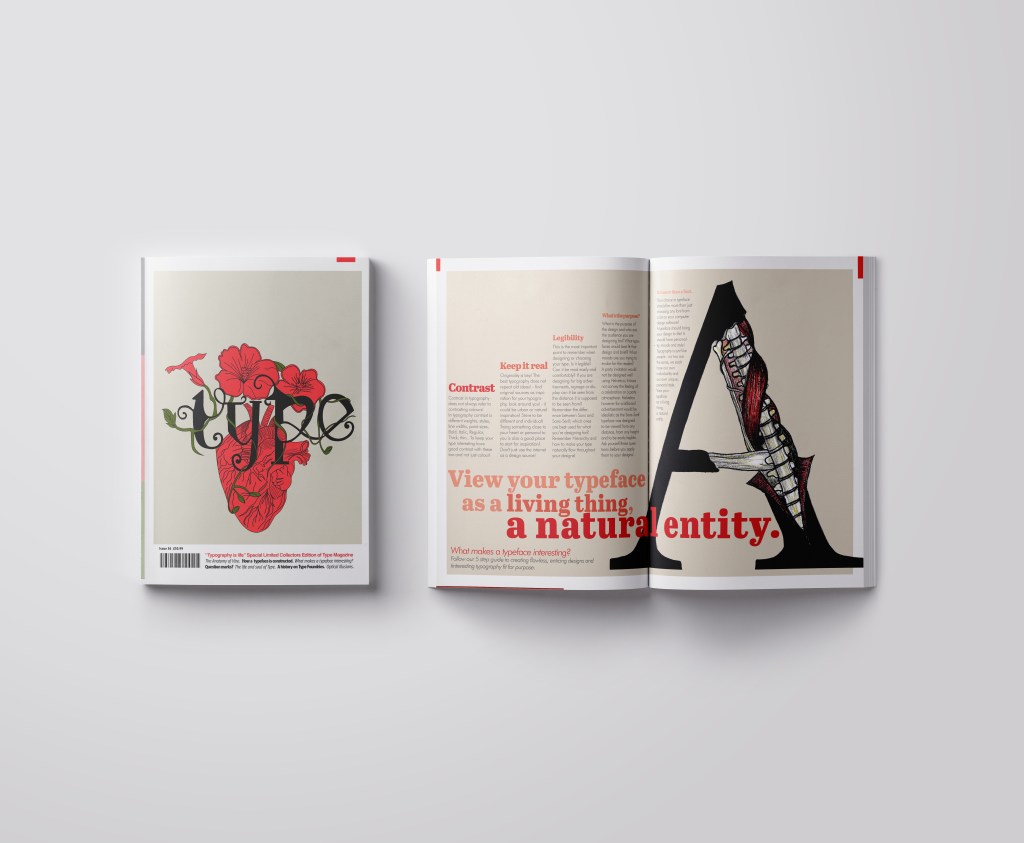
I also designed this article slightly differently.. I also winged this and developed it as I went along! One thing I knew though was that I did not want to use the heading “What makes a typeface interesting?” I googled exactly what does make a typeface interesting and it came up with 5 points:
Contrast
Originality
Legibility
What is the purpose
It’s more than a font
These points made perfect sense to me and I easily wrote up an article stating what was important about all of these facts and how they helped to make great type!
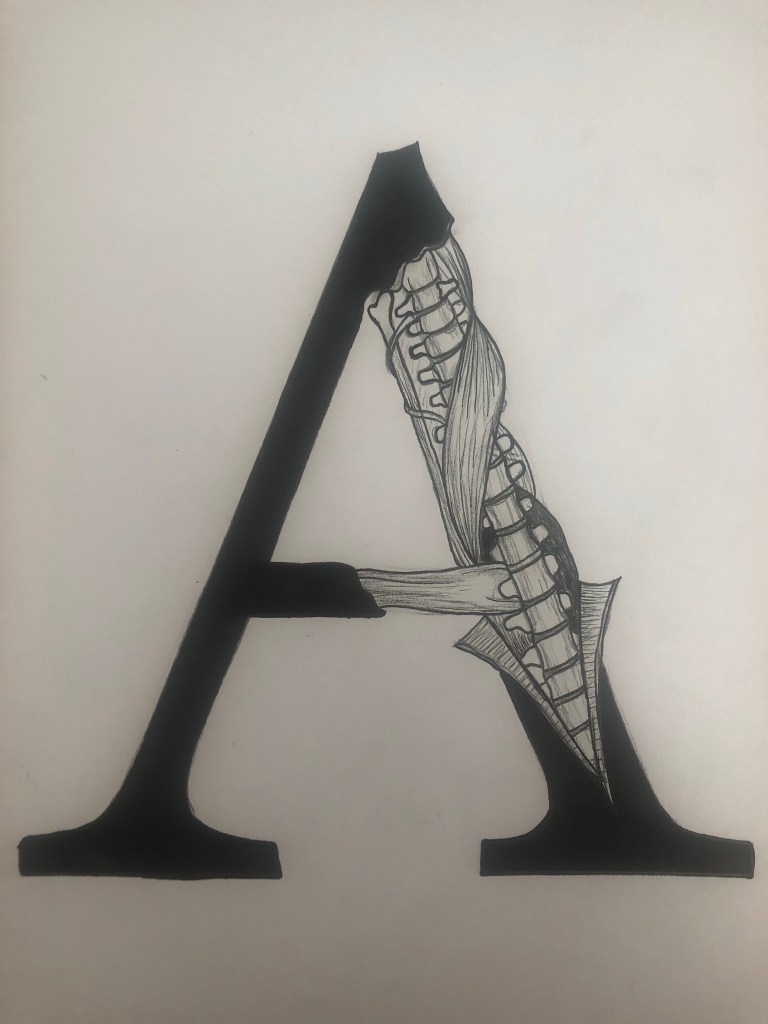
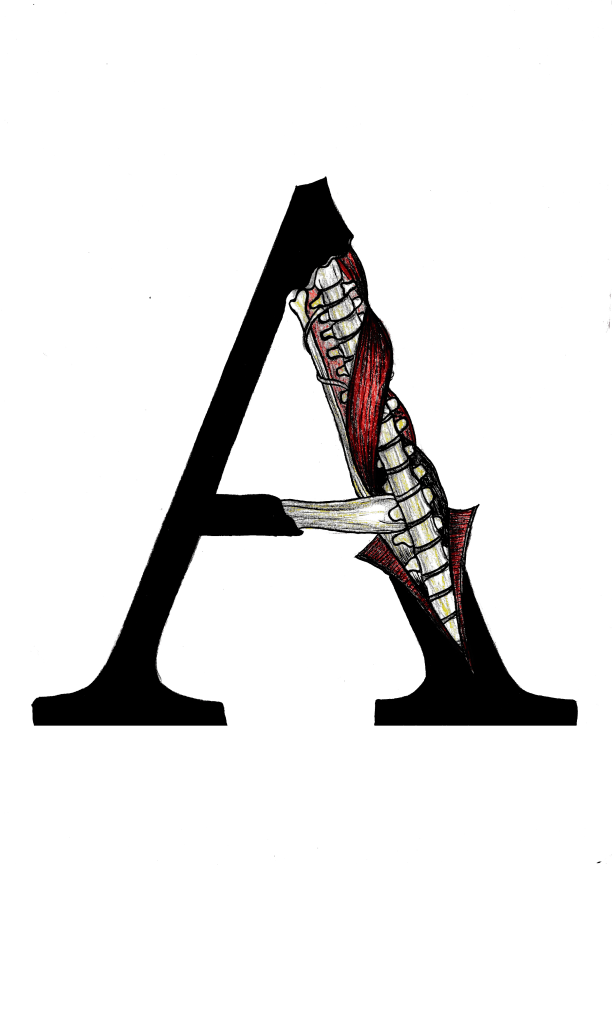
I did however read a good quote – “View your typeface as a living being, a natural entity” oohh it felt deep! I loved it! It tied in again with how I was trying to liken type to human and plant anatomy. I searched Pinterest for “Type anatomy” and there were images of type being torn apart to reveal bones and muscles. I loved this idea! I drew my own version of it on a letter A. I would use this as the main image for that article!
I drew the first version in Black and White and scanned it in and then went back to the original and added colour just so I had two versions I could choose from. Eventually I decided that the colour one was the best and I imported it into Photoshop to tweak and adjust the levels and colours etc.
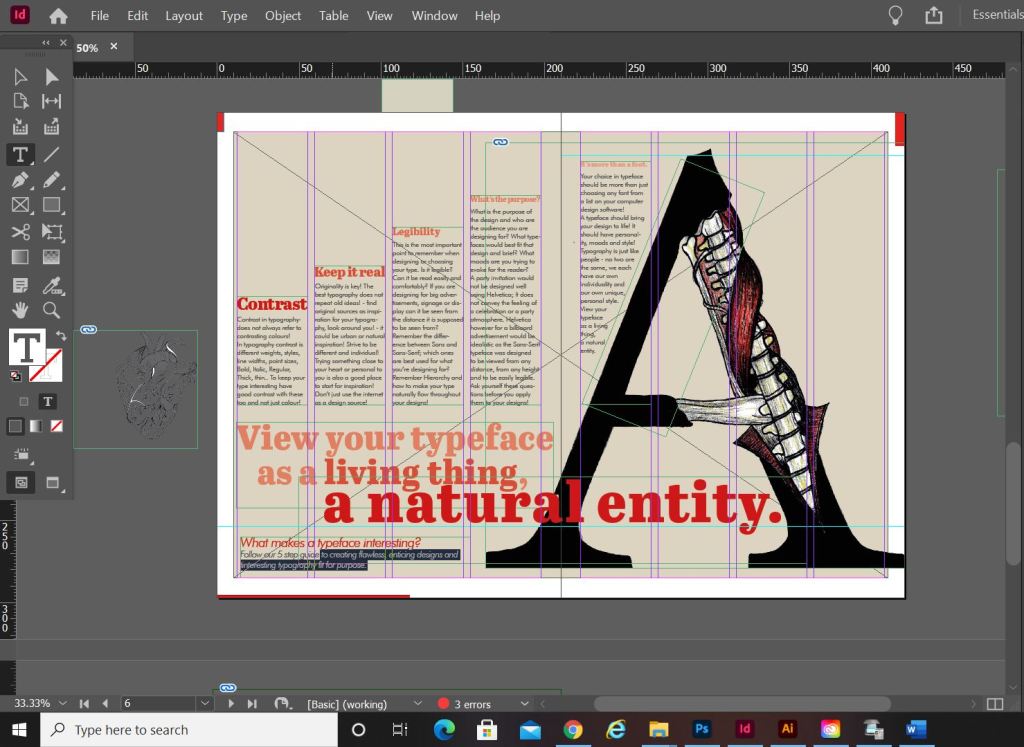
I am actually quite pleased with how this double page spread turned out. I did worry for it at the beginning because I just could not get the sizing of the “A” right or get the heading to look right. In the end it worked out better when I broke the heading up into different point sizes and lowered the opacity on parts of the type. I used the quote that I found as a main heading; I felt like that would draw attention more and add more curiosity to the article than directly saying what the article is about. I kept the same 4 column grid layout but decided to place the text slightly differently; I placed the text in an upwards direction to resemble evolution. To add more depth and for that element of contrast I also used different point sizes and changed the opacity for the headings as they moved upwards.
The typefaces that I used for this layout were;
Abril Titling for the main heading
Futura light for the main body text
Futura light Italic for the sub heading along the bottom
Designing “Question marks” article
This is the section of the brief that really confused me. I was actually wondering whether it was a trick question and the answer was so simple that It was staring me in the face! However, I had a snoop at fellow students work and it seems that none of them were any the wiser! The only answer that I could think of was that the brief was asking for a history of the question mark… I mean, who did come up with that for a symbol? a squiggly weird shape! – this is where I got the idea for my final page!..
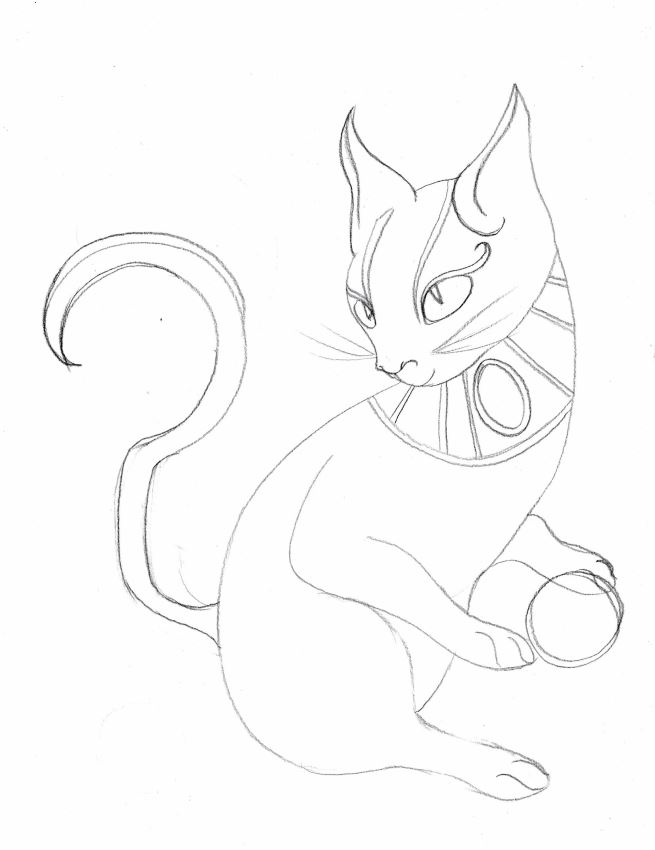
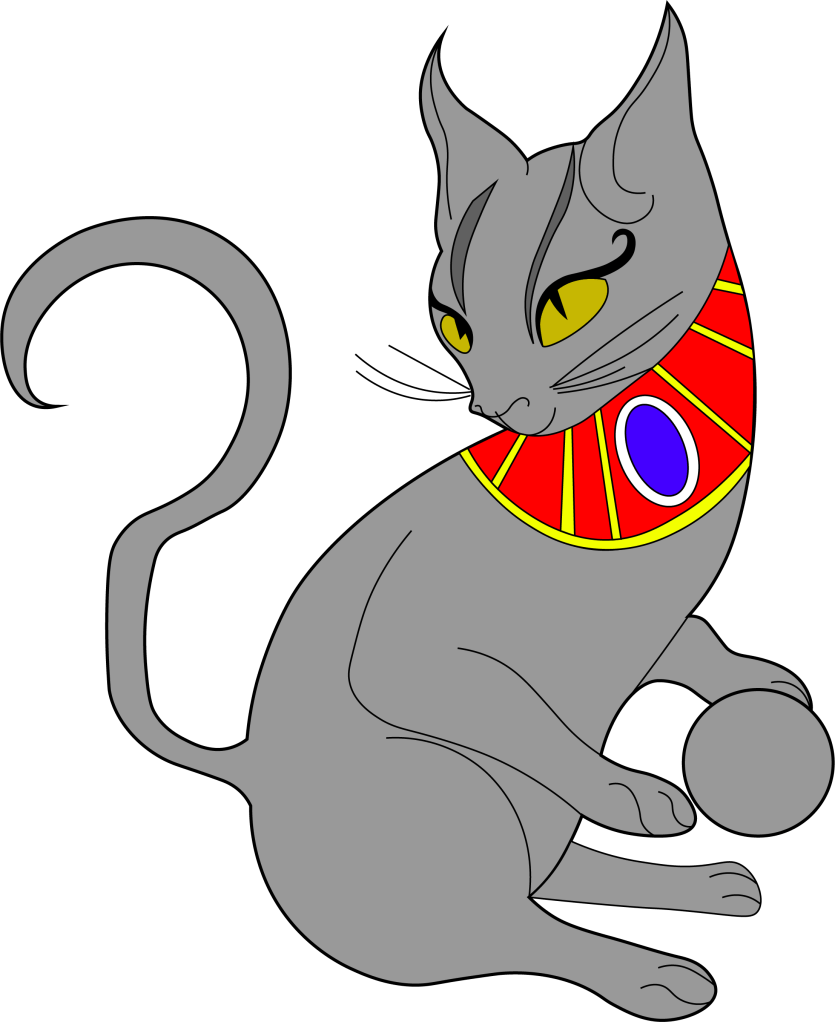
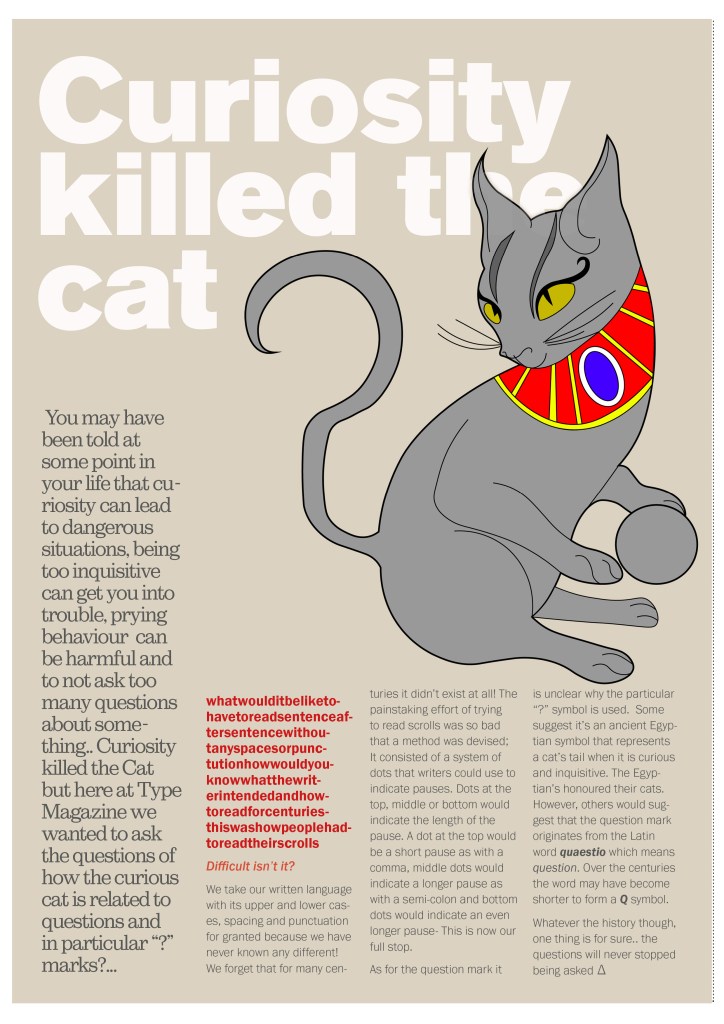
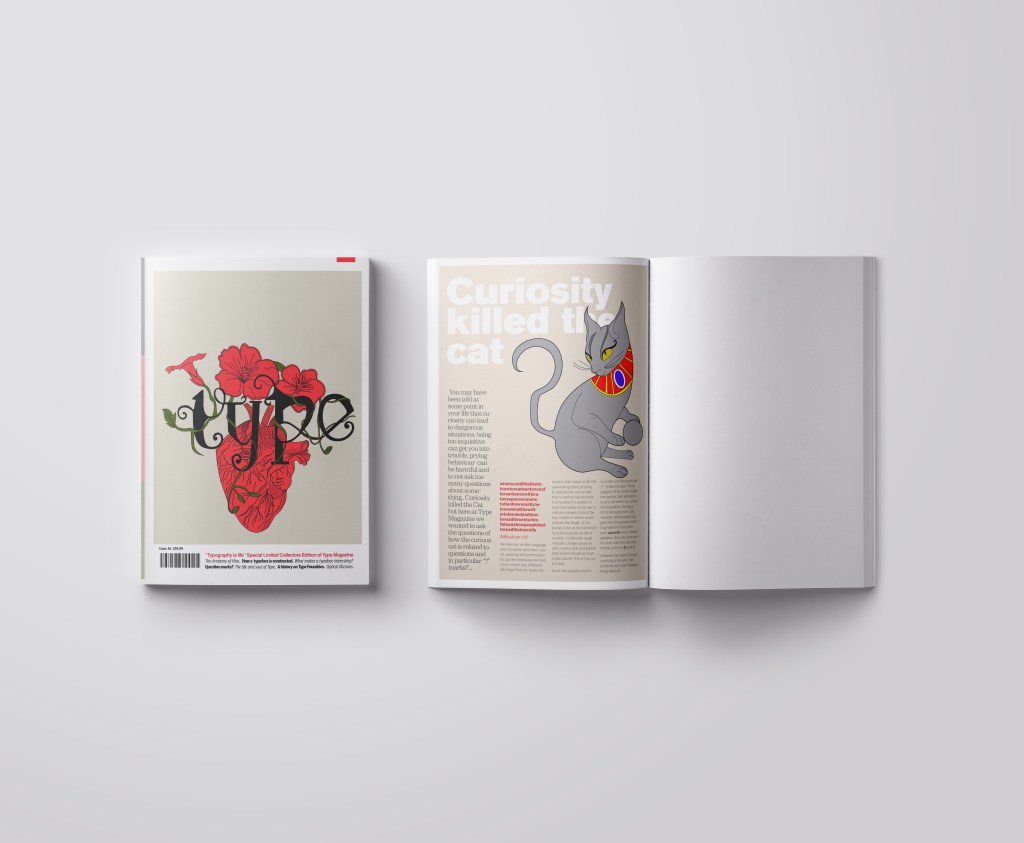
I searched on Google and found the above link, that explained to me that the question mark was possibly invented at the time of the Egyptians and the design of the question mark based on a cats curly tail! Well!.. I have heard things that make less sense! -With this in mind I thought about drawing an illustration of an Egyptian cat to use on my design and make its tail in the shape of a question mark. It also made me think of the quote “Curiosity killed the cat” – this is also where a person is curious for answers!!
This is the drawing I ended up with! In his/her paws is a ball which makes up the lower point of the question mark on his tail! Again, I went into Illustrator and drew him/her in vector!
It was then time to work on the final page. I decided to make the final page a single page because I really did not think I would have that much information on the question mark to fill a whole double page spread.. plus also I am aware that the brief states “short” article and mine currently are like essays! :S (I wanted to get the layouts right though and not cram the information all on a double page spread!)
The typefaces I used for this page were:
Berthold Akzidenz Grotesk – the main heading
Sutro Light – for the side blurb (which is Egyptian designed)
Franklin Gothic Light – for the body text
I struggled with hyphenation in the left introduction blurb column.. I struggled to choose a point size that would fill the space but also stop the words from having hyphens. In the end I went along with it because I have seen magazines use hyphens and also because I did not want massive rivers between the text; I am still learning how to adjust the tracking/kerning accordingly. Changing some of the text to Red brought attention to that specific part of the article which is actually quite important to see why this article is as important as it is and also because of contrast again! It adds a pop of colour!
Conclusion
Overall I am pleased with how this assignment has turned out! When I started this typography unit I felt very scared and overwhelmed and now I can say that I have learned so much and I am feeling confident about using typography in my future designs from now on! I particularly love book and magazine design so really enjoyed this brief. I am becoming more familiar using InDesign now, again, I felt a little overwhelmed when I first started. I still need to improve on tracking/kerning etc to make sure that my type looks perfect on my layouts but that will come with further practise! I think I have met what the brief has asked of me, except I have possibly gone about it in a slightly different way.. The only thing I could have improved on was to make the articles “short” but I was too busy experimenting with how to lay everything out whilst still keeping negative space and making it interesting. I had a lot of information to fit on one double page spread!
The second card that I designed in my series was based around Debbie Harry (Blondie).
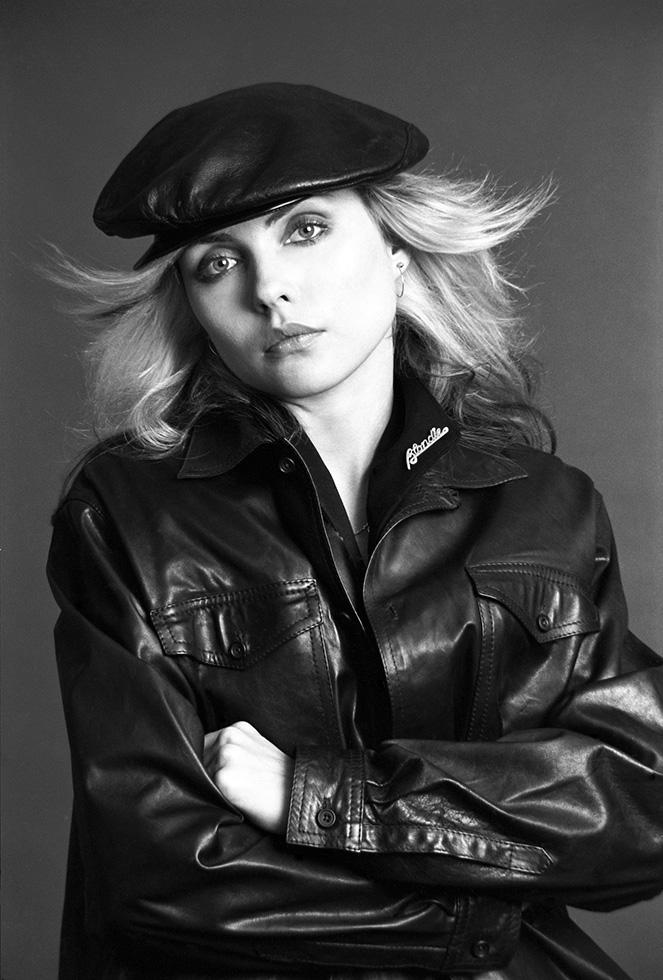
Debbie Harry is another iconic blonde of our time, she seemed suitable to use for one of the illustrations in my range of cards. One of Blondies most iconic songs is “Atomic” where the lyrics are: “Oh, your hair is beautiful” I decided to put a twist on this and use the lyrics as the message on my card but change it to “Oh, your hair is beautiful.. (in a hat)”. Debbie Harry was well known for wearing baker boy style hats and hats are ideal right now for covering dodgy isolation hair and roots!
All I needed to do at this point was to find a photograph online of Debbie Harry wearing a hat to be able to draw inspiration from and trace around.
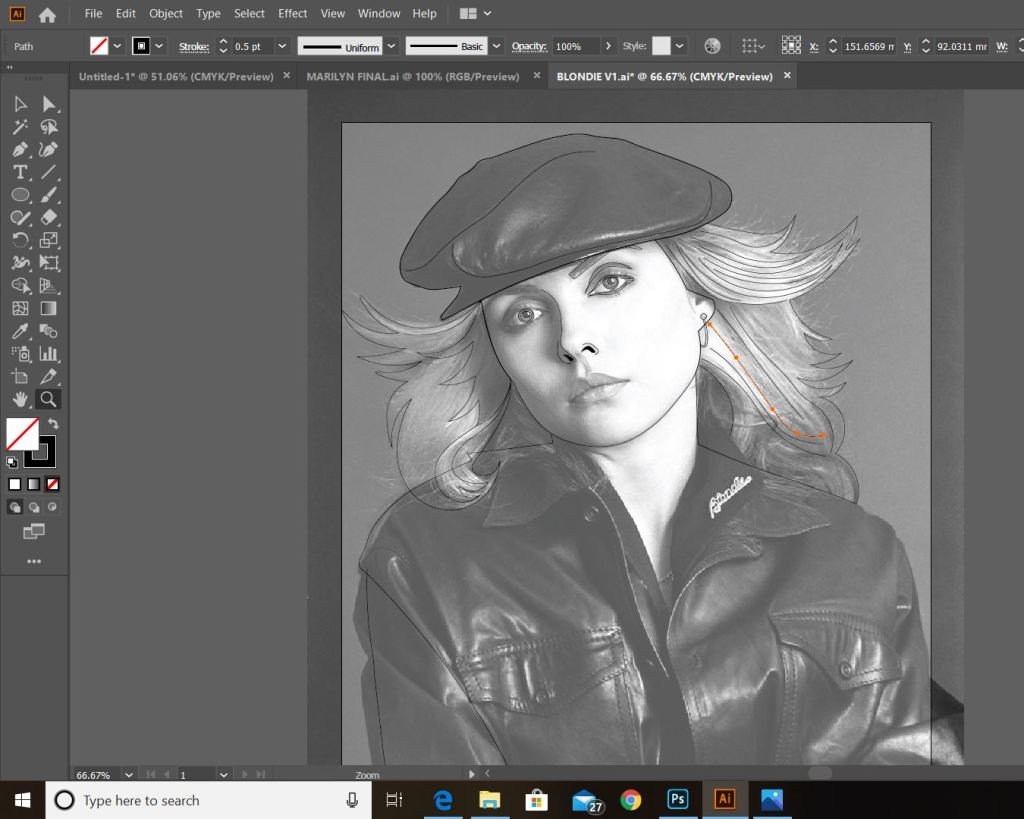
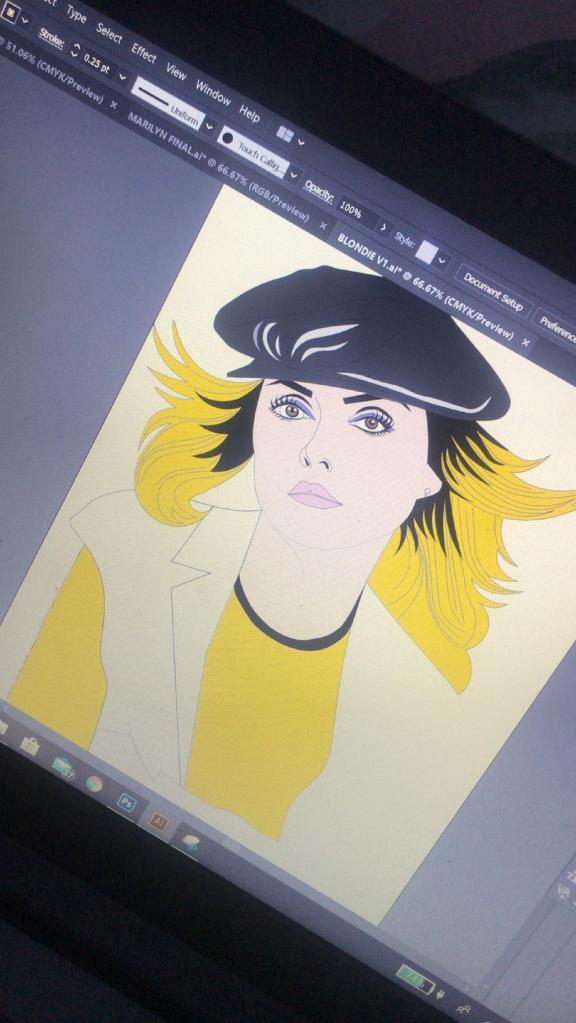
This was the image that I found on Google and the beginnings of tracing around it using the pen tool in Illustrator!
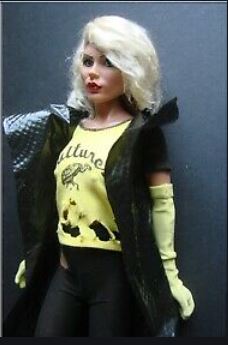
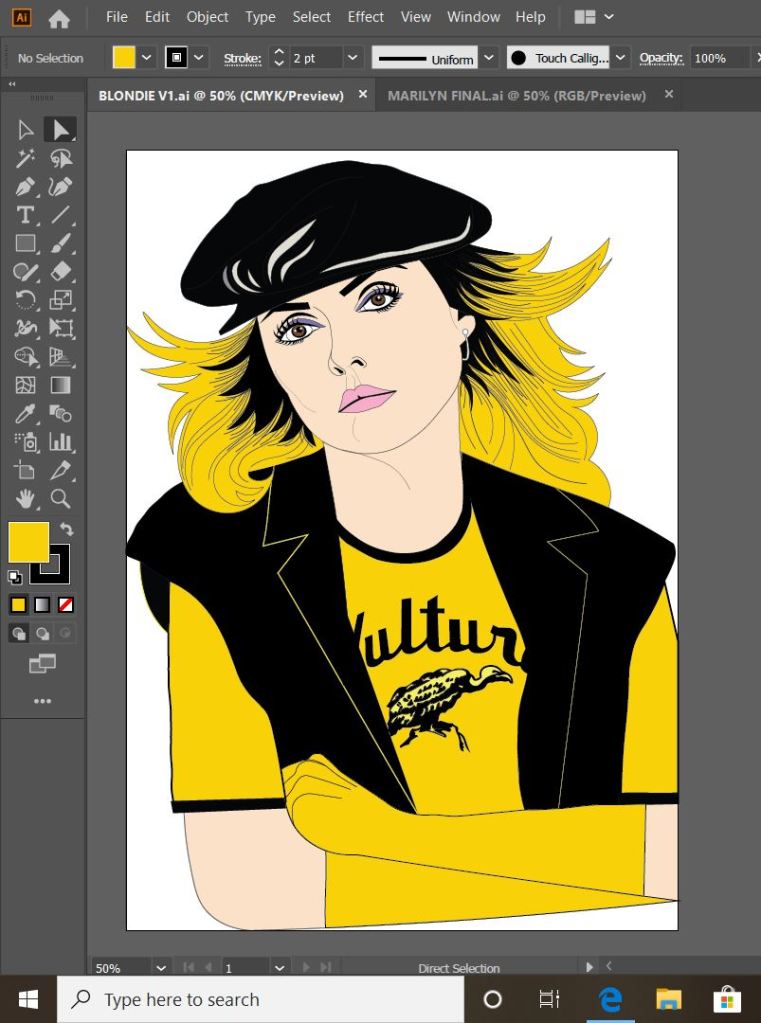
This is exactly the same process as what I did with Marilyn. I traced around the image completely in Illustrator with the pen tool and just added colour, texture, tone etc! I wanted to represent Debbie Harry as true as possible from the “Atomic” music video and this image that I have found of her is not from that video.. therefore I had to find several separate images of her outfits to draw from. I did try and play the music video and screengrab from that but the resolution was too poor. In the music video she wears an iconic “Vulture” t-shirt, I searched online to find this logo to draw from.
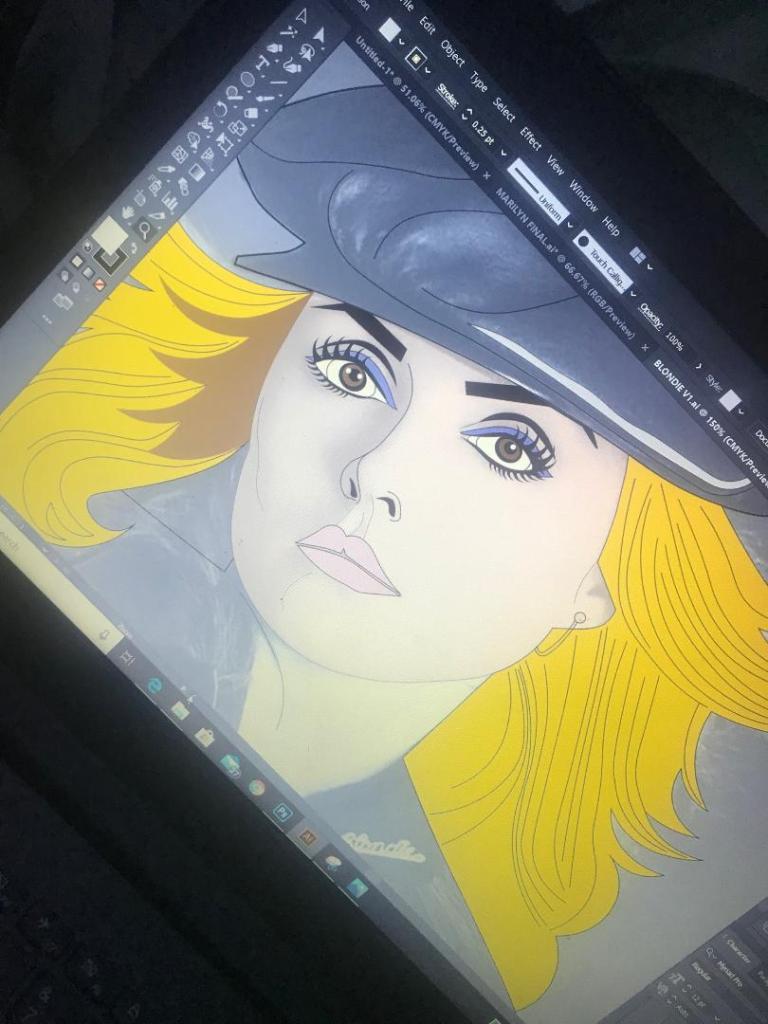
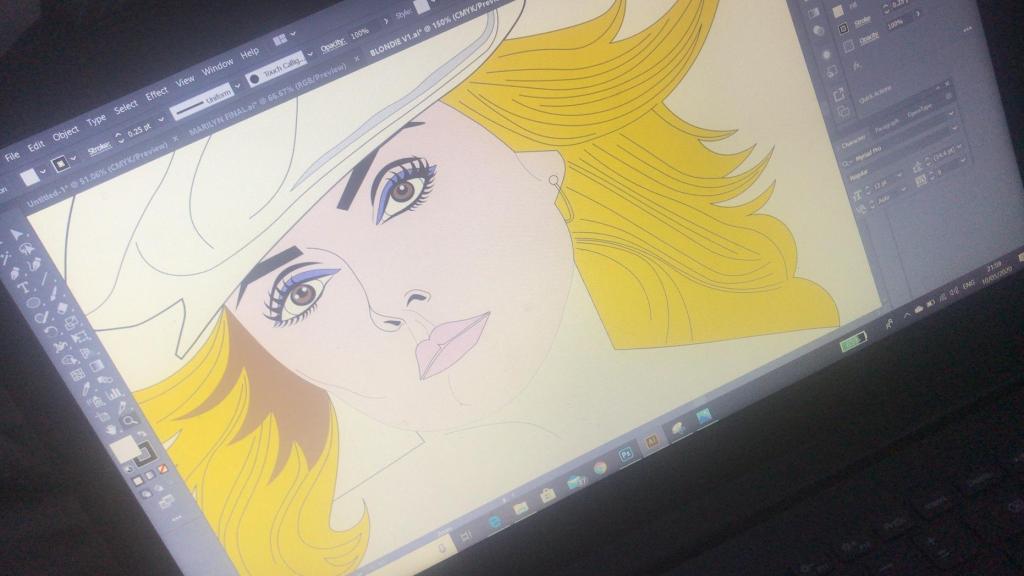
These images below show the progress at this tracing out stage;
dark black roots worked best
I actually found Blondie a lot more easier to draw out than what I did Marilyn. I don’t know whether that is because I was a little rusty from not illustrating for so long and now I have got back into the swing of things I have picked up pace?.. However, I am pleased with how she turned out!
This is my final finished drawing of Blondie;
Again, the same goes as with Marilyn – I need to research and come up with ways of how I am going to portray the message. As I explained in my previous post I want the text on the card to be in the same similar illustrative approach to the drawings… I am going to do a separate post to research my findings and document the design development around the rest of the cards.
Responding to Tutor feedback…
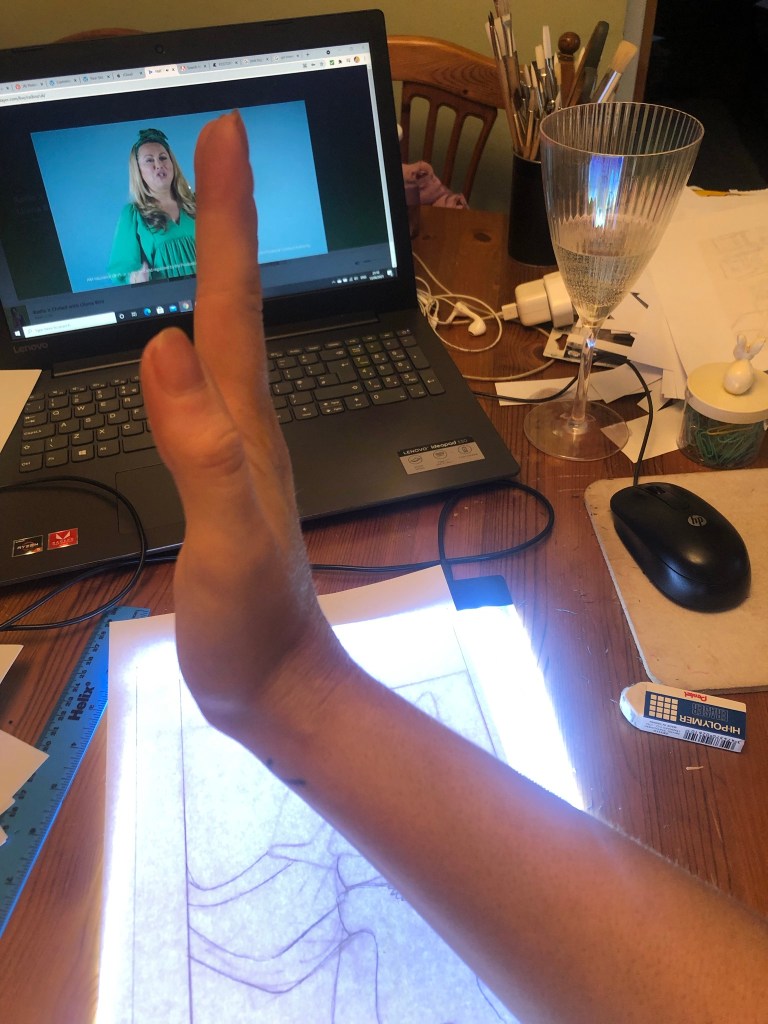
“Be sure to use photographic reference with care: for example, the image used as reference for Debbie Harry doesn’t give you the clear information you need in relation to the folded hand and visual info for the little finger. Identifying this type of issue means you just need to reference the position, getting someone to model the position so that the fingers are not distorted in their translation”.
I completely agree with the feedback that Bee gave me for this piece of work. Even though I have a qualification in Life Drawing, over the years my drawing skills have become a bit rusty!
I found a random image online at the time and I traced the fingers on the hand from that onto my drawing of Debbie Harry as the original photo of Debbie Harry I used as reference did not include her fingers. I tried to go back and find the image I did use to reference the hands and fingers from in my archive of photographs but sadly I did not keep it!
I have however taken this advice and used it in future exercises and assignments… for Assignment 5 I drew illustrations for a children’s book – in this me and my boyfriend modelled in photographs to use as reference and to give me an idea of scale for my own drawings! (I am so sorry Chris for including the photo of you topless ;D…I needed a reference for someone clutching something in their arm… the Pokemon toy got the short straw!)
I have been a bit slow on development the last week or so… I have also been trying to work on something I want to start in the new year. (I’ll do a separate post for that!)
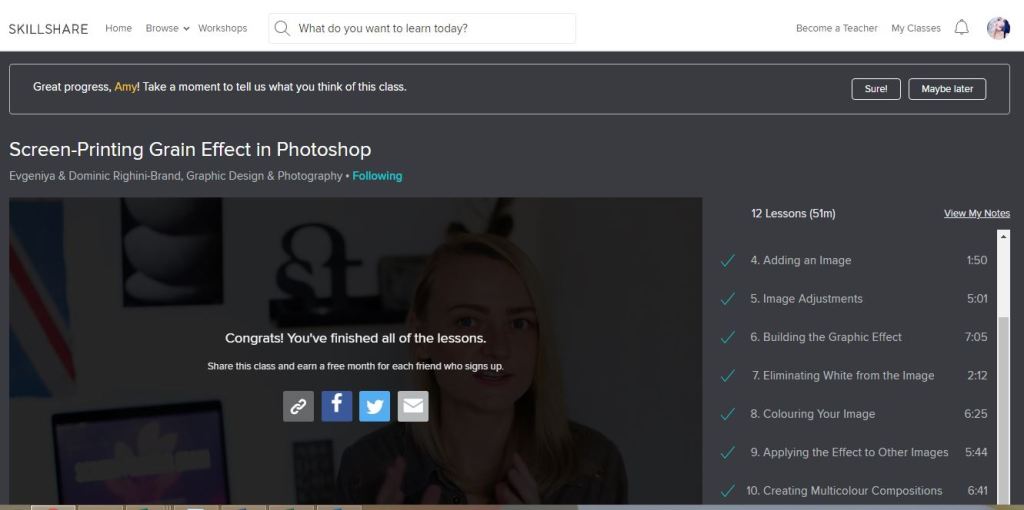
I watch a lot of SkillShare tutorials to learn different effects and skills to further improve my design work digitally. My last post mentioned how I studied a Duotones class by teachers called Evgeniya & Dominic Righini-Brand, Graphic Design & Photography well I also studied another one of their classes for creating a screen printed effect. I thought this might add an “older” more vintage feel to the piece.
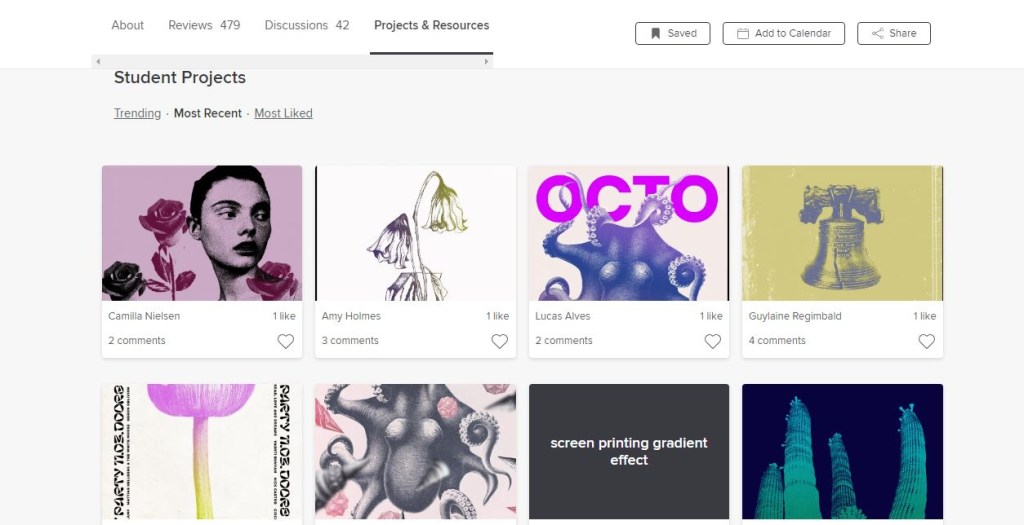
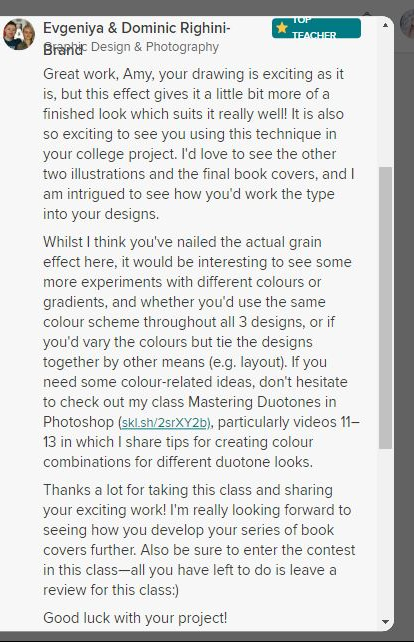
After I had finished the tutorial I also uploaded the finished piece to the Skillshare page for others to see (which is unknown for me!!- stepping out my comfort zone!) Here is the link below to what the tutor had to say to my piece!
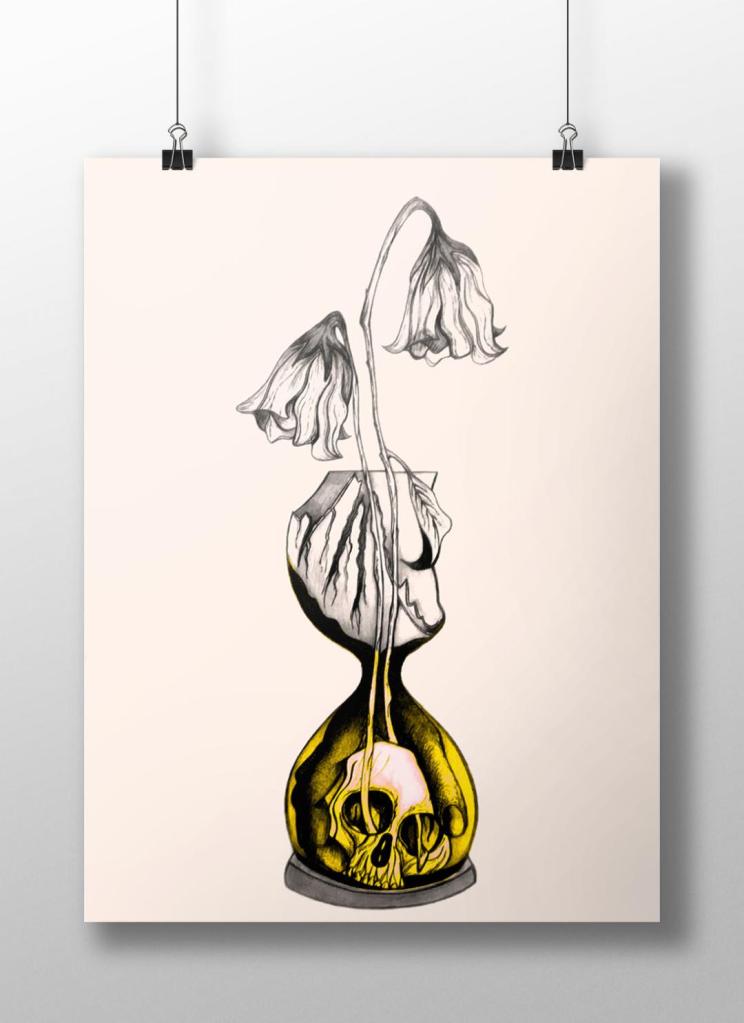
Out of all the trials I have done so far though I have to say I like the first one pictured above! I also posted it to my Facebook for the opinion of everyone else and they all agreed that this one stands out the most and the contrast between the black and yellow works the best. I am now going to draw the other 2 designs and then bring them into Photoshop and do the same digitally as this one. I will change the colours on each though so that they each have their own colour scheme.
Sat on my break at work and I was asked how my uni work is going, I reached for my phone and passed it around the table to show what I have been working on… The feedback was good! – everyone thought my drawing was good!… however, there was some slight confusion as to whether the flowers were coming out of an hourglass timer (sand timer) or a regular broken vase… Having another look after a few days apart from it I could see where this could be confused. Although I was pleased with my drawing I felt like it was still missing elements.. I decided to redraw it… AGAIN! but this time make sure it is obvious that the flowers are coming out of a sand timer and not a “vase”!
I changed the flowers slightly also.. I was unsure of doing this but I think it could work…
My flowers before looked quite wilted and withered and were a generic flower.. What I have drawn now are 2 white roses. I debated on using roses as the book states “2 white flowers” but when I looked up the symbolism behind white roses, to give someone white roses represents purity, inncocence, kindness and love. All of these traits are what Weena gave to the time traveller.
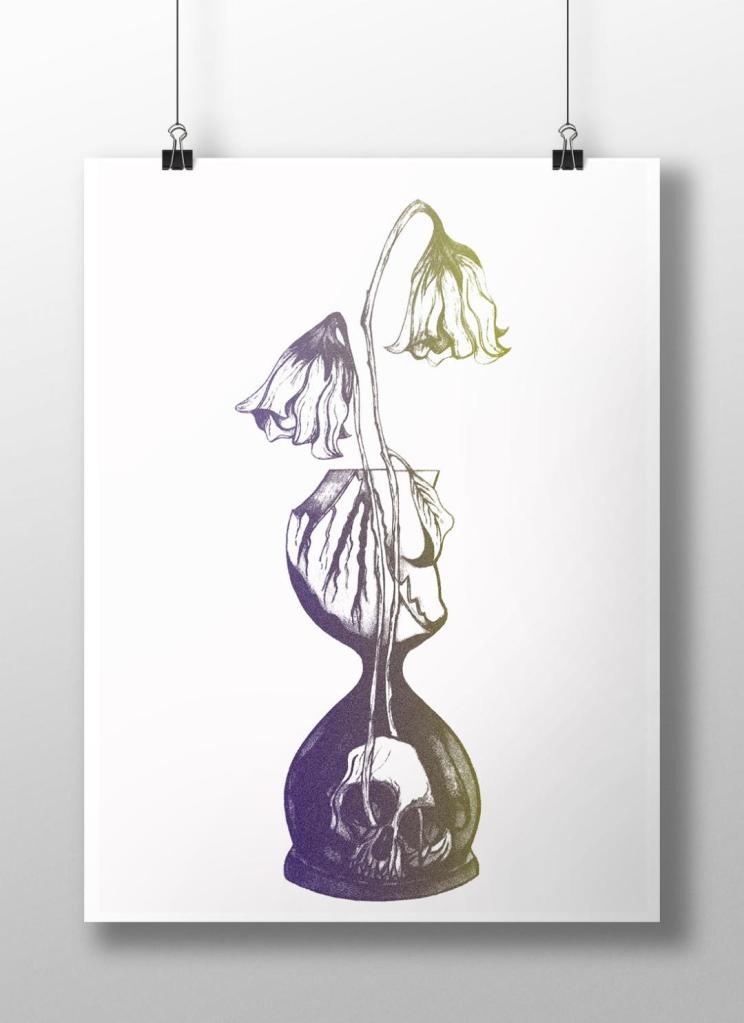
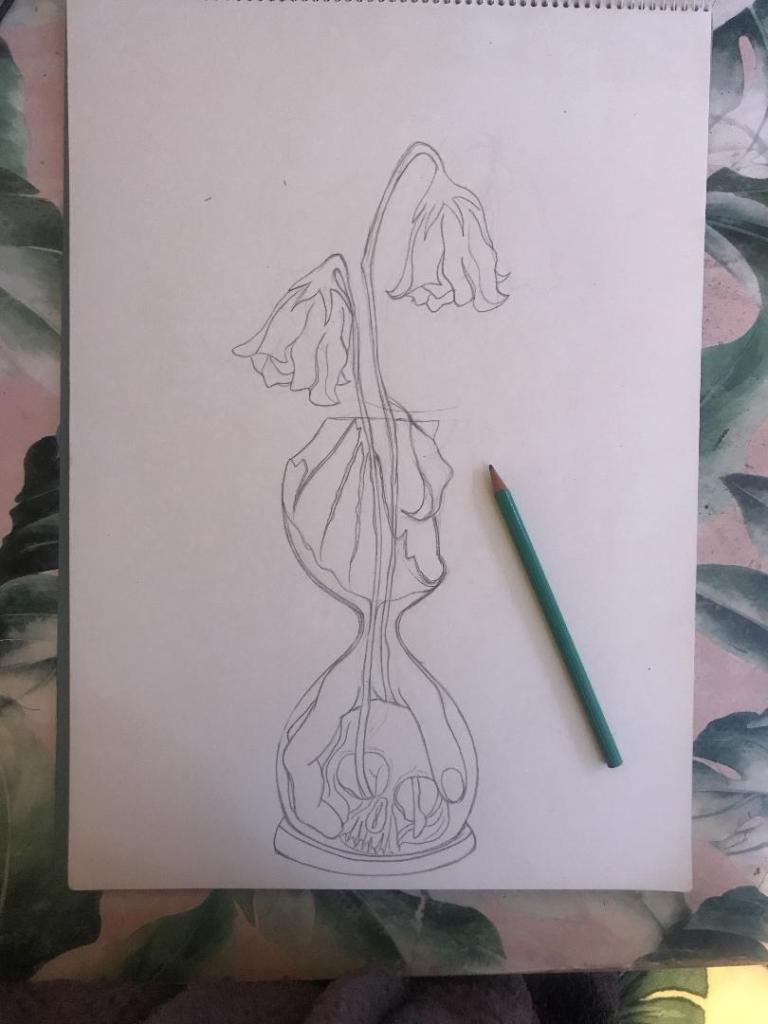
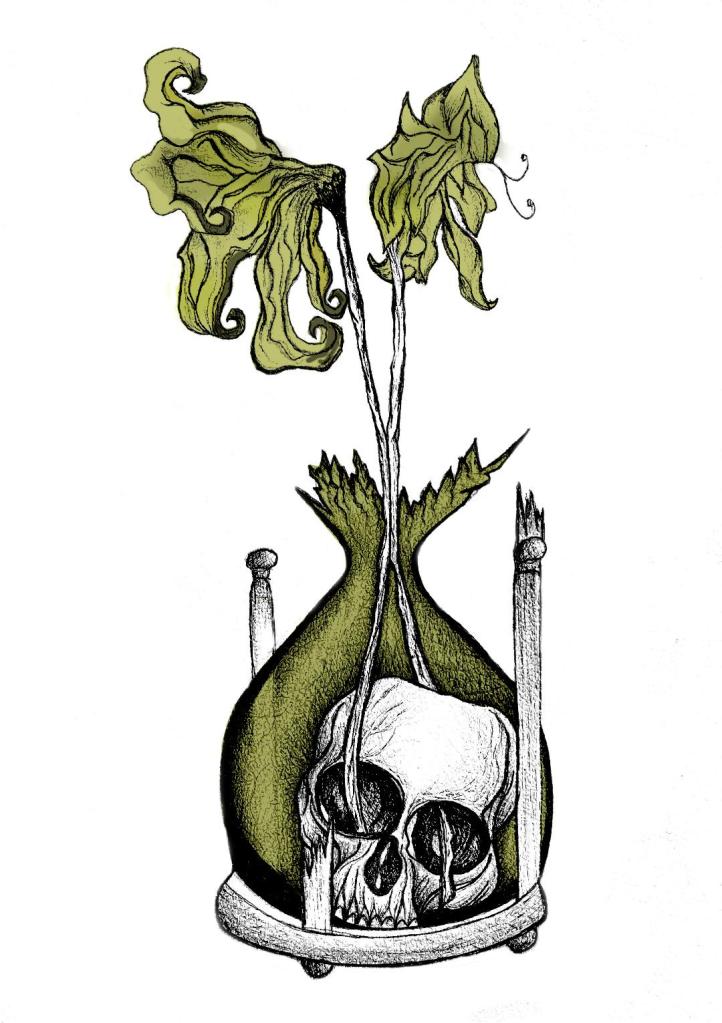
The sand timer (hour glass) has sand in the top half coming down to the bottom of the timer, before the sand hits the bottom of the timer it forms into a hand which holds the skull. The hand shows authority and dominance and represents the Morloch people. The skull represents the cannibalism aspect in the story; “killing the Eloi like cattle.”
This is what I sketched up last night:
It took me forever to get the hand right, I am hoping it will look even better once it is inked.
I was not happy with the broken glass on my last drawing. I accidentally at home smashed a circular wine glass, I decided to keep it and use it to draw from for the broken glass aspect of my drawing.
So far I feel like this design works better than the previous one, I shall get it inked out and then see some more!
Yesterday I decided to have a go importing my hand drawn ink design into Photoshop and have a play around!
I am not a pro at Photoshop to say the least, so the tutorial I watched on Skillshare a while back that I wrote in my blog about really helped me!..
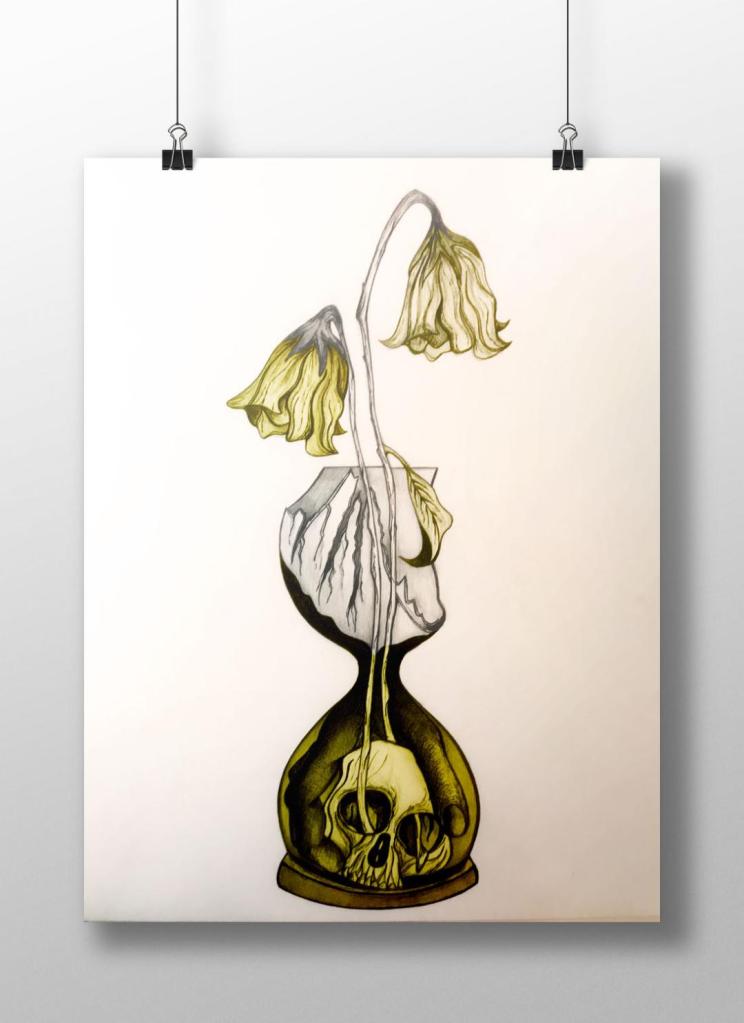
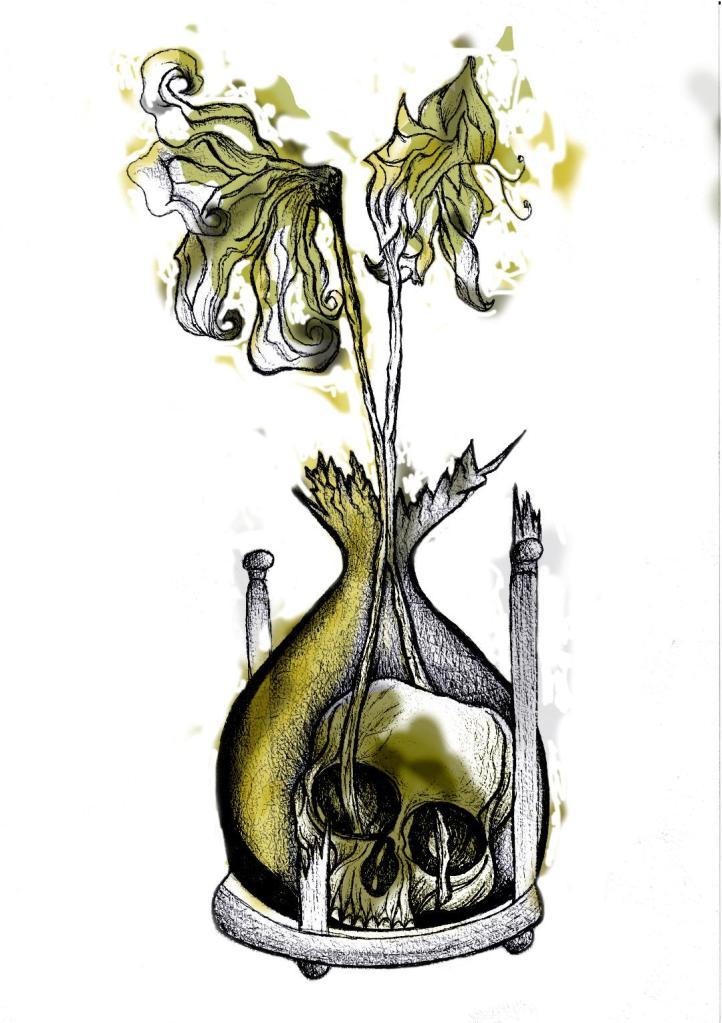
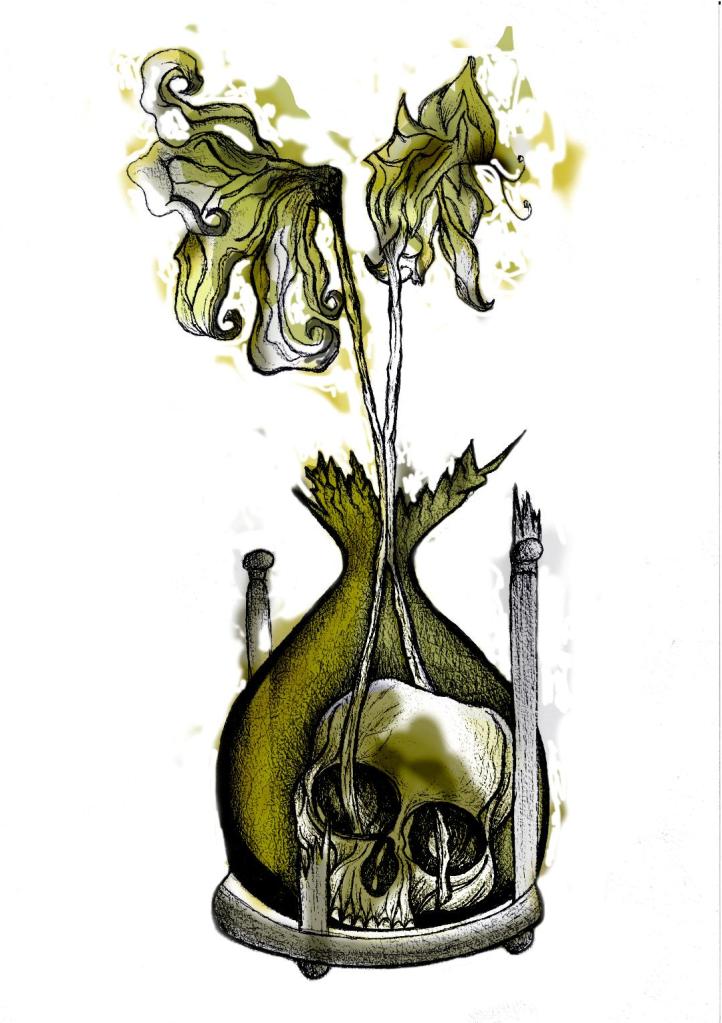
I decided to change the colours, I want each of the 3 books I design to use 3 different colours and work as a series in that the designs are the same and also the colours tie them together. The flowers in the Time Machine are white but dead, brown and withered at the ends so I decided to alter the colours to match this… I went with a white/murky yellow/black colour scheme.
To get me familiar with changing the colours and doing certain things in Photoshop I had a play around first, this was the trial starter piece..
Using the pen tool to draw around areas and making them a selection so that I could add colour to the area and then multiply to blend it in with my line drawing. I then created a clipping mask on a duplicate layer to further blend more colour in.
When I felt more confident I then started on a proper version;
This one I kept the colours quite subtle… I coloured in all of the flower shapes with a murky yellowish colour and carried this on into the hourglass. I liked it but it didn’t shout out at me..
With this version I messed around more with the colours and blending them to create 2 tone effects. I accidentally moved the flowers layer but actually quite liked it being out of the shape slightly.. It gave a mix of the 2 colours; white and yellow. I also created like a water colour/watermark effect at the top of the petals.
In this version I made the colours more deep and murky. I feel the colours are the strongest in this version. Overall I am happy with the progress I have made with it and the new skills I have learned, however It still needs improvement… I now need to find ways of how to make it work on a book cover with the typography element etc.. I think though that I shall draw the other 2 book designs and then take all 3 of them together and then look into layout and typography etc..
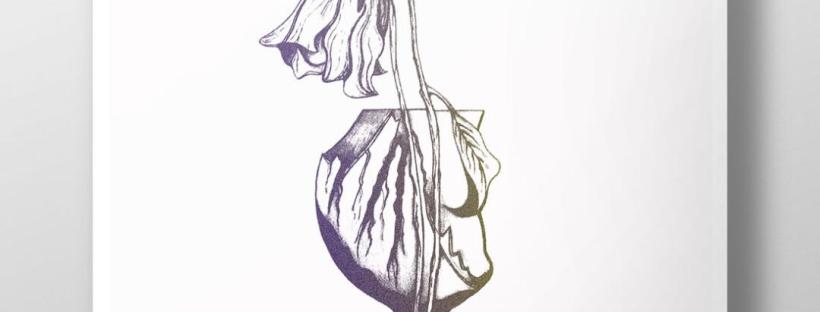
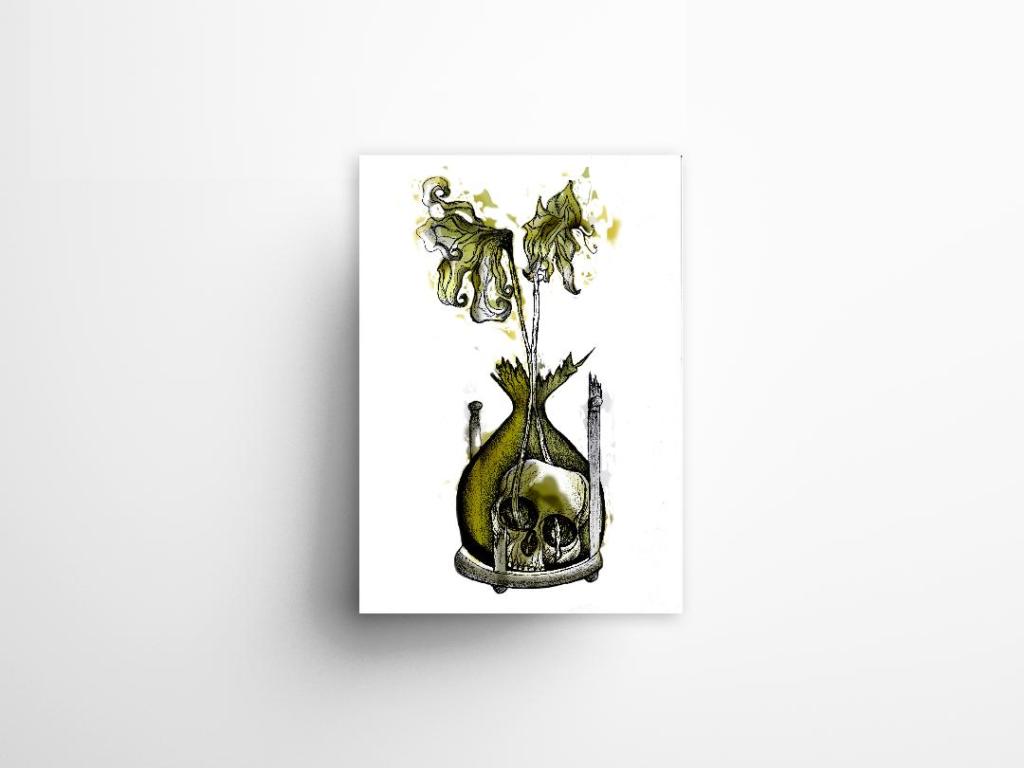
I also looked at mockups for displaying work more professionally on my Instagram account. I downloaded a simple poster mockup document and then added a drop shadow around the edge of my image.
Last night I finished the second attempt at my drawing! – The new and improved version with the “time” element. I feel that when you look at this image you can get more of a feel about what it is relating to rather than the version with just the bottle. it works better as an overall design for the book as it gives away more of what the story could be about.
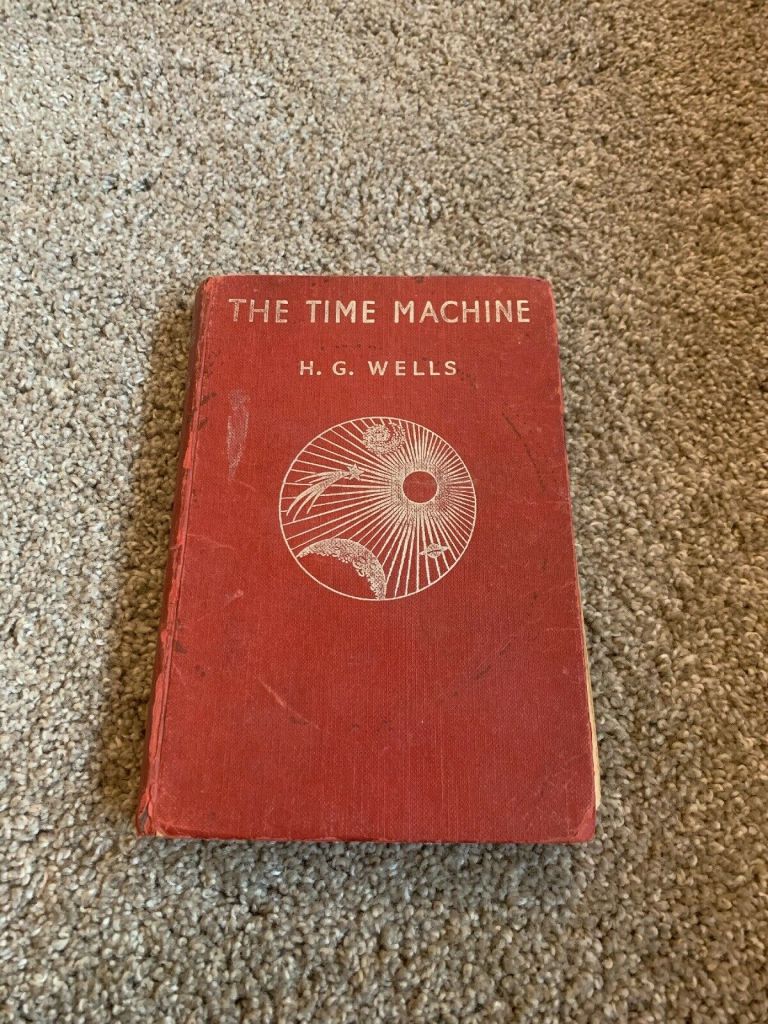
I think I shall develop this a little bit by importing it into Photoshop and adding different colours. I think I shall also experiment with different media; watercolours, pencil crayons etc… I have also bid on an old 1950s edition of Time Machine that is falling apart specifically so I can tear the pages out and collage them into my design (That’s if I win it!). I want to experiment a little bit more!
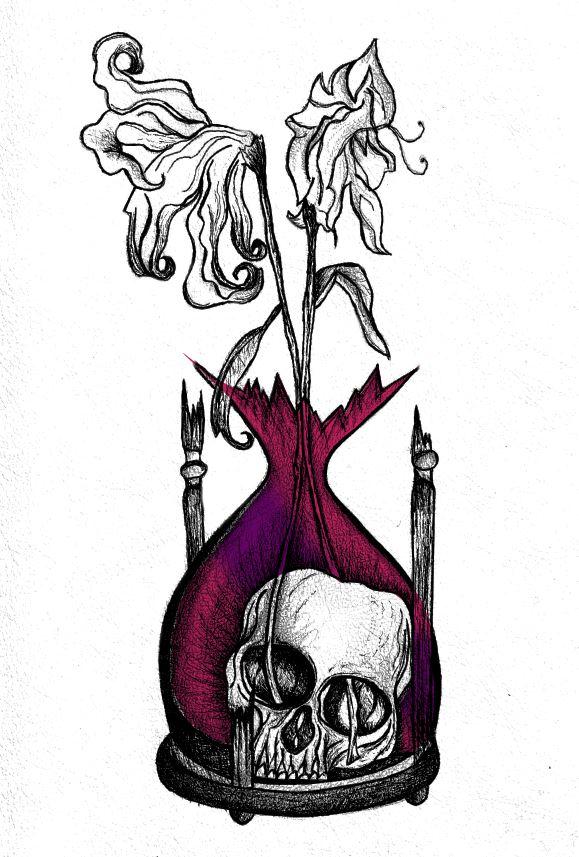
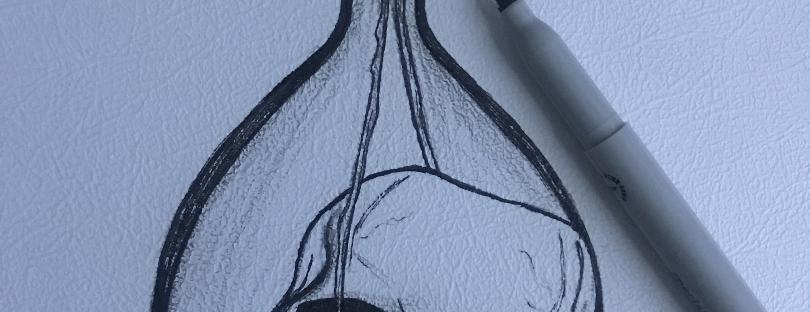
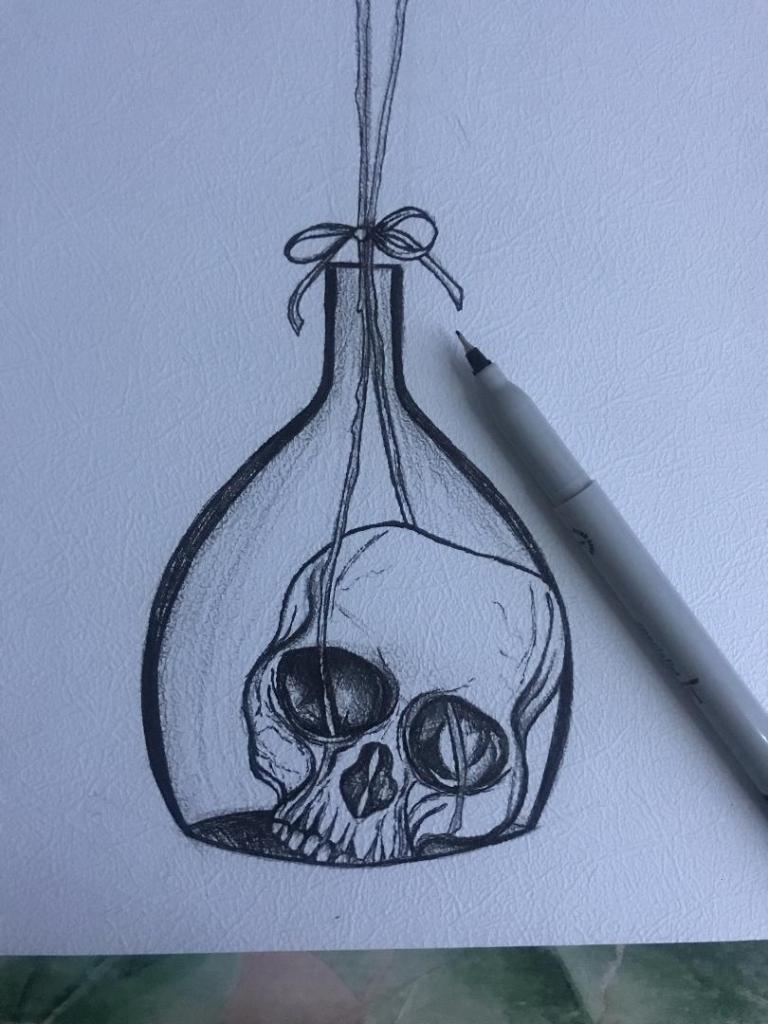
I finished off my first design drawing of the skull inside the botanical bottle and the 2 white dead flowers out of the top.
I am very pleased with how it looks! (and it looks quite nice on my insta feed! ;p)
However!…… I feel like I am diverting away from the purpose of the book (with my pure shock at how decent this actually looks after so long not drawing!!) – I feel like it is lacking the “time” element… The whole purpose of the image on the cover is to give a snippet of what the book is about, at the moment it could be about anything! The bottle could be seen as a normal vase so it’s not as though the science part I am trying to portray gives it away!
I thought back to the hourglass timer idea I had in my sketchbook and began to think about how I could bring that back into my designs..
I scoured Pinterest (see below!) I wanted an hourglass timer but a broken one; I wanted the flowers to protrude out of the broken glass. The Middle tattoo on the link below is the one that gave me the idea for my next drawing.. I could turn the bottle on my present drawing into the bottom broken half of an hourglass timer.
The drawing would then have the “time” element, the cannibalism story of the Morlochs with the skull and the 2 white flowers which symbolise that the time travel happened and represents the love from Weena.
“That’s very macabre but very good!” – Mum, 21/11/2019
I worked some more on the development of my final idea, I had another go sketching out what I would like on my final cover to see how it would work! When I have completed the drawing it is my plan to copy it several times and experiment with different looks and techniques (I want to try the tea staining and watercolour again)
I feel that even in one night since I drew the first rough drawing that I have improved massively! I kept quite light on the shading with this one so far and it does look much better. I also felt like I was trying to compare how good my drawing skills are with everyone else I was looking at online. Obviously I was looking at examples of ink drawn pieces and I felt myself trying to make mine look similar.. it was only when I stepped back and looked at a really good ink drawing I did back in October that I realised to myself that I am good at ink drawing but that I just have a different style! I shouldn’t try and sway away from this to be like everyone else because mine is just as good but in different ways!
It is nice to sit back and do some drawing though and improve my skills so I shall give it a few more attempts before hopefully I shall feel I can settle for one final one to take forward and be happy with!
Last night when I got home from work I decided to sit down and have a go with some experimental drawing. I know what idea I want for my final cover and can visualise in my head how I wish it to look but I actually have to try and make that a reality!
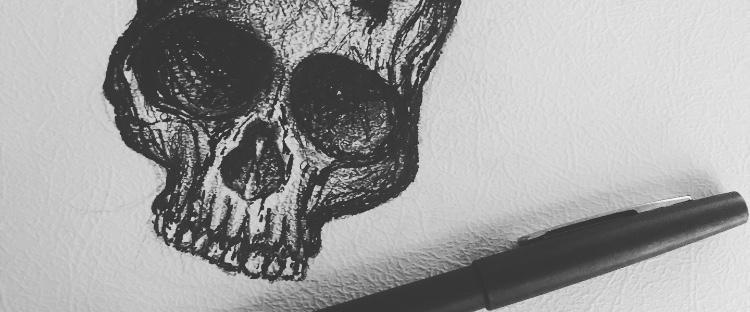
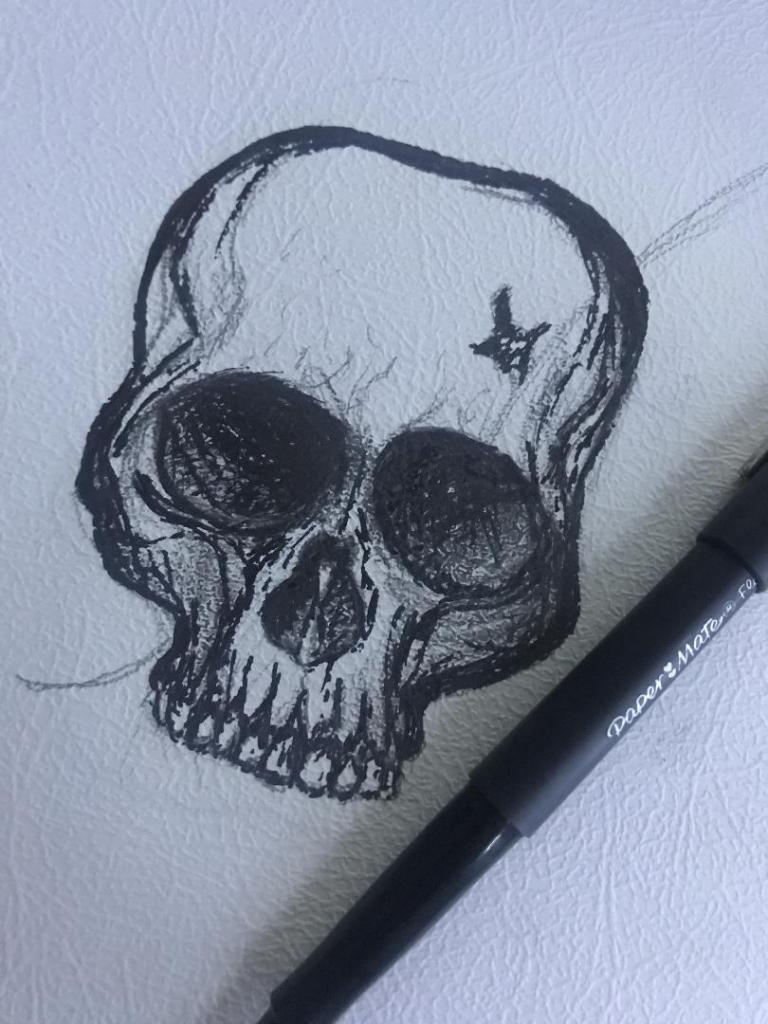
I want a potion bottle with a skull sitting at the bottom of it and the flowers coming out of the skulls eye socket straight out the top of the vase. The water in the bottle I want to look murky and dirty as it represents the Morlochs underground. I decided to give it a go drawing a skull in ink and then go from there!..
I have Pinterest (link below!) so I decided to have a look at different skull drawings and try to copy one off there!
This is what I ended up with! The first one being the drawing at the beginning before I added shading etc.. I think I have made the skull too dark with the shading and on the final piece I shall make it a lot lighter. I like the tea staining that I added though, I like how it has ran with the ink and gives a very murky effect.. (I still feel though it could have ran some more!) I could even try this with different colours using watercolours instead of the tea staining.
Overall I am pleased with my first attempt.. I have not sat down and drawn for a while and when I do draw it is never anything as dark as this! 😀
I shall have a go at repeating the drawing with different ways and techniques until I am happy with what I have achieved!






































































 pinkangeleno.com