
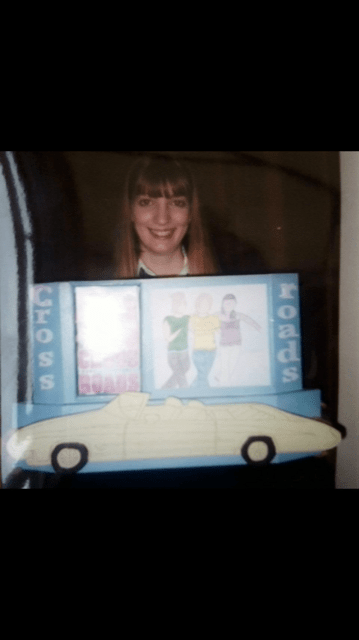
I first got a taste for Graphic Design at secondary school in 2002, I absolutely loved it! I had the passion, drive and motivation for the subject. I knew I wanted to continue further down this career path so I went on to study at college and completed my BTEC National Diploma in Graphic Design in 2005. I was very much a “home” girl back when I was younger and after I completed college it was never my desire to move away from my home, my family or my friends to go to university, (even though my college lecturers really tried to push me to go!) I was (and still am to a degree!) an introvert! I was very shy and quiet!
I worked part time all my student life at a very well known UK supermarket (beginning with M! ;p) and it was then that they offered me an office role for my “gap year” full time for a year until I decided that I would brave it and go to university a year later. Going to university required me to travel daily (in my old little purple beloved clapped out KA named Biddy!) to start my degree in Graphic Design. I completed my first year and a half before the pressure of finances, my beloved Biddy who was dying, working a long hard 24 hour week part time job and just being young and insecure in myself set in and my lecturers and I decided to call it a day in February 2008. I was disheartened. I have never however regretted that decision because it was RIGHT for me at the time..
Now what? I have grown up, experienced some valuable life lessons, realised what is important in life and what I must do for ME. Art and design is installed in me.. from the moment I could pick up a pencil as a small child I have drawn. My primary school teachers used to tell my parents I would grow up to either be a fashion illustrator or a children’s book illustrator as I used to love drawing pretty girls in fashionable clothing and creating stories for them all. I would draw pictures for anyone and everyone and it gave me such a good buzz to feel that I was good at what I did, I had a raw talent and that people enjoyed my work.
The end of my twenties and beginning of my 30s were tough! I was working 2 jobs with barely any free time to myself and I was left wondering that there must be more to life. I was merely surviving. I felt like a ghost in my own life. I knew that the only way to try and forge a career out of something I love was to go back and get my degree!
Now in my mid thirties I am still working full time as a Design and Technology Technician and Teaching Assistant at a secondary school in Lincolnshire, (I work with year 7 to year 11 students within Textiles and Graphics) but I am also happily settled with my boyfriend Chris, our 2 cats Bridgette and Tubby and our little cottage in the countryside.
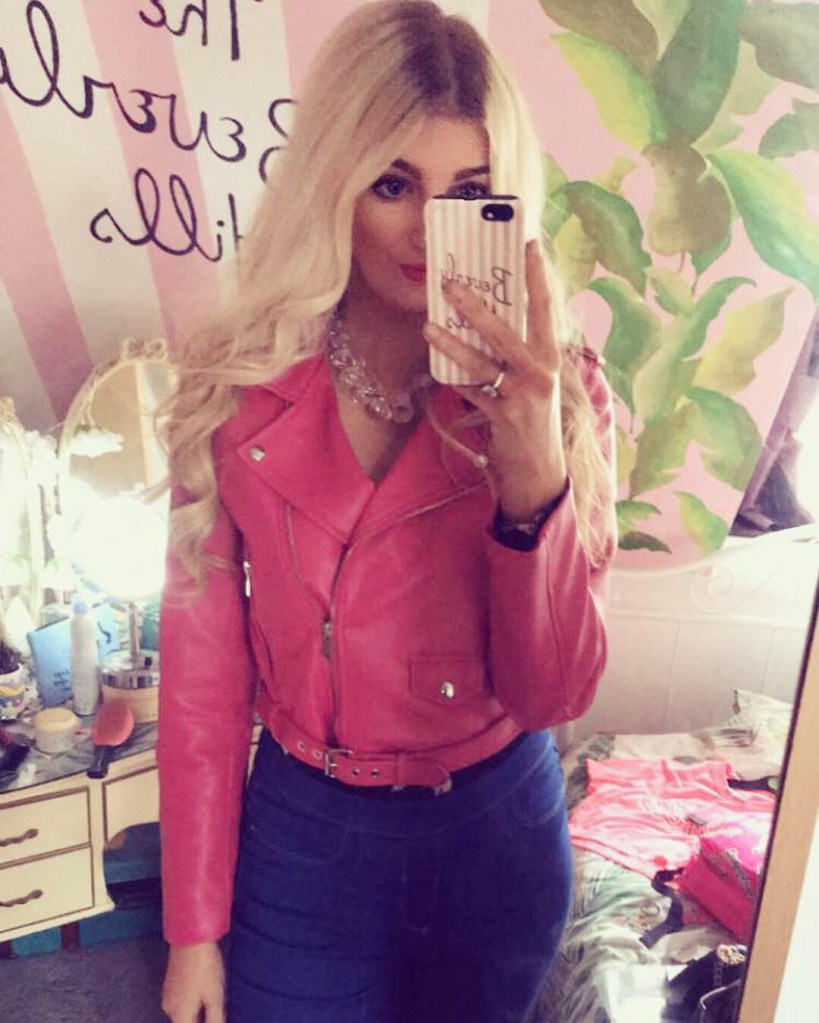

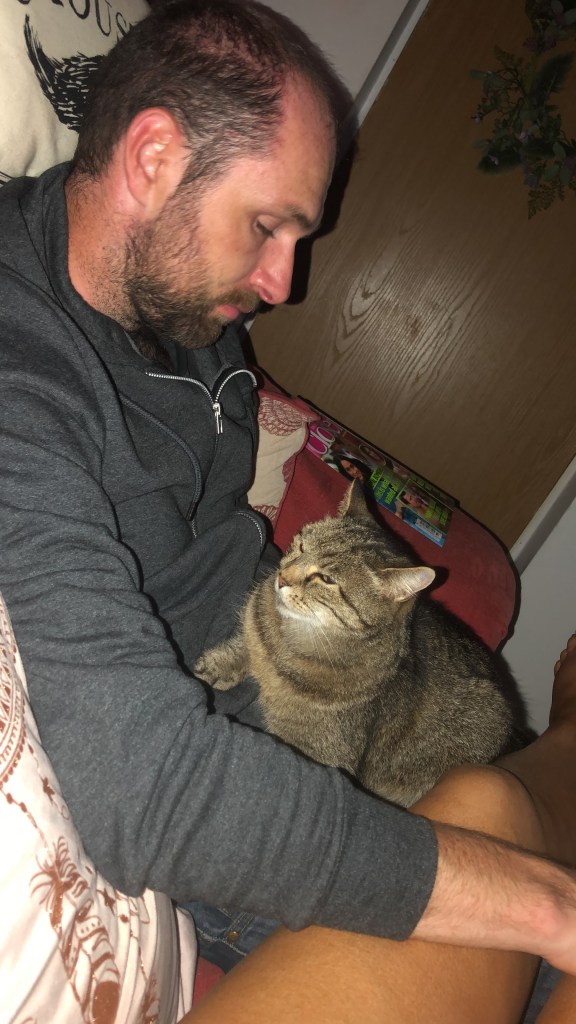

Finally! – Lets talk about why this page is pink!
To everyone who knows me aesthetically (*using a bit of design terminology!) I very much love the colour pink! I used to be fondly known as “Barbie” or “Pink Amy” by my mates and sometimes unkindly by strangers who liked to stereotype and know no better. The pink over the years became my look and “brand” and how people recognised me… As the years have progressed though I have grown up (only a little bit!) and the Pink is not such a dominant feature of mine anymore but my love of the colour still is. Angeleno refers to native civillians of Los Angeles which just so happens to be one of my favourite places! – the two together just worked!
As I said earlier please Feel free to pop back every now and then to say hello, comment on my posts if you feel I have done a good job and generally just to see how I am doing on my OCA design journey! Please come along and follow me on Instagram too! @pink_angeleno
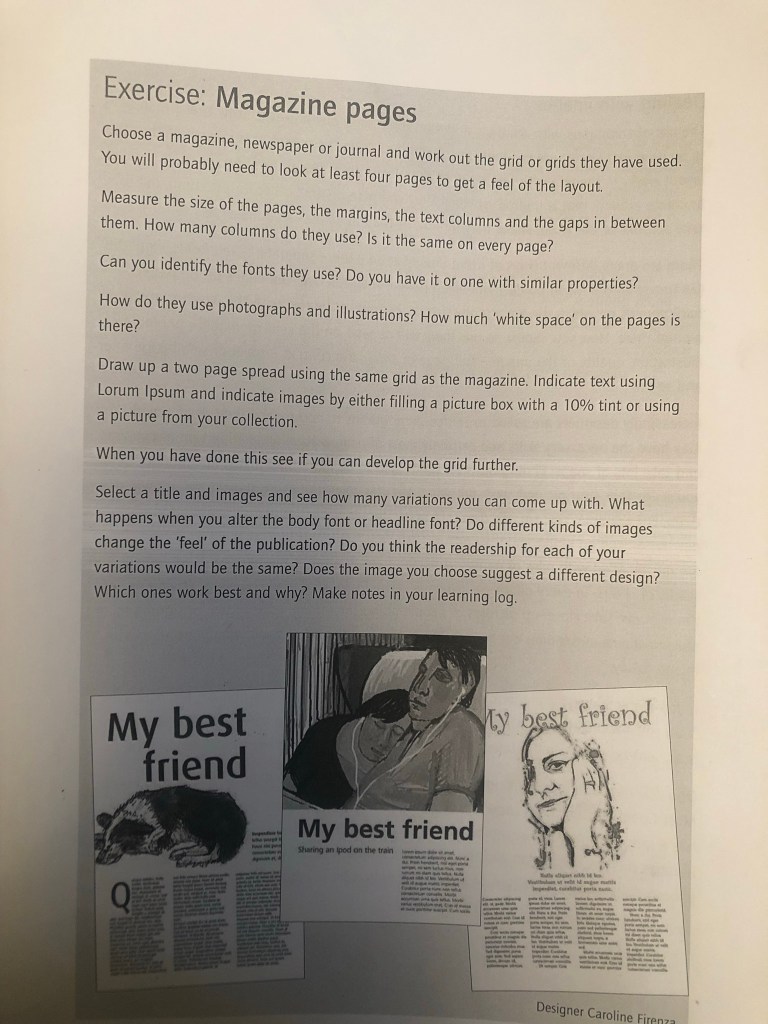
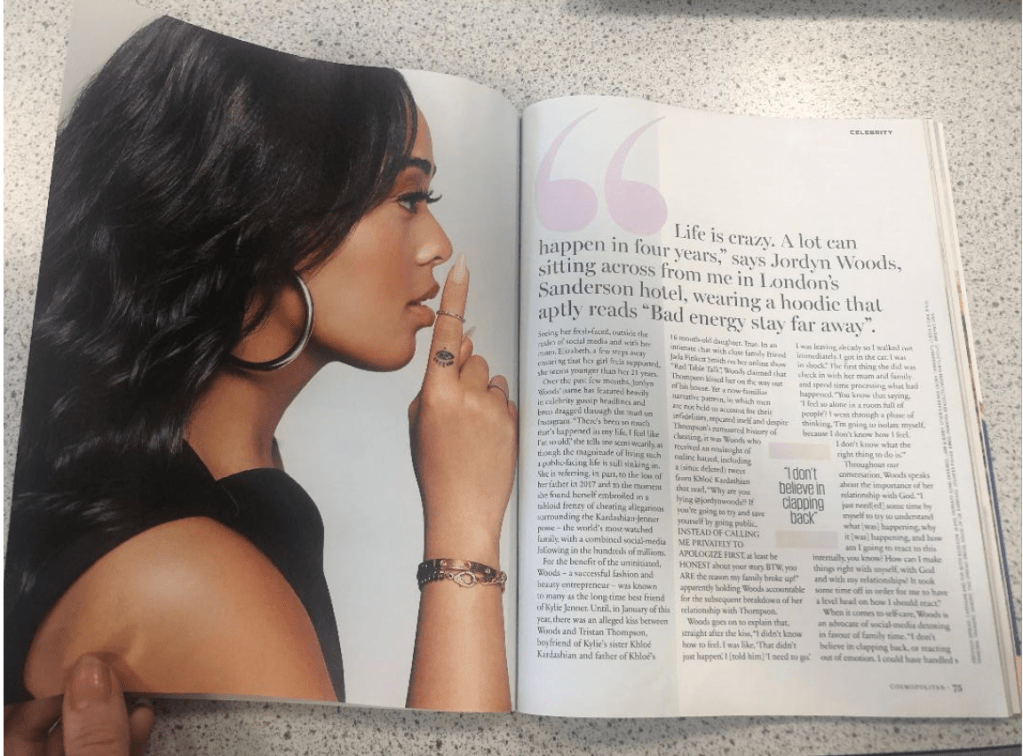
I chose my article for this from a Cosmopolitan magazine.
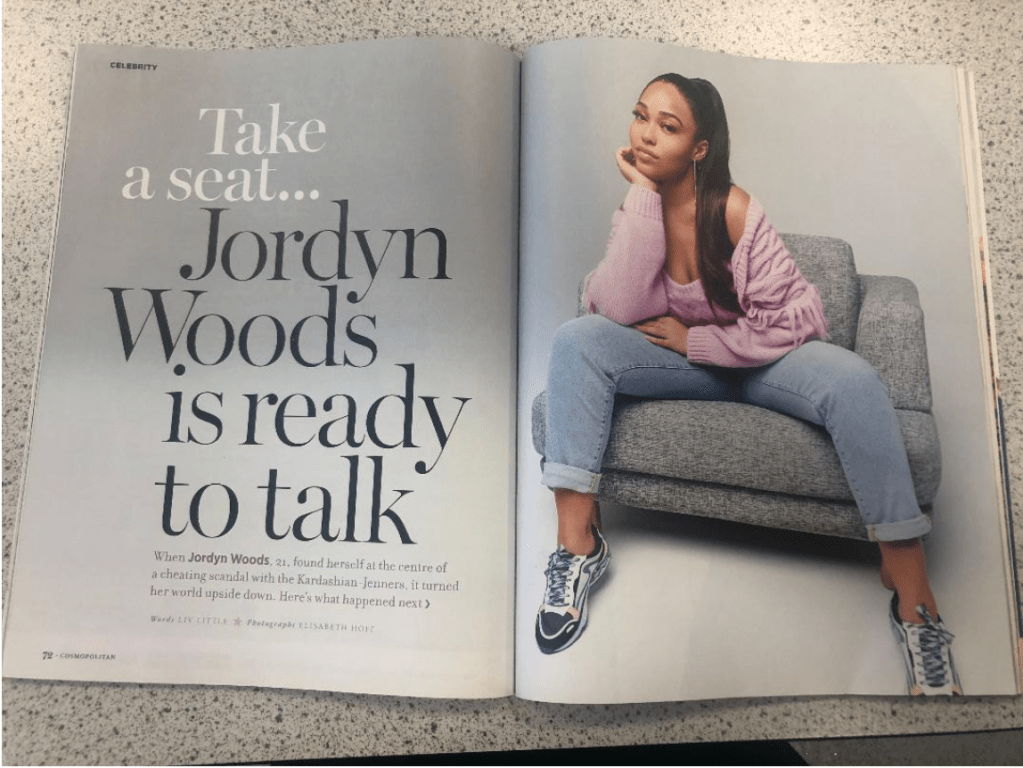
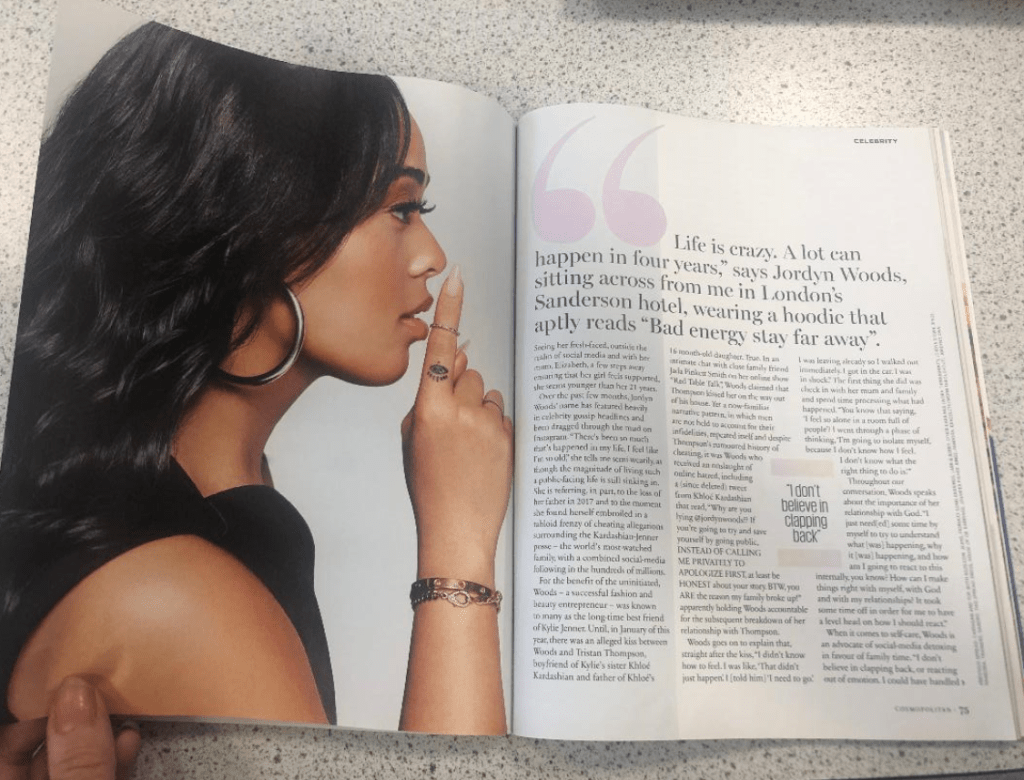
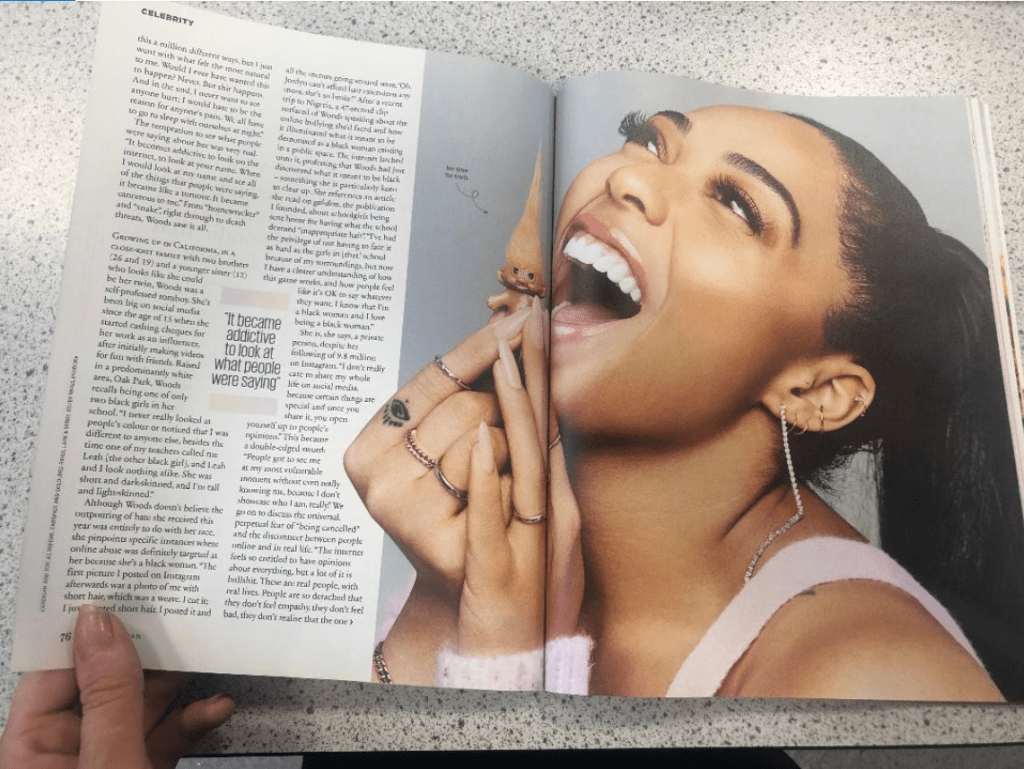
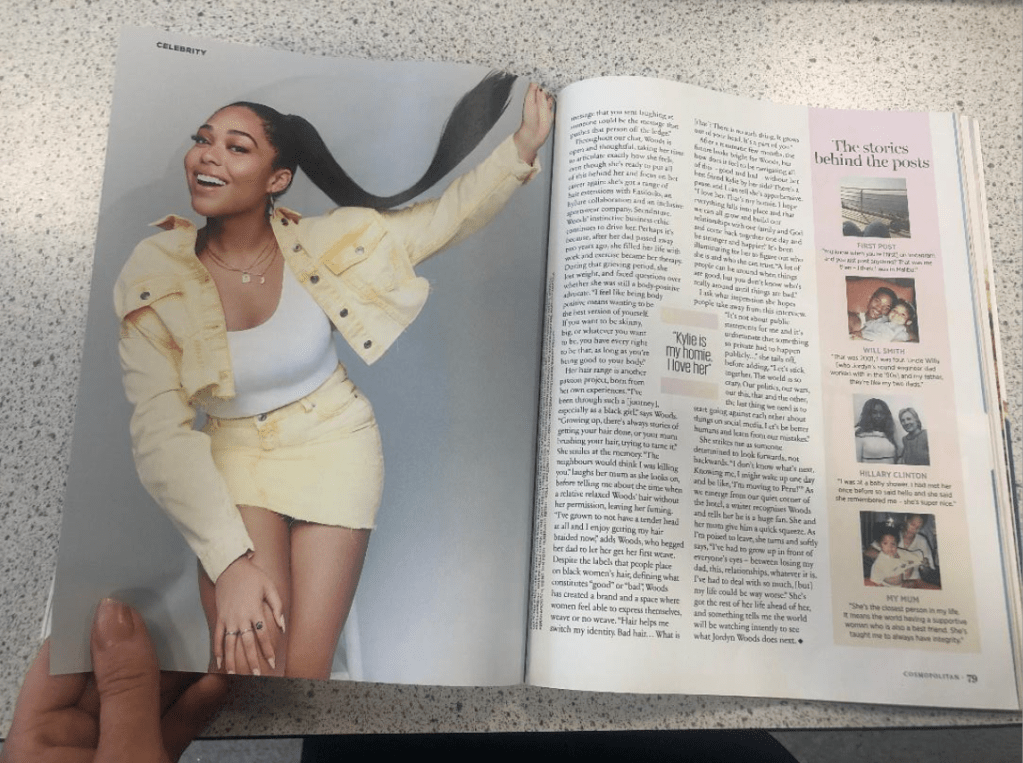
The article I chose was 8 double pages so it gave me a pretty good idea of the repetition and the layout of the article by the time I had measured and examined each page!
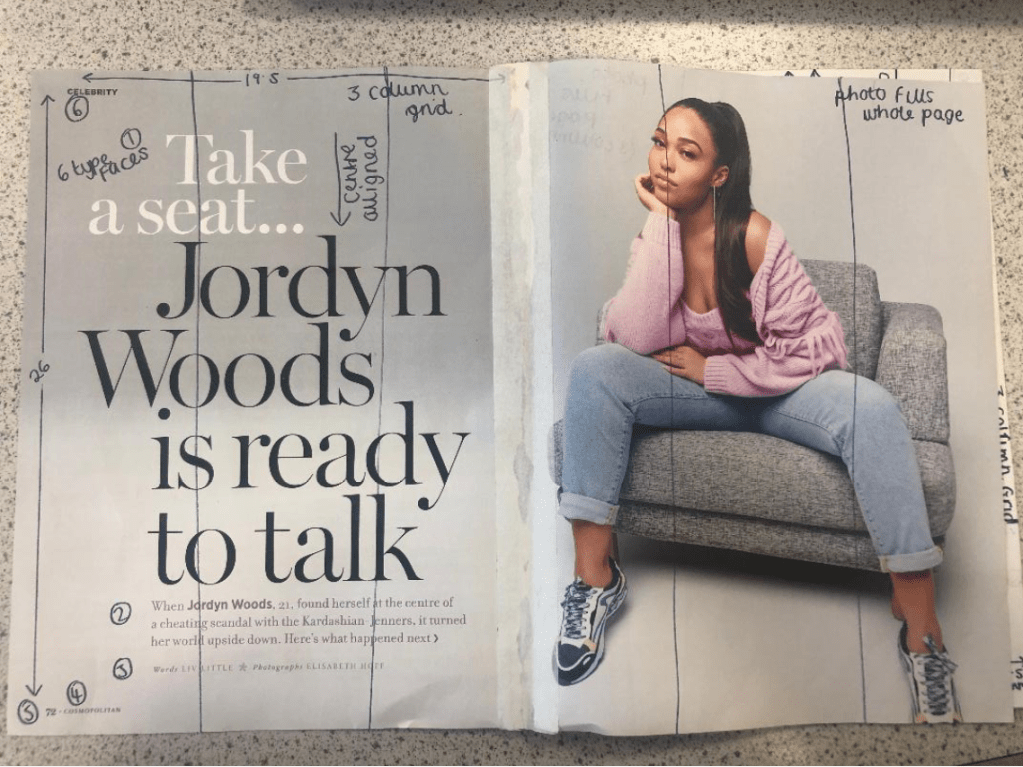
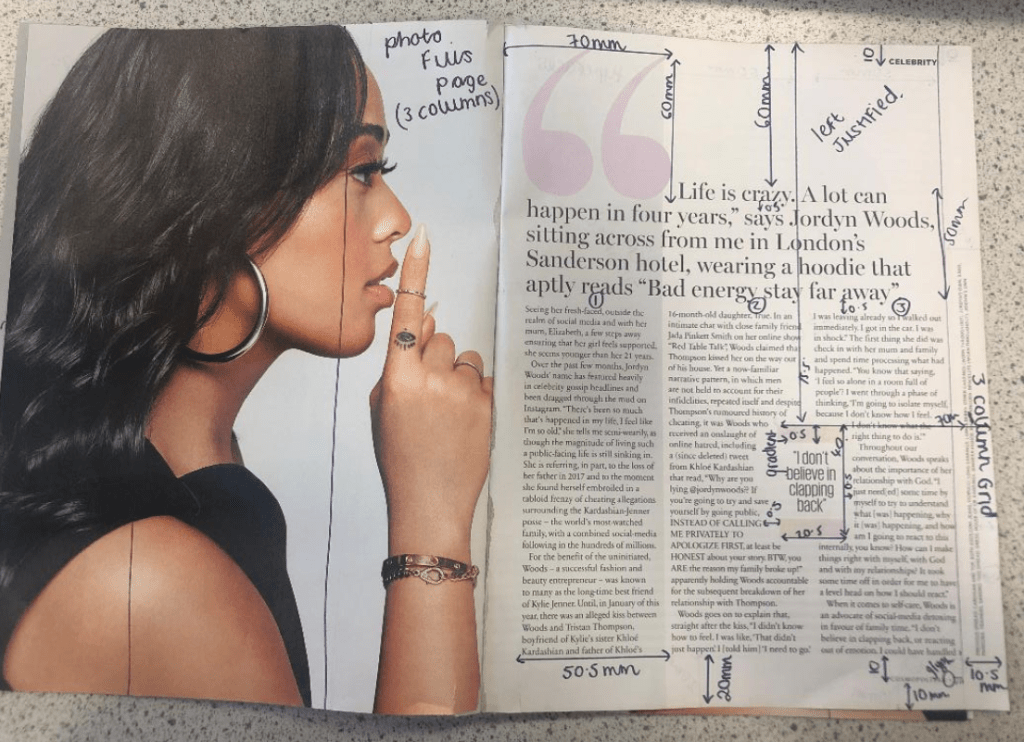
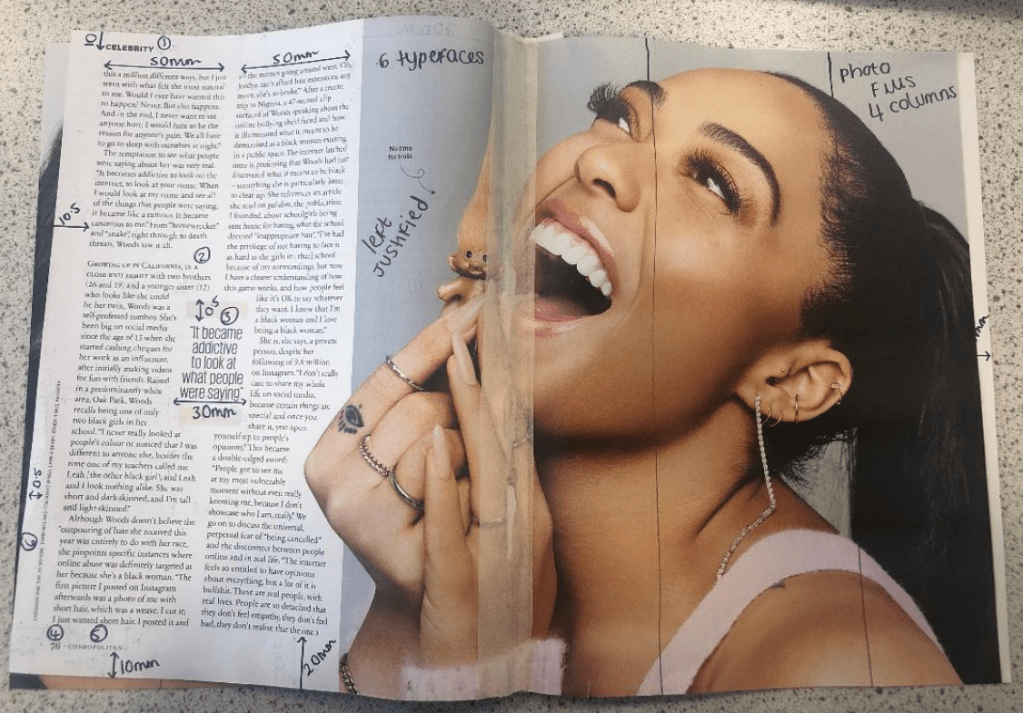
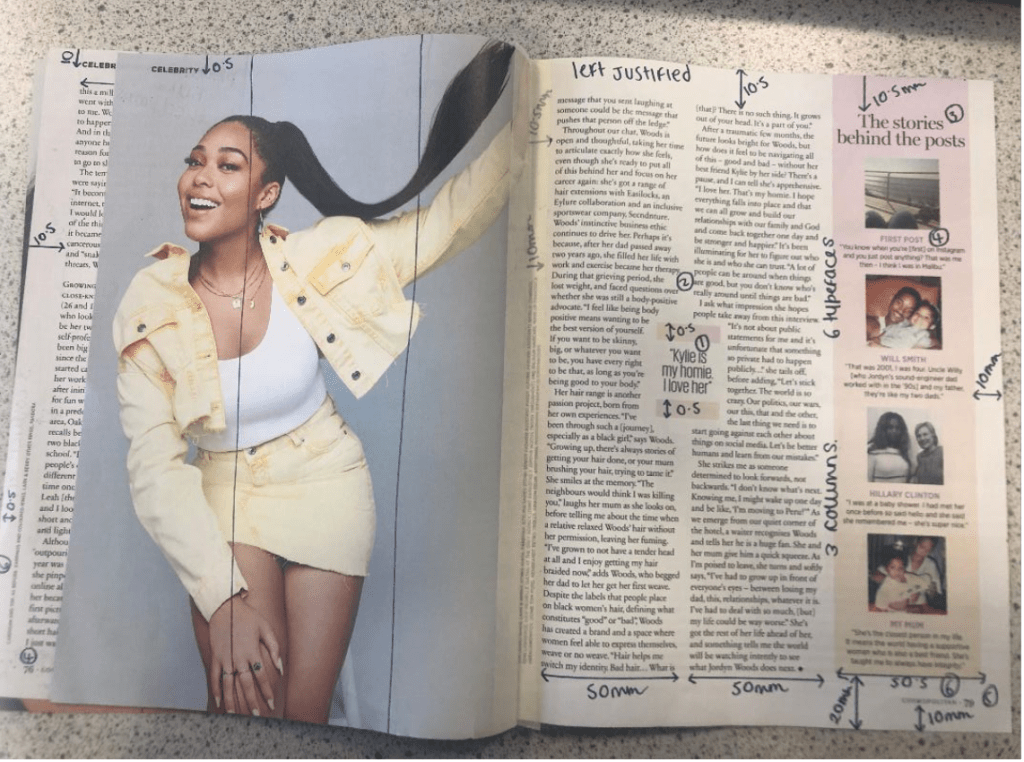
I chose to copy this double page out of the magazine:
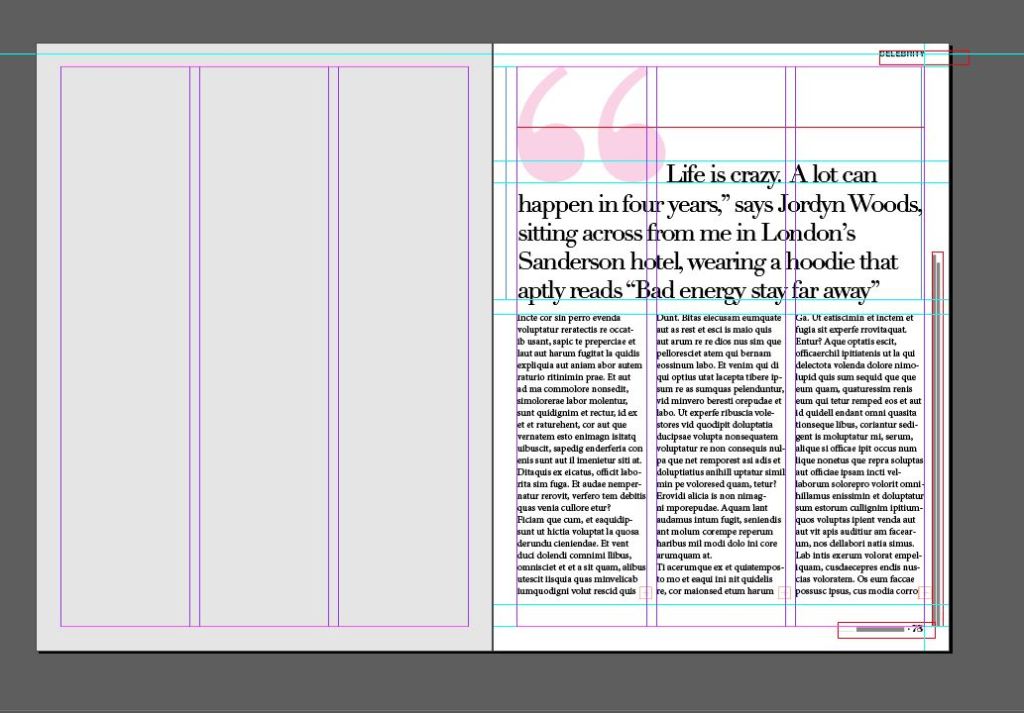
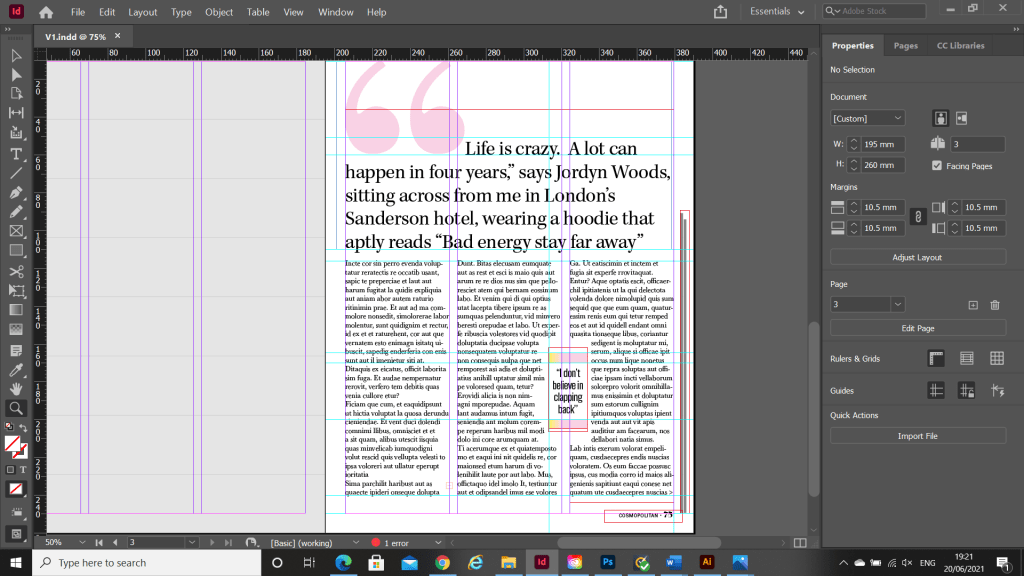

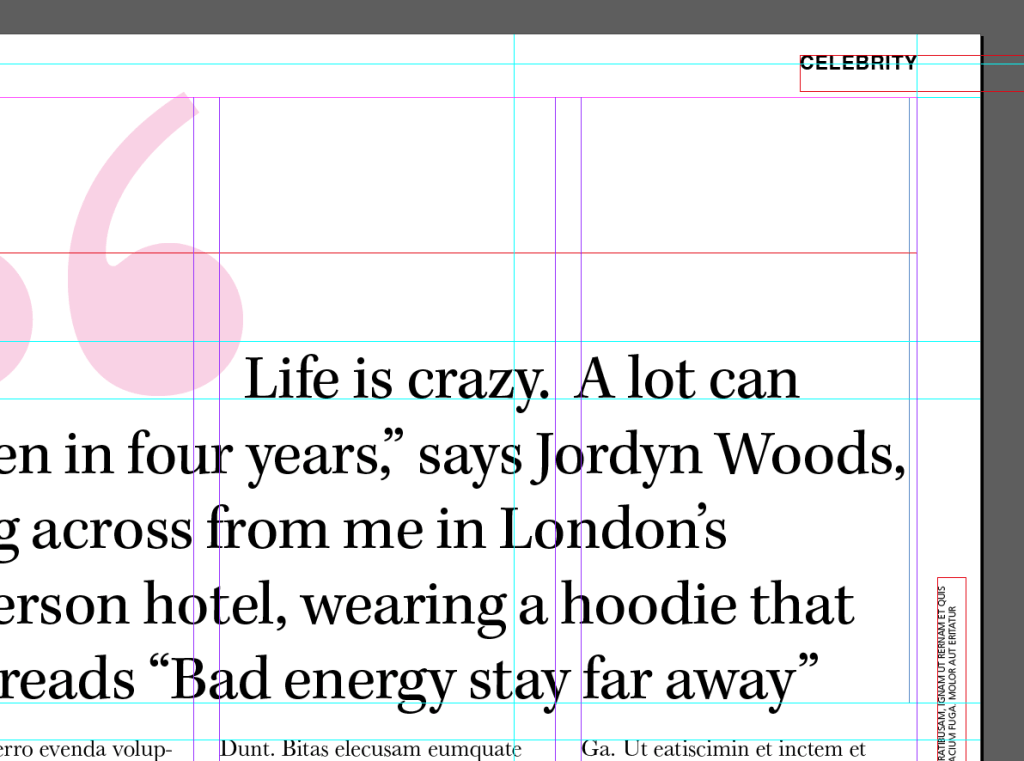
I had a good guess to start with at what the typefaces might be for the headings and the quote and the body text etc… I guessed Didot for the main heading on the page and I used Baskerville as second option for it.. when I used a sample of the magazine to scan into Adobe Fonts that was one of the suggestions for a typeface like it! I am finding that I am finding it easier now to identify typefaces the more I study them and look at them. I had no idea what the typeface was used in the tiny pull quote box in the middle of my layout though, I knew it was condensed; it looked like Meta but it was too light and the bowls on the b, d and p were too big and the stems too short.
I did aa search on the typefaces by scanning the clips of the magazine into Adobe:

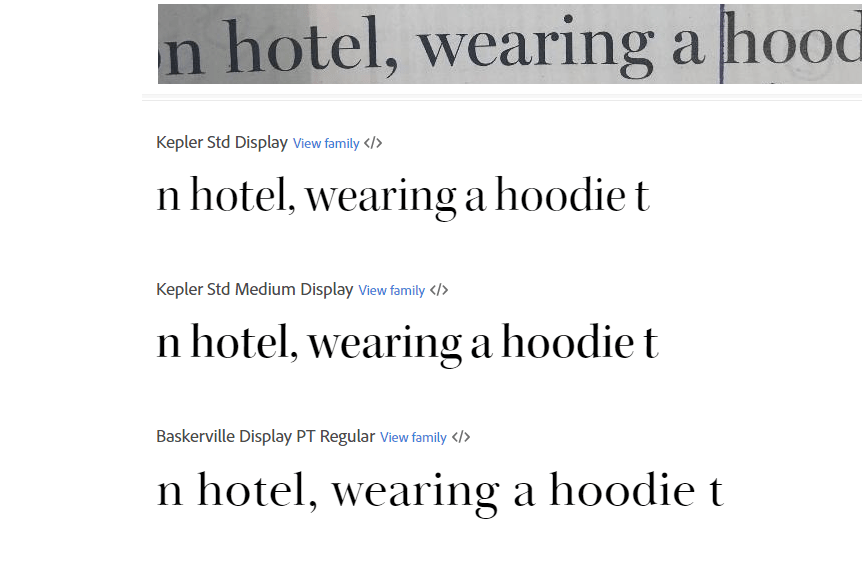
I then went back to my layout and changed the typefaces to what they should be. I guessed that “CELEBRITY” in the top right corner was Helvetica or something similar and the typeface used for Cosmopolitan is Franklin Gothic Book.
The typefaces used in this publication are:
I noticed that throughout all of the spreads Cosmopolitan uses 6 typefaces on each double page. The layout of the grid alters slightly though between each page – not by much, only by about 5/10mm.
The brief asks me to take this layout and take the heading and the image and change it with different images and different typefaces.
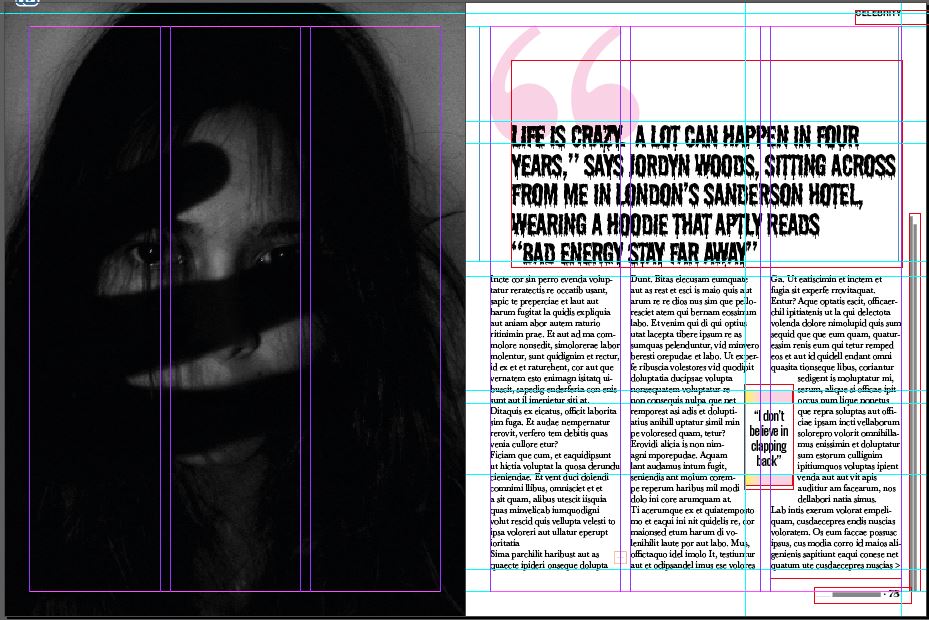
I chose 3 variations and changed the images and typefaces in each one and it was clear that typefaces and images affect the mood of an article and that grid layouts such as this one are only applicable and can be applied to certain articles :

In this example I showed how the heading is quite a positive message with “Bad energy stay far away”. I have used a happy typeface – Holbeaux and a sad, distressing image next to it. It completely changes the feel of the article. It shows that this kind of typeface does not belong with this image at all. It is confusing for the reader because they are shown a positive happy message with an opposite image. Judging by the photograph this would probably be an article best suited for minimal type. The woman in the photo is sad – It probably wouldn’t be a lengthy article – it might be a poem or sonnet or something deep and meaningful with a lot of emotion. This article would not need a massive grid for lots of text like the one that is there.
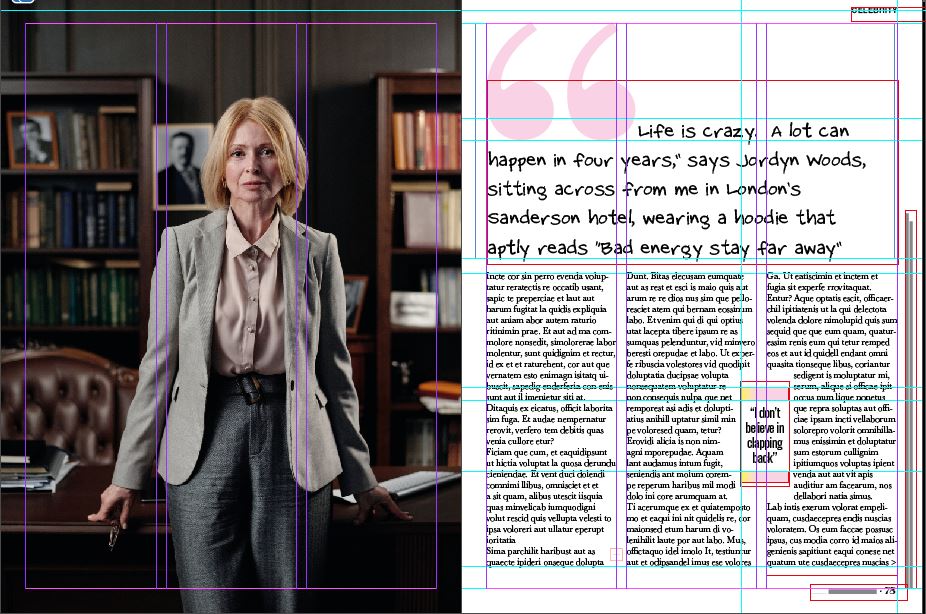
I have switched it up again by using a professional serious image and a fun, gimicky, childish typeface. The typeface is not professional at all and does not reflect the feel of the layout or of the image. The image and the grid layout are similar to what you would find in a country magazine or a posh glossy magazine such as Harpers Bazaare but the typeface, the speech bubbles and the pull quote just do not match the feel of it. The rest of the magazine article is less serious and would suit a gossip/fashion magazine more – a magazine that isn’t political or have a serious audience.
This layout does not match this type of article at all. The pink colour does not match the dark theme and the layout is too calm and friendly and serious for this image. With this image I would expect to have big, bold, dark type as headings (possibly filling most of the page) I would expect a Sans-serif for the main text too because Sans always comes across as not having much of a personality – it can look quite cold and unfriendly in appearance. I imagine that readers who read Cosmopolitan would not be reading this article!
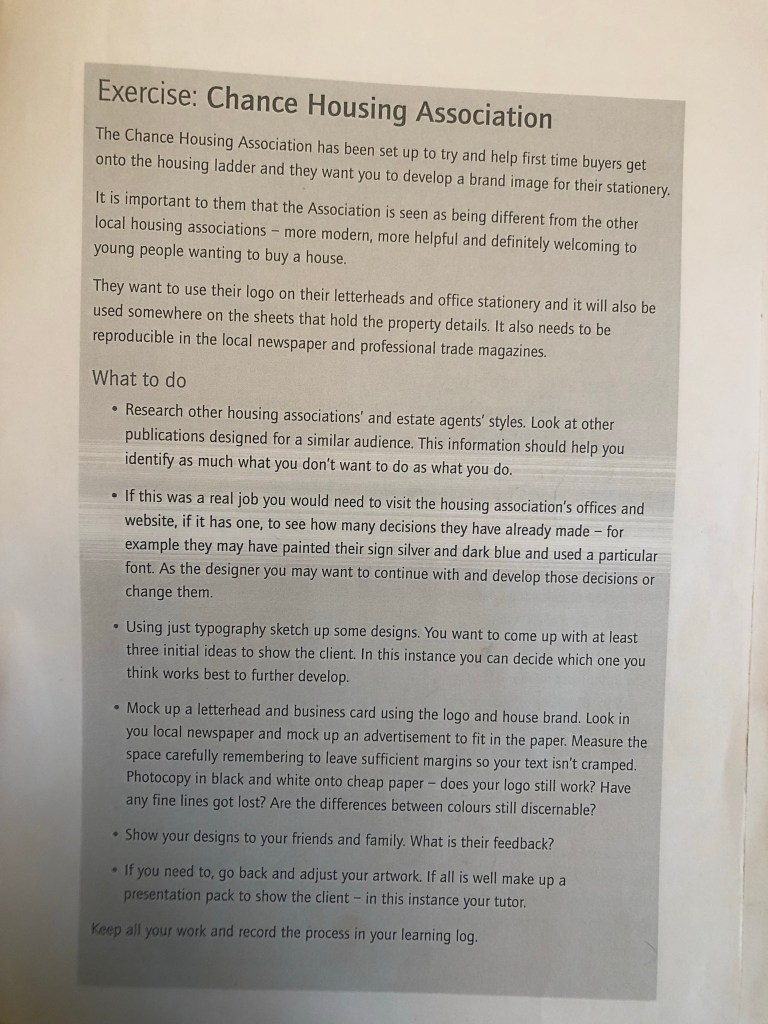
My first thoughts on this brief were that it didn’t excite me very much! This was possibly one of my least favourite exercises of this whole unit. However, it still is an important exercise because branding plays a massive part in Graphic Design.
From what I know of logo design – simple is better! Logos have to be reproduced on absolutely every kind of media: from Web design, emails, social media, advertisements, phones, TV, billboards, stationery, signage.. the list is endless! All of these media are different sizes and the quality would vary for each. For web design the logos would need to be very small in size to be uploaded.. this means that the logo must be easily legible and brilliant quality at a really tiny size!
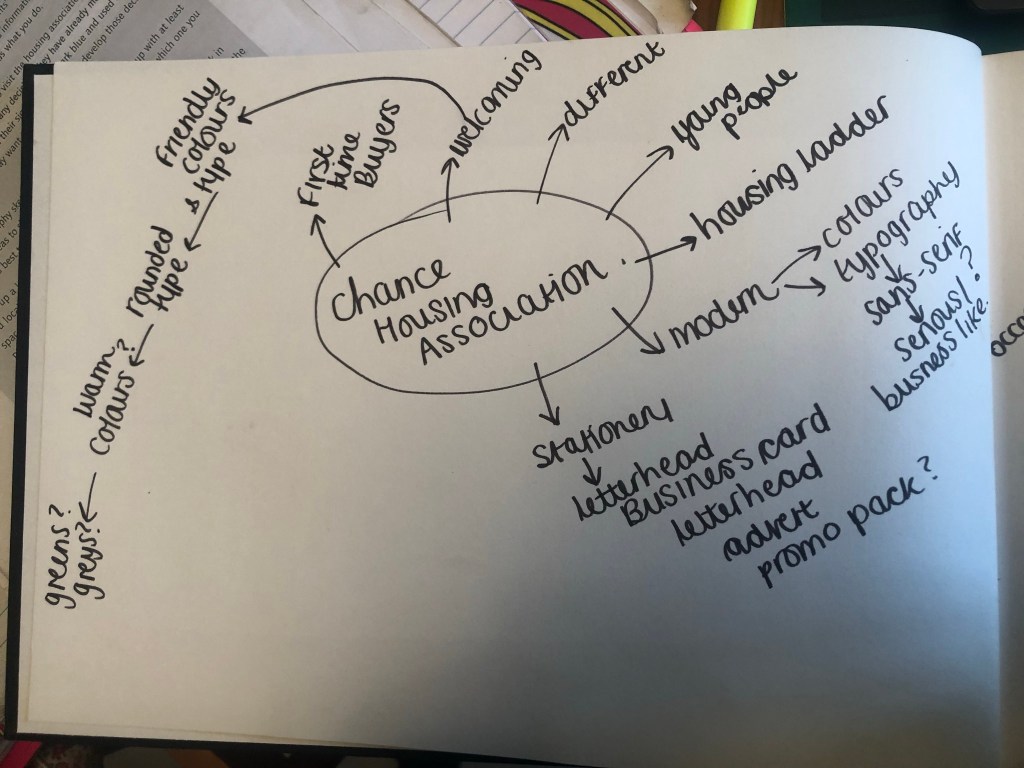
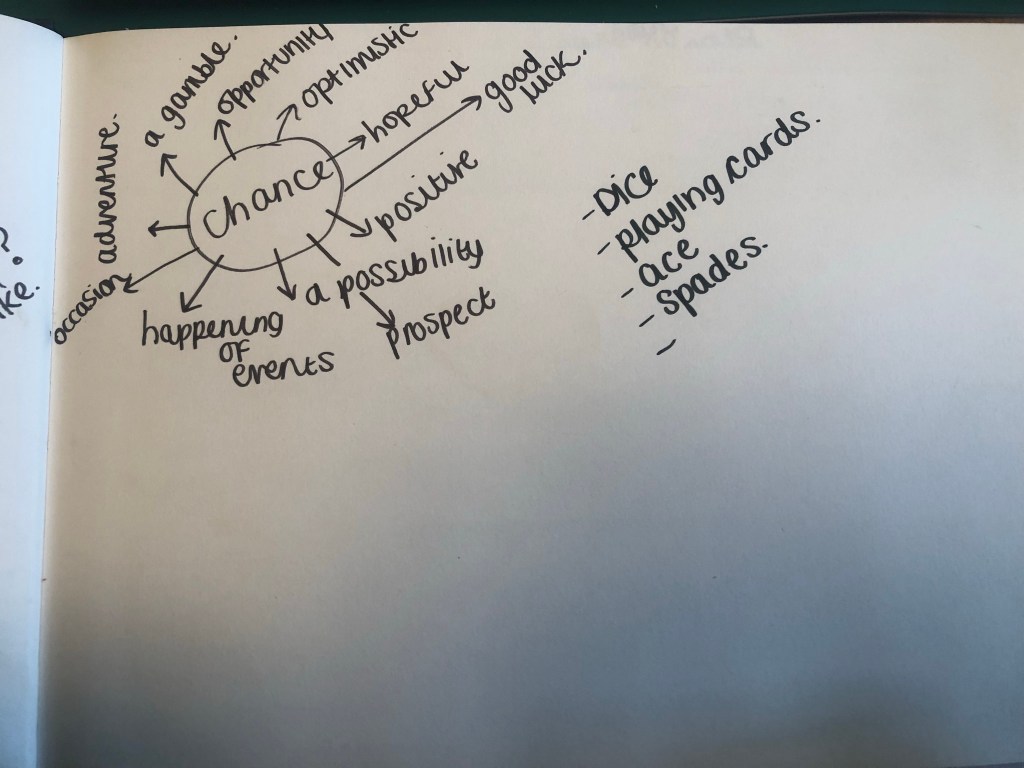
I started off by mind mapping some ideas:


Mind mapping gave me a feel for what I needed to design and where I needed to go next to move forward within the design process.
I needed to create a logo that appealed to young people and was modern in its approach. It needed to have a friendly feel but still remain professional.
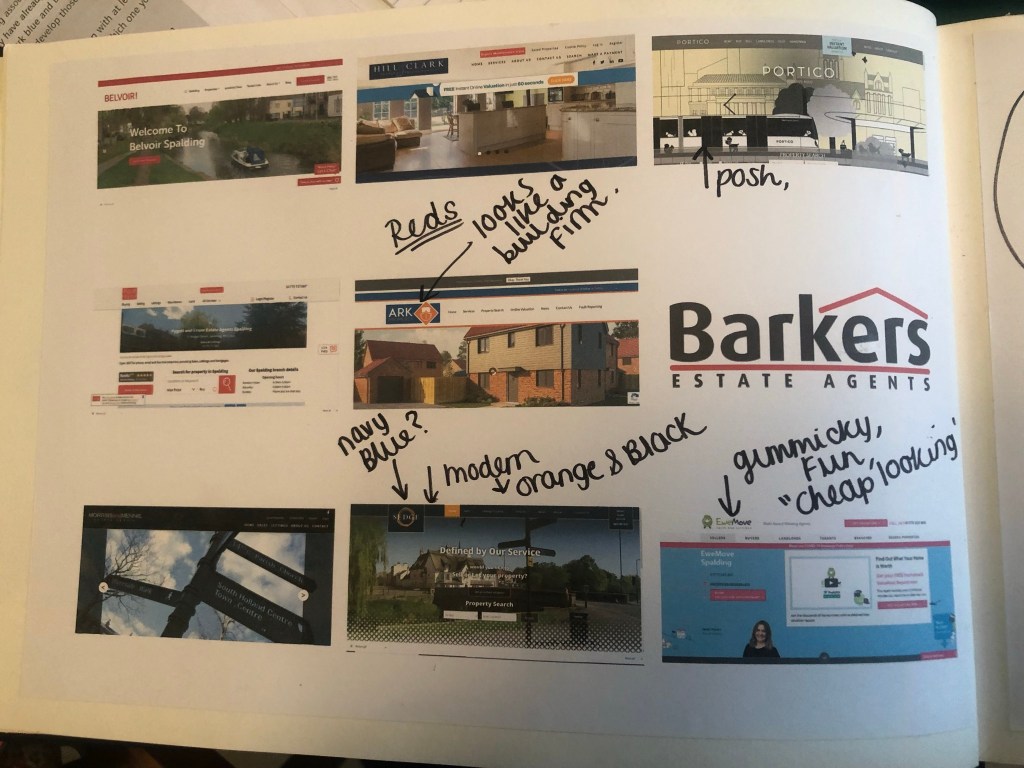
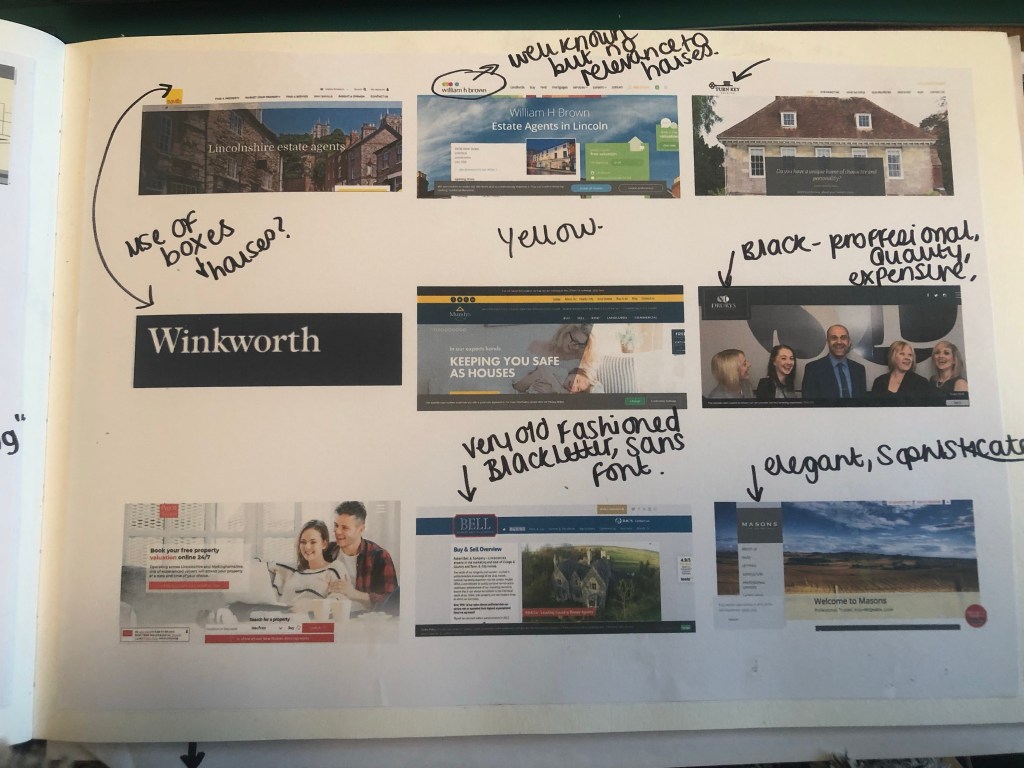
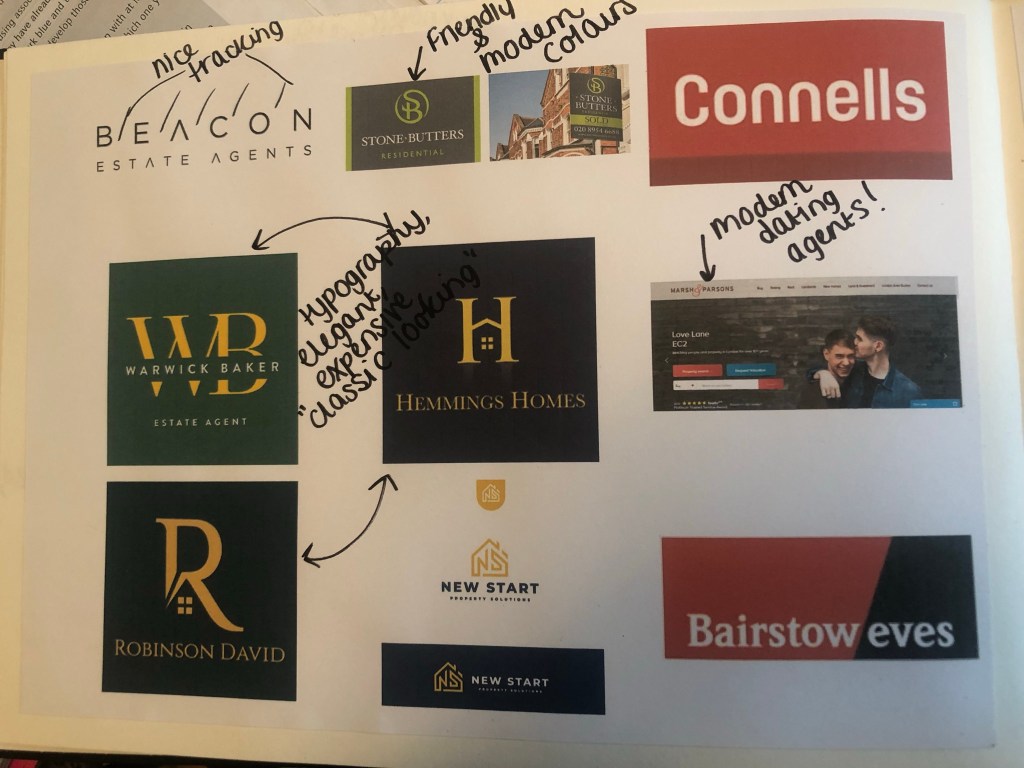
The next step was to see what is already out there; I started to search Google for existing estate agents and what their branding looks like:
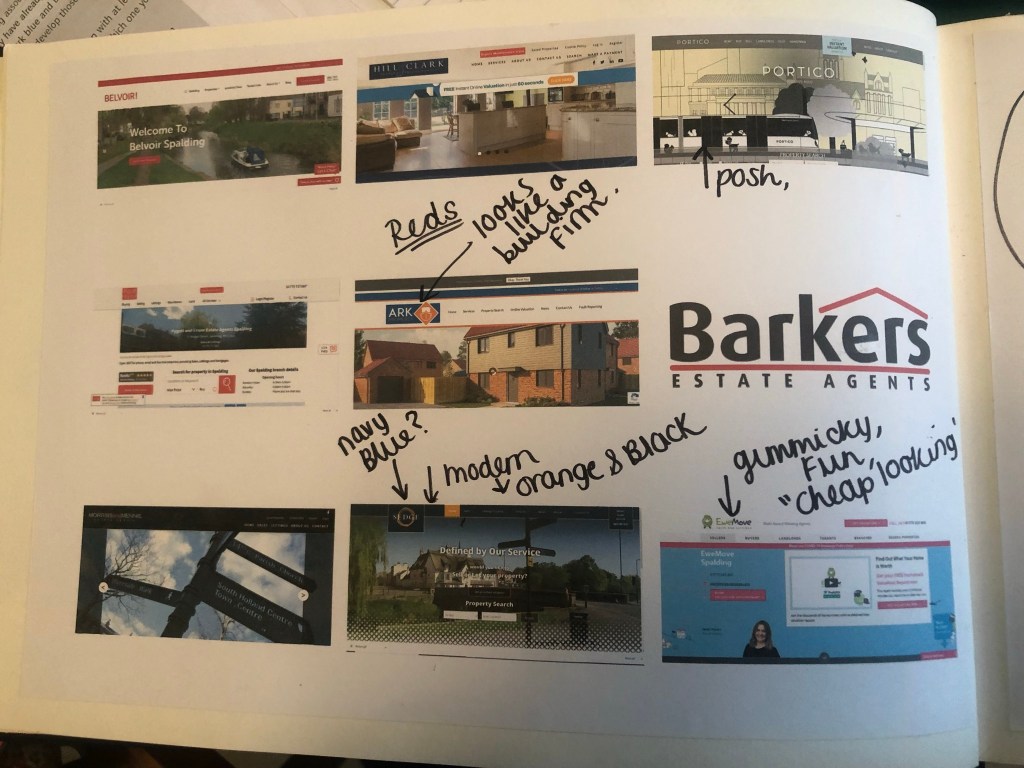
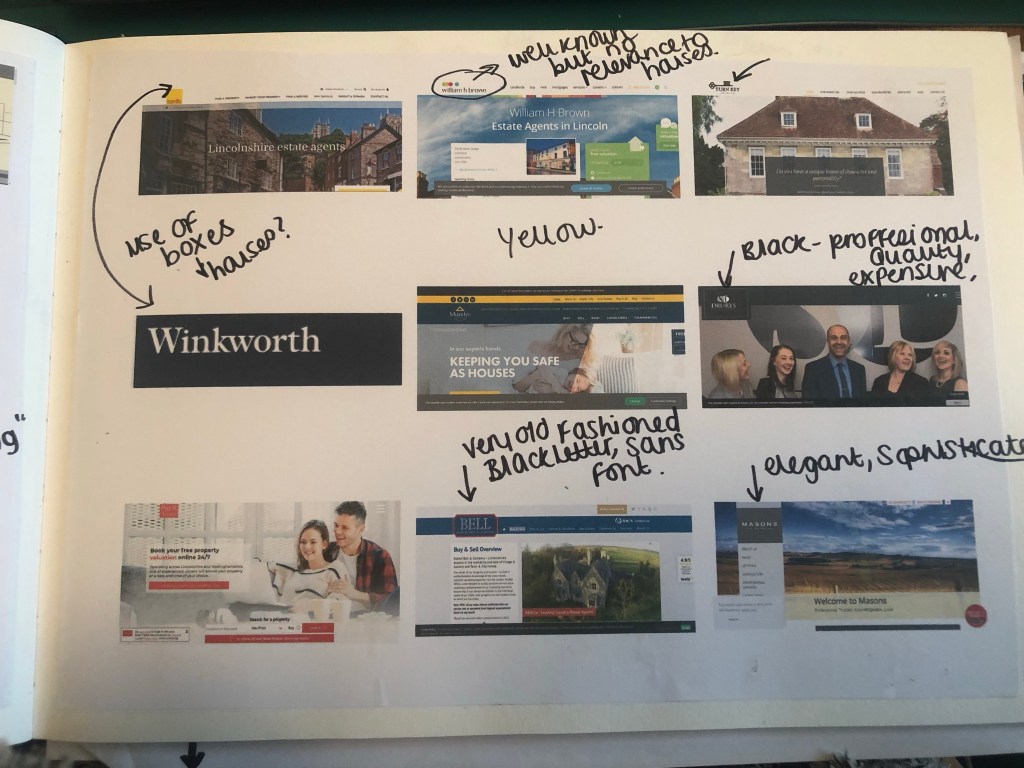
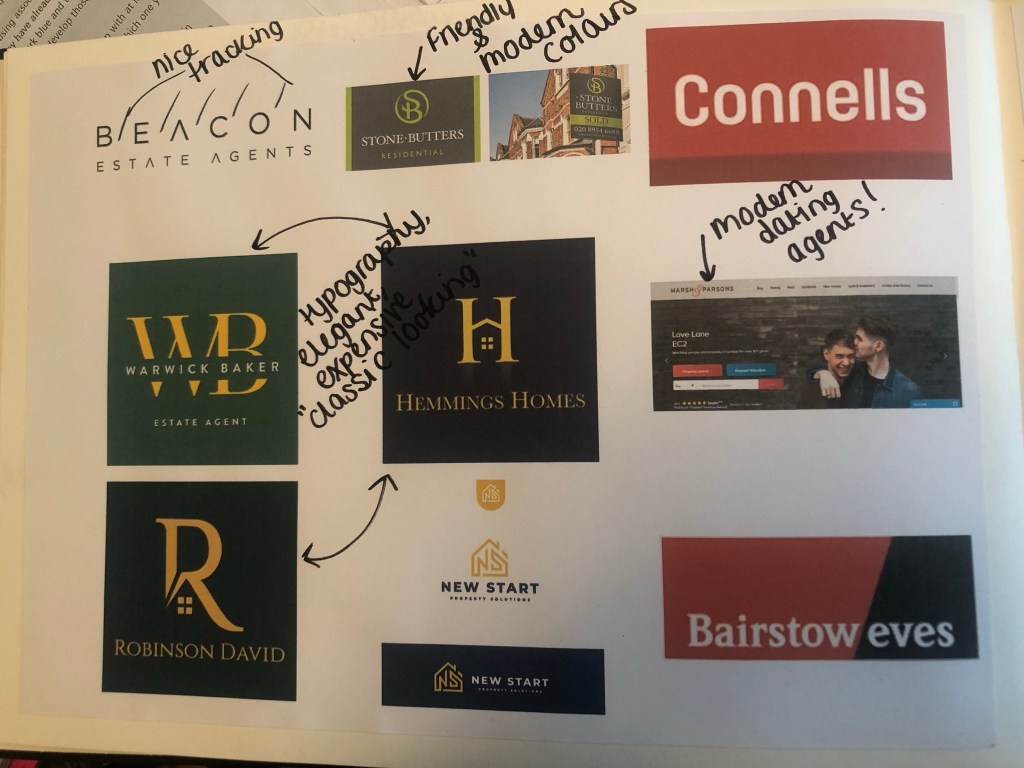
What I took from this research was that most of the logos had red in them! The popular colours were Red, Yellow and green followed closely by Blue. Blue and yellow reminded me of a building company though so I wanted to stay away from that! I decided to move away what I had seen, especially as the brief stated it wanted its logo to be “different”.
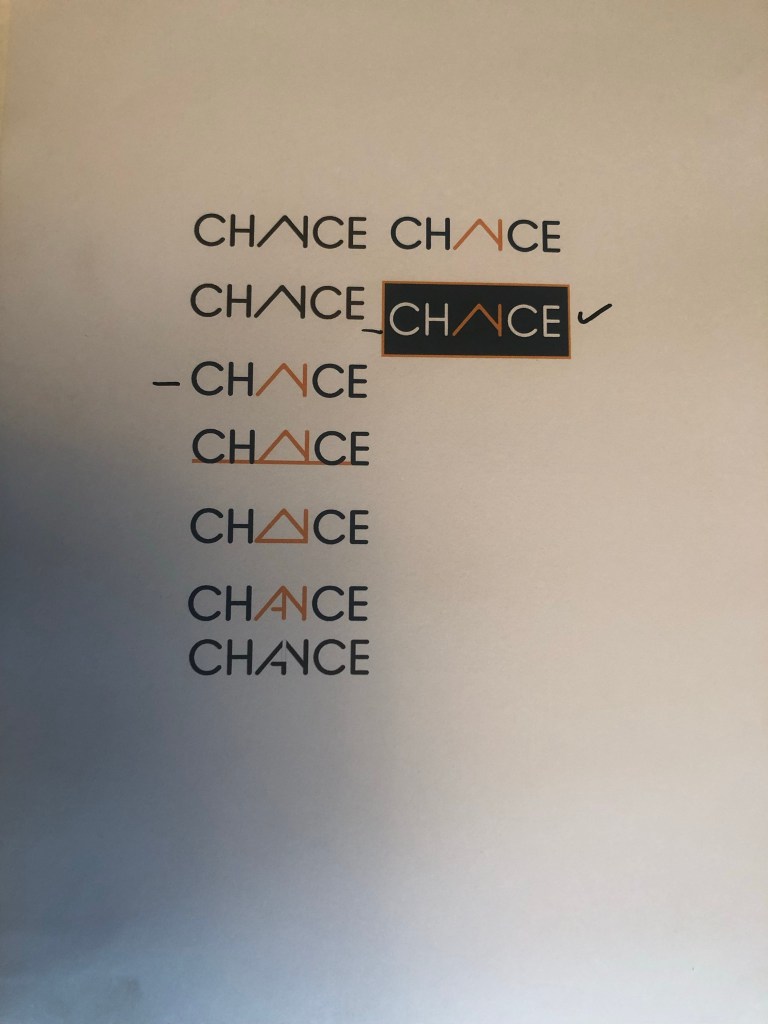
I decided that I wanted to go with Navy blue and orange! Orange is modern, fun and it stands out. Navy Blue -although it is used in other estate agents logos- is still modern but it also remains professional in appearance. They also contrast.
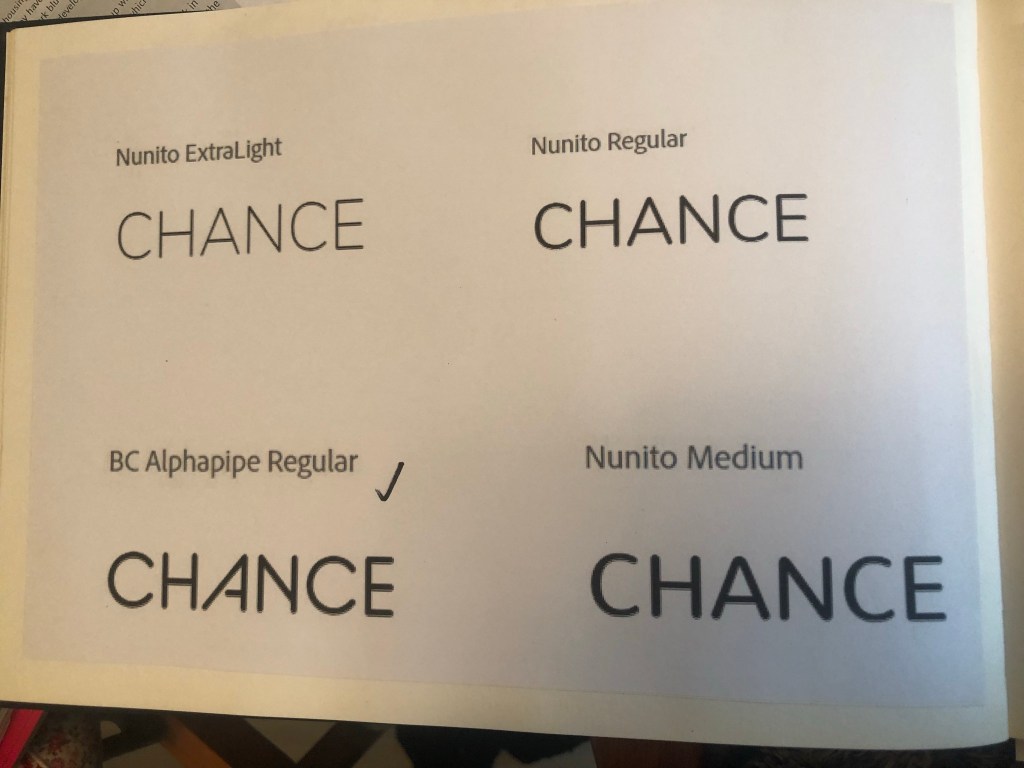
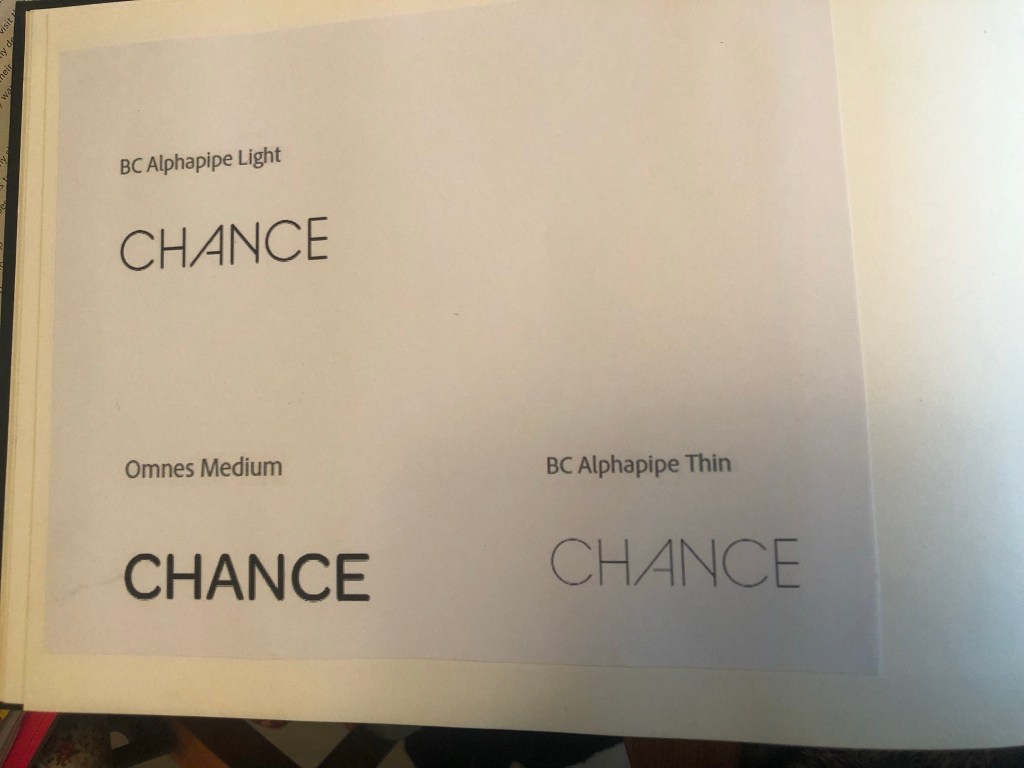
The next step was to search for a typeface that I could use in my logo. I knew that I wanted a rounded Sans-serif; rounded type appears more friendly and a Sans-Serif is legible-easy to see and read. I decided to search Adobe fonts to see what there was. I started off by finding a few that I liked:
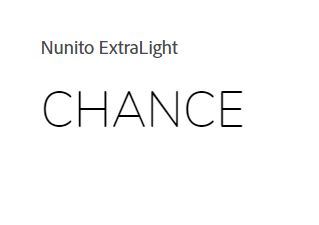
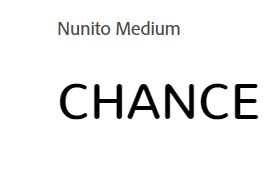

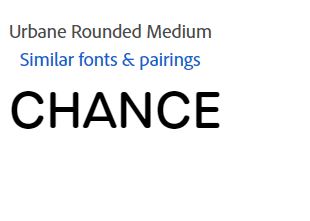
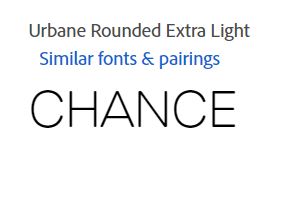
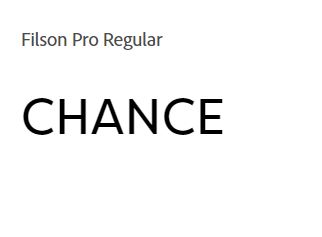

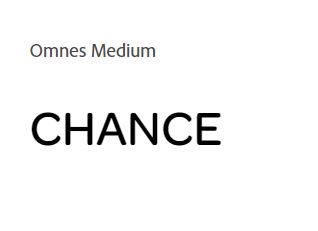
but then I struck GOLD!…

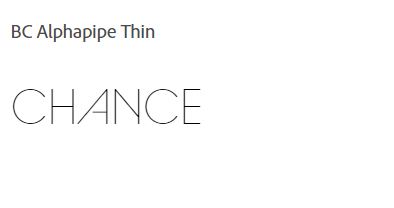
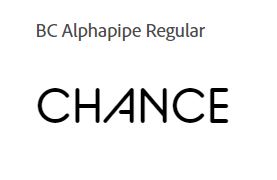
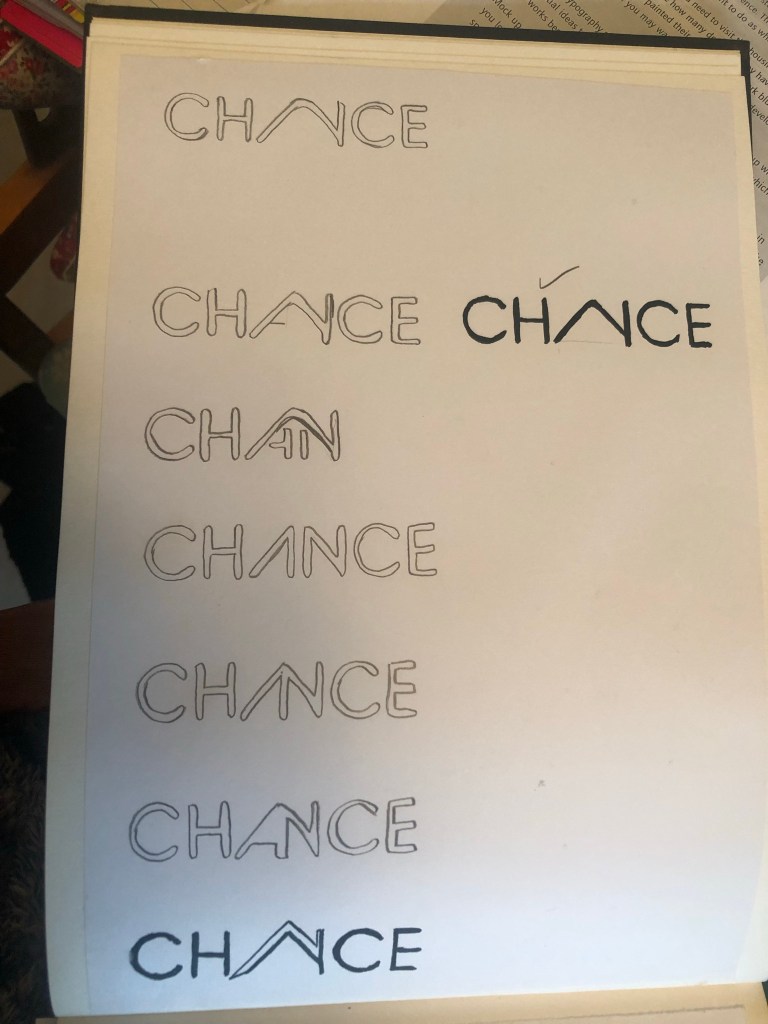
I saw this typeface and instantly saw a house in the middle of it, formed by the A and N being joined together. Excitedly I went into Illustrator and mocked some designs out.

It actually worked! It was simple, used great typography.. the only thing I was worried about was would people be able to tell it says “Chance” but I myself took a chance on that because I really think it works!
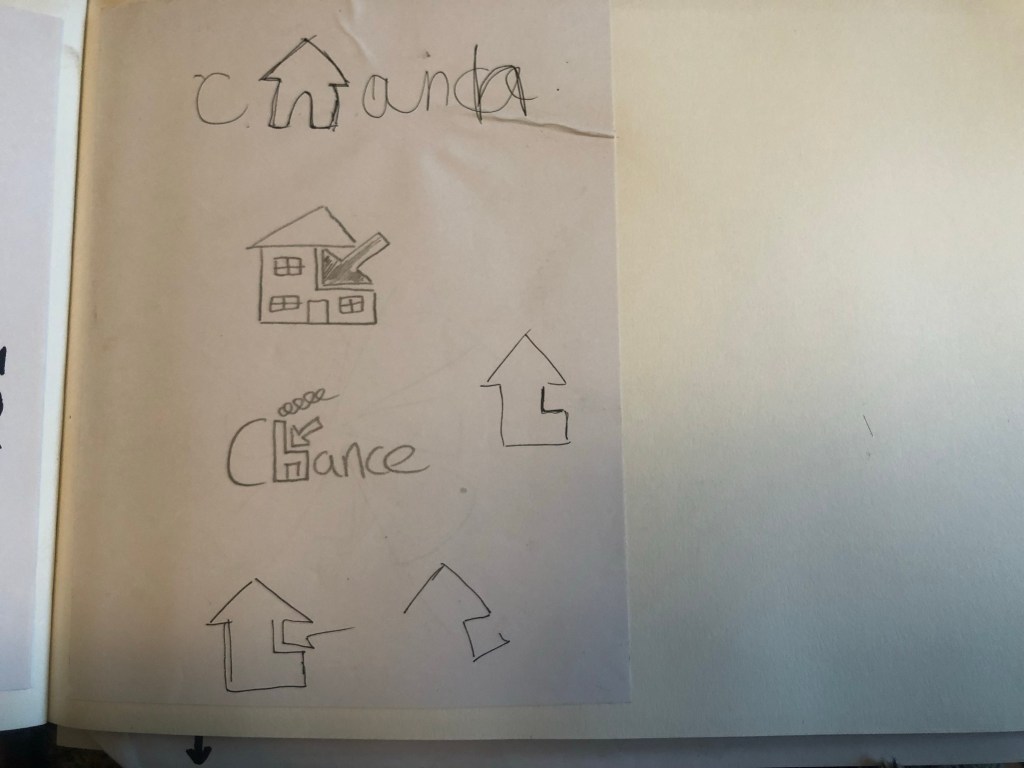
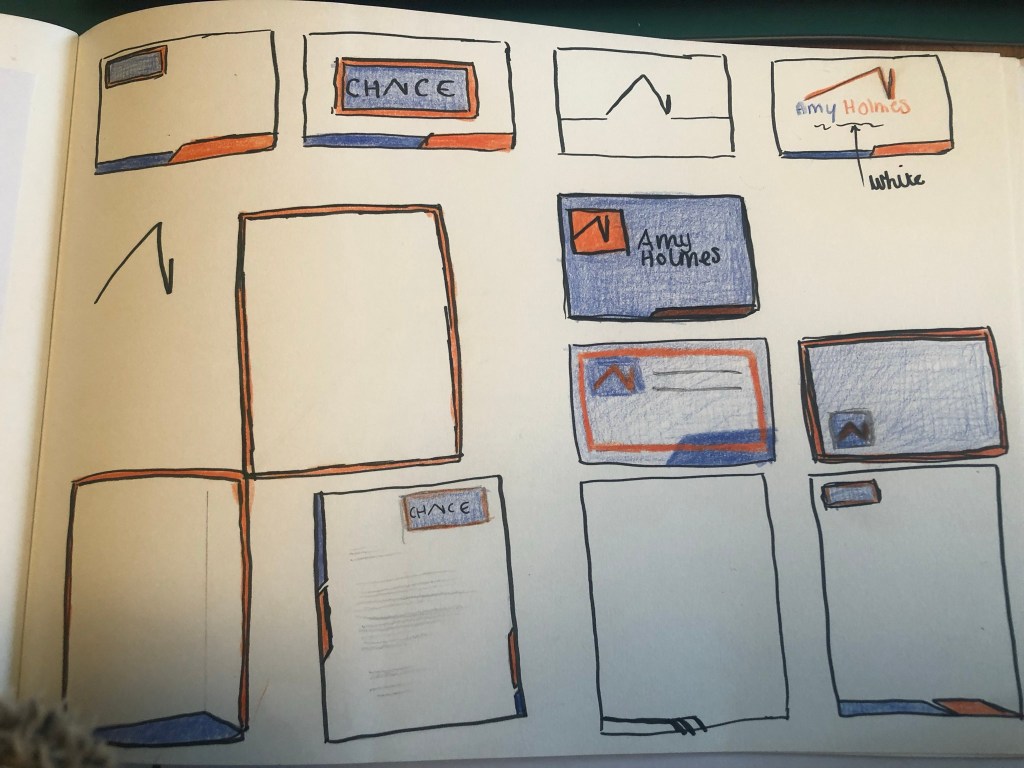
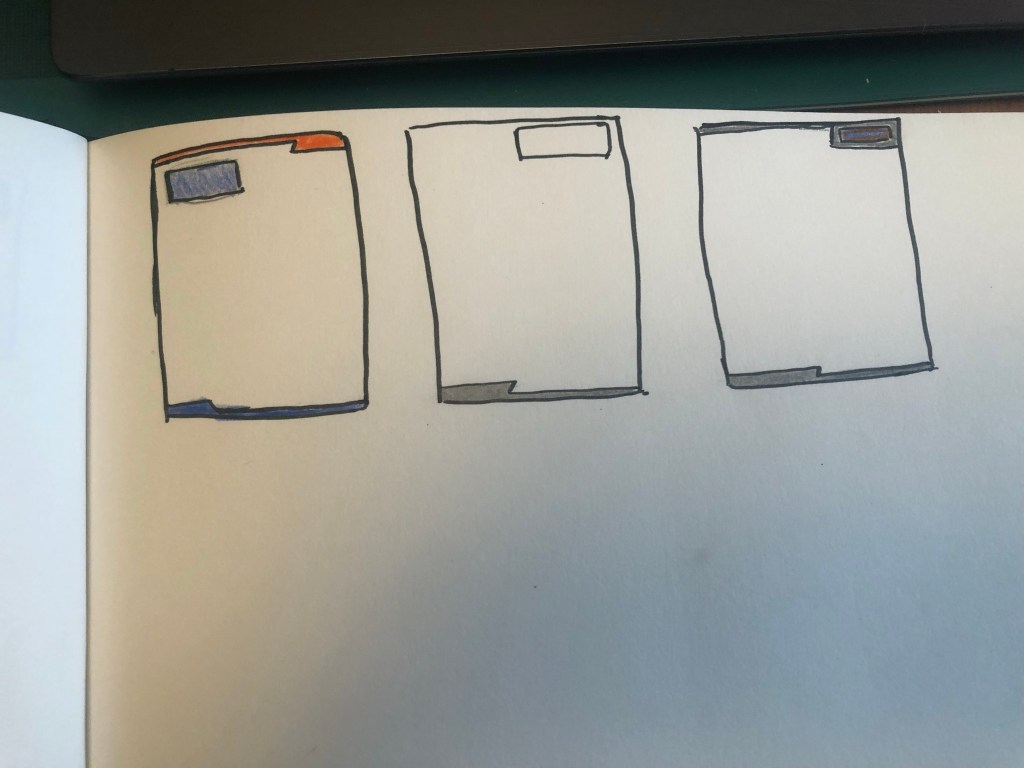
I then needed to work on the stationery for the company, I sketched up some ideas:
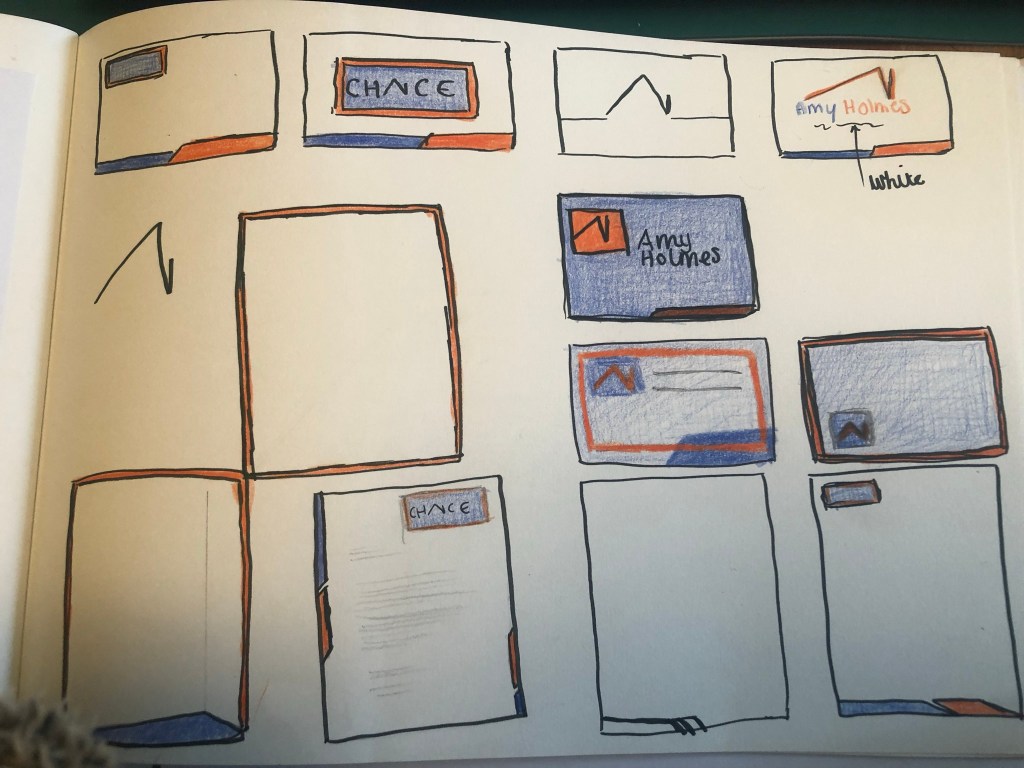
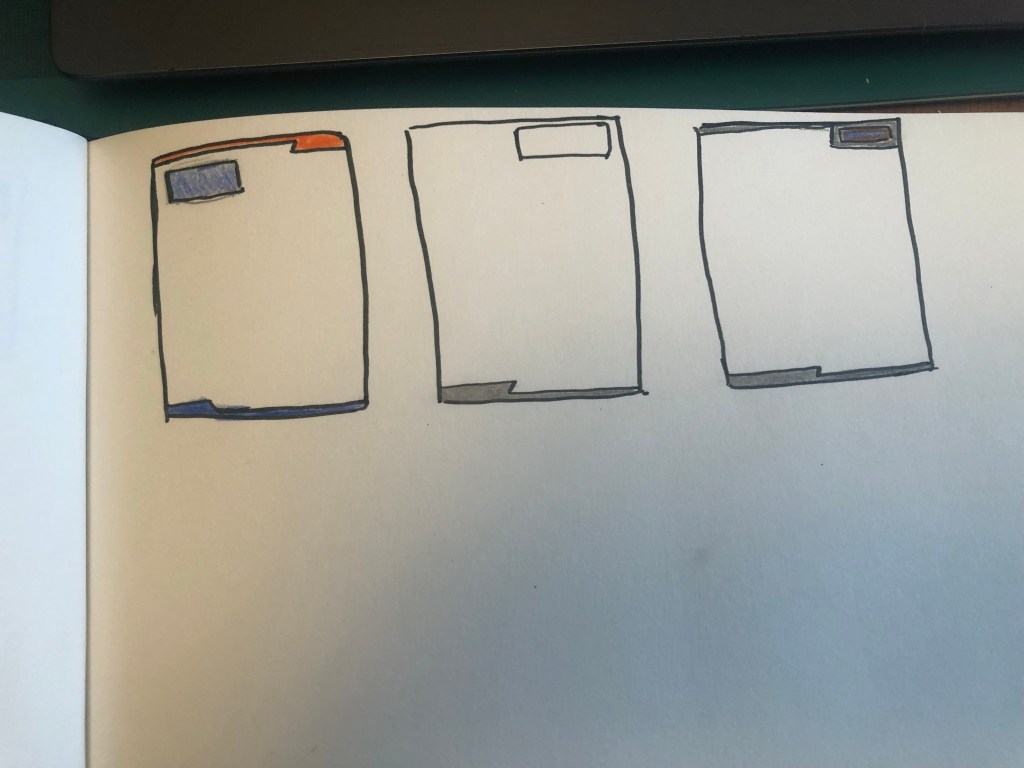
I created the logo and the illustrations in Photoshop and then imported everything into InDesign to create the stationery.
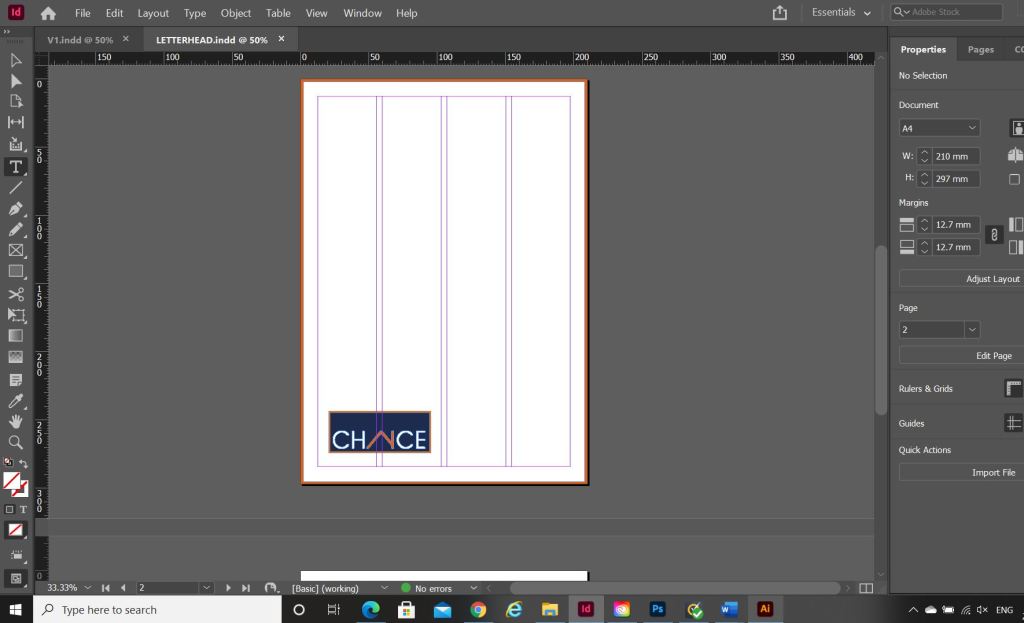



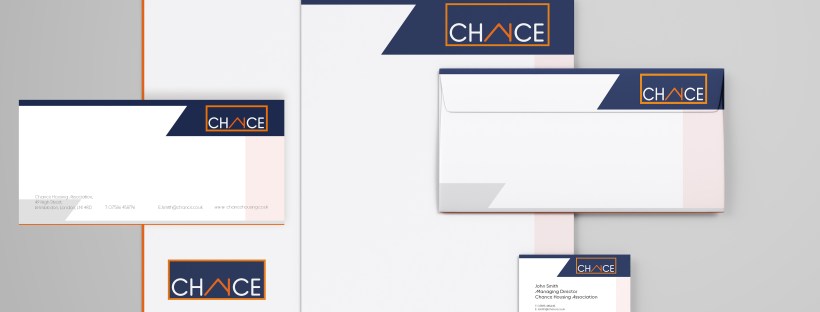
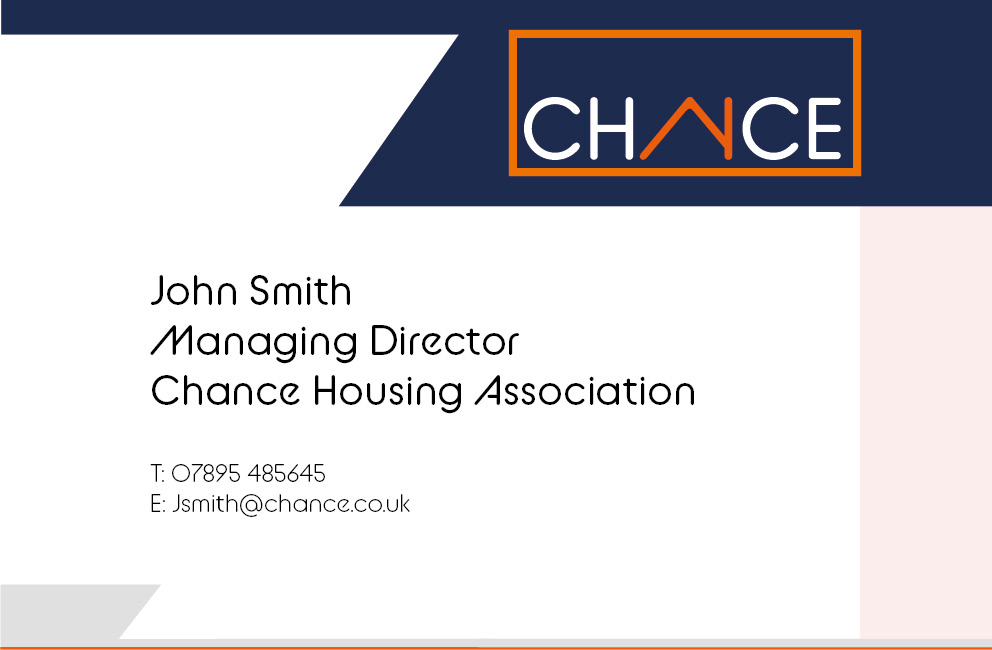
What I ended up with are these:
The top and bottom angled borders are supposed to mirror the angle of the A (or the house) in the logo.



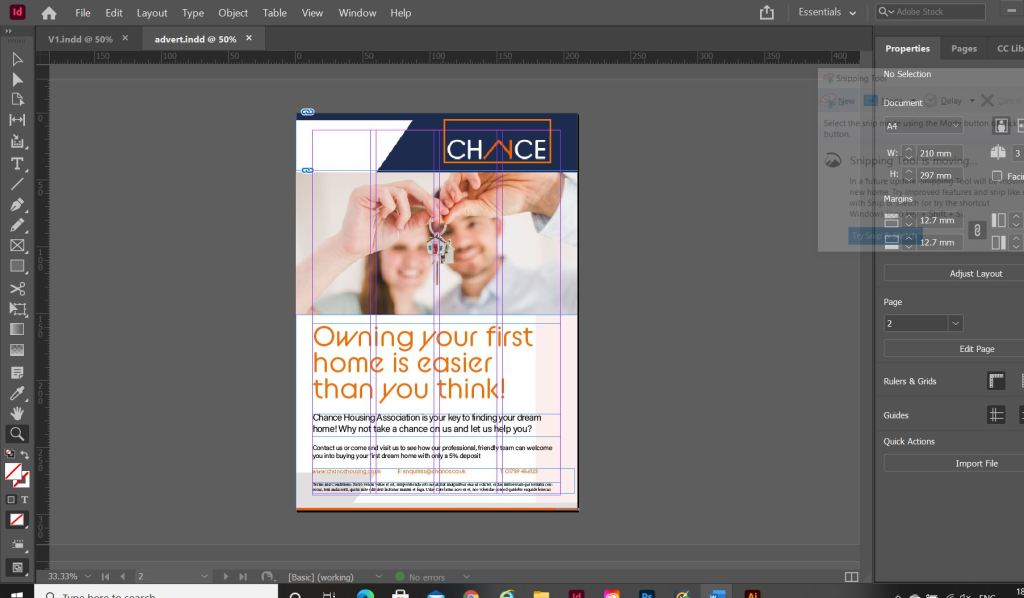
I also created the advert in InDesign, I used the same layout as the letterhead but added the extra information that would be needed in an advert. I searched Pexels for an image of first time home buyers and I found these that I thought could be suitable for my advert:


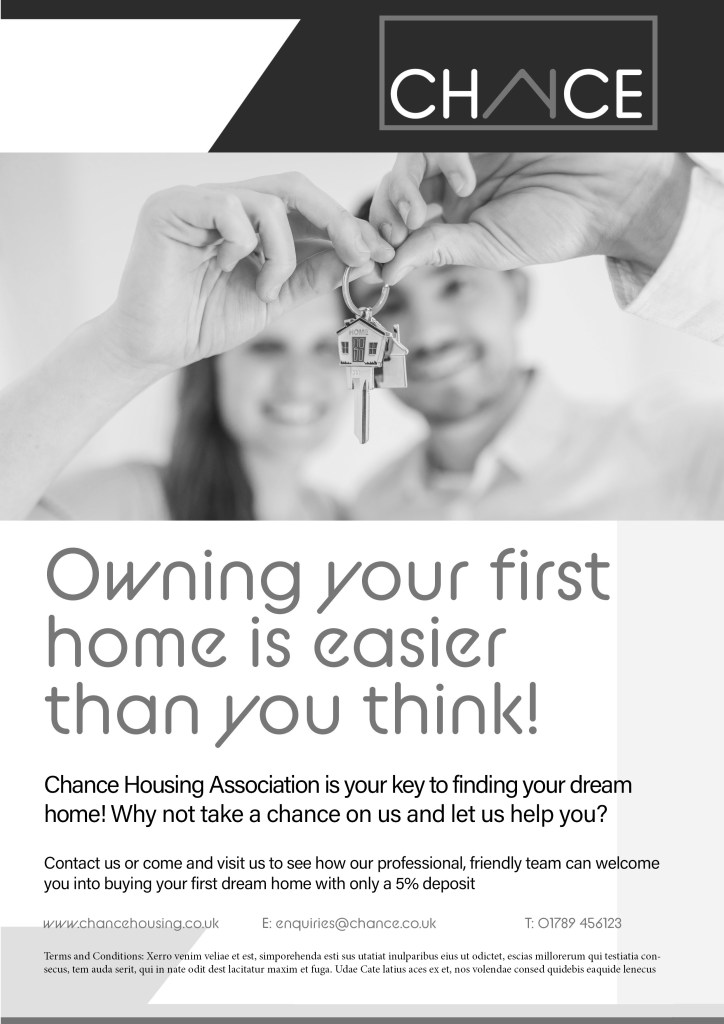
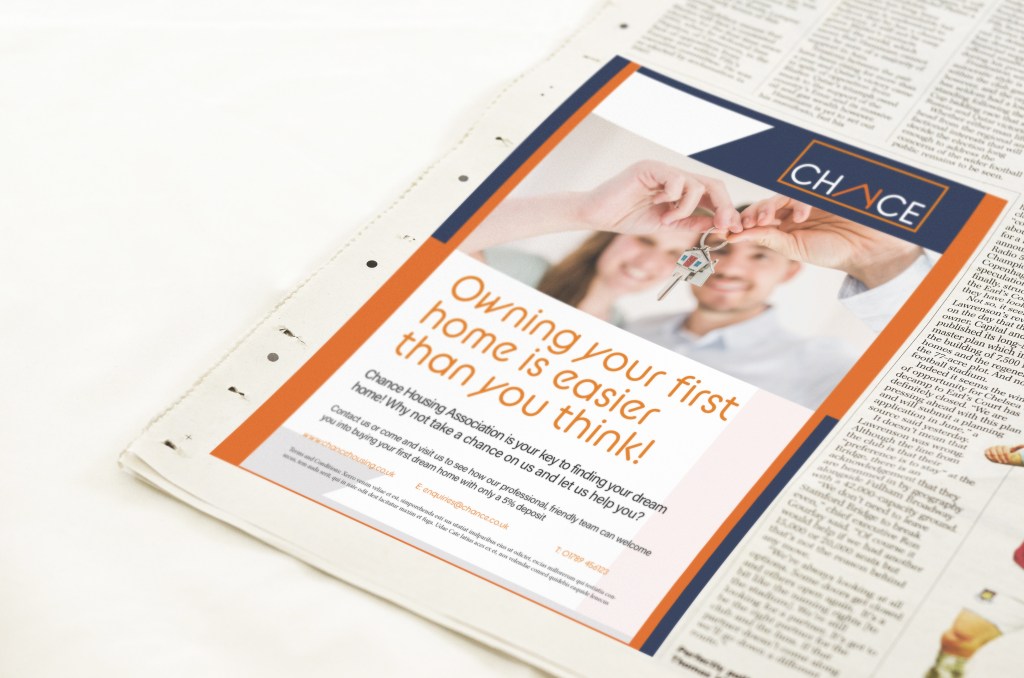
I then imported my chosen image into InDesign and started working on the typography. I used the same typeface as the logo (BC Alphapipe) for the main heading of the advert. I then chose to use a lighter, more legible typeface for the main body text – I chose to use Acumin Variable. It is still rounded, which still gives a friendly feel to the advert but it just works better to read. I think overall the advert looks modern, bright, happy and professional. It is clear that it is aimed at young people and in particular first time buyers. It also carried through the branding from the other stationery. I feel like the stationery and advert work well in colour and also in black and white for when it needs to be cheaply reproduced.





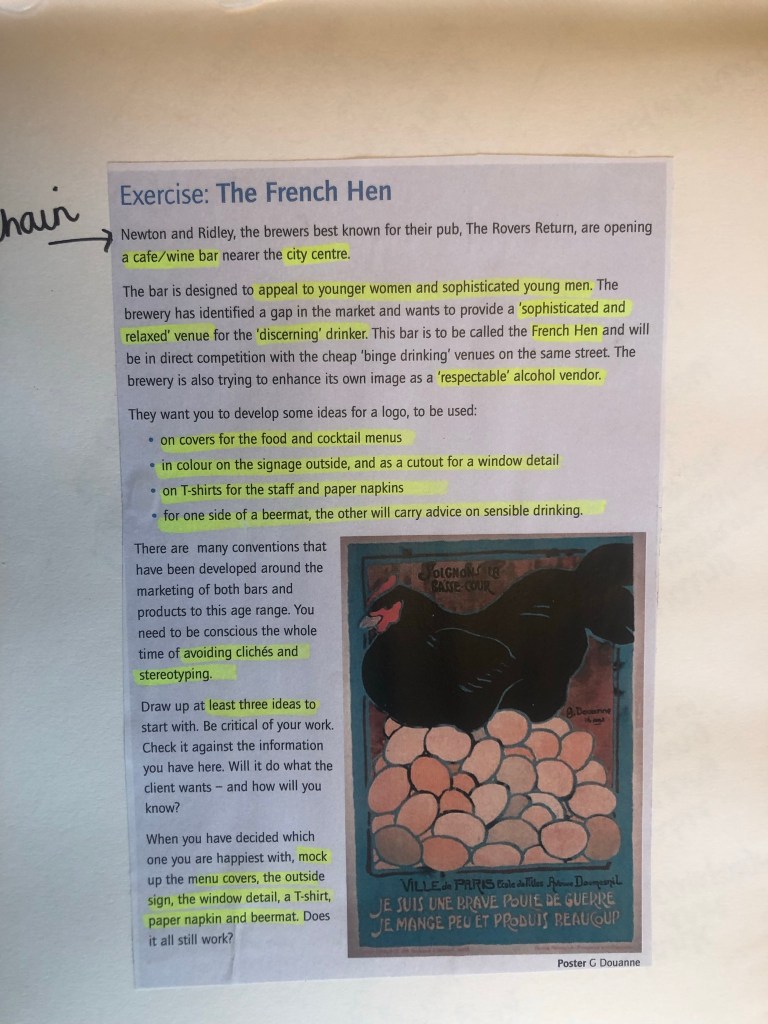
When I started this brief I was actually quite worried! I have tried before to create logos for myself and have always failed miserably! My first thoughts were how on earth was I going to get a chicken on a logo and still make it look legible and understandable!
From what I know of logo design – simple is better! logos have to be reproduced on absolutely every kind of media: from Web design, emails, social media, advertisements, phones, TV, billboards, stationery, signage.. the list is endless! All of these medias are different sizes and the quality would vary for each. For web design the logos would need to be very small in size to be uploaded.. this means that the logo must be easily legible and brilliant quality at a really tiny size! Logos need to be reproduced for any size basically!
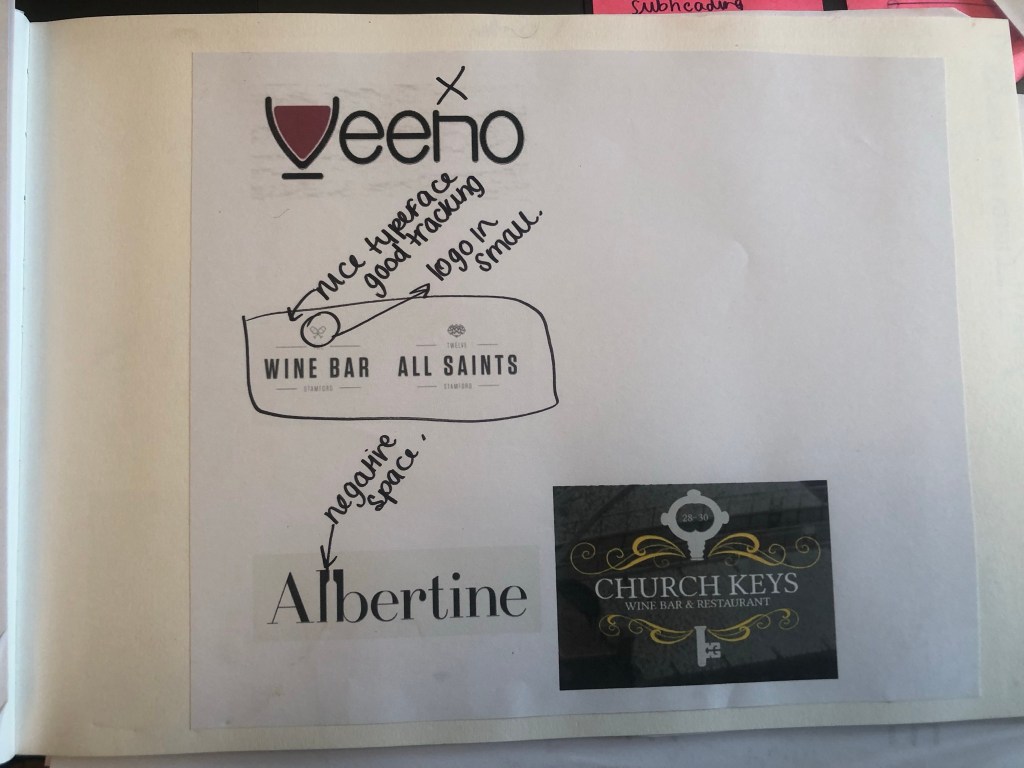
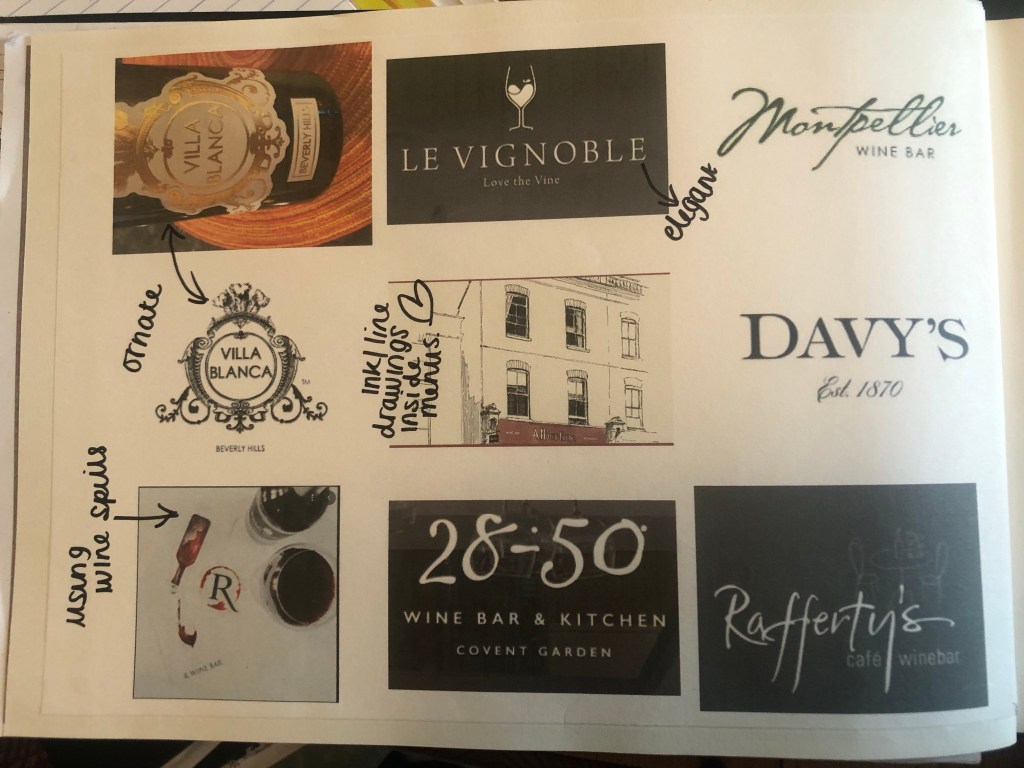
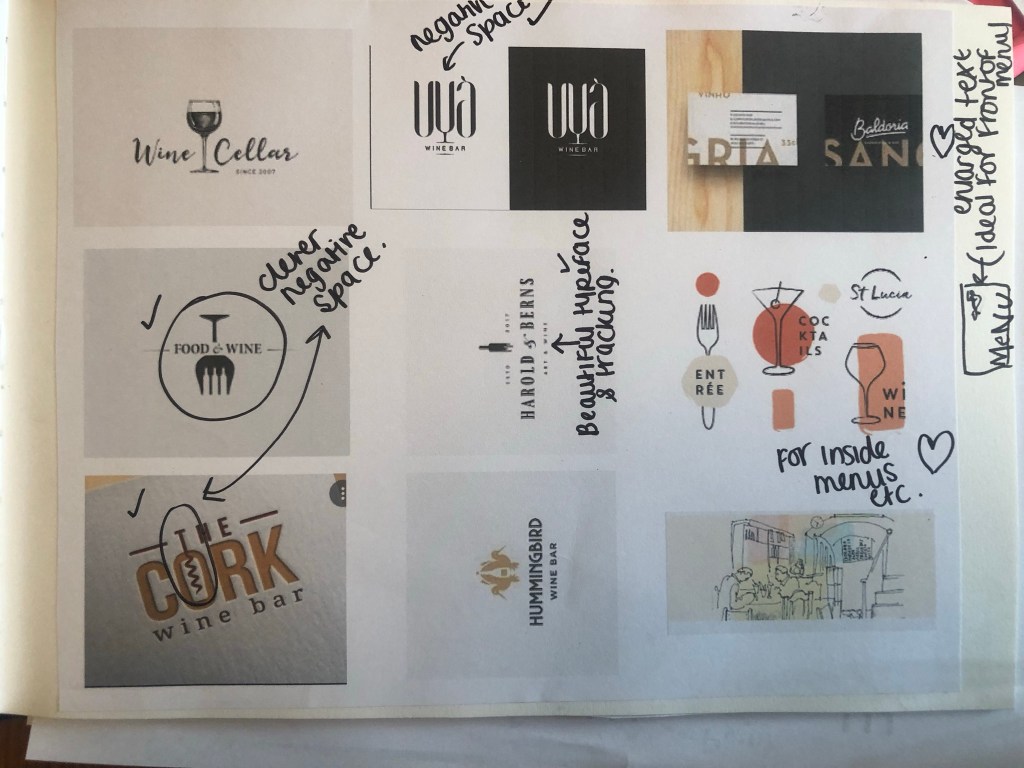
I started research by looking up existing logos for wine bars – some that I already knew of and some that I had ever heard of. The brief asked for sophisticated and classy. In my head I imagined a city bar in the UK but with strong French roots; taking inspiration from French typography rather than having something French actually in the logo. In Paris all of the little cafes and boutiques have fancy serif typefaces and it all looks very romantic and beautiful. This is what I imagined for my logo.
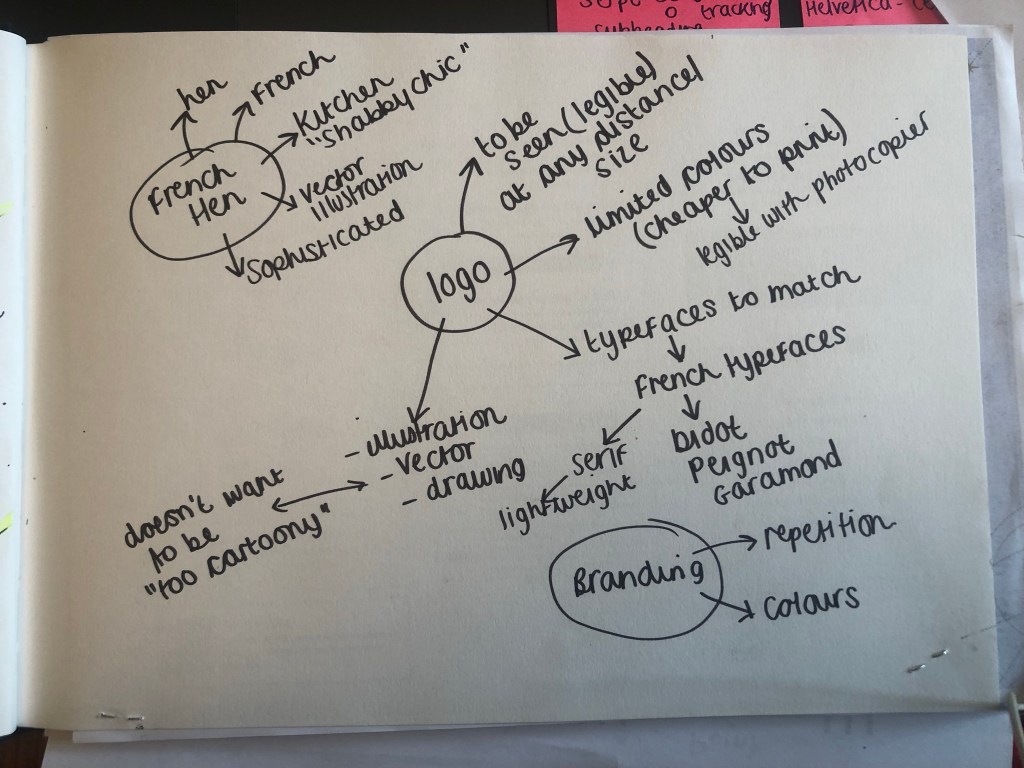
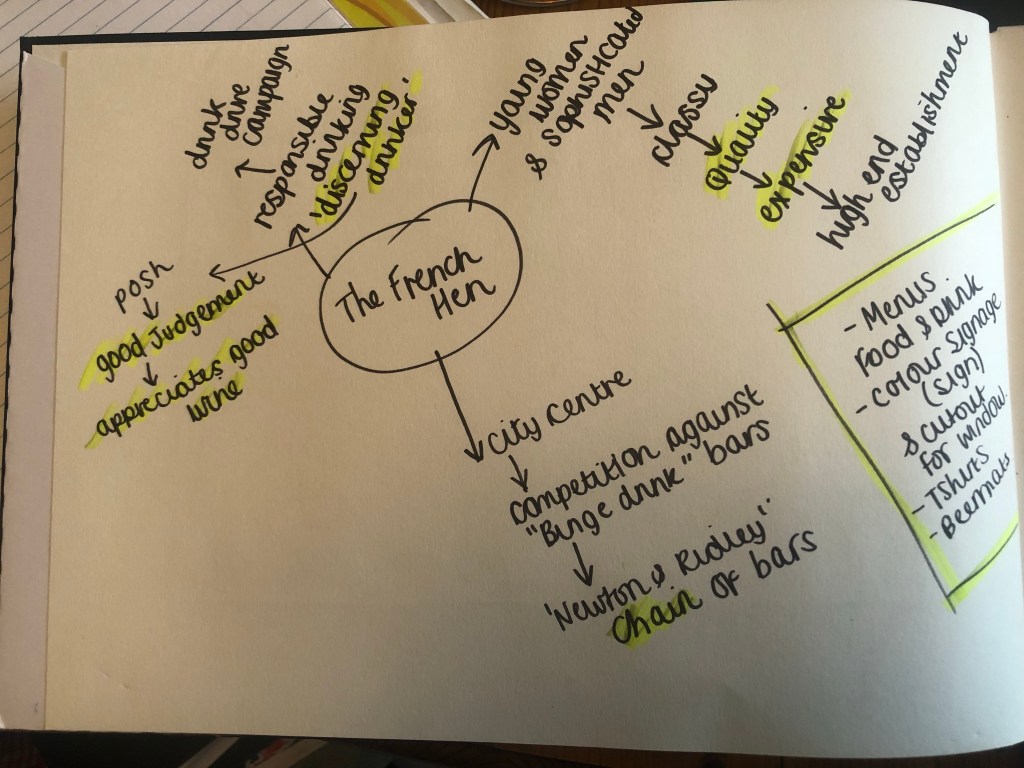
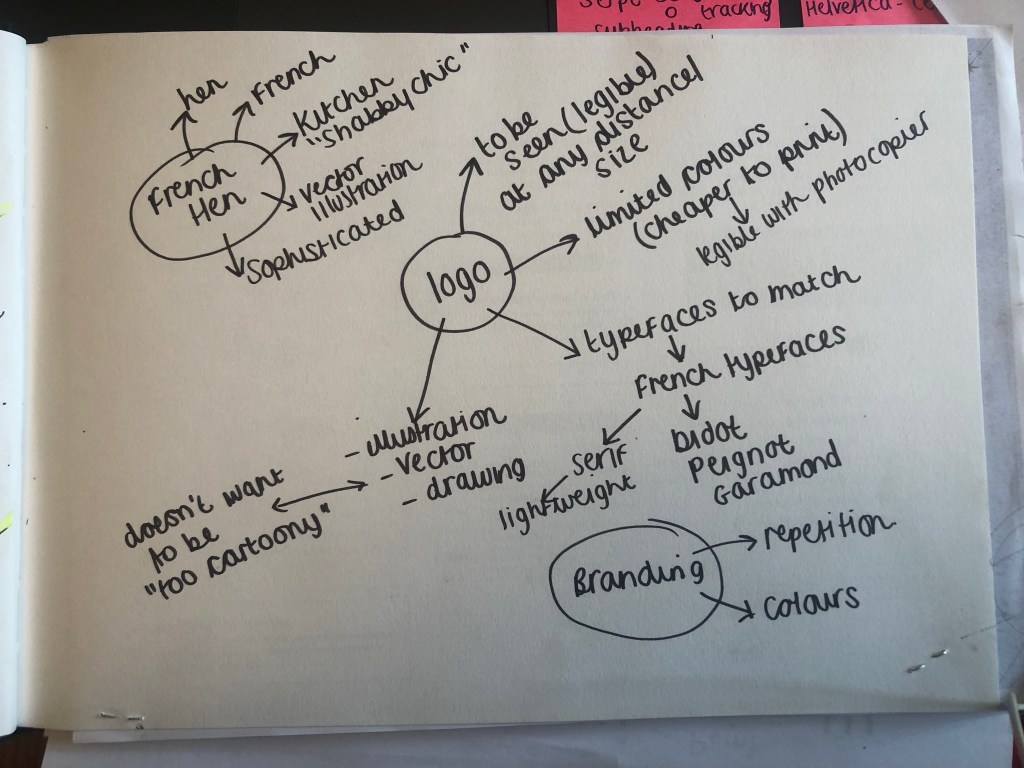
I started to mind map ideas:






From looking at examples of Wine bar logos I came to my own conclusion that the classiest and most beautiful logs were in Black and white, were kept simple and used beautiful typography to do all the talking.
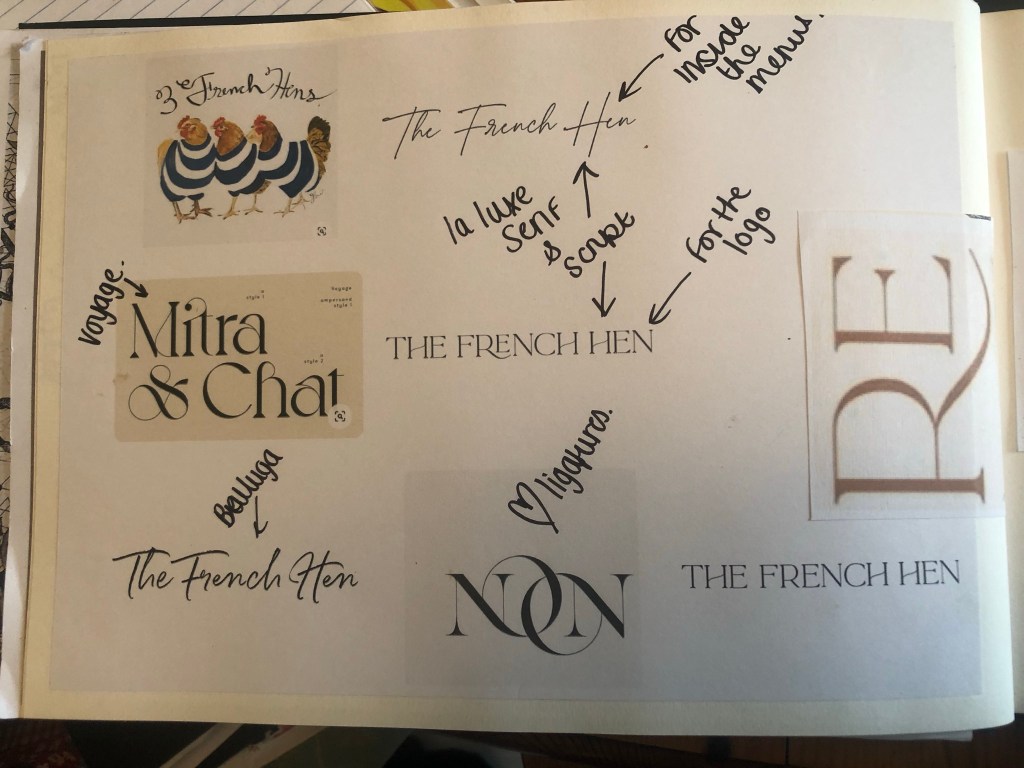
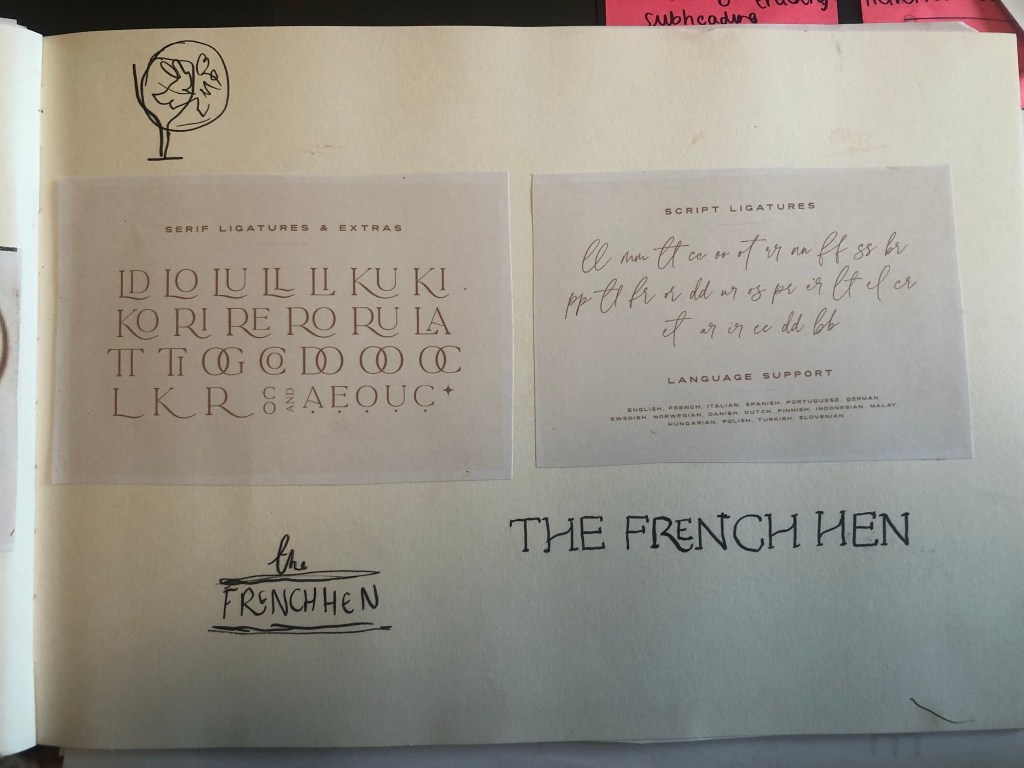
The next step for me was to research into French looking typefaces. I searched Adobe Fonts but to be honest it didn’t bring much back in the way of results. I took my search to Google and fell in love with the most beautiful typeface called La Luxe.
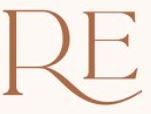


It also has beautiful ligatures, I thought that the “re” ligature would look really good in “French”.

I did purchase it for £20 but it was well worth the money for the results it gave my final logo!

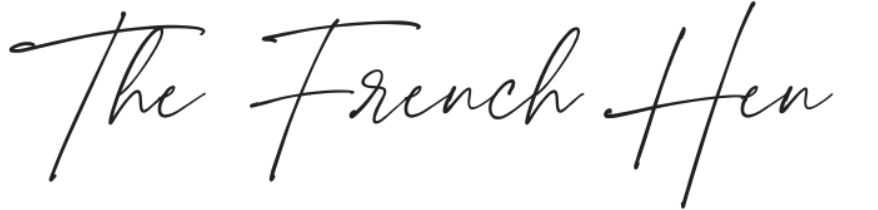

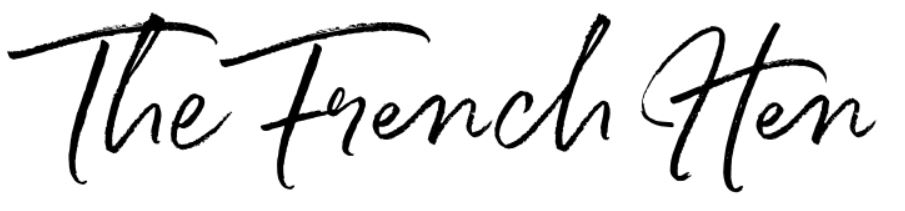
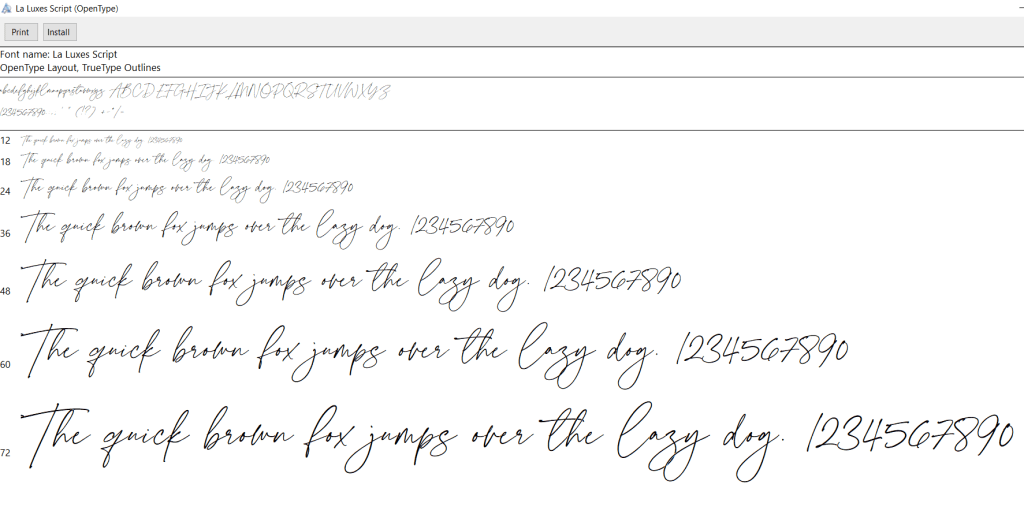
I decided to use La Luxe Serif for the main logo “The French Hen” and to use La Luxe Script for something a little more fancy inside the menus.
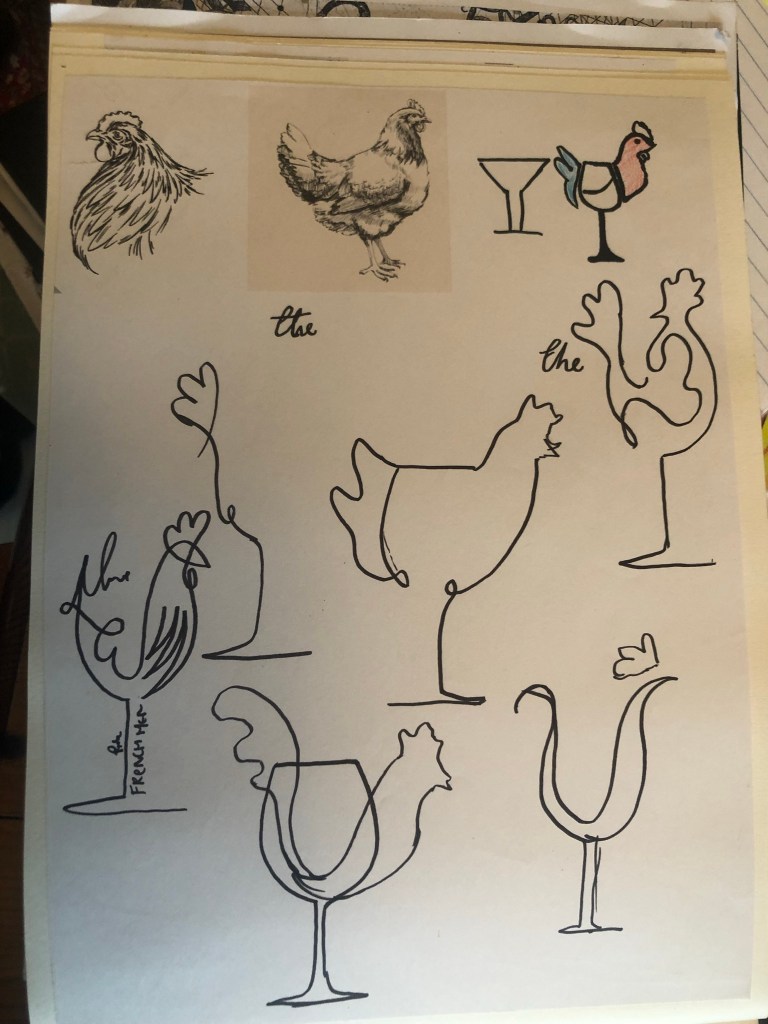
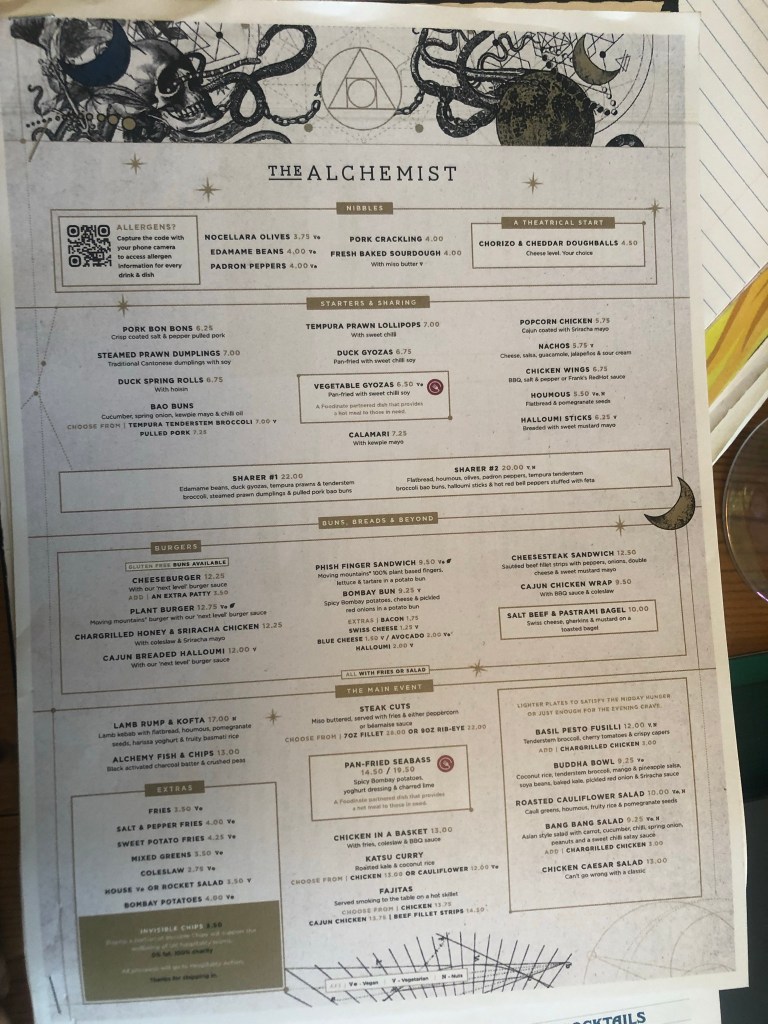
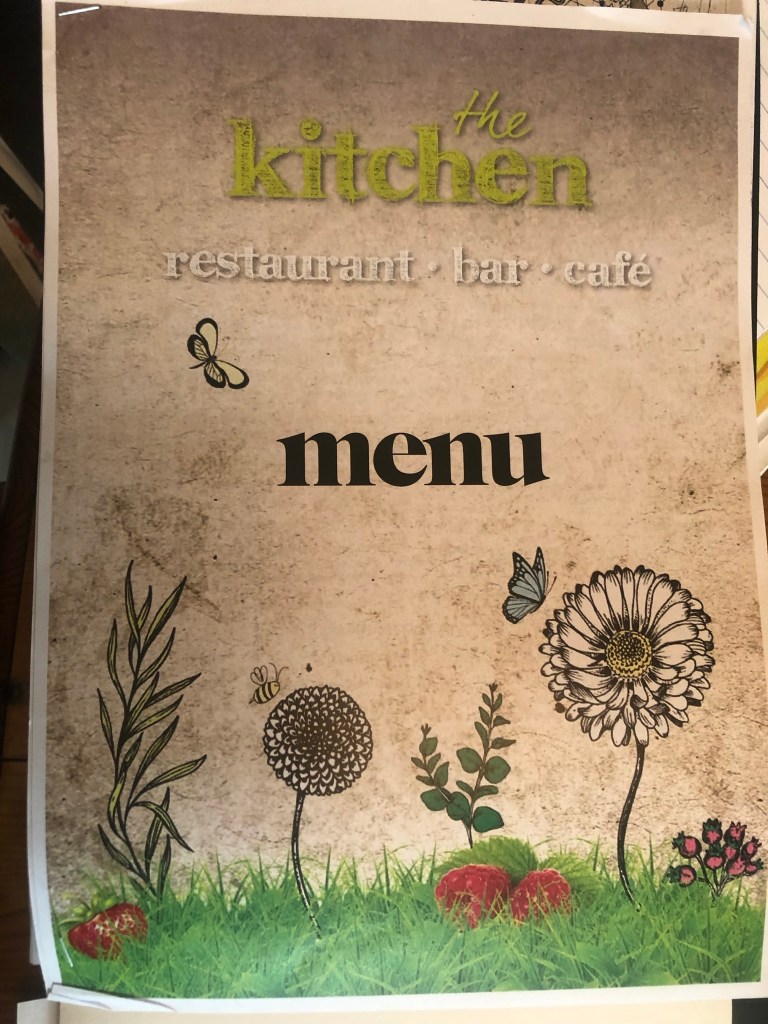
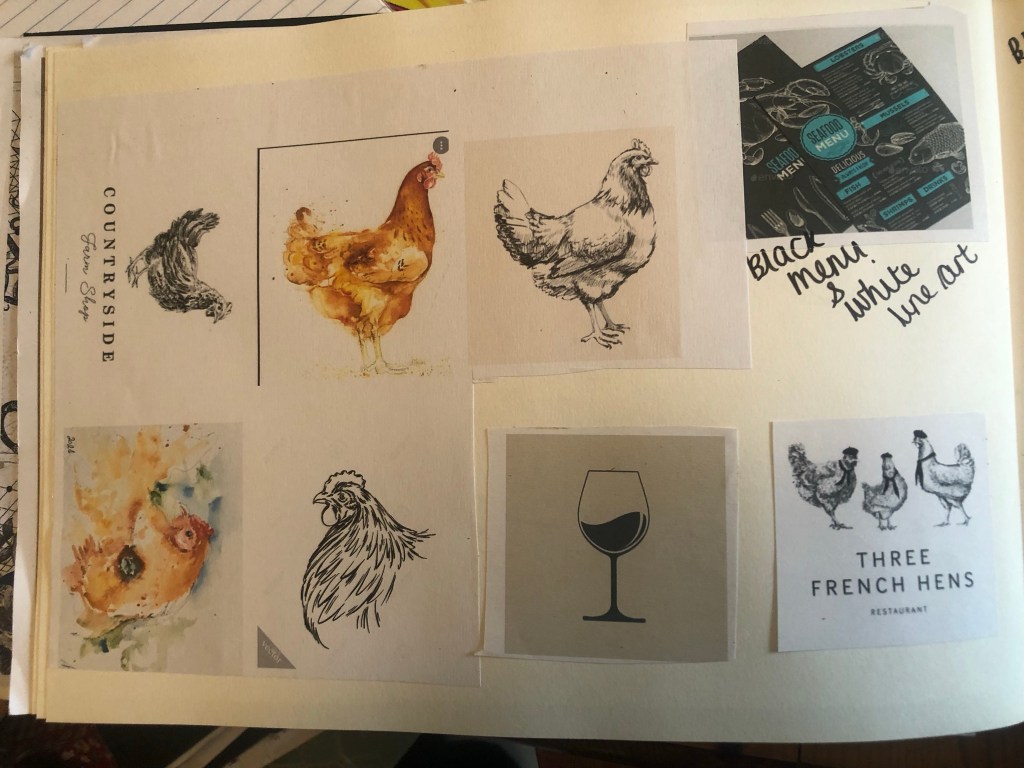
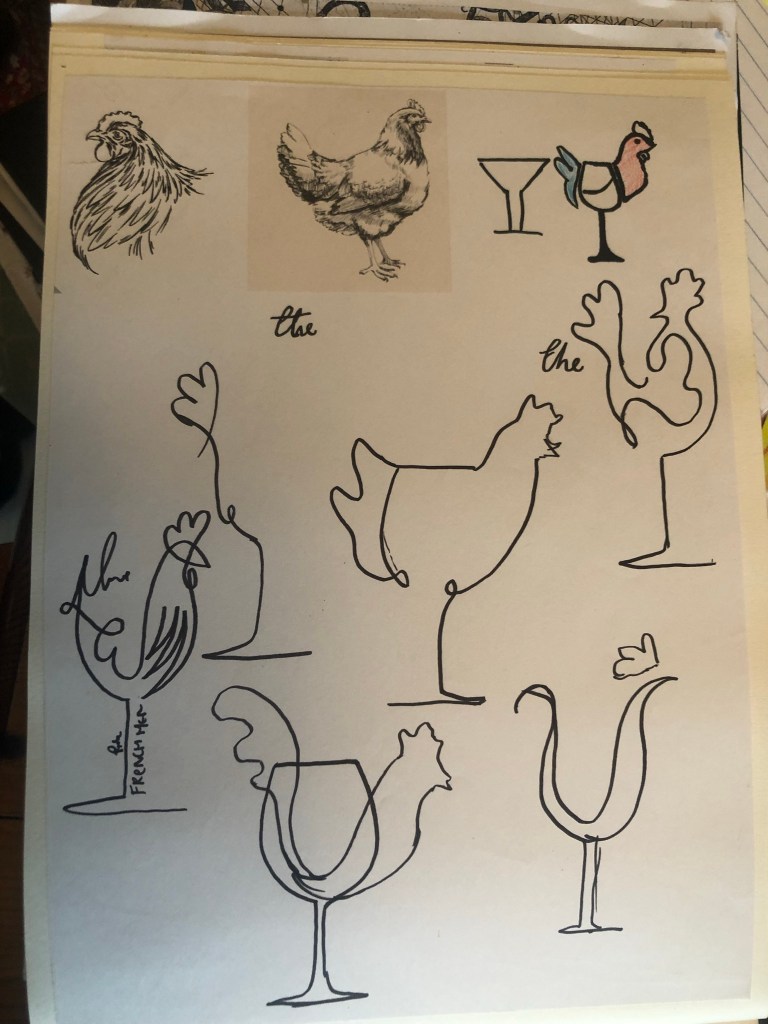
I then wanted to look into Hen designs to see what I could do for my own logo. The black and white illustrations of Hens that I found looked like they would belong in a homely “kitchen” style restaurant. There is a restaurant called “The Kitchen” near me in town which is very shabby chic and country inside – I used their menu as part of my research in my sketchbook. I really like the watercolour hens but they are what would have to appear in the menus or on place mats and the decor of the wine bar because they would not make a very good logo.




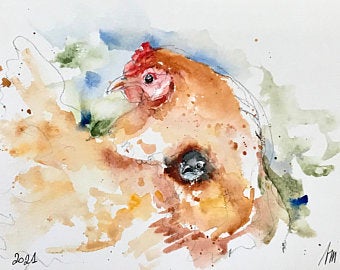

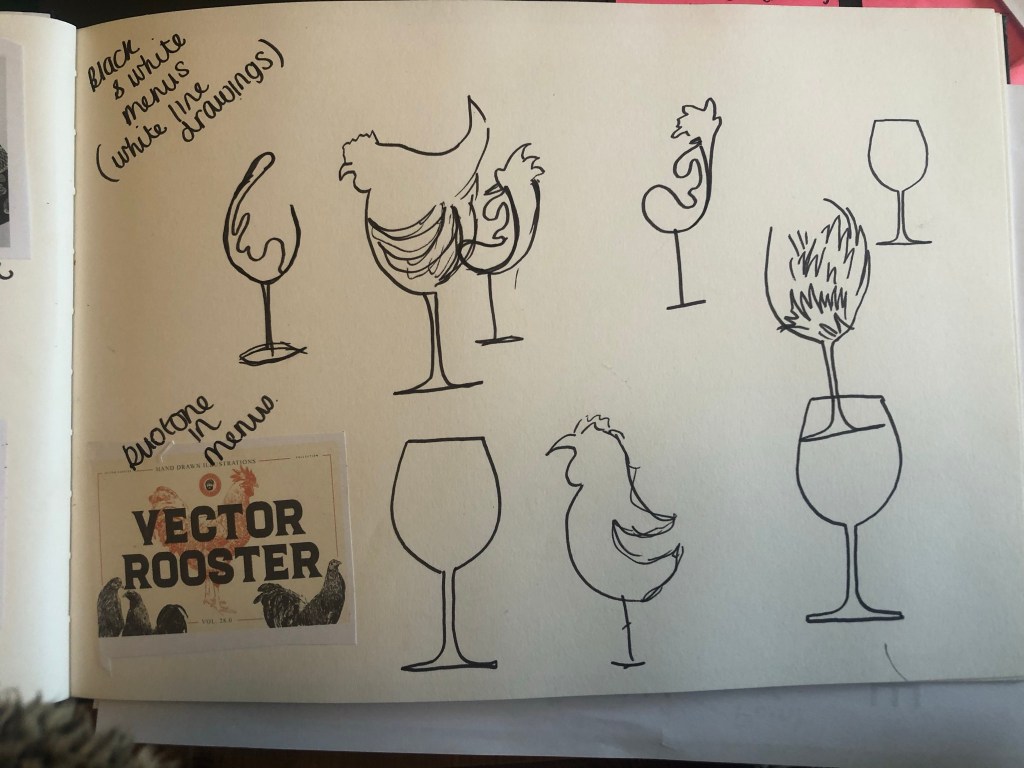
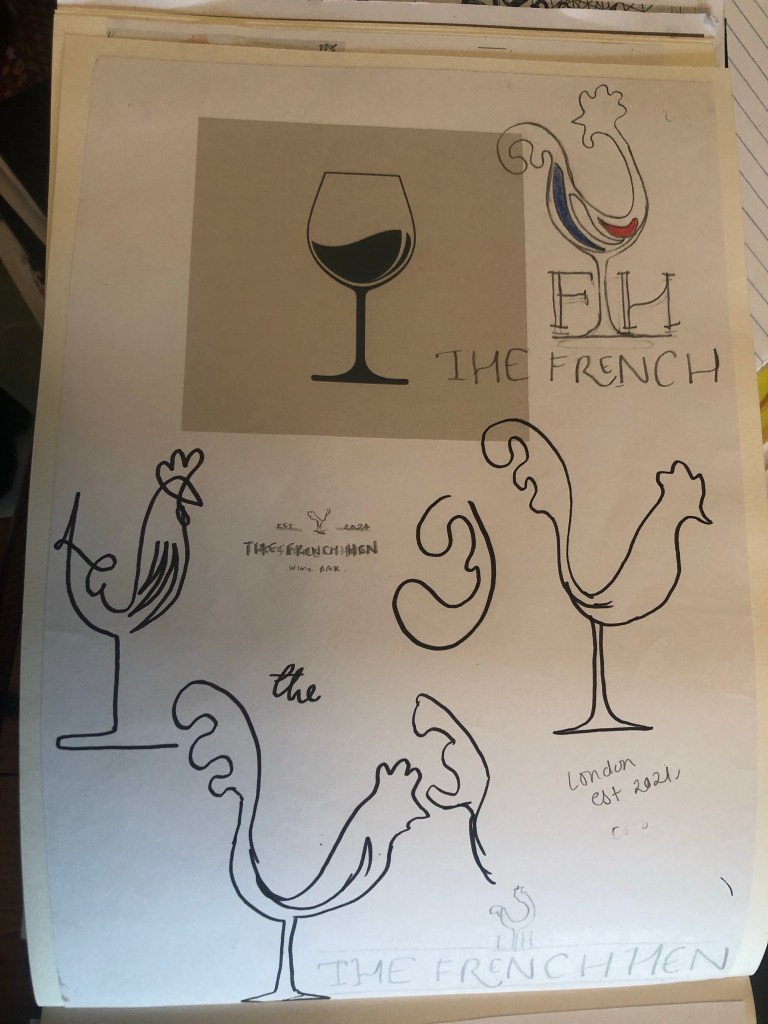
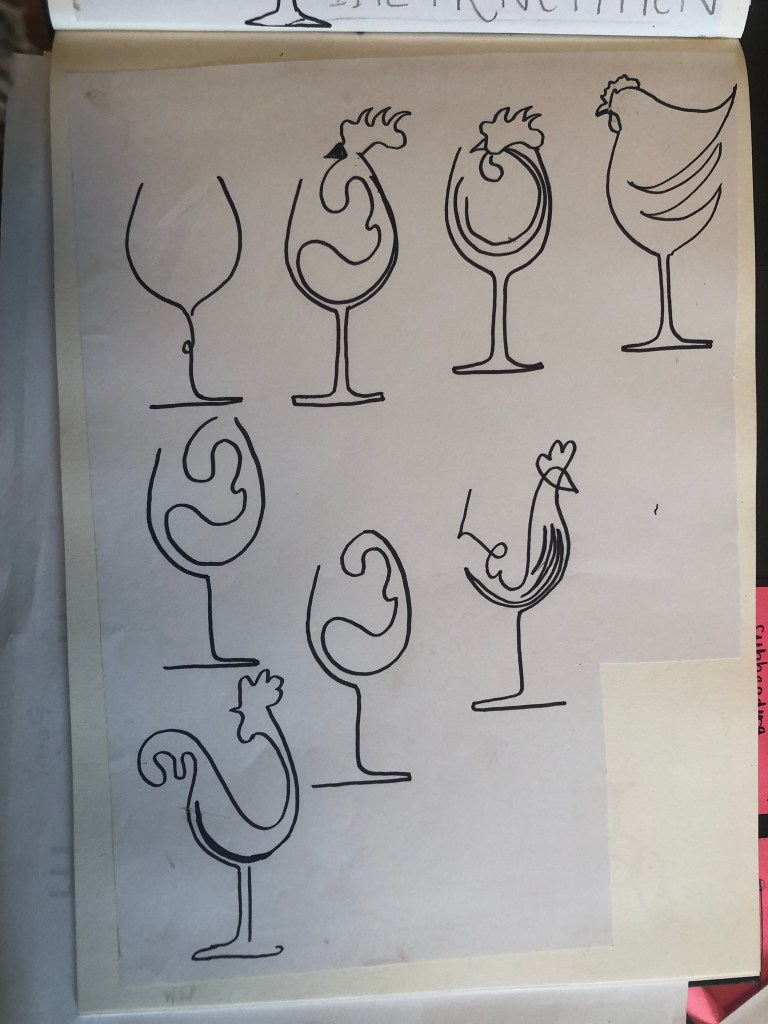
Using these as inspiration I went on to draw some sketches in my sketchbook:
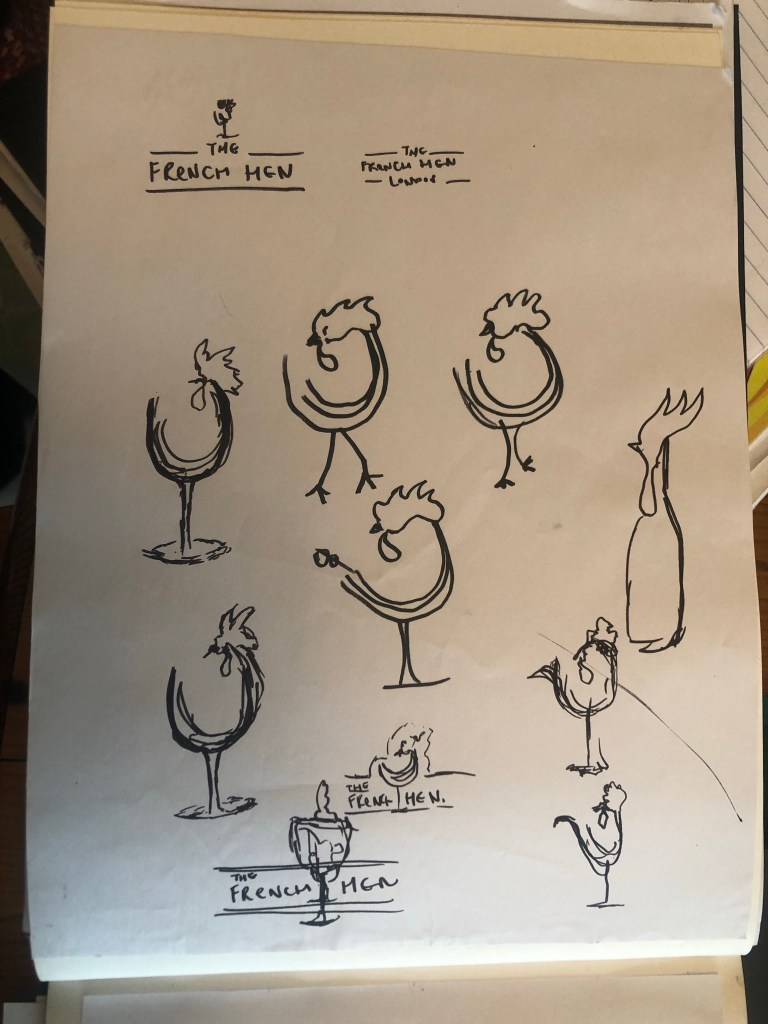
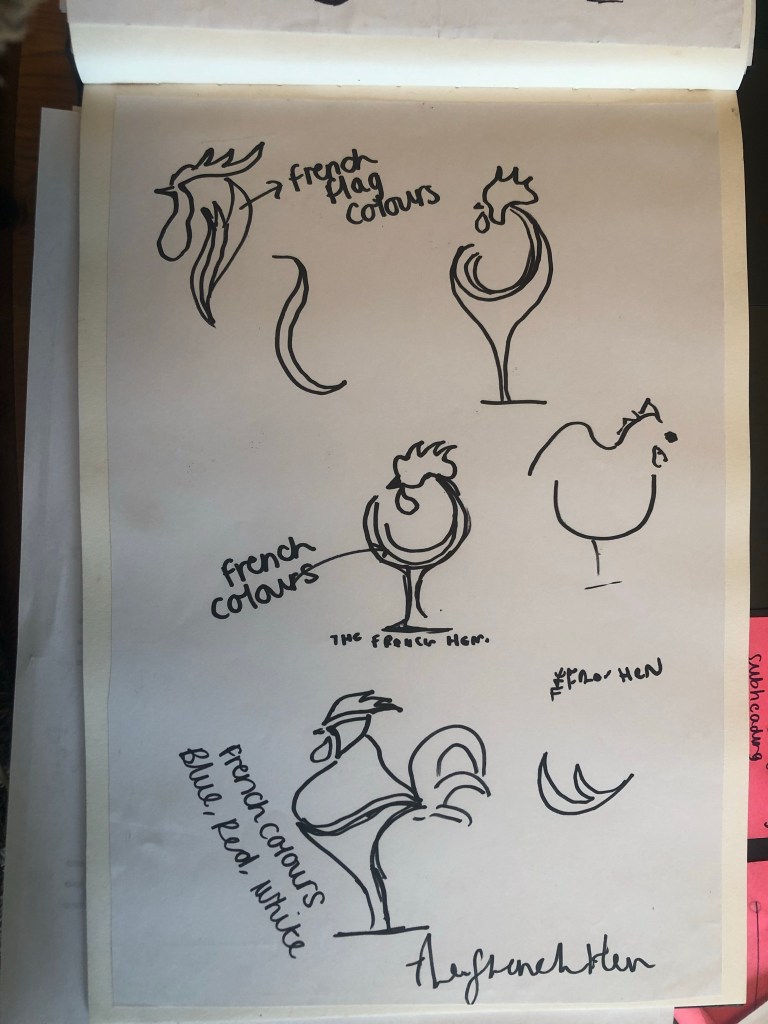
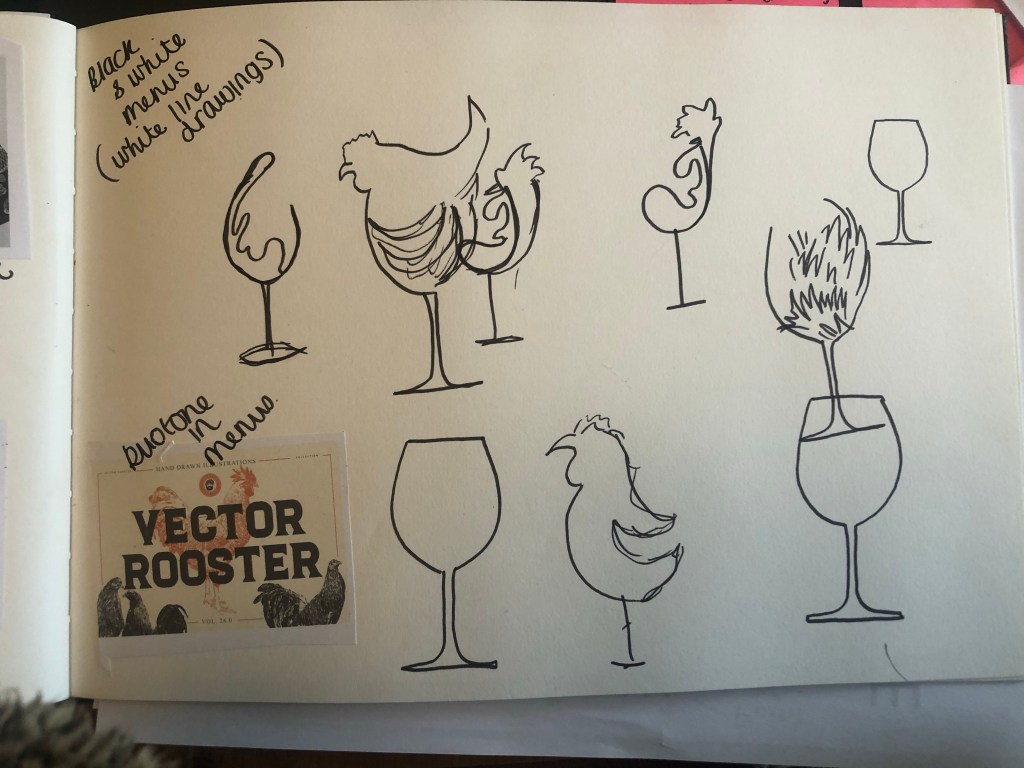

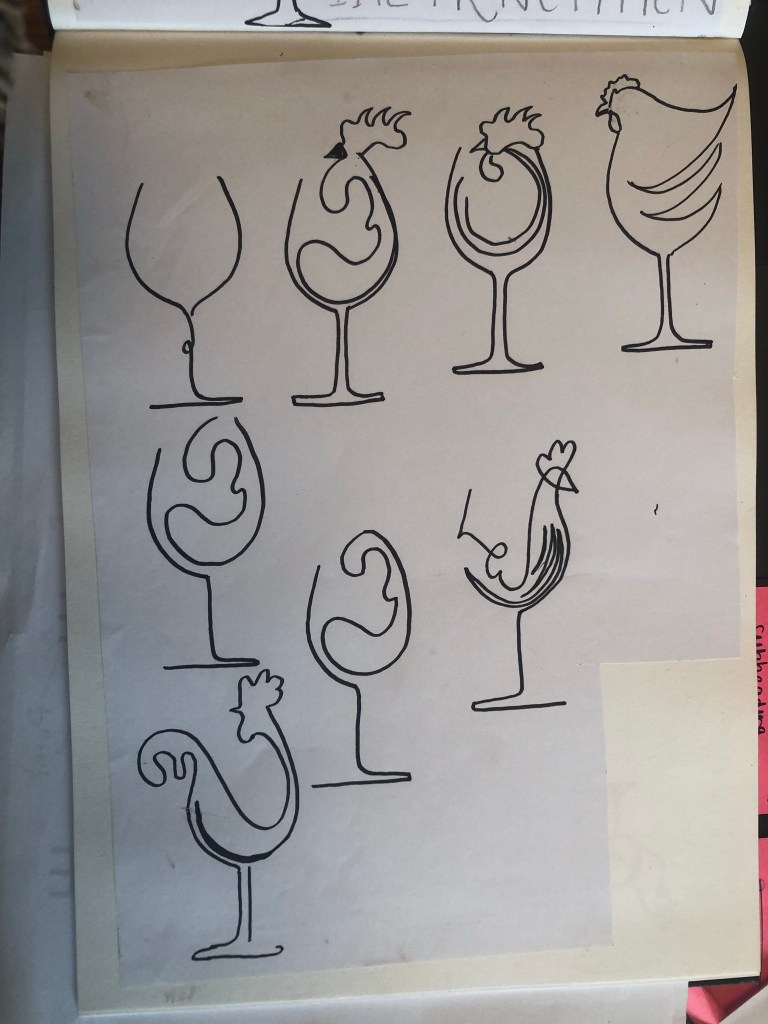
Even Chris got in on the act and drew this little beauty! – (to be honest it’s not a bad idea!)
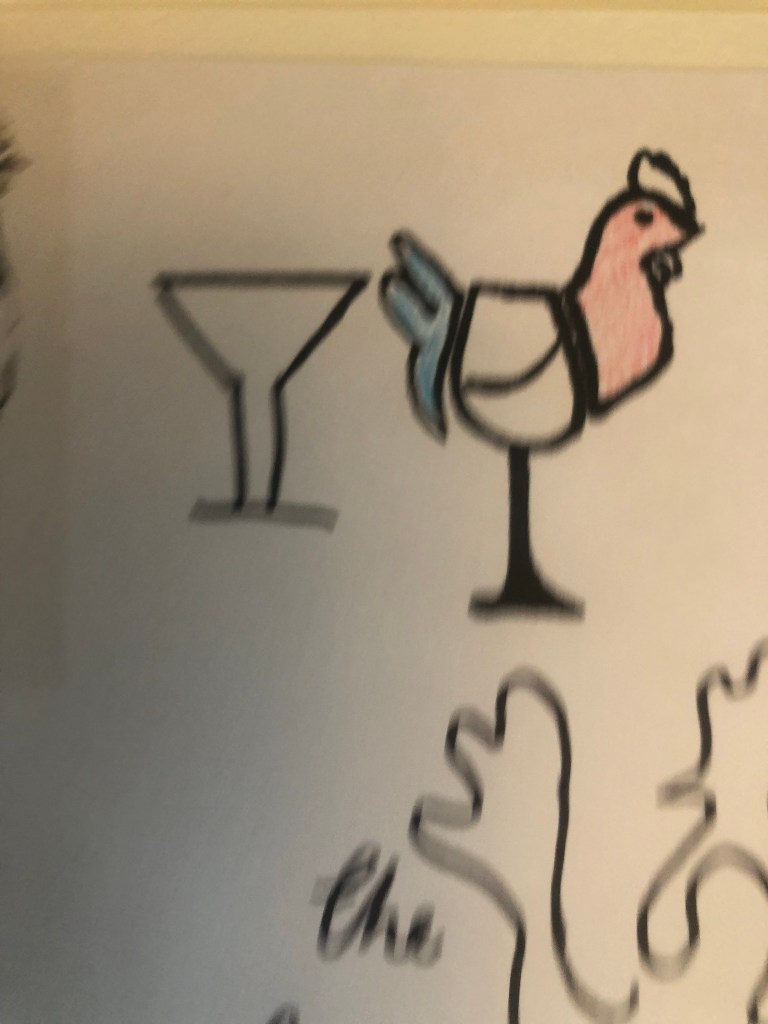
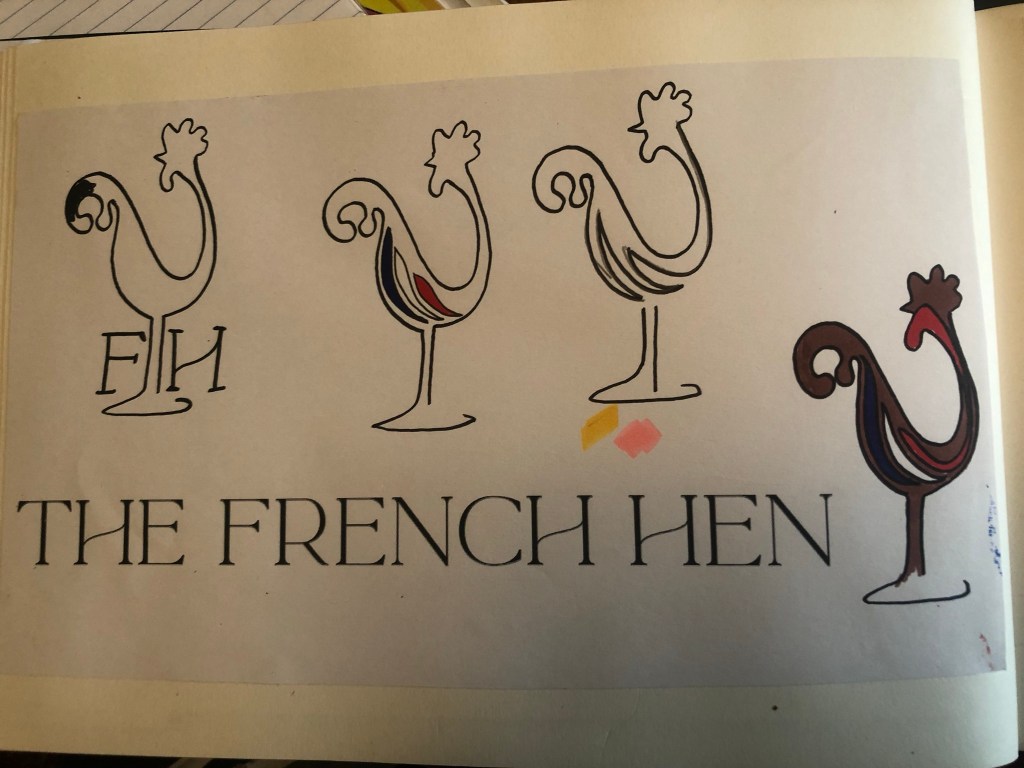
I narrowed my sketches down to some final ideas; using Chris’s idea with the French colours, I put my own take on it!
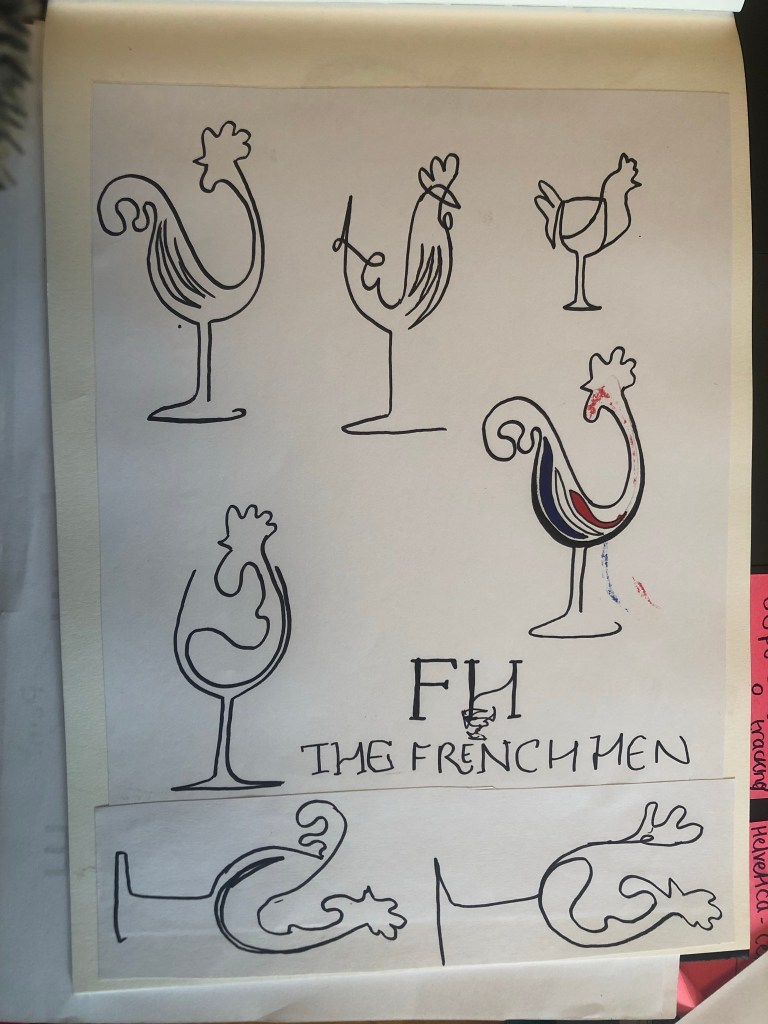
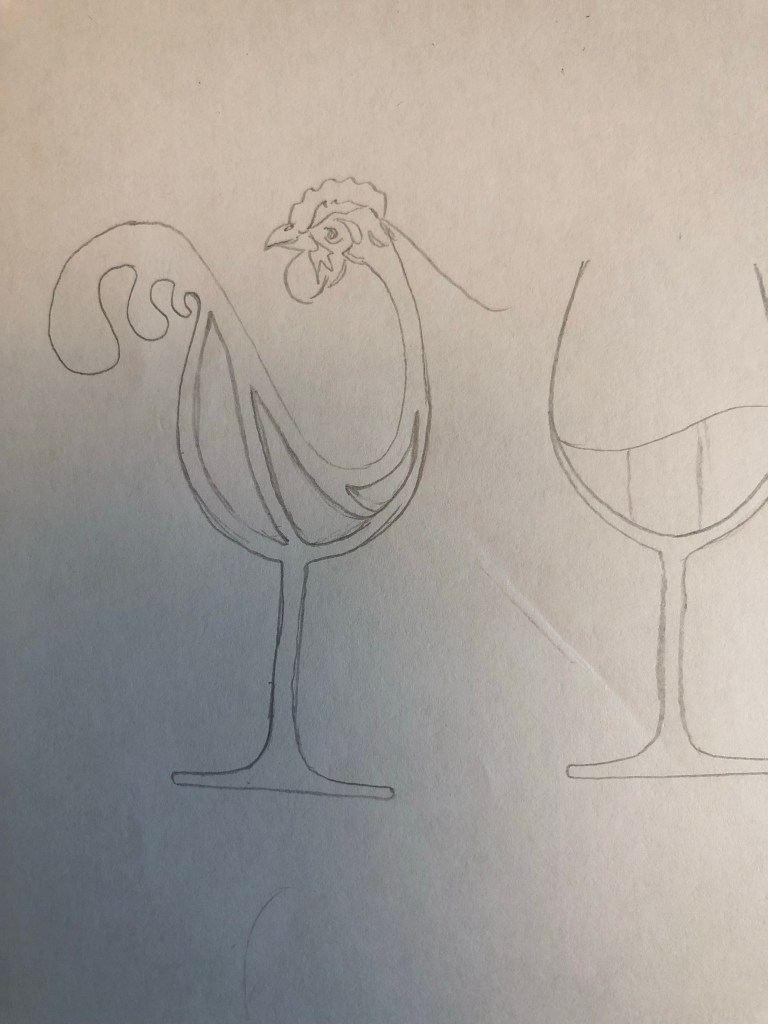
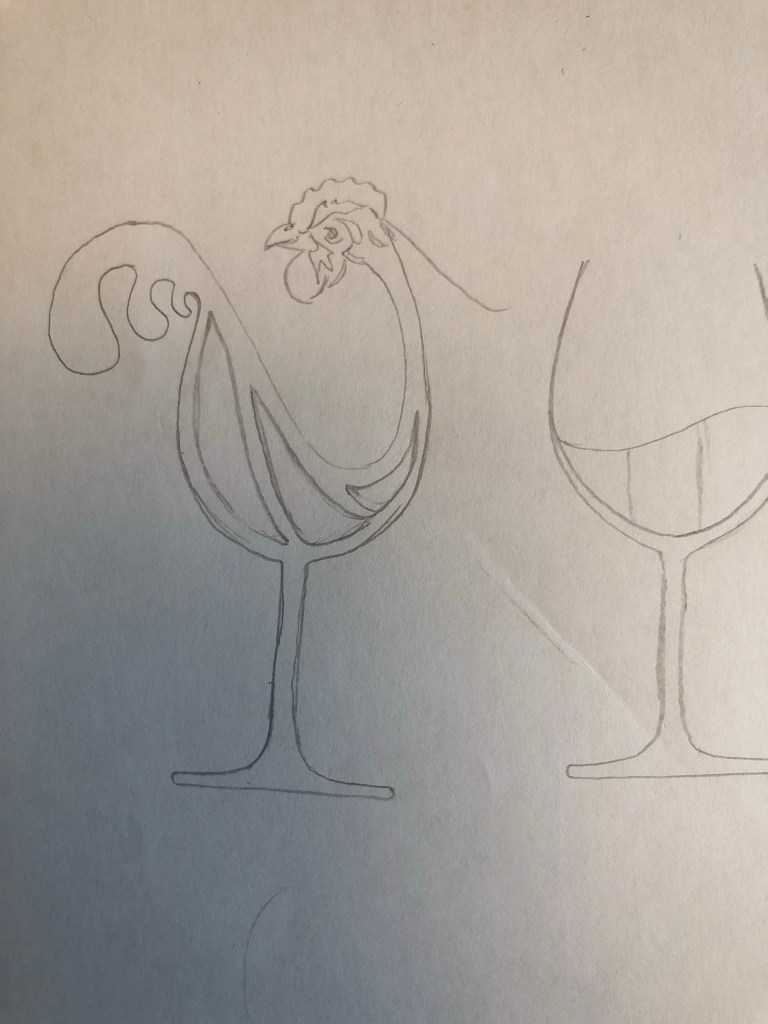
The idea of my drawing is that the French Hen morphs as part of the wine glass. The hens tail also represents wine spilling out of the glass
Once I had the drawing I was happy with, I was able to import my drawings into Illustrator and draw them out.

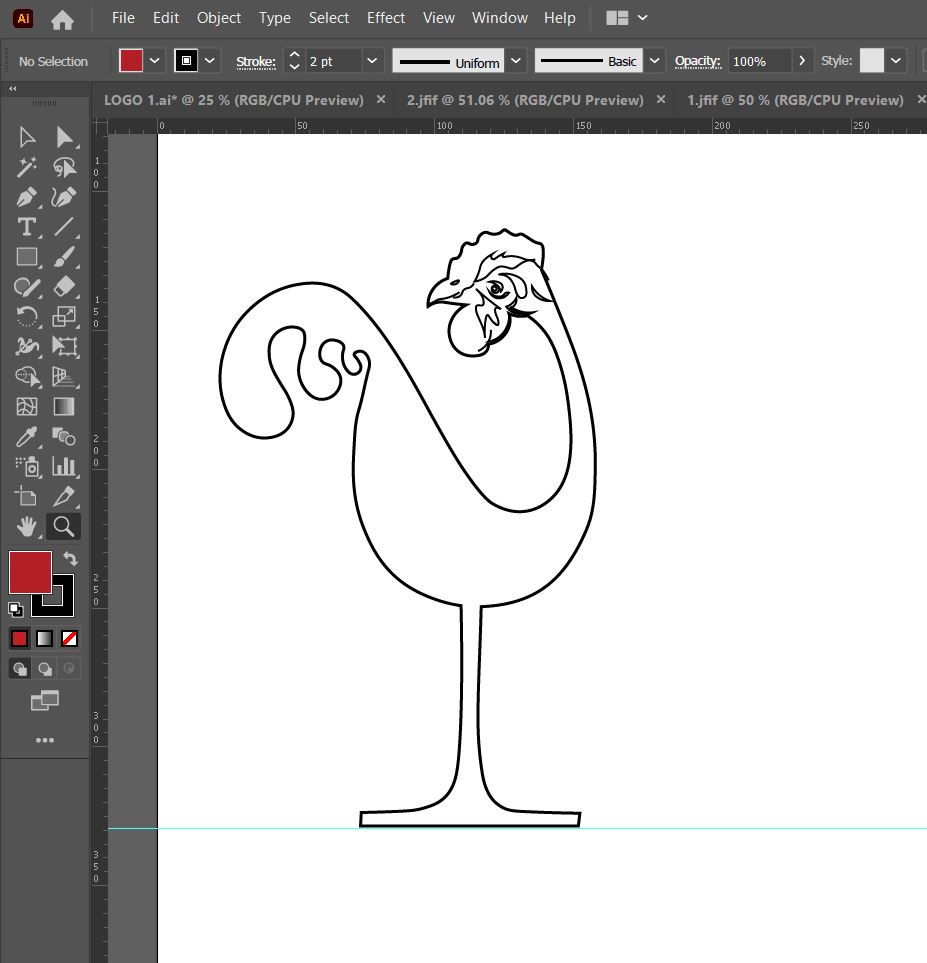
The Hens face was questionable however ! She also looked more like a Turkey! – I later did my research and realised that Hens do not have a big waddle like the one I have drawn… she was more like wine drinking Rooster-Turkey at the moment!
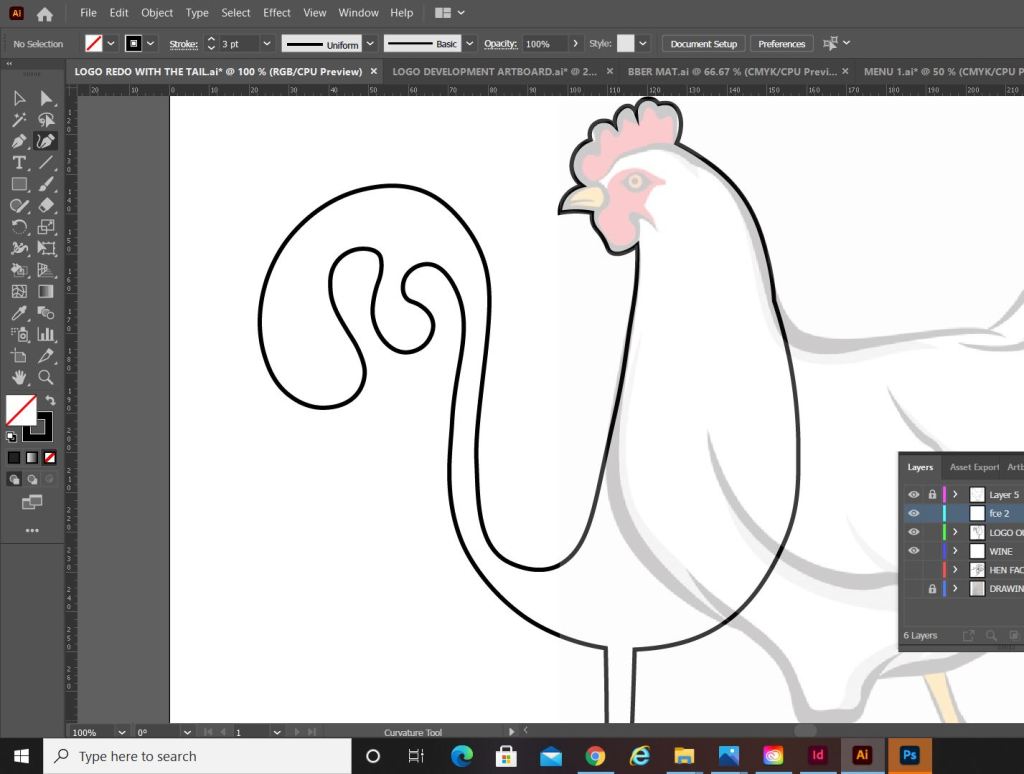
I found a vector drawing on Google and decided to trace around the face so that I had an accurate Hen drawing. She looked much better! I also fattened her up and made her tail look better. I originally drew her tail (or the spills out of the glass) with 3 droplets but I noticed when I zoomed right out on screen, it looked a little blurry and lost and you could not work out what it was. I deleted that out and kept to the 2. (see the image below that I have circled!)
She had some improvements and she looks much better and healthier!
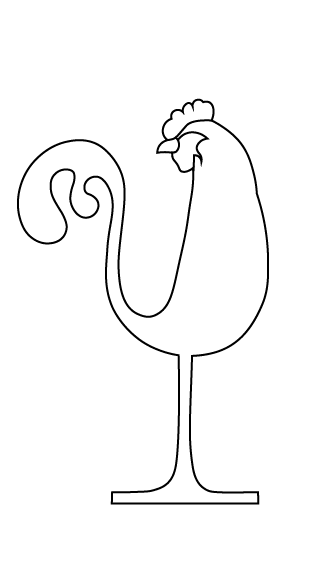
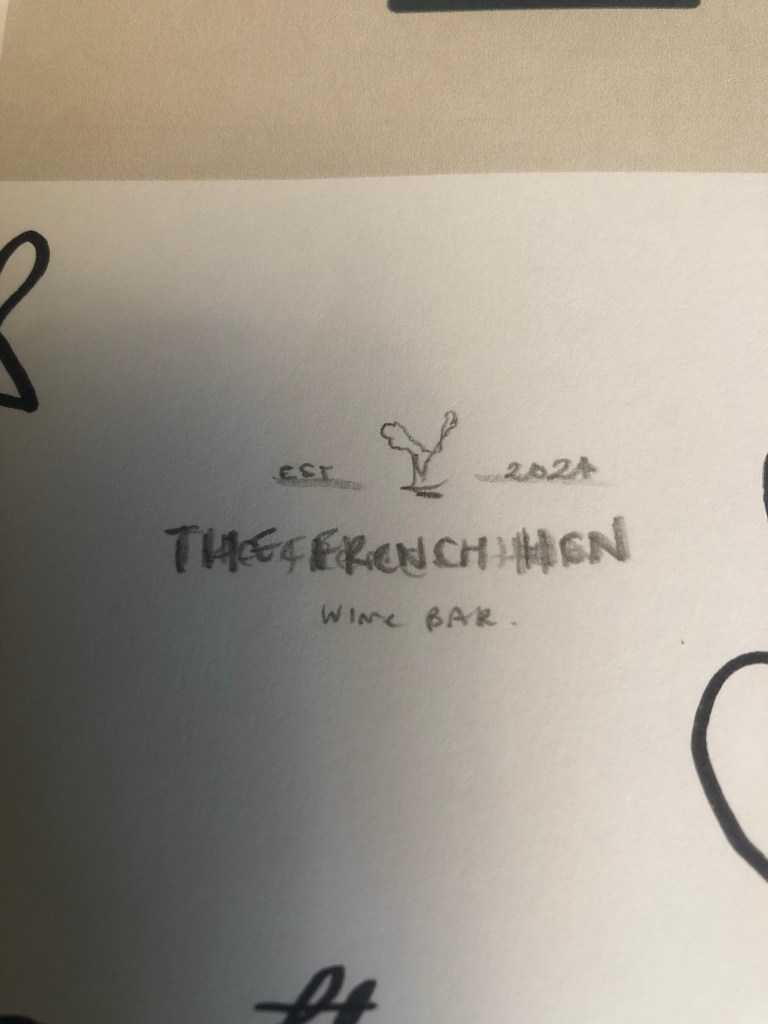
The idea for my logo was the sketch that I drew out below:
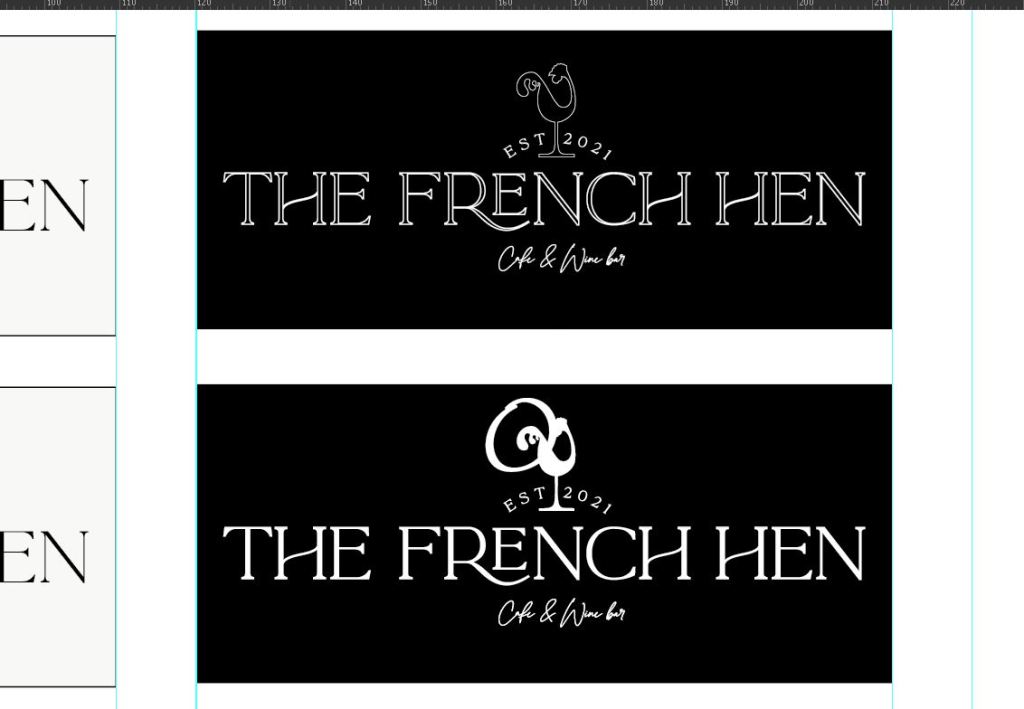
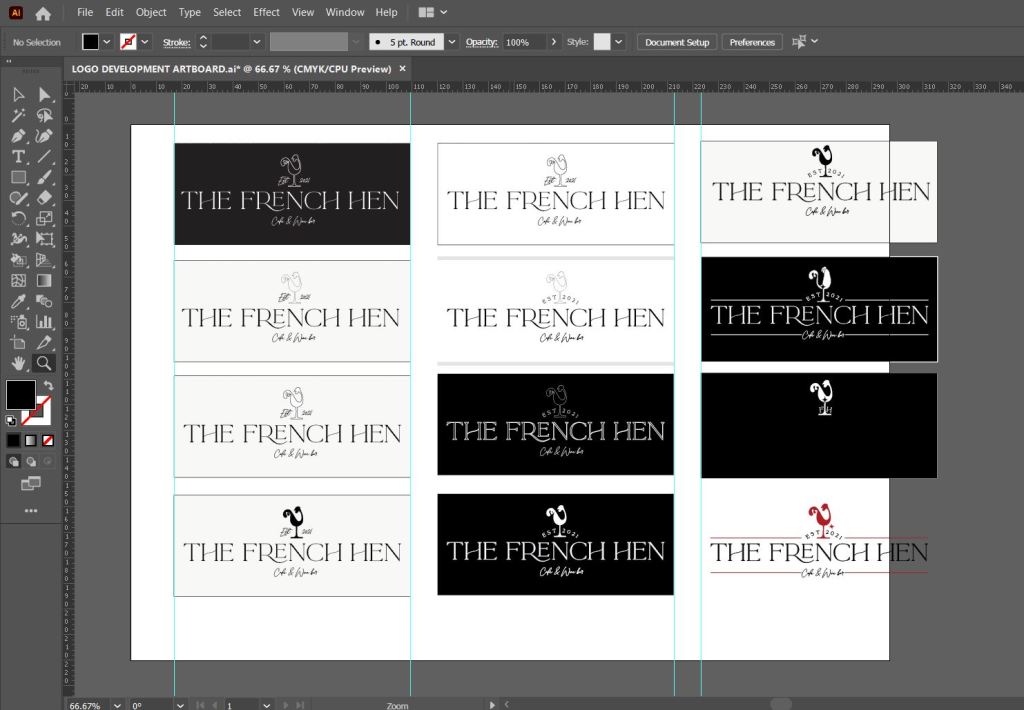
I took it into Illustrator to mess around with different styles and to see what looks best. I really liked the ones with the black background – they stood out better, they looked elegant and classy. The contrast between the Black and White really worked.
This was the logo I decided to go with and develop further:
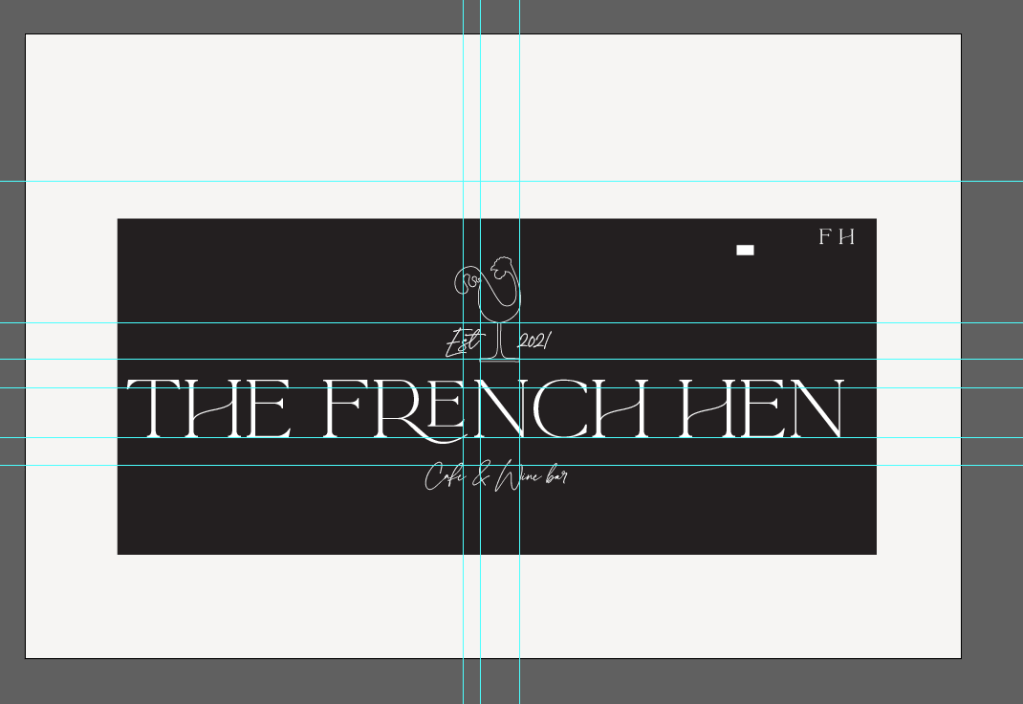
It just didn’t feel complete yet.. I didn’t know why at the time but the “est” and the “cafe and wine bar” just did not sit together right.
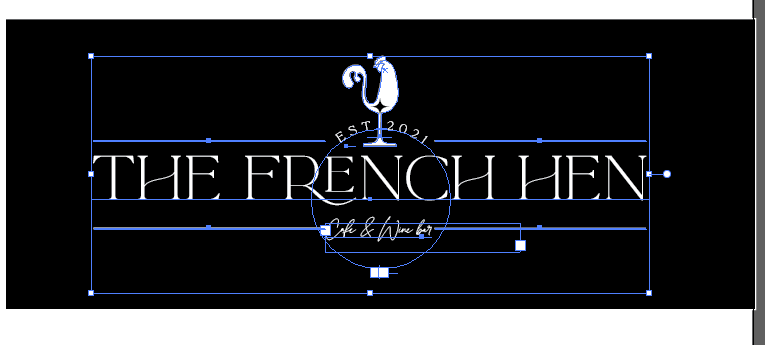
I then had the idea to arch the “Est” and this worked a lot better!
I also tried the logo in Black and gold but this looked too much like a Marston’s pub – which does not scream classy and elegant! It also looked like the colour of beer, whereas it is a wine bar.
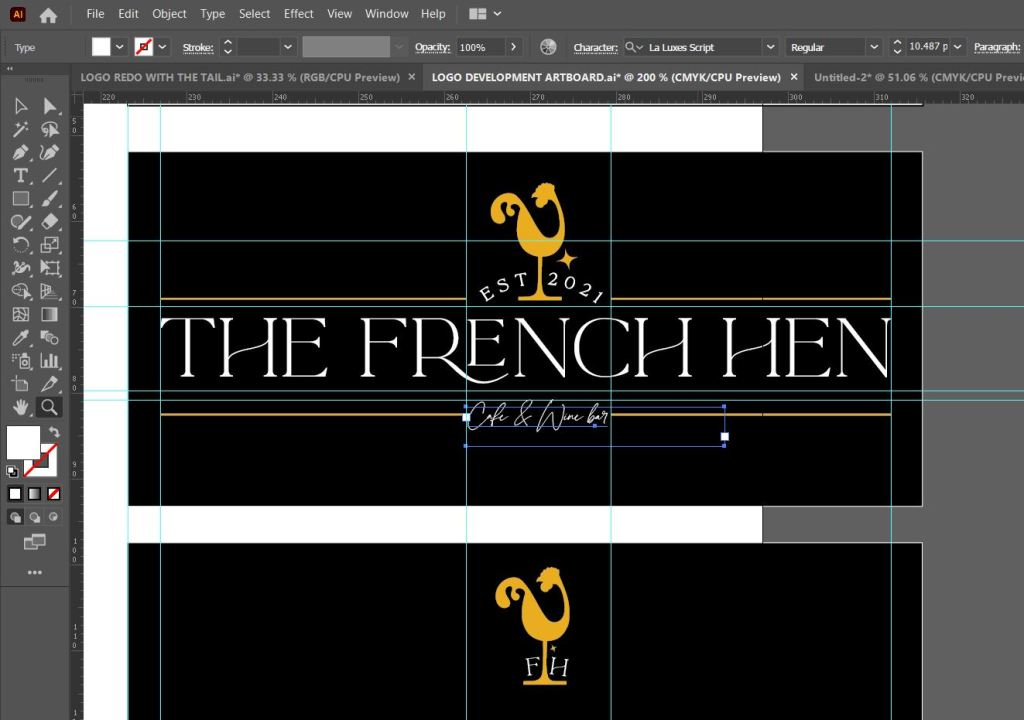
I then had 2 options for logos:
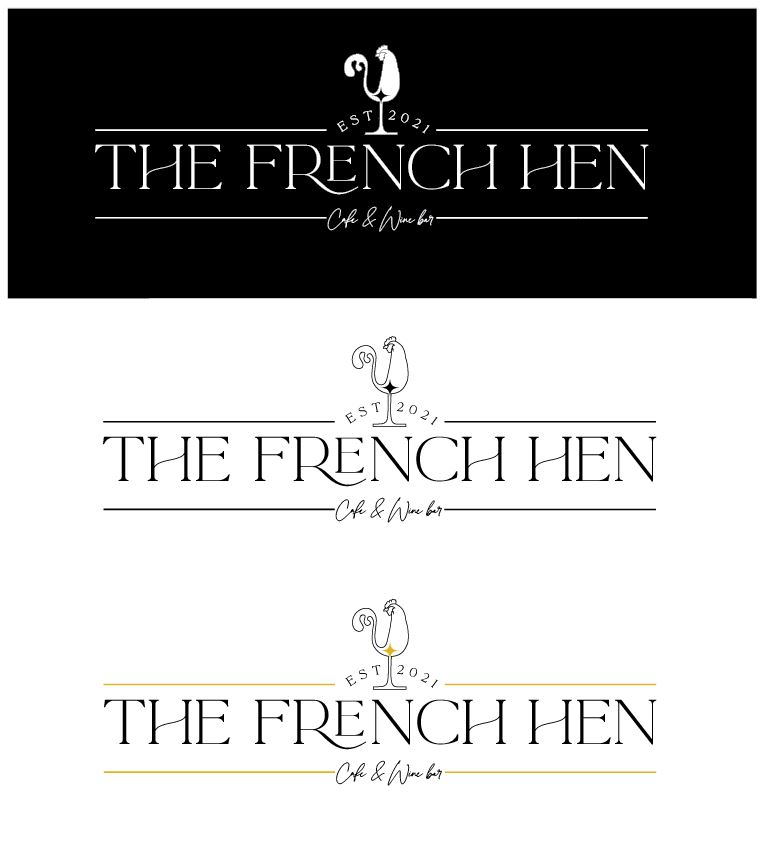
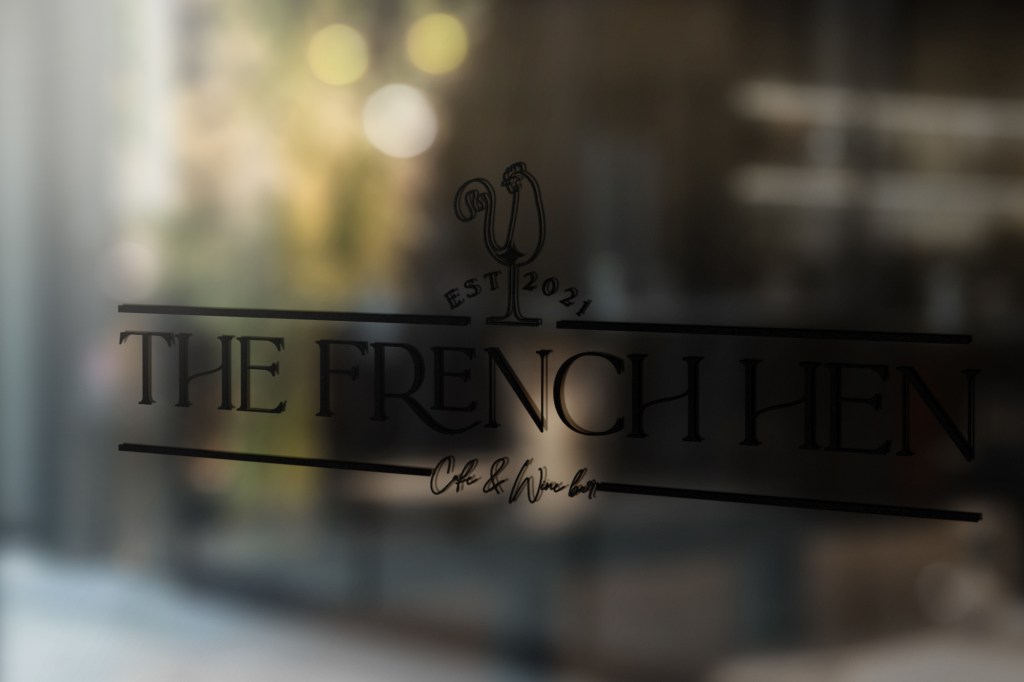
The Black box logo is ideal for on menus and printed material whereas the white box logo is better suited for window cut outs and vinyls.
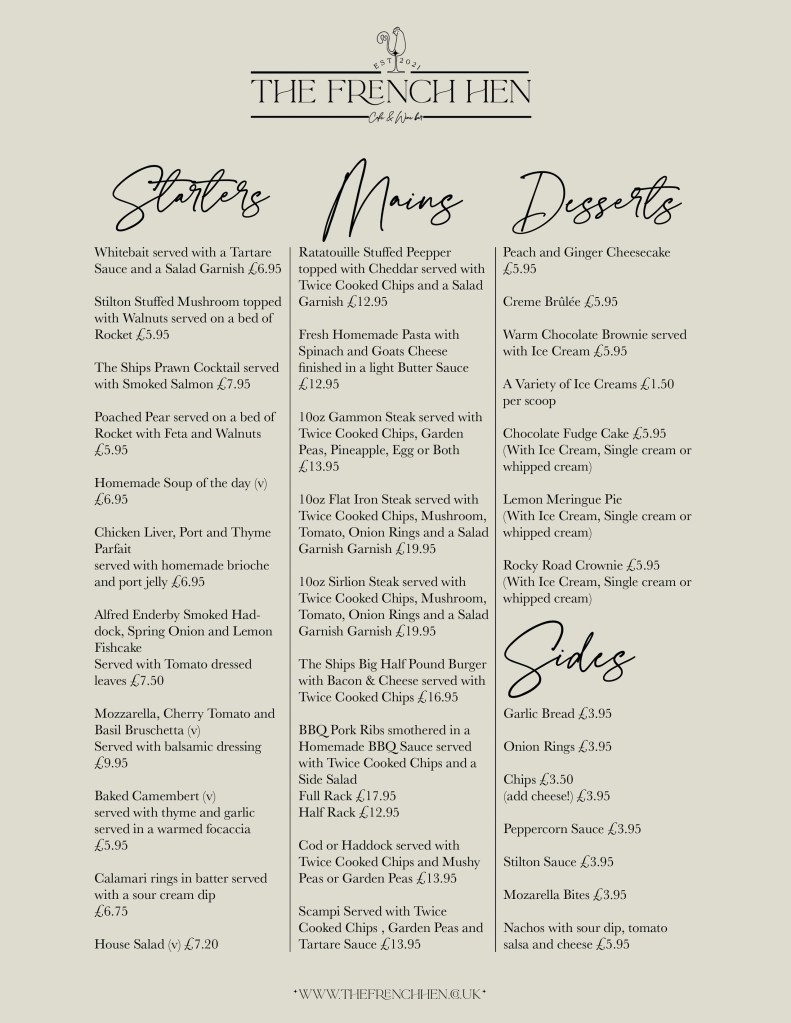
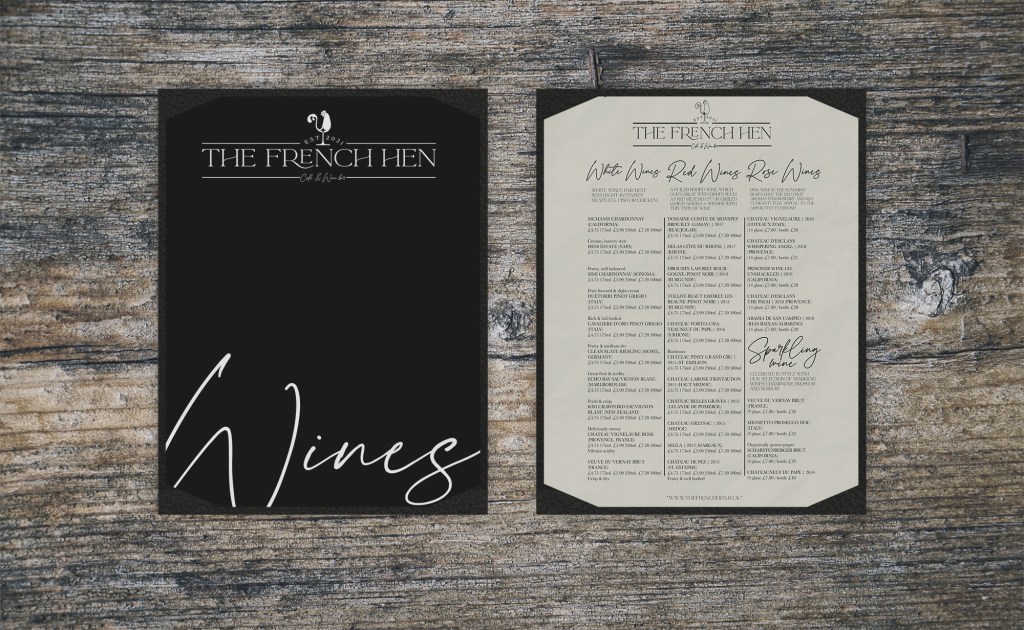
I had the perfect logo at this point for The French Hen and now I needed to create some menus to go in the establishment. I had the idea of quite a plain and simple black and white menu using the La Luxe script typeface to make it look fancy.
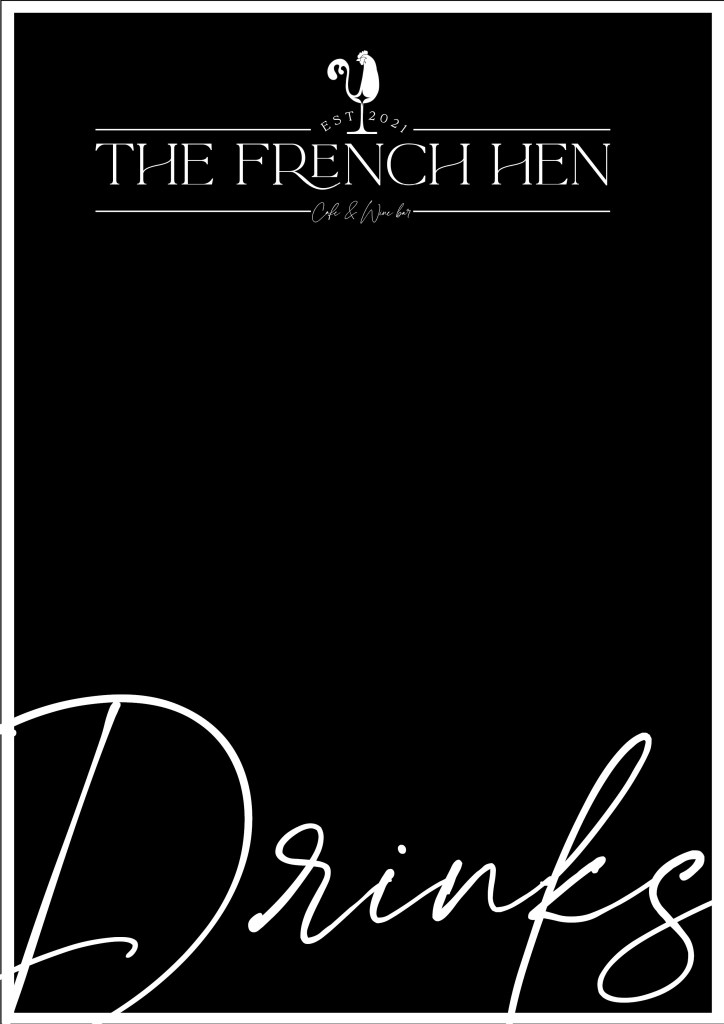
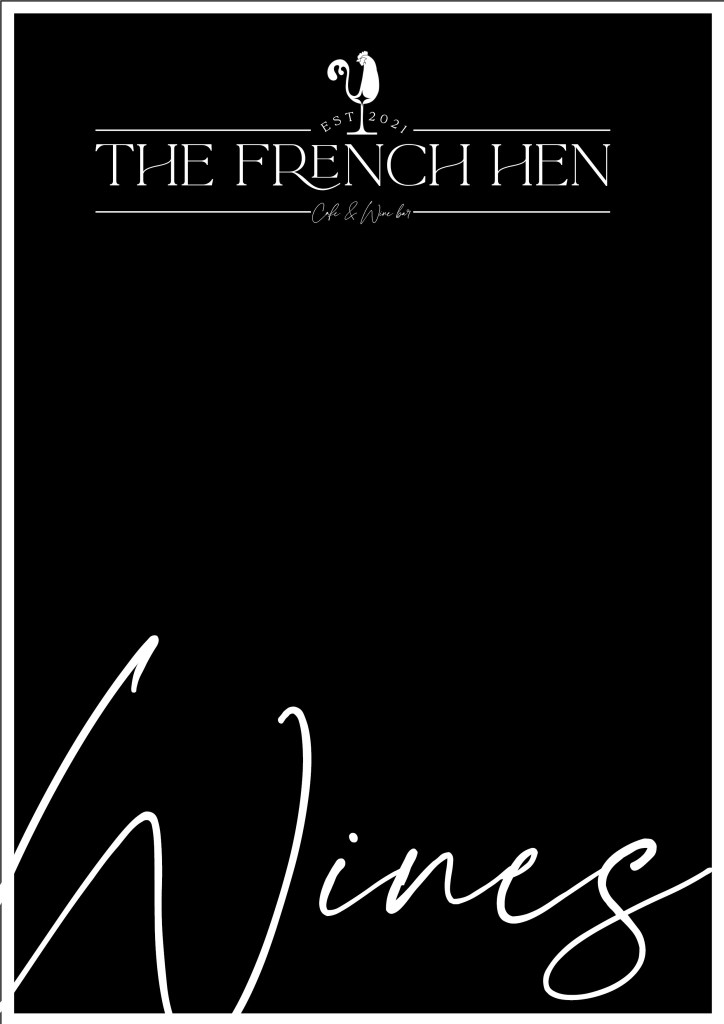
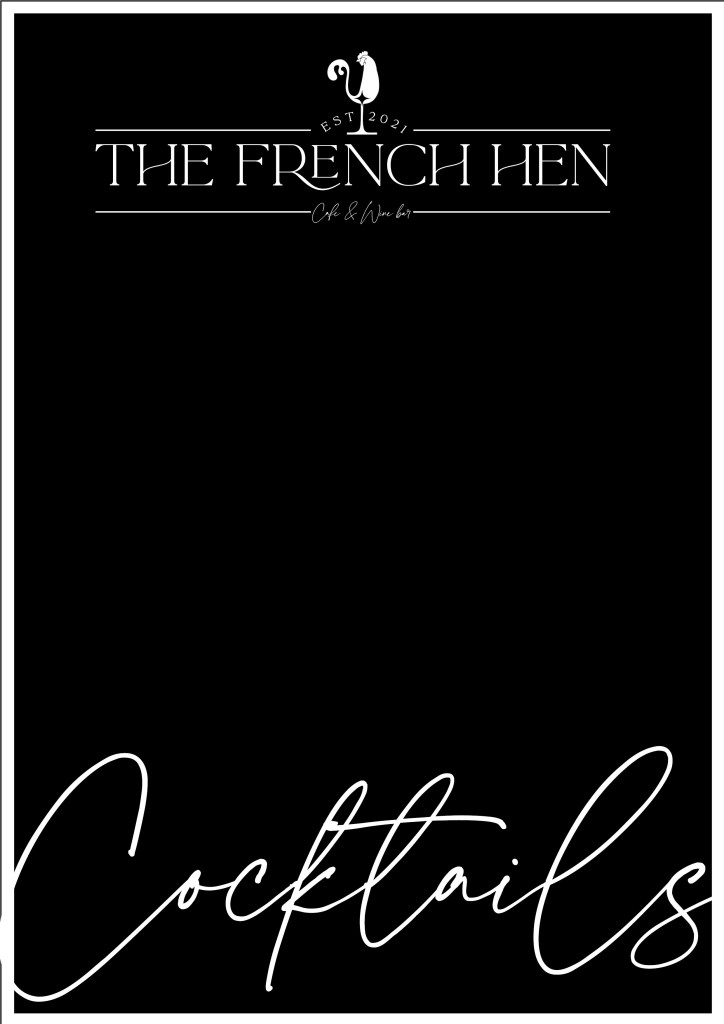
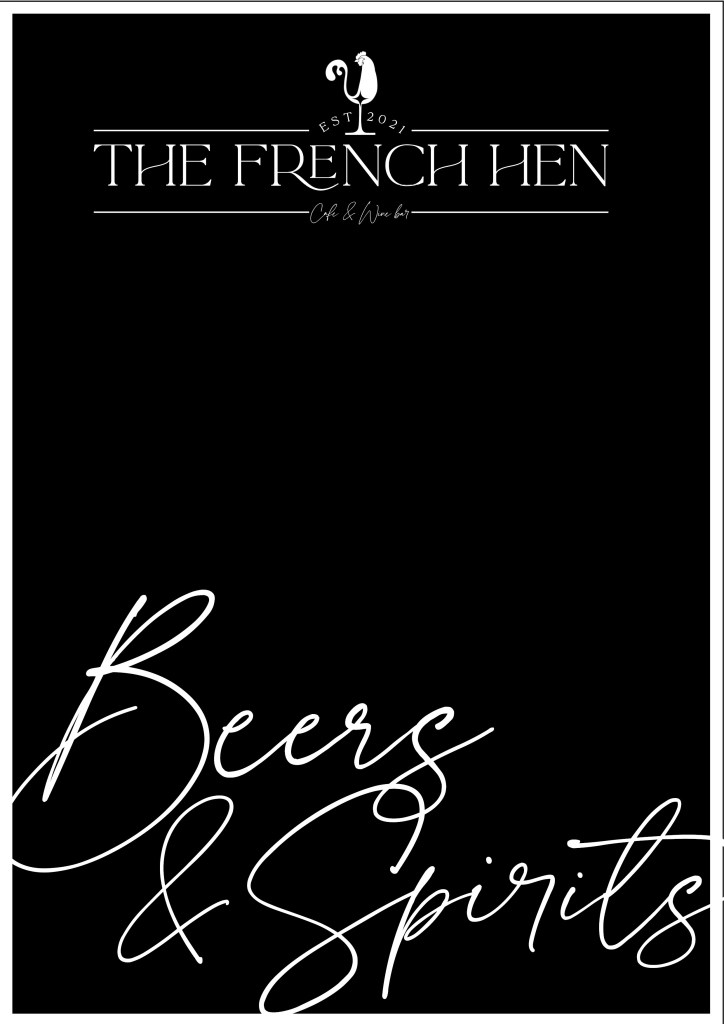
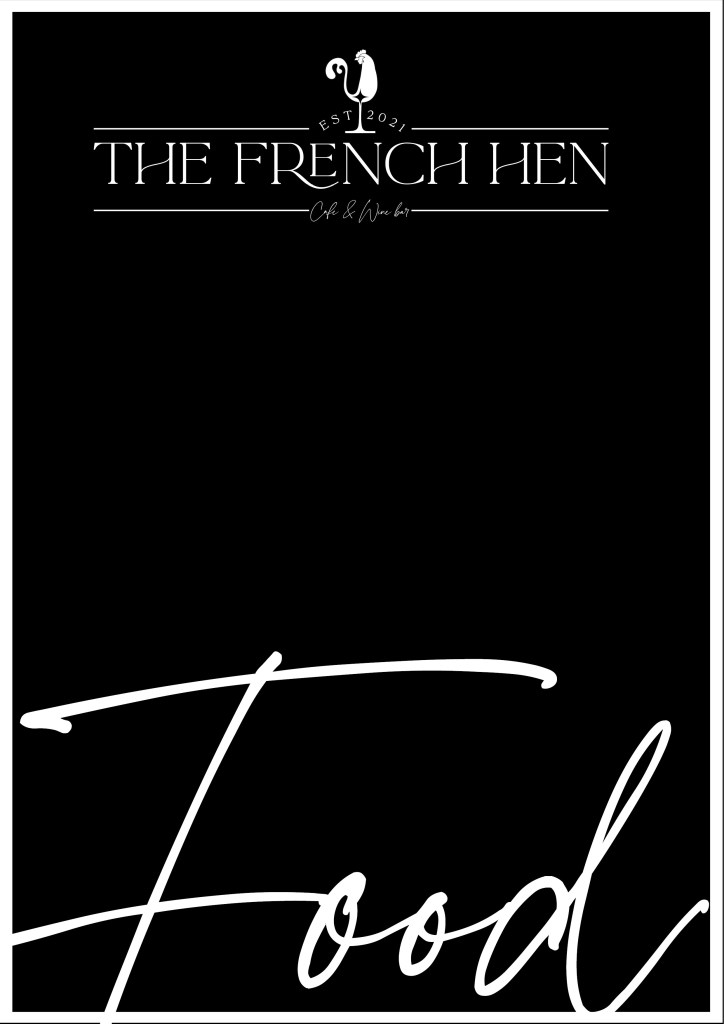
These were what I created. I created these in Photoshop and then exported them as a JPEG to take into InDesign to create the text for the rest of the menus.

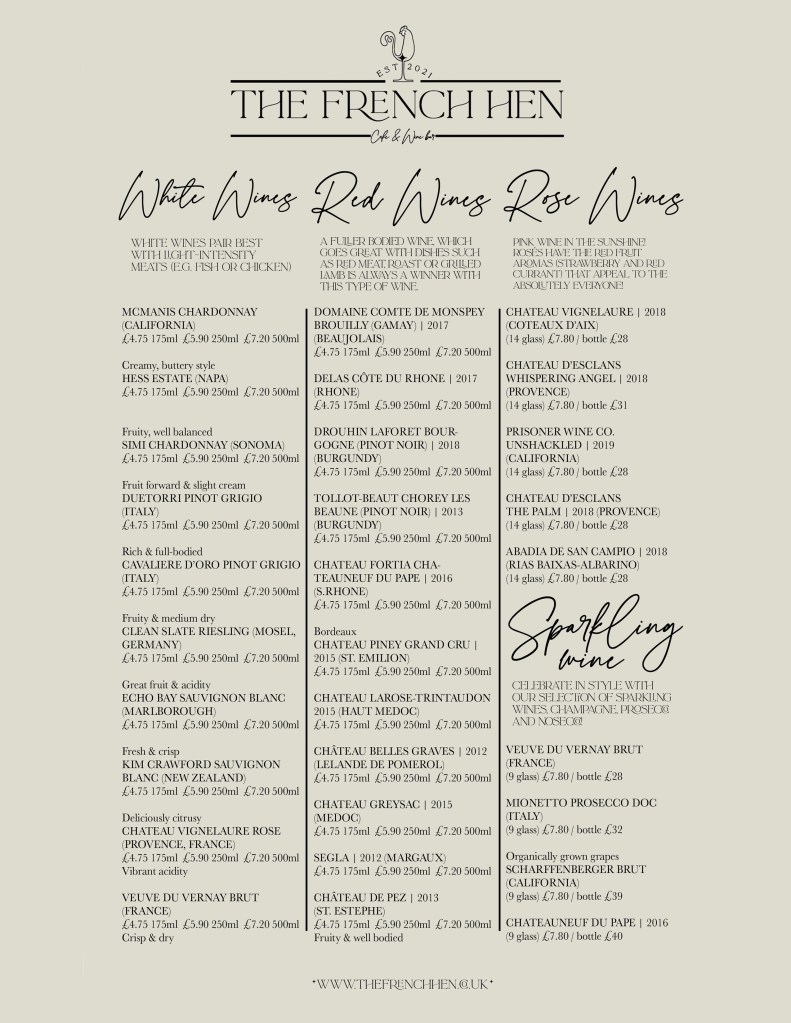
I decided to do the pages an off-white colour, in my head I had an idea of it being like the fancy, high quality cartridge paper menus that some restaurants use. Another reason is that it is easier to read. I used Baskerville for the typeface for the main body copy because it is more legible than La Luxe. Baskerville was designed to make printed books look beautiful so it would work well in my menu.

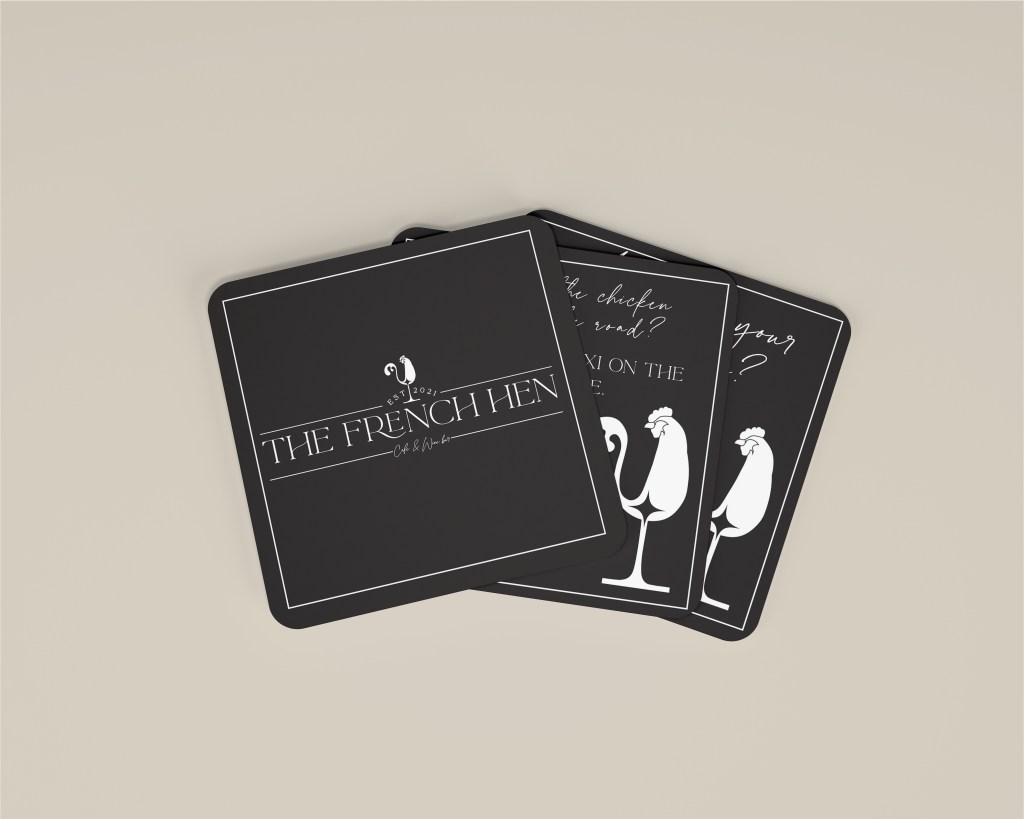
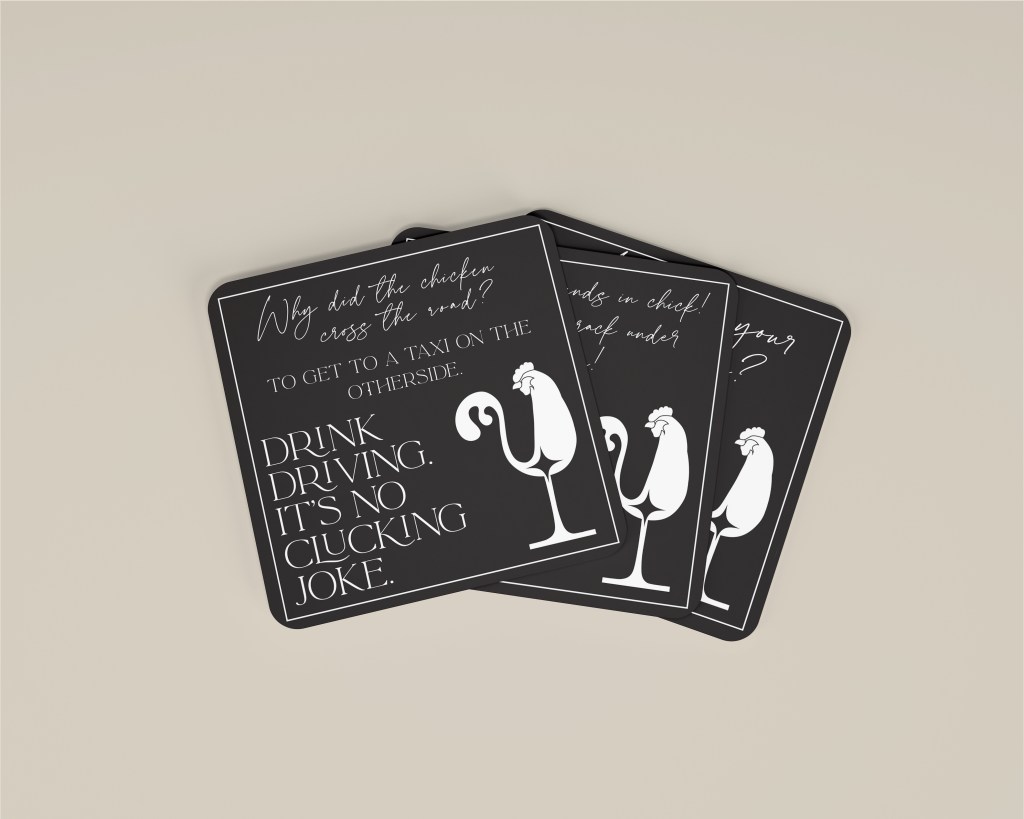
The beer mats I had a lot of fun with! I really played on words with Chickens and the French Hen! The brief stated it wanted responsible drinking advice on one side of the beer mats, I decided to do this in a playful but effective way:
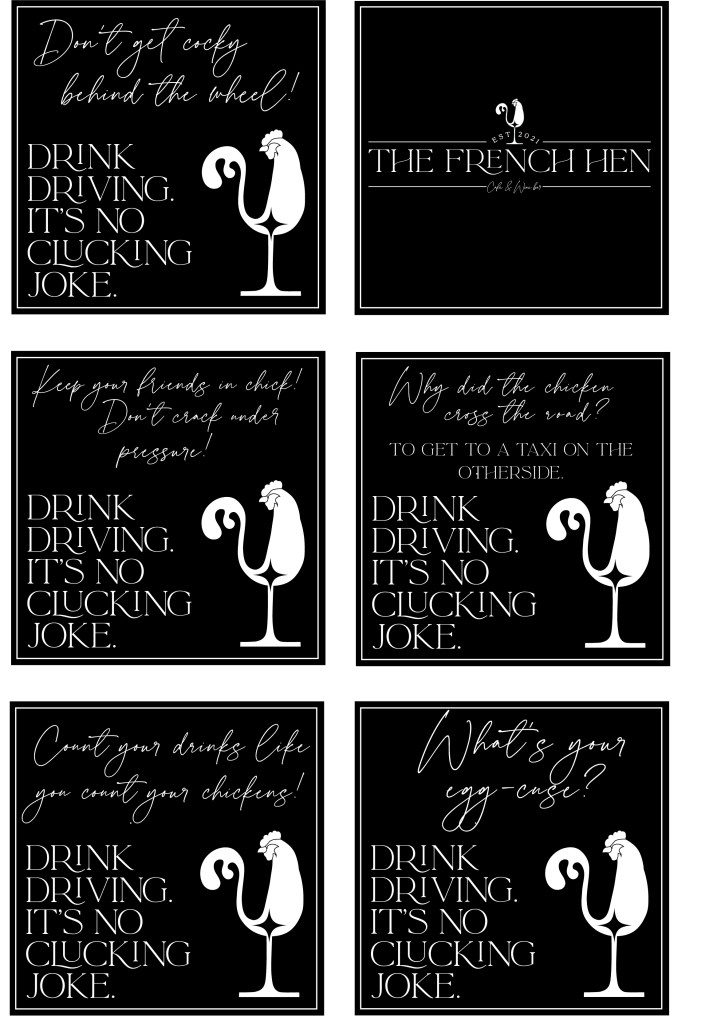
I created 5 different styles so that in the bar there could be lots of the different versions on each of the tables to compare. They feature a joke or a witty slogan all relating to chickens but with a serious drink driving message on them. I have kept them all to look like The French Hen branding.
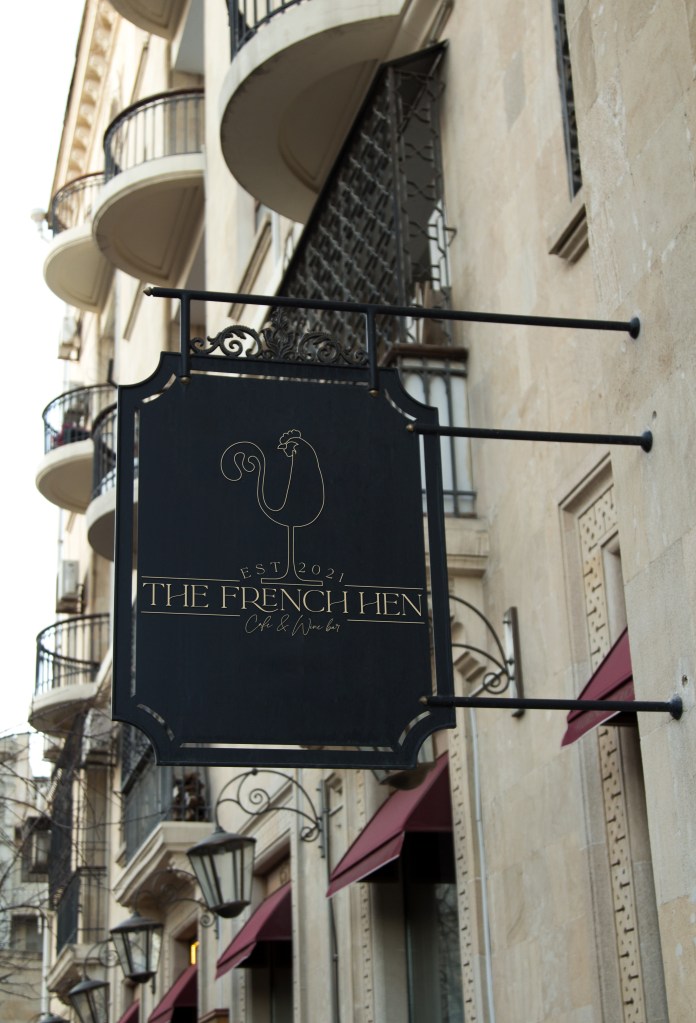
The only issues with my logo that I had were that the hen appeared quite small. I rectified this when I decided to do a slightly different logo for signs. I created the hen slightly bigger.
I then had the task of browsing the internet for the best, sophisticated mock-ups for my logo. It took me FOREVER to find decent one! – and also thank you to anti virus because I had 4 hackers try and get into my system when I was trying to download some of them!
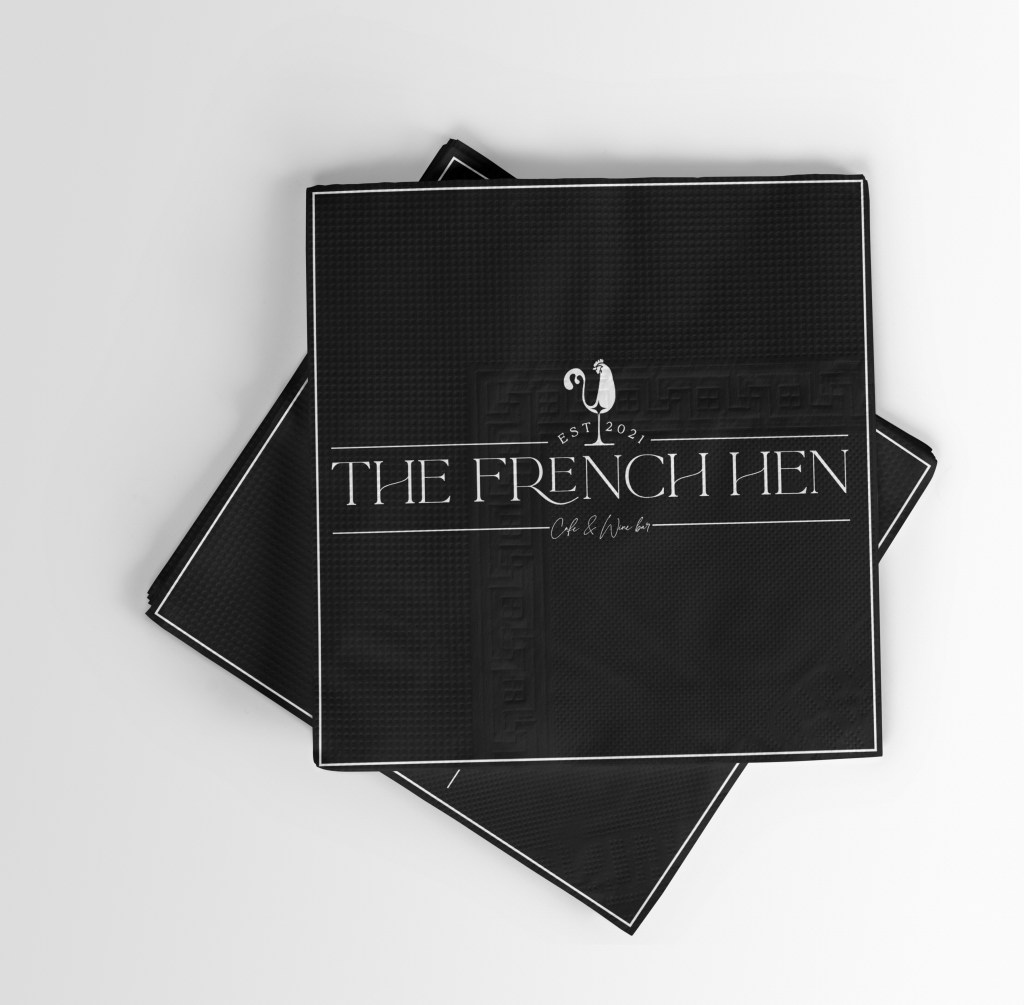
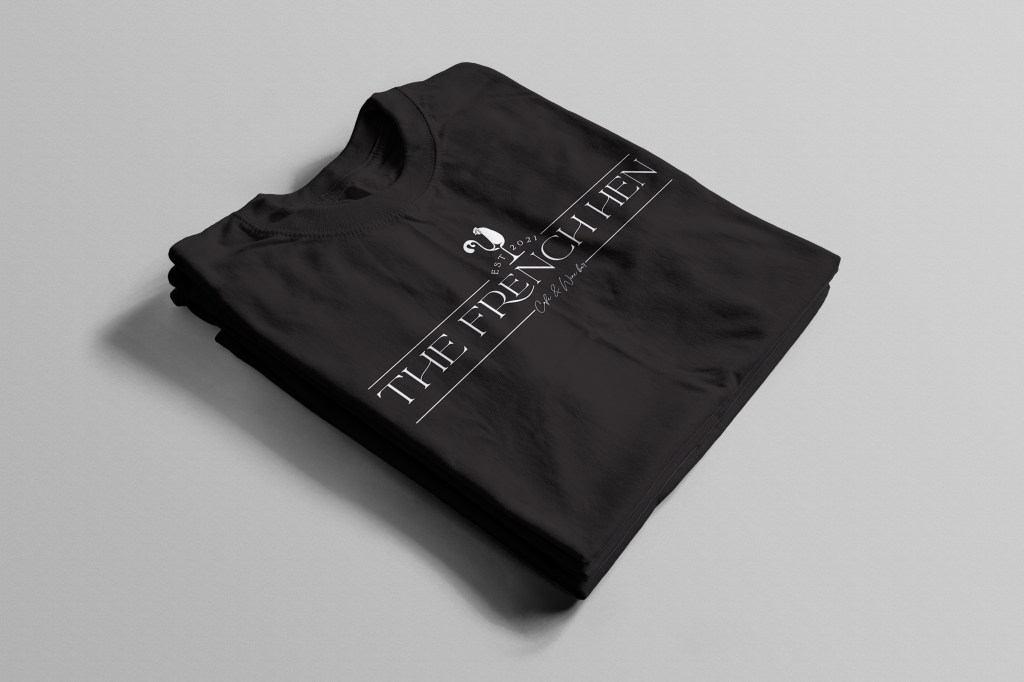
These are what I ended up with!
I really enjoyed this brief! If I had more time to complete it I could have taken it a lot further and mocked up wine bottles and more décor for the bar! I surprised myself with the logo design because I actually think it works really well. I uploaded it to my social media too and it was received well; the response was that it looks very classy and elegant! The typeface really made this design though, it was worth sourcing out a more special typeface because it really gives the feel of “french chic”.

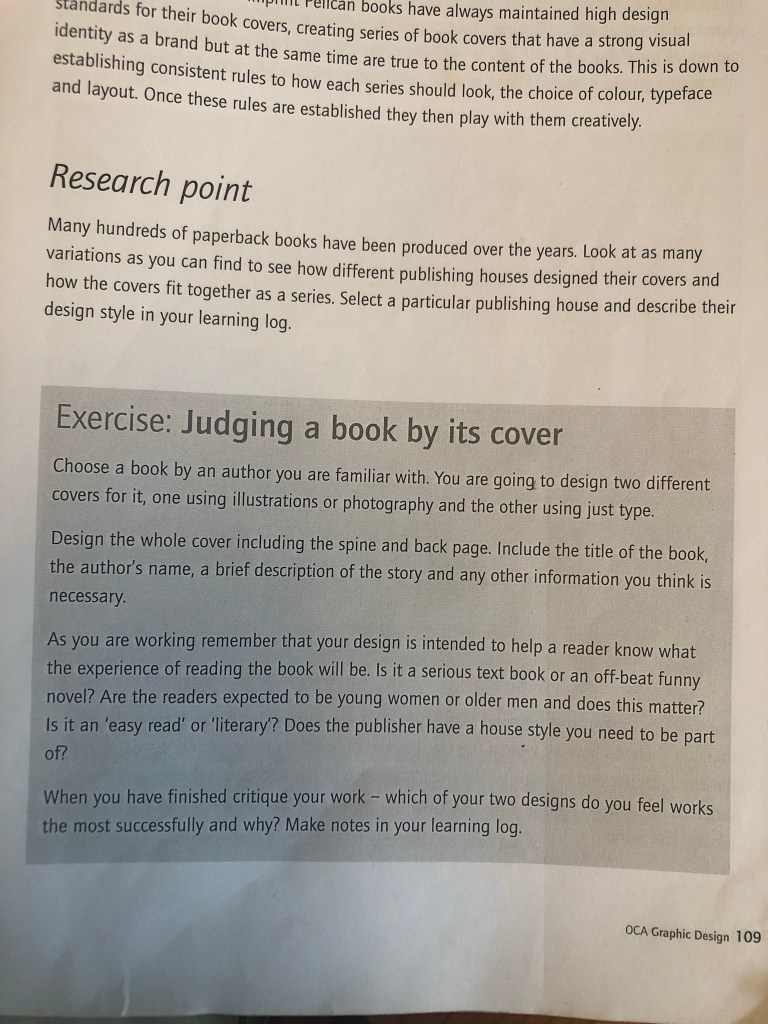
When I first looked at this brief It is book design which is something I really enjoy doing, but I did worry when the brief stated that once cover had to use Type and images/photographs/illustrations and the other one just type. I wondered how I could use type in an interesting way for the second cover.. surely with just type the cover would be really plain and uninspiring?..
The first step was to research into what book I could design my cover for. It needed to be a book I was familiar with.. I used to read a lot of books when I was younger but I do not read at all now. I decided to choose one of the books from my younger years to design for.
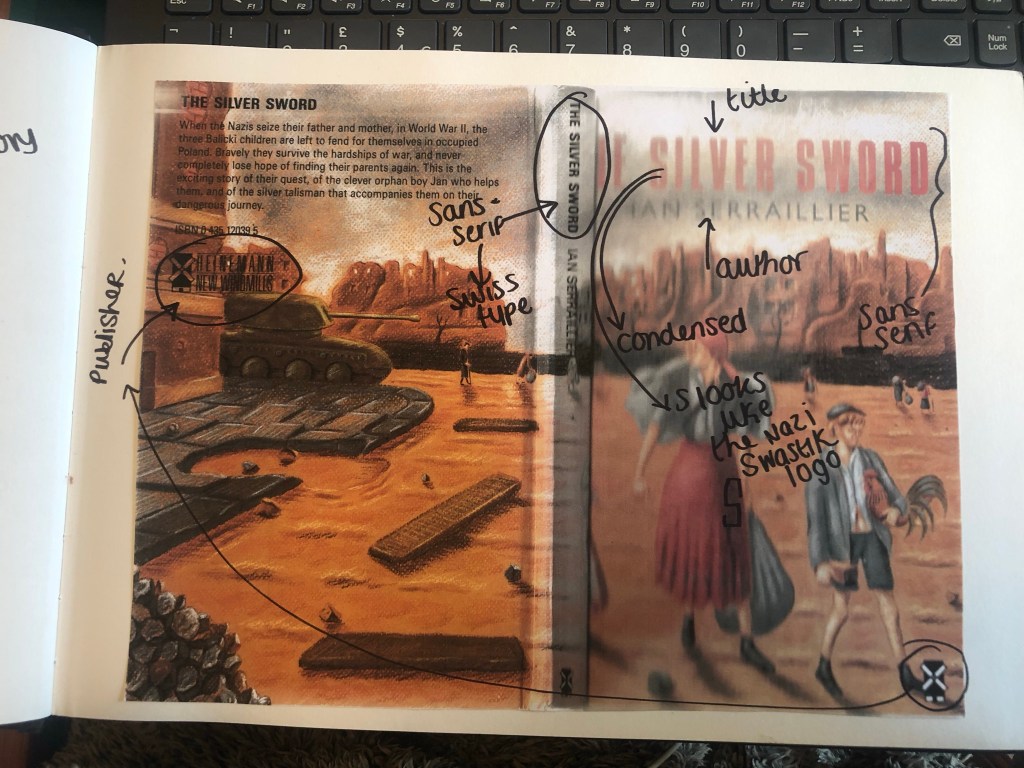
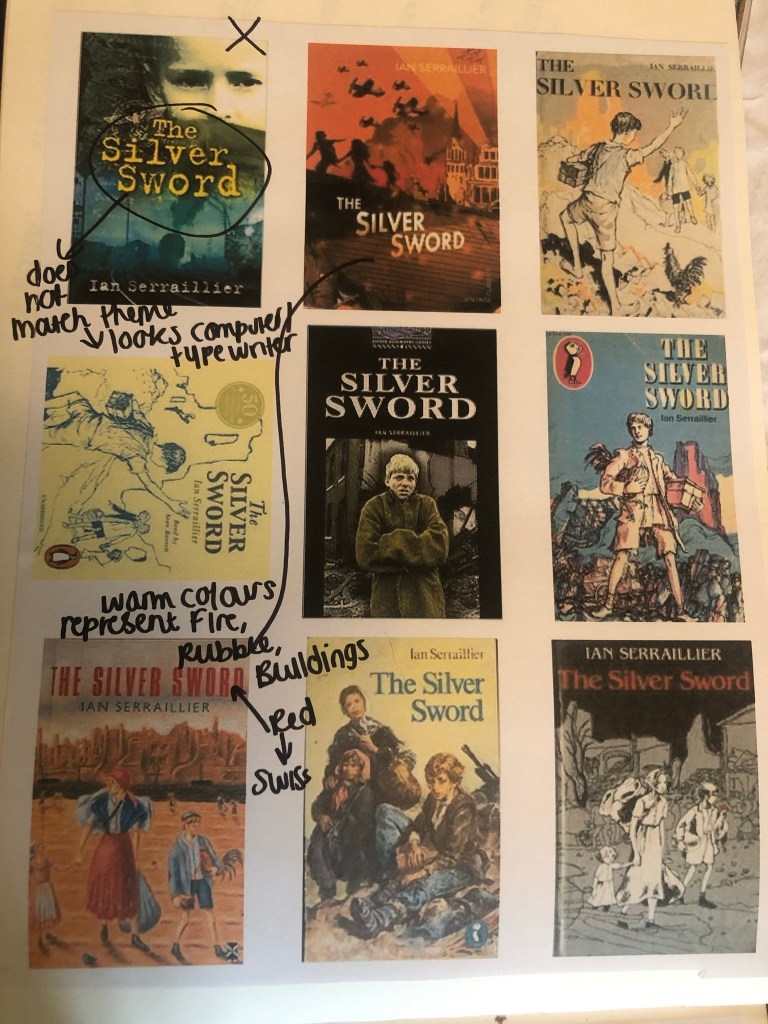
When I was younger my favourite book was “Just as long as we’re together” by Judy Blume. I read this when I was going through tough time in my life and I could relate as an 11 year old to the characters and the storyline. A few years on from that title I started reading “The Babysitters Club” series with my best friend at the time and we LOVED them! I still remember now the stories from most of these books! The characters in the stories were again very relatable and I remember as a young child it made m very much feel like I was a part of this group! It was a sense of belonging. The other book I remember well is “The Silver Sword” a war story about the hope, courage and survival a family holds while trying to find each other and escape to Switzerland during the war. It was a tough call which one to go with. I did research existing covers for each book though:
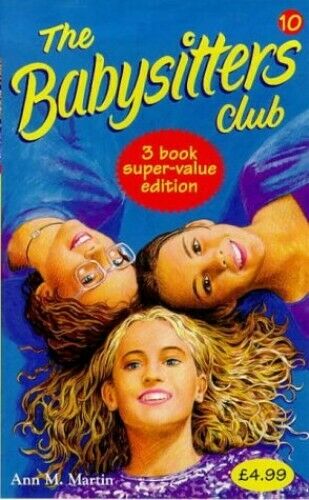

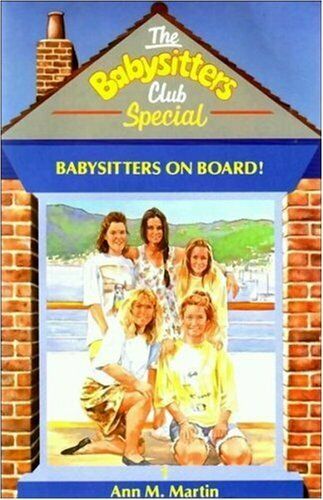
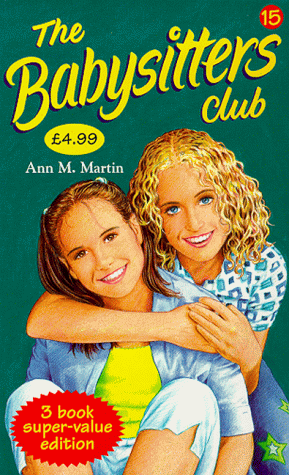
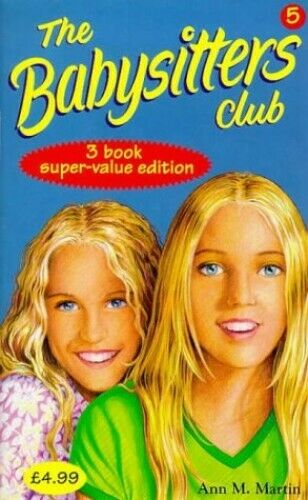
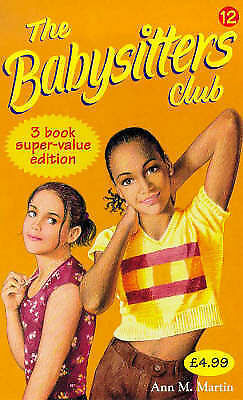
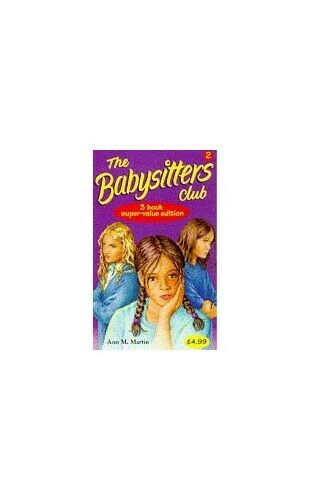


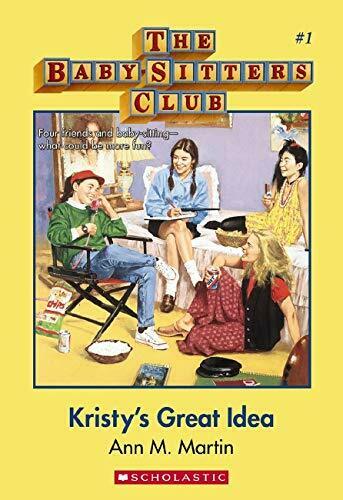

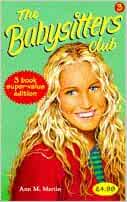

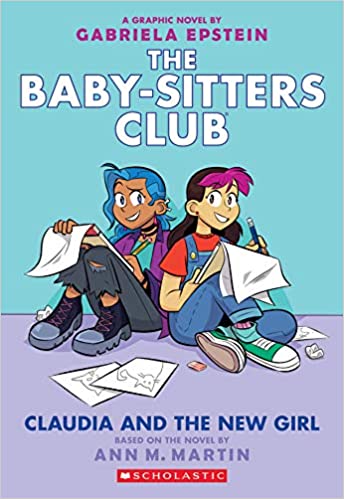

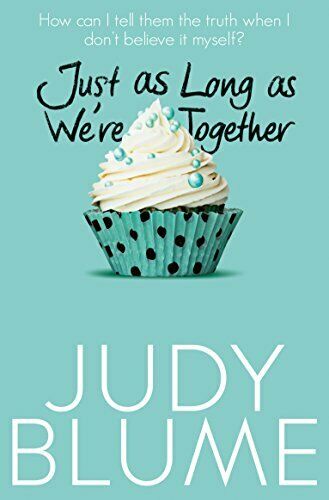
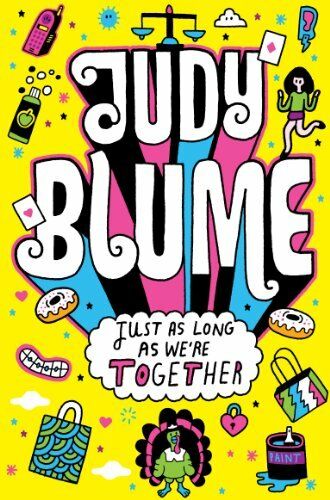
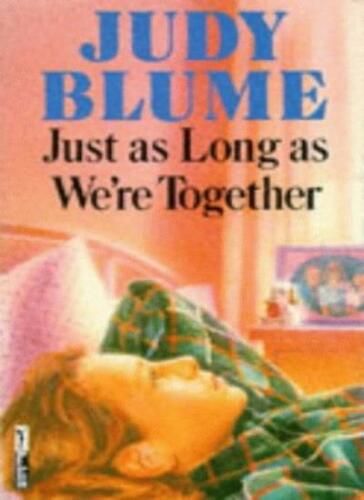
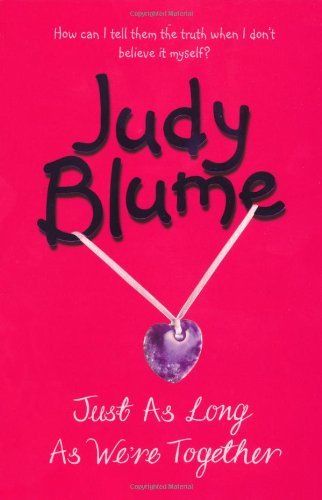
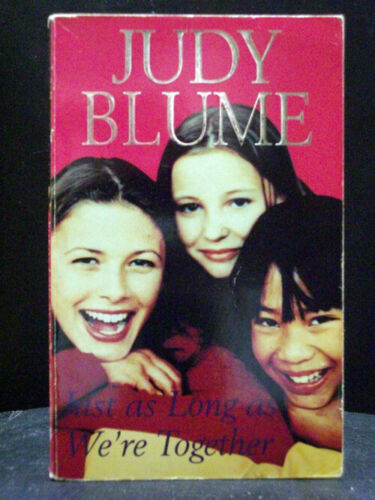
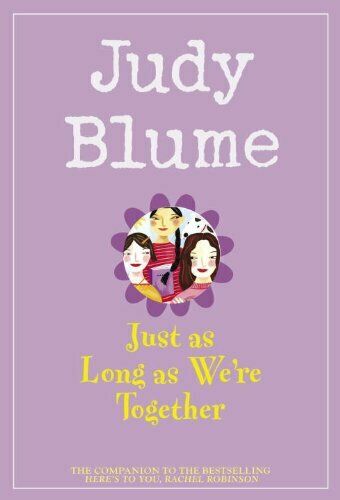
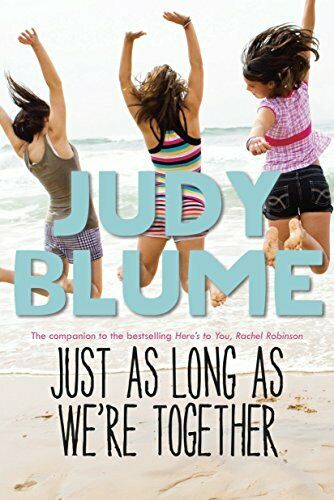
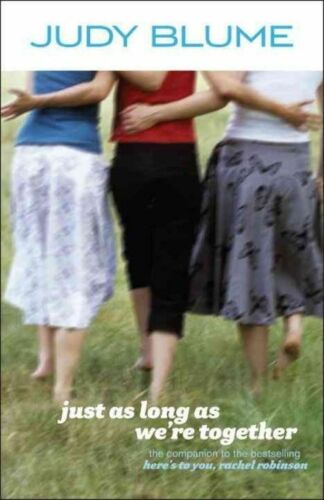
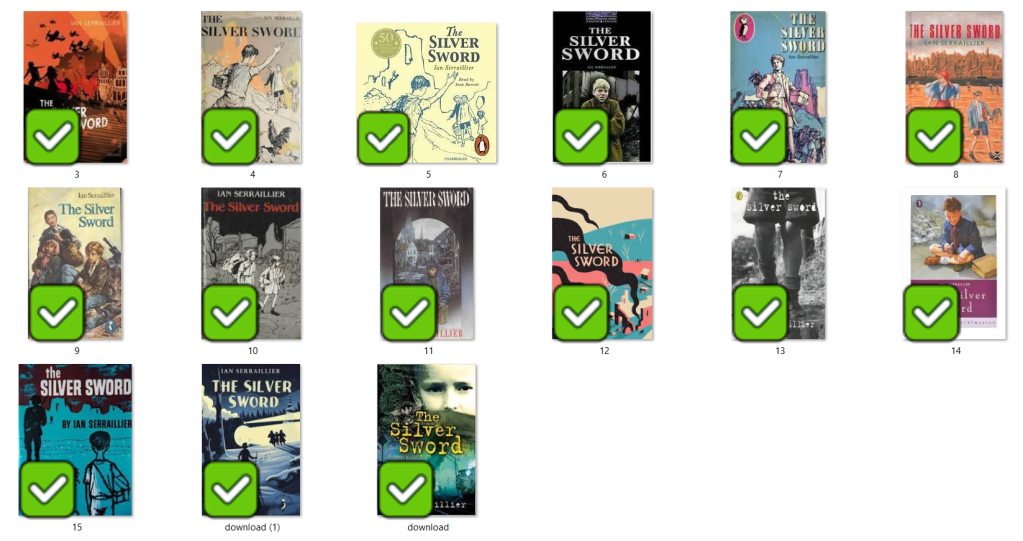
I love the bright colours of The Babysitters Club titles. Looking at these covers brings back so many good memories for me; I feel like that is what good book design should do! The images on the front also helped me to imagine what the characters would look like in real life too. I related the book covers to the storylines very well. This style of cover though is something which I have done a lot of already in my design work.. I felt like I should push yself out of my comfort zone a little..
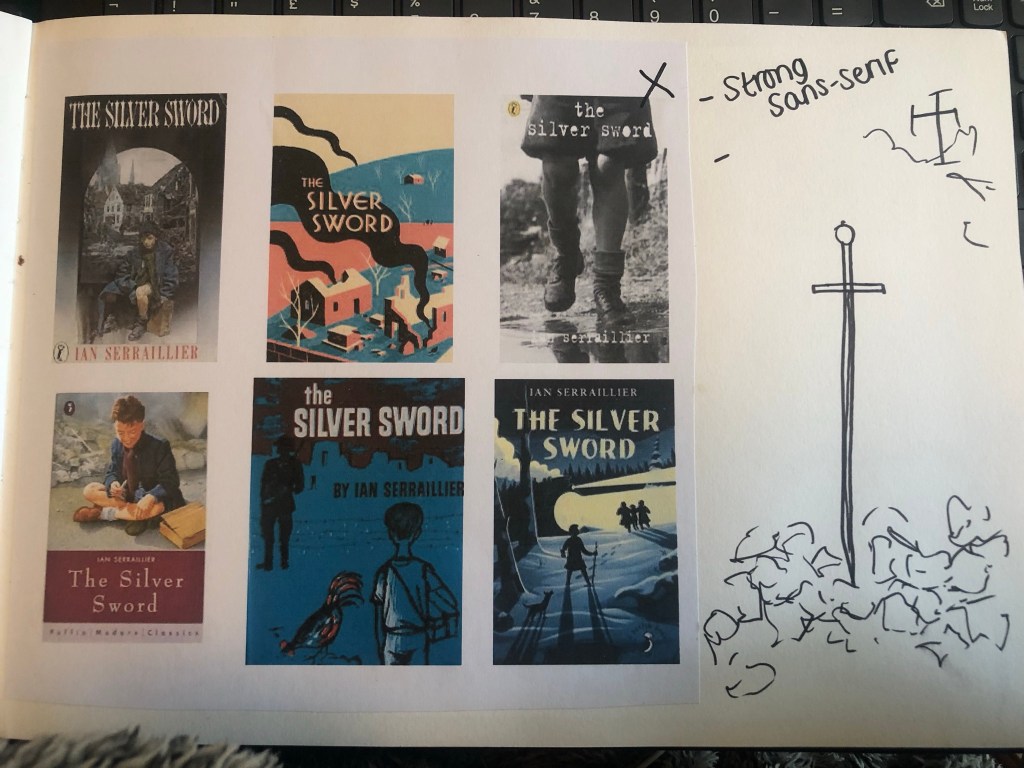
The Judy Blume covers use a lot of photographs; this is a route I did not really want to go down. I much prefer illustrated covers – they feed the imagination more!
The remaining book was The Silver Sword.. this gave me ideas of using Swiss type in the design as it is a story that uses Switzerland strongly in the plot. I love using Swiss design and Swiss type and started thinking of ways I could bring this into this design…
I also used Pinterest to find ideas for my book covers:
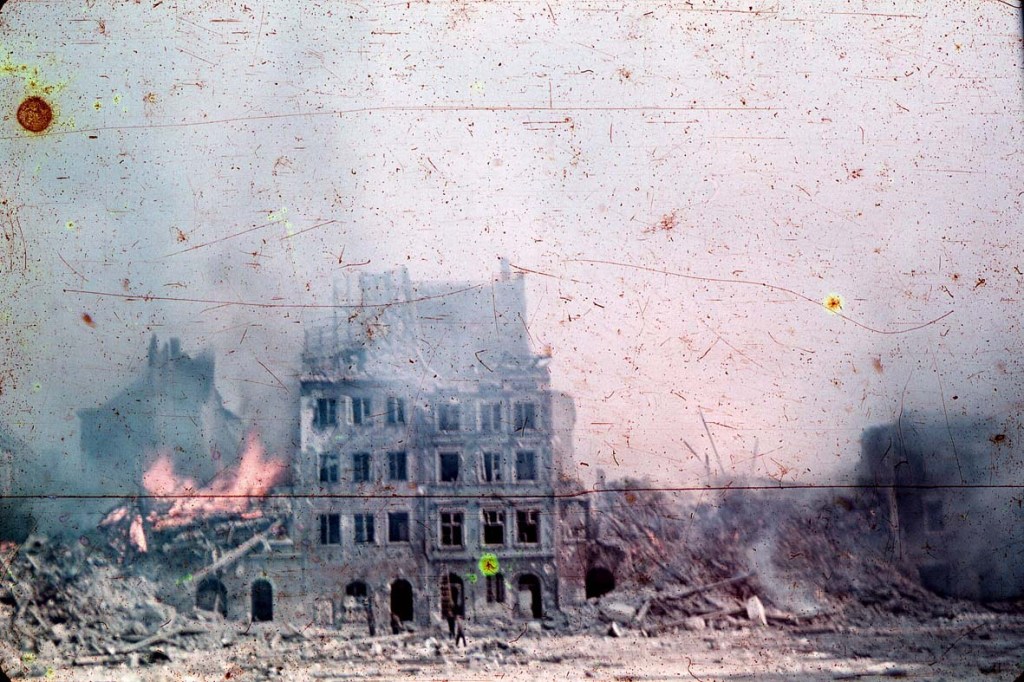
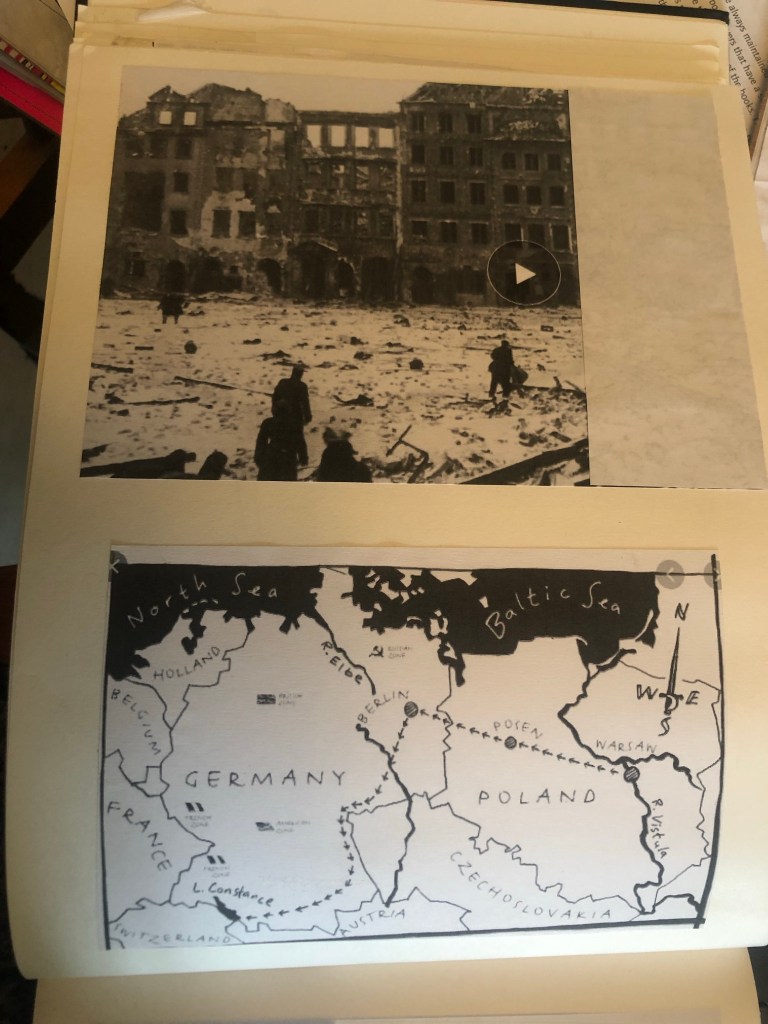
I also did a google search for The Silver Sword to look at photographs from the time of the ruined buildings and relics to give me a better idea of what I could include in my designs.

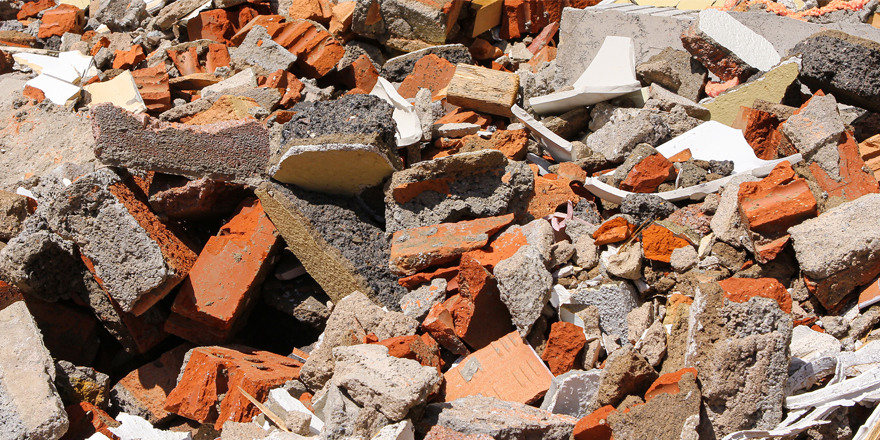
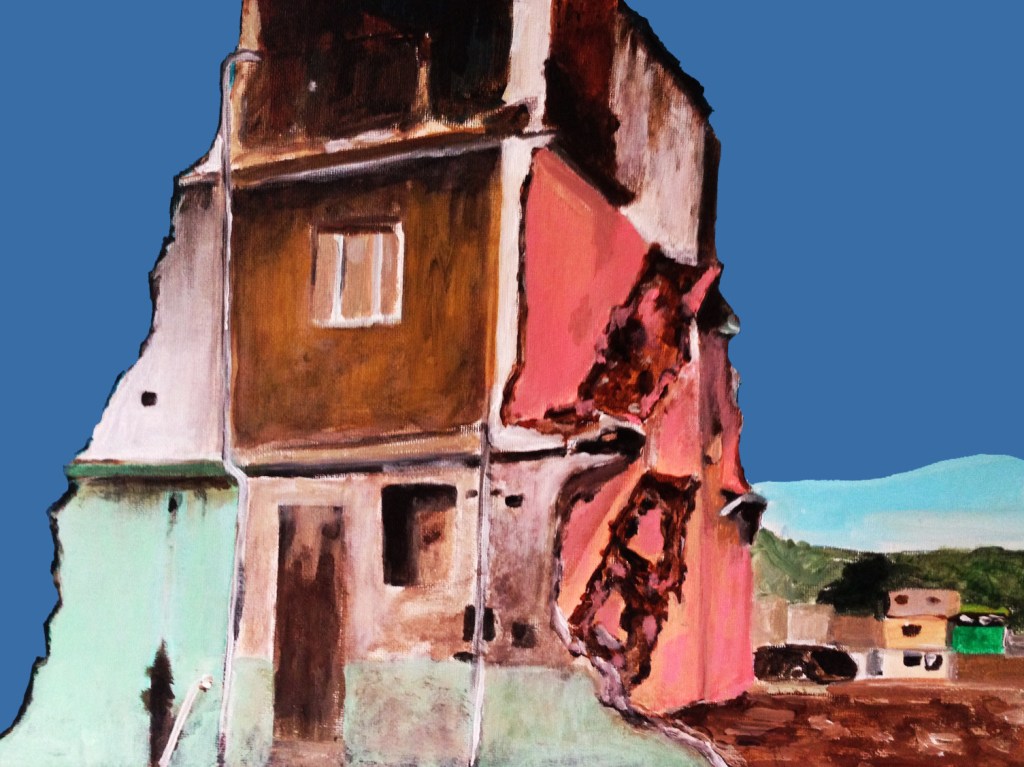


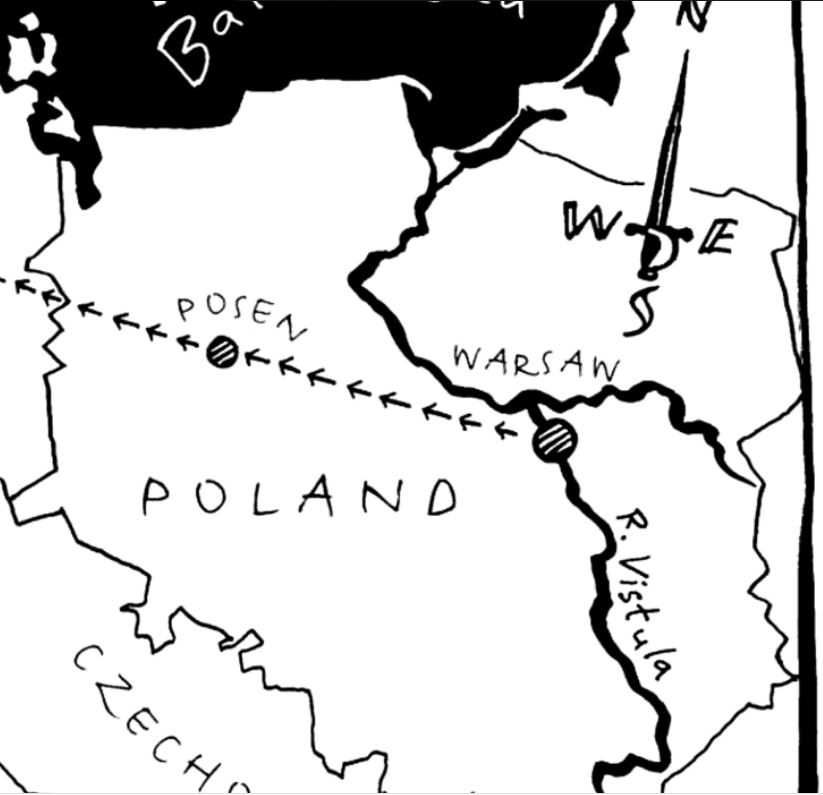
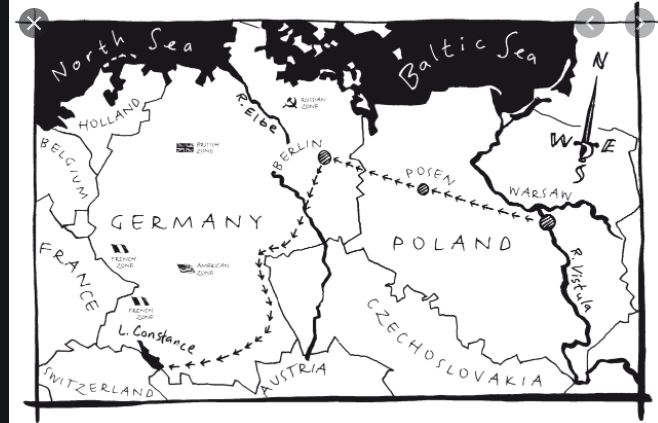

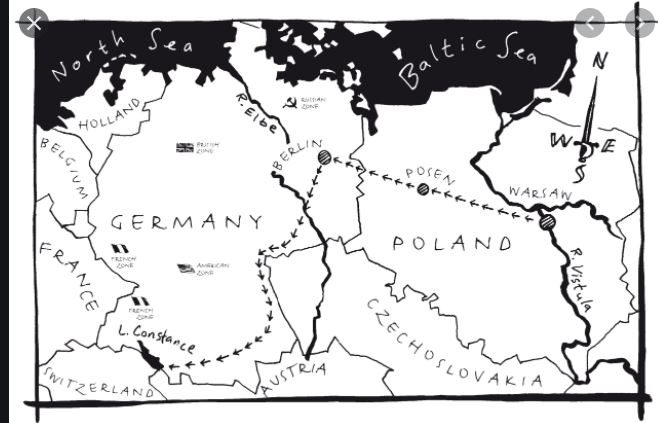
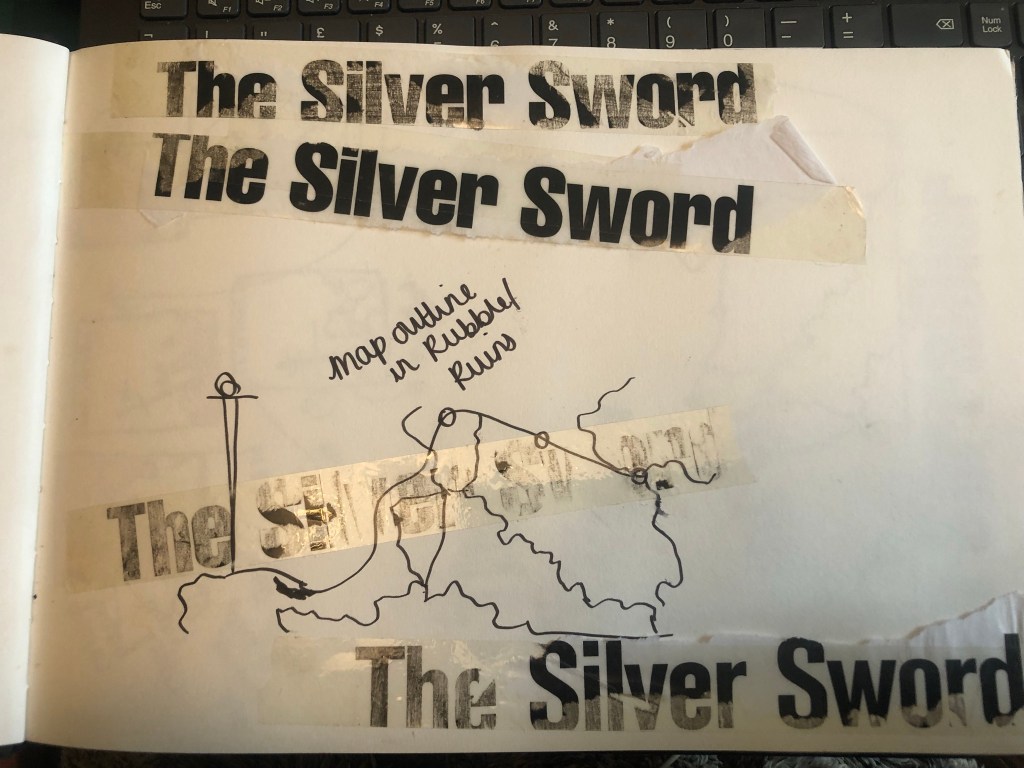
I found map of the route the children had to walk to try and find their mum and dad in Switzerland and it gave me ideas for a design- I could use the outline of the map as the map but also to represent the rubble that the Silver Sword was found in.
I started mind mapping and sketching ideas:
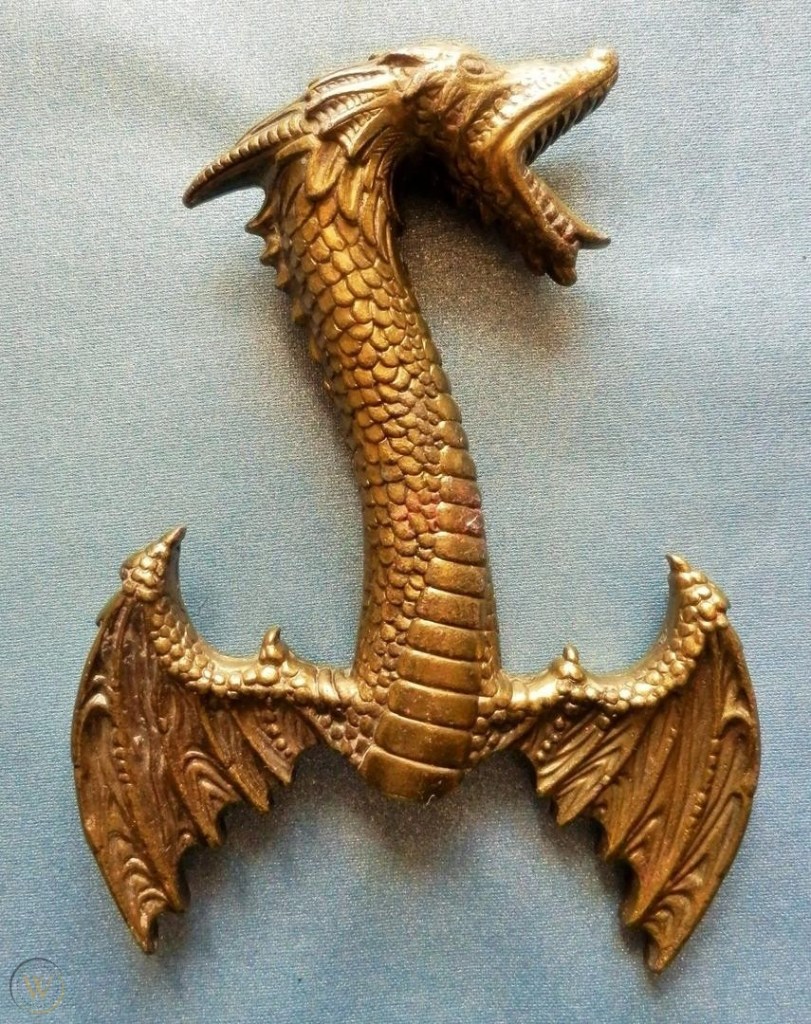
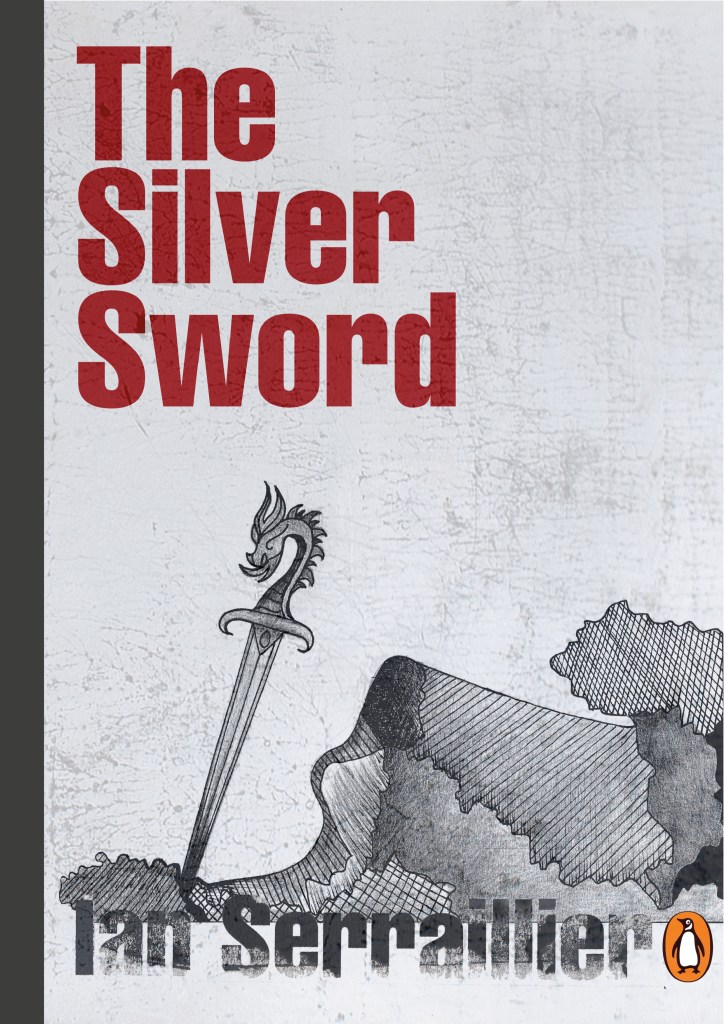
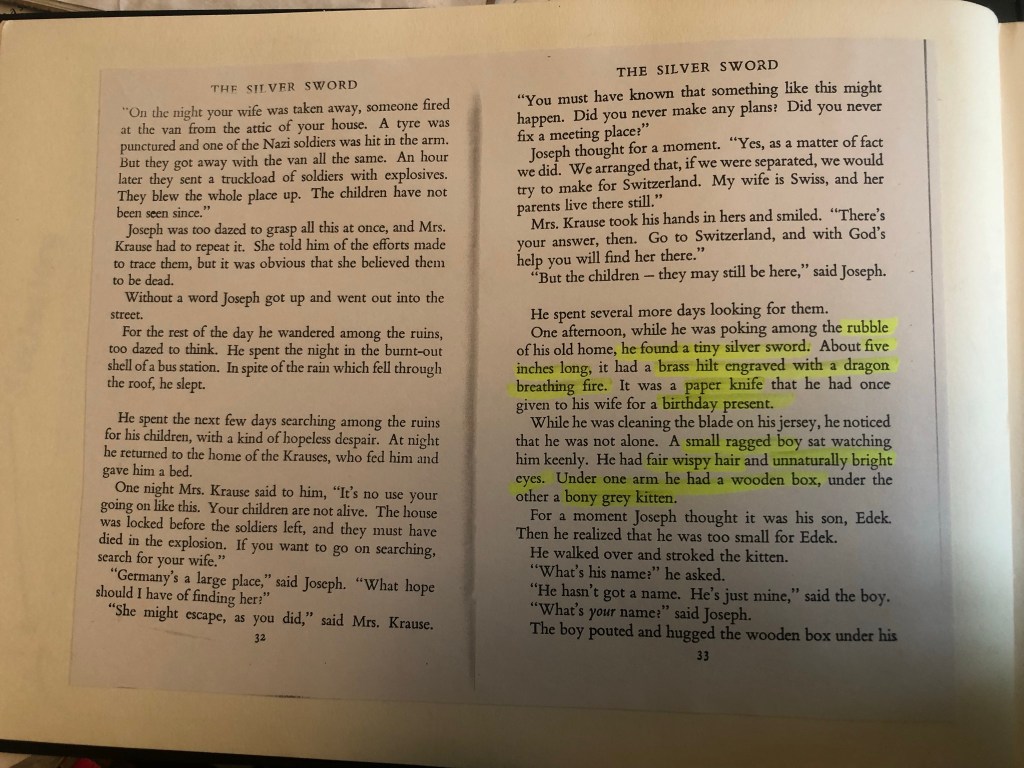
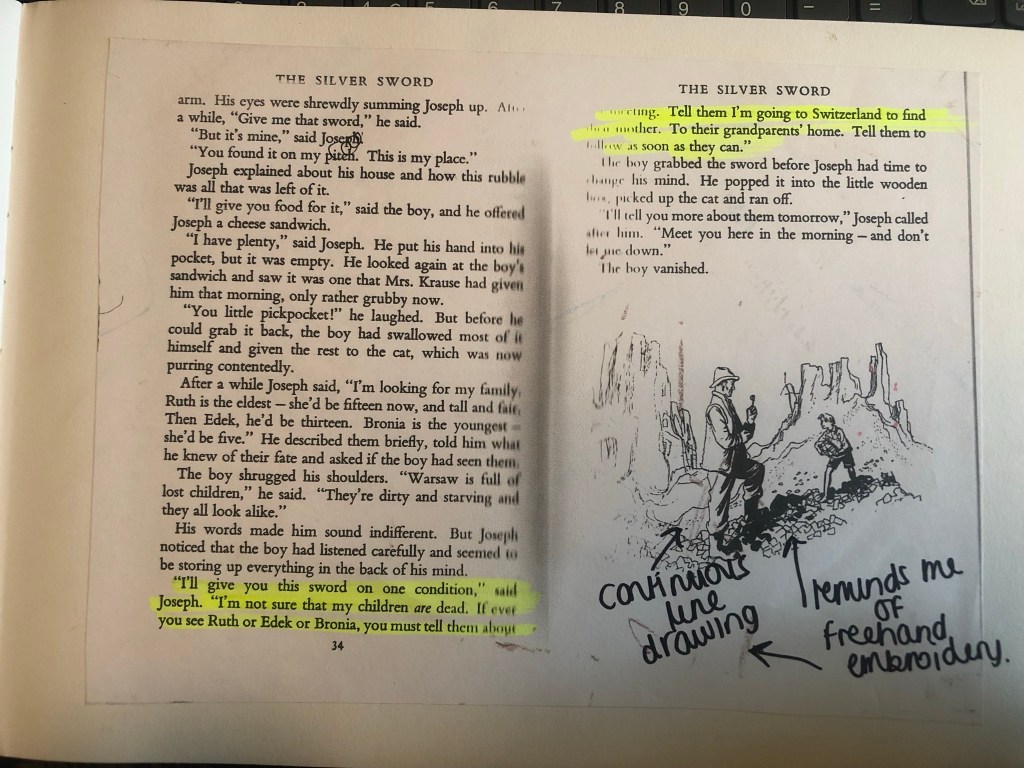
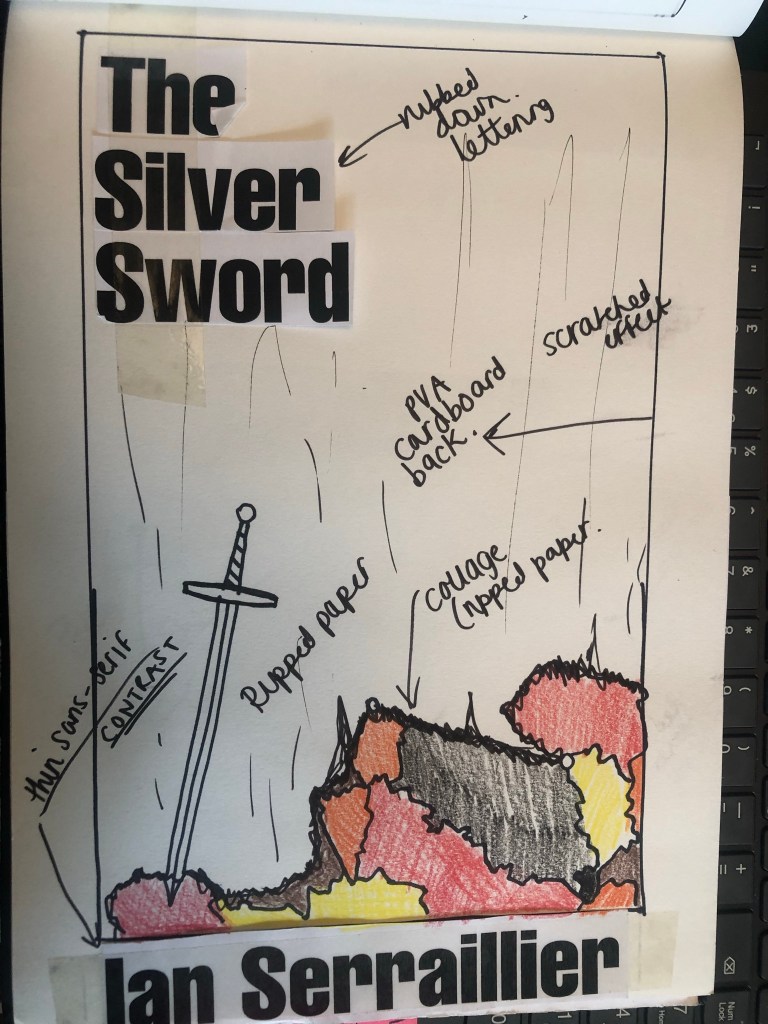
I first mind mapped ideas around what the book was about and the main plot. The story bases around a 5 inch high silver sword envelope opener with a dragon breathing fire on its hilt. This Silver Sword is the main storyline because without it the family would not have been reunited. I decided to use this as the main image. In the story the Silver Sword was found in a pile of rubble.. I had the idea of showing rubble on my design – I just didn’t know how. I wanted to illustrate the book with my drawings but I also wanted to show texture – I wanted texture for the rubble and ruins and to use strong warm colours to represent fire and the buildings and relics.
I remembered back to when I created my type specimen books and created a collage for Akzidenz Grotesk. It is one of my favourite pieces and it turned out so well.. It received so much love on social media too and it really related to the typeface and Swiss type…
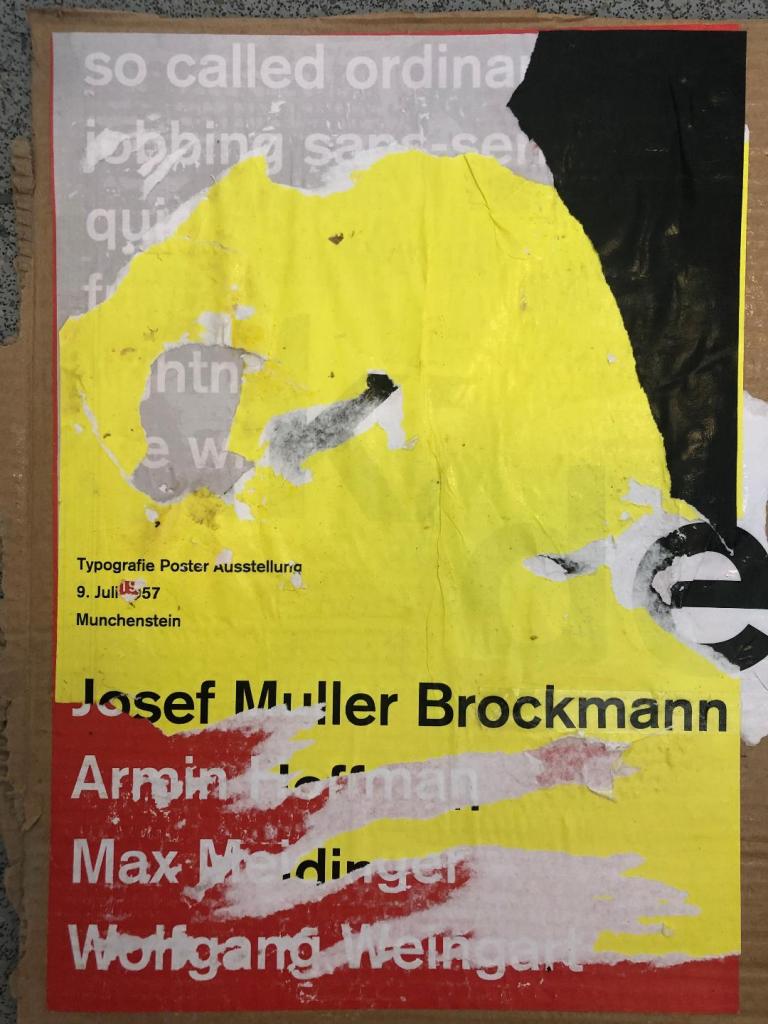
I decided that I could create similar for this design. I also messed around with letter rubbing which is inspired by Chris Ashworth and his “Swiss grit” – I printed out pages of the title and author and then used cellotape and water to peel the ink away from the paper to be able to stick it to my pages – it gives a rubbed, worn effect which looks great!
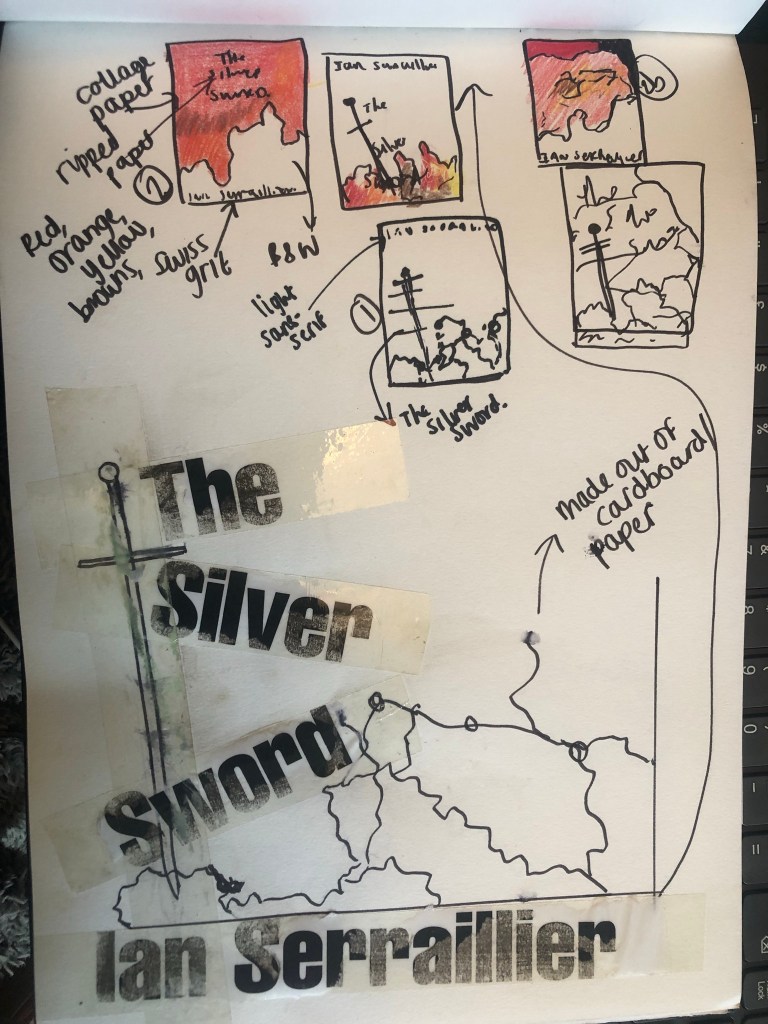
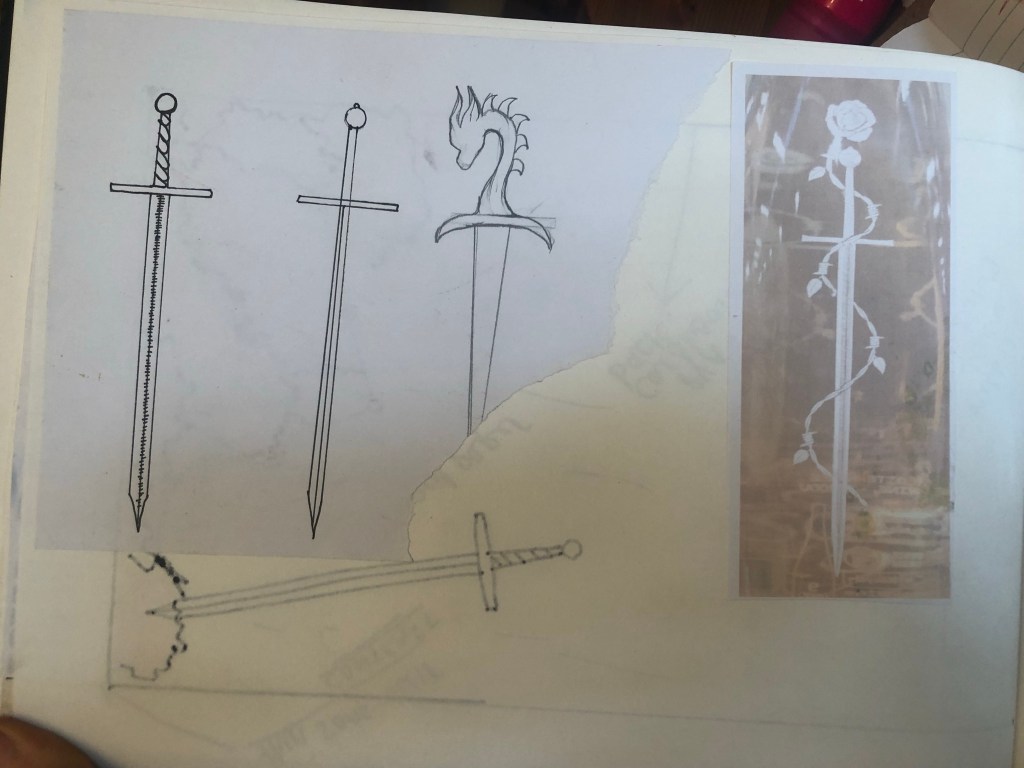
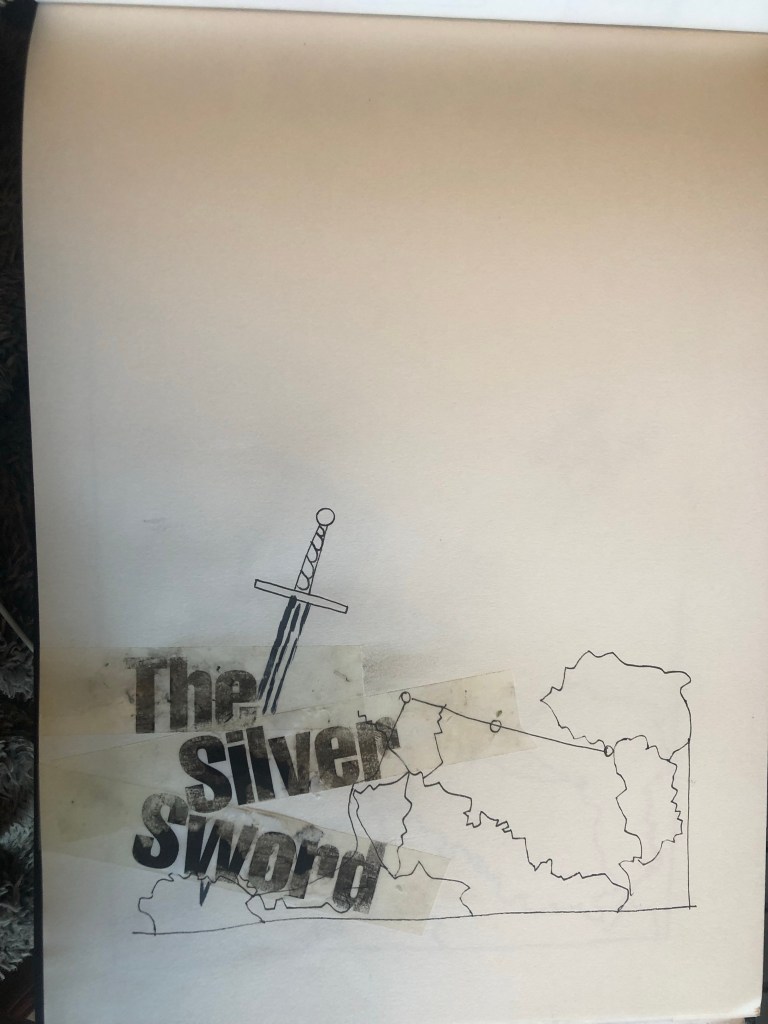
The bottom drawing is the outline of the map with the Silver Sword sticking directly out of it. I quite liked this.. but what if I could do a similar thing as to what I did in my Akzidenz Grotesk collage and create the map and rubble from torn pieces of warm coloured paper (Reds, Oranges, Warm browns) to represent the rubble and the fires.
I created a collage to see how it would look.. I did not love it at all but saved it for later just in case..

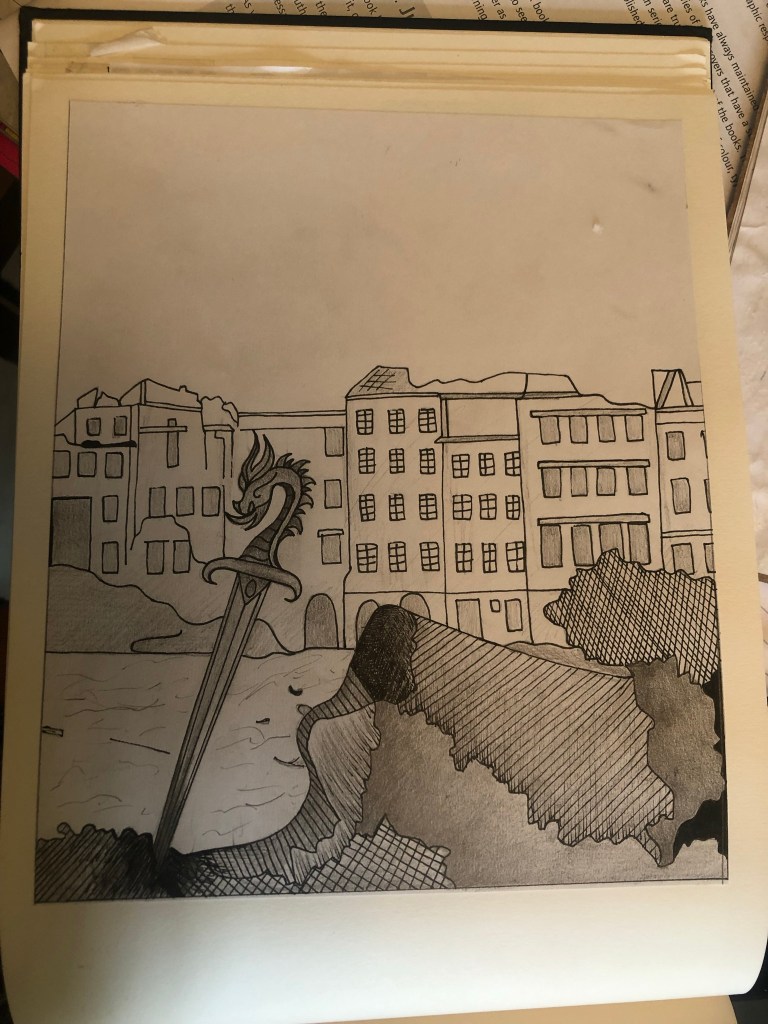
It was back to the drawing board for me! – I decided that because I was trying to stick to a very strict timeframe I would stick with what I knew best and draw my design out. I decided that because I love ink drawing I could use hatching on the rubble to make it look like different textures.
I found an image of a Silver Sword on Google to copy my drawing from and used an image of a dragon that I found earlier in my research to create the dragon on its hilt.
I drew my drawing up and scanned it in before I added detail, just in case I wanted to change it at any point.
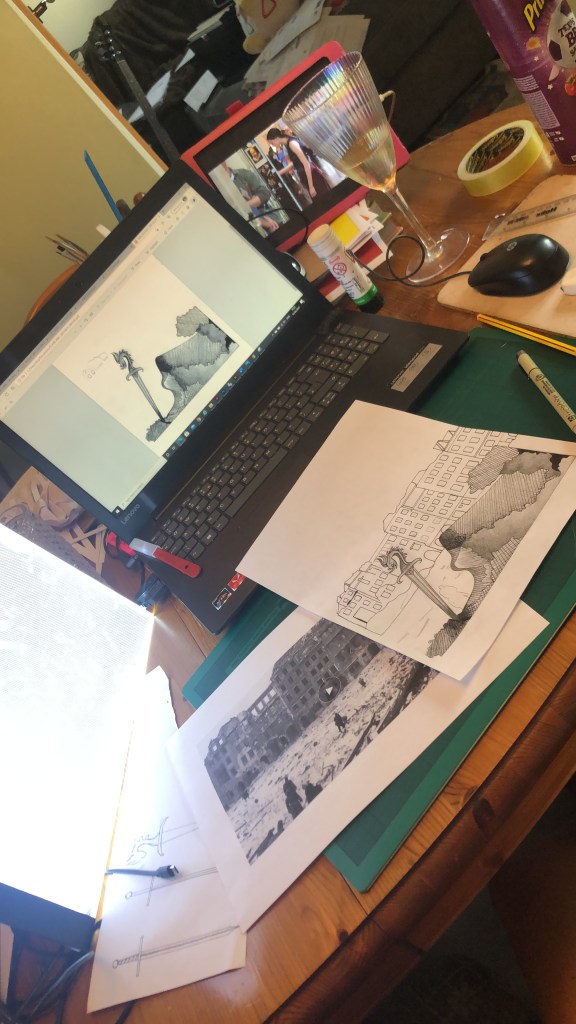
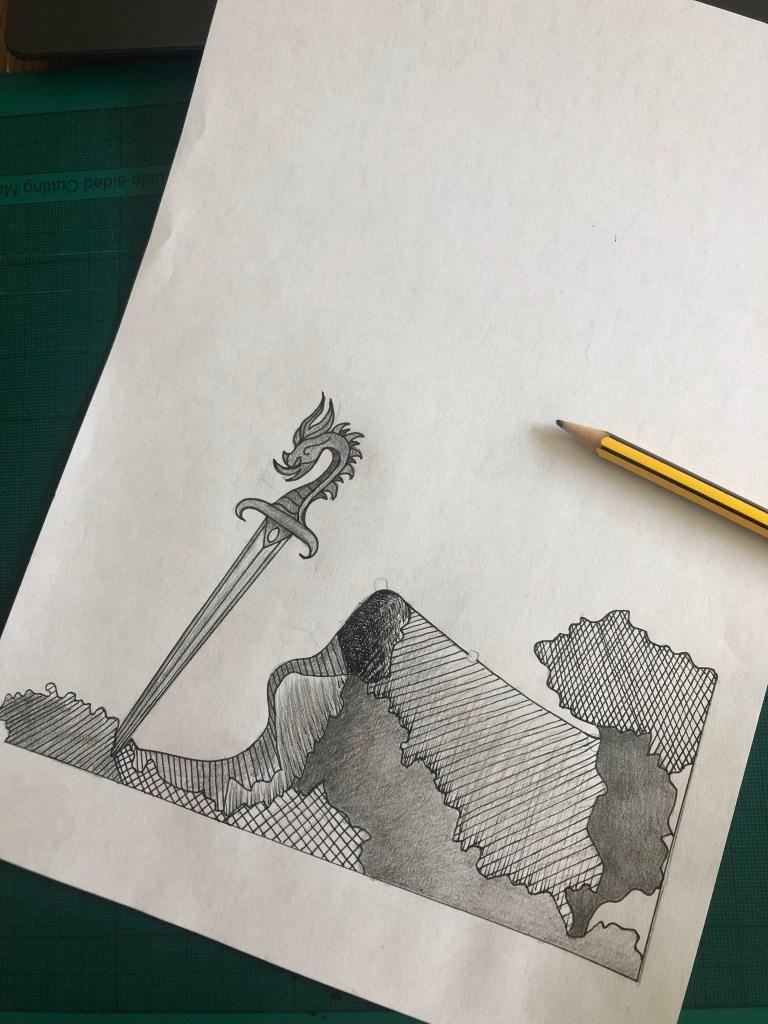
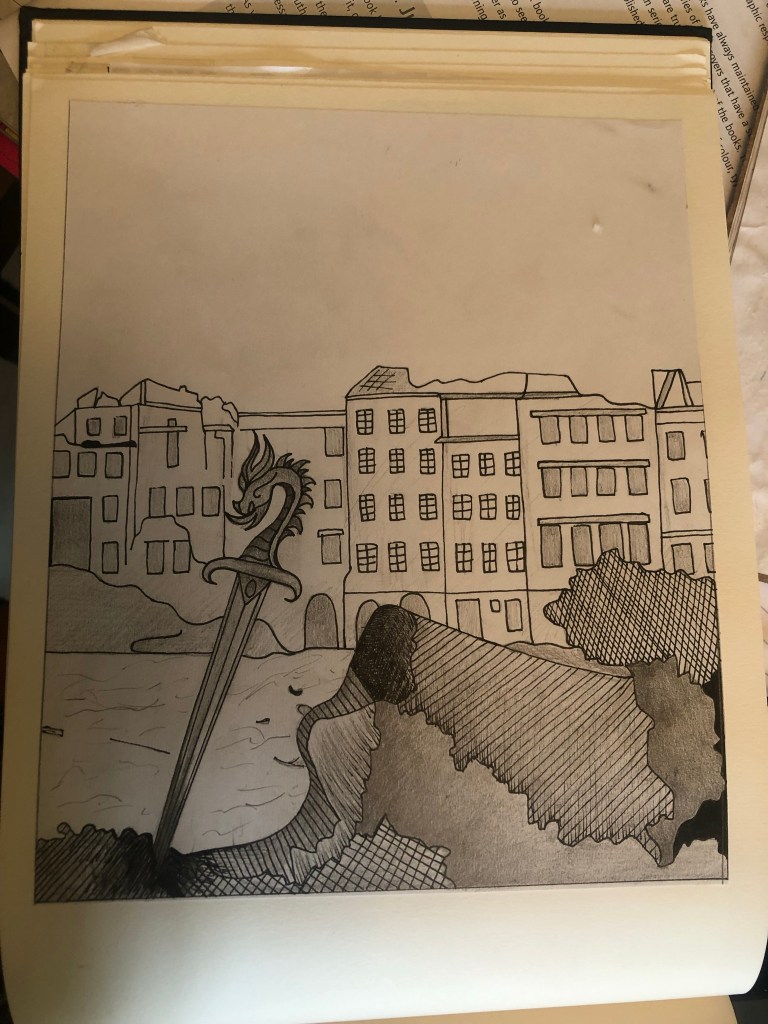
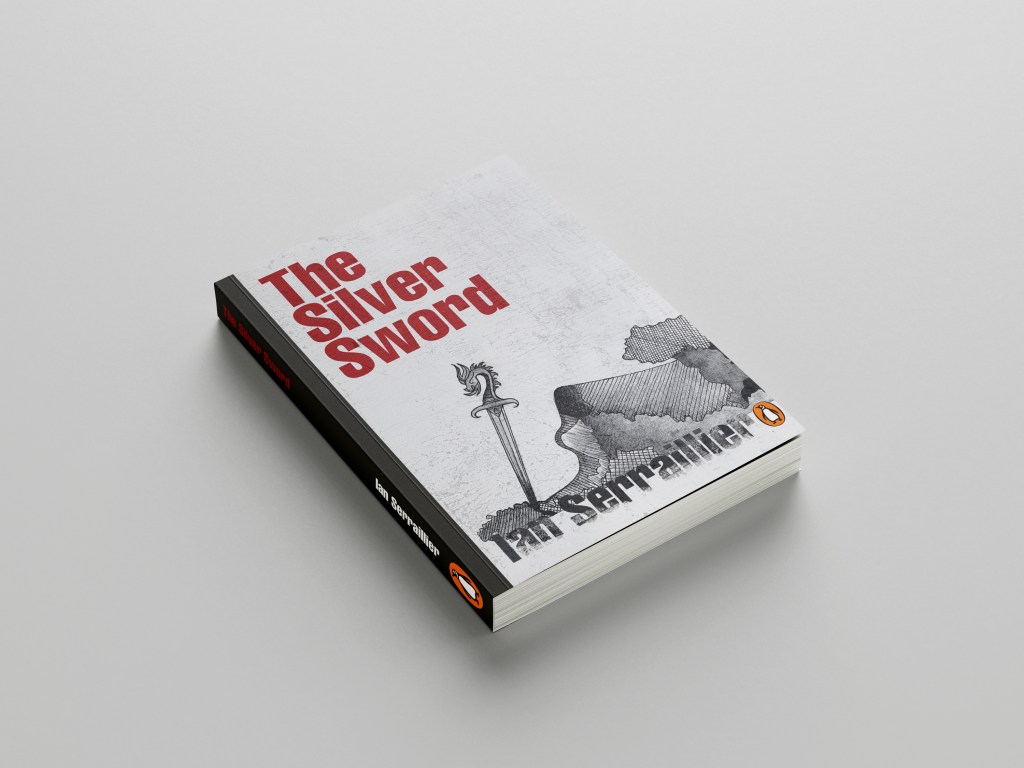
I actually preferred the design without the buildings for the front cover. My vibe and feelings for this cover was “the simpler the better.” following in the style of the International Typographic Style – less is more.
I also started work on the letter rubbing.. I decided to only do this for the author though and to keep the main title strong and bold in appearance. I also wanted the title to be in Red to match the Swiss vibes..
I created the title using printed paper and rubbing the ink onto the cellotape and then transferring it onto my design, scanning it in and altering it in Photoshop.
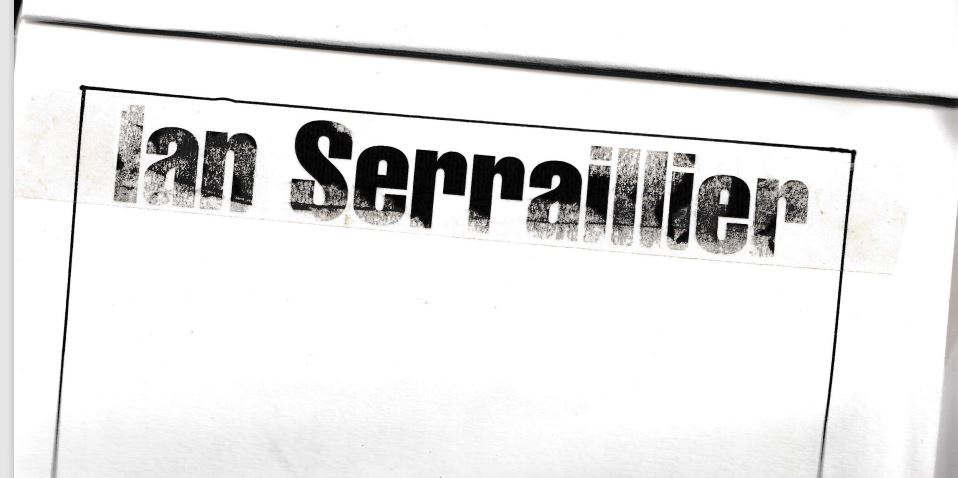
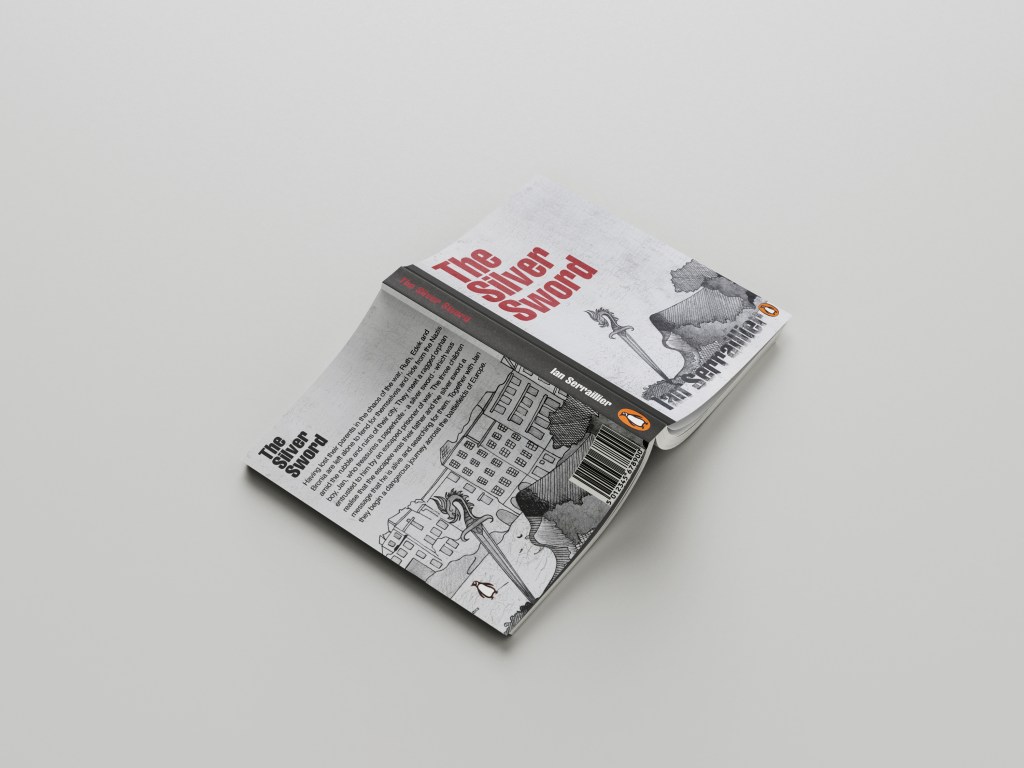
I took my main drawing over to Photoshop too to do some alterations and to start creating my final first cover. I also imported a scratched metal texture which I lowered the opacity to give a grey, rough textured background to the covers.
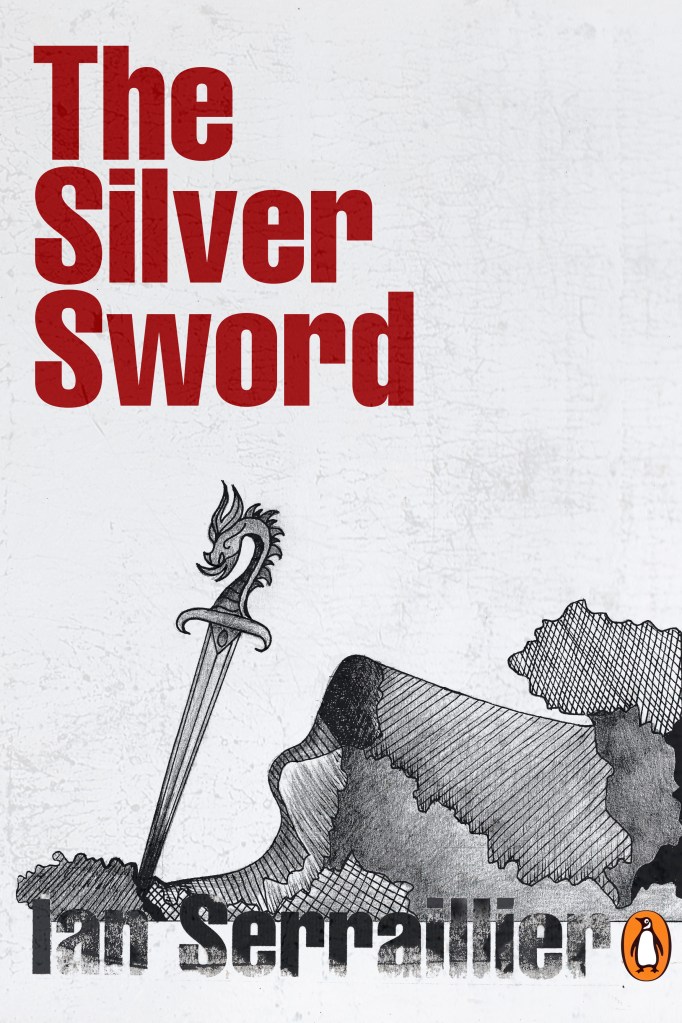

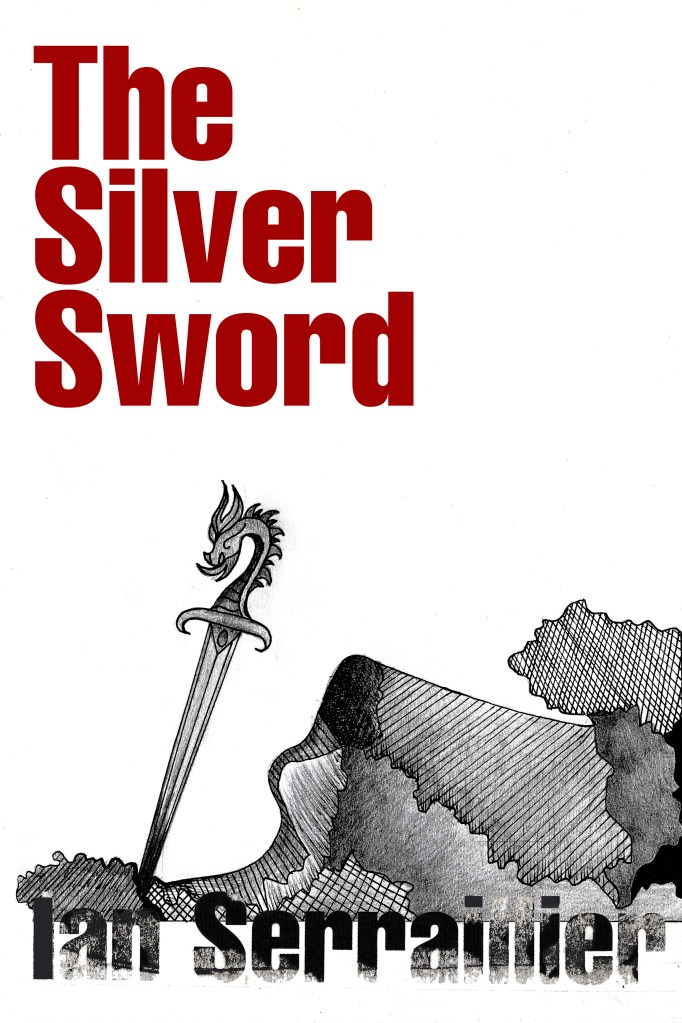

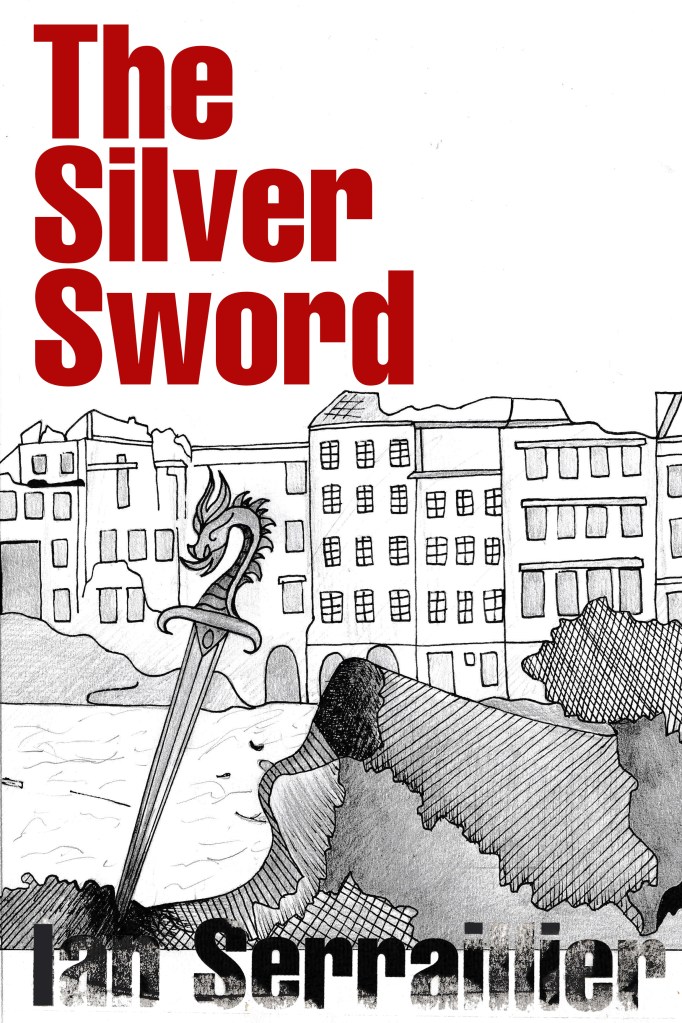
I preferred the simple, toned down cover without the scratched metal effect. The pure white background really contrasted against the black inks. I absolutely love how the rubbed down lettering turned out too!

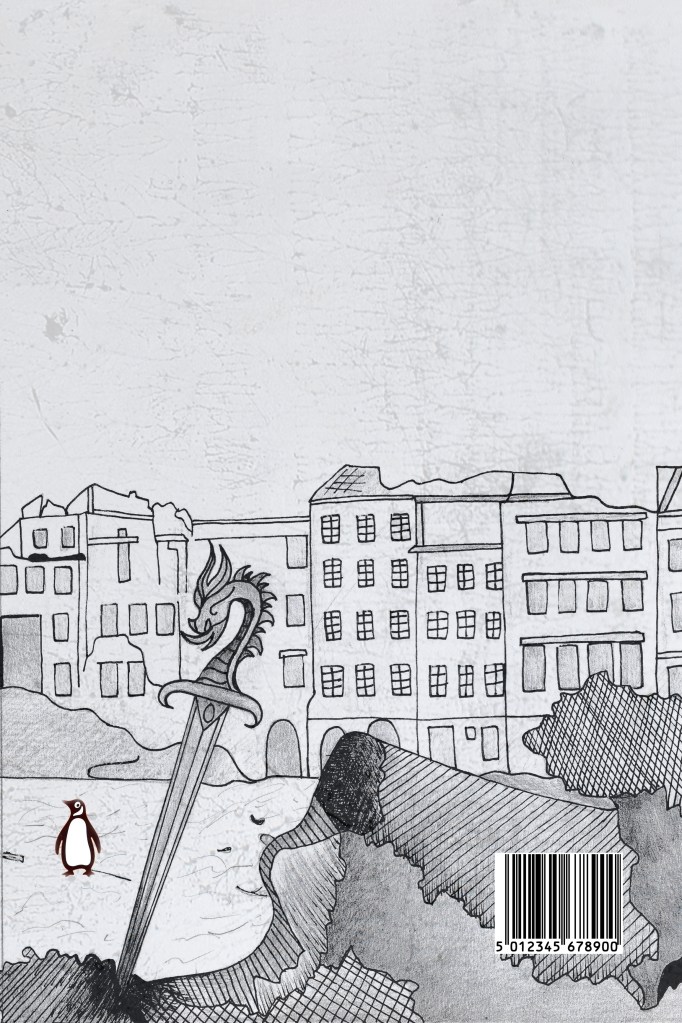
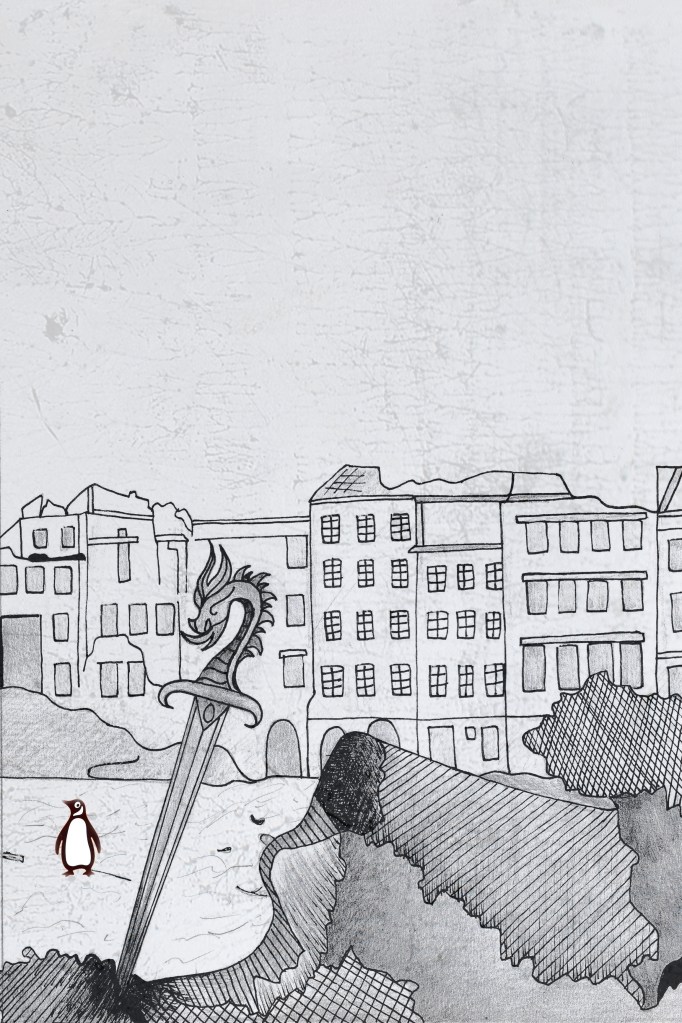
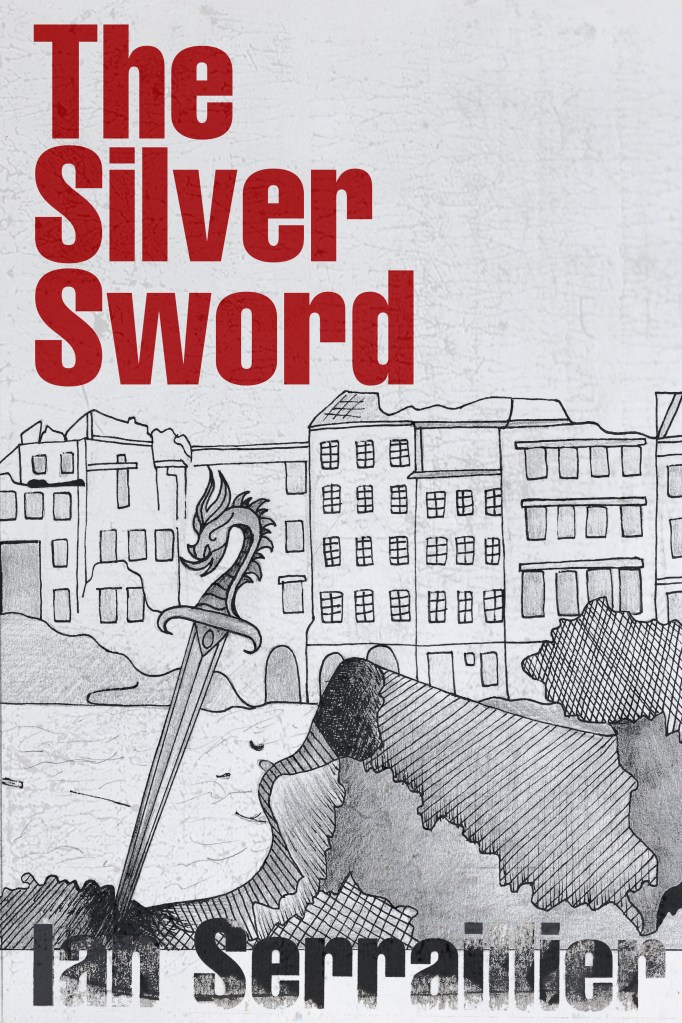
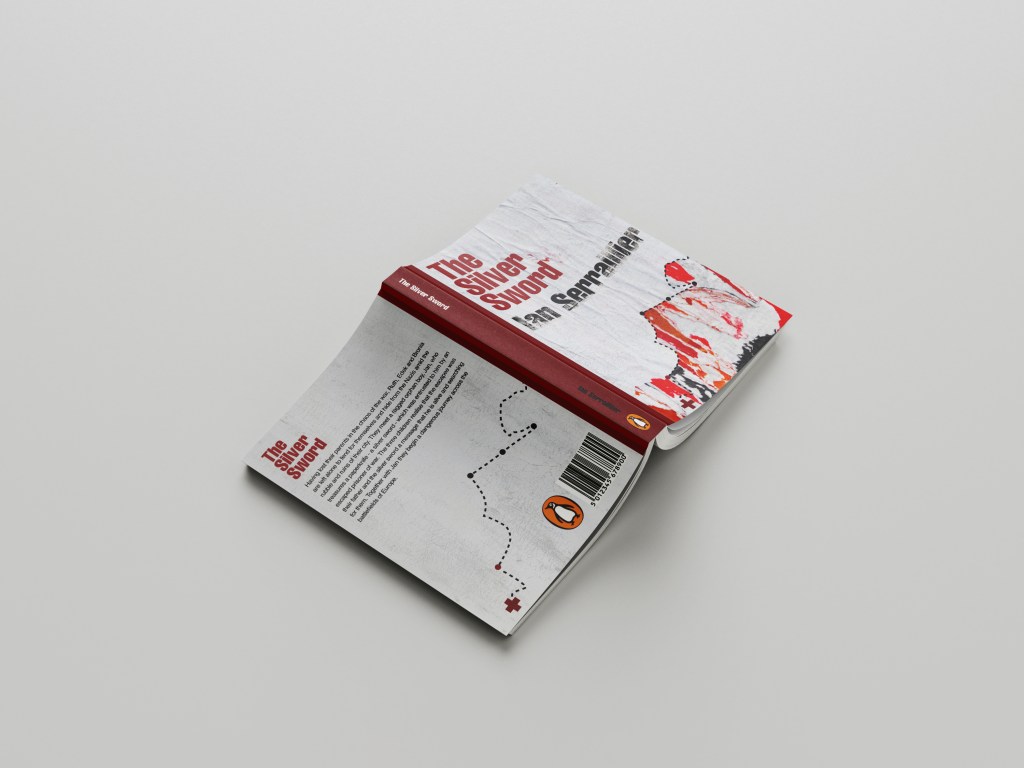
I also edited the Penguin logo a little bit to add more fun to the back cover! (I say fun.. the poor thing is wandering around war torn Warsaw looking absolutely bewildered!!)
I did decide though if I was using the buildings for the back of the book, that image had the scratched metal effect on it which would mean I would have to use the same for the front. I brought back the scratched metal effect for the front cover.
Once I had created my images in Photoshop I then created a document in InDesign to design the text for the covers.
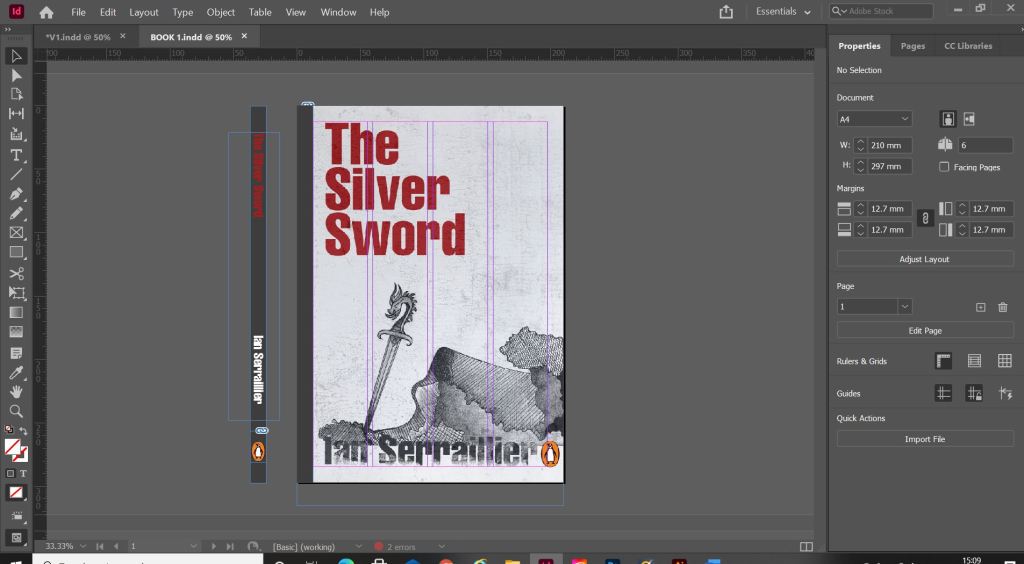

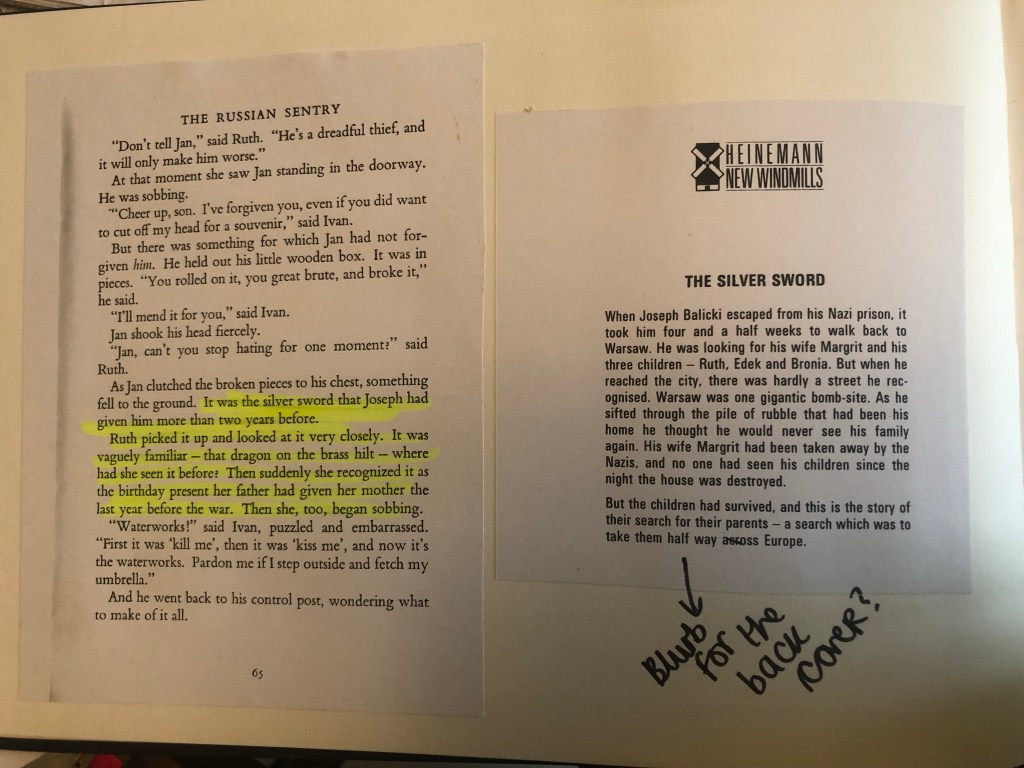
It was Helvetica all the way for my first cover! I used Helvetica Compressed for the title and author on the front and then used Helvetica Regular for the copy text on the back cover. Helvetica ties in to the Switzerland connections in the book. For the text on the back cover I went onto Amazon and copied a description of the book from one of the listings for The Silver Sword.
I used a wrap around spine for the books again as it breaks the design up on the front and also adds contrast.

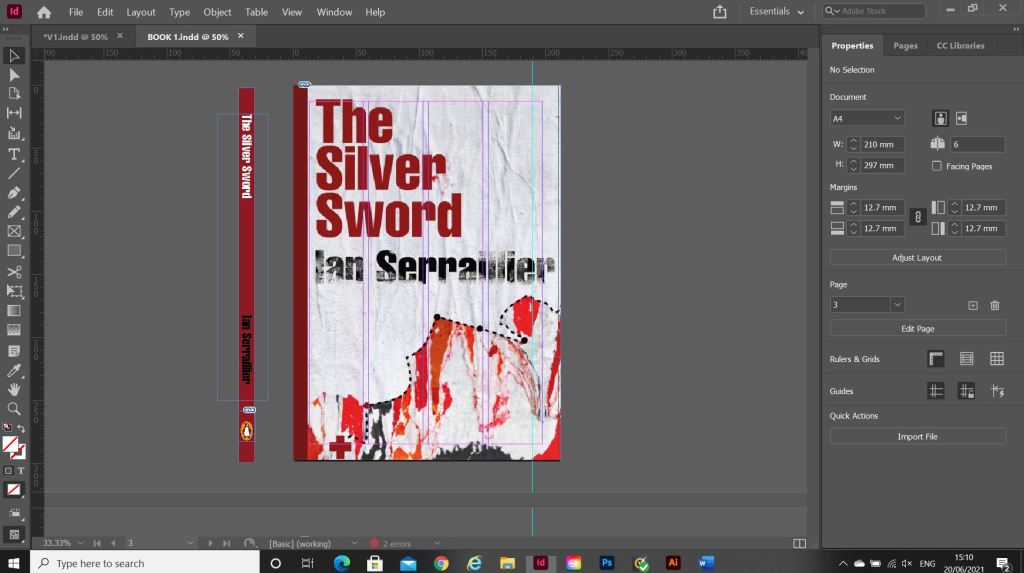
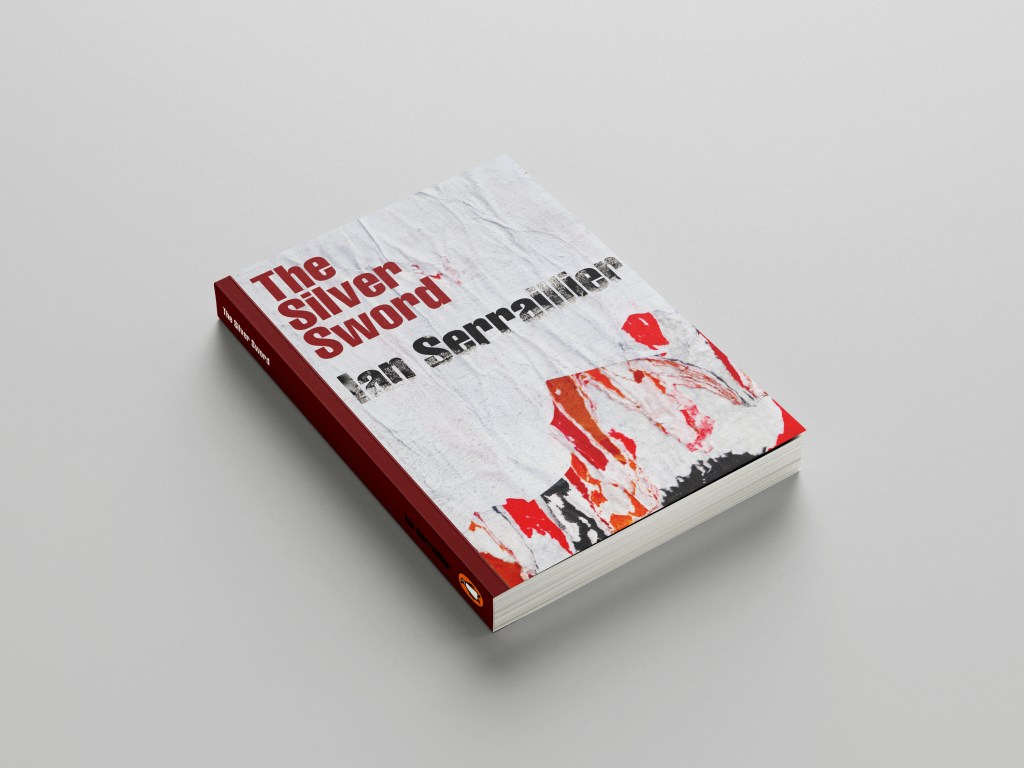
For book number 2 I decided to try and bring back the collage that i decided to write off at the beginning of the design process for Book 1!..
I thought that if I used this for the background on book number 2 it would still represent the map and the colours of the rubble and fire but without actually showing them. I wanted the reader to use their own imagination and come to their own conclusion of what this front cover was all about.
I took the awful collage into Photoshop and worked my magic trying to make it look worthy to be on a front cover of a book.. It actually wasn’t too bad!

This was my cover for “just text” I did though take it a little bit further and add some detail, which to be honest I am unsure if I am breaking the brief by adding? Worse case I have 2 versions; 1 with just type and the 2nd which is just an optional extra!
In Illustrator I decided to add points to the map so that it was more obvious that it was an outline of a map. I also added the Swiss cross and circles to mark the places they crossed. Obviously it is a very abstract map.

For the back I did exactly the same layout as book 1 but just used the outline of the map. It is a very simple solution to the brief. The worn paper represents the war torn, worn out state of Warsaw at the time and the warm colours represent the rubble, ruins and the fires that burned because of the bombings. It is also quite a modern cover in that it takes inspiration from Swiss grit.
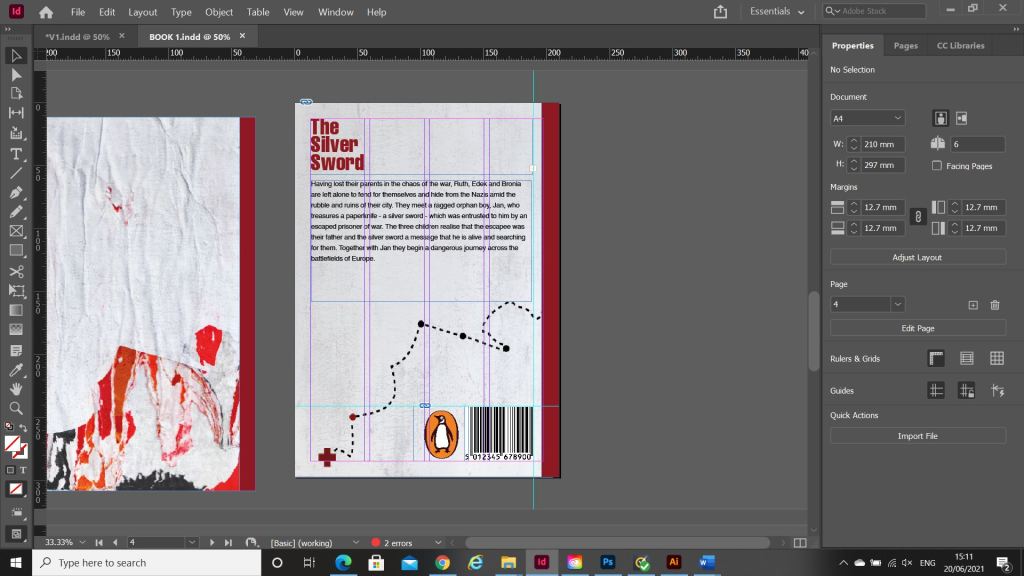
Considering I HATED that collage when I first created it, it actually didn’t turn out too bad!
Overall I believe I have met the brief for these books, I actually surprised myself with the 2nd just type book – I thought that this would be tricker than it was! – it just goes to show that if you have an idea and it doesn’t quite work out, persevere with it because it might actually work out better than originally thought!

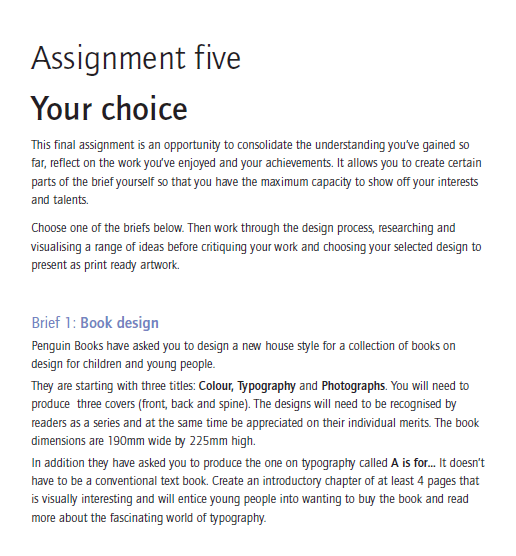
I was very short of time by the time I reached this assignment! I had just about 2 weeks to complete a whole unit! I was feeling the pressure and the panic was on! Weirdly though having such a short deadline for this did help my “perfectionism” and my constant need to go back and change everything all the time! I had to use my gut instincts and go with my first idea and designs.
In my head and because of the limited timescale, I told myself to do a good job in such limited time it would be better to go with the third choice in this brief which was to design a poster and promotional material for a play called “Abigails party” but I knew that if I did not complete this book design choice I would have been really disappointed in myself and regretted my decision; I HAD to push myself and time manage myself to complete this assignment! I really like designing books and magazines so really pushed myself to work hard and achieve my final designs.
I didn’t realise that this brief was such a big brief and that there was so much design development involved with it until I started with the ideas and research. 1 day into this brief and I did panic that I would run out of time before I came up with a good idea for it let alone go through the design process!!
Anyway, I started off with Pinterest again and created a board full of existing book covers, inspiration and ideas to push me forward with my own ideas.
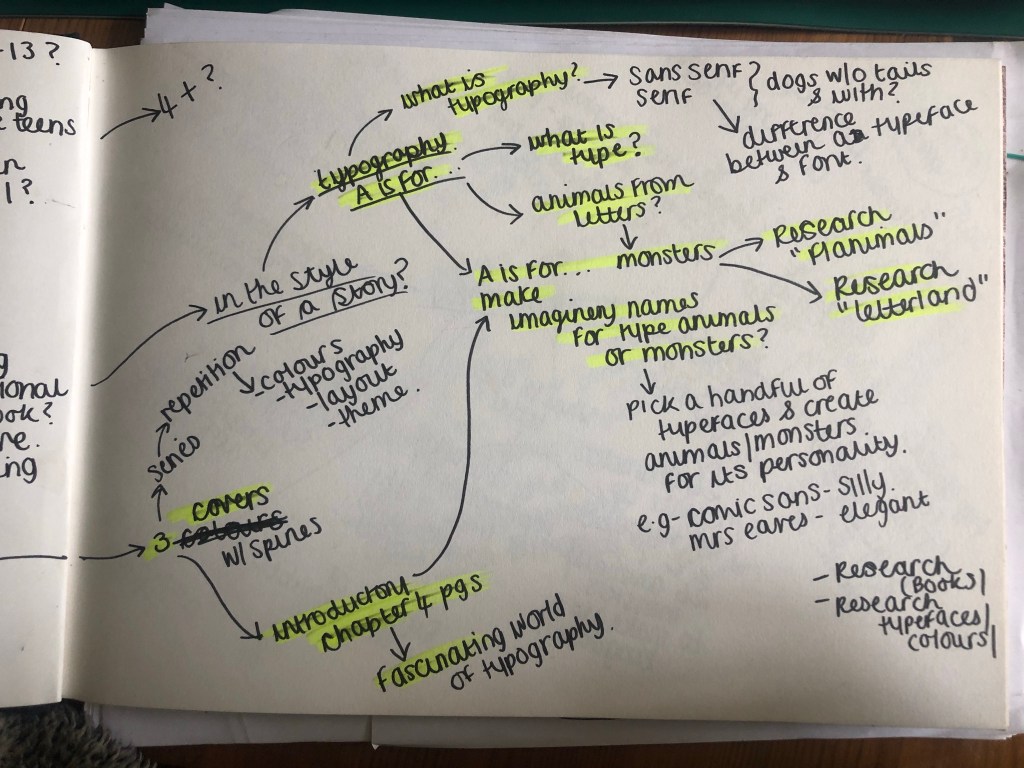
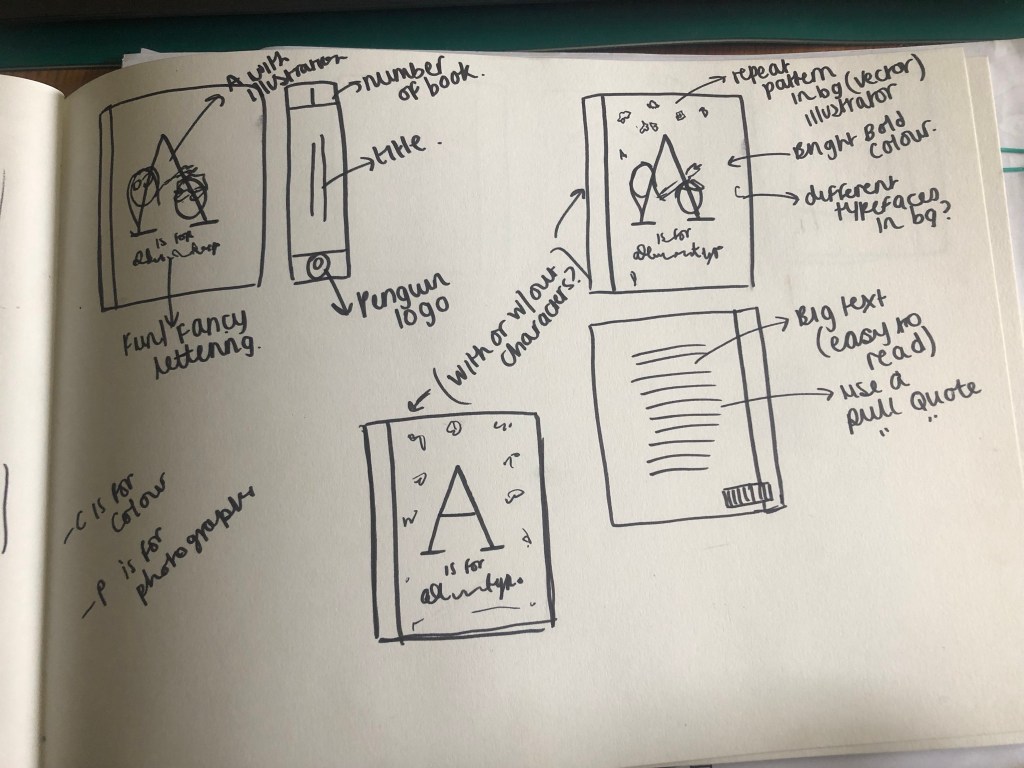
I also started mind mapping in my sketchbook what the brief was asking of me and any ideas I had.

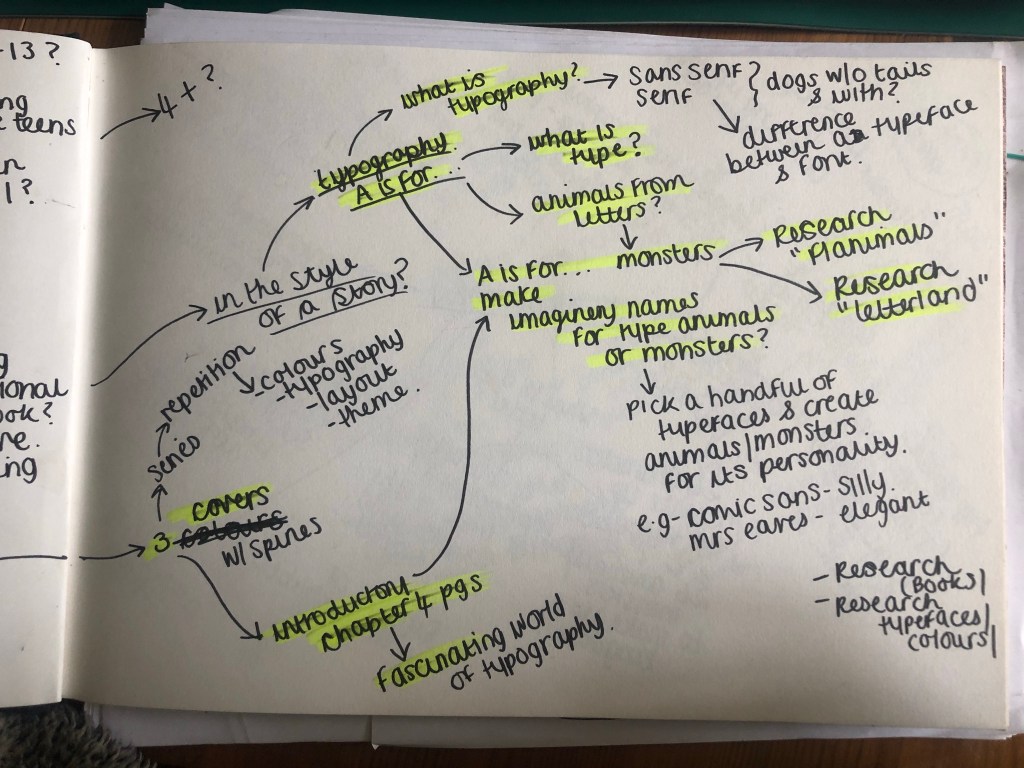
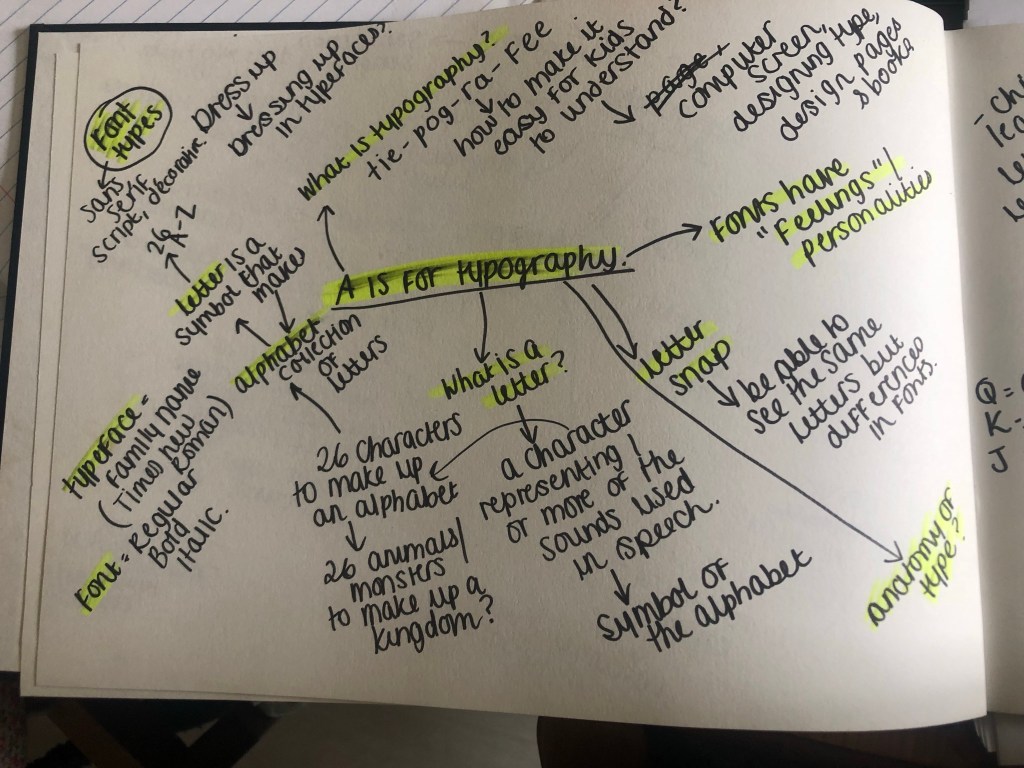
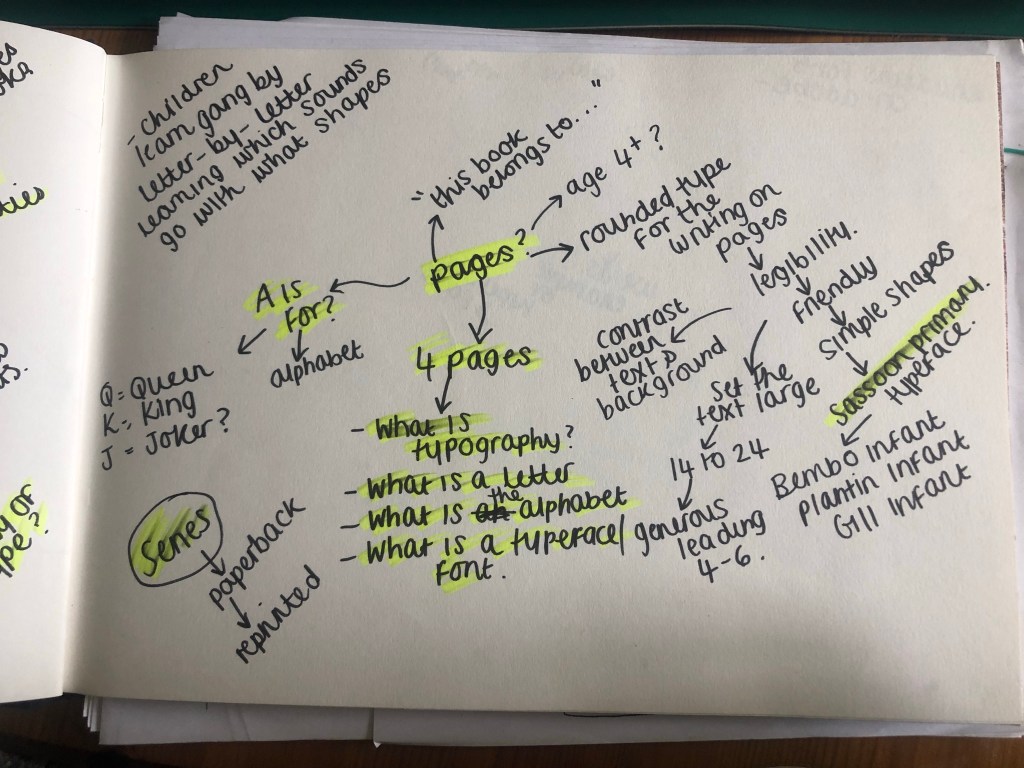

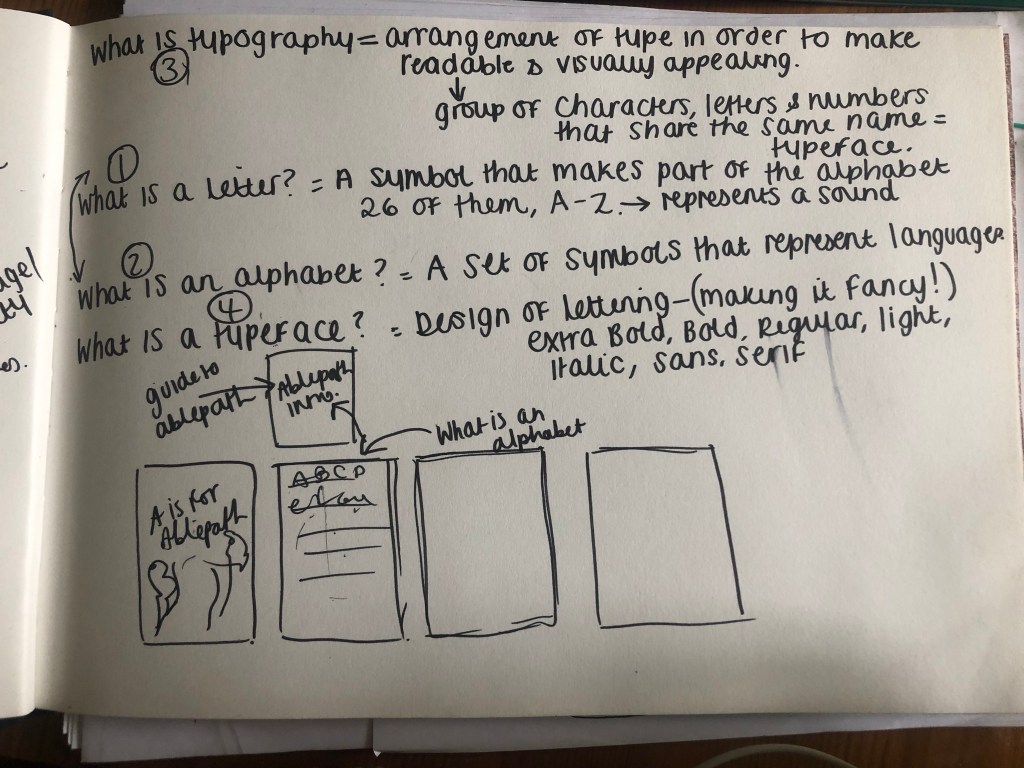
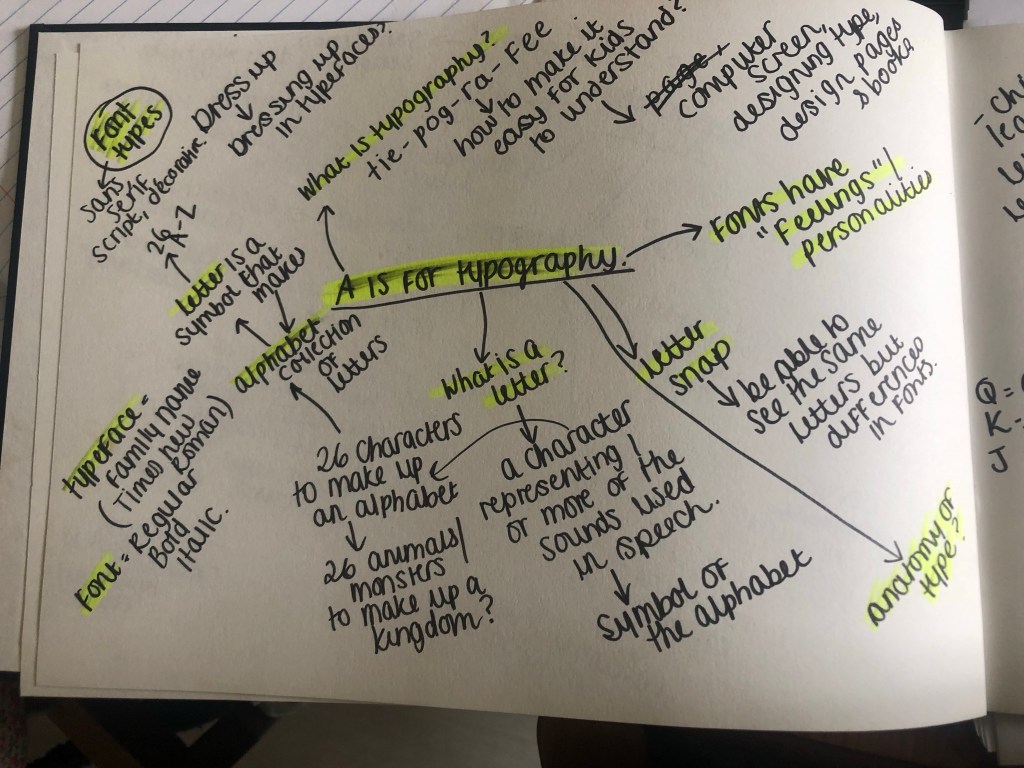
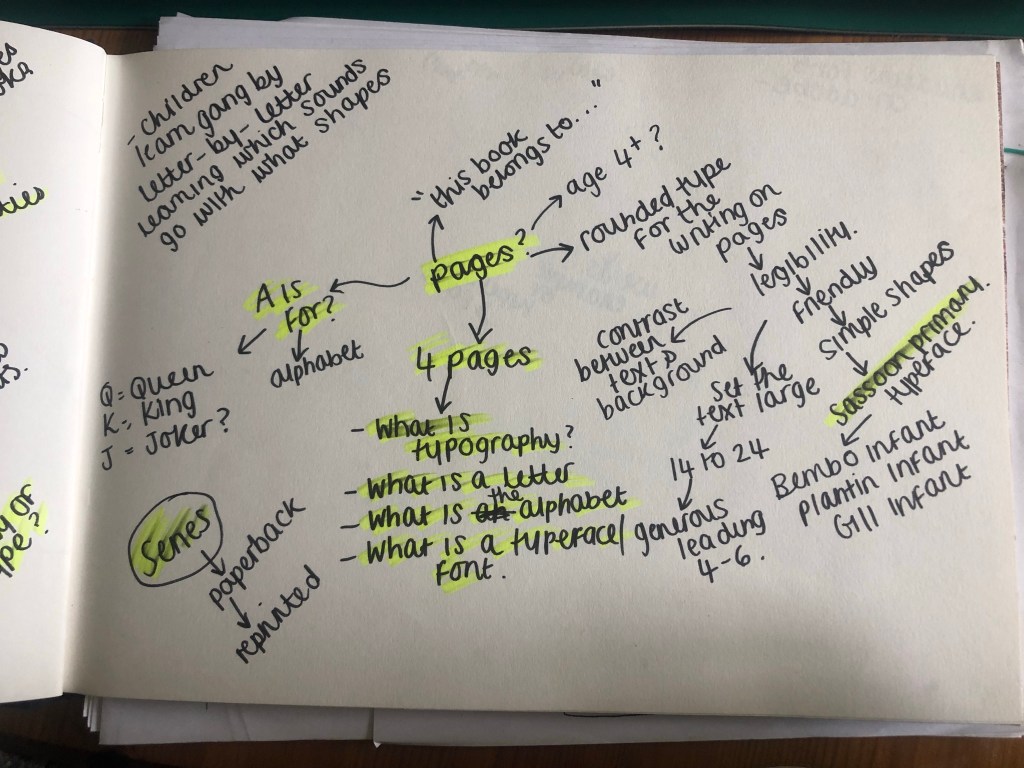
My first initial thoughts were that the brief was asking for a “new house style” of books for young children. The title of one of the books the brief had given me was “A is for..” in my head I decided that title is a book obviously designed for primary school children to help with their reading and writing. The brief also asked for at least 4 introductory pages to “visually entice” children to want to carry on reading the book. I thought that this was a very limited number of pages to get a lot of information in!! I decided I would do 6 double pages.
The “A is for…” book was to be based on Typography which is quite a long, complex, complicated subject to teach! There are several things which I knew would be important to know about Typography:
How on earth would I explain something so complex to very small children? I was thinking back on my experiences of Graphics and I don’t think I knew what Typography was or the relevance of it until I started my BTEC at college!
I had this same issue in my day job where I had to create display boards explaining to year 7/8 students what Typography was!- I decided to use these as a reference too!
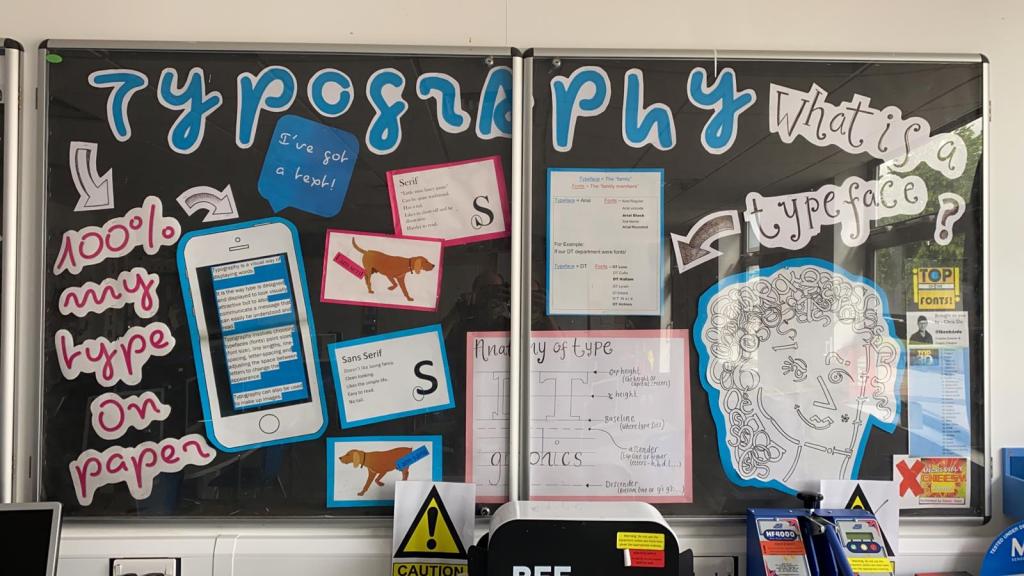
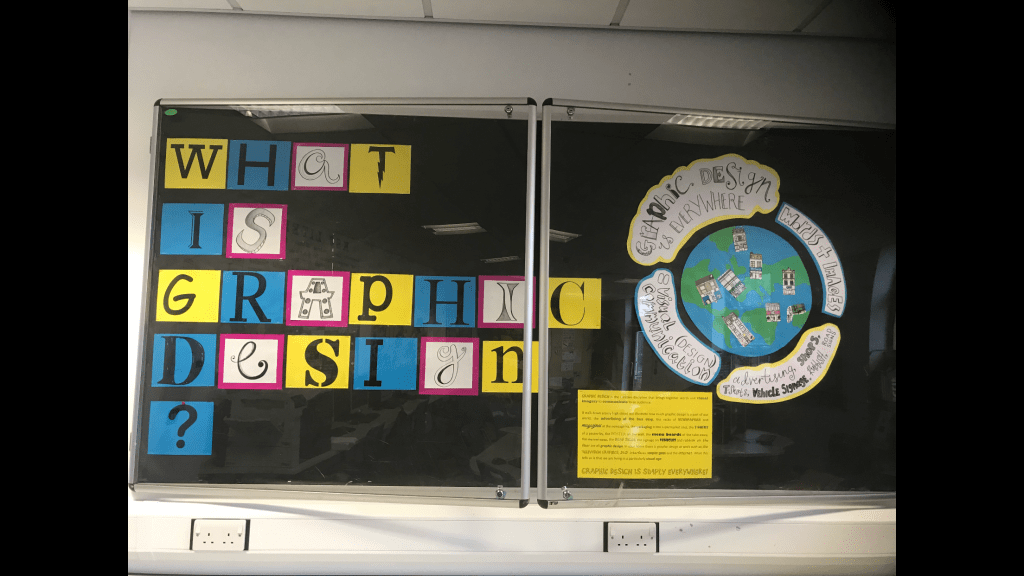
I knew I would have to break it down into simple bitesize chunks and try and make it interesting and appealing for children. The only ways to do that would be limited text which is easy to read and understand and to create the information into pictures or images somehow…
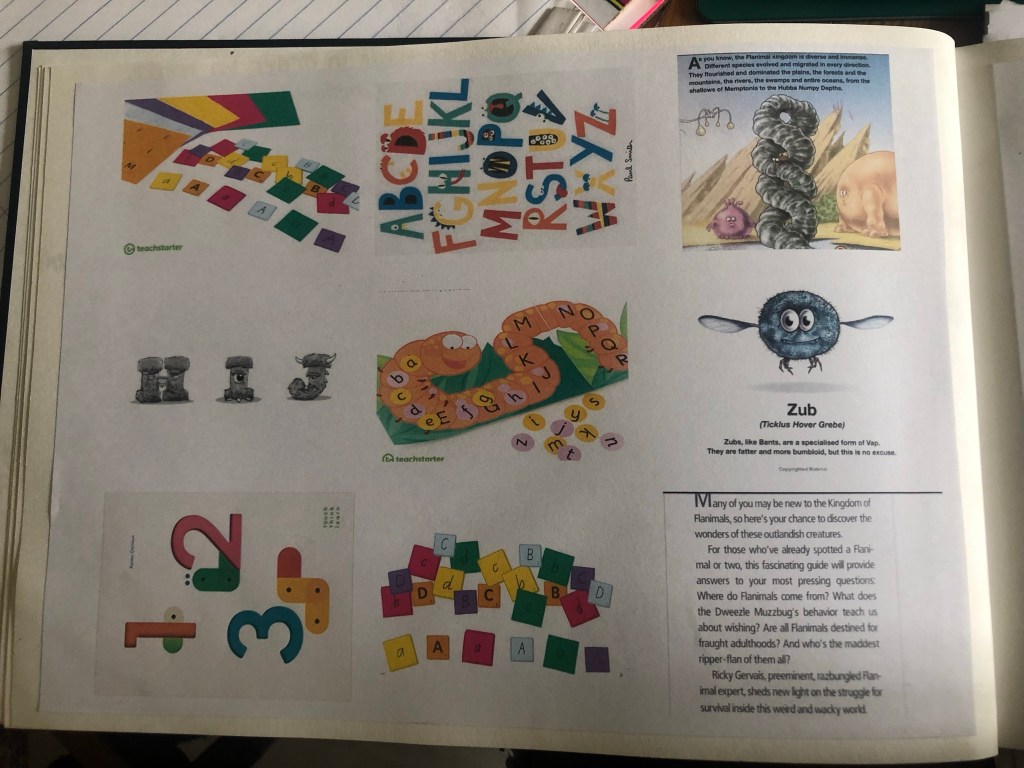
What if I could turn the typography information into a story? I instantly thought of the series by Ricky Gervais called “Flanimals”. These books I remember were really popular with young children when they first came out and I remember that because I couldn’t really understand why!! They are basically books about imaginary weird animals and naming each one and explaining what they are etc.. If I could do something similar in my book design it might be as popular.
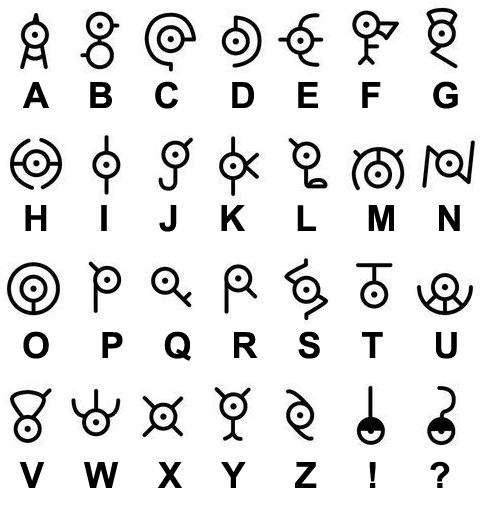
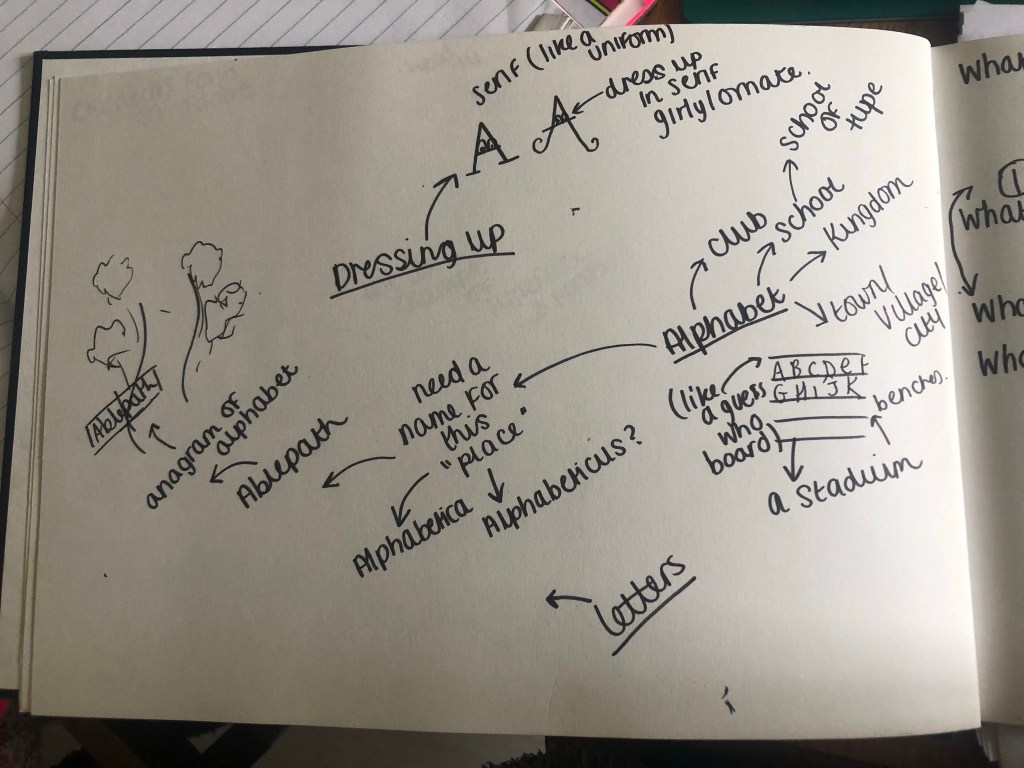
I then started to brainstorm ideas around how I could create little monsters out of letters (I decided on monsters because they would be suitable for both boys and girls) Would I create monsters that looked exactly like the letters? – like an A” shaped monster? Or would I create monsters which all looked different but just had the letter on their body somewhere -e.g. on a T-shirt they are wearing? I had the idea that each monster would be a letter but I needed to help the children understand next what an Alphabet is… An alphabet is made up of letters so I decided that the alphabet could be the monsters kingdom and the letters could live inside it. I needed a name for this kingdom or alphabet. I couldn’t just call the kingdom “Alphabet kingdom” it seems a bit dull and uninteresting! – My boyfriend is a bit of a geeky nerd!- obviously in a loveable way to me! ;p (he openly admits to it anyway!) and he came up with the idea of an anagram. (Apparently in gaming him and his friends used to use anagrams for things in the game to beat opponents!) He googled “alphabet” and it came up with “Ablepath” He was really open to the idea of this kingdom or town to be called “Able Path” and told me he envisioned a “yellow brick road” kind of cover! I however was not taken by it at all! I did not think it would be easily understood by young children or be associated as a play on words for “alphabet”. I did not write the idea off completely and still brainstormed ideas around it but it was not the idea I went with. Another (geeky!) suggestion he made was that there is a Pokémon alphabet where they make the letters into monsters. He found the image and sent me it for me to look at. It was a good idea and I used it in my sketchbook as research but again, it was not an idea I rolled with.
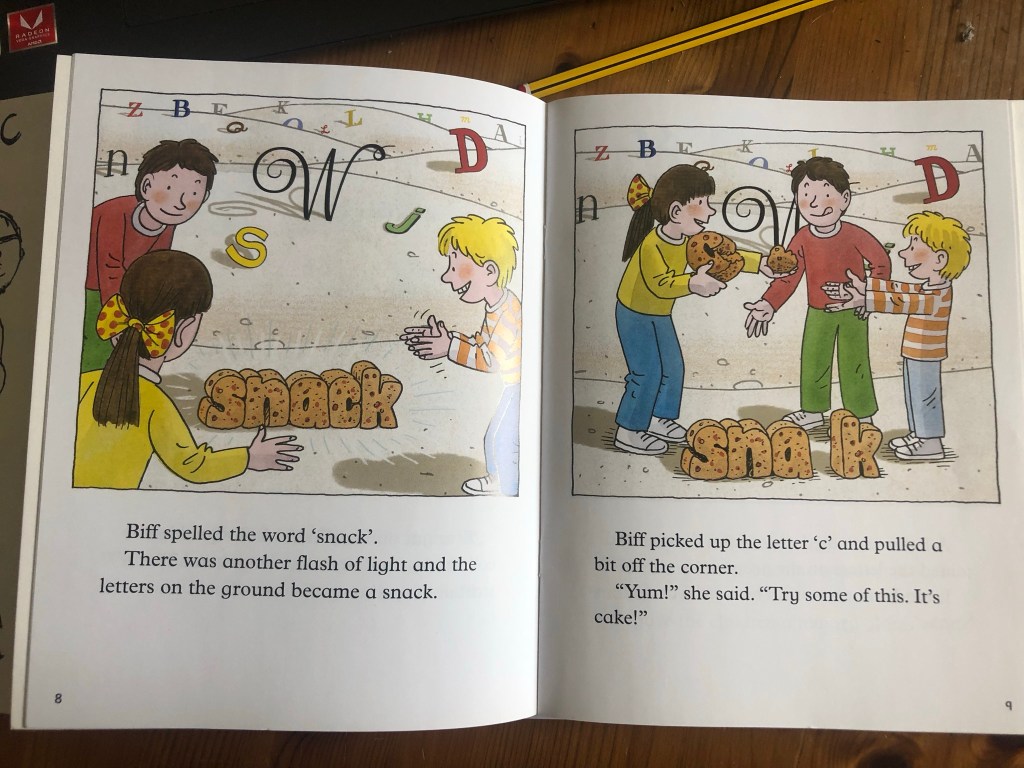
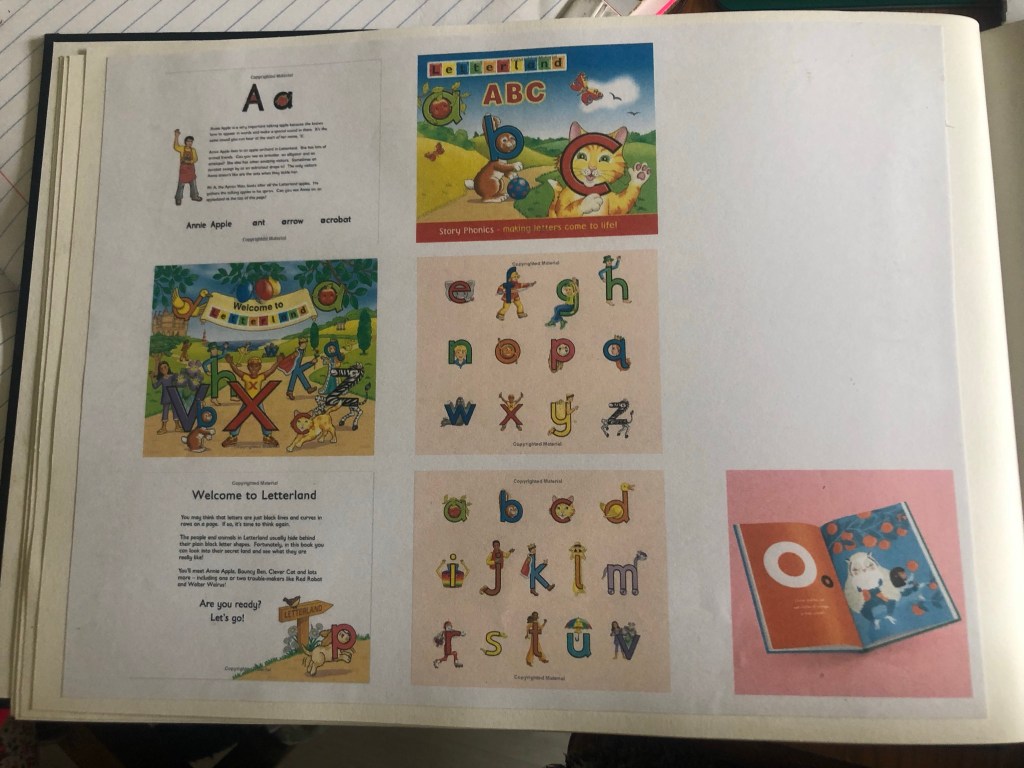
I went back to the drawing board to see how I could create popular, children’s, educational books in a series. A light bulb moment went off when I remembered about the Biff and Kipp books from my childhood! I had a google of the series and found a book called “Land of Letters” It was a Friday night and I have Amazon Prime so decided to order a copy for £5 to use as inspiration.
The book arrived early the next day and the storyline as how the magic key glowed for an adventure and they landed in a land full of letters – they created words of things and then they magically came to life. They then had to escape a snake they made up from the letters.

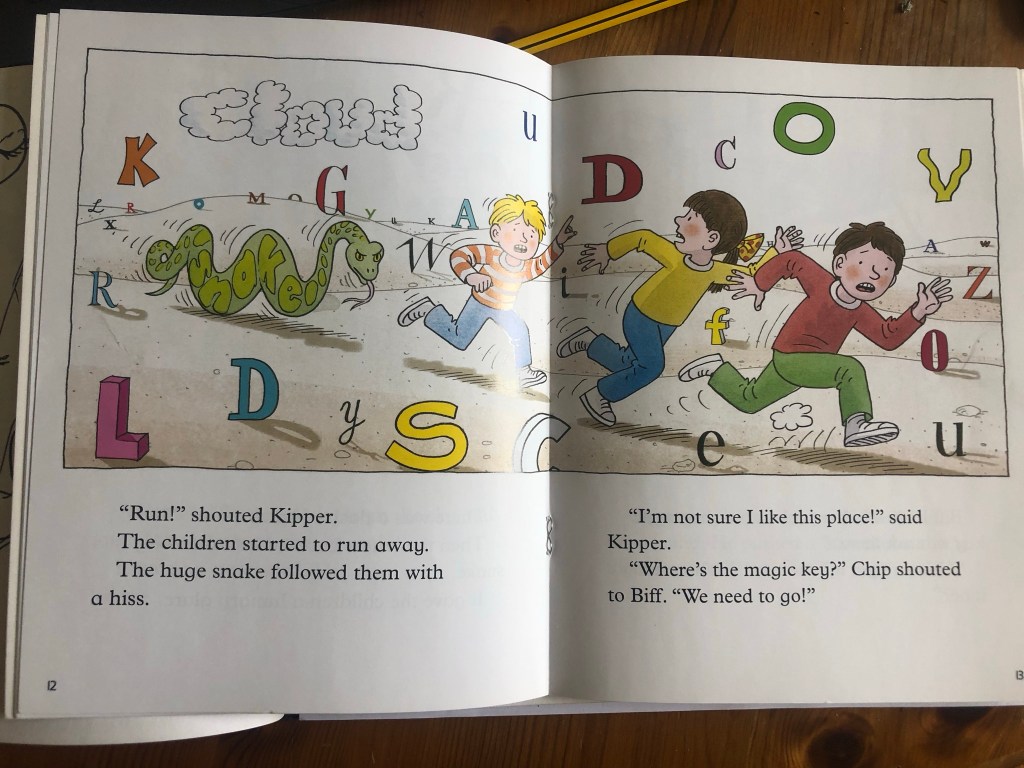
I spent the best part of the next day going back and forth with ideas and writing out potential narratives for storylines.
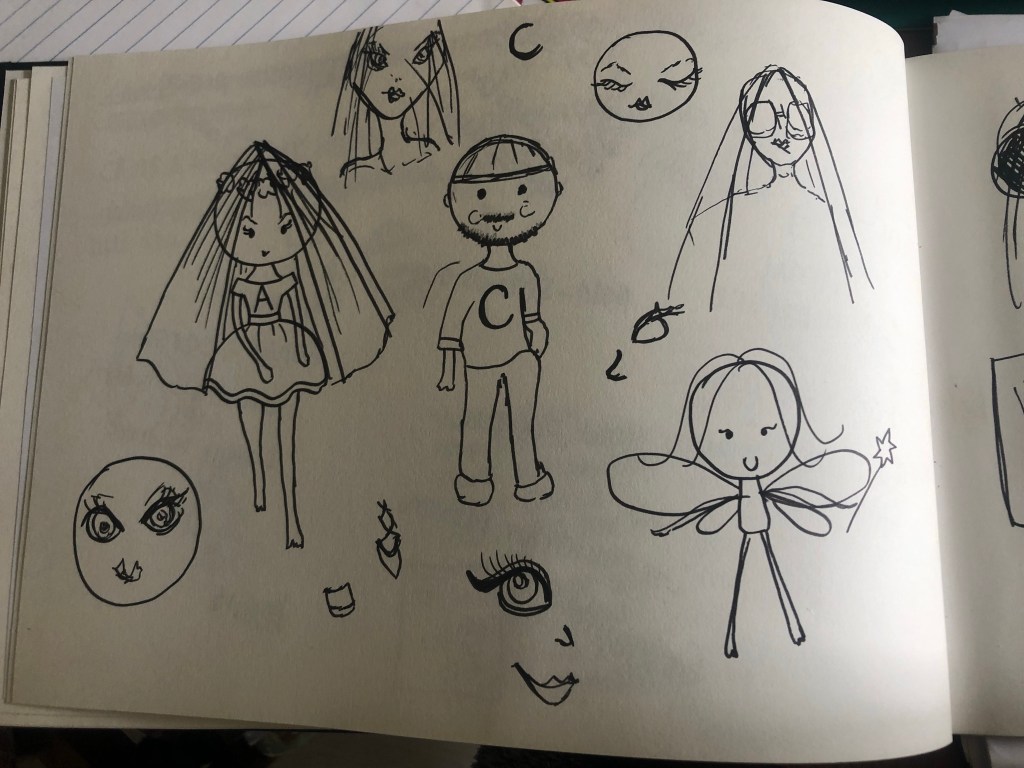
In the end I decided to use real people (cartoons) and get them to go on magic adventures with type. I kept asking Chris his opinion on my ideas and what characters I should use and then I had the idea to create the characters around me and Chris! (“A is for… Amy and Typography Adventures!!”) I looked on Pinterest again for some ideas on cartoon characters and then drew up a character for both of us. I based the characters around how we really look and our key features/personalities.
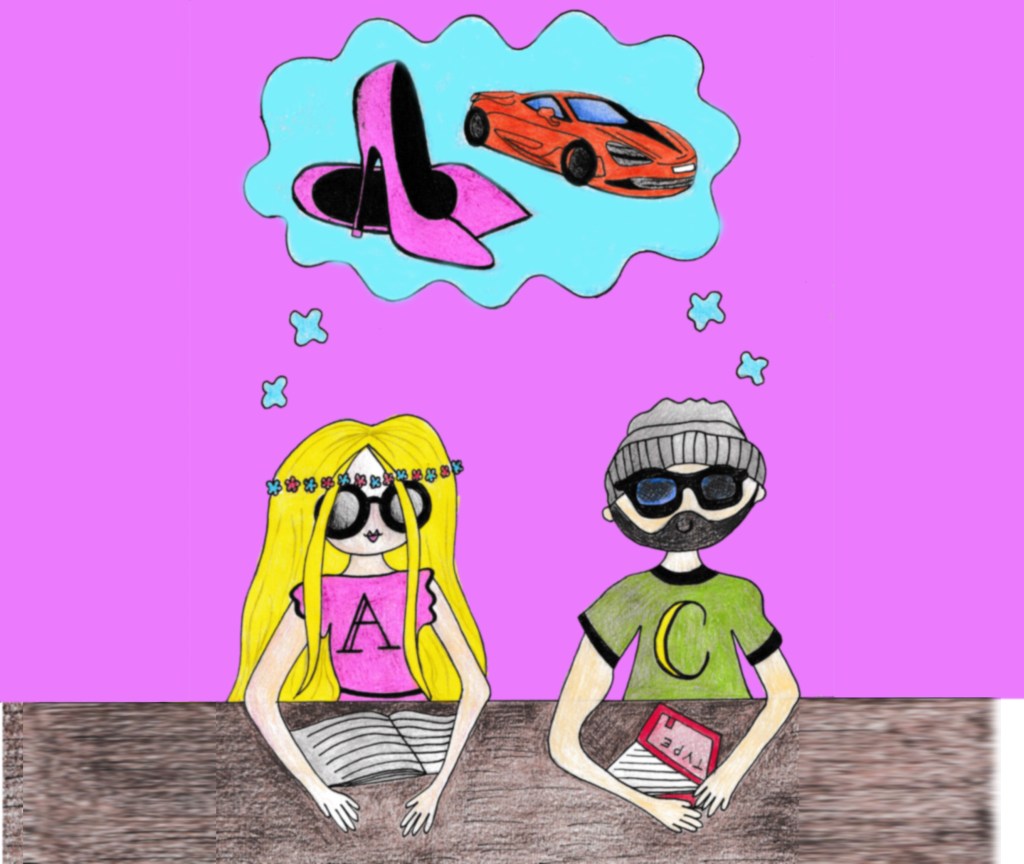
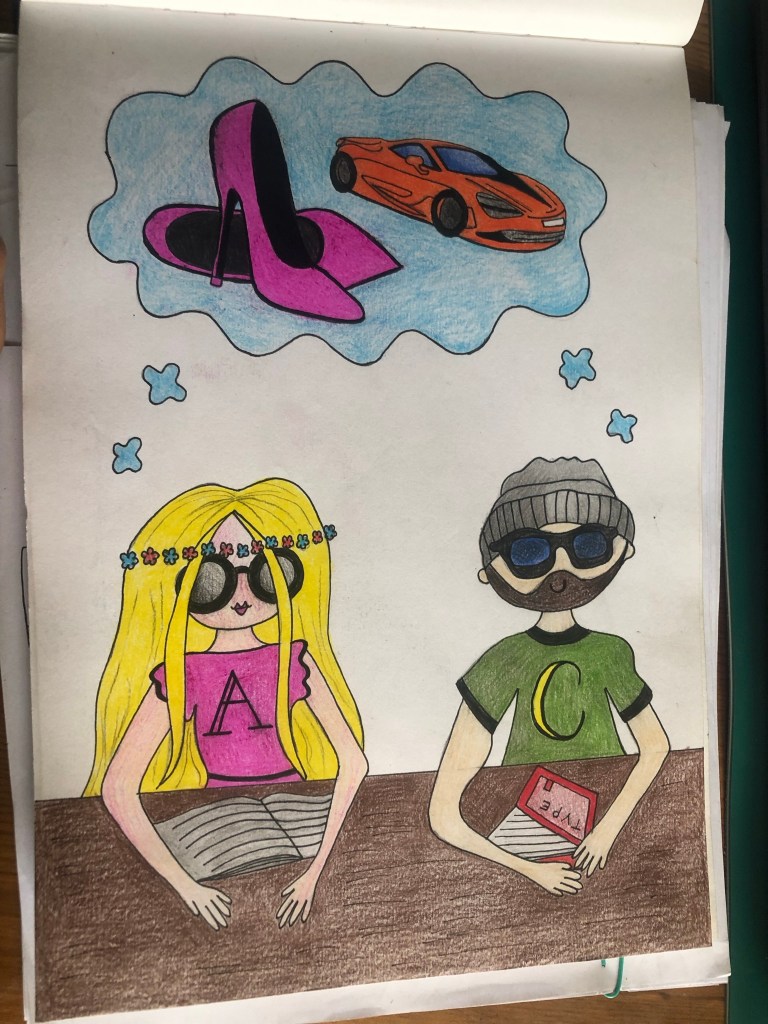
The storyline I originally thought of was that the characters could be typefaces like “Amy typeface” and “Chris typeface” Chris has a very laid back personality and simple taste in clothing so he would be a Sans-serif typeface whereas Amy is the opposite and would be a serif. I need to explain what a serif is though and the only way I could think to explain a serif would be to compare it to fancy shoes… To then try and explain the terms Bold, Italic and Regular I could dress the characters up in different clothing that best represent these terms. I came up with the storyline of the 2 characters walking around their town and Amy is very plain with bare feet.. she wishes she could have serif feet like all of the other fancy serif women – that is when a fairy godmother shows up and offers 3 wishes, 1) to make them both bold 2) to make them italic and 3) they wish to go back to their normal “regular” life. In these wishes to be bold Amy would get her bold fancy serif shoes and Chris would have a different approach of being Bold by the cars he drives. (Bold would be like a Bold, big car and Italic could be like a streamlined, lightweight sports car for example)
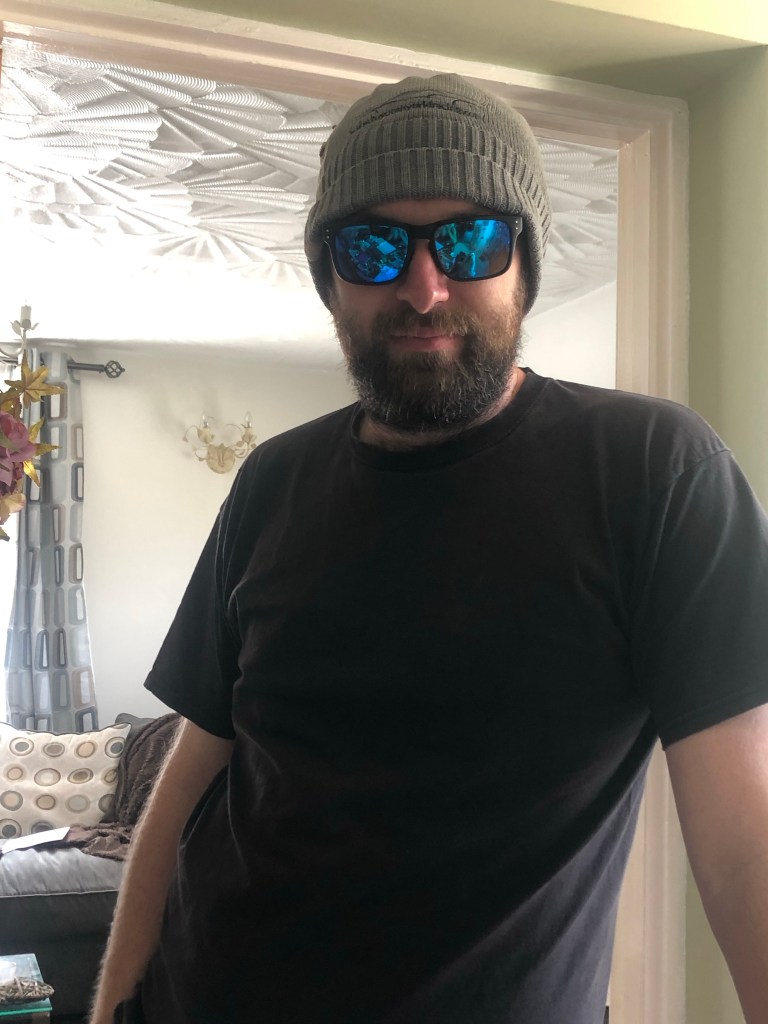
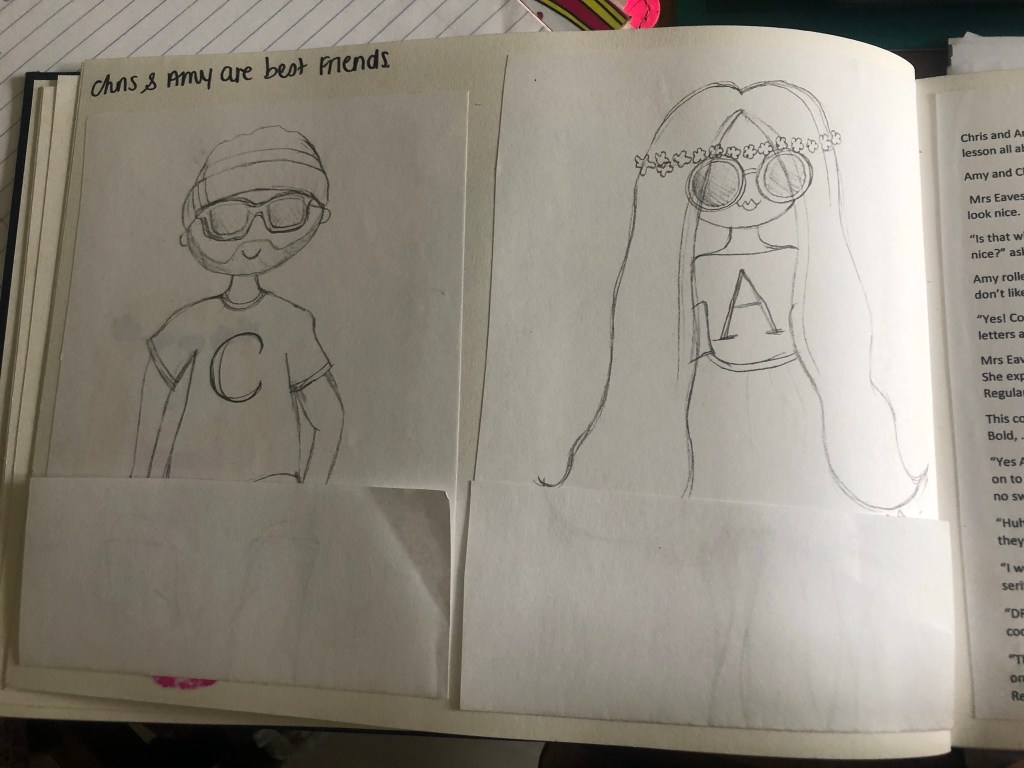
I got Chris to pose for his drawings on one of the hottest days of the year! HAHA! He is known for wearing his hat and shades so I needed to draw his sunglasses and hat to see what they looked like:
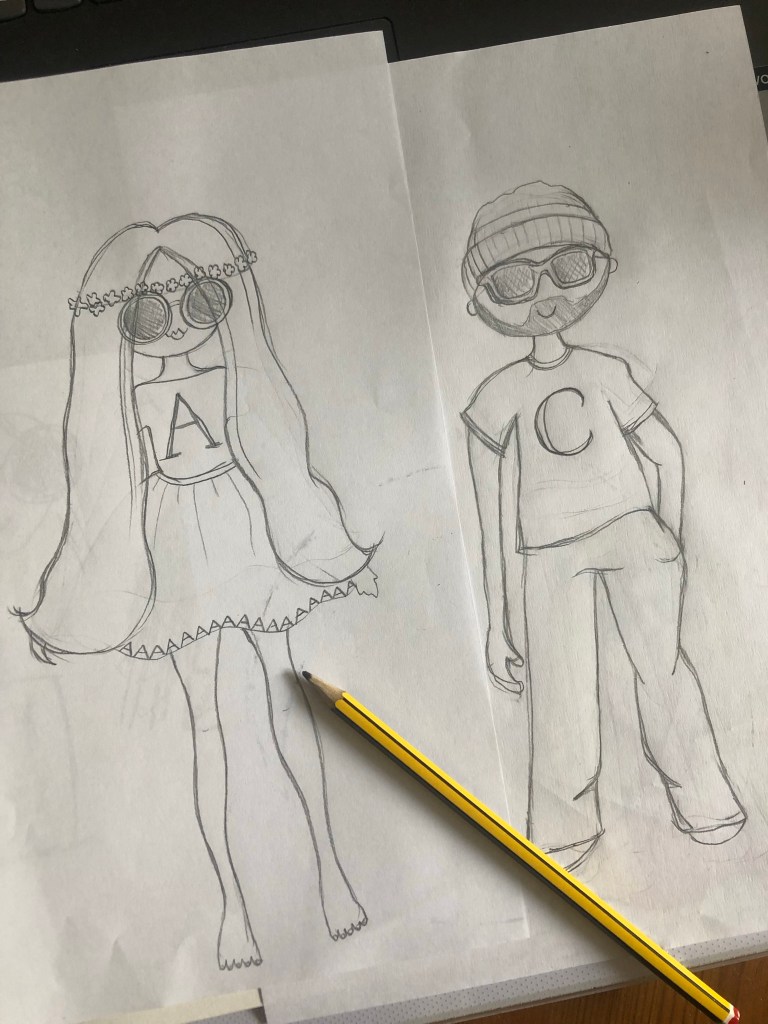
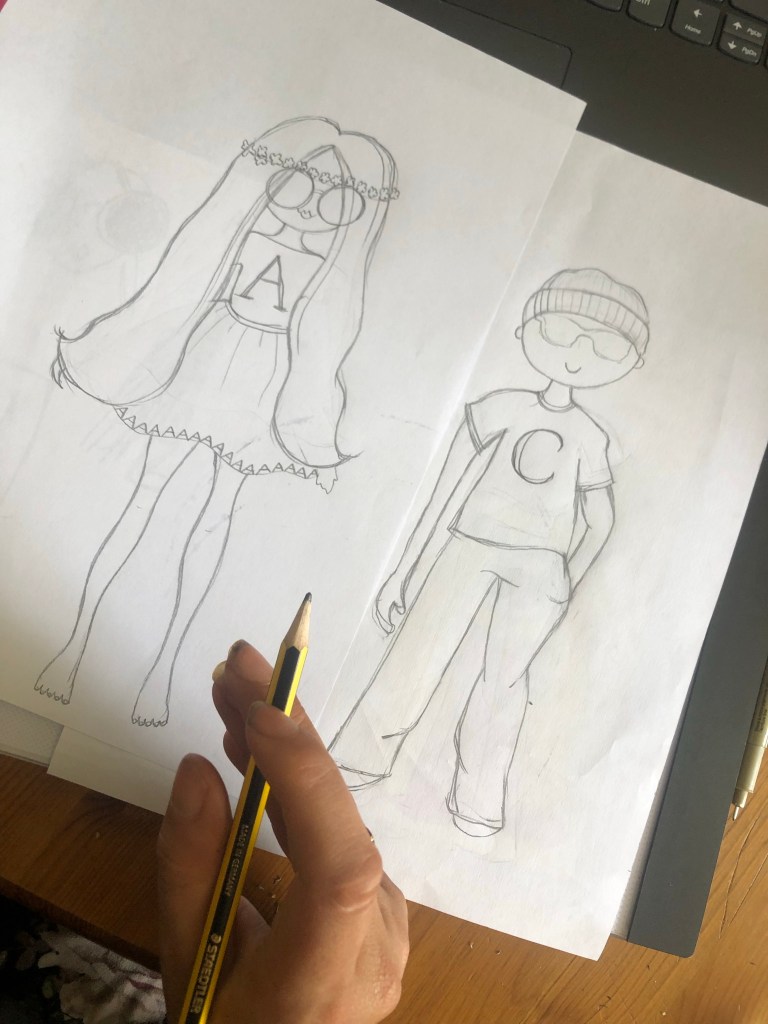
I was fairly pleased with the illustrations. They are not representative of human proportions but they are cartoons and most of the cartoons that I researched are very childlike and simple to appeal to children. The long hair on Amy with the flower hairband was supposed to represent a capital A and the A cross bar.
I then decided that I would create the introductory pages first and create the cover last of all using illustrations from the double page layouts. The problem was now how to create the introductory pages and how to get enough of the storyline and the information that is needed onto the pages.
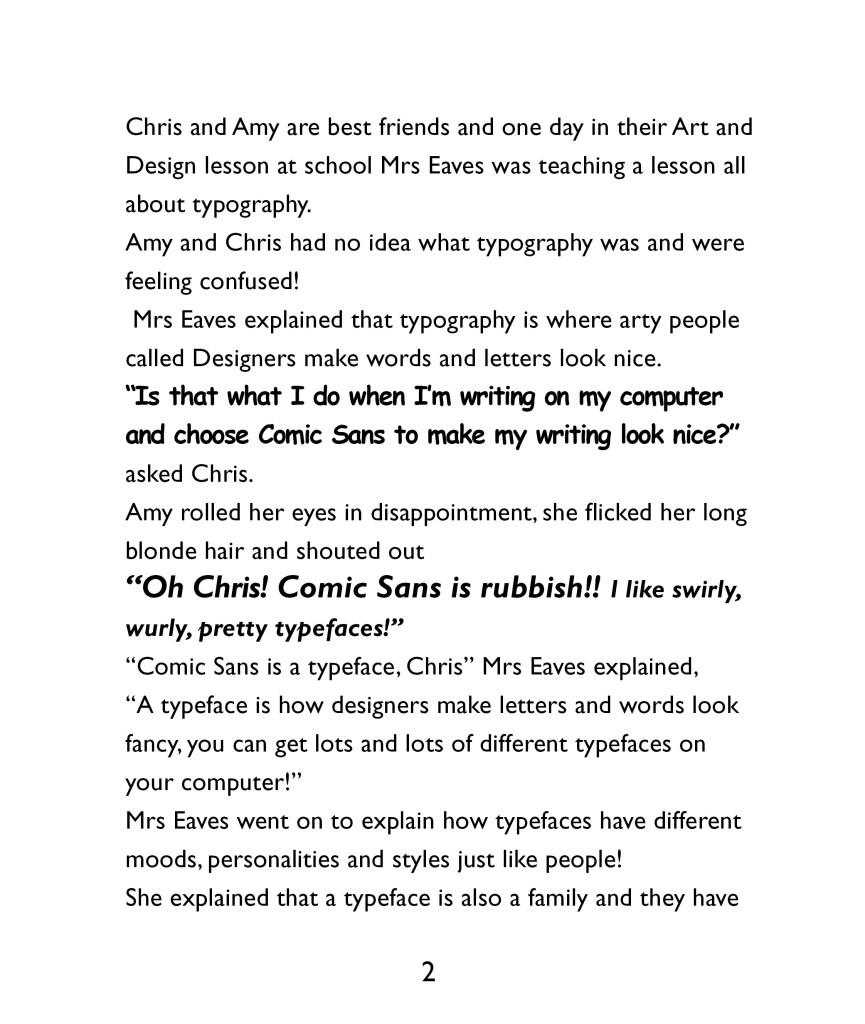
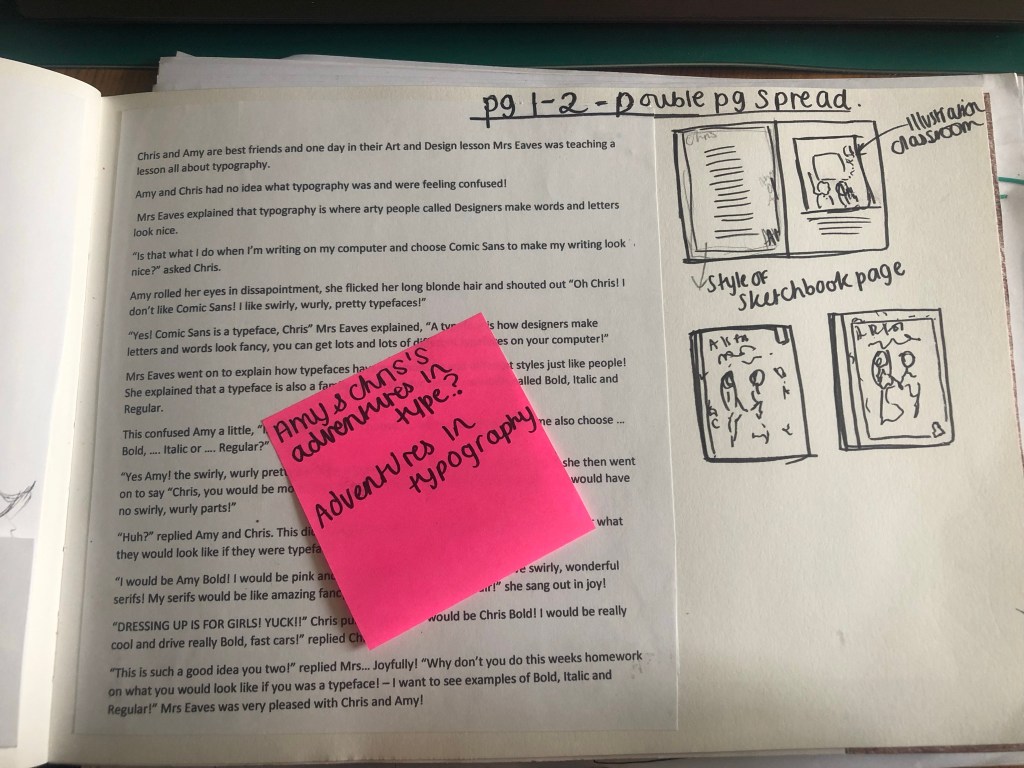
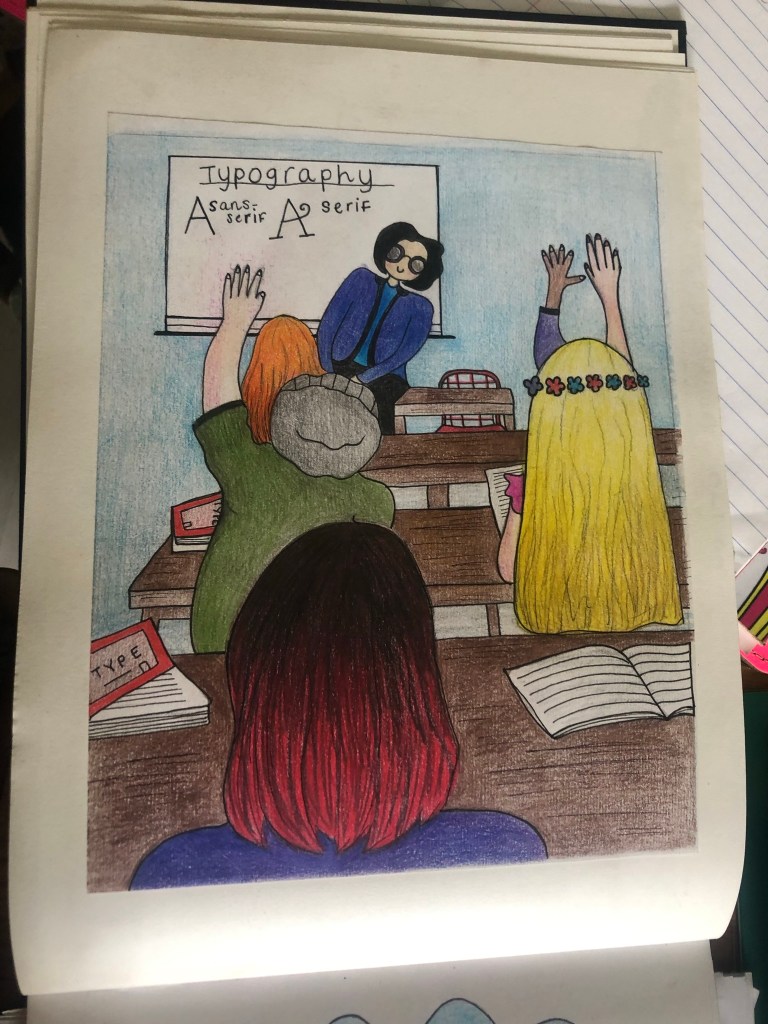
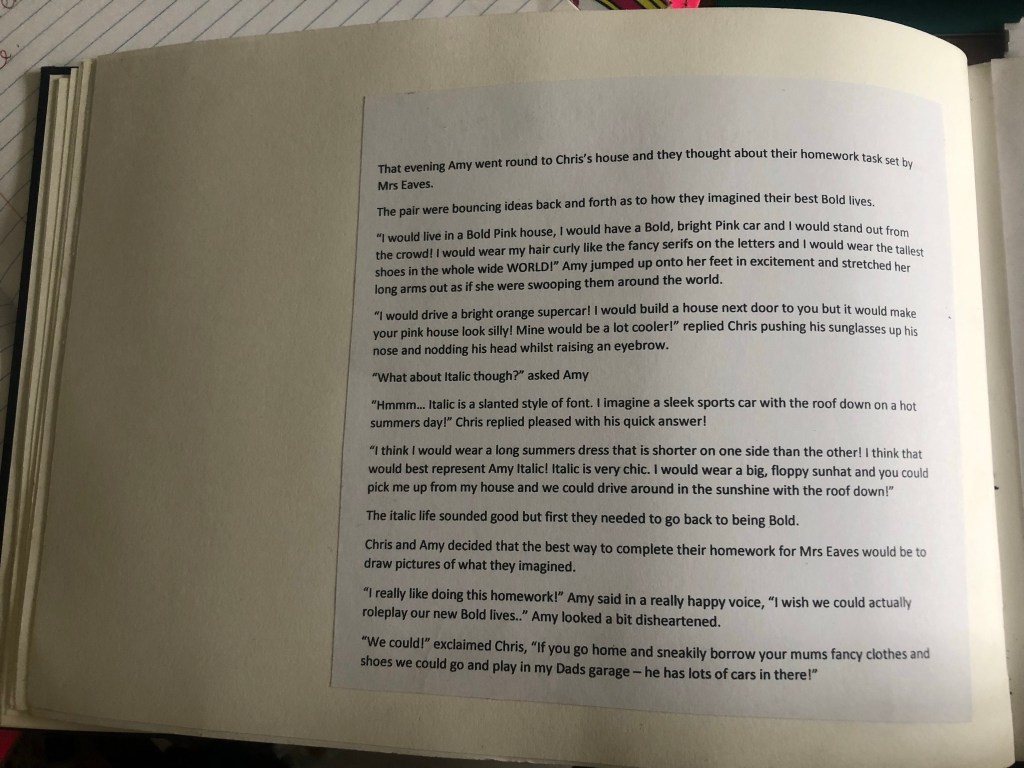
The storyline I was thinking about was quite long winded and would take a few pages to get the plot started without even touching on the Typography storyline. I needed to cut the story down or simplify it to make it suitable for the introduction. I decided to change the storyline and make it a story about the 2 characters in a Design and Technology lesson in school learning about Typography. I used a dialogue between the teacher and the 2 characters to explain in simple terms what Typography is. At the end of the story the characters go away and imagine what there lives would be like if they were typefaces in a Bold, Italic or Regular world.
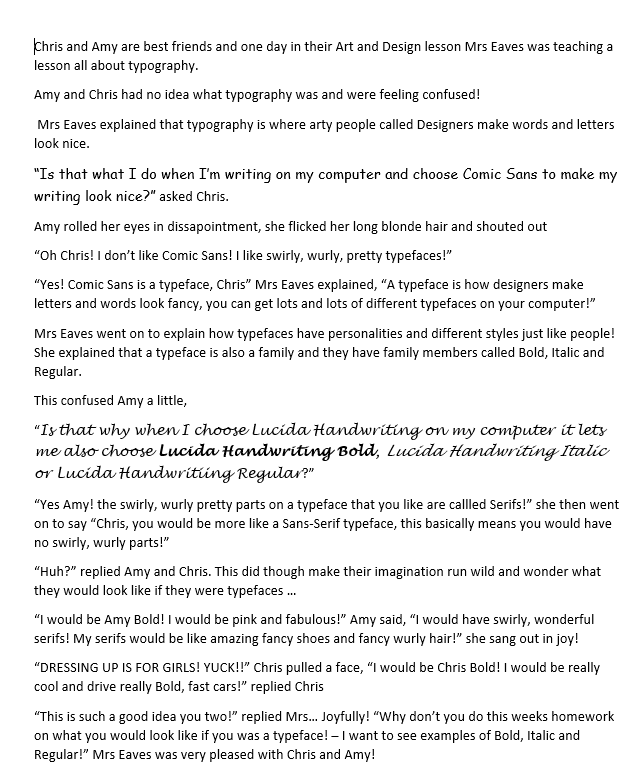
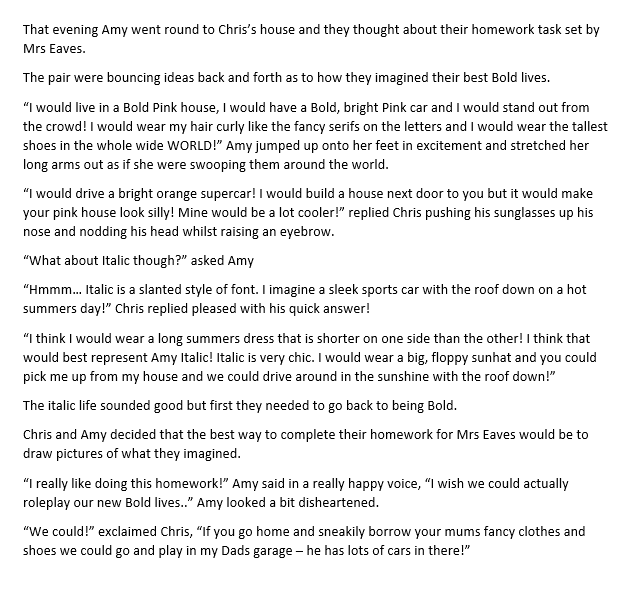
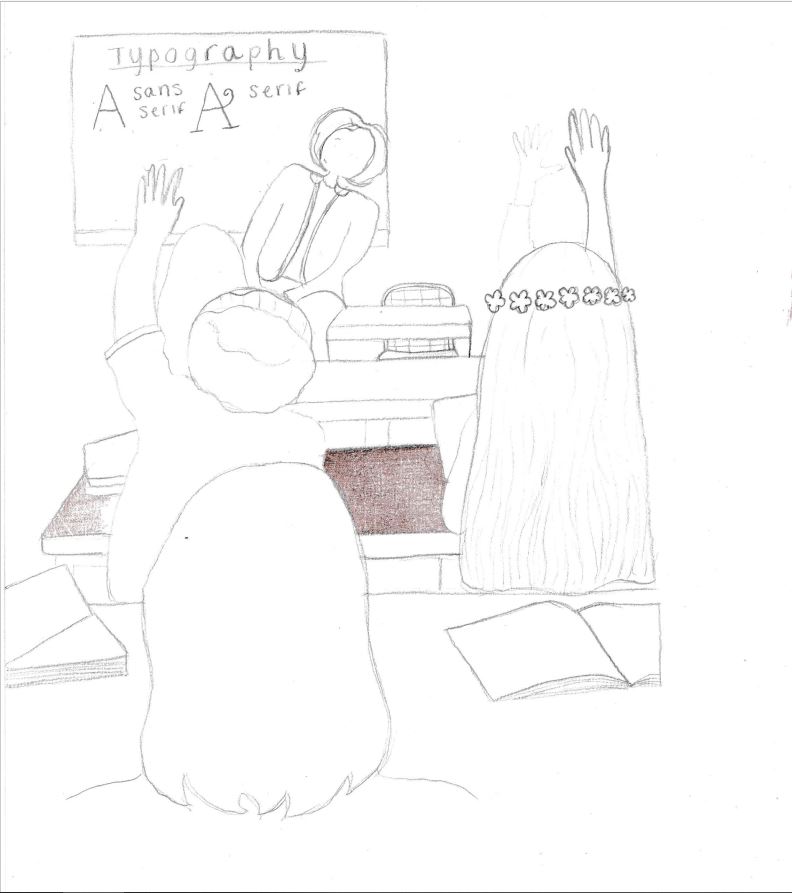
I decided that I would do a very similar style and layout to the Biff and Chip Magic Key books, they are simple and easy to read and the simple illustrations are easy to engage with. Once I had the storyline it was then time to create the appropriate illustrations to match. I had an idea of what I wanted to do in my head but I can’t draw from imagination, I need something physical in front of me to draw from. Even if I find images and just use parts of it to create other images, I prefer something to work from. I had the idea of the page for the school lesson in Typography as a view of the classroom from looking at the back and the characters sat on a workbench or table with their backs to the readers watching what is happening on the board at the front and asking questions to the teacher. I work in a school so know what a school classroom setting looks like, however I still wanted a physical photo in front of me to take ideas from.
I searched Pexels which is fast becoming my favourite site to download free images from to use in your work. I searched “classroom” in the image search and found one that might be good for my drawings. I had no intentions to actually use the photo in my book, but to copy the photo and adapt it for my illustration.

I went on to draw this:
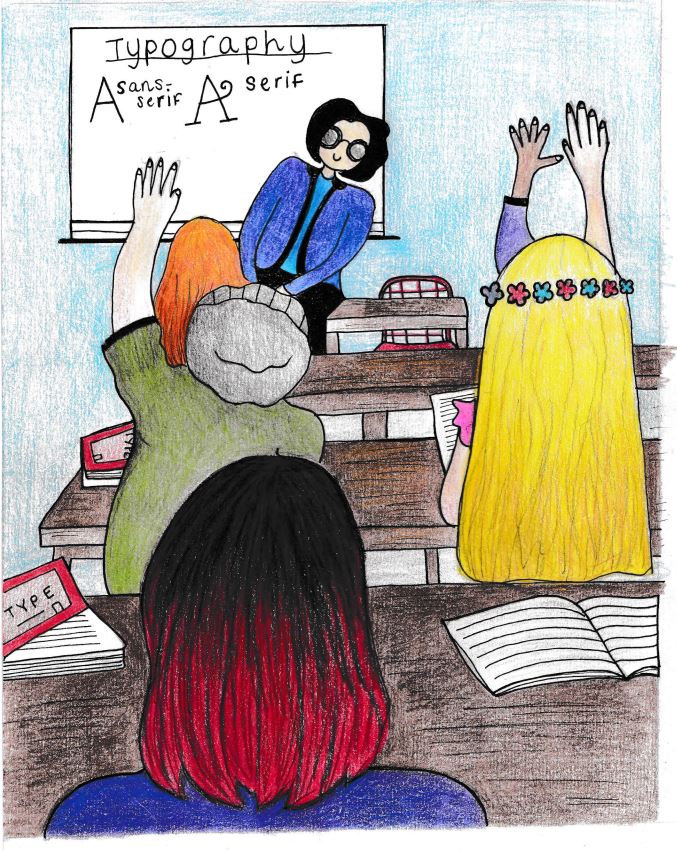
I then scanned it and imported it into Photoshop to adjust the levels and brightness/contrast. I then ended up with this version (below!) I was pleased with how it turned out, although it is drawn with mixed media (colouring pencils) I have still imported it to change digitally. I also like the textured effect the colouring pencils give. The illustrations are still very childlike to appeal to that clientele. I saved it as a JPEG to import into InDesign when I designed the layouts.
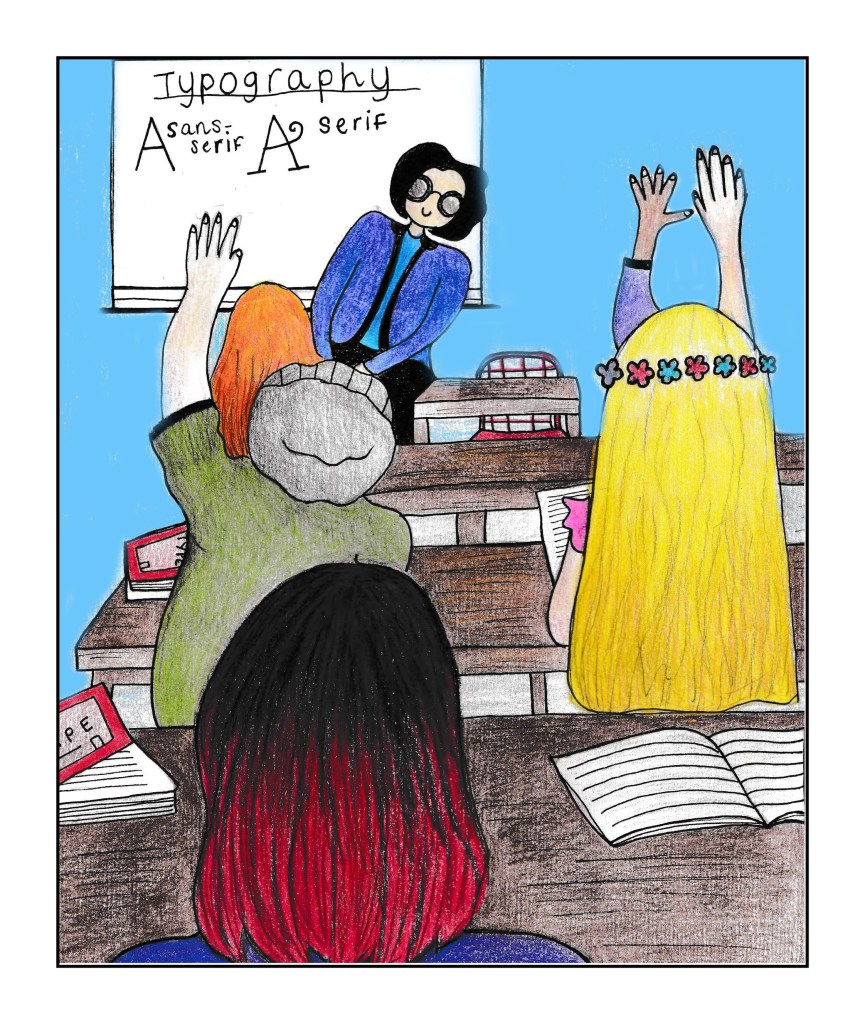
Before I moved on to create the other 2 illustrations for the other pages, I thought it would be a good idea to create the my book document in InDesign and design the layout for the text and drawing.
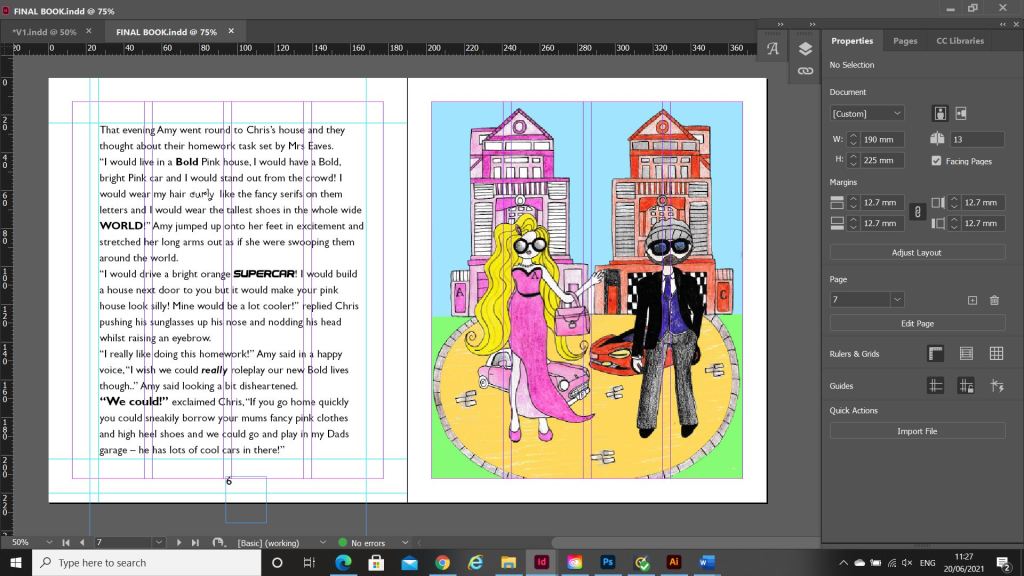
I created a new document to the size that was given me in the brief – 190 x 225mm in InDesign with facing pages.
I wanted to keep the pages simple. I did have a lot of text for the pages though, I did not want the text to fill the entire pages edge to edge though because it would be too intimidating for young readers to look at. I remember when I was little, if a book had too many words in them I chose less intimidating books!
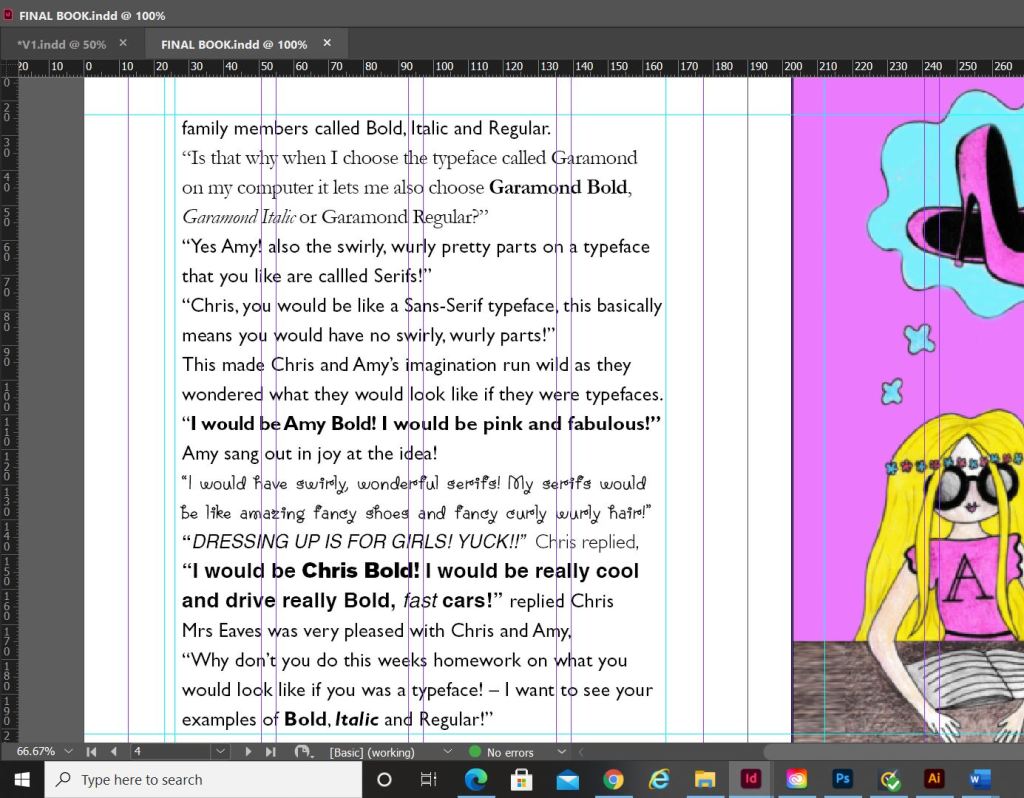
I also needed to choose an appropriate typeface and point size for the text. Rounded typefaces are best for young children; they are friendly to look at and easier to read. I googled “Best typefaces for children” and the search returned with an educational page and a list of typefaces best for children’s publications. One of them was the typeface I used called Gill Sans Infant. I am obviously familiar with Gills Sans by Eric Gill but never knew there was a “child friendly” version! The typeface was perfect! To keep the text page interesting though I did emphasise words on the page by making them larger or bolder and I did use a selection of the actual typefaces that match the typefaces they talk about in the story. I think it just adds an element of interest to what would normally be a dull page and also it adds an educational element to it showing typefaces literally. I chose to use Comic Sans as one of the featured typefaces because this is a typeface that children should be familiar with. If I used Helvetica they would have absolutely no idea!- however, I have added a twist to Comic Sans (and educational again for future young designers!) by saying that it is a rubbish typeface – but in a fun way! ;p I used size 16 for the body text which is far too big for most printed publications but it actually works in a children’s book because it makes it easier and friendlier to read.
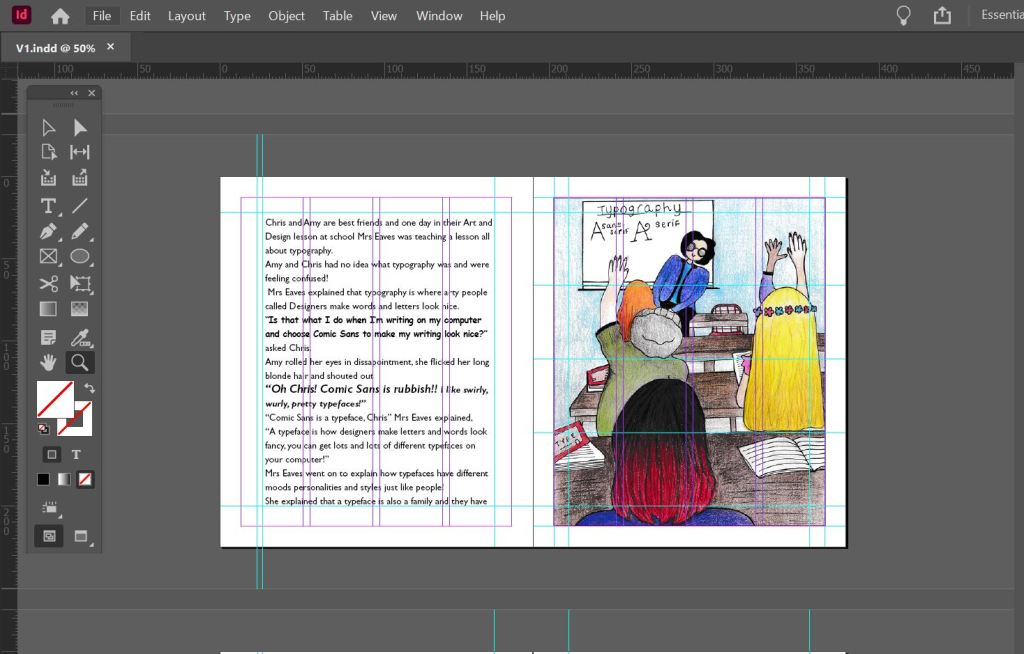
I included the use of white space in my layout. There looks like there is a lot of white space with the borders around the edges but again, this is to make the pages look less intimidating to the younger readers by making them think that because there is a lot of white space there is not much text on the page. I had to adjust the kerning and tracking accordingly to make sure that there was no hyphenation on the page – you can turn this off but then there are far too many gaps (rivers) on the page. I was feeling quite confident and happy with the layout!
I then went on to further create the next 2 illustrations for the next 2 double pages..
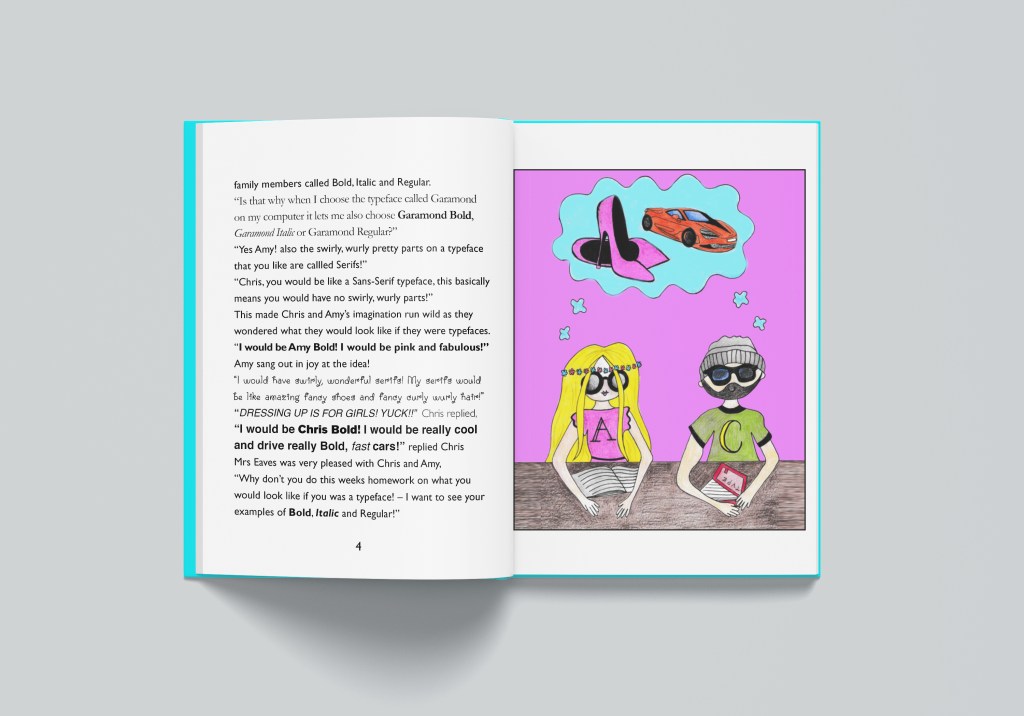
The next illustration I knew would be a scene in the classroom again but this time showing the characters daydreaming about what their lives could be like as Bold, Italic or Regular. I could draw this without needing any resources:
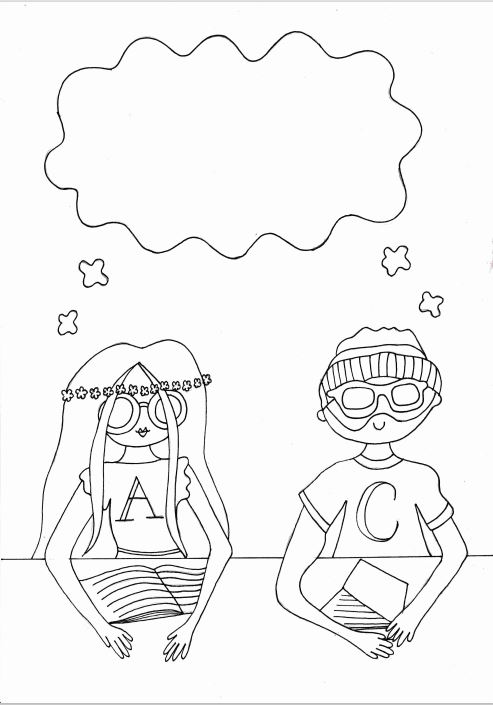
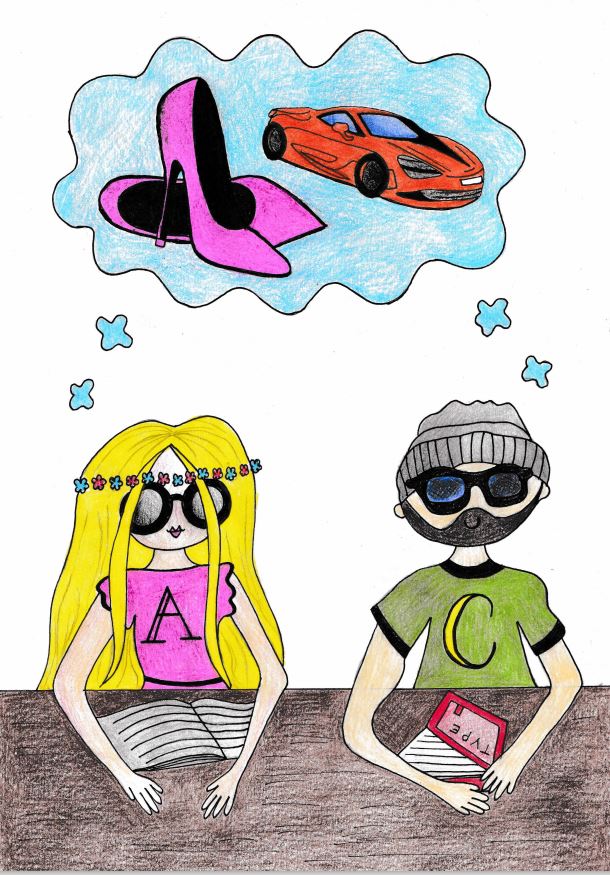
Once I had drawn and coloured it, I once again scanned it in and imported it into Photoshop to adjust and tweak. I had to add a section to the desk just so it fitted the size of my InDesign document without making it disproportionate. I did this with the clone tool:
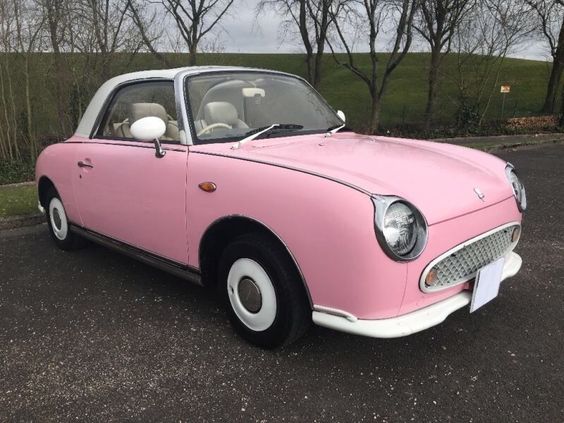
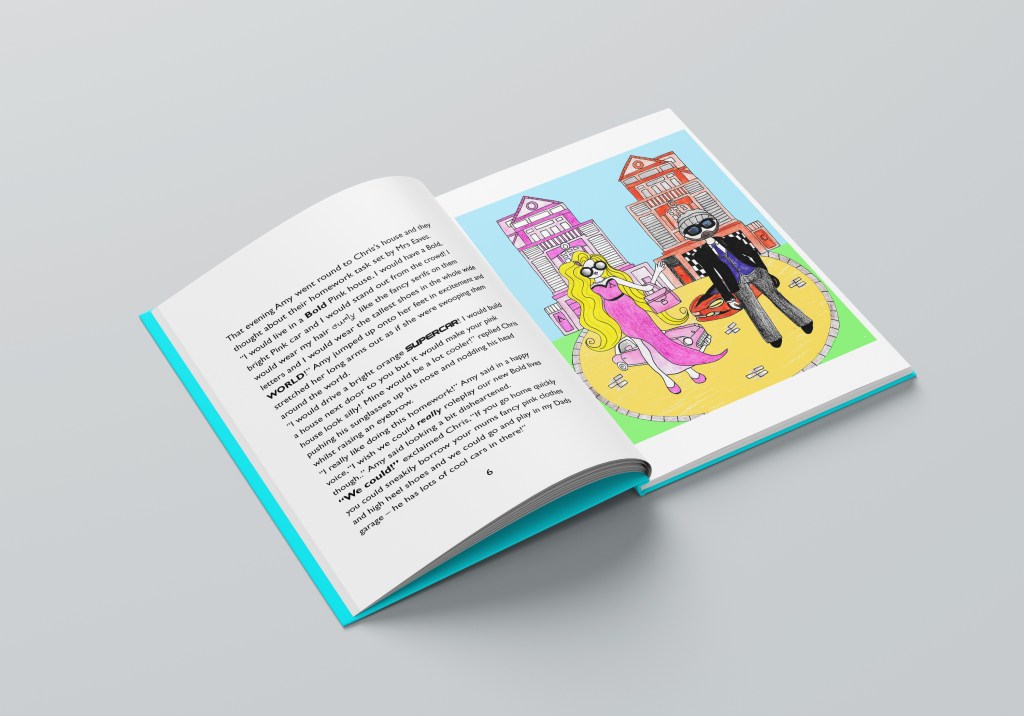
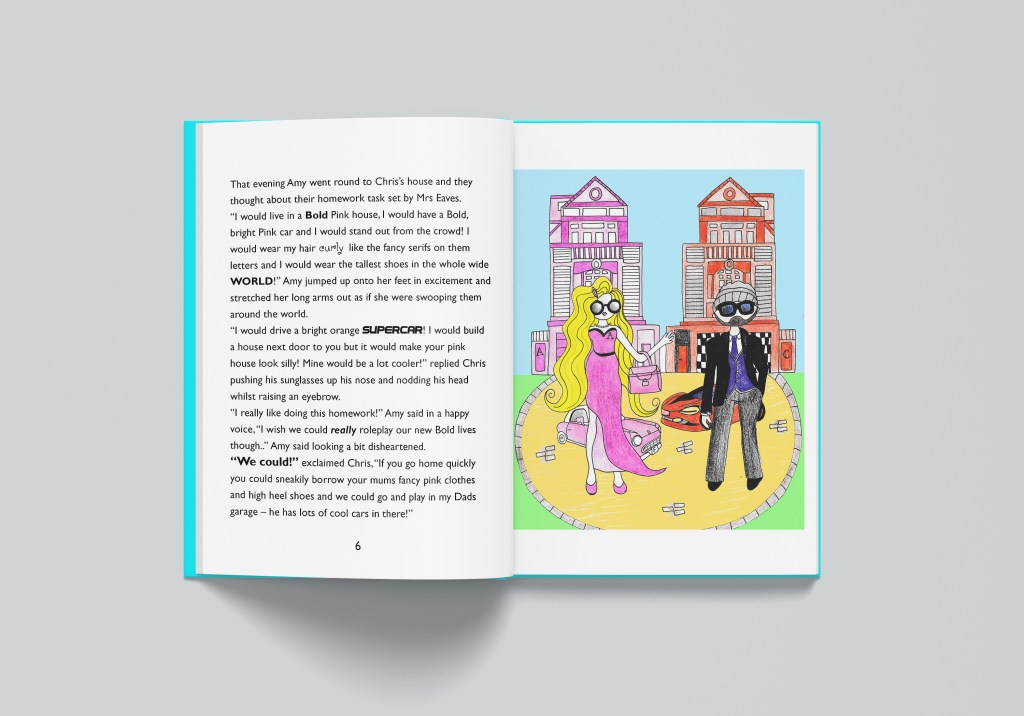
I then went on to draw my final illustration for the last double page spread. This one I needed to find some resources for; I knew I wanted to portray the pair inside their imaginations dressed up in their bold lives. I needed an image of a fast car to copy and a pink car for Amy’s character. I found the images I needed from a quick google image search. I also needed a “Bold dream house”


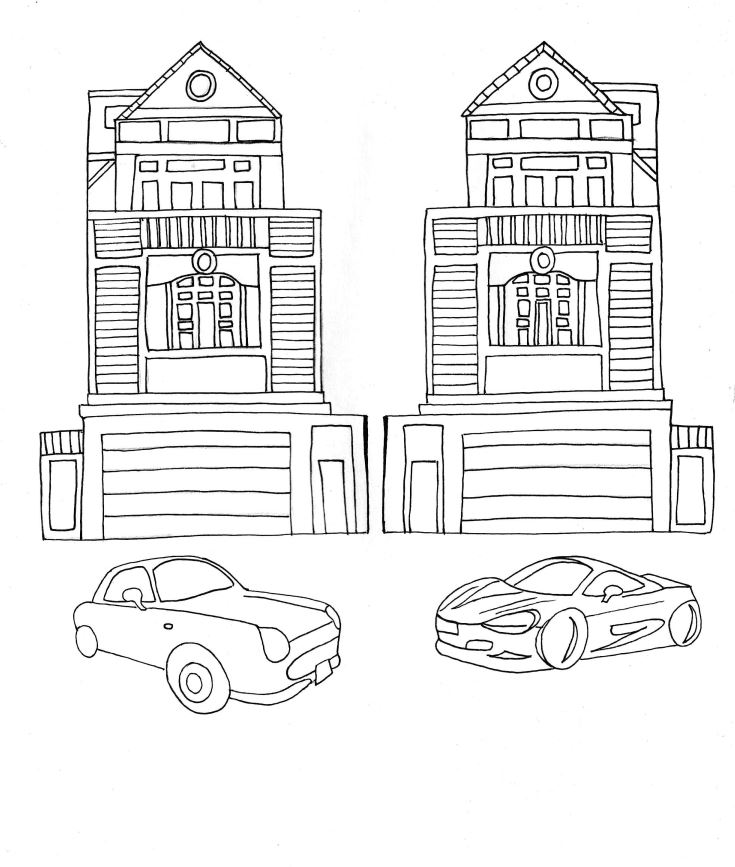
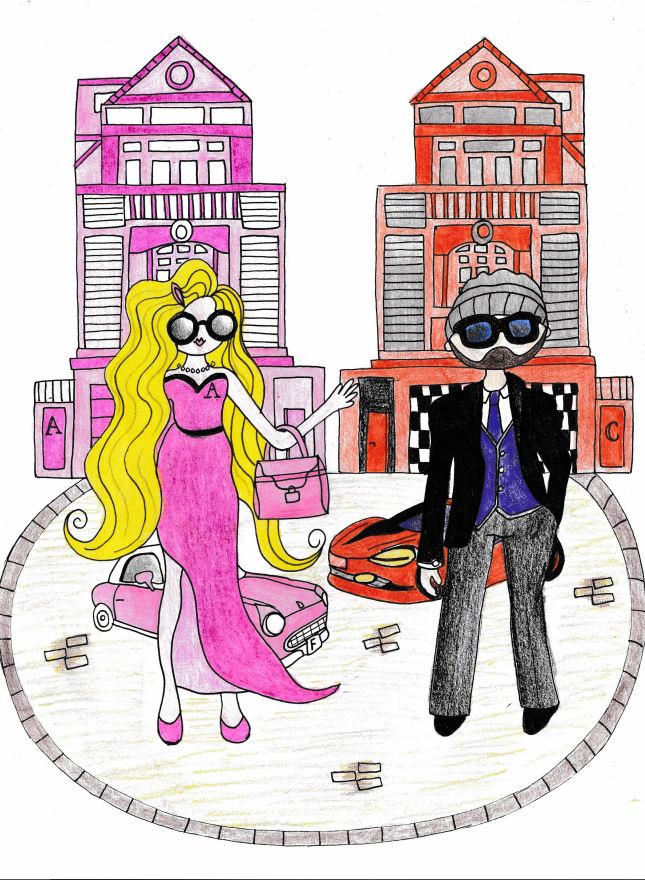
Again, I scanned and imported it into Photoshop to adjust and alter:

I then went back to my InDesign document and added the next few pages:


The next steps were to design the 3 front covers for the books. The brief states that they needed to be in a series so I started to research books that already exist that are part of a series.
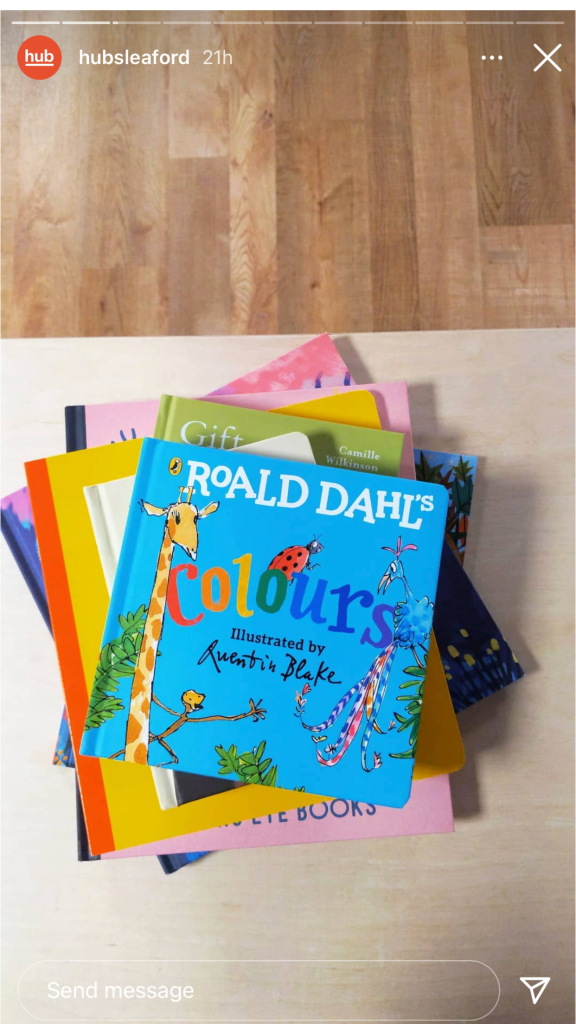


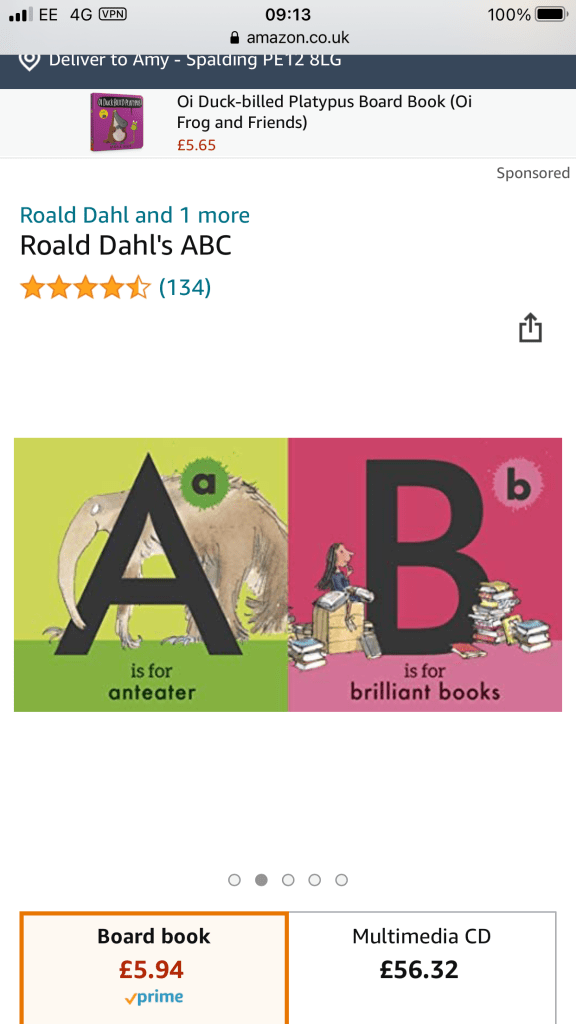
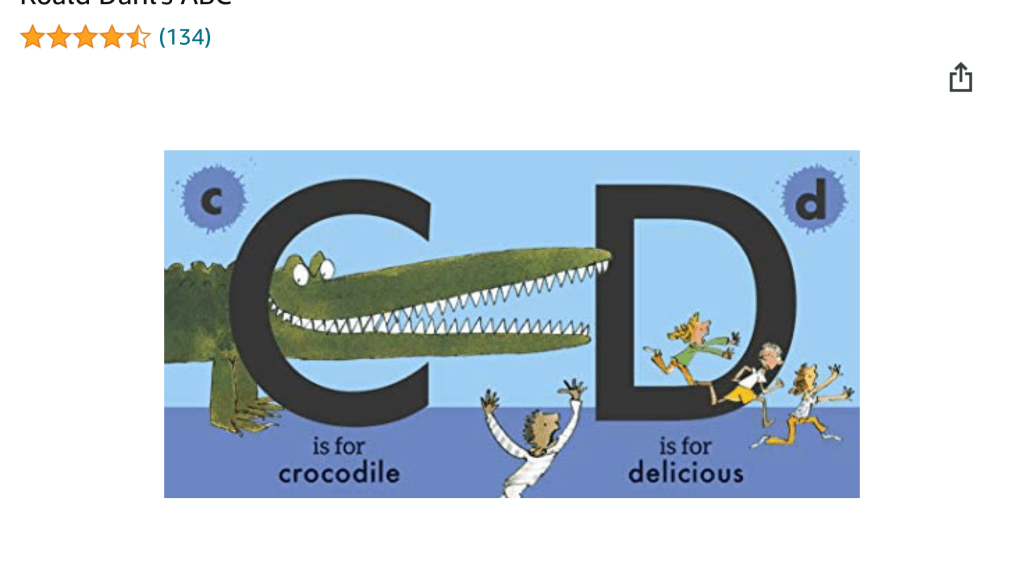
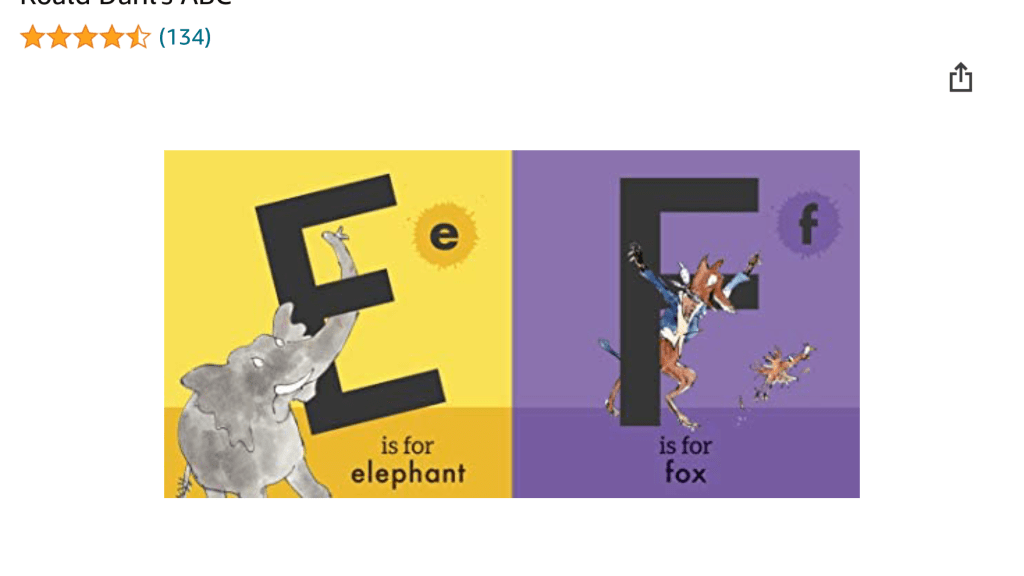
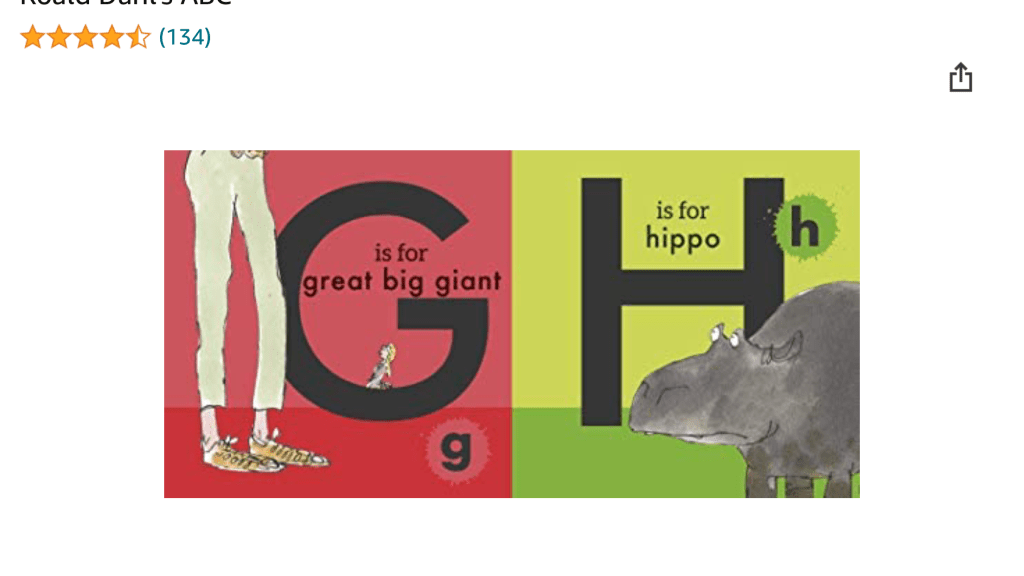
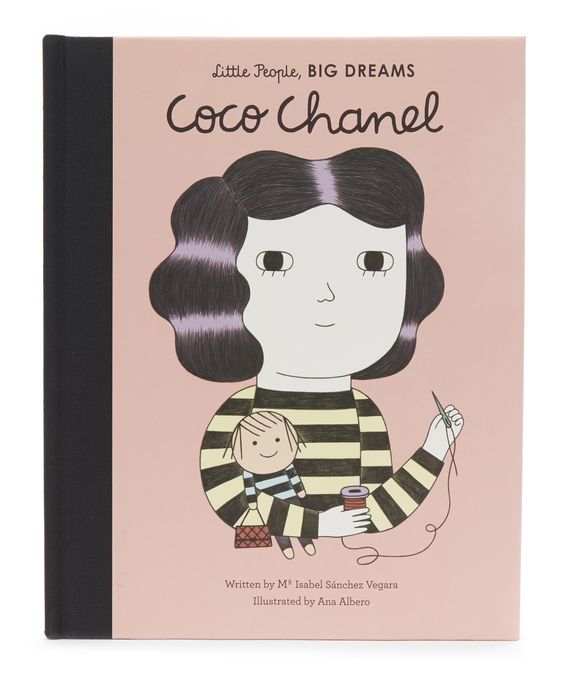

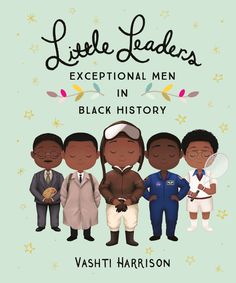
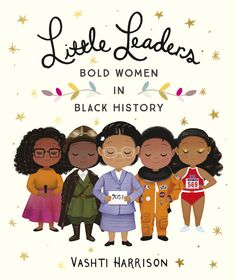
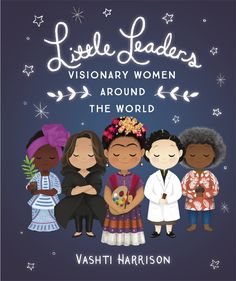
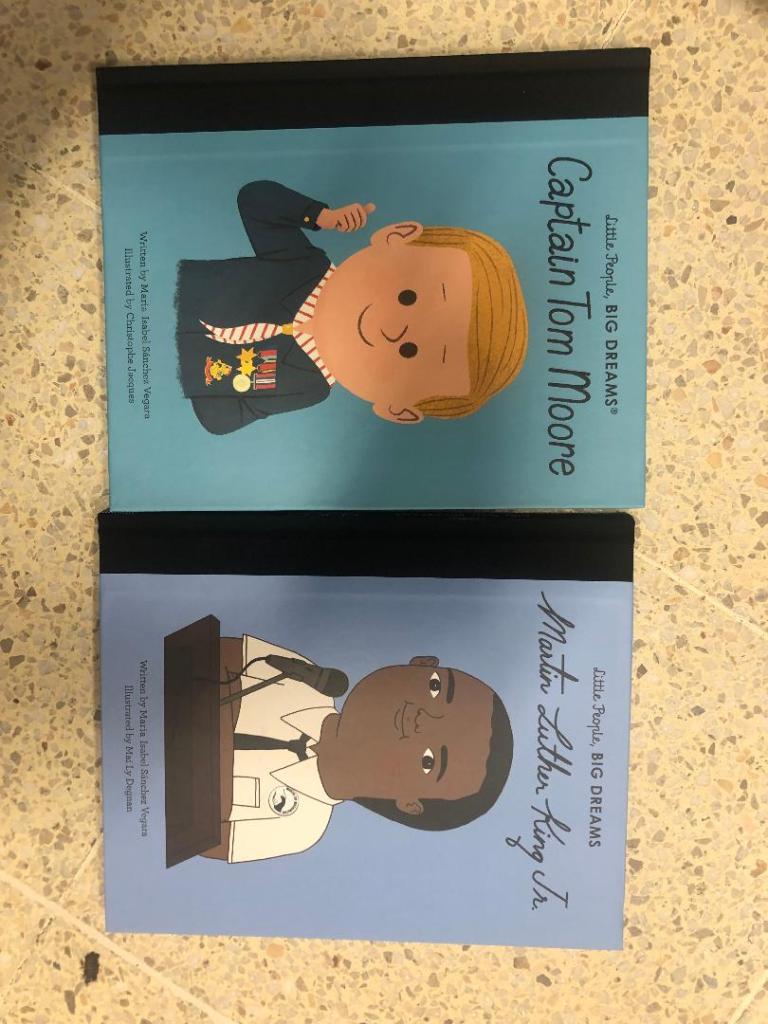
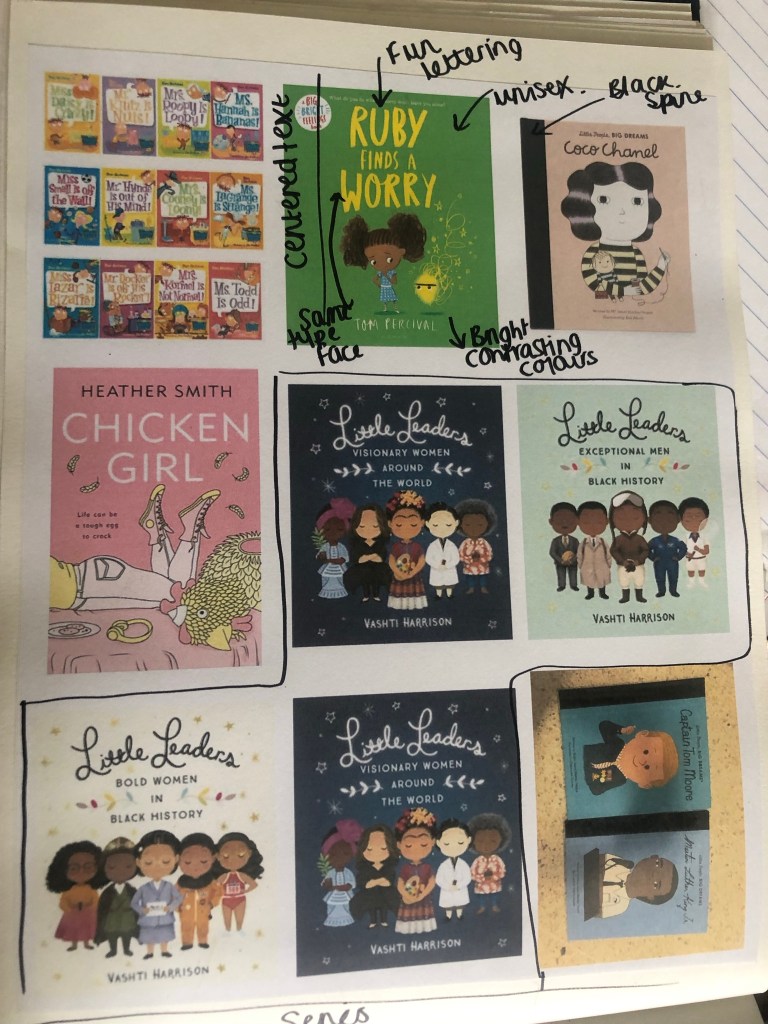
These are some of the children’s books that I found in a series. The Roald Dahl ones illustrated by Quentin Blake are very simple and easy to read and understand but it is the illustrations that make the book special. They are all brightly coloured and follow the same design layout throughout.
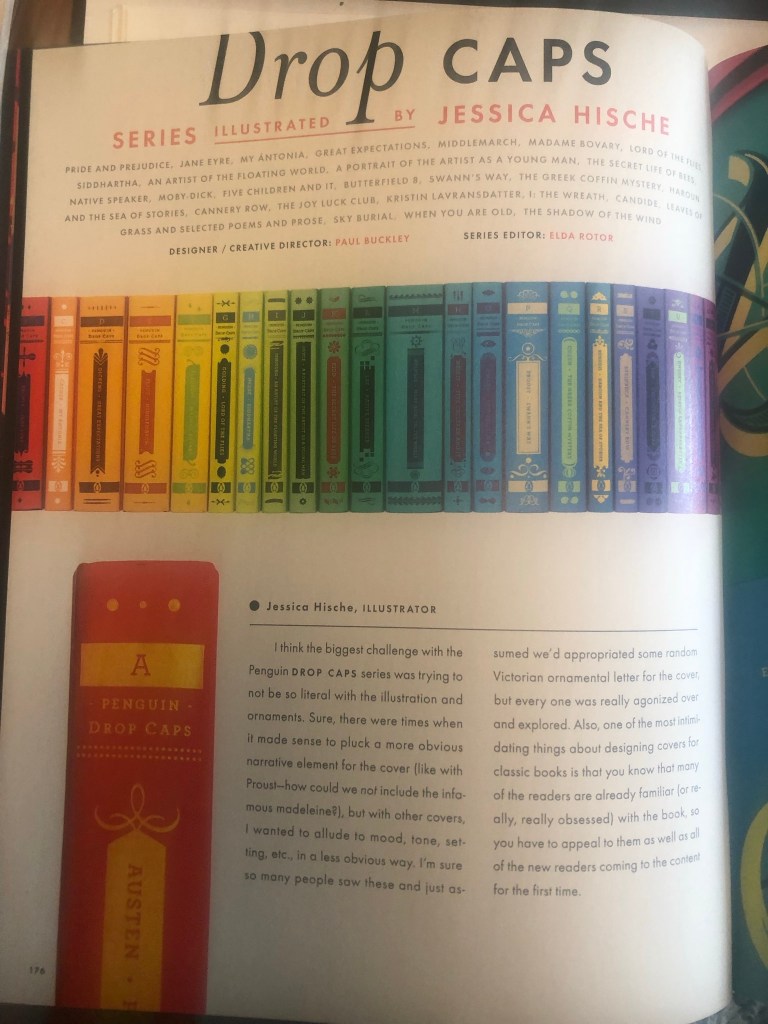
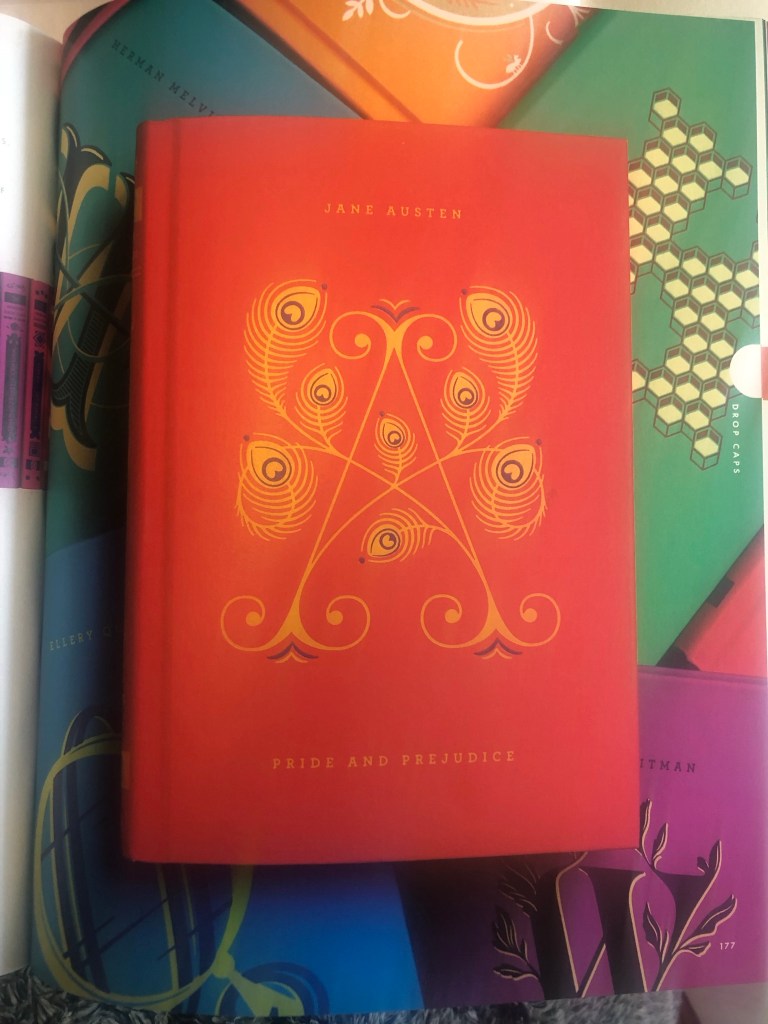
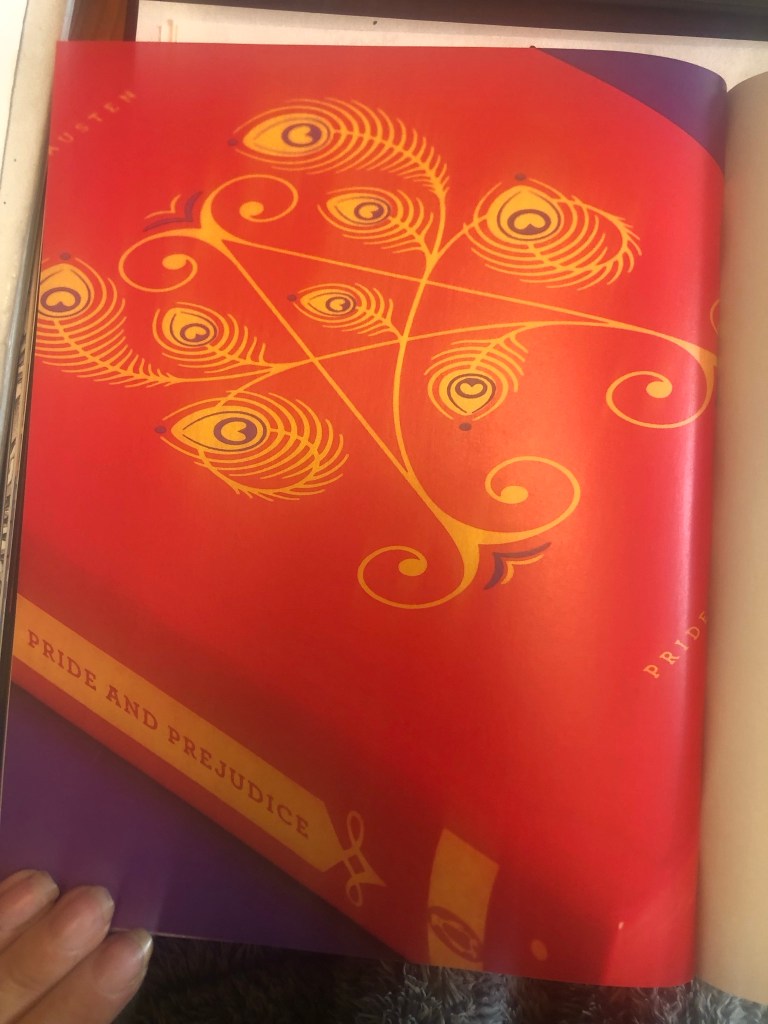
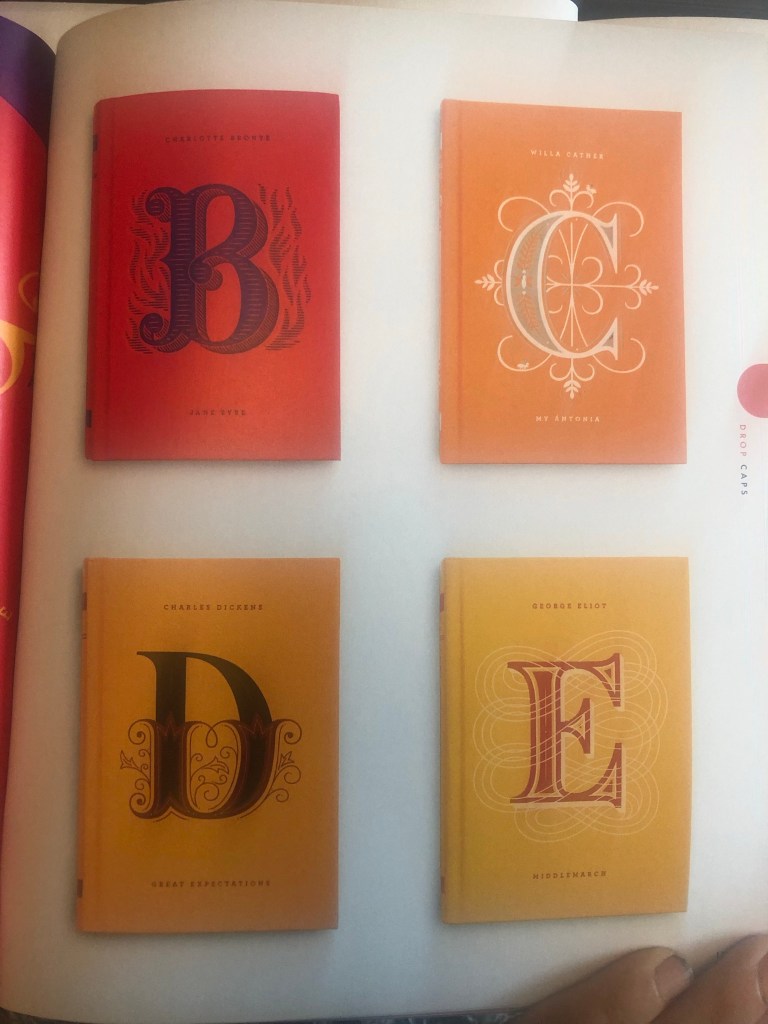
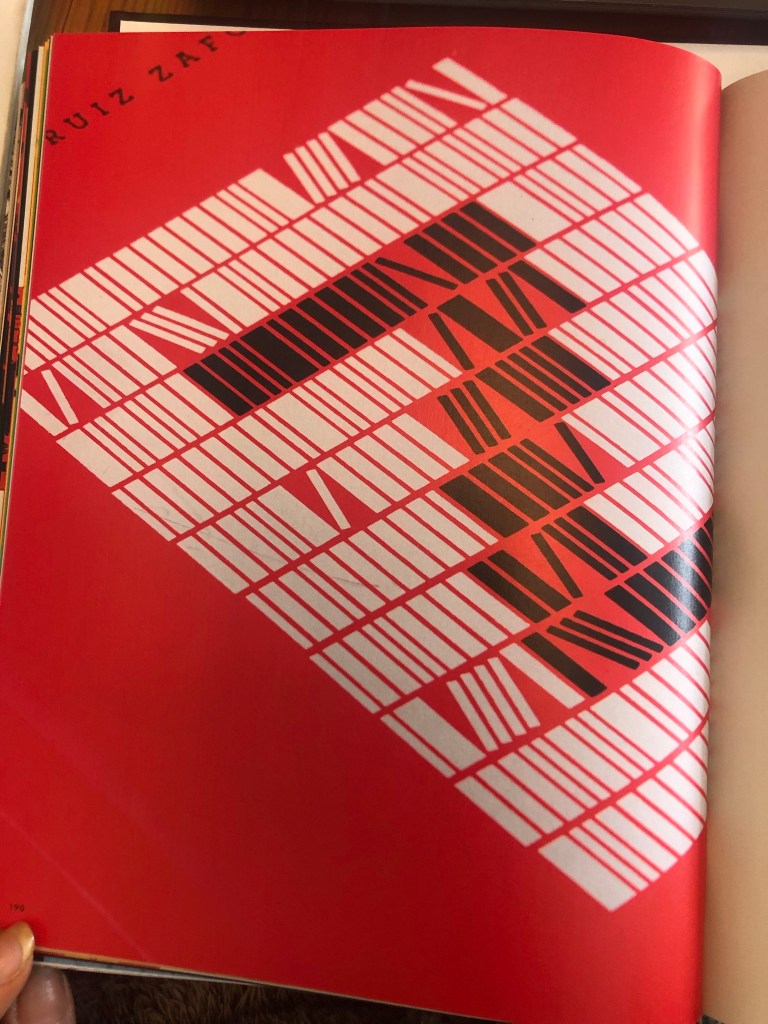
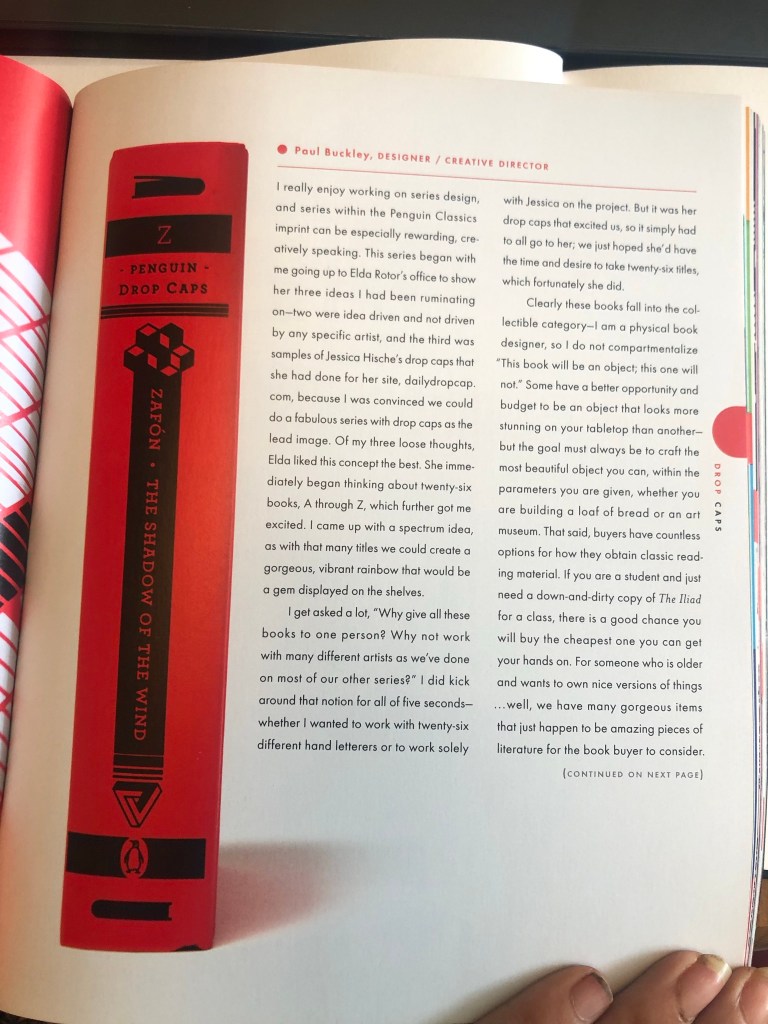
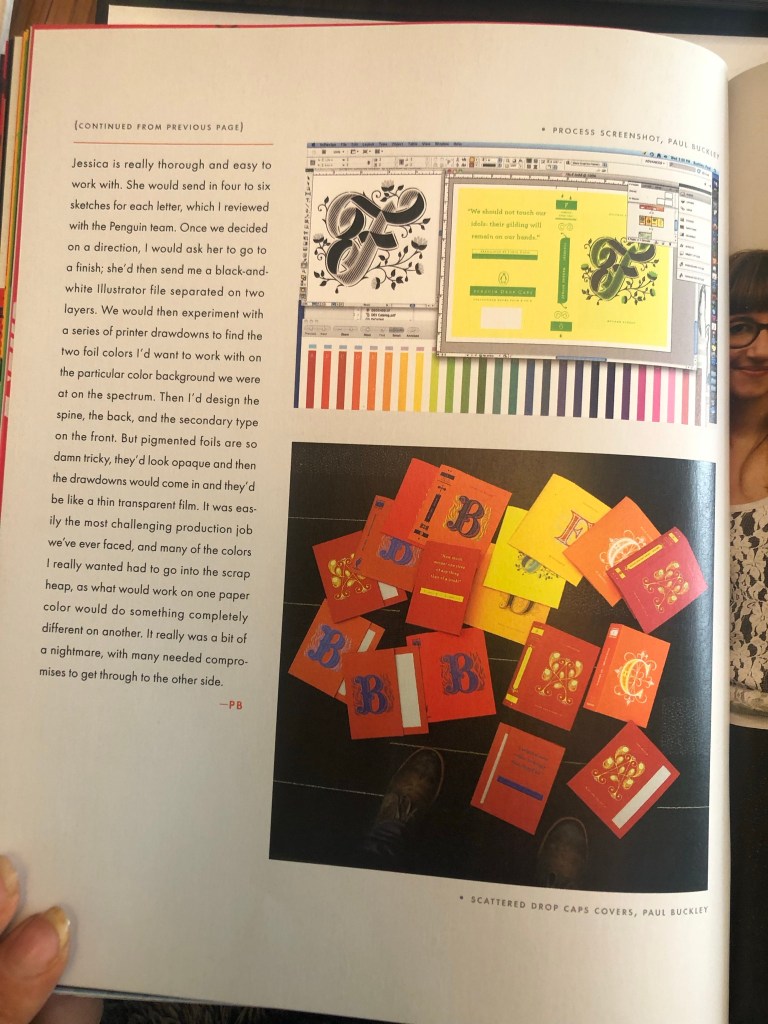
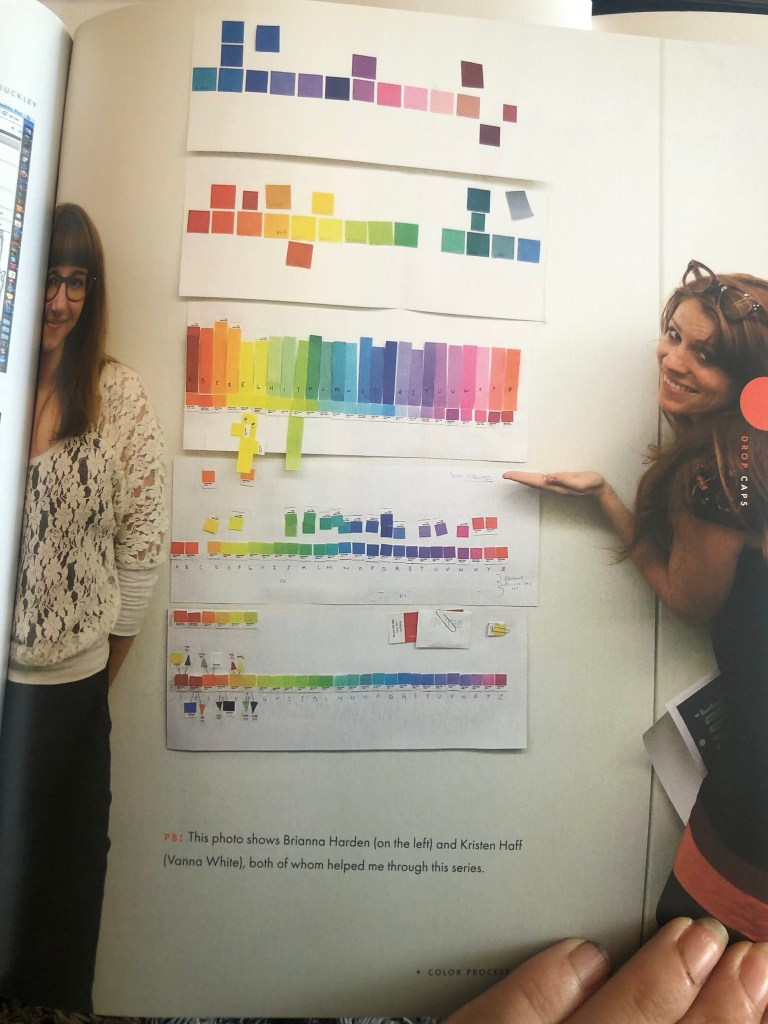
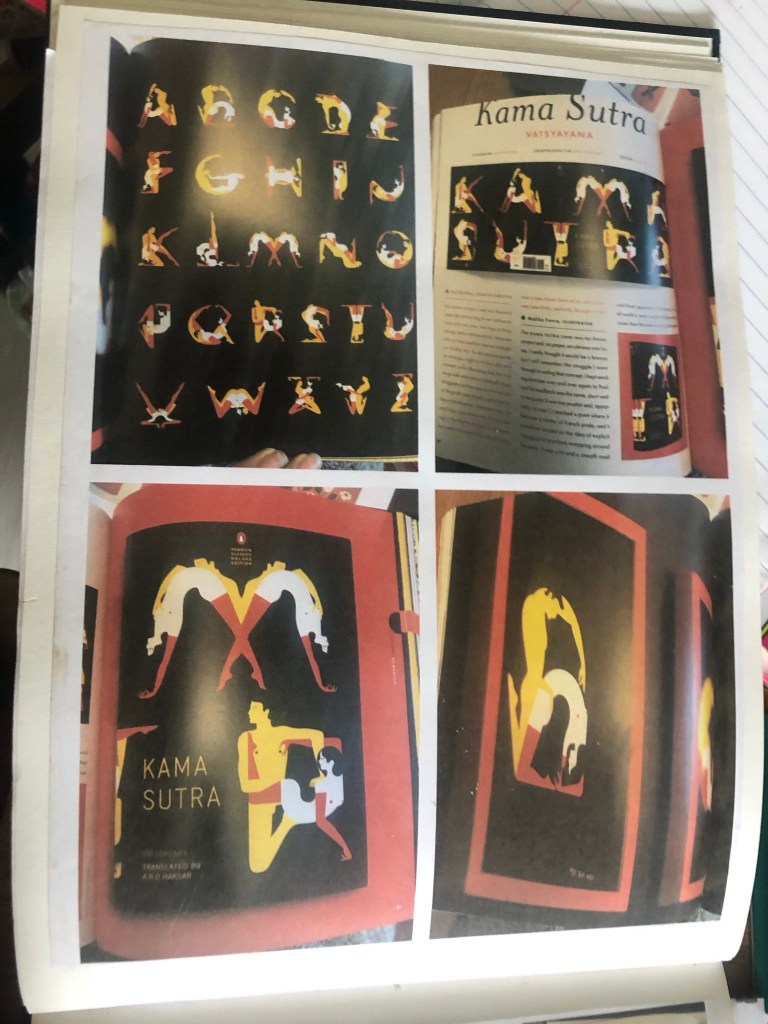
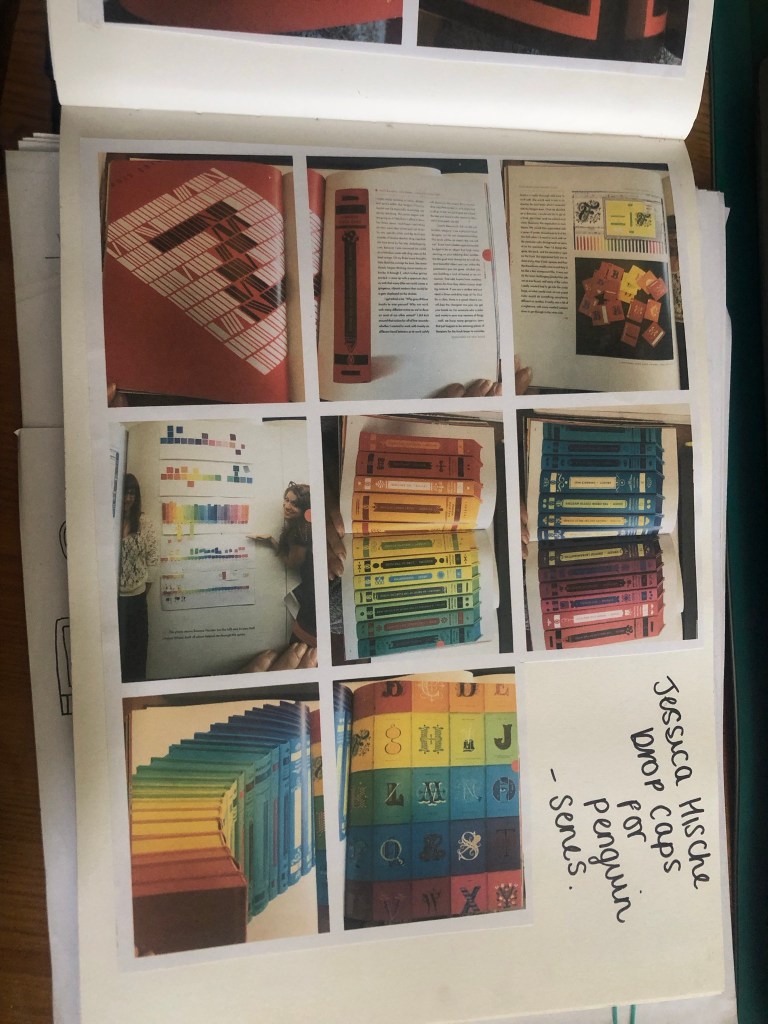
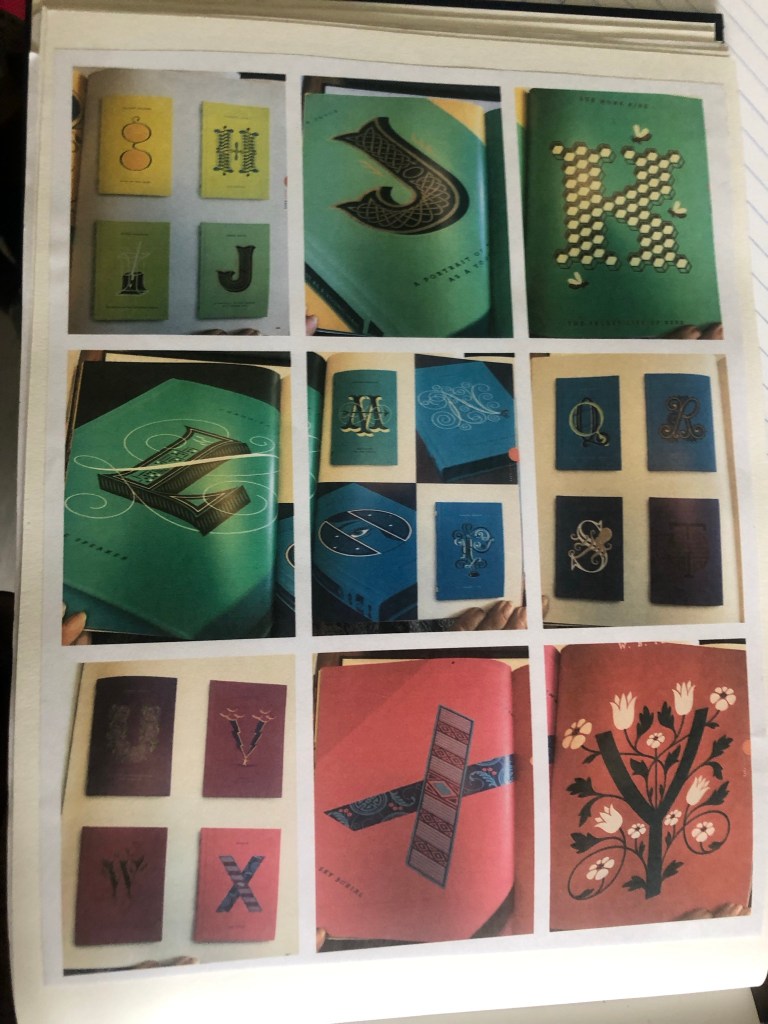
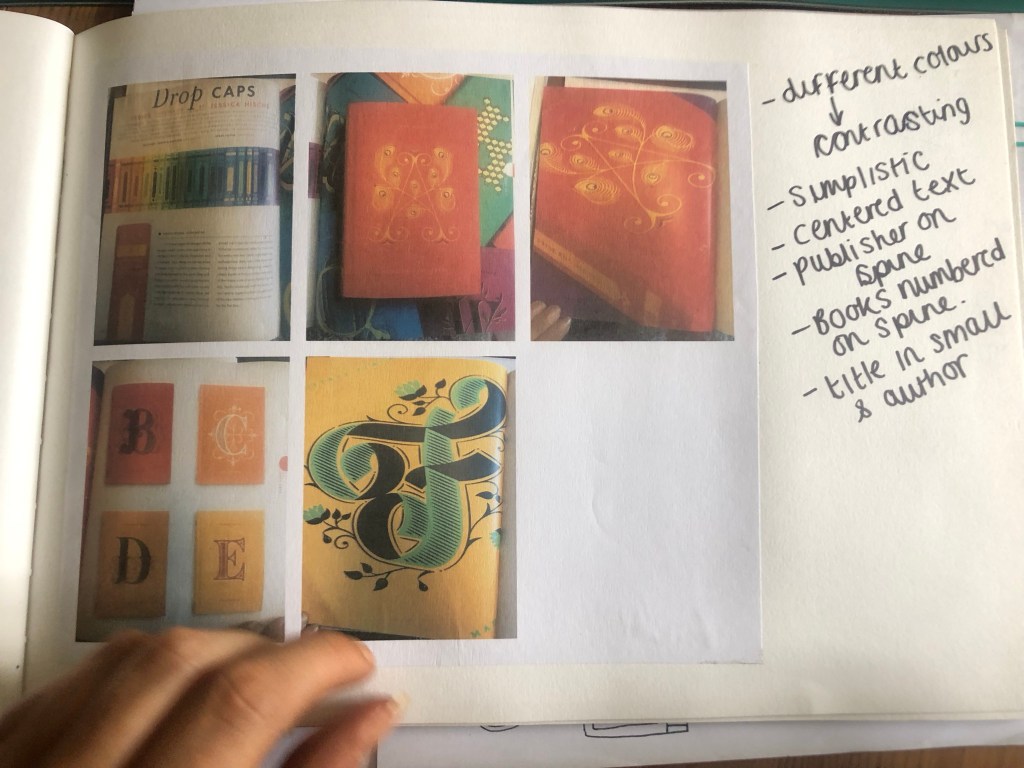
The books below I photographed from my “Penguin Classic covers” book. They are illustrated by a designer called Jessica Hische who does hand lettering. They collaborated with her to create a whole series of drop caps books for all the classic titles from A-Z. Each book has its own caps for the name of its title. They are also all colour coded.
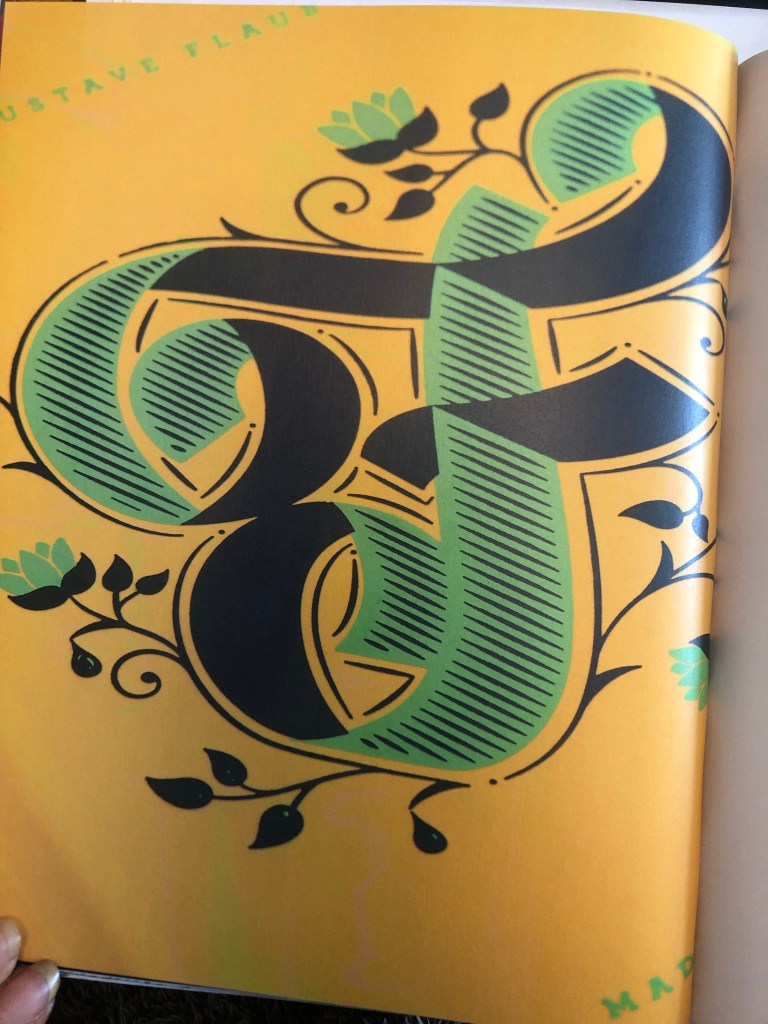

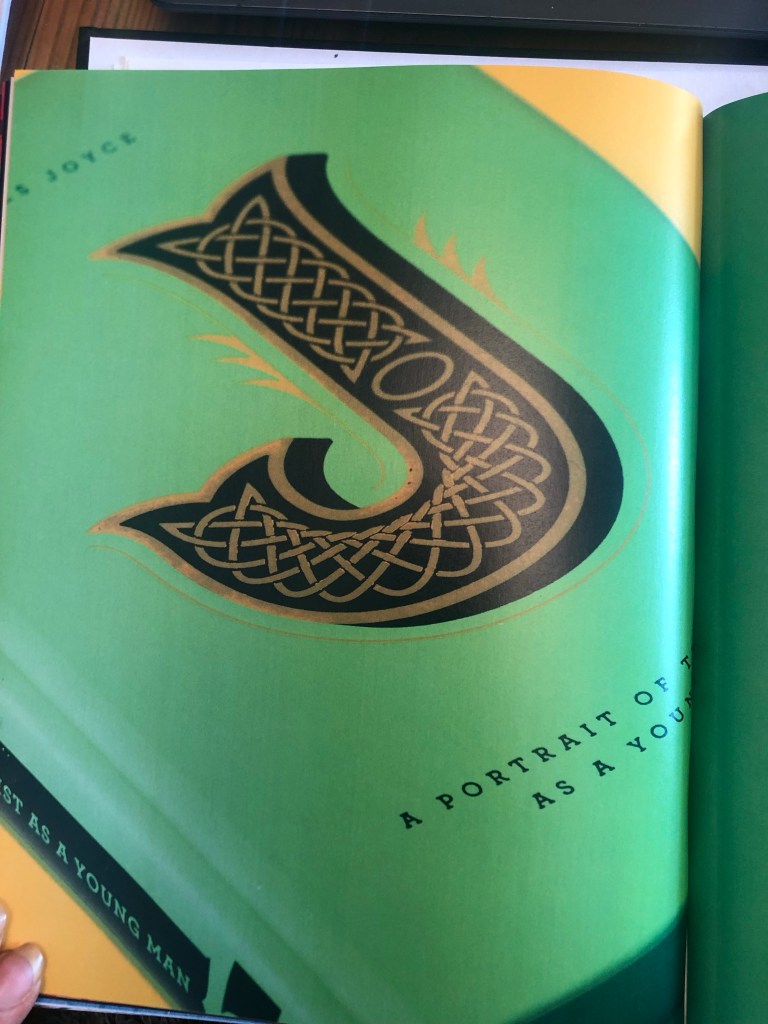
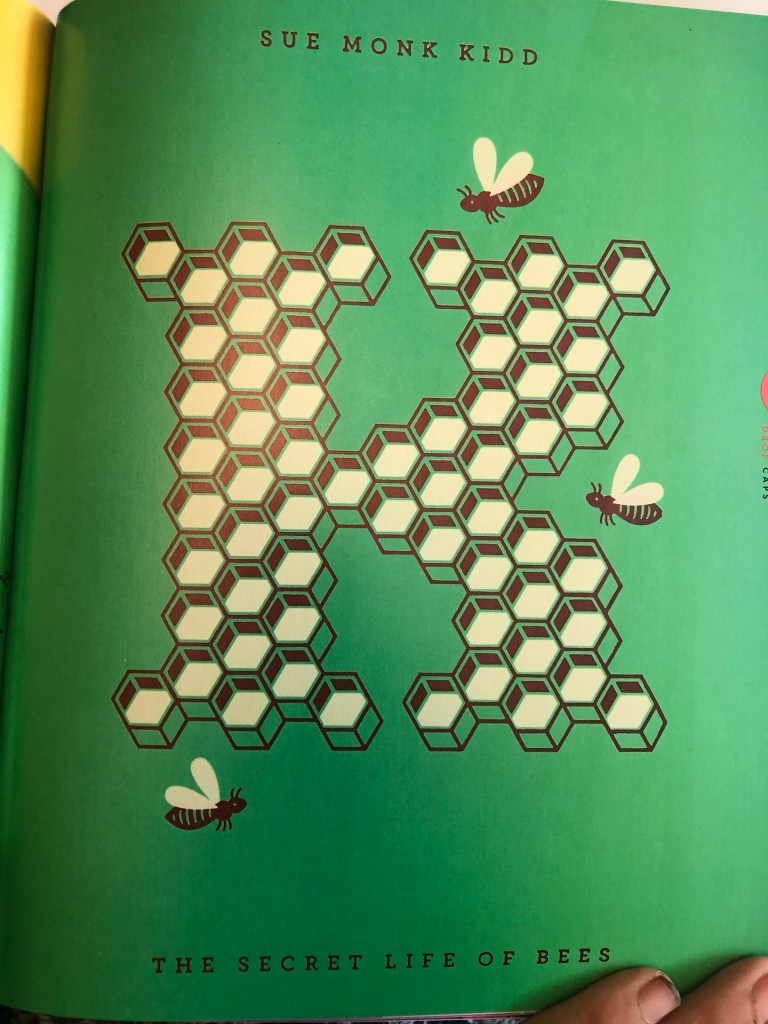
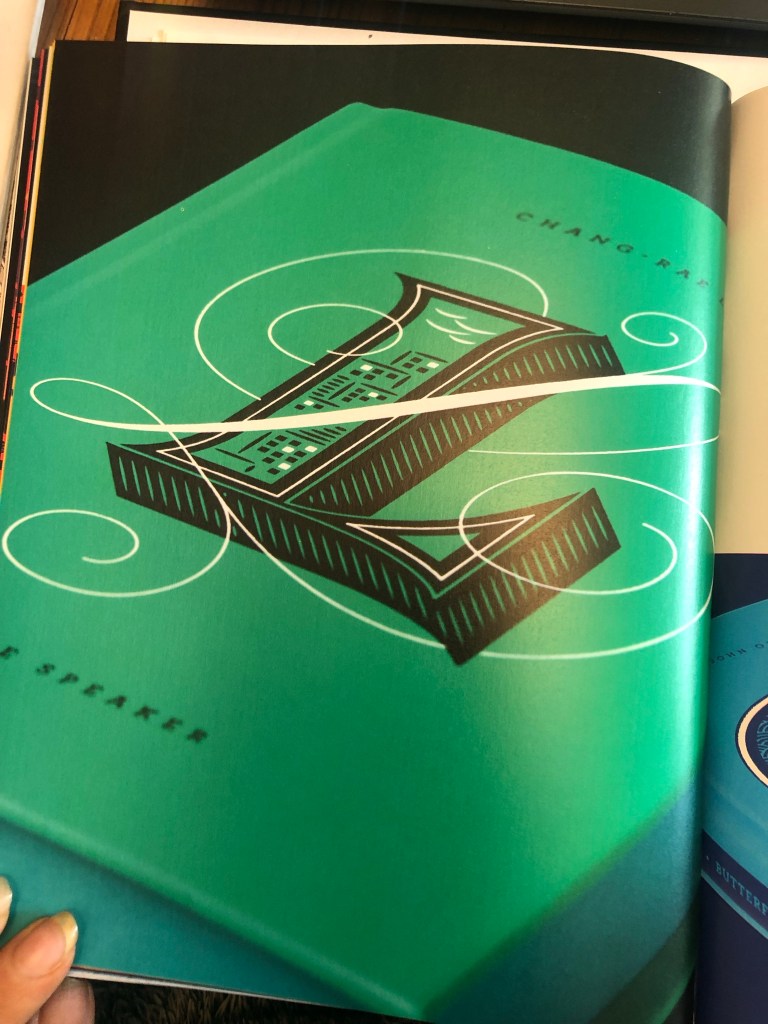
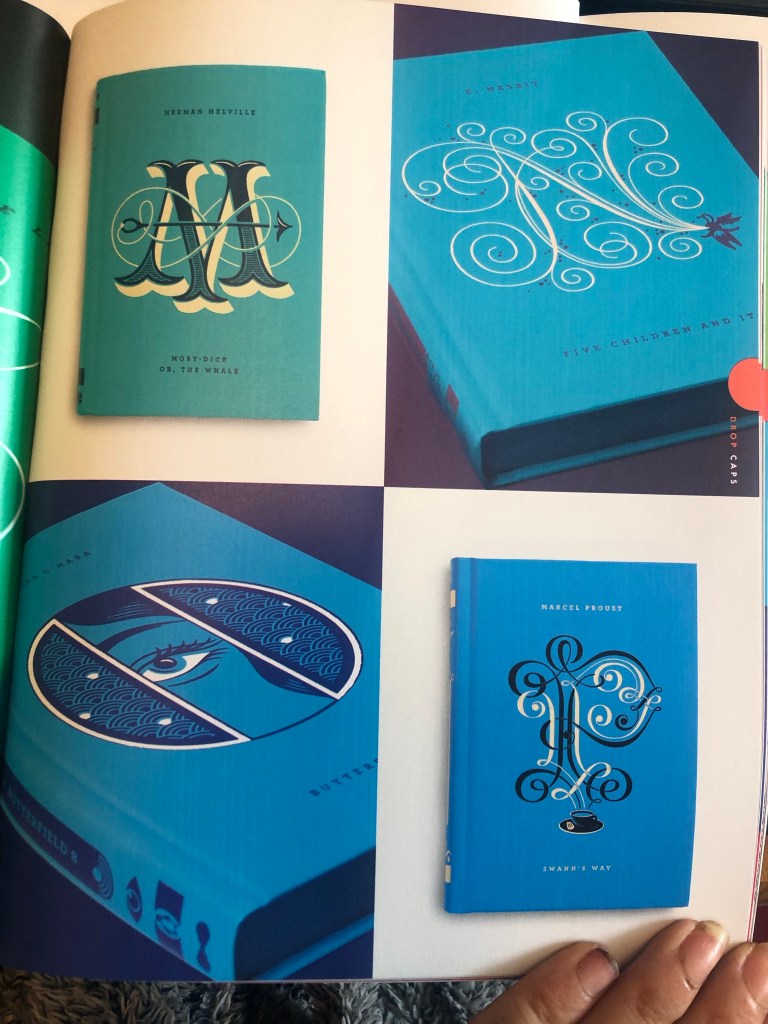
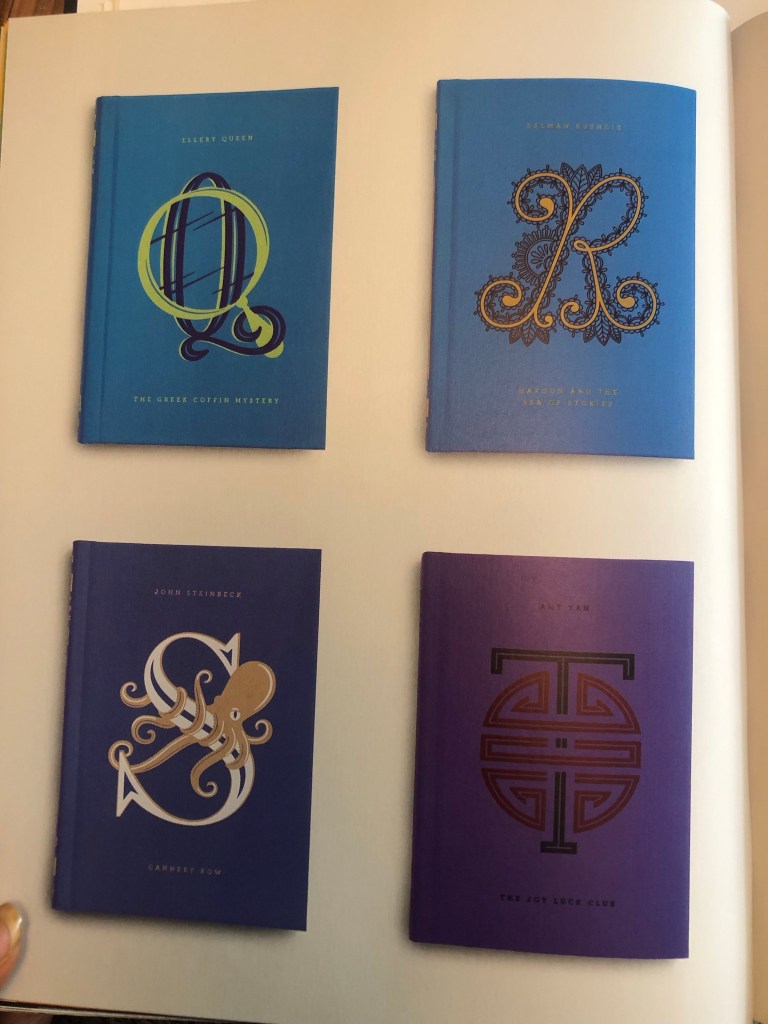
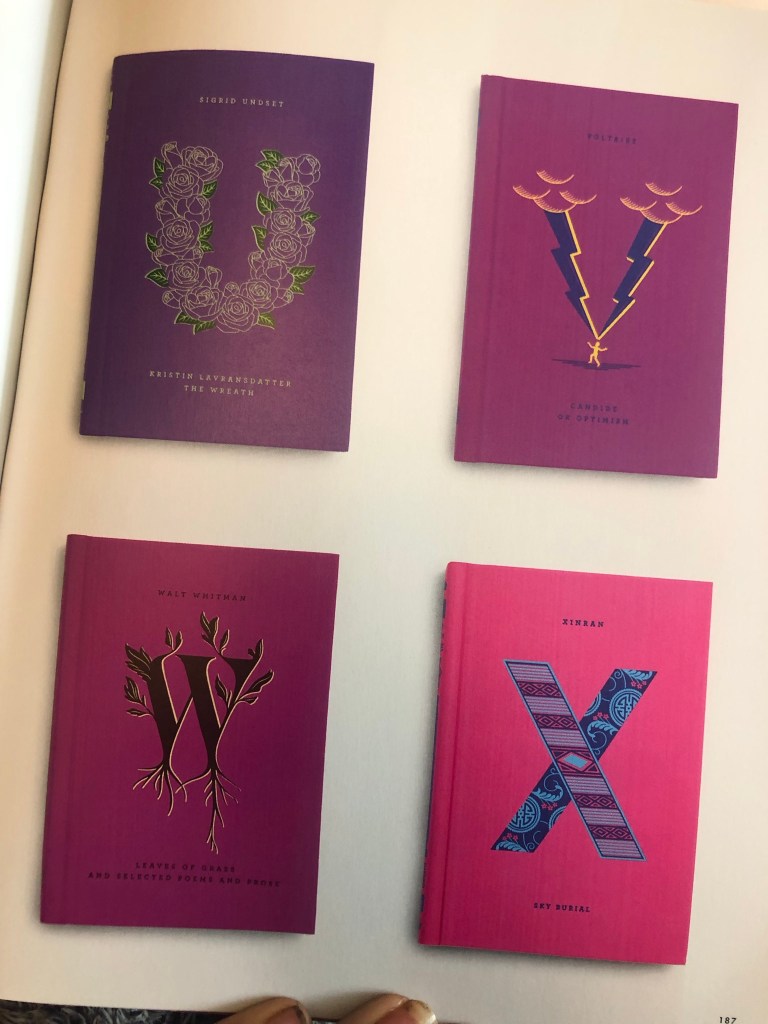

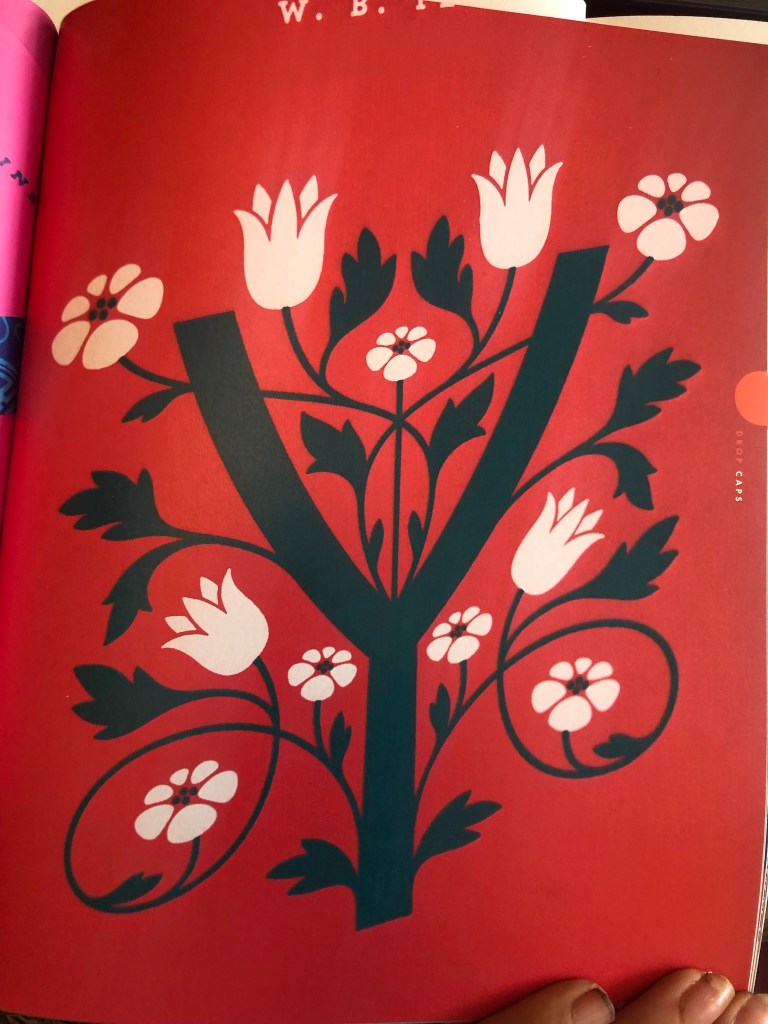
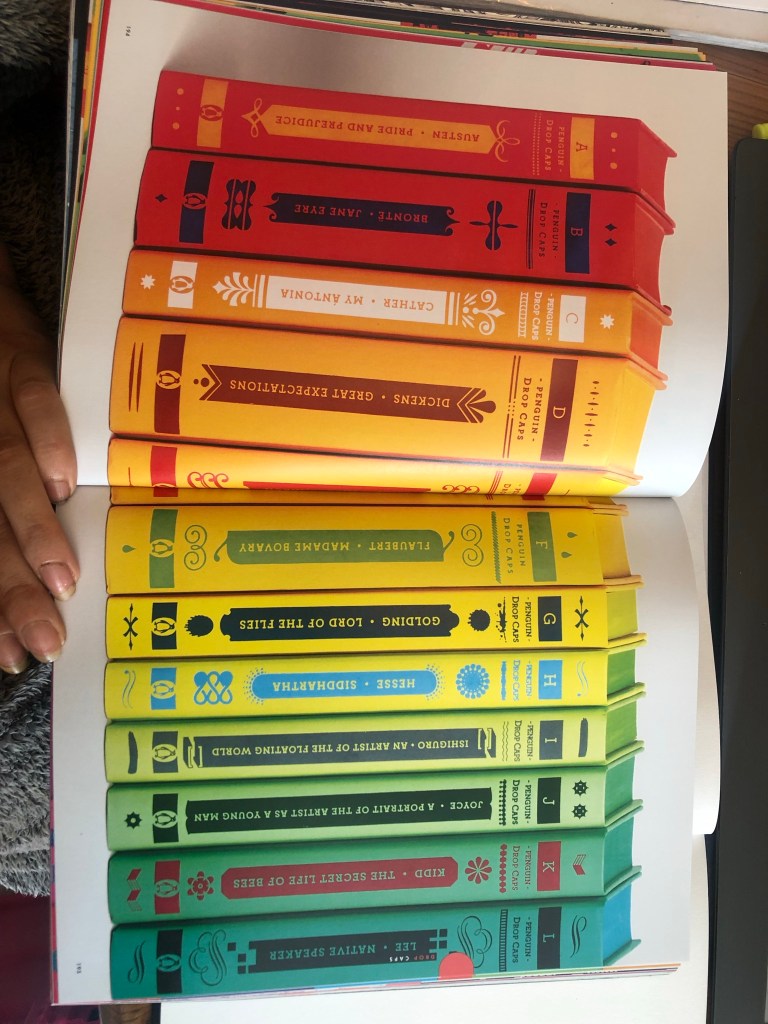
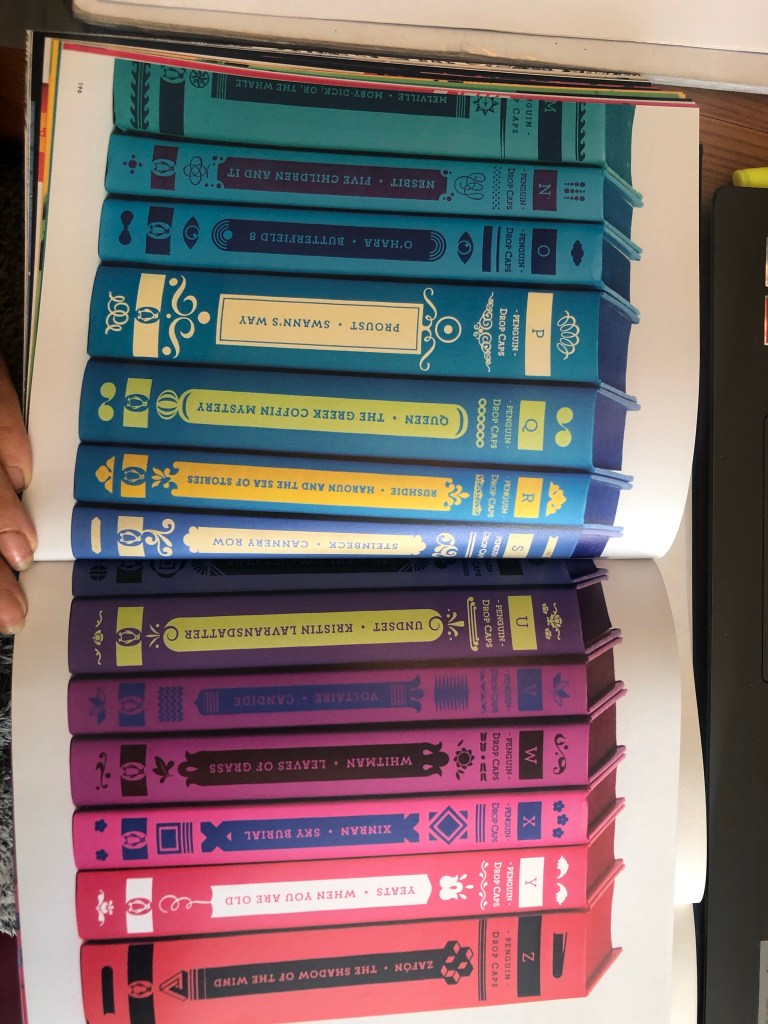

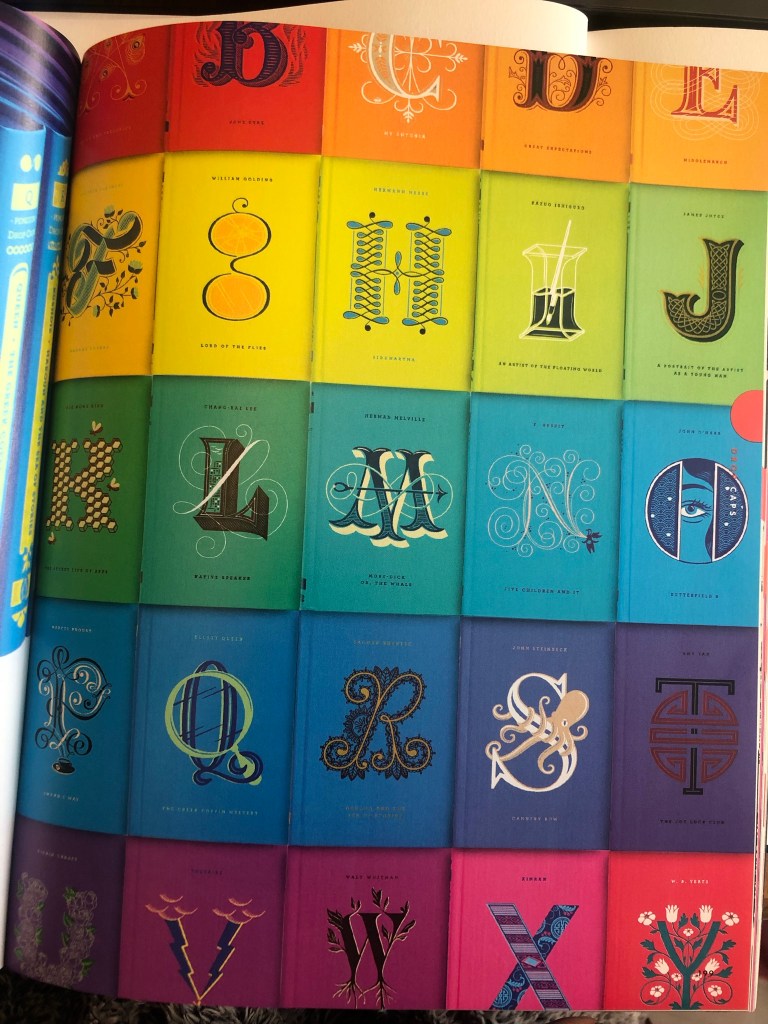
This next series is interesting! – but they really do work!
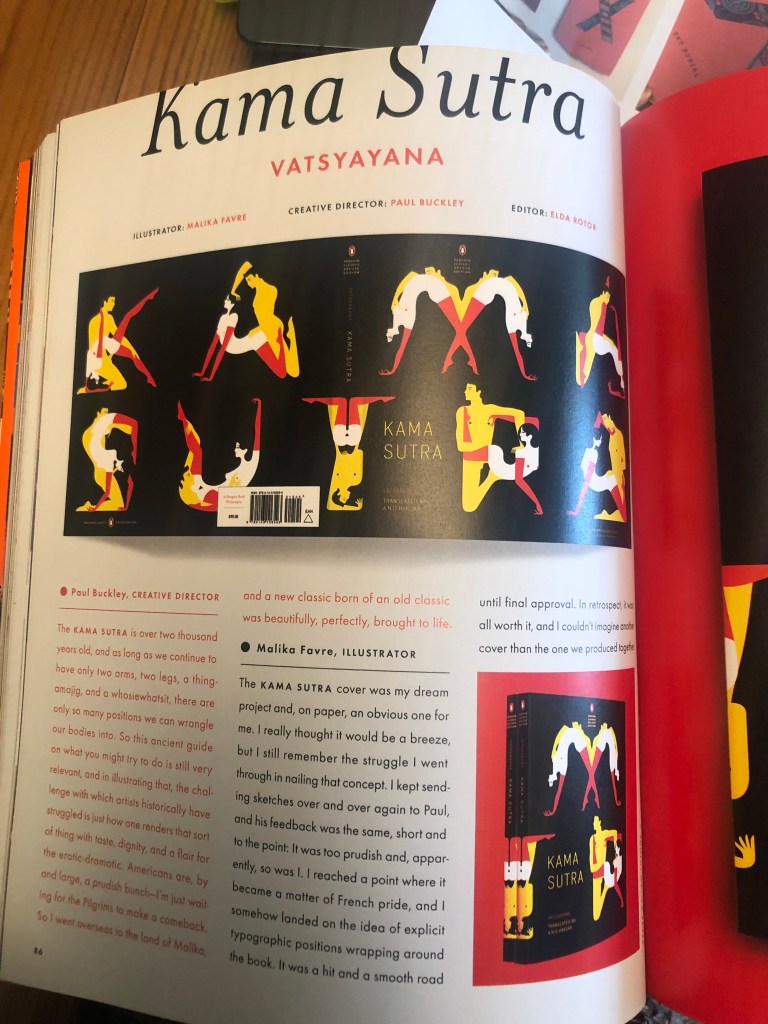
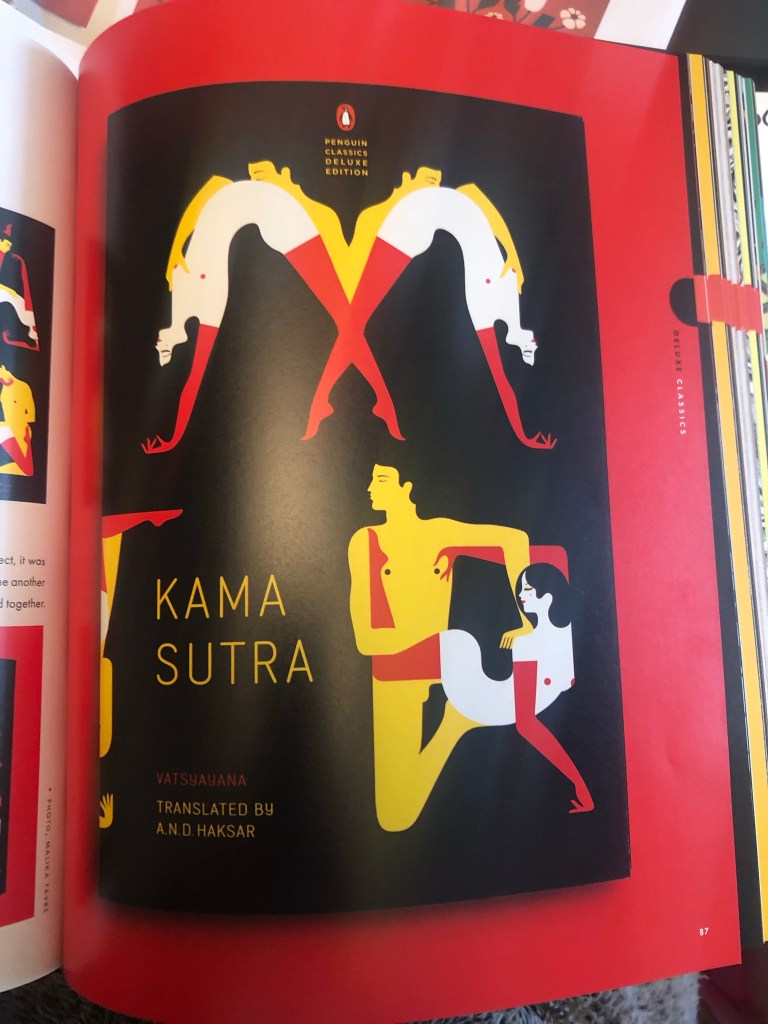
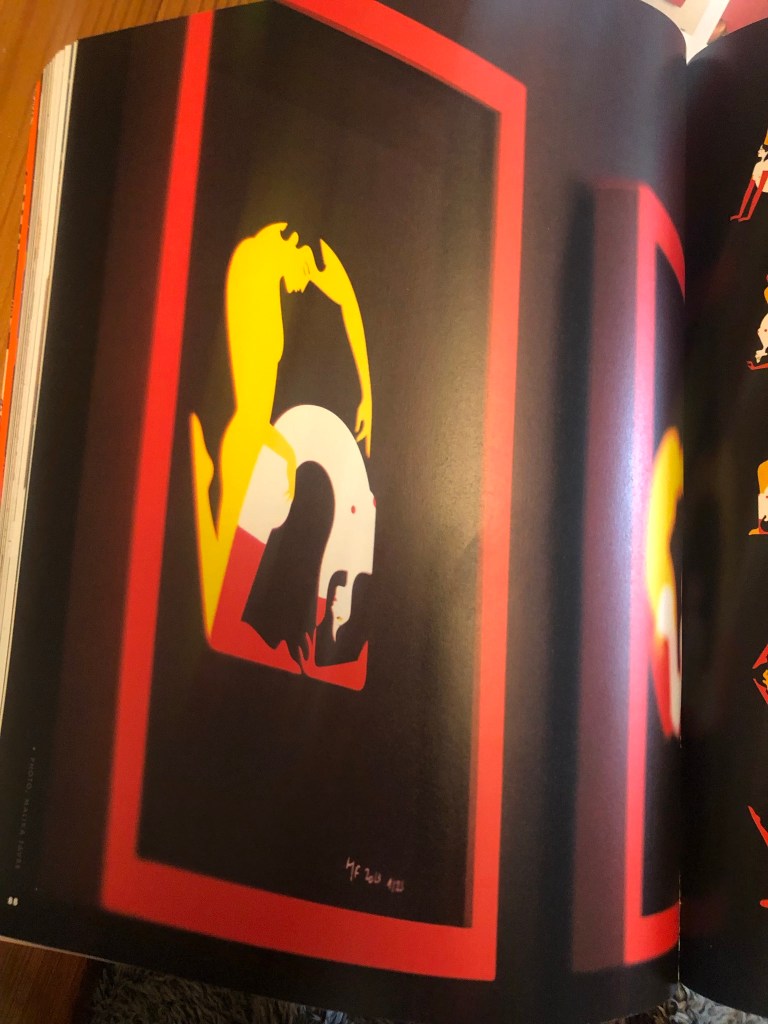
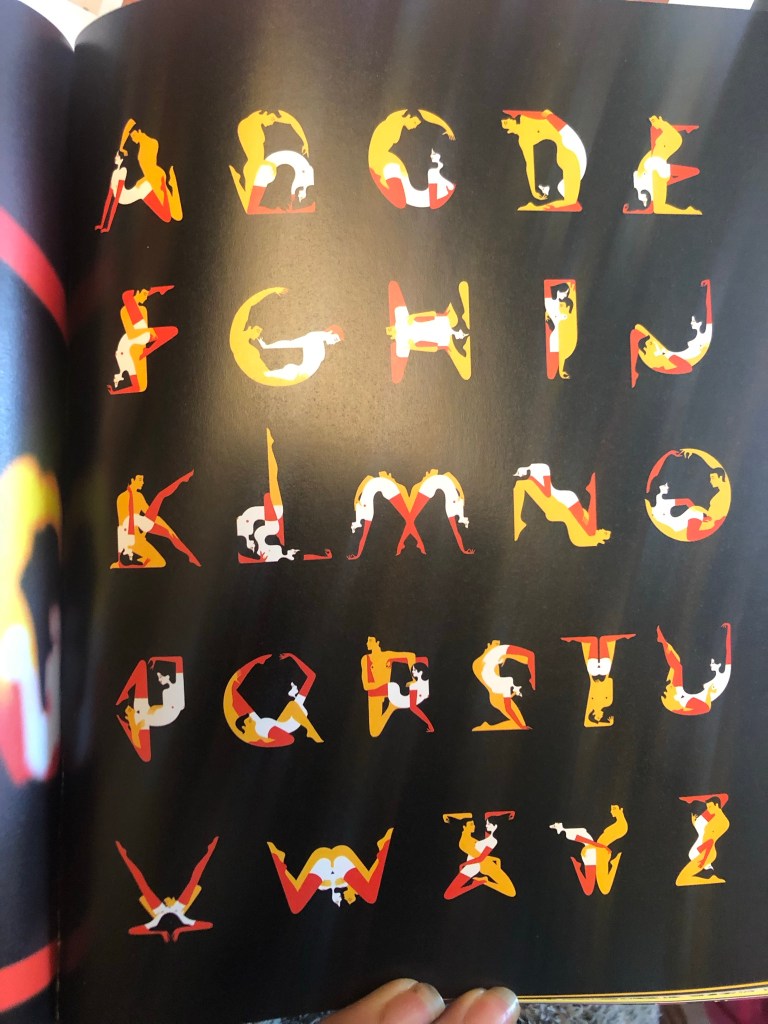
I decided that for my series of books I needed to:
I decided to start with “A is for..”
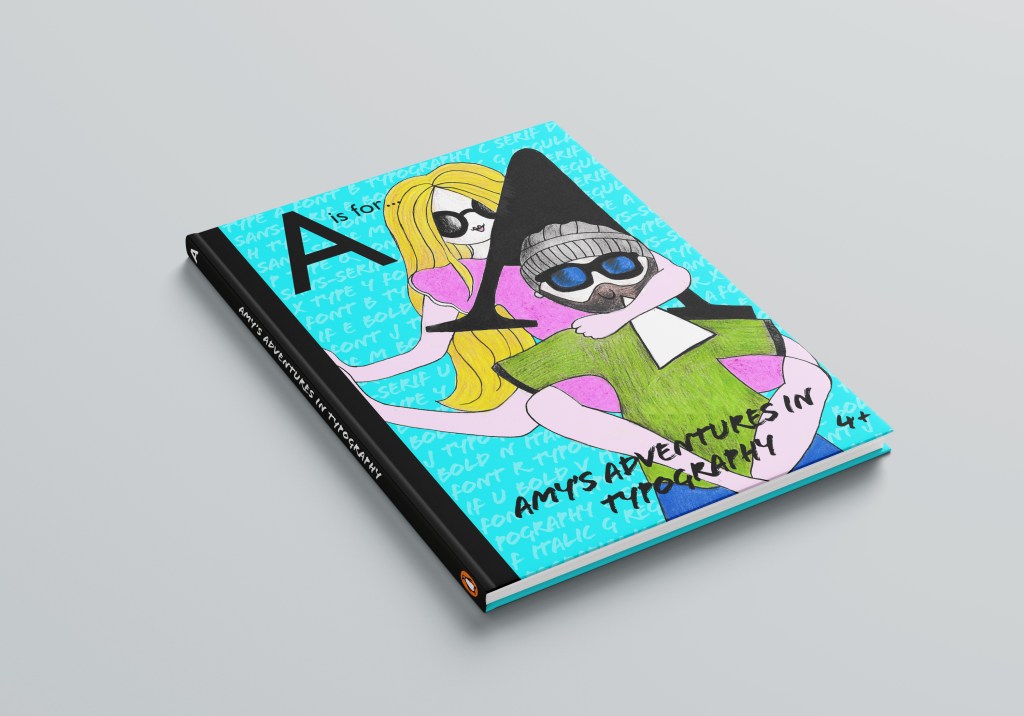
I am a massive fan of negative space in designs but this time I wanted the image to fill most of the front cover. I wanted the image to be bold and stand out and immediately grab attention. Ideally I wanted the image to do most of the talking.
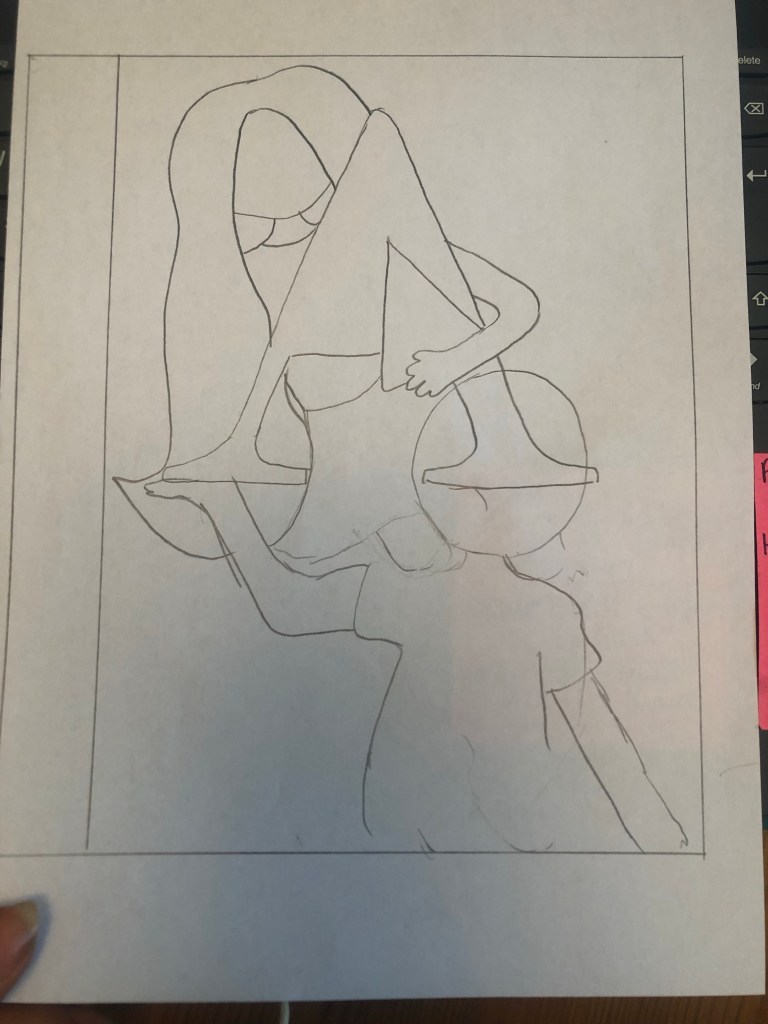
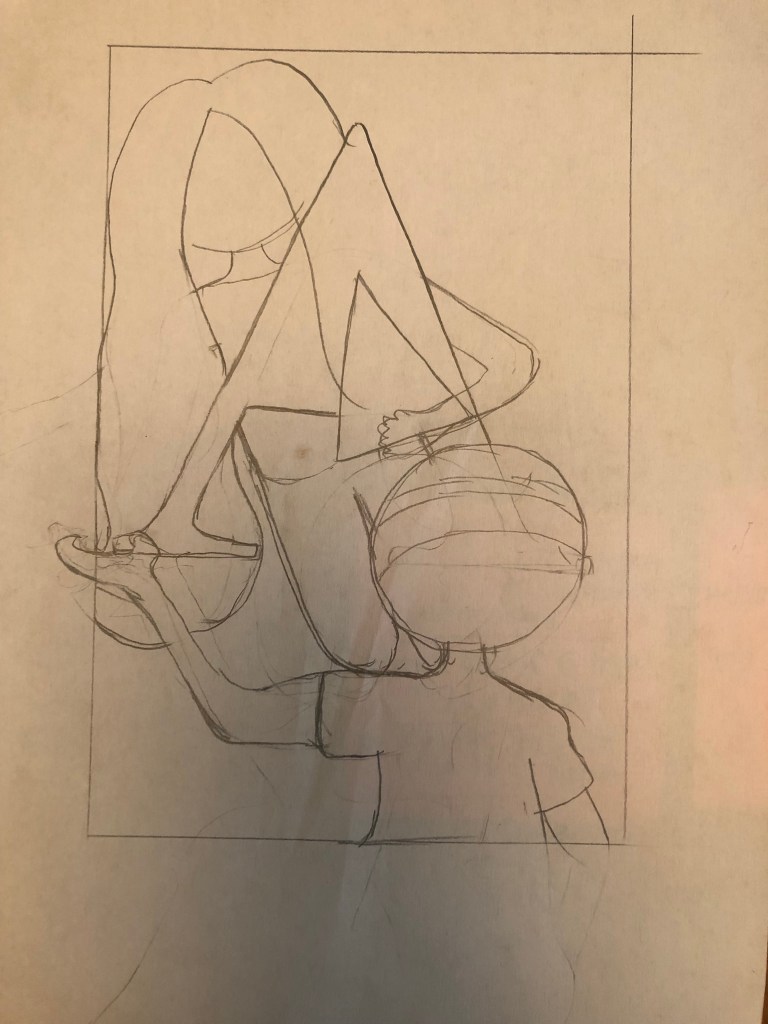
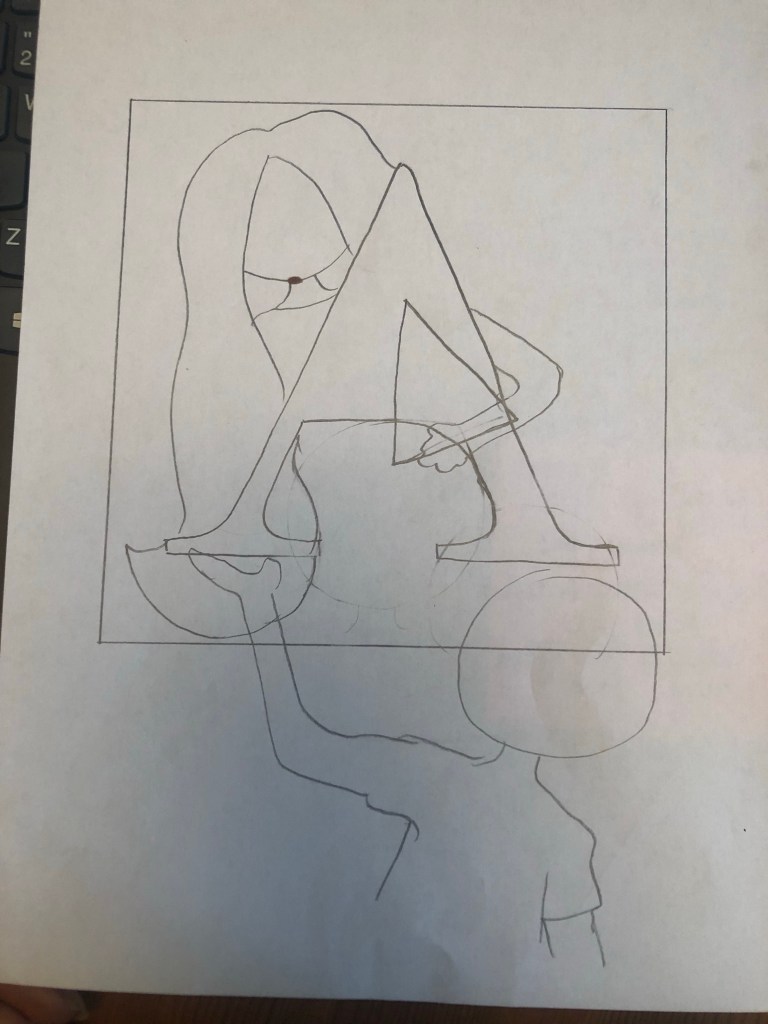
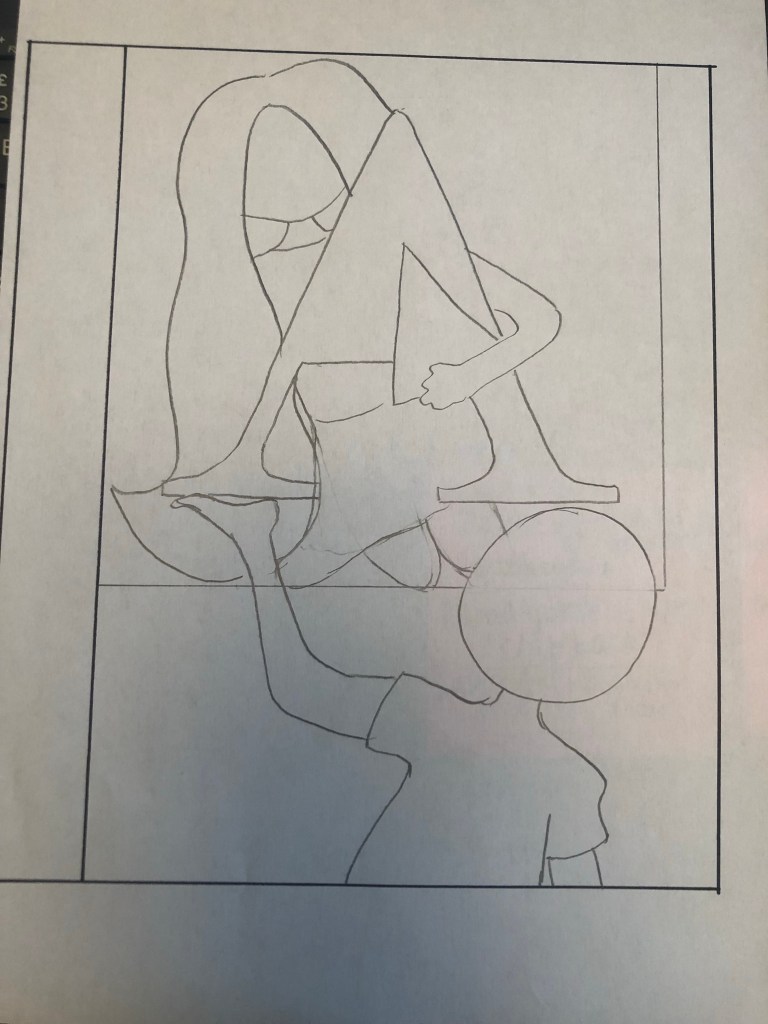
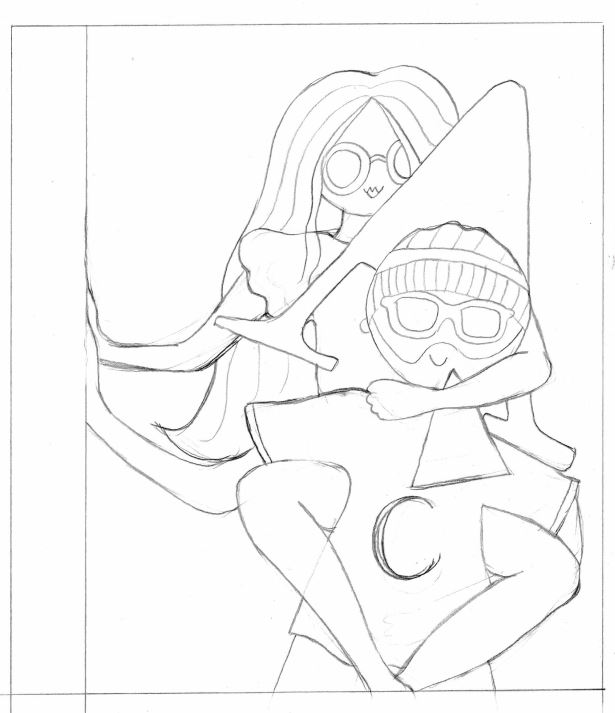
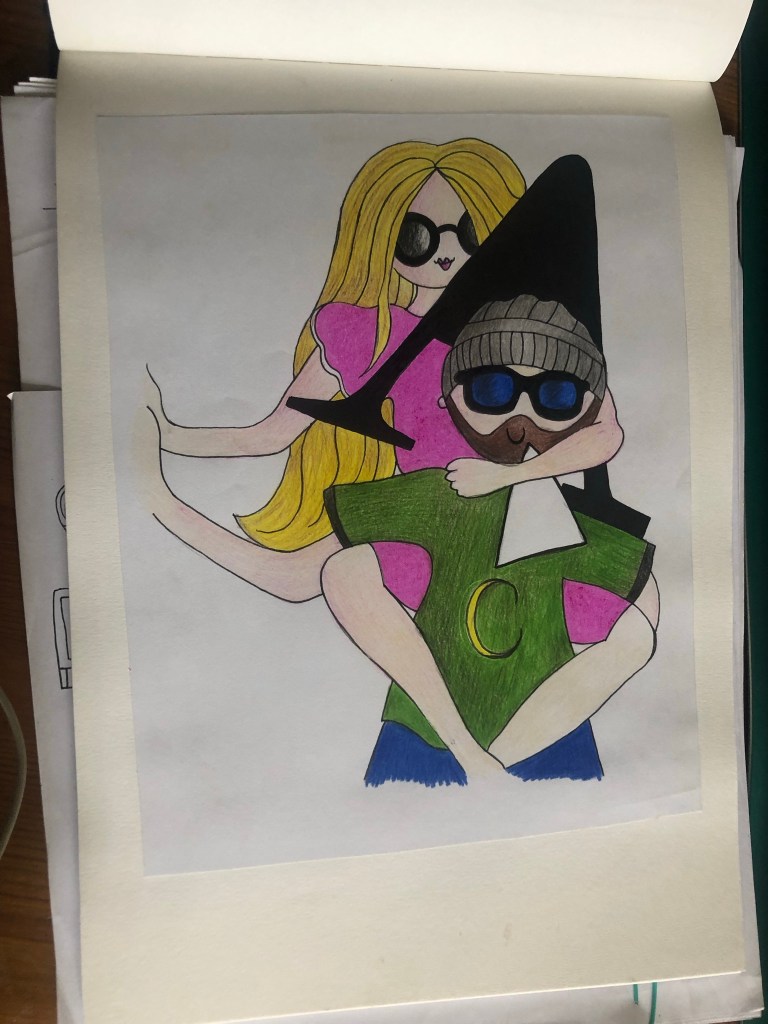
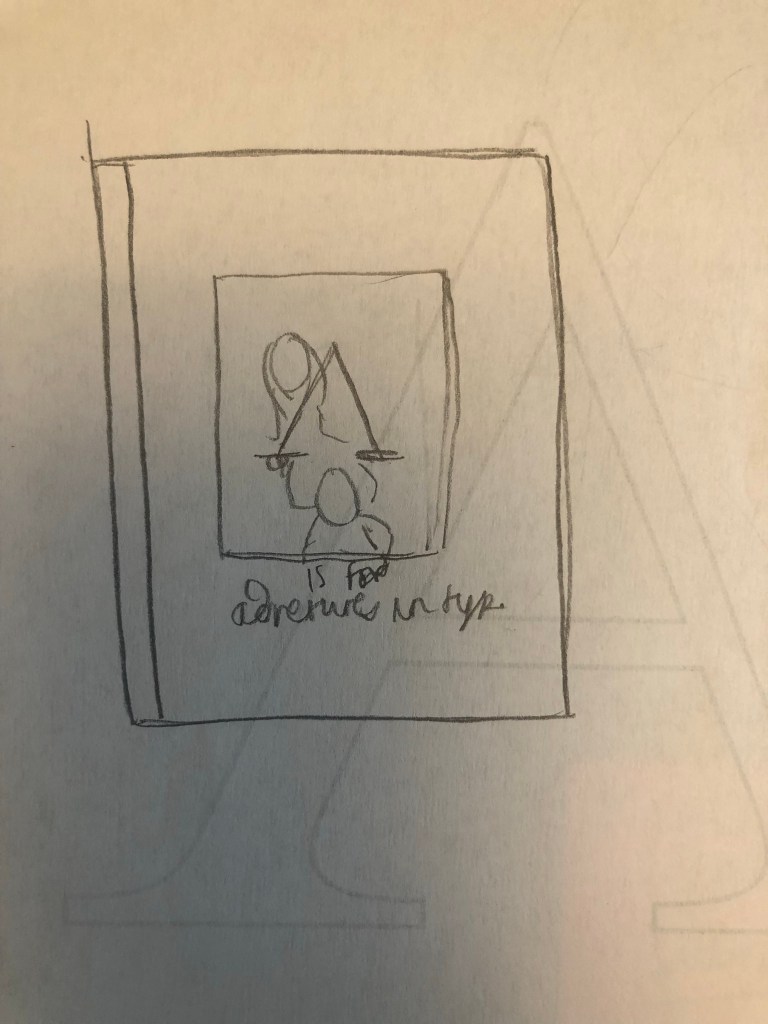
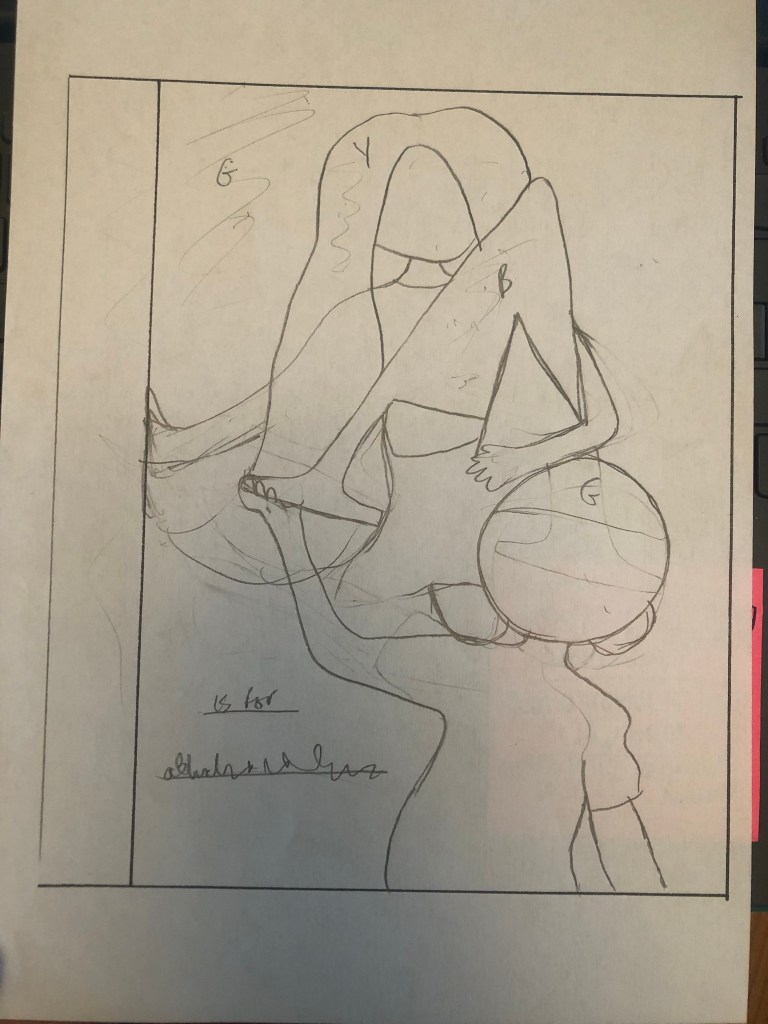
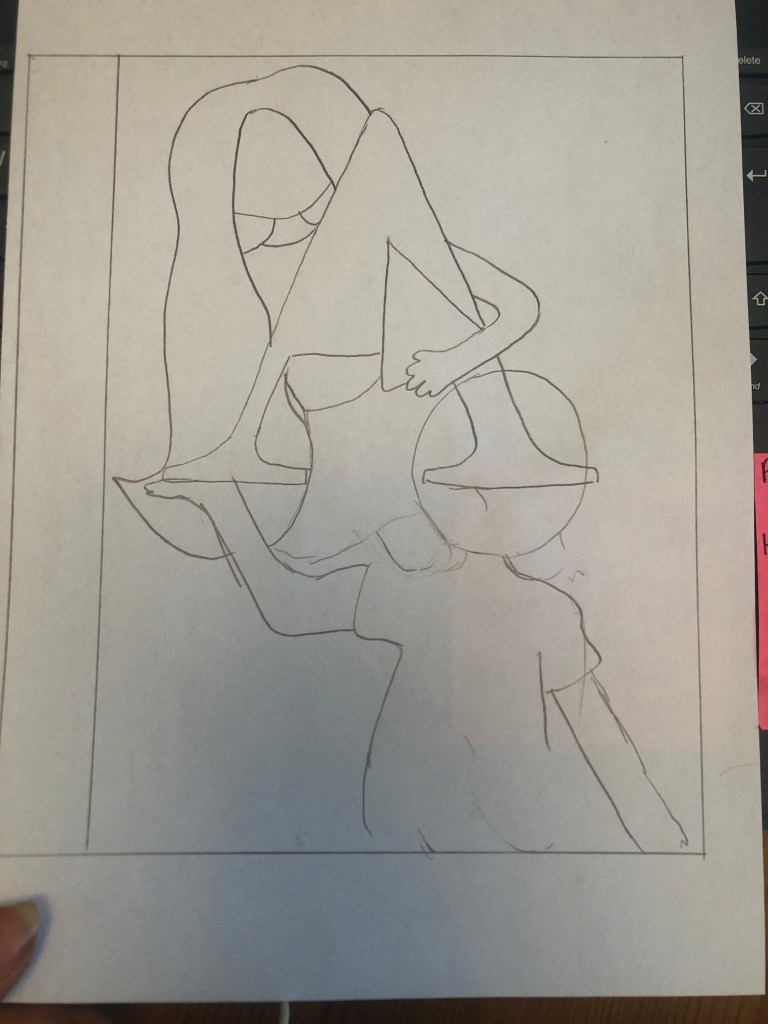
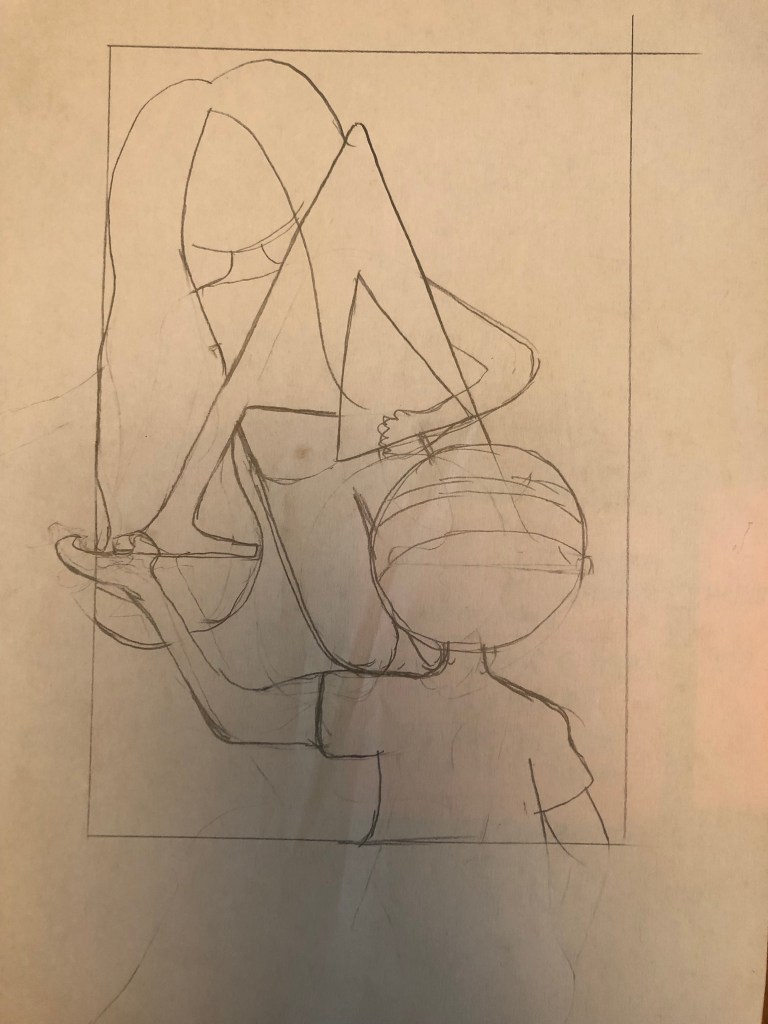
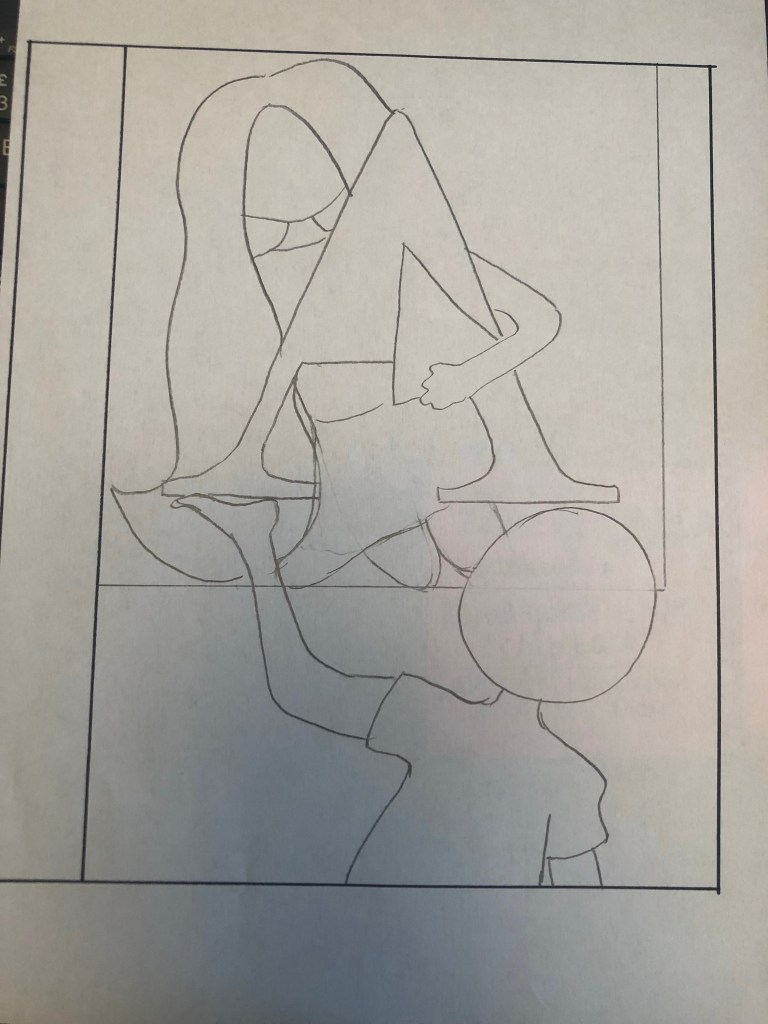
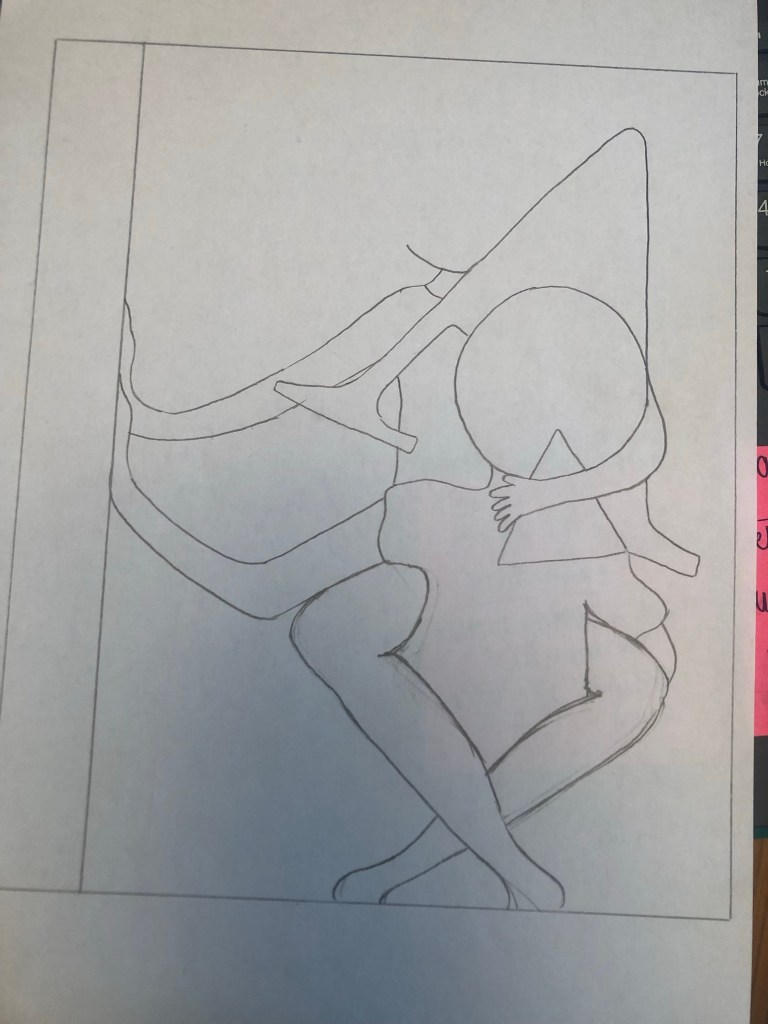
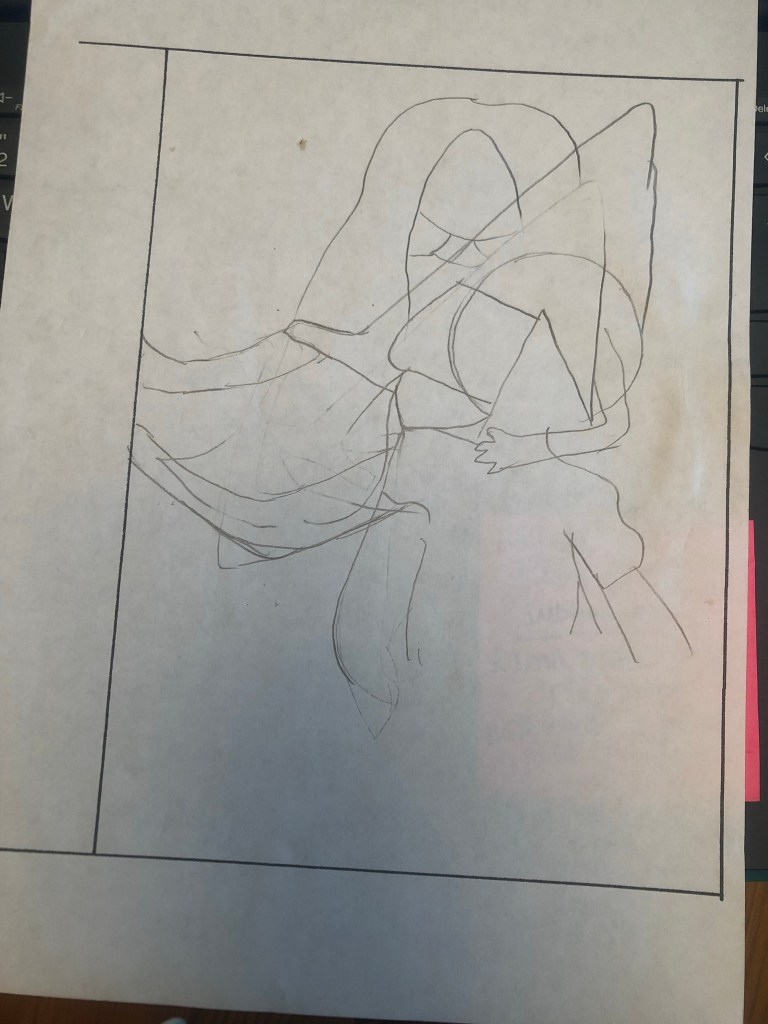
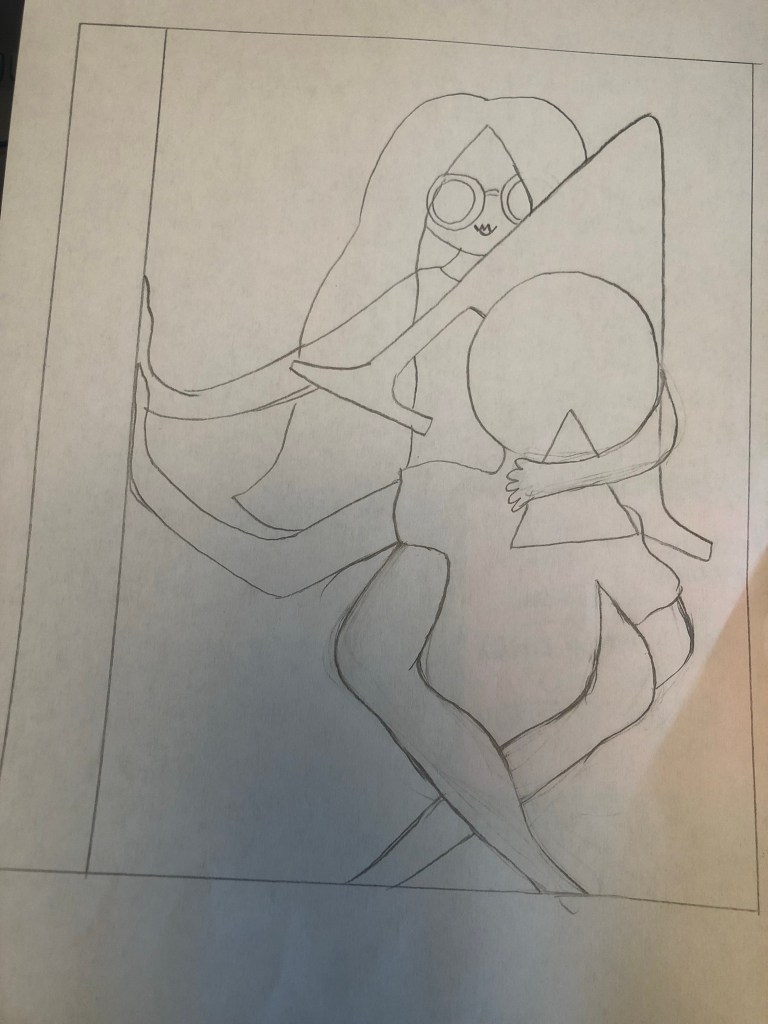
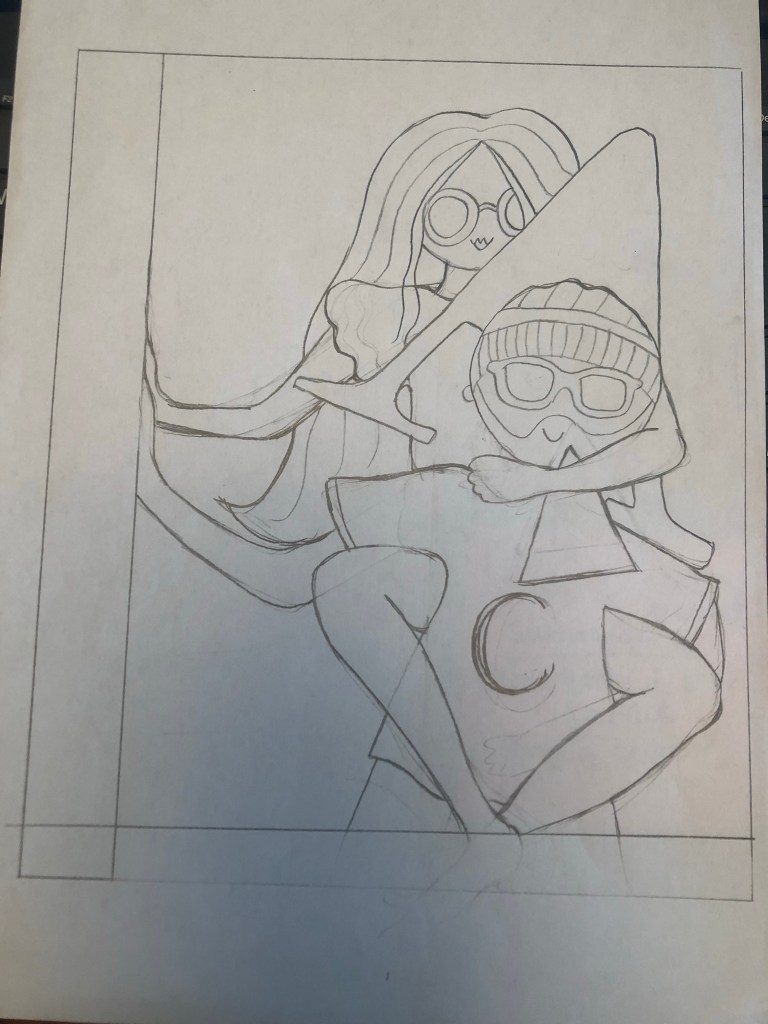
I started coming up with ideas and sketching some drawings of what I wanted. My original idea was to have a box in the middle of the cover with the A inside and have the 2 characters peaking around the outside of it. This idea then changed to the characters holding the A… It then changed again to the main character Amy holding the A and Chris supporting the lift… again! I changed my mind, I then thought about kneeling Amy on Chris’s shoulders holding the A but then eventually decided on the piggy back idea which I went with. Amy is carrying the A but the middle part of the A is separate which is the bit in front of Chris’s face!
I used photo references to help me draw out my characters and get the position of their arms and body in the right place!
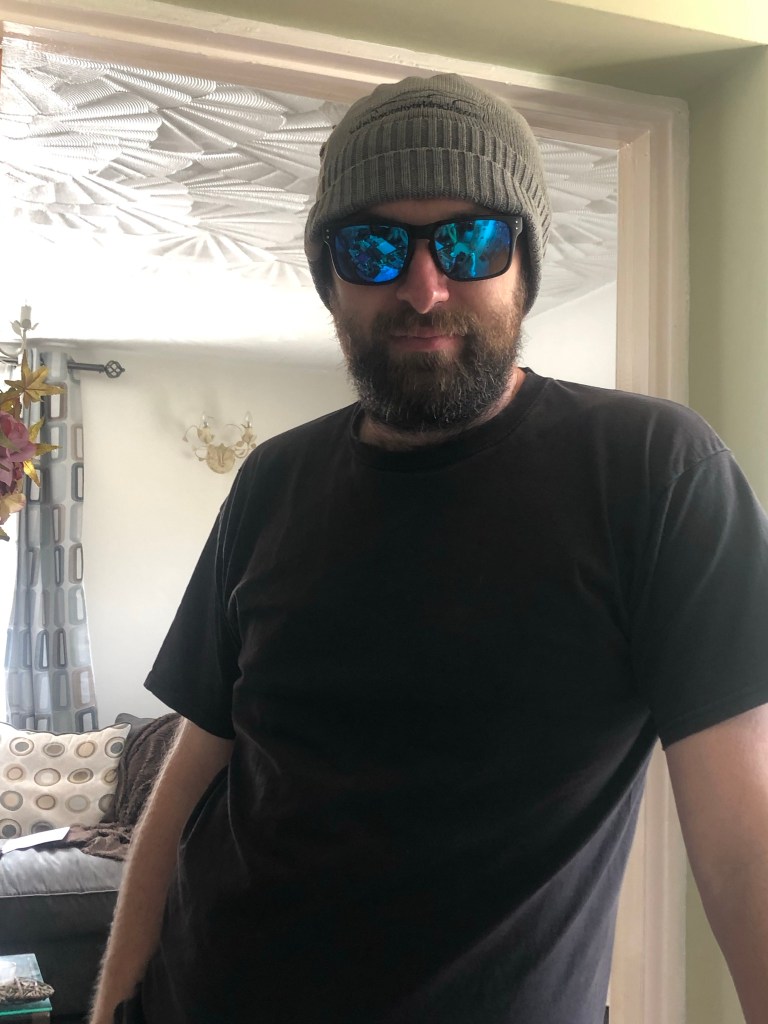

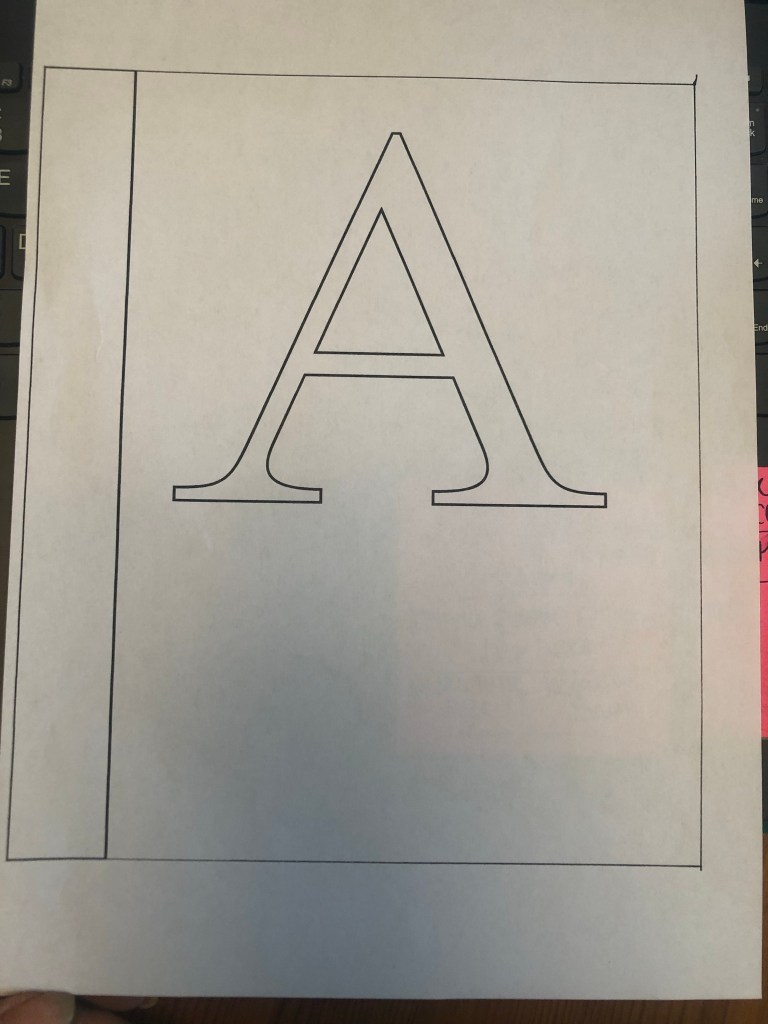
The images below are all the drawing development I did for this cover! – The typeface I used for the A was Mrs Eaves! – ties in nicely with the story and also that Mrs Eaves was designed for use in books!

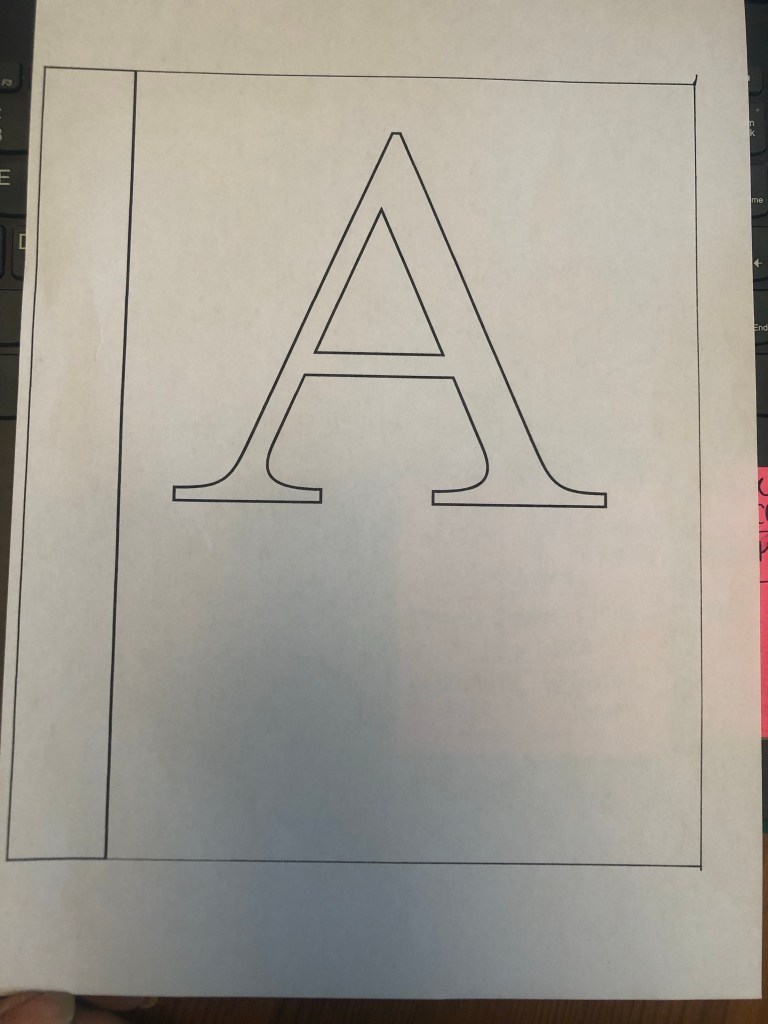
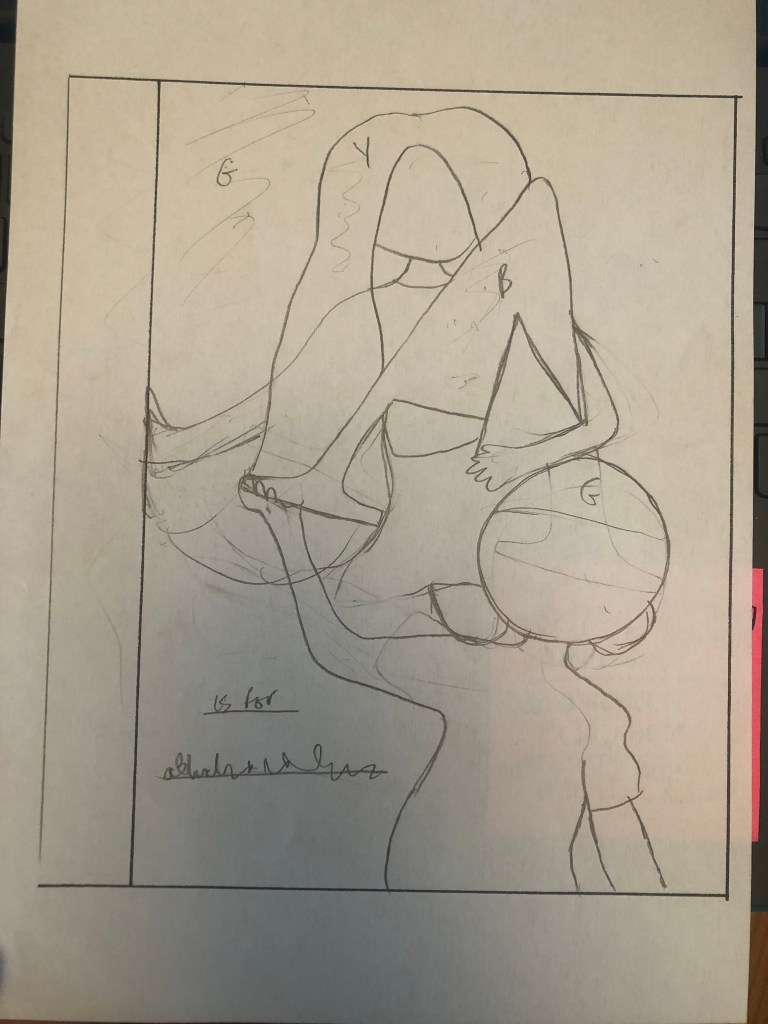
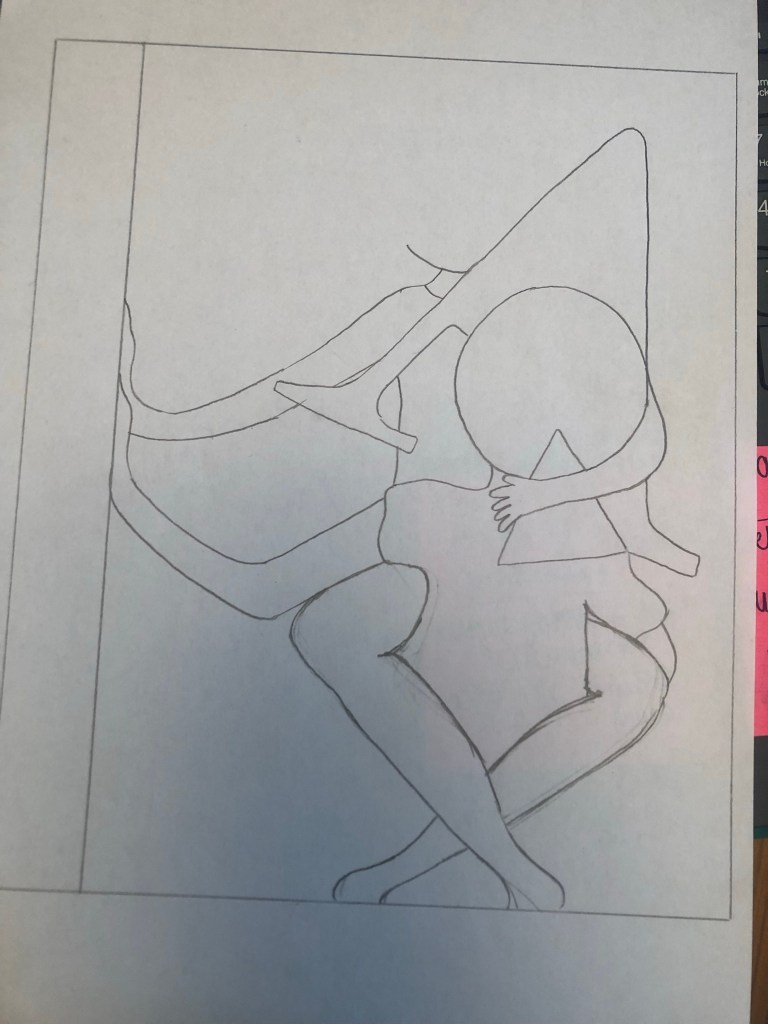
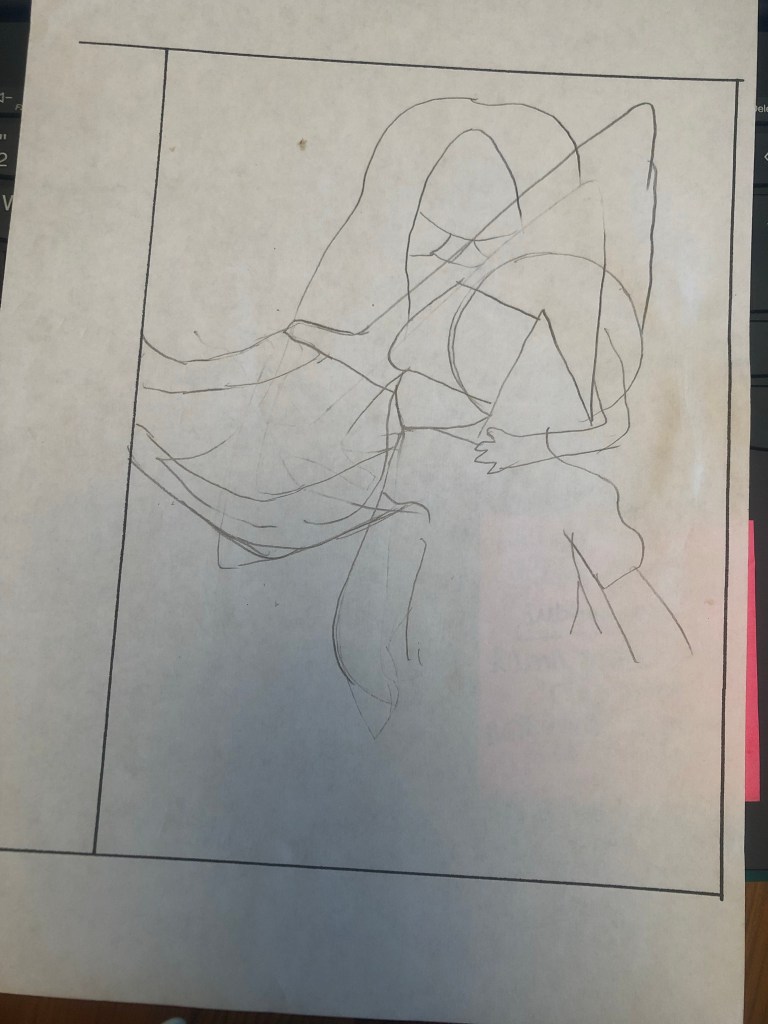
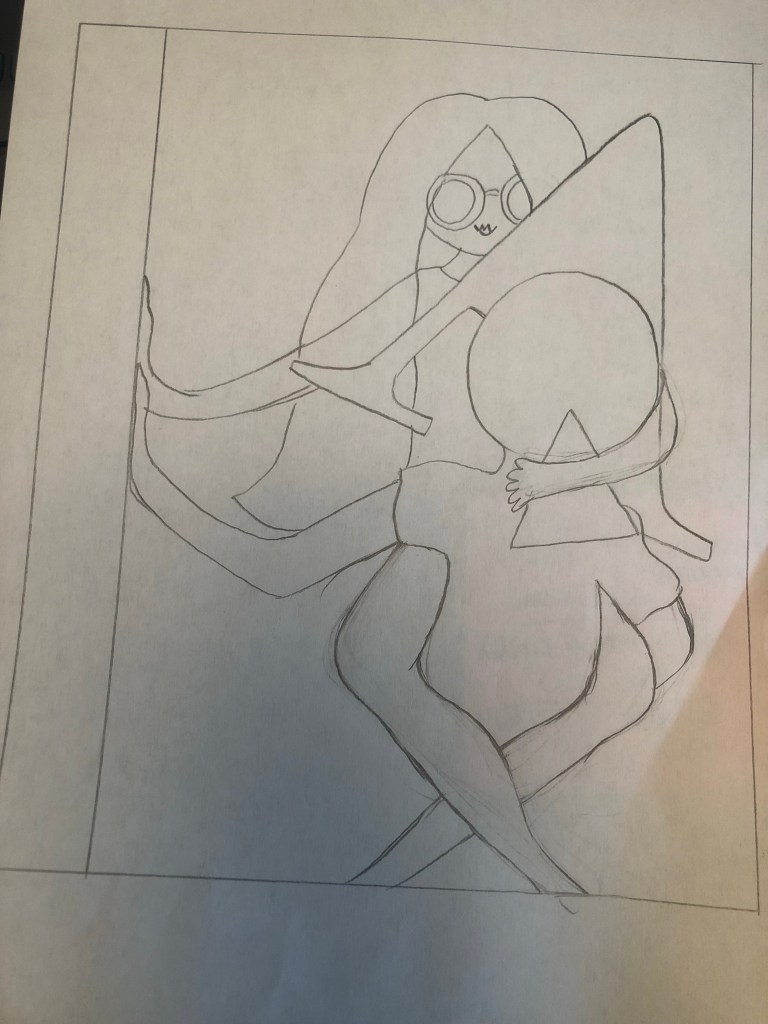
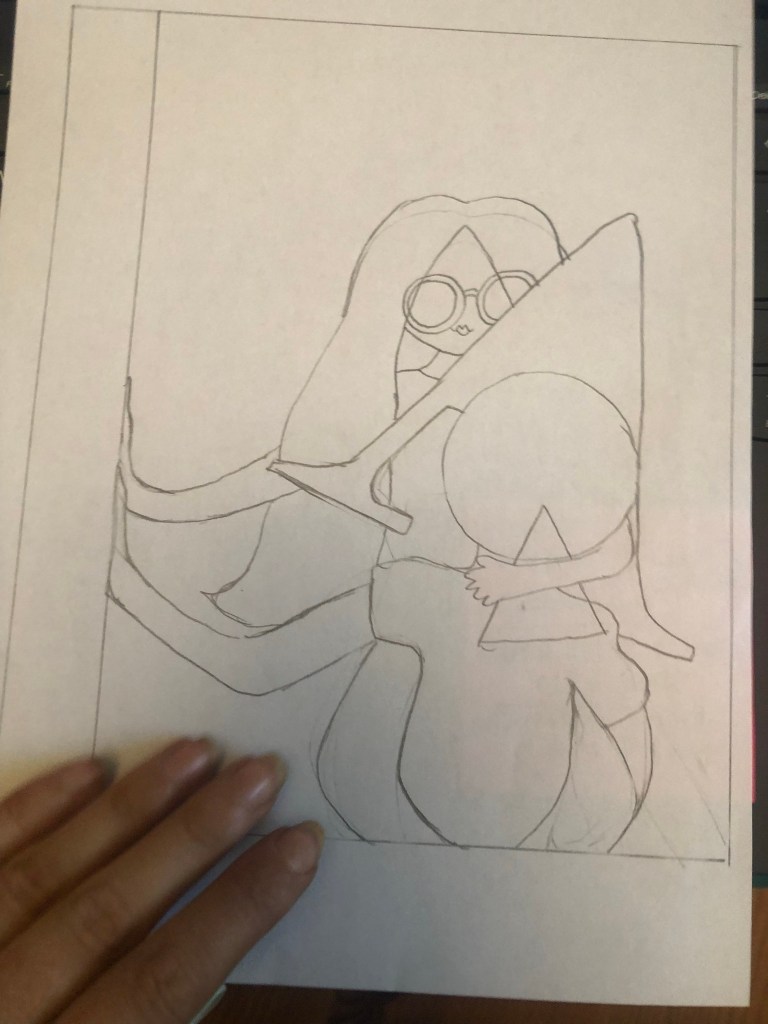
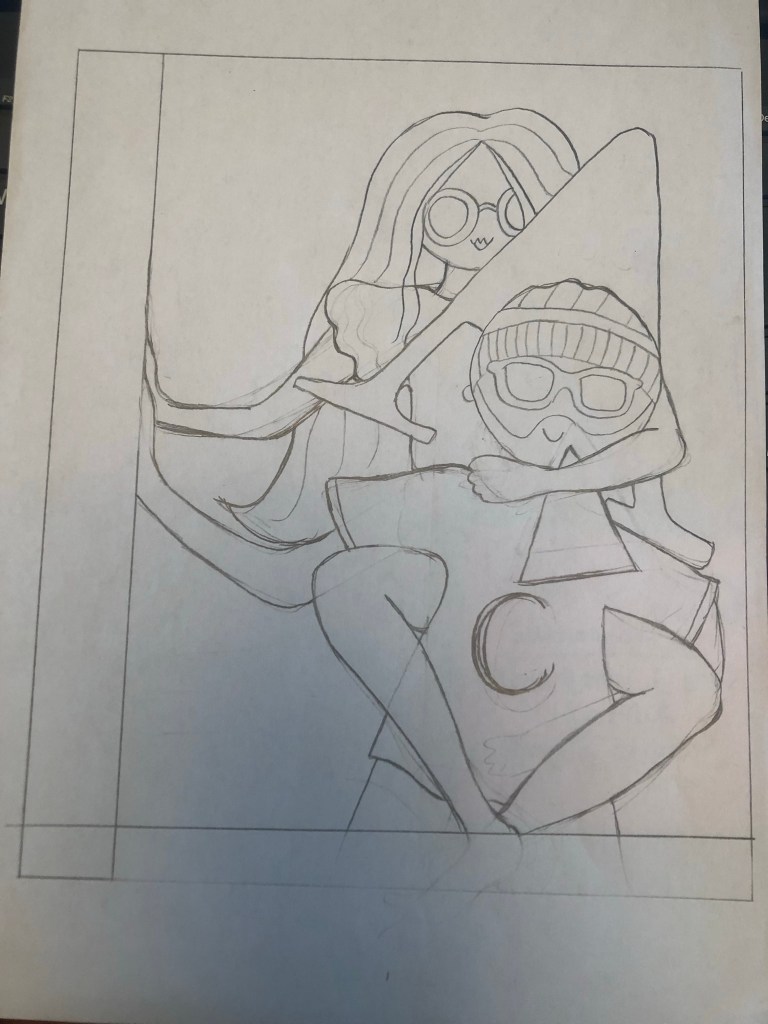
I then had the decision of whether I took my drawing forward digitally to turn into vector art or whether I carried on in the same style as the pages and created it by hand and then tweaked it digitally. I started off creating it digitally to see what it would look like but then I opted to keep it all in the same style. I drew it out again neatly, coloured it in and then scanned it in to tweak digitally.


I messed around with the coloured backgrounds to see what would look best on the front cover:
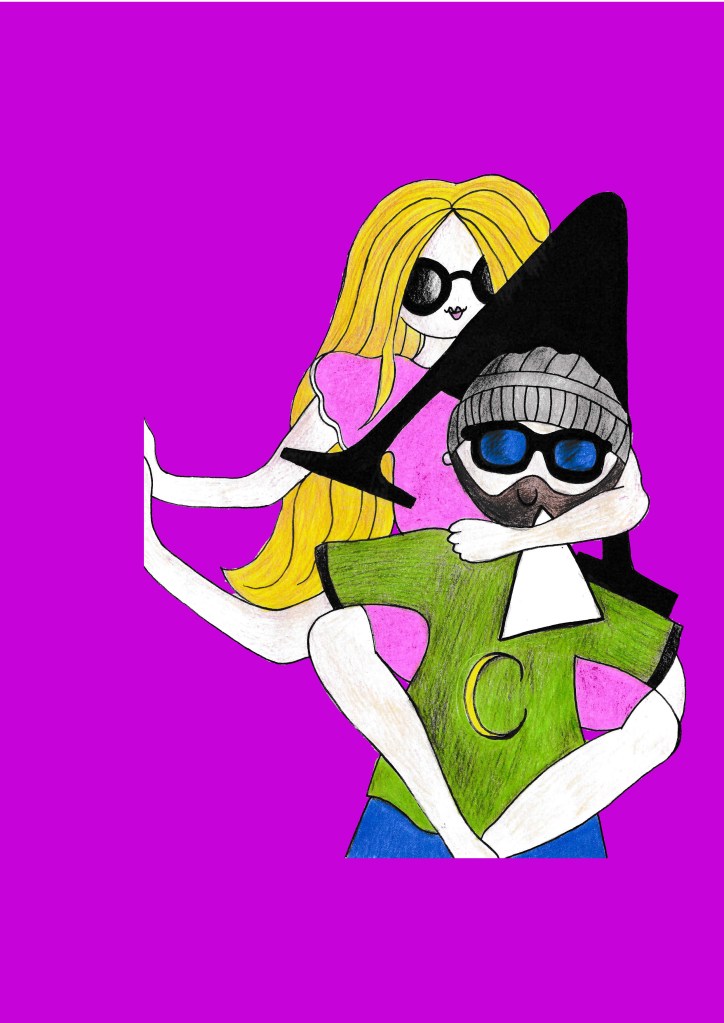
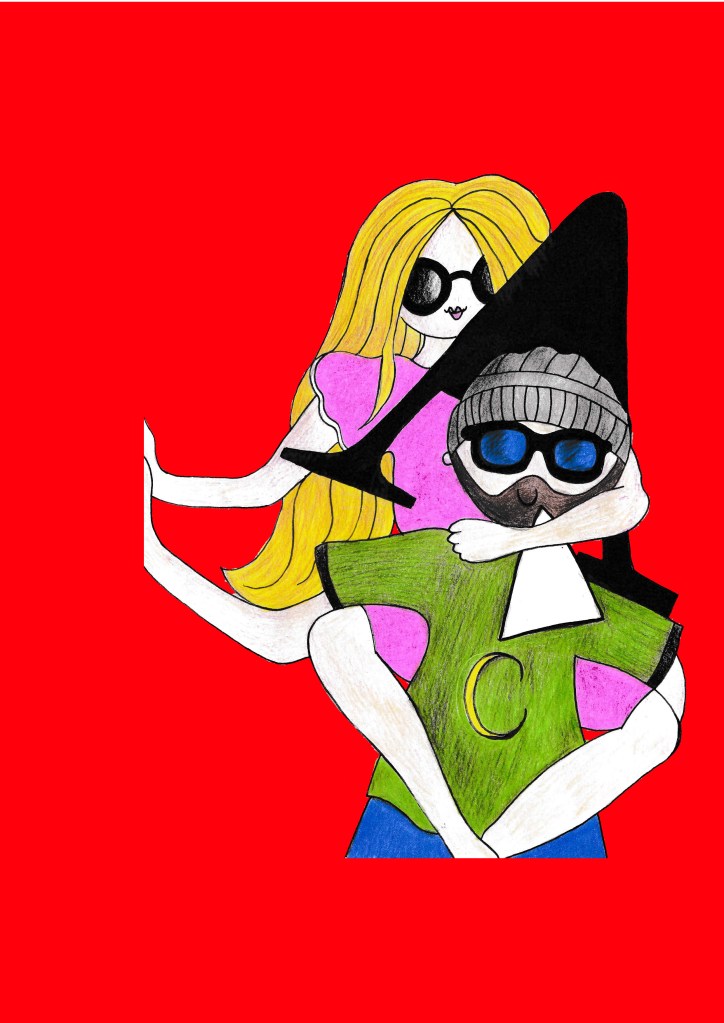

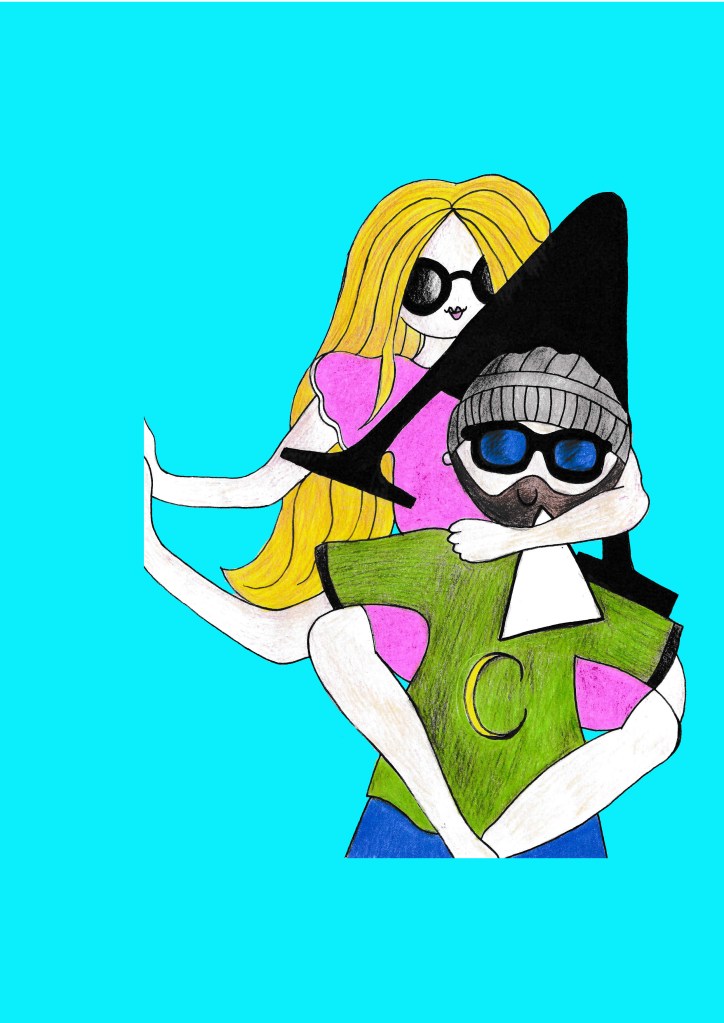
I decided to use Turquoise as the background for this one. It contrasts nicely against the Pink and yellow and does not get lost in the green that are already present on the design. It is a bright, happy colour too.
I then started work on the layout of the book. I decided to use Gill Sans Infant typeface again for the “A is for…” this needs to be simple and easy to read still. I used Flood for the title – it is fun, modern and looks like a child’s marker pen – most importantly though it is still legible.
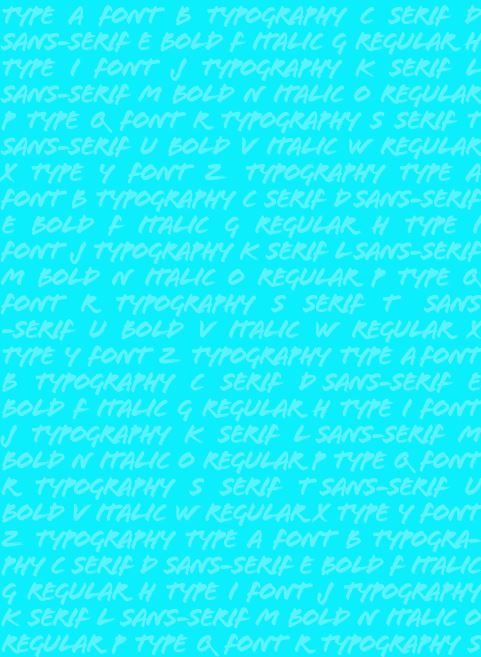
I did think that the background was a bit too plain though, I decided to create a background using key words in Typography and lower the opacity right down so that it sits with the image on the cover to just add a bit more level of interest.
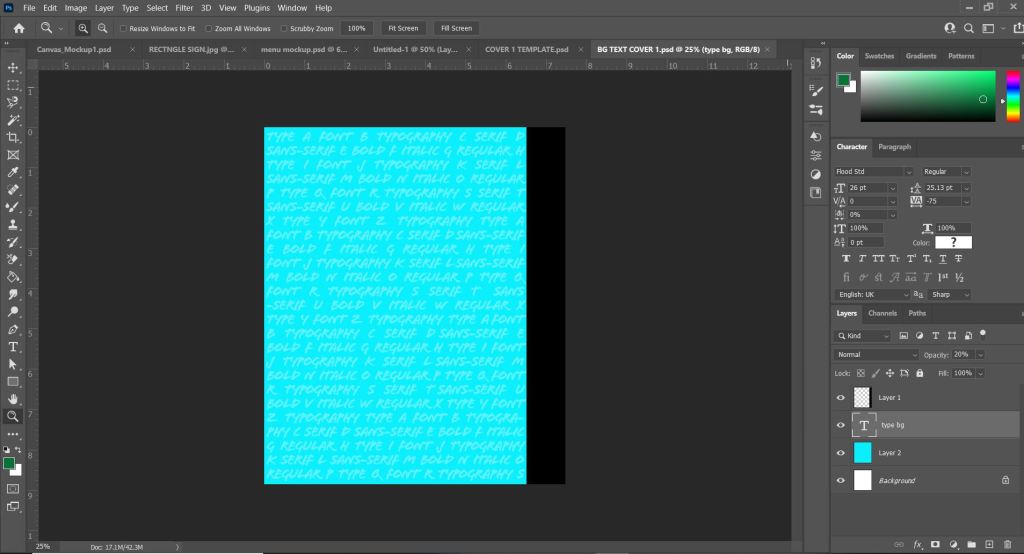
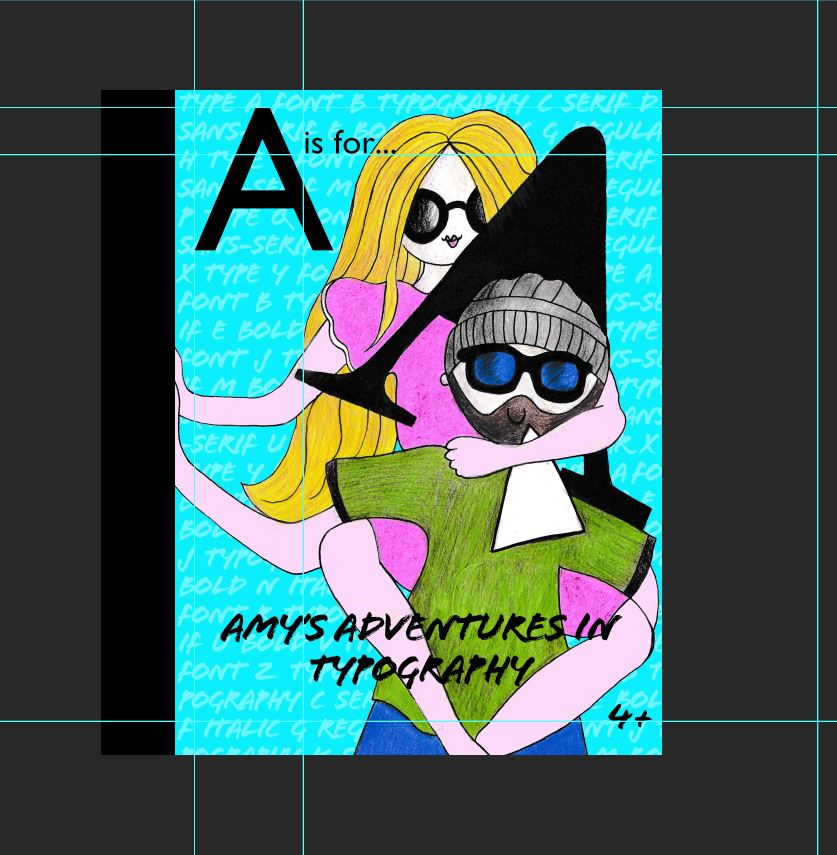
I was fairly happy with what I now had! I added the Black wrap around spine because I just felt it breaks the design up a bit and adds contrast against the blue but also matches the typography on the page. I did wonder if I should put the publishers logo on the front of the book, but having looked at the Drop Caps series: they didn’t. I decided to place it on the spine and on the back cover. I decided to put an age on the front of the books – the text is possibly too much for a 4 year old to read alone – but supported by an adult it could be a book that would be read together.
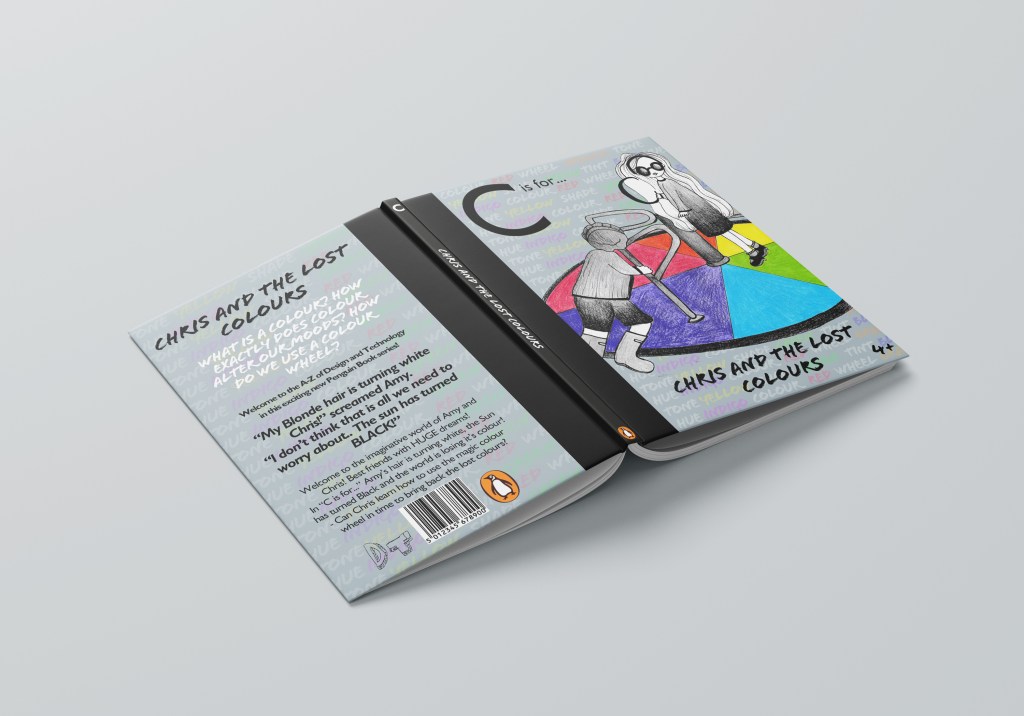
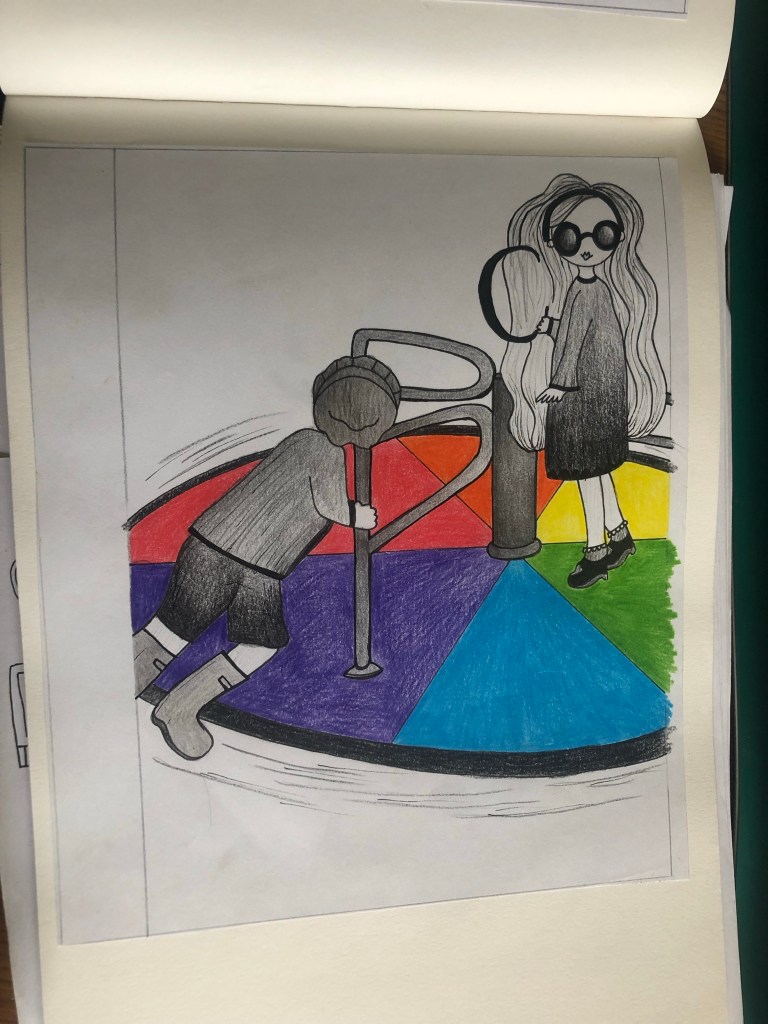
For my second cover I had the idea of a colour wheel – this is possibly the first thing that is taught in primary school in colour theory. I only needed to design the cover for this one but to be able to know what I was designing for it I still needed to come up with some kind of narrative for it.
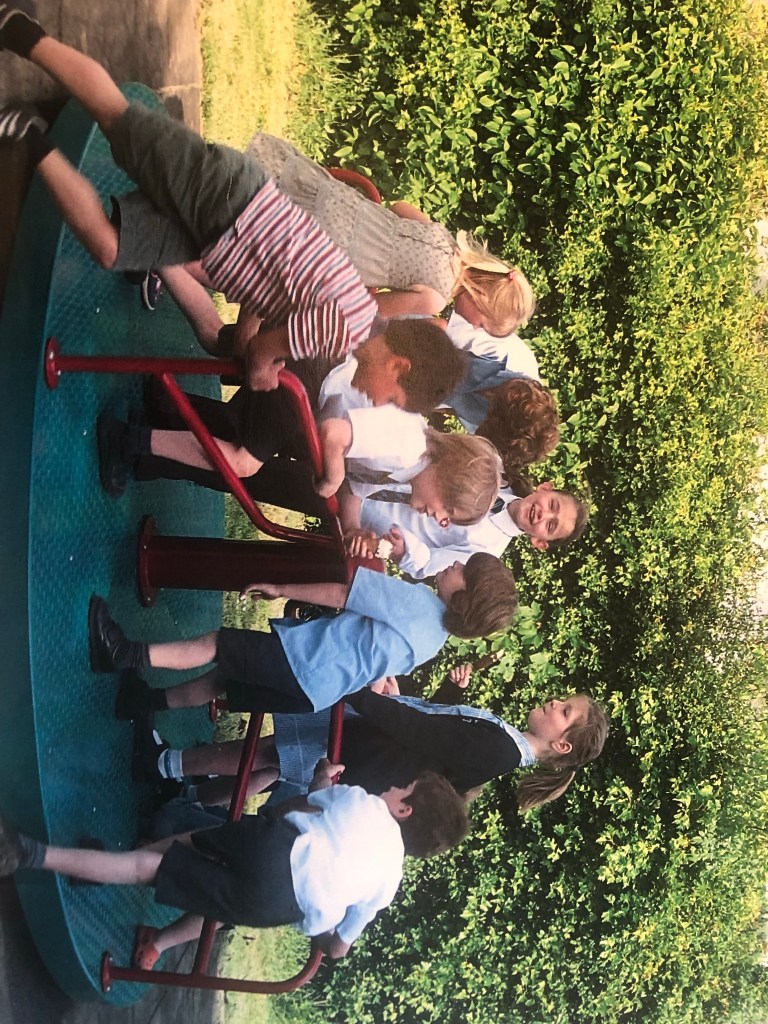
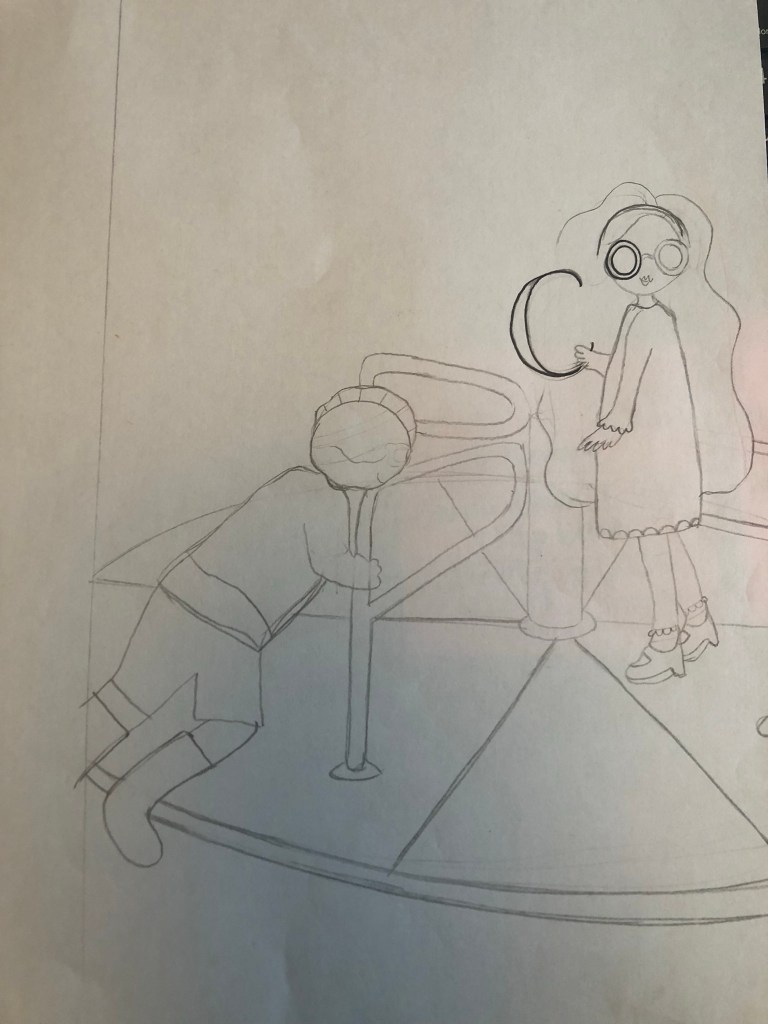
I had the idea of them turning on a colour wheel and messing around with the colours… but what looks like a colour wheel that children play on?… A playground roundabout! I could then create sections for the colours on it. The only issue is that I needed a photo of children on a roundabout so that I could draw from it!
I searched Pexels again and found a perfect image that I could draw from!
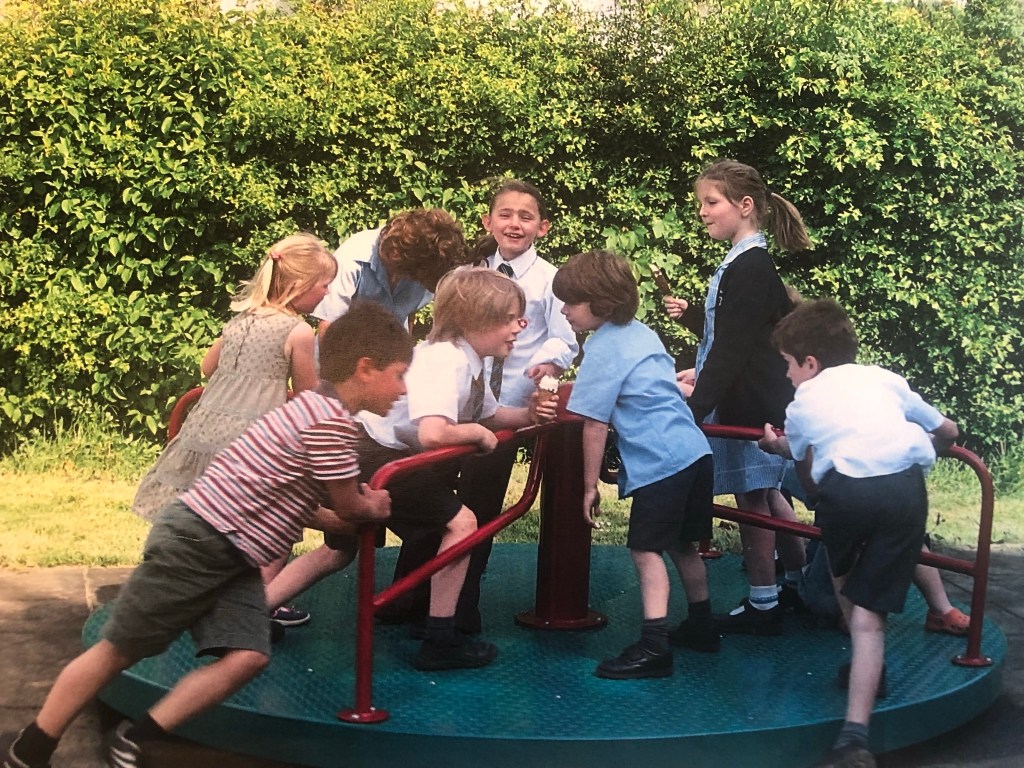
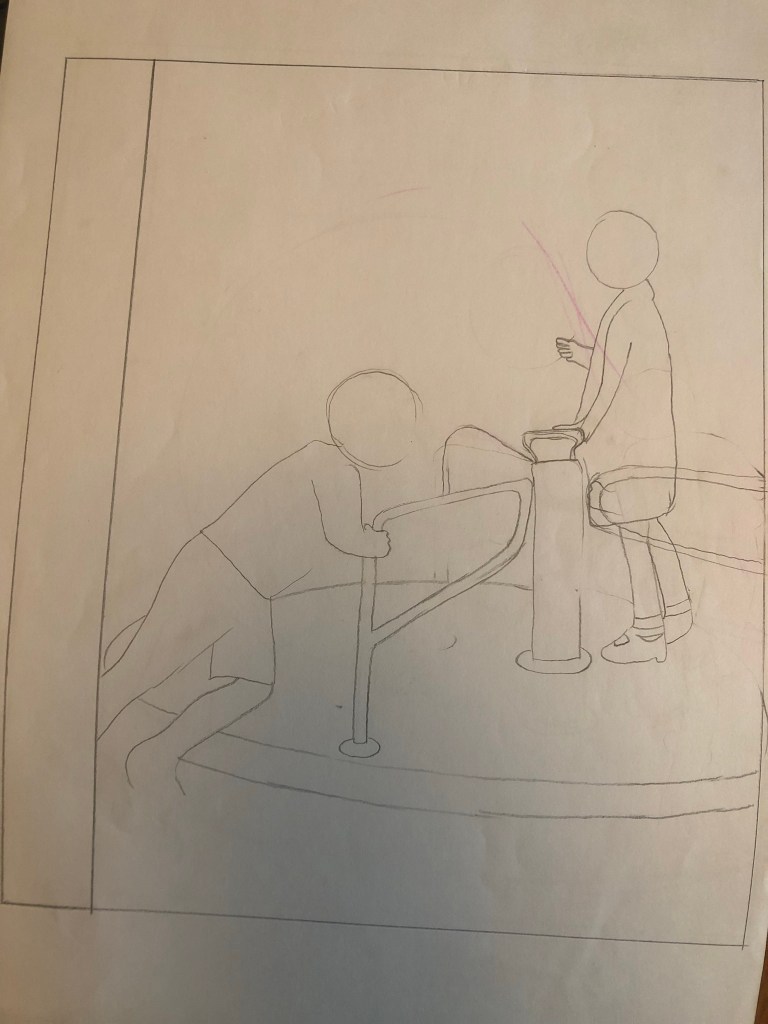
I would use the boy pushing the roundabout as a base to draw Chris and use the tall girl in the middle as a base for drawing Amy.
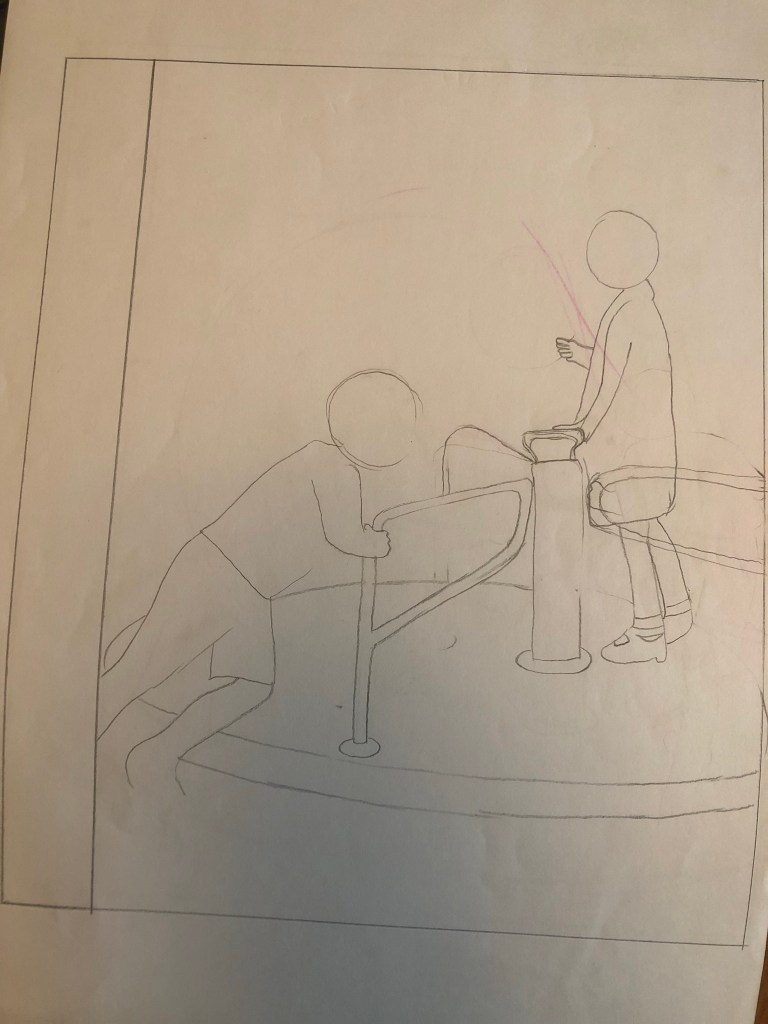
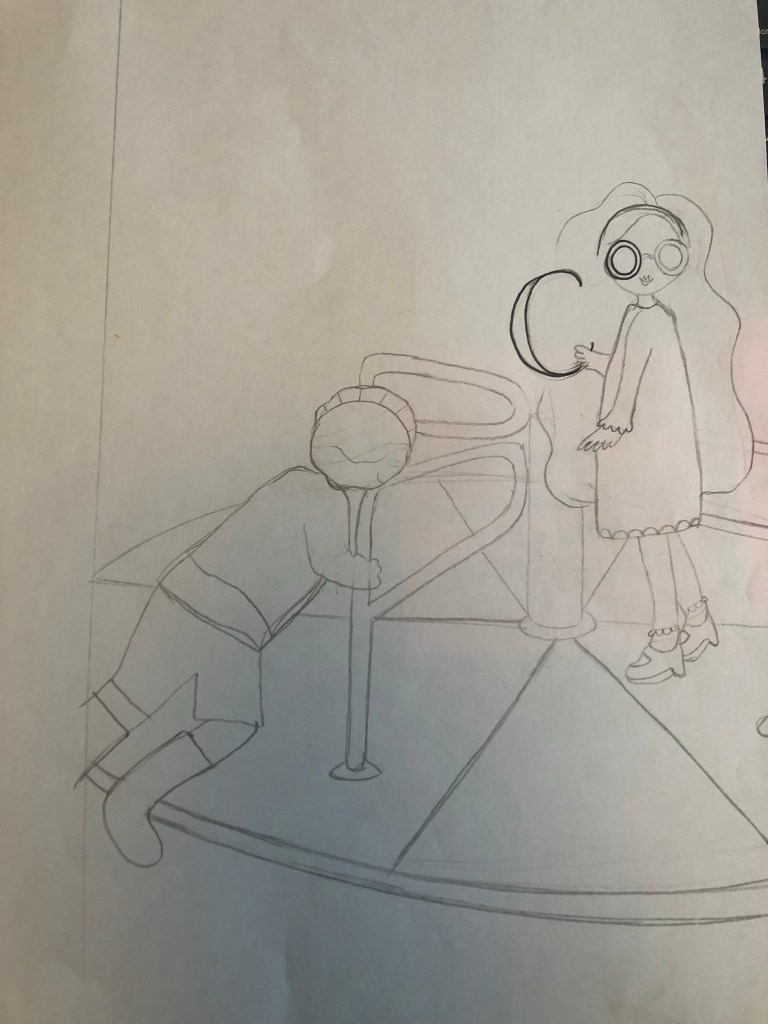
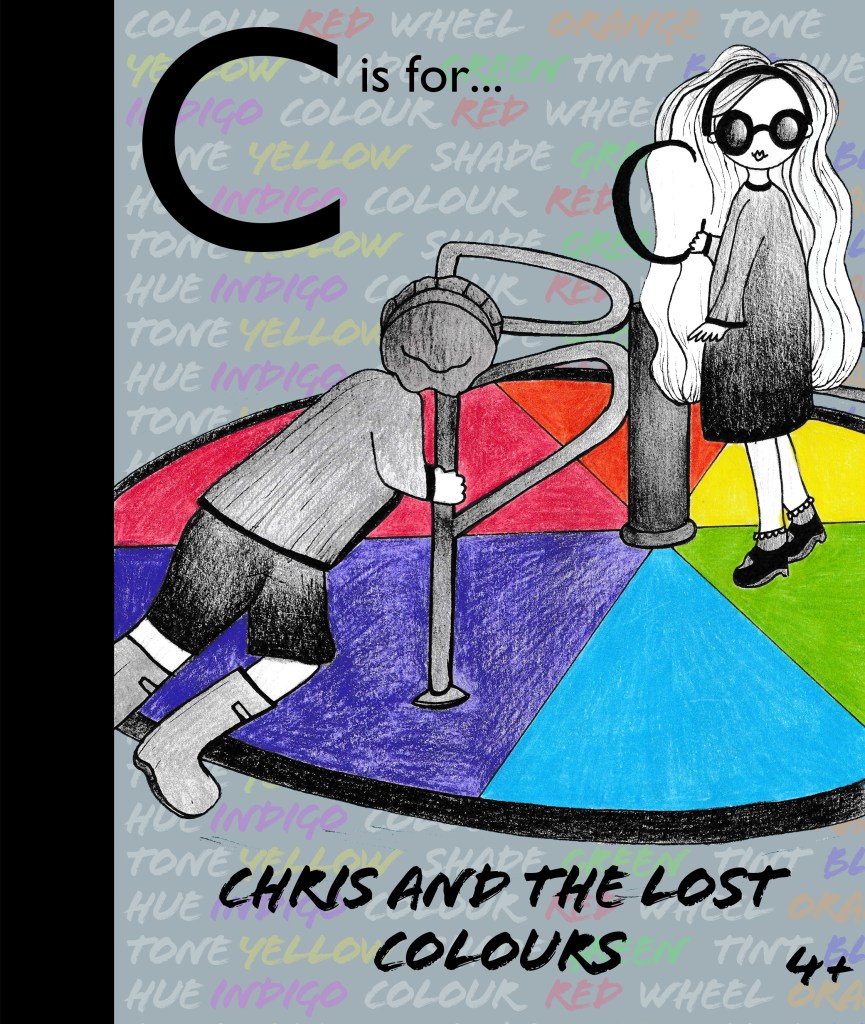
The title of this book would be “C is for Chris and the lost colours” I had the idea to make the characters black and white as though they are living in a world where the colours have disappeared. I had the idea of Amy’s hair turning white as the start of all the colours disappearing. This is why her hair is white on the cover! Chris would have to learn how the colour wheel works and spin the colour wheel like a mad man to bring the colours back!!
Once again I drew it out neatly and then scanned it in to adjust in Photoshop.
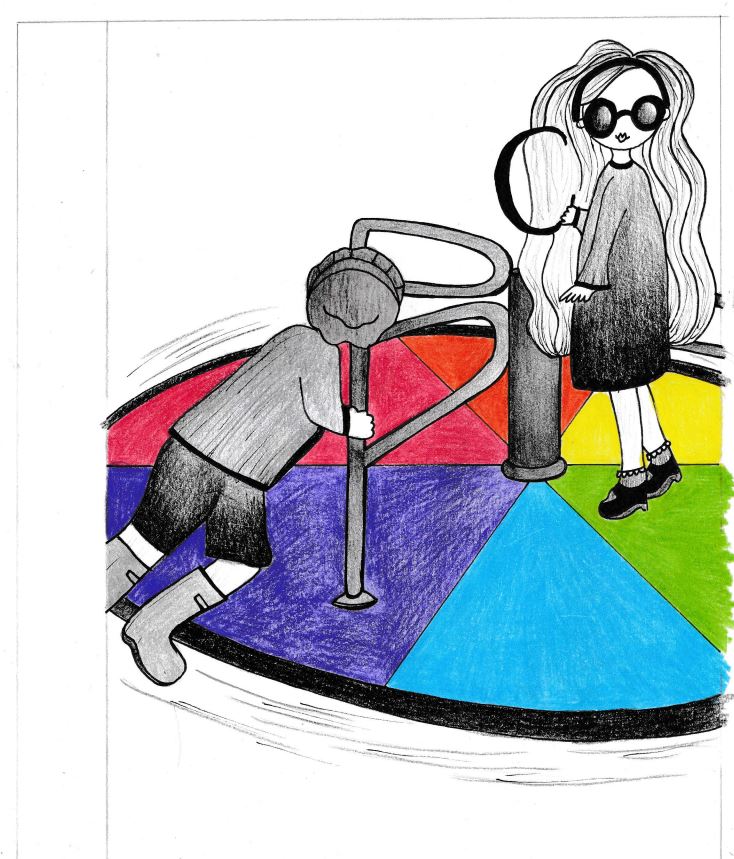
Again, I did a similar background using key words in colour:

I then used the same typefaces and layout as the first book and created my final cover! I used Grey as my background because it ties in with the lost colours and also because it allows the key words in the background to stand out – it brings more emphasis to “colour”.
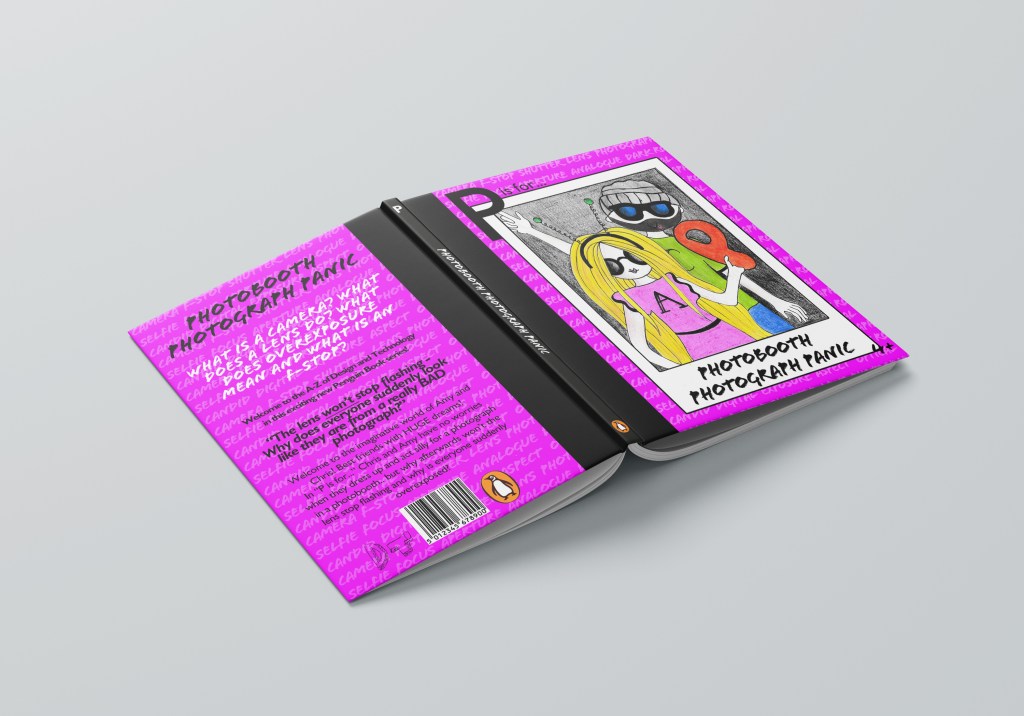
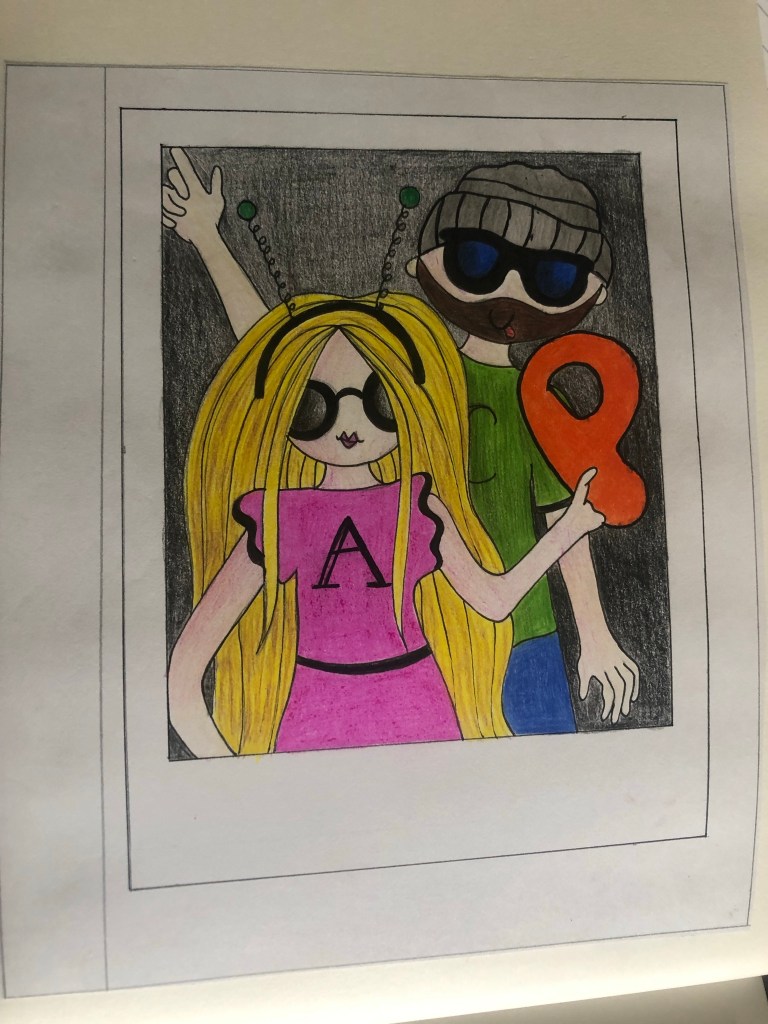
Cover 3 is called “P is for Photobooth Photograph Panic” The idea behind this was inspired a bit by Stephen Kings Christine! – instead of the car turning evil, the photobooth goes crazy taking everyone’s photographs which then turns them into overexposed frozen photographs! Once again Chris and Amy must learn the theory behind a camera to try and work things out! The photobooth was just a fun idea and a lot of children would be familiar with it… using props etc and dressing up for silly photos!
My idea was the cover to be a polaroid photo and the 2 characters in the photograph being silly for the camera:
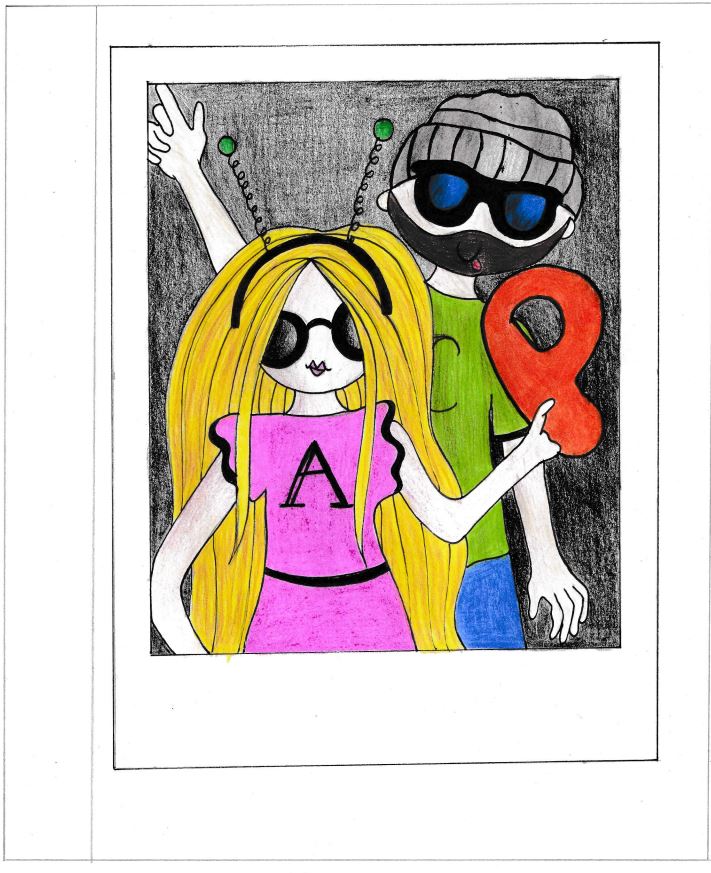
Once again I then scanned it into Photoshop to adjust:
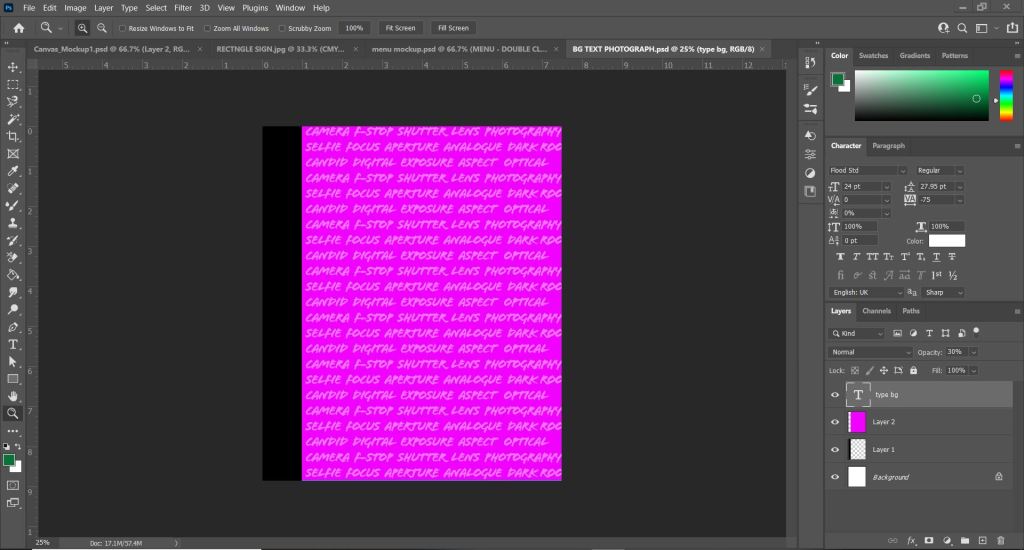
I also did the key words background again to match the other 2 titles.
I used the same typefaces and layout again as the other 2 books in the series.

I followed the same layout for all 3 covers. They all had the wrap round spine, the ley word backgrounds, the same typefaces and each back cover has a barcode and the Penguin publishers logo and also a DT logo I made to show that it is a series of educational Design Technology books. The typeface I used for that is Mati. I used this typeface because it looks very childish but creative. It looks like it has been designed and made.
I used pull quotes from the book pages to give the reader an idea of the kind of dialogue that is inside the book. I made this slightly bigger and bold to stand out.
I centre aligned everything which is something I would never normally do and the text is very big just so it is legible and “fun looking” for young readers… again, this is something I would never usually choose to do.
The spine I kept very simple. I used the letters in the book series at the top of the spine, the tile in the same typeface “Flood” along the middle and the Penguin logo at the bottom. I kept the spine Black to match the wrap around spine.
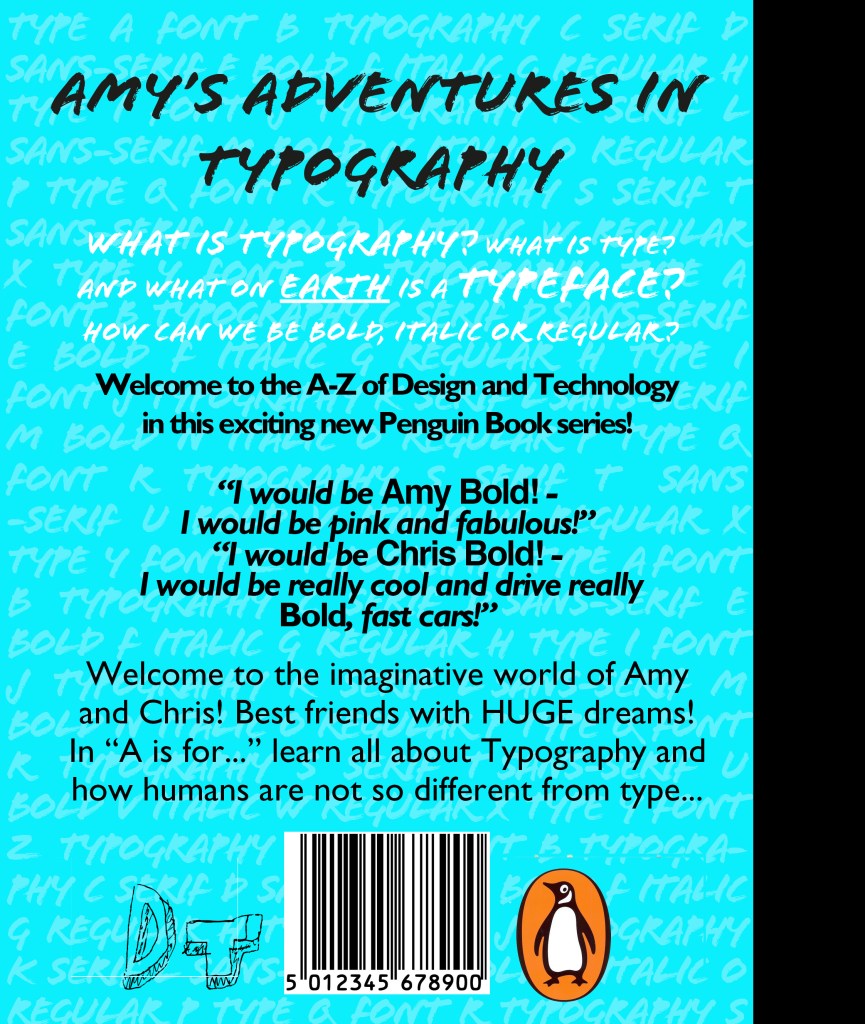
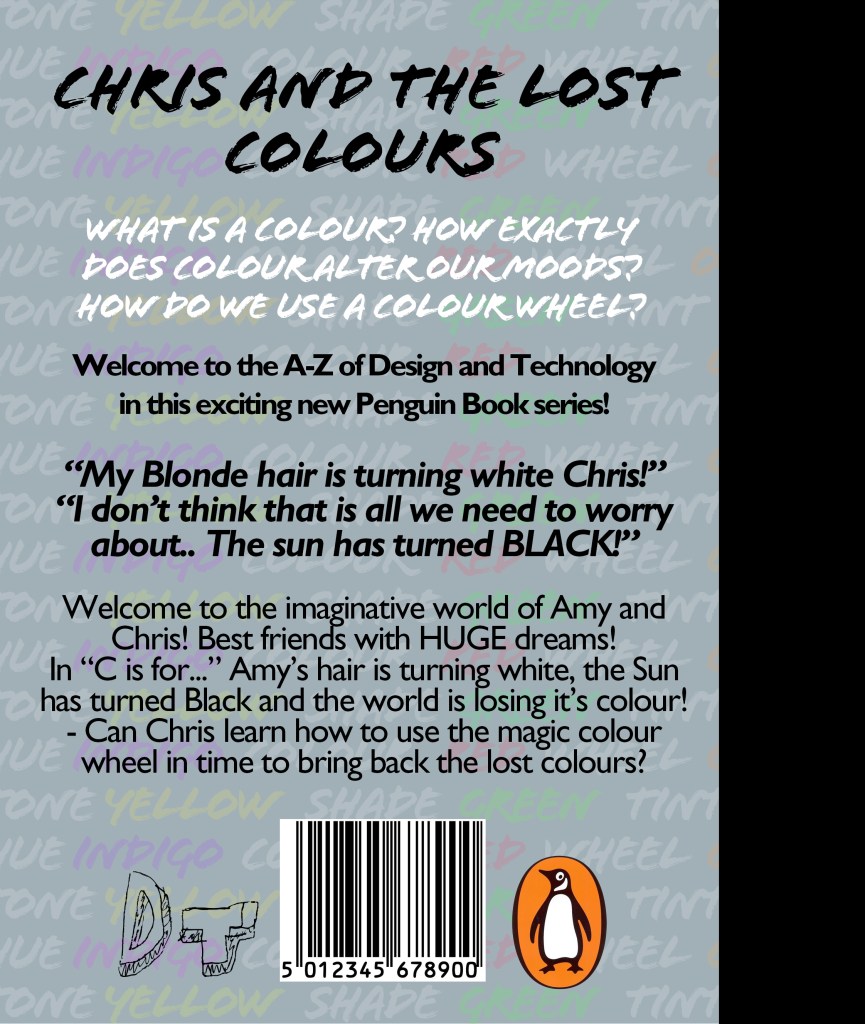




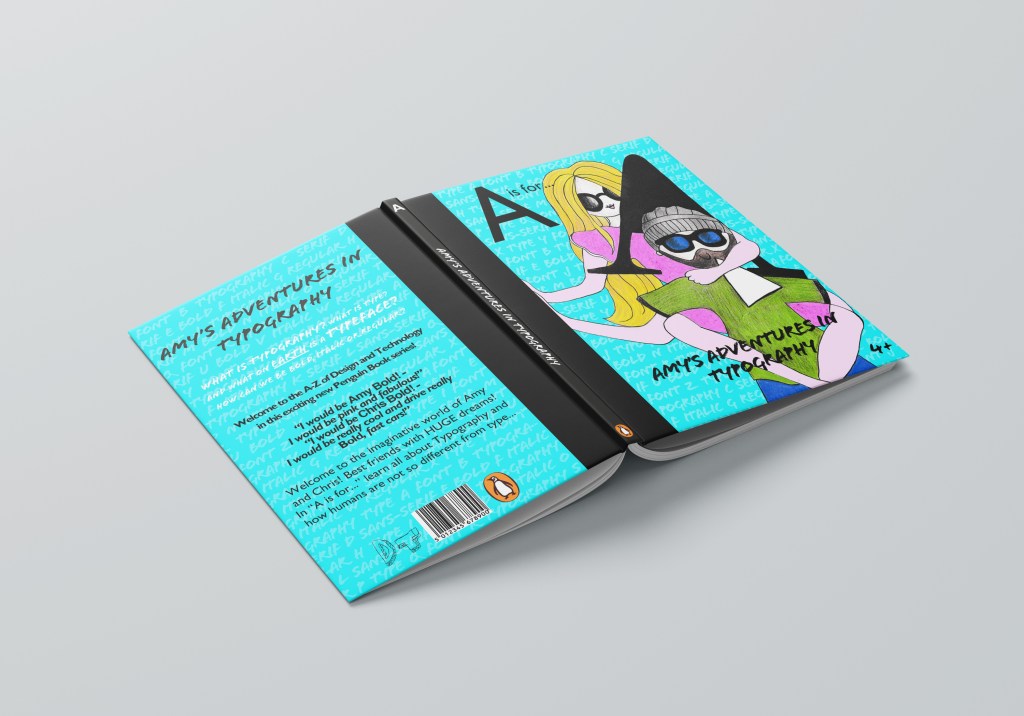

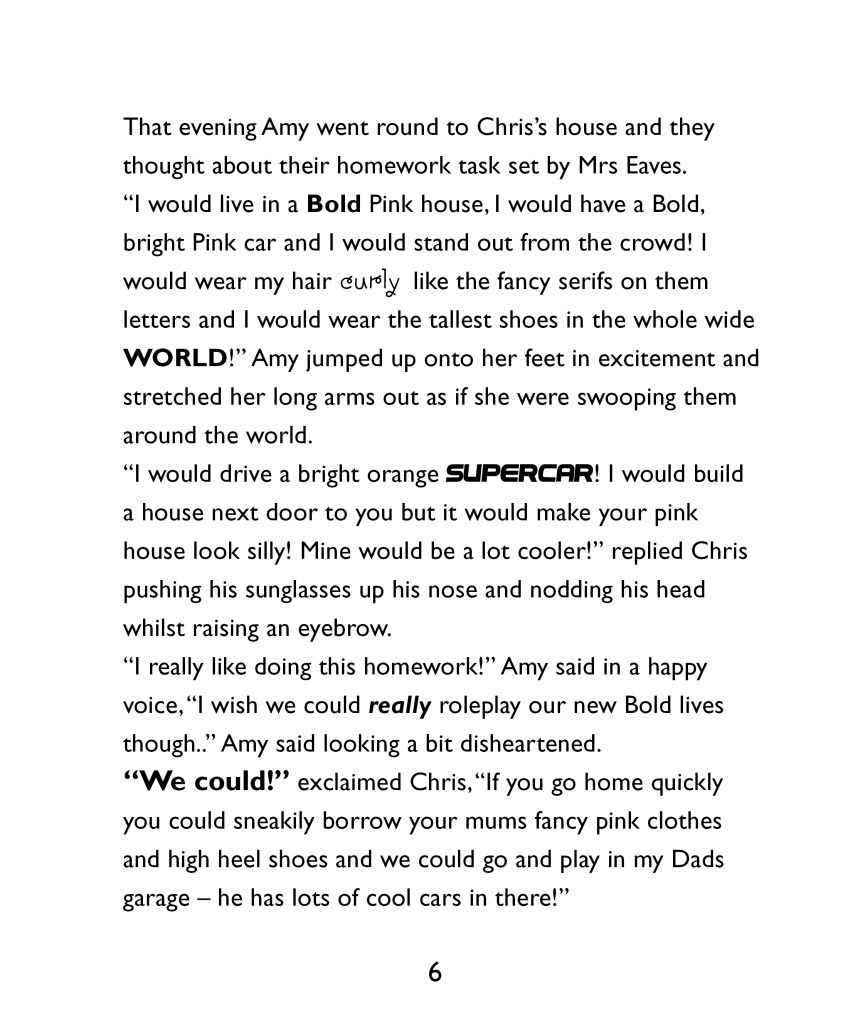
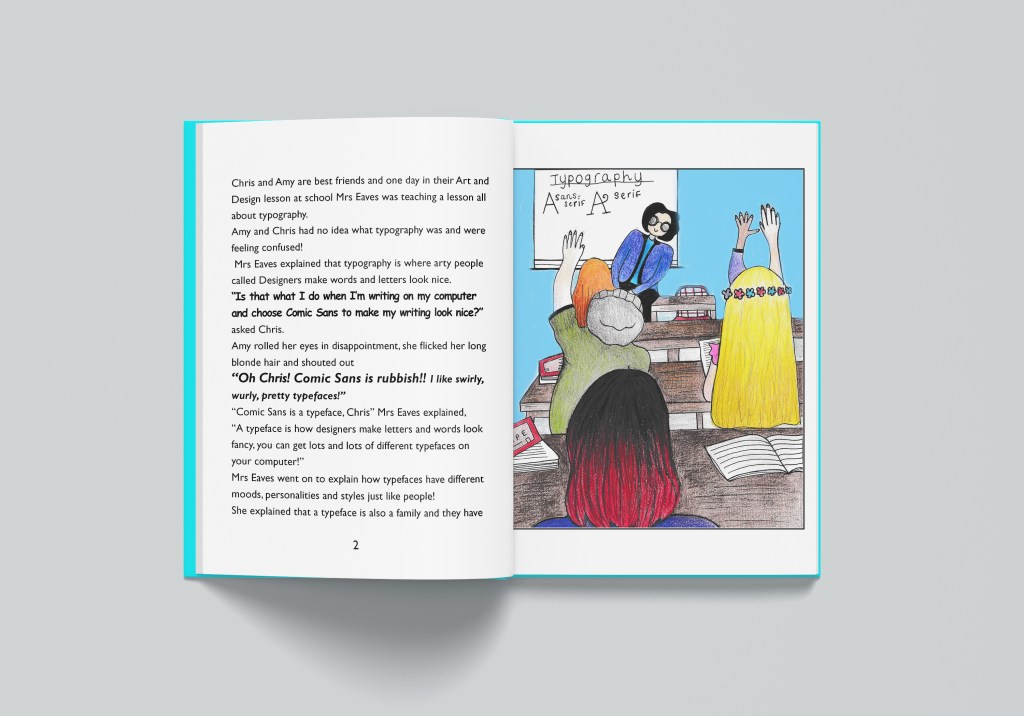
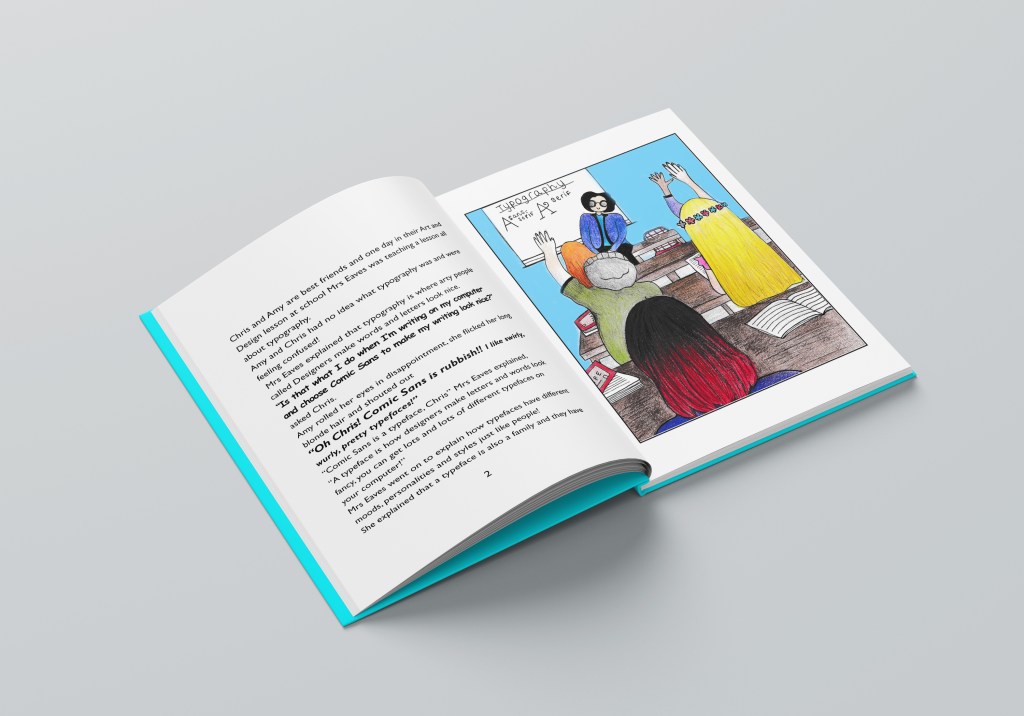
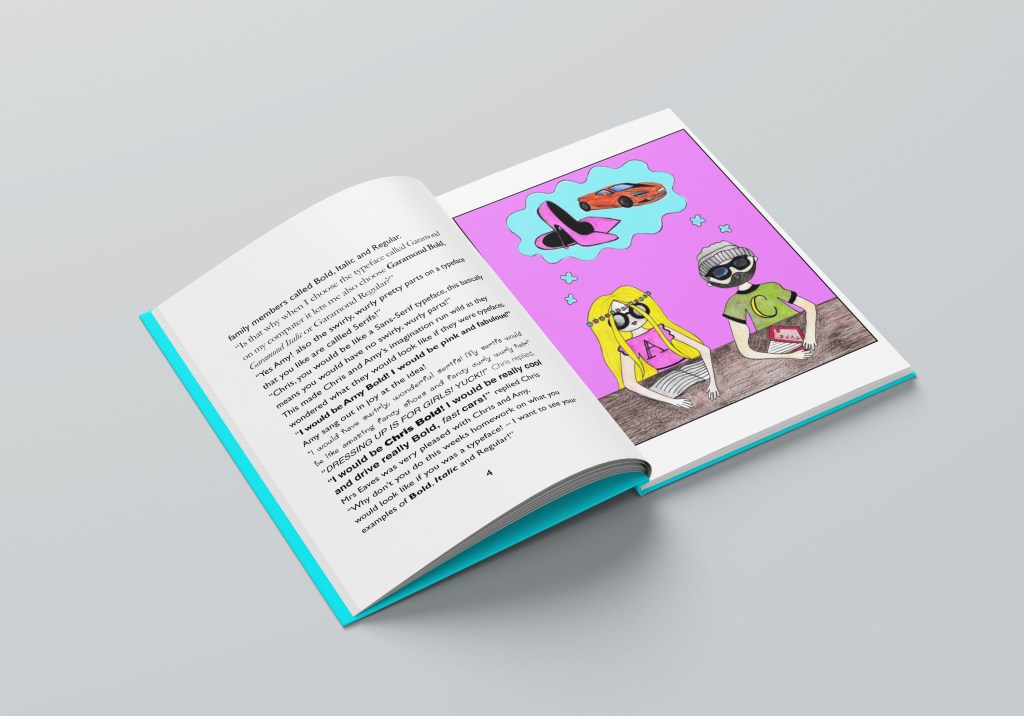
I am pleased with how this has turned out, also when I uploaded it onto my social media it had a good response!
This was definitely different to what I am used to designing, I struggled with using big type, lack of negative space and using a lot of gimmicky typefaces that I would usually avoid! I pushed myself out of my comfort zone and I am pleased with what I have ended up with. Each book works as a stand alone title and all 3 work together to create a series. The house design I created for these titles was the key words backgrounds on each one and the DT logo that features on the back.. this is the style of the DT books A-Z that would be designed. The illustrations I feel work although I struggled with not making the characters realistic – my style of drawing is more fine art than illustration and I had to take a more laid back, easy going approach to creating loose childish illustrations. I feel that they work for the target audience of these books though, they are also drawings that children could take inspiration from themselves and draw their own versions.
“On the back, the leading is a little tight at times, which affects legibility.
Juggling the length of text within the page /book grid is tricky and can be
addressed through text edits, or type size.
Do you feel the DT series logo is prominent enough?
Might there be photocopiable pages to colour in for the typographic book?”
Reading through Bee’s comments I did agree with the leading on the back of the covers, this is something that I found tricky when completing this assignment and something I will have to work on moving forward. I was conscious that I didn’t want any hyphenation occurring in my text or any widows so I really tried to adjust the leading to allow for this.
I have reworked the covers slightly also adjusting the logo that I originally used. I did not spend too long on the logo because I was running out of time at the end of my course and also because the cover designs were what I felt was more important. The logo I originally used was the letters DT for Design Technology and they were using Mati typeface. It was simplistic and looked childlike. It is something that a child might produce if they were in a design technology lesson. I have kept this original logo but changed it slightly to include the Penguin logo as this is a series of books by Penguin Books. I have made the penguin hold the letter T and in Din typeface I have included “Penguin Design Technology” They now sit inside a blue box; I have used the colour Blue because it is the colour most associated with learning as it is relaxing and calm.


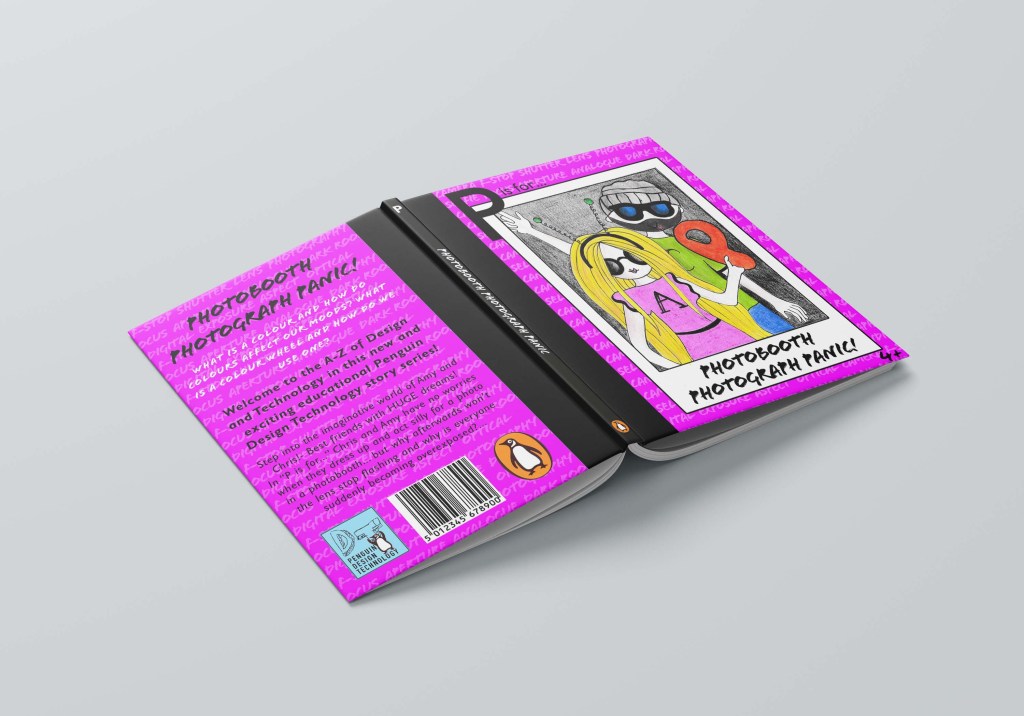
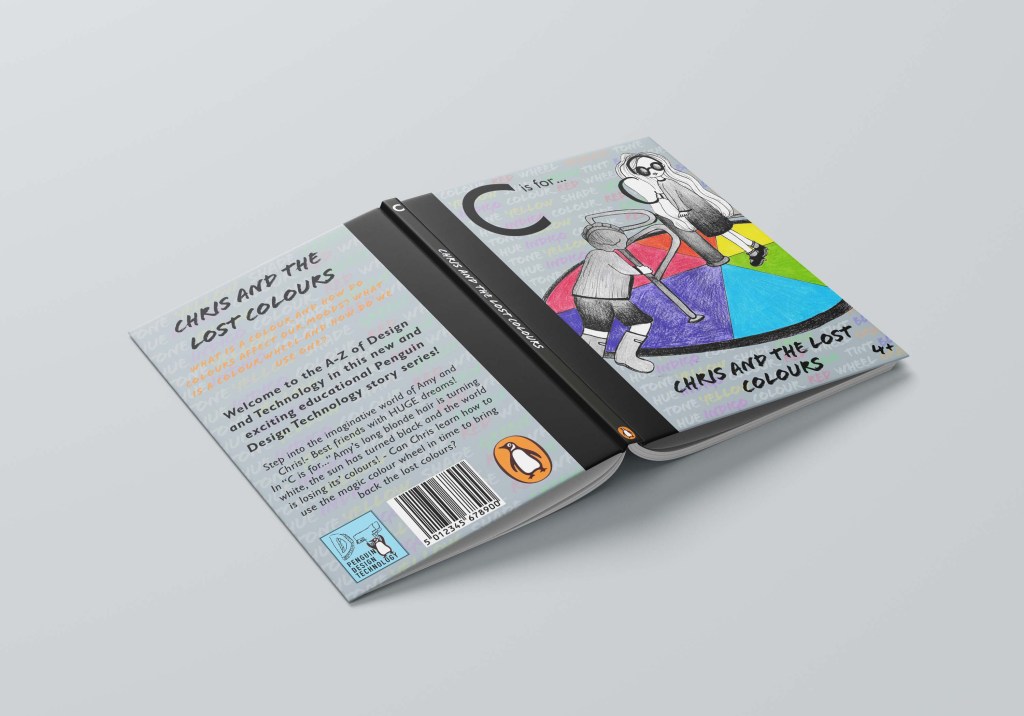
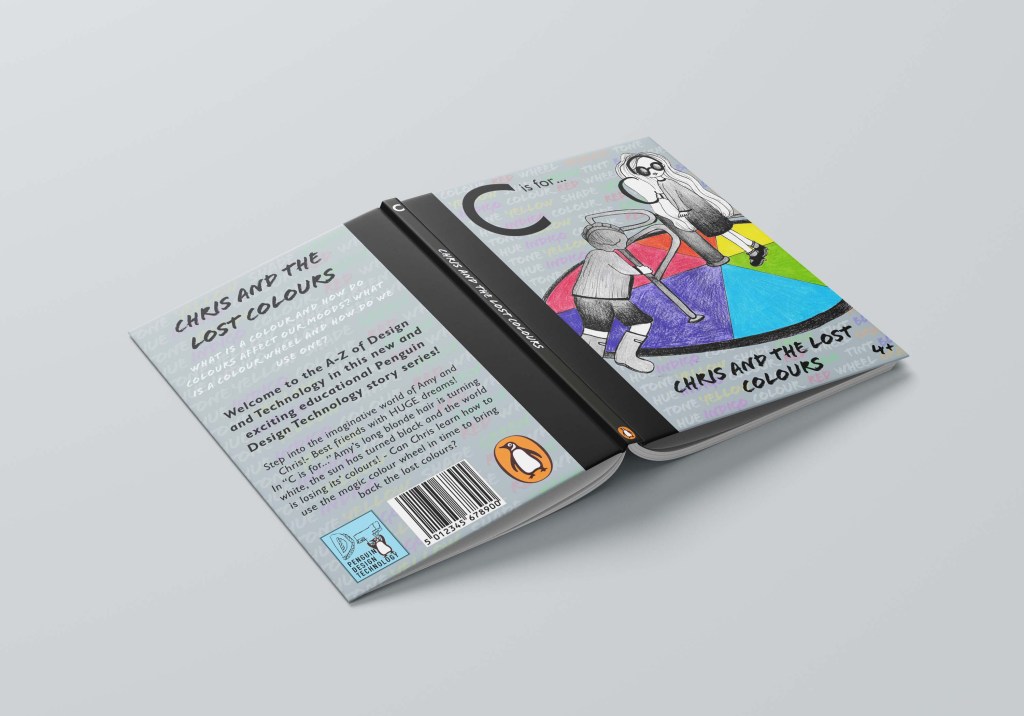
On “C is for…” I could not decide which colour to have for the text at the top; White or Orange. I created a mock up of both to see. I still think i would go with the bottom White as it mirrors the theme on the spine and it also reflects the theme of the story being in black and white. I still also think that the white is more legible on the grey background than what the Orange is.
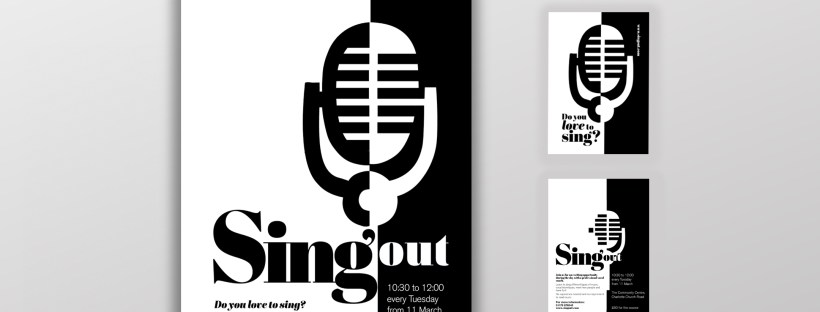

I had a read through this brief and it seemed fairly straight forward and not intimidating or overwhelming, however! by the time I had finished this brief I was so fed up of it! I did not realise that having a black and white restriction in place would actually prove quite challenging! There is also a lot of text to fit into a small space which was also a challenging aspect to this brief.
I decided I would start off and design the A3 poster first and then when I have a design and layout for that I would take that forward into the A6 flyer.
I started off as I usually do by researching what is already out there in the wide world. I searched Pinterest for singing posters and noticed that practically every single one was the same style and format.
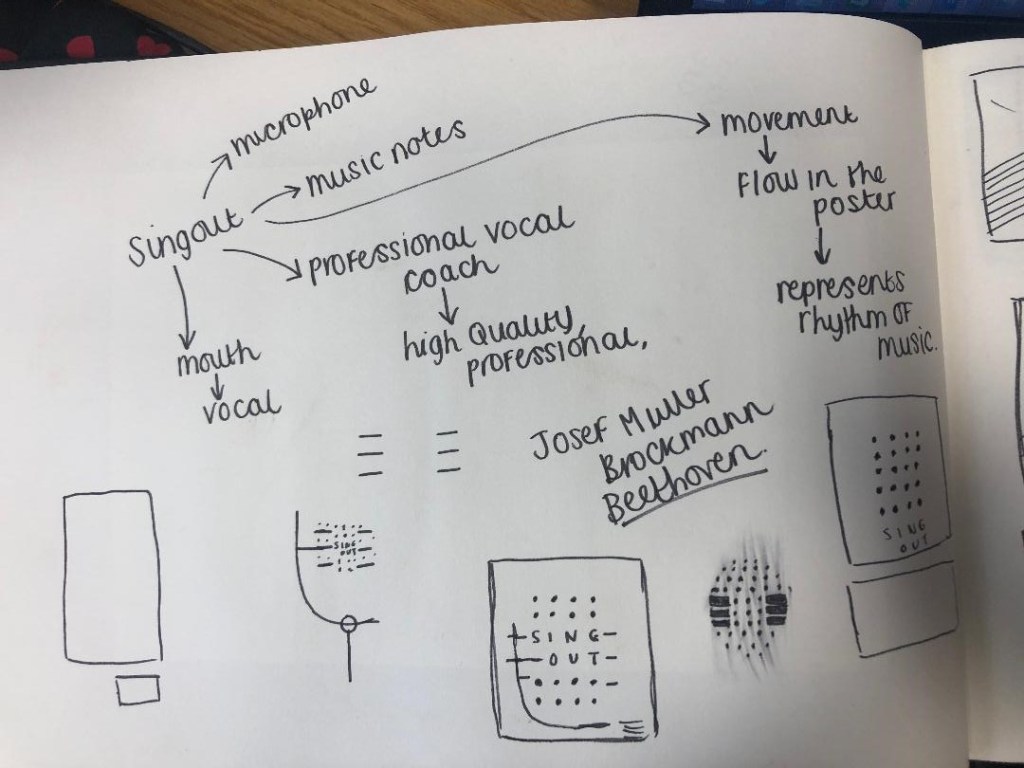
All the posters I found featured images of microphones, people singing, musical notes… I wanted to do something slightly different though. With such a small space and the limited colour palette, whatever design I decided to go with needed to be simple and clever. I instantly had the idea to try and do something similar to a poster that I know by Josef Muller Brockmann. It was a poster for Beethoven and it cleverly uses negative space and simple shapes.

There were some images that I found that gave me ideas or inspiration the most. They are these:

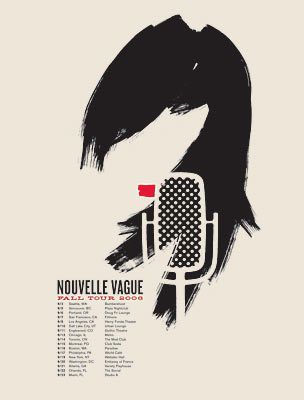


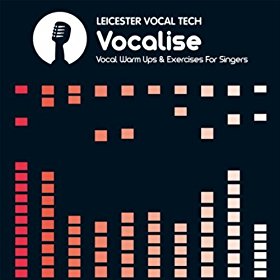
I started to sketch up ideas very similar to this poster in my sketchbook. I used a microphone as the main image and tried to simplify it down to its basic form to create a similar effect to what is seen in Josef Muller Brockmann’s posters. I was trying to find clever ways of making negative space the main design instead of using actual images, illustrations or photographs.
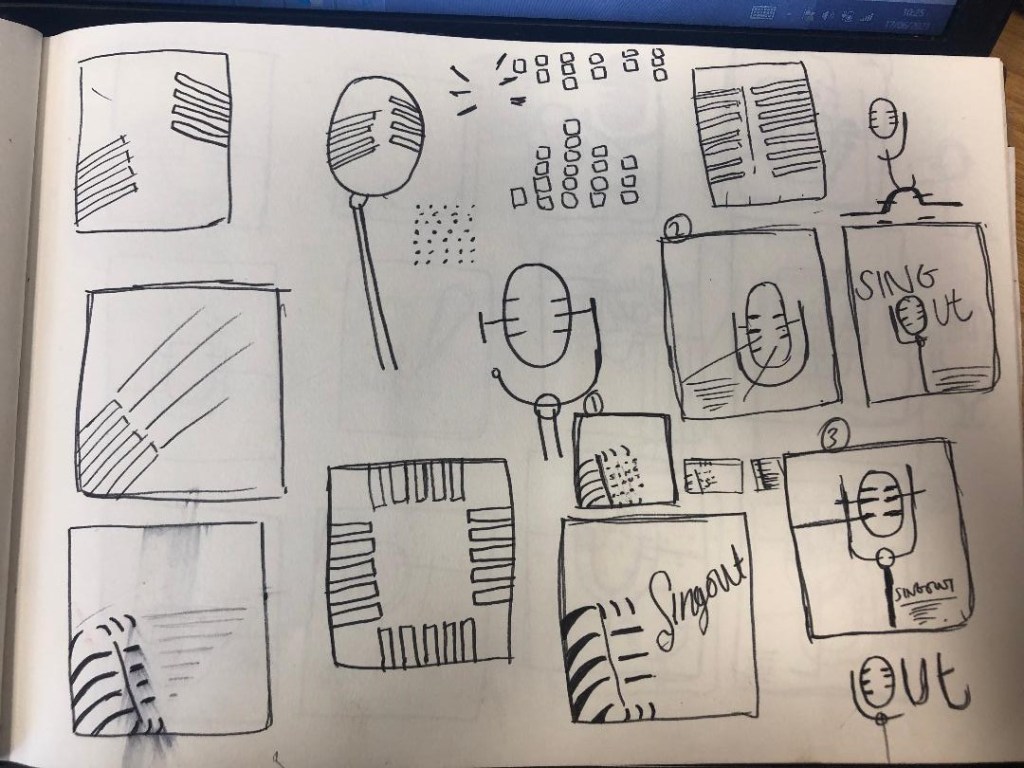
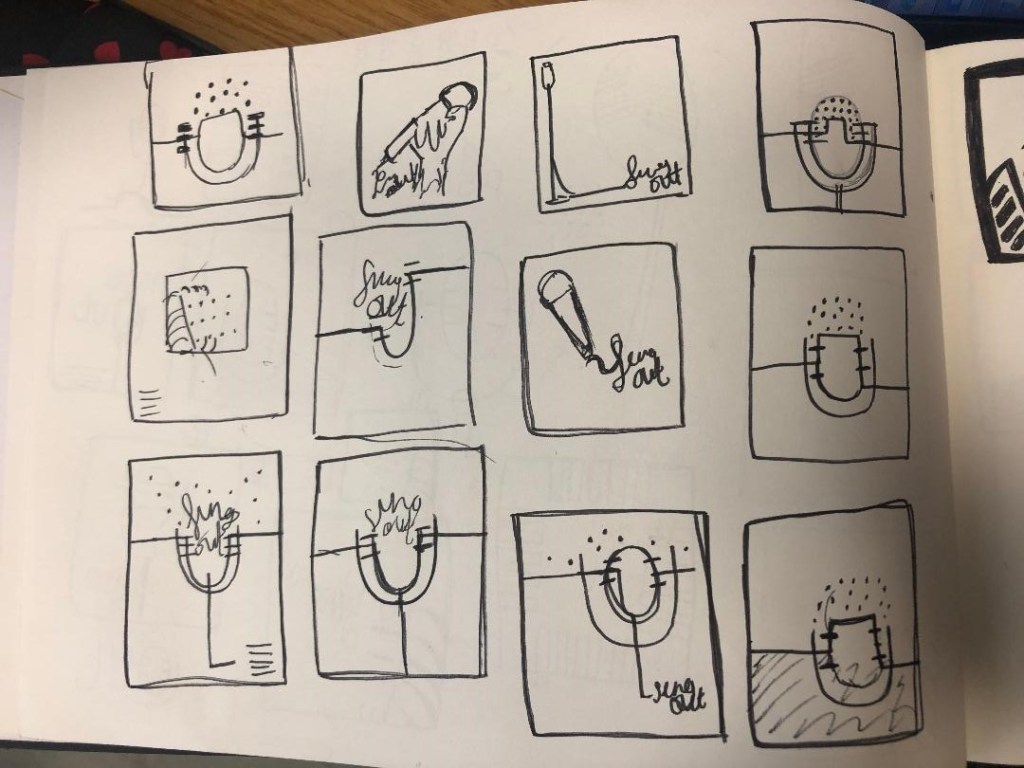
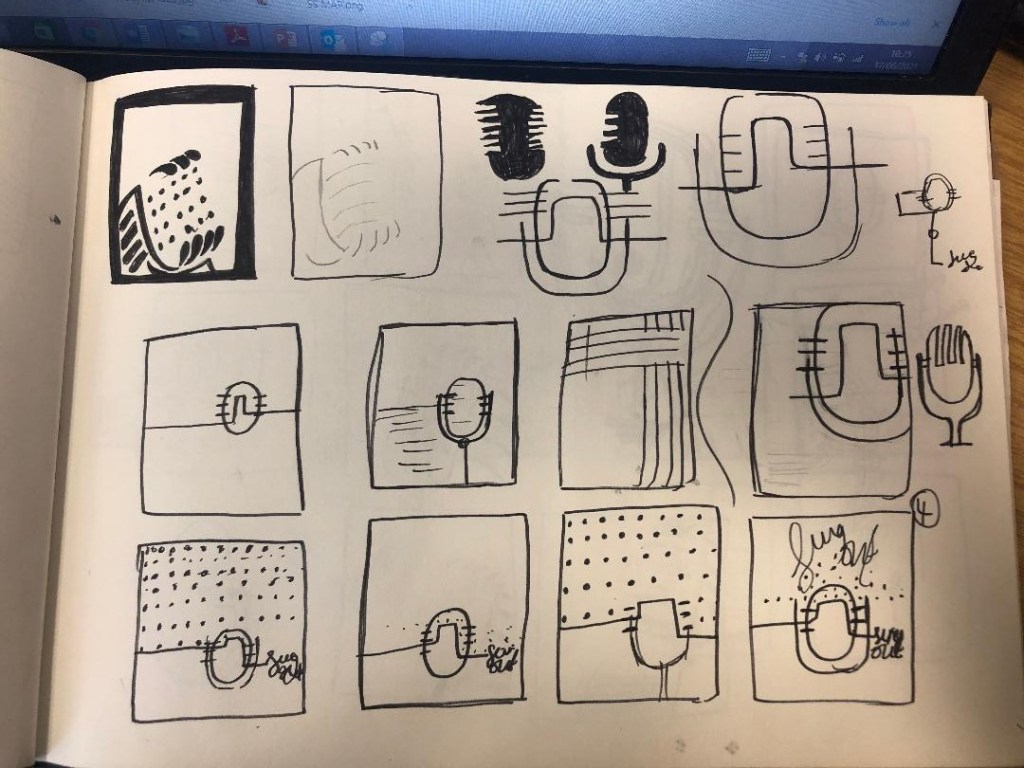
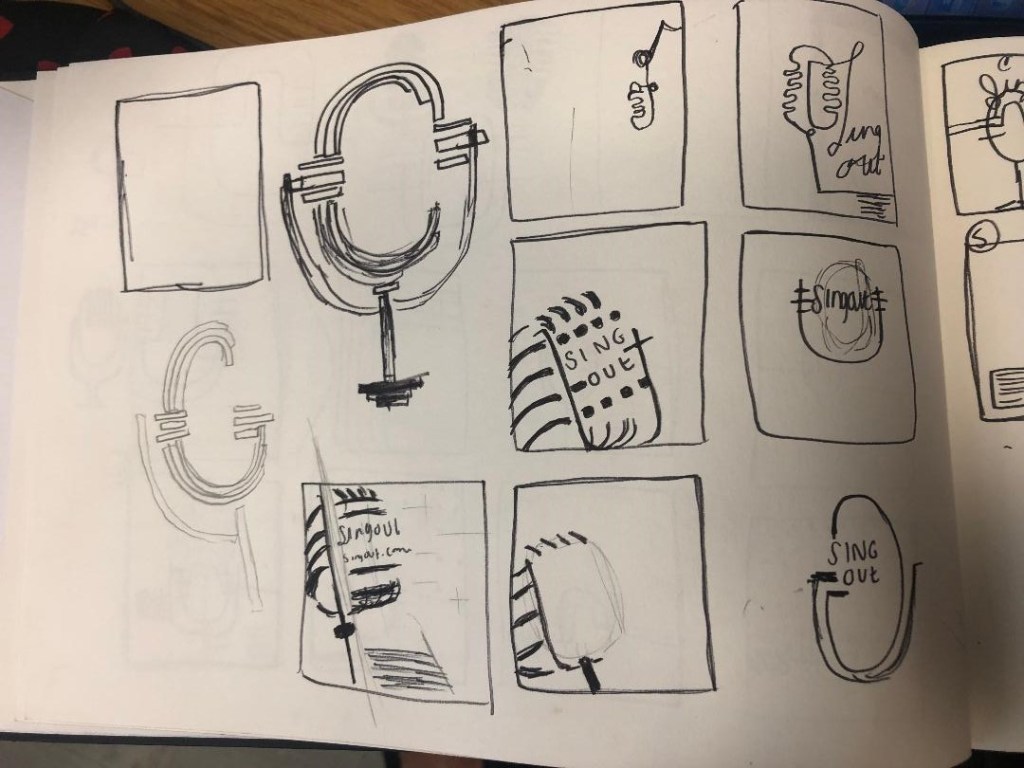

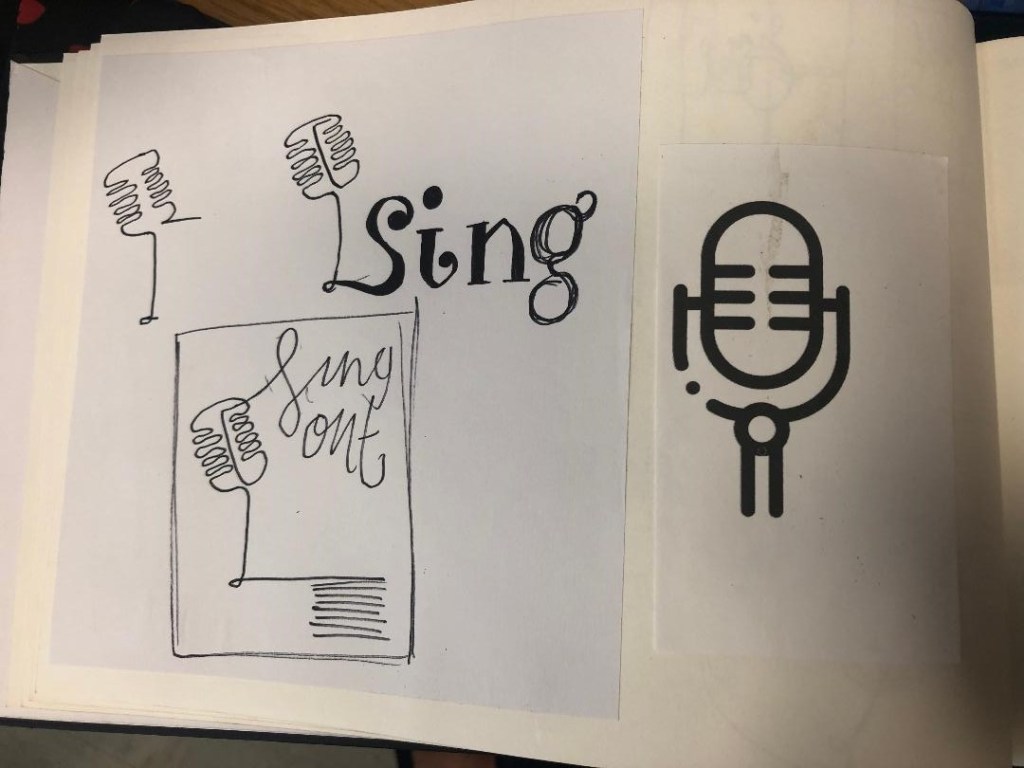

Trying to create it proved too difficult though, I was only using a section of the microphone and because of this I struggled to get the design to still look like a microphone. I also struggled to make the text a part of the design because it would have looked too small and not stood out at all. I went back to the drawing board and started with new ideas…
I started to feel frustrated that I couldn’t crack this brief in the way I originally wanted.. My thought process now was “Right! What is black and white, how can I make it negative space?!” BOOM! A 90s throwback of the Ying and Yang symbol appeared in my brain! What if I created half of the microphone in the white and half in the black….
I started to draw ideas:
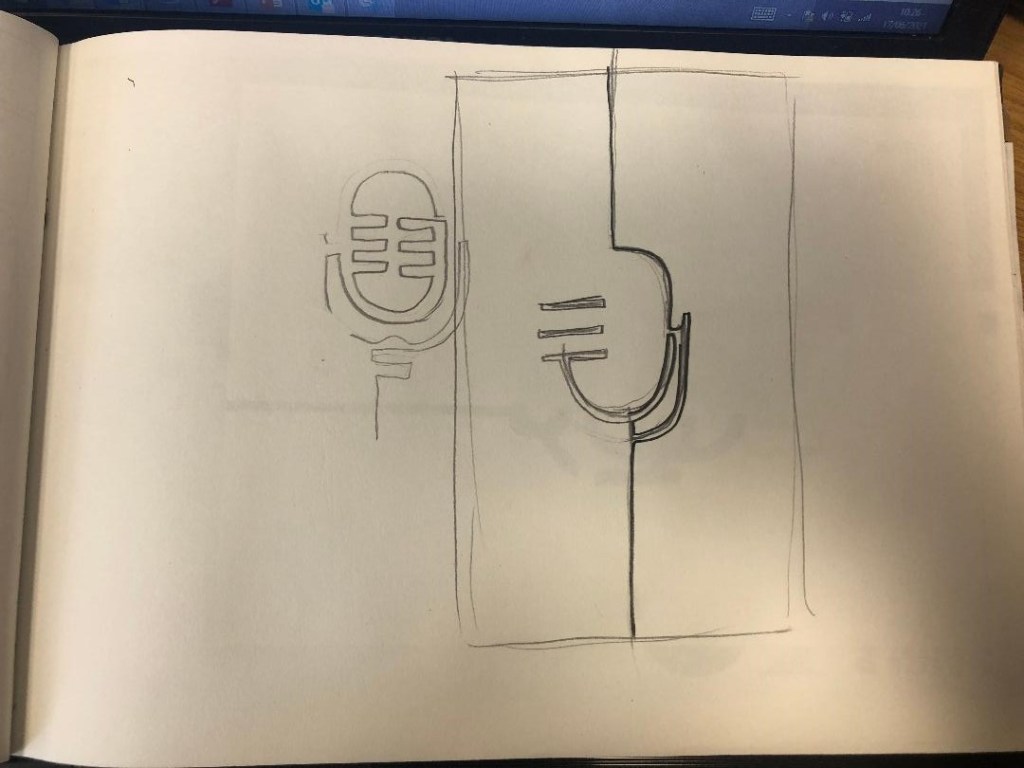
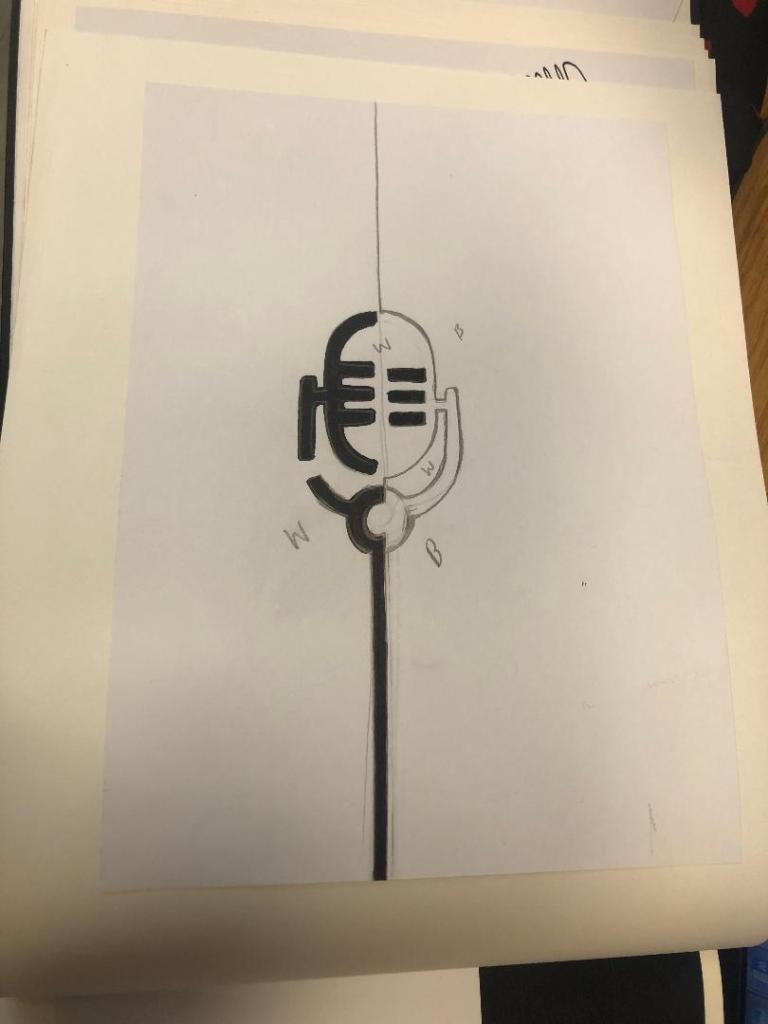
This could work! It looked like a microphone and it played on its negative space as part of the design!
I imported my drawing into Illustrator and started the process of drawing around it. This is what I ended up with:
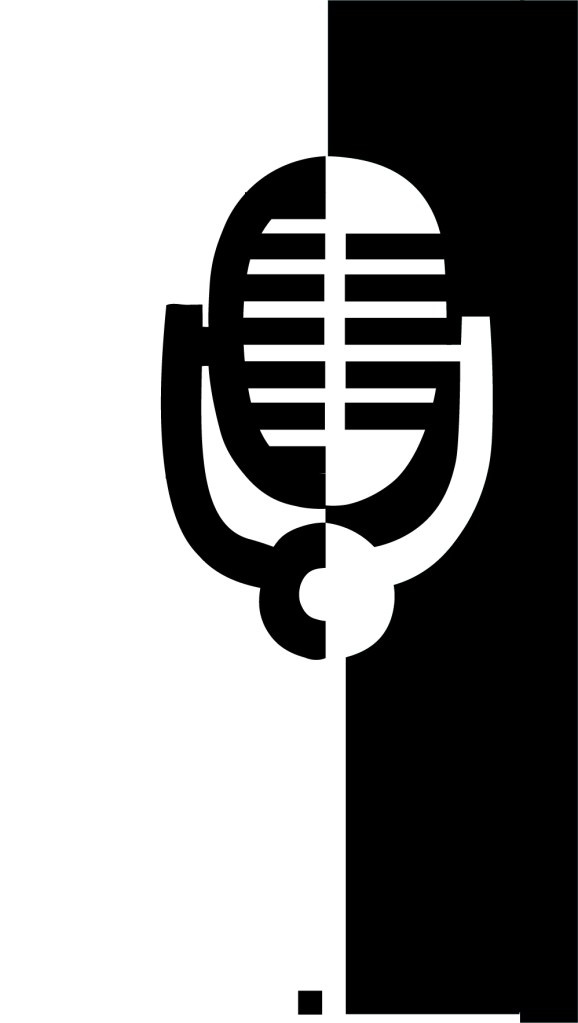
It stood out, it still looked like a microphone and it used negative space in the design! I decided to move forward and develop it further!
The next step as to figure out what typeface I wanted to use in my design, the one I chose to go with was Abril Display. I like it because the Black display is very bold and it stands out but also looks very ornamental and decorative too. The serifs look like the ends of music notes.

I then played around with the layout of my poster:
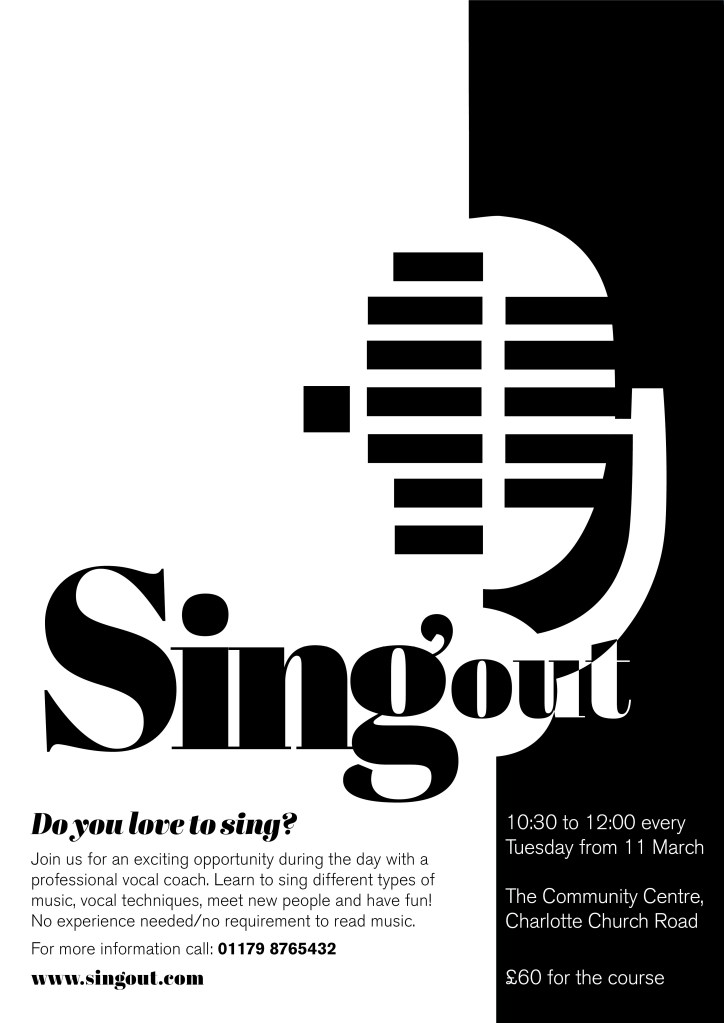
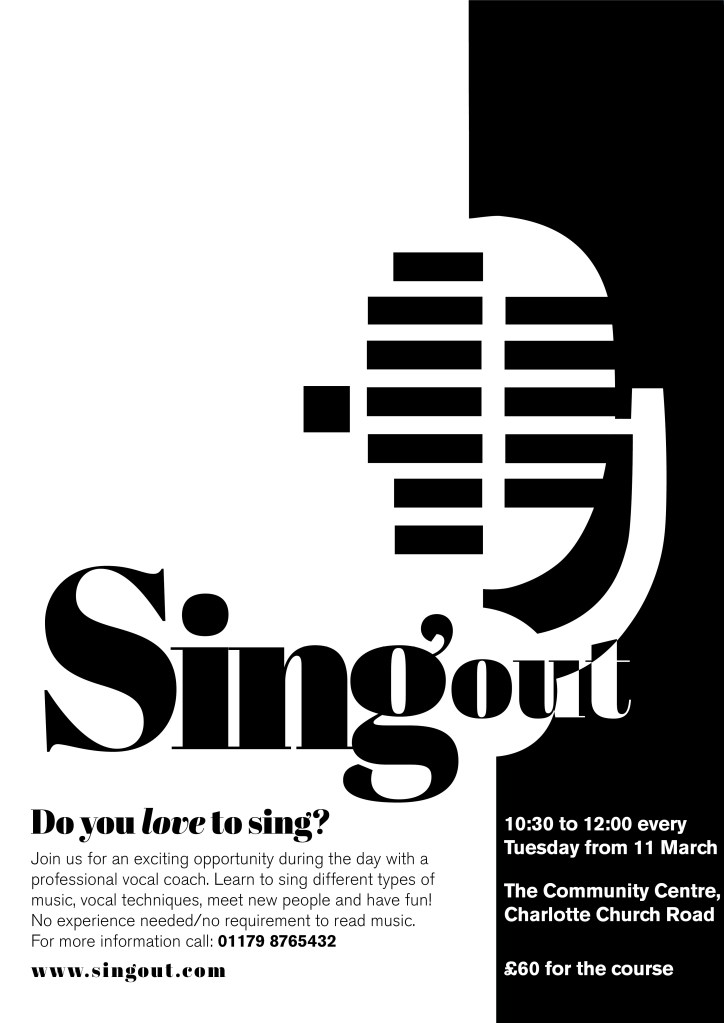
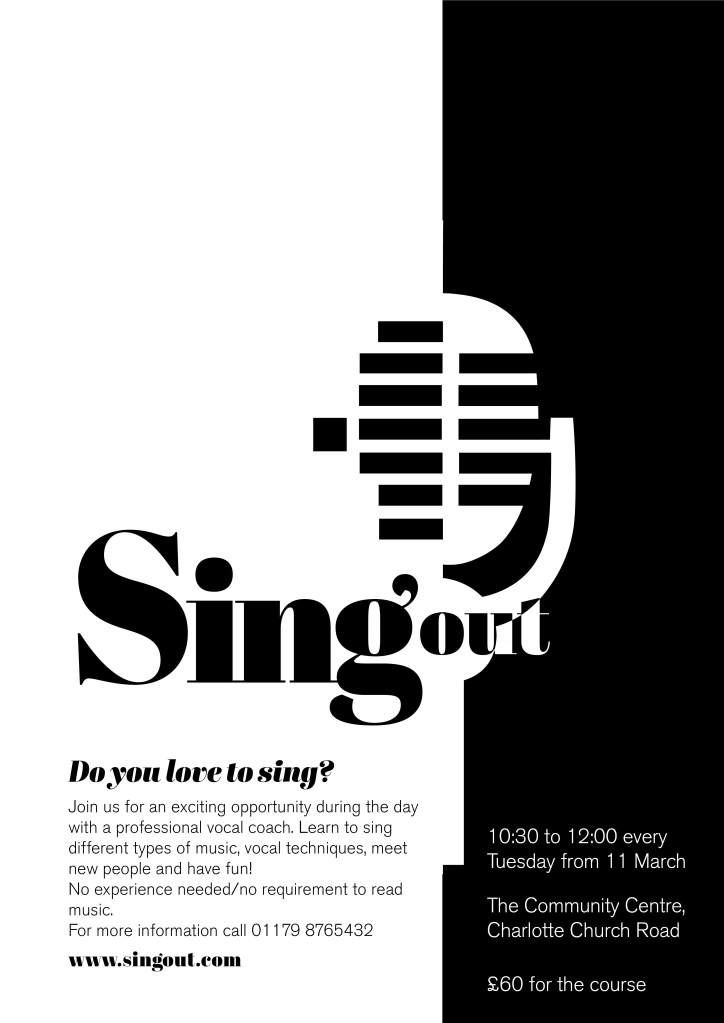

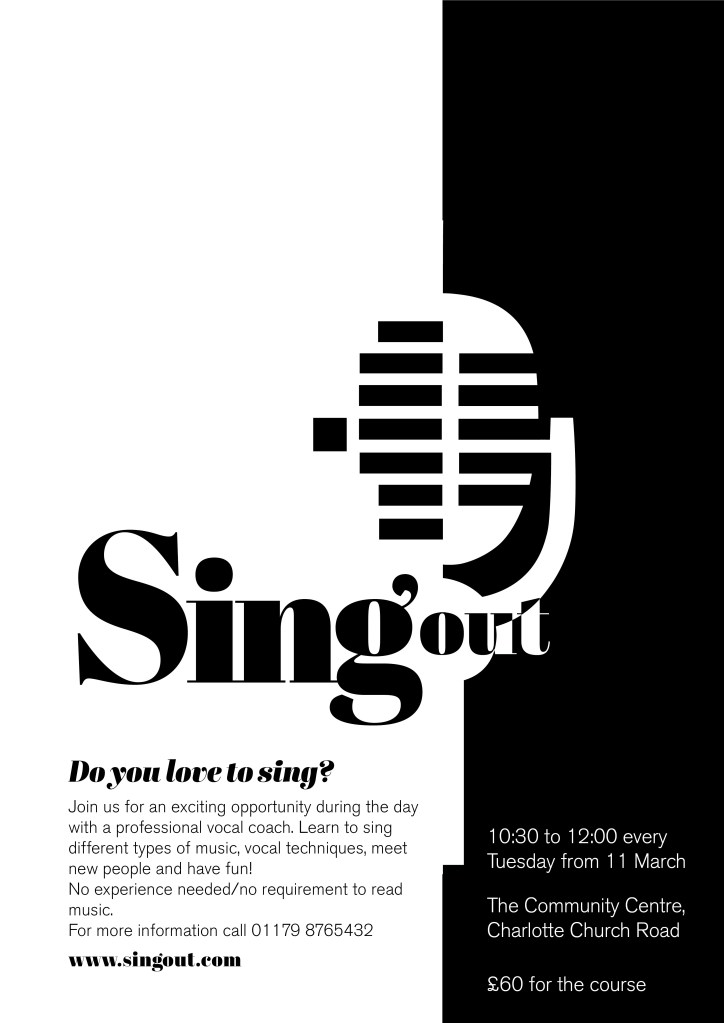
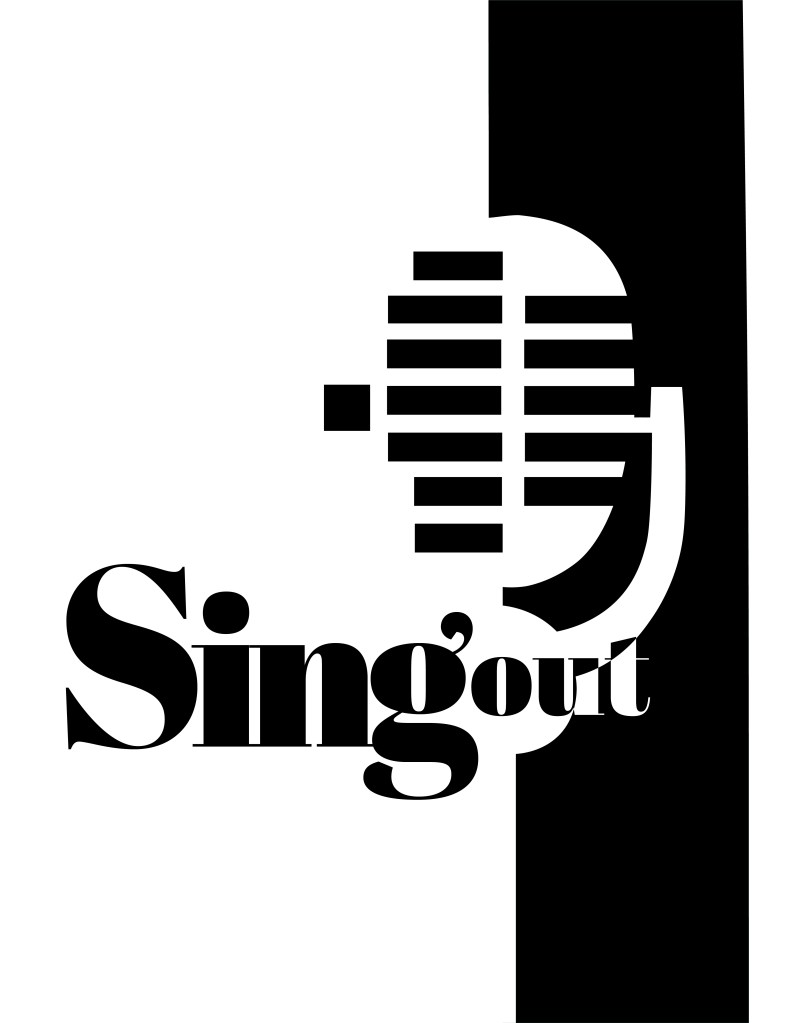
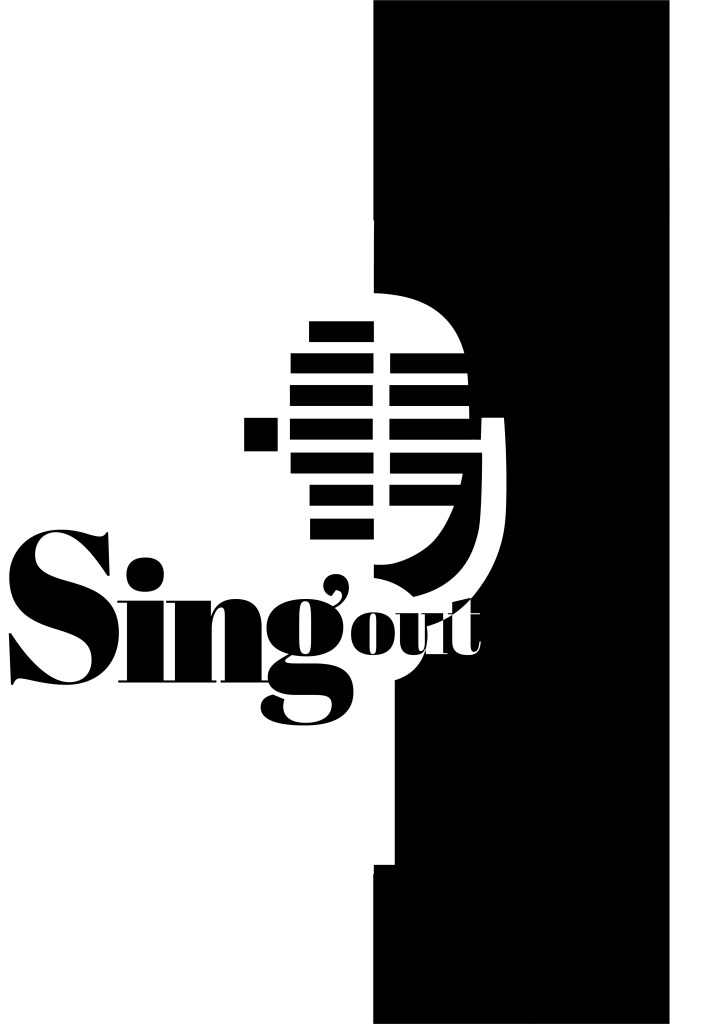

I messed around the most with how to display “Singout” – all one word! This was a challenge also! I decided to make”Singout” 2 different sizes but still one word for 2 reasons; 1) for contrast 2) to separate the word up but still keep it as one word. I placed the “o” in “out” in the centre of the microphone on some of the layouts as I felt it would make it look part of the design, however it changing the colours in “out” looked too confusing and was not legible at all.

At this stage I did also experiment with different coloured backgrounds just to see how it might look if the design was printed or photocopied onto coloured paper.
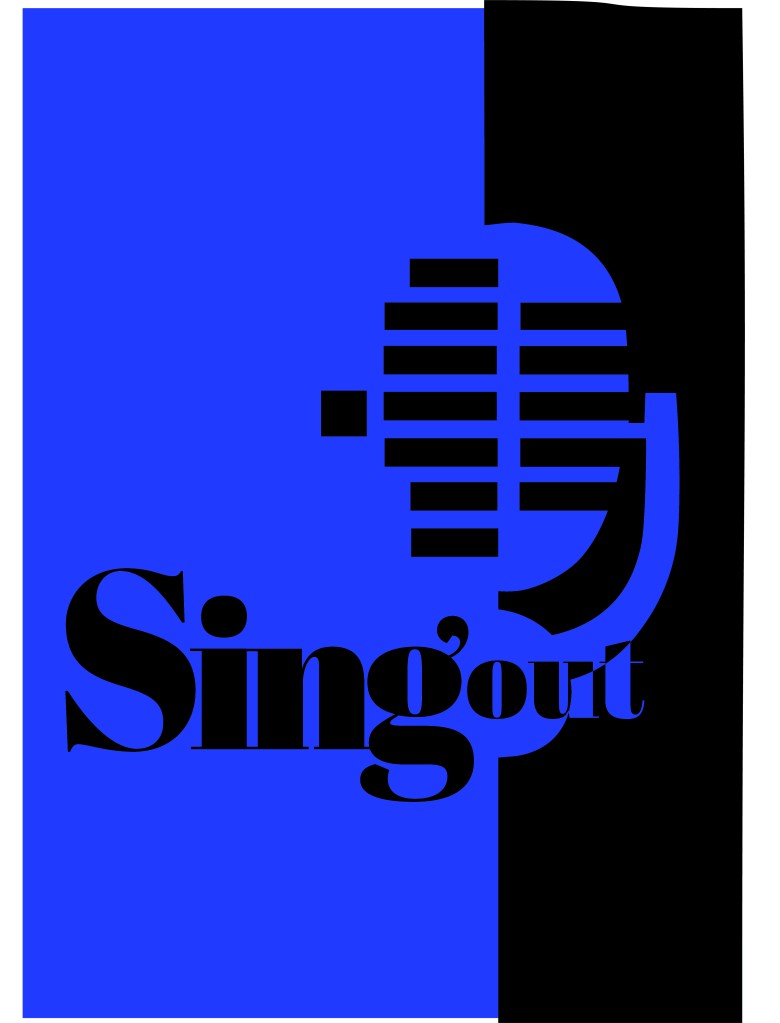

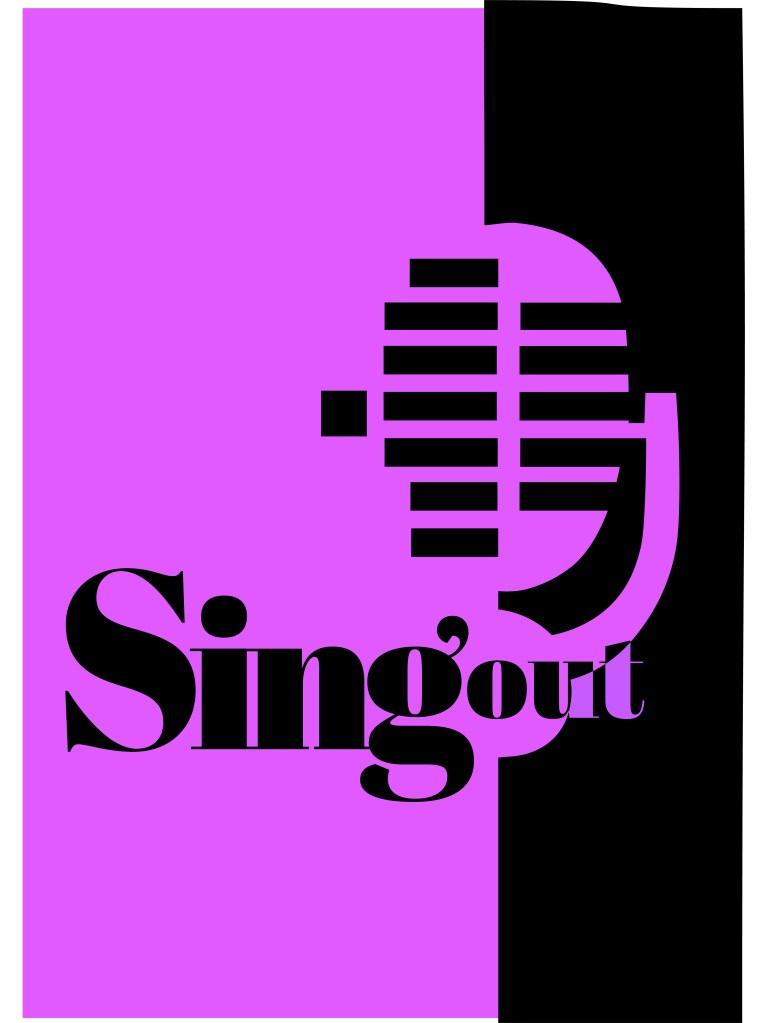
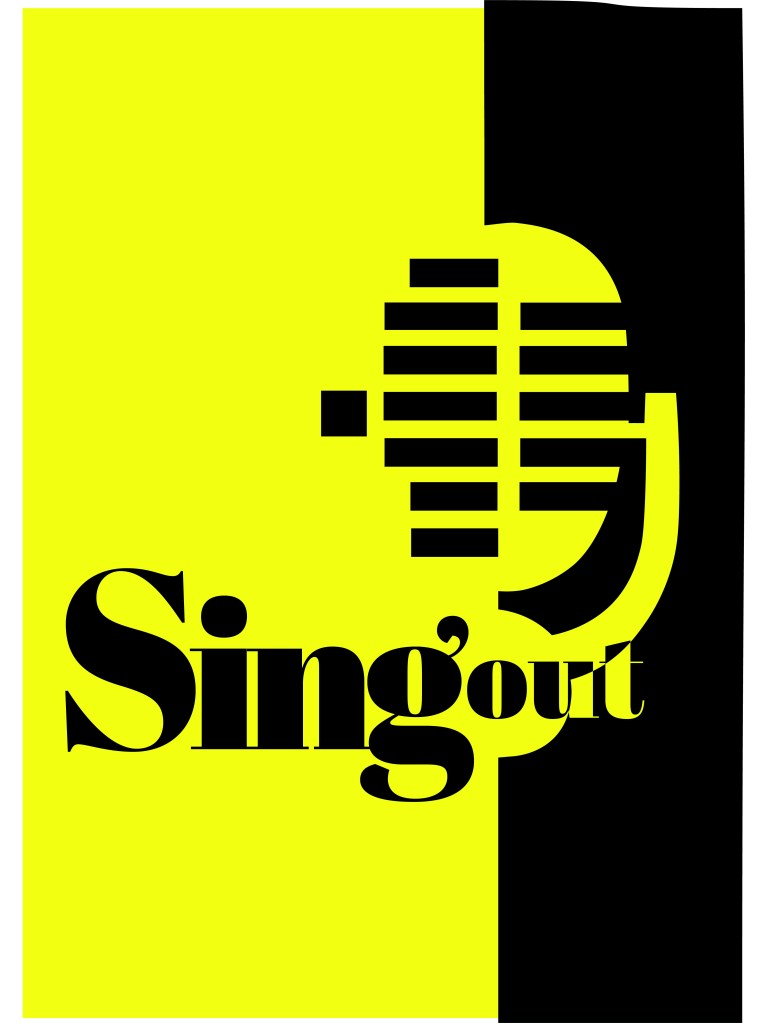
I decided to go with this poster design below in the end:

Singout as 2 different sizes for contrast an legibility. “Sing” is seen first as the vital information and then “out”. It could also represent being smaller for being “on its way out”. I used the same typeface for the sub heading of the poster and also for the website. This typeface is a serif which does not make it an ideal typeface for body text. The rest of the information I used Berthold Akzidenz Grotesk. It is a Sans-Serif typeface which makes it ideal for important information that needs to be read as it is clear and legible.
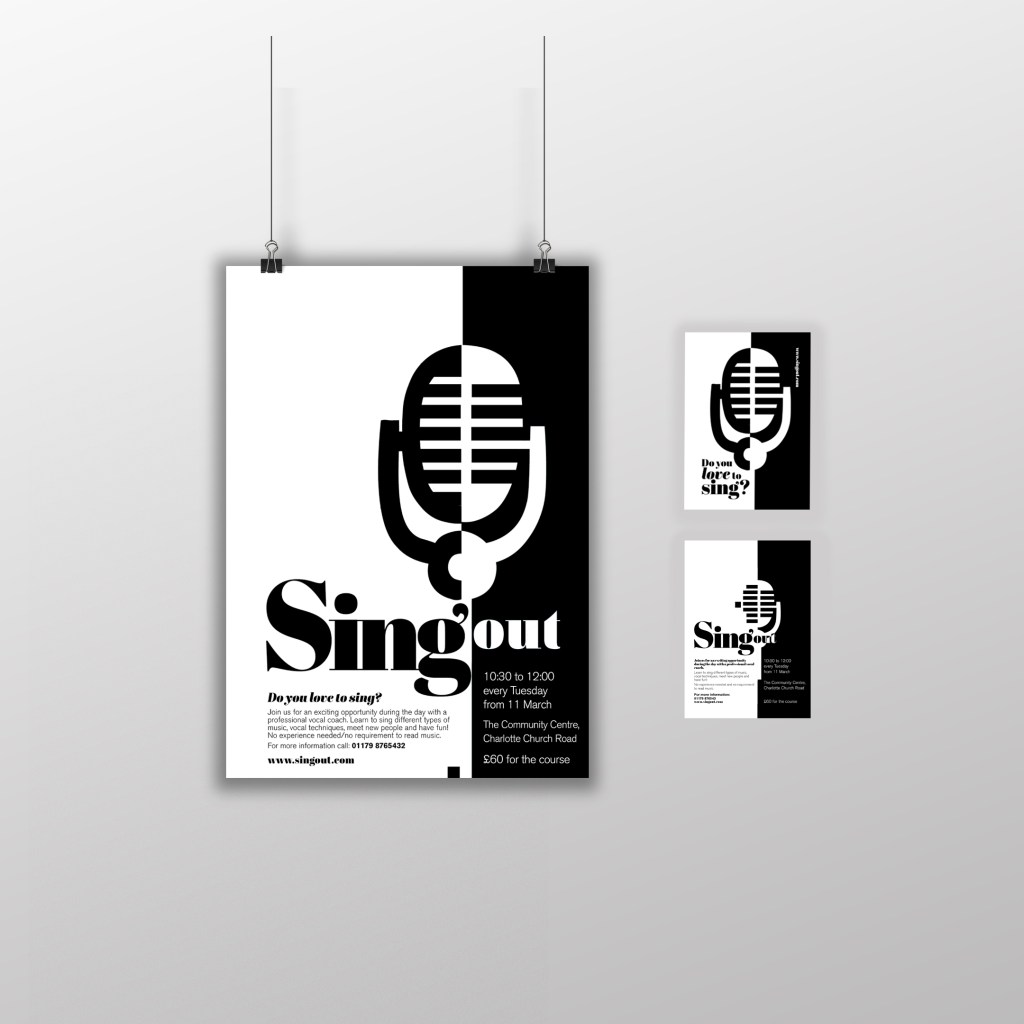
I used exactly the same format and layout for the flyer except that for the back of the flyer I used one of the ideas for the microphone that I did not use for the poster (I did not want to repeat the exact same image over 2 sides) Working in a small space was a challenge but I chose to use the first side of the flyer to draw people in first; the first thing people would see is the catch line “Do you love to sing” and the website. If someone who was a singer saw the front of this flyer they would be interested in finding out more information and turn the flyer over, some people might just see the flyer and remember the website to browse later on or some people would see the front and know it’s not of any interest and instantly discard it. Either way, the first side of the flyer is to get the attention of the reader.
The second side of the flyer is for the information that is wanted to be read. I have kept it in the sae layout as the poster so that it is easily understood and read. This side does not have to fight for attention as it is information that the person as been willing to read after being drawn in by the first side.
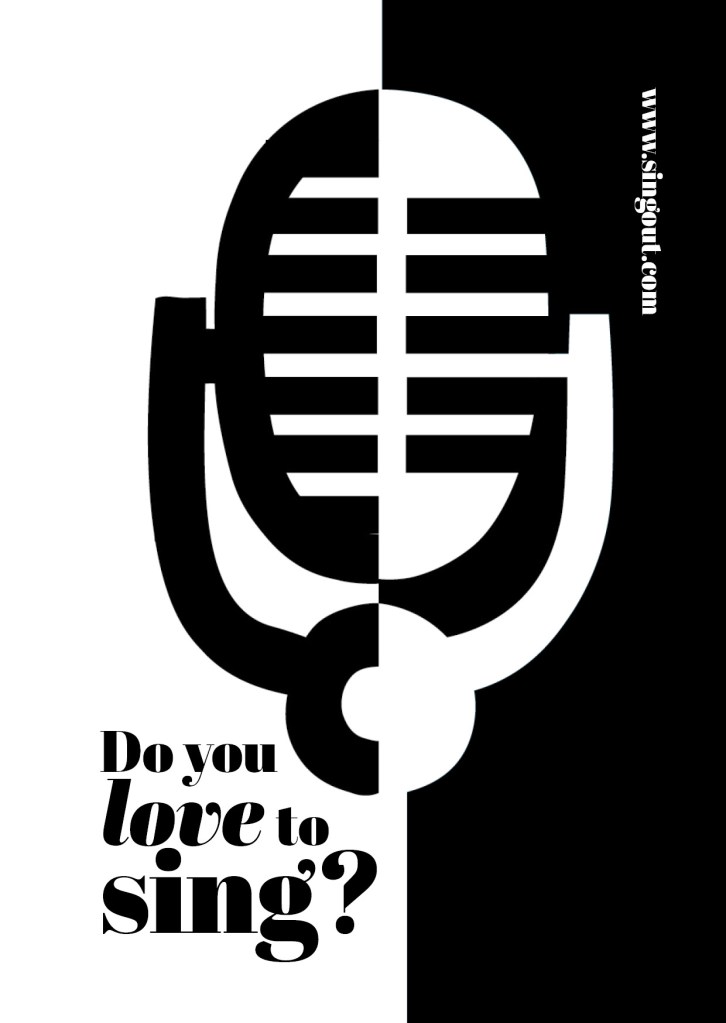
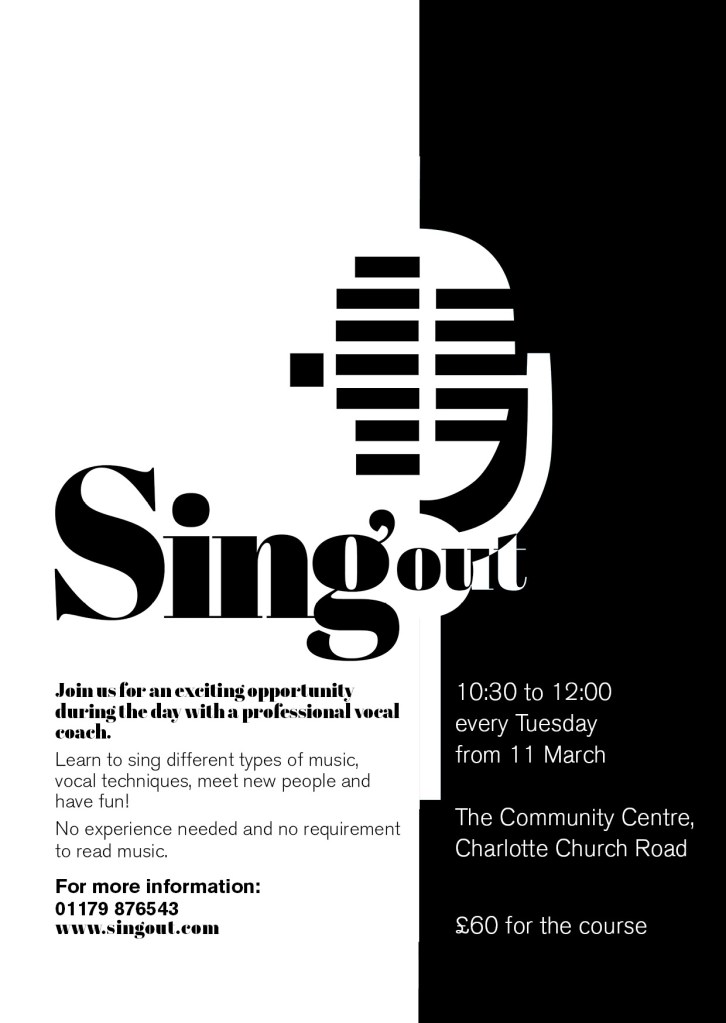
I think these designs work well. I am pleased with the outcome of this brief, I have met what was required of me and have produced material that can be cheaply distributed and photocopied to a high quality. The design stands out and grabs the attention of the client.
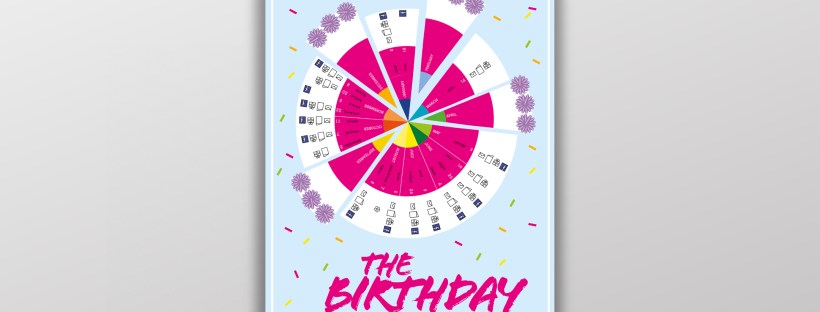
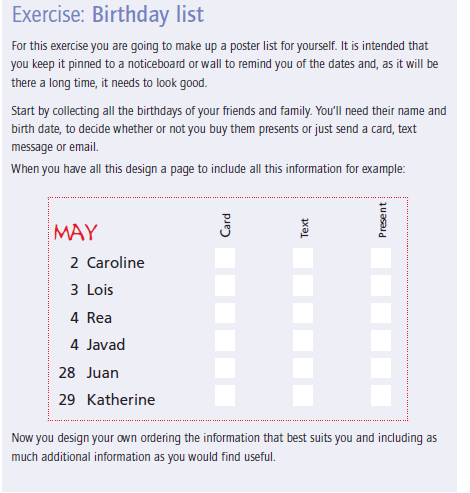
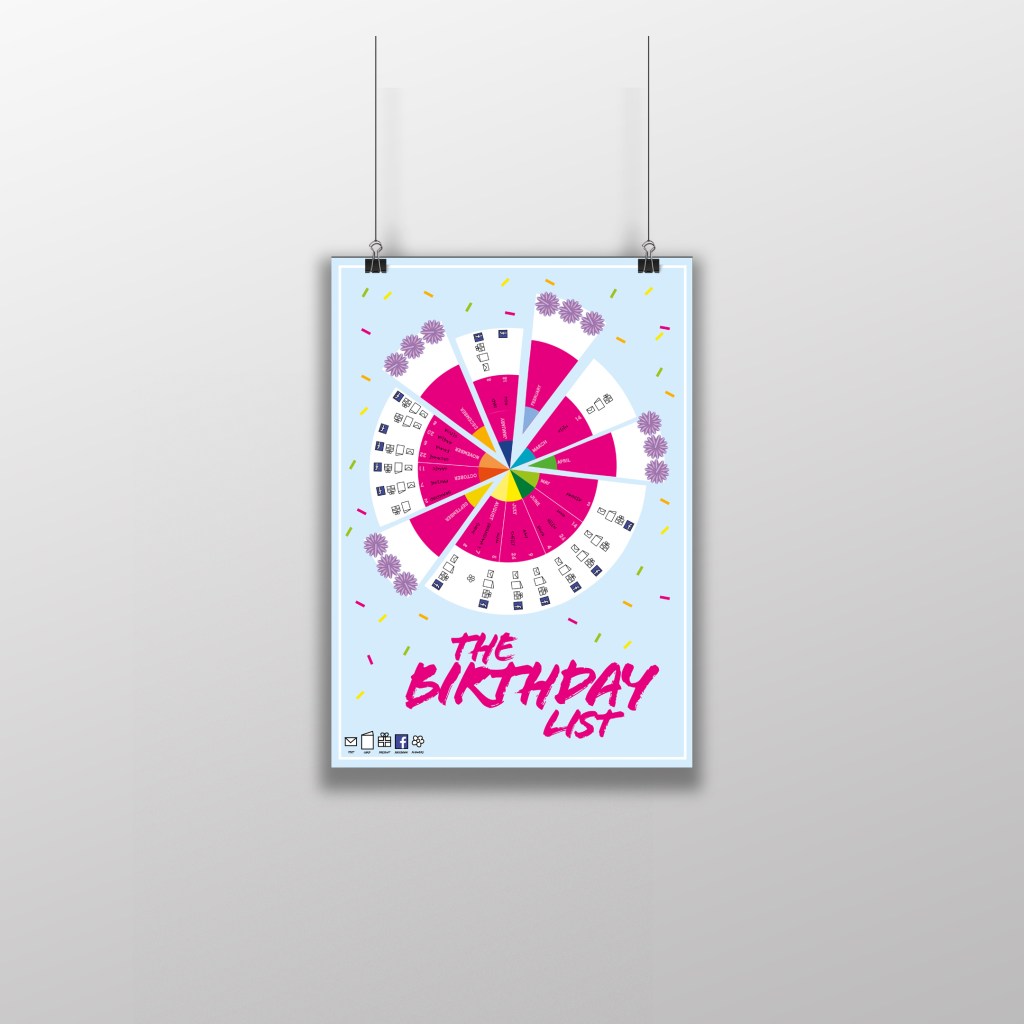
This brief seemed like a fairly simple brief from first glance, it is basically a poster of names and their birthdays but in a cleverly designed way. This brief came in handy because in our house my boyfriend used to have a list of everyones birthdays but I accidentally destroyed it – I told him that I could design this for the course and also for our house!
I started thinking about different ways that I could design this. I did not want to create a “simple” design. It is all too easy to list names and birthdays. The example that was given in the Core Concepts book was NOT what I wanted to achieve at the end of it.
I had the idea of a pie chart but split into 12 segments for the 12 months. I could record the information around the pie chart. I then had the further idea of creating the pie chart into a birthday cake! I knew I would have to draw my pie chart first and measure out accurately the size of each section and then import it into Illustrator to draw in actual size and add decoration etc..

I drew out the circle first (rather quite big actually!) I am rubbish at maths and working out measurements etc so it took me a while to master the art of a compass and a protractor and measure it all out!
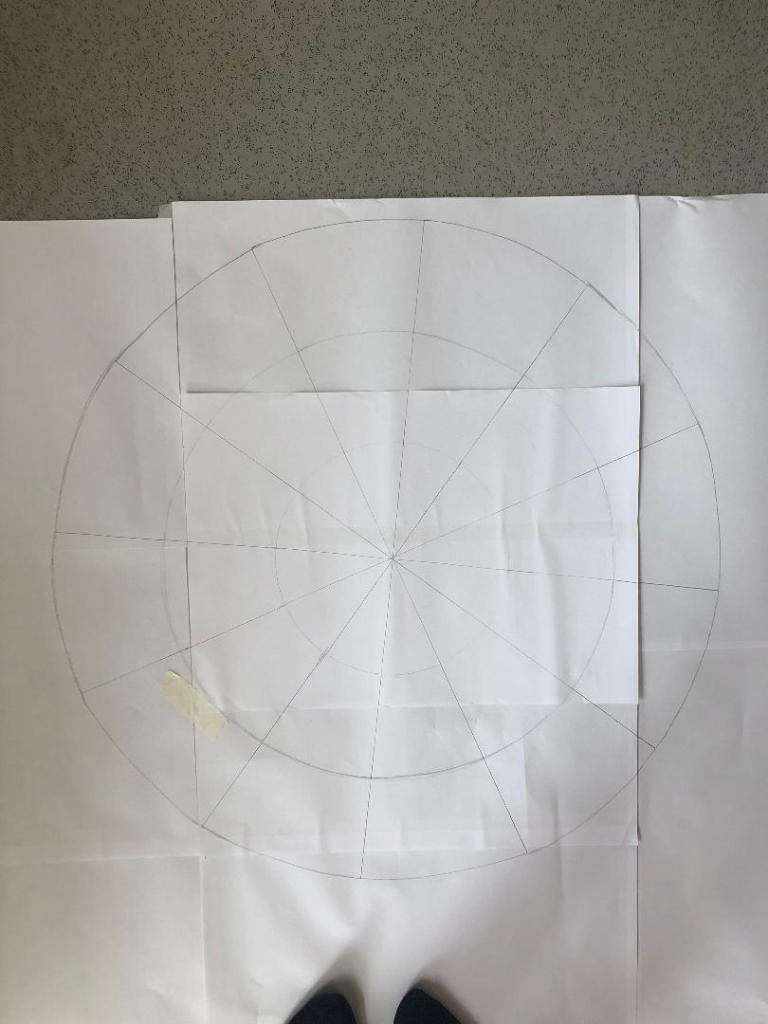
Once I had the circle drawn out I took a photograph of it and imported it into Illustrator to draw around and start producing my final design.
I decided to set up my document in Illustrator and to create my final design in A3 size. I did not want to make it too big to display on a wall (you can still buy pretty looking A3 frames to cater for this size for on the wall of a house) and I did not want to make it too small so that the information would be illegible.
I imported my photograph in and lowered the opacity so that I could barely see it and locked the layer so that It could not be moved. I then created a new layer and started to trace around my pie chart drawing using the pen tool. I created new layers for each section of the pie chart.
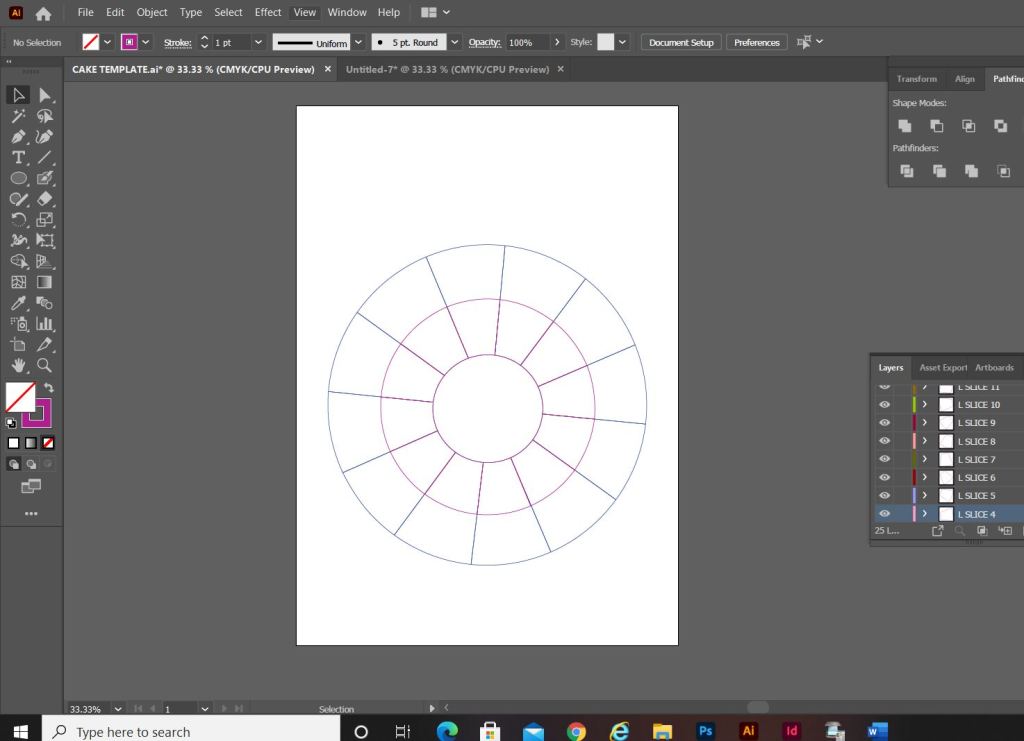
My only issue when I finished drawing around the circle was that it looked more like a mosaic aerial view of a patio in a new build house! How could I make it look more like a birthday cake to make it look more attractive as a wall chart?… The circle in the middle really took away the “look” of a birthday cake. I decided to get rid of it and have the segments meet in the middle like they would if it were a real cake.
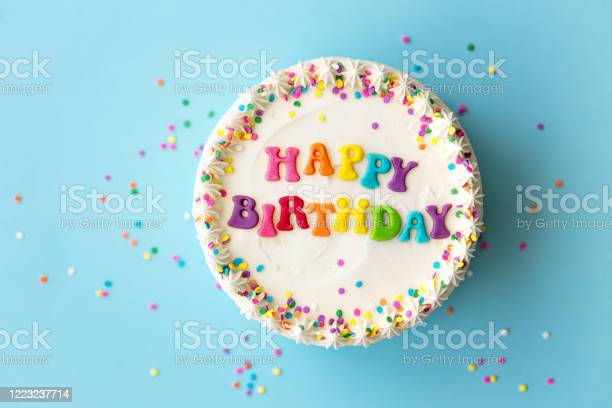
I started to research into aerial views of birthday cakes just to see how I could make mine look more “cakey” and less “patio”.
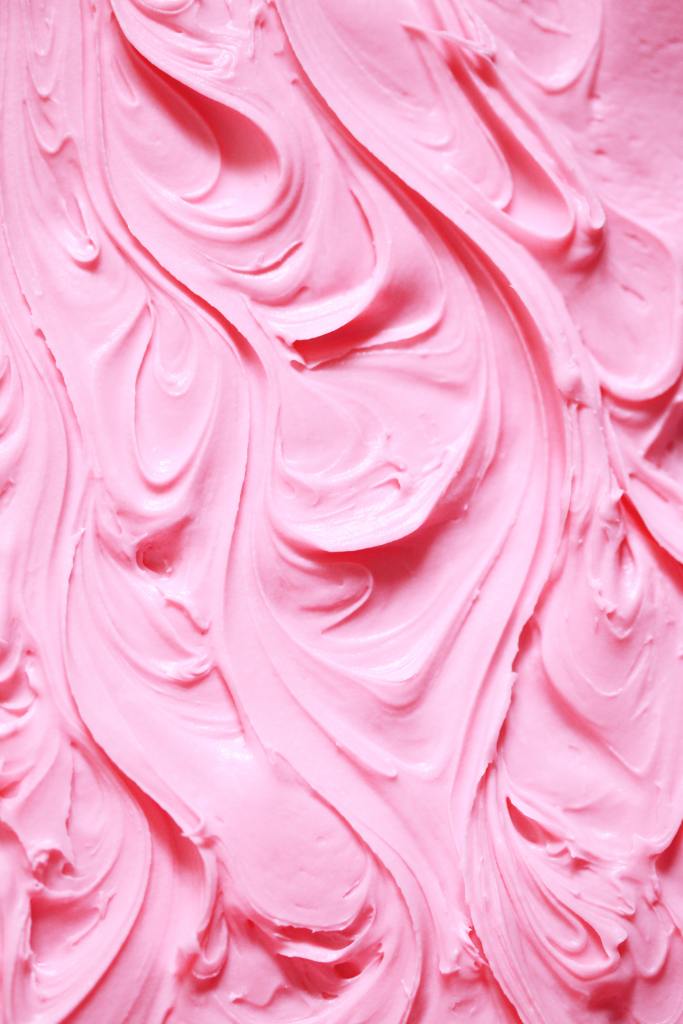
This video shows you how to create mixer brushes for Photoshop that look like swirly, squirty icing. I followed this tutorial but it took me a good few hours to figure out how to do it myself! I did create a mixer brush to use in my design though. This is how it turned out:


When I changed the middle of the cake and the sections met in the middle, it created me another issue of how I would make the months legible as they are supposed to be in the centre middle circle section of the cake that I deleted. The sections now were too skinny to fit the month names. I came up with the idea to make each section a colour. I would match the colours to the seasons and use different shades for each month: Blues for Winter, Greens for Spring, Yellow for summer and oranges for Autumn. For the months where there are no birthdays I decided to pull the slices out as if they were about to be eaten. These are also the only slices that I would put the icing on because if I put icing on the other 9 slices the information would be lost. I also made the background a blue colour and added sprinkles just to make it look more appealing and like a birthday. I mapped out on each slice where each piece of information would go and it was starting to look more like a birthday cake now, although it still looked too mathematical with the lines on the sections and the colours did not contrast against the blue background very well. The colours were too much alike. I needed a pop of colour!
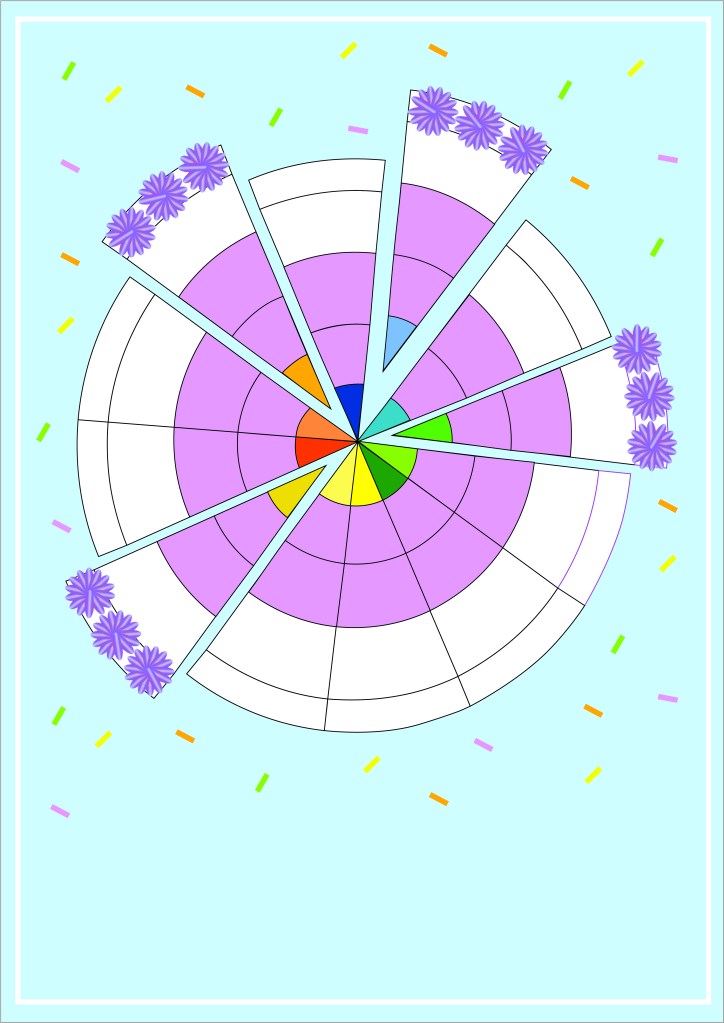
For anyone that knows me well enough the colour I chose to make the “pop” wouldn’t surprise! I used a nice bright Pink! I think it works really well against the cool blue background and the coolness of the lilac icing. It looks far more celebratory, cheerful and happy!

Although I said during my Typography unit that I did not like quirky and gimmicky fonts, I find myself experimenting and using them more now. The typeface that I used for this is called “Flood” I found it on Adobe Fonts and it reminded me of cake being smeared in the form of type. It has that modern, fun feel to it also! It really works in the hot Pink colour too!
I now just needed to add all of the relevant information and the symbols for the chart:
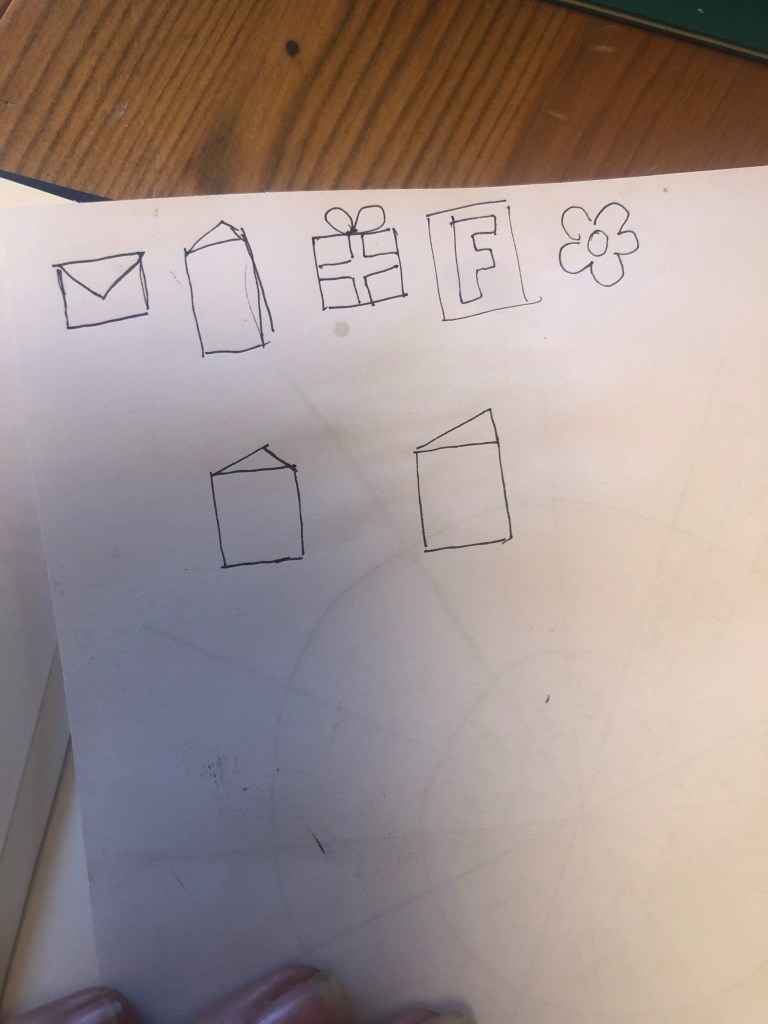
I then took my sketch and imported it into Illustrator to draw around each symbol to place on my chart. I added a key to the bottom of the chart so that people would know what each one means.

This is how the final chart turned out! I am pleased with the result! I think I have met the brief; I have created a chart that records everybody’s birthdays and what they are to be sent for their birthday as well as making it look attractive and appealing to want to put on the wall.
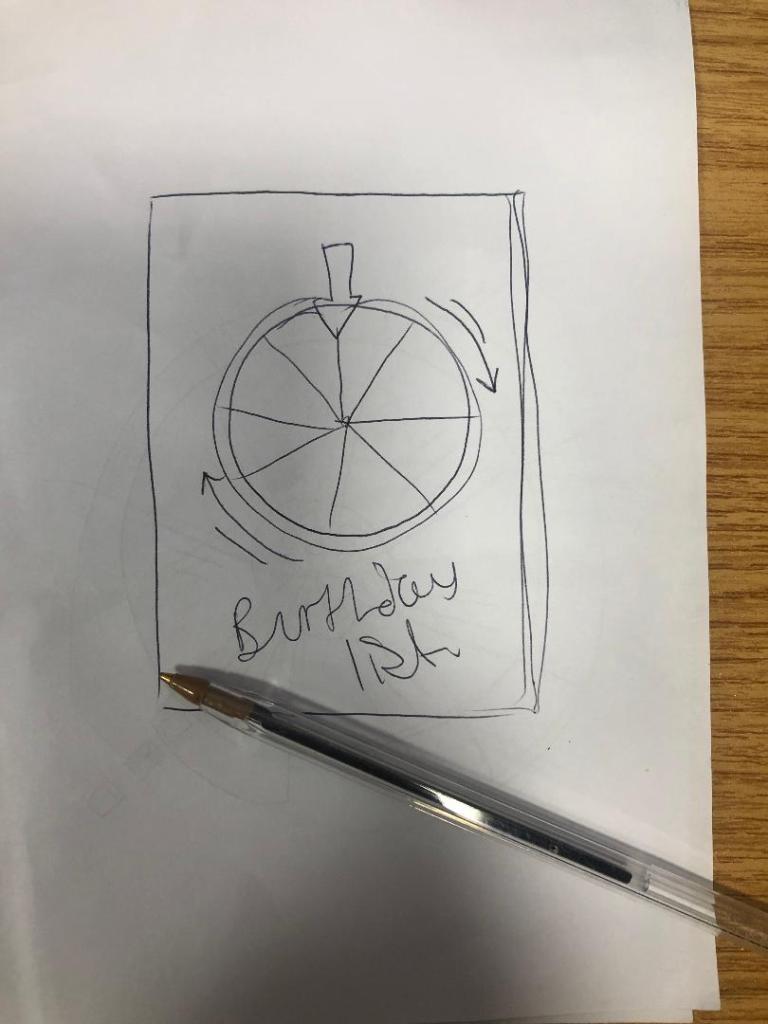
The only other thing I really questioned was the position of the text going around the wheel. I did wonder whether to flip the text to go the other way when I reached July but then decided against it because there was room to further develop the chart… If the chart were to be manufactured in industry there is room for the wheel to be actually made into a functional, turning wheel. The text would then be positioned just right to flow around the moving wheel. There could even be an arrow made for the top of the wheel to point to the correct month!
The typefaces that I used for my chart were Ayra for the names of the months; It is a fun, thick width typeface that stands out and looks great in white! I used Flood again for the names of everyone on the chart to keep repetition with the design and also because it works really well and it legible.

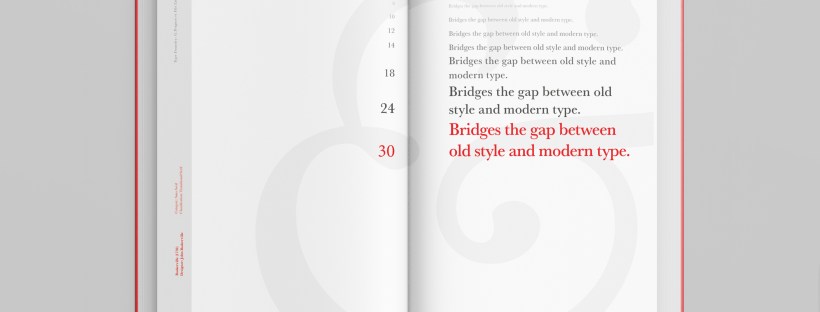
I started off my Serif typefaces with Baskerville. Baskerville was designed in the 1750s by John Baskerville in Birmingham, UK. Baskerville typeface showed contrast between thick and thin strokes and making serifs sharper and more tapered. Baskerville was inspired by Calligraphy and the typeface was and still is very popular in book design. John Baskerville wanted to create books of the greatest possible quality and his typeface certainly made this happen.
My idea for this design was to create a layout representing book design. My original idea was to create an old book and then incorporate Baskerville typeface and the characters into it.
I feel like I spent ages doing this design because I messed around with one idea trying to perfect it all day and then decided in the evening that the simplified version would be much better! I wanted to keep the old fashioned style but still try and bring in a modern vibe!
At home I have some old sketchbooks from 1905.. inside are all clothing patterns that have been drawn, there are blank pages that appear in the book though which are quite yellow and mottled with age and my initial idea was to scan these pages in to use as textures for my design. However, when I was scanning them in, the cover of one of the sketchbooks fell apart (they had been covered in brown paper) and underneath the brown paper was an old Edwardian/Victorian Cherub image with the words “Drawing book” I thought that would be a good idea to bring into my design but change the words “Drawing book” to “Baskerville”
**INSERT IMAGES OF DRAWING BOOK
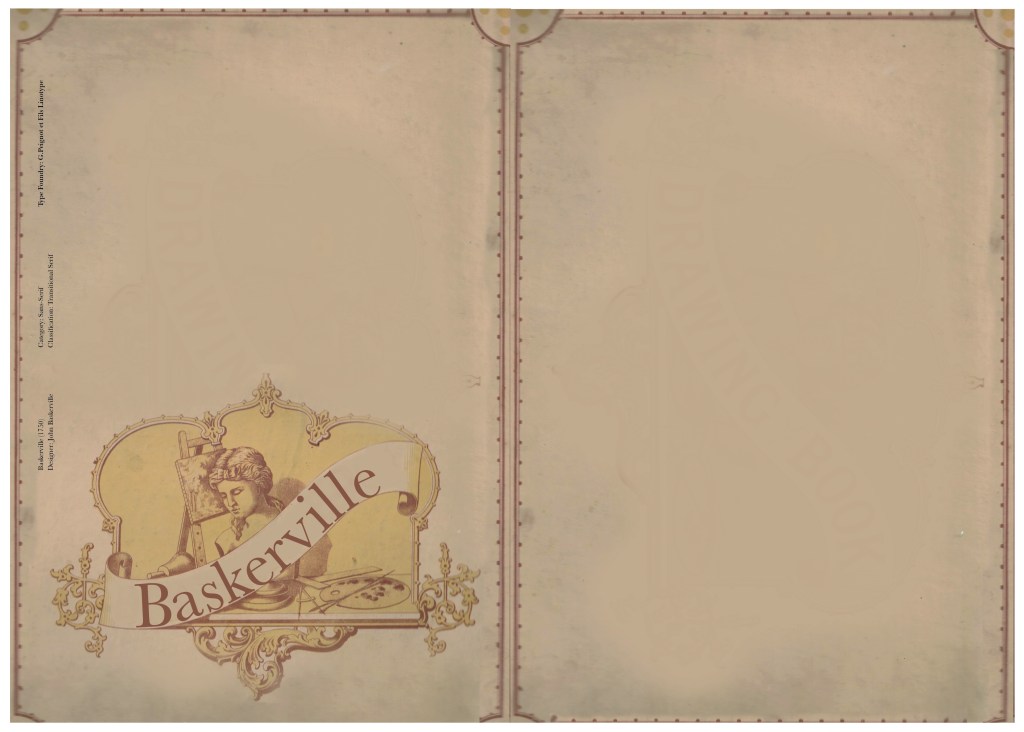
I changed the colour of the Cherub image to try and make it look more modern.. I wasn’t convinced though. I also changed the name “Drawing book” to “Baskerville” in Photoshop. When I did my research on Baskerville, it is well known for its glamourous looking ampersand which I instantly recognised from the V&A logo. I decided to use that in the design as it adds that old traditional feel but with a modern twist.
“Bridging the gap between old style and modern type” was a quote I found that summarises Baskerville and that was the same feel that I wanted to carry through my design. I also used the quote to show off the different weights, variations and pt. sizes of Baskerville.
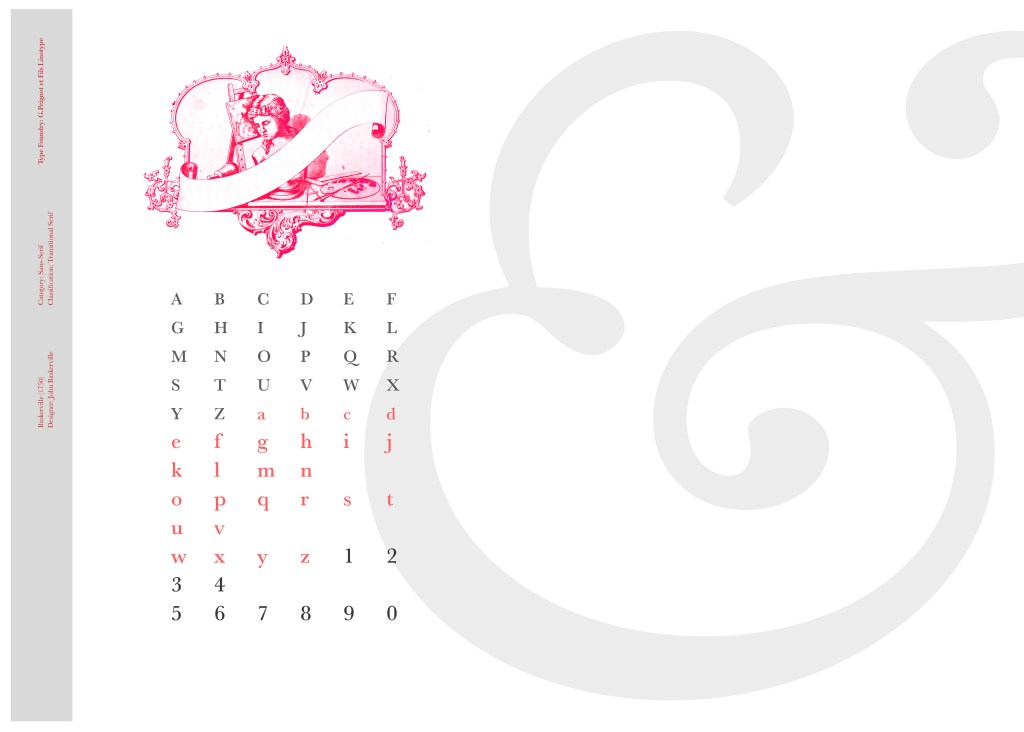

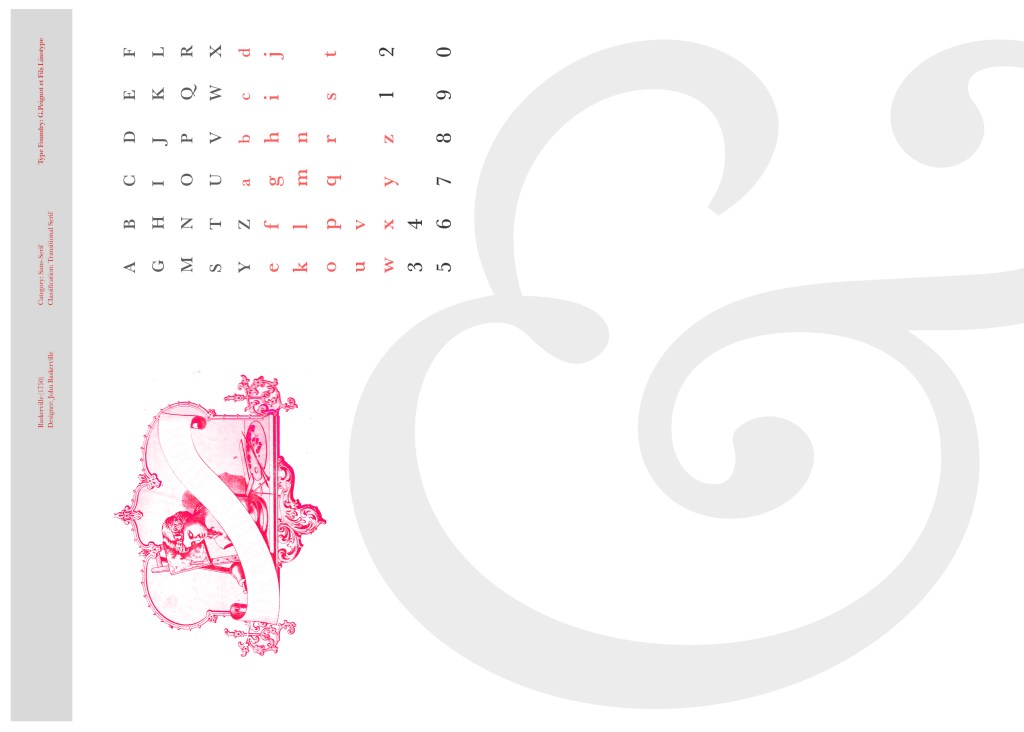
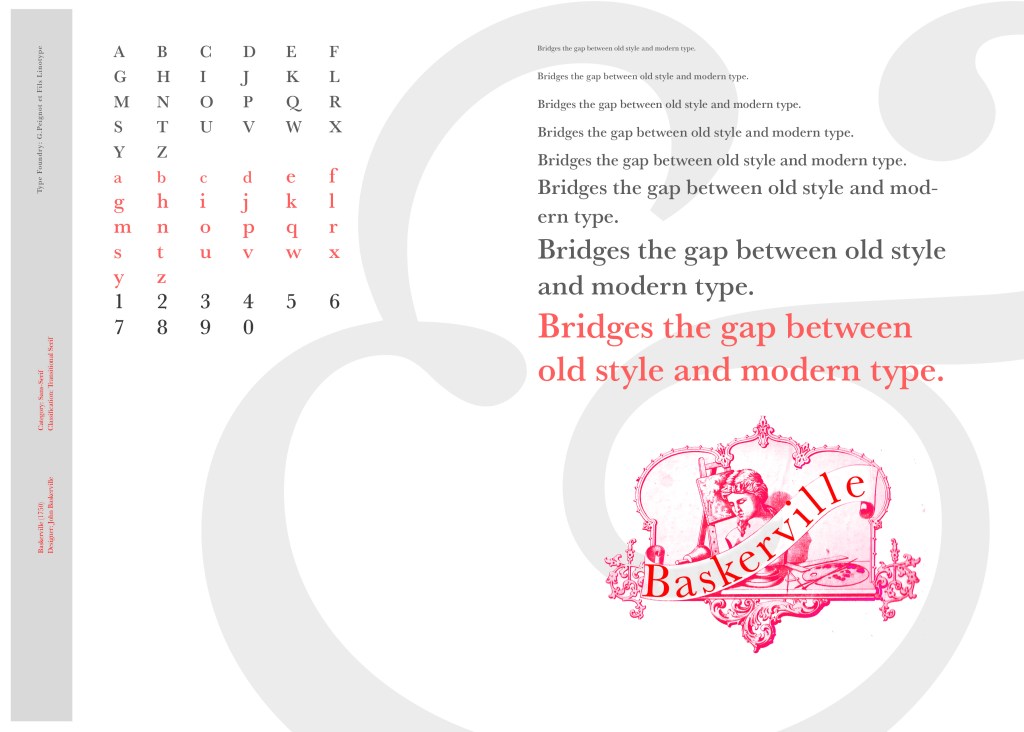

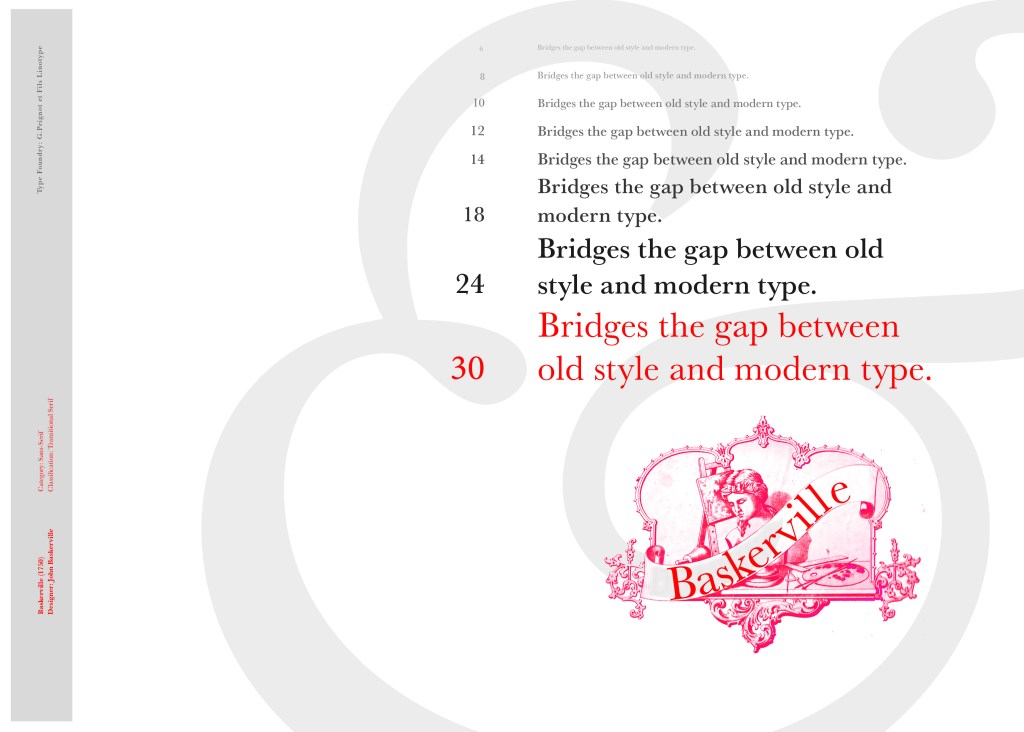
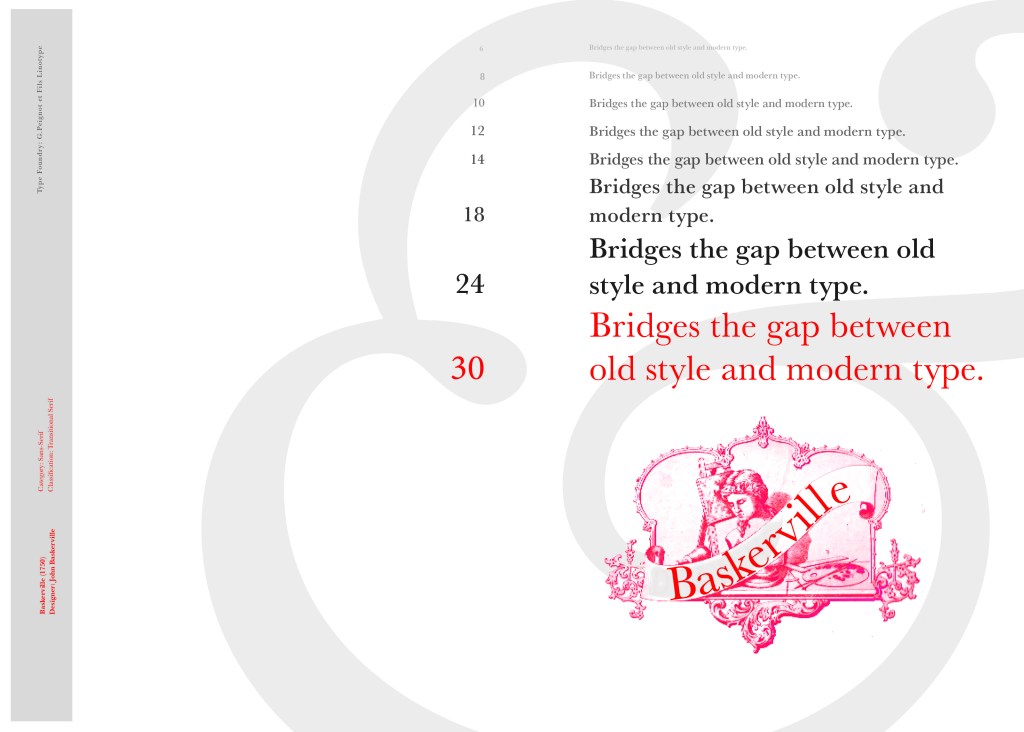
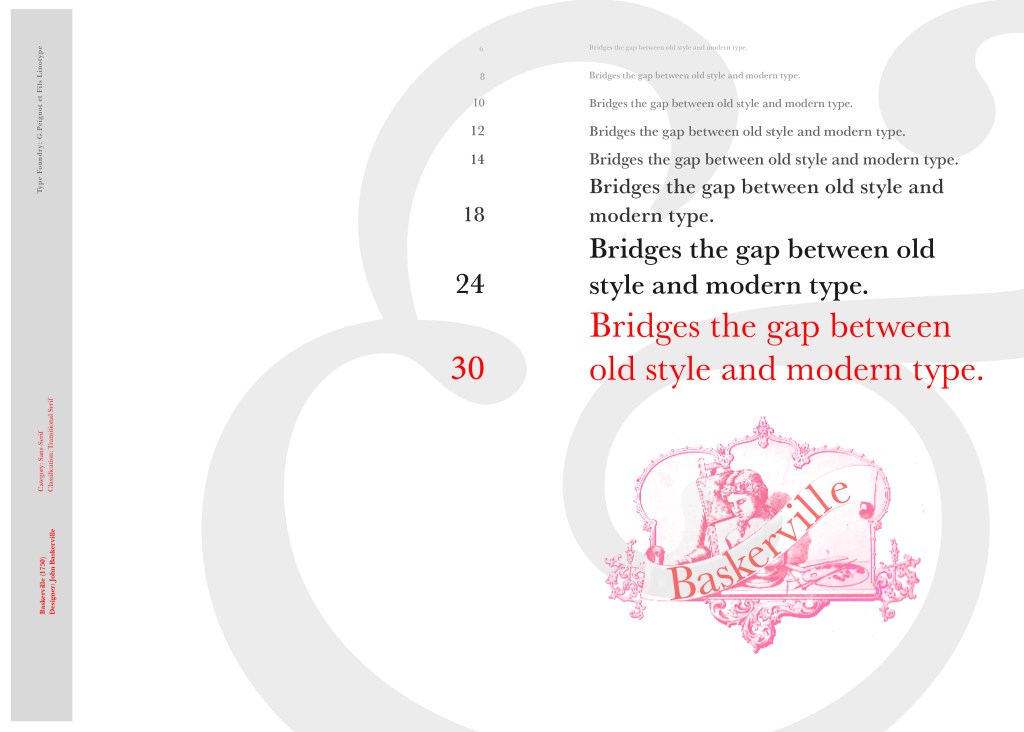
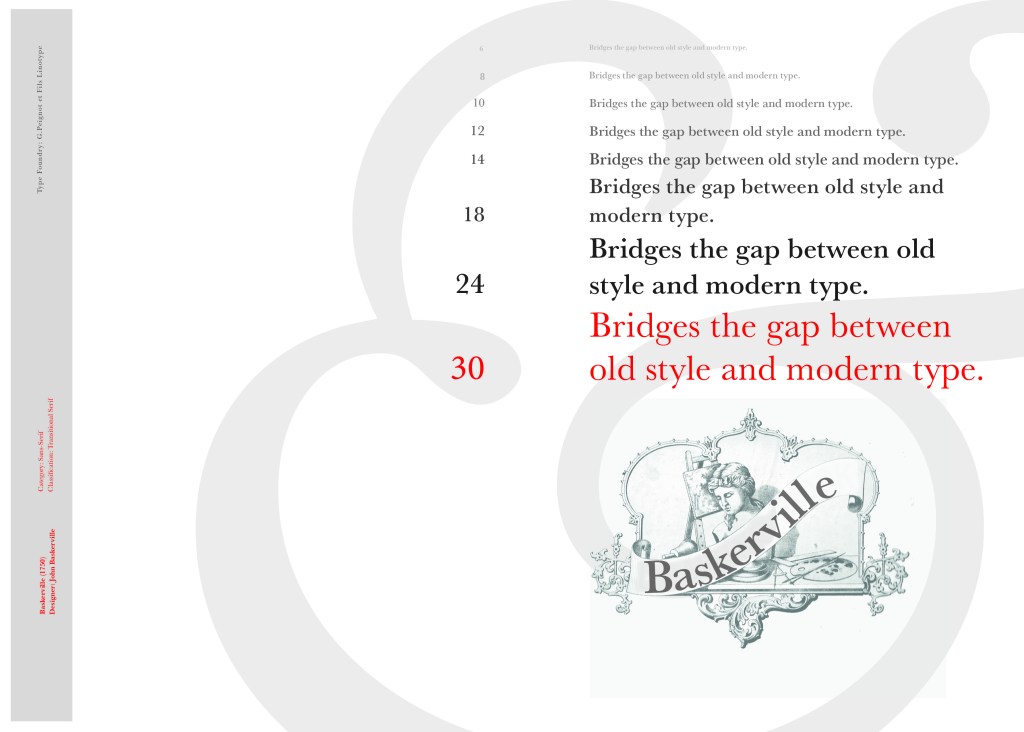
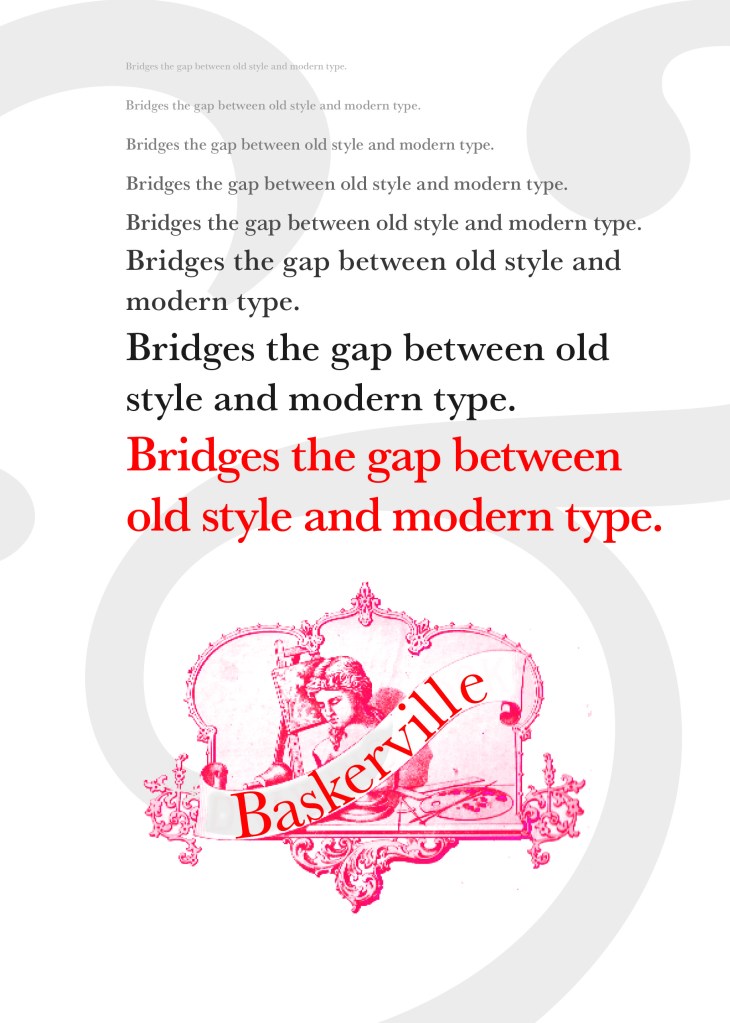
After doing much digital design development I realised (many hours later!) that the layout looked far better with just the ampersand. Let that ampersand do the talking!
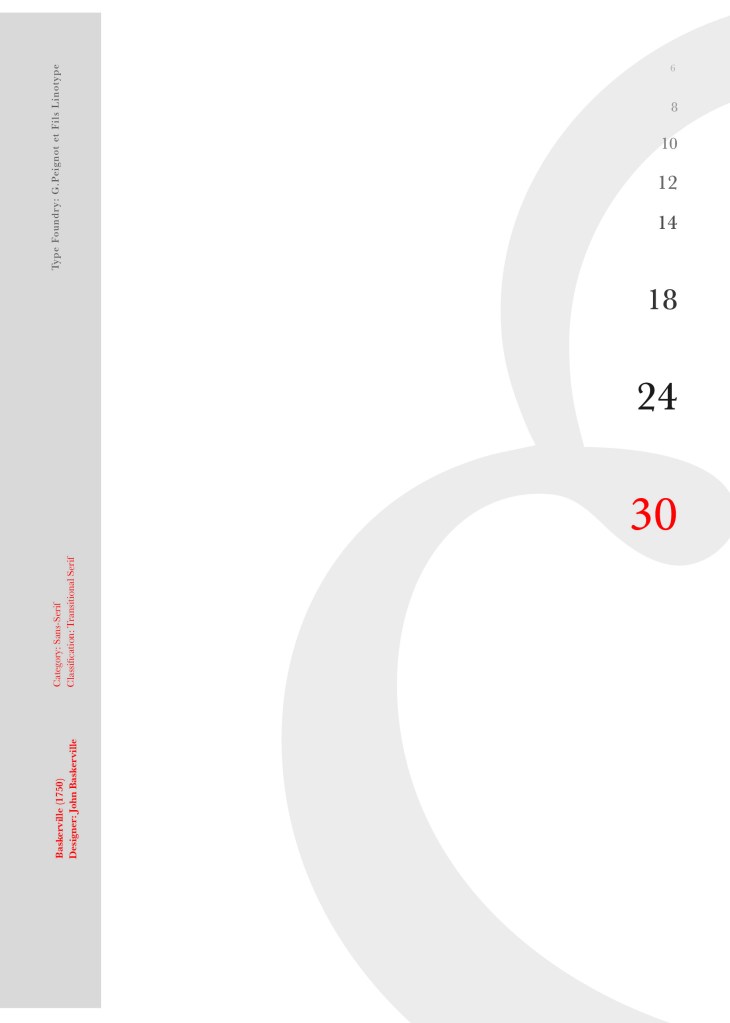
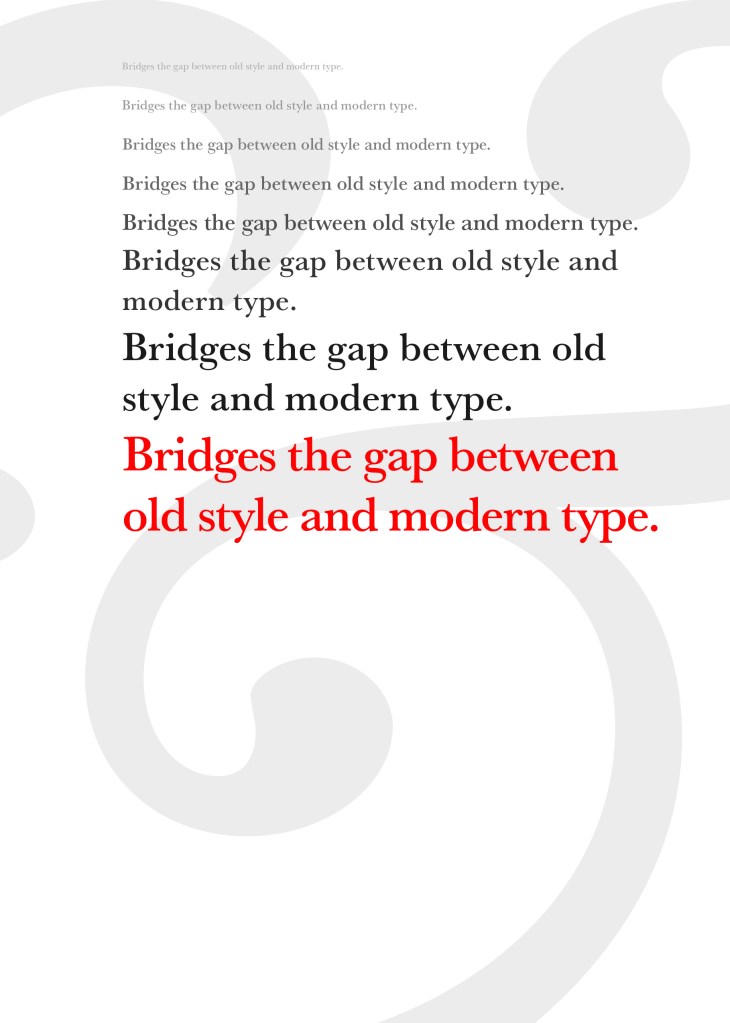
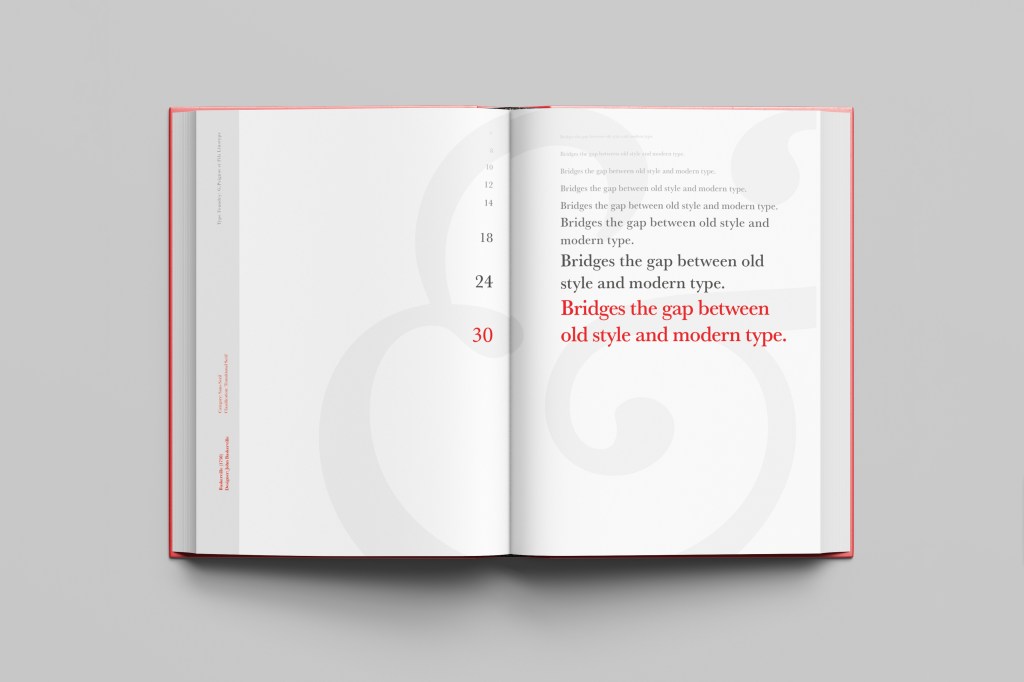
The final design and layout is very simplistic and minimalist but I think it keeps an old fashioned traditional feel with a much more modern look.





























 pinkangeleno.com